


Transcribing and adding subtitles is essential for content creators, video editors, or those who work in multilingual media. As there are numerous formats available, VTT and SRT are the most widely used formats. However, conversion between these formats can be tricky if you don’t opt for the right tools.
In this article, we have compiled a list of the 10 best tools for converting VTT to SRT format, along with their features and pricing plans. Moreover, if you want to edit your SRT after importing it into your media, we will introduce you to an advanced tool.
In this article
Part 1. Effective 10 VTT to SRT Converters on Webpage
Despite what it looks like, finding the right tool to turn a VTT file to SRT is not a complicated process. Explored in detail below are the top 10 such choices for you to find the one suited to your needs:
1. Happy Scribe
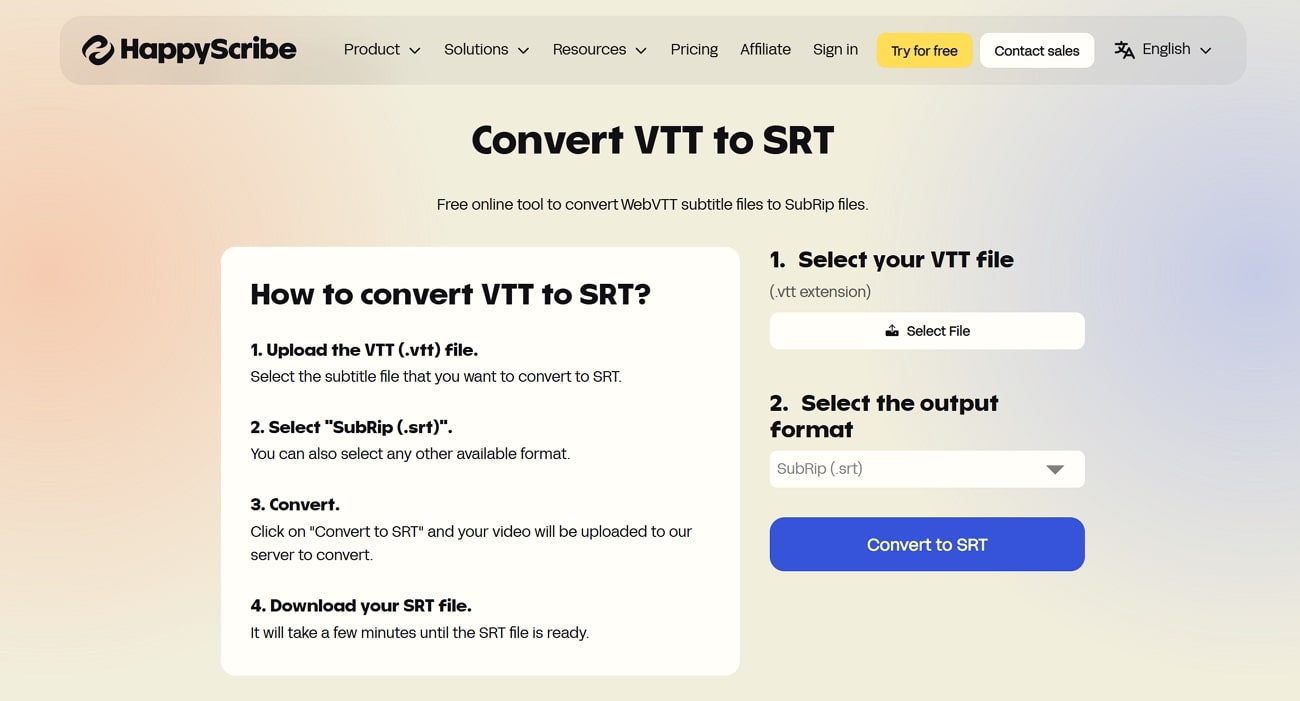
Happy Scribe features a registration-less conversion tool, where you can easily convert your VTT files to SRT for free. The service includes support for several other file formats, including TXT, PDF, and HTML. Unlike many online webVTT to SRT converters, Happy Scribe offers you the ability to edit and review your converted subtitles.
Key Features
- Its support for 120 languages and dialects during subtitle generation makes it a commendable option.
- All subtitles are automatically synchronized according to their time codes with the video.
- Offers integration with automatic and human-made transcription services for higher accuracy if needed.
- Holds compatibility with YouTube, Vimeo, Dropbox, and related services for better service automation.
2. Maestra
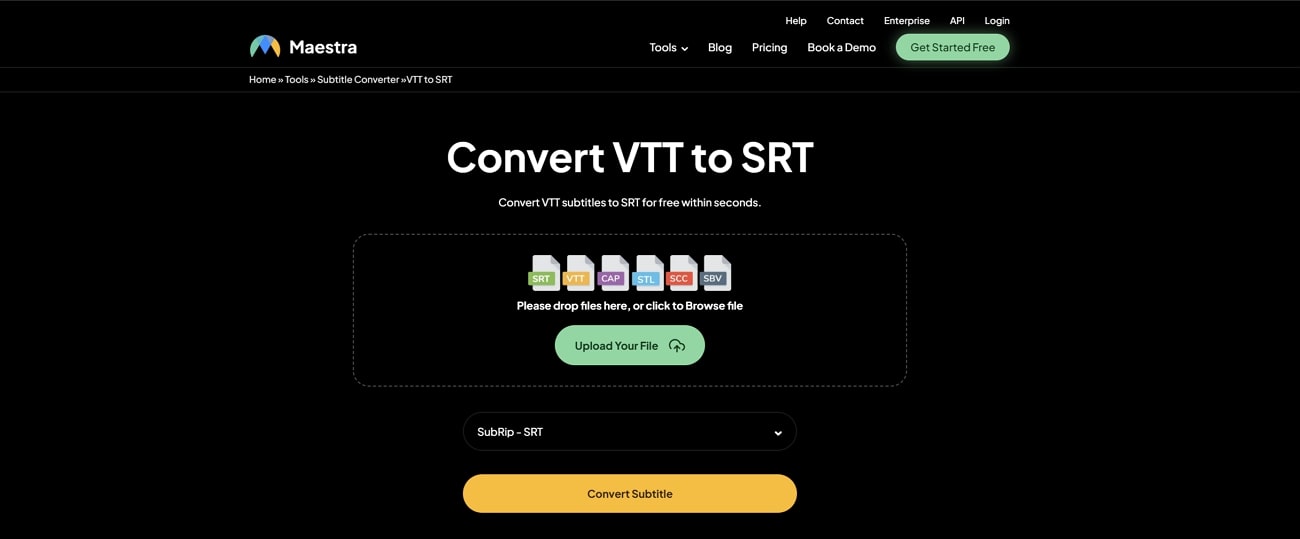
Avoiding installation and signups, Maestra's SRT to VTT tool provides a free system for converting subtitle formats. It ensures all subtitle timings and formatting are adapted according to SRT standards and maintained well. With support for these 2 formats, it also accepts SBV, SCC, and TXT formats for versatile dealings.
Key Features
- Provides a subtitle translation ability to translate captions into 125+ languages.
- Features an API access for users who wish to integrate subtitle editing and translation options into their systems.
- Includes an advanced, user-friendly subtitle editor for reviewing and adjusting subtitles before export.
- Maintains the subtitle synchronization and formatting, which aids in time management.
3.Kapwing
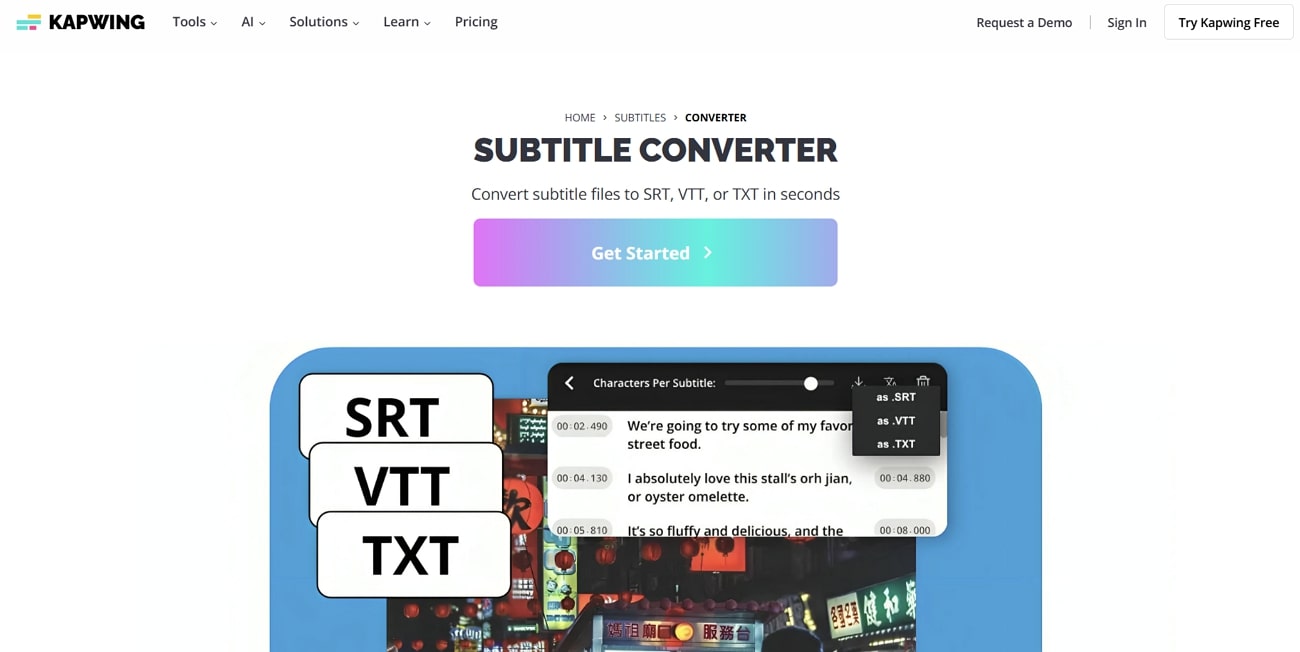
Known for offering multi-format conversion, Kapwing can easily guide its users through a seamless VTT file to SRT conversion. As it provides compatibility with HTML5 video players, social platforms, and other workflows, it gets easier to adapt the subtitles in different scenarios. While being a browser-based service, it enables users to induce real-time collaboration on projects.
Key Features
- While it offers subtitle conversion, you can translate videos in 100+ languages for audience accessibility.
- You can hardcode the translated subtitles into your videos via its editing platform.
- Keeps all subtitle timestamps accurate during format changes for effortless playback timing.
- Automatically applies styling options for visual clarity, such as speaker labels and animated text effects.
4. GoTranscript
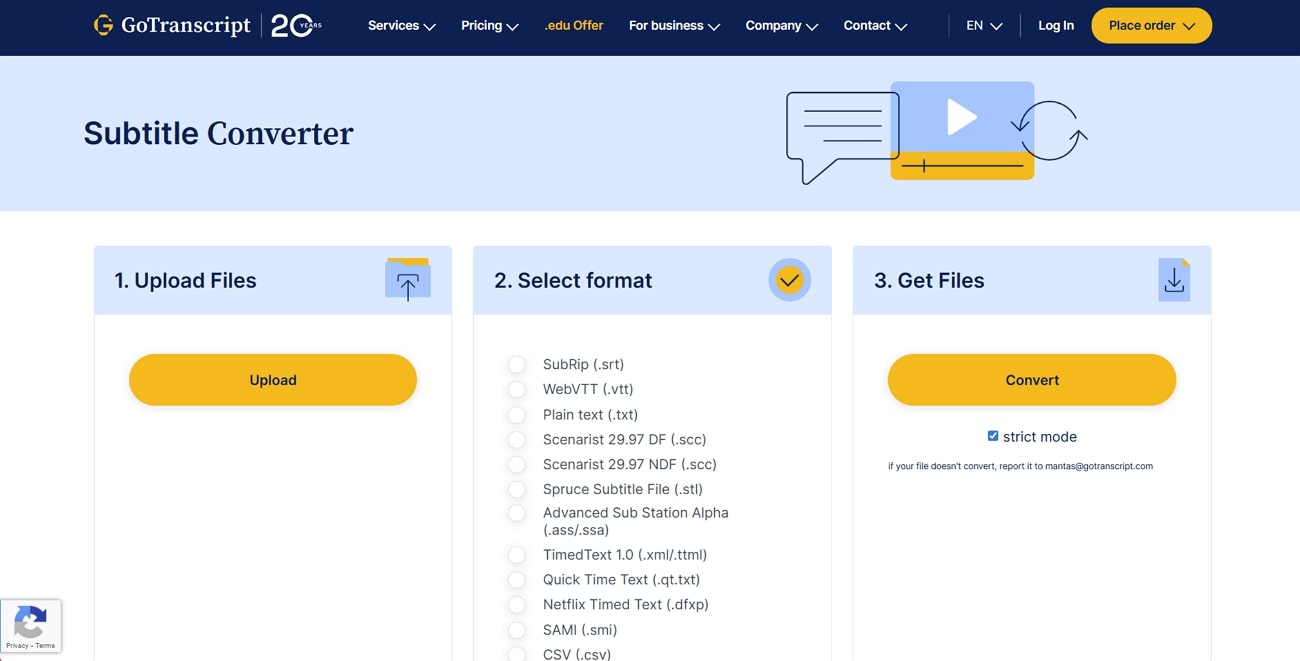
An effortless browser-based tool, GoTranscript allows uploading subtitles and converting VTT to SRT in just a few clicks. From VTT and SRT to SMI and SCC, it supports a broad range of subtitle formats. Furthermore, it automatically removes files after 24 hours to ensure privacy. This webVTT converter offers a strict mode to detect and report errors in the targeted file.
Key Features
- Handles conversion between many subtitle file types with zero signup requirement from users.
- Includes helpful error handling and user guidance for unsupported file types to make conversion easier.
- Apart from conversion, it offers a dedicated feature to get foreign subtitles for your video clips.
- When using its video transcription feature, create a dedicated database for future references.

Easy to Use Subtitle Editor&Translator
5. Veed
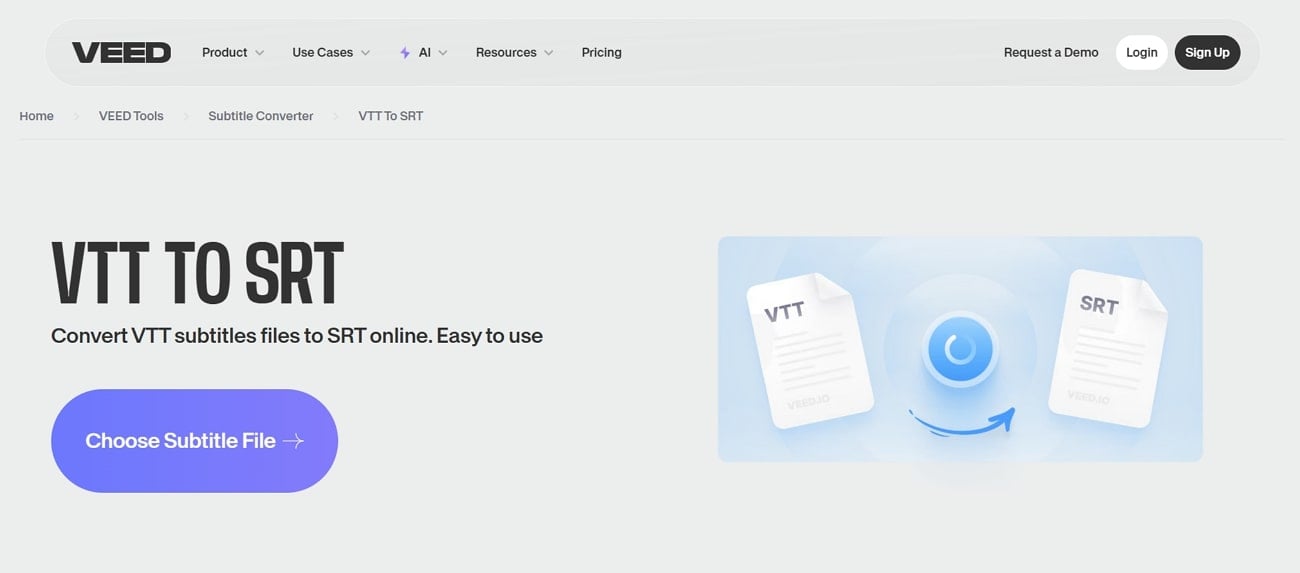
Veed is ideal for users who juggle subtitles and video editing, this VTT converter gets your subtitle file into the desired format using an intuitive browser workflow. Rather than just converting, it allows functions ranging from styling and translating to burning subtitles into video. The process integrates into broader content creation, offering effortless export options with impressive accuracy.
Key Features
- Enables format conversion from VTT to SRT with preserved timestamps and text alignment.
- Supports subtitle creation from audio using AI, then exports captions in multiple formats.
- Offers translation of videos and subtitles into 100+ languages with single-click export per language.
- Integrates subtitle styling tools, such as font customization and animated text overlays.
6. Ebbu.co
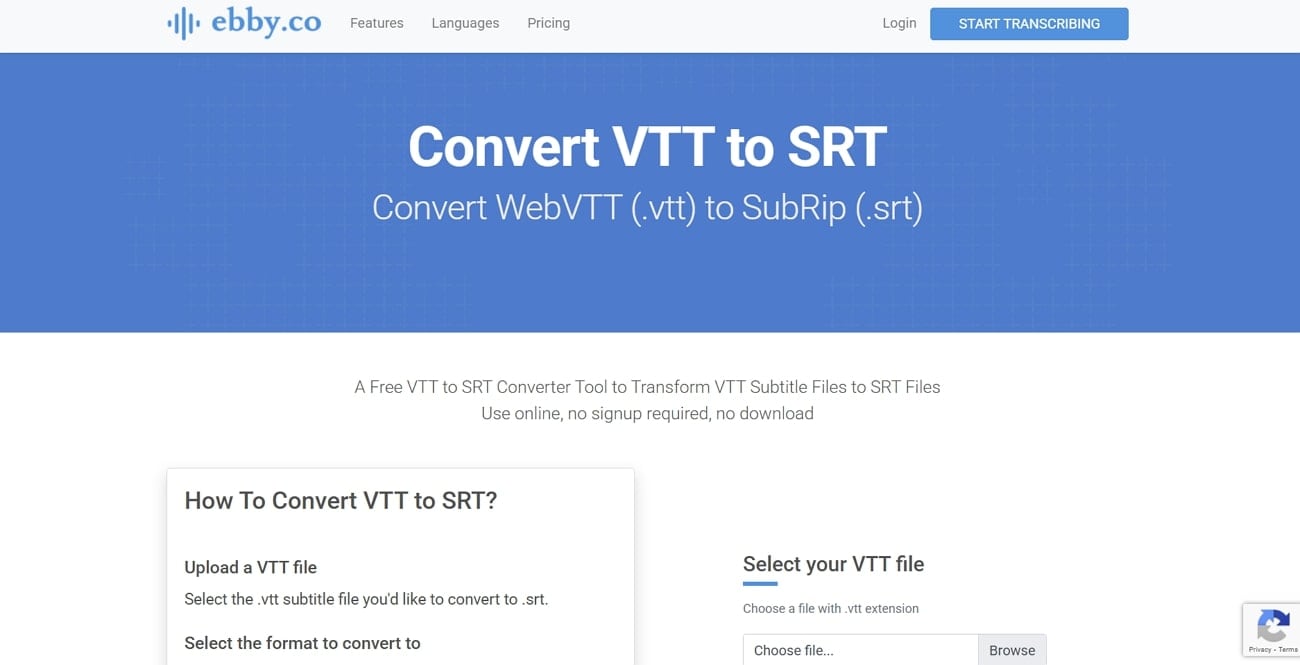
Primarily a transcription service, this platform offers the ability to convert VTT to text or SRT with no account needed. All you need to do is upload the targeted file, and the conversion is complete right in your browser. While some styling codes may be stripped during conversion, the overall speed and ease make it ideal.
Key Features
- Offers conversion into 6 different formats, including .srt, .txt, .docx, .pdf, .html, and .ass.
- Automatically starts downloading the converted subtitle file as soon as conversion finishes to save users’ time.
- Promises to clear files quickly after conversion to maintain user privacy and reduce server storage.
- Supports over 100 languages and dialects for transcription with customized timecodes.
7. SEO Studio
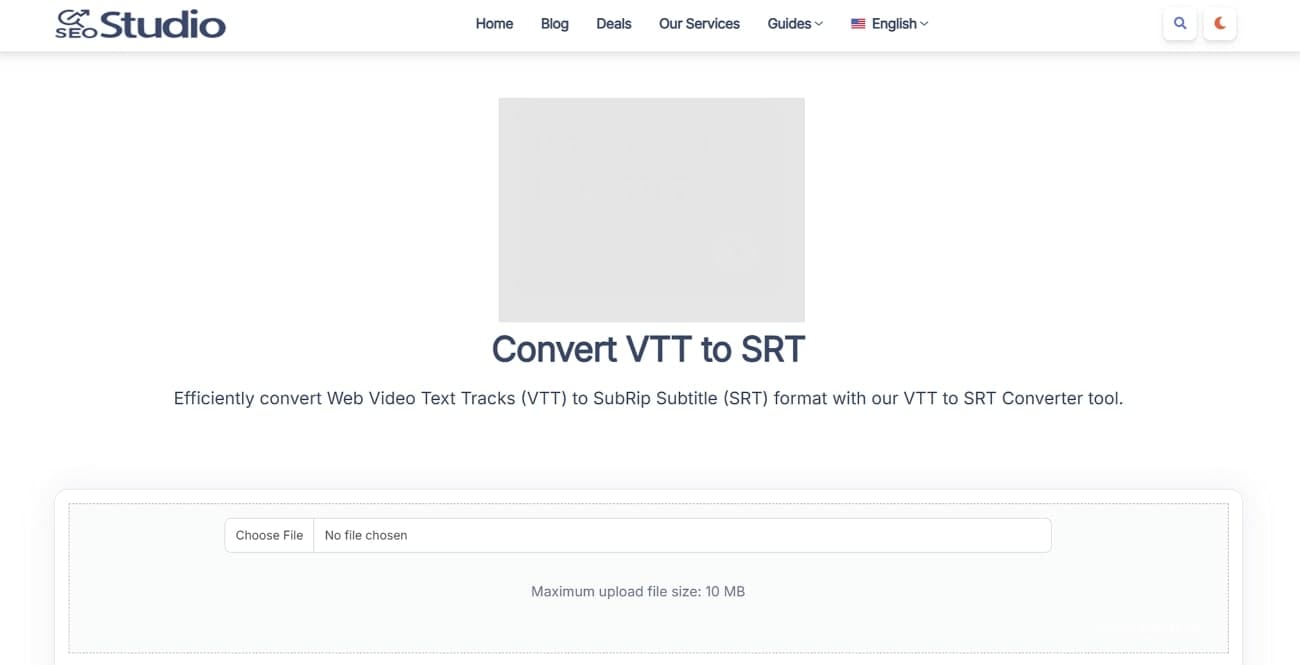
This clean and straightforward VTT to SRT converter helps users change subtitle files with minimal steps and distractions. A part of a wide range of SEO oriented tools, SEOStudio offers a simple approach where uploading and downloading happen in seconds. However, the accuracy of the conversation is not high when it comes to big files.
Key Features
- Converts webVTT syntax into SubRip format while keeping time stamps precisely intact.
- Part of a suite containing over 170 free web tools, ensuring ongoing updates and support.
- Apart from subtitle conversion, it offers a dedicated list of YouTube tools for content creators and streamers.
- Doesn’t log or store user files, enhancing data privacy and protecting sensitive subtitle content.
8.Subtitle Tools
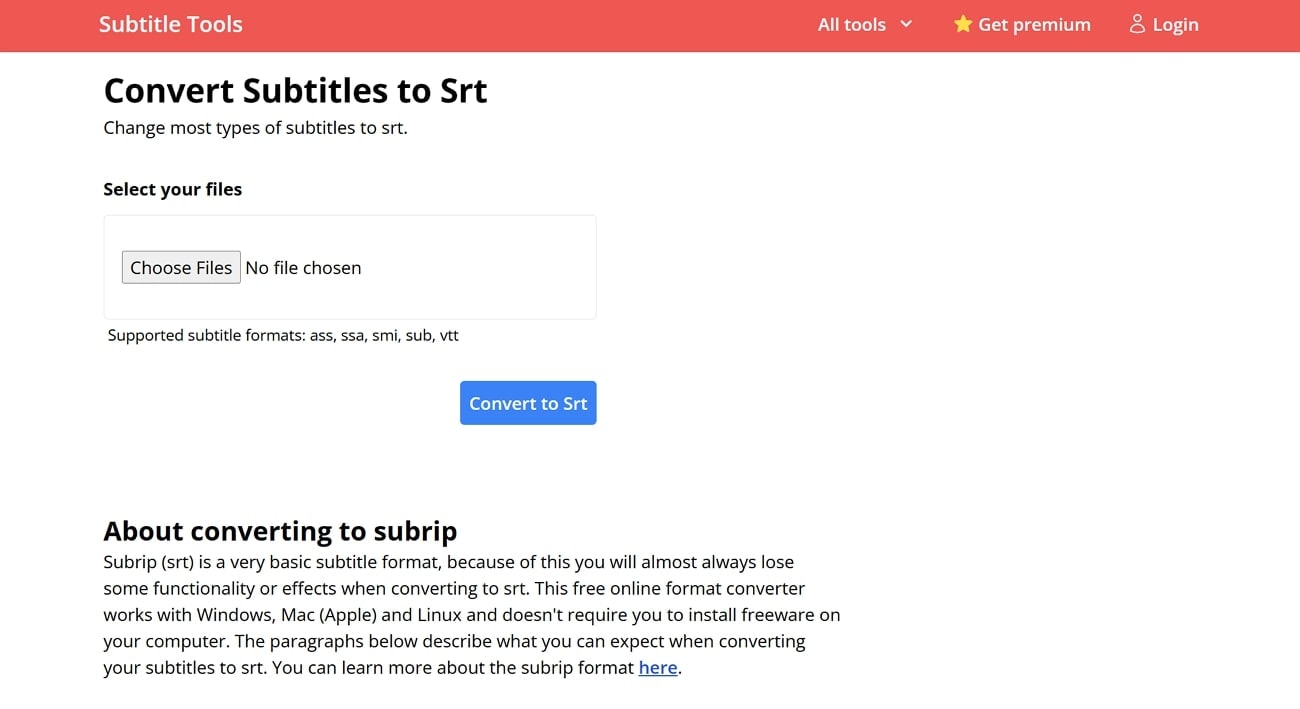
From VTT and ASS to SMI and SUB, Subtitle Tools is a comprehensive online subtitle suite that supports converting various text-based formats. With it, users can upload single files or entire ZIP archives and retrieve individual files or a combined ZIP bundle. Suited for both occasional users and professionals, this SRT to VTT converter is a decent free option.
Key Features
- Automatically detects frame rate hints in SUB files to maintain correct timing during conversion.
- Offers integrated OCR-based subtitle conversion for image-based SUP or SUB/IDX formats for concerned users.
- Along with conversion, it provides free access to additional tools like Subtitle Shifter, UTF-8 fixer, and subtitle merger.
- The only watermark is added to the filename and not the file content to ensure that file formatting remains consistent.
9. ToolSlick
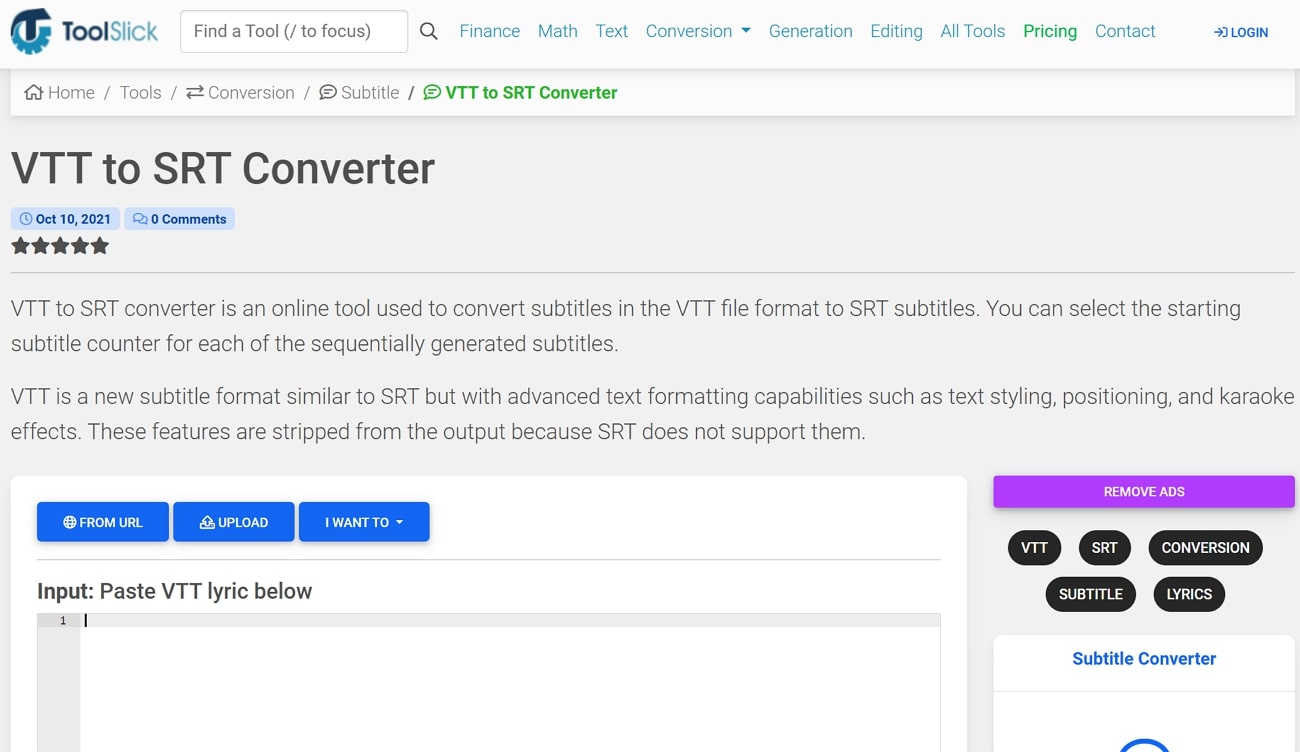
Supporting both file uploads and pasting, ToolSlick is a great choice to convert webVTT to SRT with high accuracy. Unlike simpler converters, users can set a starting subtitle number to align with existing sequences. With no login required, its clean approach and advanced options make it a favorite of both new and experienced users.
Key Features
- Allows setting a custom starting counter to align subtitles with existing sequences for effortless syncing.
- Apart from pasting subtitles and uploading a file, users can also use the URL to perform conversion.
- Automatically removes advanced styling tags since SRT does not support WebVTT formatting.
- Offers conversion of timing entries while preserving the original subtitles order for future use.
10. StudWiz
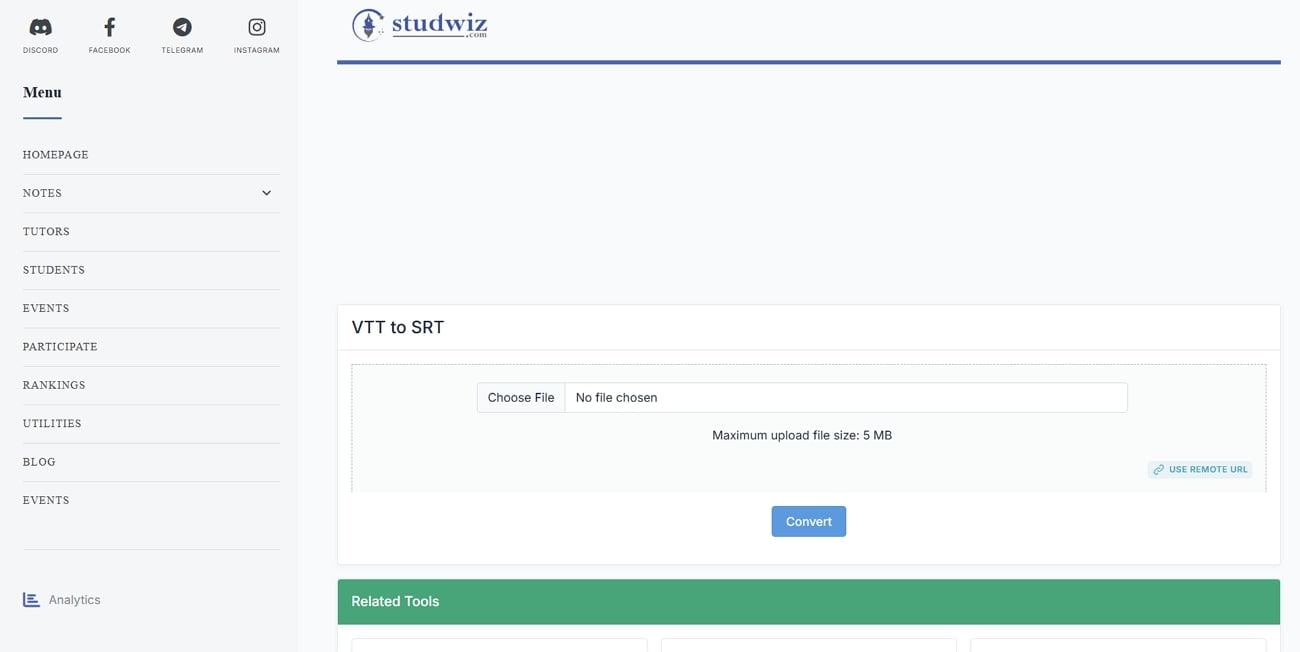
Designed with students in mind, this browser-based utility transforms VTT subtitle files into SRT quickly and clearly. Unlike content-heavy platforms, it keeps things minimal. While it only supports VTT to SRT and vice versa, StudWiz remains a quick option for those only needing conversion. Plus, it automatically converts subtitle structures while stripping unsupported WebVTT markup.
Key Features
- Enforces a clear 5 MB maximum, ensuring quick processing and efficient browser performance.
- Accepts both direct file uploads and remote URLs, offering flexible input options.
- When the file is converted, a display window shows the resulting output for you to confirm.
- A simple 3-step workflow (choose, convert, download) prevents unnecessary complexity.
Easy to Use Subtitle Editor&Translator
Part 2. Quick Comparison of 10 VTT to SRT Converters
With all major choices explored, choosing the right one can be hard for a lot of users. At the end, it comes to how each one stacks up in terms of speed and convenience. In an attempt to help you choose the best webVTT converter, the following is a detailed tabular comparison of all ten tools discussed before:
| Tools | Pricing | Batch Support | Editing Preview | Max File Size | Preview Available |
| HappyScribe | Free conversion, paid AI starts €9/mo (~$10.50) | Single file only | In-editor subtitle editing | Not mentioned | No |
| Maestra | Free conversion, starts at 12$ per 60 credits | Yes | No editing before download | Not specified | No |
| Kapwing | Free tier, Pro from $24/mo | Supports batch subtitle export | Full SRT editor and styling | No mention | Yes (during editing) |
| GoTranscript | Free converter; professional services from $1.58/min | Single file only | No editing interface mentioned | Not specified | No |
| VEED.io | Free tier with watermark; Pro at 19$/month | No bulk conversion noted | Full subtitle editor on the platform | Not added | Yes (in editor) |
| Ebby.co | Completely free, no login | No batch operations | No edit options | Not stated | No |
| SEOStudio | Free to use with 170+ tools | Single subtitle at a time | Light preview shown before download | 10MB upload limit | Yes |
| Subtitle Tools | Free with extras & batch ZIP support | Converts ZIP or multiple files | Only conversion; no edit pane | Not specified | No |
| ToolSlick | Free, login required | Single file only | No editing feature | Not specified | Yes |
| StudWiz | Free, no signup | Single file per session | Live preview before download | 5MB max upload | Yes |
Part 3. Bonus. How to Easily Translate Subtitles for Any Video
If you are bound to convert VTT to SRT while editing them to refine results, use Wondershare UniConverter. This tool offers a dedicated subtitle editor that allows you to generate subtitles in up to 20+ languages. After creating subtitles in the desired languages, it provides various formatting options like changing fonts and transparency levels. Along with editing subtitles, you can also adjust their width and color to maintain visuals.
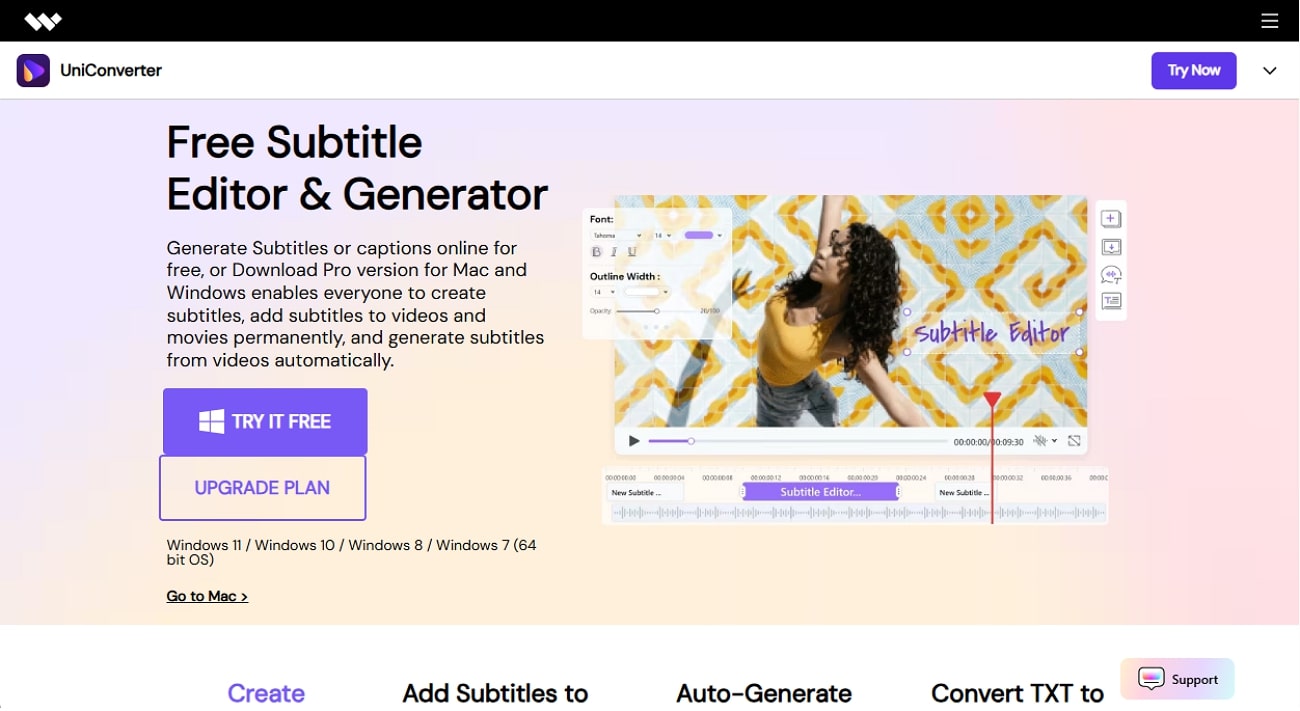
While users can make changes to the generated subtitles, they can also translate existing subtitles to 134 unique languages. This helps them eradicate all language barriers and achieve accurate translations with professional-grade preset settings.
Key Features
- Embed Subtitles in Video: After generating or translating the subtitles for the video, you can easily embed them into the video content with UniConverter.
- Add Line to Subtitles: You can also manually add another line in your video subtitles while tailoring subtitles.
- Save to Location: After generating subtitles, users can select the desired location for saving them to their device.
- Preview: Before exporting your generated result, preview the outcome to examine any errors and make required changes
- Diverse Compatibility: UniConverter is not restricted to Mac users, allowing Windows users to have a similar subtitle editing experience for professional-grade results.
Comprehensive Guide to Using Wondershare UniConverter For Subtitle Editing/Translation
To generate the best results after converting SRT to VTT format, go through the following detailed procedural guide to use UniConverter:
Step 1. Access the Tool to Select Subtitle Editor
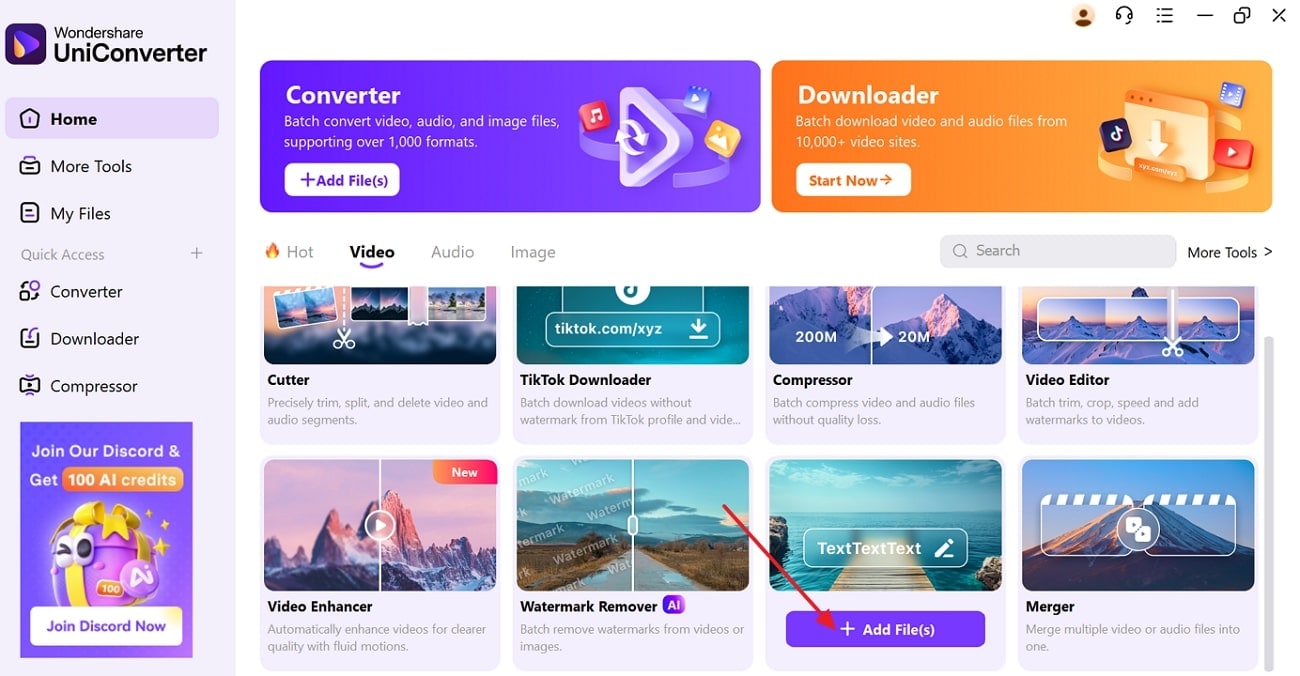
After launching the tool, select the “Subtitle Editor” to import the required video by pressing the “+Add Files” button.
Step 2. Add Subtitle File to the Editor
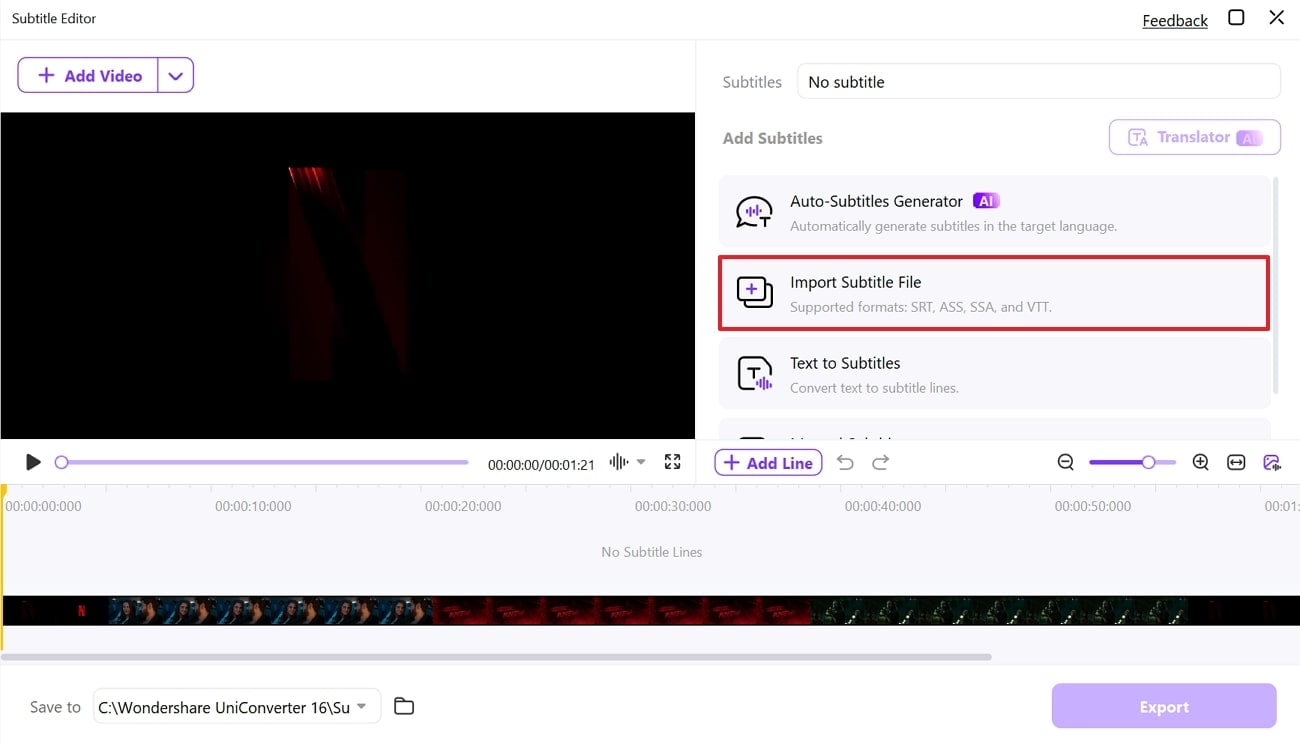
Here, tap on the "Import Subtitle File" option to insert your converted SRT file into the subtitle editor.
Step 3. Adjust Subtitles, Translate, and Export Results
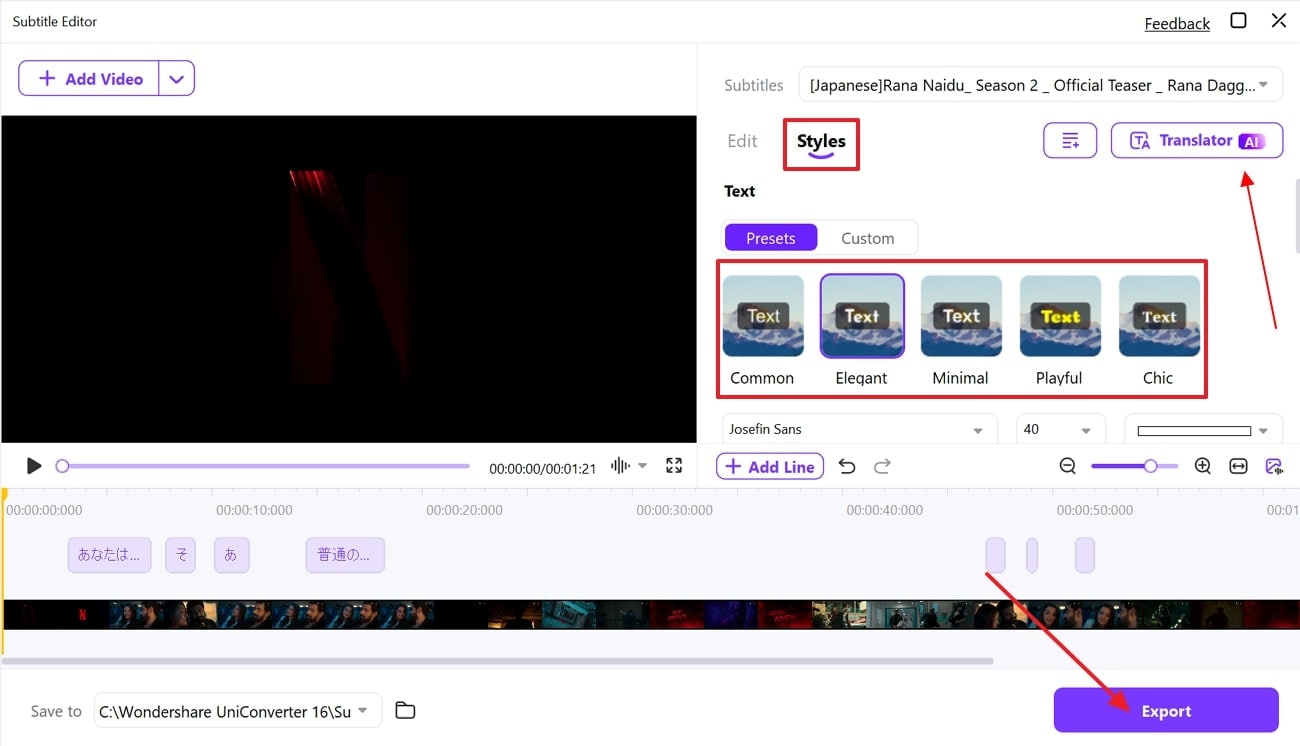
Choose the desired preset or “Custom” section from the “Style” menu, while setting other required settings like subtitle color or width. To translate your added subtitles, access the “Translator” button , once you are satisfied with the generated results, hit the “Export” button and save it to your device.
Conclusion
In summary, finding the right VTT to SRT converter depends on your needs. The choice differs on the basis of conversion, batch support, editing, or simplicity. From feature-rich platforms like Kapwing to minimal tools like StudWiz, this list covers both free and paid options. As for getting subtitles for your videos with high accuracy, UniConverter stands as the top choice.
Easy to Use Subtitle Editor&Translator
FAQs
-
1. What’s the main difference between VTT and SRT files?
VTT supports styling, positioning, and metadata, while SRT offers simple text and timestamps only. That makes VTT better for rich web video and SRT ideal for broader compatibility with players and editors. -
2. Will subtitle timing be affected during conversion?
Reliable converters maintain original timestamps exactly. Only manual methods run the risk of formatting errors, but online tools preserve timing automatically. However, that is only true for the ones running on robust AI algorithms. -
3. What issues might arise after converting VTT to SRT?
Common problems include lost styling, misnumbered captions, or incorrect line breaks. These can be fixed using a subtitle editor or re-running the conversion on more reliable tools. You can also tweak minor errors by opening the file in a text editor.

