
Why UniConverter Is a Reliable AI Vocal Remover for Songs and Videos
AI Vocal Separator for Cleaner Instrumental Tracks
Use UniConverter as an AI vocal separator to split a song into vocals and instrumentals with a simple workflow. The tool analyzes your audio and creates two useful files: an instrumental track and a vocals-only track. You can use the results for karaoke, cover songs, remix drafts, or quick audio editing without starting from complex production software.
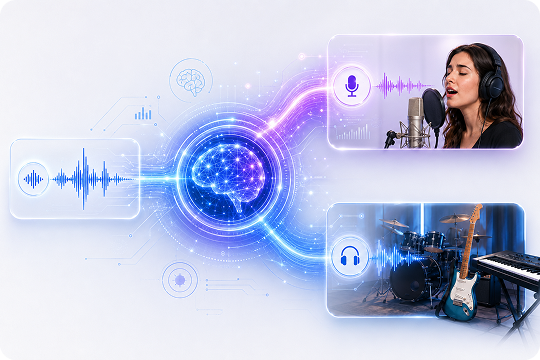
Remove Vocals from Songs, MP3 Files, and Videos
UniConverter helps you remove vocals from songs, MP3 files, and common video formats such as MP4, MOV, MKV, and AVI. This makes it useful for both music and video projects. You can create karaoke tracks from audio files, process video background music, or prepare cleaner media files for teaching, editing, and content creation.

Fast Vocal Removal for Everyday Audio Projects
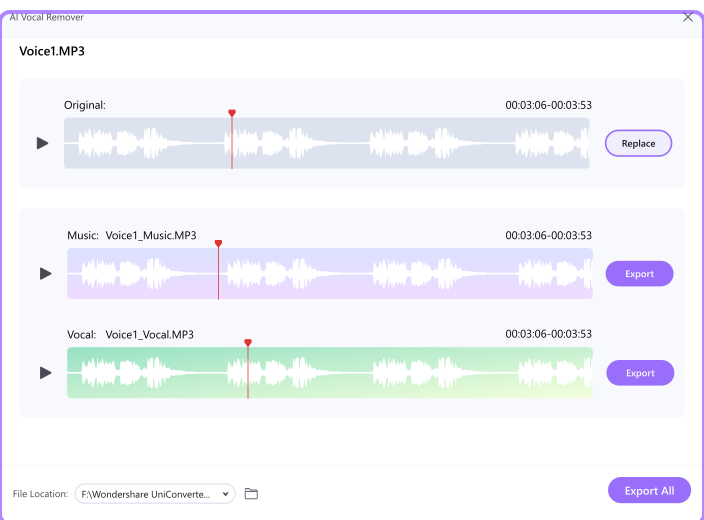
Start vocal removal without a long setup. Add your file, let the AI audio separation tool process it, and export the vocal or instrumental track in a few guided steps. This workflow works well for quick karaoke tracks, music practice, cover song preparation, and early creative drafts. For longer files, the desktop version gives you a steadier experience.
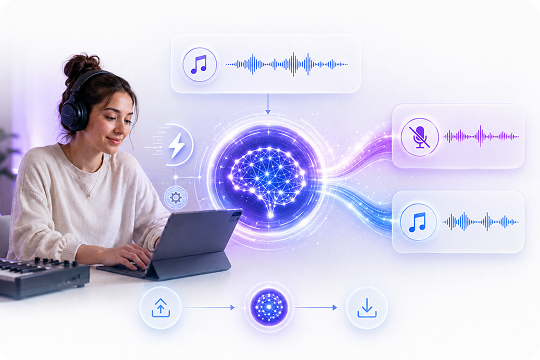
Extract Vocals or Instrumentals with Clear Sound
Create usable vocal and instrumental tracks while keeping the audio clear for your next step. UniConverter helps reduce vocal bleed and preserve the backing track during separation. You can download the instrumental, vocals-only file, or both. It works as a vocal extractor, acapella maker, and backing track maker for common creative workflows. If you want better audio quality, try audio enhancer.

Batch Vocal Remover for Desktop Workflows
Process multiple audio or video files with the desktop vocal remover when you need a faster repeat workflow. Batch processing helps DJs, teachers, musicians, and creators prepare several practice tracks, karaoke versions, or remix materials at once. It is especially helpful when you work with playlists, lesson files, or large media projects that take time online.

Online or Offline Vocal Remover for Safer File Handling
Choose the vocal remover workflow that fits your project. The online tool is convenient when you want to remove vocals quickly without installing software. The desktop version lets you process files locally, which is helpful for private recordings, client media, long videos, or large audio files. You get more control over how and where your files are handled.

What Can You Do with UniConverter Vocal Remover?
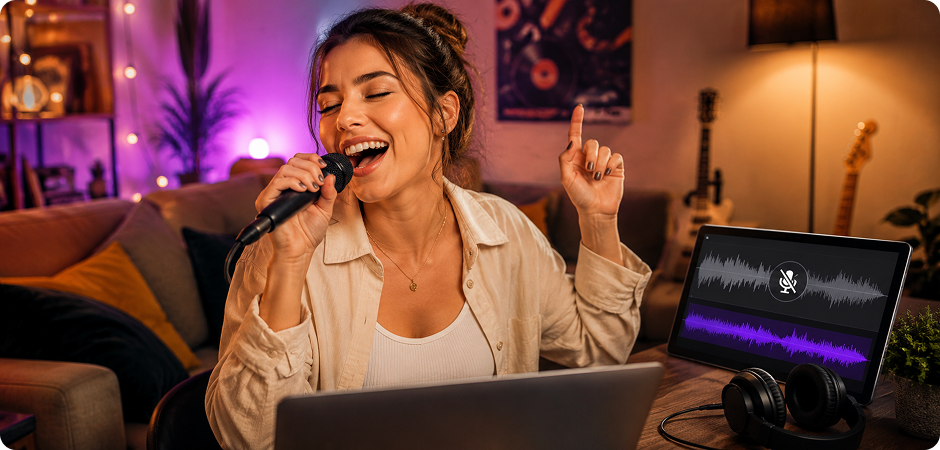


Create Karaoke Tracks with an AI Vocal Remover
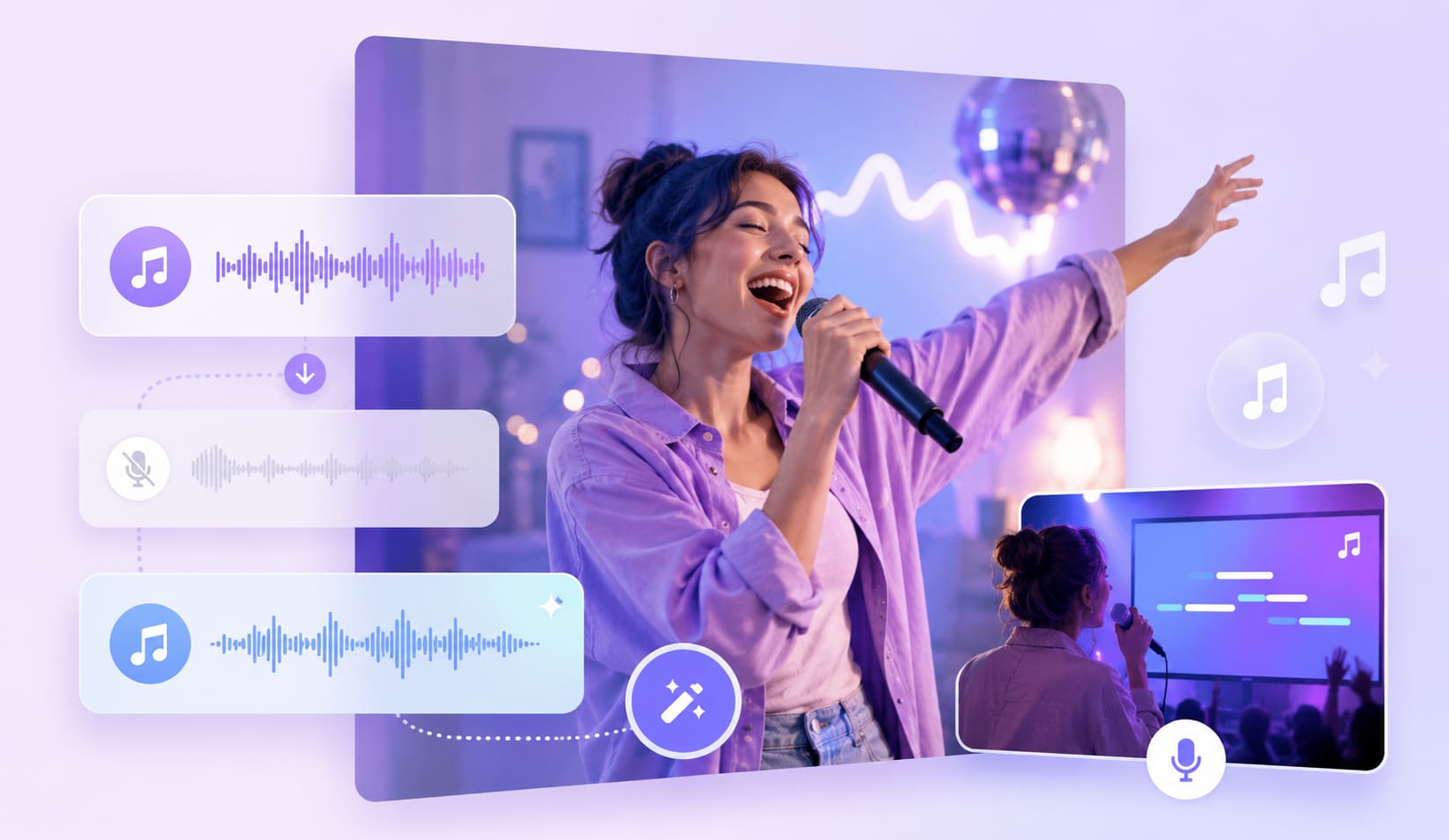
Turn your favorite song into a sing-along track with UniConverter’s AI vocal remover. Upload an MP3, WAV, or video file, remove vocals, and export the instrumental track for practice, parties, or performance prep. You can also use it as a karaoke maker when a ready-made backing track is hard to find. The workflow stays simple, so you can create a karaoke track without learning complex audio software.
Extract Vocals for DJ Remixes and Mashups
Prepare cleaner materials for remix work with UniConverter’s vocal extractor. You can extract vocals from a song, save an acapella track, or create an instrumental base for mashups. DJs can test ideas faster by separating vocals and instrumentals before moving into a full editing tool. The desktop version also supports larger files and batch tasks, which helps when you need to prepare samples, playlists, or remix drafts.
Remove Vocals from Music for Practice Tracks
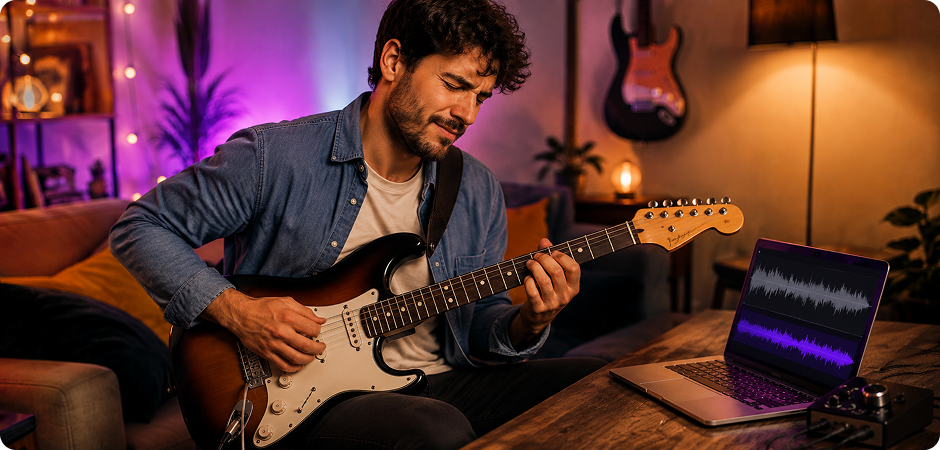
Remove vocals from music and keep the instrumental track for daily practice. Guitarists, pianists, drummers, and students can play along with a cleaner backing track instead of searching for a ready-made version. You can build practice tracks from songs you already use and adjust them in your preferred editor. This makes UniConverter helpful for lessons, rehearsals, solo practice, and performance preparation.
Make Instrumental Tracks for Cover Songs
Create cover song materials with fewer steps. Use the AI vocal remover to make an instrumental track, then record your own voice over it. You can also isolate vocals from a song when you need a reference acapella for timing or phrasing. This workflow helps singers, creators, and teachers prepare cover song drafts without starting from a blank session, while keeping the process clear for beginners.
Remove Vocals from Video Files Like MP4
Use UniConverter as a video vocal remover when your project starts with MP4, MOV, MKV, or AVI files. You can remove vocals from video music, create karaoke-style clips, or prepare cleaner audio for editing. This is useful for YouTube videos, class projects, short clips, and social posts where the source is a video instead of a standalone song. Export the result and continue editing in your normal workflow.
Use Vocal Separation for Music Production
Split tracks into usable parts for creative work. UniConverter’s vocal separation tool helps you extract vocals, create instrumental tracks, and prepare audio references for a digital audio workstation. You can use vocal isolation to study arrangements, build demo ideas, or organize samples. For more detailed projects, pair vocal removal with related tools such as a stem splitter, audio converter, or compressor inside UniConverter.
How to Remove Vocals from a Song in 3 Easy Steps
Remove vocals from a song, MP3 file, or video with UniConverter’s AI Vocal Remover. You can use the online tool for quick edits, or choose the desktop version for larger files, batch processing, and offline workflows.

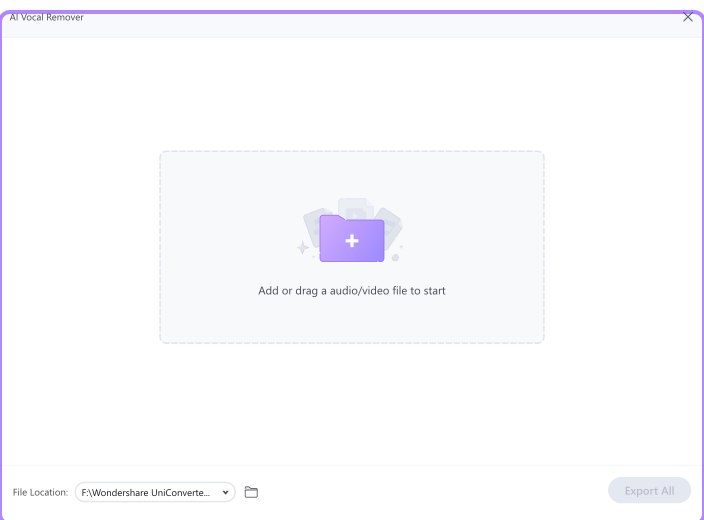
Open UniConverter Vocal Remover online or on desktop, then upload your file. You can add MP3, WAV, M4A, FLAC, MP4, MOV, MKV, and AVI.

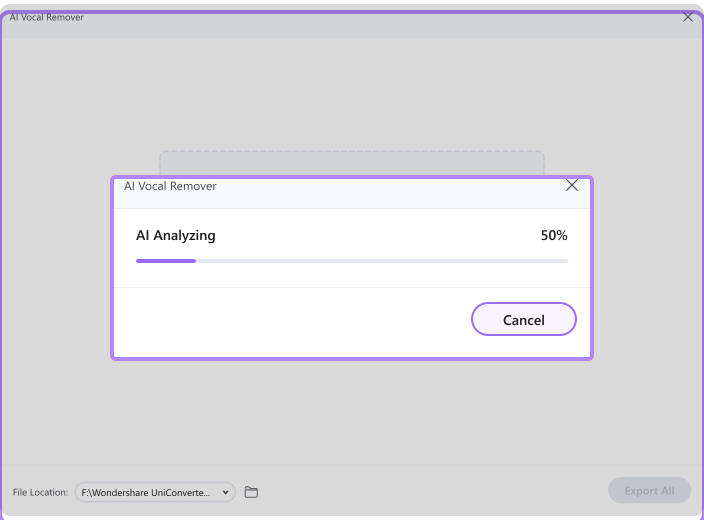
UniConverter’s AI audio separation engine will analyze your file and split it into vocal and instrumental tracks. You can use this step to remove vocals from music, extract vocals from a song, or create a karaoke-ready backing track.

Preview the result, then download the instrumental track, vocals-only file, or both. Use the output for karaoke, cover songs, DJ remixes, practice tracks, video editing, or other creative projects.
UniConverter Desktop vs. Online Vocal Remover — Which Is Right for You?
Choose the online vocal remover when you need a fast result. Choose the desktop vocal remover when you work with long videos, many songs, or private media files.
| Feature | UniConverter Desktop | Online Vocal Remover |
|---|---|---|
| Best for | Larger files, batch tasks, private workflows | Quick vocal removal without installation |
| Processing speed | Stable for longer media files | Fast for short files and quick tests |
| File size and length | Better for large audio and video files | Max size 50 MB |
| Batch processing | Yes | No |
| Supported input formats | MP3, M4A, WAV, OGG, FLAC, MP4, MOV, MKV, AVI | MP3, MP4 |
| Video vocal removal | Yes | Yes, for supported files |
Video Tutorial: How to Use UniConverter Vocal Remover
Watch the quick guide to learn how to remove vocals from a song, extract vocals as acapella, and export an instrumental track with UniConverter.
AI Vocal Remover Reviews from
Musicians, DJs, and Creators
Frequently Asked Questions about AI Vocal Remover
How do I remove vocals from a song?
Is UniConverter Vocal Remover free?
Can I remove vocals from a video file like MP4?
How do I remove vocals from a YouTube video?
What audio formats does Vocal Remover support?
Can I isolate vocals and extract acapella from a song?
How accurate is AI vocal separation?
Does UniConverter Vocal Remover work offline?
Can I remove vocals from MP3 files?
How long does vocal removal take?
Is it legal to remove vocals from a song?
Can I separate drums, bass, and other instruments too?
Vocal Remover Guides & Tips
More Than a Vocal Remover



Ready to Remove Vocals from Any Song?
Create karaoke tracks, extract acapella audio, or remove vocals from videos with UniConverter. Try the online vocal remover for quick tasks, or download UniConverter for desktop when you need batch processing and a more flexible workflow.
