Watermark Editor Add & Remove Video Watermark
Use Wondershare UniConverter’s intelligent AI to quickly add or remove watermarks from video while protecting your content and maintaining brand consistency.
 4.9/5 from 1,862 reviews

Remove Any Unwanted
Watermark From Video
Experience advanced AI video watermark removal powered by superior accuracy, multilingual support, and lightning-fast processing — built to help you understand videos better than ever.












Watermark a Video in Bulk
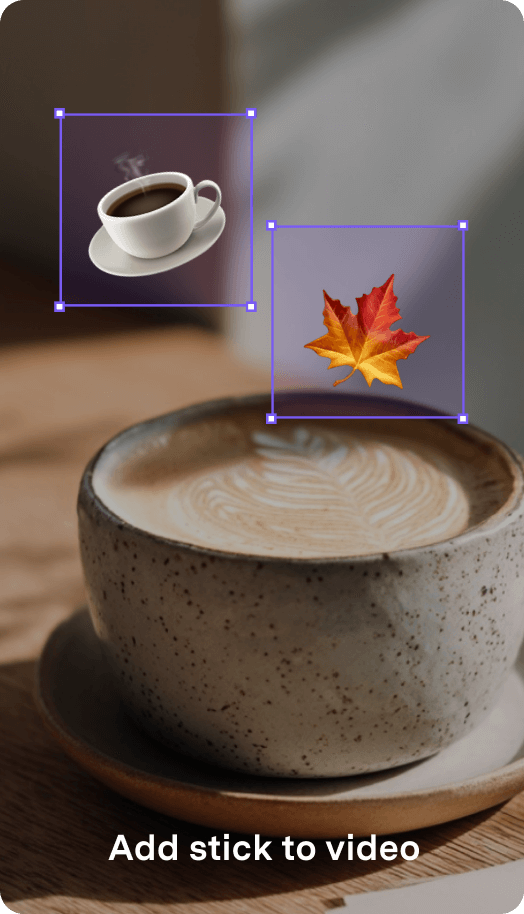
Add any edit watermarks quickly with UniConverter Watermark Editor. Adjust transparency, recolor with ease, and apply your watermark to multiple videos at once for fast, consistent branding and content protection.




Why Choose UniConverter
Watermark Editor?
Go beyond basic watermarking tools with powerful, creator-ready features built for professionals, brands, and anyone who needs fast, high-quality watermark control.
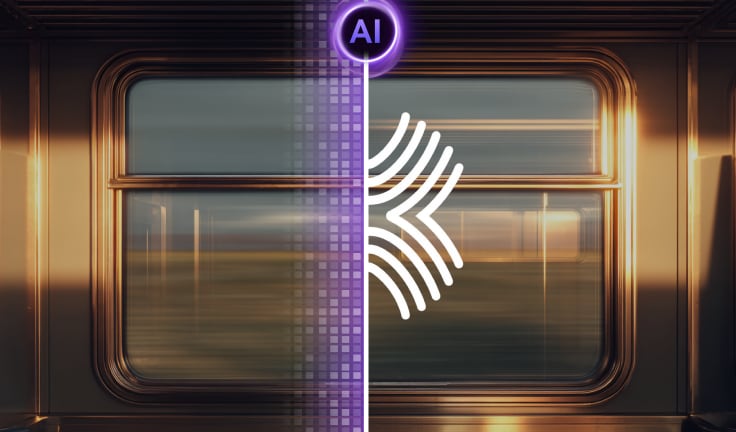
AI Watermark Removal
Remove watermarks from videos with AI for clean, clear results without blur.

Batch Watermark Processing
Watermark or remove watermarks from multiple files at once for fast workflow.

Multiple Watermark Types
Add text, logo, or image watermarks and adjust transparency with ease.

Zero Quality Loss
Keep your original 4K or HD quality with no compression or resolution loss.
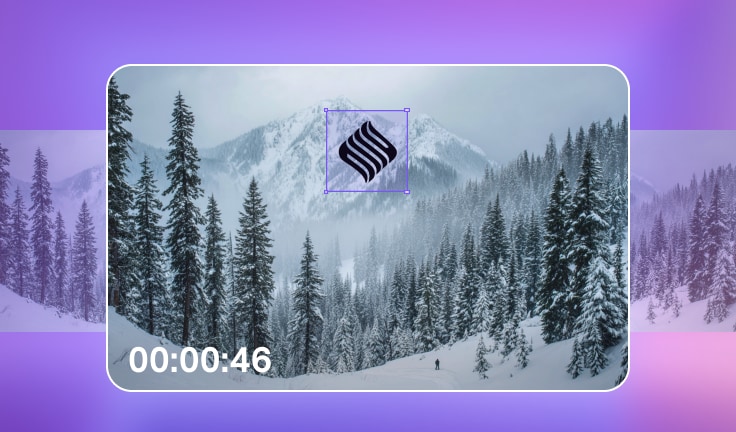
Time-Based Watermark Removal
Remove watermarks from specific time segments only during the time you choose.

No Ads No Watermark Added
Edit watermark with no ads, no interruptions, and fully secure processing.
AI Watermark Removal
Remove watermarks from videos with AI for clean, clear results without blur.
Batch Watermark Processing
Add or remove video watermarks from multiple files at once for fast workflow.
Multiple Watermark Types
Add text, logo, or movable watermarks and adjust transparency with ease.
Zero Quality Loss
Keep your original 4K or HDR quality with no compression or resolution loss.
Time-Based Watermark Removal
Remove watermarks from videos only during the time segments you choose.
No Ads & 100% Secure
Edit watermark with no ads, no interruptions, and fully secure processing.
How to edit
watermark
in video
with 3 simple steps?

Step 1. Upload the video file.
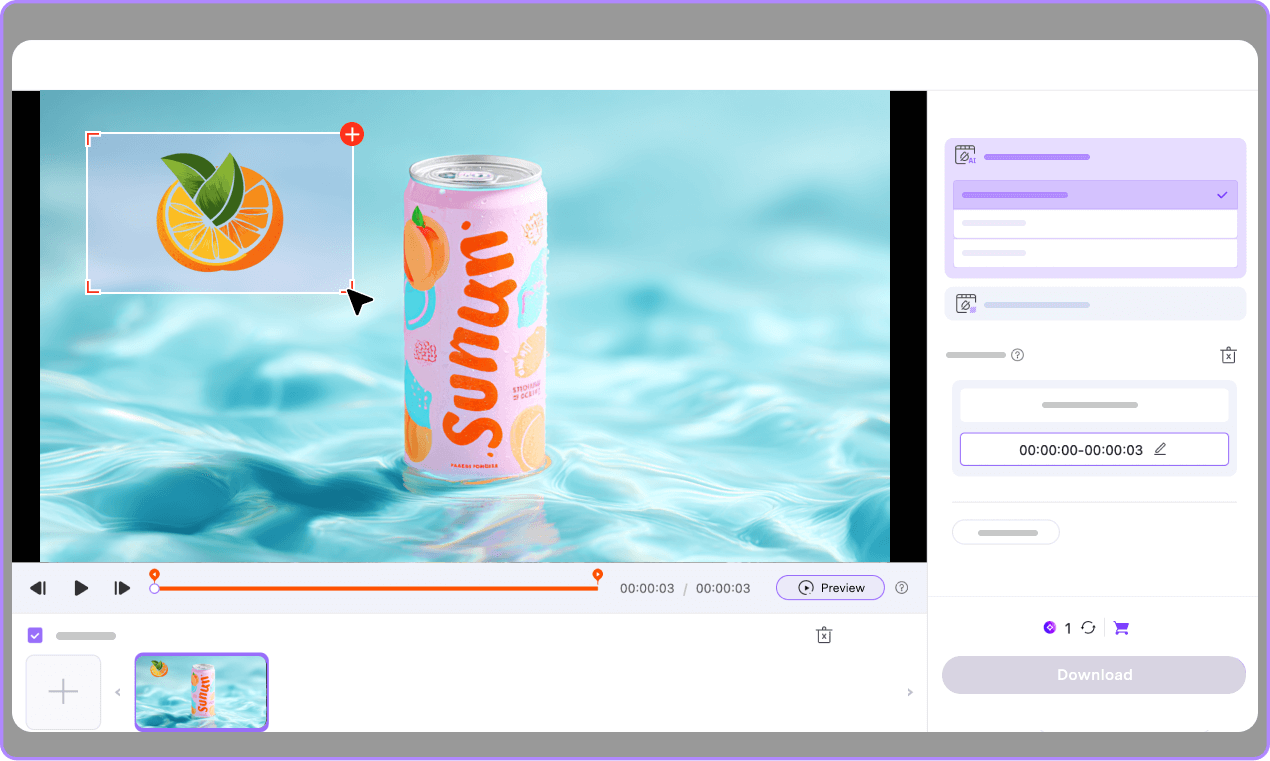
Access Watermark Remover and upload the video file to the Video Watermark Remover section.

Step 2. Select the area of watermark.
Drag the mouse to frame the area of the watermark in the video, and preview the removal result.

Step 3. Save the video without watermark.
Click Export to remove the watermark and save the cleaned video.
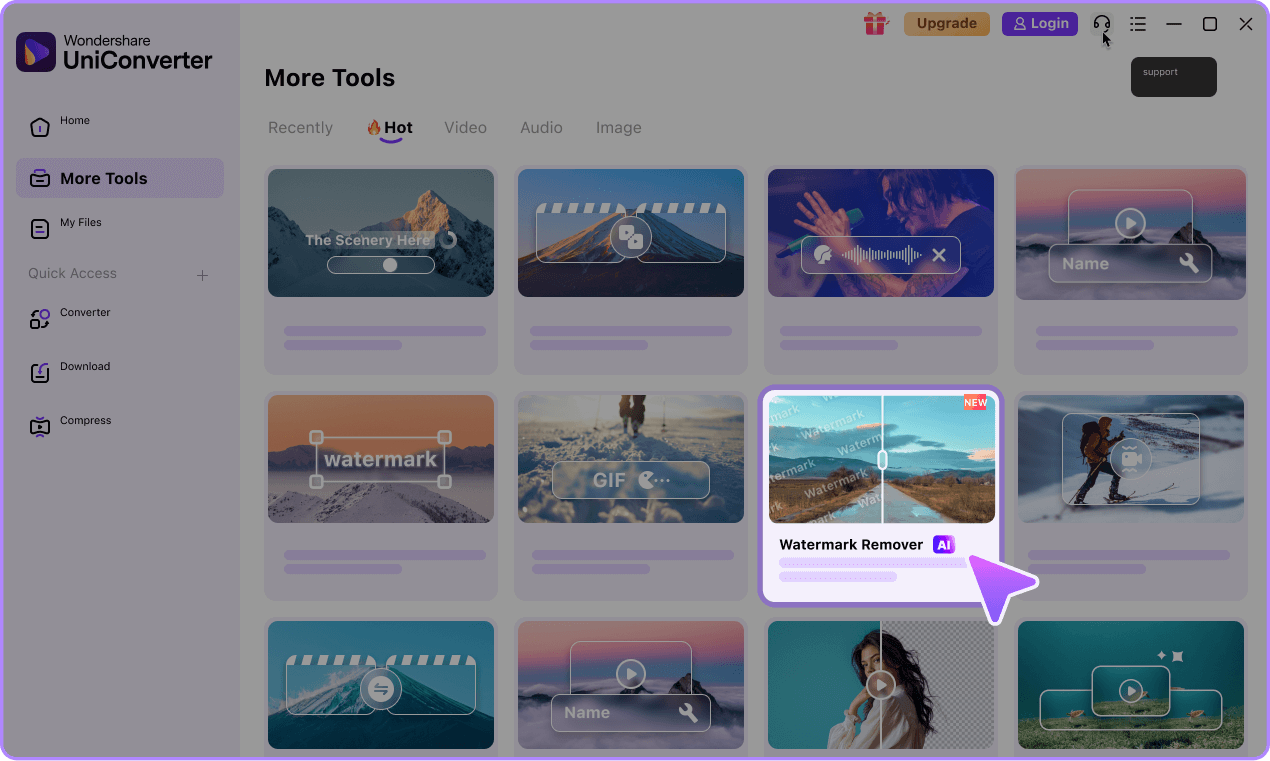

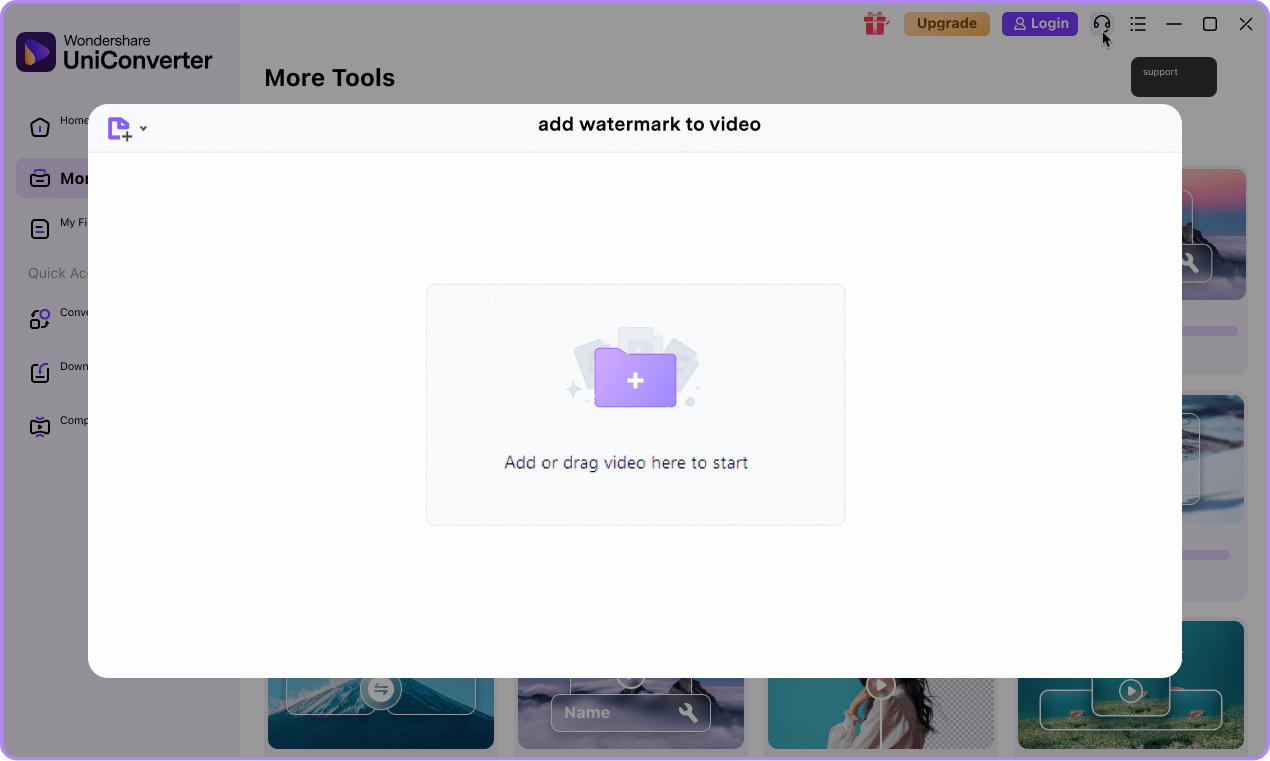
Step 1. Upload the video file.
Access Add Watermark and upload the video.
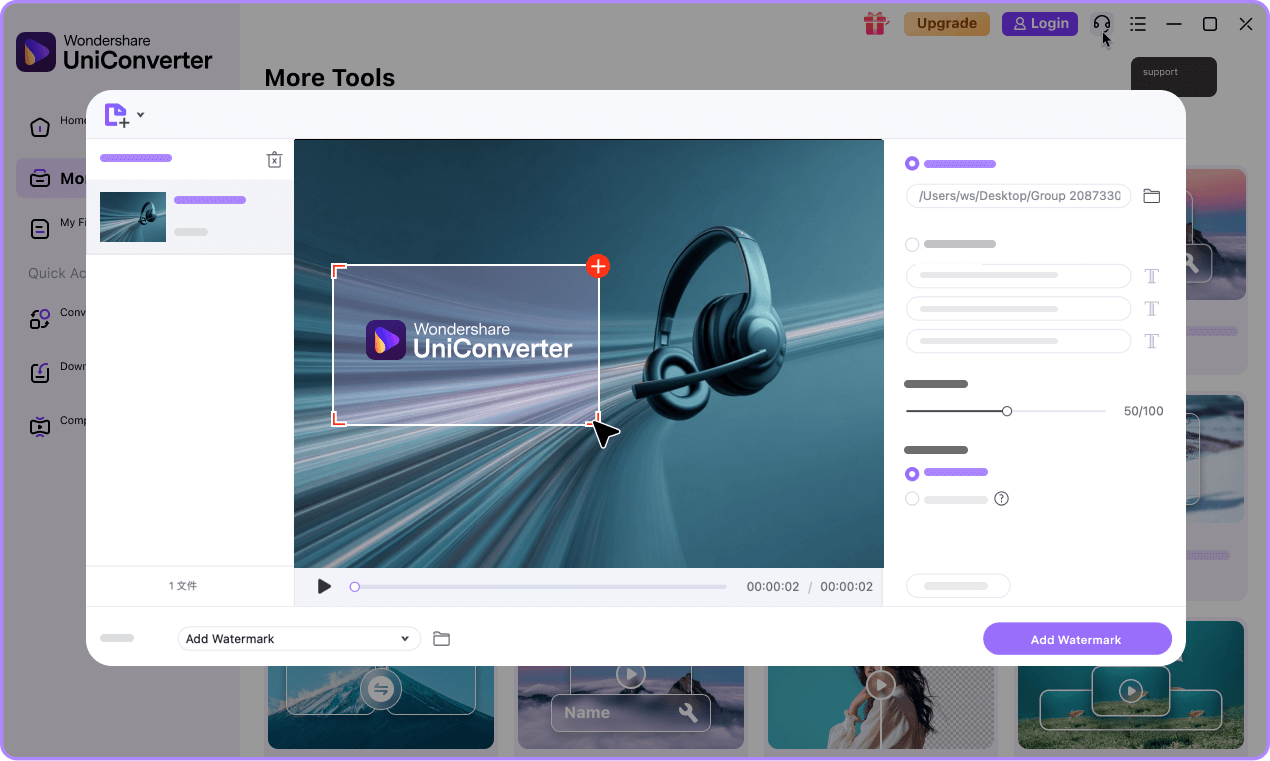
Step 2. Watermark video with Text or Image.
Add text or upload your local image to watermark the video. You can customize the watermark as you like.
Step 3. Save the video.
Click the Add Watermark button to export your video with the watermark.

UniConverter Watermark
Editor for Everyone
See how users from different fields rely on UniConverter Watermark Editor to protect content, build their brand, and work more efficiently.
Protect your original content from theft and establish brand identity across all platforms. Add your channel logo to videos before uploading to YouTube, TikTok, or Instagram.
Maintain consistent brand identity across multiple social media channels. Remove platform watermarks when repurposing content from TikTok to Instagram Reels or YouTube Shorts.
Protect your professional work from unauthorized use. Add copyright watermarks to client previews, online portfolios, and social media showcases.
Ensure all marketing materials carry consistent branding. Batch process product demos, training videos, and promotional content with company logos.
Professional tools for client projects. Remove watermarks from stock footage, add client branding, and deliver polished final products efficiently.
UniConverter vs Other Watermark Tools
See how UniConverter Watermark Editor stacks up against competitors. Professional features at an unbeatable value.
| Feature | UniConverter | Online Tools | Basic Software |
|---|---|---|---|
| AI-Powered Watermark Removal | ✓ | ✗ | ✗ |
| Batch Processing | ✓ | ✗ | ✓ |
| Zero Quality Loss | ✓ | ✗ | ✓ |
| Moving Watermark Support | ✓ | ✗ | ✗ |
| Time Duration Control | ✓ | ✗ | ✗ |
| Watermark Templates | ✓ | ✗ | ✓ |
| No File Size Limit | ✓ | ✗ | ✓ |
| 4K Video Support | ✓ | ✗ | ✓ |
| No Ads No Watermark Added | ✓ | ✗ | ✓ |
| Privacy(Local Processing) | ✓ | ✗ (Upload required) | ✓ |
| Processing Speed | Fast(GPU Acceleration) | Slow(Server dependency) | Medium |
| All-in-One Video Tools | ✓ (150+ tools) | ✗ | ✗ |
Tips and Tricks for Video Watermark Editor
Frequently Asked Questions
-
01 How do you remove a watermark without blurring it?
It's highly recommended to use Wondershare UniConverter Watermark Editor to remove watermark from videos. The in-built Watermark Editor of UniConverter automatically removes any watermark from videos without quality loss with an AI algorithm. You can easily remove a watermark without blur by cropping the video or replacing it with a new watermark.
-
02 How to add a watermark to a YouTube video?
Wondershare UniConverter allows users to add any watermark to YouTube videos with one click. Just upload your YouTube video file(s) to the in-built Watermark Editor of UniConverter to add text watermark, image watermark, or moving watermark.
-
03 How to remove the TikTok watermark?
Wondershare UniConverter Watermark Editor is easily the best TikTok watermark remover to remove the TikTok watermark without any hassle. Launch the program on your PC, and access the Watermark Editor from the Toolbox menu. From there, click the Remove Watermark button and upload your TikTok video to remove the watermark. Learn how to remove the TikTok watermark with three simple steps.
-
04 How to remove the moving watermark from a video?
With Wondershare UniConverter, you can remove the moving watermark by cropping out the watermarked area or adding a new watermark to cover the original one. More solutions about removing the moving watermark from a video .
-
05 Can I create transparent watermarks?
Absolutely! UniConverter provides full opacity control for all watermark types. You can adjust transparency from 0% (invisible) to 100% (fully opaque) using a simple slider.
-
06 What video formats are supported for watermarking?
UniConverter supports 1000+ video and audio formats, including MP4, AVI, MOV, MKV, WMV, FLV, and more. You can watermark any format and export to your preferred format with automatic codec handling.
Find more features in the UniConverter — All-in-One Video Solution



Ready to Protect Your Content?
Join millions of creators who safeguard their videos and build brand identity with UniConverter's powerful watermark tools