Improve Video Quality Online or Choose Desktop AI Tools




One-Click Video Quality Enhancer for Old and Blurry Footage
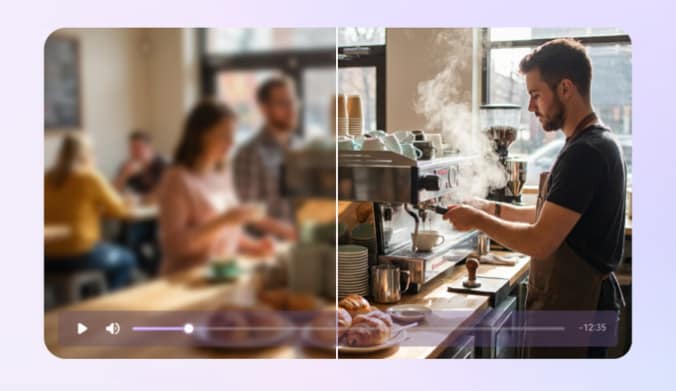
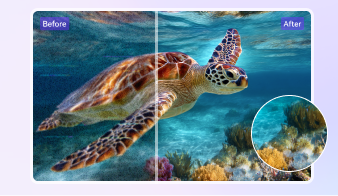
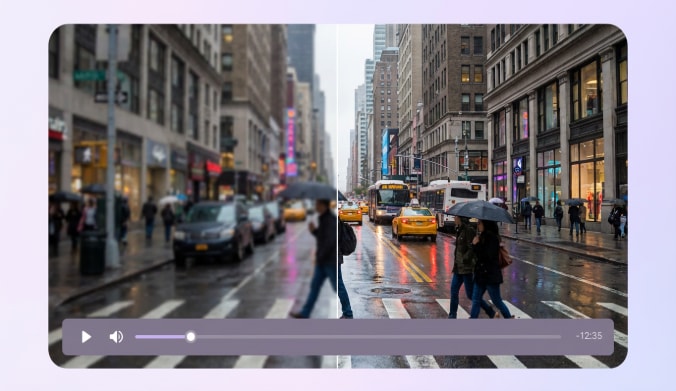
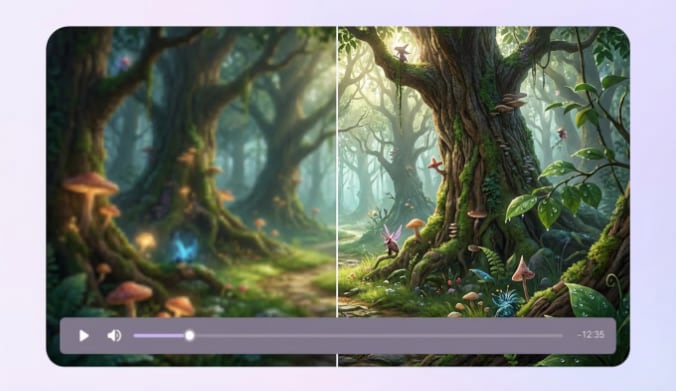
Start with free online video enhancement for a single MP4 clip up to 100 MB. Quality Restoration is the available online model. To improve video quality online, preview the same scene before and after restoration and check whether faces, text, and textures look clearer. Increasing video quality is different from simply increasing frame dimensions. For more control, UniConverter desktop offers Standard, Ultra (Gen AI), and Topaz Ultra (Gen AI), plus dedicated enhancement and correction tools. Free access is limited; a free preview does not mean every full-length export is free.
Video Denoise Brings Better Visual Experience
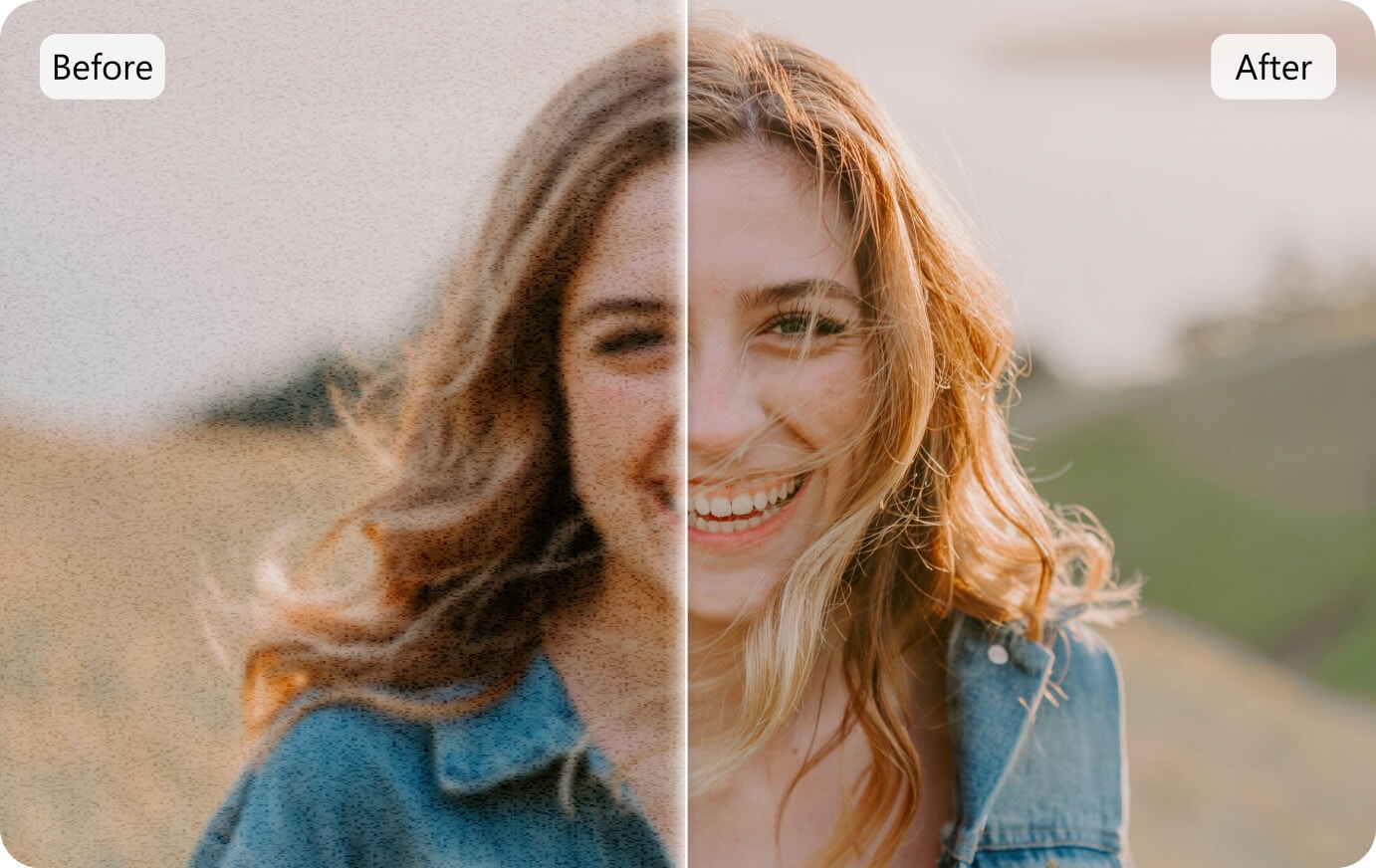
Grain and compression artifacts can make footage look rough even at a high resolution. On desktop, General Video Denoise addresses visual noise; it is separate from audio noise removal. Compare fine textures before processing the full clip so that cleaner footage does not become overly smooth. Learn more about video denoising.
4K / 8K Video Quality: Enhancement vs Upscaling
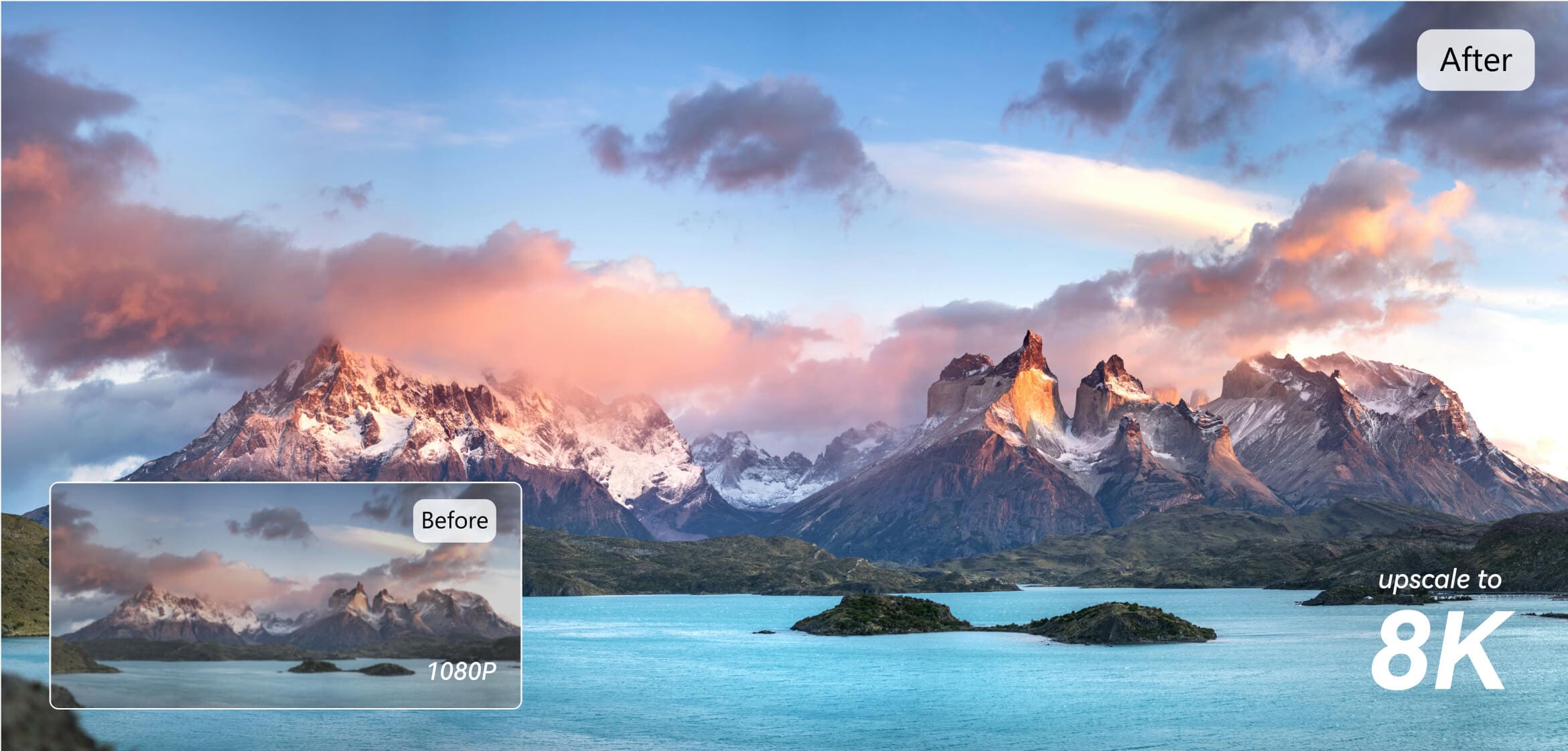
A video upscaler changes output dimensions; quality enhancement can also work at the original resolution. In the documented Ultra (Gen AI) workflow, Output Resolution includes Original, 2x, 4x, 1080P, and 2K. The resulting pixel dimensions depend on your source and selected model. Color Enhancement is a separate desktop correction tool. Increasing resolution cannot guarantee recovery of lost original detail. If you are looking for a 4K or 8K video quality enhancer, compare the actual before/after pixel dimensions rather than the upscale multiplier alone. Free online access does not establish a fixed 4K or 8K export capability.
Unblur Video With AI Video Sharpener
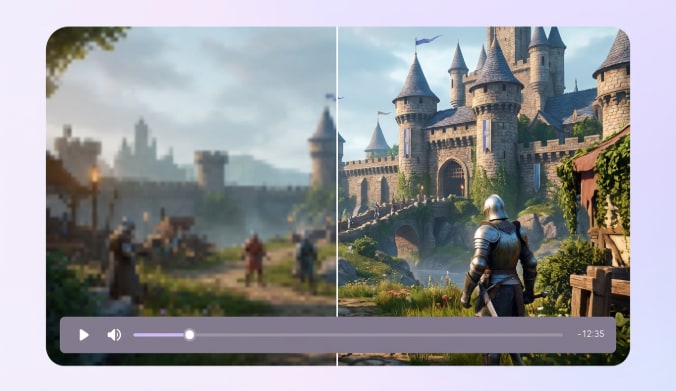
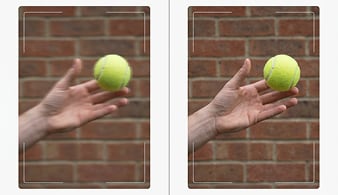
For soft or compressed footage, compare a short enhancement preview before exporting. Ultra (Gen AI) focuses on clearer, more natural results, while Topaz Ultra (Gen AI) emphasizes sharpness and detail. Generated textures may differ from the original scene, and severe blur may remain. See how to improve a blurry video for related guidance.
Smoother Video Picture With AI Frame Interpolation
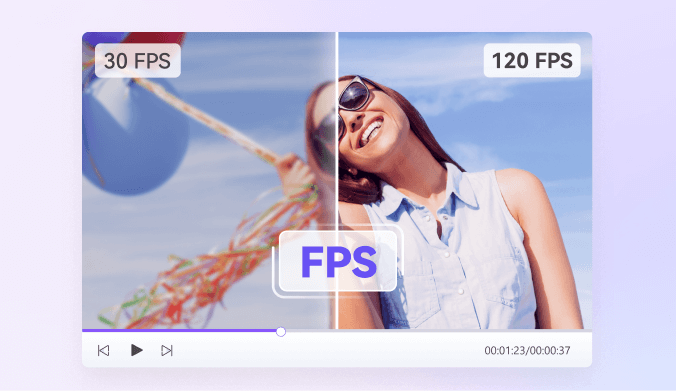
Frame Interpolation on desktop generates intermediate frames to improve motion continuity. Inspect moving edges for ghosting or warping before exporting. It is different from Video Stabilization, which addresses camera shake, and it does not fix playback delays caused by a slow device or connection.
Various Models Meet All Your Video Enhancement Needs
Online Quality Restoration handles a single uploaded clip. Desktop separates Quality Enhancement, dedicated Face / Anime / Night Scene Enhancement, Correction, and Motion & Stability tools. Select a tool for the problem in your footage rather than treating every option as the same enhancement model.
Face Enhancement (Desktop)
Use Face Enhancement on desktop for portraits, interviews, and family videos. In UniConverter 18, improved AI Face Enhancement reduces flicker and stabilizes facial details. Preview faces in motion to check naturalness; this update is distinct from Video De-Flicker and Video Stabilization.
Anime Enhancement (Desktop)
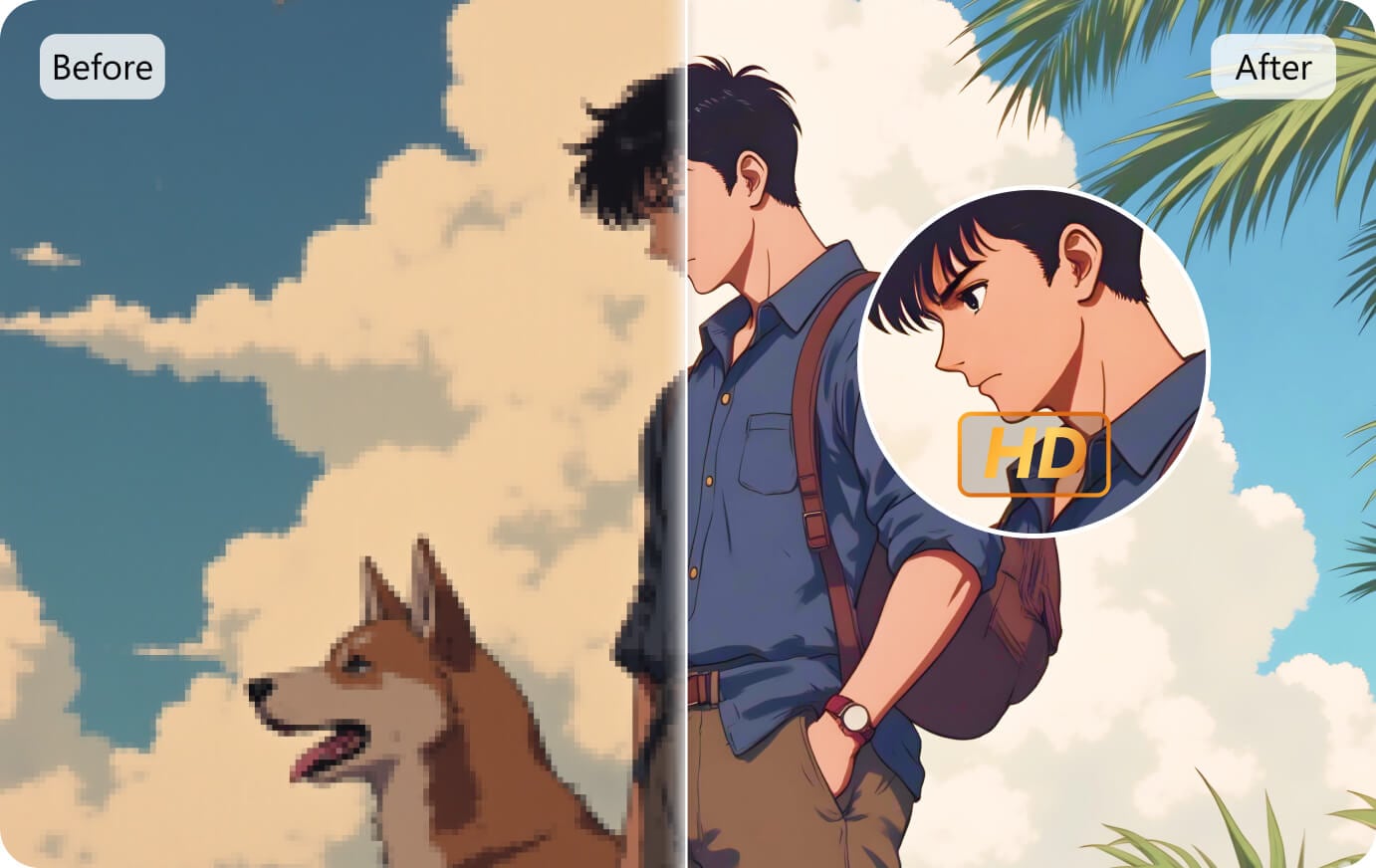
Choose Anime Enhancement on desktop for animated footage and anime clips. Compare outlines, fine lines, and flat-color areas in the preview before choosing your output resolution. The best setting depends on the source; a larger frame does not automatically mean more accurate detail.
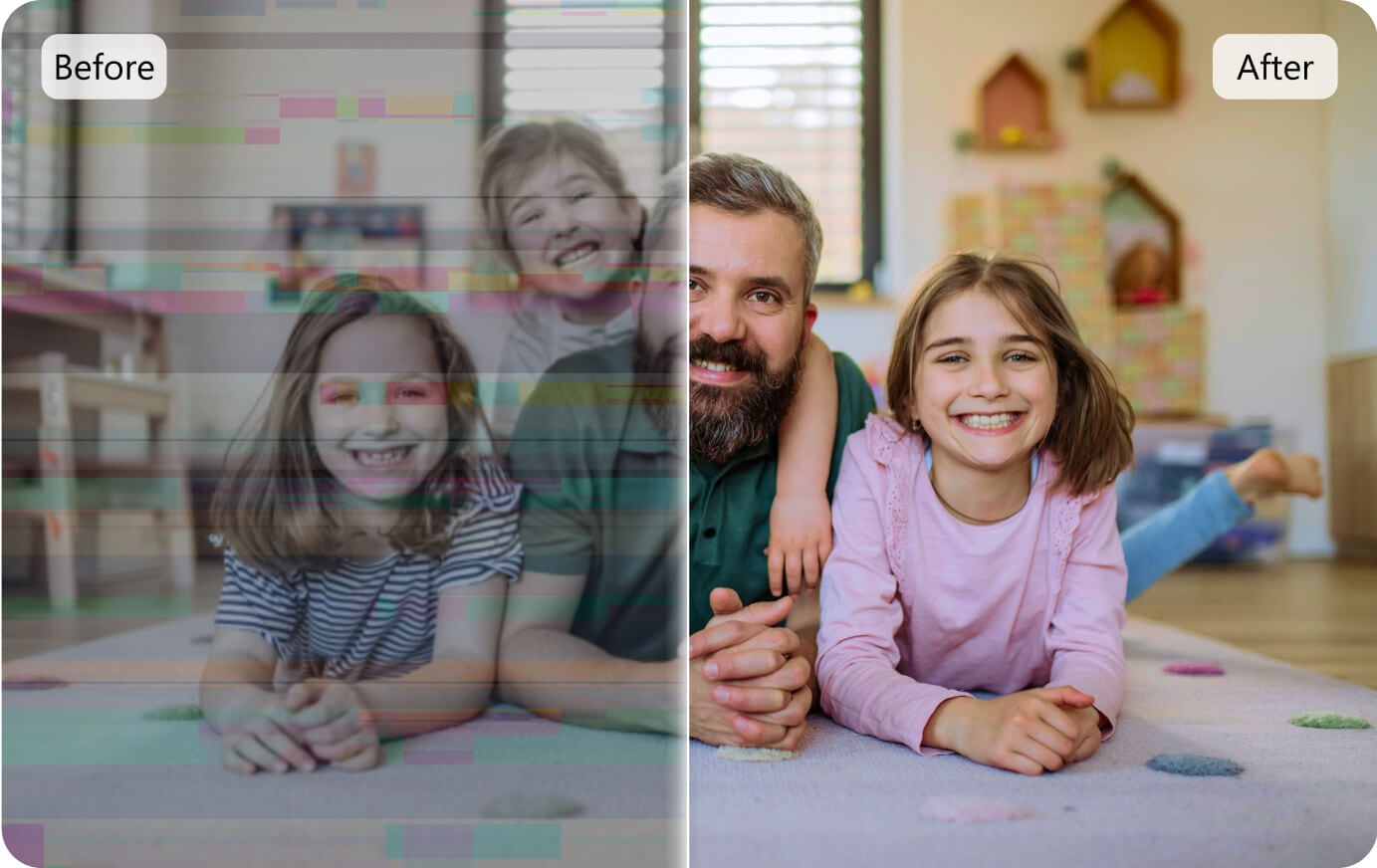
Quality Restoration / Enhancement (Online + Desktop)
Use Quality Restoration in the online tool for a single clip. On desktop, choose Quality Enhancement: Standard for fast, essential enhancement; Ultra (Gen AI) for clearer, more natural results; or Topaz Ultra (Gen AI) for sharper detail. In V18, Quality Enhancement Ultra processing is faster at 1× and 2×.
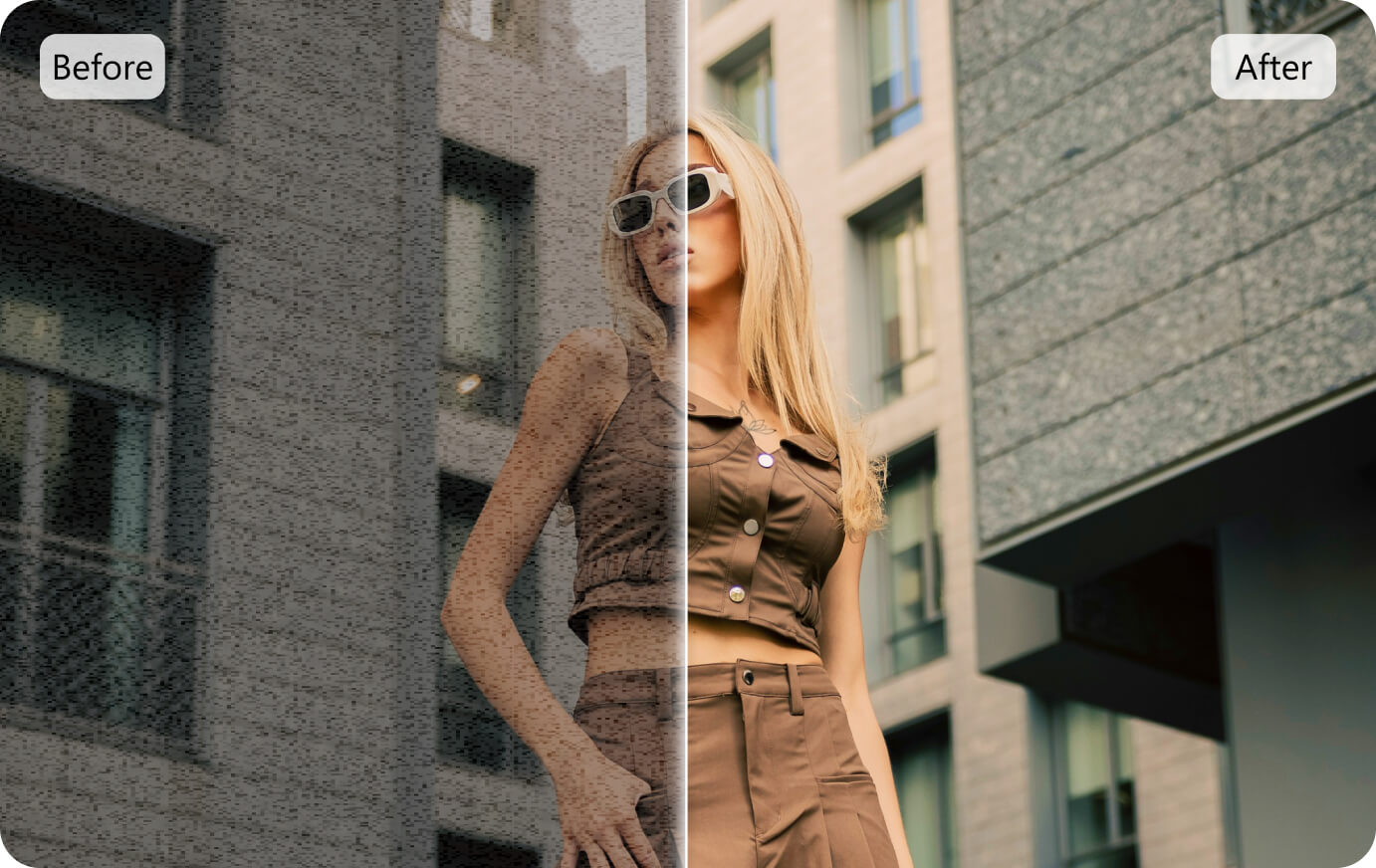
General Video Denoise (Desktop)
Use General Video Denoise under Correction on desktop for visible grain or noise. Check hair, fabric, and background textures in the preview to balance a cleaner image with retained detail.
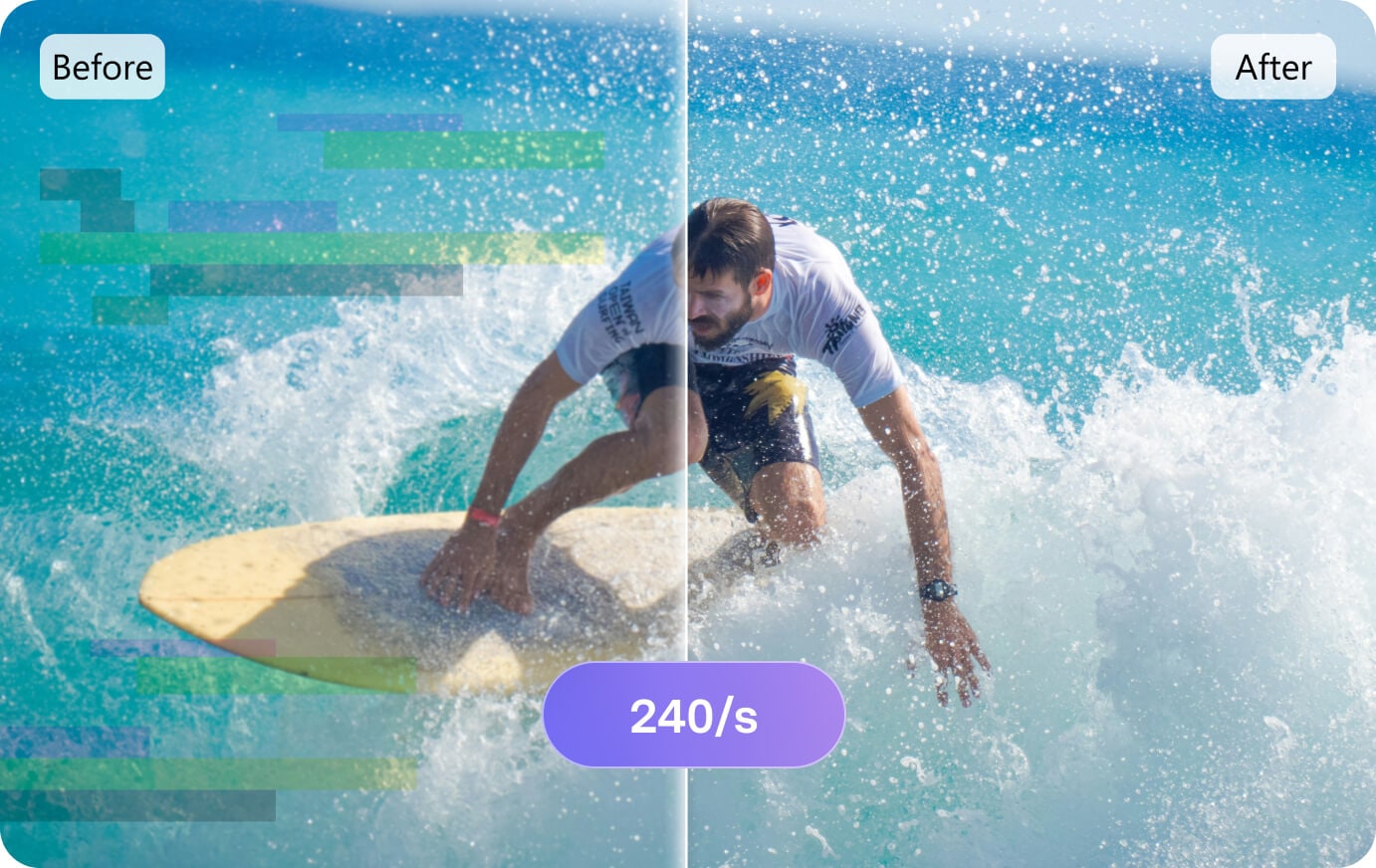
Frame Interpolation (Desktop)
Use Frame Interpolation under Motion & Stability on desktop to improve motion continuity. Check fast movement for artifacts before exporting. For more context, explore the video frame rate converter.
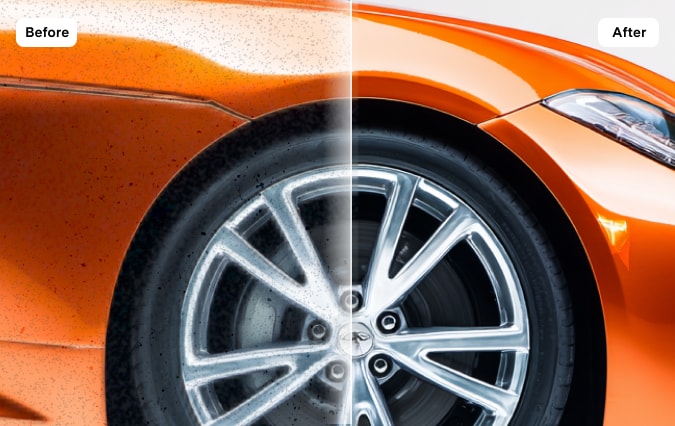
Topaz Ultra (Gen AI) (Desktop)
Topaz Ultra (Gen AI) is a desktop Quality Enhancement mode focused on sharpness and detail. Compare it with Ultra (Gen AI) on the same source, then review Preview (3 s) and Total Estimated Credits before choosing your export settings. AI-generated detail is not proof of the original scene.
Night Scene Enhancement (Desktop)
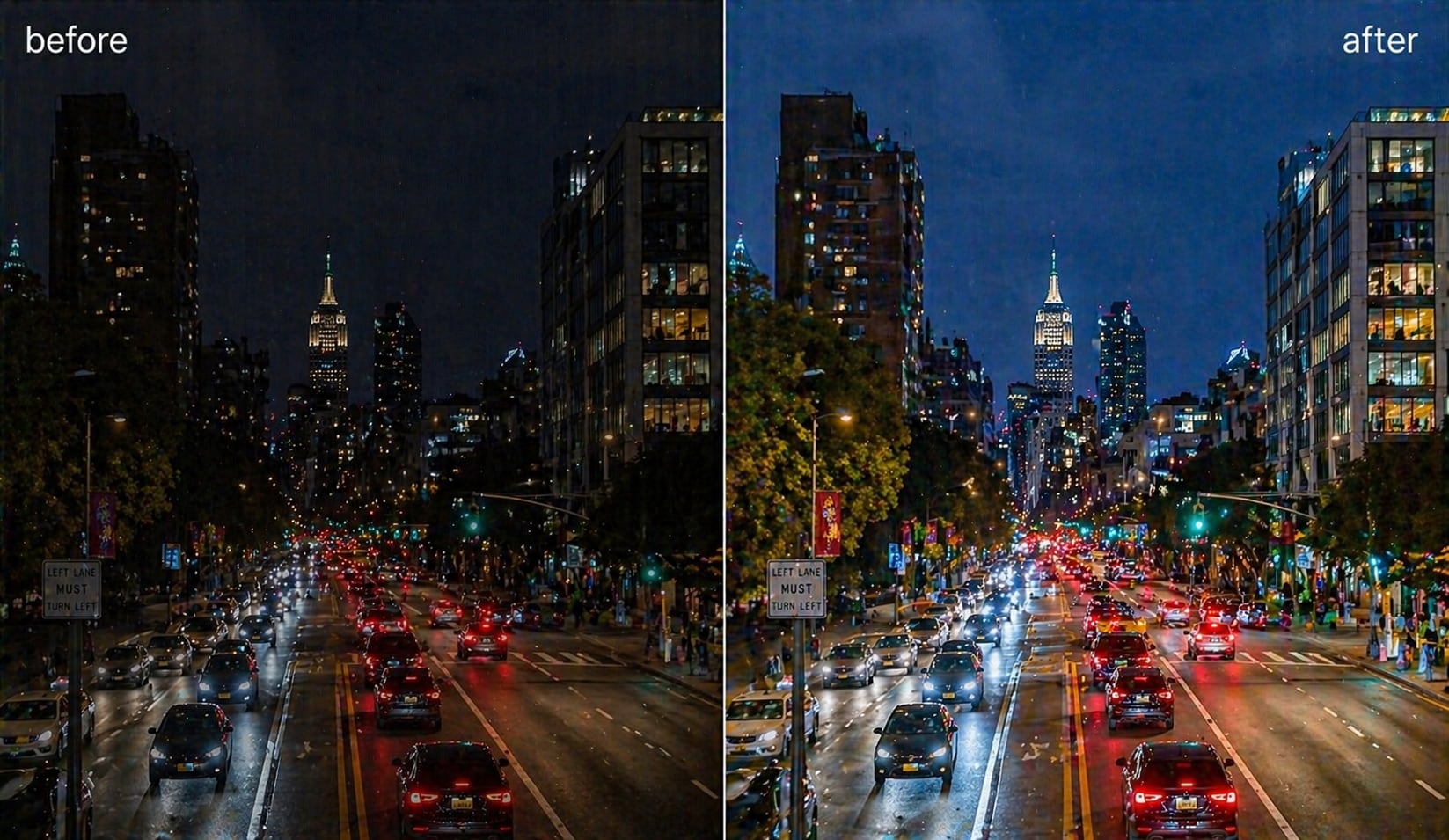
Choose Night Scene Enhancement on desktop for footage recorded in weak light or at night. Preview a representative dark section to judge whether the result suits your footage; improvement depends on the source.
Color Enhancement (Desktop)
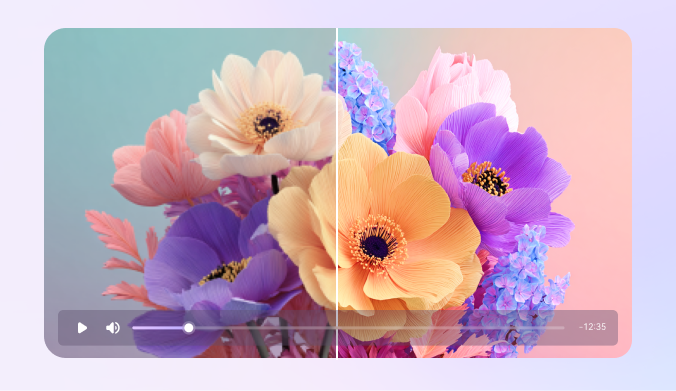
Color Enhancement is a separate tool under Correction on desktop. Use it when overall color needs improvement, then compare skin tones and important product colors with the original.
Video De-Flicker & Stabilization (Desktop)
Video De-Flicker under Correction addresses visible flicker, while Video Stabilization under Motion & Stability addresses camera shake. These are separate desktop tools. Choose according to the source problem; V18 Face Enhancement’s reduced facial flicker is a different improvement.
Free Online Video Enhancer vs UniConverter Desktop
Choose the free online video enhancer for a quick Quality Restoration trial on one MP4 clip. Choose desktop when you need dedicated models, a multi-video queue, output-resolution control, or a 3-second preview with estimated credits. Downloading the app is free; model access and full exports may require a license or AI credits.
| Need | Online AI Video Enhancer | Desktop AI Video Enhancer |
|---|---|---|
| Best starting point | One MP4 clip, up to 100 MB | Dedicated enhancement tools and a multiple-video workflow |
| Free use and export | Limited free use; the tool shows current availability | Free download/trial; model access and full exports may require a license or AI credits |
| Quality enhancement | Quality Restoration | Standard / Ultra (Gen AI) / Topaz Ultra (Gen AI) |
| Faces, anime, and night scenes | Use desktop for these dedicated tools | Face Enhancement / Anime Enhancement / Night Scene Enhancement |
| Output resolution | Quality Restoration trial; available output is shown in the tool | Ultra options: Original / 2x / 4x / 1080P / 2K; output depends on source and model |
| Multiple videos and preview | One uploaded clip at a time | Add Files, Preview (3 s), Total Estimated Credits, Enhance All & Export |
| V18 improvements | Desktop changes do not imply an online-model upgrade | Reduced facial flicker and steadier face details; faster Quality Enhancement Ultra at 1× and 2× |
Which Free Online Video Quality Enhancer Workflow Should You Choose?
Start with the problem in your video. Online is a convenient first trial; desktop provides more tools when a single restoration model does not match your footage. Choose one approach, preview it, and increase the output size only when the result needs it.
| Your video or goal | Where to start | What to check |
|---|---|---|
| A quick test on one small clip | Start online | Use Quality Restoration with an MP4 up to 100 MB; free availability is limited. |
| Basic quality improvement | Desktop: Standard | Fast and essential enhancement; preview the result first. |
| A clearer, natural-looking result | Desktop: Ultra (Gen AI) | Compare a 3-second preview. V18 processes Quality Enhancement Ultra faster at 1× and 2×. |
| More emphasis on sharp detail | Desktop: Topaz Ultra (Gen AI) | Inspect textures and edges and review estimated credits. |
| Unclear faces or anime lines | Desktop: Face / Anime Enhancement | Check moving faces or outlines for naturalness and stability. |
| Dark footage, noise, flicker, or shake | Desktop: the corresponding dedicated tool | Night Scene Enhancement, General Video Denoise, Video De-Flicker, and Video Stabilization address different problems. |
Need several tools or multiple videos? Use UniConverter desktop to choose the model, generate Preview (3 s), and review Total Estimated Credits before Enhance All & Export. The online and desktop workflows are separate; uploading online does not automatically transfer a task to the app.
Why Do You Need UniConverter AI Video Enhancer?
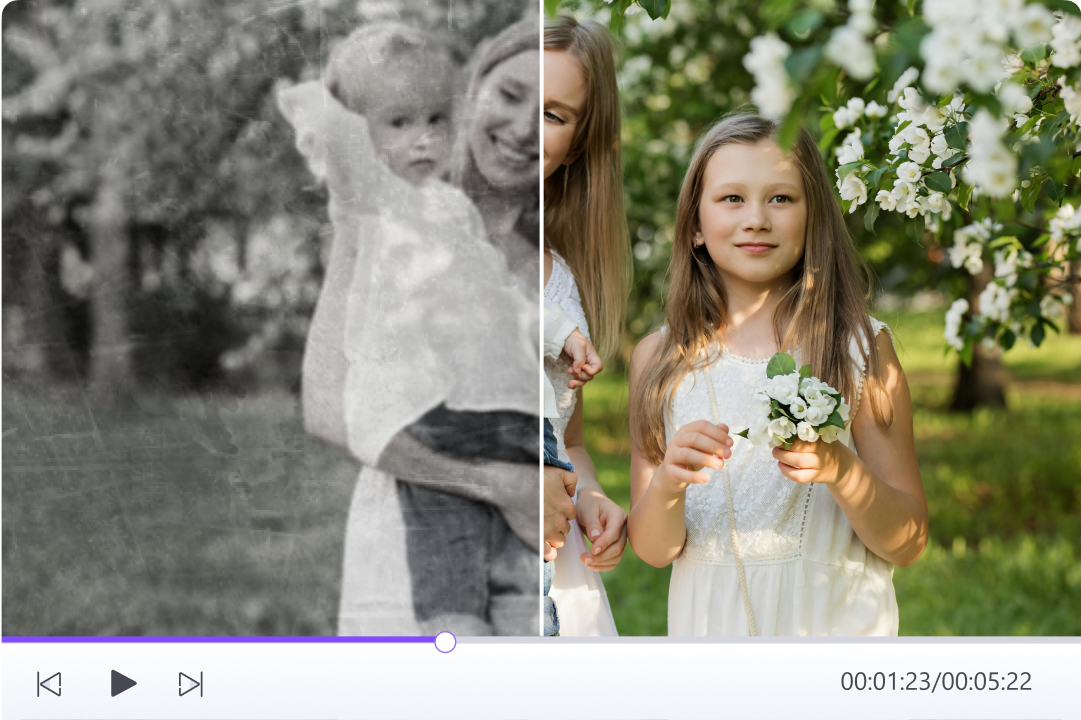
Revive Old Video:
Restore Cherished Family Memories
Old home videos can contain several problems at once. Start by identifying softness, visible grain, or unclear faces, then preview the relevant desktop tool on a representative clip. Keep the original file and compare natural facial detail before processing the rest of your footage.
Automated AI Upscaling:
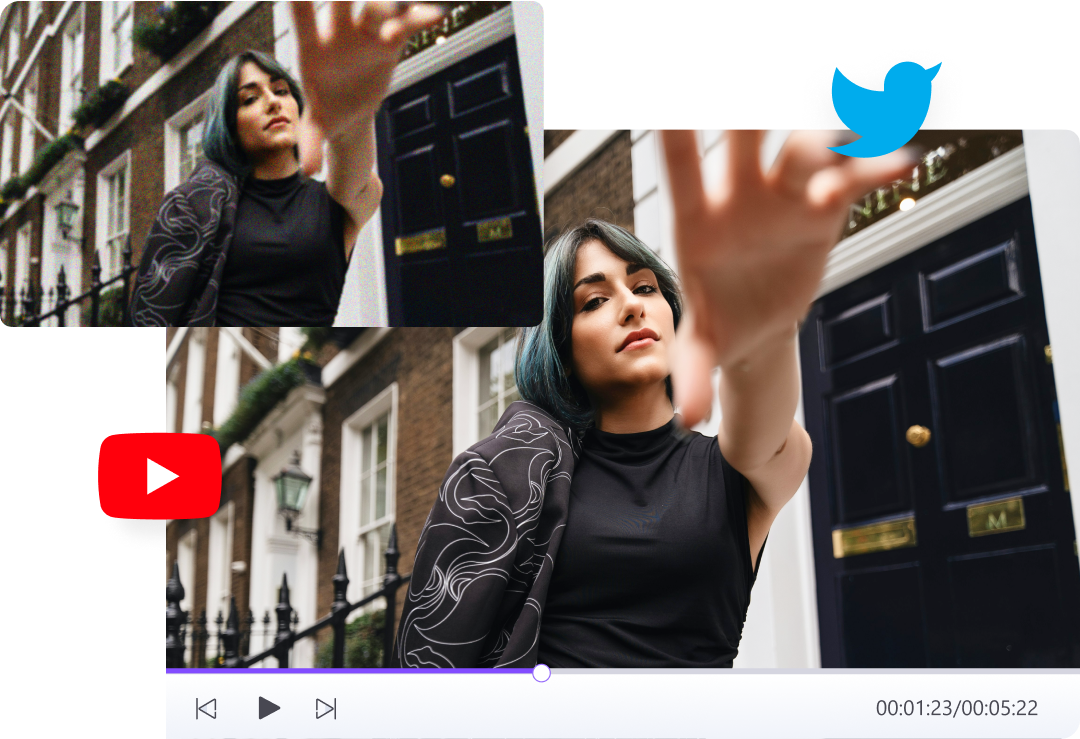
Make Social and YouTube Videos Look Sharper
For YouTube, TikTok, or X clips, compare the enhanced file at the size viewers will actually see. Check fine detail and motion, then review the version uploaded to the platform: additional compression can soften the result. Choose a suitable output size rather than upscaling every clip as far as possible.
Video Enhancement & Upscaling:
Upgrade Business and Product Videos
Improve product footage by checking labels, textures, and color accuracy in a short preview. Use the desktop resolution controls when you need a larger frame, and compare the displayed before/after pixel dimensions. Read about HD video output and 4K conversion for related workflows; converting to 4K is not the same as restoring lost detail.

Smoother Motion:
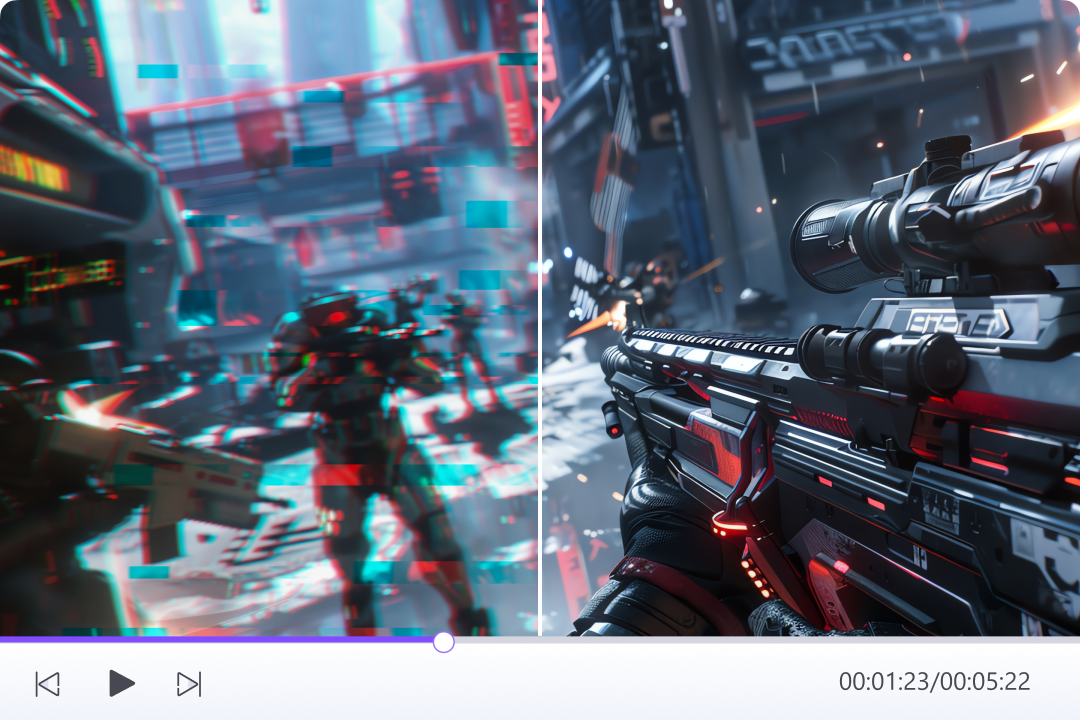
Amp Up Gameplay Detail with Frame Interpolation
For gameplay and action clips, decide whether the problem is noise, soft detail, or uneven motion. Use Frame Interpolation for motion continuity and inspect fast edges for artifacts. It does not solve device lag, dropped network frames, or camera shake; stabilization is a separate desktop tool.
The Perfect Solution For Every Video Enhancement Scenario Need

Video Creator
For handheld footage, distinguish soft detail from camera shake. Preview quality enhancement for clarity, or use Video Stabilization for shake. Compare motion as well as a paused frame before exporting.

Business
For product and promotional videos, evaluate readable text, natural textures, and consistent color. Start with a short preview and select the enhancement tool that addresses the visible issue.

Family Memories
For family footage, keep the original and preview faces, movement, and background textures. Enhancement may improve viewing quality, but generated details should not be treated as recovered historical facts.

Social Media Enthusiast
For compressed social clips, compare the final export at normal playback size. Use moderate output settings first, then check whether extra sharpness introduces halos, unstable textures, or unnatural faces.
Video Creator
For handheld footage, distinguish soft detail from camera shake. Preview quality enhancement for clarity, or use Video Stabilization for shake. Compare motion as well as a paused frame before exporting.
Business
For product and promotional videos, evaluate readable text, natural textures, and consistent color. Start with a short preview and select the enhancement tool that addresses the visible issue.
Family Memories
For family footage, keep the original and preview faces, movement, and background textures. Enhancement may improve viewing quality, but generated details should not be treated as recovered historical facts.
Social Media Enthusiast
For compressed social clips, compare the final export at normal playback size. Use moderate output settings first, then check whether extra sharpness introduces halos, unstable textures, or unnatural faces.




How to Enhance Video Quality Online Free or on Desktop

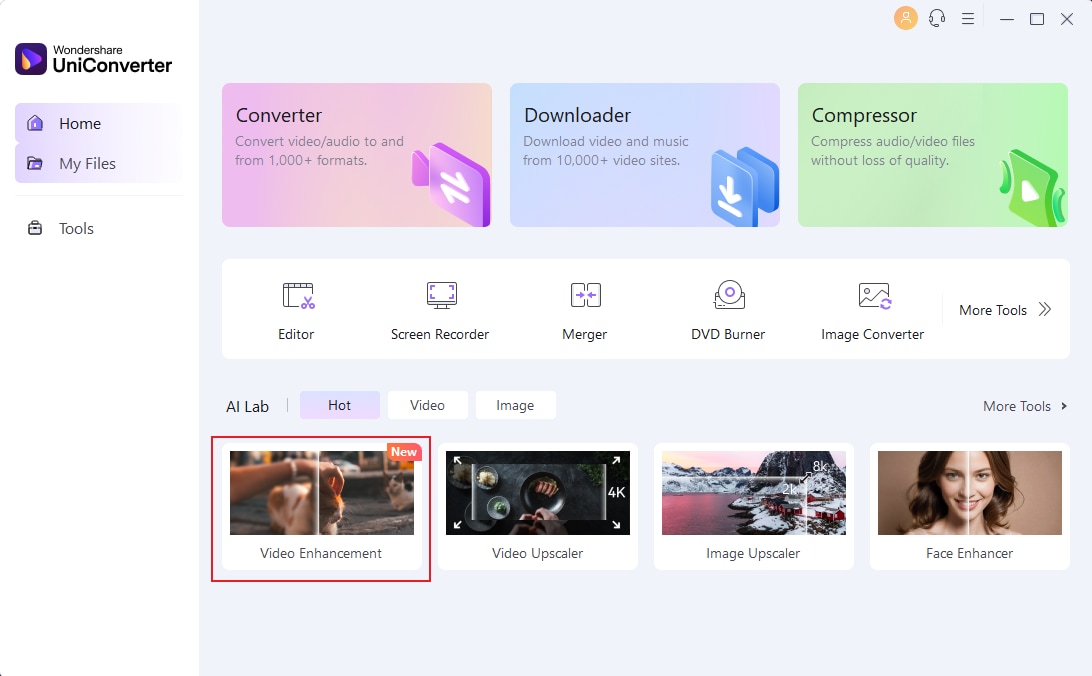
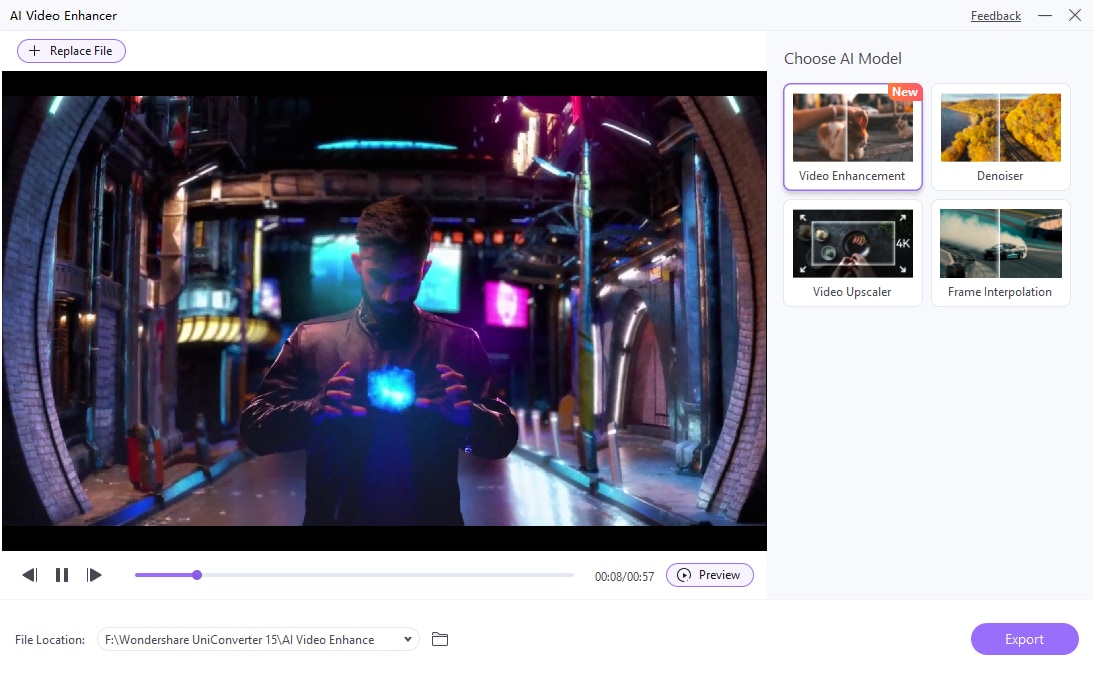
Online: add one MP4 file up to 100 MB in the tool above and use Quality Restoration. Desktop: open Home → Video → Video Enhancer, then use Add Video or Add Files for MP4, MKV, AVI, MOV, or MPG footage.

Online: use the available Quality Restoration model. Desktop: choose Standard, Ultra (Gen AI), or Topaz Ultra (Gen AI), or a dedicated tool for faces, anime, or night scenes. In Ultra, choose Original, 2x, 4x, 1080P, or 2K as available for the task.

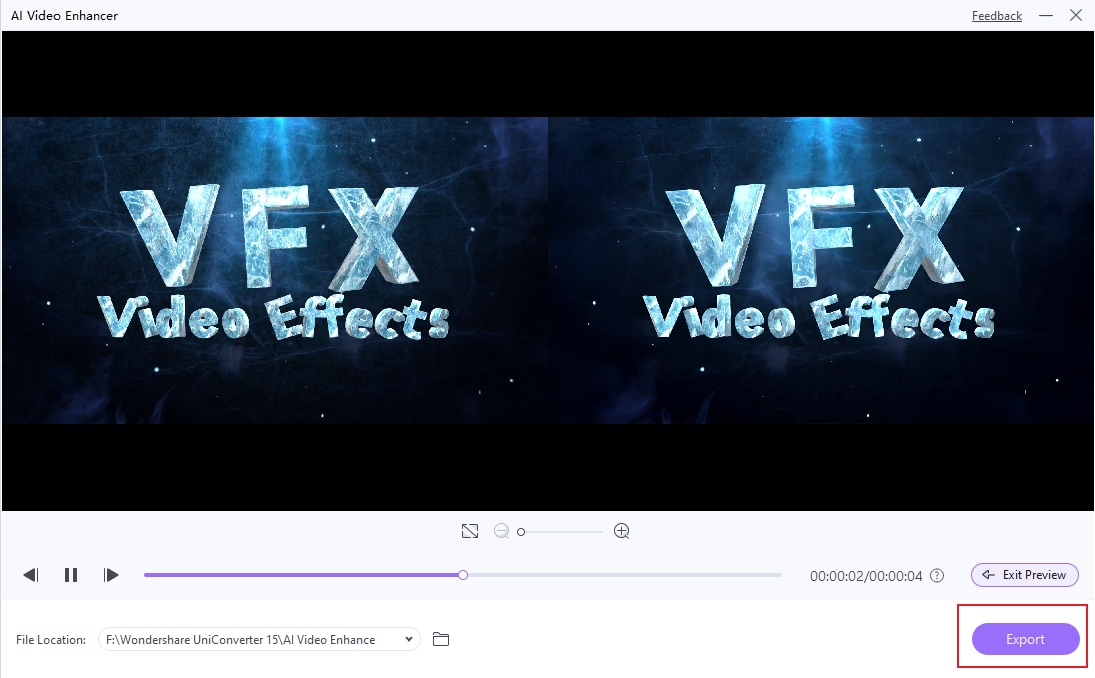
Online: preview the result and use the download option within the tool’s available allowance. Desktop: use Preview (3 s), compare motion and detail, review Resolution, File Size, and Total Estimated Credits, select Save to, then click Enhance All & Export.
How to Tell Whether Your Enhanced Video Looks Better
A bigger resolution number is not enough. Compare the same moment at the same display size, then watch it in motion. On desktop, use Preview (3 s) before processing the full video.
Check clarity and natural detail
Look at hair, fabric, text, and edges. Less noise is helpful only if important textures remain. Watch for halos, overly smooth skin, and invented lettering. Compare Original resolution with an upscale setting before choosing a larger output.
Play faces and movement
Look for changing facial features, flicker, ghosting, and warping. V18 AI Face Enhancement reduces flicker and stabilizes facial details, but the result still depends on the source. Facial stability is different from correcting lighting flicker or camera shake.
Review time, credits, and file size
Compare models using the same source and output settings. V18’s faster Quality Enhancement Ultra processing applies at 1× and 2×; it is not a promise of the same speed for every model or device. Check Total Estimated Credits, Resolution, and File Size before full processing.
Check the exported video
Play the downloaded or exported file at normal viewing size and inspect representative scenes. Keep your original. AI can generate plausible details rather than recover the exact lost information, so severely blurred or damaged footage may remain limited.
If the preview looks unnatural, try another model or a lower upscale setting before processing the full clip. Free preview access and full export access are different; desktop model access and full exports may require a license or AI credits.