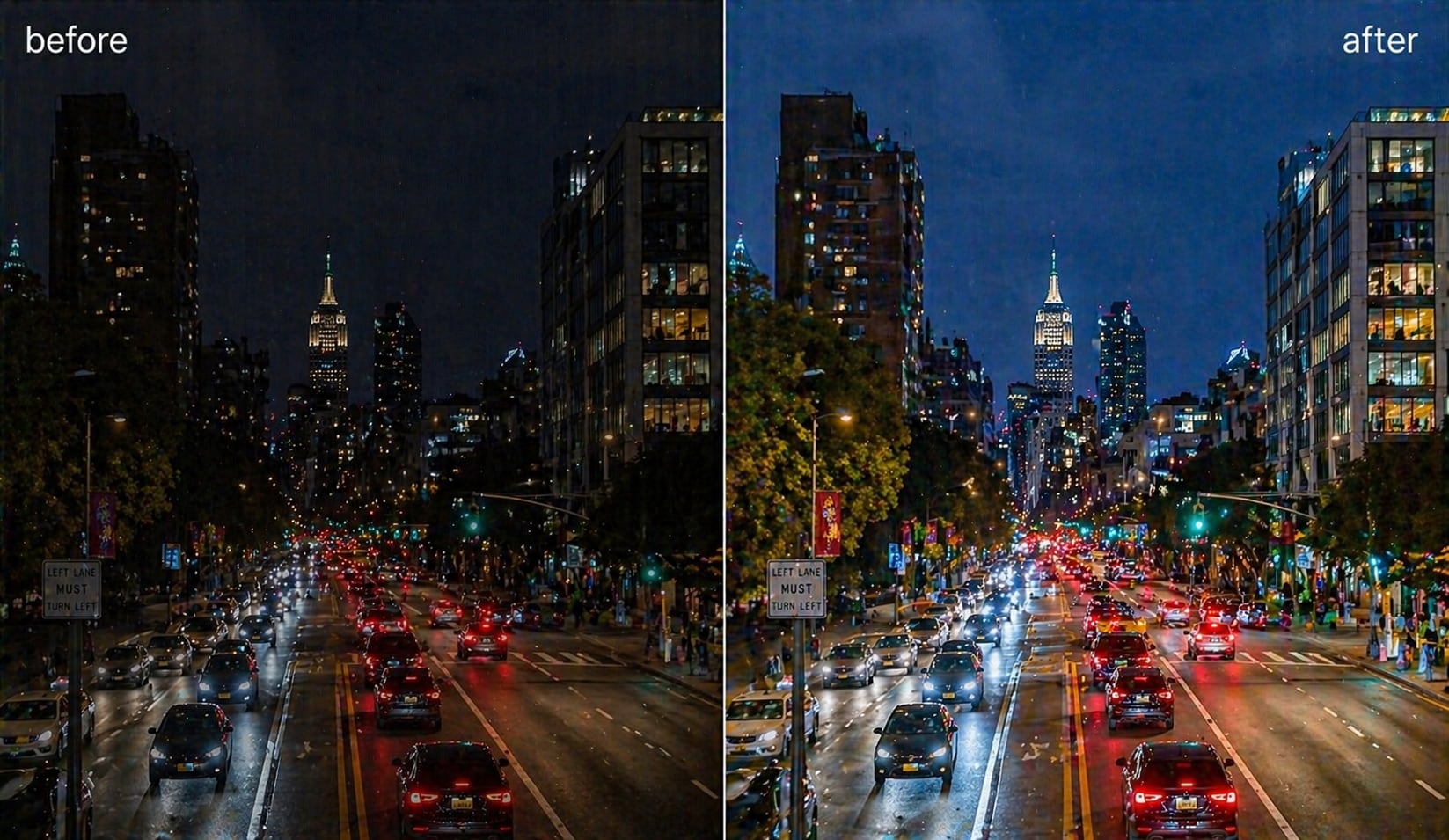
AI Frame Interpolation for Smoother Video and Higher Frame Rates


What is Frame Interpolation? Understanding AI Video Smoothing
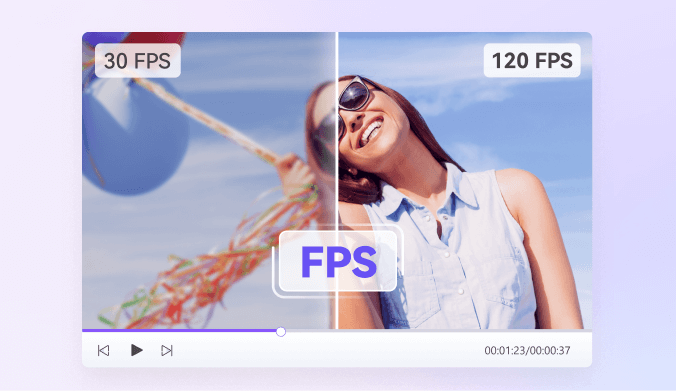
Frame interpolation is a technique that creates new frames between existing ones to increase a video's frame rate. It helps your footage look smoother and more natural, especially during fast motion. If you simply need to change FPS for a video file, try our video frame rate converter. For AI-powered motion smoothing and new frame generation, continue with AI frame interpolation.
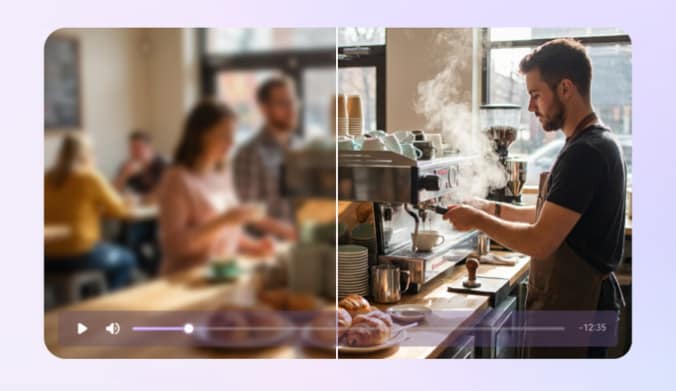
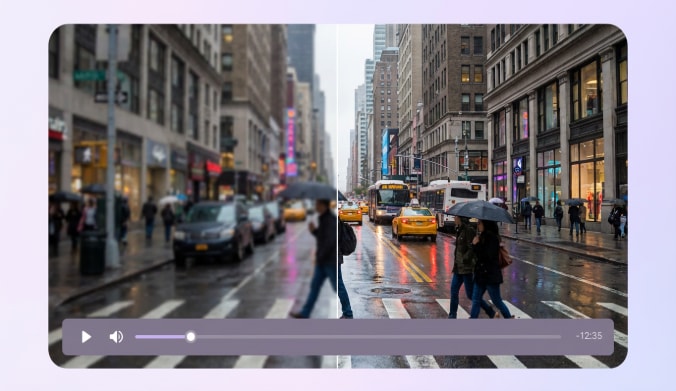
AI-powered frame interpolation analyzes each frame and identifies real motion paths. It then predicts what the missing frames should look like and inserts them into your video. Traditional methods often duplicate or blend frames, which may cause blur or ghosting. AI interpolation avoids these issues by understanding how objects move across the scene.
This process improves visual clarity, enhances the viewing experience, and helps you produce more polished content. It also makes slow-motion effects smoother and restores older, low-FPS videos for modern playback.
How to Increase Video FPS with UniConverter AI Frame Interpolation

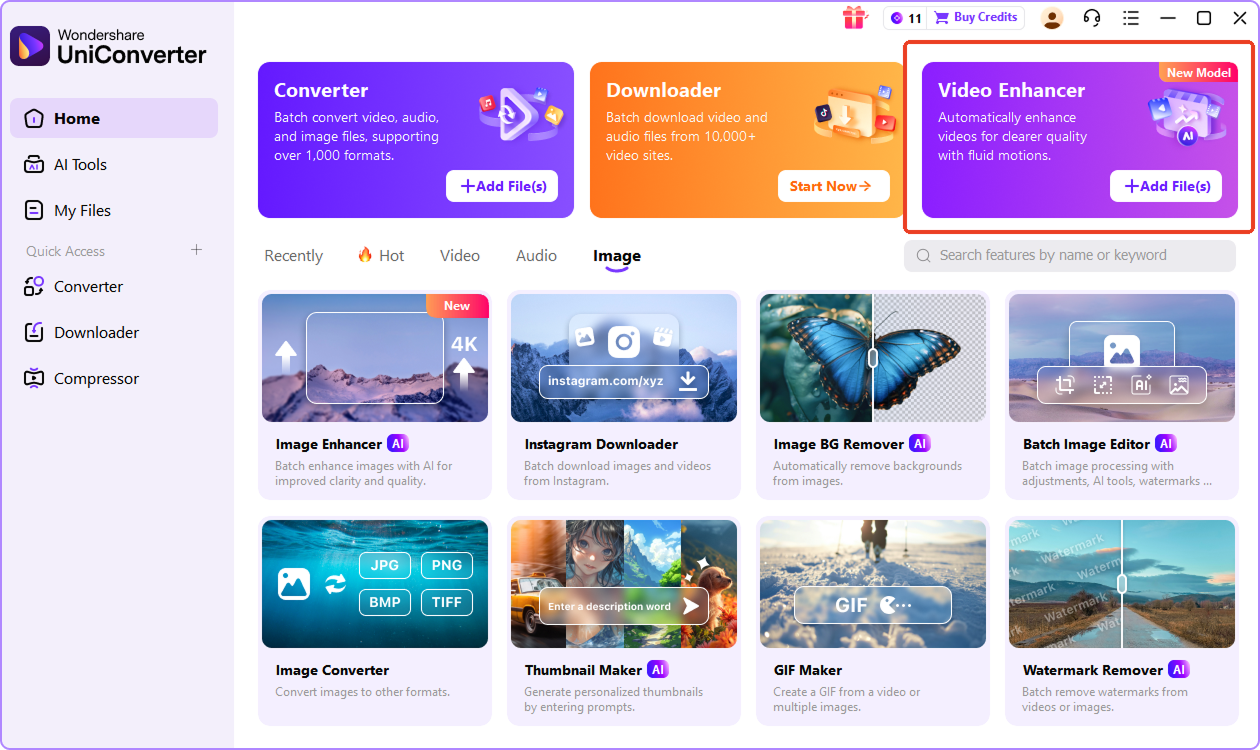
Drag and drop your video to import directly if you are in the online video enhancer. For the desktop version, head to Video Enhancer, and then upload multiple video files in batch.

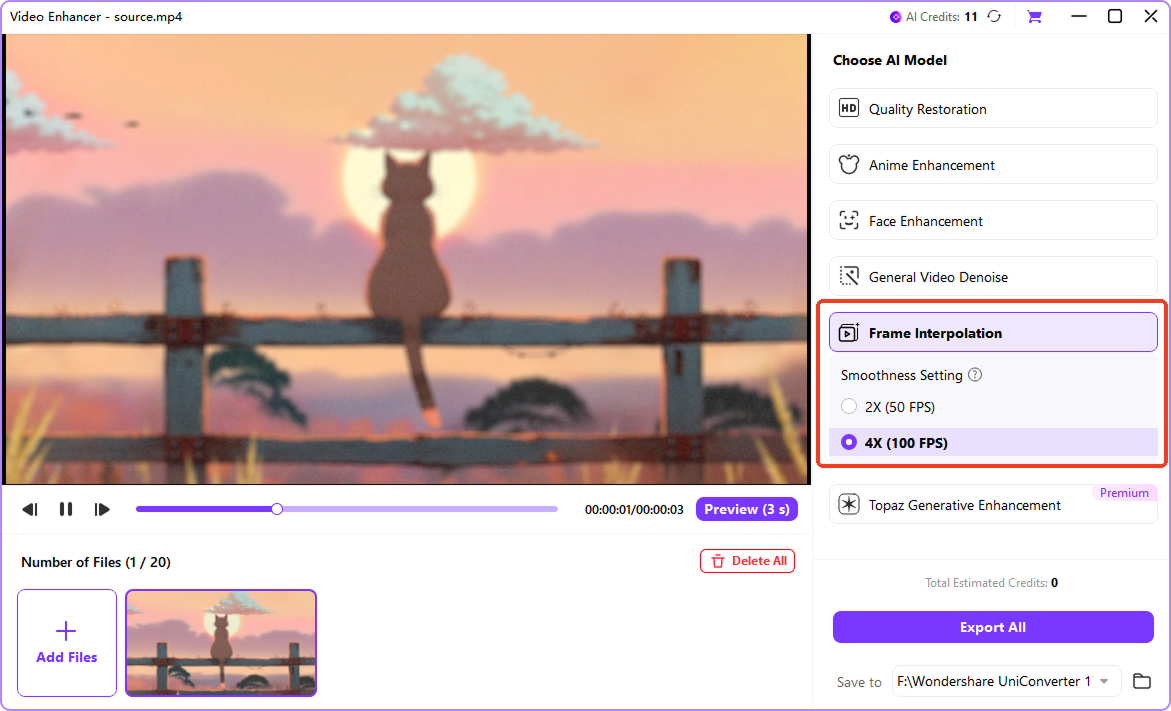
Select the Frame Interpolation model, and choose your preferred output frame rate by 2x or 4x, which is up to 240 FPS.

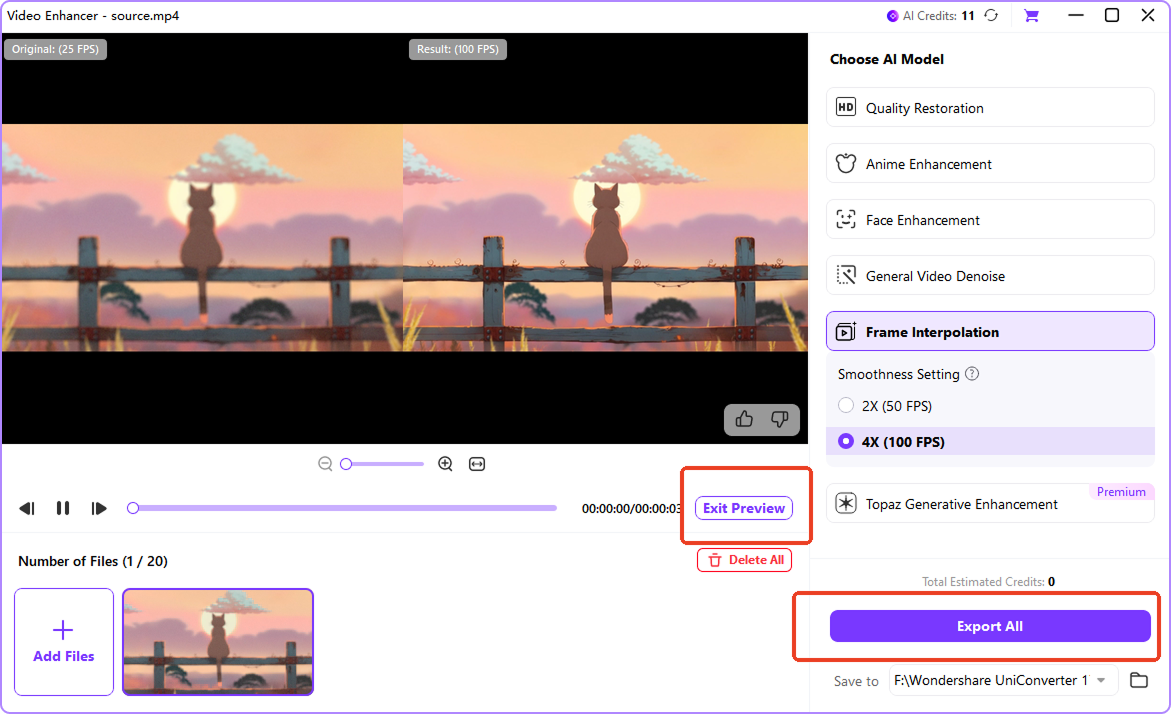
Click on "Preview", and AI instantly analyzes motion patterns and generates a preview with lightning-fast processing powered by GPU acceleration. Then, you can preview and export in various formats while keeping your original quality fully intact.
Why Choose UniConverter AI Frame Interpolation
Advanced AI Frame Interpolation Technology
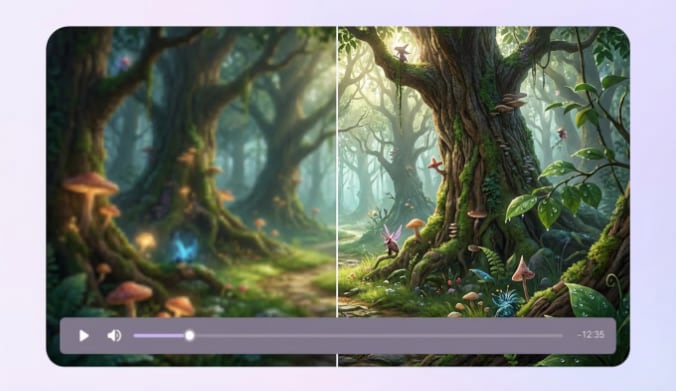
UniConverter uses advanced AI frame interpolation to analyze motion in every frame and create realistic intermediate frames. This method helps you avoid common issues such as blur and ghosting. It produces smooth, natural motion that matches the original scene. You can rely on it to convert video FPS when improving gameplay videos, slow-motion clips, or restored footage.
Increase Video Frame Rate to 60/120/240 FPS
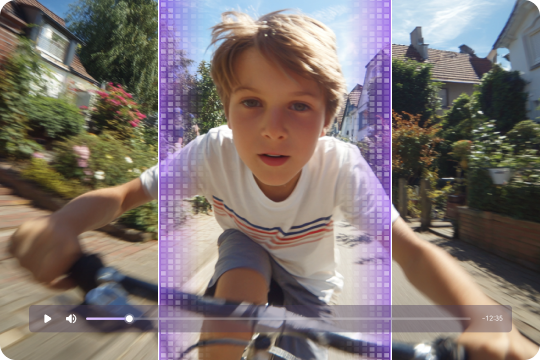
You can increase video frame rate from 24 or 30 FPS to 60, 120, or 240 FPS with one simple workflow. This helps your footage look smoother on modern screens and supports slow-motion editing without losing clarity. It is especially useful for gaming content, action footage, and cinematic video projects that require clean, fluid motion.
AI Frame Interpolation Online and Desktop
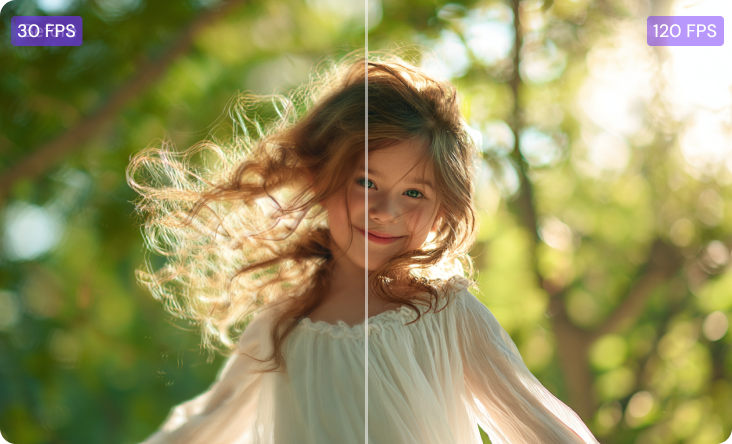
UniConverter offers AI frame interpolation online for quick access and simple tasks, while the desktop version provides higher speed and batch processing support. You can choose either option based on your workflow needs. Both tools help you interpolate video smoothly and increase FPS without extra plugins or complicated settings.

Preserve Original Quality While You Interpolate Video
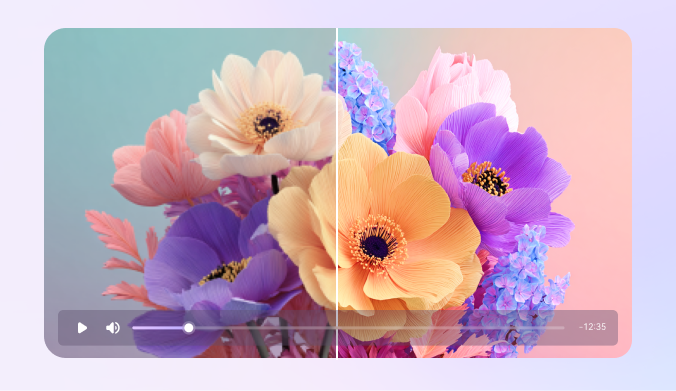
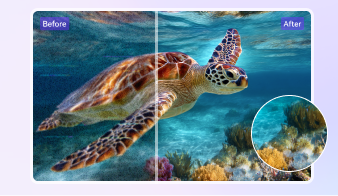
The AI engine increases video FPS while preserving original resolution and visual detail. Unlike traditional blending methods that often degrade quality, AI generates new frames that match the source material perfectly. This ensures smooth motion enhancement without introducing artifacts or compression issues even with higher frame rates. For low-resolution clips, you can pair motion smoothing with an AI video upscaler or upscale video to 4K after interpolation.
Batch Video Frame Interpolation for Efficiency
The desktop version supports batch video frame interpolation, allowing you to process many videos at the same time. This is useful for creators and teams who work with large volumes of footage. You can increase FPS across multiple clips consistently while saving time and keeping your editing workflow efficient.

GPU-Accelerated Video FPS Increaser
UniConverter’s GPU-accelerated engine speeds up AI frame interpolation significantly, delivering smoother performance during processing. You can increase video frame rate faster, even with high-resolution footage. This helps you complete projects more quickly and maintain high-quality output without long waiting times.
Frame Interpolation Use Cases: When to Increase Video FPS



Gaming Content Creation with AI Frame Interpolation
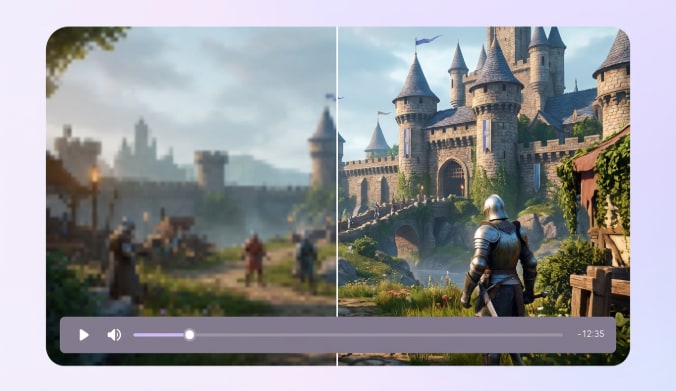
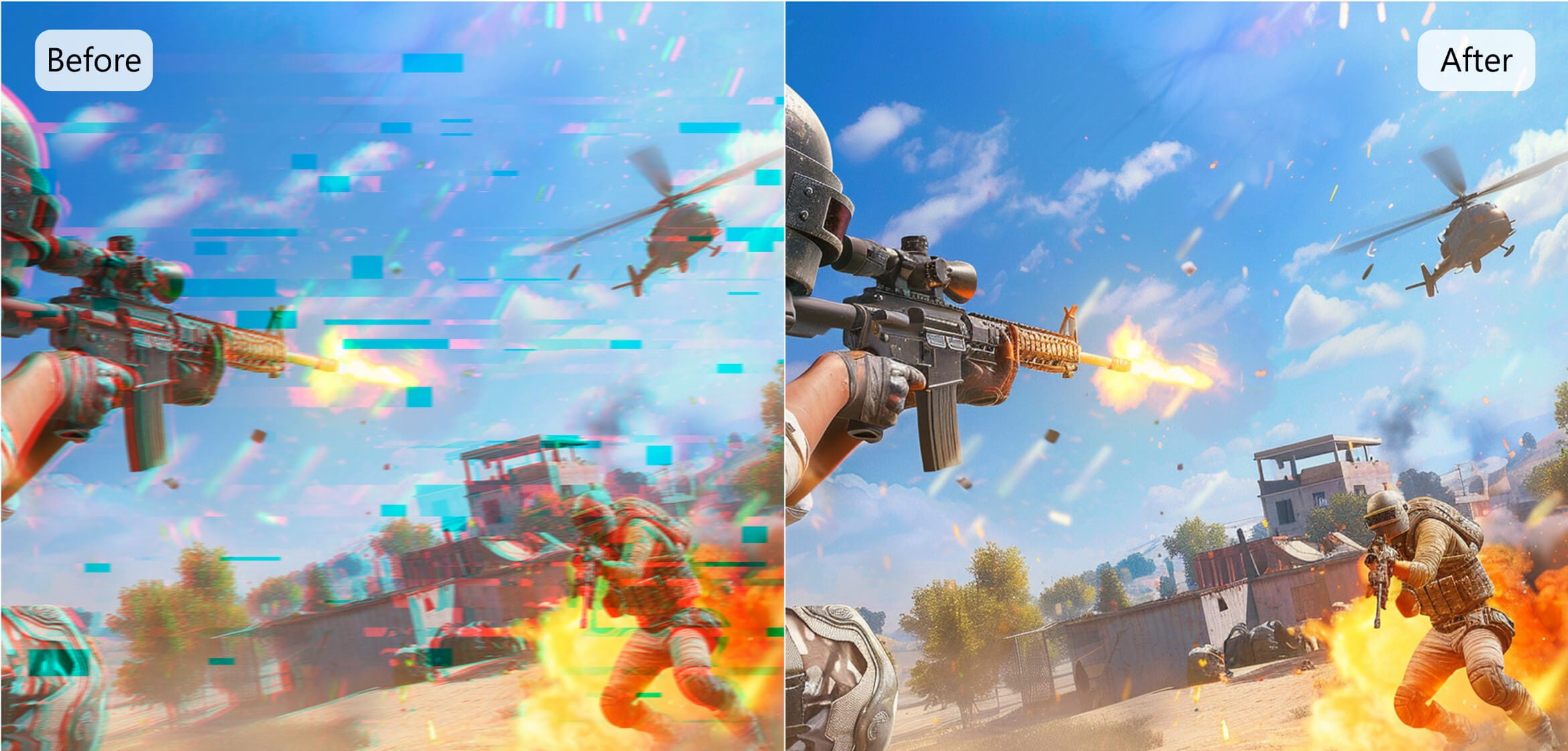
AI frame interpolation helps you convert 30-FPS gameplay recordings into smooth 60-FPS or 120-FPS videos, making fast-action scenes easier to follow. Increasing video frame rate removes choppy motion during battles, racing, or esports highlights. This creates cleaner footage for YouTube and Twitch and helps gaming creators share videos that look sharp, fluid, and more enjoyable to watch.
Creating Smooth Slow-Motion Videos with High-FPS Video Interpolation
You can turn regular-speed footage into cinematic slow-motion clips by interpolating video to 120 FPS or higher. The AI video smoother predicts natural motion between frames, allowing you to slow down scenes without jitter or blur. This is useful when you don’t have a high-speed camera but still want polished slow-motion effects for filmmaking, vlogs, or creative storytelling.
Old Video Restoration Using AI Video Frame Interpolation
AI frame interpolation improves old or low-FPS videos recorded at 15–24 FPS by generating smooth transitions between frames. Increasing the video frame rate helps remove jitter, restore motion clarity, and make vintage footage more comfortable to watch on modern screens. This is ideal for family archives, historical recordings, or digitized tapes that need stable and natural playback.
Enhance Sports Videos with Higher FPS and Motion Smoothing
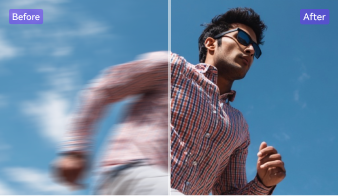
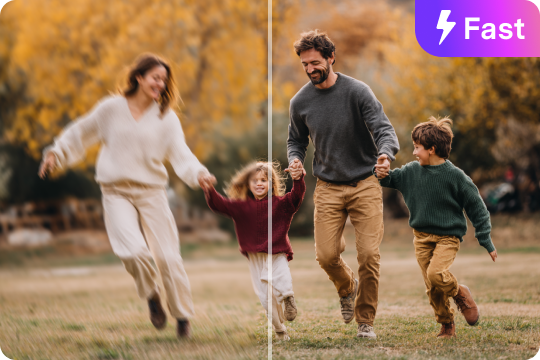
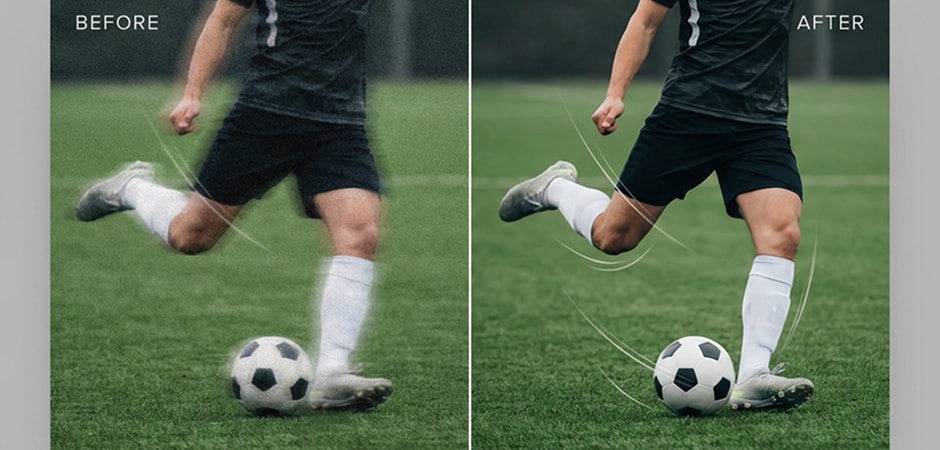
Raising FPS with AI frame interpolation helps you capture every movement in sports footage more clearly. Increasing video frame rate reduces motion blur during fast action such as running, ball movement, or close-range plays. Coaches, analysts, and fans can review plays with better accuracy, while content creators can produce smooth highlight reels for online platforms.
Optimizing Social Media Content with Smooth Video FPS
AI frame interpolation helps you create smooth videos for TikTok, Instagram Reels, and YouTube Shorts by increasing FPS to match platform requirements. A higher frame rate improves clarity during quick transitions, hand movements, and product showcases. This makes your content look more professional and helps creators, influencers, and brands deliver eye-catching short-form videos.