Why Choose UniConverter AI Video Upscaler?
AI-Powered 4K/8K Video Upscaling
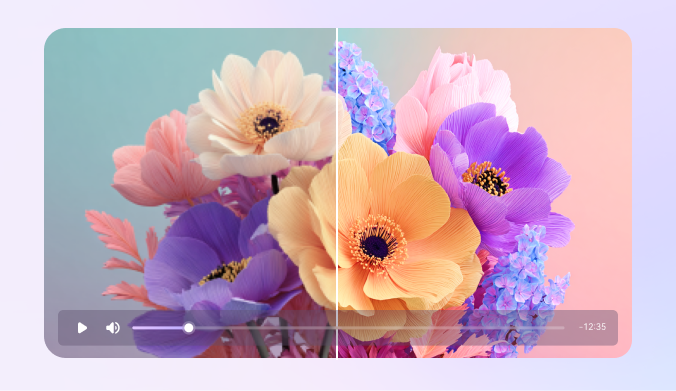
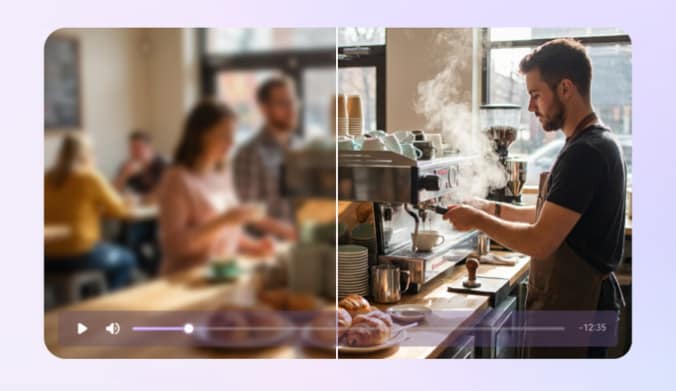
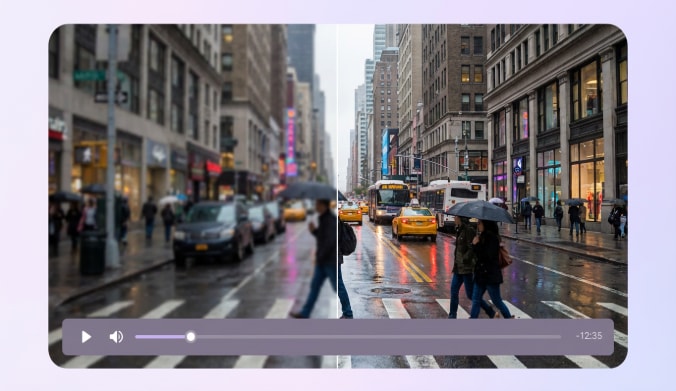
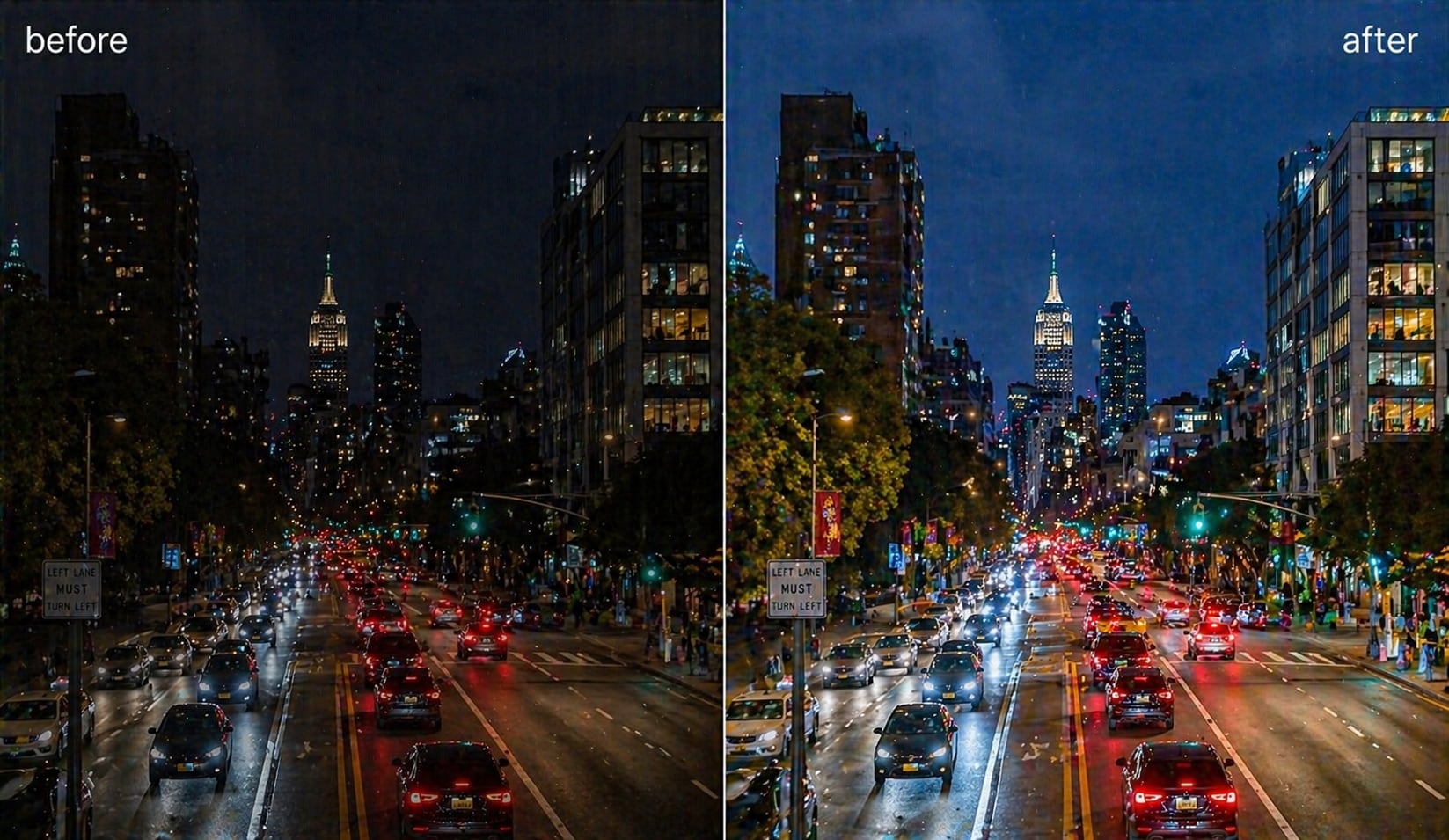
UniConverter applies advanced AI models to upscale video to 4K or 8K with stable, predictable results. Instead of simple resizing, the system analyzes each frame to rebuild edges, textures, and colors. This AI upscale video process helps reduce pixelation and delivers clearer output, making it a reliable 4K video upscaler for both modern clips and older footage.

Topaz Generative Enhancement for Better Video Quality
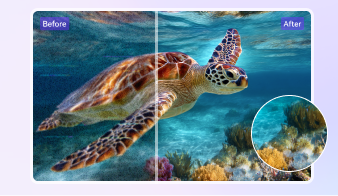
This feature uses diffusion-based AI video upscaling technology developed by Topaz to reconstruct missing visual details. Rather than stretching pixels, it enhances structure, depth, and texture at a frame level. The result is improved video quality that looks more natural, especially when restoring old videos or enhancing low-resolution and compressed footage.
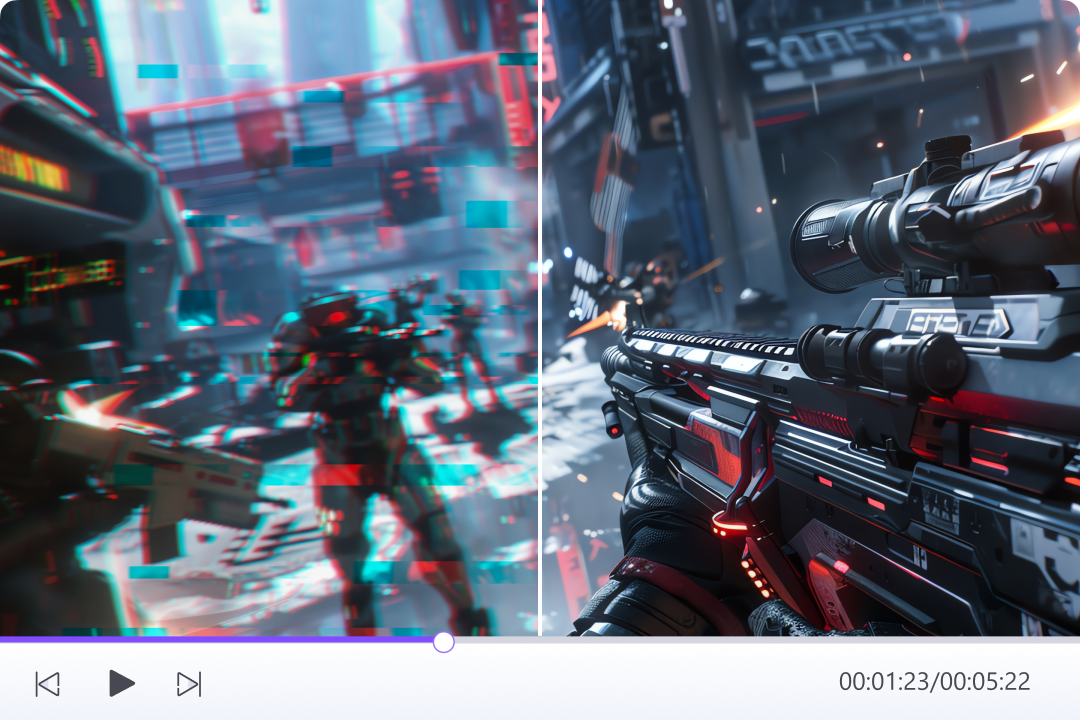
Fast Video Upscaler with GPU Acceleration and Batch Processing
UniConverter is designed for speed without sacrificing output stability. With GPU acceleration and batch processing support, you can upscale multiple videos efficiently in one workflow. Whether you choose the desktop app or the online video upscaler, processing remains fast and consistent, helping you finish video enhancement tasks in minutes instead of hours.
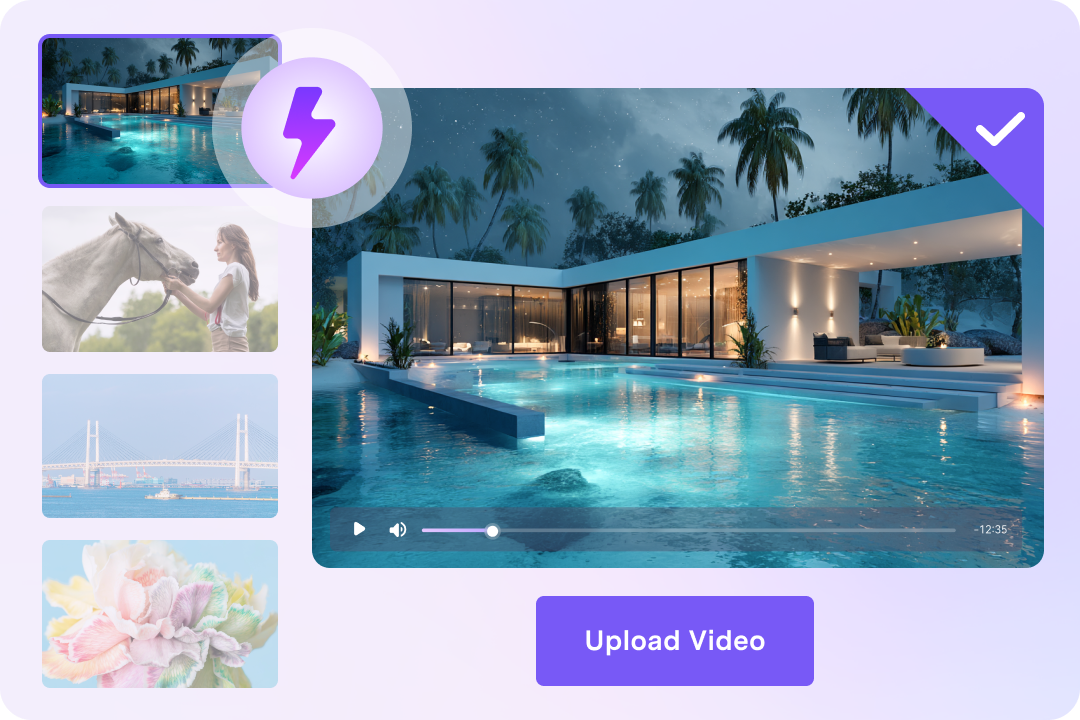
Free Online and Desktop Video Upscaler
You can start with UniConverter’s video upscaler free online, directly in your browser and without registration. For longer videos or advanced control, the desktop version offers unlimited processing. This flexible setup lets you upscale video online free for quick tasks and switch to desktop when your workflow grows.
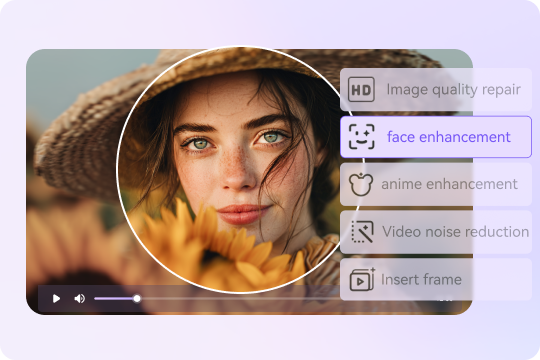
Specialized AI Models for Different Types of Video Upscaling
UniConverter provides multiple AI models designed for specific content, including Face Enhancer, Anime Enhancer, Video Restoration, Video Denoiser, and Frame Interpolation, and more. You can select the best video upscaler model based on your footage instead of using one generic preset. This targeted approach helps the AI video enhancer deliver more accurate and natural results. For low-resolution clips with blur or grain, you can first denoise video with AI, then use the AI video sharpener to recover more visible detail after upscaling.
How to Upscale Video Quality with UniConverter

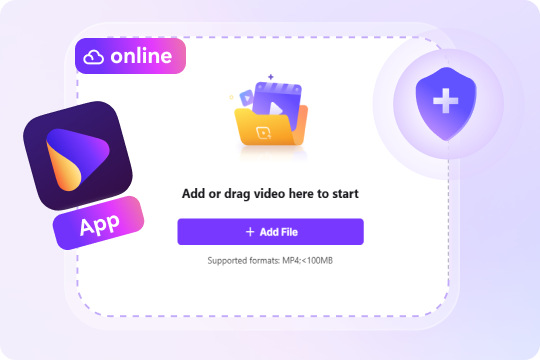
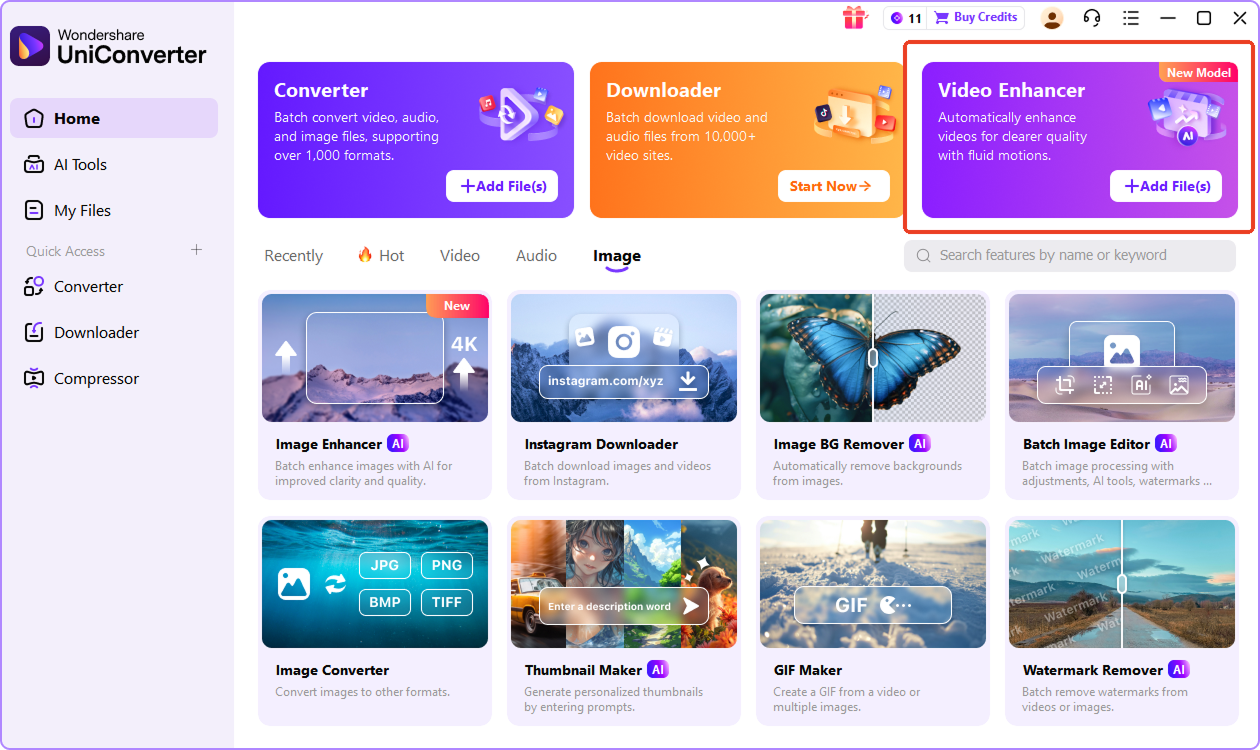
Upload your low-resolution video by dragging and dropping it into the interface or selecting a file from your device. For desktop version, head to Video Enhancer and import videos.

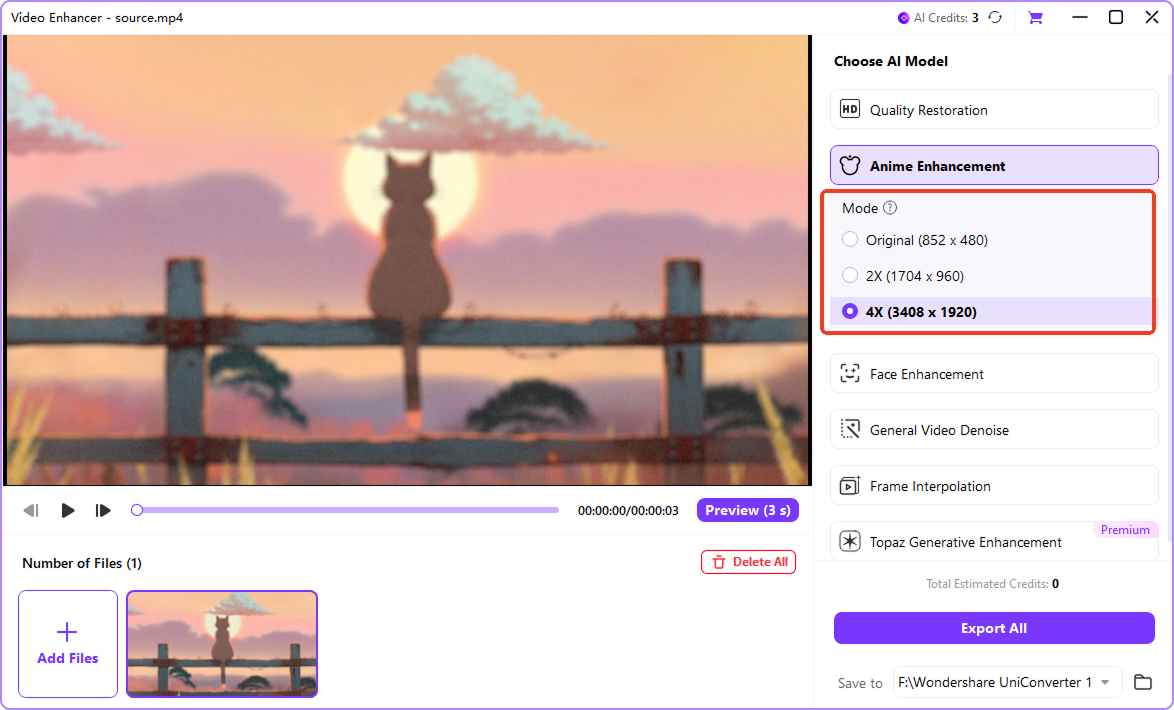
First, choose the AI model that best matches your content, such as General Enhancement, Face Enhancer, Anime Enhancer, or Topaz Generative. After that, select your target resolution, including 1080p, 2K, 4K, or 8K.

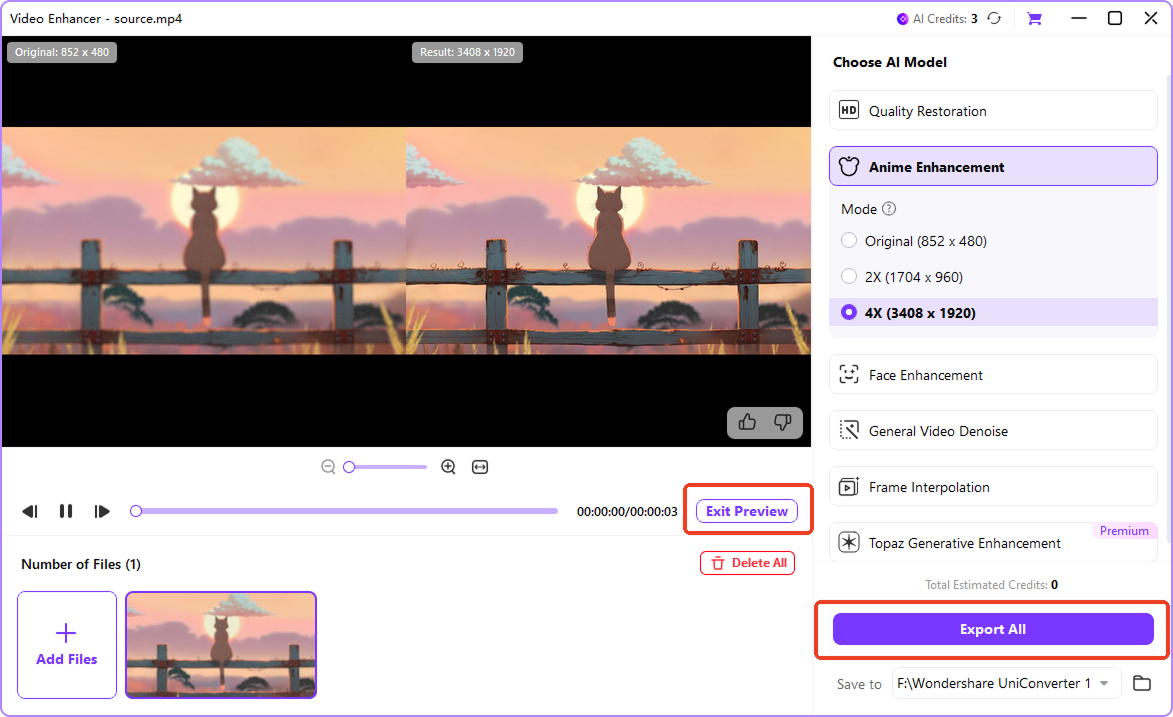
Preview the enhanced result before exporting to confirm visual quality and details. Once satisfied, export and download your upscaled video directly to your device.
Perfect Solution for Every Video Upscaling Scenario



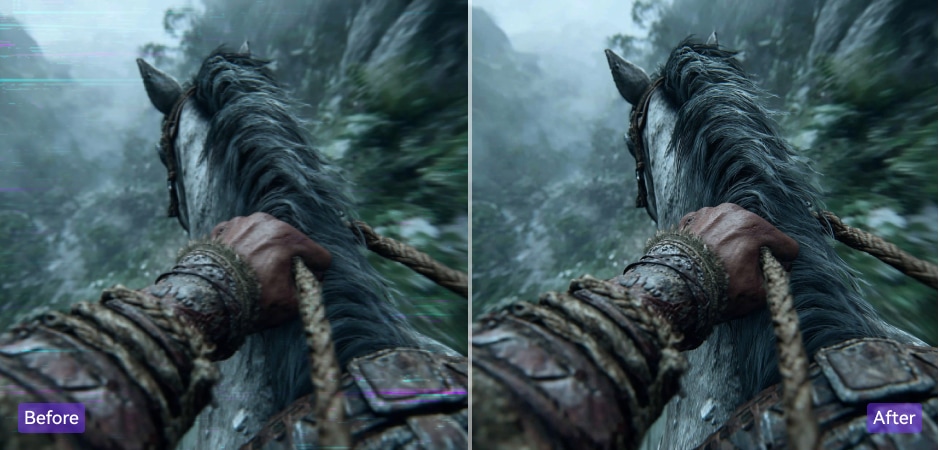
AI Video Upscaler for YouTube and Content Creators
For content creators, maintaining consistent video quality is essential across platforms. UniConverter helps you upscale video for YouTube to 4K while preserving sharp details and natural colors. It also reduces noise from low-light recordings and improves clarity in talking-head videos. Whether you edit vlogs, tutorials, or short-form clips, this AI video upscaler helps enhance video quality and prepare content for modern displays and streaming standards.
Professional Video Upscaler for Business and Marketing Videos
Clear visuals help build trust in business communication. UniConverter works as a business video upscaler for product demos, presentations, and promotional videos. You can enhance video resolution for large screens, online ads, and conference displays without complex editing. This professional video enhancement workflow ensures consistent quality across marketing assets, helping teams deliver polished visuals that support branding and sales efforts.
Restore Old Videos and Family Footage with AI Video Upscaling
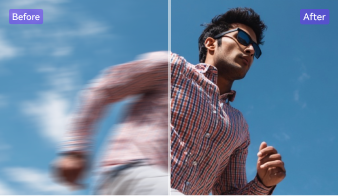
Old home videos often suffer from blur, noise, and low resolution. UniConverter allows you to restore old video files by applying AI-based video restoration models. You can use AI video unblur or remove noise from video before upscaling it to HD, 4K, or 8K.
, and then, upscale old footage from VHS or DVD sources while keeping the original look and tone. This approach improves clarity without overprocessing, making it easier to preserve family memories and convert aging recordings into watchable digital formats.AI Video Upscaler for Gaming Footage and Animation
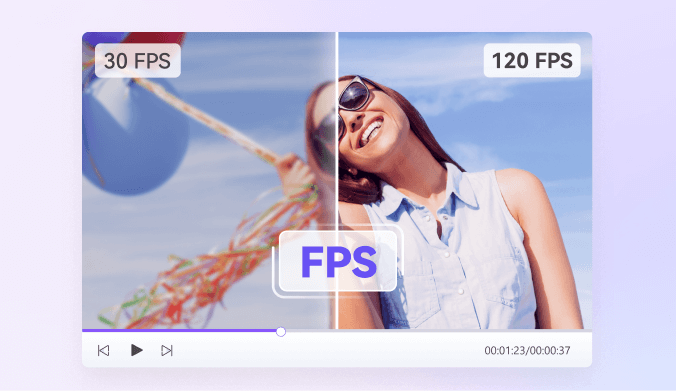
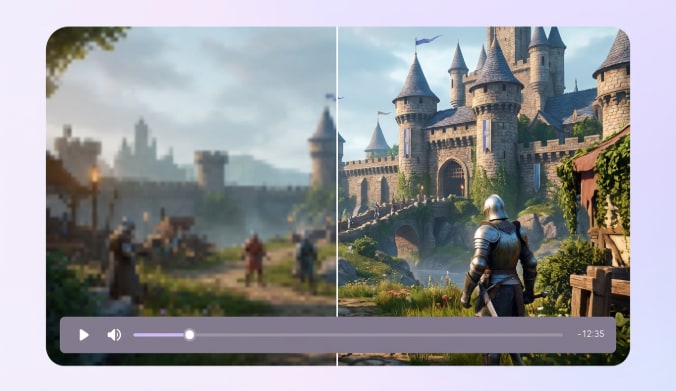
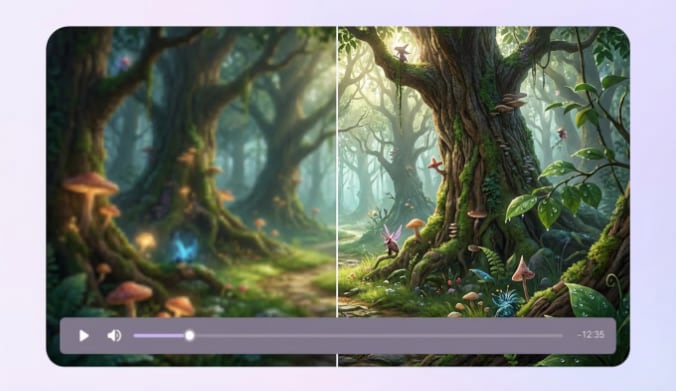
Gaming recordings and animated videos require clean edges and stable motion. UniConverter includes dedicated models to upscale animation and enhance game video footage with improved sharpness and smoother playback. You can try AI frame interpolation after upscaling to create cleaner 60/120/240 FPS playback, or refine screen recordings, anime episodes, or gameplay clips while maintaining visual consistency. This AI video enhancer supports creators who stream, archive, or edit gaming and animation content for high-resolution platforms.
FAQs about Video Upscaling
What is a video upscaler and how does it work?
Can you really upscale video quality for free?
How do you upscale a video to 4K using AI?
What is the best video upscaler in 2026?
How is AI video upscaling different from traditional upscaling?
Is it possible to upscale 480p video to 1080p without losing quality?
Can AI video upscaling fix old VHS or DVD videos?
Tips and Tricks for AI Video Upscaling





Your complete multimedia processing toolbox

AI Video & Photo Enhancer
Batch-enhance videos and images in one click with powerful AI—auto enhance, upscale to 4K/8K, unblur faces, denoise, improve resolution, and more.