

Anime fans often struggle with low-quality images and videos. Isn’t it? Well, many anime screenshots and older shows look blurry or pixelated. This is where an anime upscaler comes in handy. An anime upscaler is a special AI tool that makes your anime images and videos look sharper and clearer.
Using an anime image upscale tool can turn your fuzzy pictures into crisp, high-resolution artwork. These AI tools are made just for anime. They know how to handle the unique art style. When you upscale anime images, you keep the clean lines and bright colors that make anime special.
The best part? You don't need to be a tech expert to use an AI anime upscaler. Many tools are simple to use.
Let's look at the top tools to upscale anime and how to use them.
In this article
Part 1: Top 10 AI Anime Upscalers in 2025 (Free & Paid)
Here's how all ten AI anime upscaler tools compare:
| Tool/ Features | Speed | Compatibility | Ease of Use | Video Support | Image Support | Max Upscale | Batch Processing | Output Quality | Offline Use | Pricing |
| Waifu2x | Medium | Web-based | Very easy | No | Good | 2x | No | Good | No | Free |
| VanceAI | Medium | Web/Desktop | Easy | Limited | Excellent | 8x | Yes (10) | High | No | $9.90/month |
| UniConverter | Fast | Windows/Mac | Medium | Excellent | Excellent | 8x | Yes (20+) | High | Yes | Freemium |
| Media.io | Depends on internet | Web-based | Very easy | Yes | Good | 4x | Yes (5) | Medium | No | Free tier + Premium |
| PixAI | Fast | Web-based | Easy | No | Excellent | 4x | Yes (5) | Very high | No | $8.99/month |
| Topaz Video AI | Very fast with good GPU | Windows/Mac | Complex | Excellent | Limited | 8x | Yes (unlimited) | Very high | Yes | $199 one-time |
| Imglarger | Quick | Web-based | Very easy | No | Good | 8x | Yes (10) | Medium | No | Free tier + $9.99/month |
| UniFab | Medium | Windows | Medium | Excellent | Limited | 4x | Yes (folder) | High | Yes | $69.99 one-time |
| insMind | Very fast | Web-based | Very easy | Limited | Good | 4x | Yes (5) | Medium | No | Free tier + $7.99/month |
| AI Ease | Fast | Web-based | Easy | No | Good | 4x | Yes (5) | Medium | No | Free tier + $6.99/month |
The best tool to upscale anime depends on your needs:
- For beginners: Waifu2x or Media.io
- For all-around use: UniConverter or VanceAI
- For professional video: Topaz Video AI or UniFab
- For offline use: UniConverter or UniFab
- For free options: Waifu2x has the best free results
- For mobile use: insMind or Media.io
- For wallpapers: AI Ease or PixAI
1. Waifu2x – Anime image upscale with noise reduction
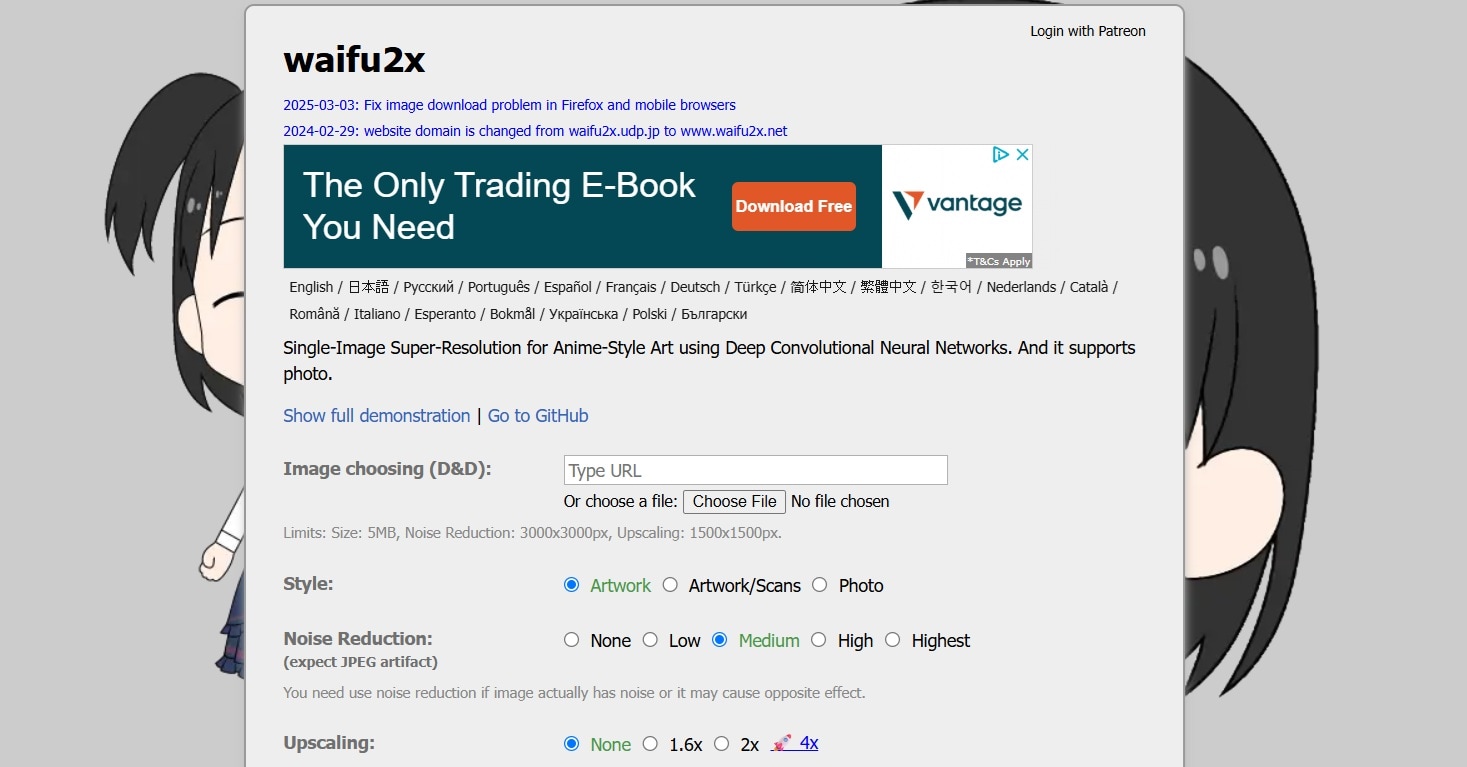
Waifu2x is one of the oldest and most trusted anime upscalers. This tool came from Japan. It started as a research project. Now it's a go-to tool for anime fans.
Best for: Casual anime fans who need quick, free upscaling of simple images.
Key Features:
- Upscales images by 2x
- Noise reduction options (Low, Medium, High)
- Simple web interface with drag-and-drop
- Free to use with no limits
- Works with PNG and JPG files
- Browser-based with no login needed
2. VanceAI – AI upscale anime for 2x/4x/8x resolution
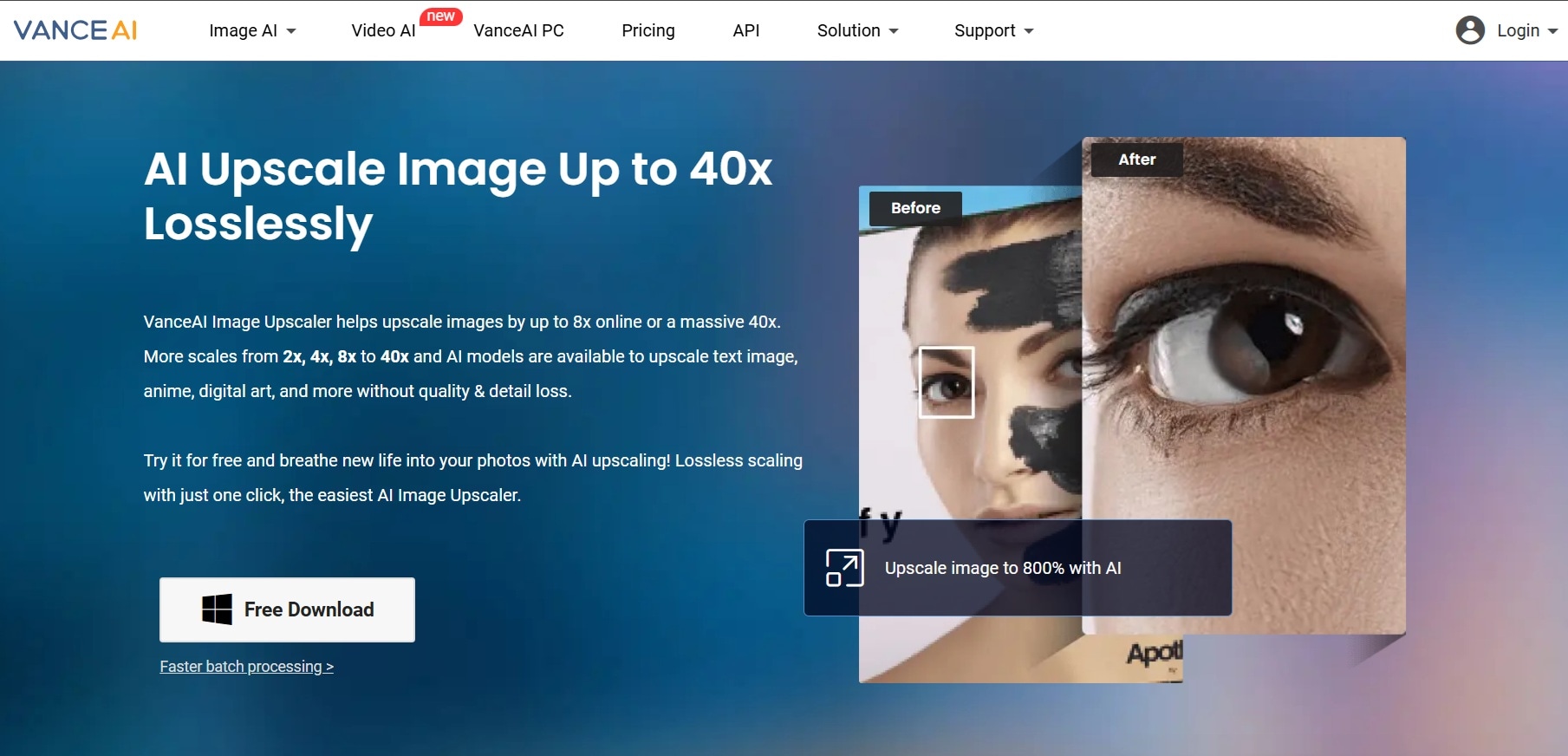
VanceAI offers powerful AI upscale anime tools. They update their AI models often. VanceAI is great for enhancing both regular photos and anime-styled images. Their anime upscaler keeps the look and feel of the original art.
Best for: Serious anime fans who need high-quality upscaling and don't mind paying.
Key Features:
- 2x/4x/8x upscaling options for any size needs
- Batch processing up to 10 images at once
- Smart color correction that keeps anime colors bright
- Preserves anime art style without blurring lines
- Cloud-based processing - works on any device
- Multiple AI models for different anime styles
3. Wondershare UniConverter: AI upscale anime images/videos in batch
UniConverter is a complete media toolkit. It has top-notch anime upscaling built in. It handles both videos and still images. UniConverter processes files quickly. It works great with batch image and video editing.
Best for: Anime fans who want both image and video upscaling in one package.

Best Anime Upscaler

Key Features:
- Batch image and video upscaling for big projects
- Dedicated anime upscale mode that knows anime art
- 2x-8x enlargement options for any need
- GPU acceleration for super-fast processing
- Video frame interpolation for smoother animation
- All-in-one tool for all media needs
4. Media.io – Upscale image/video anime online
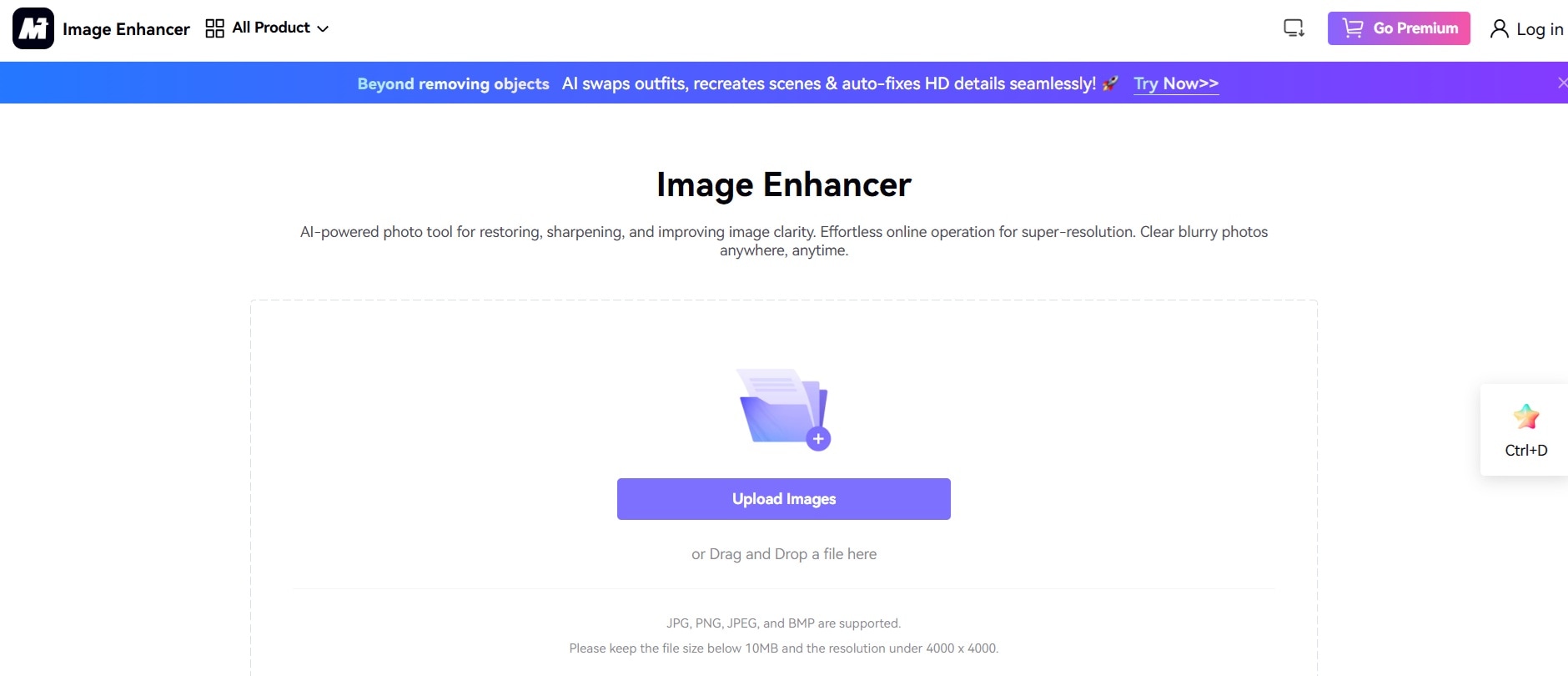
Media.io is a web-based tool. It upscales anime images and videos through your browser. No downloads needed. It works on any device with internet access.
Best for: Casual users who need quick upscaling without installing software.
Key Features:
- Online service - works on any computer or phone
- Simple drag-and-drop interface anyone can use
- Multiple resolution options up to 4K
- Auto-optimization for anime content
- Cloud storage for processed files
5. PixAI – Anime ai upscale for high-res art
PixAI focuses on enhancing the quality of anime art. They use advanced AI models. The tool can tell the difference between anime styles. It treats each one differently for best results.
Best for: Artists and collectors who need high-quality upscaling for artwork.
Key Features:
- High-quality anime ai upscale with smart detection
- Art enhancement tools that respect anime style
- Style preservation that keeps artist's intent
- Color correction without changing the mood
- Detail enhancement that adds subtle details
- Line sharpening without artifacts
6. Topaz Video AI – Upscale anime video with GPU acceleration
Topaz Video AI is the premium option for anime video upscaling. It uses the most advanced AI models. This tool is used by professionals. It can rescue even badly damaged anime videos.
Best for: Serious anime collectors and professionals who need the absolute best video quality.

Key Features:
- Specialized video upscaling with frame-by-frame processing
- GPU acceleration that uses your graphics card
- Anime-specific models trained on thousands of anime shows
- Frame interpolation for smoother animation
- Deinterlacing for old anime DVDs
- Grain reduction without losing details
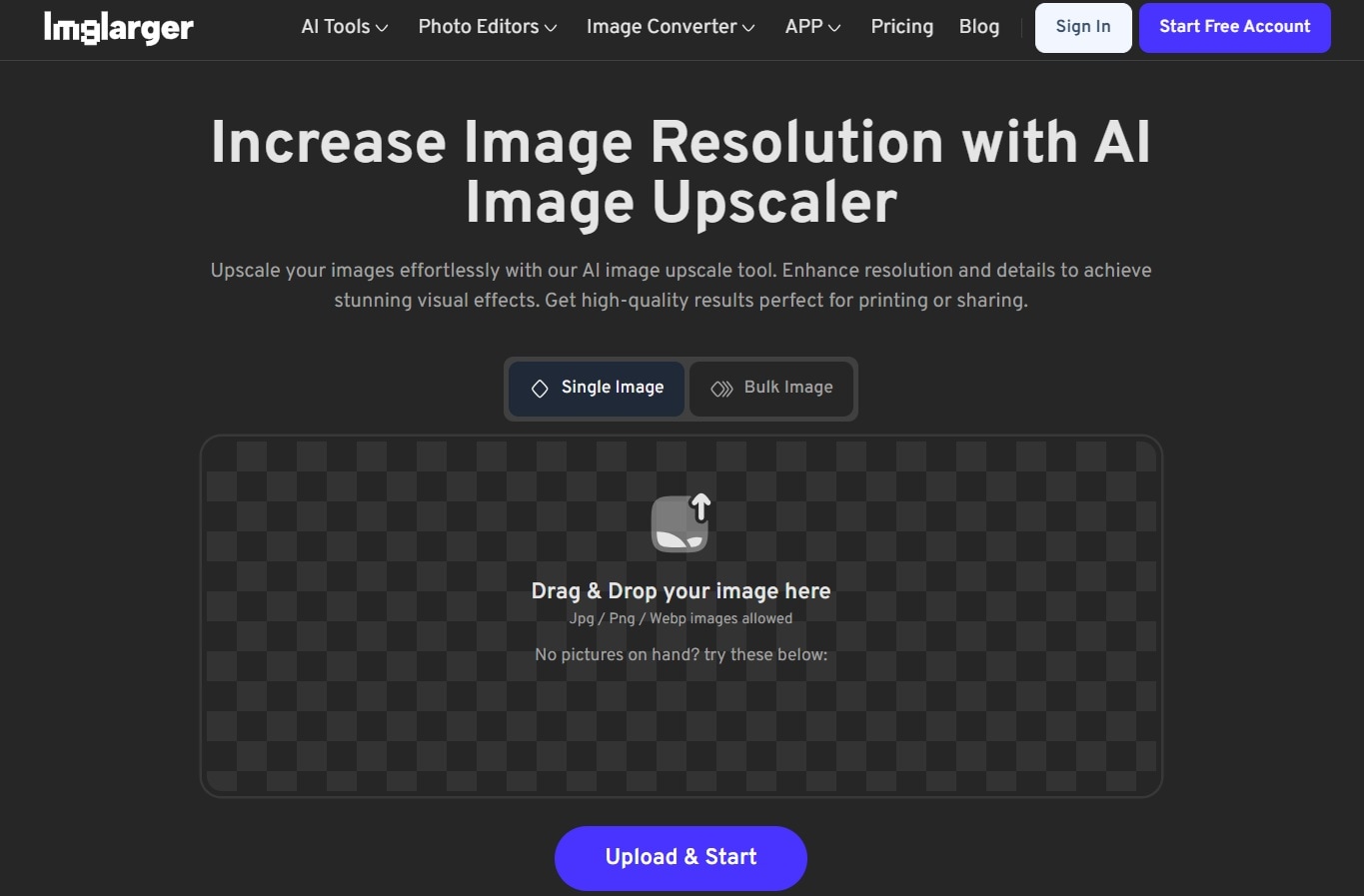
7. Imglarger – Image upscaler anime for beginners
Imglarger is a simple image upscaler anime tool. It's made for beginners. The tool has a clean, easy interface. It works well for quick upscaling needs.
Best for: Casual users who want simple, quick upscaling without complications.
Key Features:
- One-click upscaling with minimal settings
- Multiple enlargement options (2x, 4x, 6x, 8x)
- AI noise reduction that's gentle on anime
- Face enhancement that works well on anime characters
- Bulk processing up to 10 images
- Web-based with no installation
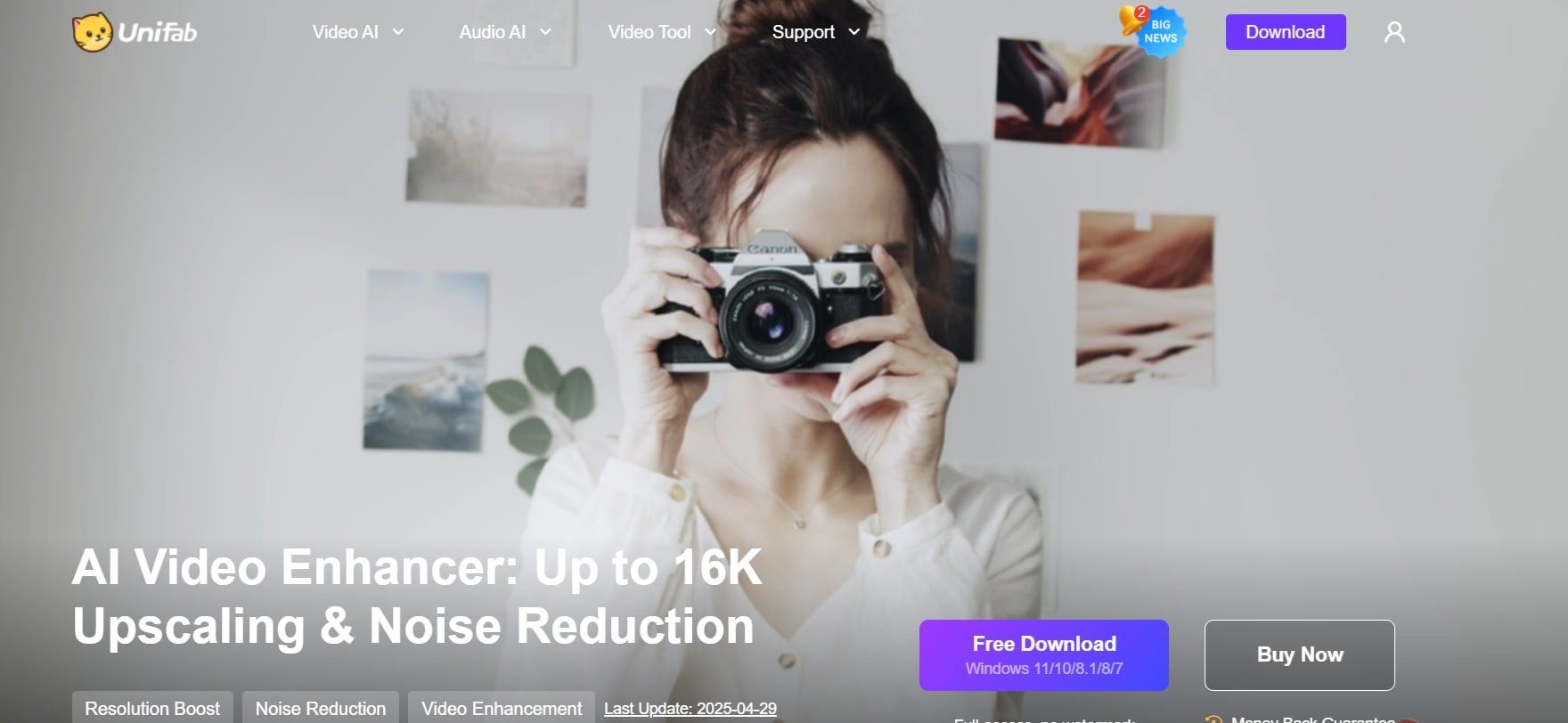
8. UniFab Video Upscaler AI – AI upscale anime video offline
UniFab specializes in offline anime video upscaling. The tool works without internet after download. It's good for people who value privacy. It can handle long anime series.
Best for: Privacy-conscious anime fans who need to upscale entire series offline.
Key Features:
- Offline processing for complete privacy
- Dedicated anime models that know animation styles
- Multiple video formats supported (MP4, MKV, AVI)
- Customizable settings for experts
- Batch folder processing for entire series
- Preview window to check results
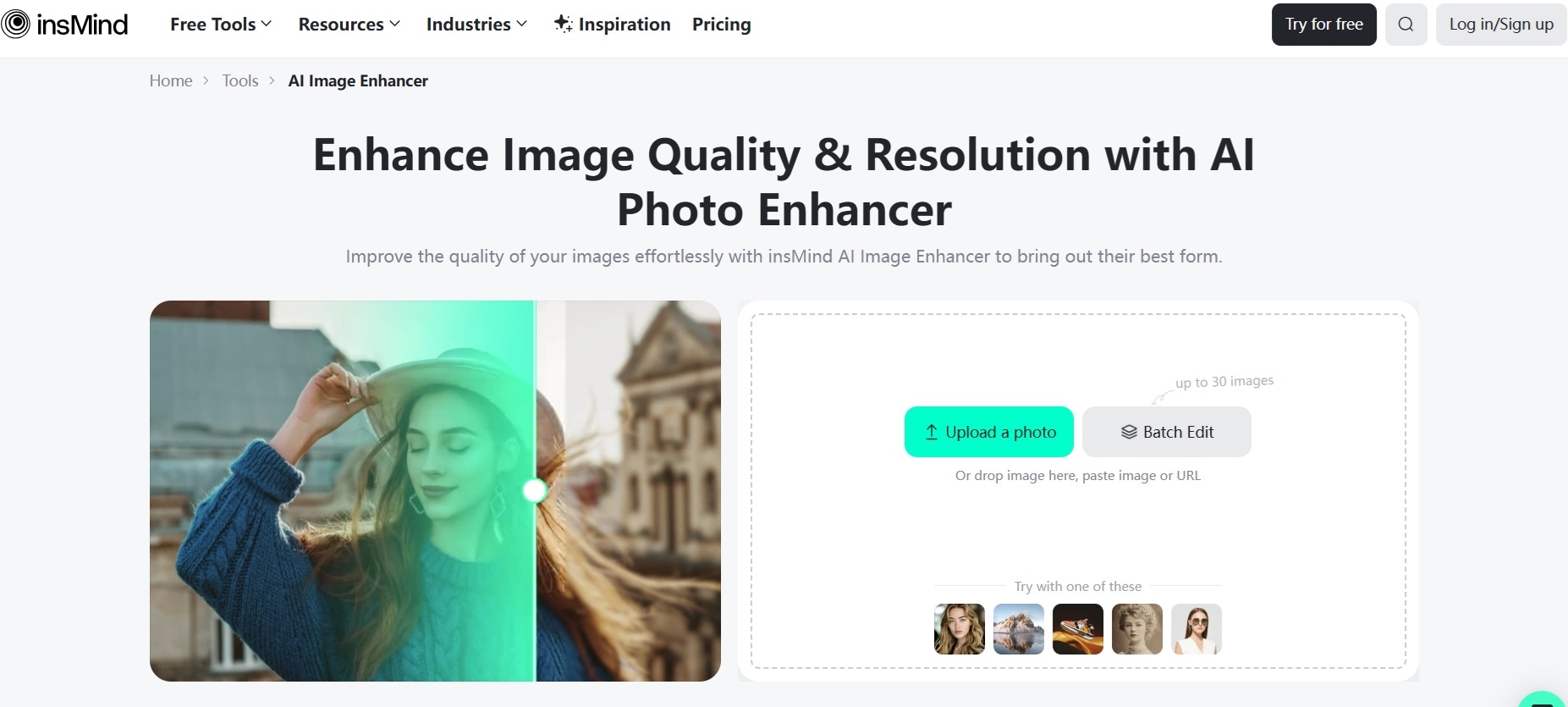
9. insMind – Anime upscaler with one-click processing
InsMind offers quick anime upscaler services. It has one-click processing. The tool works well for social media posts. It's designed for speed over perfect quality.
Best for: Social media users who need quick anime upscaling on the go.
Key Features:
- Simple interface with minimal options
- Quick processing times (under 10 seconds per image)
- Multiple upscaling factors (2x, 3x, 4x)
- Preset optimizations for anime styles
- Mobile-friendly design
- Social media size presets
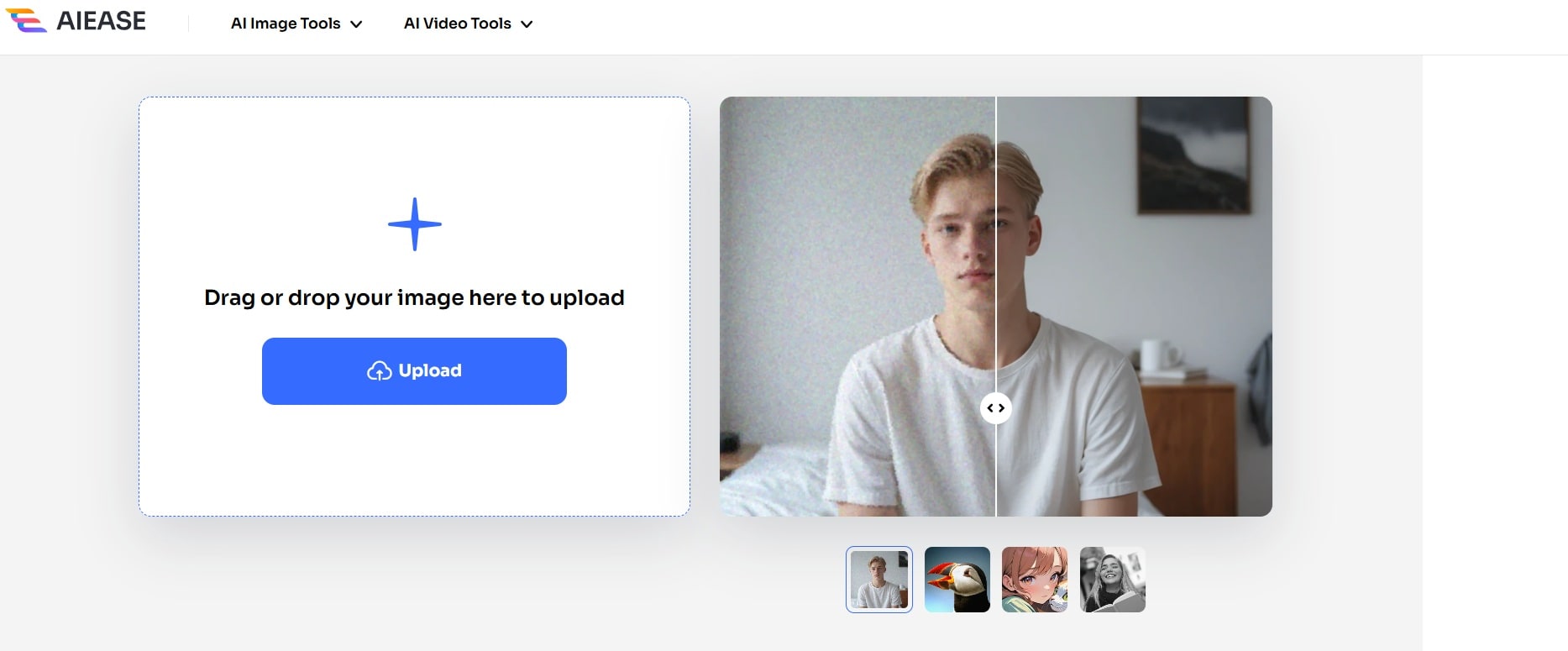
10. AI Ease – Upscale anime for wallpapers and avatars
AI Ease focuses on upscaling anime for specific uses. It works best for wallpapers and profile pictures. The tool is made for fans who want to show off their favorite characters.
Best for: Fans who want to create perfect anime wallpapers and profile pictures.
Key Features:
- Optimized for wallpapers with resolution presets
- Avatar enhancement for profile pictures
- Batch processing up to 5 images
- Multiple aspect ratios for different screens
- Color enhancement for vivid anime colors
- Border and frame options
Part 2: How to Upscale Anime Images or Videos: Step-by-Step Guide
Wondershare UniConverter stands out as one of the best all-around tools to upscale anime content. Here's how to use it to enhance your anime images and videos:
Best Anime Upscaler
How to Upscale Anime Images with UniConverter:
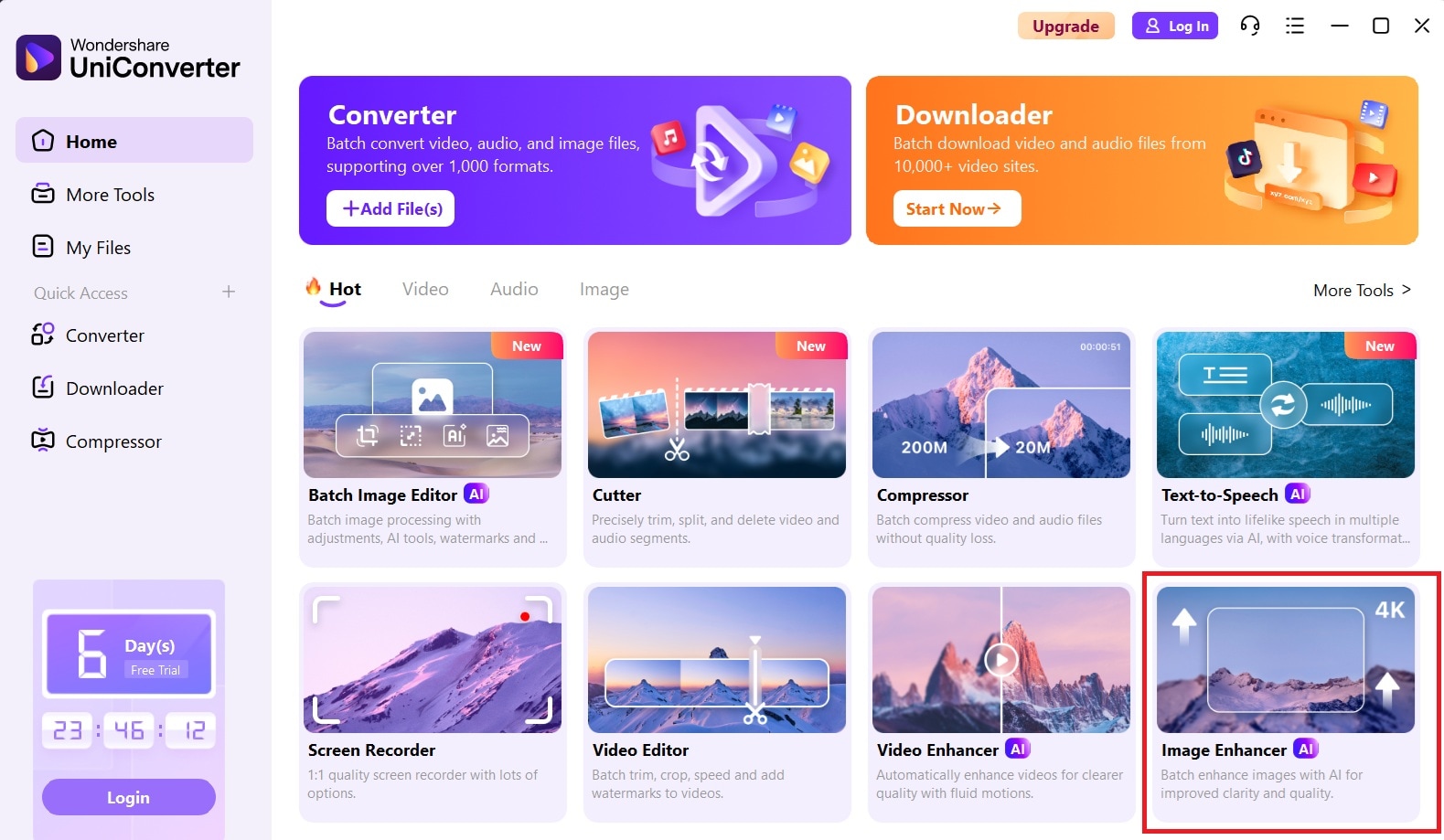
Step 1Download and install UniConverter on your PC. Then launch it on your computer. Select Image Enhancer AI.
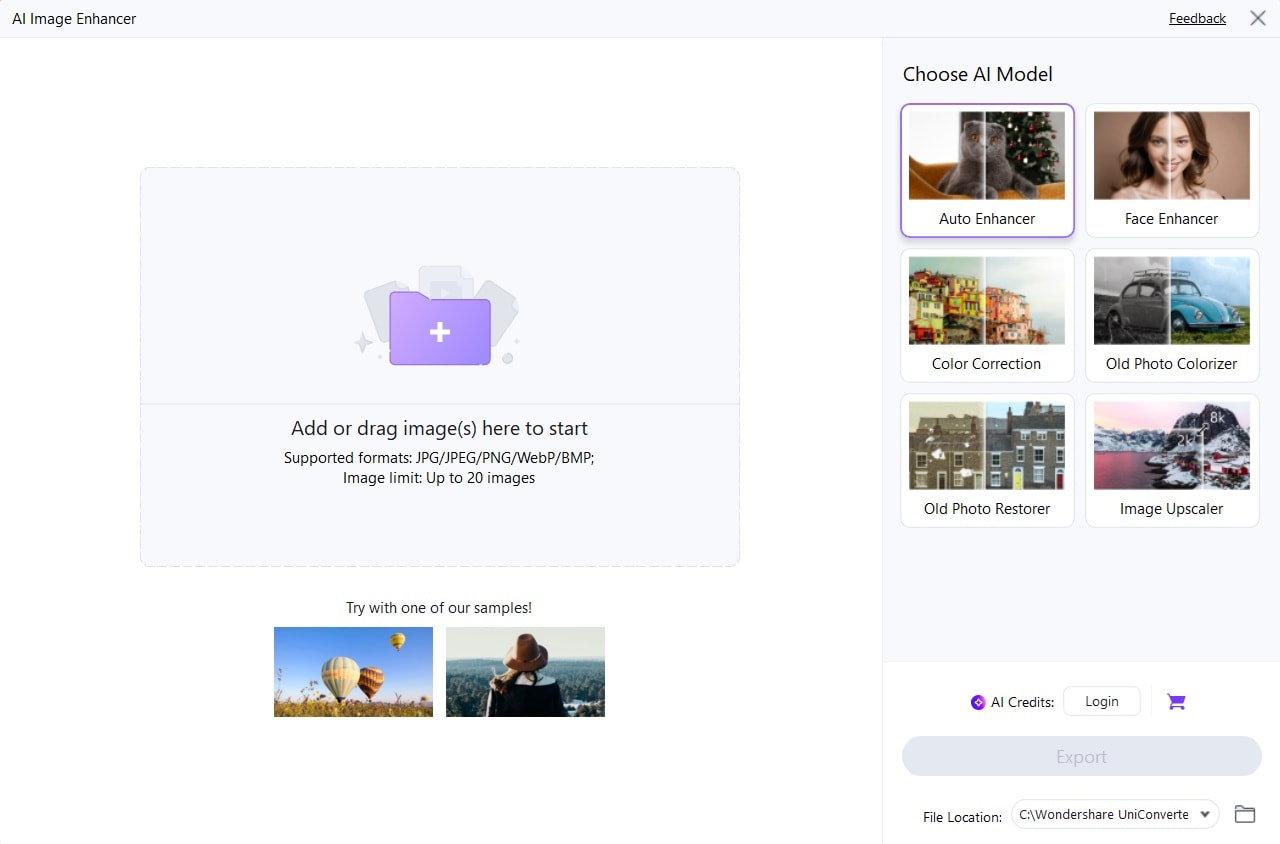
Step 2Add your anime images.
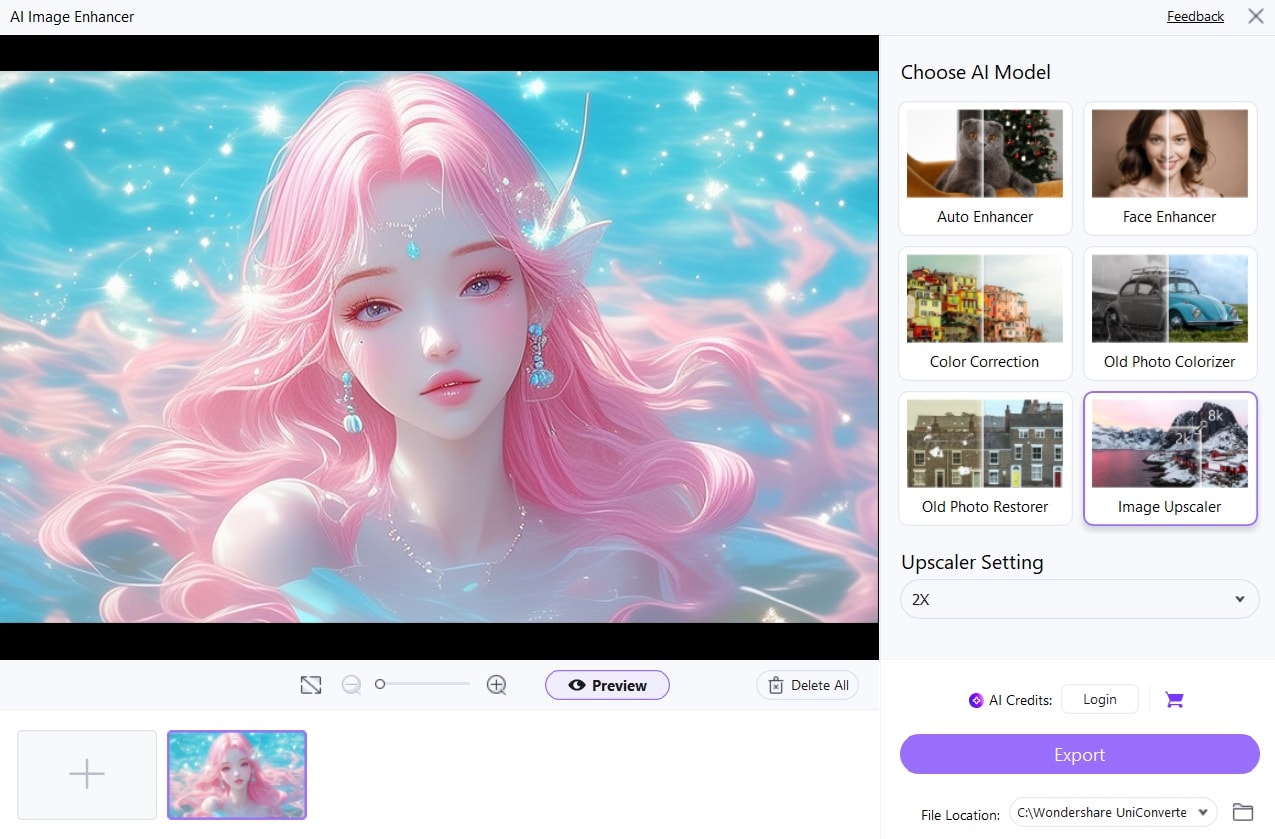
Step 3Choose the "Image Upscaler” option from the right menu pane. You can also adjust the upscaler setting using the drop-down menu.
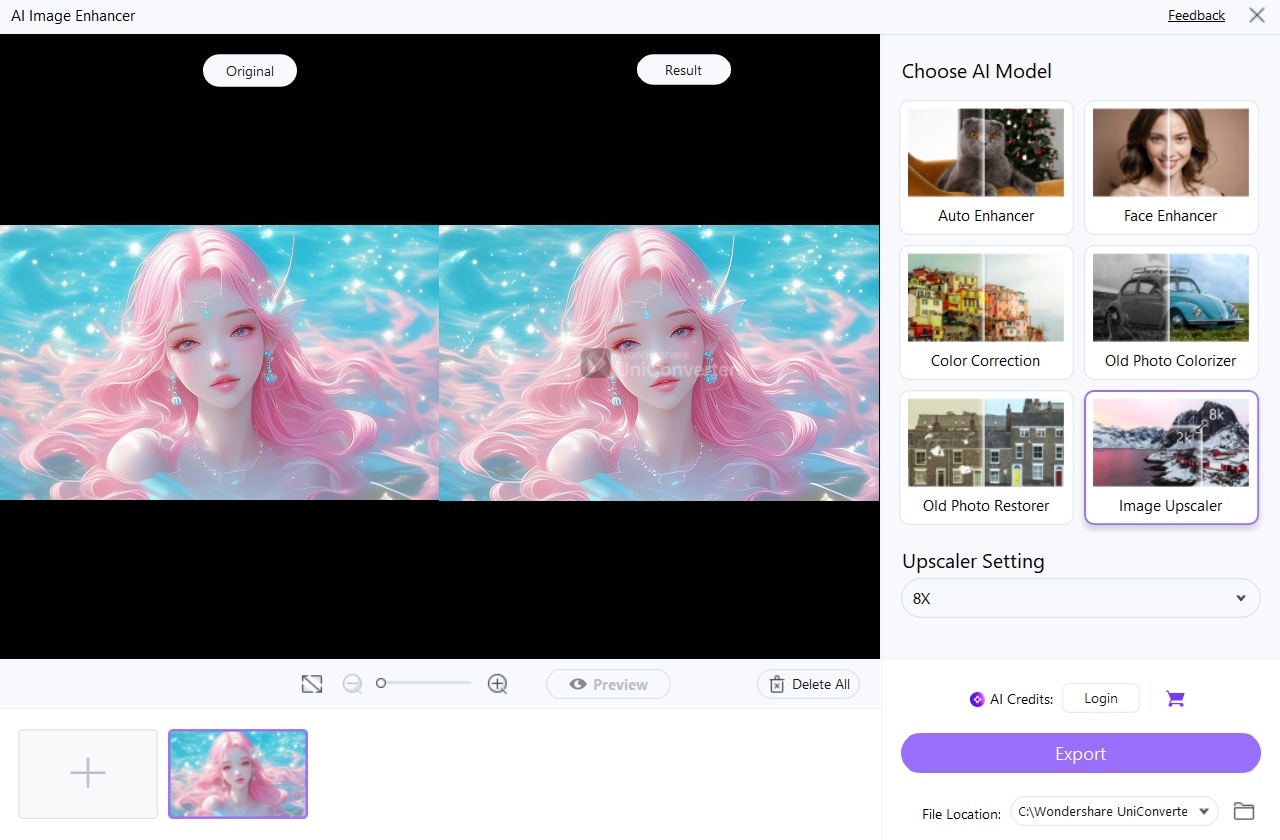
Step 4Click "Preview" to begin processing. Then, preview and save your high-resolution images using the “Export” option.
How to Upscale Anime Videos with UniConverter:
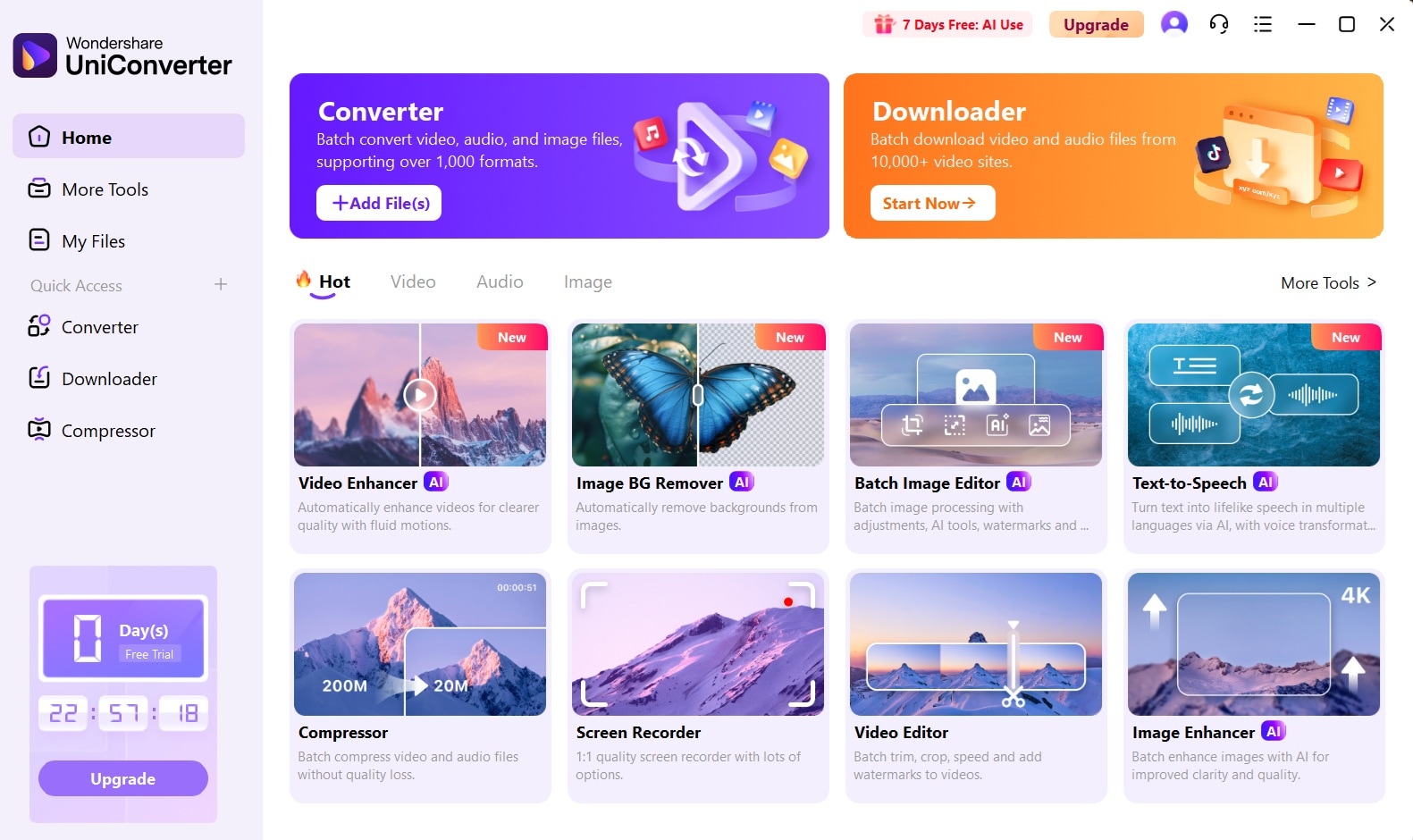
Step 1Launch UniConverter. Select the Video Enhancer AI option.
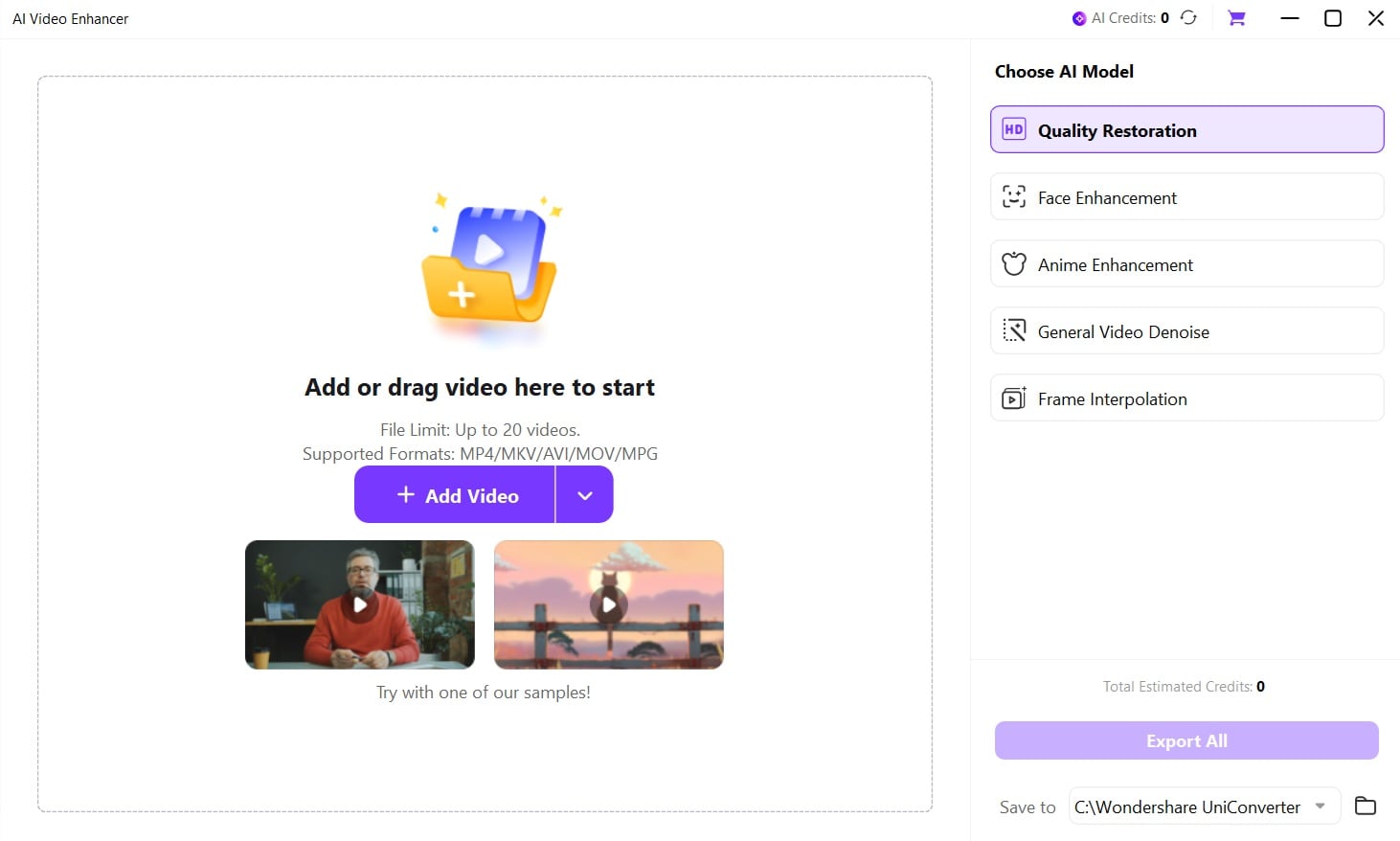
Step 2Add your anime video.
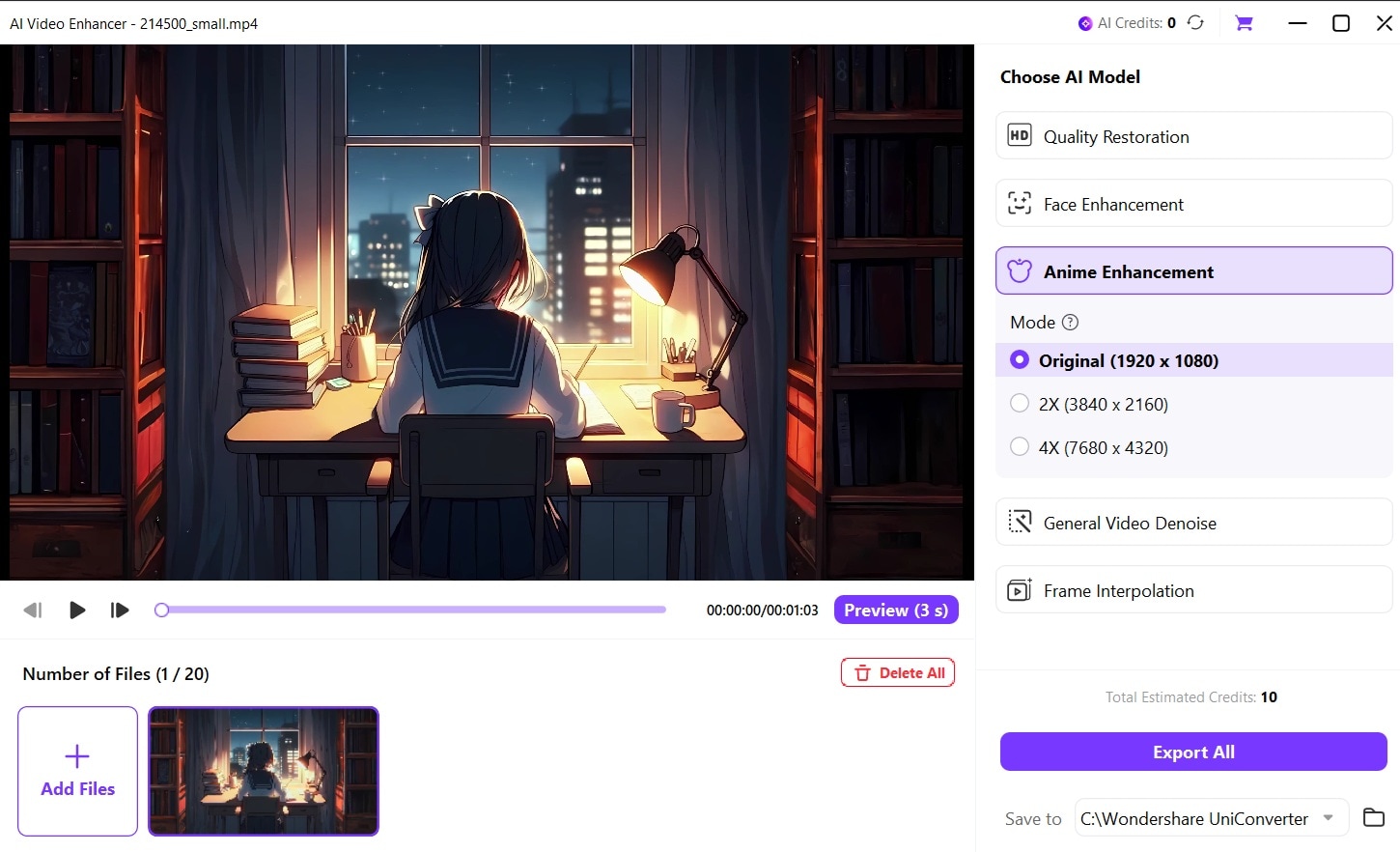
Step 3Select Anime Enhancement. Set upscaling mode options, and adjust enhancement settings if needed.
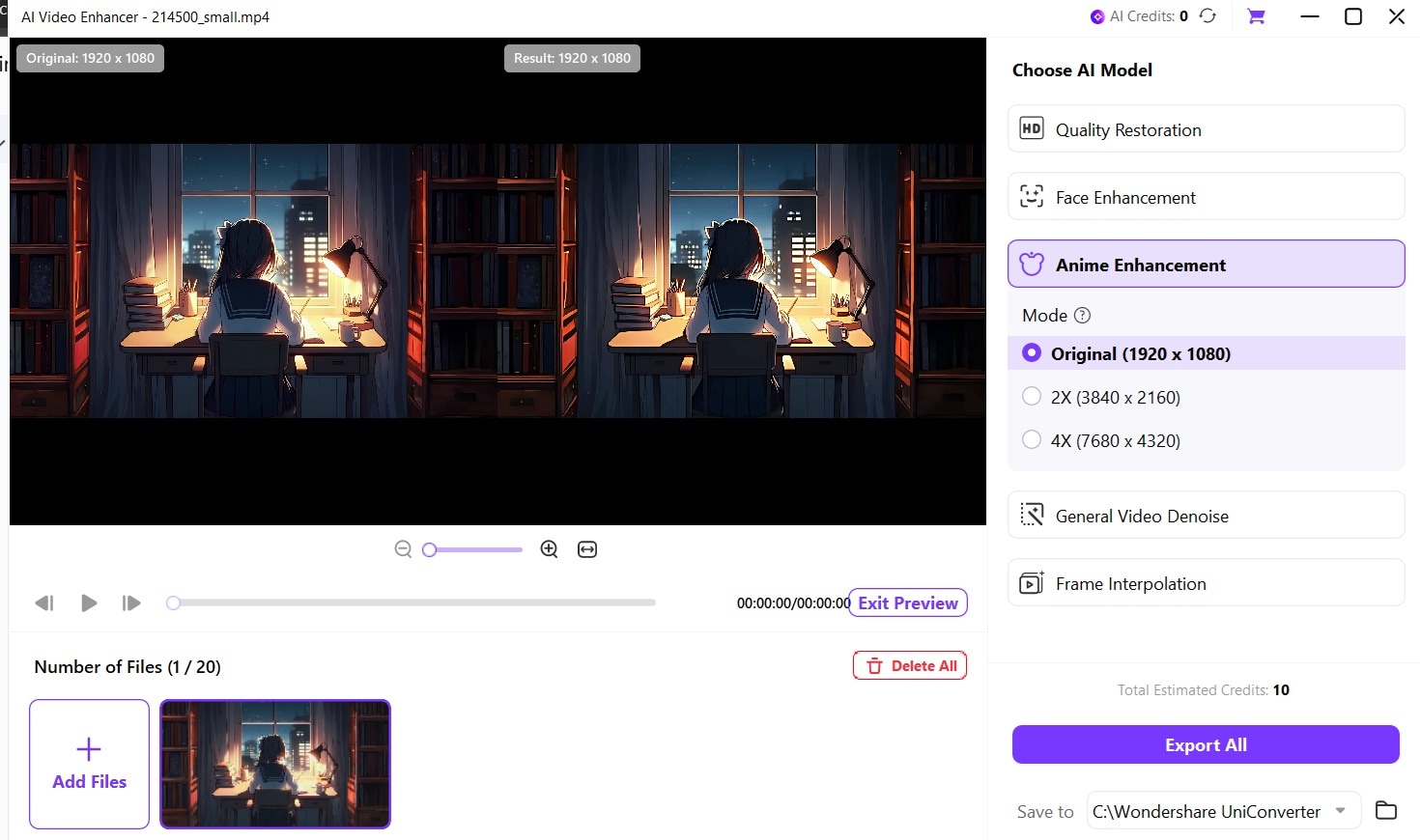
Step 4Click "Preview" to begin processing, then preview and save your high-resolution anime video.
Using an anime image upscale tool like UniConverter helps preserve the unique art style while adding clarity and detail. The anime-specific AI models understand how to handle the clean lines and distinct colors of anime artwork.
Part 3: Use Cases: Why People Use Anime Upscalers
Anime fans and creators use AI upscale anime tools for many good reasons. These tools help bring old and low-quality anime to modern standards without losing the special anime look.
Here's why anime upscalers are so popular:
- Improve image quality by making old or low-resolution anime look sharper.
- Enhance details so characters and backgrounds appear more refined.
- Make anime videos and images look better on high-resolution screens.
- Restore older anime without losing its original style.
- Prepare anime content for editing or sharing in better quality.
Conclusion
The world of anime upscaling has grown tremendously in recent years. You now have many options for upscale anime images and videos of stunning quality. From free tools like Waifu2x to premium options like UniConverter and Topaz Video AI, there's something for every fan and creator.
No matter which image upscaler anime tool you choose, you'll be amazed at how much better your favorite anime can look with the right AI assistance.

