


In the highly competitive world of video content, standing out requires more than just great visuals; you need a powerful YouTube description generator to master the algorithm. Whether you are looking for a free description generator for YouTube or a robust AI description generator for YouTube, the right tool can transform your channel's growth. A well-crafted description acts as a roadmap for search engines, helping viewers find your content instantly.
In this guide, we explore the best YouTube video description generator tools of 2025, ensuring you can generate YouTube description copy that ranks high, engages viewers, and converts subscribers effortlessly.
Table of Contents
Part 1. Why YouTube Descriptions Matter for SEO

Impact on video discoverability
Your video description is a critical metadata field that helps YouTube's algorithm understand your content's context. When you use a description generator YouTube tool, you aren't just filling space; you are feeding the search engine vital information.
YouTube algorithm understanding: The algorithm scans your description for keywords to categorize your video and suggest it to relevant audiences.
Search ranking factors: Videos with keyword-rich descriptions rank significantly higher in both YouTube and Google search results.
Google search result visibility: Since YouTube videos often appear in Google SERPs, an optimized description increases your chances of capturing traffic from outside the platform.
Key benefits of optimized descriptions
Using a YouTube description maker ensures you don't miss out on these benefits:
Improved search visibility and SEO: targeted keywords help your video appear for specific search queries.
Higher click-through rates (CTR): A compelling first sentence (the snippet) encourages users to click.
Better viewer understanding: Clear summaries help viewers decide if the video answers their needs.
Increased engagement and watch time: Relevant descriptions set the right expectations, reducing drop-off rates.
More subscribers and conversions: Strategic CTAs in the description drive user actions.
What YouTube's algorithm looks for
Keyword relevance: The algorithm checks if the words in your description match the video audio and title.
First 200 characters importance: The first two lines are visible in search results; keywords here carry the most weight.
Video-description match: Misleading descriptions (clickbait) harm retention and ranking.
User engagement signals: Descriptions that encourage comments or clicks on timestamps signal value to the algorithm.
Statistics and data
Videos with optimized descriptions perform 50% better in search rankings compared to those without.
Mobile viewing statistics: With 70%+ of YouTube watch time on mobile devices, concise, front-loaded descriptions are essential because mobile displays truncate text earlier than desktops.

Easy to Use YouTube Description Generator
Part 2. Best 10 YouTube Description Generators 2025
Here are the top tools to generate description for YouTube video content, ranging from specialized AI software to versatile marketing suites.
1. Wondershare UniConverter
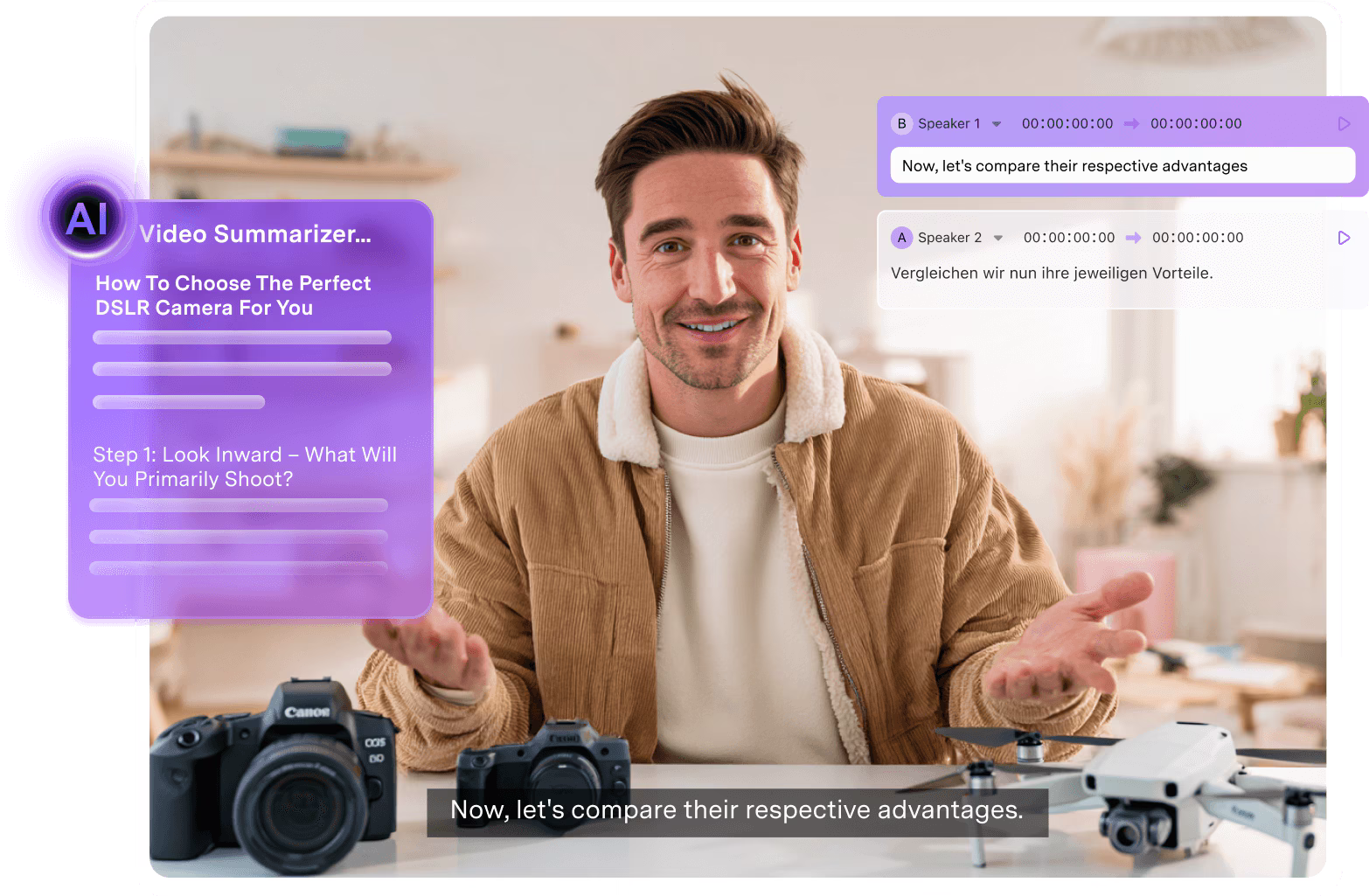
Wondershare UniConverter is a powerhouse YouTube video description generator and video toolbox designed for creators who need efficiency and quality. While primarily known for its lightning-fast video conversion, its "AI Script Generator" and AI tools are game-changers. You can input a simple topic, and it generates comprehensive scripts and descriptions tailored for social platforms. Unlike simple web-based text generators, UniConverter offers a secure offline environment where you can generate text, edit video, remove watermarks, and compress files in one workflow. It is the ultimate YouTube description generator AI for creators who treat video production seriously.
 Best For: Desktop users seeking an all-in-one video editing and AI content toolkit.
Batch Process Support: Yes (for video files/tools).
Starting Price: Free trial available; plans start around $39.99/year.
Supported Device: Windows, macOS.
Offline Support: Yes.
Safety Review: 5/5
2. VidIQ
vidIQ is a staple in the creator community, offering a specialized YouTube AI description generator. It plugs directly into your YouTube channel, analyzing your existing content to suggest descriptions that are statistically likely to rank well. Its AI generator focuses heavily on keyword optimization, ensuring you hit the right tags for your niche. It is a fantastic YouTube title and description generator for those who live inside the YouTube Studio dashboard.
Best For: Data-driven YouTubers focused on analytics and growth.
Batch Process Support: No.
Starting Price: Free basic version; Pro starts at $7.50/mo.
Supported Device: Web, Browser Extension, Mobile App.
Offline Support: No.
Safety Review: 4.5/5
3. TubeBuddy
TubeBuddy is a browser extension that serves as a seamless description generator for YouTube videos. It helps you write descriptions directly in the upload window. Its strength lies in its SEO Studio, which guides you to draft descriptions that perfectly match your target keywords. It's a reliable description maker for YouTube that ensures you never publish an unoptimized video.
Best For: Browser-based optimization and A/B testing.
Batch Process Support: Yes (Bulk processing tools available).
Starting Price: Free basic version; licenses start at $6/mo.
Supported Device: Web (Browser Extension), Mobile App.
Offline Support: No.
Safety Review: 4.5/5
4. Canva
Canva has evolved beyond graphics with its Magic Write feature, making it a surprisingly effective free YouTube description generator. If you are already creating your thumbnails in Canva, you can use Magic Write to generate YouTube description text instantly. It uses advanced AI to expand short prompts into engaging paragraphs, perfect for lifestyle and vlog channels.
Best For: Visual creators who want design and copy in one place.
Batch Process Support: No.
Starting Price: Free; Pro starts at $14.99/mo.
Supported Device: Web, Mobile App.
Offline Support: No.
Safety Review: 4/5
5. Copy.ai
Copy.ai is a dedicated writing tool that excels as a YouTube channel description generator AI. It offers specific templates for video descriptions, intros, and hooks. It is known for producing human-like, creative text that sounds less robotic than that produced by standard SEO tools. It is ideal for YouTube shorts description generator needs, where punchy, short copy is king.
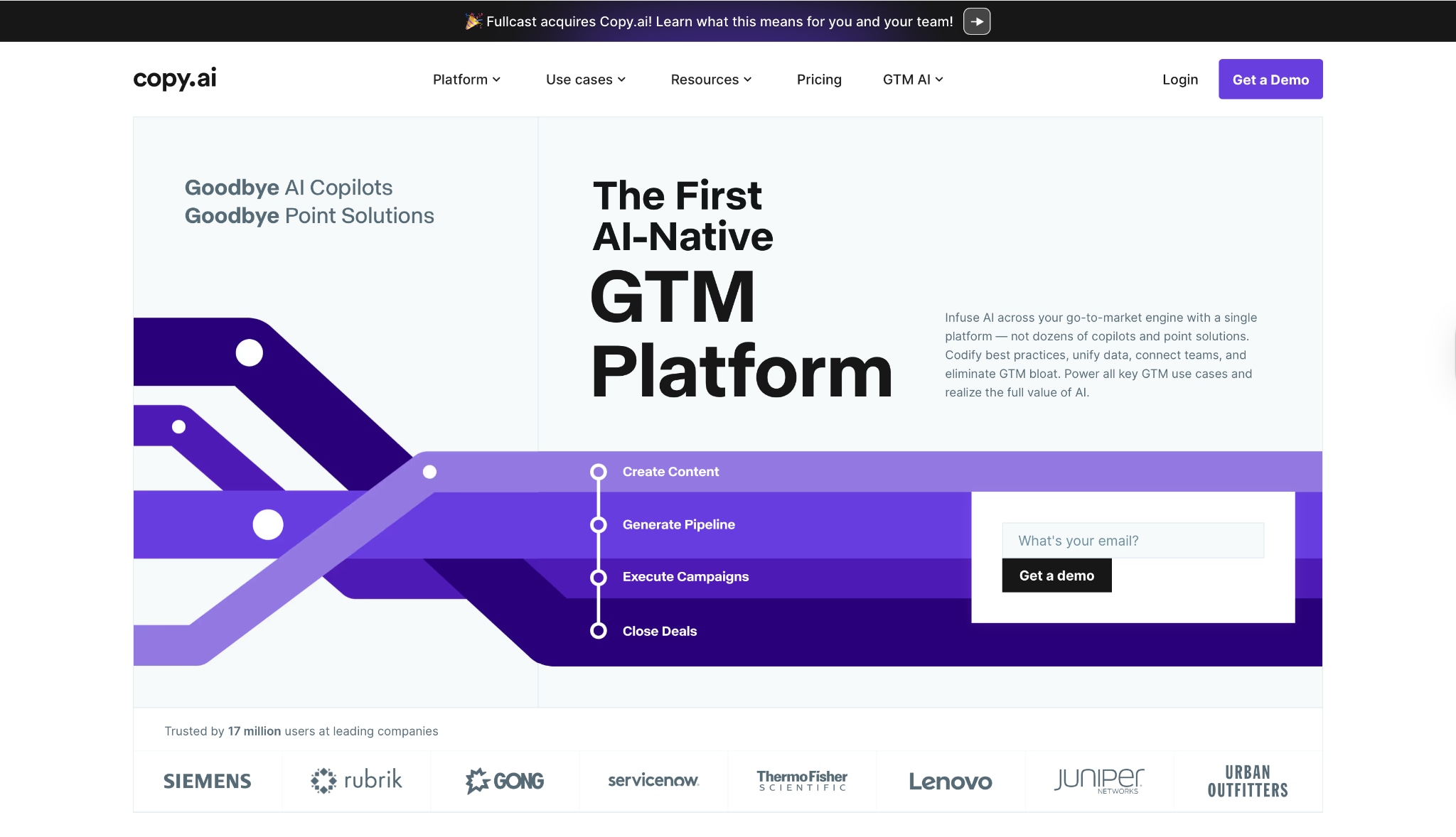
Best For: Generating high-quality, creative marketing copy.
Batch Process Support: No.
Starting Price: Free forever plan (limited); Pro at $36/mo.
Supported Device: Web.
Offline Support: No.
Safety Review: 4/5
6. Hootsuite
Hootsuite offers a free YouTube description generator tool that is perfect for brands managing a content calendar. It allows you to create descriptions that are optimized not just for YouTube, but for cross-posting to Facebook and LinkedIn. If you need a description generator for YouTube channel management at scale, Hootsuite is a professional choice.

Best For: Social media managers handling multiple platforms.
Batch Process Support: Yes (via scheduler).
Starting Price: Free tools available; Plans start ~$99/mo.
Supported Device: Web, Mobile.
Offline Support: No.
Safety Review: 5/5
7. Jasper
Jasper is a premium AI writing assistant that serves as a high-end YouTube description generator AI free trial users often upgrade to it. It understands brand voice better than most tools, allowing you to create detailed, SEO-rich descriptions that align perfectly with your channel's persona. It's a powerful description YouTube generator for educational and business channels.

Best For: Professional marketers needing long-form content.
Batch Process Support: No.
Starting Price: 7-day free trial; Creator plan ~$39/mo.
Supported Device: Web.
Offline Support: No.
Safety Review: 4.5/5
Easy to Use YouTube Description Generator
8. Rytr
Rytr is a straightforward, affordable YouTube video description generator free version users love. It is lightweight and fast, allowing you to generate descriptions, video ideas, and channel bios in seconds. It is an excellent entry-level AI YouTube description generator for those just starting out.
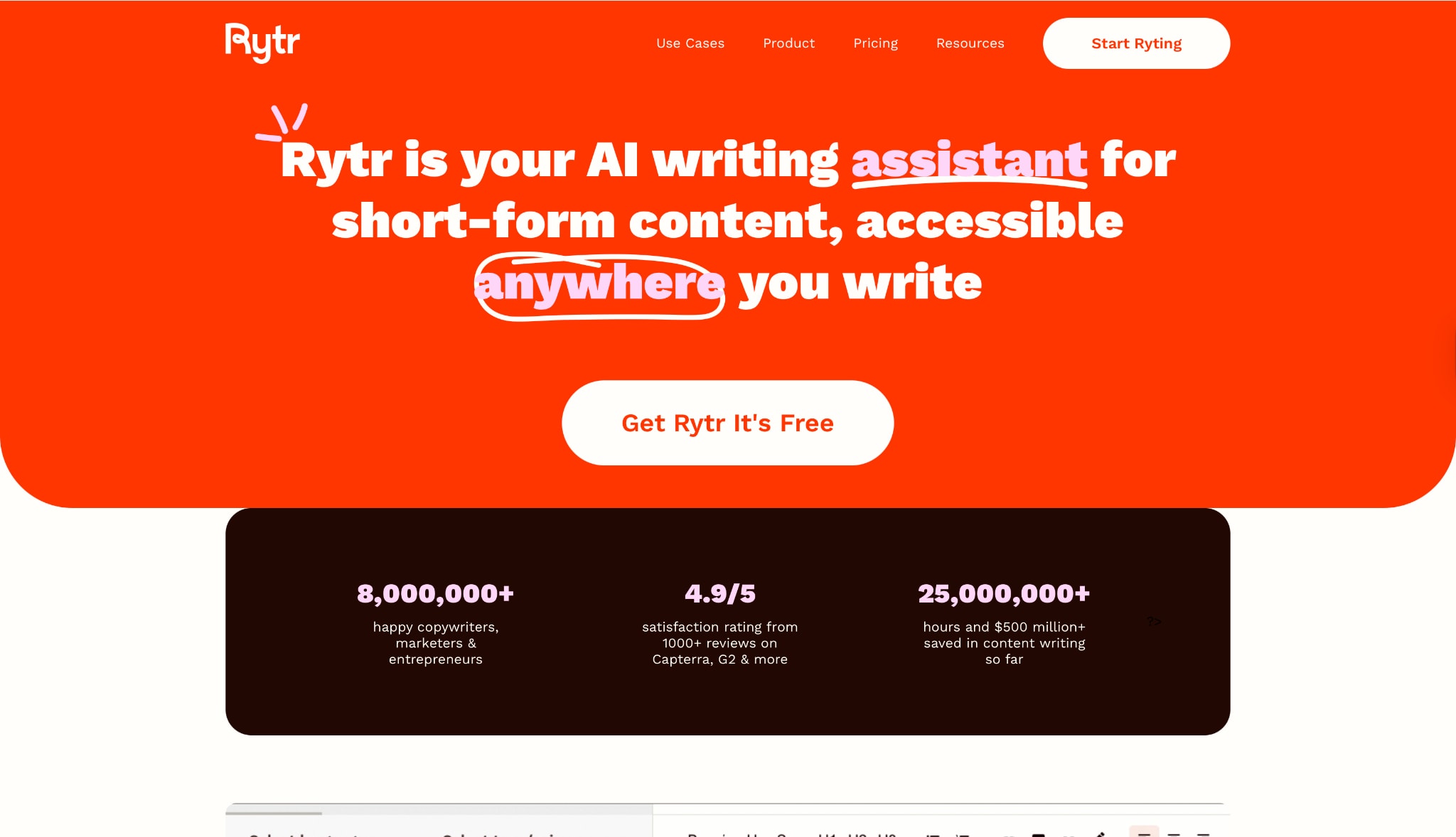
Best For: Budget-conscious creators needing quick text.
Batch Process Support: No.
Starting Price: Free plan; Saver plan $9/mo.
Supported Device: Web, Mobile.
Offline Support: No.
Safety Review: 4/5
9. ChatGPT
ChatGPT has become the go-to YouTube description generator AI for millions. Its flexibility allows you to paste your video transcript and ask it to summarize key points, extract keywords, and format timestamps. While not a dedicated tool, it is the most flexible free YouTube description generator if you know how to prompt it correctly.
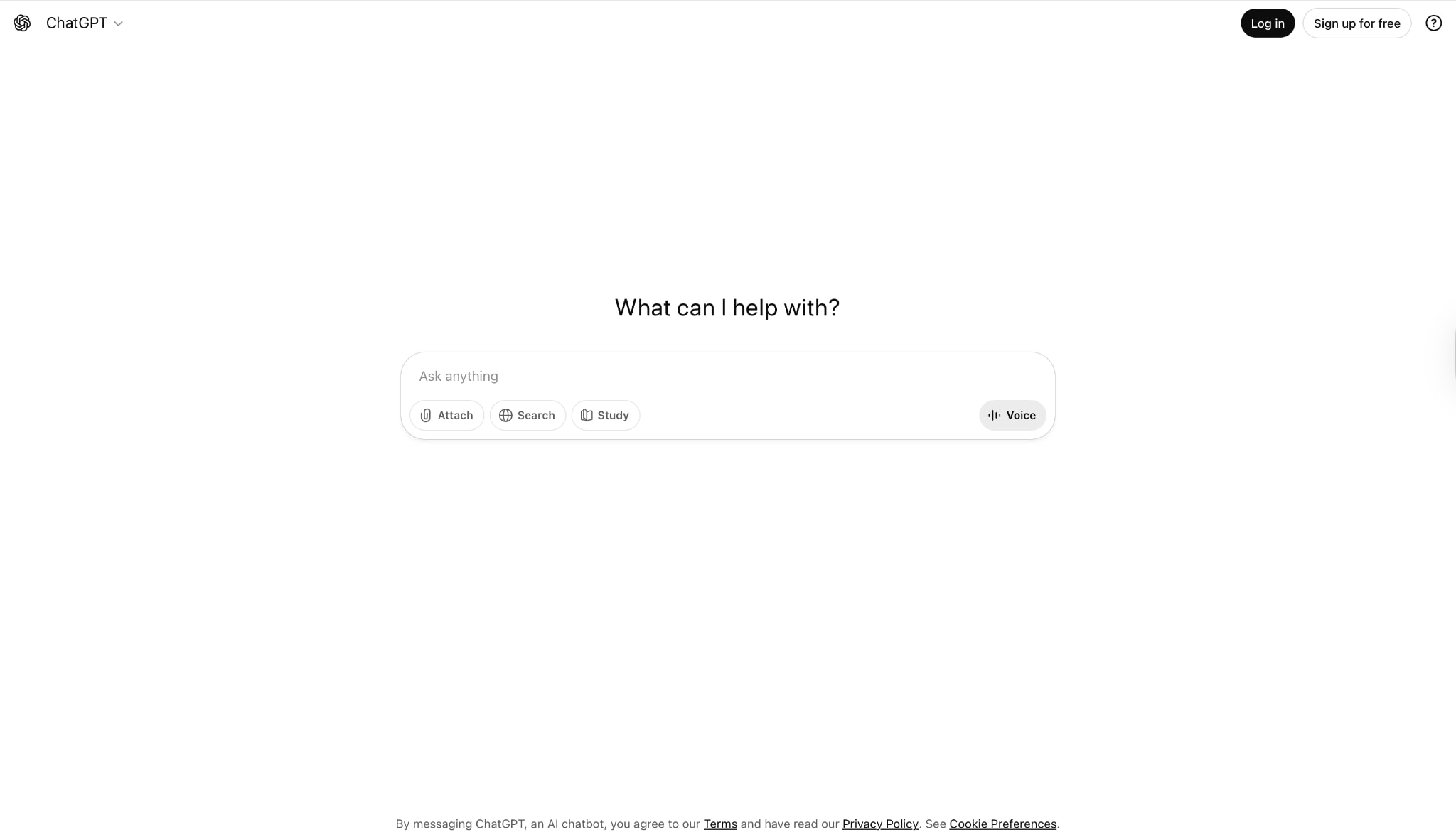
Best For: Versatile, conversational description generation.
Batch Process Support: No.
Starting Price: Free; Plus at $20/mo.
Supported Device: Web, Mobile App.
Offline Support: No.
Safety Review: 4.5/5
10. Mention
Mention is primarily a social listening tool, but its content drafting features act as a capable YouTube channel description generator. It focuses on marketing language that drives engagement. It helps generate YouTube descriptioncopy that resonates with current trends it detects in its monitoring feed.
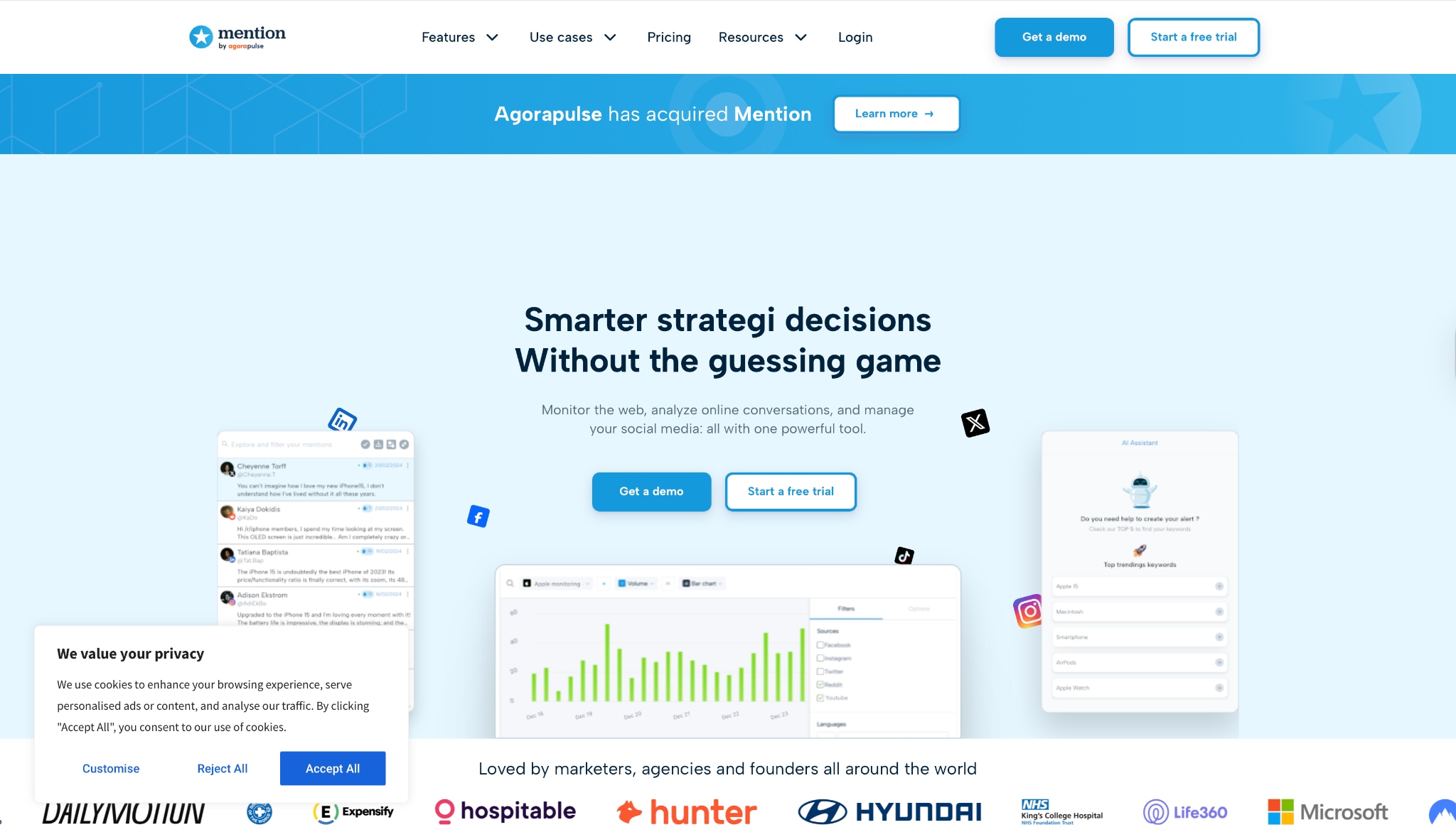
Best For: Monitoring brand mentions and simple text generation.
Batch Process Support: No.
Starting Price: Free trial; Plans start ~$41/mo.
Supported Device: Web.
Offline Support: No.
Safety Review: 4/5
Part 3. At-a-Glance Comparison Table for YouTube Description Generators
| App Name | Use Case | Supported Input Format | Unique Edge | Best For |
| UniConverter | Video Editing & AI Text | Topic/Prompt | Offline Security & Full Video Toolkit | Desktop/Pro Creators |
| vidIQ | YouTube SEO | Title/Keywords | YouTube API Integration | Channel Growth |
| TubeBuddy | Browser Optimization | Title/Tags | In-Browser SEO Studio | Quick Optimization |
| Canva | Visual & Text | Prompt | Design + Copy Integration | Visual Creators |
| Copy.ai | Marketing Copy | Prompt/Tone | Creative Templates | High-Quality Copy |
| Hootsuite | Management | Prompt | Social Scheduling | Social Managers |
| Jasper | Brand Content | Prompt/Brand Voice | Brand Voice Customization | Business Channels |
| Rytr | Quick Drafts | Prompt | Affordable Pricing | Budget Users |
| ChatGPT | Versatile AI | Text/Transcript | Infinite Customization | Tech-Savvy Users |
| Mention | Trend Marketing | Topic | Social Listening Data | Trend Tracking |
Part 4. Advanced Tips for YouTube Description Optimization
Use SEO Keyword Research Tools: AI guesses keywords, but tools like Google Trends or Ahrefs give you hard data. Feed these specific keywords into your AI description generator for YouTube for better results.
Analyze Competitor Descriptions: Look at the top-ranking videos in your niche. What keywords are in the first two lines? Mimic their structure (but don't copy text) when you use a description maker for YouTube.
Use Hashtags Strategically: Add 3 distinct hashtags at the bottom of your description. These appear above your title and categorize your video.
Analyze Competitor Descriptions: (Re-emphasize importance) Check whether competitors use timestamps. If they do, ensure your YouTube video description generator free tool creates a timestamped outline for you to fill in.
Easy to Use YouTube Description Generator
Conclusion
Creating content is hard work; writing descriptions shouldn't be. In this guide, we've explored the top tools to automate this process, from browser extensions to powerful desktop software. Whether you need a free description generator for YouTube for a quick short or a robust YouTube description generator AI for a documentary, there is a tool for you. Each option has its strengths and weaknesses, but one consistent factor is the importance of choosing the right tool for your workflow.
If you want an effective, user-friendly solution, Wondershare UniConverter is an excellent choice. Its advanced features allow you to not only generate YouTube description text but also edit your videos without the hassle of technical limitations. You can enjoy your creative process as it was meant to be experienced—without distractions. Start using a superior video toolkit today and elevate your content! You can also try our advanced features, such as a voice changer, video enhancer, and more.
FAQs
-
Can an AI description generator for YouTube really improve my SEO?
Yes. These tools are trained on successful video data and ensure relevant keywords are naturally integrated, helping the algorithm understand and rank your content. -
What is the best free YouTube description generator?
For purely text generation, ChatGPT is the most versatile free option. However, tools like UniConverter offer free trials that include specialized scripts and description features, as well as video editing capabilities. -
How long should a YouTube description be?
Ideally, between 250 and 500 words. The first 200 characters are crucial for CTR, while the rest should provide value, links, and timestamps to boost engagement. -
Does UniConverter work on Mac?
Yes, Wondershare UniConverter is fully optimized for macOS (including M-series chips) and Windows, offering the same robust AI features on both platforms. -
Can I use these generators for YouTube Shorts?
Absolutely. A YouTube Shorts description generator typically creates shorter, punchier text with more emojis and hashtags, which tools like Copy.ai and UniConverter handle perfectly.

