How to Remove Background from Image in 3 Steps

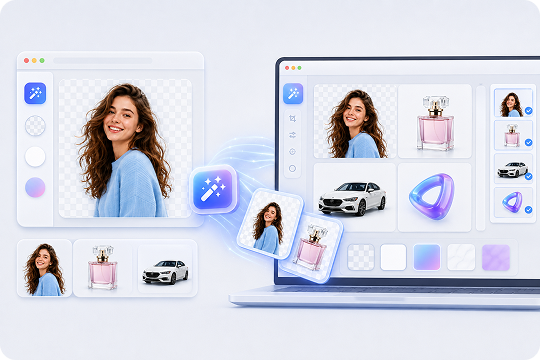
Drag and drop your JPG, JPEG or PNG file into the online background remover. You can also open UniConverter on Windows or Mac for larger files and batch projects.

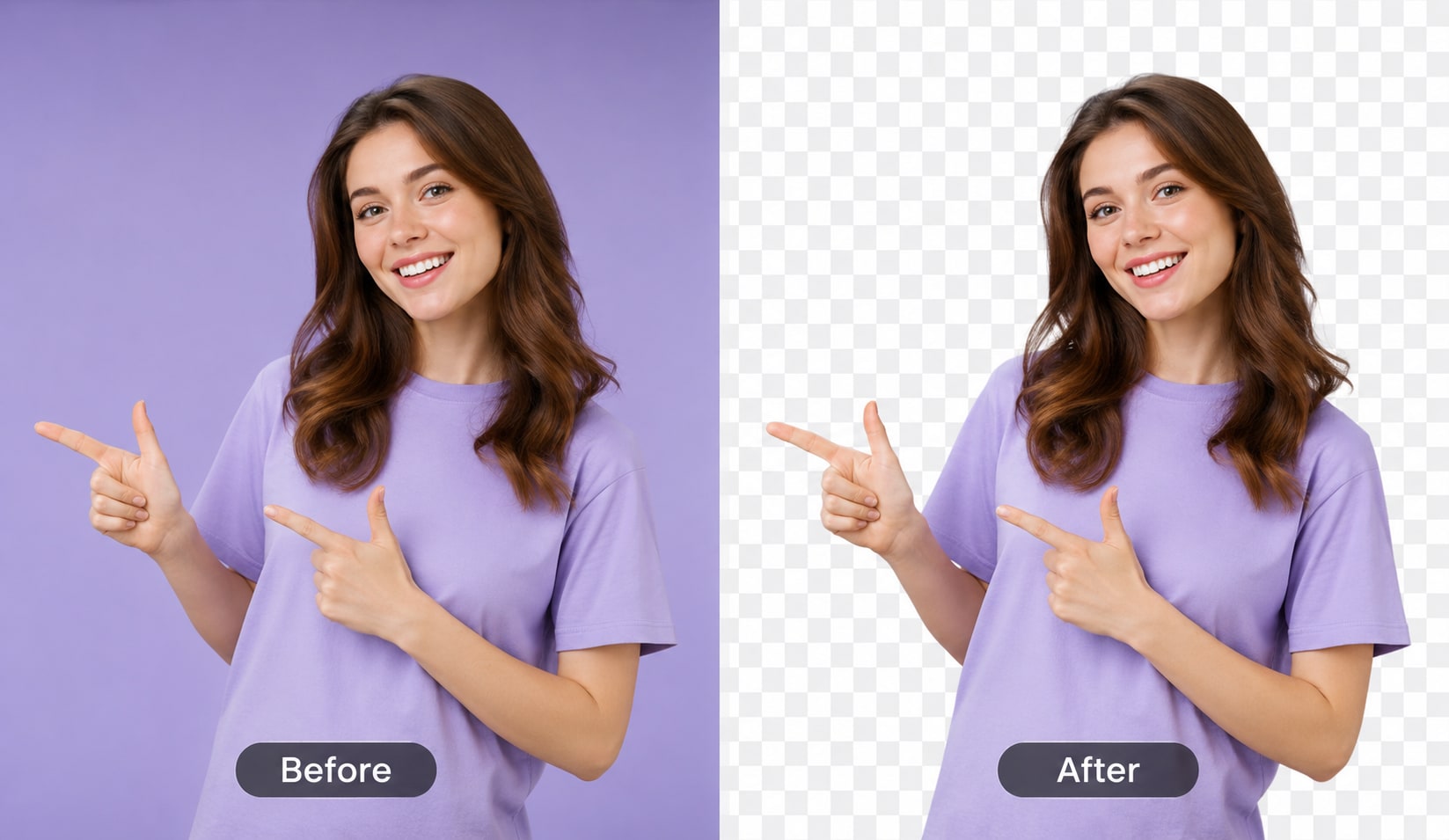
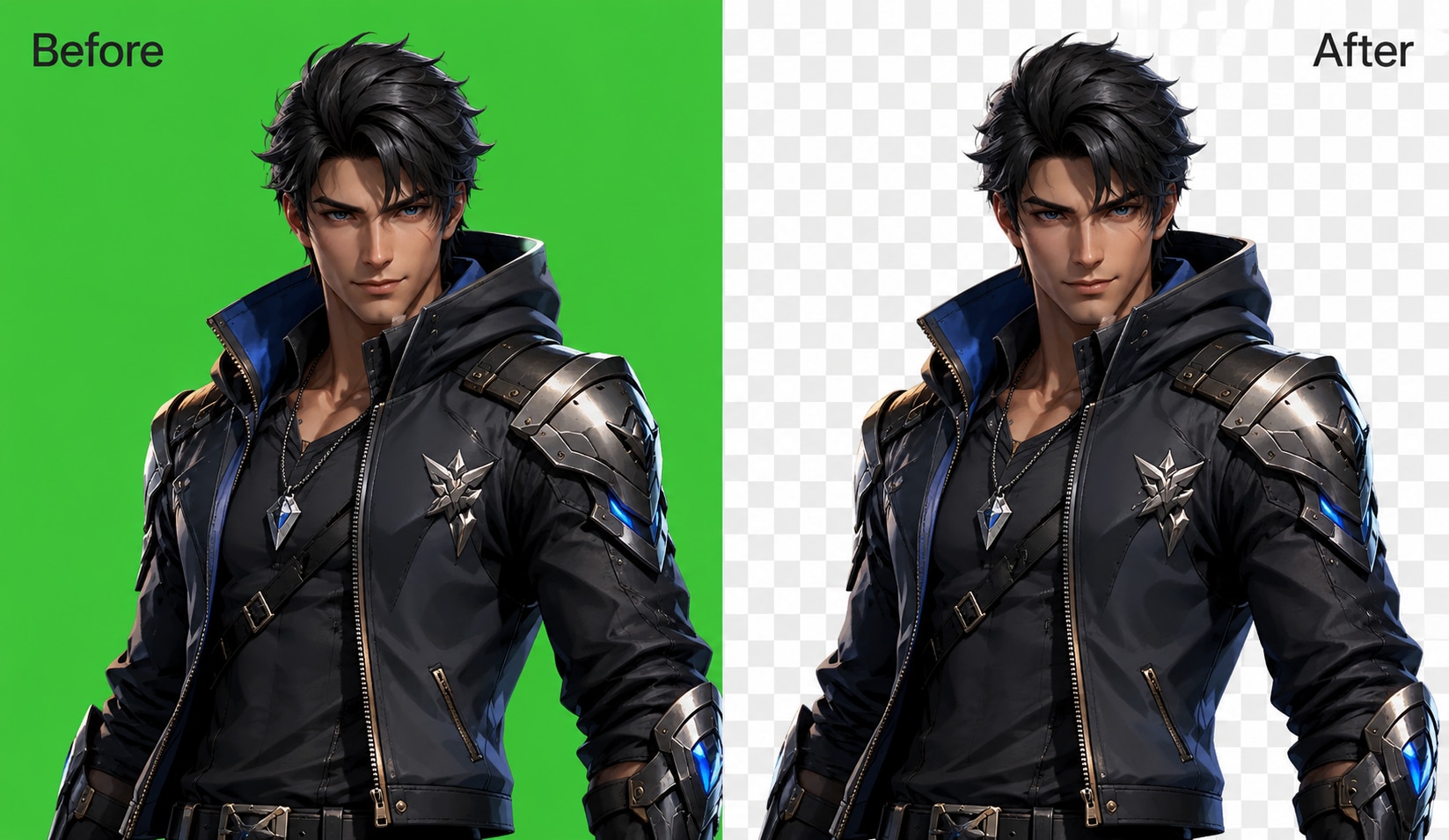
UniConverter detects the main subject and removes the image background for you. The AI separates people, products, animals, cars, logos, and other objects without manual selection.

Export your result as a transparent PNG, JPG, or WEBP. You can also replace the background with white, black, a solid color, or a custom image backdrop.
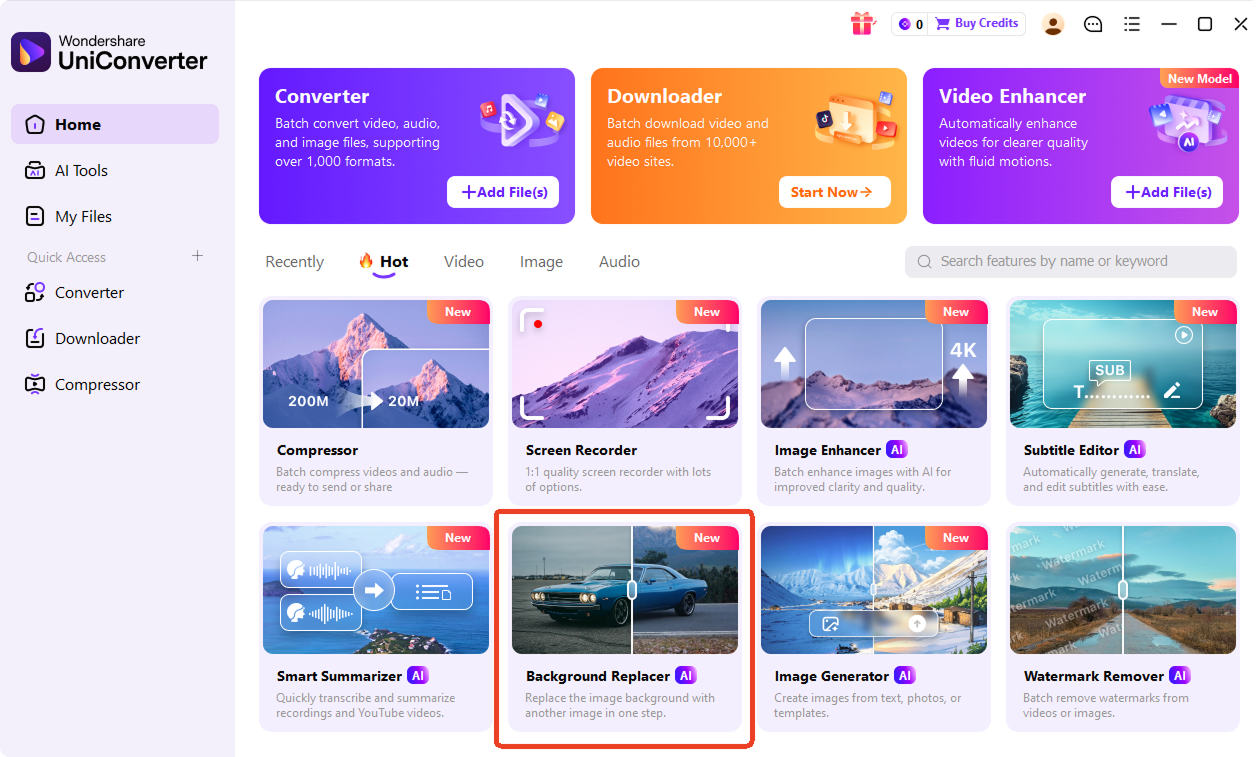
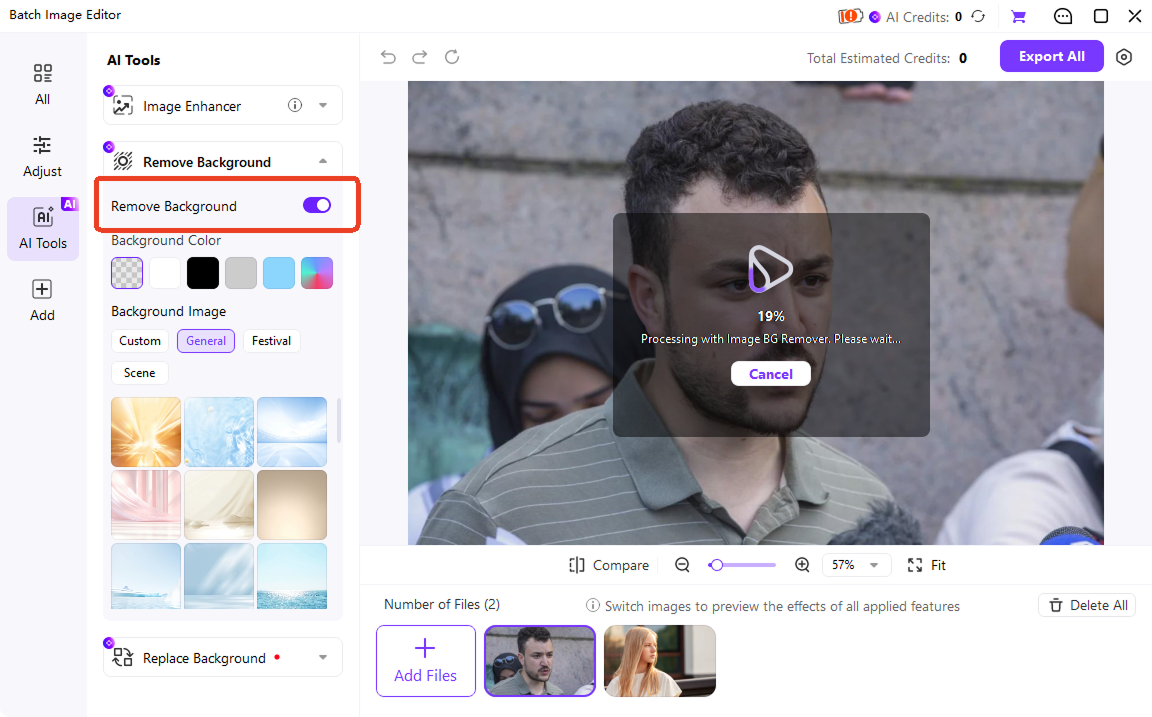
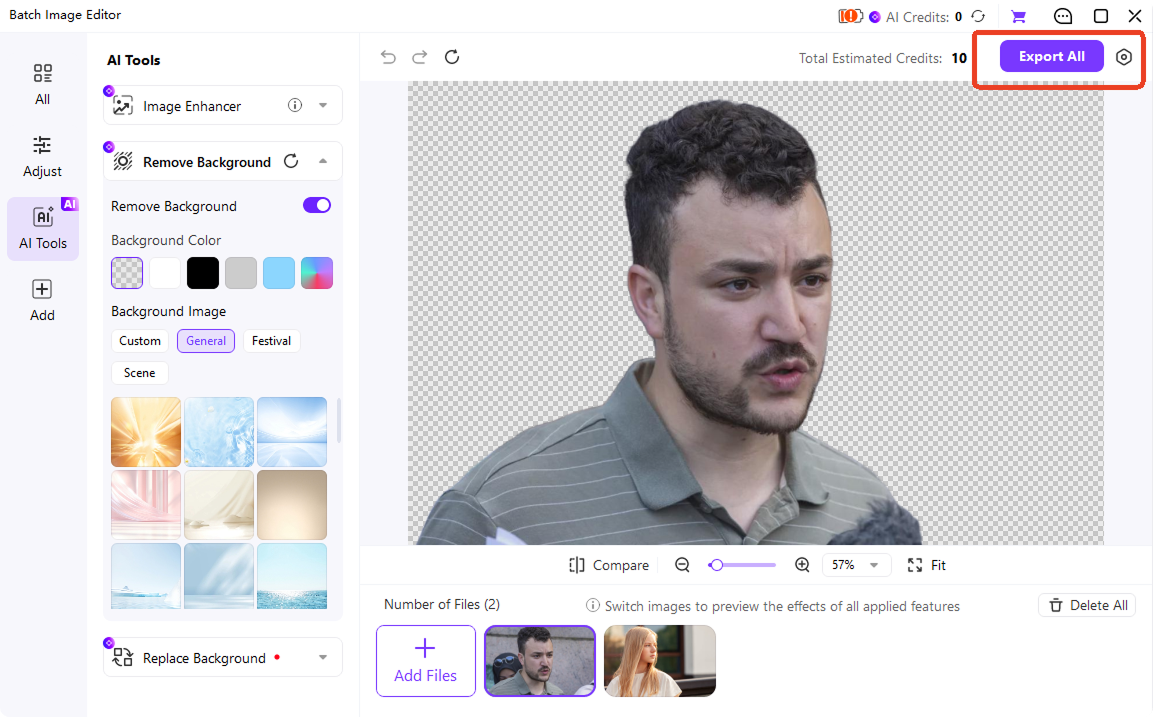
One-Click AI Background Remover Powered by Smart Recognition
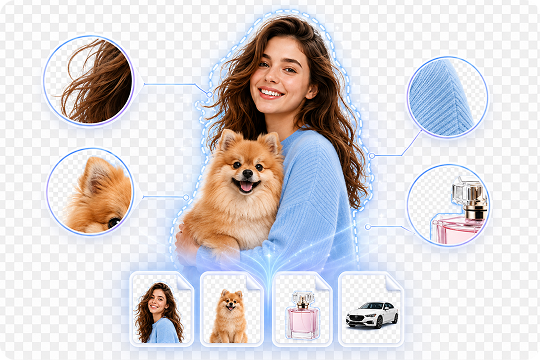
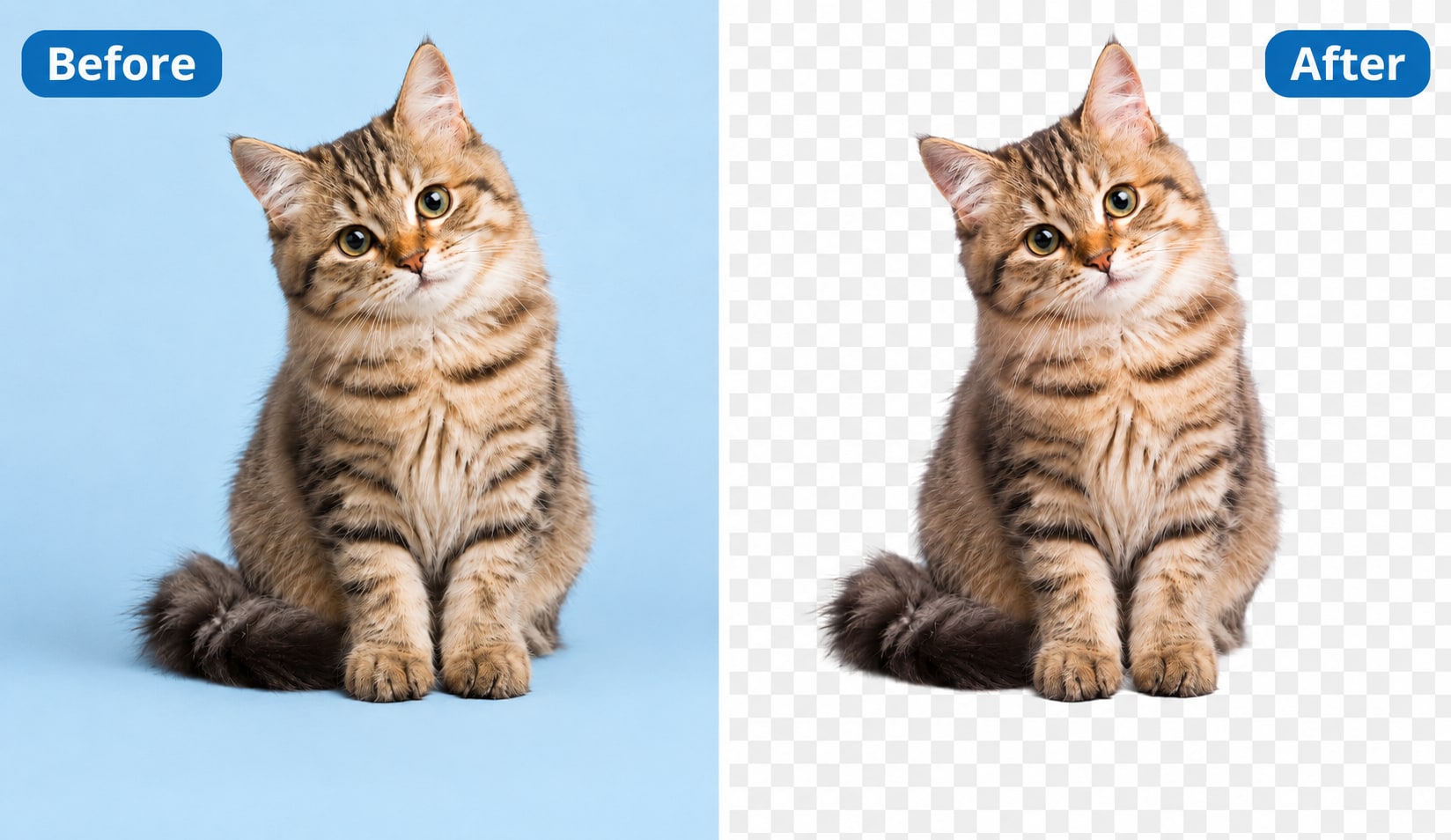
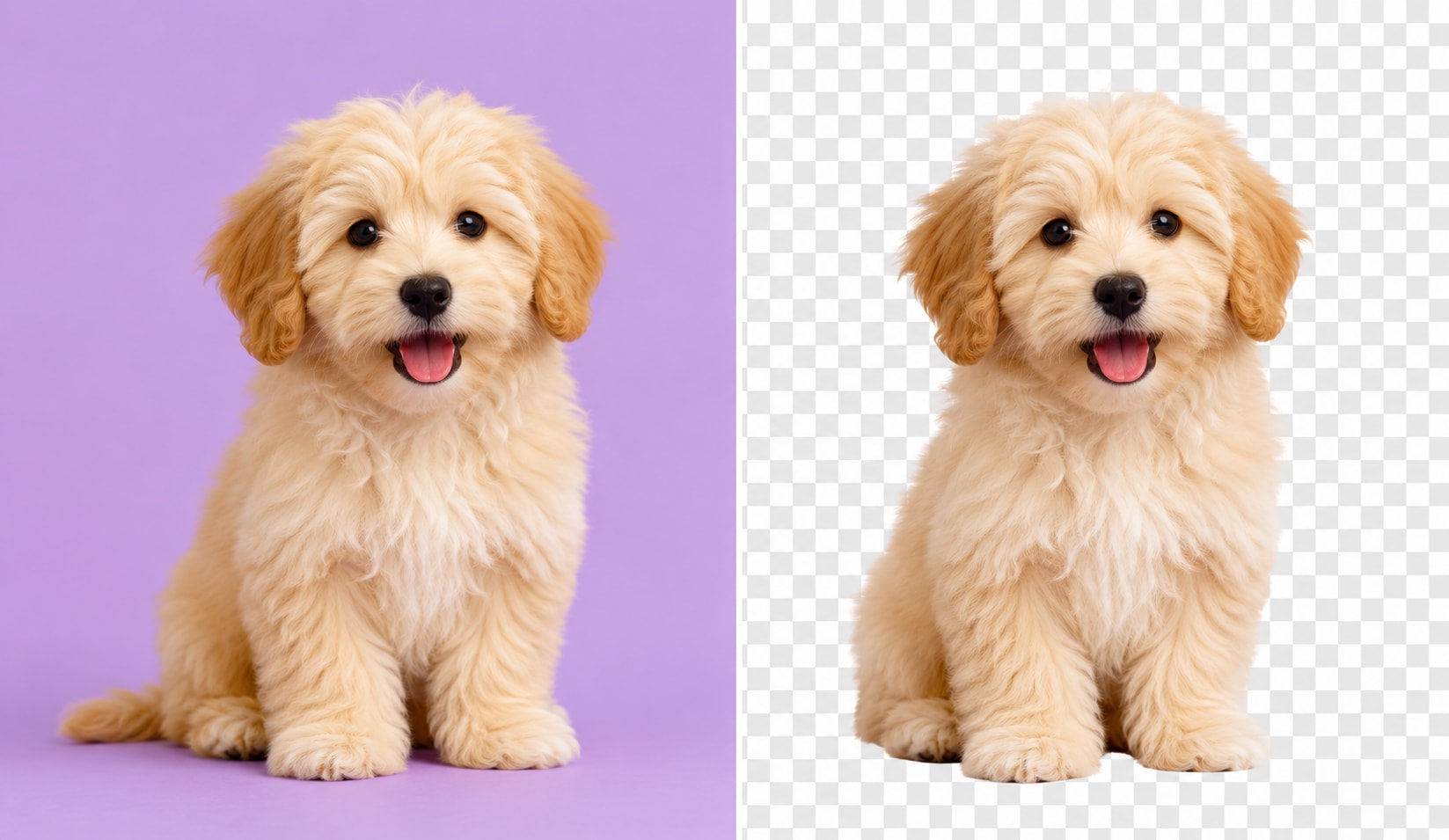
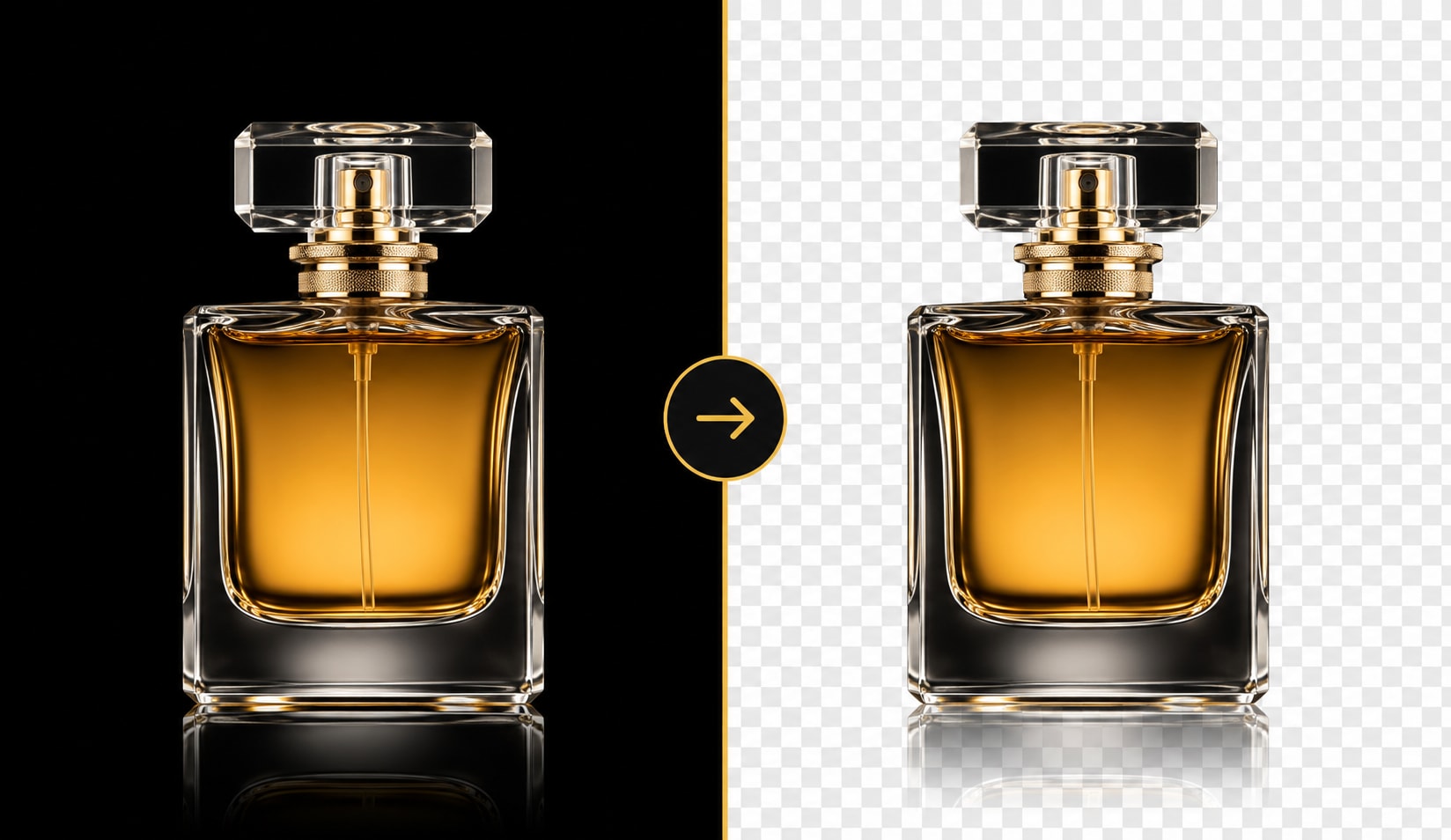
UniConverter’s AI background remover detects people, products, animals, cars, logos, and graphics automatically. You can remove background from image files without tracing outlines or using complex editing tools. It also helps keep fine details around hair, fur, glass, and edges, so your cutout looks clean on a transparent PNG, white background, or custom backdrop.
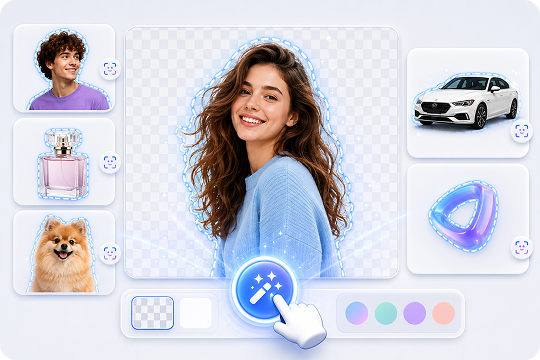
Two Ways to Remove Background: Online Tool + Desktop App
Use the online background remover for quick edits when you need to remove background online from one image or a small batch. Download the UniConverter desktop app for larger files, HD/4K output, batch background removal, and local processing. This gives you a flexible workflow for simple edits, product catalogs, private images, and repeat projects.
Output HD / 4K Transparent PNG with Refined Edges
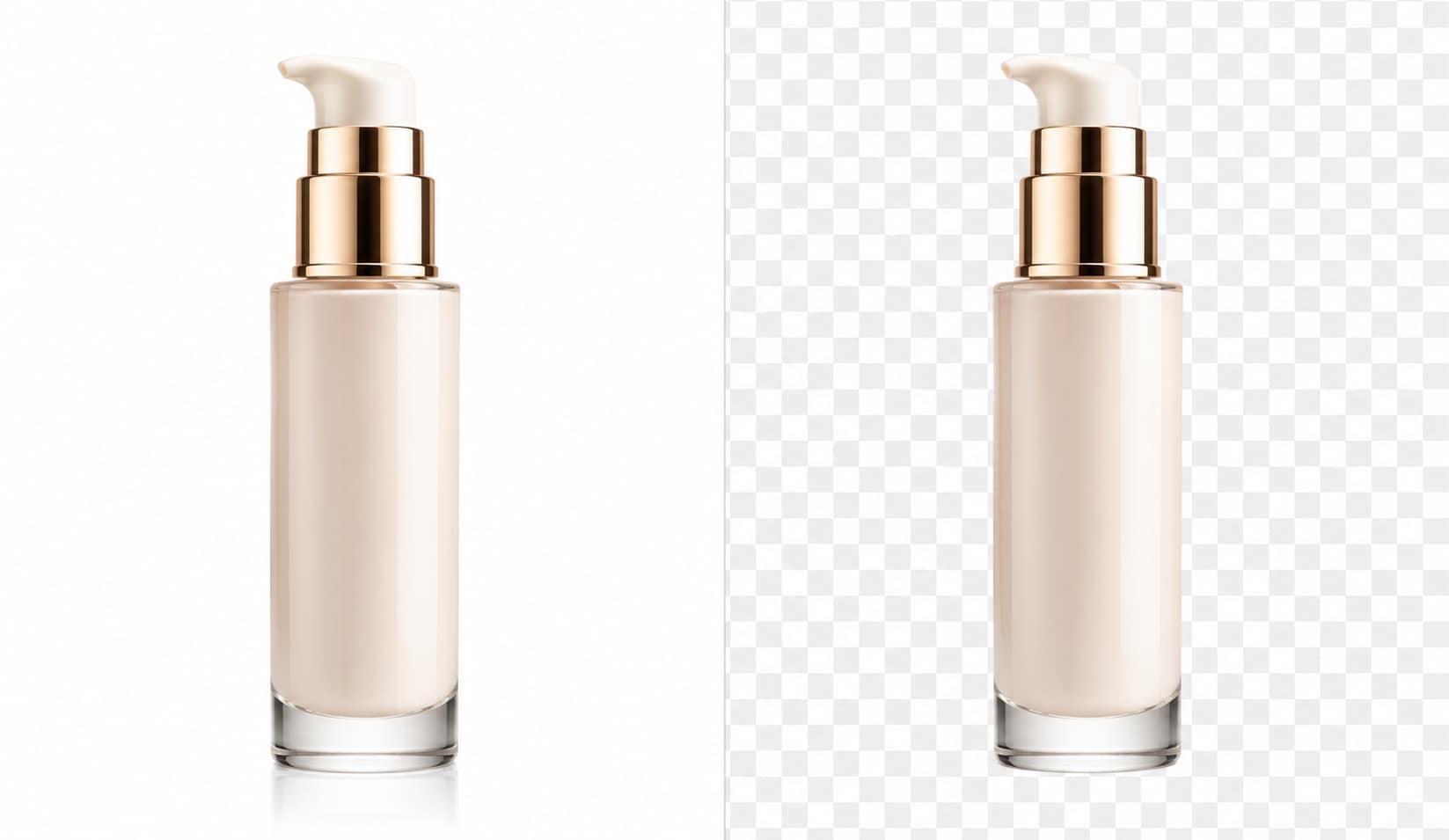
UniConverter helps you remove image background while keeping high-resolution details clear. You can export cutouts as transparent PNG, JPG, or WEBP files for websites, product listings, social media, and design projects. The background remover also supports refined edges around hair, fur, clothing, and objects, making your image easier to place on any new background.
Batch Remove Backgrounds from Hundreds of Photos at Once
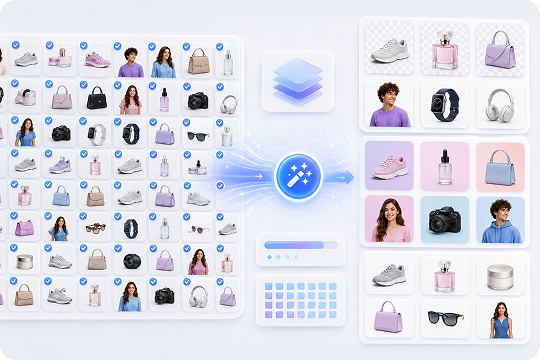
Use UniConverter as a batch background remover when you need to process many product photos or campaign images. Import your files, remove backgrounds in bulk, and apply the same white background, solid color, or template across the batch. This helps Amazon, Shopify, and eBay sellers create consistent marketplace-ready images with less repetitive editing.
Beyond Background Removal — Change, Blur, Replace & More
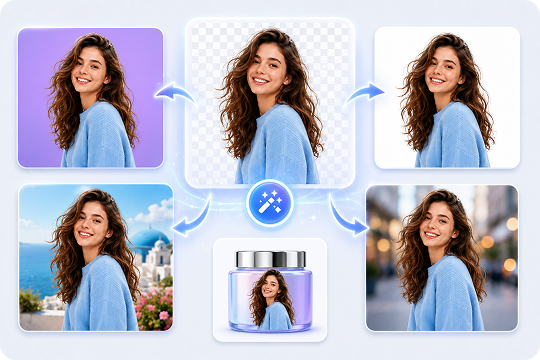
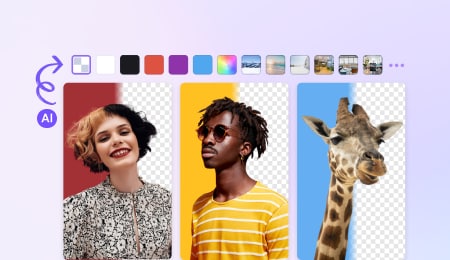
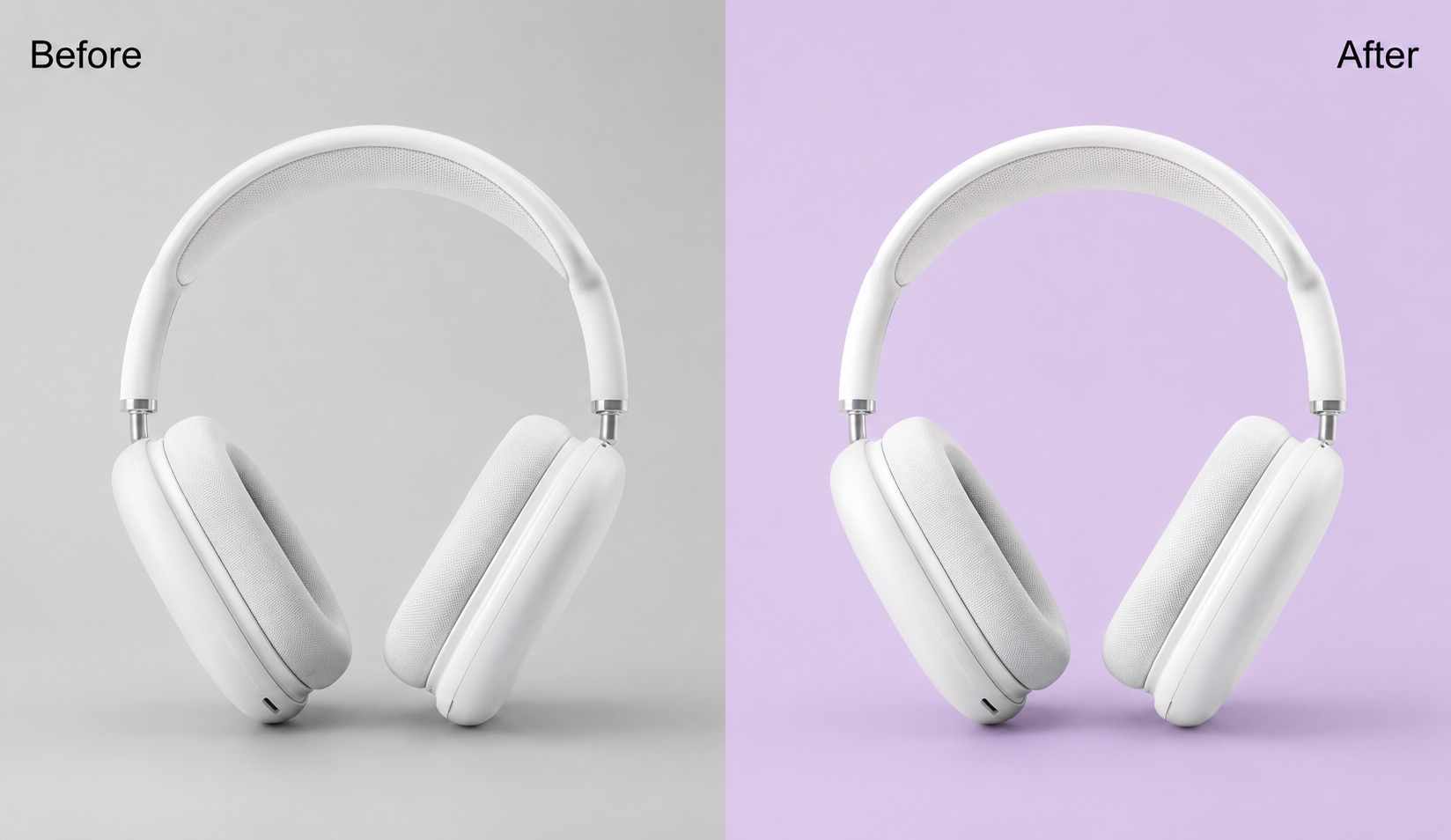
After you erase background from an image, UniConverter lets you change the background color, remove background from logos, replace the backdrop, or blur the background for portraits. You can create transparent PNG files, clean product photos, profile pictures, and branded visuals without switching between multiple editing tools.
Background Remover for Every Use Case: Products, Photos, Logos & More
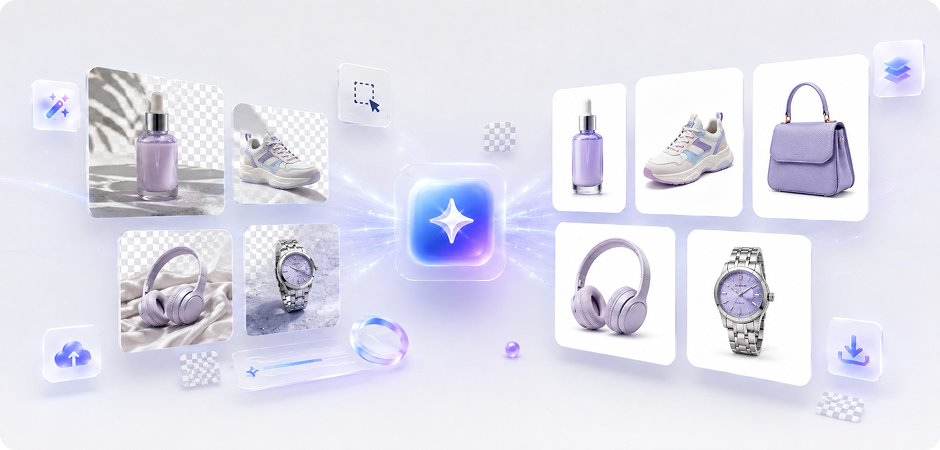
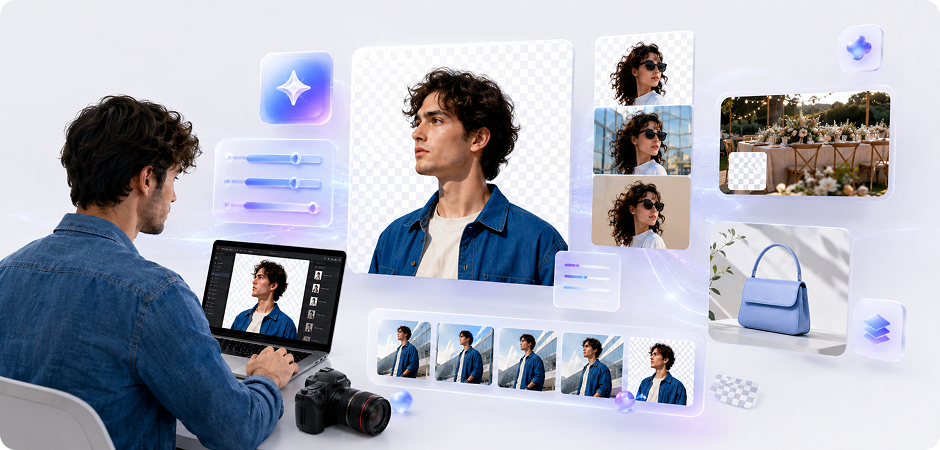

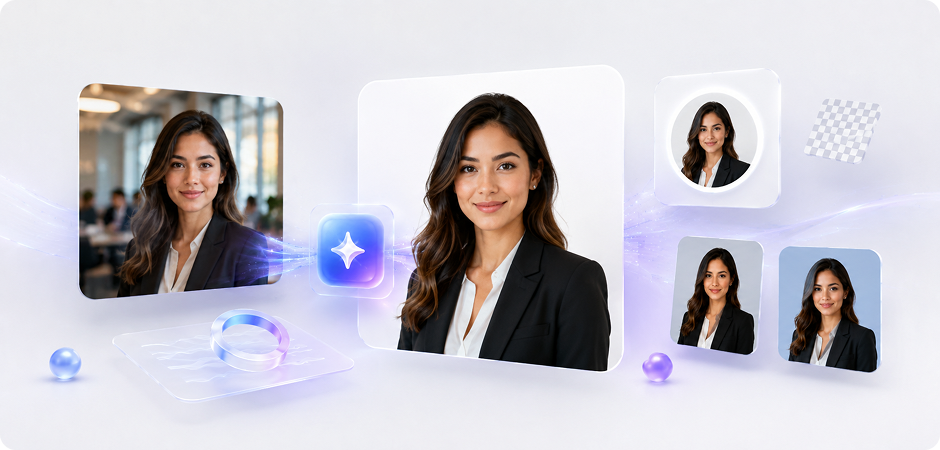
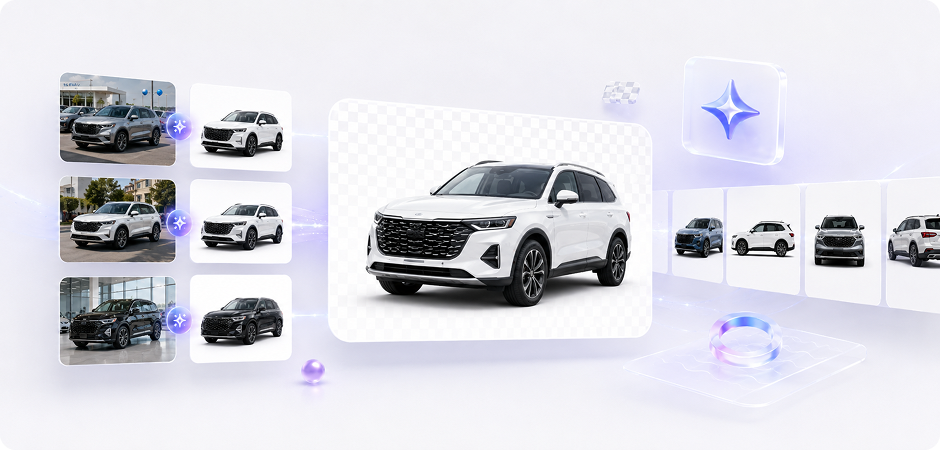

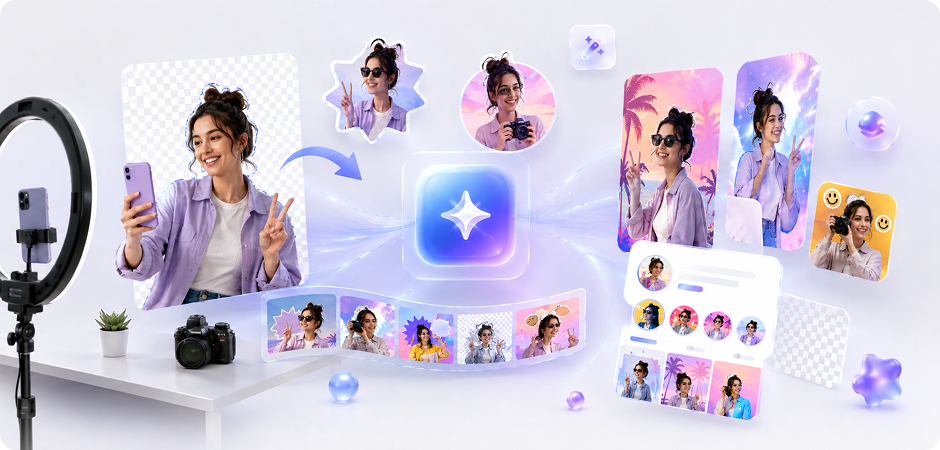

E-commerce Background Remover for Product Photos
Create cleaner product photos for Amazon, Shopify, eBay, and other marketplaces. UniConverter helps you remove background from image files, apply a white background, and export listing-ready visuals in PNG, JPG, or WEBP. Use the online background remover for quick edits, or choose the desktop batch background remover when you need to process full product catalogs with a consistent style.
Photo Background Remover for Photographers
Speed up post-production with an AI photo background remover built for portraits, events, product shoots, and client images. You can remove photo background areas, refine subject edges, and export transparent PNG files for albums, ads, composites, or design layouts. The desktop app is helpful when you need to process many images from the same shoot with a repeatable workflow.
Transparent Background Maker for Logos and Design Assets
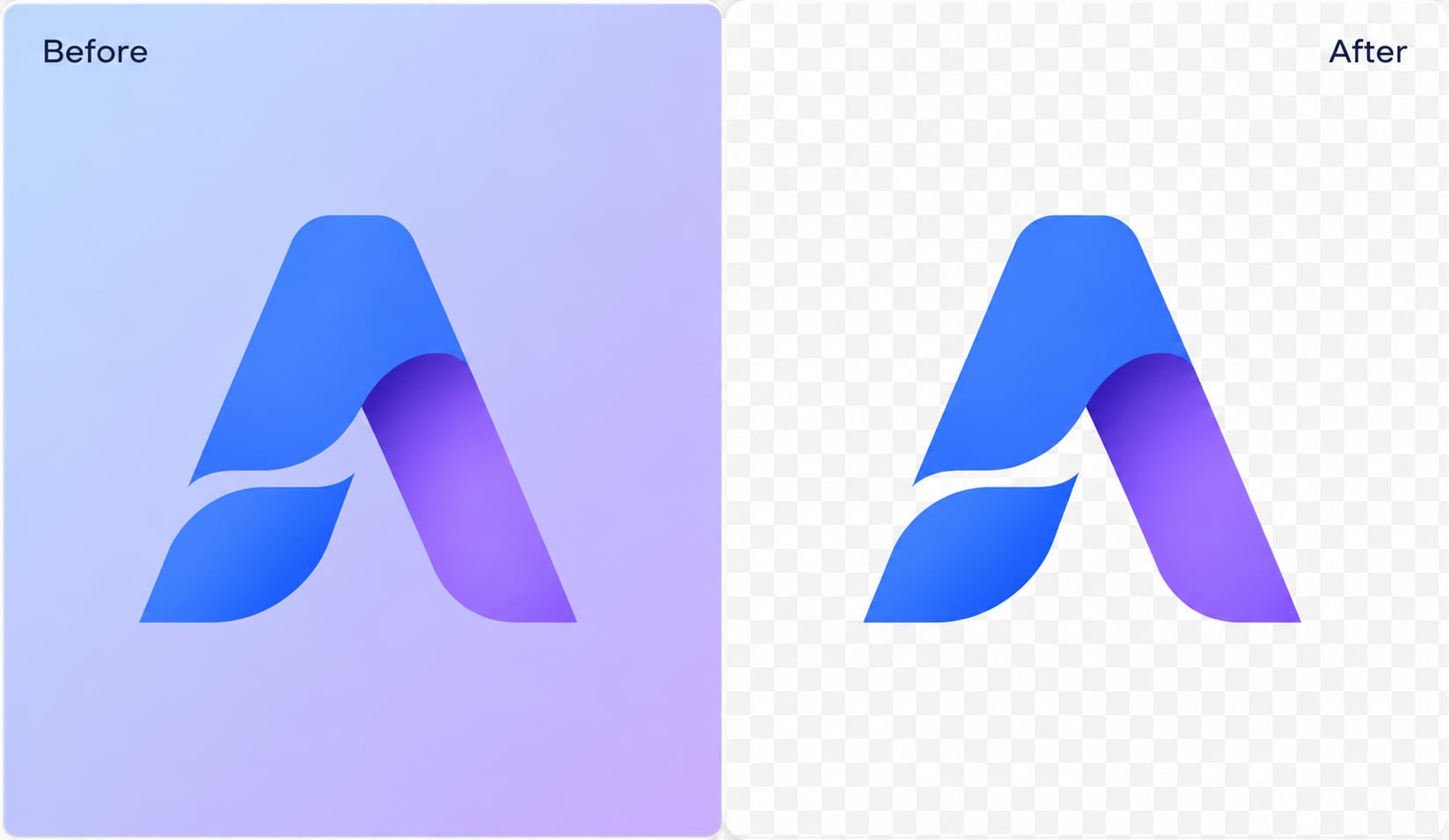
Designers often need logos, icons, stickers, and cutouts with transparent backgrounds. UniConverter works as a transparent background maker for quick layout tasks, social graphics, mockups, and brand assets. You can remove bg from images, export PNG files with an alpha channel, and place the subject on websites, videos, slides, or new design layers.
Picture Background Remover for Professional Headshots
Use UniConverter as a picture background remover for LinkedIn photos, resumes, ID-style images, and profile pictures. Remove busy backgrounds, add a clean white or neutral color, and keep attention on your face. You can create a clear, professional-looking headshot without advanced editing skills, then export it for job applications, online profiles, company pages, or personal branding.
White Background Remover for Car Listings
Car dealerships can use UniConverter to remove background from vehicle photos and create cleaner listings. Replace distracting parking lots, streets, or showroom clutter with a white background or branded backdrop. A consistent image style helps buyers compare cars more easily across your website, marketplace pages, ads, and sales materials.
Background Eraser for Real Estate Listing Photos
Real estate teams can use a background eraser to improve listing visuals, brochures, and campaign assets. Remove unwanted areas, replace skies, clean up exterior shots, or prepare transparent cutouts for ads and landing pages. You can also use background replacement to create more polished property visuals while keeping your editing workflow simple, practical, and easy to repeat.
BG Remover Online for Social Media Creators
Creators can use the bg remover online for stickers, thumbnails, reels covers, memes, and profile visuals. Upload a photo, remove the background, and place the cutout on a new color, image, or branded layout. This helps you create flexible assets for TikTok, Instagram, YouTube, and short-form campaigns without slowing down your content schedule.
Batch Background Remover for Marketing Campaigns
Marketing teams often handle banners, campaign visuals, product shots, ads, and social assets at scale. UniConverter’s desktop batch background remover helps you process large image sets and keep visuals consistent across channels. You can remove backgrounds, apply brand colors, export transparent PNG files, and prepare assets for landing pages, emails, ads, product launches, and seasonal campaigns.
Trusted Background Remover
for Creators, Sellers, and Teams
FAQs about Background Removal
How do I remove background from an image for free?
How do I remove background from a photo on Windows or Mac?
Is UniConverter’s background remover really free?
How do I make a background transparent?
How do I remove a white background from a logo?
Can I remove backgrounds from multiple photos at once?
What image formats are supported?
Will I lose image quality when removing the background?
Does it work on hair, fur, and fine edges?
Online vs. desktop: which one should I use?
Can I change the background color after removing it?
Is my uploaded image stored or shared?
Background Removal Guides & Tips
More Than an Image Background Remover





Remove Backgrounds Faster with UniConverter
Use UniConverter’s AI background remover to create transparent PNG files, white background product photos, clean headshots, and ready-to-use design assets. Start online for quick edits, or download the desktop app for batch HD/4K background removal.