


If you tried taking notes while watching a YouTube video, you already know the struggle. It can take twice as long as the actual watch time, and you might end up missing valuable content. This is where AI-based YouTube note takers come in. These tools can generate a gist without you having to look away from the videos or even watch them in full. However, with dozens of note takers available on the market, it’s easy to feel overwhelmed, especially when every tool claims to be the smartest.
To help cut through the noise, this guide walks you through the best tools that work across online platforms, mobile apps, and desktop software. Additionally, you’ll learn how Wondershare UniConverter provides YouTube video notes and even lets you download them.
In this article
Part 1. Use Cases: Why Need a YouTube Note-Taker?
Using a YouTube note-taker can be advantageous for students, professionals, and content creators. Not only does it save time, but it also helps retain learning and information, and creates a searchable personal knowledge library from video content. Here’s a detail into the importance of a YouTube note-taker:
Students & Learners: YouTube is more than just an entertainment platform; it is a rich repository of learning content. So, for students and learners using YouTube to research a topic or prepare for exams, a YouTube video note-taker can be a huge boost. It captures each concept clearly, organizes them by topic, and links them to related ideas to ensure they don’t get lost. Also, notes often include timestamps, which allow students to quickly refer to or review a concept.
Professionals & Researchers: Professionals and researchers often have to sit through lengthy webinars, lectures, or videos. Note takers can condense hours of video into key, scannable insights, eliminating the need to watch the entire video. Not only that, these apps can organize notes by information, which are shareable as reports. It’s like having an efficient research assistant by your side, minus the hourly rate.
Content Creators: From identifying key themes from other creators’ content to preparing a draft script, the note takers can help content creators in many ways. Not only that, if you’re a content writer, use these tools to convert your videos into notes that become captions, blog posts, or even an ebook. In short, you can create an endless stream of content from a single recording.
Anyone Seeking to Learn: Not engaging with a YouTube video by writing, summarizing, or discussing it can rarely lead to long-term retention. The AI note takers can quickly jot down the points as they appear and help you actively learn without the stress of manual note-taking and missing something crucial. The right tools also organize your notes and turn them into a searchable, personalized learning resource.
Part 2. What to Look For in a YouTube Note-Taker?
The basic note-takers are fine, but if the aim is to create a personalized knowledge base that is easily searchable, you must go for the best. You will need a YouTube note taker that creates automatic timestamps, organizes notes, and more. At the same time, you want your YouTube note taker to protect your data and avoid shady redirects.
Here’s a detail into the features you must look for in a YouTube note-taker:
Seamless Integration: The software must integrate with web browsers for one-click downloading of online videos and open the desktop app for note generation and organization.
Automated Timestamps: Timestamps take you directly to the moment when something important is discussed in a video. Automated timestamps in notes also help you compare the content during review.
Searchable Video Notes: Imagine typing a phrase, and you reach exactly where the speaker addresses in an hour-long video. That’s convenient for finding information without having to flip through pages.
Easy Organization and Export: The top note-takers must export notes to standard formats like Markdown, PDF, or plain text for easy documentation, note-taking, and team sharing.
These aren’t just bells and whistles, but what separates a random YouTube note taker from a professional one. So, whether you’re a professional, student, or anyone seeking to learn, these tools should get you started without the need to rewatch videos.
Part 3. Best 10 YouTube Video Note Takers 2025
YouTube videos are a source of learning for most, but you cannot spend hours rewatching them. This is where the best YouTube video note taker comes in. Consider it your personal assistant who watches the video, picks up important points, timestamps them, and organizes them on the go. Here are the best YouTube note takers to try out in 2025.
Best YouTube Video Note Takers for Desktop
Desktop apps are powerful, offer stable performance, and provide full control over export formats. Several desktop tools are available to generate a note from a YouTube video, but the following are the best:
1. Wondershare UniConverter
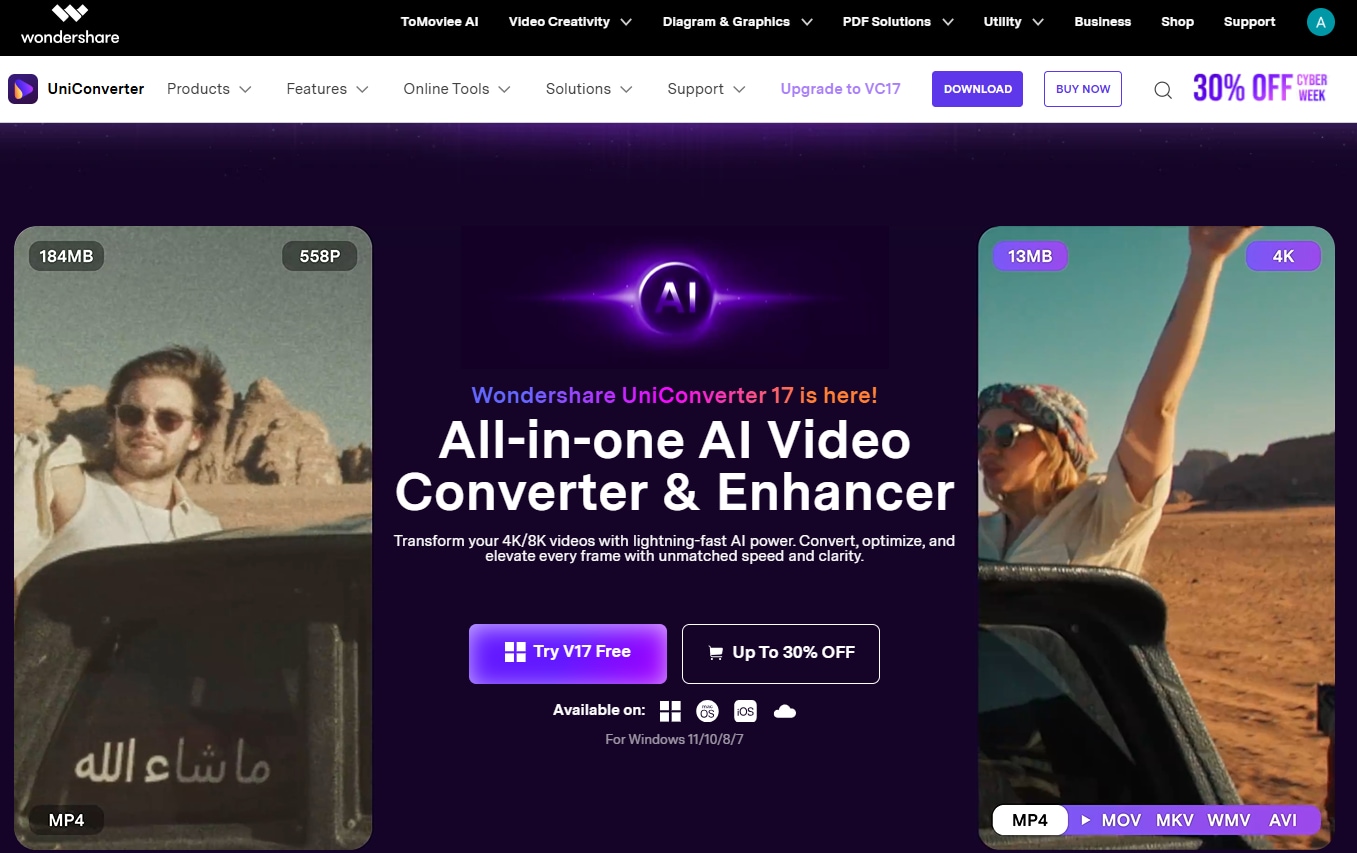
Wondershare UniConverter is a feature-rich desktop tool that extracts key insights from YouTube videos in just a few clicks. It’s a comprehensive video toolkit that can summarize a YouTube video by analyzing its sentiment, generate notes at lightning speed, and let you download them in one go.
What sets Wondershare UniConverter apart from others is that it lets you generate notes in 145+ languages, making it suitable for multilingual users, international teams, and creators consuming content from around the world. The AI video summarizer makes documentation and sharing easier by converting summaries into Markdown files. Also, since UniConverter runs locally on your PC and Mac, you can expect stable performance, minimal errors, and better-quality saved files.
| Feature | Details |
| Starting Price | $29.99 |
| Supported Device | Windows, macOS |
| Offline Support | Yes |
| Safety Review | 4.3/5 |

Easy to Use YouTube Note Taker
2. Otter.ai
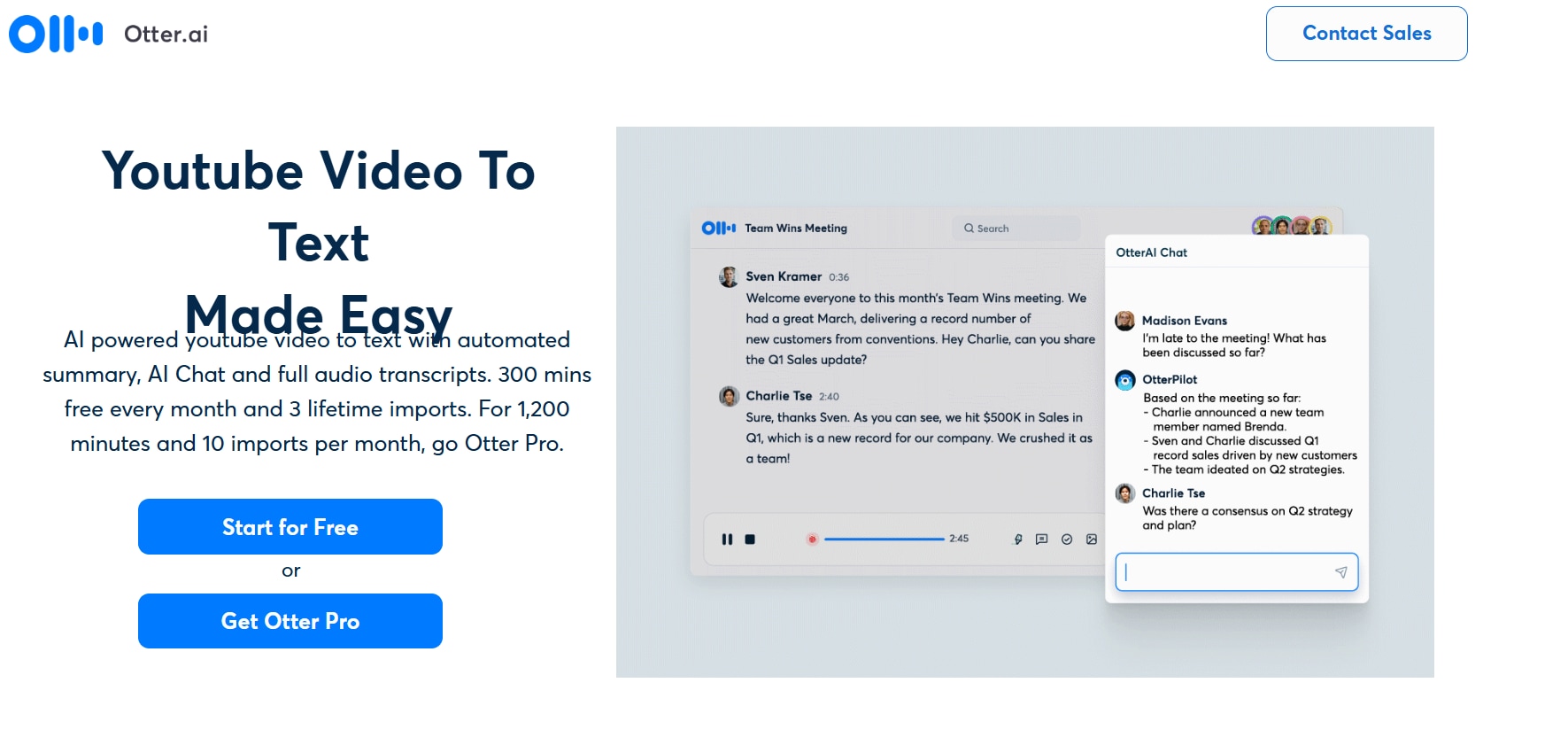
Otter.ai is an AI-powered assistant that can record, transcribe, and summarize your YouTube videos in real-time. Just open the desktop app, press record, play the YouTube video on your desktop browser, and Otter.ai will automatically start taking notes. The notes are on point, and Otter even pulls out the action items, making it easy to share. However, unlike UniConverter, it only supports four languages: English, Spanish, Japanese, and French. This makes Otter.ai limited for learners and professionals who speak different languages.
| Feature | Details |
| Starting Price | $8.33/month |
| Supported Device | Online, macOS |
| Offline Support | Yes |
| Safety Review | 4.4/5 |
3. ClickUp
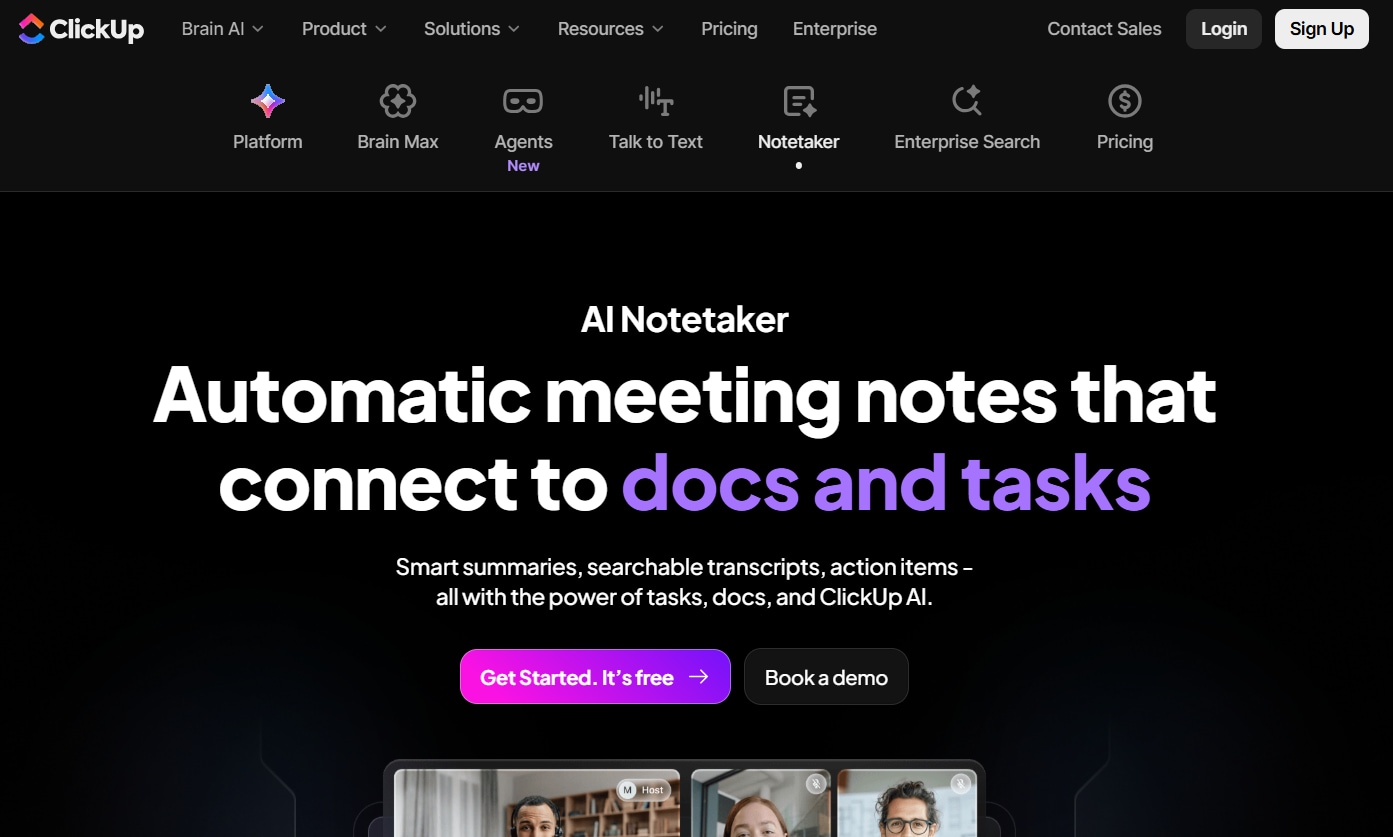
ClickUp can be your reliable YouTube note generator with its productivity tools: ClickUp Clips and ClickUp Brain. The ClickUp Clips record screen and video clips, and ClickUp Brain creates transcripts and detailed notes with timestamp references. You can also obtain instant, accurate answers from the generated notes. This can save time by eliminating the need to search through transcripts. However, its learning curve is steep, so it might take you some time to get the hang of its features.
| Feature | Details |
| Starting Price | $7/month |
| Supported Device | Windows, macOS, Android, iOS |
| Offline Support | Yes |
| Safety Review | 4.7/5 |
Best YouTube Video Note Takers Website
If you want quick summaries and notes without installing any software, websites become the simplest choice. These YouTube note takers are ideal when you need quick notes, eliminating the need to navigate complex settings. Although many online tools exist, these are the best in terms of usability and accuracy.
4. NoteGPT
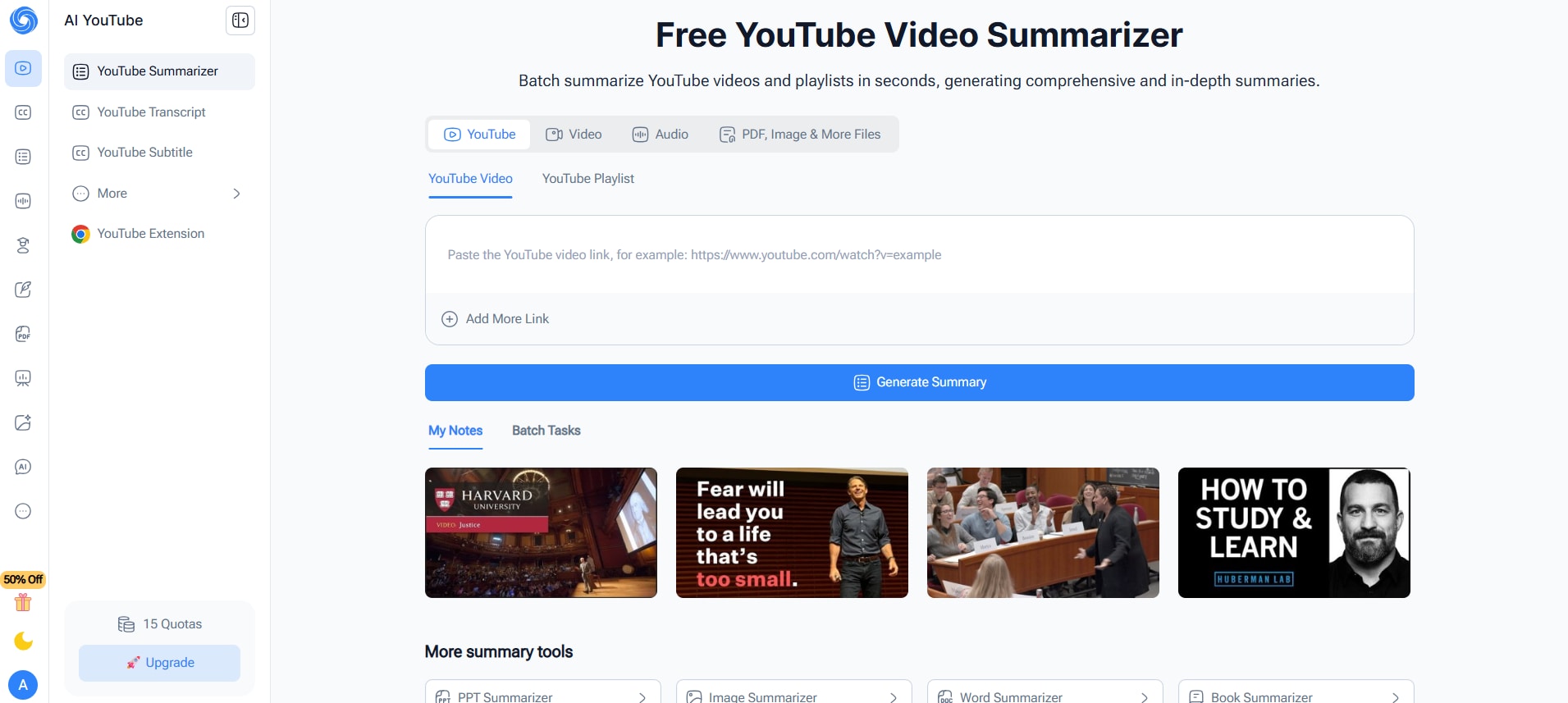
NoteGPT is a powerful AI video summarization tool that works across videos, web pages, and PDFs and turns them into structured notes, study guides, or mind maps. The accuracy is decent, and it comes with added features like Ask AI, which lets you ask follow-up questions, while the workplace guide provides automated timestamps for quick navigation. It also supports over 60 languages, helping you summarize videos from around the world. However, speaker identification in transcripts is missing, and there are limited options for the final output format.
| Feature | Details |
| Starting Price | $9.99/month |
| Supported Device | Online, Chrome extension |
| Offline Support | No |
| Safety Review | 5/5 |
5. Notta.ai
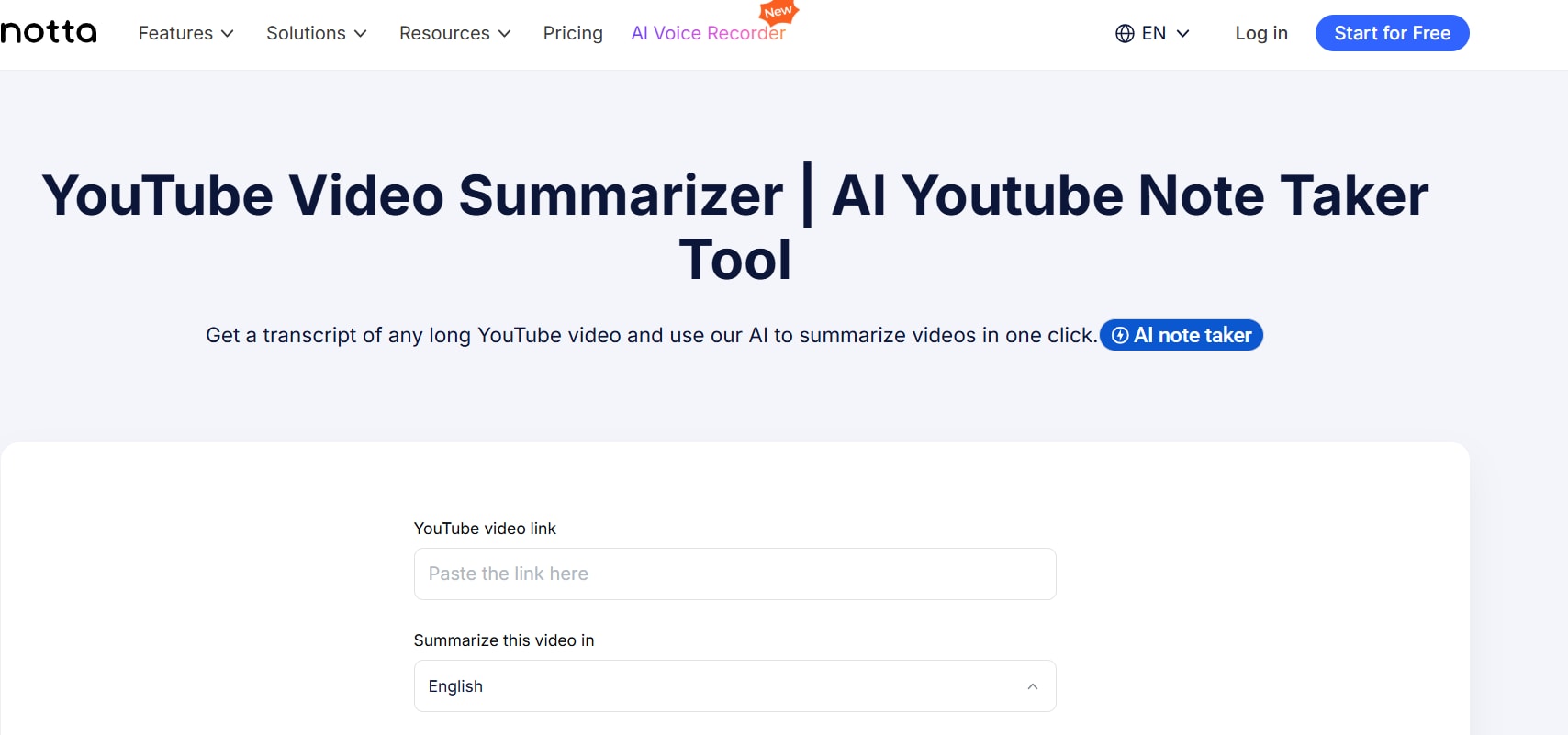
Notta can be your reliable YouTube video note generator, with the ability to generate transcriptions and video summaries. It has a copy-and-paste interface and can transcribe and summarize long YouTube videos in minutes, saving you time and the hassle of manual note-taking. While its free version can generate transcripts and summaries, you need a subscription to access AI-generated insights and other advanced features, such as custom vocabulary.
| Feature | Details |
| Starting Price | $8.17/month |
| Supported Device | Online, Android, and iPhone |
| Offline Support | No |
| Safety Review | 4.4/5 |
6. Krisp
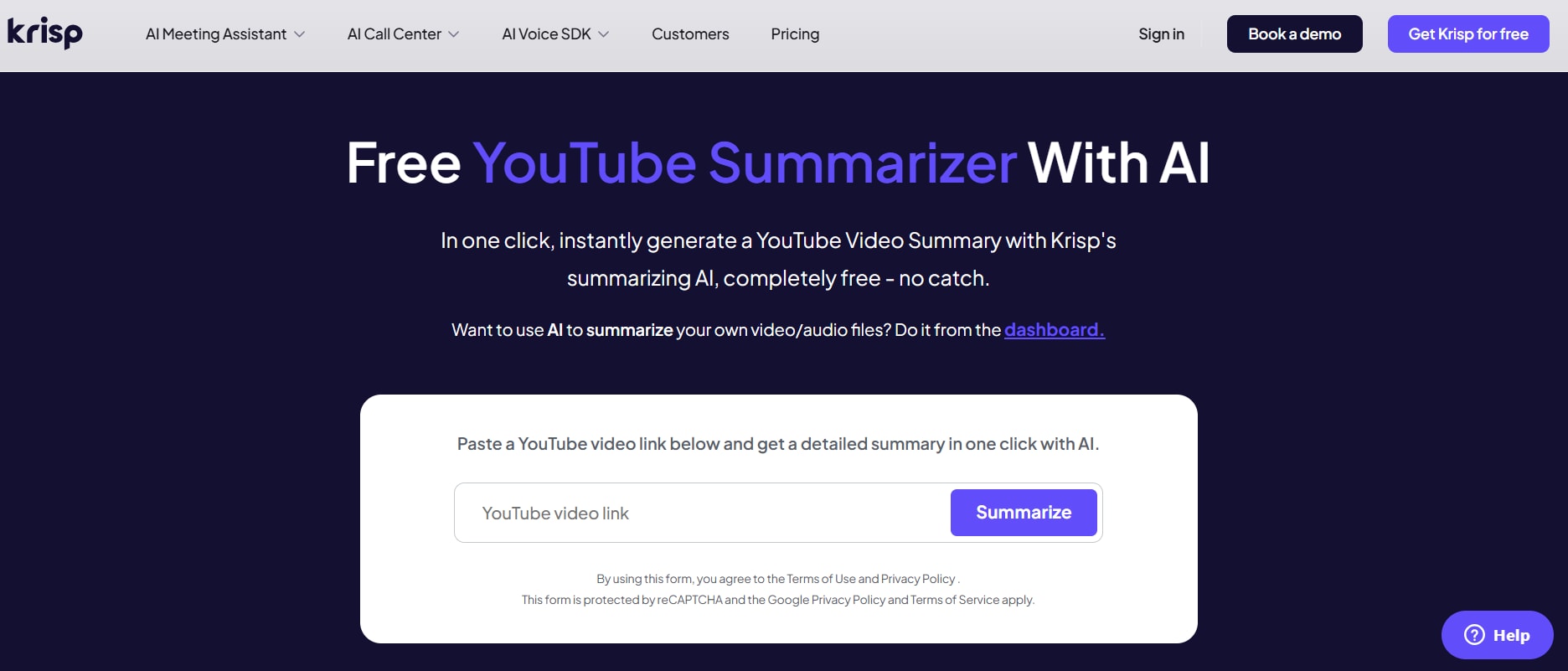
If you want to generate YouTube video notes for free, without entering your email or creating an account, Krisp is an easy pick. The tool has a minimalist interface where you just copy and paste video links to generate summaries. The summaries also include clickable timestamps that let you jump directly to a specific part of the video. Krisp, however, lacks advanced features such as speaker detection and output editing tools.
| Feature | Details |
| Starting Price | Free |
| Supported Device | Online |
| Offline Support | No |
| Safety Review | 4.7/5 |
7. ScreenApp
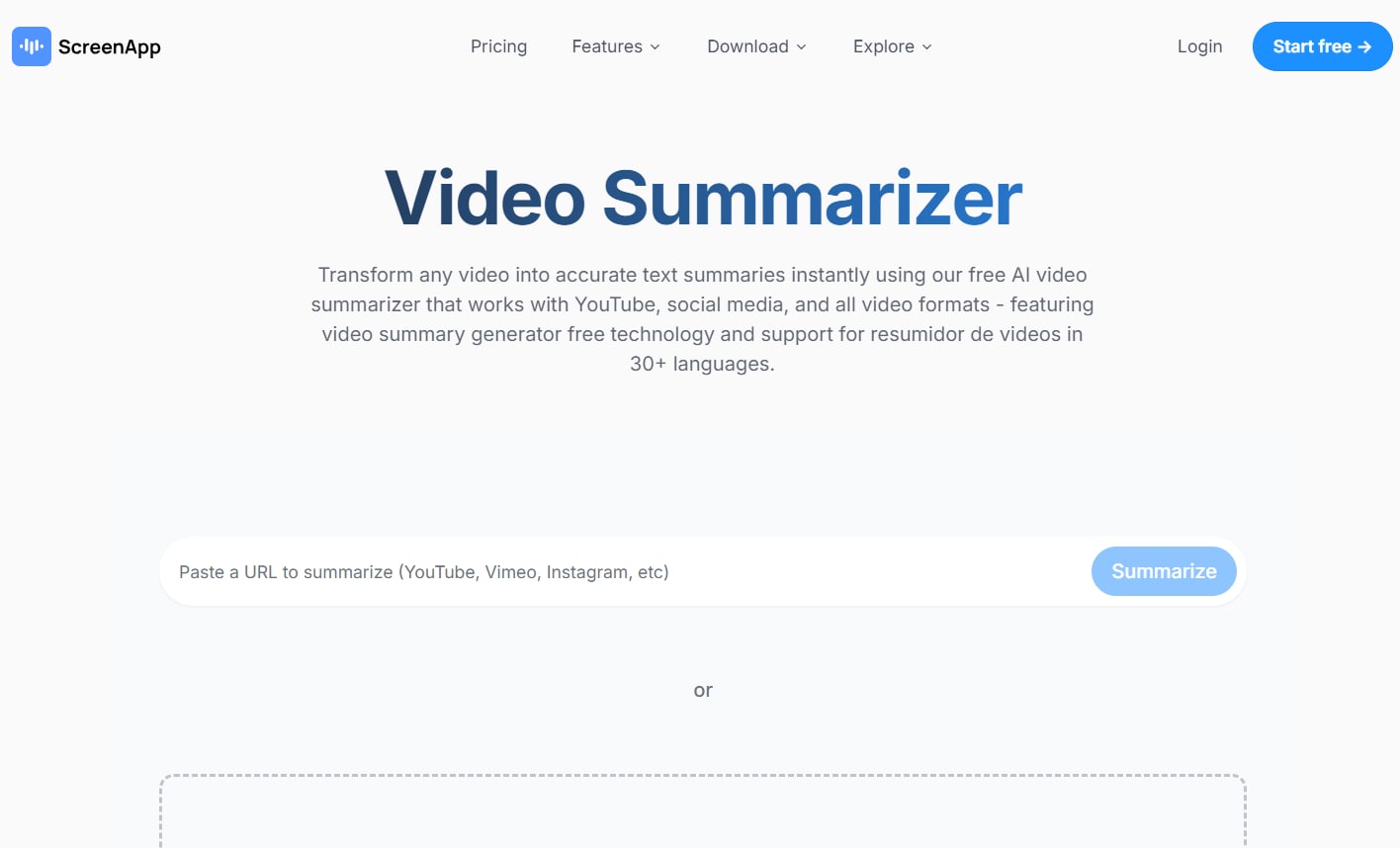
ScreenApp ranks highly in Google results when you search for the best YouTube note-taking app, for obvious reasons. Like most web-based platforms, the interface is simple, and it lets you record and take notes from YouTube videos in minutes. What keeps it apart from traditional tools is its multiple summarization options. For example, you can choose to extract key points, highlights, or summaries from the video. Its AI summarization feature, however, requires a premium subscription.
| Feature | Details |
| Starting Price | $14/month |
| Supported Device | Online, Windows, MacOS |
| Offline Support | Yes |
| Safety Review | 1.5/5 |
Best YouTube Video Note Takers for iPhone or Android
Mobile apps are ideal for moments when you spot a YouTube video on the go and need instant AI-powered insights. Although many apps promise quick, accurate note generation, most fail to deliver. Check out the best YouTube note takers you can try out on iPhone or Android without compromising accuracy.
Easy to Use YouTube Note Taker
8. Coconote
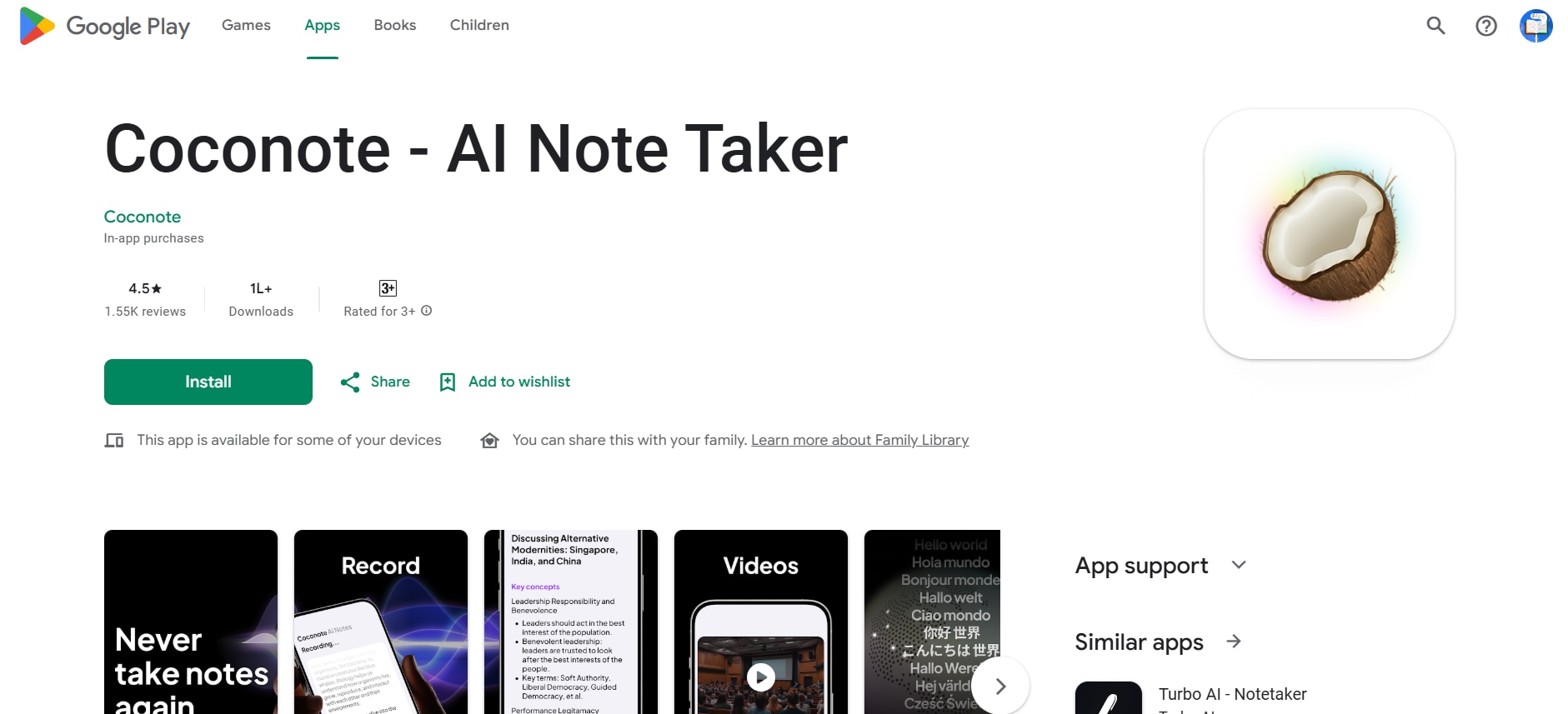
If you’re a student and want to generate notes from a lecture or course video on the go, then try out Coconote - AI Note Taker. The short note the tool generates covers most of the key information in a YouTube video. What’s most helpful is that it can turn notes into quizzes and flashcards. Students can use them to revise faster, remember key concepts, and instantly spot what needs work. All these features, however, come at a cost that can be expensive for students.
| Feature | Details |
| Starting Price | $11.58/month |
| Supported Device | Android and iOS |
| Offline Support | Yes |
| Safety Review | 4.5/5 |
9. Tor.app
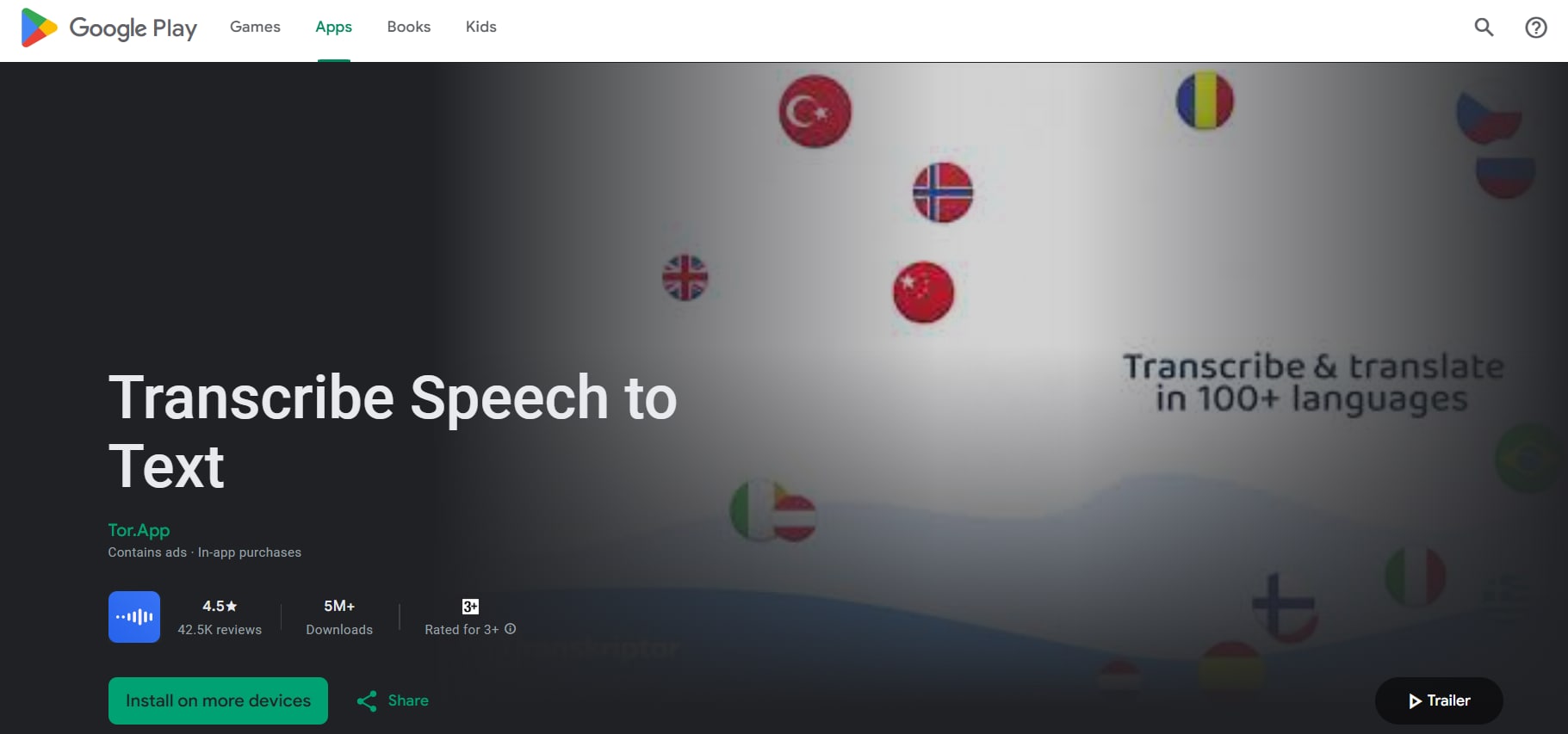
Tor.app is another versatile YouTube note-generation app that lets you upload files in multiple ways, including via a link, the cloud, or your device. It promotes itself as a reliable app, with support for 100+ languages and shareable outputs for others to work on. The app also provides instant answers based on the uploaded YouTube video. Everything seems good, but some Google Play Store reviews have complaints about accuracy and high prices.
| Feature | Details |
| Starting Price | $4.99/month |
| Supported Device | Online, Android, iOS |
| Offline Support | No |
| Safety Review | 4.5/5 |
10. Rev
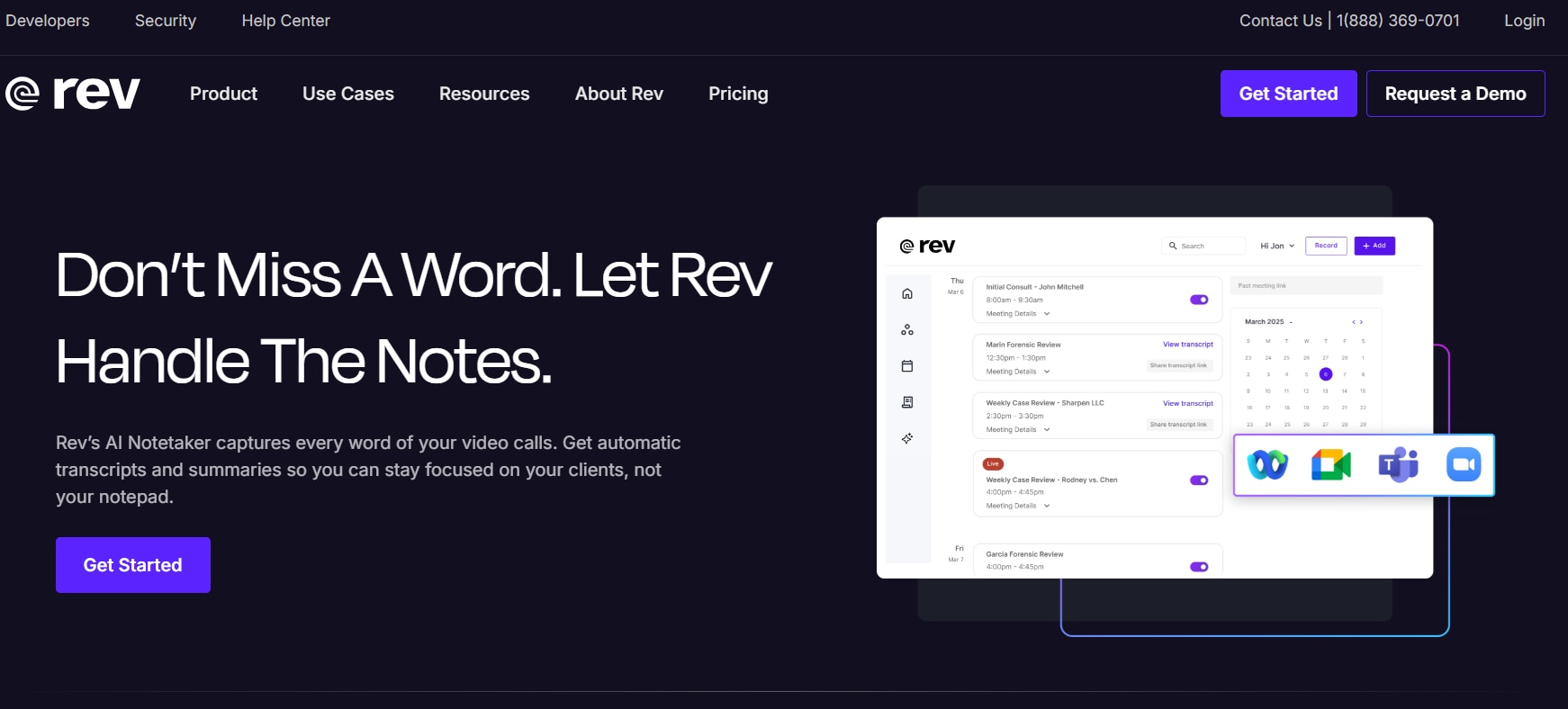
Rev is a well-known transcription service that can also extract key insights from your YouTube videos. The transcription accuracy is decent, but sometimes it doesn’t include important information you might need to remember. You can, however, manually edit, download, and share the notes to ensure error-free note-taking. There’s also support for translation into 30+ languages, but a free trial of the feature would have been appreciated.
| Feature | Details |
| Starting Price | $9.99 per seat/month |
| Supported Device | Online, Android, iOS |
| Offline Support | Yes |
| Safety Review | 4.1/5 |
Part 4. At-a-Glance Comparison Table for YouTube Video Note Takers
Here is a comparison table for tools that can extract key insights from YouTube videos, so it will help you make the right choice:
| App Name | Use Case | Supported Input Format | Unique Edge | Best For |
| Wondershare UniConverter | Convert YouTube videos to text and generate multilingual notes | YouTube URLs, MP3, MP4, MOV, AVI, M4A | 145+ language support for note-taking + fast conversion + Markdown export | Students, creators, and professionals |
| Otter.ai | Auto-record YouTube videos, transcribe, and generate notes | YouTube audio, MP3, WAV | Real-time note-taking + speaker identification | Professionals and creators |
| ClickUp | Store, organize, and summarize YouTube notes | YouTube URLs, MP4, MP3 | All-in-one workspace with AI summaries | Teams that need to manage project notes |
| NoteGPT | Generate structured notes and summaries from URLs | YouTube URLs | AI note + instant summaries | Students who need quick summaries |
| ScreenApp | Auto-caption and instant summaries | YouTube URLs, MP3, MP4 | Browser-based note-taking | Users who want quick notes without installing an app |
| Notta | Record, transcribe, and generate summaries of YouTube videos | YouTube URLs, MP3, MP4 | Cross-device sync and multilingual note-taking | Business professionals |
| Krisp | Generate concise notes | YouTube URLs | Minimalistic copy and paste interface | Users who need quick summaries |
| Coconote | Convert lectures and YouTube videos into notes, quizzes, and flashcards | YouTube URLs, MP4 | Study-oriented outputs | Students preparing for exams |
| Tor.app | Quick AI-based summaries | YouTube URLs, MP4, MP3, MOV | AI Ask + AI insights | Users who want a fast and reliable tool |
| Rev | Generate notes and transcripts using human-verified transcriptions | YouTube URLs, MP4, MP3, WAV | 99% accuracy through human transcription | Professionals who prioritize accuracy over speed |
Part 5. How to Easily Generate Notes for YouTube Video Links
You can use Wondershare UniConverter to generate notes from YouTube video links. The interface is simple, and you can follow the steps in order:
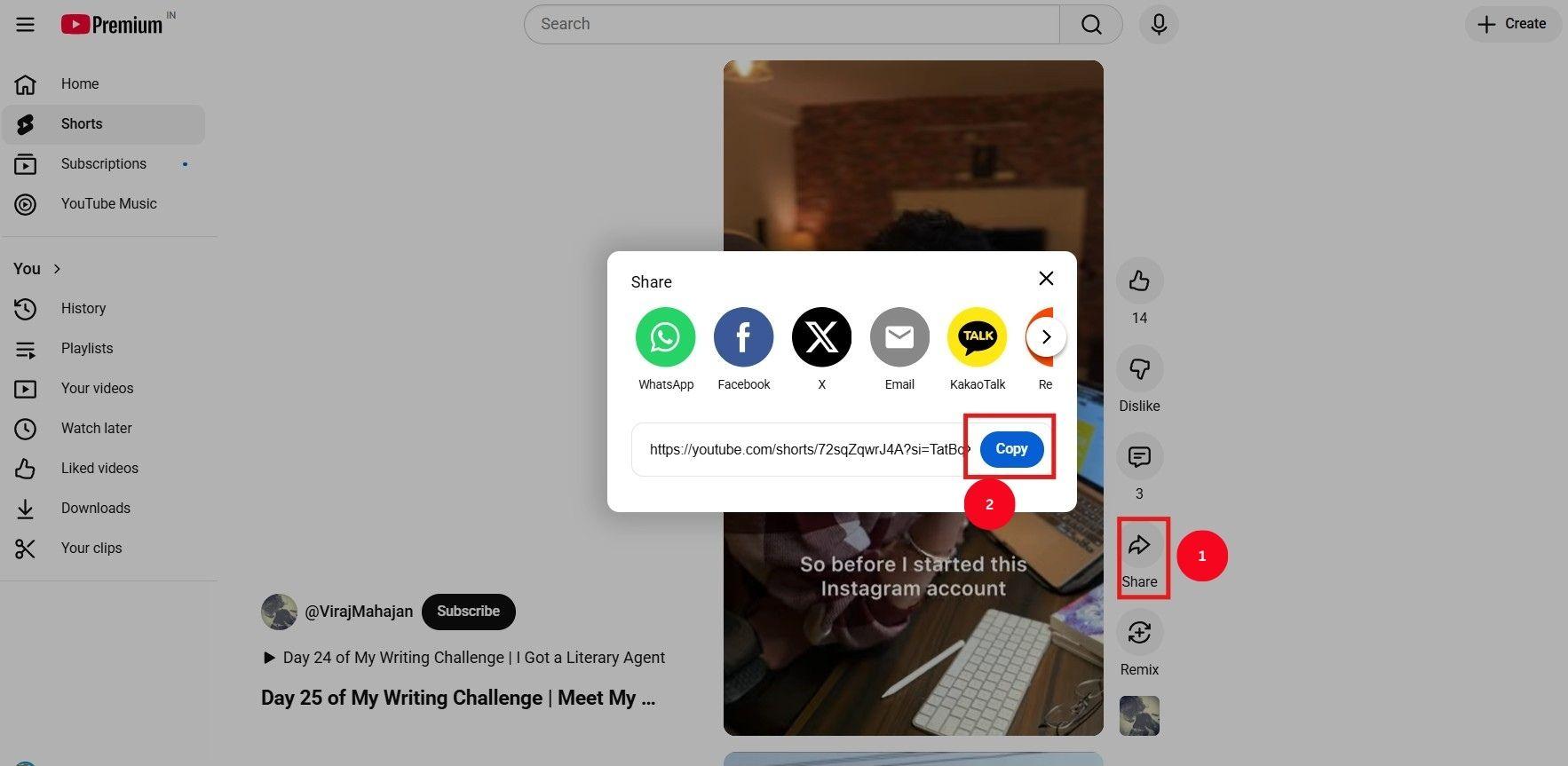
Step 1: Open the YouTube website, go to the video you want to summarize, tap Share, then select Copy. Keep this link ready as UniConverter will fetch it to generate key insights.
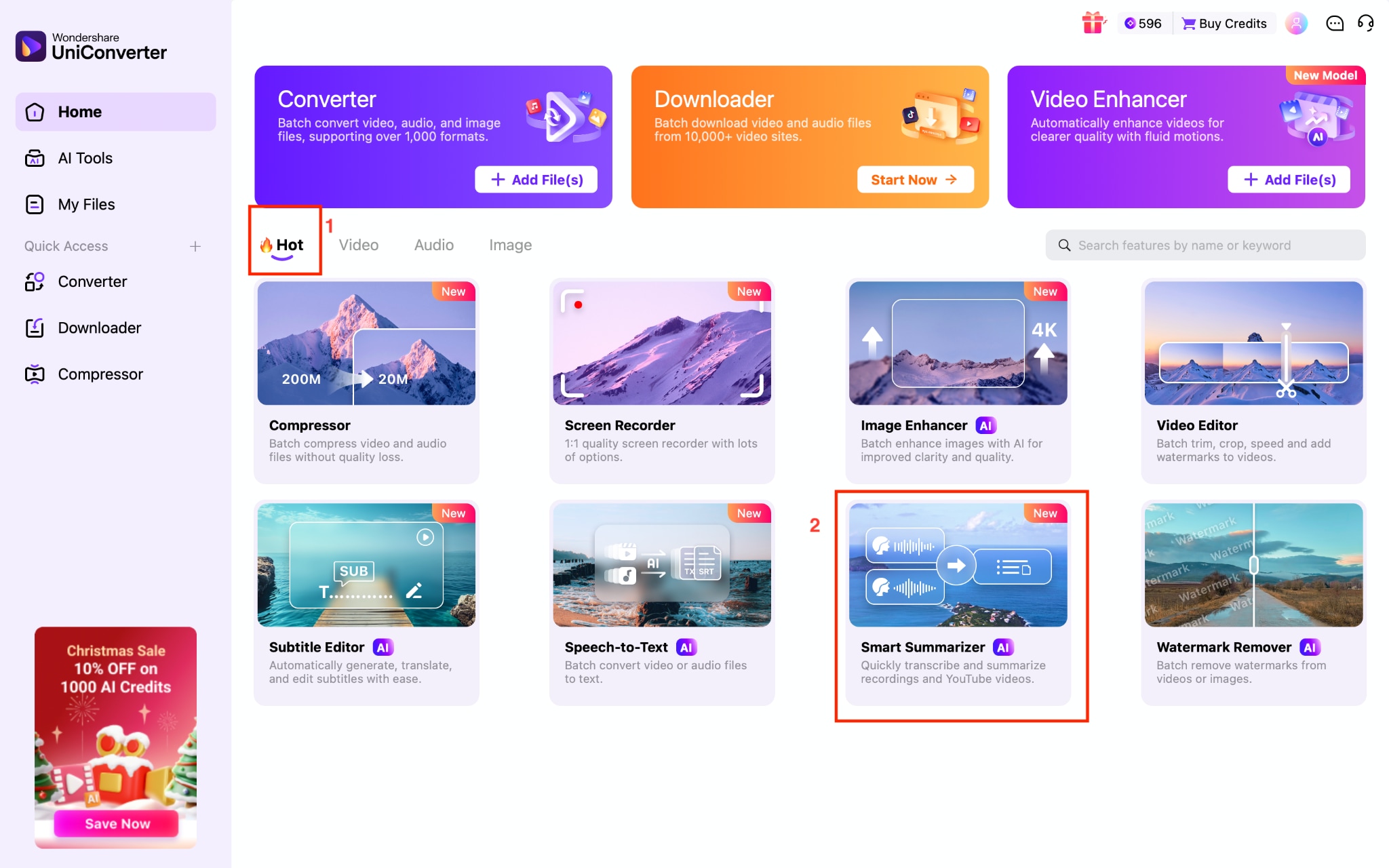
Step 2: Launch UniConverter on your Windows PC or Mac. On the home screen, tap the Video tab, then tap Smart Summarizer.
Step 3: Now, paste the YouTube video link into the URL field. UniConverter will detect it immediately, then click the Upload button.
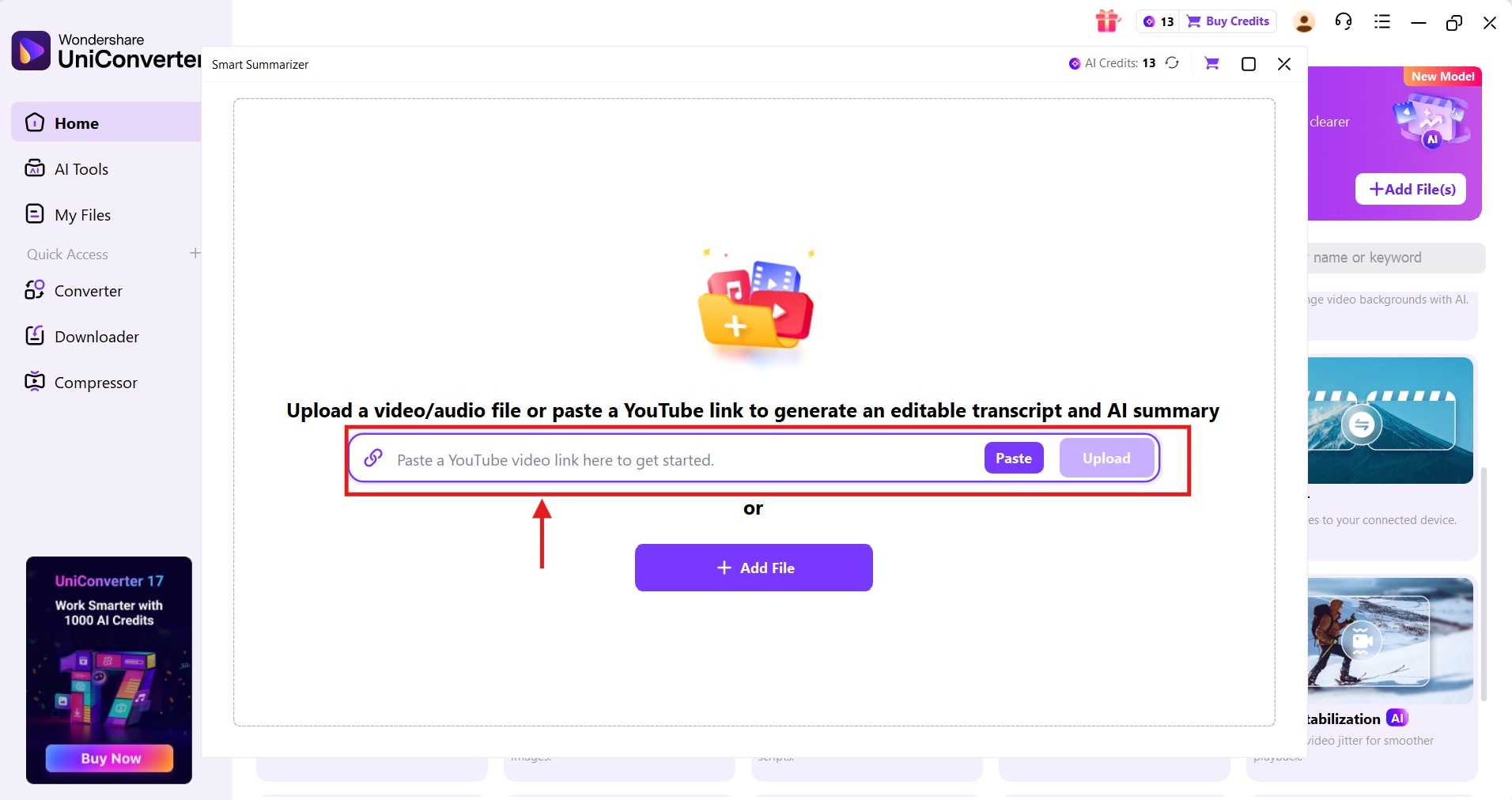
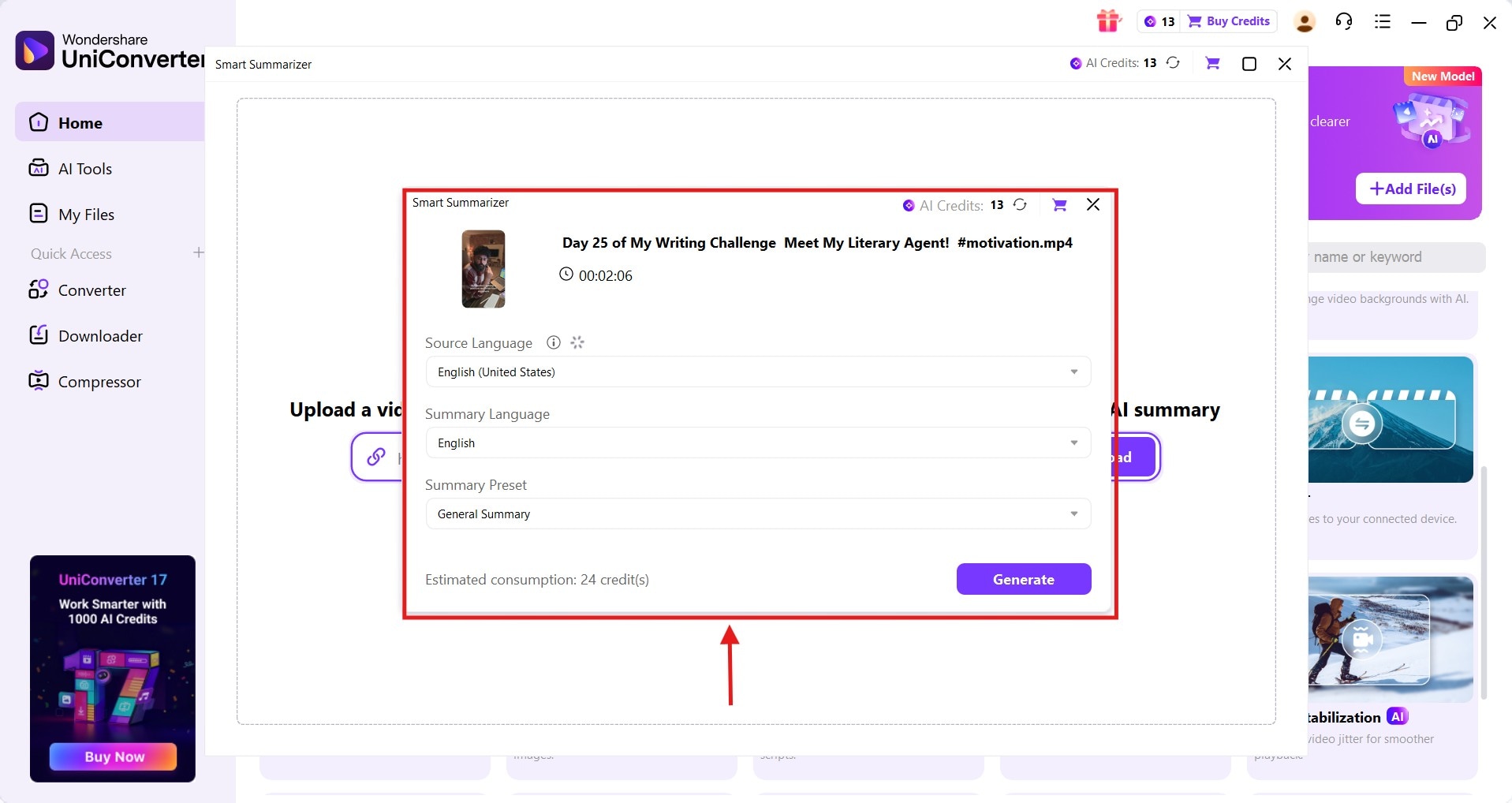
Step 4: A pop-up appears where you’ll select the Summary Preset, Source Language, and Summary Language. Once you are satisfied with the settings, tap Generate to obtain the YouTube video summary.
Step 5: As AI generates a summary, refine it and export it in your preferred format.
Conclusion
YouTube note takers save a lot of time and help you grasp essential ideas from videos, including lectures, how-to videos, product reviews, and more. However, keep in mind that a feature-rich, reliable tool not only analyzes the entire video but also understands its context to generate smart insights. Wondershare UniConverter does that, and its lightning-fast processing, support for 145+ languages for note-taking, and Markdown export make it stand out among the listed tools. So, don’t wait and create a free account to try Wondershare UniConverter’s smart summarization feature today.
Easy to Use YouTube Note Taker
FAQs
-
Which YouTube-to-notes converter is the best?
If you’re looking for a fast and hassle-free way to generate notes from a YouTube video, Wondershare UniConverter is a tool worth checking out. With its smart summarization feature, you can instantly create notes by pasting the link. -
How to take notes from YouTube?
You can use tools like Wondershare UniConverter to take notes from YouTube. Launch the app on your desktop, open the smart summarization feature, paste your YouTube link, select the summary type and language, and click Generate. It will produce editable notes within minutes. -
Can ChatGPT take notes from a YouTube video?
Yes, ChatGPT can generate notes from a YouTube video, but it may miss important details. For more accurate and reliable results, it’s recommended to use a specialized tool like Wondershare UniConverter. -
Are YouTube summarizers free to use?
Yes, many online YouTube summarizers are free to use, but most struggle with context and may miss key information. Wondershare UniConverter offers accurate, context-based note-taking in 145+ languages and provides a more stable experience.

