


Have you ever felt overwhelmed by piles of reports, articles, or long-form content, but needed to grab their key points quickly? Or are you in the middle of an online meeting and wish you could record and transcribe the important details? This used to take you hours skimming, understanding, and then writing the summary.
However, this time-consuming process has been automated through AI with the introduction of AI meeting summary tools. These tools use advanced natural language processing to pinpoint key ideas and save you time and effort. In this article, we will explore the top 10 most useful AI summarizers in 2025, as recommended by users.
In this article
Part 1. What to Look for in an AI Meeting Summary Tool
When evaluating an AI meeting summary tool, it's essential to consider several key factors to ensure it meets your team’s needs. Mentioned below are some of the important factors that you must look for while choosing the resource:
Accuracy: One of the most crucial factors when selecting a meeting summary AI tool is its accuracy. The best tools provide precise transcriptions that capture every detail, like conversation points. Such accuracy will make sure that important decisions and discussions are accurately recorded.
Wide Integration: The tool should easily integrate with mainstream video conferencing tools or project management software, so it can fit well within the current operating procedures. These integrations enable the AI tool to automatically attend to meetings and match transcript and summary data with project management software.
Security and Compliance: High-level security and adherence to such standards as SOC 2 and GDPR are necessary to ensure the safety of the data and avoid unauthorized access. Companies that have stringent regulations are relying on these measures to align the internal governance and external legal requirements.
Ease of Setup and Use: Your summarizer must offer quick onboarding and intuitive interfaces to allow teams to adopt the tool rapidly with minimal disruption. This ease of use reduces resistance to change and helps teams fully leverage AI capabilities without disrupting existing workflows.
Key Outputs: Select an AI summarizer with key features, including automatic detection and extraction of action items like sentiment analysis, for gaining a deeper understanding of meeting dynamics. These outputs empower teams to convert meeting recordings into practical tools for collaboration.

Easy to Use AI Meeting Summarizer
Part 2. Top 10 AI Meeting Summarizers for All Devices
The following section lists all the AI meeting summarizers that you need to make your workflow efficient:
1. UniConverter
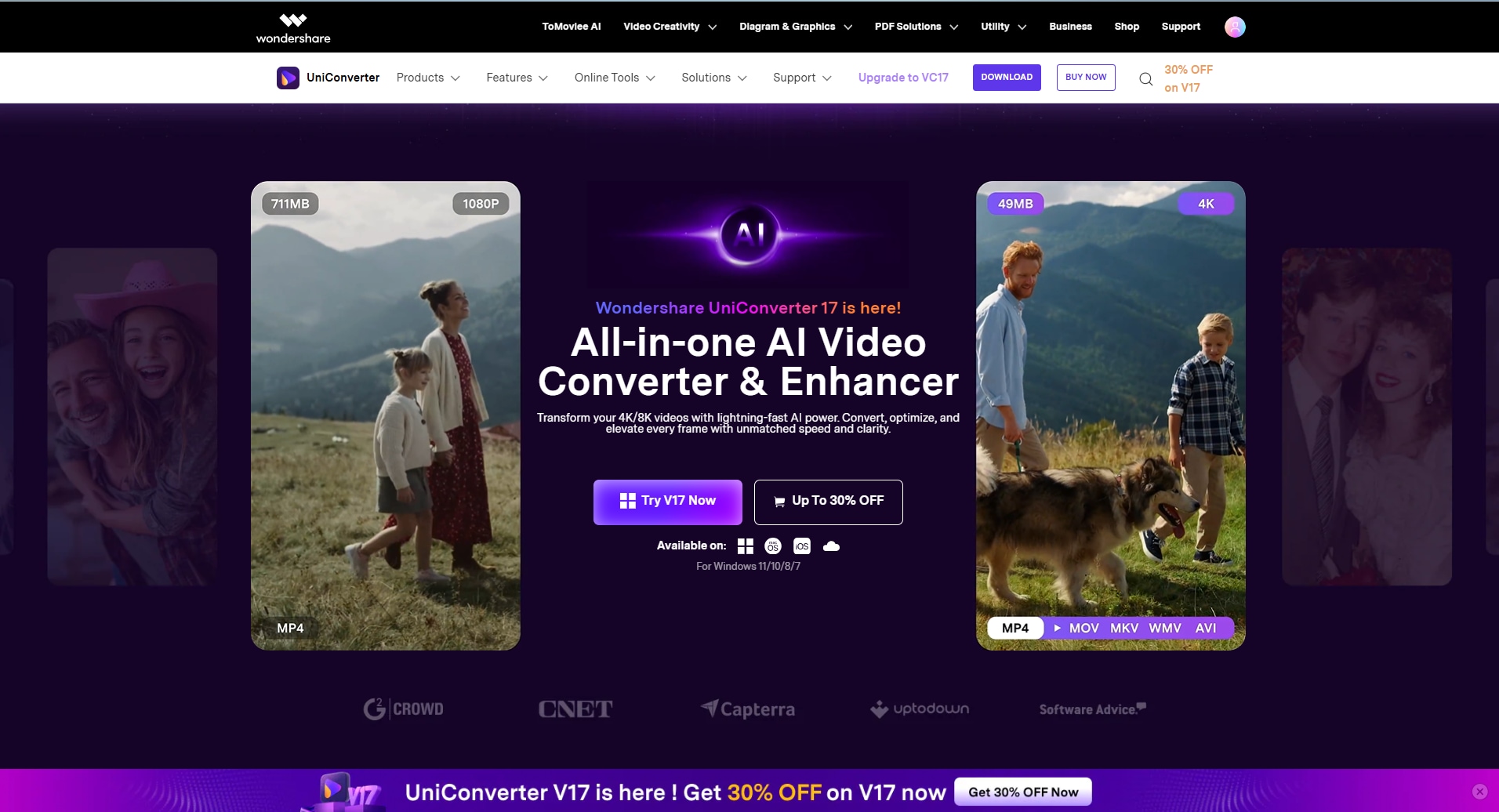
One of the most reliable tools that provides the utility of automatically summarizing your meetings into important key takeaways is UniConverter. You can simply import your content for which you want to generate a summary or key points, and the tool will analyze it efficiently using advanced AI. After an in-depth analysis, the software will generate an accurate and to-the-point summary discussing all the essential details.
You can add files of various formats and save the summarized content as per your requirements using this efficient tool. The summarized transcript AI feature of UniConverter follows industry-standard security and compliance, such as GDPR and SOC. Moreover, the tool is available on Mac as well as Windows, offering cross-platform convenience. Besides summarization, UniConverter also provides various other multimedia features for users to generate high-quality content.
Product Type: Offline
Reddit Review: “Seriously, Wondershare UniConverter is hands down the BEST converter I've used so far. No competition.” - madmaxgamer777
Best For: Multimedia conversion in bulk with intact quality
2. Recall.ai
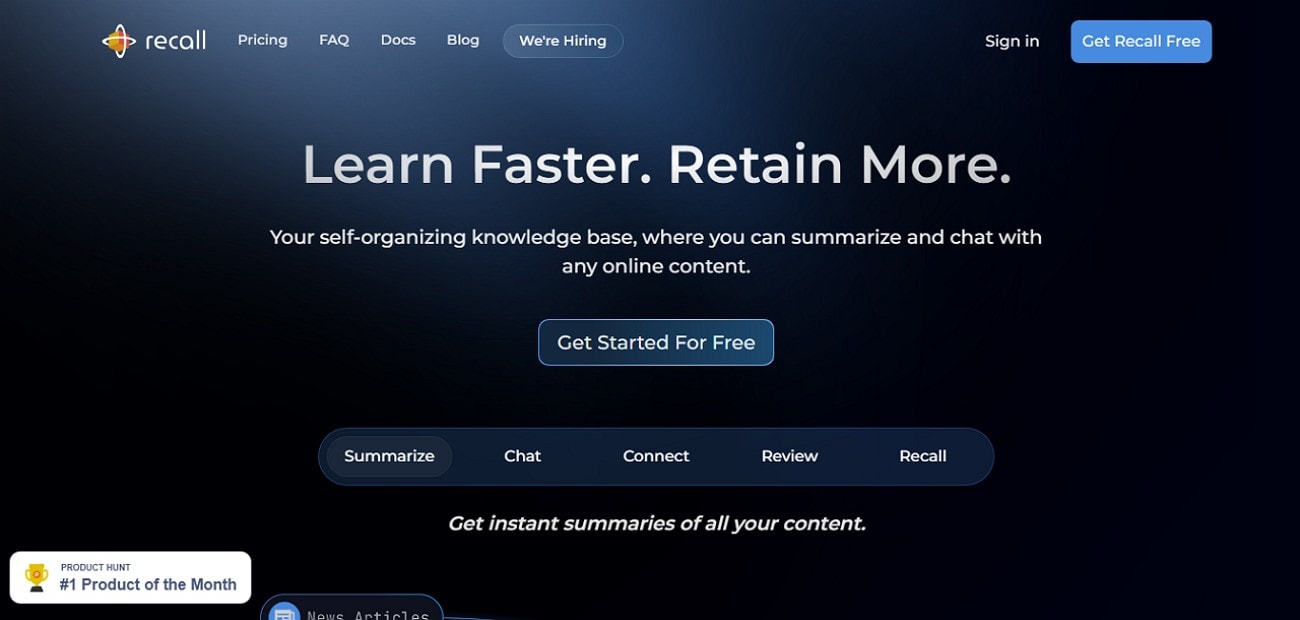
The summarizing feature of Recall.ai excels at transforming lengthy content into clear, concise insights instantly. This meeting transcript summarizer works seamlessly across various content types, including YouTube videos and PDFs. This tool's augmented browsing feature resurfaces relevant knowledge in real time as users explore new content. You get the ability to add an extension to your browser or even download it as a mobile application.
Product Type: Browser Extension, Mobile App
Reddit Review: “getrecall.ai might be the most underrated AI tool right now” - ProductivityApps
Best For: Individuals looking to accelerate research and learning
3. Eightify
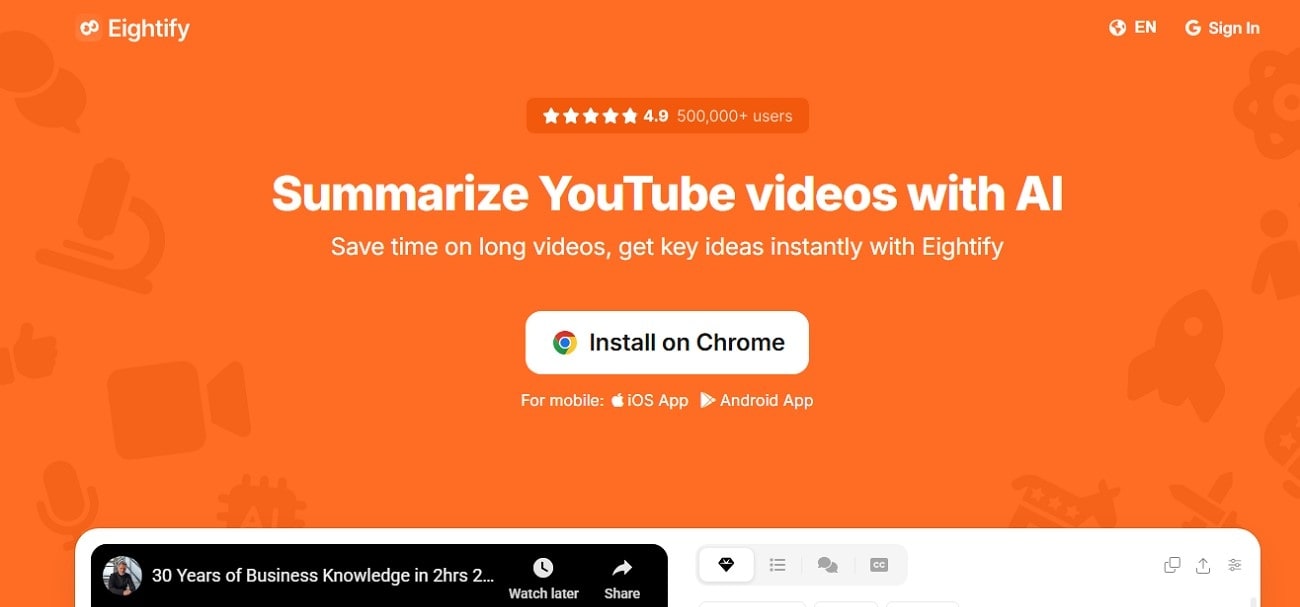
Eightify is an AI-powered tool designed to quickly generate concise summaries of YouTube videos, helping users grasp key ideas without watching the entire content. It works efficiently on videos of any length and supports over 40 languages. Users can simply turn the browser extension on and add the video’s link. This AI meeting summarizer will instantly begin the analysis and generate an accurate summary.
Product Type: Chrome Extension, Mobile Application
Reddit Review: “One of the more well-known YouTube summarizers. Gives solid timestamped summaries…” - SmythOSInfo
Best For: Users looking for a multilingual video summarizer
4. Mindgrasp
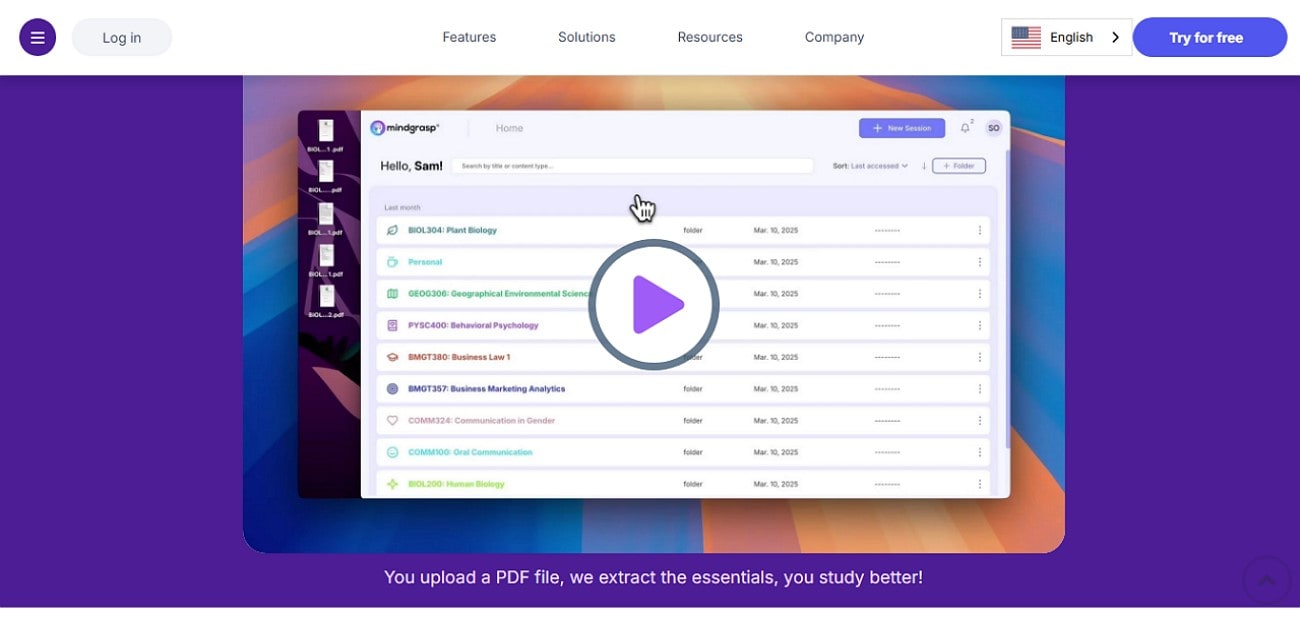
This summarized meeting transcript tool simplifies how students and professionals process dense academic content. By uploading PDFs such as textbooks or research papers, users instantly receive concise summaries along with interactive study aids like flashcards and quizzes. The tool not only simplifies complex content but also generates key takeaways based on the content.
Product Type: Online
Reddit Review: “MindGrasp AI is a valuable tool for students looking to boost their learning efficiency..” -NextGenAITools
Best For: Students who want to generate summaries for PDF documents
5.NoteGPT
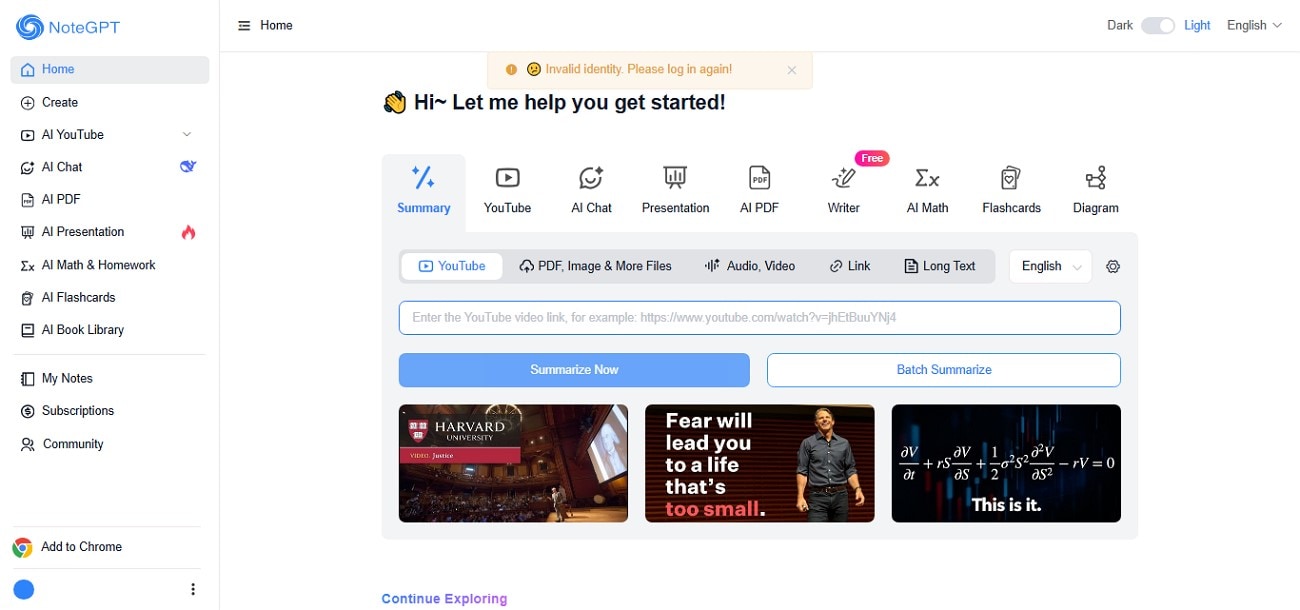
It is an online AI assistant to simplify note-taking and summarization across various content types, including videos and textual content. This meeting summary AI tool features an AI chat assistant for real-time explanations and query handling. NoteGPT supports personalized note organization via tagging and categorization to streamline information management. Moreover, it provides the utility of generating mind maps to visualize relationships between concepts.
Product Type: Web-Based and Chrome Extension
Reddit Review: “Good for summarizing articles and quick notes…” - AIHub
Best For: Users looking to summarize, organize, and visualize their research
6.AudioPen
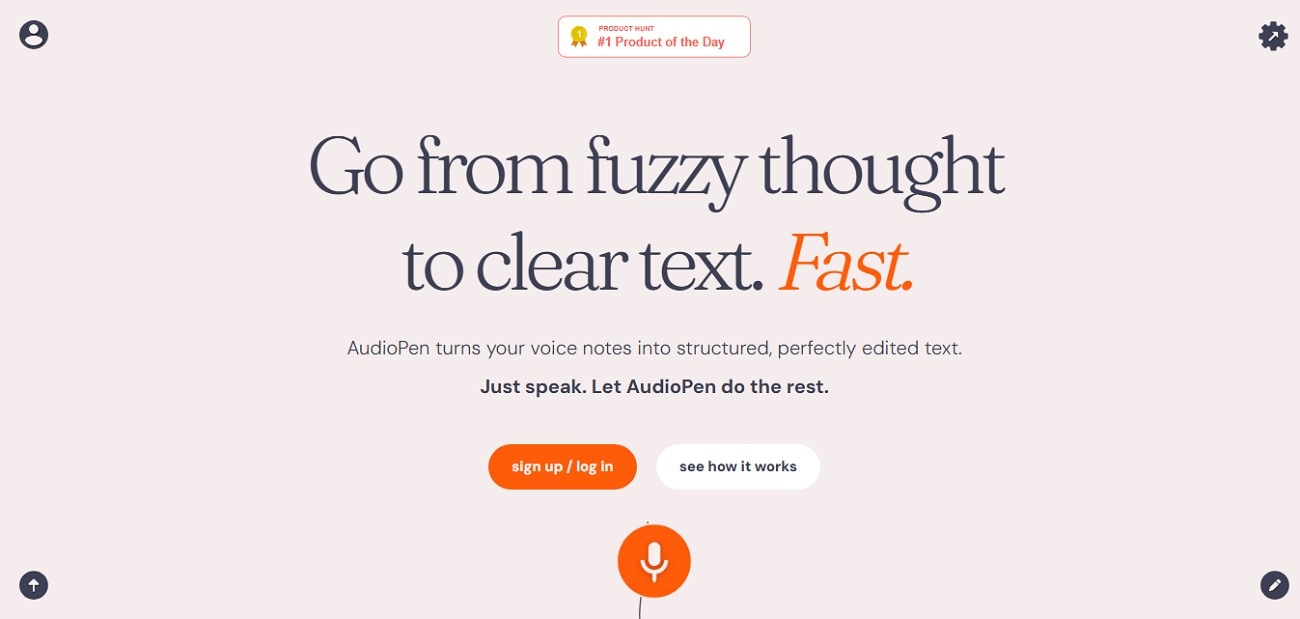
This is a meeting transcript summarizer that transforms unstructured voice notes into easy-to-read text. It automatically removes filler words and organizes rambling thoughts into well-structured content. AudioPen supports multiple languages and adapts to individual speaking styles over time, enhancing transcription accuracy. Its user-friendly interface boosts productivity for professionals to streamline their voice-based workflows.
Product Type: Web-Based, Chrome Extension, and Mobile Application
Reddit Review: “Really great app..” - NoteTaking
Best For: Interviewers who need to pen down audio interviews
Easy to Use AI Meeting Summarizer
7. NotebookLM
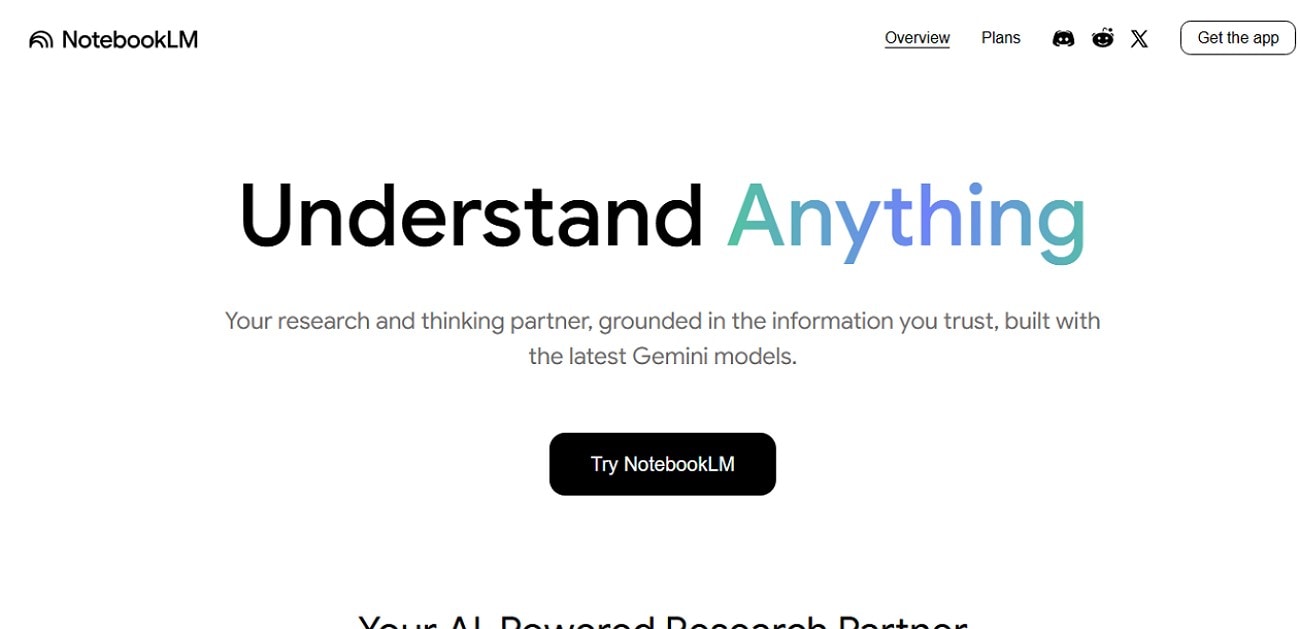
Another AI meeting summarizer that uses AI to summarize and organize content. Unlike generic AI models that pull from the internet, NotebookLM creates context-rich insights from documents such as PDFs and Google Docs. The easy-to-use interface allows you to drag and drop the files for summarization or even paste the link to an online content. Additionally, you can select the output format, such as audio review or mind map.
Product Type: Web-Based, Mobile Application
Reddit Review: “NOTEBOOK LM IS THE GOAT” -Huge-Independence393
Best For: Educators creating rich, interactive teaching resources
8. Contextly
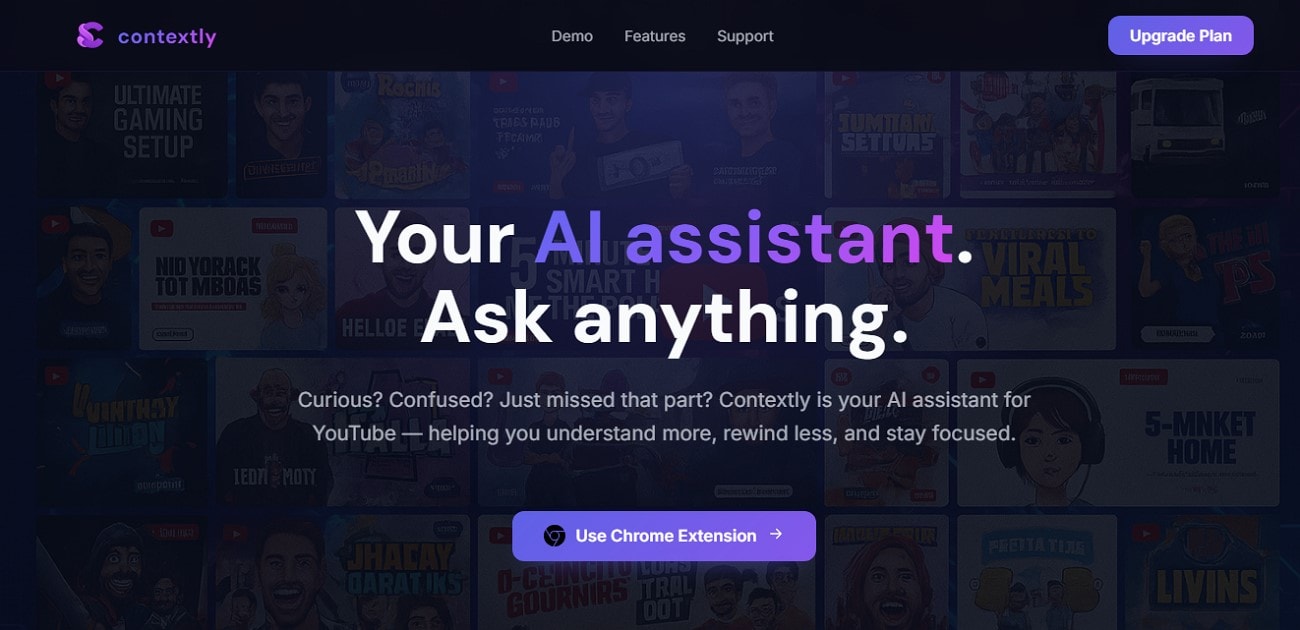
One of the AI meeting summarizers that allows you to transcribe YouTube videos into contextually correct text is Contextly. It serves as a smart companion that explains confusing parts of the videos with simple and easy-to-understand wording. Moreover, users can select specific chapters from the video for summarization instead of the entire visual content.
Product Type: Chrome Extension
Reddit Review: "...others are good for summarizing, but I find myself struggling when I do deep dives and want to ask precise questions. Contextly do it all" - Suba-
Best For: Users who need to transcribe YouTube videos
9. Obsidian
It is basically a knowledge management tool that helps you generate notes and different knowledge-based outputs based on your content. This meeting summarizer allows users to turn their notes into interconnected webs of information similar to a digital garden. It is ideal for those looking to sharpen their thinking and create a personal knowledge repository with privacy.
Product Type: Offline, Mobile Application
Reddit Review: “Obsidian is really awesome and...” -xupisco
Best For: Researchers who convert text into graphs
10. Evernote
Evernote is another reliable meeting summarizer that helps users take notes of important information using AI. It features rich text editing that makes it easy to find and use information across multiple devices. Evernote supports real-time collaboration, enabling teams to work together efficiently. With new AI-powered tools, it enhances productivity through automated summaries. Moreover, you can instantly search for related notes with the Semantic Search feature.
Product Type: Offline, Mobile Application, Web Extension
Reddit Review: “Templates: One of the Best Tools in Evernote..” -booksnthebeach
Best For: Users need to create notes of meeting minutes
Part 3. Comparison Table: Meeting Summarizers Free vs. Paid at a Glance
Having discussed the top 10 meeting transcript summarizers in detail, let us have a look at their comparison table. This tabular comparison provides you with insight to help you make a better decision.
| Tool / Platform | Best For | Accuracy | Free Tier/Trial | Starting Price | Output Formats |
|---|---|---|---|---|---|
| Wondershare UniConverter | Multimedia editing & video conversion | Excellent accuracy | Free trial available | $9.99/month | 1000+ formats, including text, audio, and summaries |
| Recall AI | Meeting recording & transcription | Good | Free tier, limited usage | $7/month | Text, Audio summaries |
| Eightify | YouTube video summarizing | Average | Free tier with limitations | $8/month | Text summaries |
| Mindgrasp | Academic PDF and study summarization | Good | Free limited access | $6.99/month | Text, Flashcards, Quizzes |
| NoteGPT | Multi-format note summarizing & chat | Good | Free limited usage | $9/month | Text, Mind maps, Chat replies |
| AudioPen | Voice-to-text transcription & cleanup | Average | Free tier with limits | $9.99/month | Text, Polished documents |
| NotebookLM | AI research assistant with multidoc analysis | Average | Free tier, premium options | Enterprise/license-based | Text, Audio summaries |
| Contextly | YouTube video comprehension & summaries | Good | Free with basic features | Paid plans available | Text Summaries, Chapters |
| Obsidian | Personal knowledge base & markdown notes | Average | Free core, paid sync & plugins | $4/month | Markdown, Text, Graph views |
| Evernote | General note-taking & collaboration | Good | Free, limited paid tiers | $7.99/month | Text, Audio, Images, PDFs |
Easy to Use AI Meeting Summarizer
Part 4. Key Benefits of Using an AI Meeting Summary Tool
These tools help transform lengthy, often complex meeting discussions into concise, actionable insights that everyone can easily access and understand. Provided next are some of the key benefits you get when using these resources to summarize transcripts with AI:
Save Significant Time: AI eliminates the need for manual note-taking, drastically reducing the hours spent transcribing and organizing meeting minutes. This allows team members to focus on higher-value activities that advance projects.
Increase Meeting Engagement: Participants can fully engage in discussions without distraction from note-taking duties, leading to more meaningful contributions and better decision-making. By removing the burden of documentation, collaboration becomes more dynamic and effective.
Improve Accuracy and Objectivity: AI-powered summaries minimize human errors, omissions, and subjective biases that can occur in traditional note-taking. The technology captures every spoken detail with greater precision, ensuring reliable records.
Enhance Accountability: These tools automatically identify and highlight action items along with assigned owners and deadlines, making follow-up seamless. A clear recording of responsibilities promotes timely execution and project progress.
Create a Searchable Knowledge Base: Meeting summaries are stored in organized, searchable repositories, allowing teams to quickly locate previous decisions and insights. This archival capability prevents loss of crucial information and fosters continual knowledge sharing.
Part 5. How to Easily Summarize Meetings with Speaker Tags
UniConverter transforms the way you handle meetings with its smart AI summarizer. It automatically transcribes and condenses hours of discussions into concise, accurate summaries—saving time and boosting productivity. Whether you’re managing business calls, interviews, or brainstorming sessions, UniConverter ensures you capture every key point effortlessly. Its advanced speech recognition and intuitive interface make summarizing meetings faster, smarter, and more reliable than ever.
Here comes simple steps guide for you to easily summarize videos to bullet points with transcripted subtitles.
Step 1. Launch UniConverter
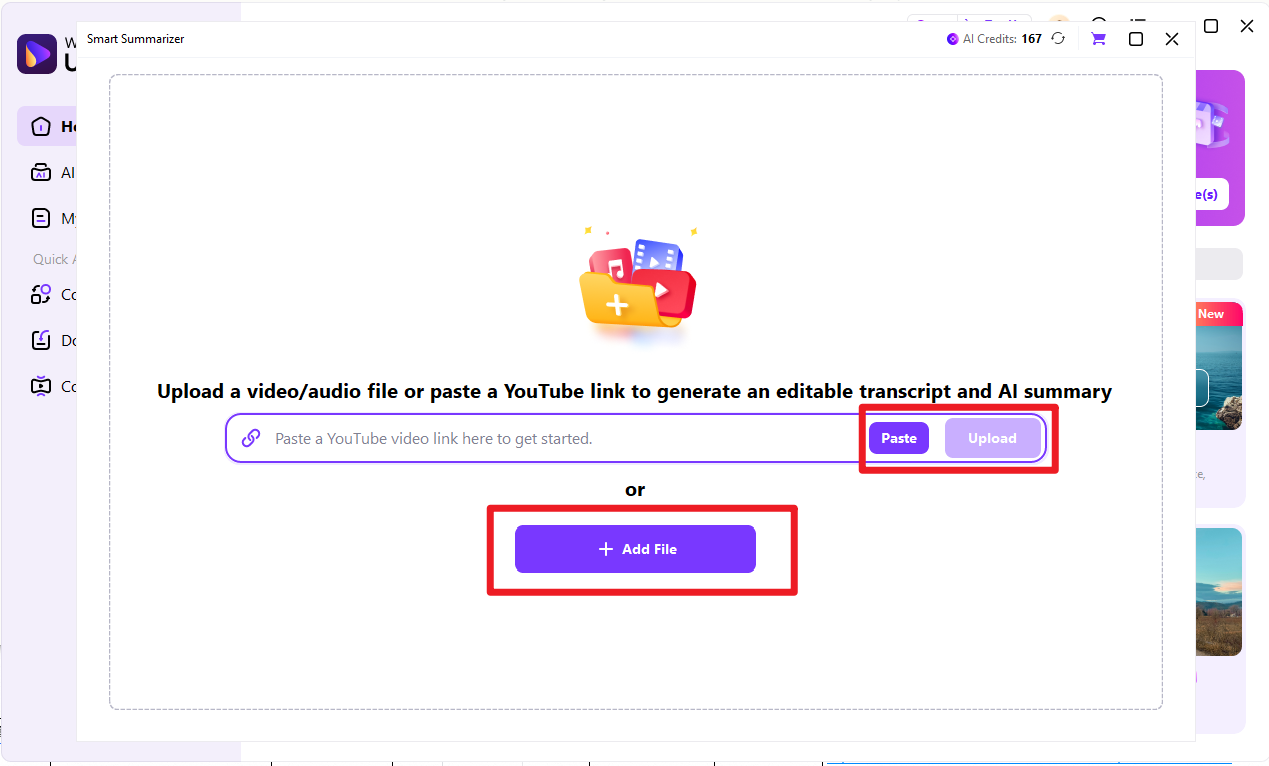
Open UniConverter and click on Smart Summarizer.

Step 2. Uplaod Video to be Summarized
Paste online video link or upload videos from local files.
Step 3. Customize Summary Settings
Customize summary settings like language and other preset.
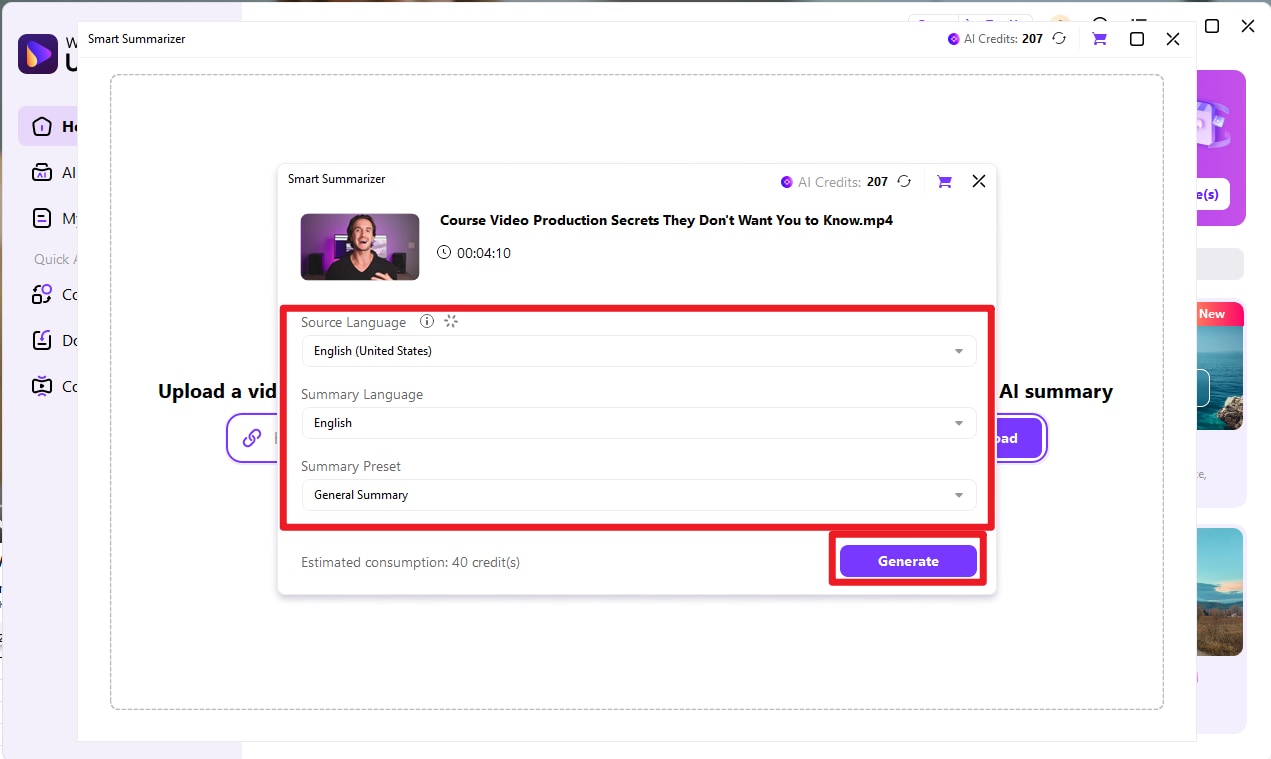
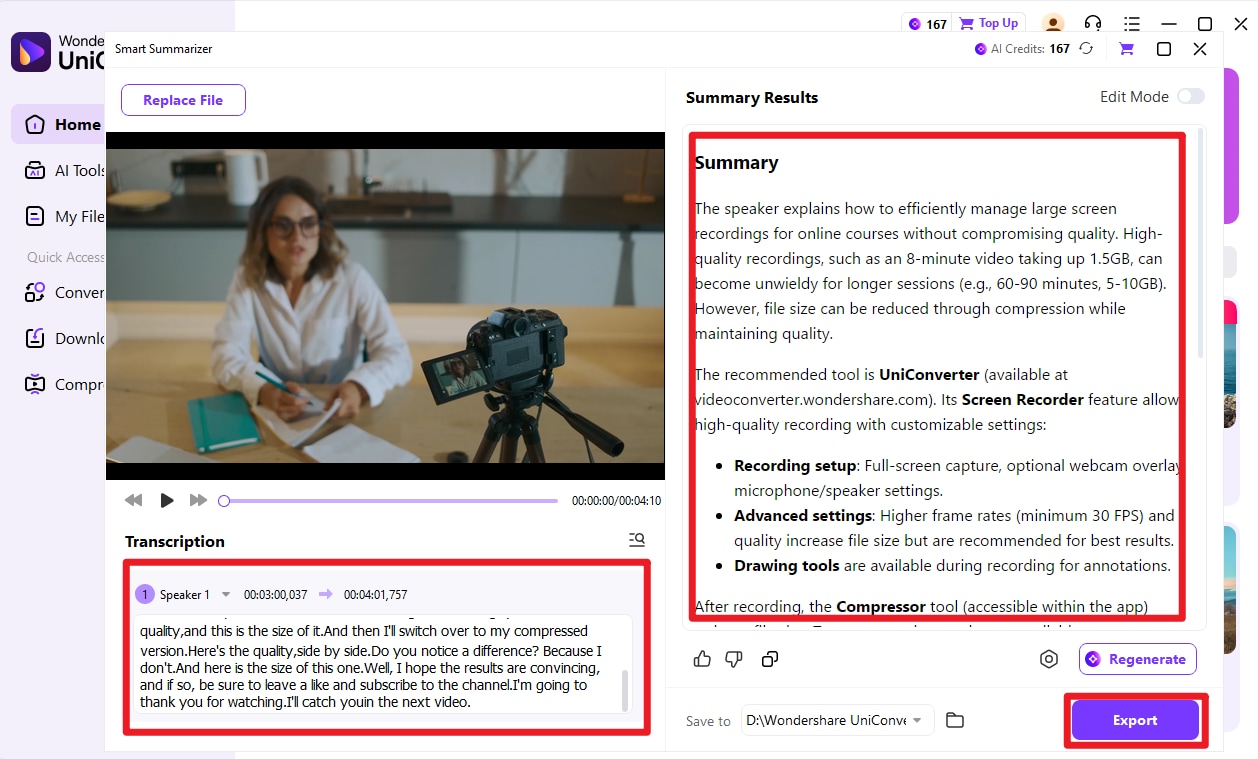
Step 4. Confirm or Edit Summary or Transcripted Text
Check transcripted text and summary to confirm if any further edition is required.
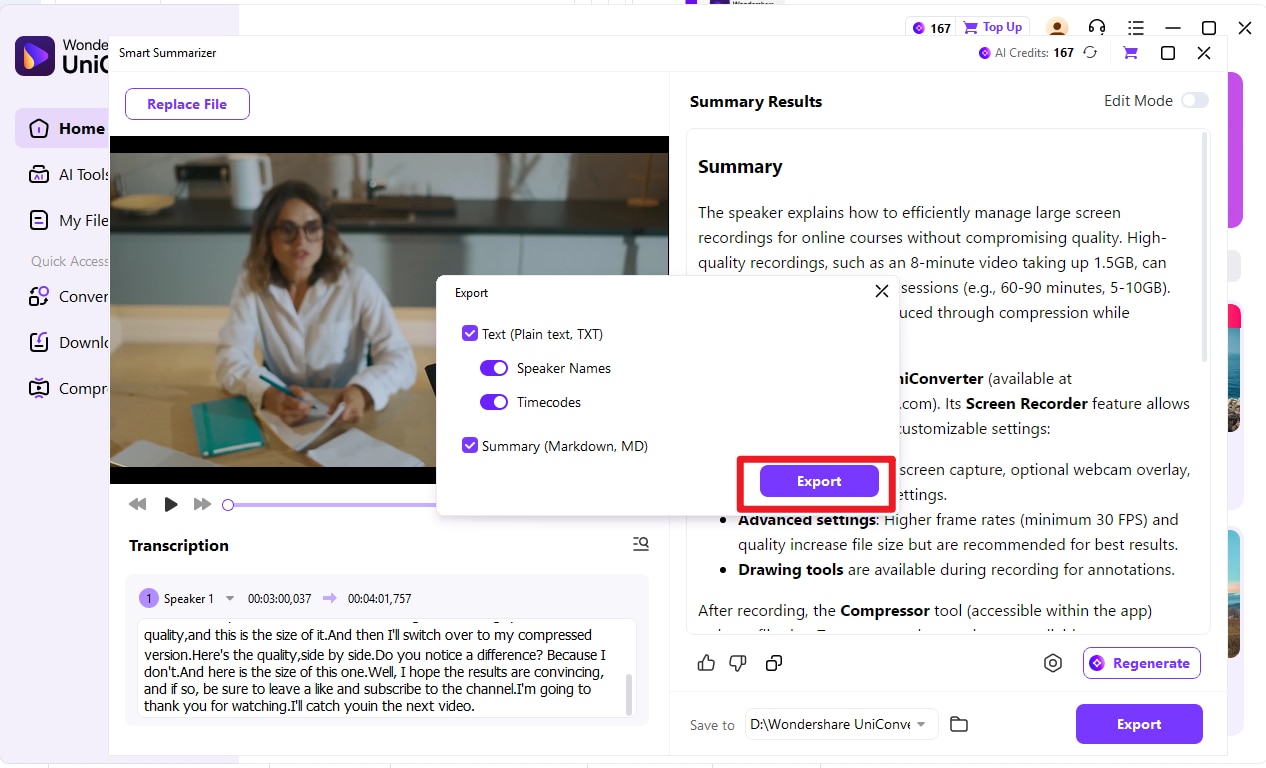
Step 5. Confirm Export Settings
Choose export settings and click to export.
Conclusion
To wrap it up, this article discussed some of the most reliable AI meeting summary tools that help you transcribe and take notes. The article also provided detailed insight into each tool, along with the comparison table. However, one of the most reliable solutions that allows users to generate automated summaries and notes across their content is UniConverter.
FAQs
-
1. What is an AI meeting summary tool?
An AI meeting summary tool uses artificial intelligence to automatically transcribe, summarize, and highlight key points from meetings, saving time and improving accuracy. -
2. How accurate are AI meeting summaries?
Accuracy varies by tool, but leading solutions like Wondershare UniConverter provide precise transcriptions and summaries using advanced AI algorithms to ensure important discussions are reliably captured. -
3. Can AI meeting summarizers integrate with video conferencing platforms?
Many tools, including Wondershare UniConverter, offer integrations with popular platforms such as Zoom or Google Meet to seamlessly join meetings and auto-generate transcripts and summaries. -
4. Is my data secure when using AI meeting summary tools?
Reputable tools like Wondershare UniConverter adhere to top security standards like GDPR and SOC 2, protecting your meeting content from unauthorized access.

