


In the fast-paced world of digital content, video is king, but the written word is what governs discovery. Creators, students, and marketers constantly search for a reliable YouTube transcript generator to bridge this gap. Whether you need to get transcript from YouTube to create blog posts, enhance accessibility, or boost SEO, having the right tool is non-negotiable. Manually typing out audio is obsolete; today, you need to extract transcript from YouTube with speed and precision.
This comprehensive guide explores the landscape of YouTube video transcript generators for 2025, comparing free and paid options. We will show you how to download YouTube video transcript files seamlessly, copy YouTube transcript text for notes, and identify the best software to get transcript for YouTube video content that truly resonates. Let's dive deep into the tools that transform video into value.
Table of Contents
Part 1. Why Transcribe YouTube Videos?

Accessibility for Diverse Audiences: The primary reason to get the transcript of a YouTube video is inclusivity. Deaf users rely on accurate captions. By providing a transcript, you open your content to millions of users who otherwise couldn't engage with your video.
SEO Benefits and Content Discoverability: Search engines like Google cannot "watch" videos, but they can crawl text. When you YouTube get transcript data and embed it, you provide rich keywords that help your video rank higher. A YouTube transcript extract effectively doubles your content's visibility.
Increased Viewership Statistics: Studies show a 7.32% increase in viewership for videos with captions. People often watch videos on mute in public spaces; captions keep them hooked.
Audience Preference: Surprisingly, 80% of Americans are more likely to watch a video to completion if it includes captions. Whether for language learning or clarity, the demand to download transcription from YouTube is higher than ever.
Part 2. Should You Settle For Automated YouTube Transcripts?
You might wonder, "Why not just use the auto-generated captions?" While it is easy to search YouTube transcript features natively, they have significant drawbacks.
Limitations of Automated Solutions: Native YouTube auto-caps are notorious for struggling with accents, background noise, and technical jargon. If you rely solely on this to copy transcript from YouTube, you may end up with embarrassing errors.
When Professional Human/AI Transcription is Necessary: For legal content, medical advice, or professional brand representation, 90% accuracy isn't enough. You need a specialized YouTube video transcript generator freeof contextual errors.
Accuracy Comparisons: Standard auto-generated text hovers around 60-70% accuracy in noisy conditions. Dedicated AI tools (like the ones listed below) and human transcription services push this to 98-99%, ensuring when you download YouTube transcripts, they are ready for publishing.
Part 3. Key Features to Look For in a YouTube Transcript Tool

Accuracy & Language Support: How well does it handle auto-generated captions vs. human-uploaded ones? A top-tier tool must support multiple languages to extract transcript from YouTube video sources globally.
Export Formats (TXT, SRT, VTT): Flexibility is key. Can you download a plain text file for blogs, or an SRT file for subtitles? This is a critical differentiator when you need to download transcript YouTube for different platforms.
Ease of Use & Speed: Is it a simple "paste-and-go" interface? The best YouTube link to transcription tools should process a 10-minute video in under a minute.
No-Sign-Up Required: Many users want to get transcript of YouTube video quickly. Tools that are free and don't require creating an account, reducing friction.
Timestamp Inclusion/Option: Sometimes you need timestamps for citations, other times you need clean text to copy YouTube transcript into a document. A toggle feature is essential.
Search Functionality: Can you easily search the generated transcript for specific keywords? This is vital for researchers.
Privacy & Security: Does the tool store the video URLs or transcript data? A "no" is a strong selling point for enterprise users.
Part 4. Best 10 YouTube Transcript Generators 2025
Here are the top tools to get a transcript of a YouTube video in 2025, ranging from desktop powerhouses to quick online utilities.
1. Wondershare UniConverter
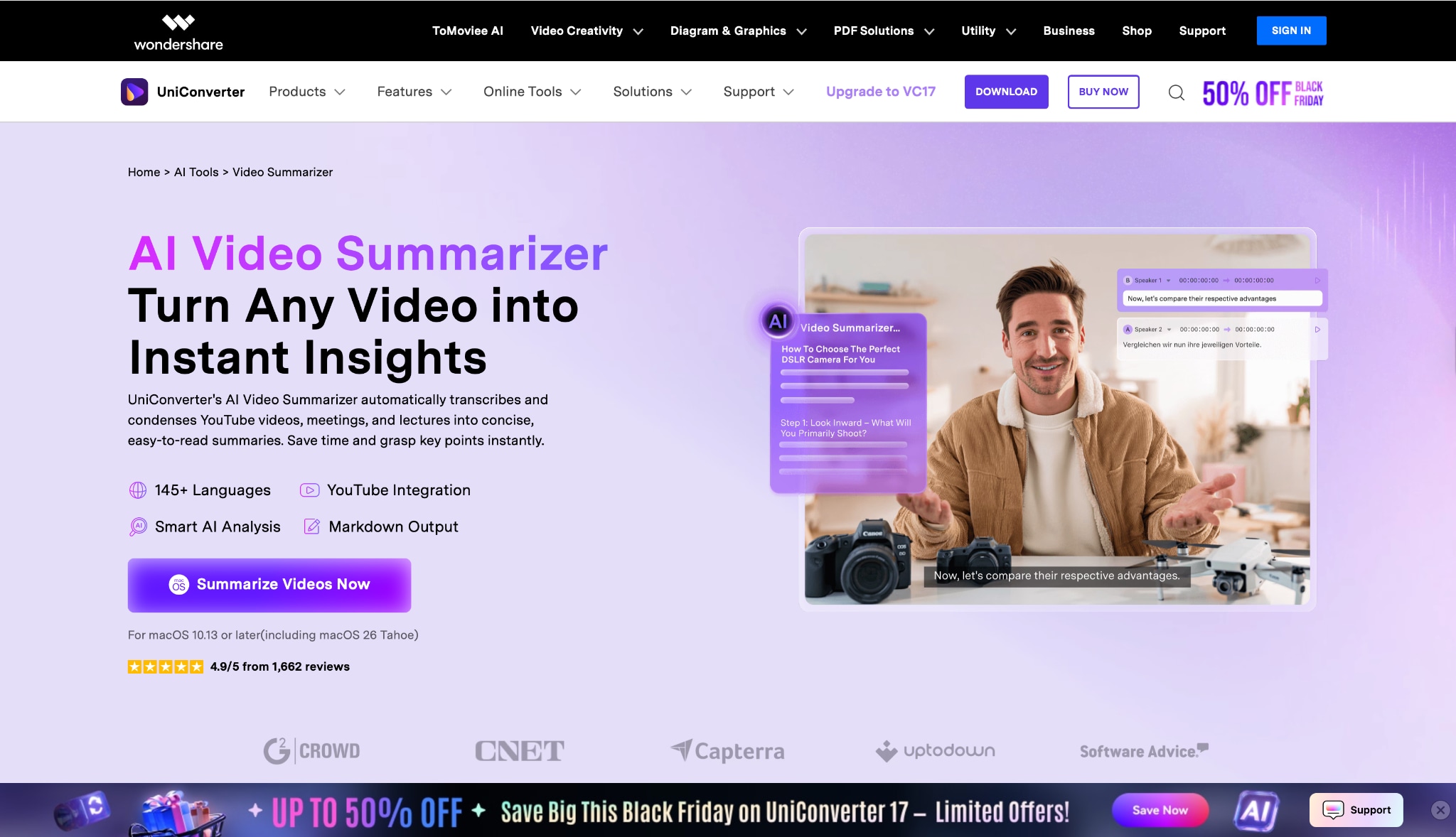
Wondershare UniConverter is a comprehensive all-in-one video toolbox that goes far beyond simple conversion. Unlike web-based tools that rely on internet speed and server loads, UniConverter utilizes robust local AI to get YouTube video transcript data with high precision. It features a dedicated "Speech to Text" module and an "AI Video Summary" tool. This makes it the ideal choice for professionals who need to download YouTube video transcript files for editing, repurposing, or archiving without worrying about file size limits or privacy breaches. It supports varied accents and allows for immediate editing of subtitles within the interface.
Batch Process Support: Yes, robust batch processing.
Starting Price: Free trial available; Perpetual plan roughly $59.99.
Supported Device: Windows, macOS.
Offline Support: Yes (Full).
Safety Review: 5/5

Easy to Use YouTube Transcript Generator
2. YouTube Native Feature
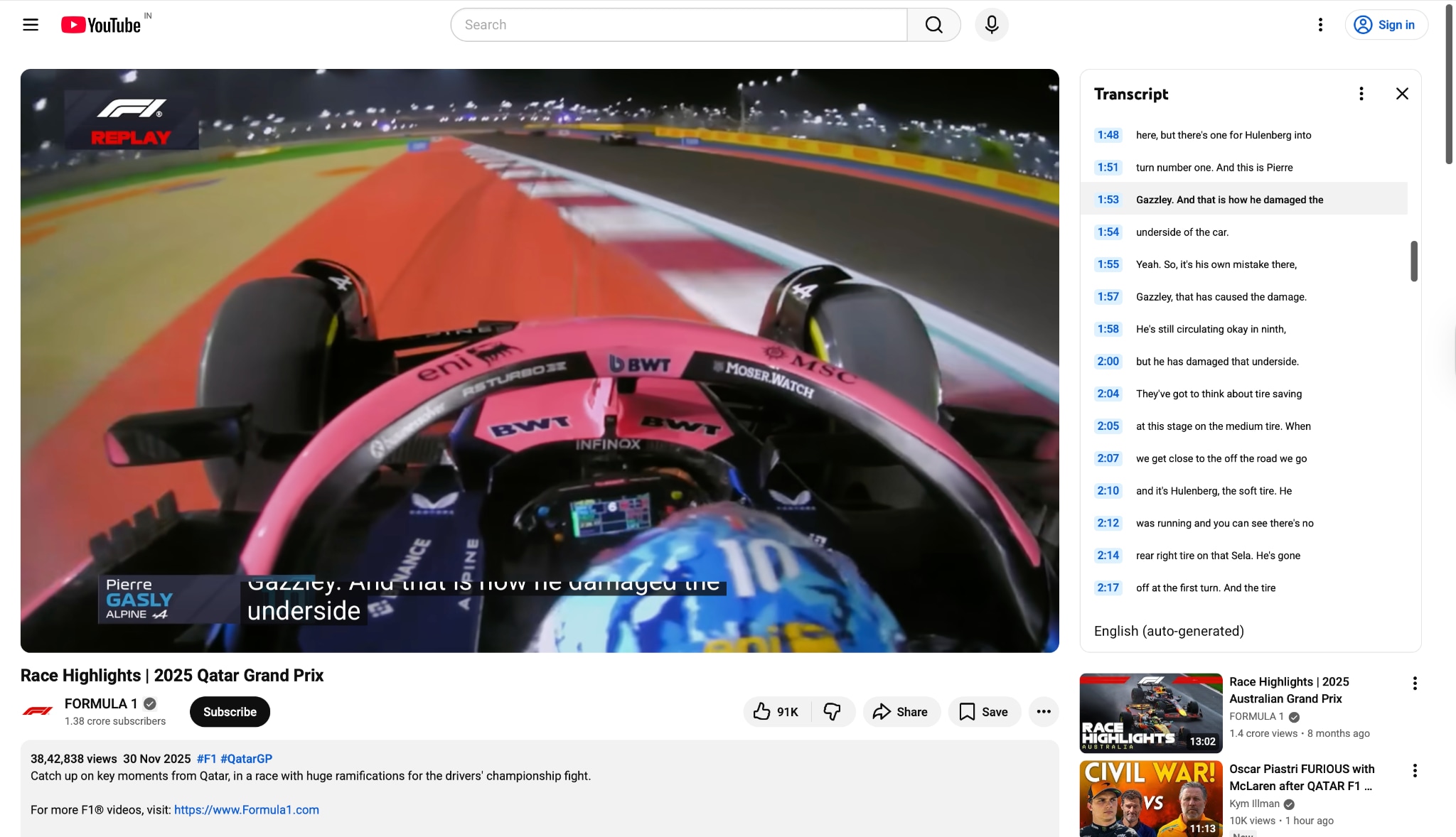
For those asking how to get transcript from YouTube without third-party apps, the native feature is the first stop. Located in the video description area, it allows users to view the auto-generated script. While it is the easiest way to search YouTube transcript text instantly, it lacks formatting options. It is best for quick checks rather than professional use.
Batch Process Support: No.
Starting Price: Free.
Supported Device: All browsers / Mobile App.
Offline Support: No.
Safety Review: 5/5
3. Notta.ai
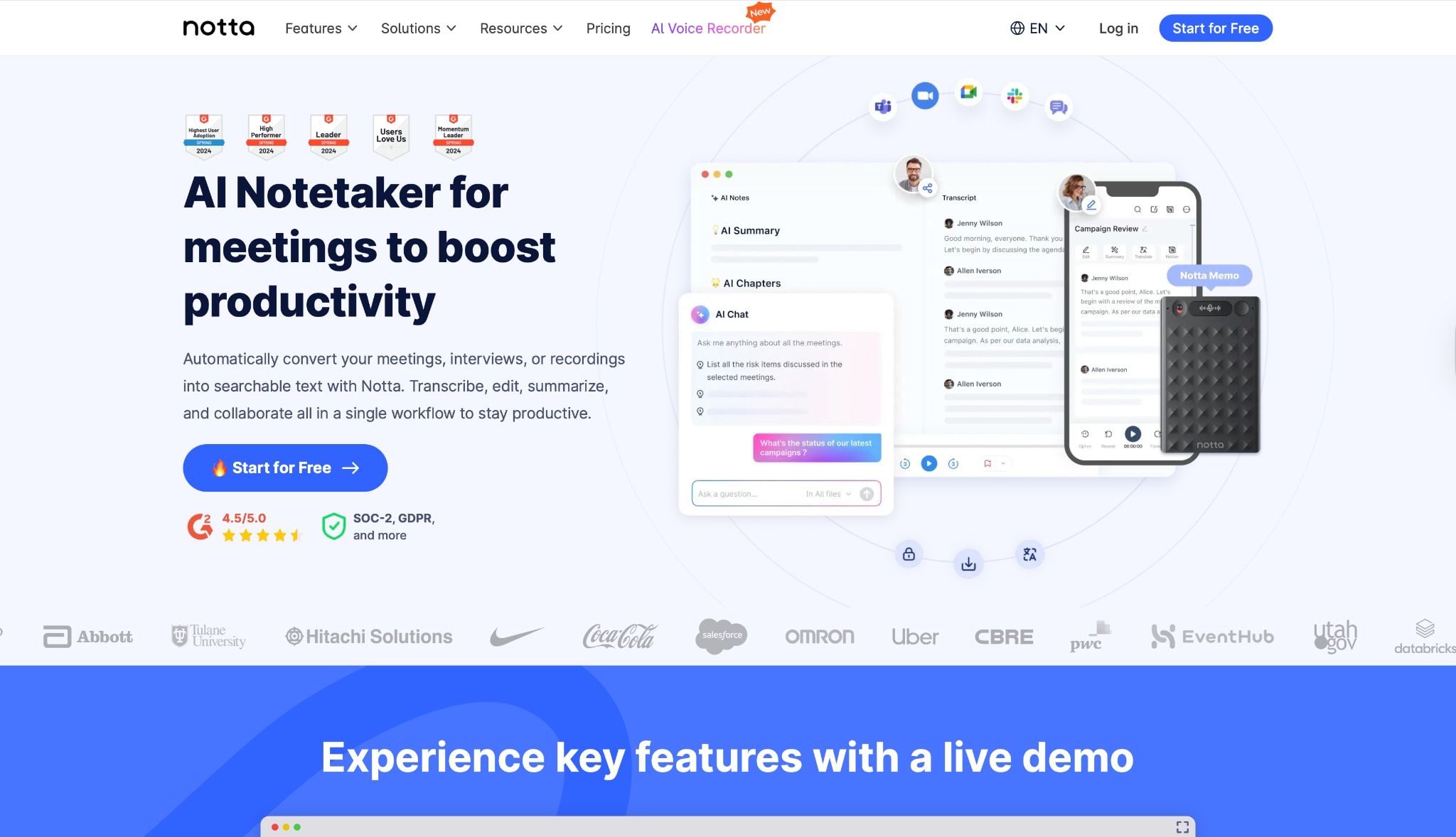
Notta is a voice-to-text powerhouse. While primarily a meeting recorder, its ability to import audio or video links makes it a strong contender to get transcript for YouTube video content. It boasts a high accuracy rate and can differentiate speakers well. It serves as a great YouTube transcript generator free for limited minutes per month.
Batch Process Support: No.
Starting Price: Free / Pro starts at $8.25/mo.
Supported Device: Web, iOS, Android.
Offline Support: No.
Safety Review: 4/5
4. Descript
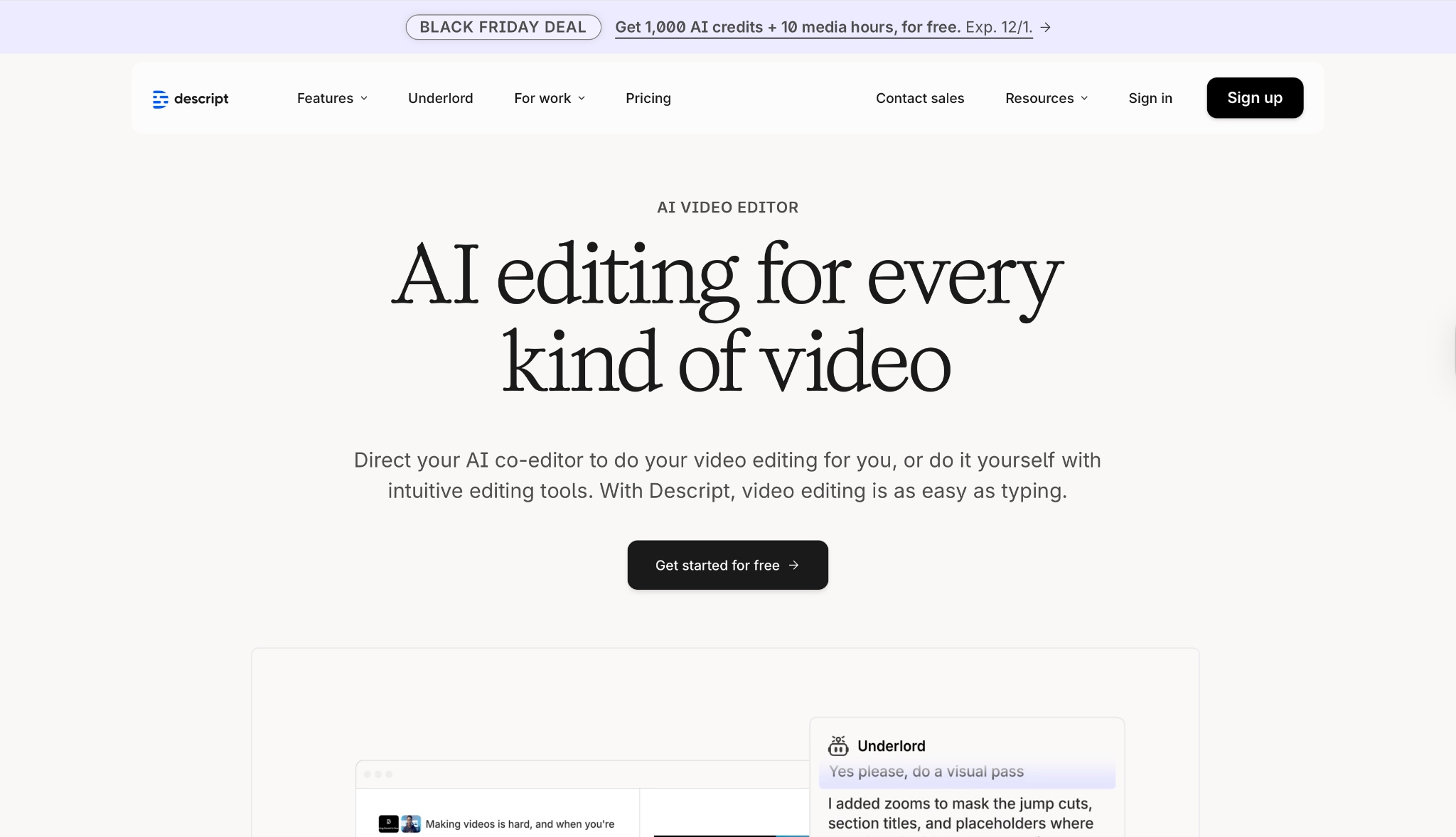
Descript is unique because it treats video editing like a text document. To get YouTube transcript data here means you can edit the video by deleting text in the transcript. It is a favorite among podcasters and creators who want to download transcription from YouTube and repurpose it immediately into clips.
Batch Process Support: Yes.
Starting Price: Free / Creator at $12/mo.
Supported Device: Mac, Windows, Web.
Offline Support: Partial (App requires sync).
Safety Review: 4.5/5
5. Otter.ai
Otter is famous for meetings, but its "Import" feature allows you to upload audio extracted from YouTube. It is excellent if you want to copy YouTube transcript into a collaborative environment where teams can highlight and comment. It doesn't directly take a YouTube link, so you need to download the audio first.

Batch Process Support: Yes (Uploads).
Starting Price: Free / Pro at $8.33/mo.
Supported Device: Web, Mobile.
Offline Support: No.
Safety Review: 4/5
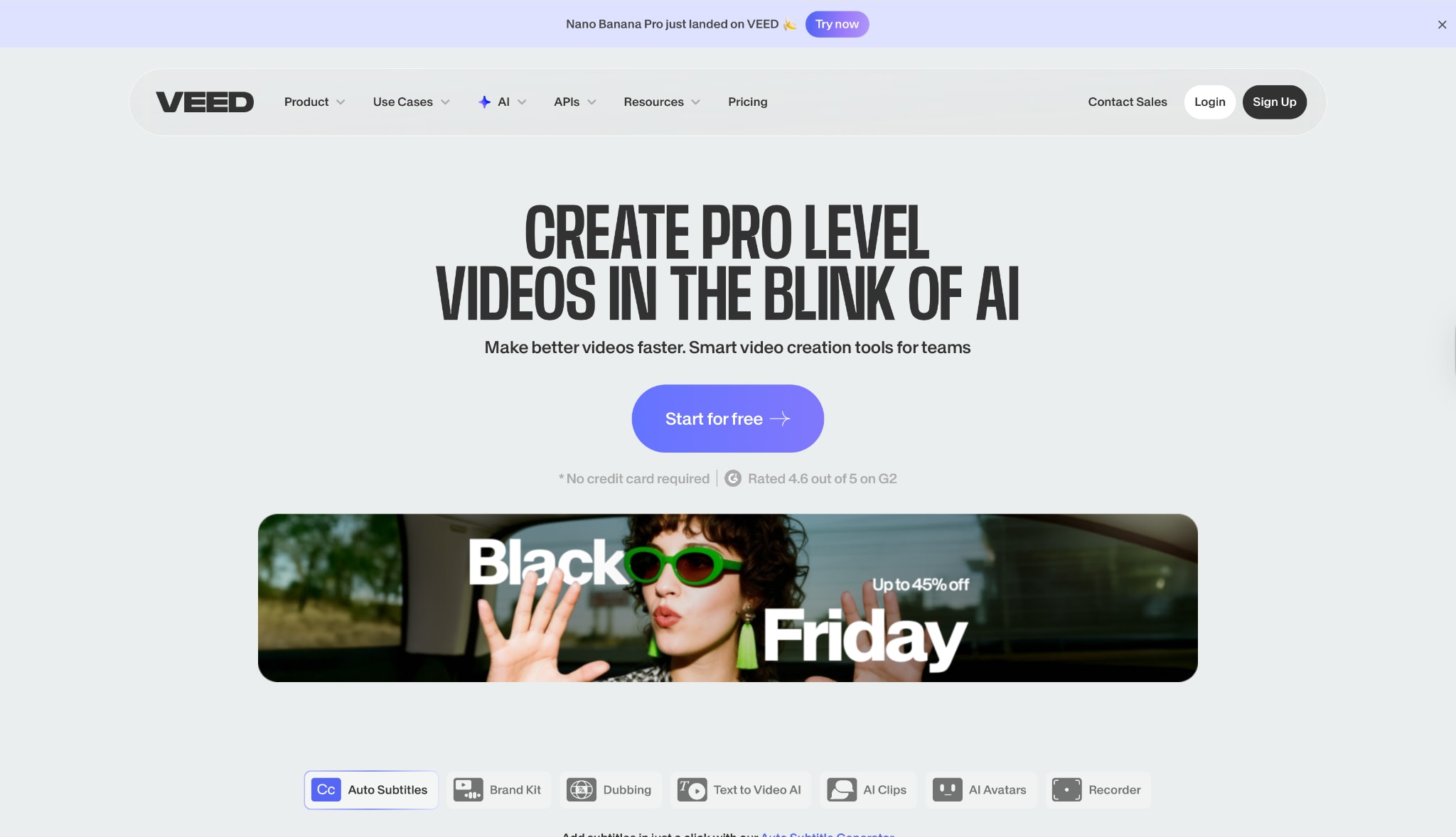
6. Veed.io
Veed is a popular online video editor with a powerful YouTube video transcript generator. It is browser-based and focuses on adding subtitles to video visual. If your goal is to YouTube video transcript download as an SRT file for burning into social media videos, Veed is incredibly user-friendly.
Batch Process Support: No.
Starting Price: Free / Basic at $12/mo.
Supported Device: Web.
Offline Support: No.
Safety Review: 4/5
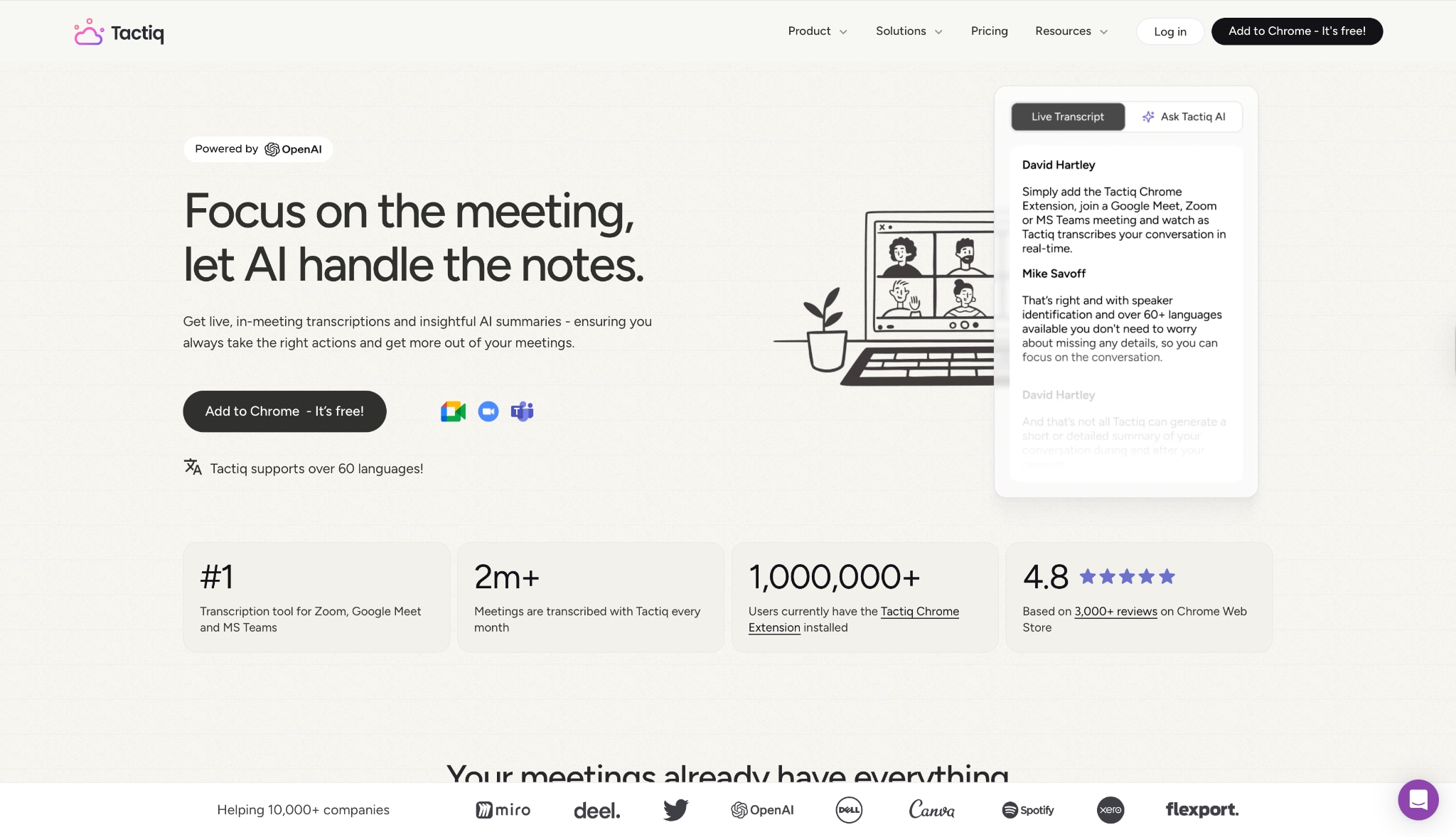
7. Tactiq
Tactiq is a browser extension that works while you watch. It captures the closed captions in real-time. It is a nifty tool to get transcript of YouTube video without leaving the YouTube page. It effectively saves transcript from YouTubedirectly to Google Docs or Notion.
Batch Process Support: No.
Starting Price: Free / Pro $8/mo.
Supported Device: Chrome/Edge Browsers.
Offline Support: No.
Safety Review: 3.5/5
Easy to Use YouTube Transcript Generator
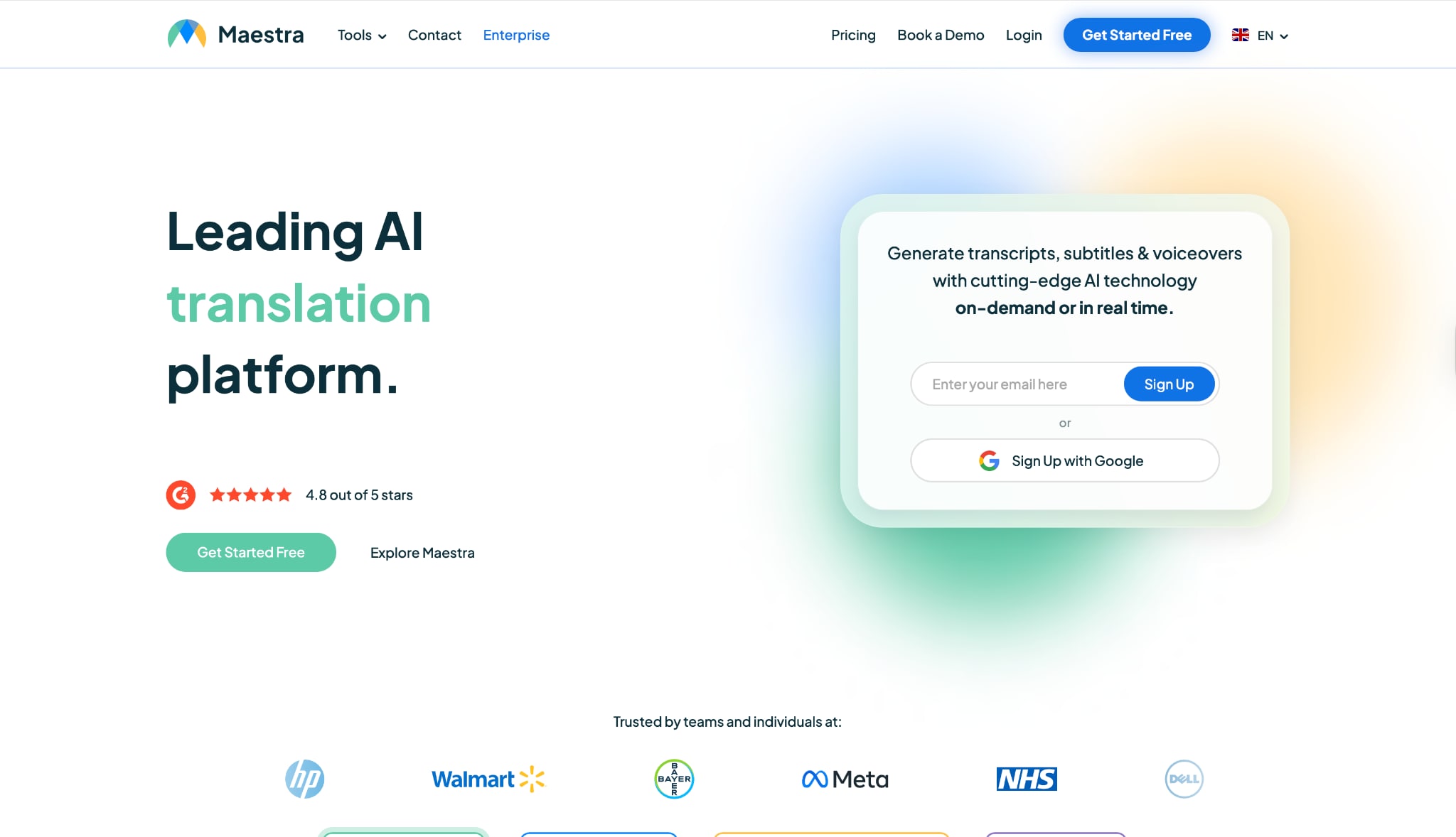
8. Maestra
Maestra is an AI-powered platform designed for voiceovers and transcripts. It allows you to YouTube link to transcription conversion quickly. It's powerful if you need to translate that transcript into another language immediately for dubbing.
Batch Process Support: Yes.
Starting Price: Pay-as-you-go ($10/hour).
Supported Device: Web.
Offline Support: No.
Safety Review: 4/5
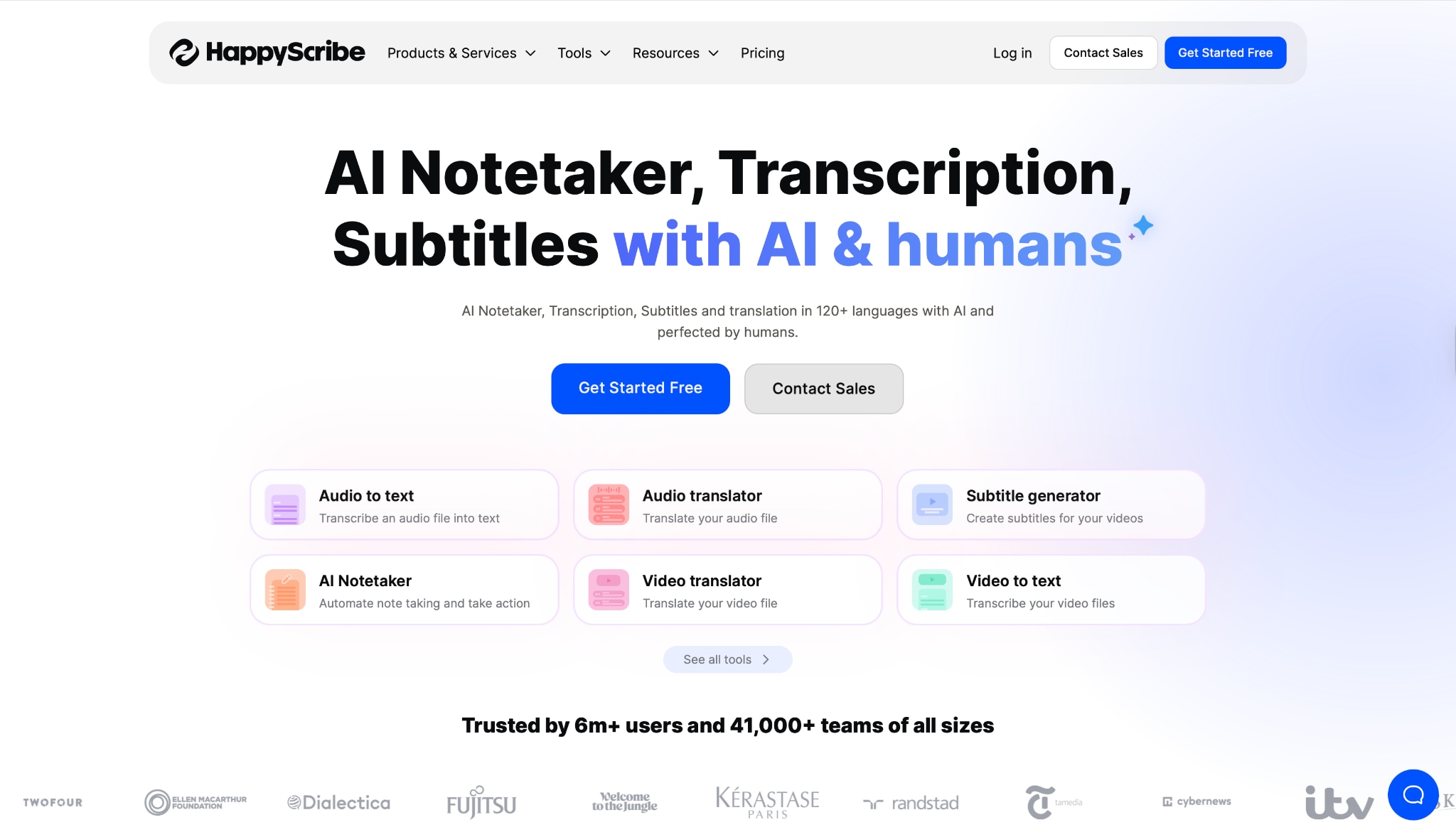
9. Happy Scribe
Happy Scribe offers both AI and human transcription. If you need a YouTube transcript generator that guarantees 99% accuracy (via human service), this is a go-to. For the AI version, it allows you to extract transcript from YouTube videolinks easily with a clean interface.
Batch Process Support: Yes.
Starting Price: Free trial / €0.20 per min (AI).
Supported Device: Web.
Offline Support: No.
Safety Review: 4.5/5
10. Rev
Rev is the industry leader for accuracy. While they are famous for human services, their AI automated transcription has improved significantly. It is the best choice if you need to download YouTube video transcript files for legal or broadcast compliance where errors are not an option.
Batch Process Support: Yes.
Starting Price: $0.25/min for AI.
Supported Device: Web, Mobile App.
Offline Support: No.
Safety Review: 5/5
Part 5. At-a-Glance Comparison Table for YouTube Transcript Generators
| App Name | Use Case | Supported Input Format | Unique Edge | Best For |
| Wondershare UniConverter | Professional/Offline | Video/Audio (1000+ formats) | All-in-one AI Video Toolbox & Converter | Heavy users, privacy-conscious editors |
| YouTube Native | Casual Viewing | YouTube URL | Integrated & Free | Quick referencing |
| Notta | Meetings/Web | Audio/Video Links | Speaker Identification | Meeting notes |
| Descript | Content Creation | Video/Audio | Edit Video via Text | Podcasters/Editors |
| Otter.ai | Team Collab | Audio Files | Summary & Key Points | Teams & Students |
| Veed.io | Social Media | Video Uploads | Visual Subtitle styling | TikTok/Reels creators |
| Tactiq | Live Capture | Browser Stream | Notion/Docs Integration | Note-takers |
| Maestra | Localization | Video/Audio | Auto-Dubbing | Translators |
| Happy Scribe | Flexible Quality | Video/Audio Links | Human + AI options | Journalists |
| Rev | Professional | Video/Audio Links | 99% Human Accuracy | Legal/Professional use |
Part 6. How to Generate YouTube Transcript With Speakers Tags & Summary
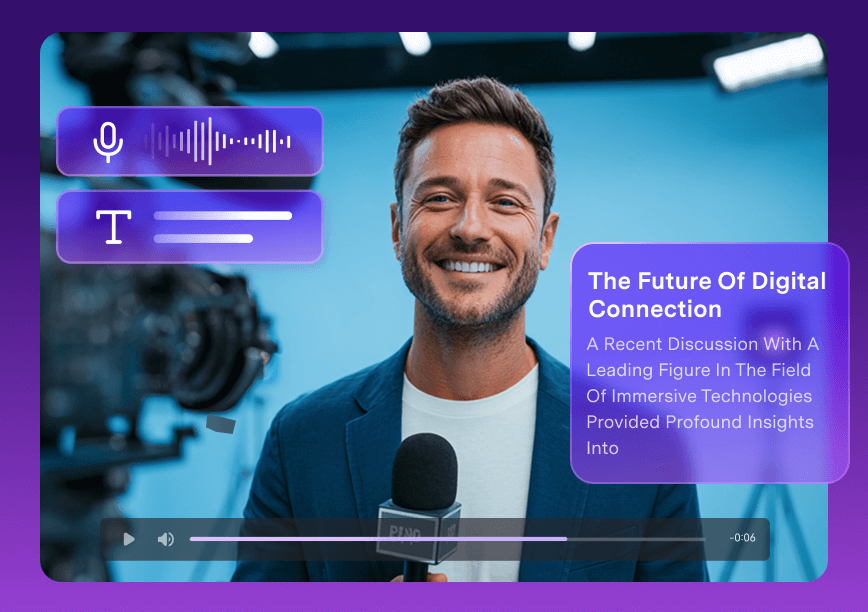
How to use UniConverter to Generate Transcription and Summary
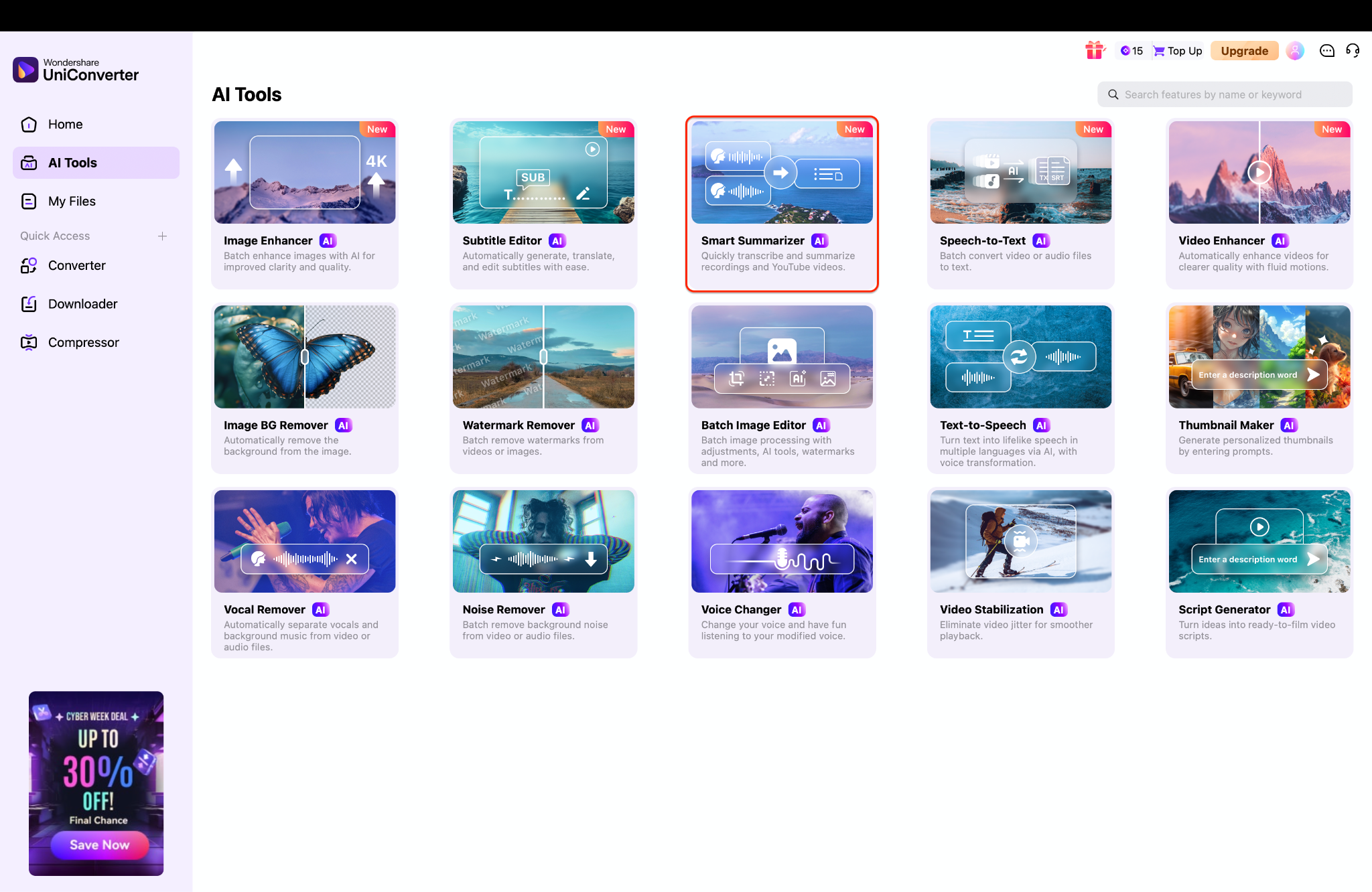
Step 1: Access the Smart Summarizer
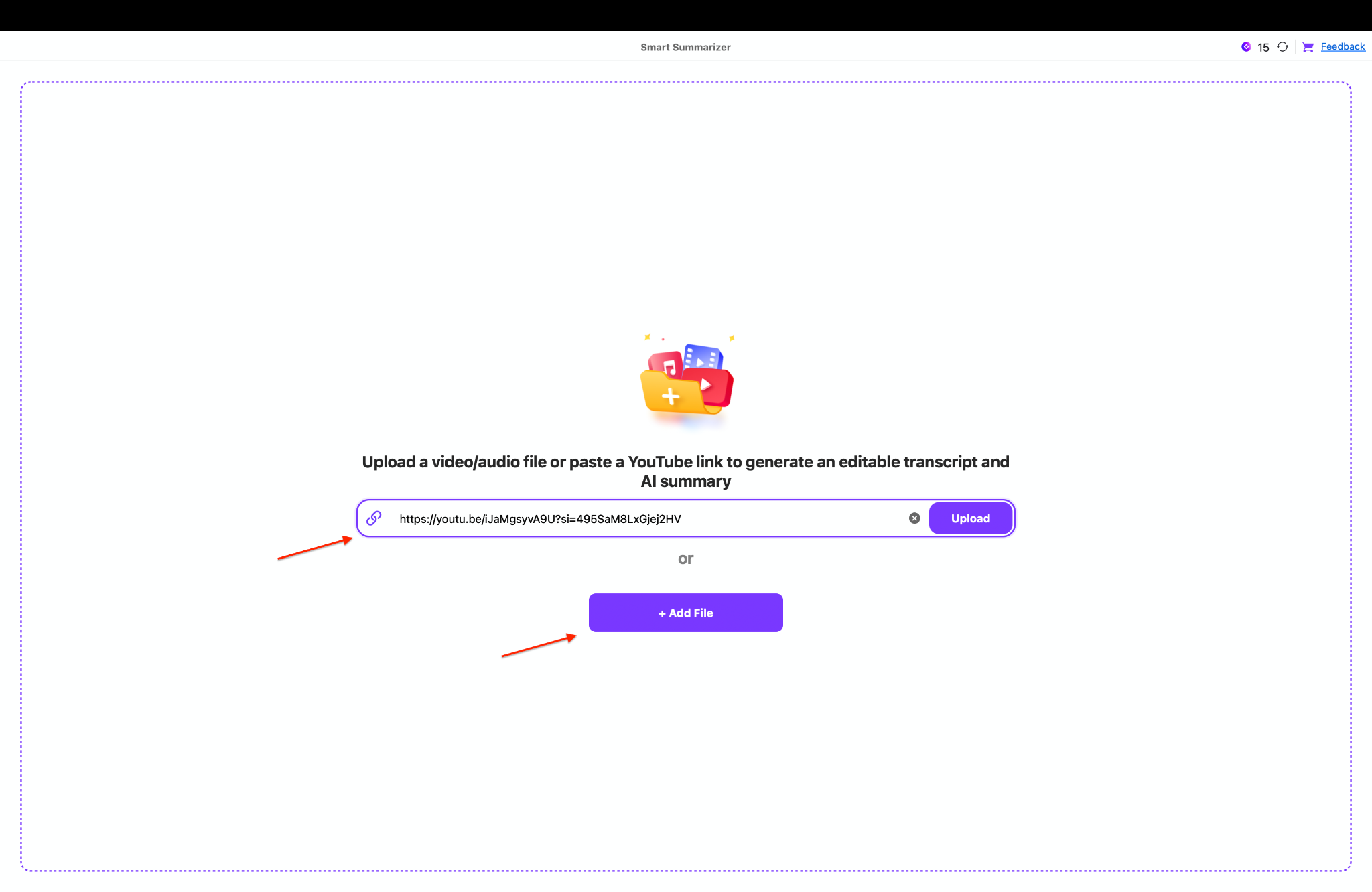
Step 2: Import Video or Audio Content
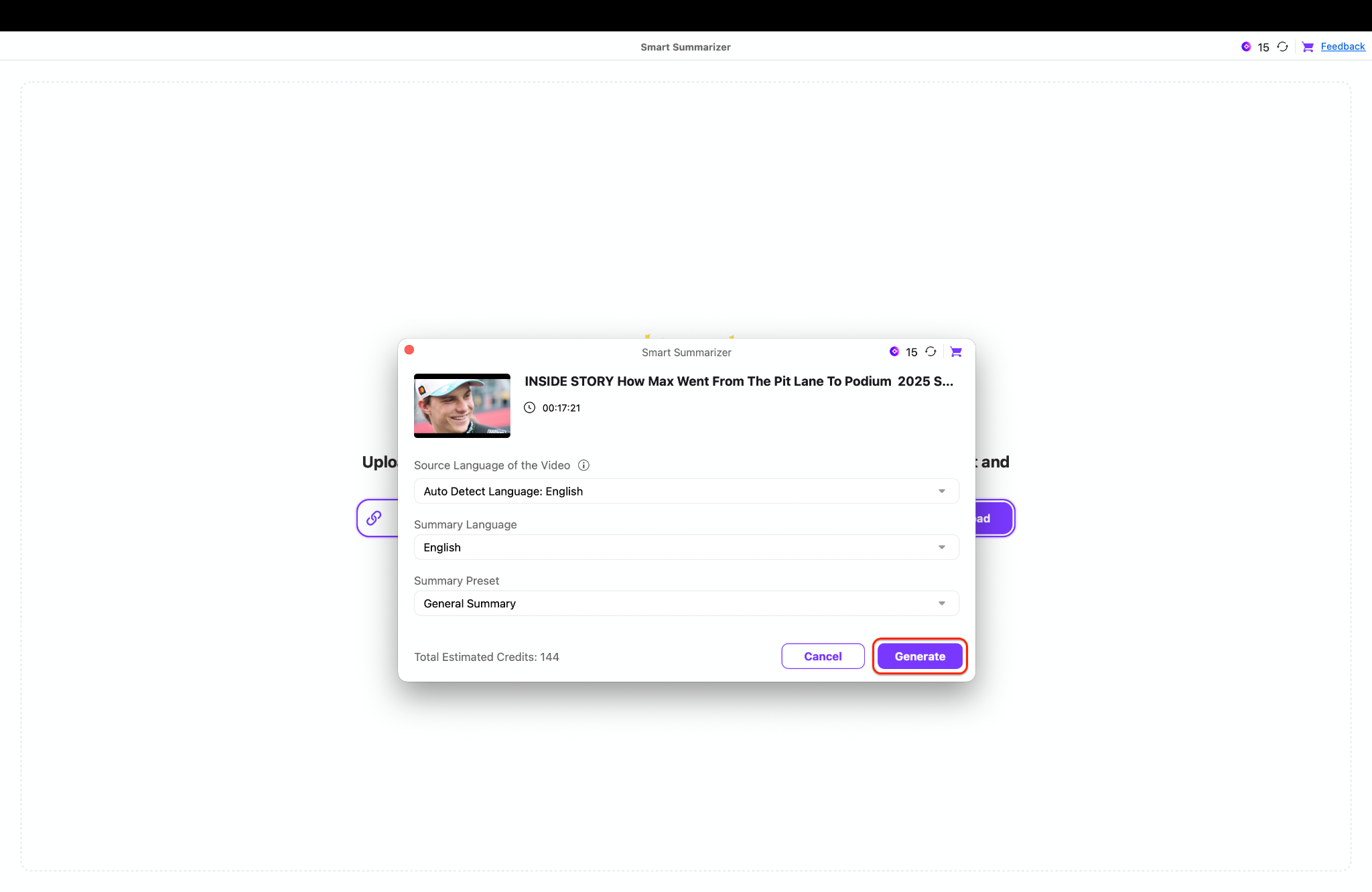
Step 3: Configure Language and Templates
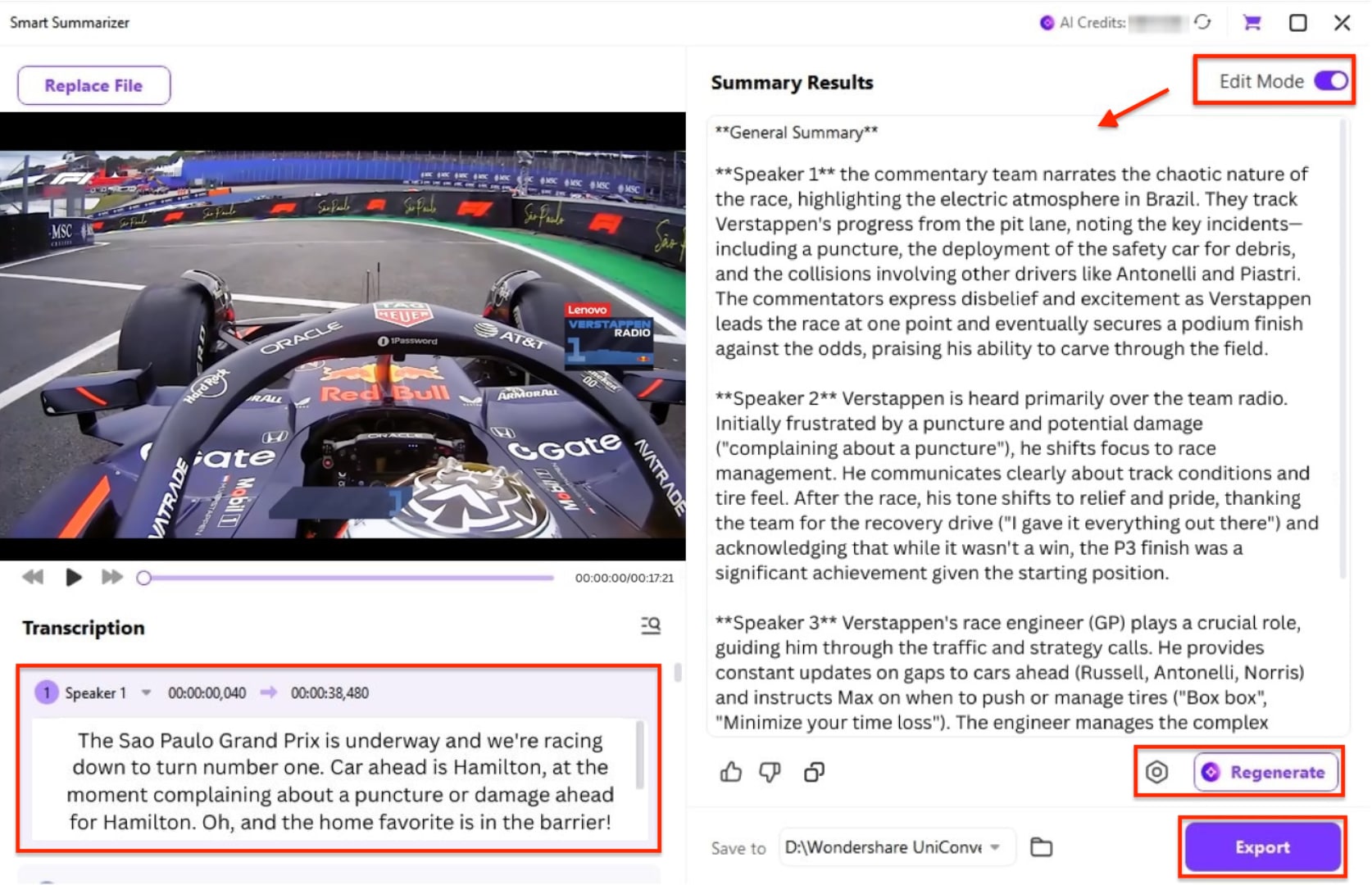
Step 4: Review, Refine, and Export Results
Conclusion
In 2025, the ability to access video content via text is essential. Whether you use a simple YouTube transcript generator free online or professional software, the goal remains the same: to get transcript from YouTube accurately and efficiently. We have reviewed ten powerful tools, each with specific strengths. While online tools like Notta or Veed are great for quick tasks, they often lack the privacy and processing power required for serious projects.
If you are looking for a robust, all-encompassing solution, Wondershare UniConverter stands out as the ultimate choice. It not only allows you to download YouTube video transcript files via its AI tools but also gives you the power to edit, compress, and convert your media in one place. Don't let valuable content get lost in translation. Start using a professional YouTube video transcript download solution today and maximize your content's potential!
Easy to Use YouTube Transcript Generator
FAQs
-
1. Is it legal to download a transcript from a YouTube video?
Yes, it is generally legal to get transcript of YouTube video for personal use, research, or accessibility. However, reposting the text as your own content without permission may violate copyright laws. -
2. Can I get a transcript if the video doesn't have captions?
Yes. Tools like Wondershare UniConverter and Happy Scribe use AI speech-to-text technology to generate captions from scratch, even if the original video has no subtitles. -
3. What is the best format for a transcript: TXT or SRT?
Use TXT if you want to read the content like a document or blog post. Use SRT (SubRip Subtitle) if you intend to upload the captions back onto a video player with timestamps. -
4. How can I translate a YouTube transcript into another language?
You can first extract transcript from YouTube using a tool like UniConverter, and then use its subtitle editor or an external translator to convert the text. Some tools like Maestra do this automatically. -
5. Why is UniConverter recommended over online converters?
Online tools often have file size limits, require internet uploads (privacy risk), and can be slow. UniConverter processes files locally on your device, ensuring faster speeds, better security, and no internet dependency for the transcription process.

