
Free AI Image Generator Online — No Sign-up Required
Start with a free AI image generator online that works in your browser. Type a prompt, add the style you want in your description, and generate an AI image without installing software. You do not need to sign up to try it. Use daily free credits for fast drafts, social graphics, thumbnails, and concept visuals, then download your result when it is ready.
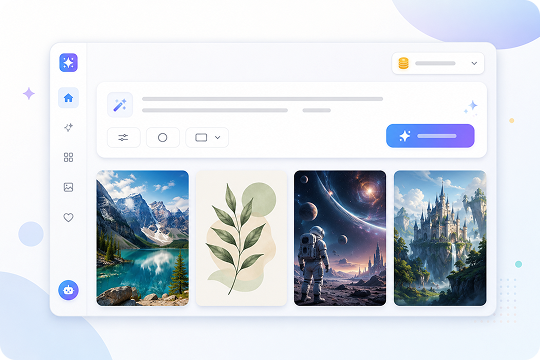
AI Image Generator from Text — Just Describe Your Idea
Create an AI image from text by describing the subject, style, lighting, mood, and format you want. UniConverter works as a text to image converter and prompt to image AI tool for fast visual drafts. The more details you add to your prompt, the easier it is to generate an image that matches your creative direction.
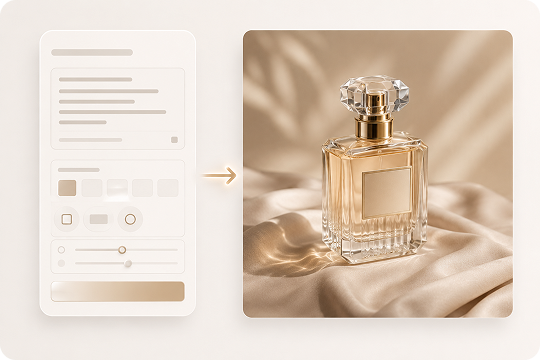
Image-to-Image AI Generator Desktop — Restyle Any Photo
Use the desktop image-to-image AI generator when you want to restyle an existing photo. Upload a reference image and describe the new look directly in your prompt, such as anime, oil painting, 3D render, or cinematic artwork. The desktop version is useful for private local workflows, larger files, and advanced edits beyond quick online creation.
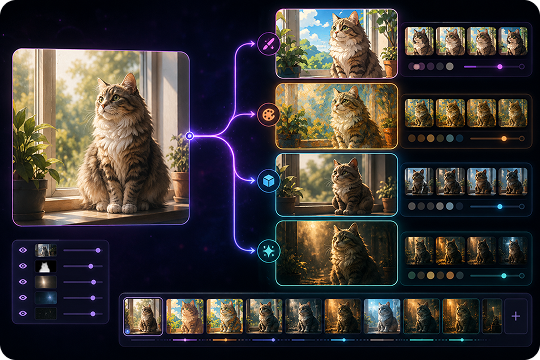
Realistic AI Photo Generator for Any Style You Describe
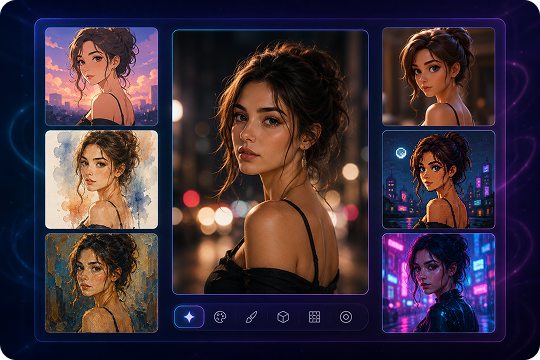
Create realistic AI photos or stylized artwork by writing the look you want directly in your prompt. UniConverter can generate photorealistic, anime, watercolor, oil painting, 3D render, cyberpunk, surreal, pixel art, and cinematic visuals when you include those style details. Use it as an AI photo generator for portraits, product concepts, marketing visuals, and social content.
Add style words like photorealistic, cinematic lighting, anime artwork, watercolor effect, or 3D render directly in your prompt.
How to Generate AI Images in 3 Steps
Creating AI generated images should feel simple. With UniConverter, you can start from a text prompt online or use a reference photo in the desktop app.

Type a clear prompt that explains the subject, scene, style, color, and mood. For example, you can write: “a realistic AI photo of a coffee cup on a wooden desk, morning light, shallow depth of field.” In the desktop version, head to Image Generator feature first.

Choose the format that fits your project. Use 1:1 for profile images, 16:9 for banners and YouTube thumbnails, or 9:16 for vertical social posts. To create a specific look, include style words in your prompt, such as photorealistic, anime, watercolor, 3D render, or cinematic lighting.

Click generate and preview the result. Download the image for quick use, or open the desktop version when you want image-to-image restyling or more advanced editing.
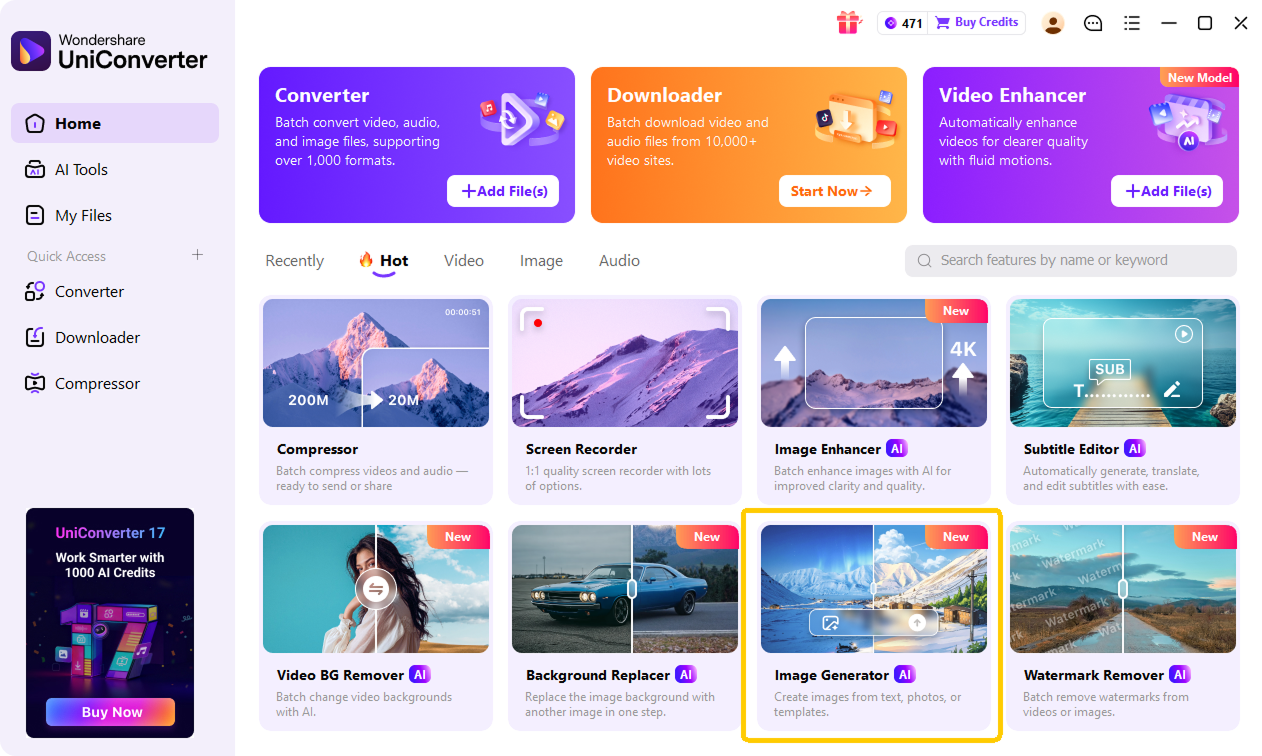
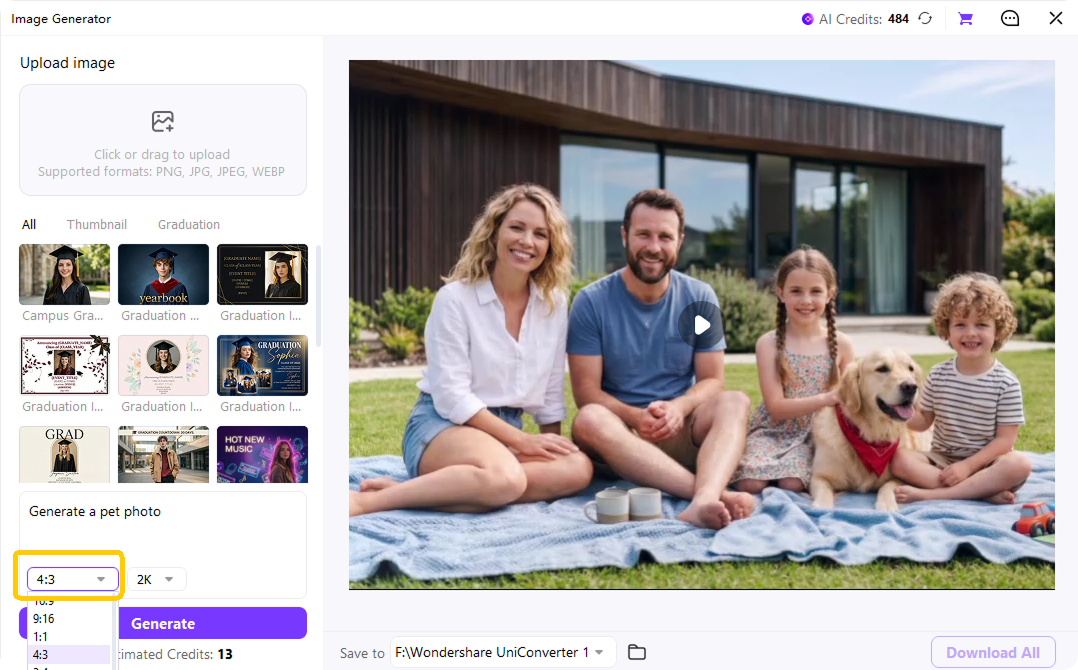
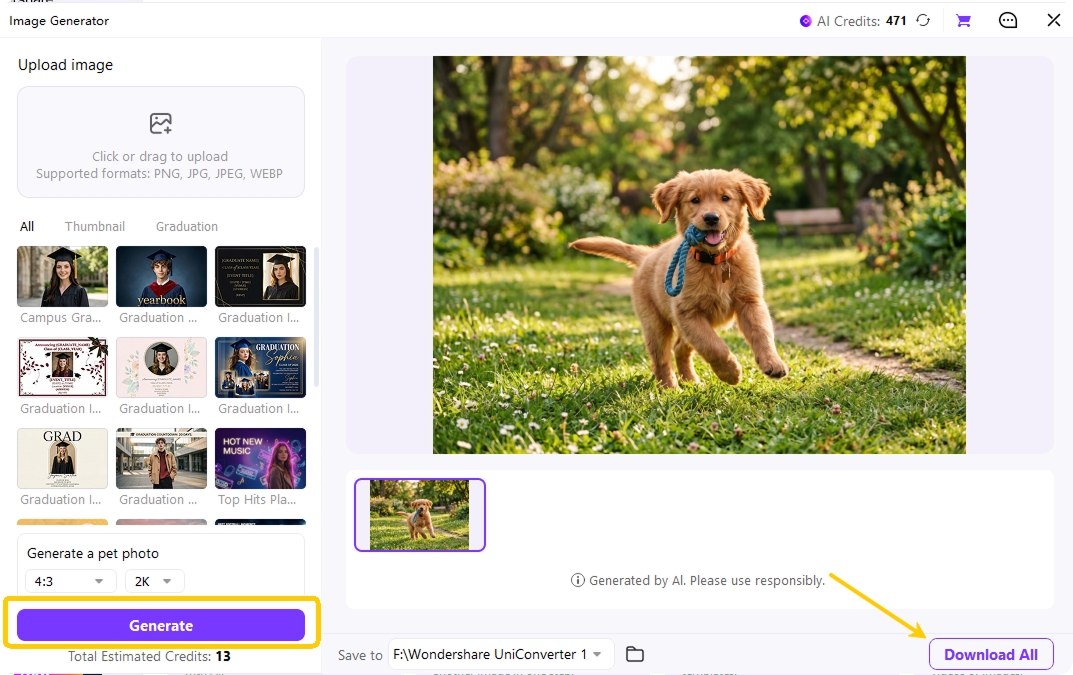
Online AI Image Generator or Desktop App — Choose What Fits You
Use the online version for quick text-to-image generation in a browser. Choose UniConverter Desktop when you need image-to-image restyling and more advanced creative workflows on Windows or Mac.
| Feature | Online AI Image Generator | UniConverter Desktop |
|---|---|---|
| Best for | Quick text-to-image creation | Image-to-image and advanced workflows |
| Access | Browser-based | Windows and Mac |
| Sign-up | No sign-up required to try | Install once, then create locally |
| Text-to-image | Yes | Yes |
| Image-to-image | Basic online workflow | Yes, better for restyling existing photos |
| Large files | Best for quick drafts | Better for larger and advanced projects |
| Creative styles | Prompt-based styles | Prompt-based styles plus reference-image restyling |
AI Image Generator Use Cases
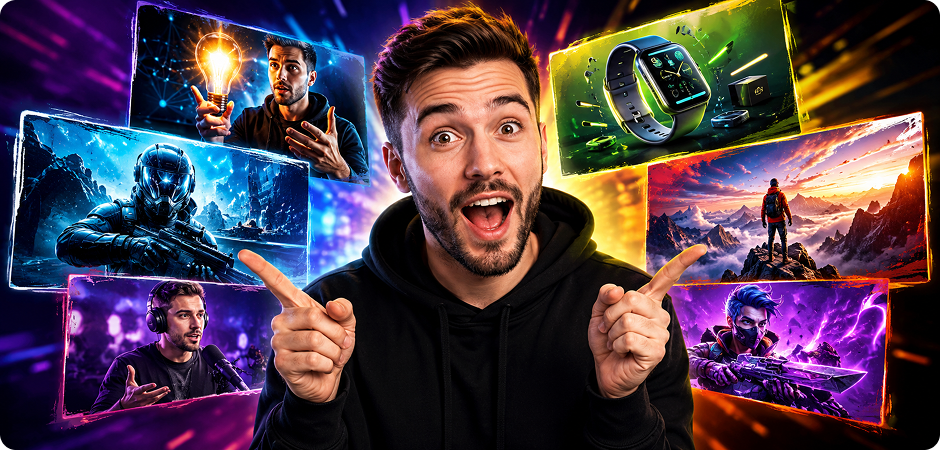
YouTube Thumbnail AI Generator for Video Creators
Use UniConverter as a YouTube thumbnail AI generator to create eye-catching visuals for tutorials, reviews, gaming videos, podcasts, and product demos. Enter a prompt that describes the main subject, emotion, background, color mood, and layout you want, then generate a 16:9 image for your video cover. You can create multiple thumbnail ideas quickly and choose the one that best fits your title, audience, and channel style.
Social Media Graphics AI for Posts, Stories, and Ads
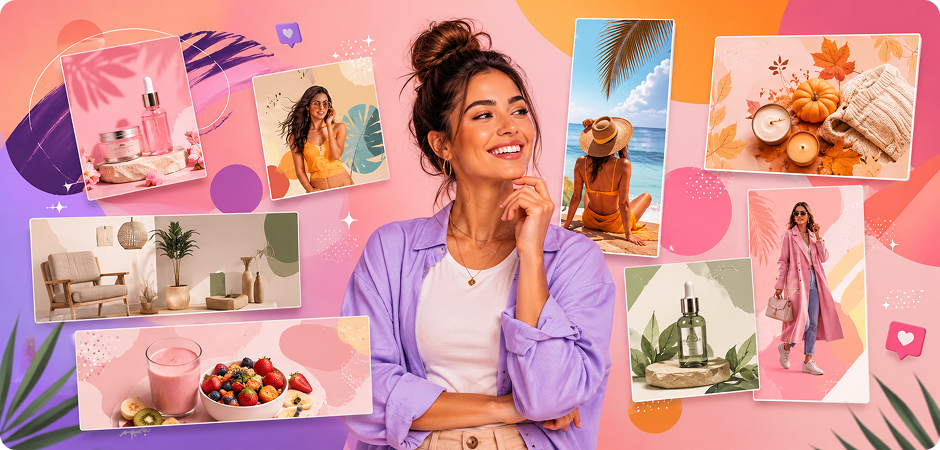
Create social media graphics with AI for Instagram, TikTok, Facebook, Pinterest, LinkedIn, and other platforms. UniConverter’s AI image generator helps you turn campaign ideas, seasonal topics, quotes, product highlights, or lifestyle concepts into scroll-friendly visuals. Describe the scene, style, color, and aspect ratio in your prompt to generate images for square posts, vertical stories, banners, and short-form content covers without starting from a blank canvas.
AI Blog Illustration Generator for Articles and Guides
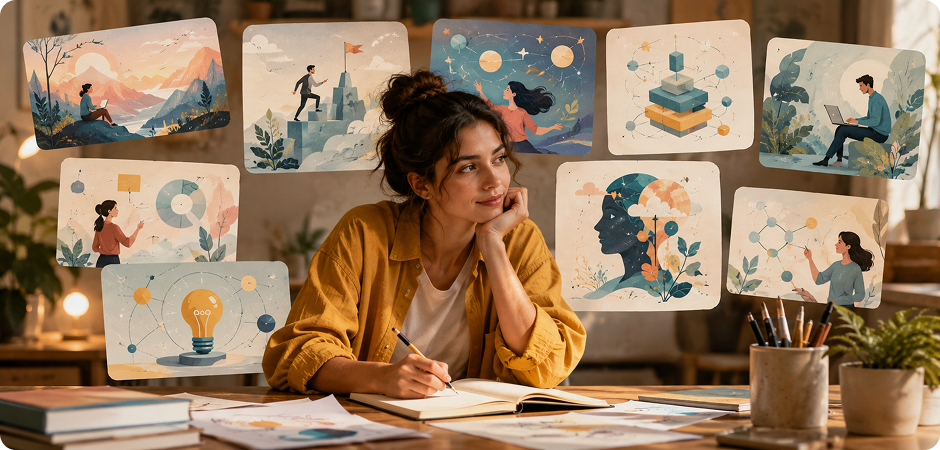
Use an AI blog illustration generator to create visuals that match your article topic, tone, and audience. With UniConverter, you can describe the subject, content angle, visual style, and scene details to generate AI images for blog headers, tutorial graphics, software explainers, and educational guides. This is useful when you need original-looking images for content marketing, SEO articles, landing pages, or resource pages without relying only on stock photos.
Product Shot AI Generator for E-commerce Visuals
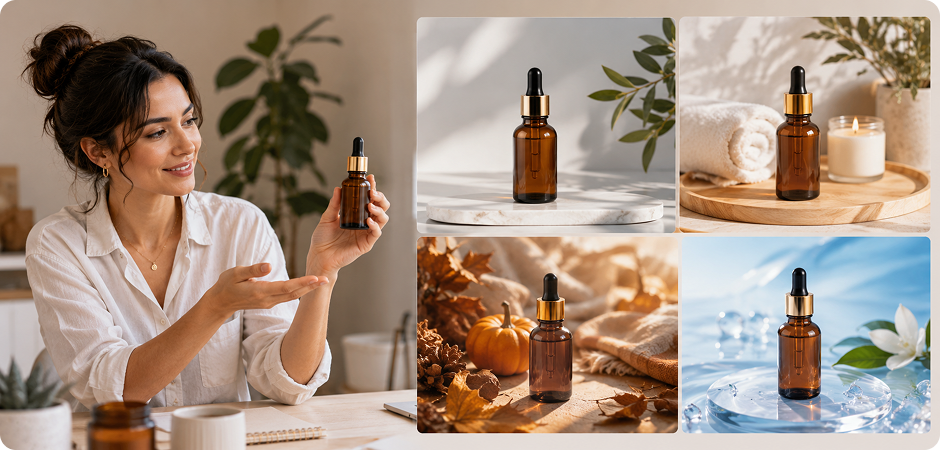
Use a product shot AI generator to create visual concepts for e-commerce listings, product launches, ads, and landing pages. Describe your product, background, lighting, mood, and camera angle in the prompt to generate realistic AI photo ideas. UniConverter can help sellers, marketers, and small businesses explore studio-style images, lifestyle scenes, seasonal campaign visuals, or product mockups before investing in a full photoshoot or final design production.
AI Poster Maker for Events and Promotions
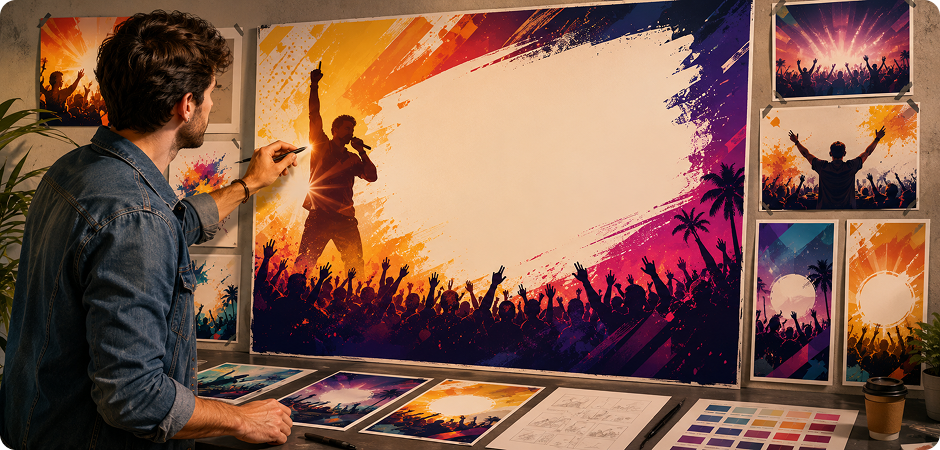
Use UniConverter as an AI poster maker for events, campaigns, announcements, classes, sales, and online promotions. Write a prompt that includes the topic, audience, mood, visual direction, and space for key text. The AI image generator can help you create poster backgrounds, flyer concepts, campaign visuals, and promotional artwork faster. You can test different ideas first, then refine the best result with your final copy and branding.
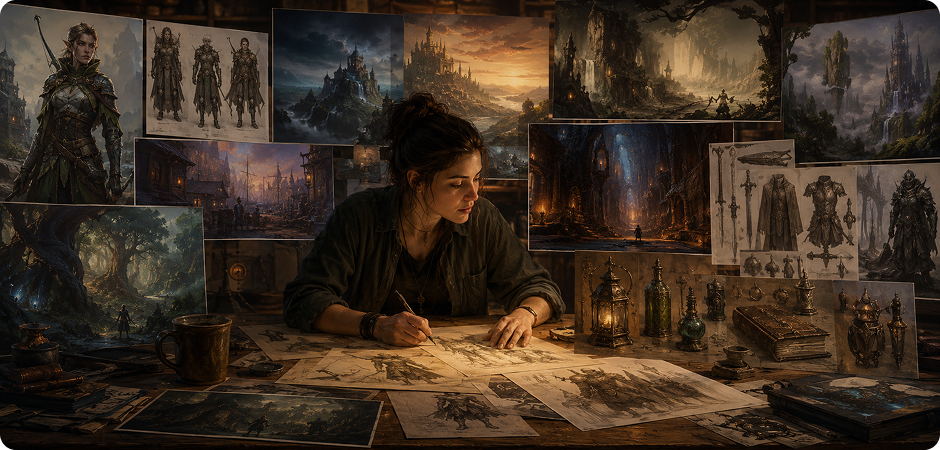
Concept Art AI Generator for Characters and Scenes
Use a concept art AI generator to explore characters, environments, props, fantasy worlds, game scenes, and story visuals. Describe the subject, setting, mood, lighting, and art direction in your prompt to generate AI pictures for creative development. UniConverter is useful for video creators, game teams, writers, and designers who need quick visual references, mood board images, or early-stage artwork before moving into detailed production.
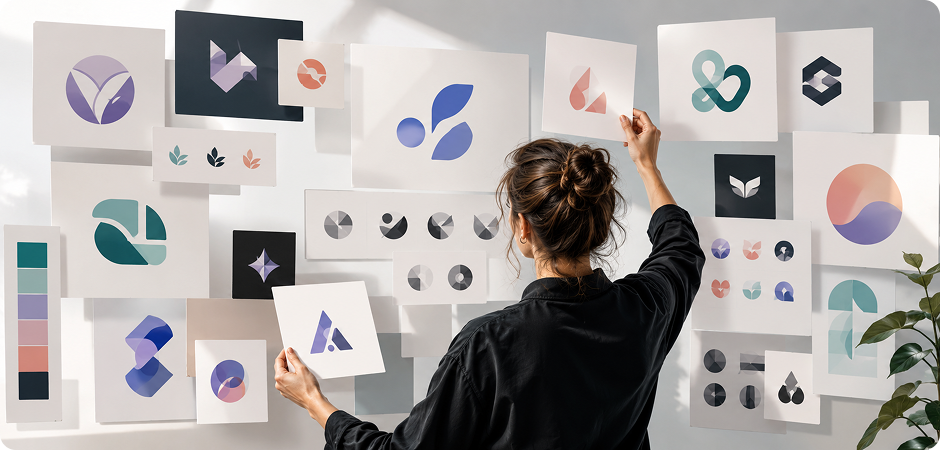
AI Logo Concept Generator for Brand Brainstorming
Use an AI logo concept generator to explore early brand ideas for a business, podcast, online shop, app, or creative project. Add details such as your industry, brand personality, symbol, color direction, and preferred visual style in the prompt. UniConverter can generate rough logo concepts for brainstorming and inspiration. For final commercial use, you should still refine the selected idea in a professional design tool and check trademark availability.
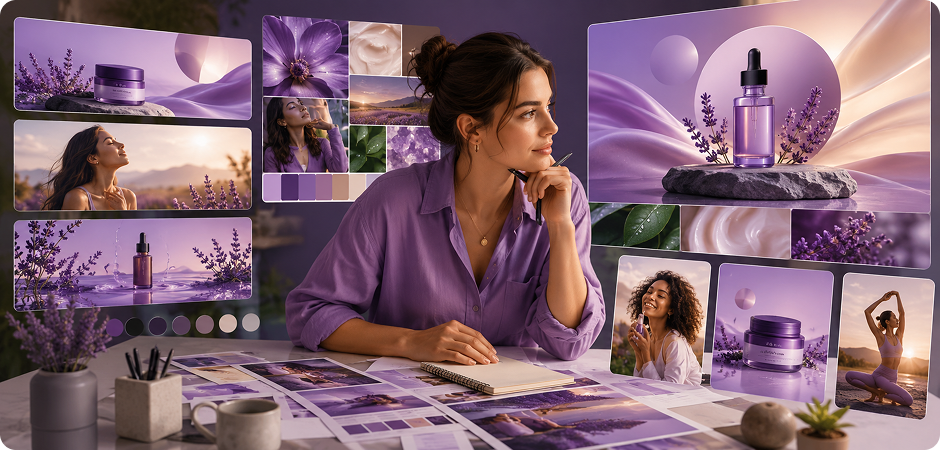
AI Marketing Visuals for Campaigns and Landing Pages
Create AI marketing visuals for ads, email banners, landing pages, product campaigns, social promotions, and sales materials. UniConverter’s AI image generator helps you turn a campaign brief into visual drafts by describing the product, audience, scene, color palette, and message direction. This makes it easier to compare creative concepts, test different visual angles, and prepare images for designers, marketers, or content teams to polish further.
FAQs about AI Image Generation
Is the UniConverter AI image generator free?
Do I need to sign up to generate images?
How does the AI image generator work?
Can I use AI-generated images commercially?
What is the difference between the online and desktop versions?
Does the desktop version support image-to-image?
What image resolutions and aspect ratios are supported?
How long does it take to generate an AI image?
Are AI-generated images copyrighted?
Can I generate realistic AI photos or portraits?
How do I write a good AI image prompt?
Does UniConverter watermark AI-generated images?
Does the AI image generator have no restrictions?



Ready to Create Your First AI Image?
Turn a simple prompt or reference photo into a ready-to-use visual. Start online with the free AI image generator, or download UniConverter Desktop when you need image-to-image generation and advanced creative control.
