Transform a single image into multiple AI-generated visuals with UniConverter image to image AI. Create stylized photos, marketing graphics, social content, and creative variations—without starting from scratch.
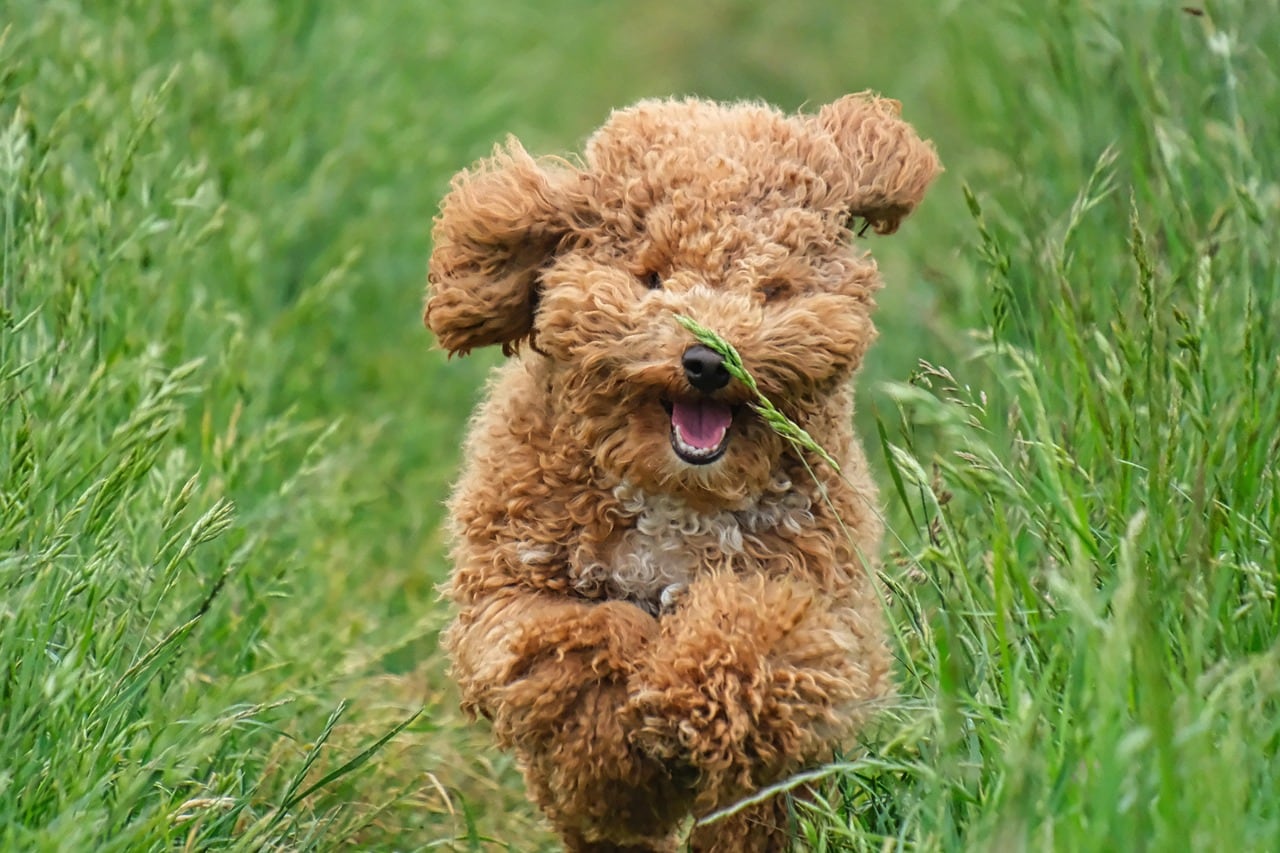
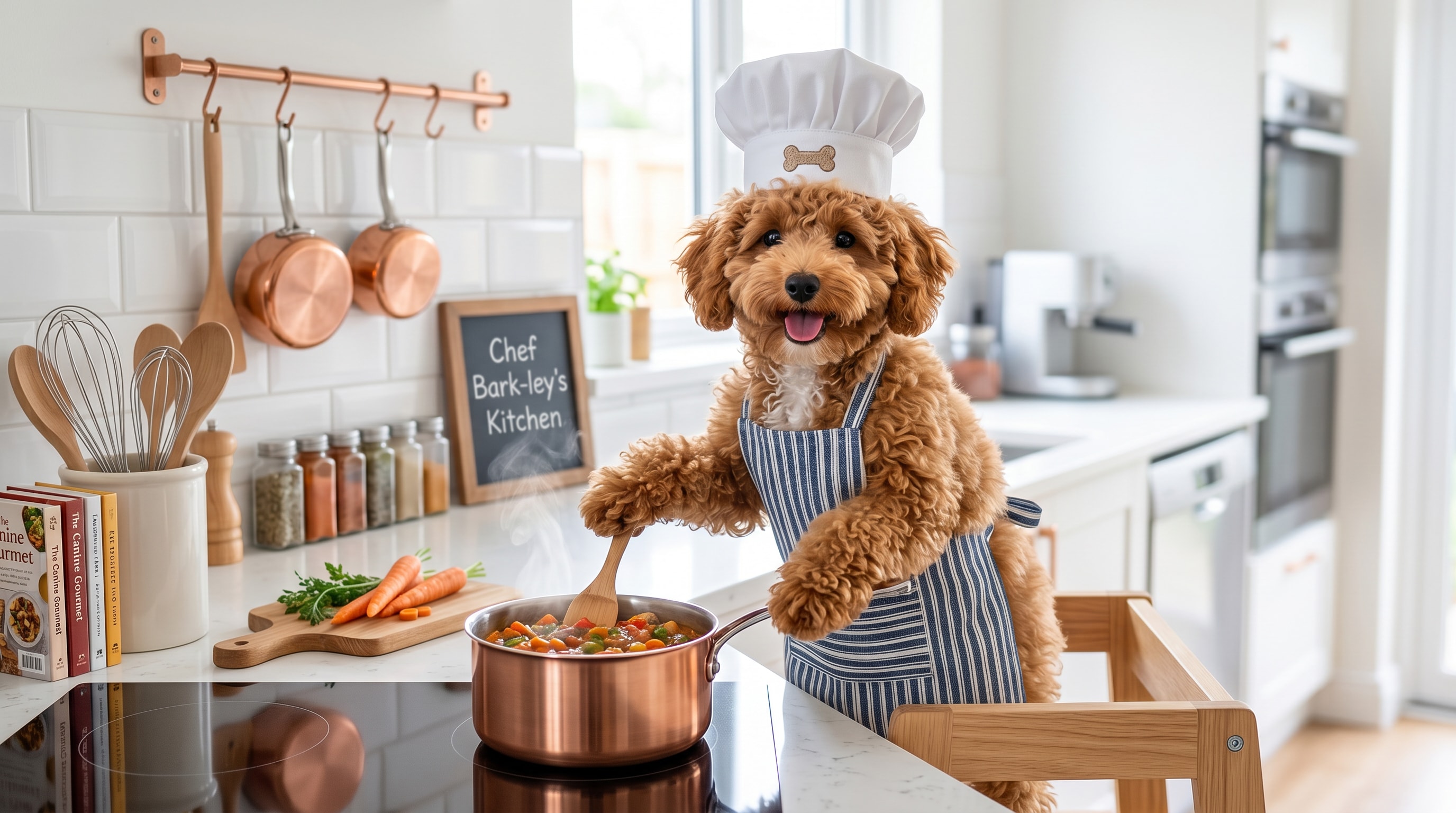
UniConverter helps you turn a normal source image into something much more dramatic, stylized, and visually impressive. It is ideal when you want your page hero, campaign image, or social visual to feel more premium and more attention-grabbing.
Instead of manually redesigning every creative concept, you can quickly test different AI-generated visual moods from one original image. This makes it easier to explore new concepts for product pages, marketing assets, thumbnails, and themed content.
Start with one image and generate multiple AI variations. Image to image AI transforms your original photo into cinematic, stylized, and campaign-ready visuals.
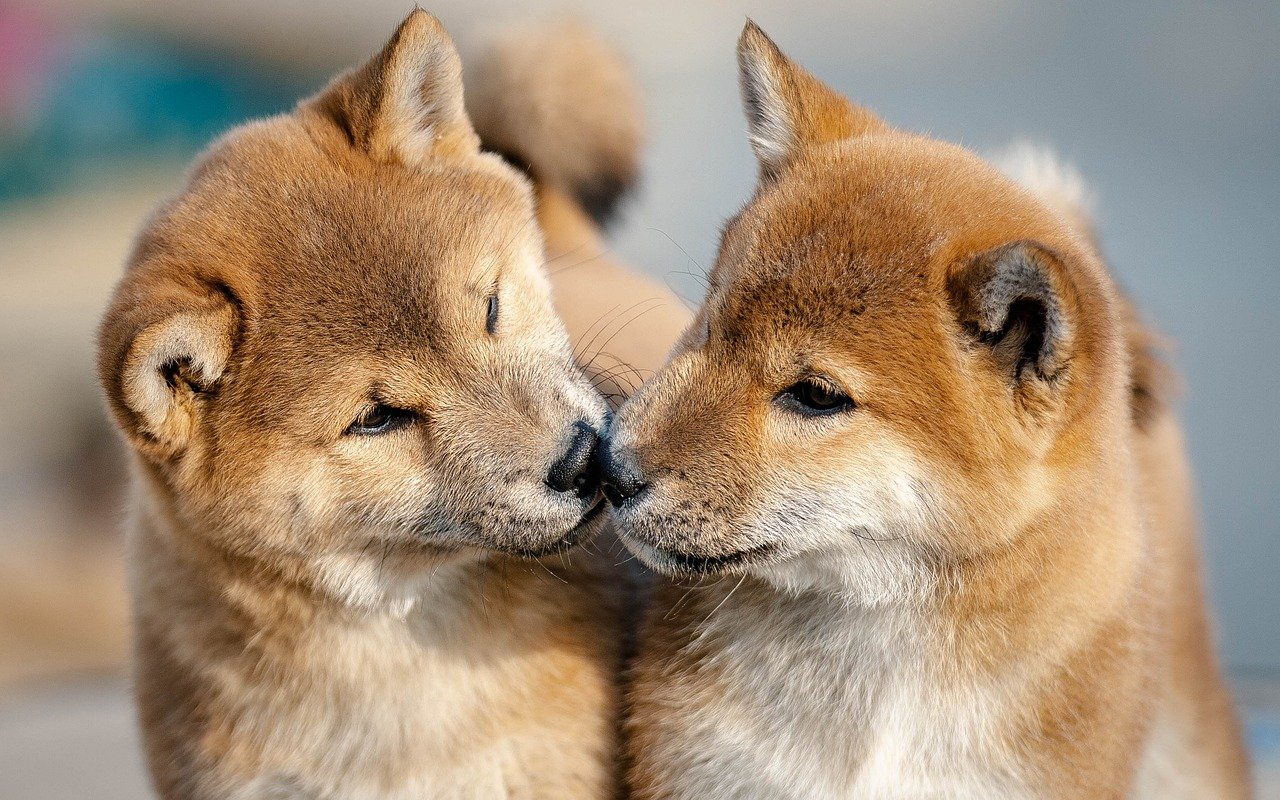
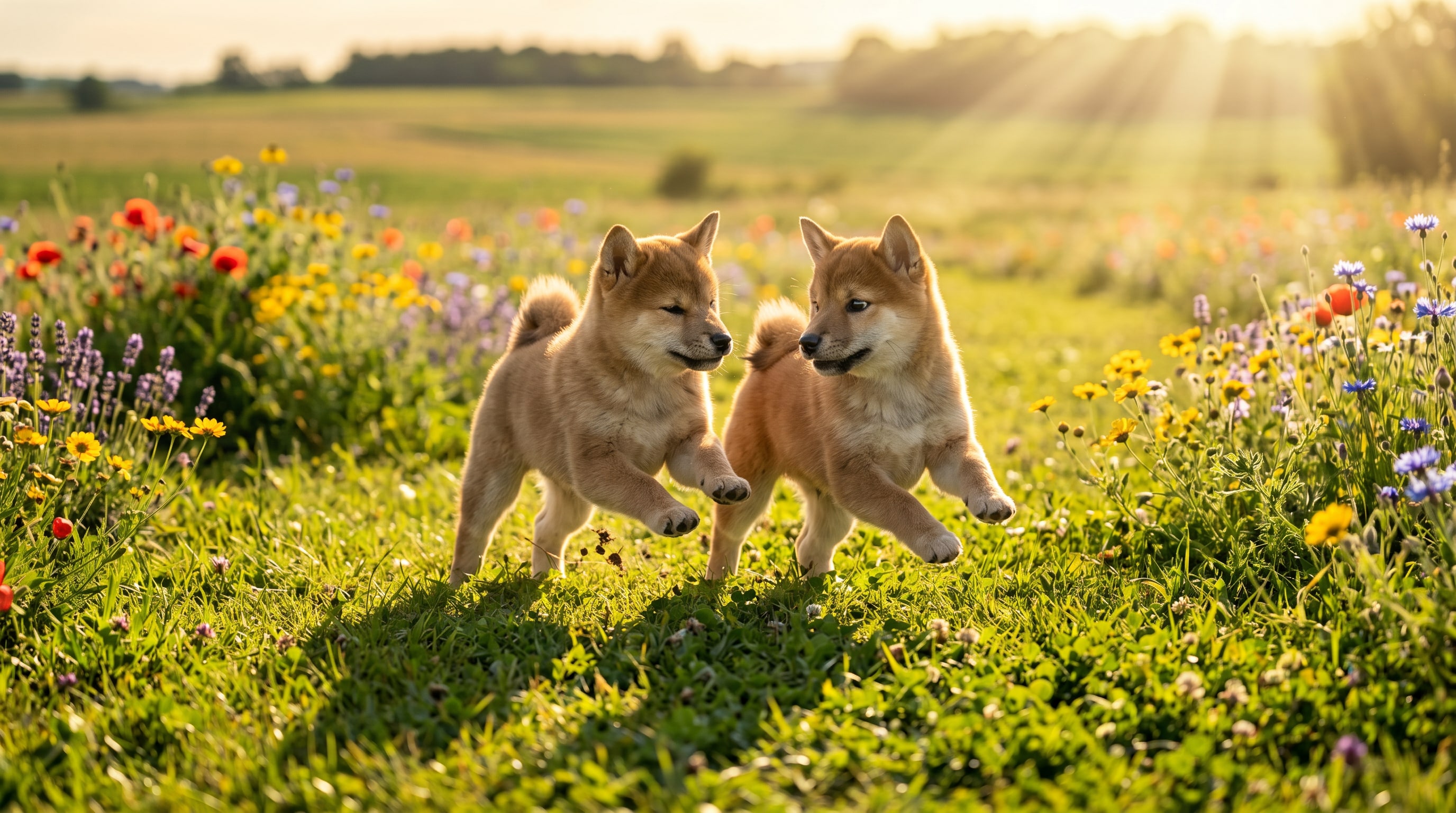
Create a stronger visual result in just a few steps. Upload your image, choose your AI style direction, and export a more eye-catching result for your page, campaign, or creative content.
Go to the Image Tools section On the main interface, find and open the Image tools, then select Image to Image.
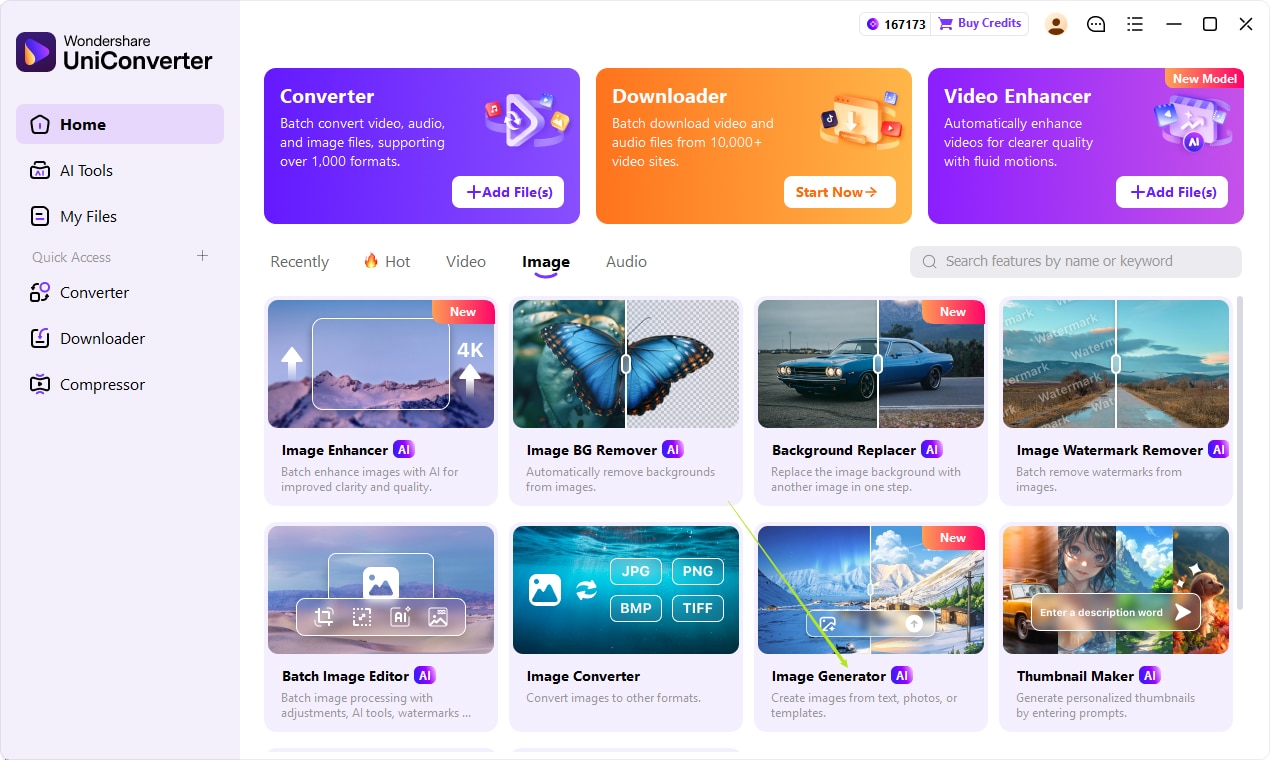
Choose the image-to-image workflow and let UniConverter generate a more stylized, cinematic, or creative variation based on your source image.
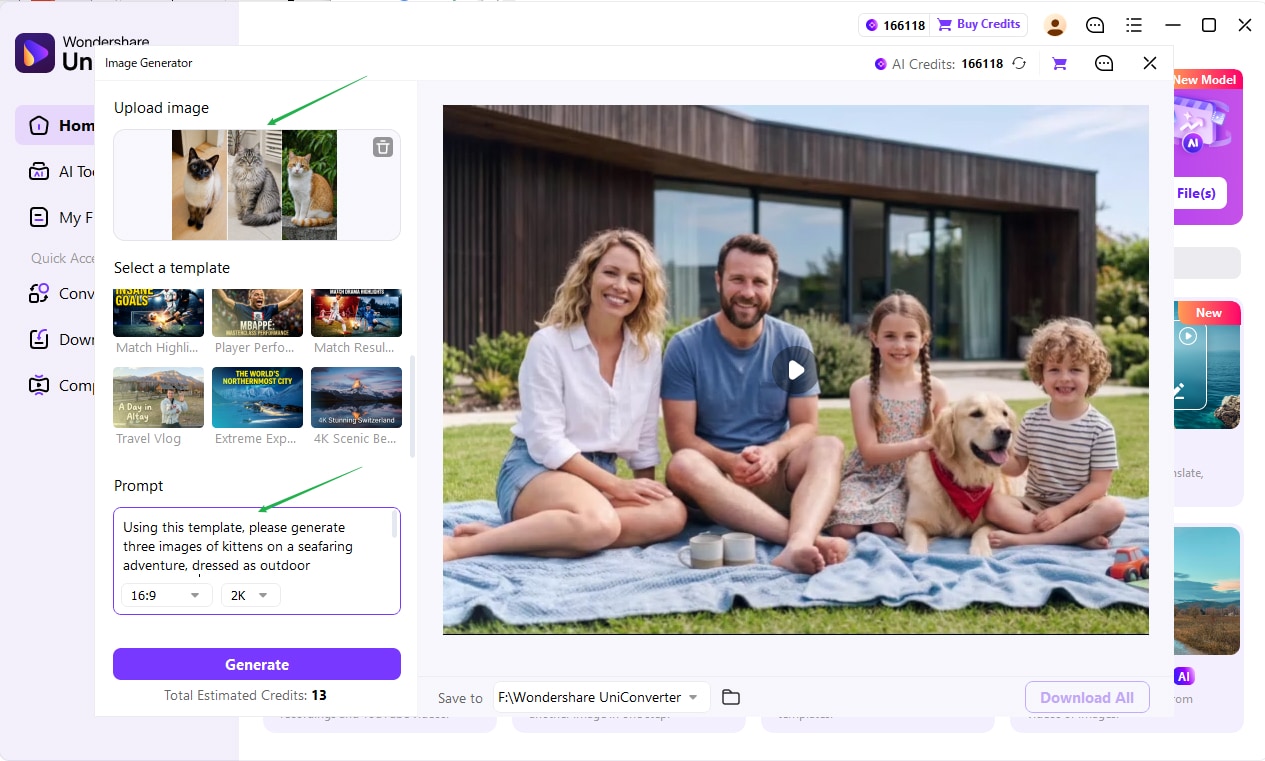
Compare the before-and-after result, then export the version that works best for your feature page, social visual, or campaign asset.
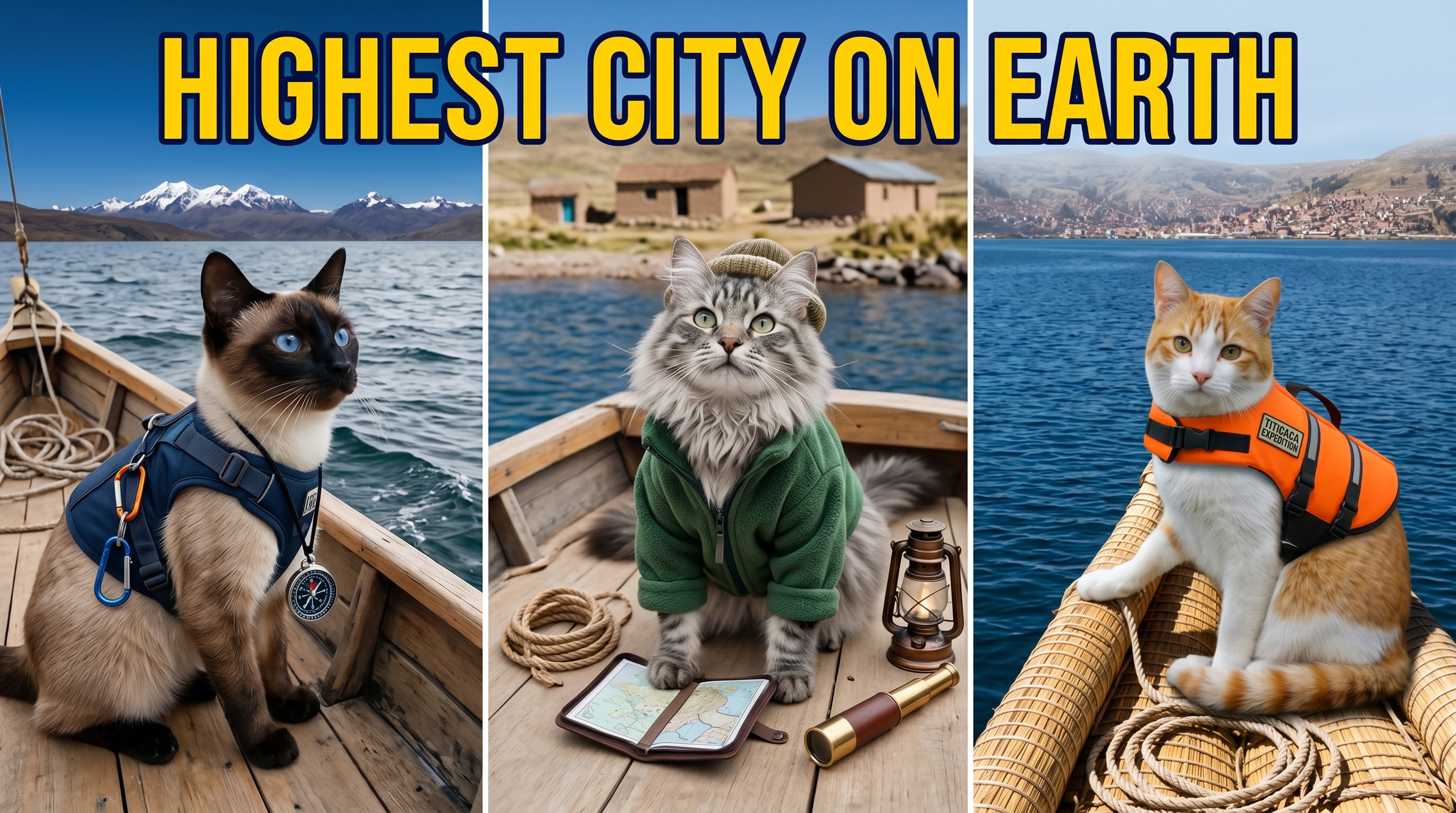
Once you have a strong generated result, you can adapt it across multiple creative needs. The same visual can support landing pages, social content, YouTube graphics, advertising creatives, or promotional storytelling.
Create a bigger first impression with a strong AI-generated image that feels premium and polished.
Turn one source image into graphics for product campaigns, feature pages, and seasonal content.
Build visuals for social posts, thumbnails, banners, and creator-facing content that stands out faster.
Try multiple visual moods before committing to a final design direction for your page or campaign.
Everything you may want to know before using AI Image to Image in UniConverter.
Start with one image and generate more dramatic, eye-catching visuals for feature pages, campaigns, and creative content.

