
AI Subtitle Generator Professional Quality in 145+ Languages
UniConverter’s Subtitle Generator automatically creates accurate subtitles for videos and audio. Supports podcasts, recordings, and dual-language subtitles, with professional editing tools for fine-tuning.
 4.9/5 from 1,662 reviews

AI-Powered Subtitle Generation for
Professional Results in Minutes
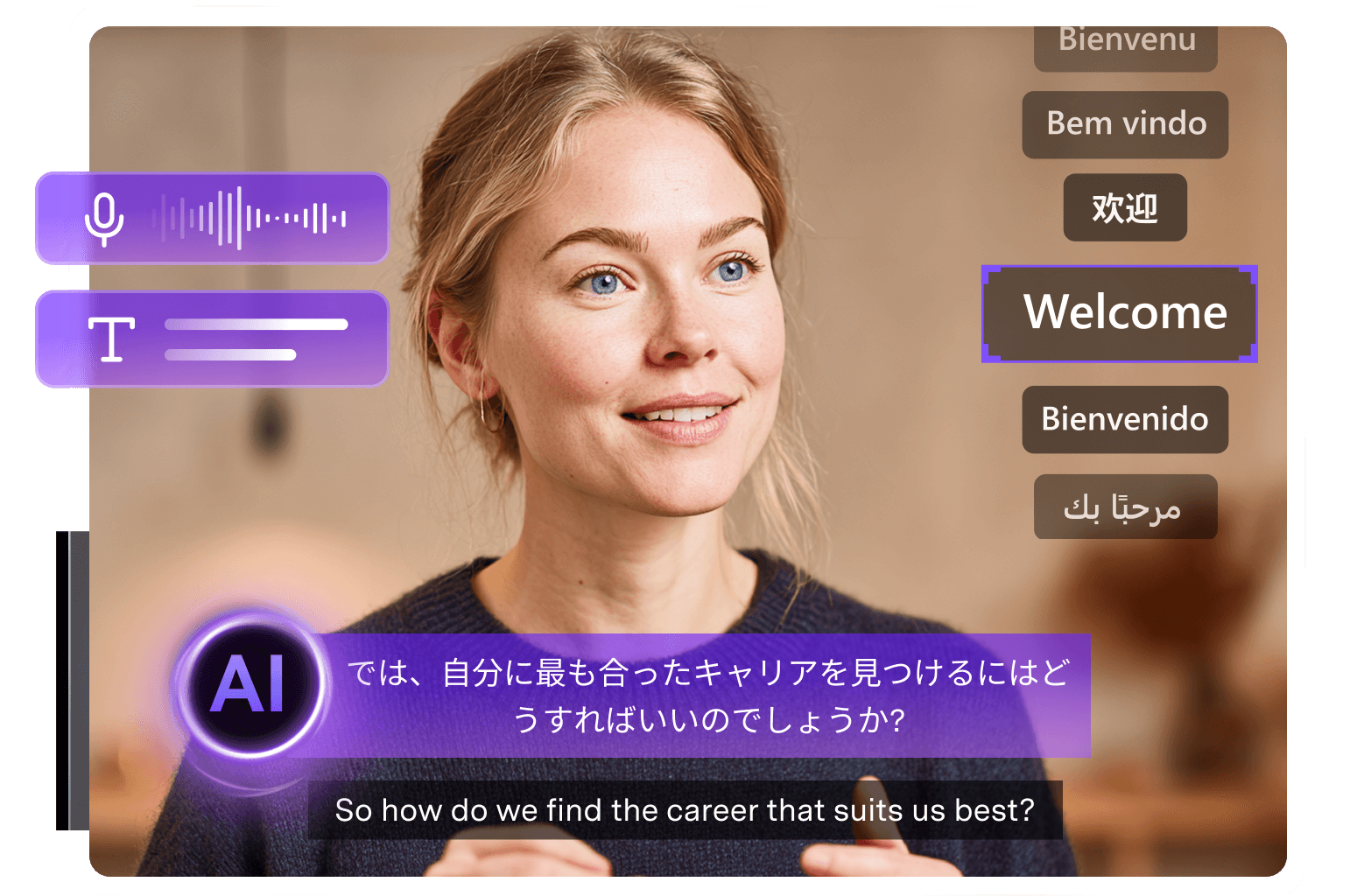
Smart Audio Recognition
UniConverter’s Video Subtitle Generator automatically detects and transcribes speech from videos and audio files with high accuracy. It supports over 30 video and 25 audio formats—including MP4, MKV, AVI, MOV, MP3, and WAV—ensuring full compatibility for any media project.
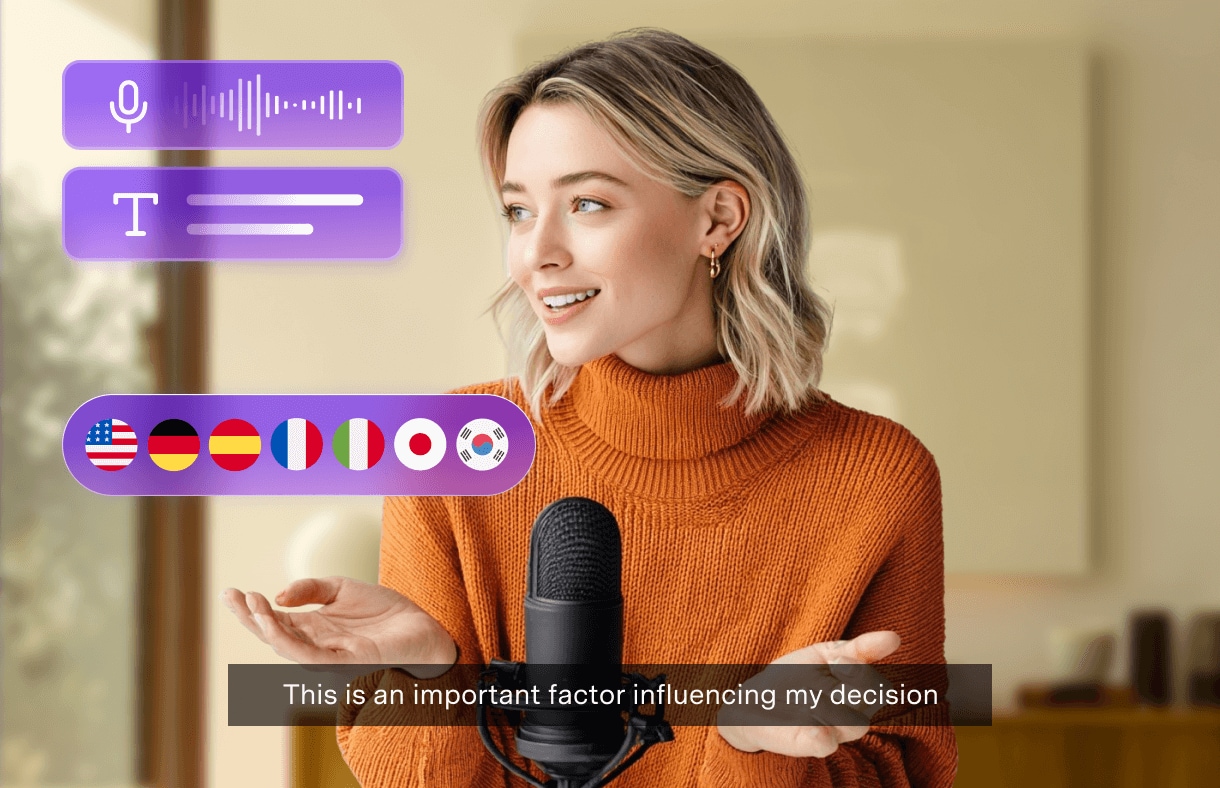
145+ Languages & Dual Subtitles
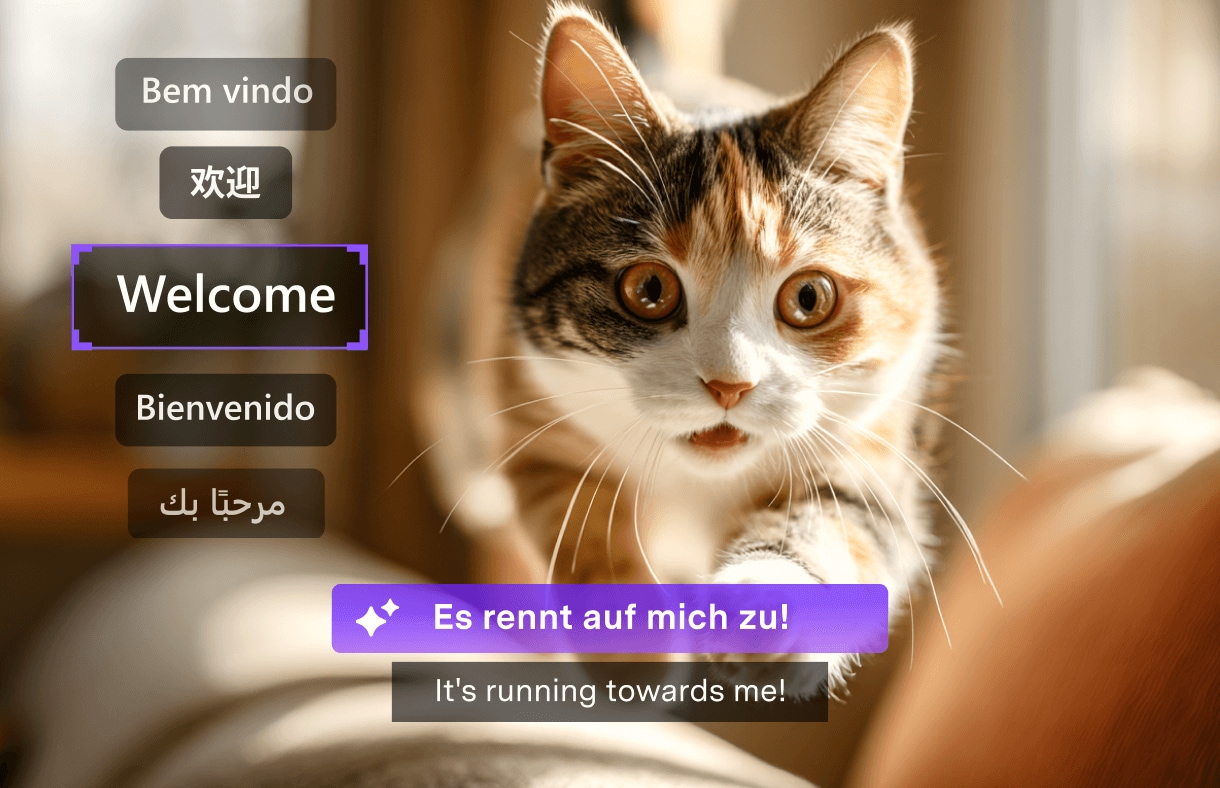
Generate subtitles in 145+ languages and create bilingual subtitles with ease. From English and French to Mandarin and Japanese, UniConverter’s Video Caption Generator helps you break language barriers and reach audiences worldwide.
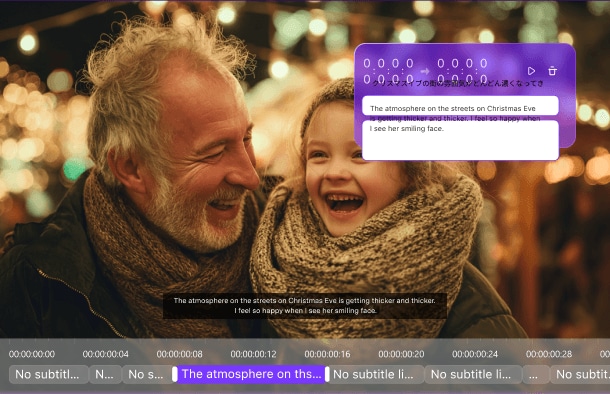
Professional Editing Suite
UniConverter’s AI Caption Generator provides a complete solution for creating and editing subtitles. Easily merge or split lines, search and replace text, use keyboard shortcuts, and enjoy smooth playback controls. Customize styles with shadows, line and letter spacing, and access a rich library of text presets for professional results.
Flexible Export Options
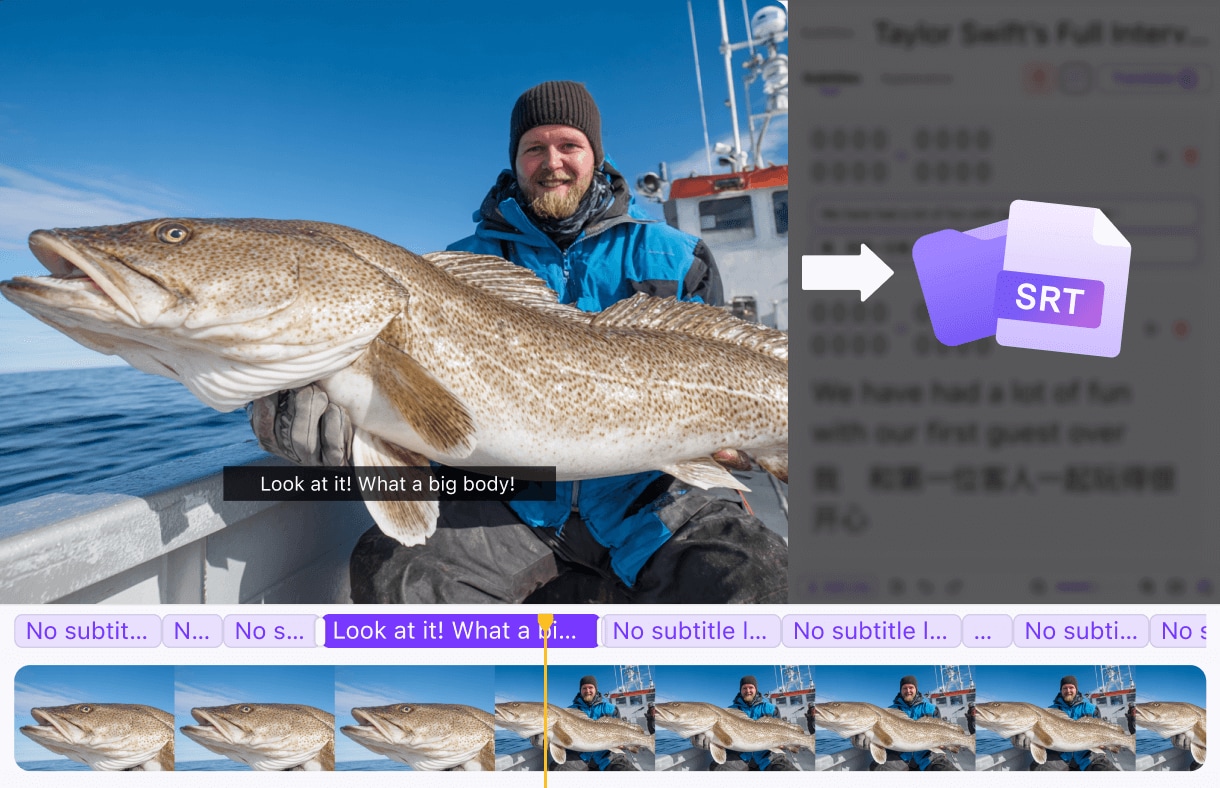
UniConverter’s Auto Subtitle Generator lets you easily download subtitles as SRT or project files, or embed them directly into your videos. Fully compatible with all major video editors and streaming platforms, it ensures seamless integration into your workflow. Customize export settings to match your project needs and deliver professional-quality results every time.
How to generate video/audio subtitles with UniConverter’s AI Subtitles Generator in 3 steps
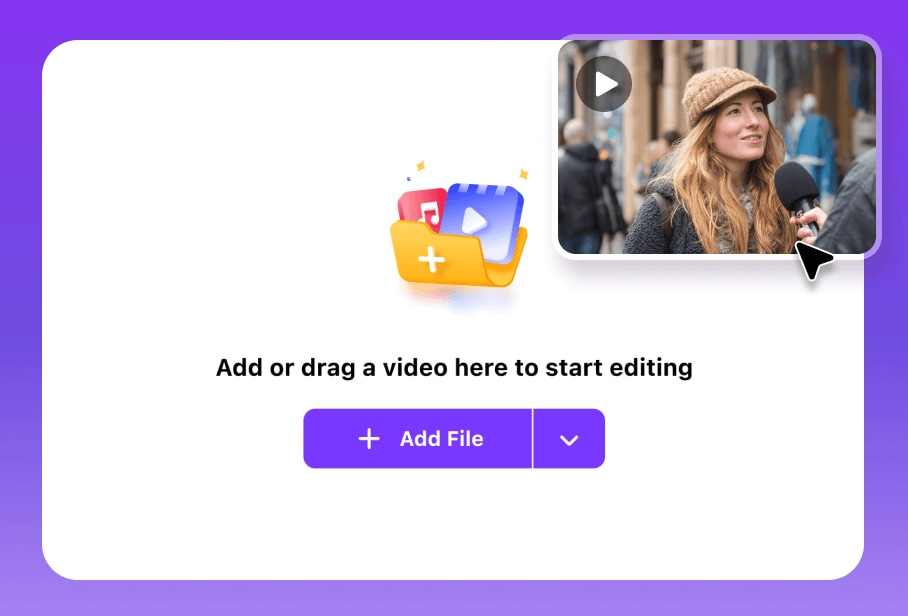
Step 1 Upload & Detect
Upload your video or audio in the Subtitles Editor, and UniConverter automatically detects the language and begins generating subtitles instantly.
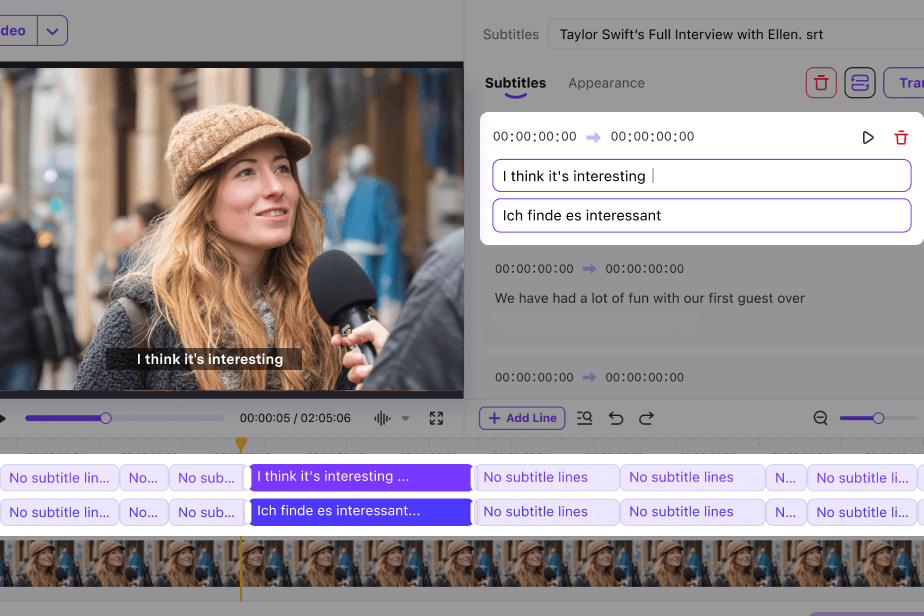
Step 2AI Subtitles Generation & Edit
AI generates accurate subtitles in seconds. Afterward, you can create dual-language subtitles and fine-tune their style and appearance with advanced editing tools.
Step 3 Export & Share
Download subtitle files or export video with embedded captions. Ready for any platform or editing workflow.

UniConverter AI Subtitle Generation is
Perfect for Every
Creator and Industry

Business Professionals
Transcribe meetings, webinars, and training videos for better accessibility and documentation.

Content Creators & YouTubers
Add captions to boost engagement and reach deaf/hard-of-hearing audiences, increase video accessibility and SEO performance.

Educators & Students
Make educational content accessible with accurate subtitles and transcripts for enhanced learning experiences.

Social Media Marketers
Create engaging social videos with eye-catching captions for silent autoplay across all platforms.

Podcast Creators
Transform audio podcasts into visual content with synchronized subtitles for broader audience reach.

Global Enterprises
Localize video content across 145+ languages for international markets and diverse teams.
Frequently Asked Questions About Subtitles Generator
-
01 What is the best AI subtitle generator?
The best AI subtitle generator combines high accuracy, extensive language support, and professional editing features. UniConverter, a perfet subtitle generator software, stands out with 99.9% accuracy, support for 145+ languages, unique dual-language subtitles, audio file processing, and advanced editing tools.
-
02 Which subtitle formats does UniConverter support and can I export SRT?
UniConverter supports SRT, project file, and also lets you burn subtitles into MP4. You can export subtitle files for use on YouTube, Vimeo, social platforms, or local editing.
-
03 Can I translate subtitles into different languages or make bilingual subtitles?
Yes — UniConverter includes AI subtitle translation features to translate generated subtitles into other languages and create bilingual side-by-side subtitles, enabling global reach.
-
04 Can I edit the subtitles after generation?
Absolutely. Our powerful subtitle editor allows you to fine-tune every aspect: merge or split lines, adjust timing, correct text, and apply formatting.
-
05 Do you support audio files for podcasts?
Absolutely! UniConverter is also a audio subtitle generator, who can generate subtitles from audio-only files including podcasts, recordings, interviews, and voice-overs. This makes it perfect for content creators working with various media types.
Find more features in the UniConverter AI Tools



Make Subtitles Smarter, Not HarderSave Hours Every Week
Join millions of smart creators who save time with UniConverter
