
Meet UniConverter 18.
Save Up to 25%
Enhance, convert, and compress your media with AI. Enjoy anniversary savings on UniConverter
plans and AI credit packs.

Check your V18 upgrade offer
 Watch Folder
Target-size Compression
AI Agent
AI Video Enhancement
AI Image Enhancement
AI Video Blur
Audio Pass-through
CPU Usage Control
GPU Acceleration
Watch Folder
Target-size Compression
AI Agent
AI Video Enhancement
AI Image Enhancement
AI Video Blur
Audio Pass-through
CPU Usage Control
GPU Acceleration
The media changed.
The mission stayed clear.
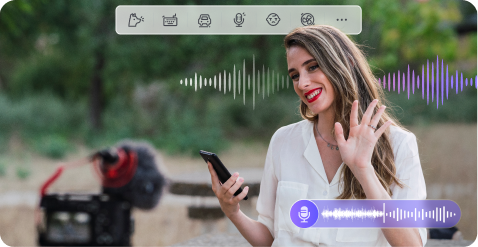
Formats multiplied, devices changed, and AI created an entirely new kind of
media
workload.
Wondershare UniConverter kept turning those changes into a simpler
path from
file to finished result.






Files that work
anywhere
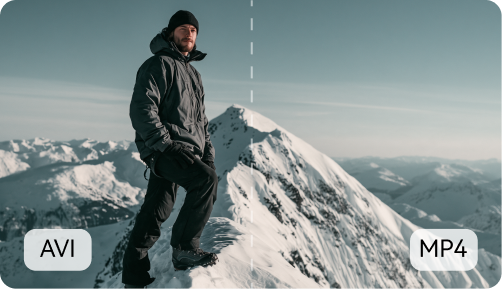
Wondershare UniConverter began with a practical promise: make video compatible, fast, and reliable across the changing devices of the DVD-to-digital era.


Faster, Smarter Media Processing
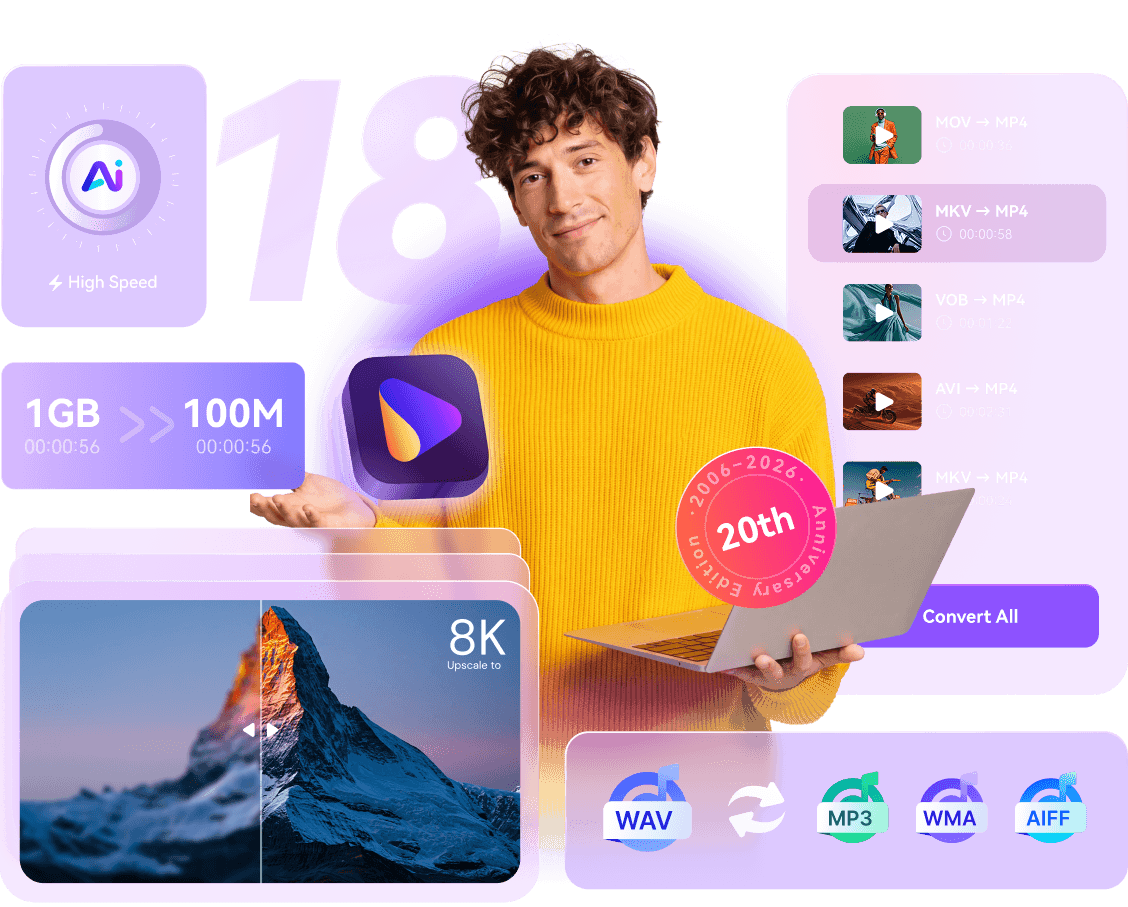
UniConverter 18 brings faster, higher-fidelity conversion, smarter compression, upgraded AI enhancement, improved removal and privacy tools, more efficient batch processing with Watch Folder, and an AI Agent that helps turn natural-language requests into local media tasks.
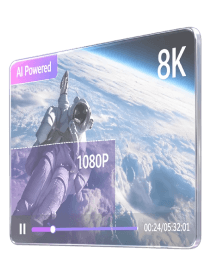
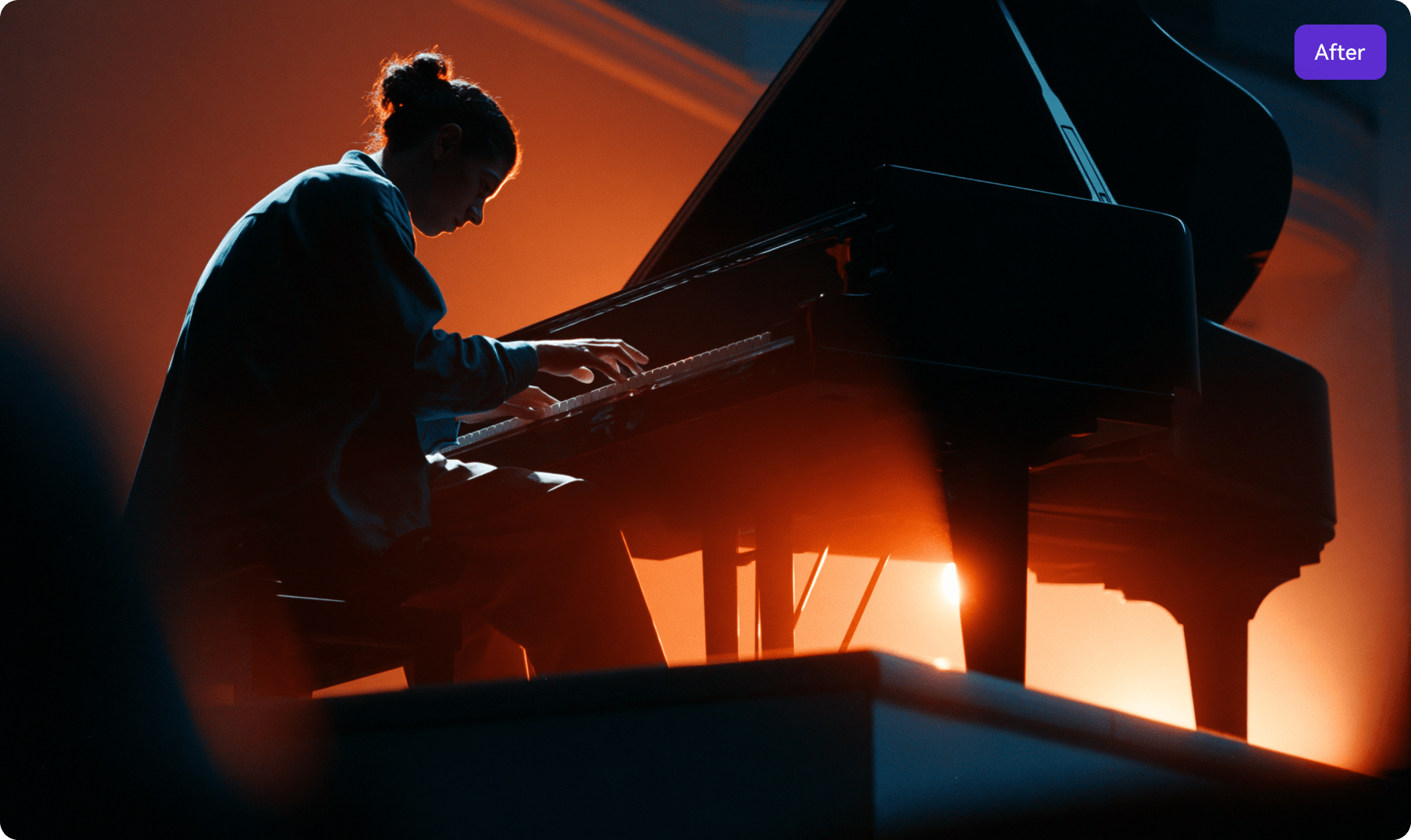
Restore faces, detail, and smoother motion.
Upgraded face enhancement, generative restoration, and frame interpolation improve low-quality footage, processing performance, and motion stability.
- Upgraded face enhancement
- Generative detail recovery
- More stable frame interpolation


Match the repair to the image problem.
New AI Auto Fix diagnoses blur, noise, low resolution, and portrait issues, then applies the right enhancement approach automatically.
- AI Auto Fix diagnosis
- Matched repair model
- No model selection needed
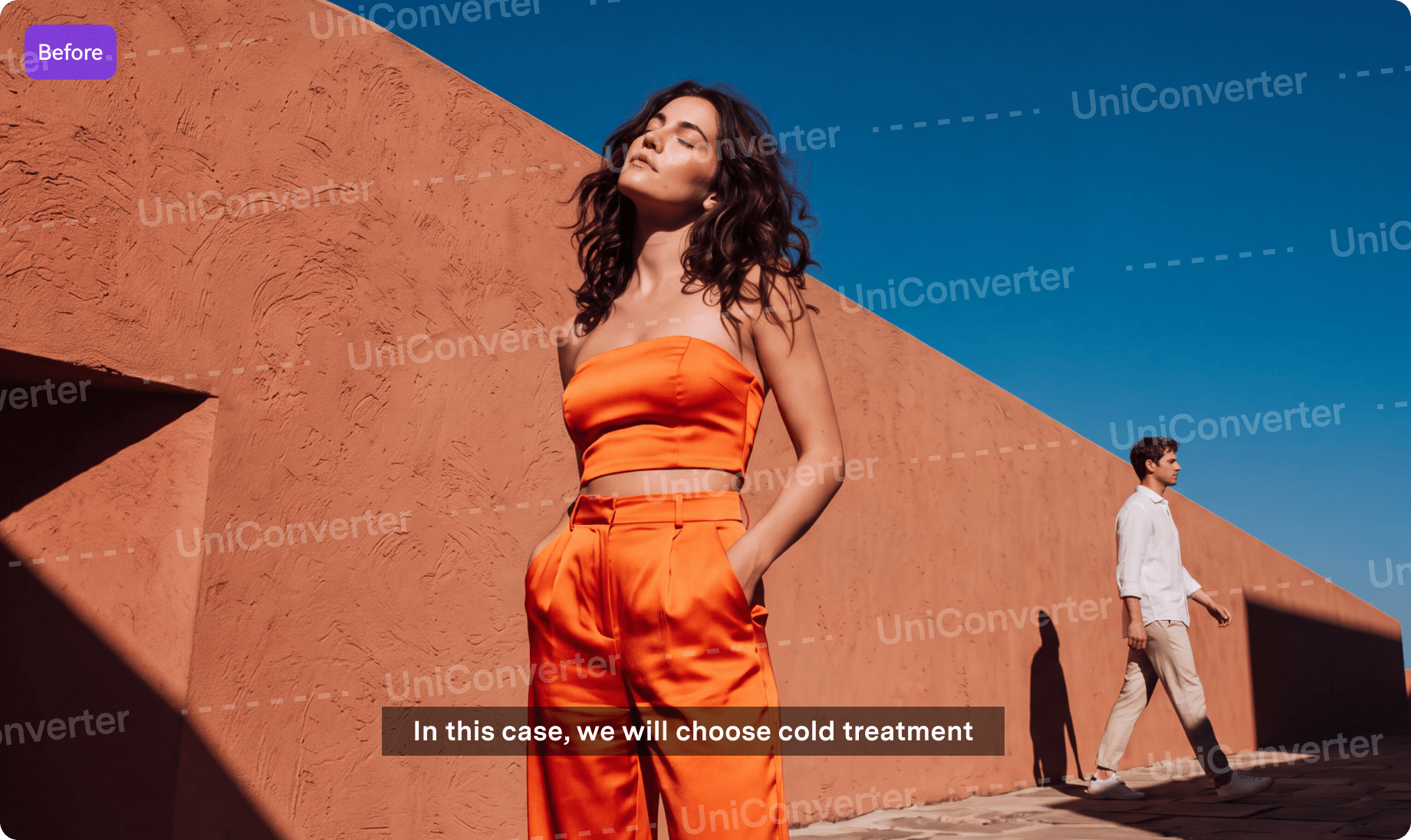
Remove subtitles, watermarks, and moving objects.
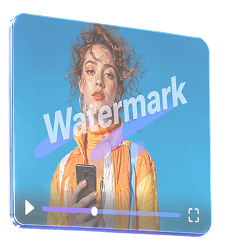
UniConverter 18 upgrades fixed watermark removal, adds one-click subtitle removal, and improves object selection and removal in complex motion.
- Long-video static watermark removal
- One-click fixed subtitle removal
- Smart Brush for object selection

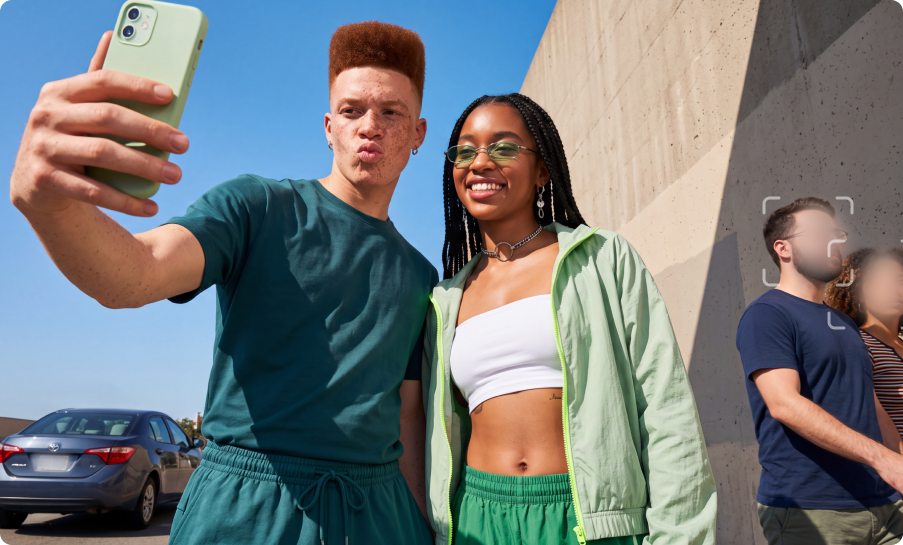
Keep sensitive details blurred as they move.
UniConverter 18 detects people automatically and tracks their faces. For plates, screens, or other sensitive areas, select a region once and keep it blurred as it moves.
- Automatic portrait tracking
- Selected-region tracking blur
- Less frame-by-frame adjustment
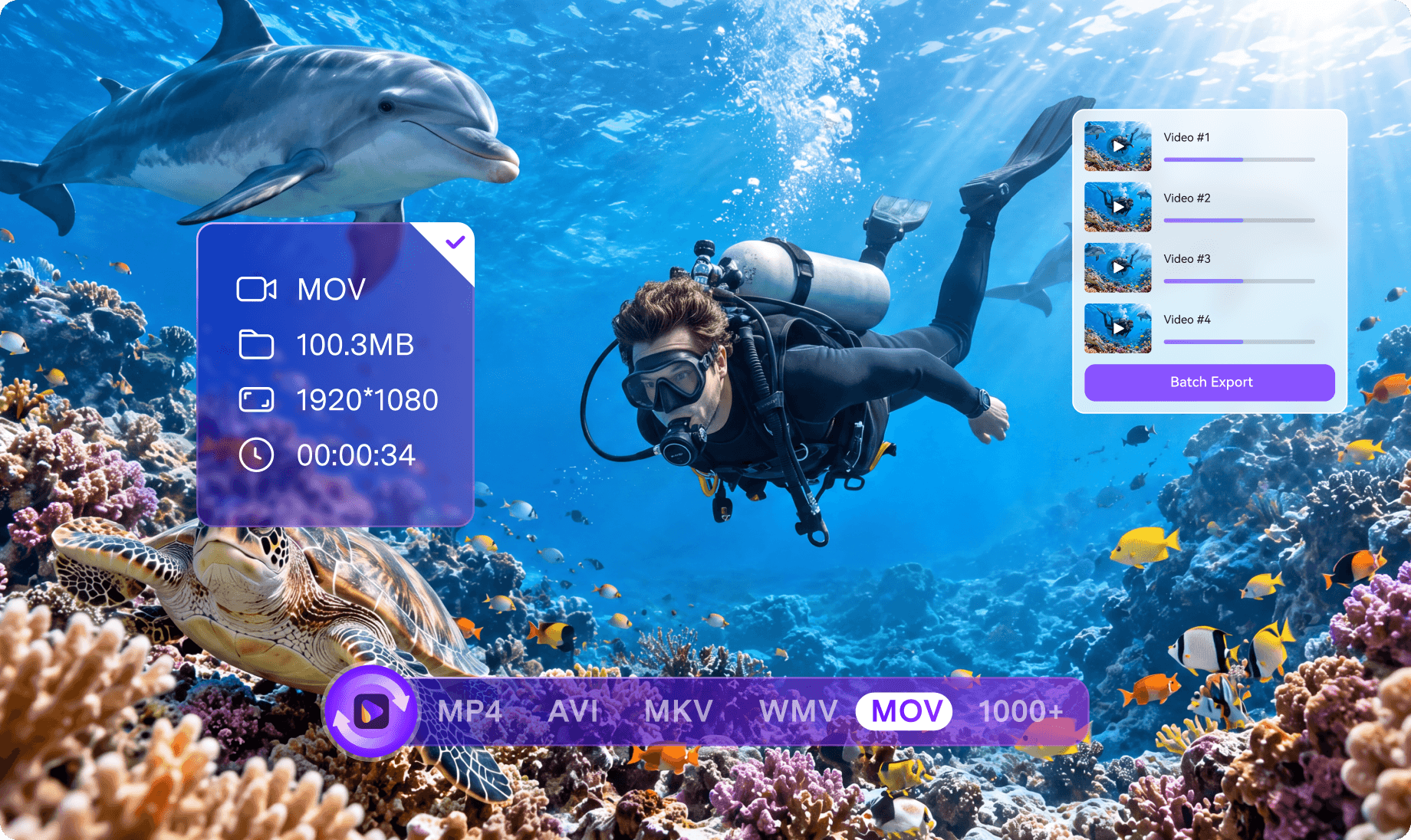
Convert faster. Preserve what matters.
Enjoy faster 4K/8K conversion, with GPU-accelerated HDR processing up to 90% faster than in UniConverter 17. Preserve original audio without re-encoding where supported, while retaining key media information in compatible output formats.
- Faster 4K/8K & HDR conversion
- Original audio passthrough
- Metadata & track retention

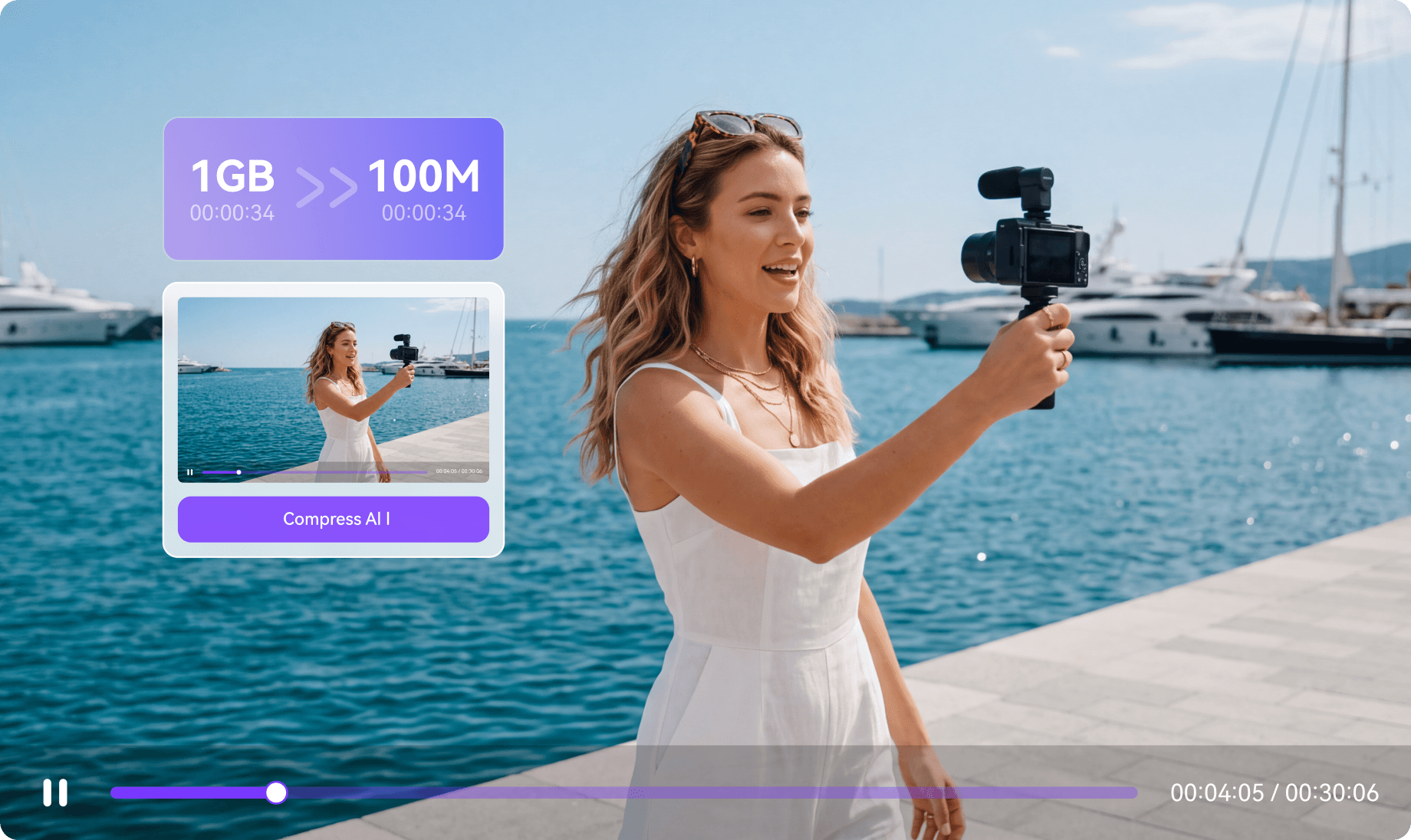
Compress to the size or quality you need.
Choose a compression ratio, target file size, or quality level, with improved size estimates for more predictable results. Supported outputs can also retain subtitles and multiple audio tracks.
- Ratio, target size, or quality modes
- More predictable output size
- Subtitle & multi-audio track retention
Set it once. Let new files process automatically.
Watch Folder monitors selected folders and automatically converts new files using your preset settings. Adjust CPU usage to balance batch processing speed with the work running in the foreground.
- Automatic Watch Folder processing
- Preset conversion settings
- Adjustable CPU usage
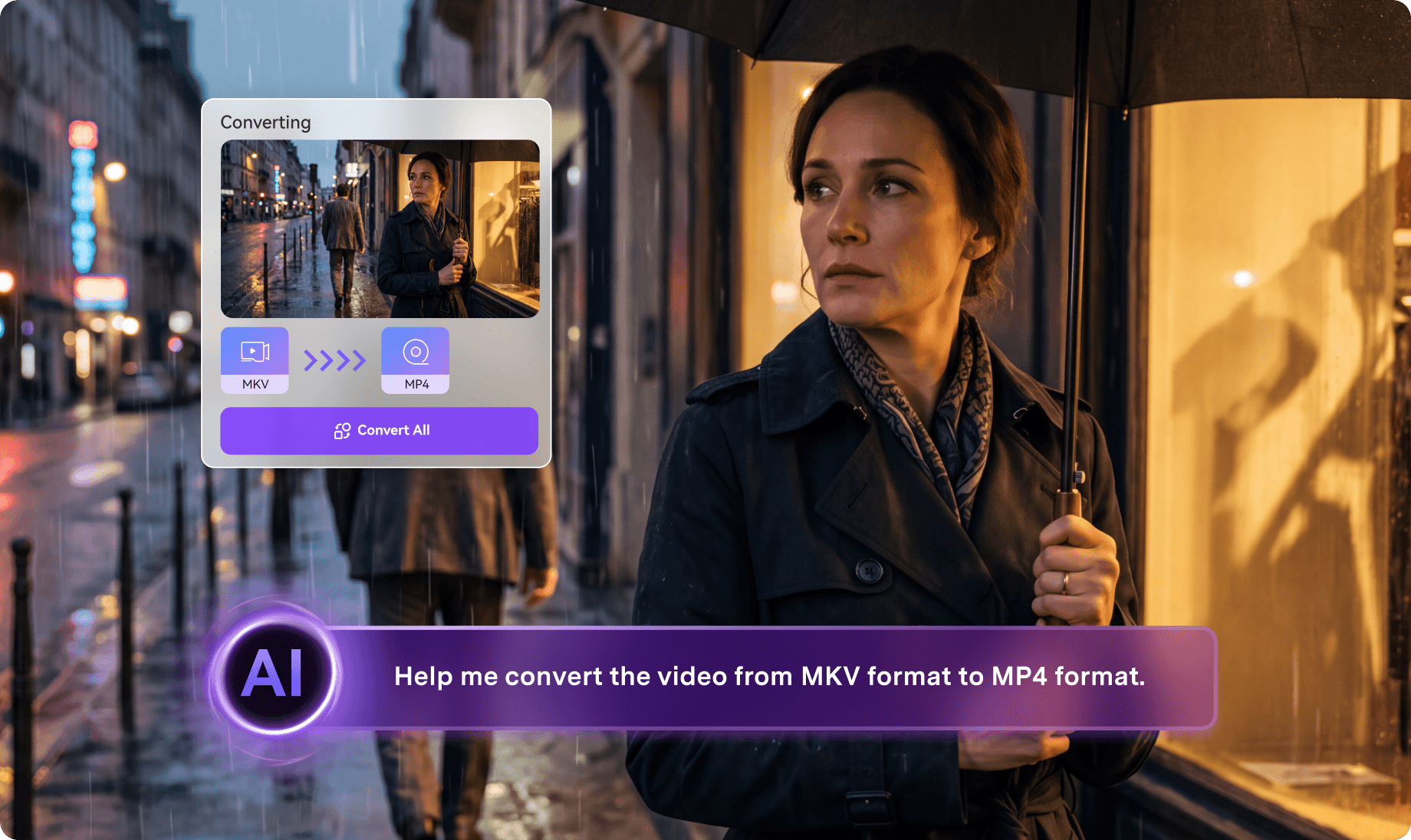
Tell it the target. Agent handles the batch.
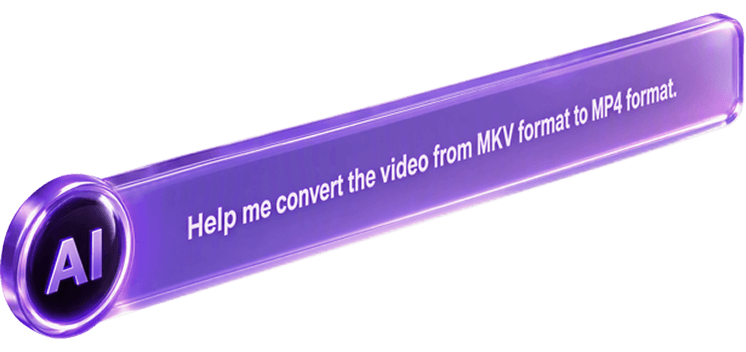
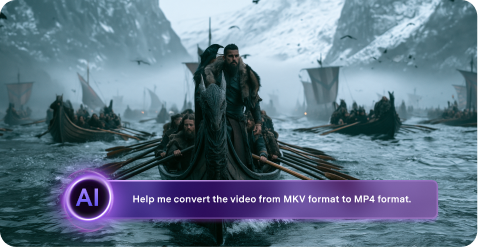
Describe your delivery goal in natural language—such as format, device, platform, or file size. AI Agent analyzes each local file, plans the right conversion or compression settings, processes the batch, and checks the results against your target.
- Natural-language task setup
- File-by-file smart adaptation
- Batch processing & result verification
Celebrate 20 years. Get more from UniConverter 18.
Choose the plan that fits your needs, from flexible subscriptions to a Perpetual Plan, and enjoy the latest V18 upgrades in conversion, AI enhancement, and batch processing.

- All UniConverter 18 features
- 600 bonus AI credits
- Fast 4K/8K & batch processing
- Free upgrades while subscribed
- All UniConverter 18 features
- 1,000 bonus AI credits
- Keep UniConverter 18 permanently
- Free updates across V18.x
- Access to all AI tools
- Video, image & audio AI processing
- Credits refresh each cycle
- Free AI upgrades while subscribed
Version comparison
See what's new in UniConverter 18.
Use the selector to compare V18 with a previous UniConverter version. The table
is structured for
direct reuse in the future upgrade page.
| Module | Features | UniConverter 18 |
|
|---|---|---|---|
| Converter | Original Audio Passthrough for AC3, E-AC3, TrueHD, DTS & FLAC | New | |
| Automatic Conversion with Watch Folder | New | ||
| 4K/8K HDR Video Conversion | Up to 90% faster | ||
| Faster NVIDIA GPU-Accelerated Video Conversion on Windows | Up to 90% faster | ||
| Up to 130× GPU-Accelerated Batch Conversion | |||
| 1,000+ Video, Audio & Image Formats | |||
| Preserve Metadata, Chapters, Audio Tracks & Subtitle Tracks | |||
| Pro Workflows: ProRes, Dolby Vision (Mac) & Hi-Res Audio | |||
| Compressor | Compress by Ratio, Target File Size or Quality Level | Enhanced | Size ratio & quality level |
| Preserve Subtitles & Multiple Audio Tracks During Compression | New | ||
| Smart 2-Pass Encoding for Better Size-Quality Balance | |||
| AI Media Agent | Natural-Language File Conversion | New | |
| Video Enhancer | Generative Video Enhancement & Upscaling | Up to 15% faster | |
| Generative Face Enhancement | Enhanced | ||
| Upscaling & Batch Enhancement | Up to 4×, unlimited files, up to 2 hours | Up to 4×, unlimited files, up to 2 hours | |
| More AI Enhancement Models: Anime, Frame Interpolation, Stabilization, Night Scene, Color Enhancement, De-flicker & Motion Blur | |||
| Image Enhancer | AI Auto Fix with Tailored One-Click Enhancement | ||
| Generative Detail Enhancement & Scenario-Based Templates | |||
| Up to 4× Upscaling & Old Photo Restoration | |||
| Video Eraser | Precise Burned-In Subtitle Removal | New | |
| Batch Video Watermark Removal | Enhanced | ||
| Moving-Object Tracking & Removal | Enhanced | ||
| Image Eraser | Smart Brush for Precise Object Removal | ||
| One-Click Removal of Watermarks, Text & Background People | |||
| Video Blur | AI Face Blur & Object-Tracking Blur | Enhanced | |
| Screen Recorder | Record Screens, Apps & Gameplay in up to 4K at 120 FPS (Windows) | ||
| Edit & Create Tools | Video Editor: Batch Trim, Resize & Watermark Presets | ||
| Batch Image Editor: Crop, Resize, Adjust & Watermark | |||
| Background Remover: AI Background Removal & Replacement for Video and Images | |||
| Image Generator: Create Images from Text, Photos or Templates with Nano Banana, GPT Image & More | |||
| Cutter: Auto-Split Video & Audio by Chapter, Clip Count or Duration | |||
| Merger: Combine Multiple Video or Audio Files into One with Chapter Markers | |||
| Intro & Outro: Add Intro and Outro Clips to Videos | |||
| Subtitle & Audio Tools | Subtitle Editor: Generate & Translate Subtitles in 145 Languages | ||
| Subtitle Editor: Bilingual Subtitles & Advanced Styling | |||
| Text-to-Speech: Emotion Tags, Voice Cloning & 200+ Voices | Emotion tags | ||
| Speech-to-Text: Batch Transcription & Translation with Multi-Speaker Recognition | |||
| Noise Remover: Batch Remove Background Noise from Video & Audio | |||
| Vocal Remover: Separate Vocals from Background Music | |||
| Smart Video Summarizer: AI Transcription & Summaries | |||
| Speech-to-Speech: Convert Speech into Different Voices | |||
| Downloader | Download Your Private YouTube Content, Watch Later & Liked Videos | New | |
| Split YouTube Downloads by Chapter | New | ||
| M3U8 Stream Downloads | New | ||
| AI-Generated & Multilingual Subtitles for YouTube Downloads | Enhanced | ||
| Browser Extensions for One-Click YouTube Downloads (Chrome, Firefox, Edge & Safari) | |||
| 4K/8K Downloads with YouTube Playlist, Channel & Subscription Support | |||
| Other Convert & Burn Tools | DVD Burner | ||
| Fix & Edit Media Metadata | |||
| GIF Maker | |||
| VR Converter | |||
| CD Converter | |||
| CD Burner | |||
| Transfer |
Make the Move to UniConverter 18
Already own a UniConverter Perpetual Plan? See what V18 adds and access your dedicated upgrade offer.
Upgrade Now — Up to 60% OFFQuestions, answered
Before you
choose your plan
Quick answers about UniConverter 18, anniversary pricing, plan options, and upgrades.
-
01 When is the UniConverter 20th Anniversary offer available?
The UniConverter 20th Anniversary offer runs from October 15 through October 31, 2026. Anniversary pricing is available during this campaign period.
-
02 Which plan should I choose?
Choose the 1-Year Plan for full UniConverter access with free upgrades while your subscription is active. Choose the Perpetual Plan to keep UniConverter 18 permanently with future V18.x updates. The 1000 Credits Pack is designed for users who mainly need UniConverter AI tools and recurring AI credits.
-
03 What are the biggest upgrades in UniConverter 18?
UniConverter 18 brings faster, higher-fidelity conversion, smarter compression, upgraded AI enhancement, improved removal and privacy tools, and more efficient batch processing. Watch Folder and CPU usage control reduce repetitive work, while AI Media Agent (Beta) can turn natural-language requests into local conversion and compression tasks.
-
04 Can I try UniConverter 18 before buying?
Yes. You can download UniConverter for Windows or macOS from this page and try the latest V18 experience before choosing a plan.
-
05 I already own a Perpetual Plan. How can I upgrade to UniConverter 18?
Use the Version comparison section to see what has changed from your current version, then check your V18 upgrade offer to view the dedicated upgrade option for existing users.
UniConverter V18 · 20th Anniversary
Make More Media Ready with Less Work
Enhance, convert, compress, clean up, and batch-process your media in one AI-powered desktop toolkit.
Choose Your Plan