


Ever opened a YouTube video promising “quick insights,” only to find yourself trapped in a 45-minute deep dive you never planned for? With videos getting longer and schedules getting tighter, finding the core message often feels like a chore. Whether you're a student racing against deadlines, a professional juggling tasks, or a creator researching new ideas, digging through endless footage wastes time and energy.
This article tackles that frustration by introducing the top YouTube link summarizers of 2025—smart tools that let you summarize link content instantly and turn long videos into crisp, clear takeaways so you get the information you need without the overwhelm.
In this article
Part 1: What to Look for in a YouTube Link Summarizer
Choosing the right YouTube summarizer can save you hours of manual viewing and note-taking. To help you make the best choice, here are the essential features every reliable tool should offer—let’s explore what really matters.
Accuracy is Key
The foundation of any good summarizer is its ability to capture the true meaning of the video without distorting key insights. A high-accuracy tool should understand context, identify important points, and avoid producing vague or generic summaries. Look for AI models known for natural language understanding, ensuring your final output is genuinely helpful and reliable.
Must-Have Features
A strong YouTube link summarizer should include essential tools like transcript extraction, keyword detection, and topic segmentation. These features help the AI break a long video into meaningful chunks and deliver a more organized summary. Tools that offer multi-language support or speaker detection are even better if you deal with diverse content.
Timestamps
A summarizer that provides timestamps lets you jump directly to important moments in the video to gather deeper insights. Instead of rewatching the entire video, you can skip straight to sections that matter most. This is incredibly useful for long podcasts, interviews, tutorials, or research-based content.
Clear, Scannable Format
Summaries work best when they’re easy to digest. A tool that uses bullet points, numbered lists, or short paragraphs helps you quickly skim and capture the main takeaways without reading long text blocks. Clear formatting also makes summaries more useful for sharing, studying, or creating notes.
Customizable Length
Some users want a very short, 30-second snapshot, while others prefer a detailed breakdown. That’s why the ideal summarizer should offer flexibility, letting you choose between ultra-concise overviews or in-depth summaries. Being able to adjust the length ensures the tool fits your specific workflow and time constraints.
Ease of Use
Even the most powerful summarizer is useless if it’s too complicated to operate. The best tools offer clean interfaces, simple steps—paste, click, summarize—and fast processing times. No technical skills should be required, making it accessible for students, creators, and professionals alike.
Check the Limits
Before choosing a tool, check whether there are daily usage caps, video length restrictions, or limitations on free plan features. Some tools may limit the number of summaries per day or require payment for longer videos. Understanding these limits ensures you’re choosing a summarizer that supports your workload without unexpected interruptions.

Easy to Use YouTube Link Summarizer
Part 2: Use Cases for a YouTube Link Summarizer
A YouTube link summarizer isn’t just a convenience tool—it solves real problems across learning, work, accessibility, and everyday life. Whether you consume video content casually or professionally, these tools help you save time, improve understanding, and stay productive.
For Accessibility
Summarizers make video content more accessible for users with hearing impairments, learning disabilities, or attention challenges. Instead of relying solely on audio, viewers get clear text breakdowns they can read at their own pace. It also helps non-native speakers understand key ideas without struggling through fast or unclear dialogue.
For Learning & Education
Students, researchers, and lifelong learners can quickly grasp the essence of long lectures, tutorials, interviews, and academic talks. Summaries help condense hours of information into digestible notes, perfect for revision, assignments, or exam prep. Instead of rewatching videos multiple times, learners can revisit concise insights instantly.
For Work & Productivity
Professionals use summarizers to extract key insights from webinars, meetings, trainings, and industry talks without wasting hours. Whether you're preparing a report, analyzing trends, or doing competitive research, a summarizer helps you capture actionable points quickly. This boosts productivity and reduces time spent on lengthy content.
For Personal & Daily Use
From tech reviews to recipe videos, travel vlogs to personal development talks, summarizers simplify everyday viewing. You can scan the main ideas before committing to a full video—or skip it entirely if the summary doesn’t match your needs. It’s a time-saving companion for busy schedules, casual learning, and quick decision-making across any type of content.
Part 3: Best 10 YouTube Link Summarizers 2025
1. UniConverter
UniConverter has evolved into one of the most reliable multi-device tools for summarizing YouTube links in 2025. Its YouTube Link Summarizer is designed for students, professionals, creators, and everyday users who want fast clarity without watching long videos. Just paste the URL, and UniConverter instantly extracts the audio, transcribes it (even if subtitles are missing), and generates a clean, structured summary. The summarizer works smoothly on Windows and macOS, making it flexible for users who switch between devices. With its media-handling background, UniConverter excels at processing long videos efficiently, offering both quick short summaries and more detailed breakdowns. Its accuracy is consistent, especially for tutorial-style or spoken-content videos. If you want a dependable “paste, click, done” tool that works across formats, UniConverter delivers both simplicity and speed—ideal for people who want to save hours of viewing time while still capturing every essential idea.
Technical & Pricing Details
- Batch Process Support: Yes, supported (via upload tools, not YouTube links)
- Starting Price: Free trial available; paid plans start mid-range
- Supported Device: Windows, macOS, Android, iOS
- Offline Support: Partial (media conversion offline, summarizer online)
- Safety Review: 5/5 (trusted developer, safe installation)
Easy to Use YouTube Link Summarizer
2. VOMO
VOMO is a powerful AI YouTube link summarizer built for users who need fast, accurate, and multi-language summaries. Unlike simple text extractors, VOMO automatically transcribes videos even when no subtitles are available, making it a reliable choice for podcasts, interviews, tutorials, and long educational content. Its clean interface lets you paste the link and receive a structured summary, full transcript, and key timestamps. One of VOMO’s standout features is its batch summarization, which lets you process multiple YouTube links at once—ideal for students, researchers, or professionals working with playlists or repeated content. The platform focuses on clarity and accuracy, offering concise, readable breakdowns that capture the video’s core insights. Whether you're conducting topic research or just want to save time, VOMO is built to deliver fast results without sacrificing quality. Its multilingual support and accessible web interface make it easy to use on any device.
Technical & Pricing Details
Batch Process Support: Yes
Starting Price: Free plan available; premium tiers affordable
Supported Device: Web-based (PC, Mac, mobile browsers)
Offline Support: No
Safety Review: 4.5/5
3. TubeOnAI
TubeOnAI offers a straightforward yet highly effective YouTube link summarizer that works instantly without unnecessary steps. Designed for users who want quick, accurate results, TubeOnAI extracts transcripts, identifies key points, and generates a readable summary within seconds. It supports multiple languages, making it suitable for global users or multilingual content. TubeOnAI is especially useful for creators, students, and professionals who often need to digest long videos quickly. The platform also functions smoothly even when videos don’t have published subtitles — thanks to its speech-to-text engine. Its user-friendly approach makes it a top choice for those who don't want complicated features or deep customization but simply need fast, dependable insights. Whether you're preparing research notes, recap content, topic reviews, or quick summaries before meetings, TubeOnAI fits effortlessly into any workflow. The lightweight design also ensures excellent performance on low-end devices.
Technical & Pricing Details
Batch Process Support: No
Starting Price: Free tier available
Supported Device: Browser (Windows, macOS, Linux, mobile)
Offline Support: No
Safety Review: 5/5
4. Glarity
Glarity is an AI summarizer that works across multiple platforms, including YouTube, Google search results, and articles. Its YouTube summarizer feature provides instant overviews of long videos, combining both transcript analysis and AI-powered condensation. Designed for productivity-focused users, Glarity helps researchers, students, and professionals extract essential points while browsing the web. The tool is lightweight, fast, and ideal for users who want a clutter-free experience. Although Glarity doesn’t offer deep customization options or advanced formatting, its speed, accuracy, and ability to work across different sites make it a versatile choice for quick information digestion.
Batch Process Support: No
Starting Price: Completely free
Supported Device: Browser extension (Chrome/Firefox)
Offline Support: No
Safety Review: 4.6/5
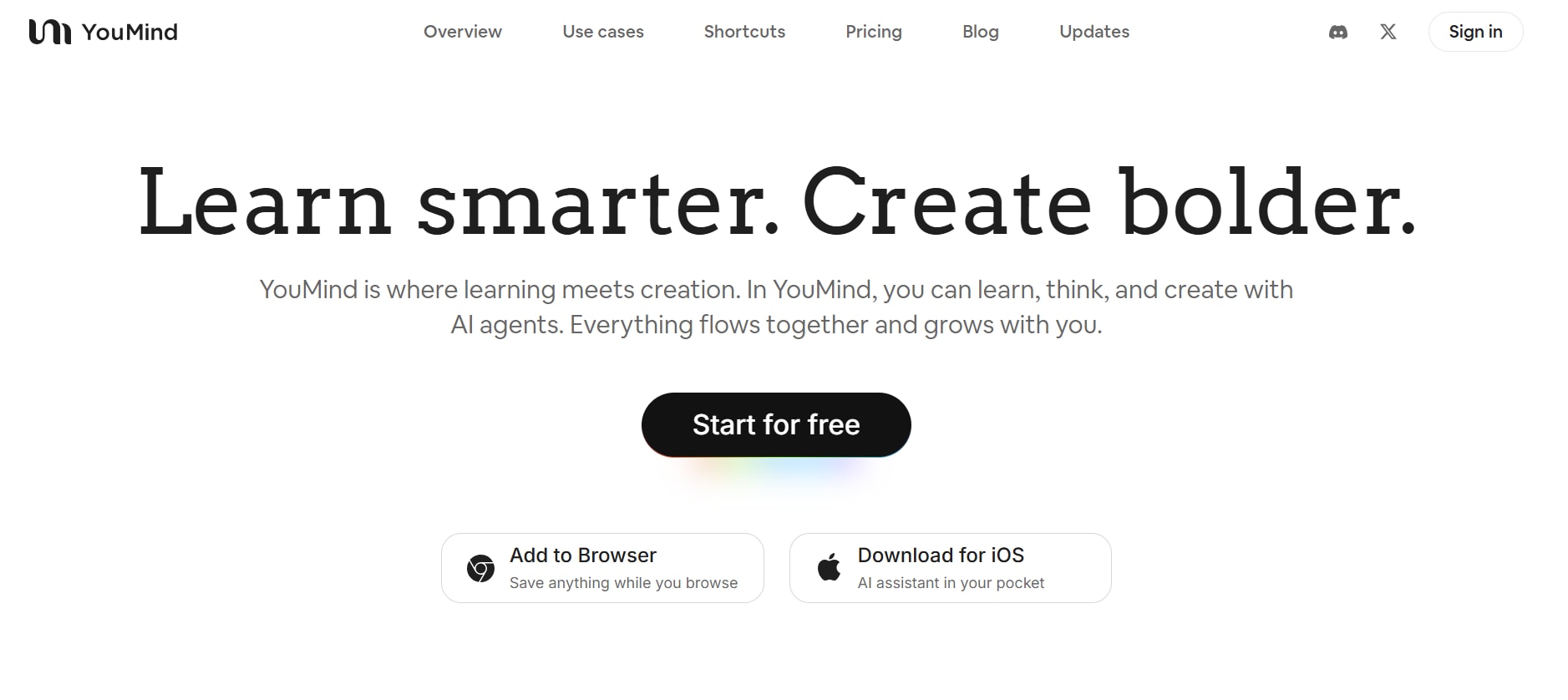
5. YouMind
YouMind is an advanced AI YouTube summarizer that goes beyond simple summaries. After pasting your YouTube link, YouMind generates a full transcript, a structured summary, and—most importantly—allows you to chat with the AI about the video. You can ask questions like: “Explain the second point in simpler terms” or “Create study notes from this video.” This makes YouMind extremely powerful for students, analysts, and professionals who want deeper understanding rather than surface-level summaries. It supports multiple languages, handles various content types, and offers high accuracy. With a clean interface and fast processing, YouMind fits well into research workflows and productivity tasks. Whether you're preparing assignments, reviewing tutorials, studying lectures, or extracting information for content creation, this tool offers far more than just summarization — it functions like an interactive learning assistant.
Technical & Pricing Details
Batch Process Support: No
Starting Price: Free with optional premium
Supported Device: Browser (Windows, Mac, mobile)
Offline Support: No
Safety Review: 4.8/5
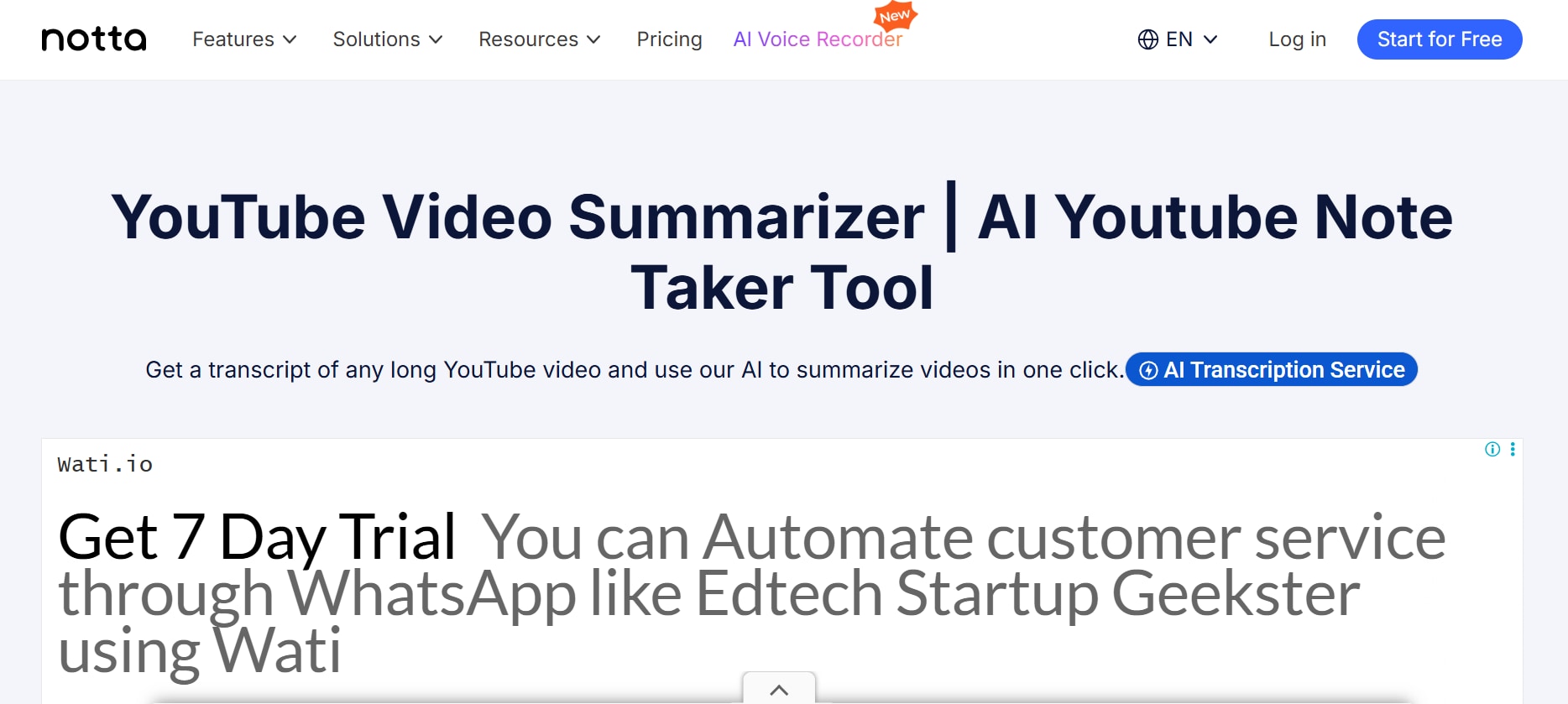
6. Notta
Notta is a professional-grade transcription and summarization platform used by students, global teams, and business users. Paste a YouTube link, and Notta extracts a transcript, generates an AI summary, and even offers translation in over 50 languages. It’s especially effective for webinars, meetings, lectures, and multilingual content. Notta’s interface is sleek and modern, making it easy to navigate even for new users. Its transcription accuracy is high, and the summaries are structured, clean, and suitable for professional documentation. Notta also allows users to upload their own videos or audio files in addition to YouTube links, making it versatile for content creators and educators. Because it works across browsers and devices, you can use Notta on the go with full reliability.
Technical & Pricing Details
Batch Process Support: Yes (premium)
Starting Price: Free; premium plans available
Supported Device: Web-based (all devices)
Offline Support: No
Safety Review: 5/5
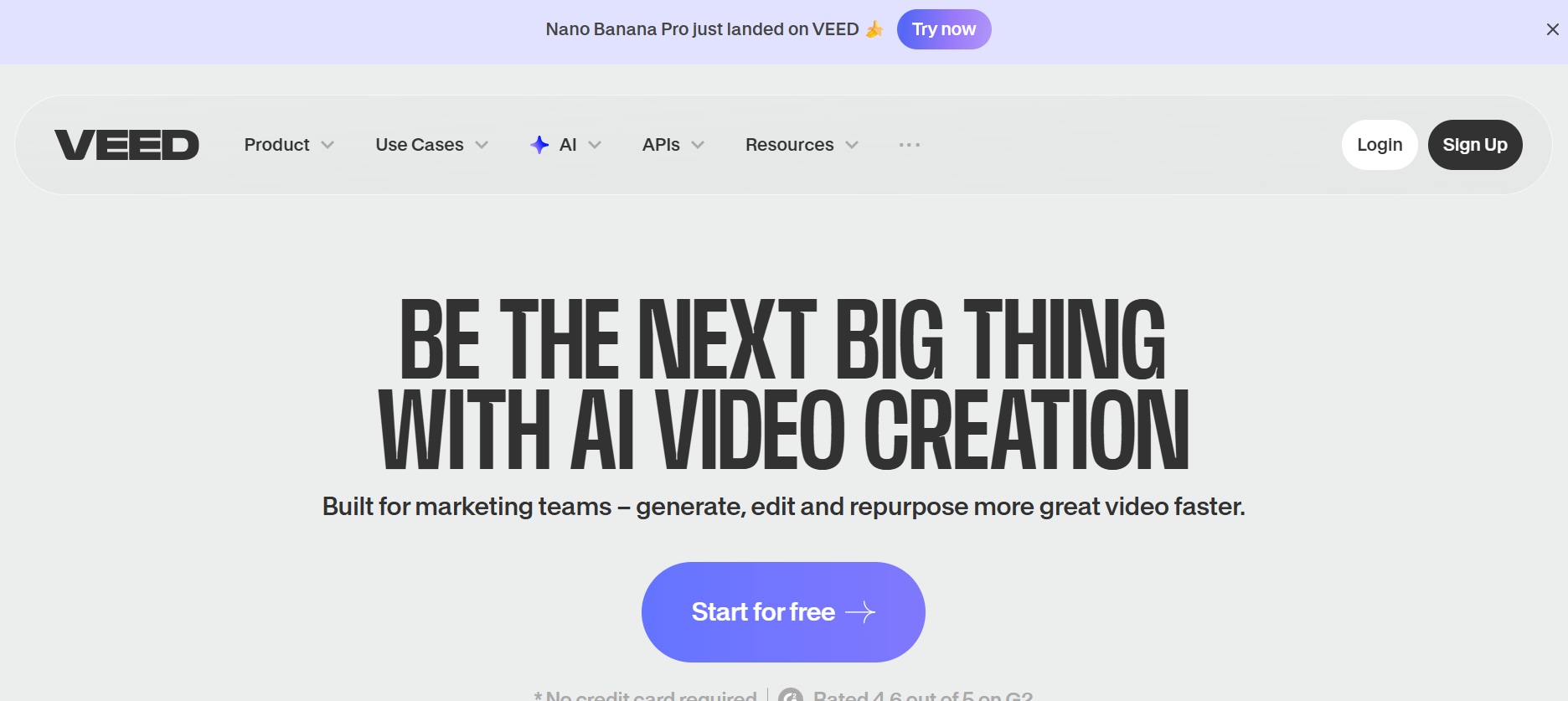
7. VEED.IO
VEED.IO is widely known as a video editing platform, but it features a highly capable YouTube video summarizer. Users can paste a URL and instantly generate transcripts, summaries, subtitles, and translations — all inside a single editor environment. With its 98%+ accuracy transcription engine and subtitle tools that support 100+ languages, VEED.io is excellent for content creators, educators, and marketing teams. The ability to both summarize and edit makes it unique among summarizers. You can create short-form clips, generate captions, convert transcripts into scripts, and more. It’s robust, fast, and particularly valuable for repurposing content. If you want summarization plus editing flexibility, VEED.io checks all boxes.
Technical & Pricing Details
Batch Process Support: Yes (depending on plan)
Starting Price: Free; paid plans available
Supported Device: Web (PC, Mac, mobile browser)
Offline Support: No
Safety Review: 4.7/5
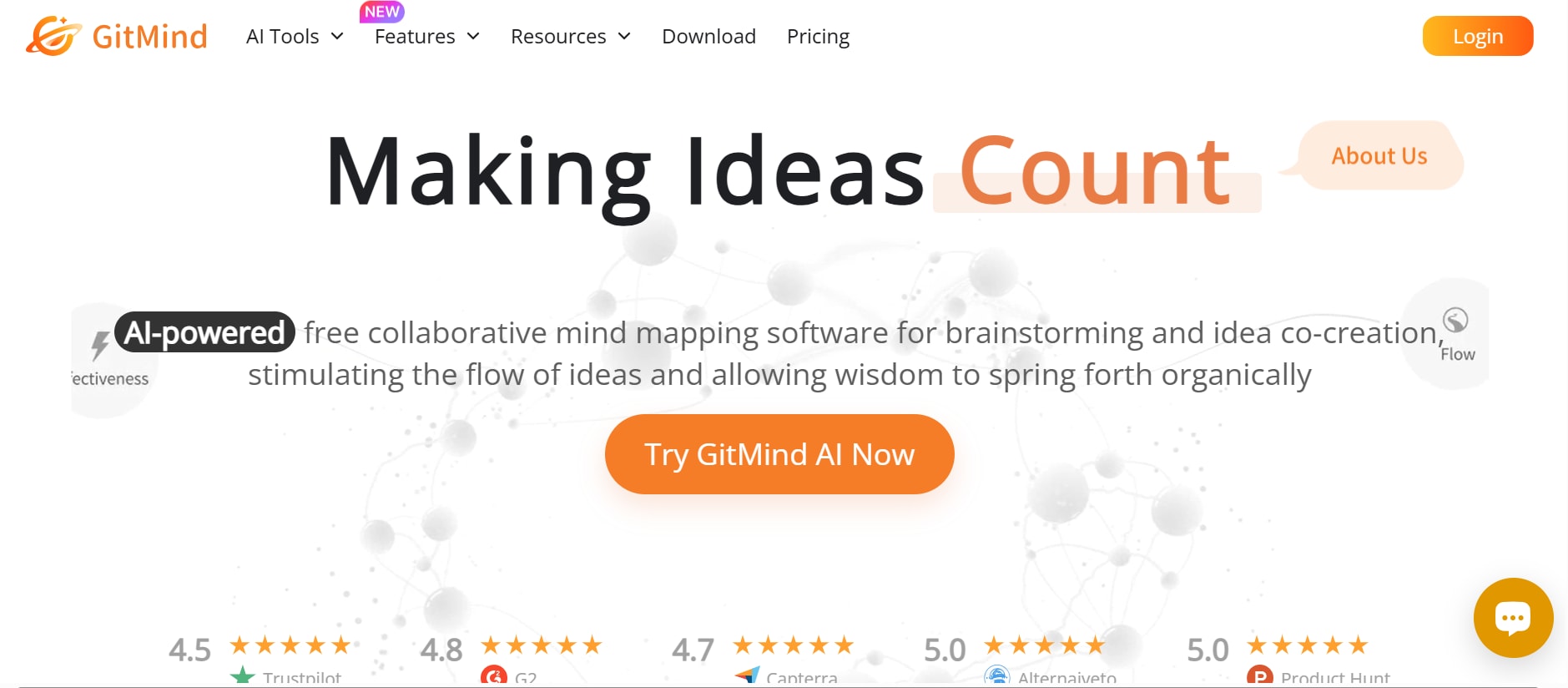
8. GitMind
GitMind is a lightweight YouTube summarizer designed for users who want fast and streamlined results. It handles videos up to 5 hours long, making it suitable for long podcasts, documentaries, and lectures. The platform provides summaries in a clean, organized format and does not require installation. Its browser-based setup ensures it works on virtually any device. GitMind is also known for generating summaries with clear structure and easy-to-read formatting. Whether you're making quick study notes, reviewing content, or preparing research highlights, GitMind delivers reliable output without complexity. The simple workflow makes it accessible to casual users while still being useful for professionals who need long-form content condensed quickly.
Technical & Pricing Details
Batch Process Support: No
Starting Price: Free
Supported Device: Browser (all devices)
Offline Support: No
Safety Review: 4.6/5
9. Outcast
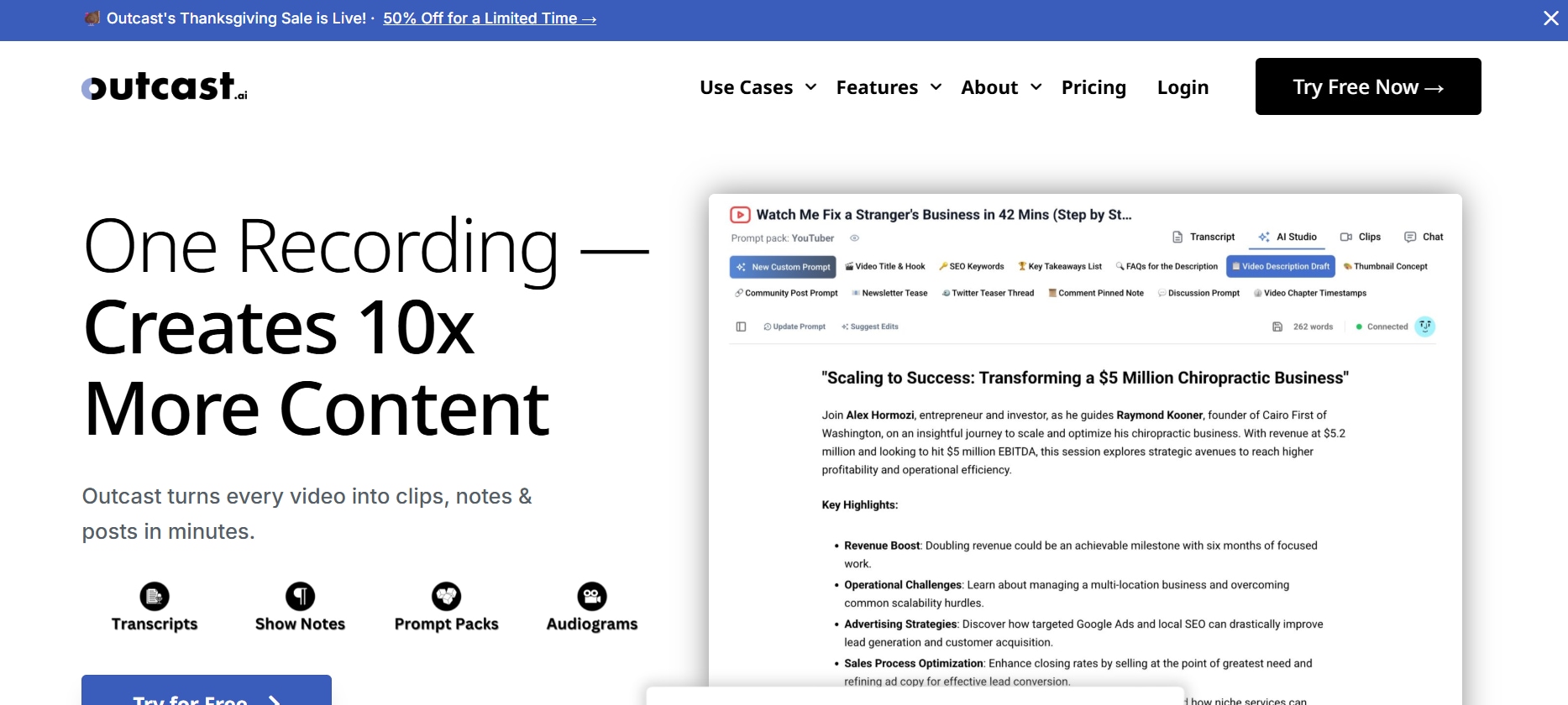
Outcast is a no-login, quick-access YouTube summarizer perfect for users who want instant results. Paste the link, click, and you get a clean summary within seconds — ideal for casual viewing, quick note-taking, or fast content reviews. Outcast works well for short videos and medium-length content, providing the essential insights without overwhelming details. With up to 10 free summaries per day, it’s excellent for light users who need a reliable and minimalistic summarizer without account creation or setup. The tool is also optimized for mobile, making it a great choice for on-the-go summarization during commutes or breaks.
Technical & Pricing Details
Batch Process Support: No
Starting Price: Free
Supported Device: Browser (PC/mobile)
Offline Support: No
Safety Review: 4.4/5
10. Opentools YouTube Summarizer
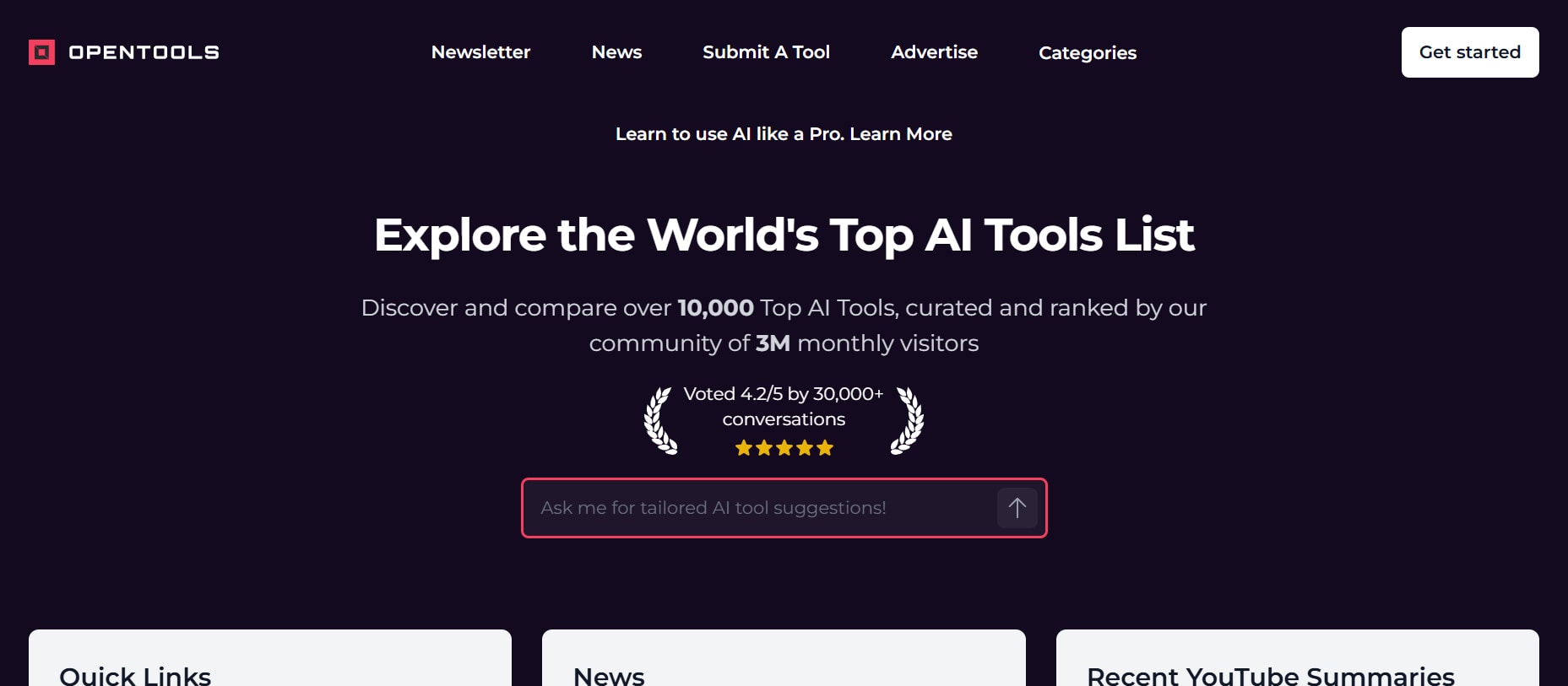
Opentools offers a free, no-signup AI YouTube summarizer designed for ultra-fast, no-frills use. Users can paste a YouTube link and generate instant summaries that capture the core ideas in seconds. This tool is perfect for people who want speed and simplicity without unnecessary features or heavy interfaces. It works smoothly with public videos and supports various content types, including tutorials, commentary, educational content, and product reviews. Opentools is ideal for everyday use and performs reliably on both desktop and mobile devices. Although it doesn’t include advanced features like timestamps, custom summary lengths, or multilingual formatting, it delivers exactly what most casual users need: a fast, direct summary with no distractions.
Technical & Pricing Details
Batch Process Support: No
Starting Price: Free
Supported Device: Browser (PC, mobile)
Offline Support: No
Safety Review: 4.3/5
Easy to Use YouTube Link Summarizer
Part 4: At-a-Glance Comparison Table for Top 10 YouTube Link Summarizers
| App Name | Use Case | Supported Input Format | Unique Edge | Best For |
| UniConverter | Fast AI summaries with transcription | YouTube Link | Works even without subtitles + multi-device support | Students, professionals, creators |
| VOMO | Quick summaries + batch link processing | YouTube Link | Batch summarization + full transcript | Researchers, playlist users, multilingual user |
| TubeOnAI | Instant summaries with clean UI | YouTube Link | Lightweight, fast output on any device | Students, creators, casual users |
| Glarity | In-browser, cross-site summarization | YouTube Link, web pages | Chrome/Firefox extension with instant summaries | Productivity users, multitaskers |
| YouMind | AI chat + deep understanding | YouTube Link | Chat with video + study note generation | Students, analysts, researchers |
| Notta | Professional transcripts + summaries | YouTube Link, web pages | 50+ transcription languages + translation | Teams, business users, educators |
| VEED.IO | Summaries inside a full editor | YouTube Link, web pages | Combines summarization + video editing | Creators, marketers, editors |
| GitMind | Long-video summarization | YouTube Link | Handles videos up to 5 hours | Podcast listeners, students, researchers |
| Outcast | Ultra-fast no-login summaries | YouTube Link | 10 free daily summaries, mobile-friendly | Casual users, on-the-go viewers |
| Opentools YouTube Summarizer | Instant summary, no signup | YouTube Link | 100% free, extremely simple interface | Everyday quick users, lightweight needs |
Part 5: How to Easily Summarize YouTube Link to Video
Step 1: Launch the Smart Summarizer Tool
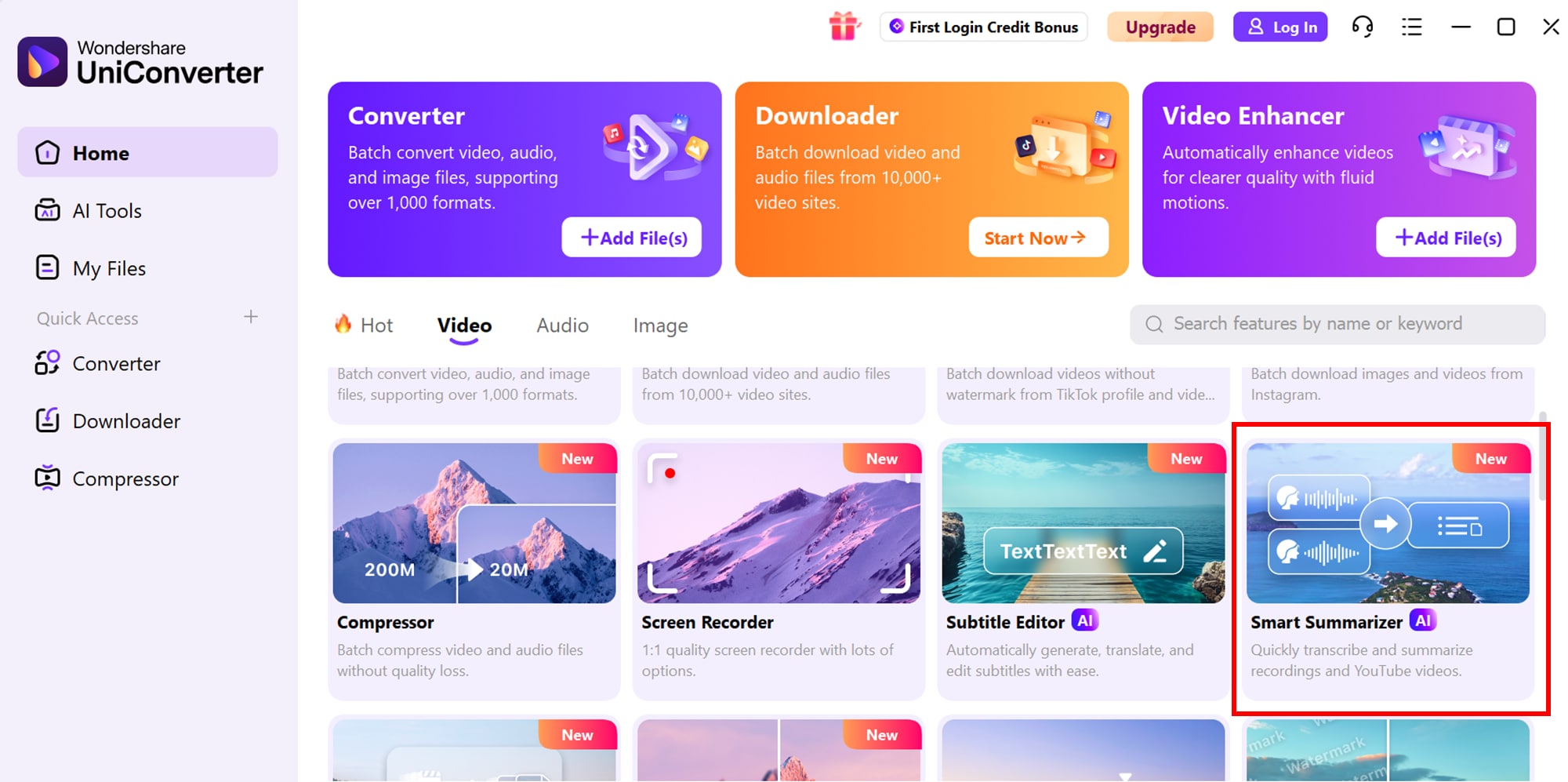
Start by opening Wondershare UniConverter on your device and navigating to the Toolbox section. Inside Toolbox, select AI Video Summarizer to open the smart summarization interface. You’ll be given the option to either paste a YouTube URL or upload a local video file, offering complete flexibility based on the source you want to summarize.
Step 2: Upload and Analyze Your Video
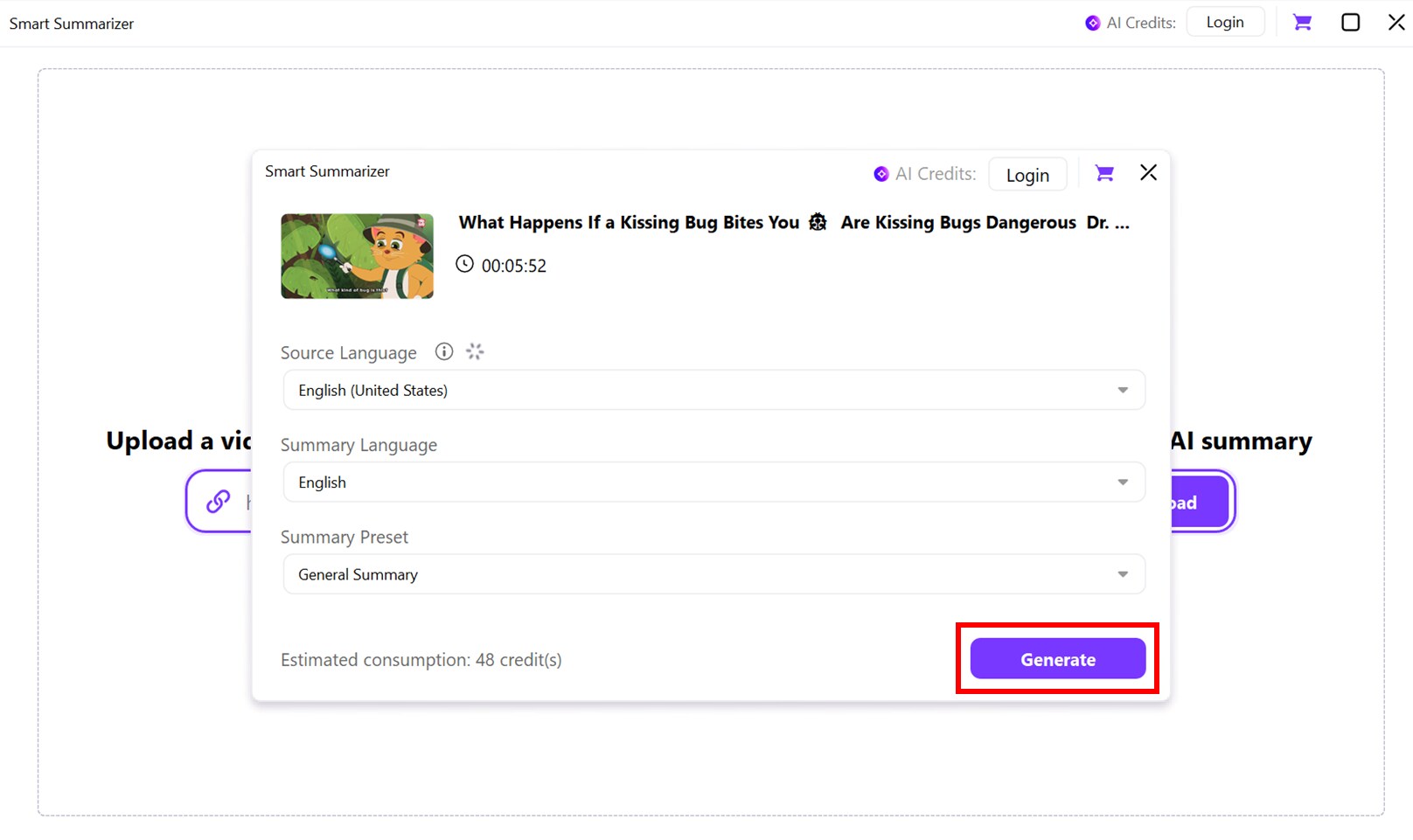
After uploading or linking your video, click Generate. UniConverter’s AI transcribes the audio and applies context-aware models to identify the most relevant points. It doesn’t just convert speech to text—it understands the content, highlighting essential takeaways and insights efficiently. The optimized algorithms make the process both fast and accurate.
Step 3: Review and Edit the Summary
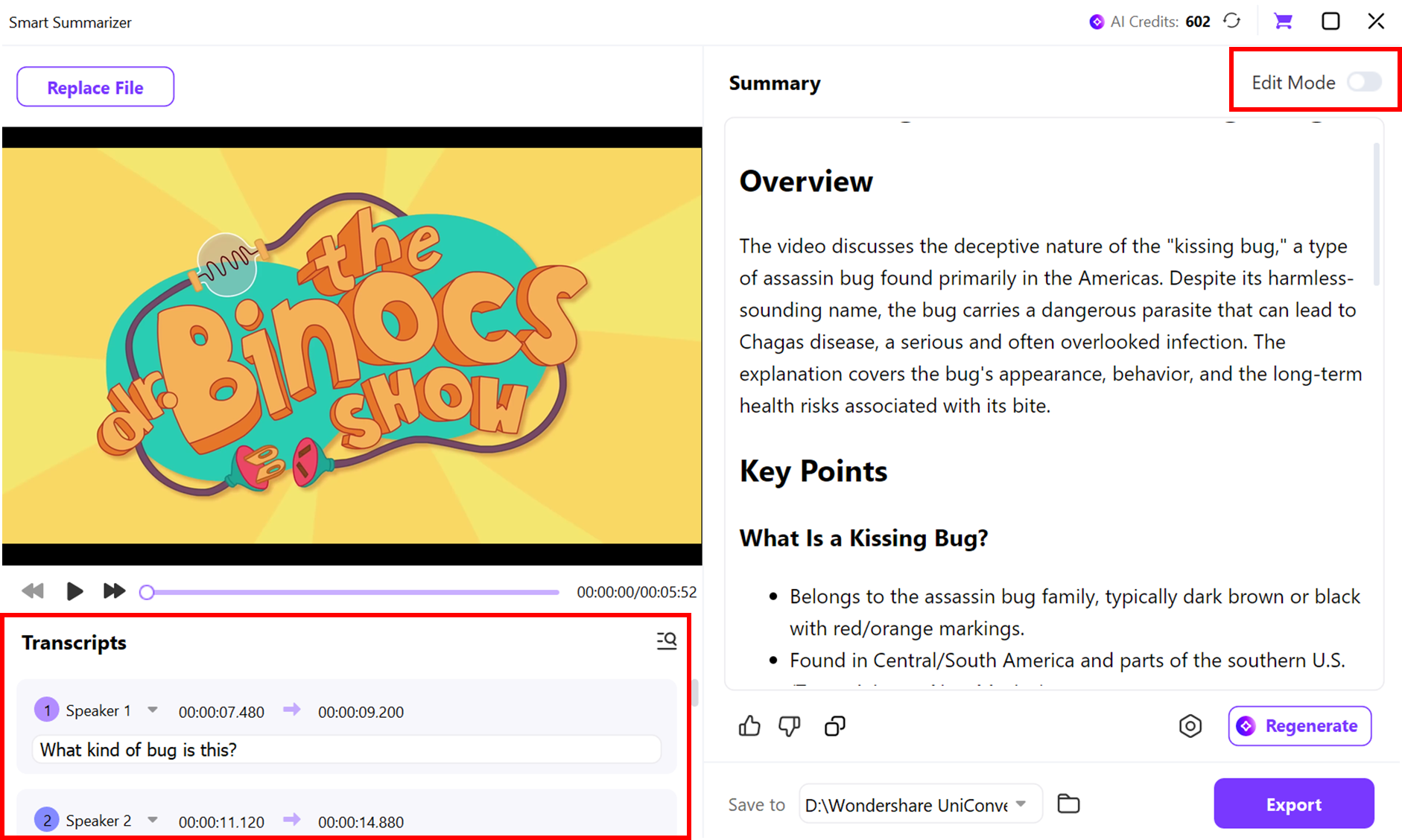
Once the analysis is complete, the tool displays the full transcript and AI-generated summary. You can manually adjust the text, remove unnecessary parts, or reorganize sentences. This ensures the summary reflects your preferences and suits your workflow.
Step 4: Export Your Summary
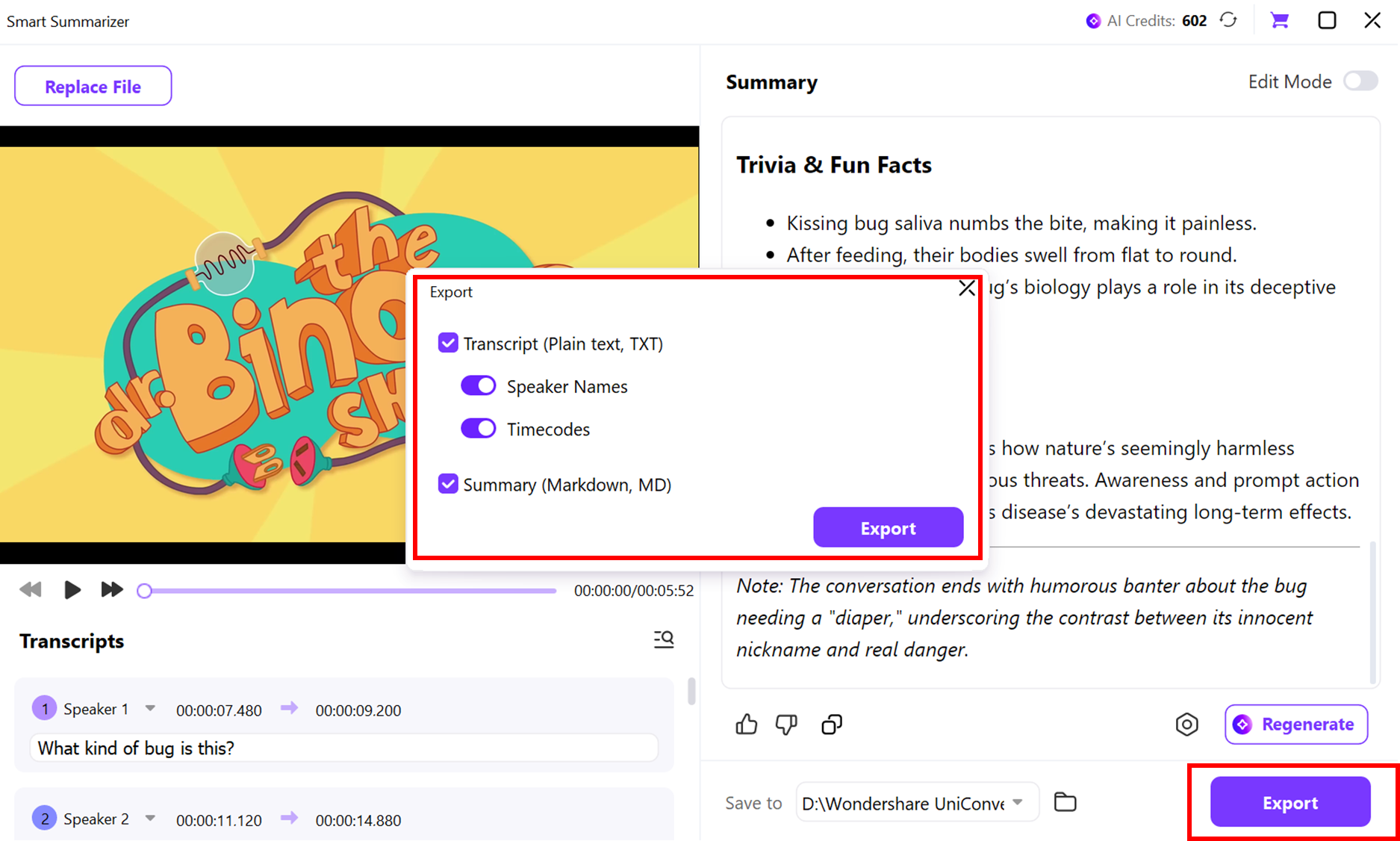
Click Export to save your summary. Options include Markdown, plain text, or Word formats. You can also choose the save location on your computer, making it easy to integrate the summary into notes, reports, or presentations.
Conclusion
Long YouTube videos can be time-consuming, especially when you need quick insights for learning, research, or content creation. YouTube link summarizers help by turning lengthy videos into concise, actionable summaries that save both time and effort. From batch-processing tools like VOMO to interactive AI platforms like YouMind, there’s a solution for every type of user. UniConverter stands out with its multi-device support, fast transcription, and editable summaries, making it ideal for both quick overviews and detailed analysis.
These tools allow students, professionals, and creators to extract key ideas efficiently, stay productive, and focus on what matters most. With AI-driven summarizers, you no longer have to watch entire videos to grasp their core insights. By choosing the right tool, you can maximize learning, streamline workflows, and make the most of your time online.
Easy to Use YouTube Link Summarizer
FAQs
-
1. Can I summarize a YouTube video without downloading it?
Yes, many video link summarizer tools let you generate summaries directly from the URL. By pasting the video link, the platform produces a concise transcript or summary without downloading the video. Some tools even function like a bitly-style summarizer, making quick overviews easy to share. -
2. Is it possible to watch Instagram or YouTube highlights anonymously?
Absolutely. Certain summarizing platforms allow anonymous viewing without signing in. This lets you safely watch Instagram highlights or YouTube videos while maintaining privacy and even generate summaries without being tracked. -
3. How accurate are AI YouTube summarizers?
Accuracy depends on audio clarity, structure, and the tool’s AI capabilities. A reliable link summary generator detects key ideas and context, providing summaries that closely reflect the original content—useful for research, studying, or work. -
4. Can I extract music or audio from YouTube videos along with summaries?
Yes. Some advanced tools allow you to summarize a video and extract its audio. UniConverter, for example, works as both a link-based summarizer and an audio extractor, ideal for gathering notes, playlists, or reference material. -
5. Do these summarizers work on mobile devices?
Most modern summarizers are browser-based or offer mobile apps, making them compatible with smartphones and tablets. You can create summaries on the go, whether commuting, studying, or multitasking.

