


Struggling to find a background removal tool that’s actually free, fast, and doesn’t leave messy edges behind? You’re not alone—most creators waste time jumping between multiple apps, only to end up with low-quality cutouts or hidden paywalls. Many tools look good but fail in real use. This slows your workflow. This review of EZRemove.ai is designed to save you that frustration by breaking down exactly what the tool offers, who it’s best for, and how it compares to other free options. Whether you’re editing product photos, creating social media visuals, or managing bulk image tasks, this guide will help you decide if EZRemove is the hassle-free solution you’ve been looking for.
In this article
What is EZRemove.ai and how does it remove image backgrounds?
What Is EZRemove.ai?
EZRemove.ai is an AI tool that removes backgrounds from images in seconds. It works in any browser, so you don’t need to install software. The tool detects the subject with smart AI and separates it from the background. It then gives you a clean cut-out with smooth edges. You can download the result as a PNG with a transparent background. You can also place your subject on a new background. The tool focuses on speed and ease. Even beginners can use it without confusion.
Who Created EZRemove.ai?
EZRemove.ai does not list a founder on its website. It also does not mention a company or a development team. There is no “About Us” section with details. This makes it hard to know the exact origin of the platform. It appears to be built by a small team focusing on AI tools. The simple and ad-free layout suggests an independent project. While the creator is unknown, the tool functions well and stays updated.
Why EZRemove.ai focuses on simple AI image editing
The mission of EZRemove.ai is to make AI image editing simple. It wants to remove complex steps from basic editing tasks. The goal is to help users save time and skip manual work. The platform tries to make background removal easy for everyone. It supports creators, sellers, students, and casual users. It offers free and fast results to reduce barriers. Its purpose is to bring AI editing to people who don’t have design skills.
How EZRemove.ai detects subjects and cuts out backgrounds
EZRemove.ai uses machine learning to detect the main subject in an image. It studies edges, shapes, and colors to understand what to remove. The tool then separates the subject from the background in one step. It works on photos of people, products, pets, and objects. The AI updates itself as more users upload images. This helps it learn and improve over time. The system runs on cloud servers, so it stays fast even on low-end devices. Users get quick results without needing strong hardware.

Easy to Use EZRemove.ai Alternative
What EZRemove Offers — EZRemove Key Features
EZRemove.ai packs a range of AI tools designed to simplify image editing for all types of users. Its features focus on speed, accuracy, and ease, making background removal effortless even for beginners:
Image Background Remover
EZremove.ai instantly removes backgrounds from product photos, portraits, and graphics with clean, precise edges. The AI automatically detects subjects—even complex ones like hair and accessories—ensuring a professional cutout. It’s ideal for eCommerce, social media, and design tasks where clean transparency matters.
Image Background Changer
This tool lets you replace removed backgrounds with solid colors, gradients, patterns, or custom scenes. You can create studio-style product shots, lifestyle visuals, or branded backgrounds in seconds. It helps elevate images for ads, catalogues, and marketing campaigns without manual editing.
Magic Eraser
The Magic Eraser removes unwanted objects, people, logos, or distractions from photos with AI-powered precision. It fills the erased area naturally by recreating matching textures, lighting, and colors. Perfect for cleaning up images for professional use on websites and social media.
Text Remover
EZremove.ai can erase watermarks, captions, or embedded text from images while regenerating a clean background. The AI blends the restored area seamlessly to maintain the original look of the photo. It’s a helpful tool for repurposing visuals or refining marketing creatives.
Video Watermark Remover
This feature removes static and dynamic watermarks, logos, or timestamp overlays from videos without quality loss. The AI analyzes multiple frames to fill in the removed region naturally for smooth playback. It’s especially useful for creators, editors, and marketers who need clean footage fast.
Sora Watermark Remover
Specifically designed for Sora-generated videos, this remover detects and cleans Sora’s embedded marks without distorting the video. The tool intelligently reconstructs the background so transitions remain smooth and seamless. Ideal for editors using Sora for commercial or storytelling projects.
AI Image Editor
The AI image editor of EZremover offers a clean interface with dedicated controls for prompt, model, and aspect ratio, making image creation effortless. Its smart engine interprets prompts with accuracy while the chosen model fine-tunes the visual style. The flexible aspect-ratio options ensure every output fits perfectly across platforms and creative needs.
Who Is EZRemove Best For?
EZRemove.ai serves a wide range of users who need fast and simple image editing. It helps both professionals and beginners create clean, polished visuals without extra tools:
Best Background Removal Tool by Use Case
If you're comparing EZRemove.ai, the better pick depends on whether you want a quick free online tool, cleaner edges for product images, or batch-friendly desktop editing.
E-Commerce Sellers
EZRemove.ai is ideal for online sellers who need clean, distraction-free product photos. It helps create sharp listings for platforms like Amazon, Shopify, and Etsy. Batch processing saves time when working with large photo sets. This makes product pages look more consistent and trustworthy. It also helps stores keep a uniform brand style across all product images.
Content Creators, Influencers, and Marketers
Creators who design posts, ads, and thumbnails can use EZRemove to speed up their workflow. The AI produces smooth cut-outs that blend well with templates and backgrounds. It works well for YouTubers, social media influencers, and digital marketers. The quick results make daily content production easier. This helps creators stay consistent with their posting schedules.
Freelancers and Small Businesses
Freelancers and small teams love EZRemove because it removes the need for expensive editing software. It fits tight budgets while still offering high-quality results. The simple interface makes client projects faster to deliver. It also reduces the learning curve for those new to image editing. This allows teams to focus on their work instead of complex tools.
Anyone Needing Quick Image Cleanup
EZRemove is great for users who want fast results without technical skills. The AI handles most of the work, so anyone can clean up a photo in seconds. Students, hobbyists, and casual users can all benefit from the tool. It also helps with quick personal projects like resumes, presentations, or ID photos. This makes it a handy option for everyday tasks.
Pros and Cons of EZRemove.io
Pros
- Fast AI-powered background removal with clean, smooth edges.
- Free to use with no login or account needed.
- No watermarks added to the final downloads.
- Works on all devices and browsers without installation.
- Supports multiple image formats like JPG, PNG, and WebP.
- Offers batch processing for large image sets.
- Includes extra tools like Magic Eraser, text removal, and object removal.
- Simple interface suitable for beginners and non-designers.
- Maintains user privacy by deleting files after a short time.
Cons
- No official founder or company information is available.
- Lacks advanced editing features found in full design software.
- Large or very detailed images may need manual touch-ups.
- Limited customization options compared to premium tools.
- No desktop app or offline mode for users who prefer software-based editing.
Other Free EZRemove Alternatives for Background Removal
Before choosing the right background removal tool, it’s important to understand what each platform offers and how it fits different editing needs. From AI precision to workflow efficiency, every tool brings something unique to the table—so let’s explore the options in detail:
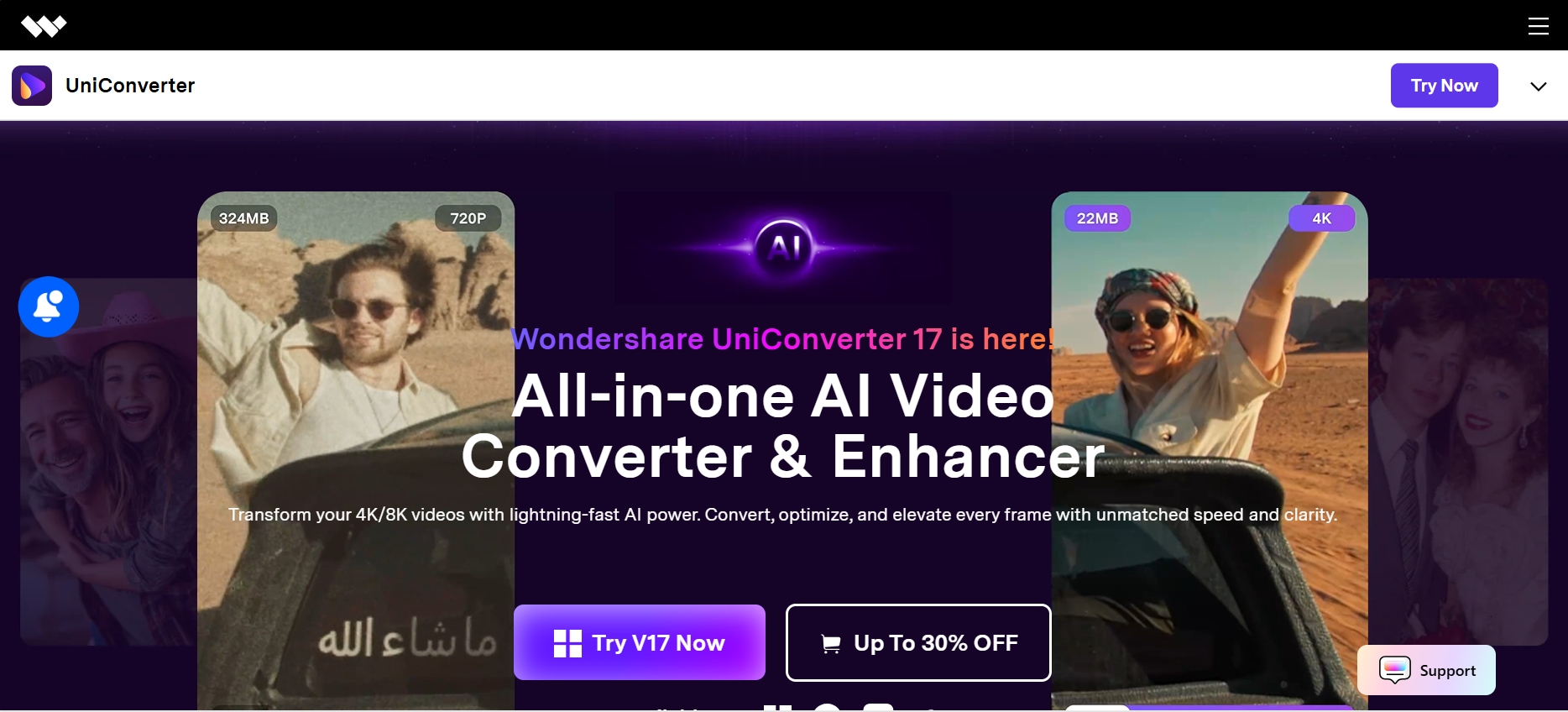
1. Wondershare UniConverter - Best for Batch Background Removal
Wondershare UniConverter is an all-in-one multimedia toolkit designed to simplify video, audio, and image processing for creators of all skill levels. Beyond its powerful conversion engine, it includes a smart background remover that works seamlessly on both desktop and online versions. The tool uses AI-based detection to isolate subjects with impressive precision, even in challenging lighting or complex scenes. Users can replace, customize or remove backgrounds without losing image quality. UniConverter stands out for its clean interface, fast processing, and ability to handle batch tasks effortlessly. Whether you’re preparing content for social media, e-commerce, or personal projects, it offers professional results with minimal effort. It’s a dependable choice when you need versatility in a single creative workspace.
Best For: Users who need both online convenience and powerful offline processing.
Unique Strength: Smooth batch performance and multi-format support in one ecosystem.
Easy to Use EZRemove.ai Alternative
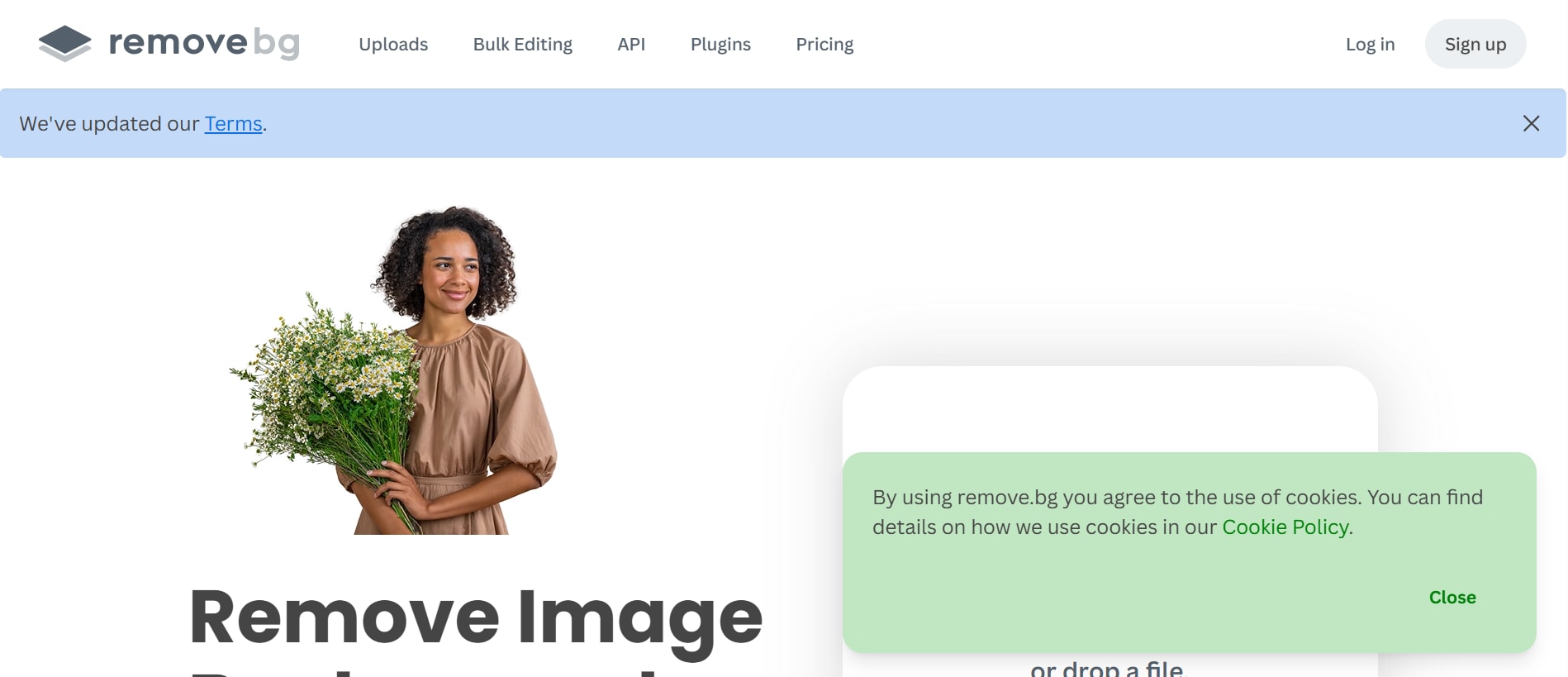
2. Remove.bg - Best for Quick Cutouts
Remove.bg is one of the most widely trusted online background removal tools, known for its fast, fully automated AI-powered processing. The tool accurately detects people, objects, pets, and products, removing backgrounds in seconds with almost no manual editing required. Its simplicity makes it ideal for users who want instant results without navigating complex menus. Remove.bg also supports bulk uploads, making it a practical option for businesses that handle large image sets. The platform maintains high-quality output, preserving edges and fine details exceptionally well. It integrates smoothly with editing apps like Photoshop through add-ons and plugins. Whether you're creating product photos or social posts, Remove.bg ensures clean, professional cutouts consistently.
Best For: Quick cut-outs with consistent results.
Unique Strength: Industry-leading accuracy for portraits and products.
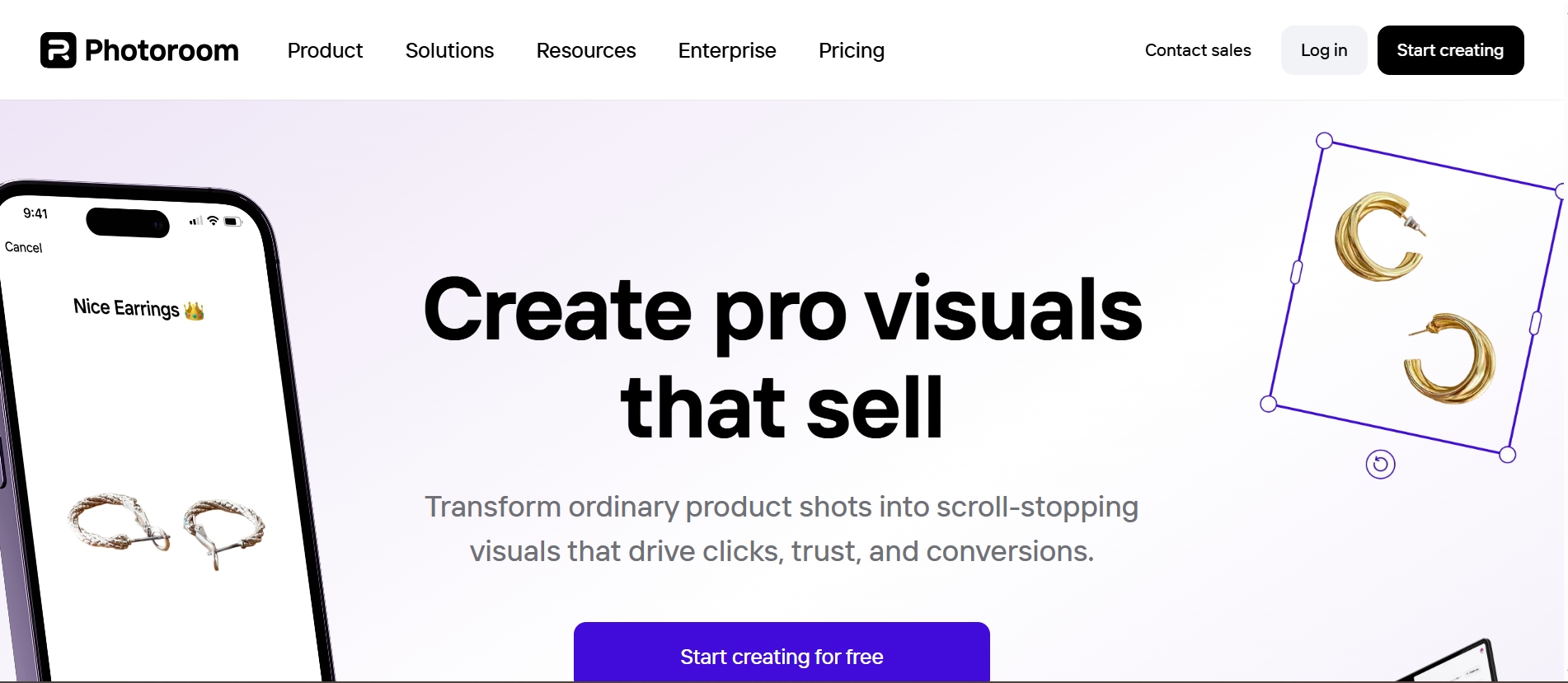
3. PhotoRoom - Best for Styled Product Photos
PhotoRoom is a popular photo editing platform built specifically for ecommerce sellers, marketers, and creators who want professional-looking visuals without hiring a designer. Its background removal feature is powered by a strong AI engine that produces clean subject isolation with little correction needed. Beyond cutouts, PhotoRoom offers templates, shadows, and layout tools to help you craft polished images for platforms like Amazon, Etsy, and Instagram. The interface is beginner-friendly but has enough depth to support advanced customization. It also provides automatic batch editing, saving significant time for users handling large product catalogs. Available on web and mobile, it allows seamless editing from anywhere. PhotoRoom is a powerful toolkit for anyone needing stylish, ready-to-publish product visuals.
Best For: Creators who want styled backgrounds.
Unique Strength: One-tap templates for social media.
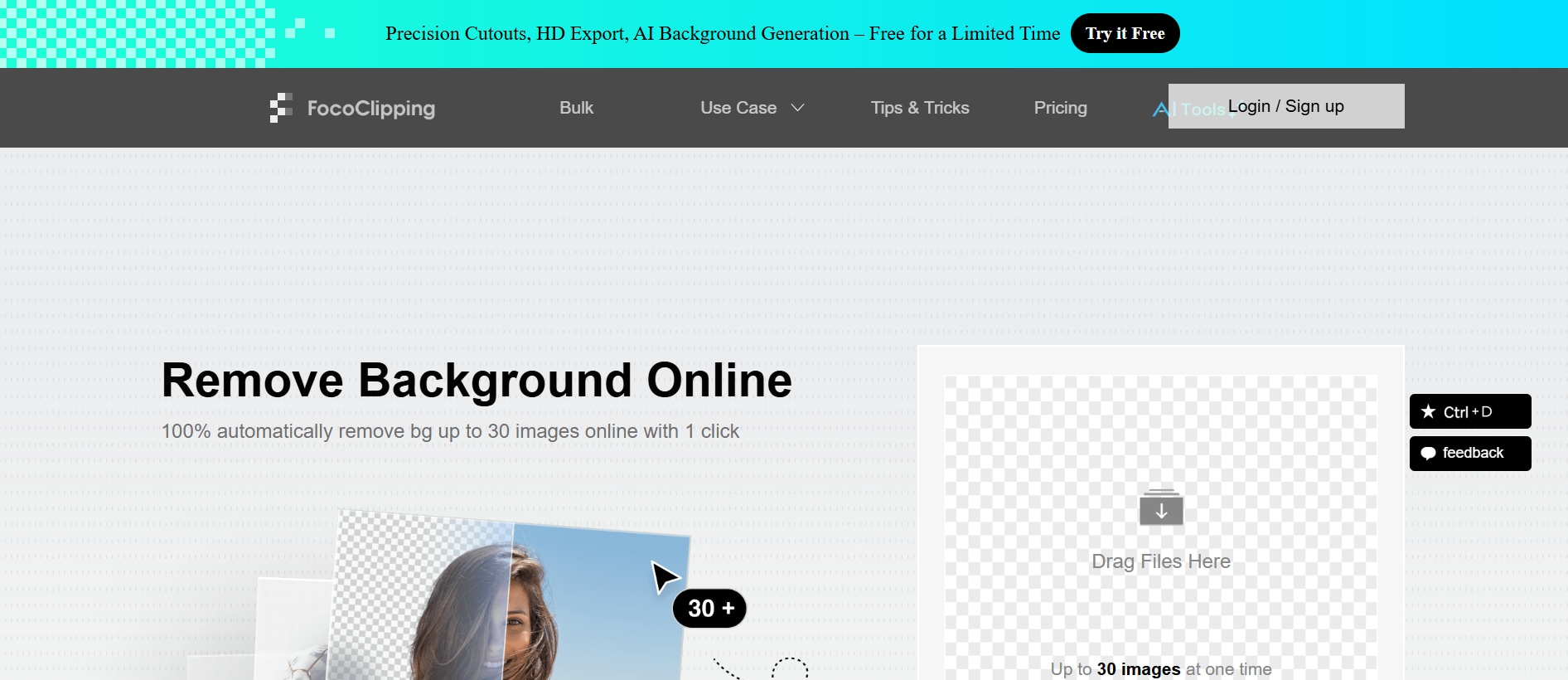
4. FocoClipping - Best for Refined Background Removal
FocoClipping is an efficient and free online background remover designed to deliver fast, accurate results for product, portrait, and creative photos. The platform uses AI segmentation to detect subjects with impressive clarity, even around hair strands and complex edges. It offers multiple cutout modes—such as Smart Cutout and Manual Fine-Tune—so users can control precision based on their needs. FocoClipping also includes features like shadows, colors, and templates, making it useful for ecommerce listings and digital presentations. The interface is simple, clean, and easy to navigate, making it ideal for beginners. Batch processing is supported, enabling bulk edits in one go. Whether for casual use or everyday business needs, FocoClipping provides reliable, high-quality removal at no cost.
Best For: Users who want more control.
Unique Strength: Dual-mode editing (auto + manual).
5. Pixlr Remove BG - Best for Lightweighting Editing
Pixlr Remove BG is part of the popular Pixlr suite, offering a smooth and accessible way to remove image backgrounds instantly. The tool uses advanced AI algorithms to detect subjects accurately, handling portraits, objects, and graphics with ease. As a browser-based solution, it requires no installation and works quickly even on low-powered devices. Pixlr also enables further editing—including color correction, overlays, and retouching—through its integrated Pixlr X and Pixlr E editors. This makes it ideal for users who want more control over their visuals after removing the background. The platform delivers crisp, clean cutouts and maintains strong resolution. It's a great choice for creators, students, and small businesses looking for a quick yet flexible editing solution.
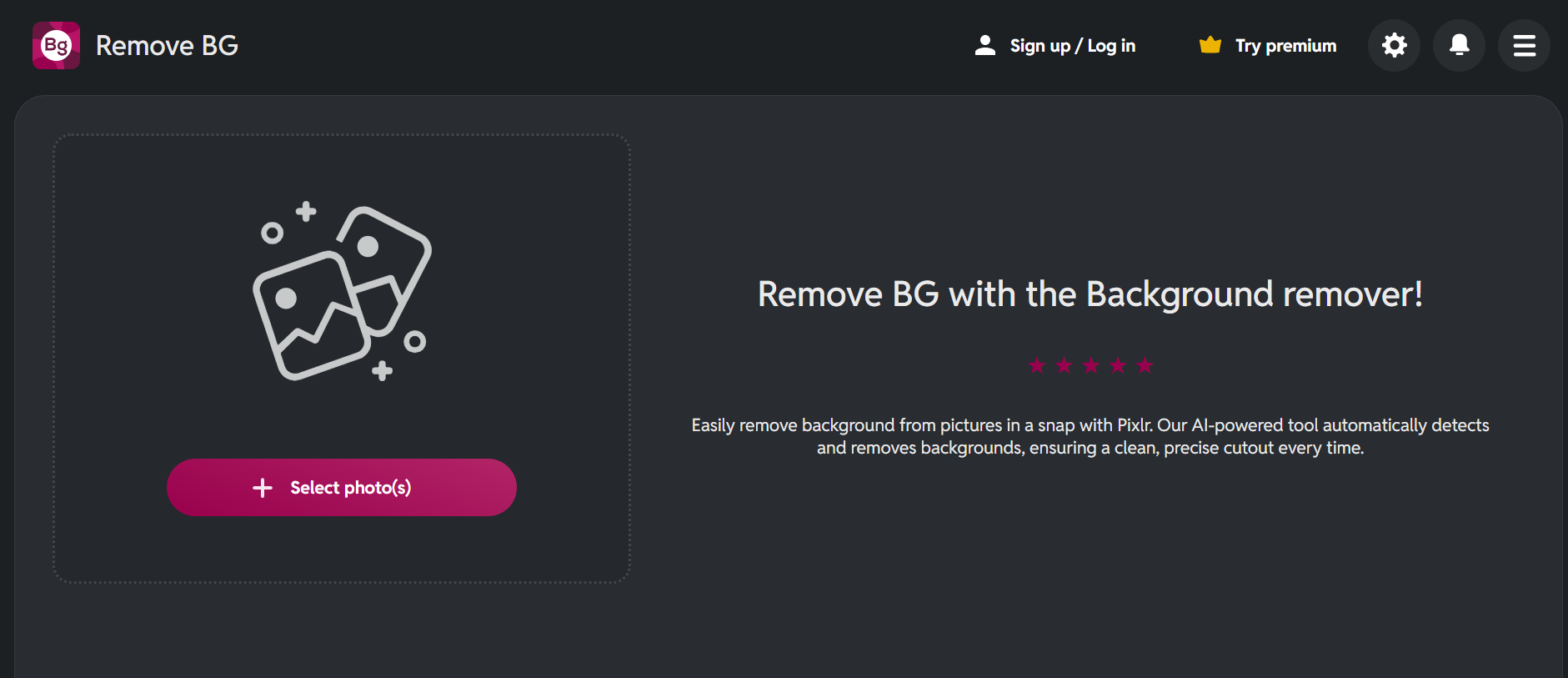
Best For: All-in-one lightweight editing.
Unique Strength: Built-in filters and color tools.
| Tool | Batch Process Support | Available Devices | Formats Supported | Free or Paid | Ads Density |
|---|---|---|---|---|---|
| Wondershare UniConverter | Yes — supports batch background removal via desktop. | Desktop (Windows, macOS) | JPG, PNG, BMP, TIFF, WEBP, SVG, PSD, EPS, ICO, XBM, XPM | Freemium — free tier + paid pro features | Low (desktop app, ads not typical) |
| Remove.bg | Yes — supports batch removal via its desktop version | Web, Desktop, API | PNG, JPG, GIF | Freemium — free credits + paid credits / subscription | Very Low (minimal UI ads) |
| PhotoRoom | Yes — batch editing available on Pro and Max plans. | Web, iOS, Android | PNG, JPG, WEBP, HEIC (in some plans) | Freemium — limited free plan + paid plans | Medium (some features gated, UI ads) |
| FocoClipping | Yes — supports bulk / batch image background removal. | Web-only | JPG, PNG, and more common image formats (focus on product and portrait) | Free and Paid (premium features) | Low (mainly clean UI) |
| Pixlr Remove BG | Yes — can remove background from many images at once (100+) | Web, Mobile (Pixlr apps) | JPEG, PNG, BMP etc. | Free (also paid pro version) | Medium (free version shows ads) |
How We Tested EZRemove.ai
For this review, we evaluated EZRemove.ai based on cutout accuracy, speed, ease of use, and how practical the tool is for creators, sellers, and users handling everyday background-removal tasks.
Edge accuracy
We checked how cleanly the tool removes backgrounds around hair, accessories, product edges, and other harder image details.
Processing speed
We reviewed how quickly the platform produces usable results and whether performance stays practical for repeated tasks.
Ease of use
We compared interface clarity, setup friction, and whether beginners can use the tool effectively without design experience.
Workflow usefulness
We also considered batch potential, extra editing functions, and whether the tool fits real eCommerce, content, and social media workflows.
This page gives extra weight to cutout quality and usability, since people reading an EZRemove.ai review usually want to know whether it saves time and produces cleaner results in real use.
Batch remove image backgrounds or watermarks with UniConverter
Wondershare UniConverter offers one of the simplest ways to process multiple images at once. Its desktop tool is ideal for fast batch background removal, batch watermark cleanup, and quick image editing without quality loss:
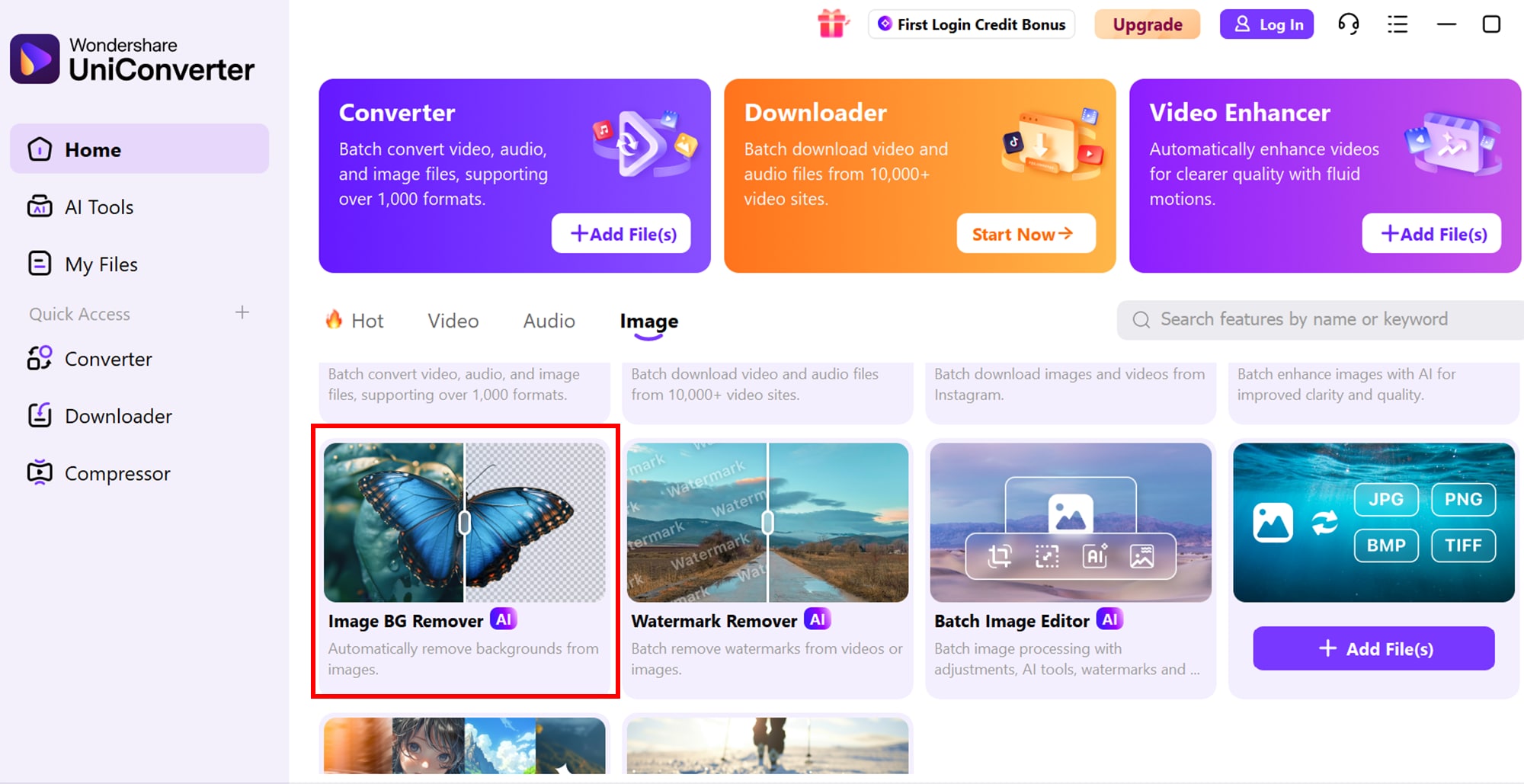
Step 1: Open UniConverter and Choose the AI Image Tools
Launch UniConverter on your desktop and go to the AI Image section. Choose either AI Background Remover or AI Watermark Remover depending on your task.
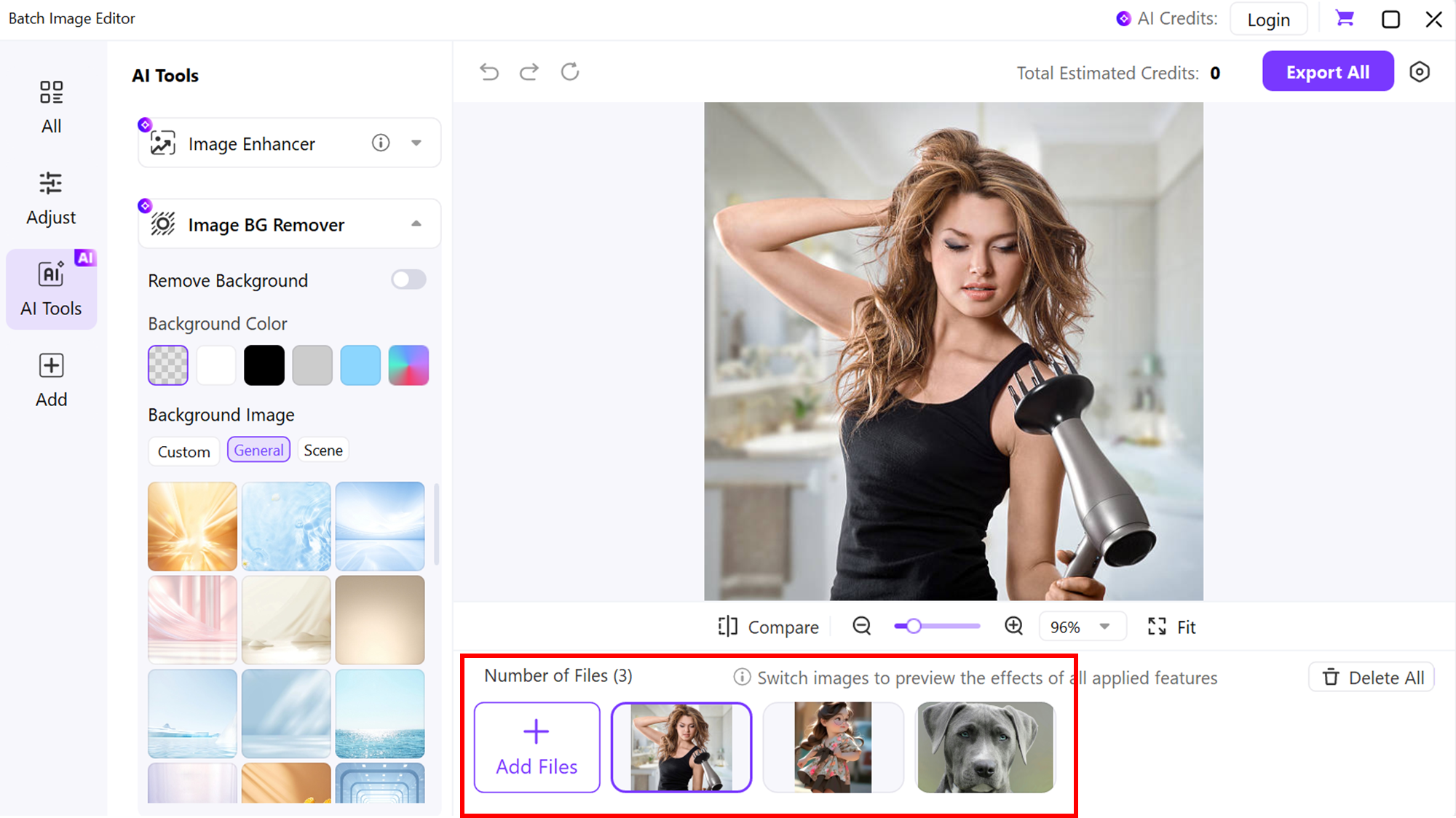
Step 2: Import All Images for Batch Processing
Click Add Files and import all the images you want to edit. UniConverter supports bulk uploads, making batch image cleanup fast and smooth.
Step 3: Apply Background or Watermark Removal
Select Remove Background or Remove Watermark. The tool uses AI to detect backgrounds and unwanted marks automatically, keeping the process simple.
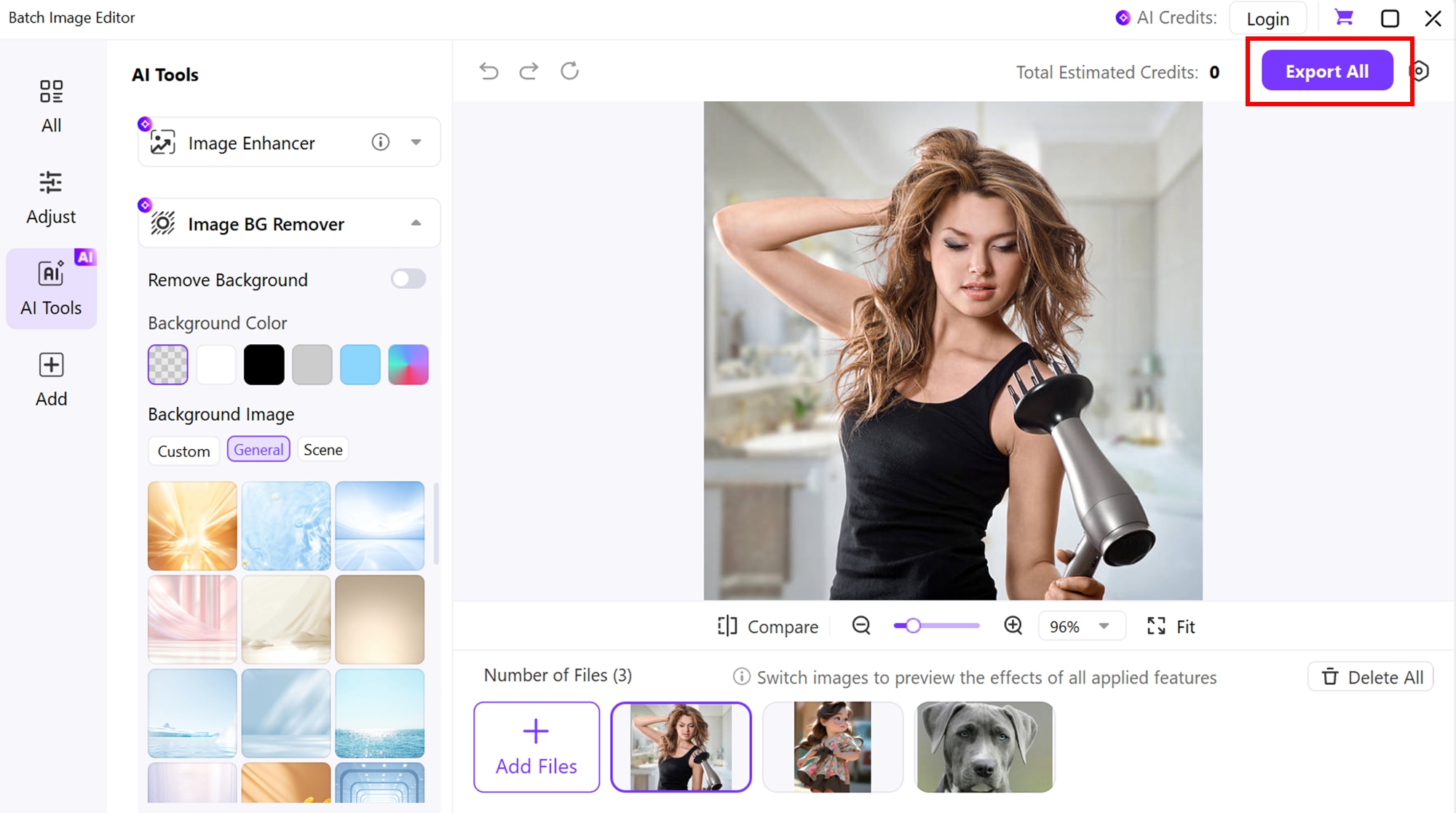
Step 4: Export All Edited Images
Choose your output format and click Export to save all processed images in one go. UniConverter ensures fast rendering and high-quality results for batch edits.
Easy to Use EZRemove.ai Alternative
Conclusion
EZRemove.ai stands out as a simple, fast, and beginner-friendly tool for removing backgrounds with AI precision. Its clean interface, quick processing, and zero-learning curve make it a great option for everyday users who want instant results. While it may not offer advanced editing depth or large-scale batch controls like premium software, it still delivers impressive quality for a free web tool. For users who need more powerful features—such as bulk background removal, watermark cleanup, or multi-format image conversion—Wondershare UniConverter serves as a strong upgrade with both desktop reliability and professional-grade processing. Overall, EZRemove is a smart pick for quick edits, and UniConverter becomes the perfect next step when you want more control and efficiency.
FAQs
-
1. How effective is the EZRemove watermark remover for detailed or textured images?
The EZRemove watermark remover works well on simple surfaces, but textured or patterned areas may need extra refinement. It uses AI to detect and rebuild erased sections, but results can vary depending on image complexity. For highly detailed images, users may need a secondary tool for polishing. -
2. Does the EZRemove background remover handle product photos and portraits with equal accuracy?
Yes, the EZRemove background remover performs well on both product photos and portraits. It emphasizes clean edge detection, creating smooth cutouts suitable for e-commerce, profile images, and social media visuals. Performance depends on the clarity and lighting of the original image. -
3. What should users know about EZRemove pricing before choosing a plan?
EZRemove pricing typically follows a credit-based or tier-based model, with limits based on monthly usage. Plans may include different resolutions, batch-processing capabilities, and API access. Users should compare each tier carefully, especially if they require high-volume editing. -
4. Is EZRemove free for long-term usage or only for basic tasks?
EZRemove provides some free features, but long-term or frequent usage usually requires paid credits. The free tier is ideal for occasional edits or simple tasks, but users with ongoing watermark or background removal needs may need to upgrade. -
5. What is the best EZRemove alternative for batch editing and advanced output quality?
If you need an EZRemove alternative that excels in batch image editing and high-quality exports, Wondershare UniConverter is an excellent choice. It supports bulk watermark removal, background removal, and multi-format conversion in a single desktop suite—ideal for creators or businesses handling large volumes of images.

