

The year 2026 marks the death of the "robotic" pitch as we shift from basic frequency shifting to full neural vocal reconstruction. For modern creators, a realistic voice changer has become a standard tool for maintaining privacy, dynamic character acting, and professional narration. Whether you are gaming or searching for a realistic female voice changer, today's AI captures human emotion naturally. In this guide, we provide a deep dive into the top 7 tools that pass the "human" test to keep your audience fully engaged and your content professional.
Table of Contents
Part 1. The Anatomy of Realism: Why AI Voices No Longer Sound "Robotic"
The "Vocal Fingerprint" Revolution
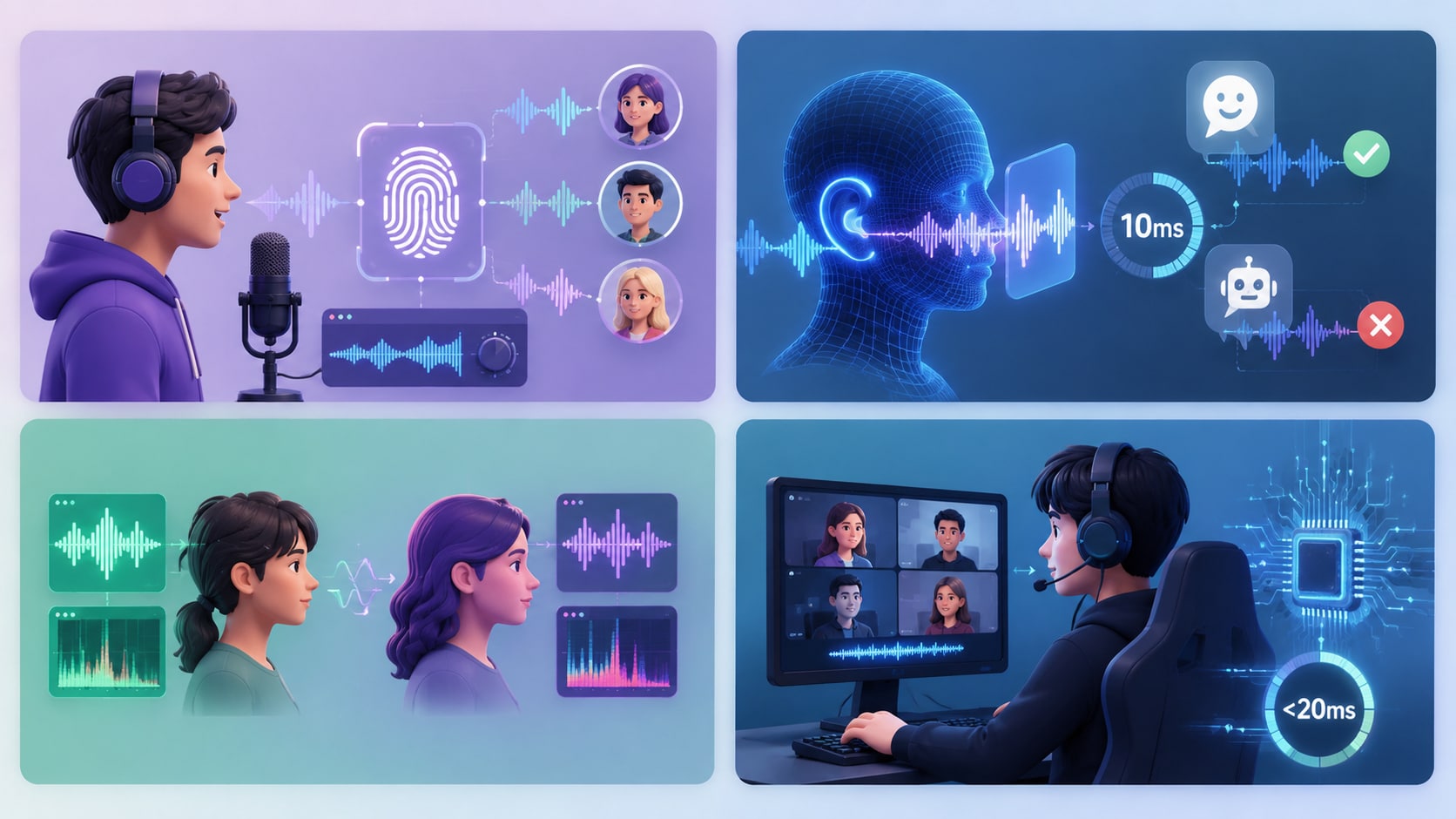
In early 2026, we moved beyond simple digital filters. We now use Neural Voice Conversion (NVC). This technology treats your voice like a unique fingerprint. It identifies the core harmonics of your speech and maps them onto a high-fidelity "target model." Tools like Wondershare UniConverter and ElevenLabs analyze your specific vocal traits. They apply these patterns naturally to new AI personas. This process avoids the hollow, metallic sound found in older software.
The Uncanny Valley & The 10ms Rule
The human ear is incredibly sensitive to timing. If a voice sounds slightly "off," our brains reject it as fake. This is the Uncanny Valley of audio. Leading software now manages "Speech Prosody." This refers to the tiny micro-hesitations and pitch instabilities found in human speech. By mimicking these flaws, the AI convinces the brain that the voice is real. Processing must happen under 10ms to ensure the sound stays synced with your movements.
Formant Morphing vs. Pitch Shifting
This distinction is the secret to a truly realistic female voice changer. Old tools simply raised the pitch. This created the "chipmunk effect" which sounds amateur. Modern AI uses formant morphing to manipulate the resonance of the vocal tract. It simulates how air vibrates in the throat and mouth. This creates an authentic gender transition that sounds deep and resonant rather than thin and synthetic.
Edge Processing & The Latency War
Realism is defined by speed in 2026. You cannot have a natural conversation if there is a delay. Modern devices use "System 1" reflex layers. These are dedicated processing paths on your hardware that handle audio under the 20ms threshold. This ensures your modulated voice stays fully synced with your expressions during live video calls or intense gaming sessions.
Part 2. Key Features of a Modern 2026 Voice Modulator
Emotional Inflection
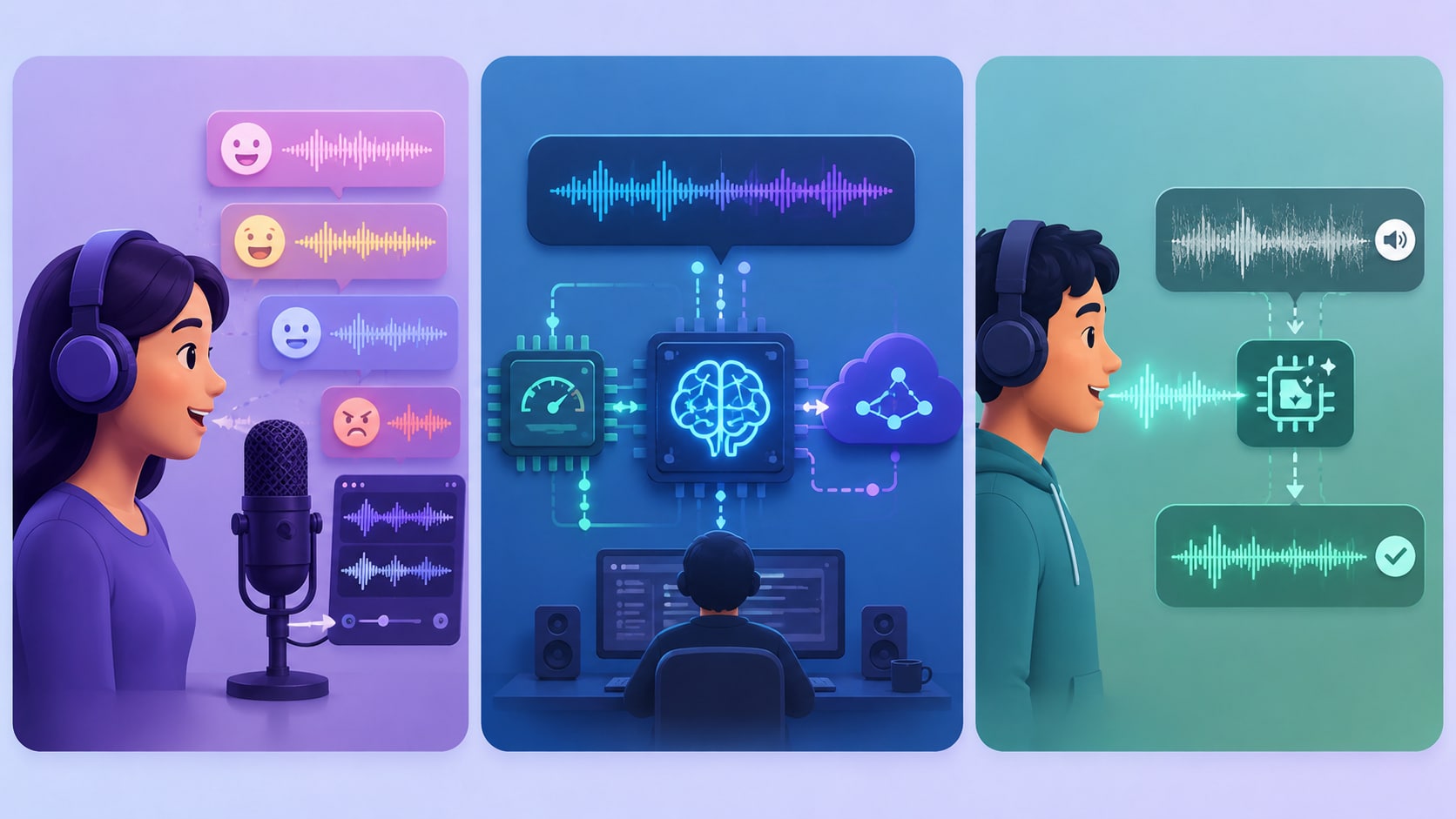
You can now add specific emotional layers to your AI output. You can choose to sound "happy," "excited," or "stern" with a single click. This prevents the monotone delivery that usually plagues digital voices. It allows you to deliver a performance that matches the energy of your video or live stream content perfectly.
Hybrid Architecture
High-end software no longer relies solely on your computer's CPU. It uses a hybrid approach. It utilizes local Neural Processing Units (NPUs) for raw speed and low latency. It then taps into cloud-based Large Language Models (LLMs) for complex reasoning. This allows the tool to understand the context of what you are saying to provide better inflection.
Source Separation
You cannot transform a voice effectively if it is buried in noise. Modern systems use AI to isolate your voice from background sounds before the transformation. Whether it is a hum from an air conditioner or a barking dog, the software cleans the audio first. This "clean slate" is essential for a realistic voice changer to work effectively.
Part 3. Comparison: 2026's Top Realistic Voice Changers at a Glance
| Tool | AI Model Type | Best For | Real-Time Latency | Output Fidelity |
| Wondershare UniConverter | Neural Voice Conversion | Post-Production Video | N/A (Offline) | Studio Grade |
| ElevenLabs | Cloud Generative AI | Narrations & Scripts | 150ms+ | Ultra-High |
| Voice.ai | Hybrid NPU/Cloud | Live Streaming | <15ms | High |
| FineVoice AI | Prosody-Driven | Diverse Accents | <20ms | High |
| Voicemod AI | Edge Processing | Social & Gaming | <10ms | Standard |
| MyEdit | Browser-Based LLM | Quick Web Edits | N/A (Offline) | High |
| MorphVOX Pro | Formant Engine | Roleplaying/RPG | <15ms | Mid-High |

All-in-One Multimedia Processing Tool

Part 4. Top 7 Realistic Voice Changers for Effortless Transformation
1. Wondershare UniConverter (Top Recommended for High-Fidelity)
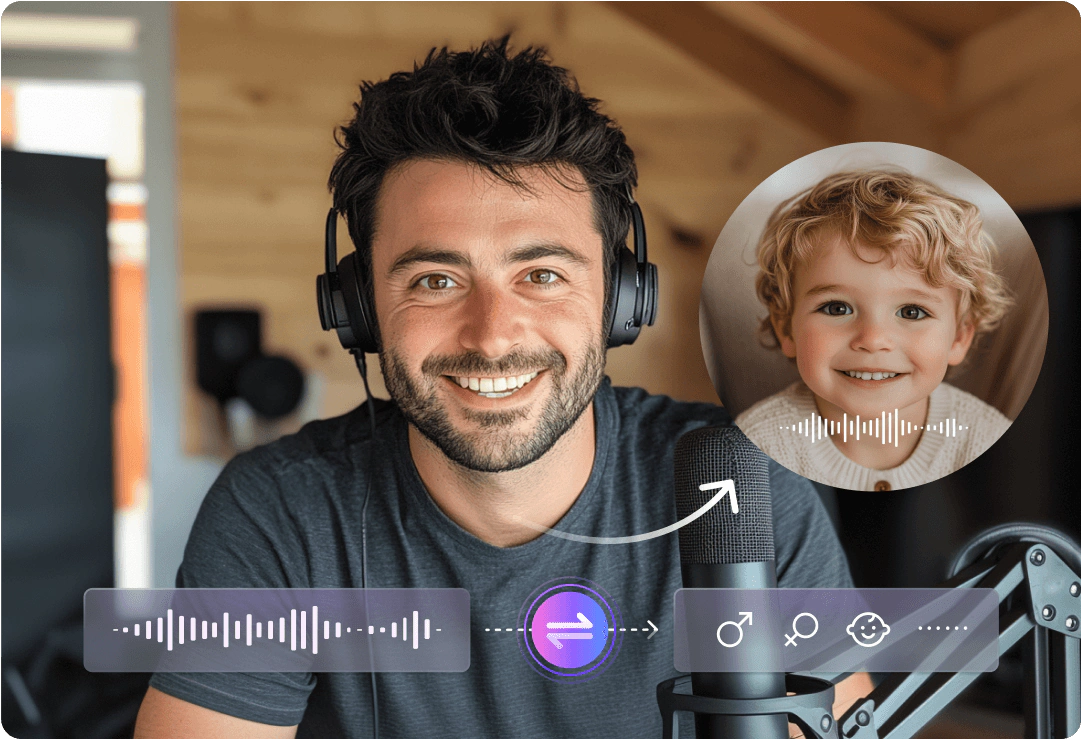
Wondershare UniConverter is a comprehensive multimedia toolbox that simplifies your creative workflow. Its AI Voice Changer is specifically designed for content creators who need professional-grade audio in their videos. It utilizes advanced neural models to ensure every transformation sounds naturally human. Because it processes audio offline, it can achieve a level of detail that real-time tools often miss. It is the perfect realistic voice changer for high-quality YouTube or educational content.
2. ElevenLabs (The Industry Standard for Quality)
ElevenLabs is widely considered the pioneer of high-fidelity AI speech. It uses massive datasets to generate voices that are indistinguishable from human speakers. For creators working with scripts, it serves as the ultimate realistic female voice changer. It excels at capturing subtle nuances like breaths and emotional shifts. This makes it a top choice for authors and professional video producers who prioritize quality above all else.
3. Voice.ai (The Live Streaming Giant)
Voice.ai has carved out a massive niche in the gaming and live-streaming community. It uses a unique decentralized processing method to provide high-quality voices in real-time. This realistic voice changer allows you to adopt the persona of celebrities or fictional characters instantly. It is highly reactive, meaning it follows your natural speech patterns without noticeable delay during intense gaming sessions on Discord or Twitch.
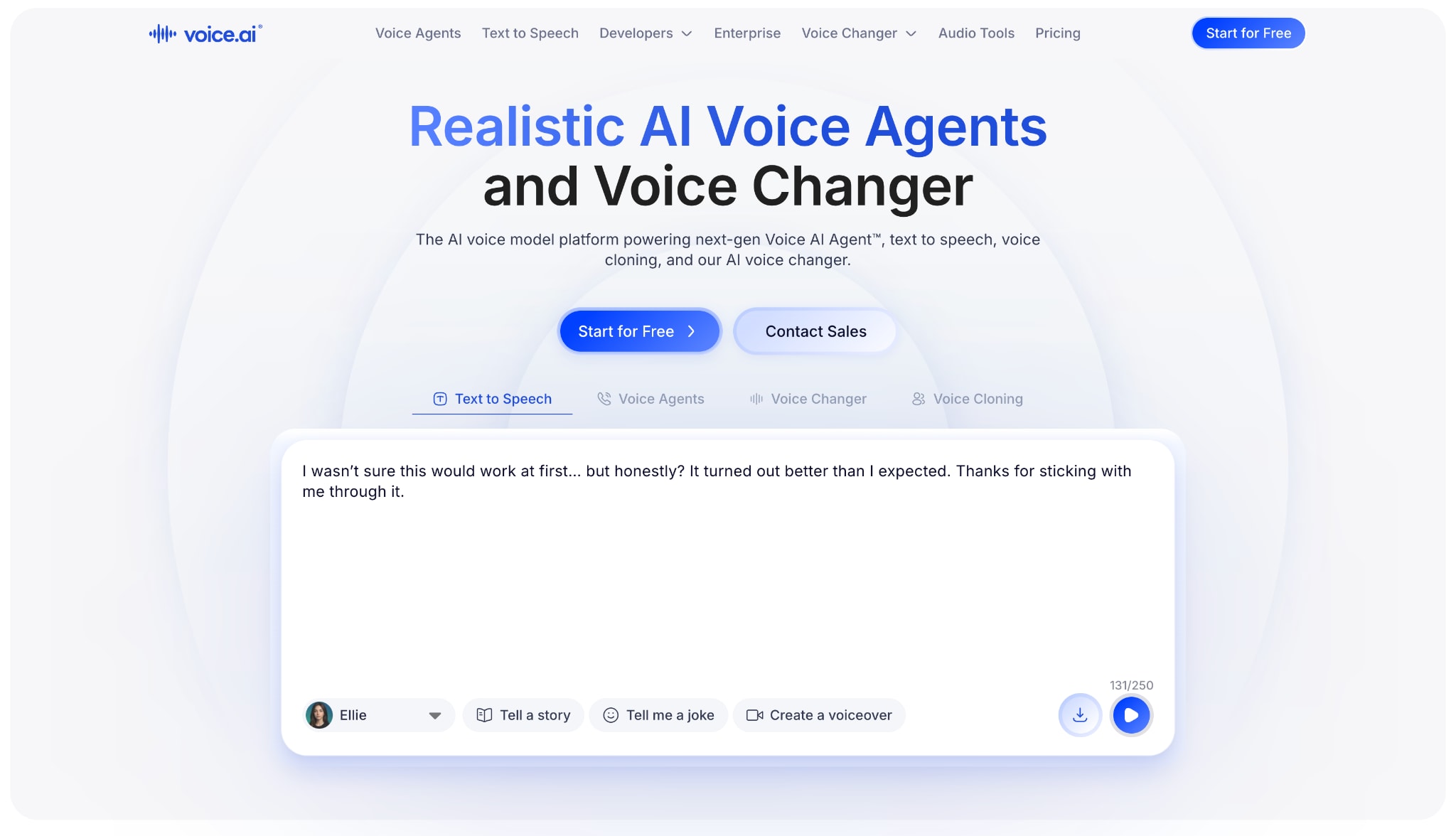
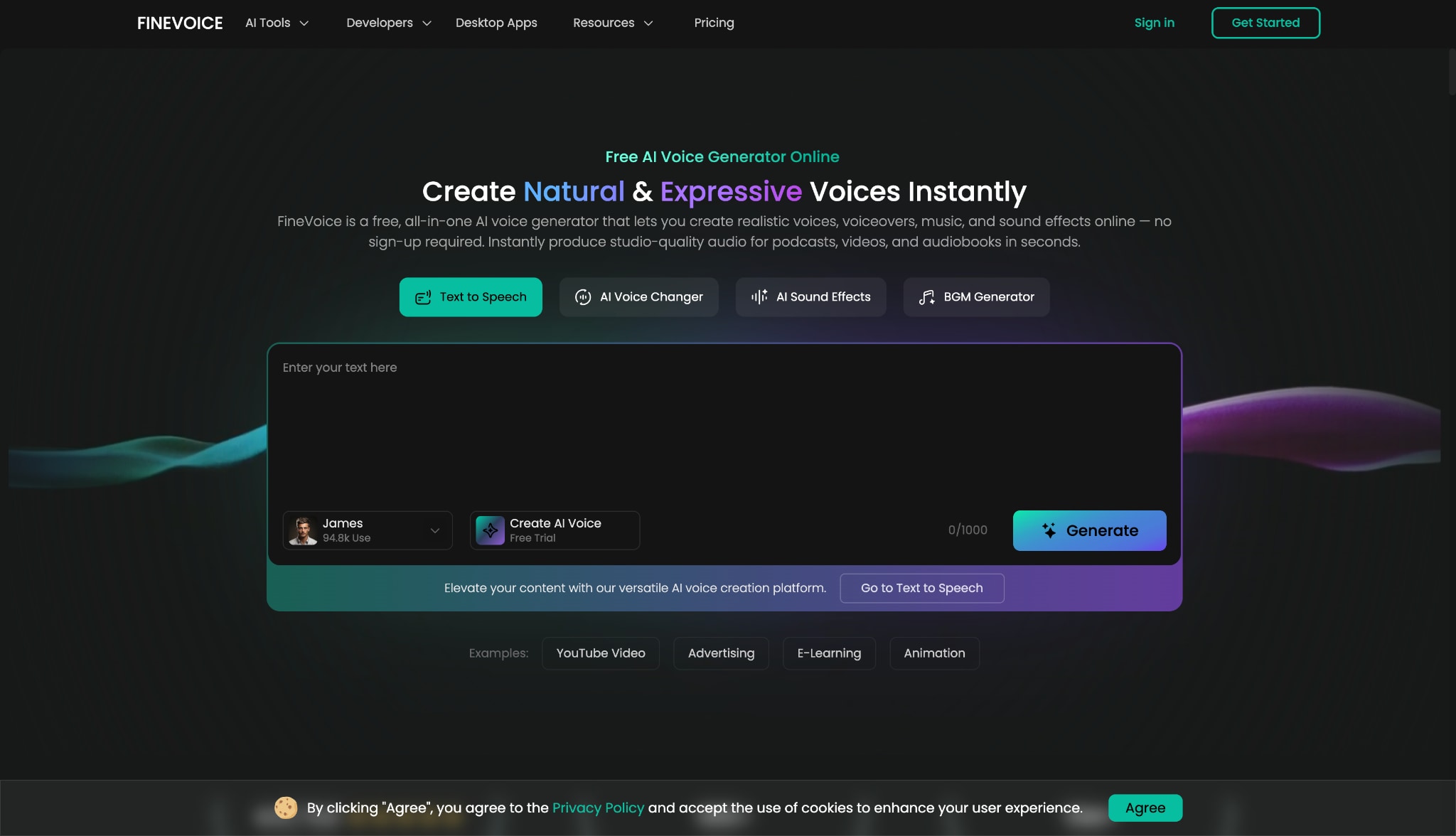
4. FineVoice AI (The Specialist in Diversity)
FineVoice AI is an all-in-one digital voice solution that focuses on variety and accessibility. It offers a suite of tools, including a real-time changer, text-to-speech, and an audio extractor. It is particularly effective for those seeking a realistic female voice changer with specific tonal qualities. The AI helps you maintain a consistent "vibe" throughout your recording, ensuring your audience remains immersed in your content.
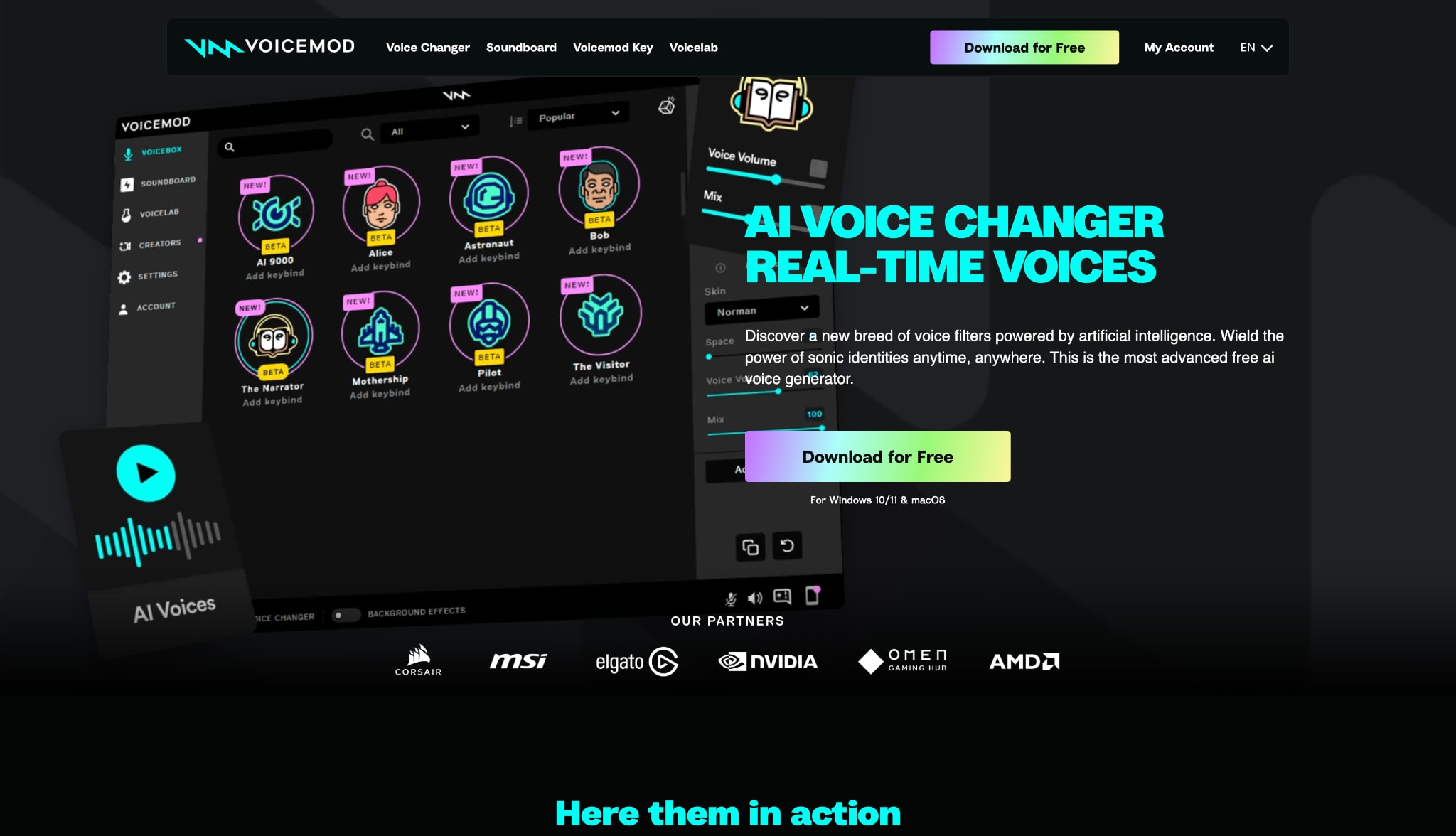
5. Voicemod AI (Best for Social Integration)
Voicemod is likely the most famous name in the voice modulation space. In 2026, their AI-powered "Tuna" engine has vastly improved their realism scores. It is designed for social fun and seamless integration with apps like Zoom and VR Chat. If you want to naturally spice up a conversation with a realistic voice changer, Voicemod provides the most "plug-and-play" experience on the market today.
6. MyEdit (Best Browser-Based AI)
MyEdit is a powerful web-based platform that brings AI audio editing to your browser. You do not need to install anything, making it ideal for Chromebook or mobile users. Its realistic voice changer tool is perfect for quick social media clips or podcast snippets. It uses a clean interface that allows you to transform your audio files in just a few clicks while maintaining high fidelity.

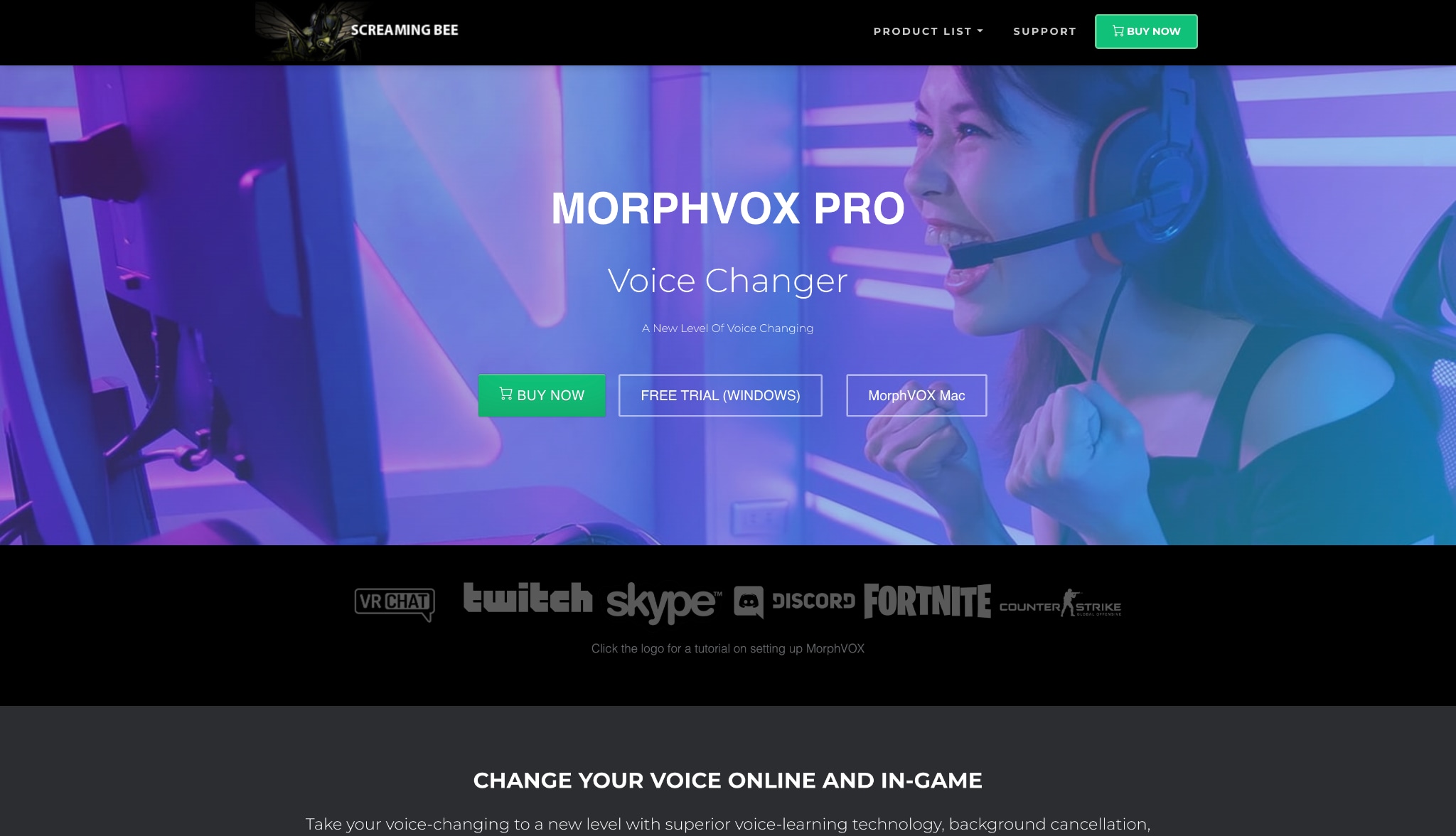
7. MorphVOX Pro (The RPG Specialist)
MorphVOX Pro is a veteran tool that has evolved into a sophisticated AI modulator. It is highly valued by the roleplaying community for its ability to create complex, multi-layered voices. It allows for deep manual tweaking of pitch and timbre. This ensures your realistic female voice changer profile sounds exactly how you imagine your character, including environmental background effects for added immersion.
Part 5. Bonus: How to Use UniConverter for Natural Vocal Masking
Using the AI Voice Changer in Wondershare UniConverter is straightforward. You can transform your video audio to sound naturally like another person in seconds.
Step 1: Launch the Voice Changer
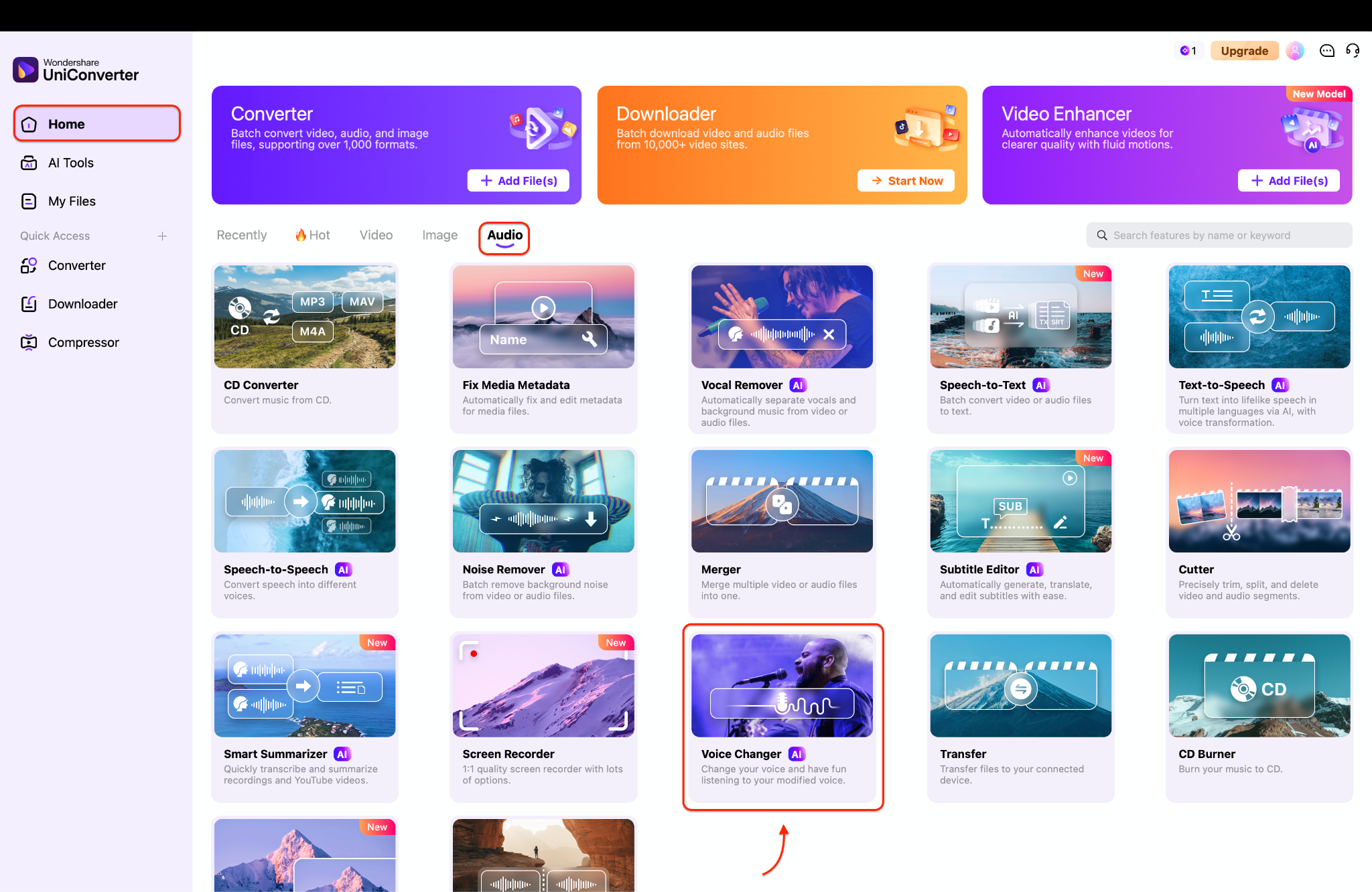
First, open the Wondershare UniConverter application on your computer and navigate to the main dashboard. Next, select the Audio tab to view all the available sound processing features. Finally, click on the Voice Changer tool to launch the vocal modulation interface.
Step 2: Upload Your Media File
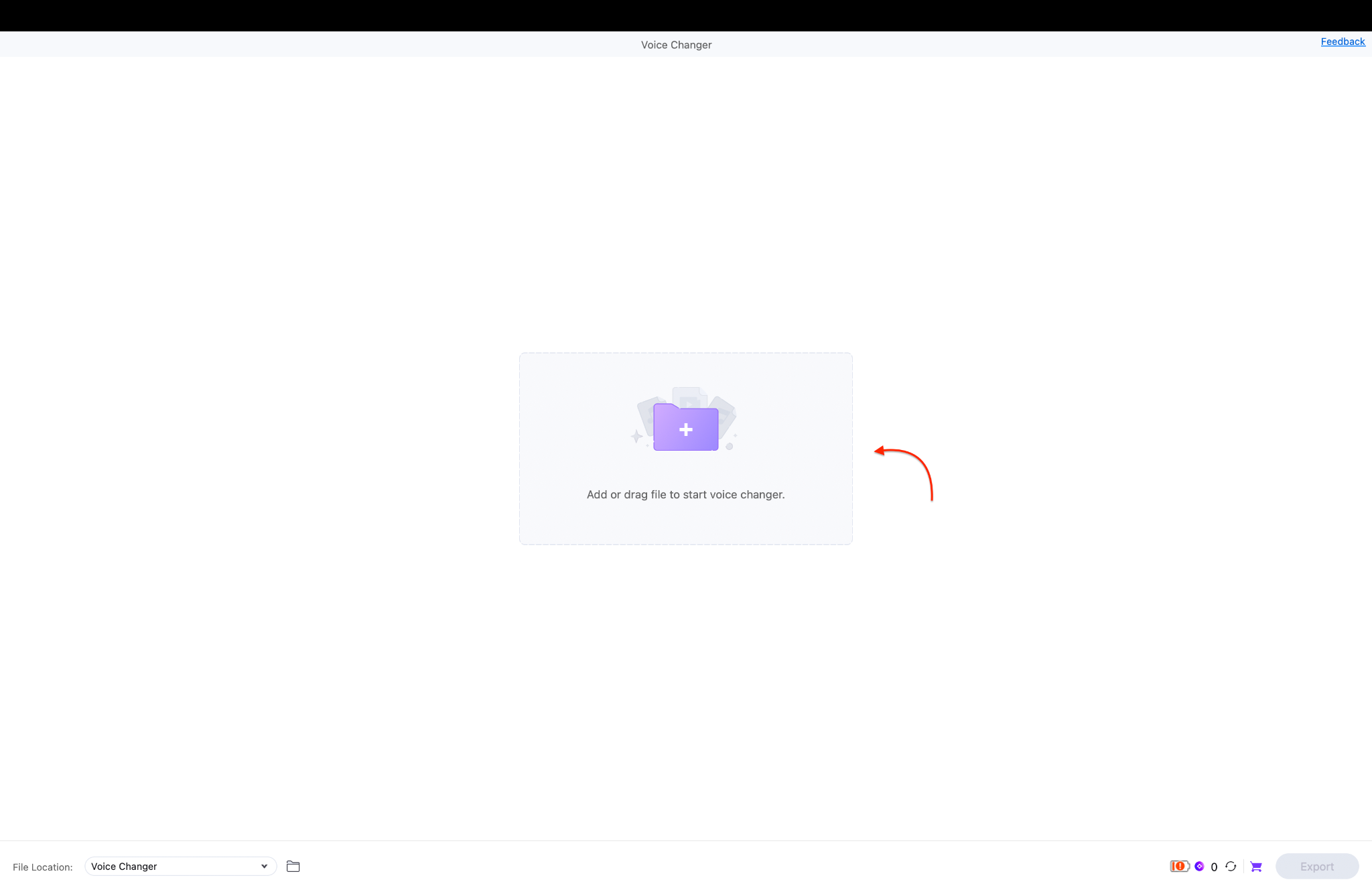
Once the window opens, click the purple folder icon to browse your computer for files. You can also drag and drop your video or audio track directly into the designated workspace.
Pro Tip: Upload an uncompressed WAV file instead of an MP3 to guarantee the clearest voice transformation.
Step 3: Apply Effect and Export
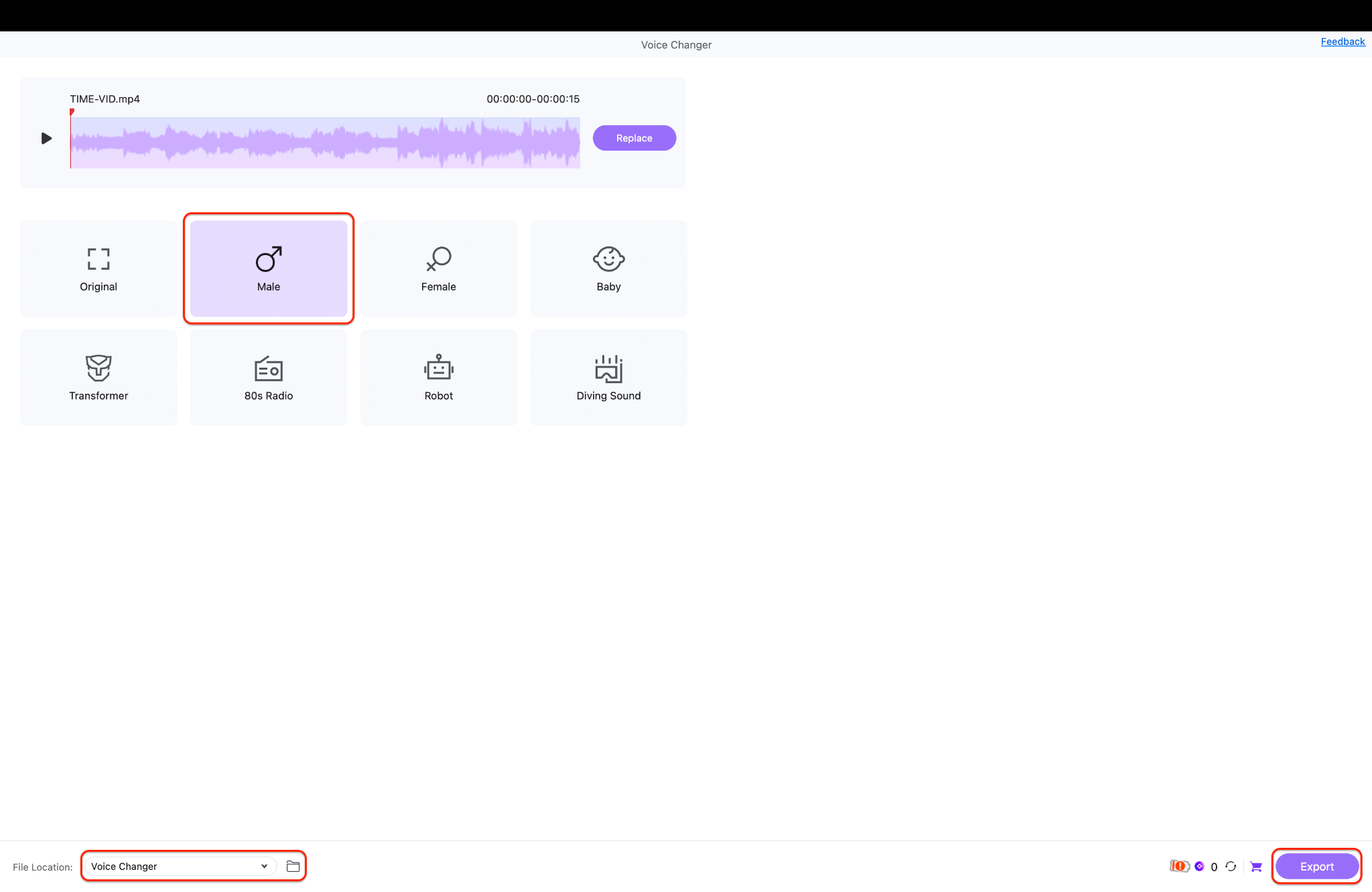
After your file loads, click on a specific voice profile like Male, Female, or Robot. The software will instantly process the audio so you can preview the new sound via the playback bar. When you are satisfied with the result, choose your file location at the bottom and click Export.
Part 6. How to Choose the Right Tool for Natural Speech
For Content Creators & YouTubers
Efficiency is your priority. You should choose a tool that integrates with your existing video editor. Look for high-fidelity offline processing that supports 4K and 8K video files. This ensures your realistic voice changer output matches the visual quality of your production.
For Live Streamers & Gamers
You need ultra-low latency. Any delay over 20ms will make your speech feel disconnected from your video. Choose tools that use local NPUs to process audio instantly. This allows you to interact with your chat naturally without technical hiccups.
For Privacy & Anonymity
If you are concerned about your digital footprint, choose a tool with a "Vocal Masking" feature. A realistic voice changer should scrub your original biometric data. This prevents anyone from using AI to "reverse" the effect and discover your true identity.
For Professional Narrators
Quality is everything for narration. You should look for cloud-based AI that understands long-form context. The software must be able to handle complex scripts while maintaining a consistent emotional tone throughout the entire recording.
For All-in-One Efficiency
Most people do not want ten different apps. If you already use a tool for video conversion or compression, check if it has a built-in voice changer. This keeps your desktop clean and your workflow fast.
Part 7. Why UniConverter Is a Good Realistic Voice Changer
Wondershare UniConverter stands out because it is more than just a media converter. It is a full ecosystem designed to handle complex tasks with ease. Here are five reasons why it is the best realistic voice changer for your 2026 projects:
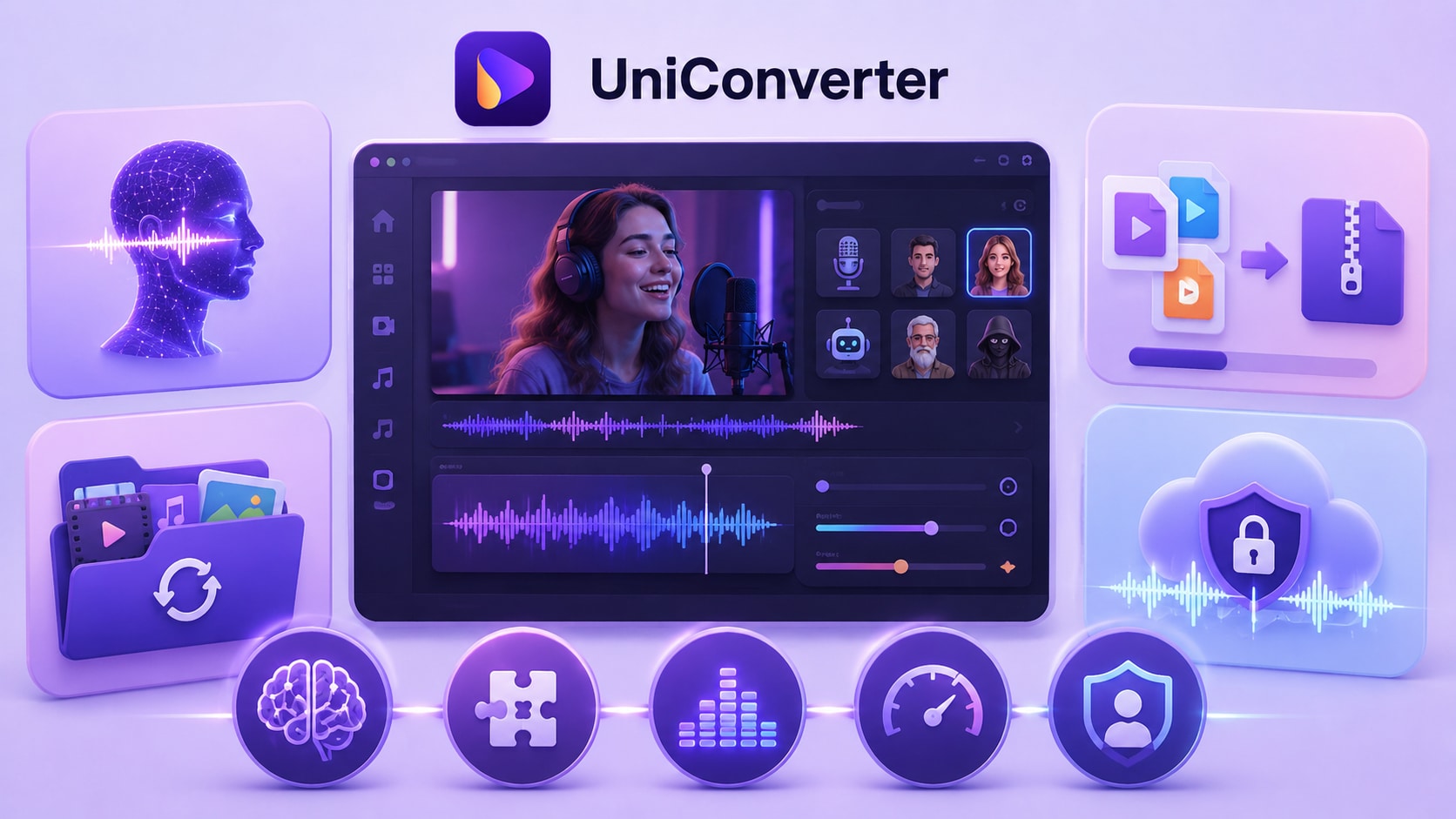
Neural Reconstruction for Human Sound: The tool uses high-end AI to rebuild your voice naturally. It maps your vocal traits to high-fidelity models, avoiding the hollow sound found in basic filters. This ensures your output sounds authentic and professional.
Complete Workflow Integration: You can change your voice, compress your video, and convert files in one window. This saves you from switching between different apps. It streamlines your entire post-production process.
High-Fidelity Post-Production: While live tools sacrifice quality for speed, UniConverter prioritizes clarity. It is an ideal realistic female voice changer for polished YouTube content or educational videos. You get studio-grade results every time.
Efficient Batch Processing: You can apply vocal transformations to multiple files at once. This feature helps you maintain a consistent character voice across an entire video series. It is a massive time-saver for busy content creators.
Advanced Privacy Protection: The neural masking effectively hides your original vocal fingerprint. This ensures your identity stays private while you still sound professional and approachable. It provides a secure way to share content anonymously.
Part 8. Conclusion
In 2026, the technology behind a realistic voice changer has reached a point where AI is virtually indistinguishable from human speech. Whether you need a realistic female voice changer for creative storytelling or simply want to protect your privacy naturally, there is a tool for you. For creators who value high-fidelity output and a streamlined workflow, we recommend trying Wondershare UniConverter. It combines powerful AI voice modulation with professional video tools to ensure your content always sounds its best.

