


If you are drawn into a sea of podcast content, struggling to keep up with the latest episodes from your favorite shows while managing work deadlines and personal commitments. Hours of valuable audio content sit in your queue, but you simply do not have time to listen to everything. This backlog may leave you missing your favorite podcast content related to business or education that could advance your career or personal growth.
An AI podcast summarizer can help you overcome this challenge by quickly converting lengthy audio episodes into concise and actionable summaries. You can now get the key insights quickly from multiple podcasts in minutes rather than spending hours. This article covers an online and offline time-saver podcast summary generator, a Chrome extension, a built-in podcast summarizer, and a mobile app.
In this article
Part 1. Where Does a Podcast Summarizer Help?
Podcast summarizer helps busy professionals, students, researchers, content creators, and more. Here are the problems and solutions that the AI podcast summarizer offers.
Busy Professional & Lifelong Learner
The Problem: Your calendar might be packed with back-to-back meetings, project deadlines loom overhead, and your commute barely gives you breathing room. Yet, you know that staying updated with industry podcasts is crucial for your professional growth. But a busy schedule does not allow you to listen to the podcast, and you end up falling behind.
How AI Podcast Summarizer Helps: An AI podcast summarizer summarizes 60-minute episodes into 3-5 minute summaries. It becomes easy to scale during your coffee breaks. This way, you can manage your professional edge and stay informed about industry trends without compromising productivity.
Student & Researcher
The Problem: Academic success requires consuming vast amounts of podcast information for papers and projects, but manual note-taking is time-consuming. Rewinding to find specific segments wastes precious study time that could be spent on analysis and writing.
How AI Podcast Summarizer Helps: AI provides structured summaries with key concepts, quotes, and timestamps for easy reference. You extract citation-worthy information without multiple listening sessions, covering more sources in less time.
Content Creator & Marketer
The Problem: You monitor dozens of marketing podcasts for content creation, but hours of daily listening leave little time for production. You struggle to balance information consumption with content creation, falling behind on publication deadlines.
How AI Podcast Summarizer Helps: AI summarizers rapidly process multiple sources, identifying trending topics and quotable insights for your content. You compile research for blog posts and videos without spending hours listening, freeing time for creative production.
Commuter & Multitasker
The Problem: Traffic conditions, phone calls, and distractions interrupt your podcast listening during commutes. You miss important segments and struggle to retain information from fragmented sessions while important episodes pile up.
How AI Podcast Summarizer Helps: AI summaries let you review key points from partially heard podcasts and catch up on missed episodes. You scan highlights on your phone during waiting periods, ensuring you capture valuable information despite interruptions.

Easy to Use AI Podcast Summraizer
Part 2. Most Efficient Batch AI Podcast Summarizer
Wondershare UniConverter
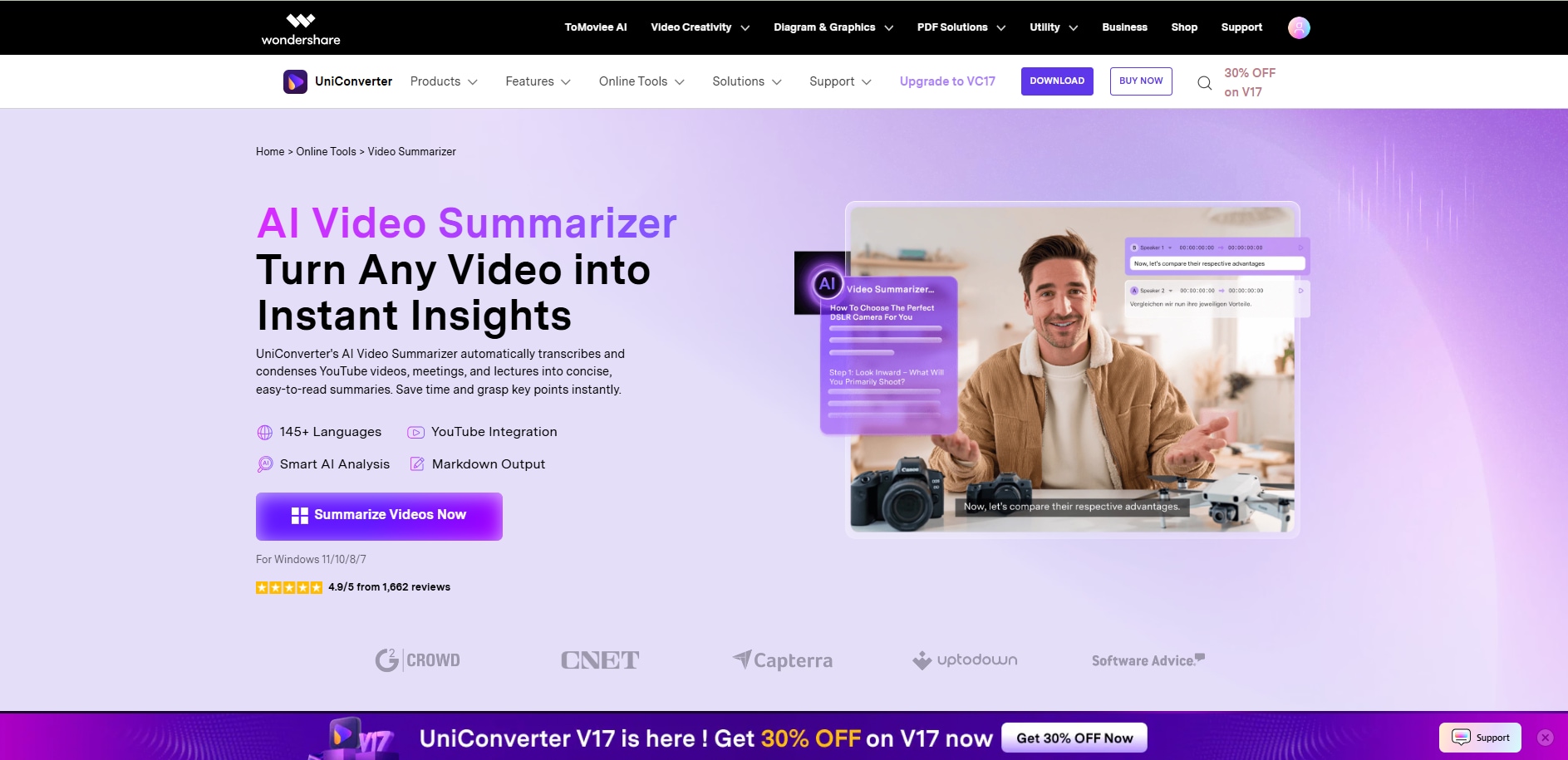
Wondershare UniConverter serves as an advanced AI podcast summarizer that efficiently transcribes and condenses long episodes into clear, concise takeaways. Using speech recognition and natural language processing, it identifies speakers, extracts highlights, and generates readable summaries in multiple languages. Whether for journalists, content creators, or social media strategists, UniConverter simplifies capturing essential moments from podcasts—turning hours of dialogue into brief, insightful notes perfect for recap articles, show highlights, or multilingual audience engagement.
Key Features
- It handles multiple podcast files simultaneously to save your time and streamline the workflow.
- It transcribes podcasts in over 20 languages.
- Let you save transcription as .txt files with time-coded text for easy reference.
- Simple file upload process for a better user experience, and let you adjust the line size as per your preference.
How to get a Podcast AI Summary with UniConverter
Follow these simple steps to summarize a podcast with UniConverter's AI:
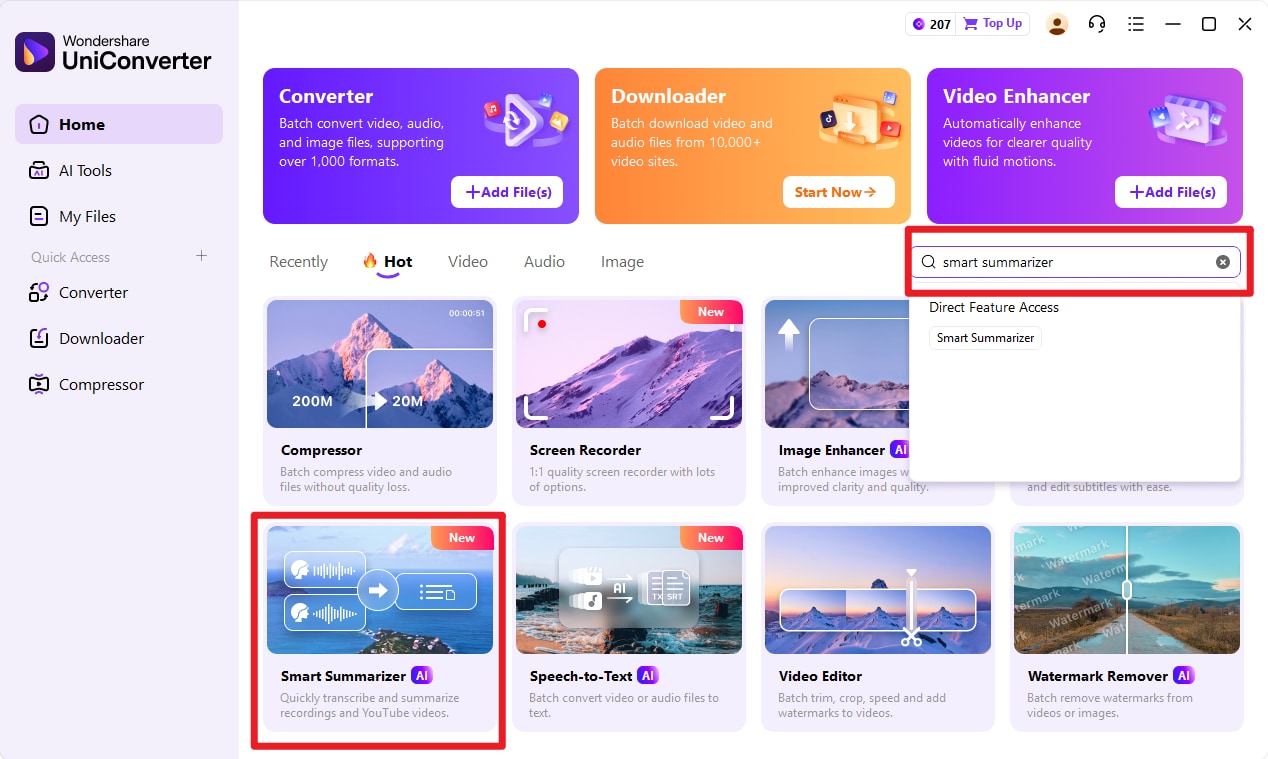
Step 1: On the homepage, click "More Tools" on the left side, and navigate to "Smart Summarizer."
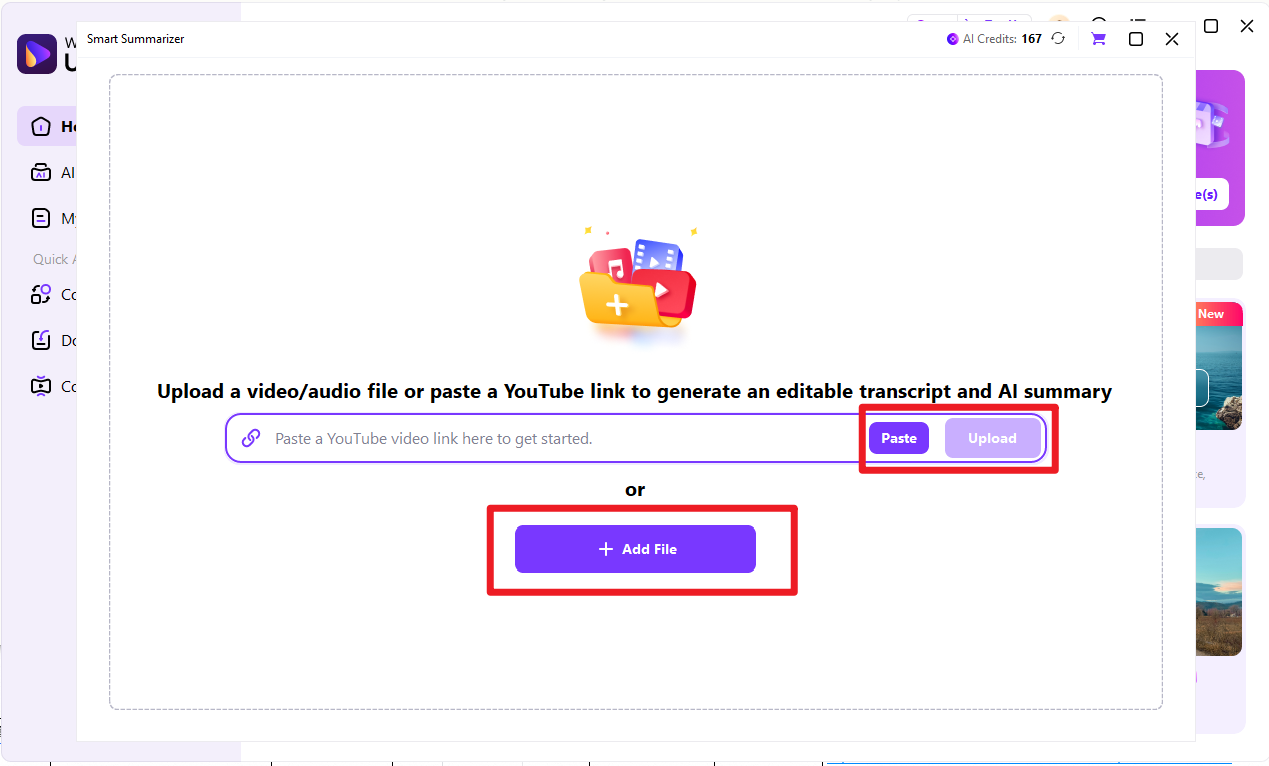
Step 2: Click 'Upload' to upload your local podcast files or paste YouTube link to summarize podcast video.
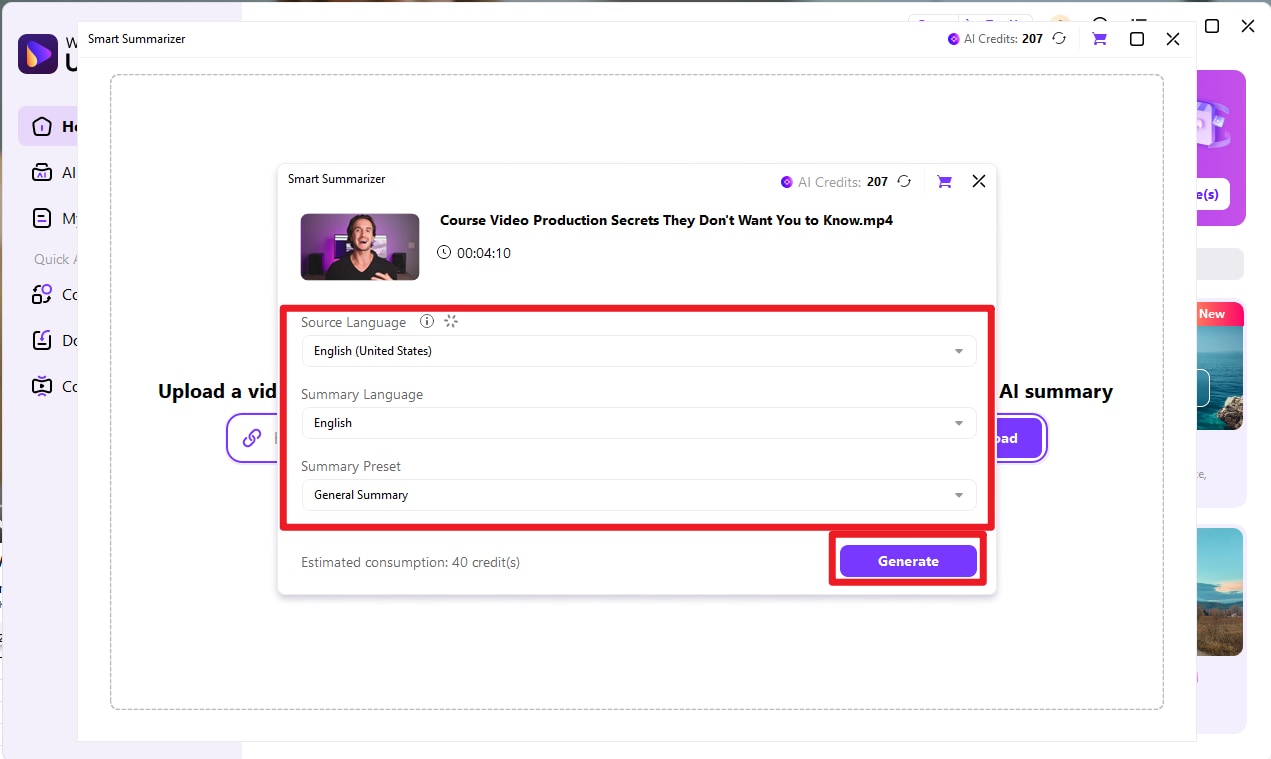
Step 3: After the video summarizer analyzed basic information, select customizable selections like source language, summary language and summary preset.
Step 4: Wait for it to summrize podcast. Confirm before you check speaker information and summary content. Then click export to confirm information to export.
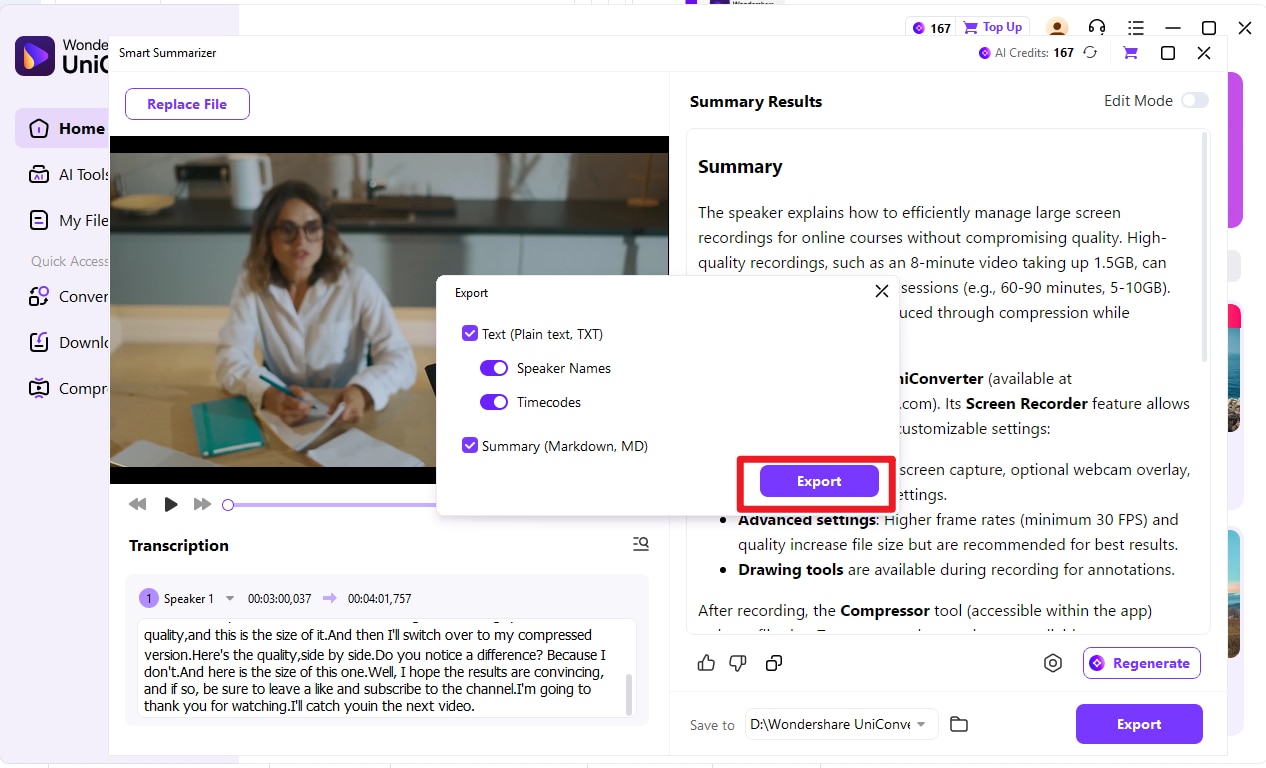
Best for: Content creators, professionals, and researchers who need to process large volumes of podcast content regularly and want a reliable offline solution.
User Review: Wondershare UniConverter makes converting 4K and 8K video files a breeze, ensuring high-speed performance. Additionally, it simplifies video compression, all while offering an intuitive and user-friendly interface for seamless navigation. (G2)
Easy to Use AI Podcast Summraizer
Part 3. Compatible AI Podcast Summarizer Online Web Tool
NoteGPT
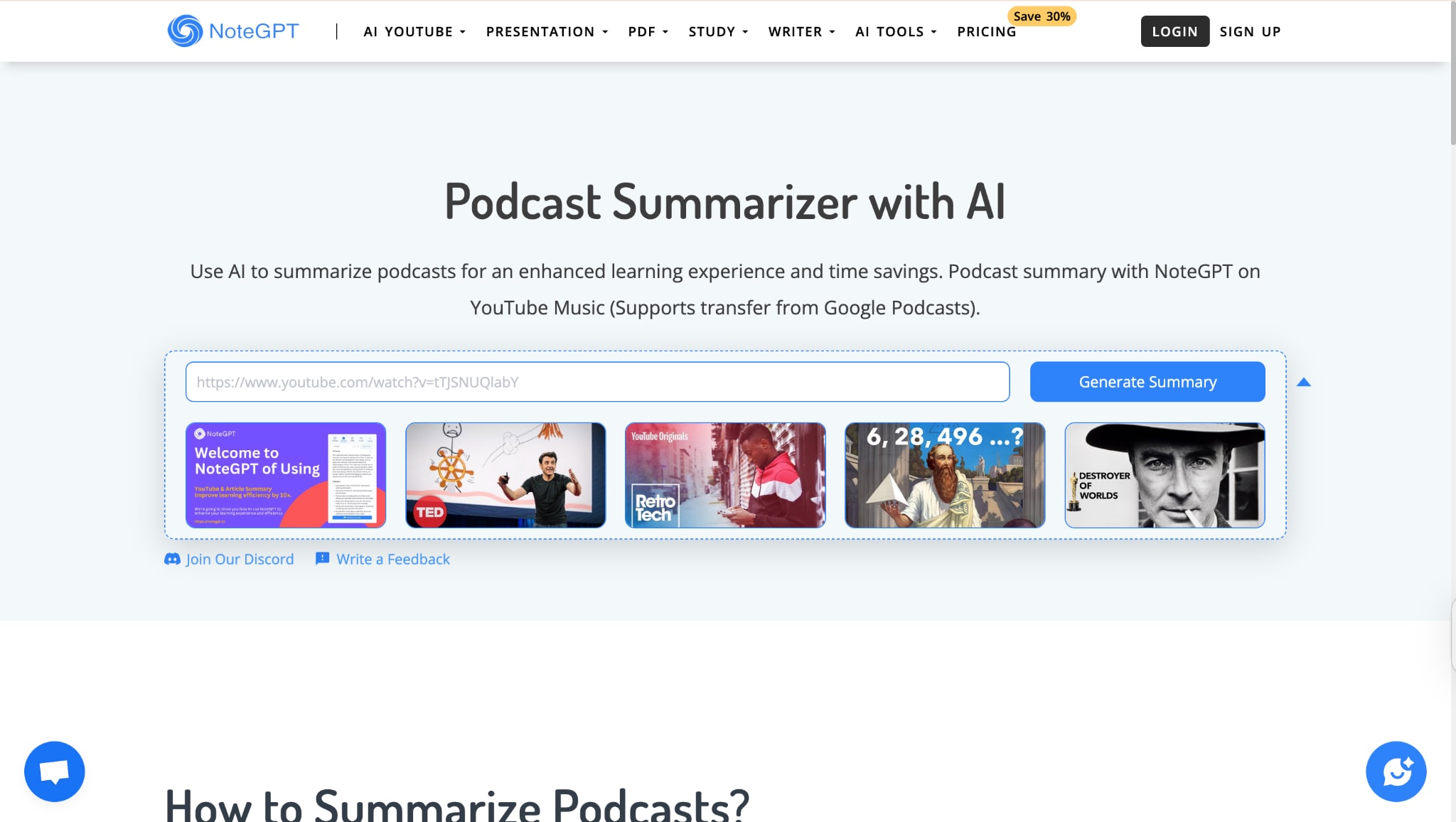
NoteGPT is like having a smart assistant that reads podcasts for you. Just paste any podcast link, and it quickly breaks down the entire episode into key points you can scan in minutes. It's perfect when you want to catch up on shows without actually listening, which is great for busy days when you need the insights but don't have time for full episodes.
Key Features
- Simply input podcast RSS feed URLs for instant summarization
- Podcast audio retrieval, audio-to-text conversion, and AI summarization
- No software installation required. It works directly in your browser
- Get concise summaries without listening to entire episodes
How to use Podcast Summarizer
Take these simple steps to get a quick summary of a podcast online:
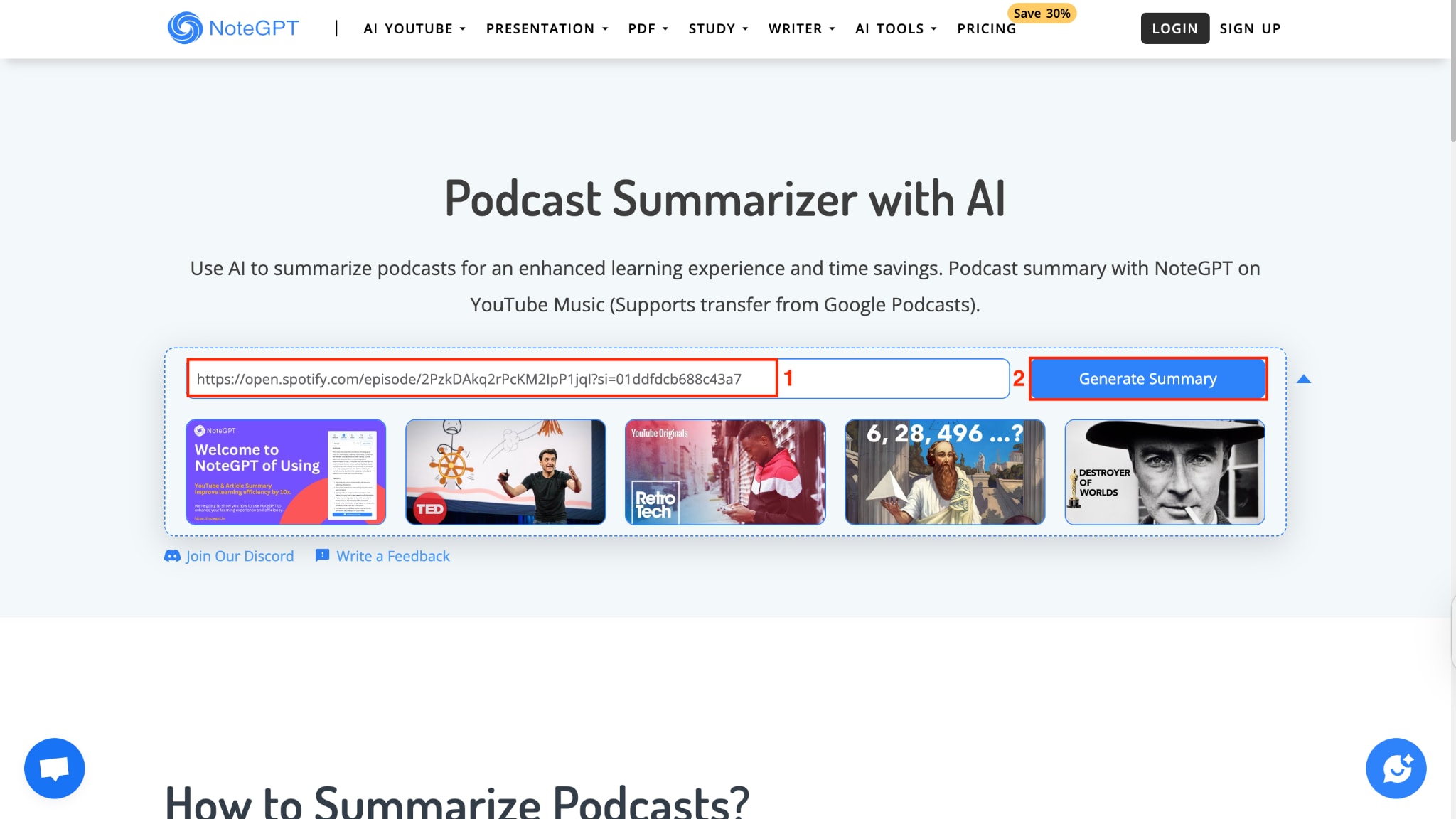
Step 1: Visit the NoteGPT podcast summarizer website and locate the URL input field. Copy your podcast RSS feed URL and paste it into the platform. Click the blue "Generate Summary" button in front of the input box.
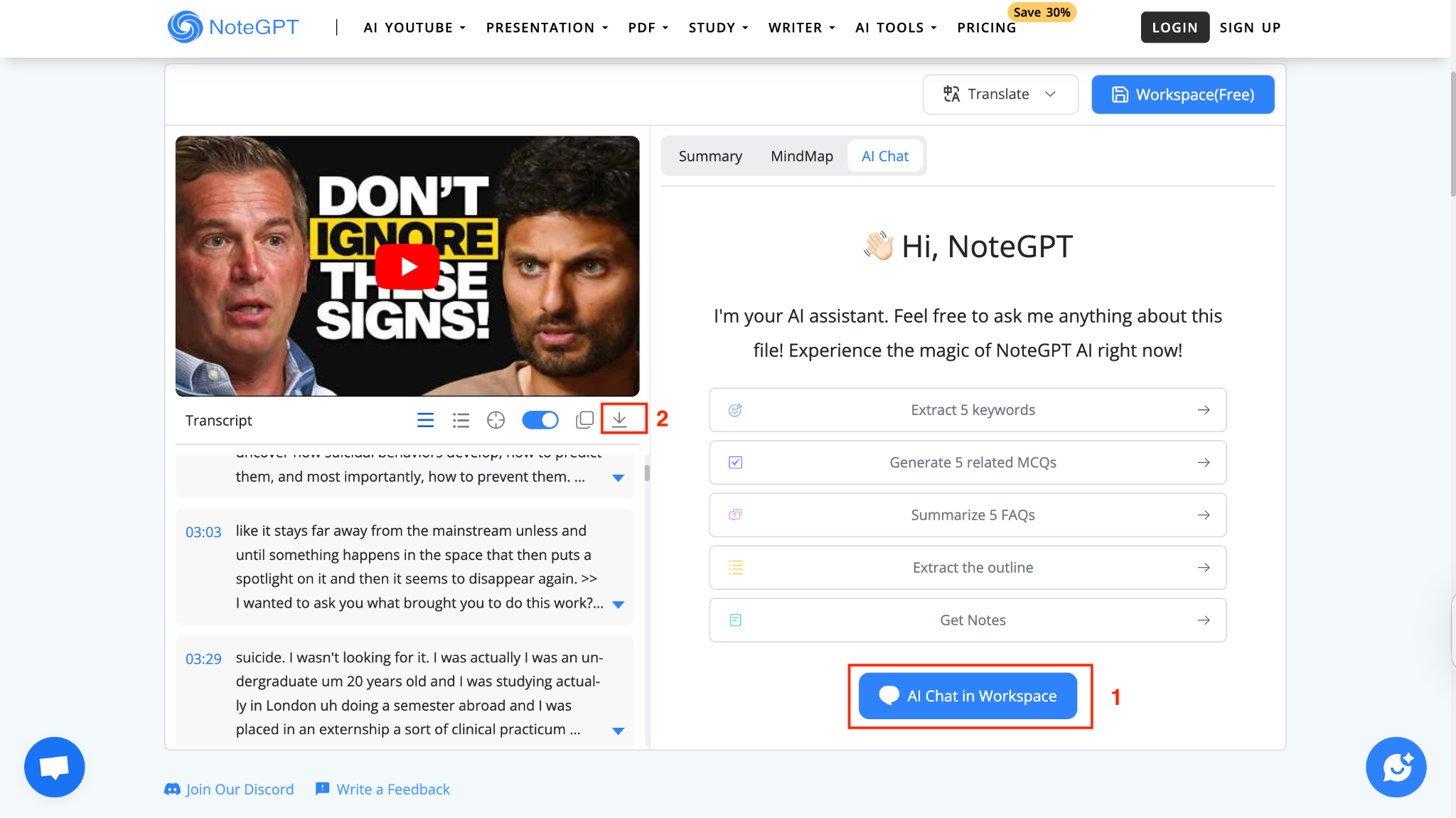
Step 2: Review the concise summary, get quotes or ask questions from AI, and copy or download the summary for later reading.
Best For: Marketing professionals, educators, and anyone who needs quick podcast insights without software installation.
User Review: Tried the free online PDF translator, English to German. Failed, after 2 attempts (each left for an hour or so). (Trustpilot)
Part 4. Lightweight AI Podcast Summarizer Extension
Recall
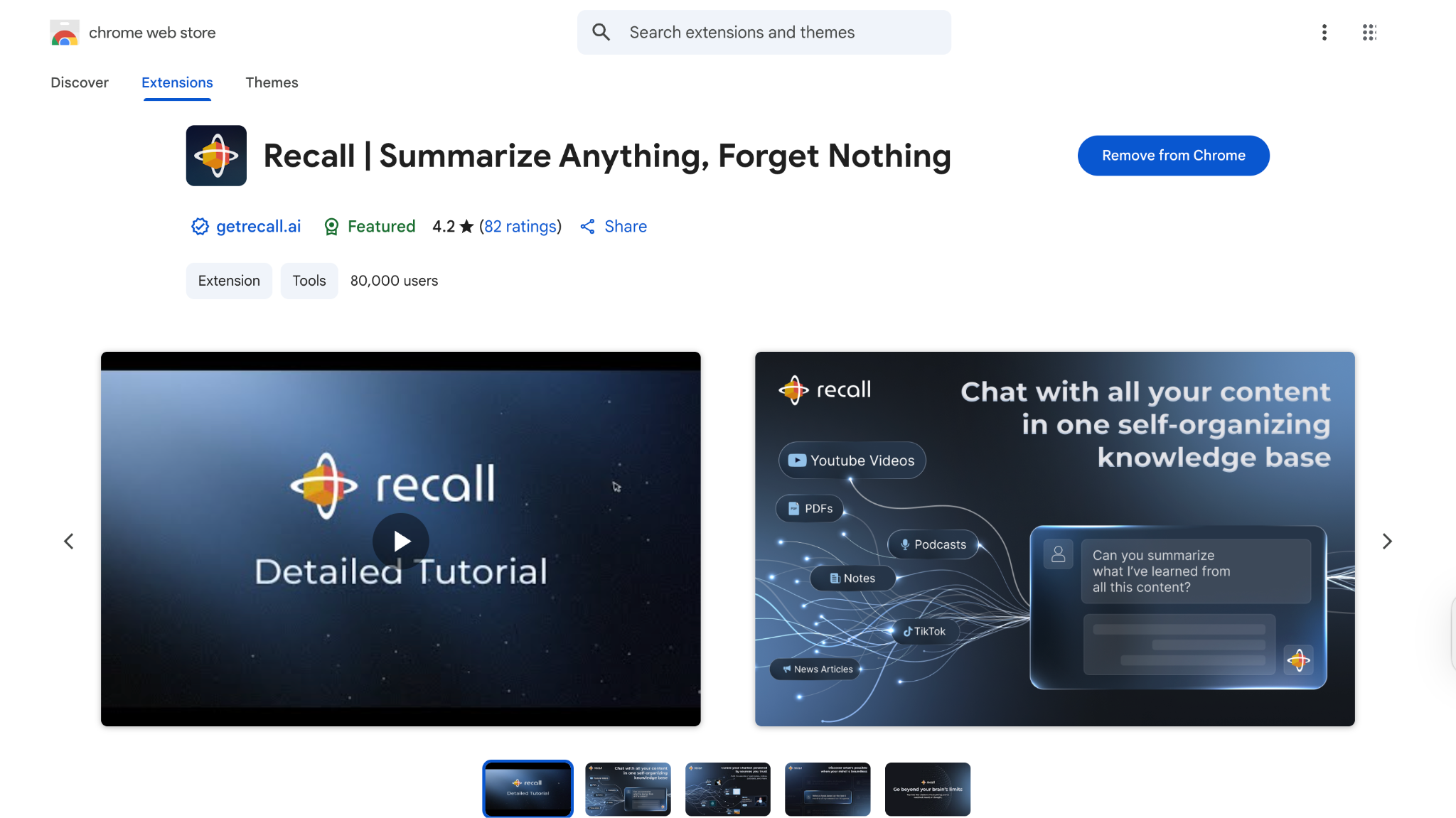
Recall turns your browser into a memory bank for everything you find interesting online. When you're listening to podcasts on Spotify or watching them on YouTube, just click the extension, and it saves a smart summary to your personal knowledge base. It even connects related content together, so you can see how different podcast topics relate to each other over time.
Key Features
- Summarizes podcasts from Spotify, Apple Podcasts, YouTube, and web content
- Automatically organizes and connects related content for deeper insights
- Instant summaries as you browse different podcast platforms
- Works across all your devices with cloud synchronization
How to get a Podcast Summary with Recall Chrome Extension
Follow these steps to get a podcast summary without downloading any app:
Step 1: Install the Recall extension from the Chrome Web Store, and navigate to your favorite podcast on Spotify, Apple Podcasts, or YouTube.
Step 2: Click the Recall extension icon while on the podcast page, and let the AI process and summarize the content automatically.
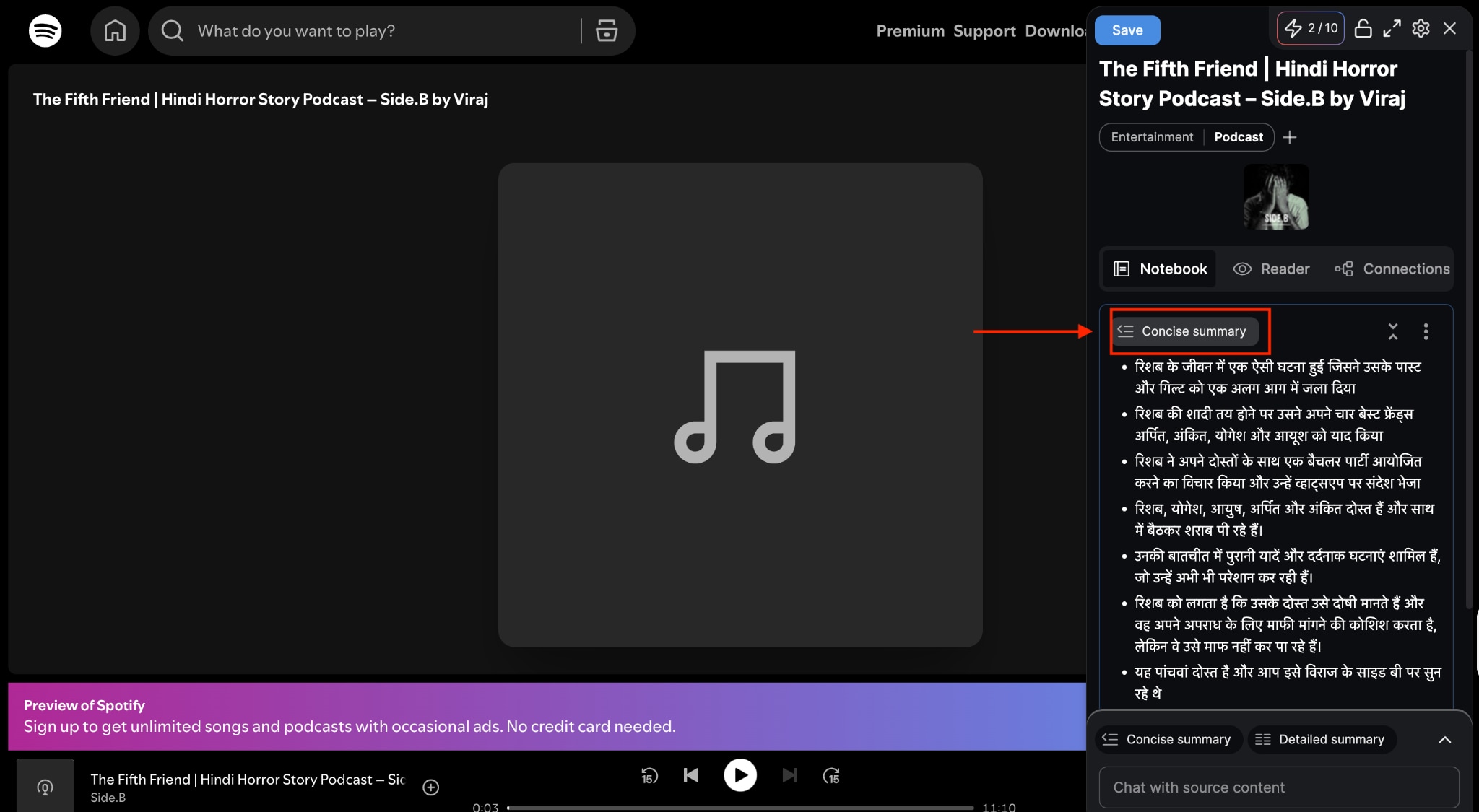
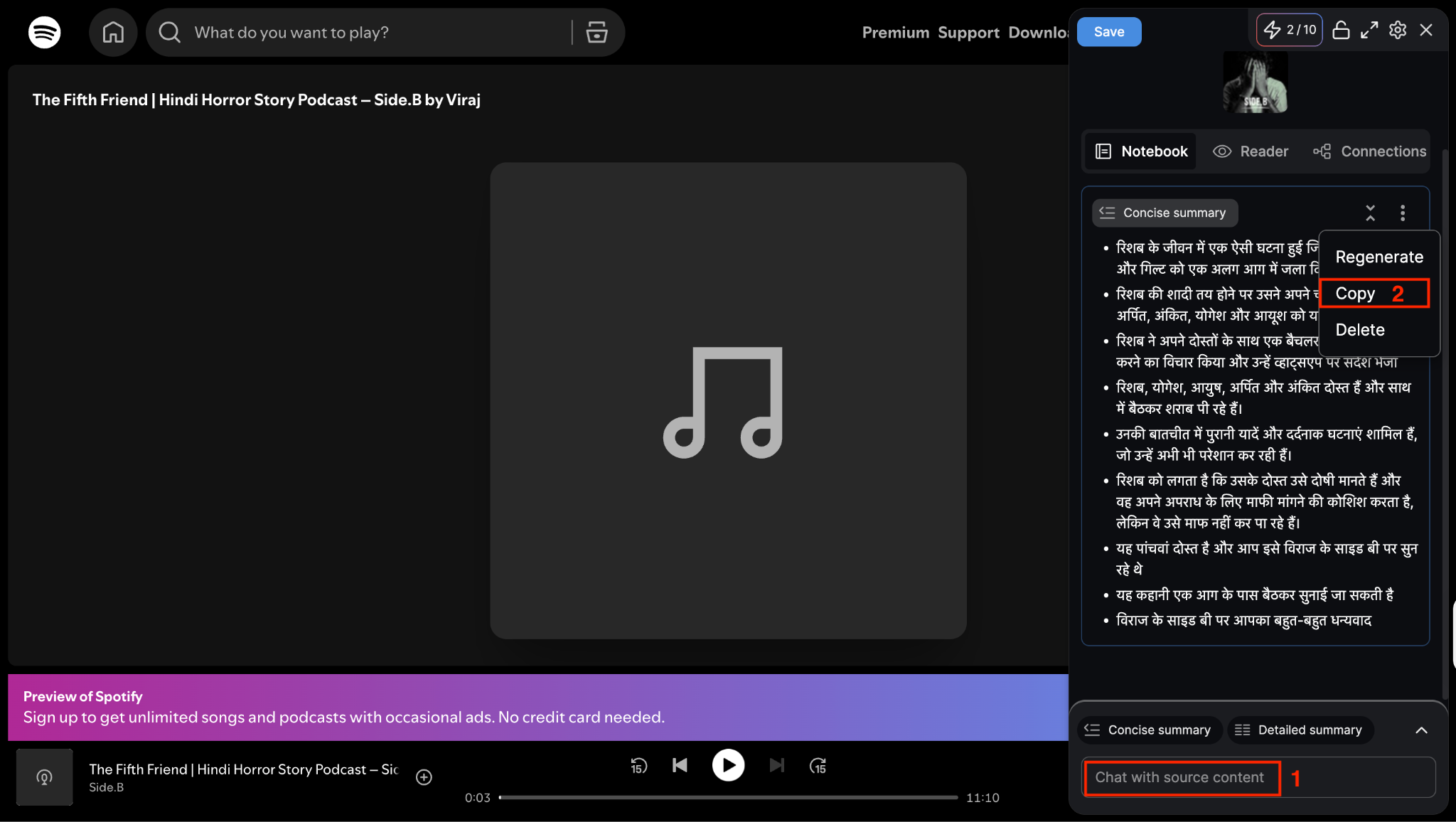
Step 3: Chat with AI or copy the content if you want to read the summary later.
Best for: Researchers, students, and knowledge workers who consume diverse content and want to build a connected learning system.
User Review: Amazing AI tool. The summarization is very good. The categorization is great. In some cases, when the linking category is missed, places are put in the other category. Linking suggestions are mostly good. (Reddit)
Part 5. Easy-to-Use AI Podcast Summarizer Mobile App
TubeOnAI
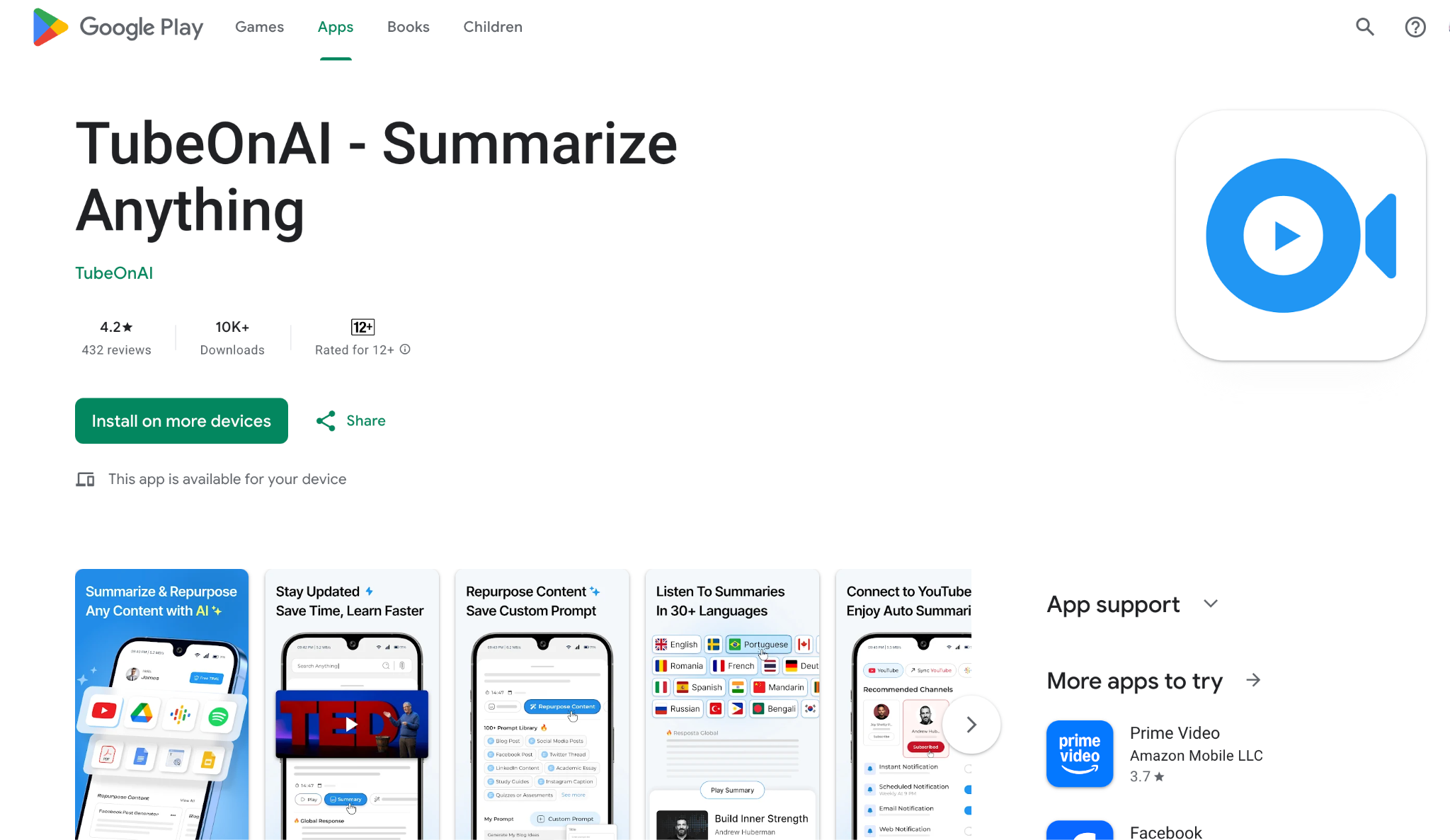
TubeOnAI is your pocket-sized podcast companion that works wherever you are. Whether you're commuting or taking a coffee break, just paste a podcast link from YouTube, Spotify, or anywhere else, and get an instant summary you can read or even listen to. It's designed for people who want podcast insights on their phone without the hassle of complicated setups.
Key Features
- Summarizes content from YouTube, Spotify podcasts, and various audio formats
- Listen to AI-generated audio summaries on the go
- Access summaries in your native language regardless of the source content language
- Chat with AI about specific podcast topics for deeper insights
How to Use TubeOnAI to Get a Podcast Summary
Follow these steps to get a podcast AI summary:
Step 1: On the homepage, click "Podcast Summary."
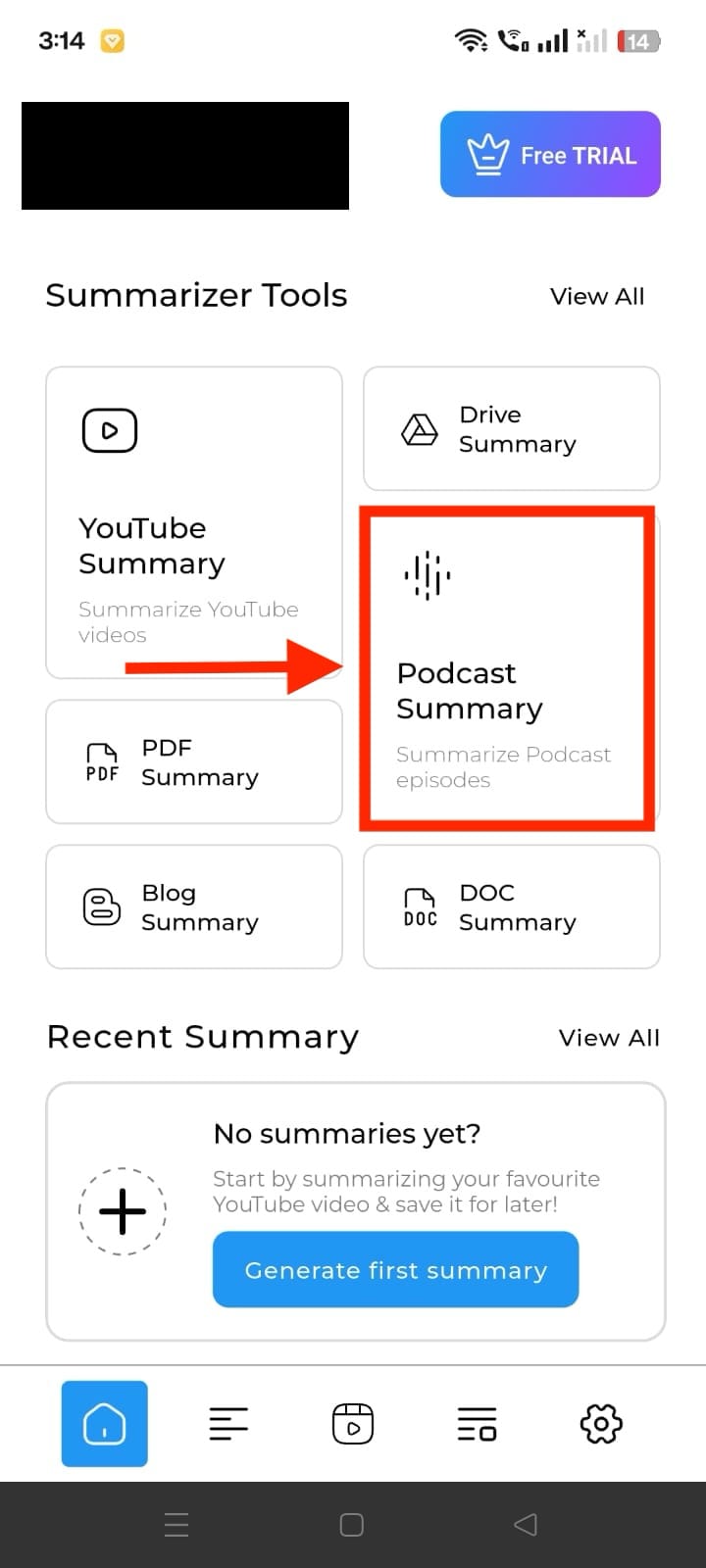
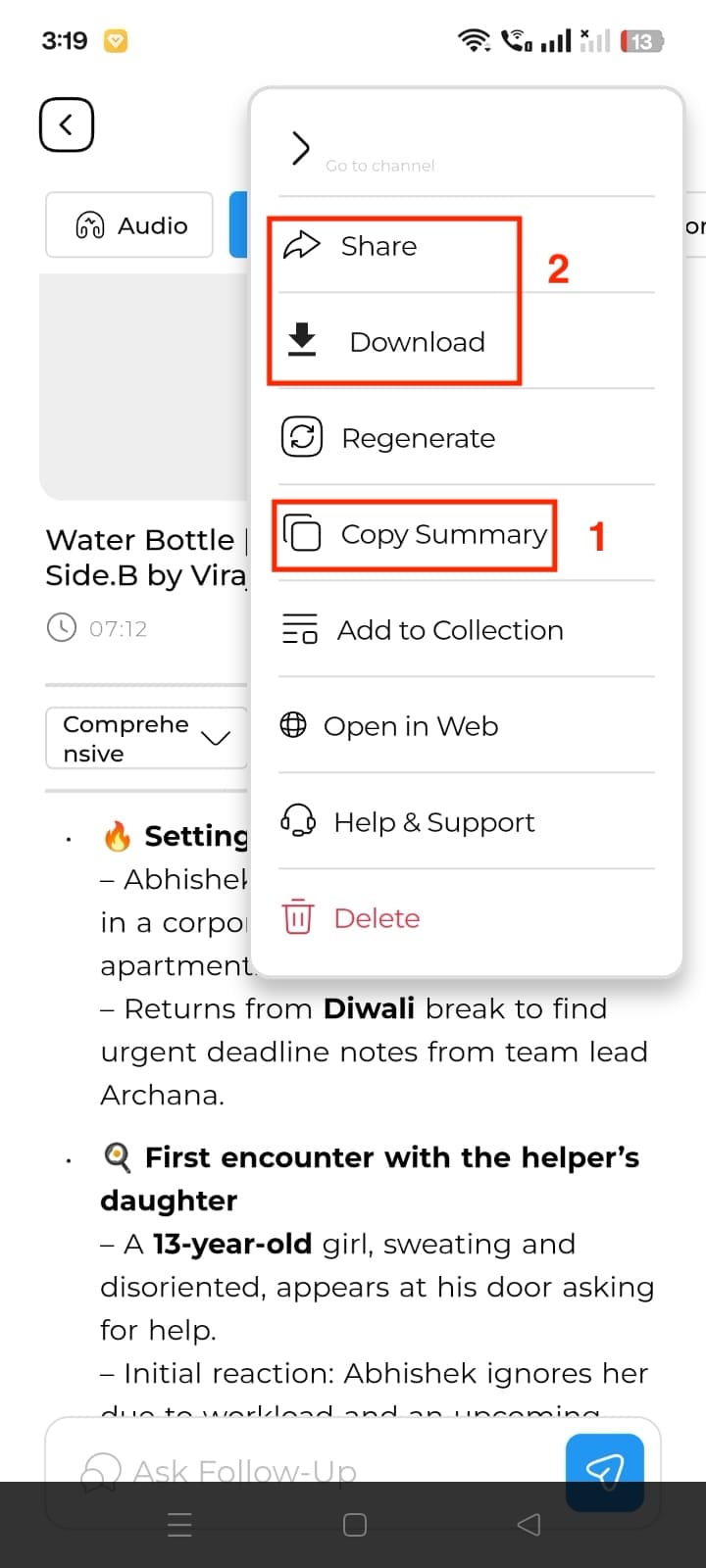
Step 2: Search for any podcast episode or paste the link and continue. The summary process will take time until you ask follow-up questions. Once the summary is ready, read it or click the three dots on the right side corner and click share, download, or copy summary.
Best For: Mobile-first users, content creators, commuters, and anyone who wants podcast summaries accessible anywhere.
User review: After 15 days with TubeOn AI, I'm truly impressed. The podcast summarizer is a standout feature - it's like having a personal assistant who knows exactly what you need from your audio content. (Play Store)
Easy to Use AI Podcast Summraizer
Part 6. Built-in AI Podcast Summarizer in Podcast App
Snipd
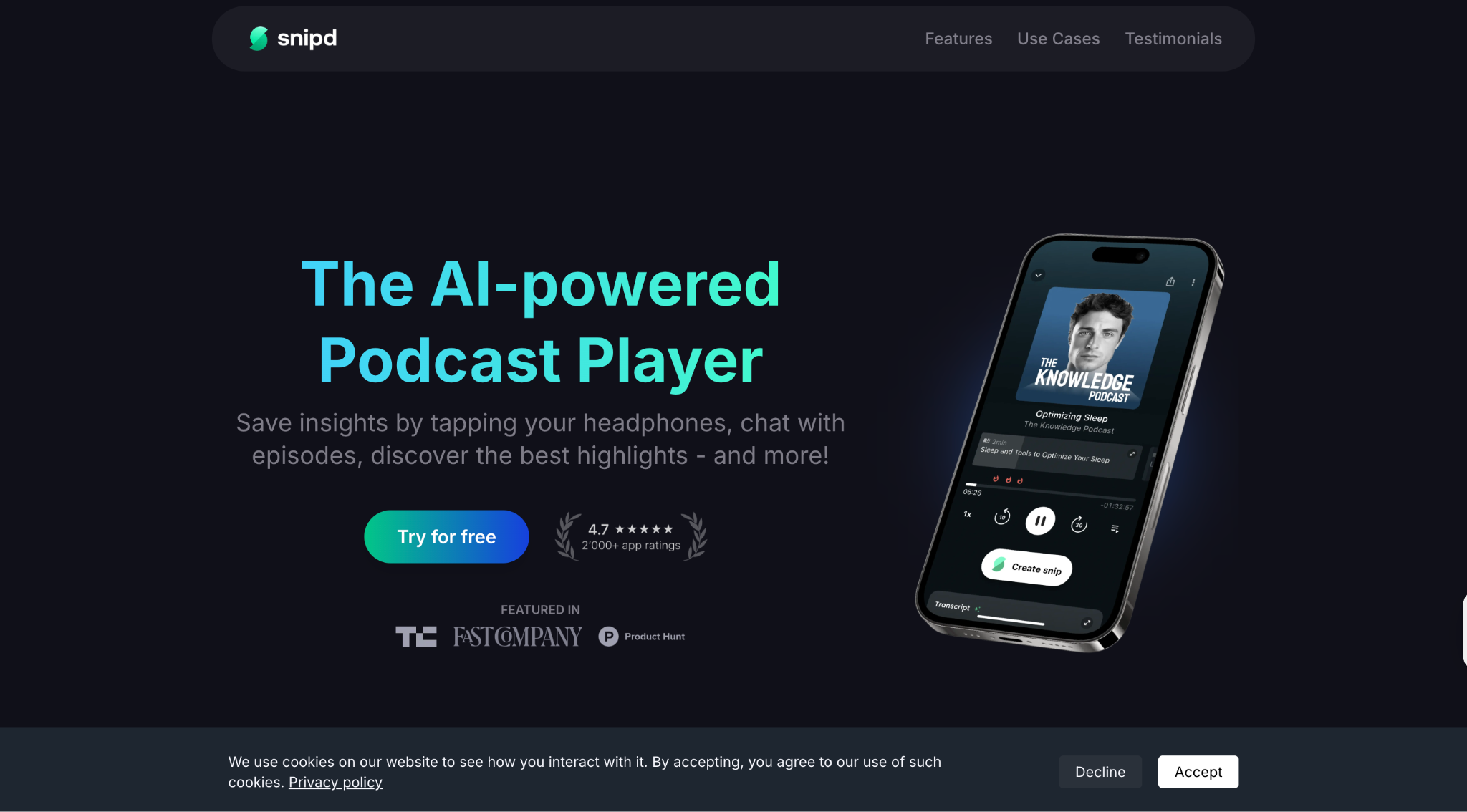
Snipd is different because it's actually a podcast player that thinks while you listen. Instead of just playing episodes, it creates summaries and lets you save important moments with a simple tap on your headphones. It's like having a smart note-taker built right into your podcast app, perfect for serious podcast listeners who want to remember and use what they learn.
Key Features
- Get AI-generated overviews before listening to episodes
- Transcripts clearly identify different speakers in conversations
- Navigate episodes easily with AI-generated chapter breakdowns
- AI features work in English, German, French, Spanish, Italian, Portuguese, and more
How to use Snipd to Get a Podcast Summary
Take these steps to get an instant summary of the podcast:
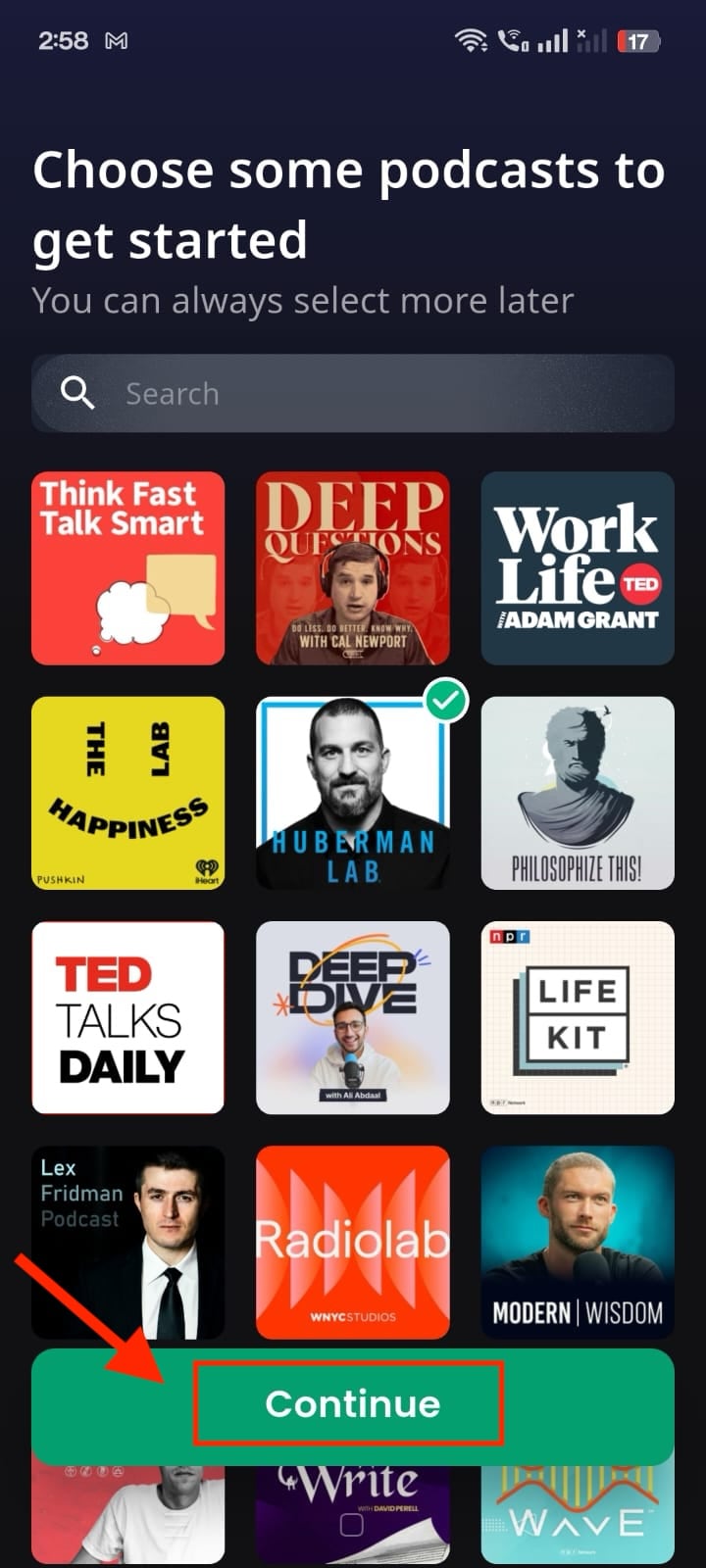
Step 1: Download Snipd from the App Store or Google Play Store. Create your account and browse episodes, or choose one and click "Continue."
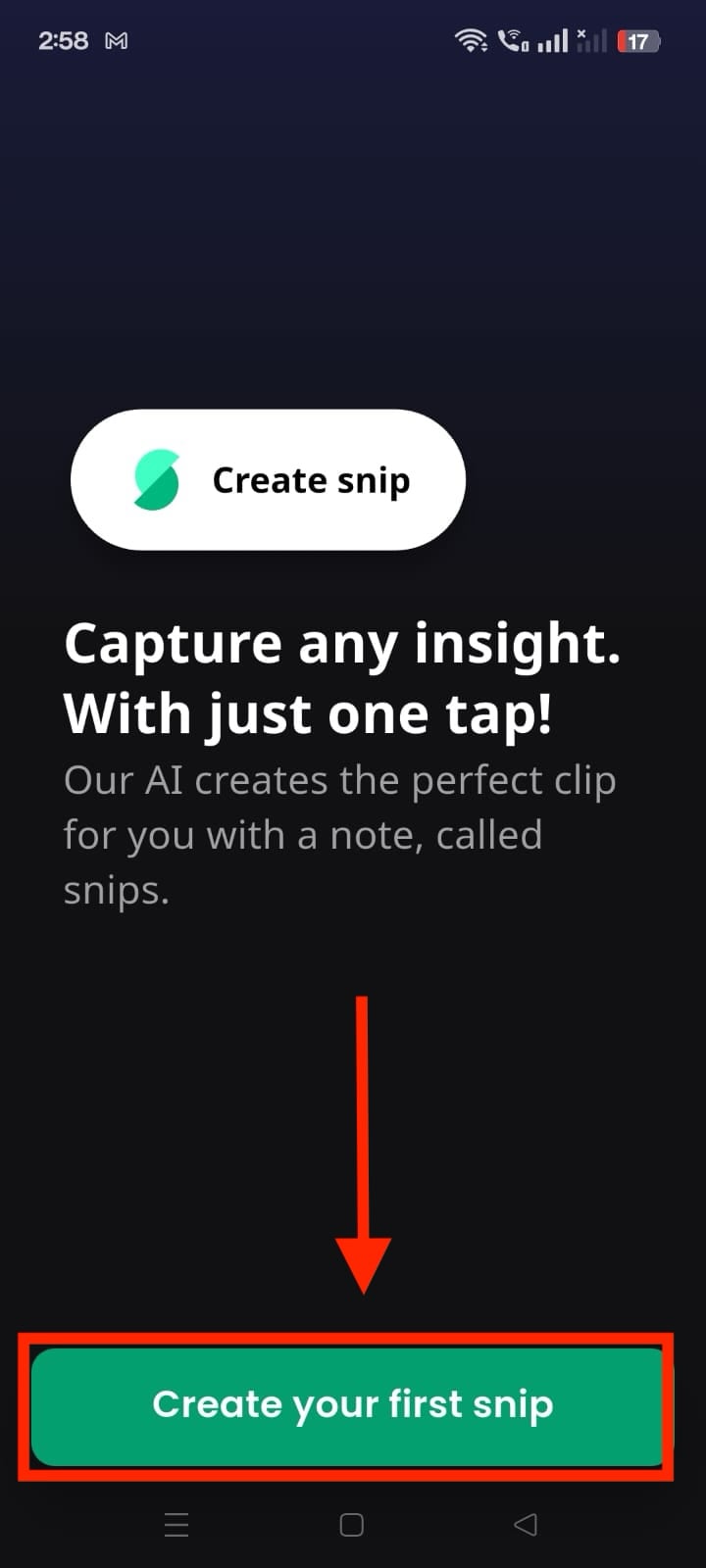
Step 2: Now click "Create your first snip."
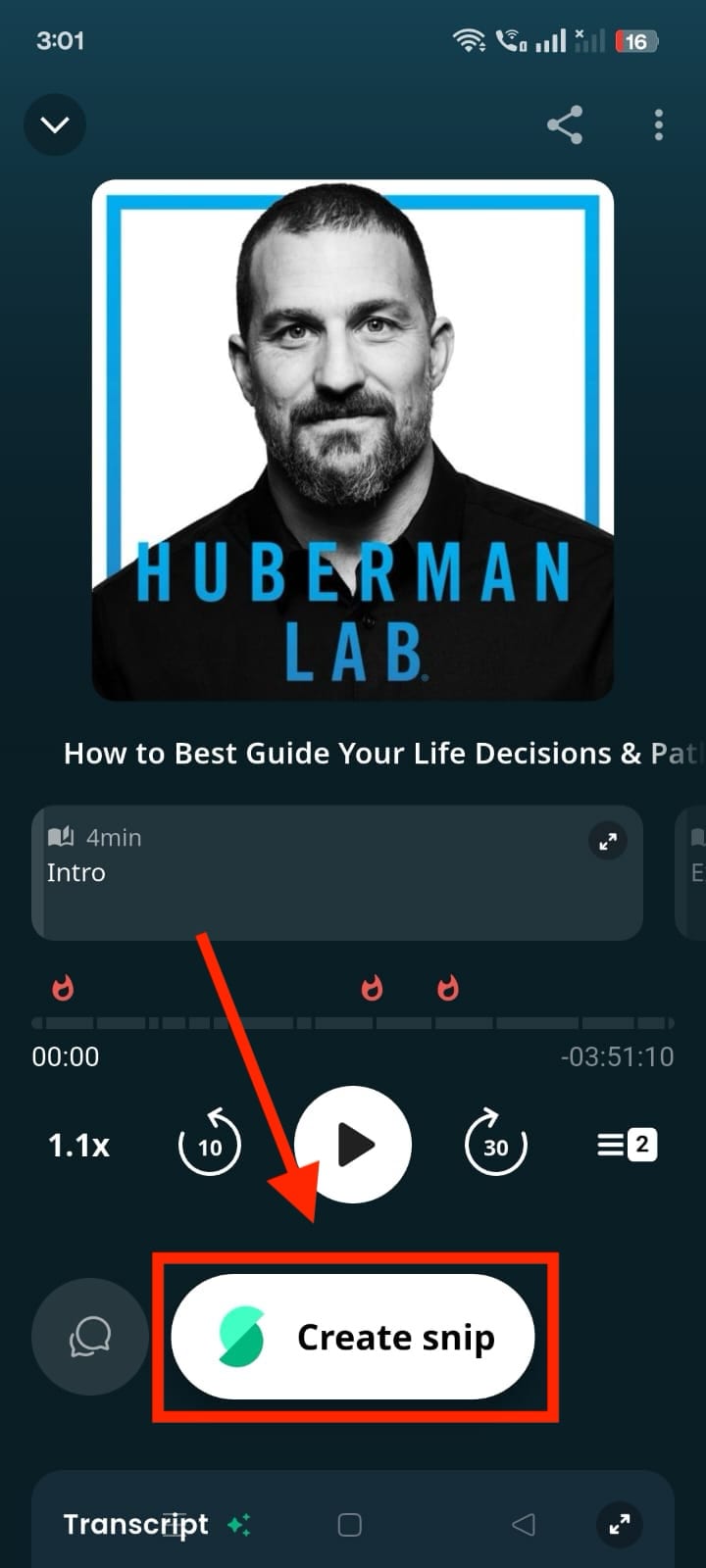
Step 3: Choose an episode and click the "Create Snip" button.
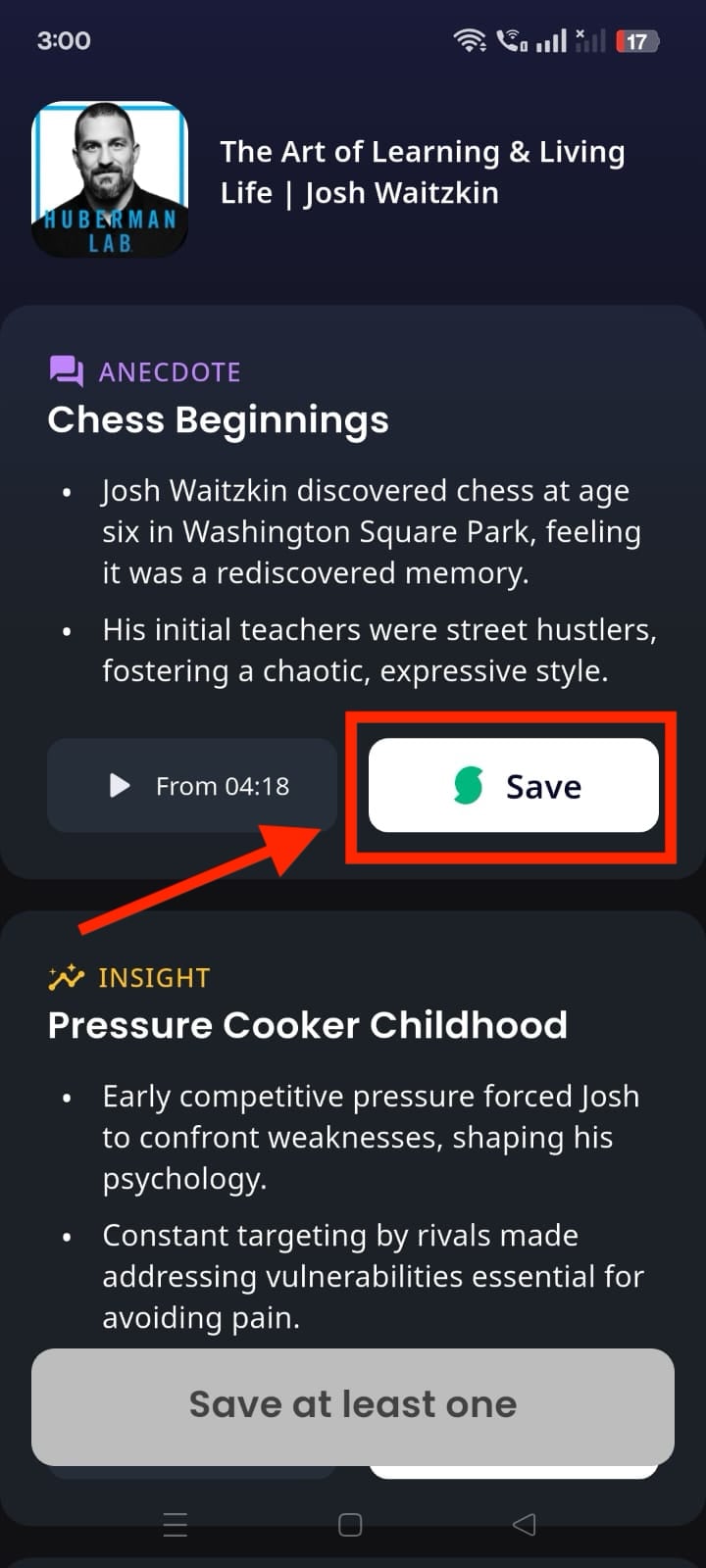
Step 4: Click "Save" and tap "Continue."
Best For: Serious podcast enthusiasts, lifelong learners, professionals who want to maximize learning from podcasts, and users who prefer integrated solutions over separate tools.
User Reviews: I love this app! I am so much more easily able to get back to the key takeaways and clips from podcasts I need to listen to again. (Apple)
Conclusion
AI podcast summarizers have changed how we consume audio content. These tools make it possible to extract valuable insights from hours of podcasts in just minutes. Whether you want to choose a comprehensive desktop solution like Wondershare UniConverter smart summarizer for batch processing, web-based tools like NoteGPT for quick summaries, browser extensions like Recall for seamless integration, mobile apps like TubeOnAI for on-the-go access, or dedicated podcast apps like Snipd for a better summary experience. Each option serves different needs and preferences. Select the podcast summary generator that aligns with your workflow and content consumption habits.
FAQs
-
1. How accurate are AI podcast summaries?
Modern AI podcast summarizers achieve 90-95% accuracy rates, especially tools like UniConverter and Snipd. However, accuracy can vary based on audio quality, speaker clarity, and technical jargon complexity. -
2. Can I summarize podcasts in languages other than English?
Yes, many tools support multiple languages. UniConverter supports over 20 languages, while Snipd works with 11+ languages, including German, French, Spanish, and more. -
3. Are there free podcast summarizer options available?
Yes, several tools offer free tiers: UniConverter offers a three-day free trial with access to all features, NoteGPT provides basic summarization, Recall offers limited free usage, TubeOnAI has a free trial, and Snipd allows two AI-processed podcasts per week on their free plan. -
4. Can AI summarizers identify different speakers in podcasts?
Yes, advanced tools like Snipd offer speaker identification features, which clearly distinguish between different voices and attribute quotes correctly in transcripts and summaries. -
5. How long does it take to generate a podcast summary?
Processing times vary by tool and content length. A podcast summarizer like Wondershare UniConverter does batch processing within a minute.

