How to Convert Video Frame Rate with 3 Steps

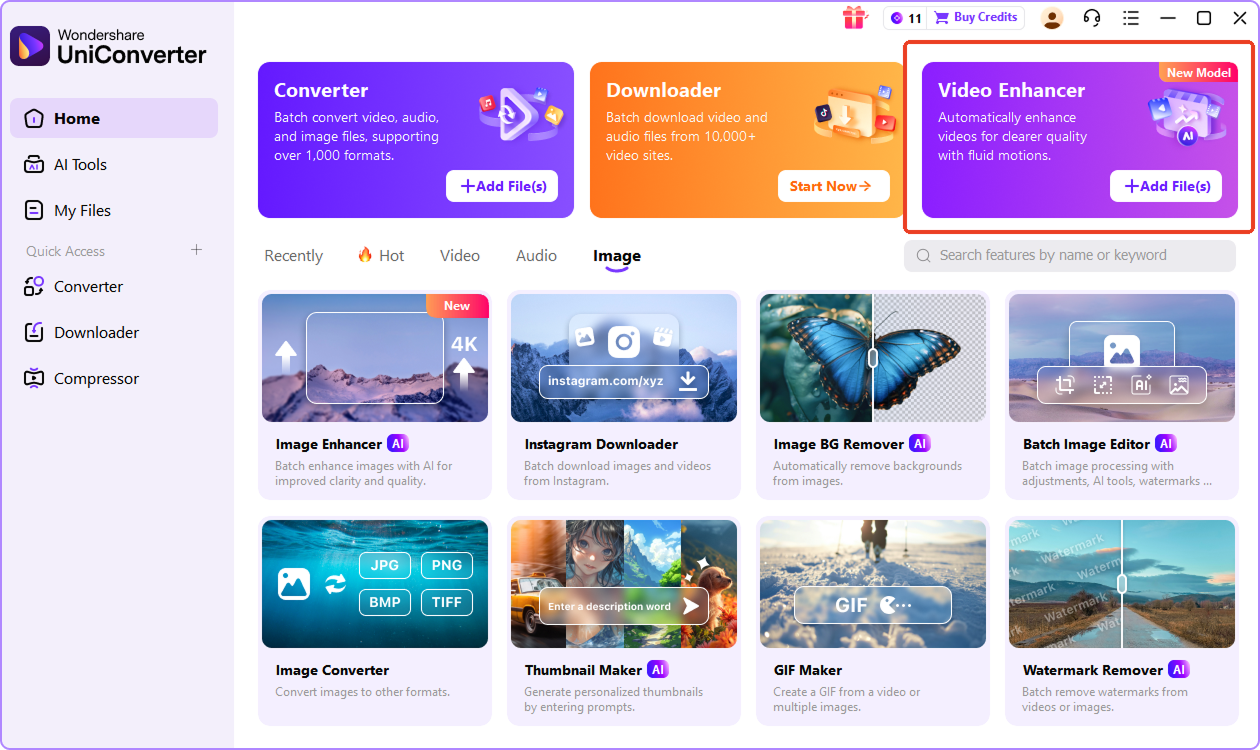
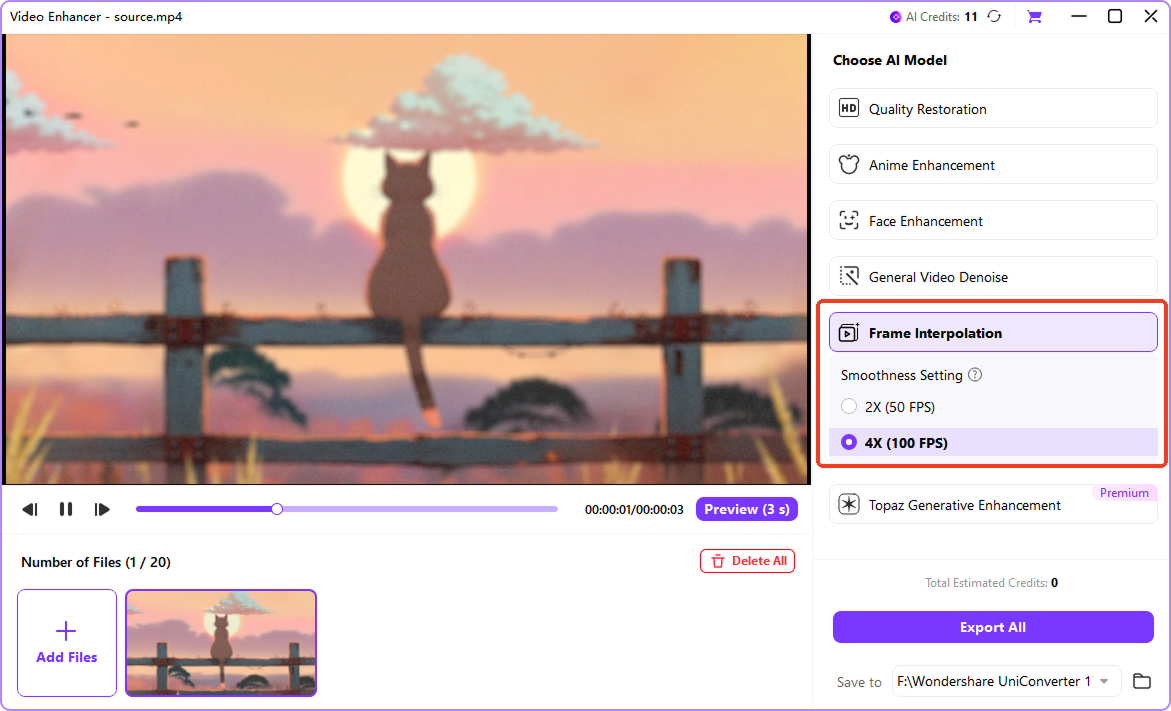
Open UniConverter and select video enhancer feature, then import your video by dragging it into the window or selecting it from your device. If you use the desktop version, you can upload several clips at once for batch conversion. The online tool processes one video at a time for quick adjustments.

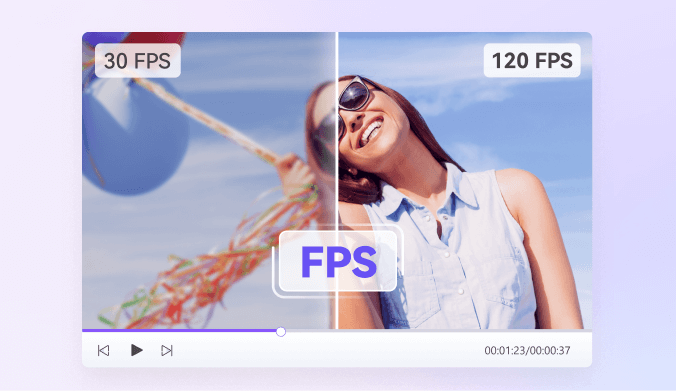
Tap on "Frame Interpolation" model, and choose either 2× or 4× FPS enhancement based on how smooth you want your video to look. AI Frame Interpolation generates natural in-between frames to create higher FPS output without introducing jitter. When using the desktop software, you can apply these settings to all imported files at the same time.

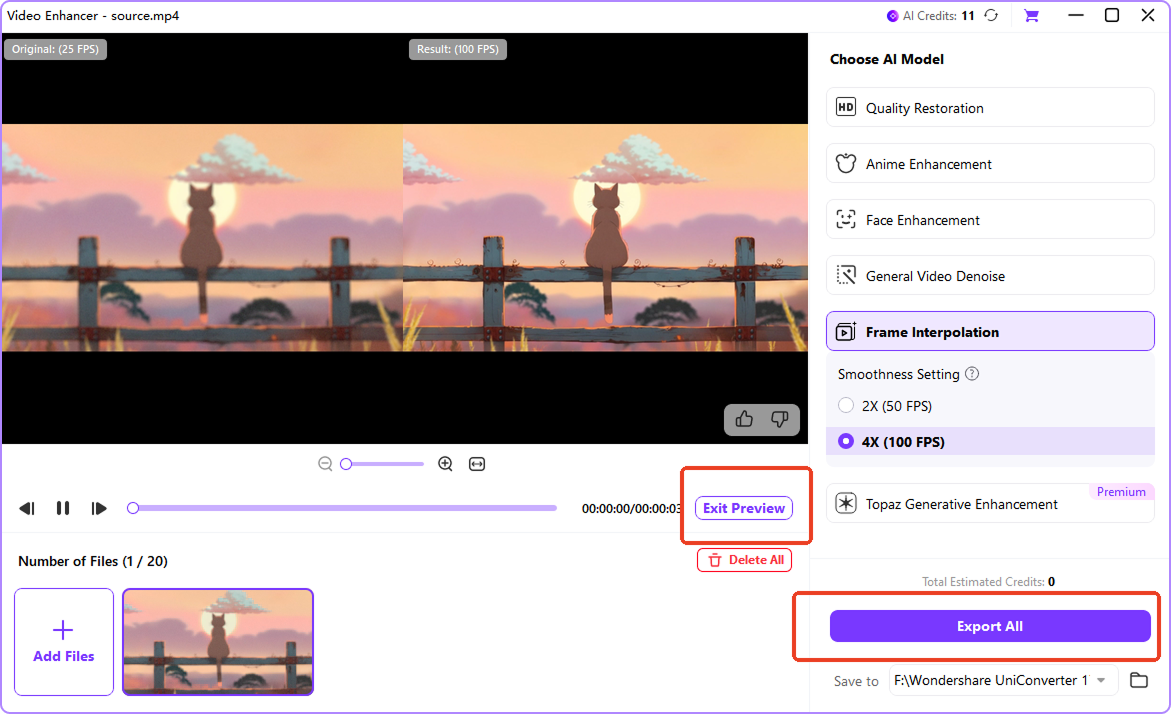
Click Preview and Export to generate your video with the new frame rate. UniConverter keeps your original quality and processes clips efficiently, especially in batch workflows on the desktop version.
Why Choose UniConverter Video FPS Converter
AI Frame Interpolation for Smoother Video FPS
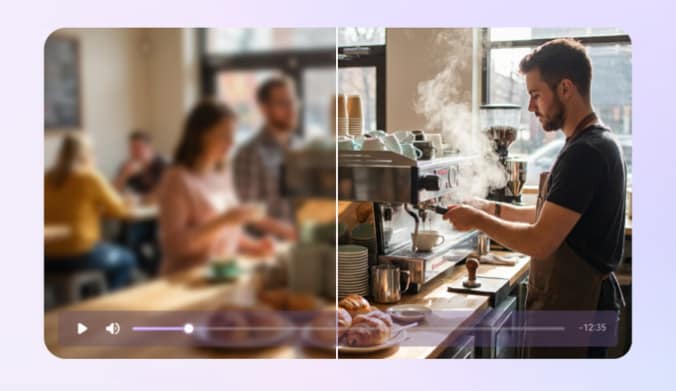
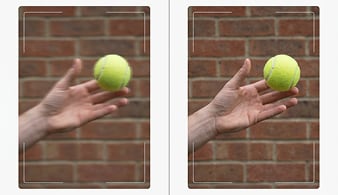
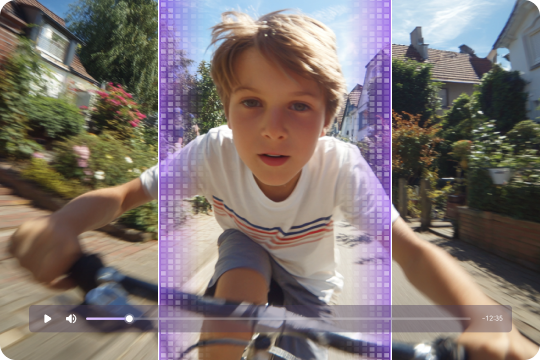
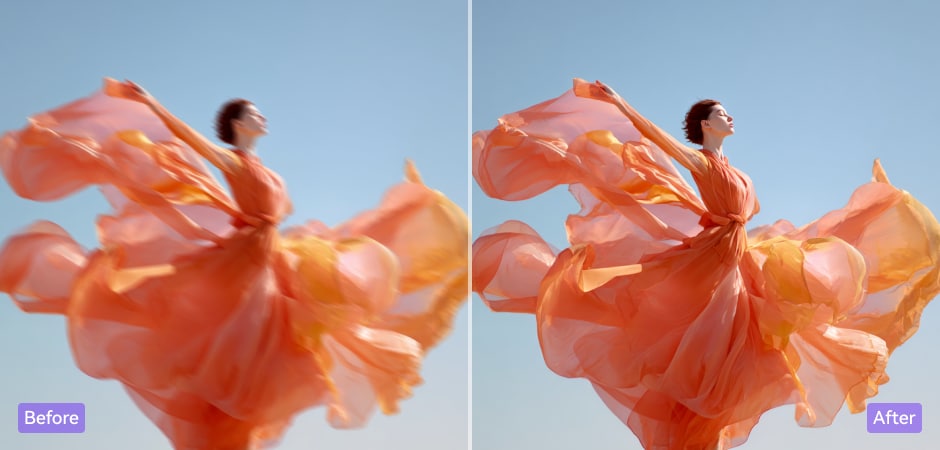
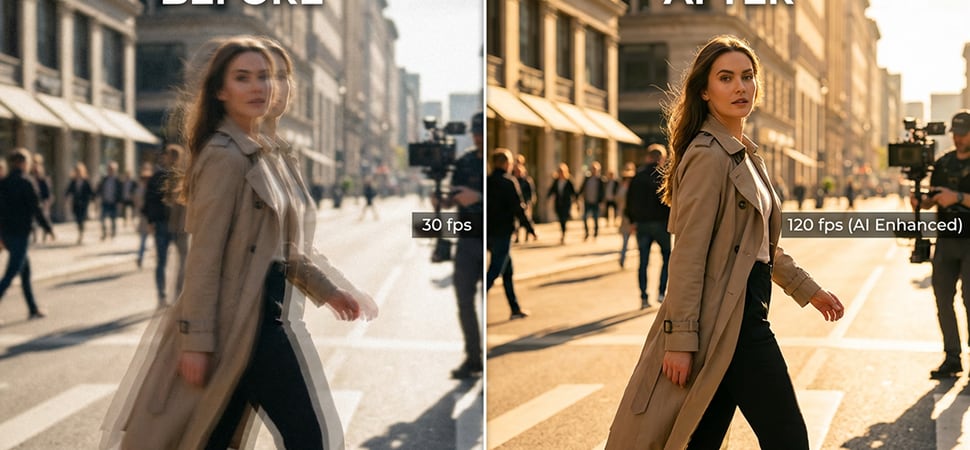
UniConverter uses advanced AI frame interpolation to create natural in-between frames, giving your videos smoother motion without stuttering or ghosting. Instead of duplicating frames, the system analyzes movement and intelligently builds transitions. This makes it ideal for improving old footage, enhancing action scenes, and delivering smooth video FPS with realistic motion consistency across any type of content.
Flexible 2× and 4× Frame Rate Changer
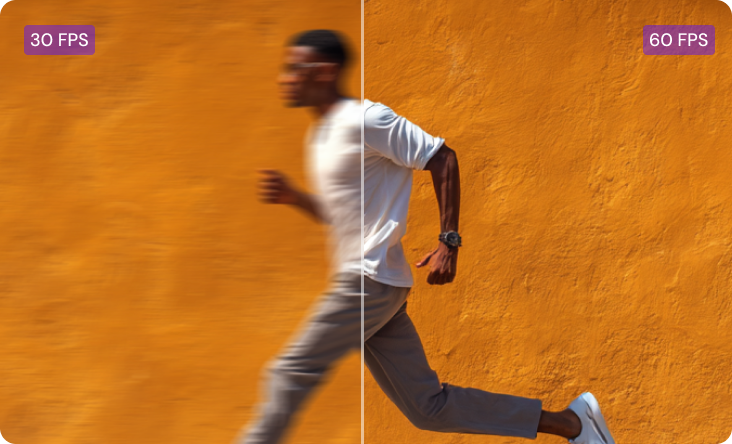
With UniConverter's frame rate changer, you can increase video FPS by 2× or 4× to achieve noticeably smoother playback. This approach removes the guesswork of selecting exact frame rates while still delivering high-quality output suitable for gaming clips, vlogs, or cinematic edits. The smart fps video converter workflow ensures clean motion and improved clarity for both casual creators and professionals.
AI Video Enhancement After FPS Conversion
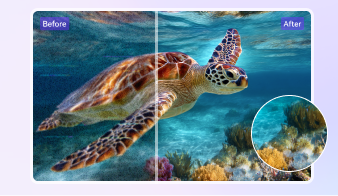
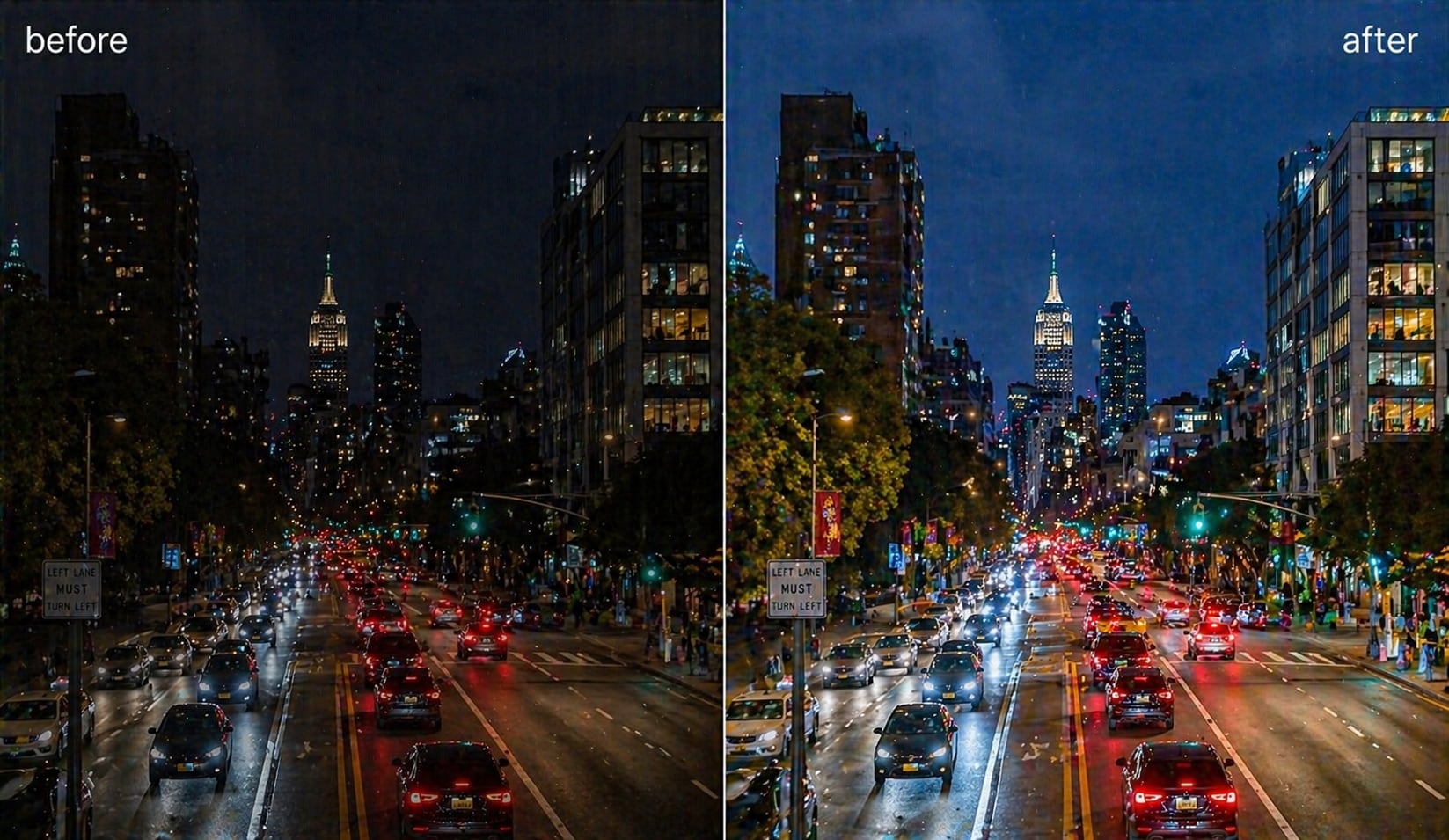
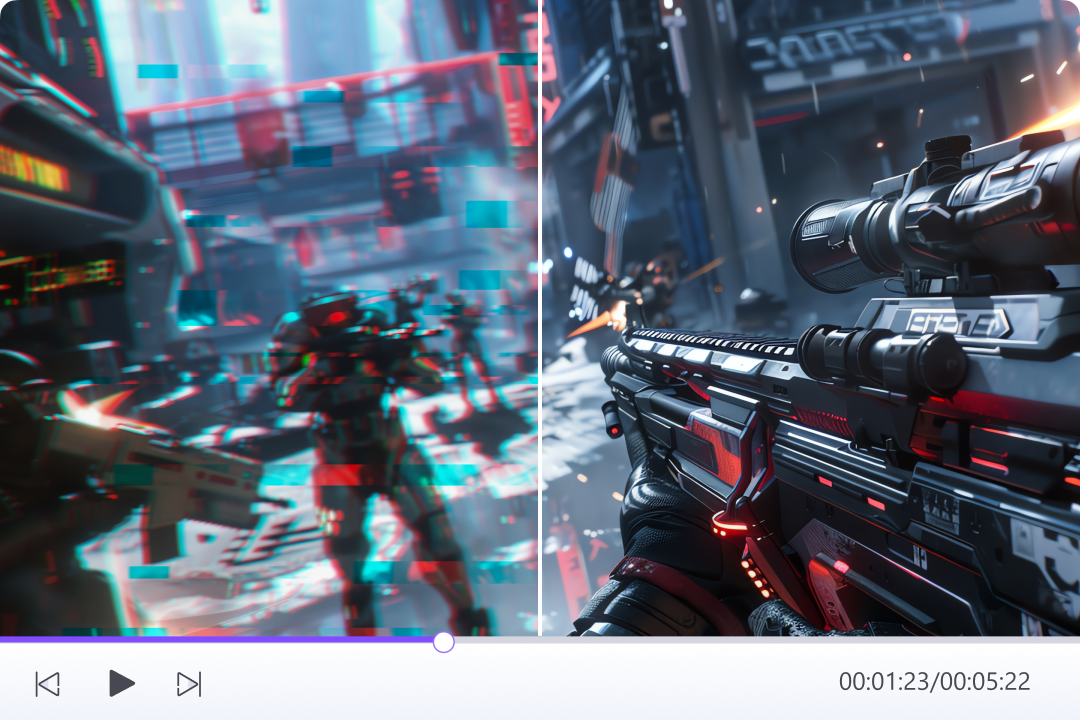
UniConverter combines FPS boosting with AI-powered enhancement, making it more than a standard video frame rate conversion software. Beyond increasing FPS, you can also upscale video, reduce noise from video, and sharpen details using the built-in models from AI video enhancer. This integrated process ensures your upgraded videos look cleaner, brighter, and more refined—especially when restoring low-quality or older recordings.
Desktop and Online FPS Converter Options
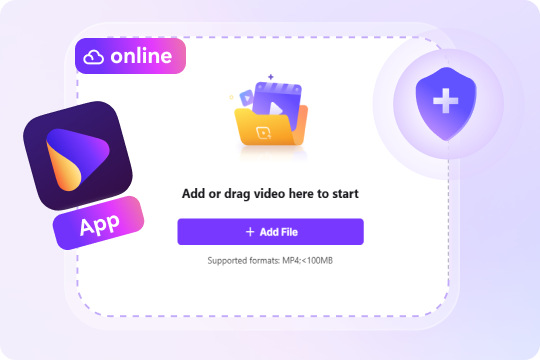
UniConverter offers both a desktop tool and an fps converter online free, giving you flexibility for different workflows. The online FPS changer is ideal for quick, single-file conversions, while the desktop version supports batch tasks and heavier media processing. Both options help you change video FPS easily, whether you're working on personal projects or professional editing assignments.
Efficient Batch Video FPS Conversion
The desktop version includes robust batch processing, allowing you to apply the same 2× or 4× FPS upgrade across multiple clips simultaneously. This fps video converter feature is especially useful for multi-camera shoots, large content libraries, and editing workflows that require consistent frame rates. As a reliable frame rate changer, it saves significant time while keeping your project organized and smooth from start to finish.

Perfect Video FPS Conversion for Every Scenario

Smooth YouTube & Social Media Videos with AI FPS Enhancement
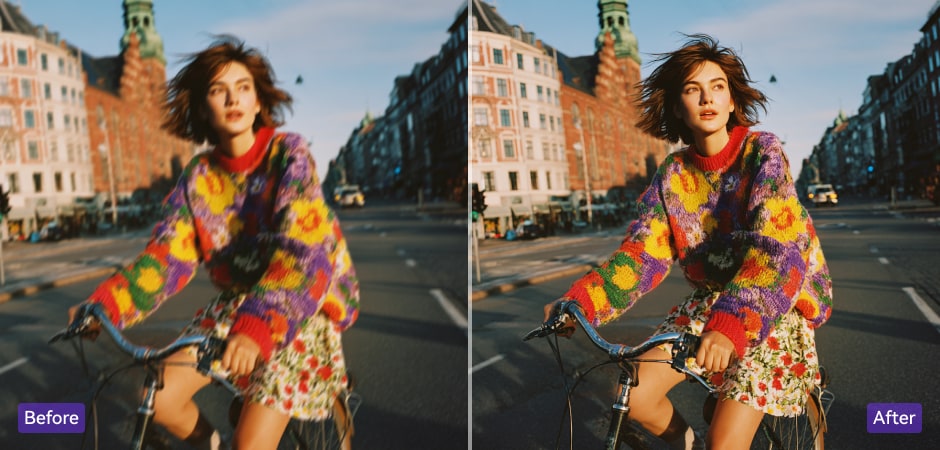
Content creators often work with mixed footage recorded at different frame rates, which causes choppy playback during editing. UniConverter’s AI video fps changer helps you boost frame rates by 2× or 4×, making every clip look smooth and consistent. This ensures your YouTube, TikTok, or Instagram videos feel more polished, even when combining smartphone shots, screen recordings, and camera footage.
Ultra-Smooth 60/120 FPS Gaming Videos Using AI FPS Converter
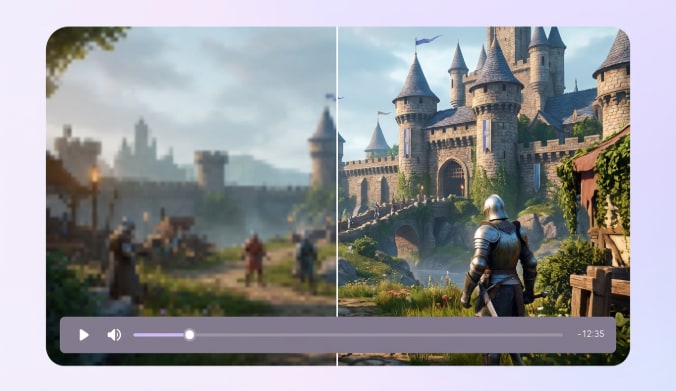
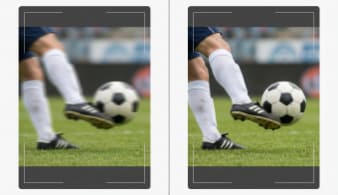
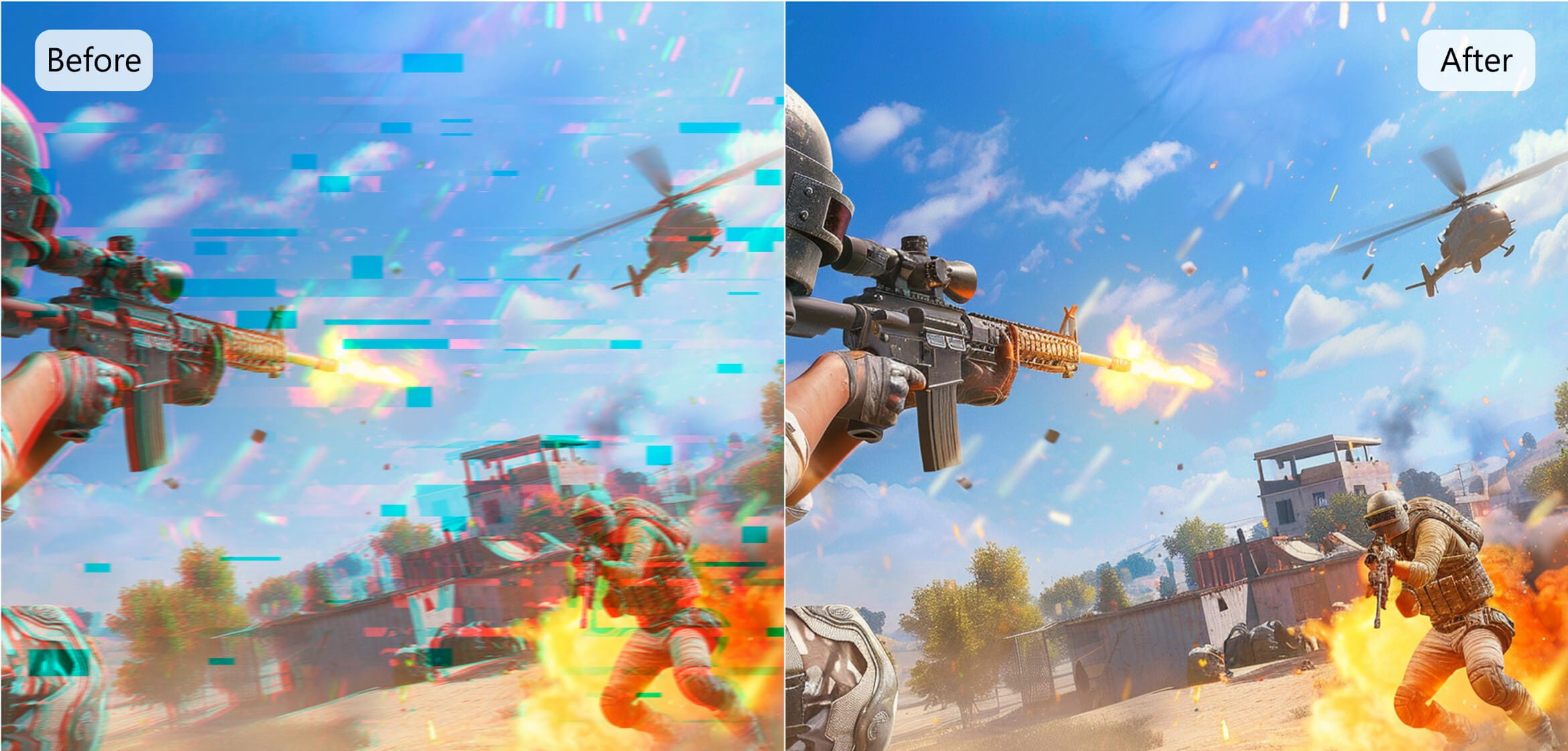
Gaming clips benefit greatly from higher FPS because fast action needs clean motion to stay readable. With UniConverter’s fps video converter capabilities, you can enhance gameplay recordings by 2× or 4× to achieve smoother visuals. This helps you showcase sharp movements, clear transitions, and dynamic scenes. It is ideal for walkthroughs, highlight reels, and high-performance gaming content across all platforms.
Create Cinematic Slow-Motion Effects with High FPS Conversion
Slow-motion creators rely on high frame rates to maintain clarity during dramatic scenes. Using UniConverter’s 120 fps converter online free workflow, you can increase your footage by 2× or 4× FPS to produce cleaner slow-motion visuals. The AI frame interpolation technology keeps each frame detailed and stable, making your cinematic shots more expressive without requiring specialized high-FPS camera equipment.
Restore Old Family Videos with Video FPS Converter
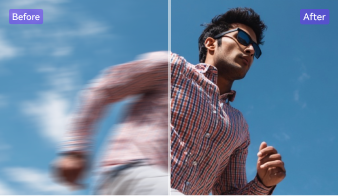
Older recordings often suffer from low frame rates that make movement appear jerky or uneven. UniConverter’s AI-powered video frame rate conversion software allows you to improve these clips by boosting FPS with 2× or 4× enhancement. This creates smoother playback, sharper details, and more emotional impact. It’s an effective way to revive family archives, VHS transfers, or early digital camera videos with modern clarity. For old videos with blur, grain, or low resolution, combine FPS conversion with AI video unblur and HD video conversion to make restored footage clearer and smoother.
Match Frame Rates Across Multi-Camera Shoots for Professional Editing
Multi-camera productions frequently capture footage at different frame rates, which complicates color grading and timeline alignment. With UniConverter's frame rate changer, you can standardize all clips by applying 2× or 4× FPS enhancement. This provides consistent motion across every angle, helping editors maintain visual harmony in documentaries, interviews, live events, and commercial video projects. It simplifies workflows and ensures a professional final result.
Tips and Tricks for UniConverter FPS Changer
FAQs about FPS Conversion
Can I convert 30fps to 60fps without losing quality? Will there be any degradation?
Does converting FPS increase file size? How can I control video size after FPS conversion?
What happens when I convert 60fps video to 30fps? Will it look worse? When should I reduce FPS?
Can I convert video to 120fps online for free? Are there limitations?
What’s the difference between AI frame interpolation and regular FPS conversion? Is AI better?
What’s the best frame rate for YouTube, Instagram, TikTok, and other platforms? How should I choose?
Is changing frame rate the same as changing video speed? Why do they look similar?