HD Conversion vs AI Enhancement: Which One Do You Need?
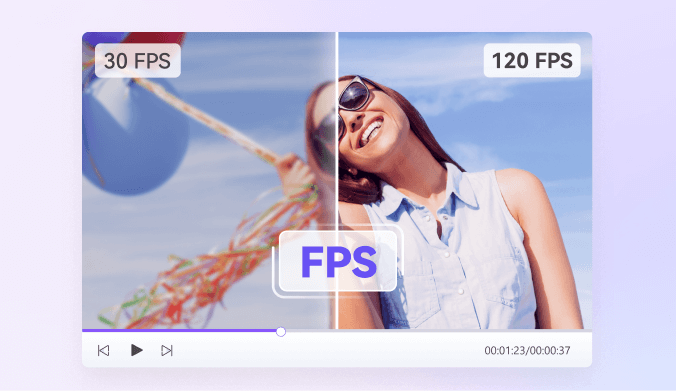
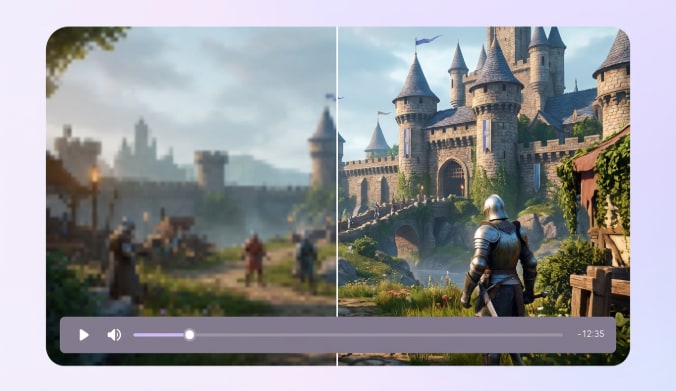
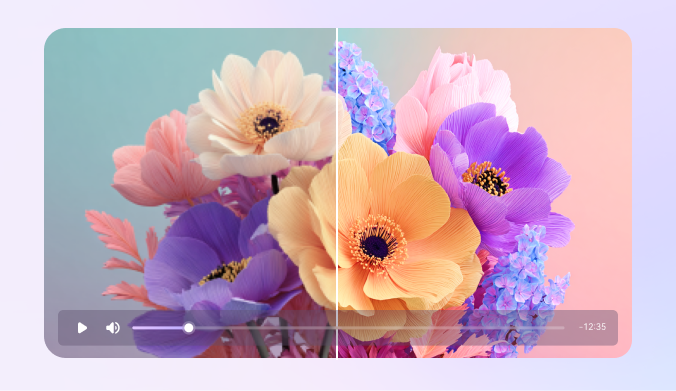
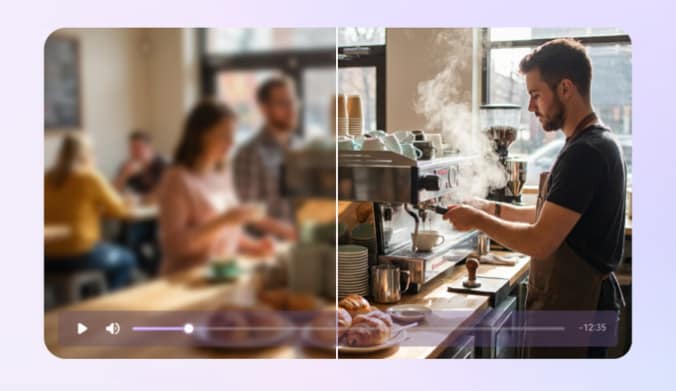
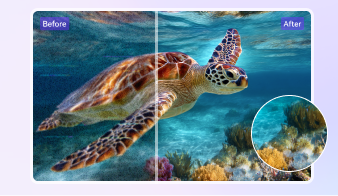
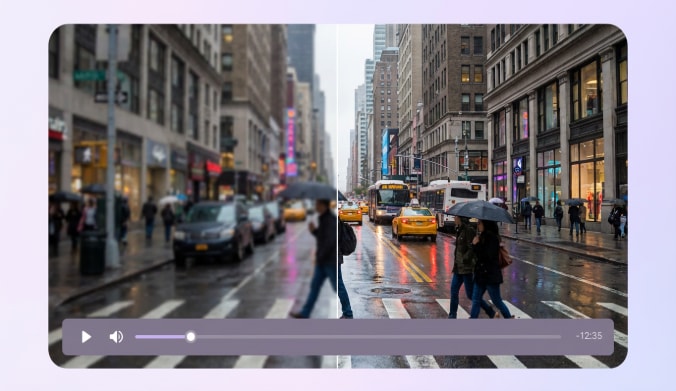
An HD video converter changes the output format, profile, or resolution. AI enhancement targets visible quality problems such as blur, noise, weak detail, or unstable footage. Choose the path that matches the problem you actually need to solve.
| Your goal | Best UniConverter path | What changes |
|---|---|---|
| Output a video as 1080p Full HD | Video Converter | Output profile, resolution, format, codec, or other supported conversion settings. |
| Convert an HD video to another format or prepare 4K/8K/HDR output | Video Converter | High-resolution conversion under supported format, codec, profile, and platform conditions. |
| Make a blurry or noisy video look clearer | AI Video Enhancer | Perceived detail, denoising, content-specific enhancement, correction, or motion quality. |
| Improve quality without changing resolution | AI Video Enhancer + Original | Visual enhancement while keeping the original output resolution. |
| Improve quality and increase output resolution | AI Video Enhancer + 2x / 4x / 1080P / 2K | AI enhancement plus supported upscaling. Generated detail should be previewed because it may be interpretive rather than original source information. |
Why Choose UniConverter HD Video Converter
UniConverter separates two jobs that are often confused: converting a video to an HD output profile and improving the visual quality of a weak source. Use Video Converter for format, resolution, profile, and batch output control; use AI Video Enhancer when the source itself needs quality improvement.
Convert Video to HD Online or Use Advanced Desktop Controls
Use the online HD workflow for a quick single-file task, or move to UniConverter Desktop when you need batch conversion, broader format and preset support, resolution and encoder controls, or high-resolution output workflows. Desktop Video Converter is the stronger choice when you need repeatable settings across multiple local files.
Free Online HD Video Converter with No Watermark
For a supported single-file task, the online HD workflow lets you convert video to 1080p in the browser without adding a watermark. If you need larger workloads, batch processing, or more advanced output settings, use UniConverter Desktop instead of assuming the online and desktop workflows have identical limits or controls.
Improve Low-Quality Video with AI Video Enhancer
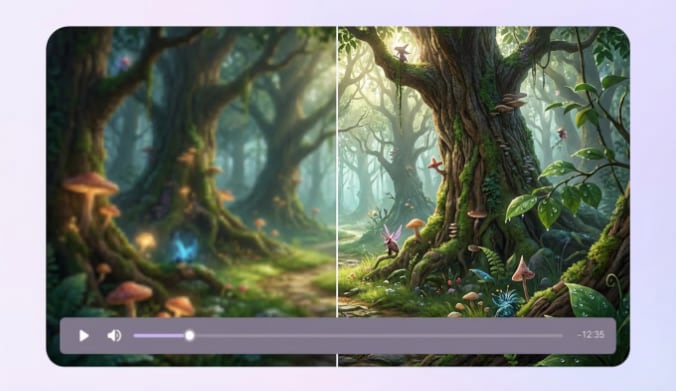
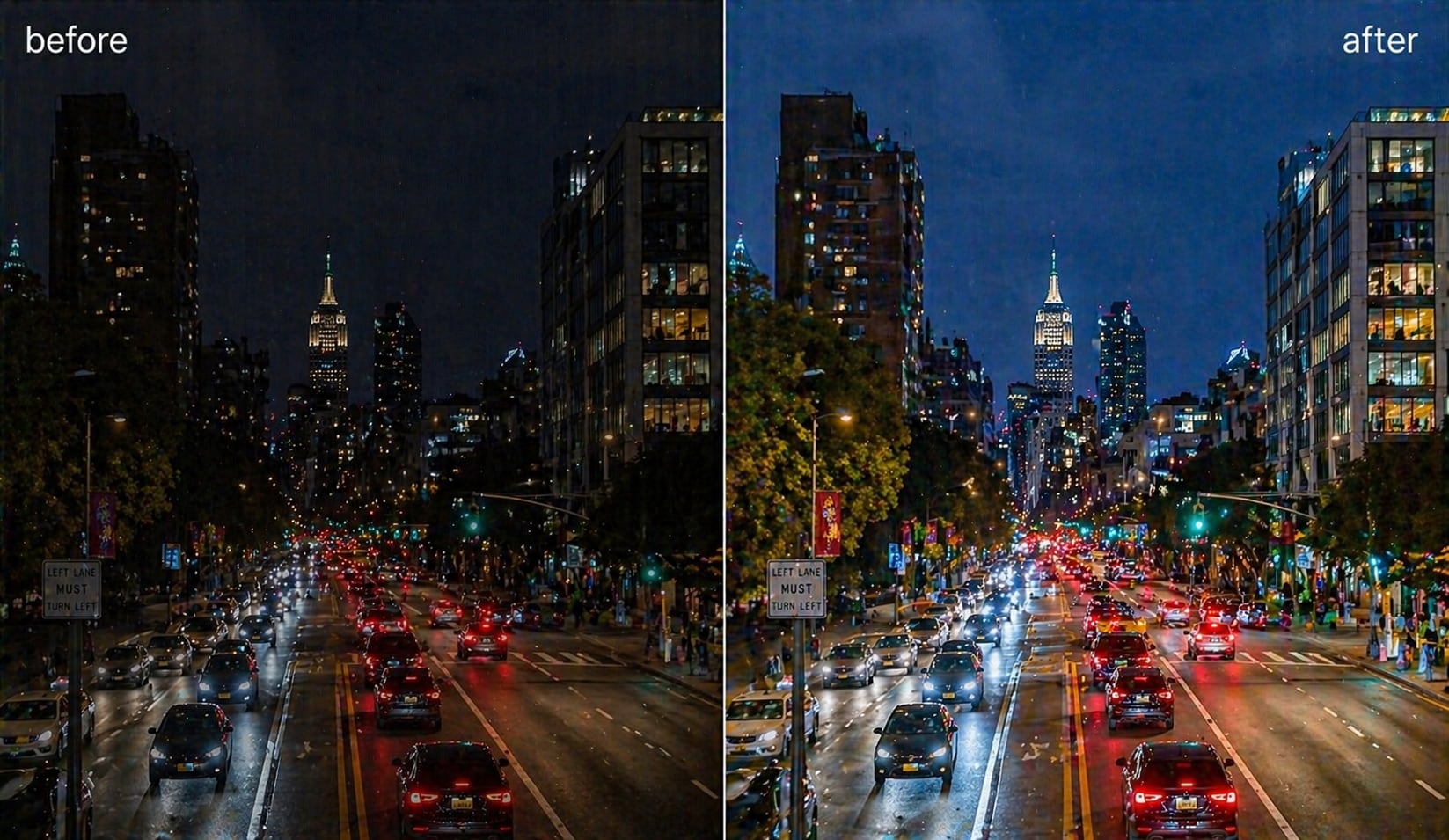
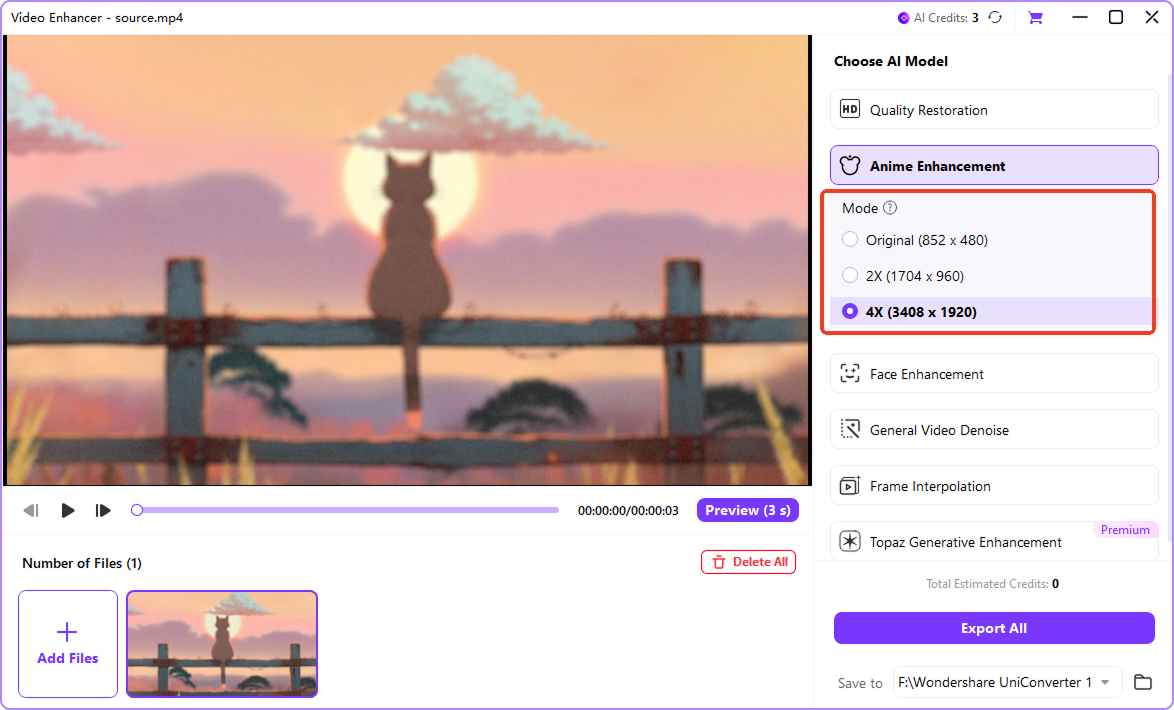
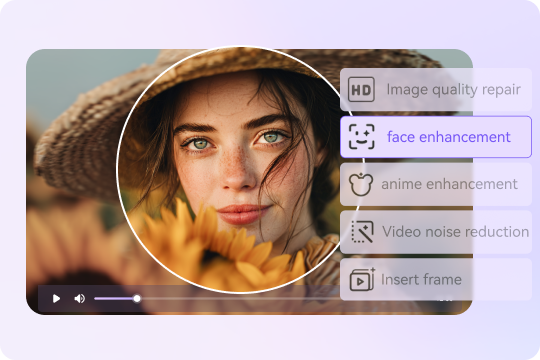
When the source itself looks weak, AI Video Enhancer is more appropriate than resolution conversion alone. The current desktop UI offers Standard, Ultra (Gen AI), and Topaz Ultra (Gen AI), plus dedicated Face, Anime, Night Scene, Denoise, Color, De-Flicker, Stabilization, and Frame Interpolation tools. You can keep the original resolution or choose supported upscaling options. Generative enhancement can create plausible visual detail, so preview the result instead of treating generated detail as recovered original information.
Speed Up Supported HD Conversions with High Speed Conversion
UniConverter Desktop Video Converter provides separate Enable Ultra-fast Speed and Enable GPU Acceleration controls for supported conversion tasks. Actual availability and performance depend on the source and output format, codec, resolution, operating system, GPU, and driver. For compatibility-sensitive files, review the converted result rather than assuming the fastest mode is always the best setting.
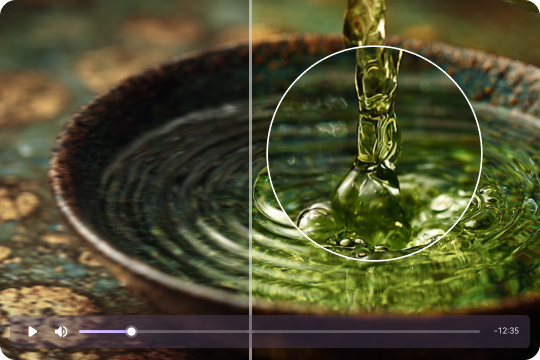
Batch Convert Multiple Video Files to HD at Once
UniConverter Desktop supports a batch conversion queue for multiple local videos. Add the files, choose shared output settings such as format or resolution when appropriate, select a Save to location, then use Convert All or Start All. This is useful for video libraries, training materials, client assets, and other repeatable conversion jobs.
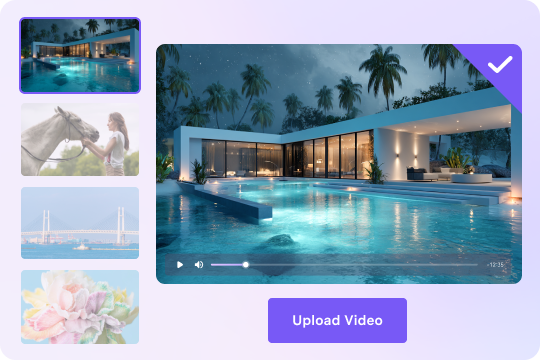
Convert First, Then Continue into Editing or Enhancement
Use Video Converter for output format, codec, profile, and resolution changes. Before conversion, supported files can use Trim or lightweight Edit controls such as Crop, Effect, Watermark, Subtitle, Audio, and Speed. After conversion, you can continue into separate UniConverter tools such as AI Video Enhancer, Compressor, or the fuller Video Editor without treating those adjacent tools as native Converter controls.
HD, Full HD, and 4K: What Changes When You Convert?
Resolution describes the frame dimensions of the output. It does not by itself tell you how much real detail, sharpness, bitrate, or compression quality the video contains.
| Label | Common pixel dimensions | What it means |
|---|---|---|
| HD / 720p | 1280 × 720 | A lower HD output size that can still be suitable for smaller screens or lighter delivery. |
| Full HD / 1080p | 1920 × 1080 | A common target for playback, editing, presentation, and online delivery workflows. |
| 4K UHD / 2160p | 3840 × 2160 | A higher-resolution output that requires a supported profile, codec, source, and platform workflow. |
Perfect Scenarios to Convert Video to HD

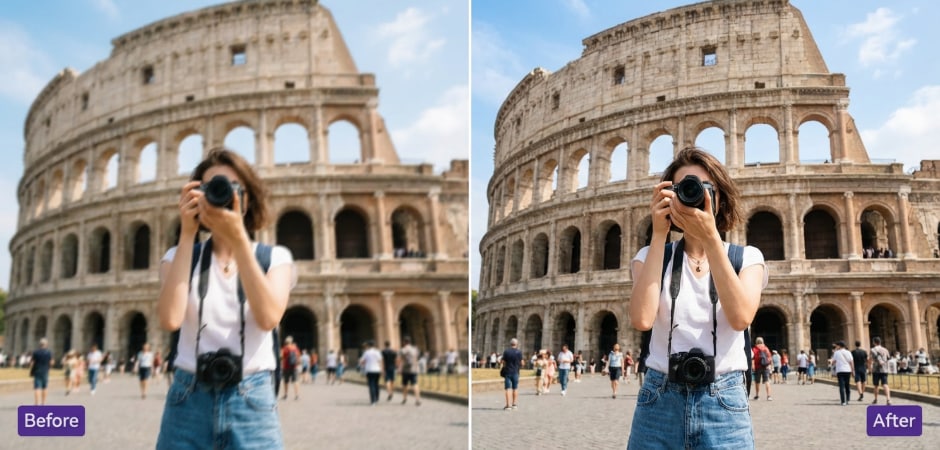

Restore Old Family Videos from SD to HD
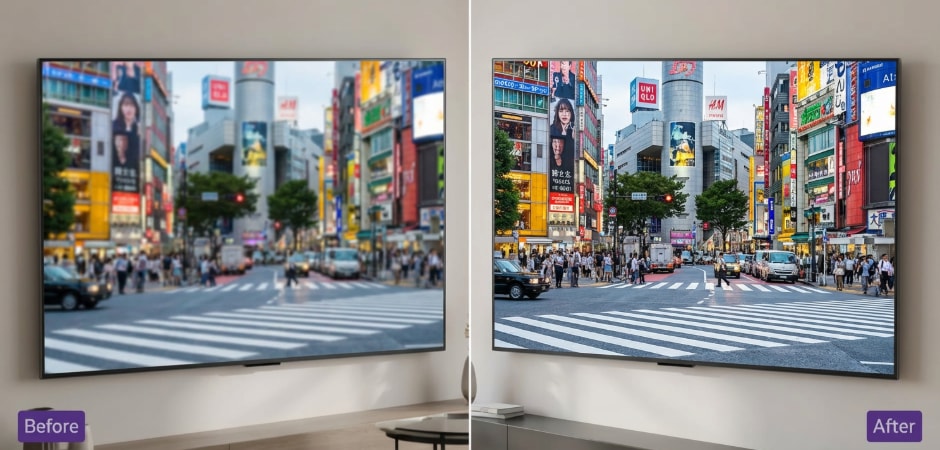
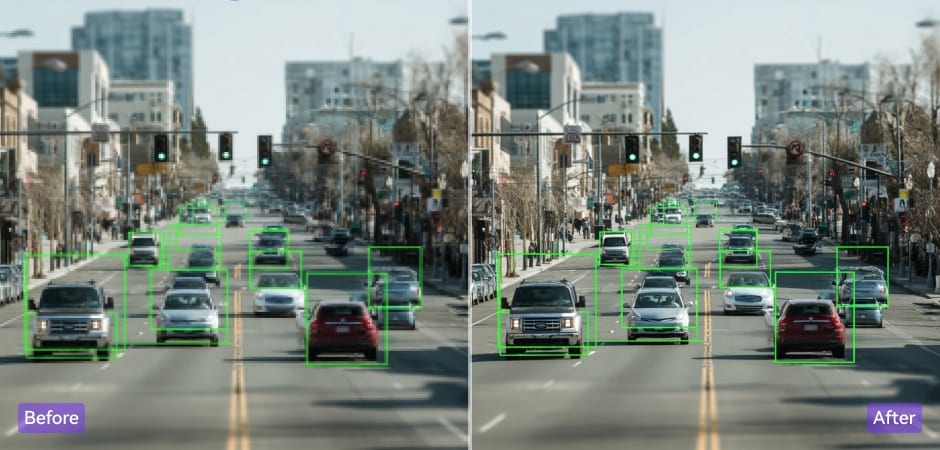
Old family recordings may use SD or other low-resolution formats that are inconvenient on modern screens. Use Video Converter to create a compatible HD output profile, and use AI Video Enhancer only when the source also has visible softness, noise, weak detail, or other quality problems. AI enhancement may improve perceived clarity, but generated detail should not be treated as an exact reconstruction of the original scene.
Upgrade Social Media Videos to HD 1080p Quality
When a publishing workflow calls for Full HD, use UniConverter to convert normal video to HD 1080p or prepare a supported output profile before upload. If the original recording is already clean, resolution conversion may be enough. If it is blurry, noisy, or heavily compressed, use AI Video Enhancer separately and check the result before publishing because platform compression can still change final quality.
Convert Business and Training Videos to HD Quality
For product demos, onboarding materials, and training videos, the first job is often output compatibility: choose a supported HD profile that works with the target player, presentation system, or editing workflow. If older source footage also looks soft or noisy, AI Video Enhancer can be used as a separate quality-improvement step. Review text, UI details, and faces in the preview before final delivery.
Convert 720p Videos to 1080p for Modern Displays
Use UniConverter as a practical 720p to 1080p converter when you specifically need a Full HD output profile for a TV, projector, editor, or other delivery target. The conversion increases the output frame dimensions, but it does not automatically create authentic source detail. If the 720p source already looks soft, consider AI enhancement and compare the preview before export. For a supported high-resolution workflow, see the 4K video converter.
Prepare Camera and Drone Footage for HD Viewing
Camera and drone footage can be converted to Full HD when a review, presentation, or editing workflow requires a 1080p output. If the source is noisy, shaky, or visually weak, AI Video Enhancer also provides dedicated denoise, stabilization, and other quality tools. AI-generated or reconstructed detail should not be treated as original forensic evidence; keep the source file and review the enhanced output carefully.
How to Convert Video to HD with UniConverter
Method 1: Convert a Video to HD 1080p with Video Converter
- Open Converter and add the video. Add one or multiple local files to the conversion queue.
- Choose the output format or profile. In Output Format or Convert to, select the required video format and choose a supported 1080p resolution/profile. Other high-resolution options depend on the selected format, codec, source, and platform.
- Choose Save to and optional speed controls. For supported tasks, High Speed Conversion can expose separate Ultra-fast Speed and GPU Acceleration options.
- Convert and review the result. Use Convert, Convert All, or Start All, then check the file in Finished or the selected output folder.
Method 2: Enhance a Low-Quality Video with AI Video Enhancer

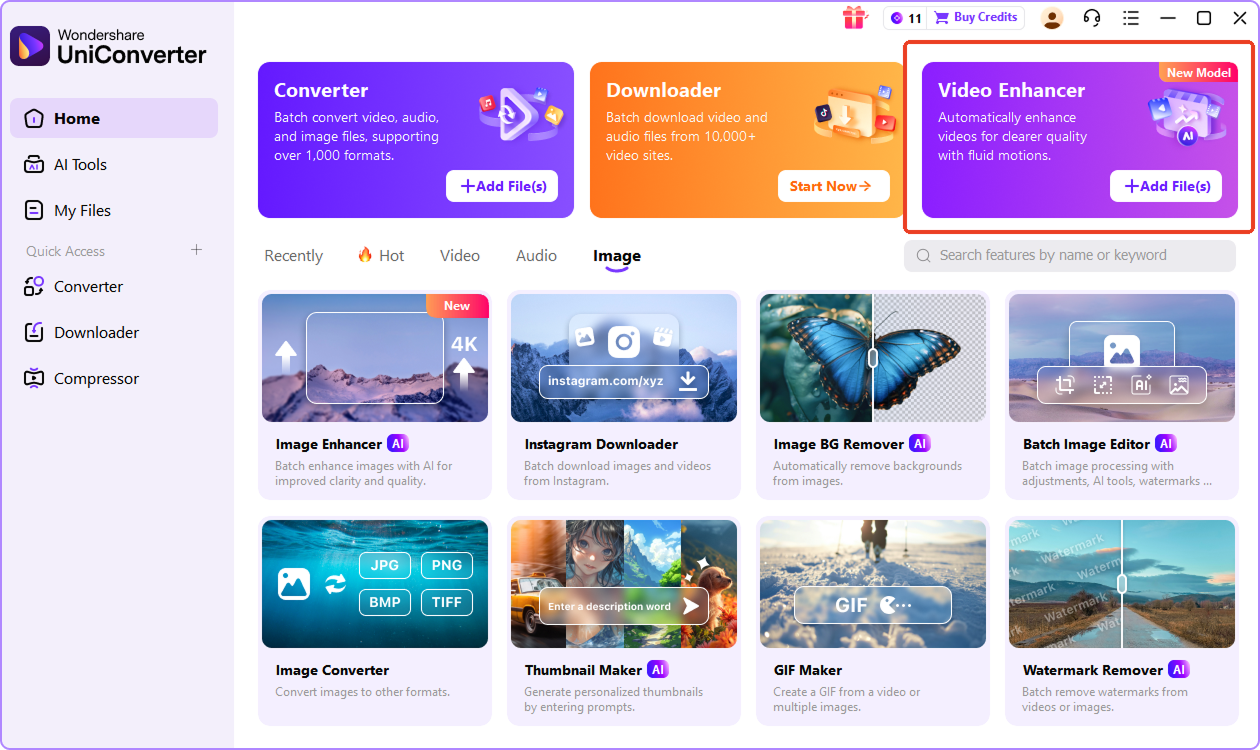
In UniConverter Desktop, open Video Enhancer and add one or multiple supported files. The current desktop UI confirms MP4, MKV, AVI, MOV, and MPG inputs, plus a multiple-video queue for batch enhancement.

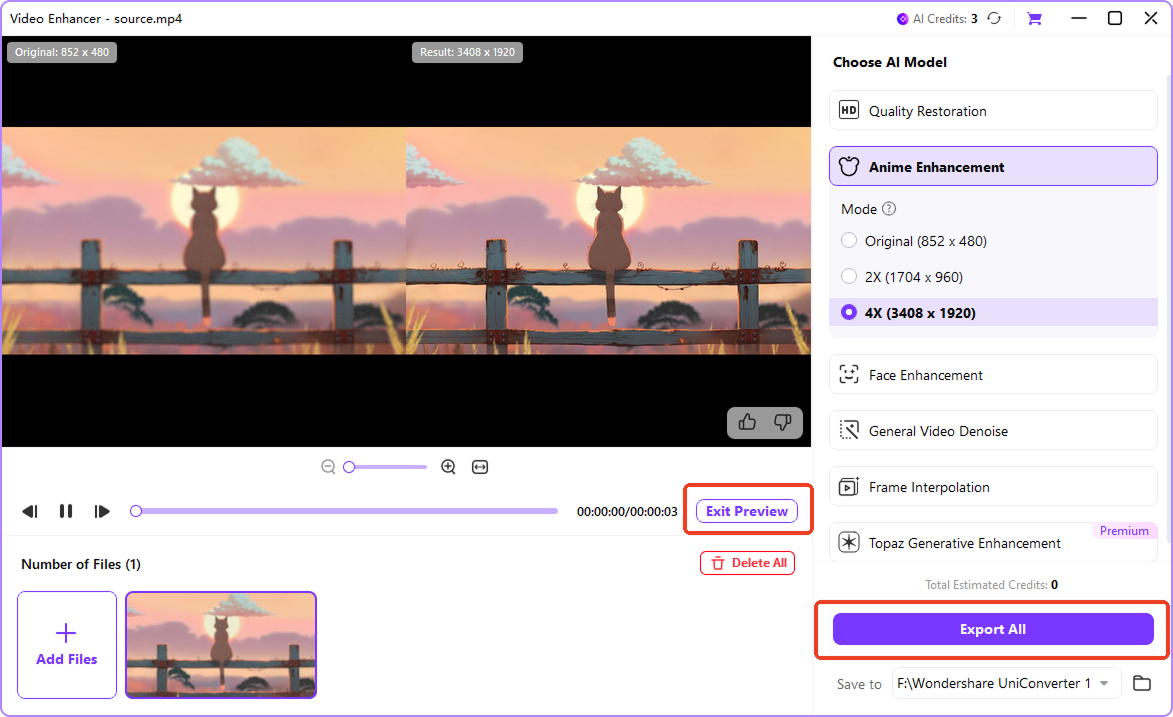
Choose Standard, Ultra (Gen AI), or Topaz Ultra (Gen AI) for general quality enhancement. Then choose Original, 2x, 4x, 1080P, or 2K as the available output-resolution path. Face, Anime, Night Scene, Denoise, Color, De-Flicker, Stabilization, and Frame Interpolation are available as dedicated desktop tools when those problems apply.

Generate the 3-second preview, then review the selected AI model, resolution change, estimated file-size information, and Total Estimated Credits. Choose Save to and finish with Enhance All & Export.
Watch How to Convert Video to HD Quality in Action
Why Your HD Video May Still Look Blurry or Convert Incorrectly
HD output is only one part of video quality. Use these checks when a converted file does not look or behave as expected.
1080p output still looks blurry
A larger frame does not restore detail lost to low resolution, heavy compression, missed focus, or motion blur. If the source itself is weak, try AI Video Enhancer and compare the preview with the original.
The converted file is much larger
File size can change with resolution, codec, bitrate, frame rate, audio settings, and the chosen profile. Compare the actual output settings instead of assuming that 1080p alone caused the increase.
Audio and video are out of sync
If a compatibility issue appears after using High Speed Conversion, retry the file with Ultra-fast Speed disabled and review the output again. Speed options are conditional rather than mandatory for every source.
A 4K or high-resolution option is unavailable
Available resolutions depend on the selected output format, codec, profile, source, product workflow, and platform. Choose a supported profile or use 1080p when the target workflow does not require 4K.
FAQ – Everything About HD Video Conversion
How Can I Convert Video to HD 1080p for Free?
Does Converting 720p to 1080p Improve Video Quality?
Why Is My 1080p Video Still Blurry?
What Is the Difference Between an HD Video Converter and an AI Video Enhancer?
Can UniConverter Convert Video to 4K?
Can I Batch Convert Multiple Videos to HD?
Should I Convert to 1080p or 4K?
Tips and Tricks for Making Video HD
More Than a HD Quality Video Converter