See How UniConverter Denoises Video and Removes Grain with AI
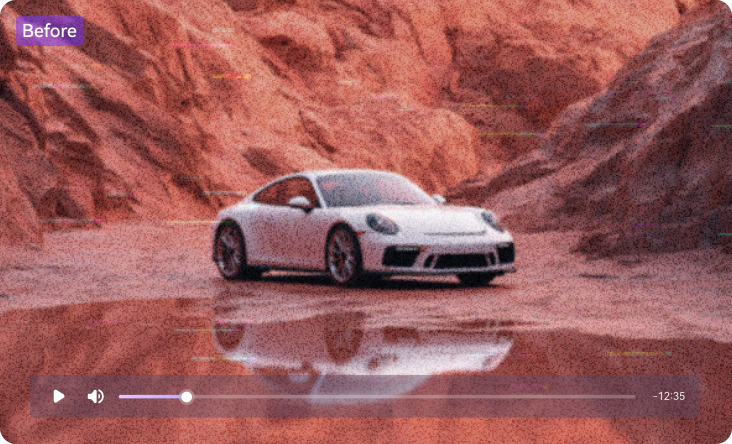

Remove Grain from Video for Unmatched Clarity
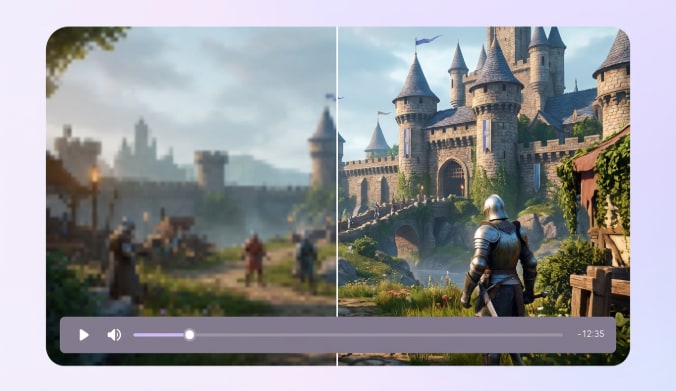
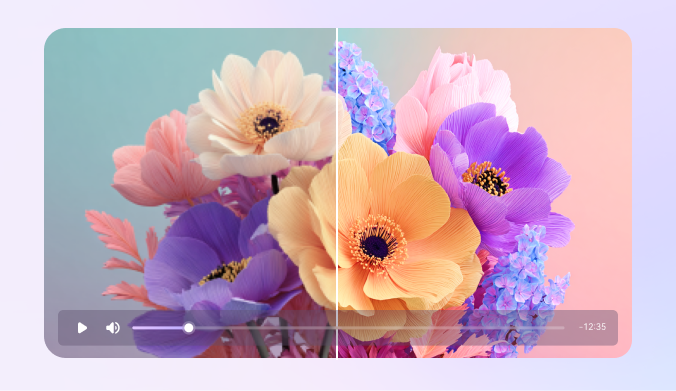
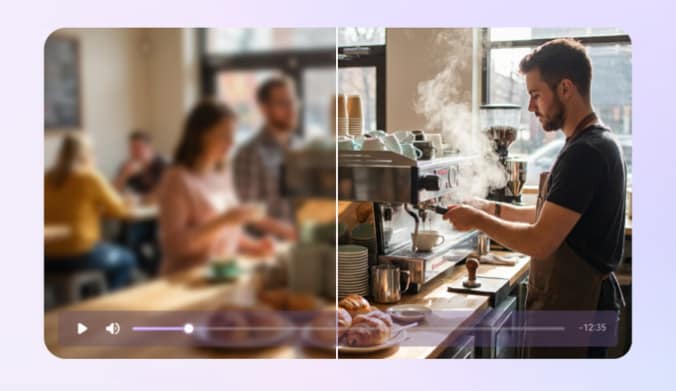
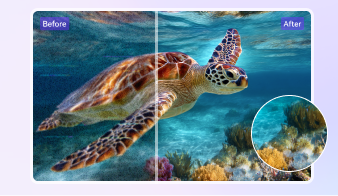
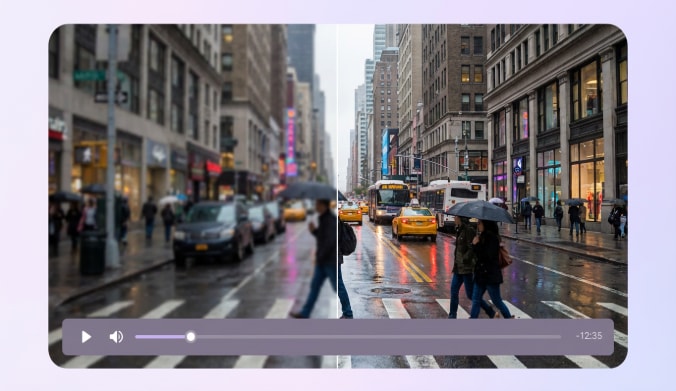
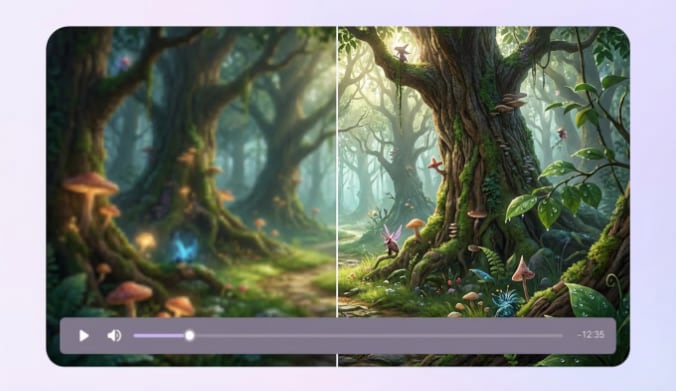
UniConverter uses AI video noise reduction to analyze each frame and reduce grain, chroma noise, and low-light distortion. The model improves clarity while keeping motion and textures natural. You can clean heavy noise from mobile footage, night shots, or older videos in minutes. It offers a simple path to remove noise from video without losing important details.
Why Choose UniConverter Video Denoiser
UniConverter gives you a reliable way to remove grain from video and improve clarity. You can work online or on desktop, depending on your workflow. Its AI-focused tools help you clean noise and enhance overall video quality in a simple, guided process.
AI-Powered Video Noise Reduction to Remove Grain
The AI engine handles video noise reduction by spotting luminance noise, chroma noise, and compression artifacts. It removes grain without making the image feel flat. Whether your noisy clip comes from a phone, action camera, or low-light scene, you can reduce video noise in a few steps and keep the overall look sharp.

Preserve Details and Natural Textures When Denoise Video
Some tools blur everything to hide grain. UniConverter doesn’t. It keeps edges crisp and faces natural while clearing unwanted noise. You can denoise video without losing texture or creating the “plastic skin” effect. Your footage stays clean and true to the original scene.

Fix Low-Light and High-ISO Footage with AI Video Denoise
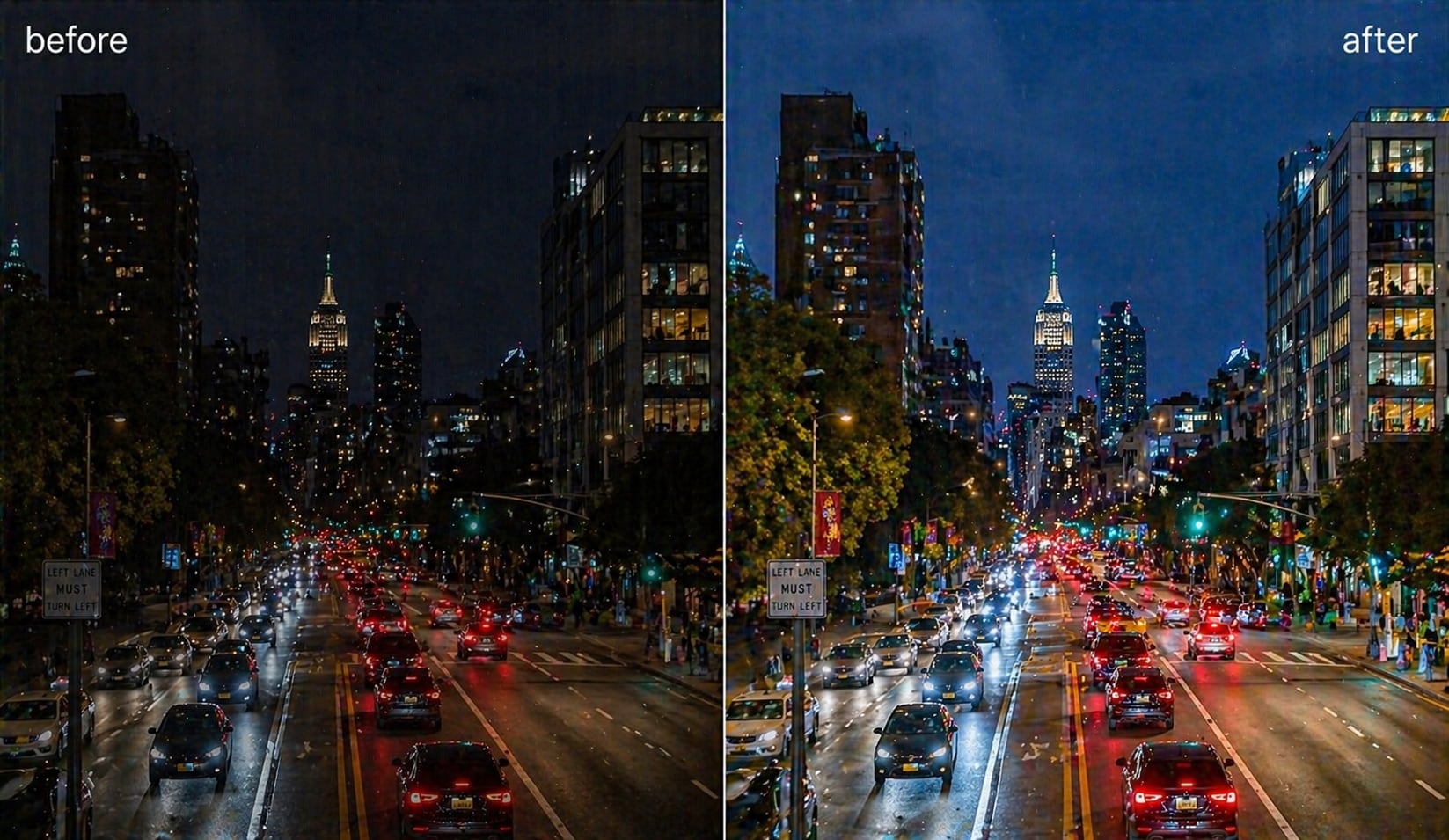
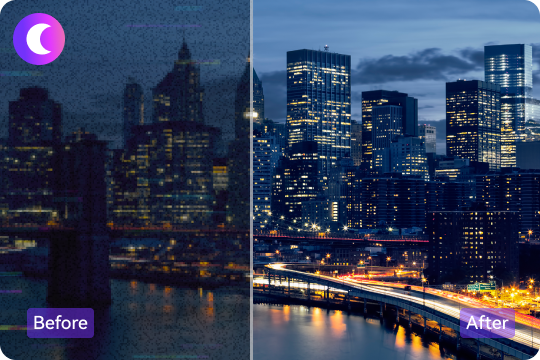
Low-light videos often show heavy grain due to high ISO or underexposure. UniConverter helps you remove noise from video while restoring clarity and contrast. You can clean noise from night scenes, indoor recordings, and handheld clips with one click. It works well for vloggers, travelers, and anyone filming in challenging lighting.
Denoise Video Online or on Desktop for Any Workflow
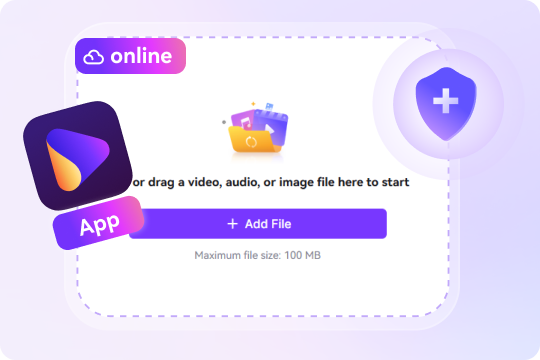
If you need a quick cleanup, you can denoise video online free smoothly, especially for short clips. For 4K, 8K, or batch projects, the desktop version offers faster processing and more control. This flexible setup lets you work anywhere with a reliable video denoiser online or offline.
All-in-One Video Enhancement- Beyond Video Denoise
UniConverter gives you more than noise reduction. You can also upscale video resolution, increase video frame rate, sharpen video details, add filter, adjust lighting, and stabilize shaky clips. This all-in-one workflow helps you enhance your video without switching tools. It’s a convenient way to clean, repair, and refine footage from start to finish.

How to Denoise Video Online for Free (3 Steps)

Drag and drop your MP4 video. In the desktop version, go to Video Enhancer and import videos in MP4, MKV, AVI, MOV, or MPG formats.

The system performs automatic video noise reduction. You don’t need to change any technical settings.

Review the result and save your clear, noise-free video. You can export in common formats for editing or sharing.


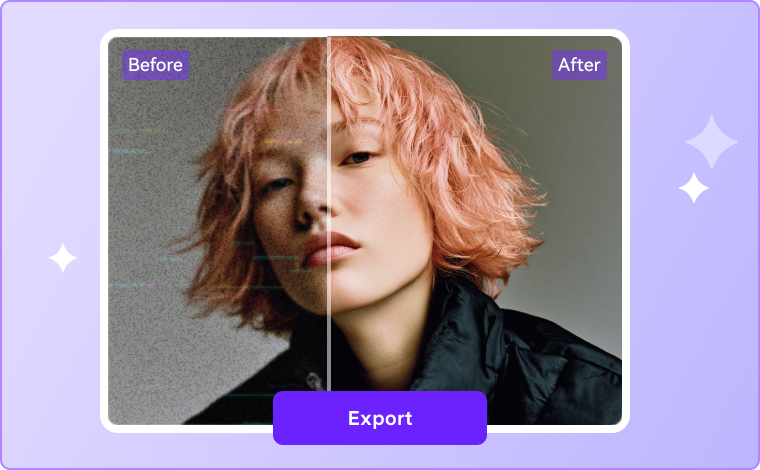
Clean Noise from Different Types of Footage




Denoise Low-Light or Night Video Footage
Night scenes often show grain because of high ISO or limited lighting. UniConverter helps you remove noise from video while keeping dark areas natural. It works on city night shots, indoor events, and party clips. You can improve clarity in dim scenes without changing the mood of your video. If low-light footage also looks soft or out of focus, use AI video unblur after denoising to restore clearer edges and details.
Reduce Grain in Smartphone or Action Camera Video
Fast movement and small sensors can create visible noise. UniConverter uses AI video denoising to clean up grain and color noise from iPhone, Android, GoPro, and similar devices. Outdoor runs, trips, or everyday clips look cleaner and more stable after processing.
Remove Grain from Old or Vintage Video
Older videos often contain grain, faded colors, and compression artifacts. UniConverter helps you remove grain from video while keeping important details intact. You can clean VHS transfers, family recordings, and early digital footage. The AI improves clarity without changing the original look of your memories. For old footage that needs both cleanup and resolution improvement, combine denoising with our HD video converter or 4K video converter.
Denoise Video for YouTube, Vlogs, TikTok, and Travel Clips
Creators often need clear and sharp visuals for more engagement. UniConverter provides fast video noise reduction to brighten dark areas and remove grain before posting. Whether it’s a travel vlog, tutorial, or short-form content, your footage looks smoother and more polished after enhancement.