Enhance Sora 2 Video Quality with AI
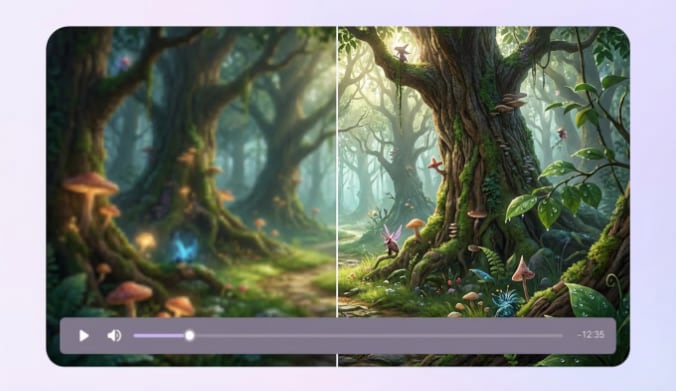
UniConverter combines several AI models to enhance Sora video quality. You can upscale resolution, recover details, remove noise, and smooth motion. Each tool is designed to improve videos generated by Sora or Sora 2.
AI Upscaler for Sora 2 Videos up to 4K and 8K
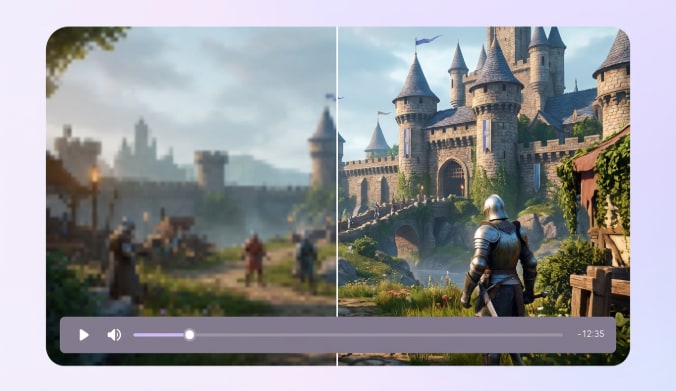
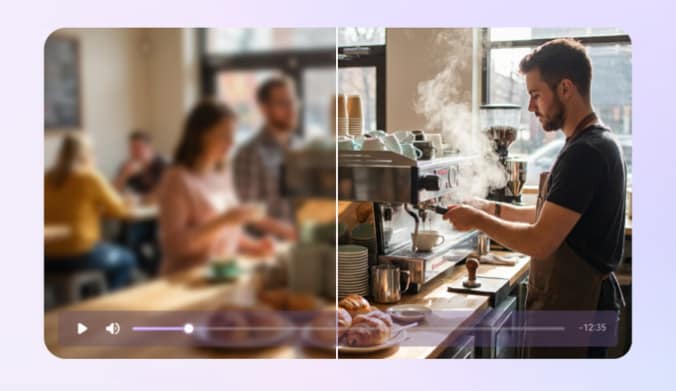
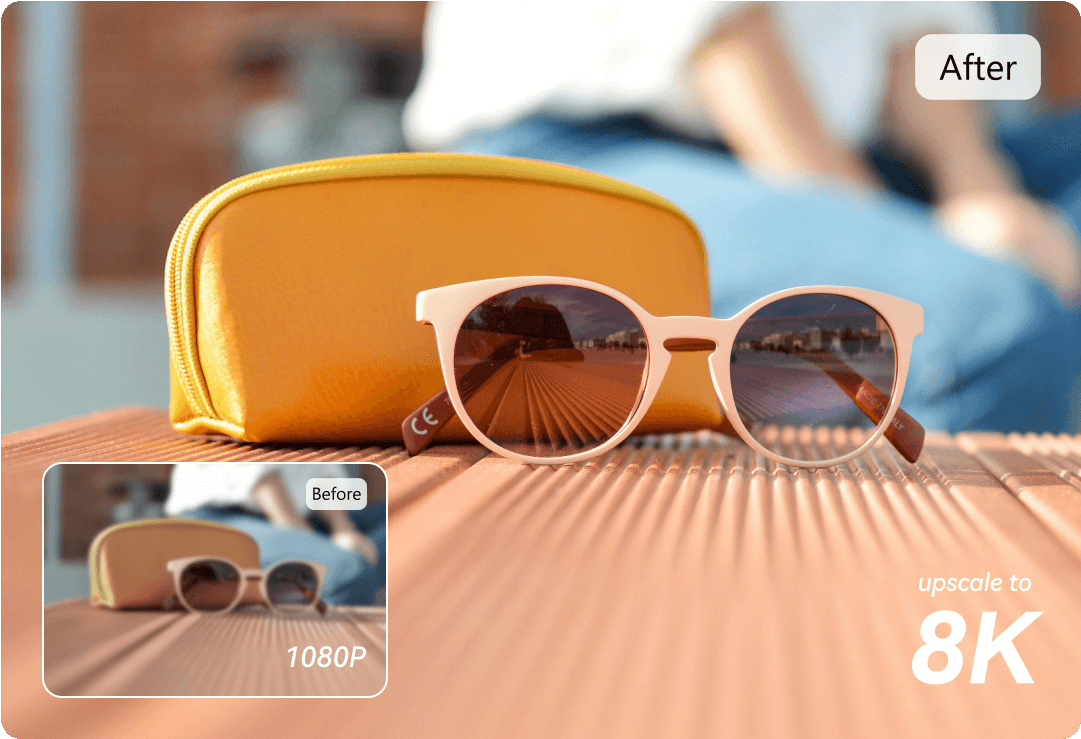
UniConverter works as a powerful Sora 2 upscaler that increases resolution beyond the typical 1080p limit. The AI powered by Topaz Generative Enhancement analyzes each frame and reconstructs missing pixels. Our AI video upscaler helps you upscale Sora videos while keeping edges sharp and textures natural. You can easily convert low-resolution outputs into high-resolution content for large screens.
Restore Detail and Texture in Sora 2 Videos
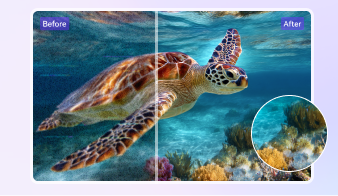
AI-generated videos sometimes lose fine details during rendering or compression. UniConverter acts as a Sora 2 video enhancer by rebuilding textures and sharpening edges. The system detects objects, surfaces, and depth to improve visual clarity. As a result, your enhanced clips show richer detail and better Sora video quality.
Remove Noise and Artifacts from Sora Outputs
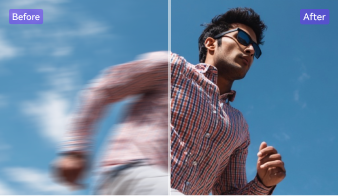
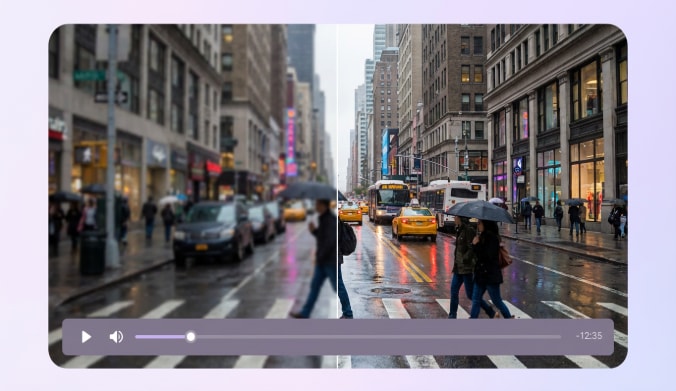
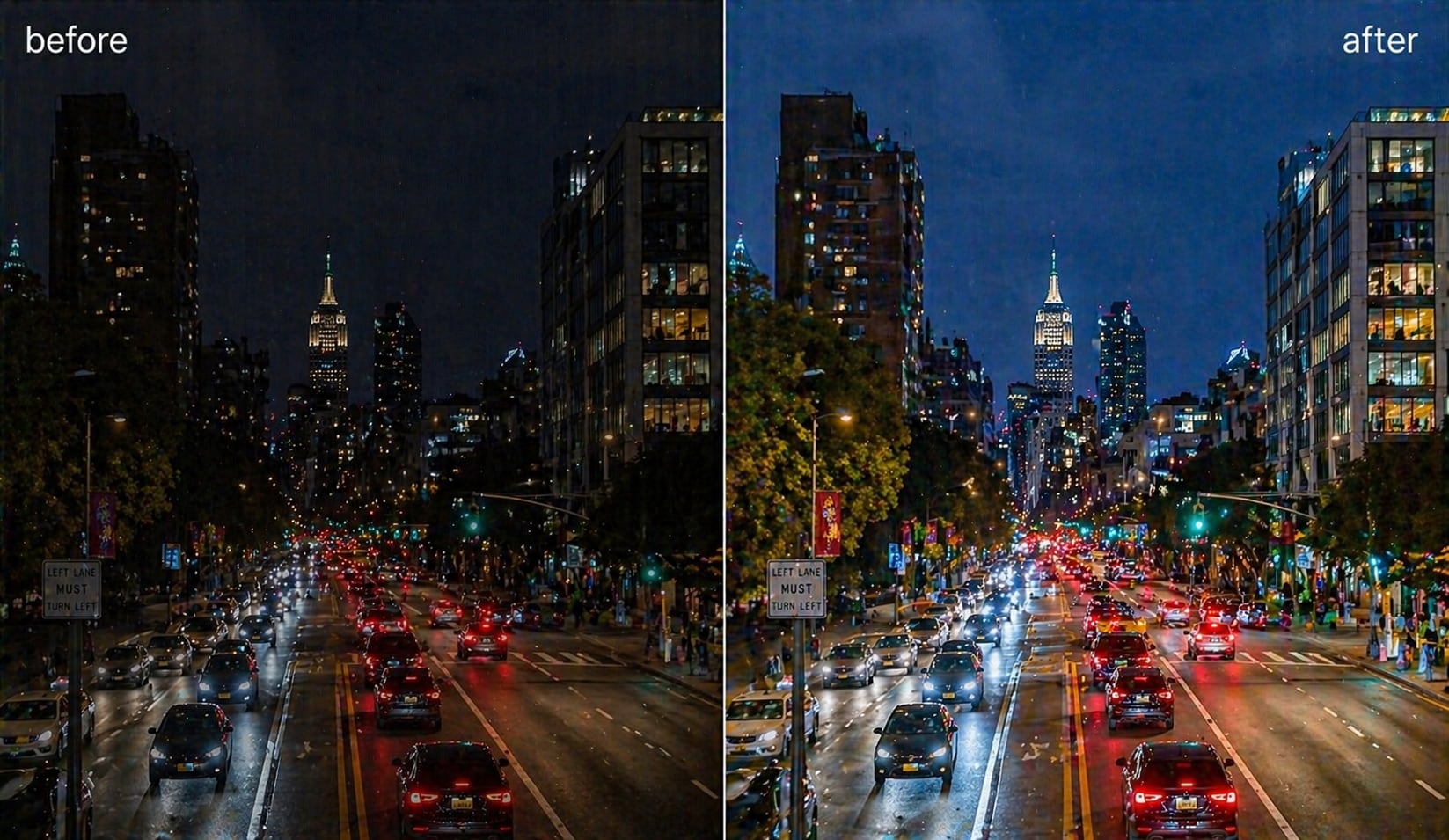
Some Sora clips contain grain, compression artifacts, or visual noise. UniConverter’s AI video denoiser removes these issues automatically. It cleans frames while protecting natural textures and colors. This feature improves both Sora video enhancer performance and the final viewing experience.
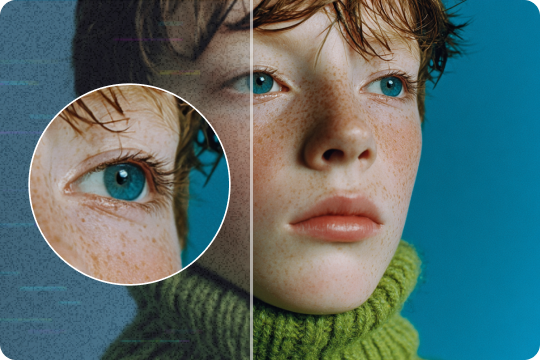
Smooth Motion with AI Frame Interpolation
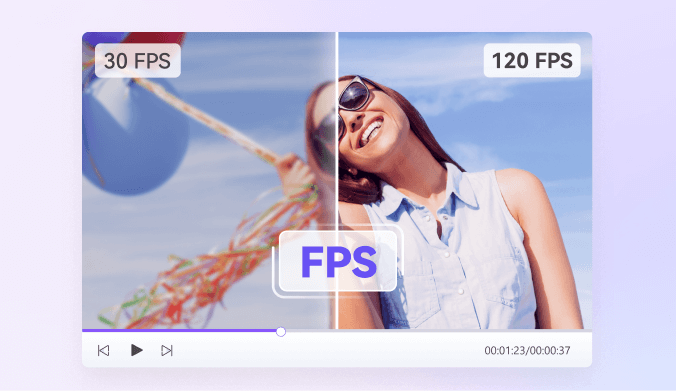
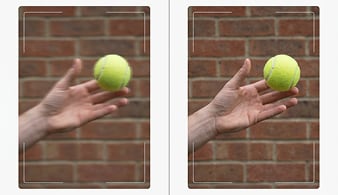
Choppy playback can reduce the impact of AI-generated footage. UniConverter uses AI frame interpolation to generate intermediate frames between existing ones. This process increases motion smoothness and can reach up to 240 FPS playback. The result is stable motion and improved Sora video quality for action scenes or cinematic clips. For more control over smooth motion, use the video frame rate converter to change FPS for different publishing needs.
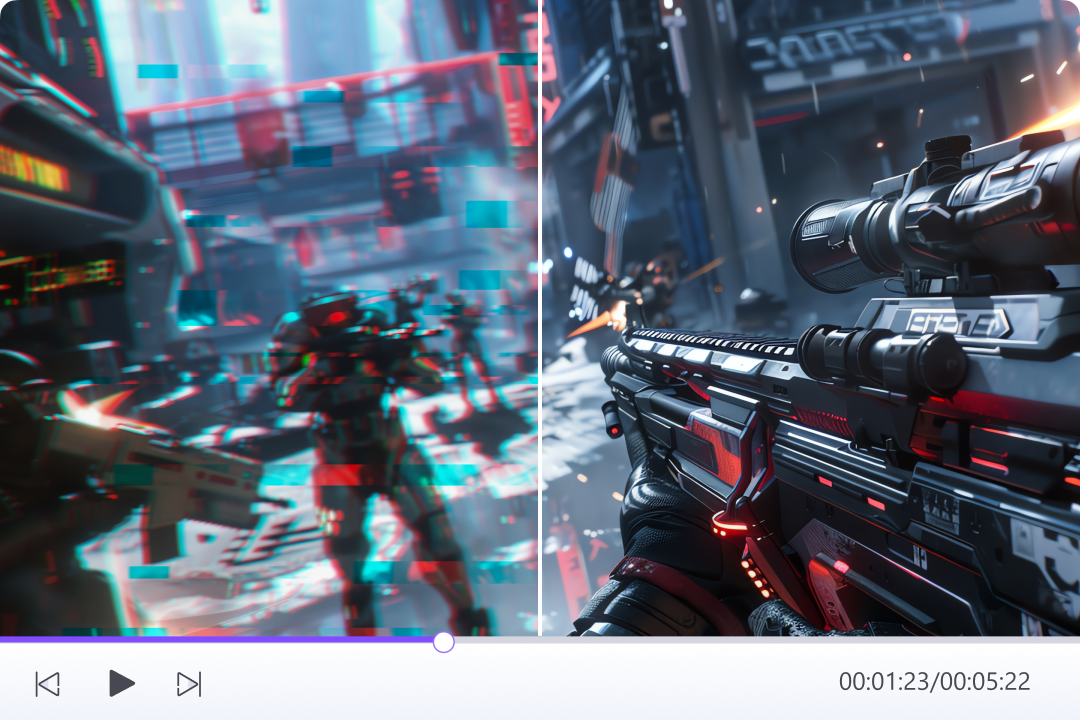
Dedicated AI Models for Different Sora Content
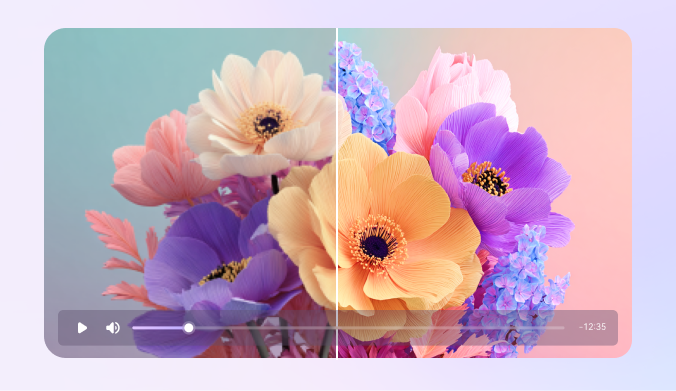
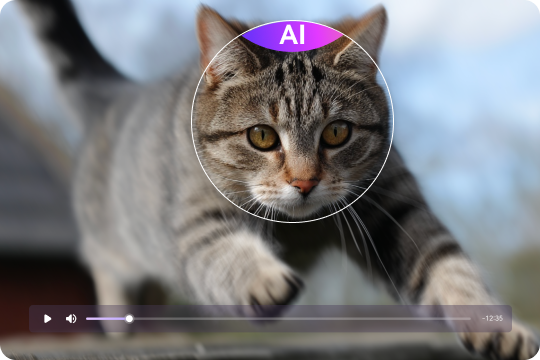
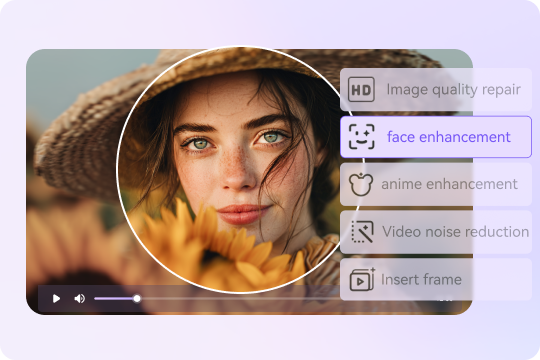
Different Sora videos need different enhancement approaches. UniConverter provides specialized models such as Face Enhancer, Anime Enhancer, and Color Enhancement. These models adjust details based on the content type. Whether you work with portraits, animation, or cinematic scenes, the Sora video enhancer adapts to deliver better results.
How to Upscale Your Sora 2 Videos to 4K with UniConverter

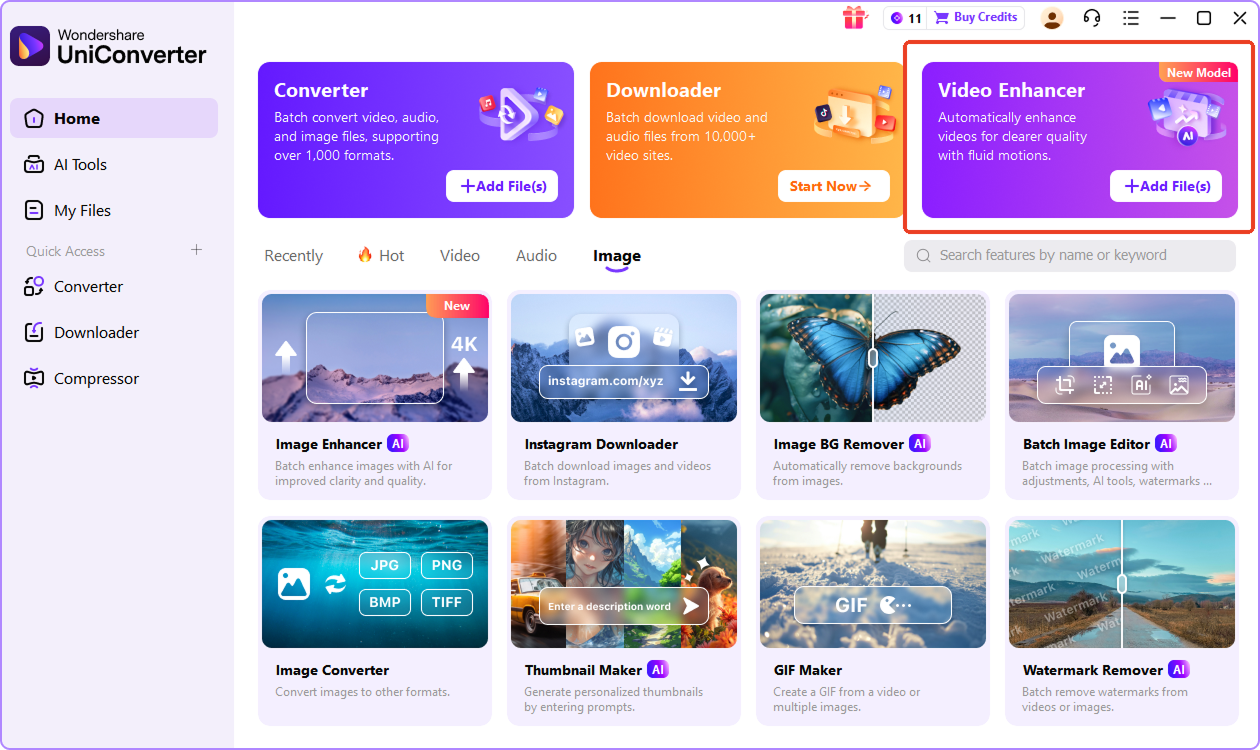
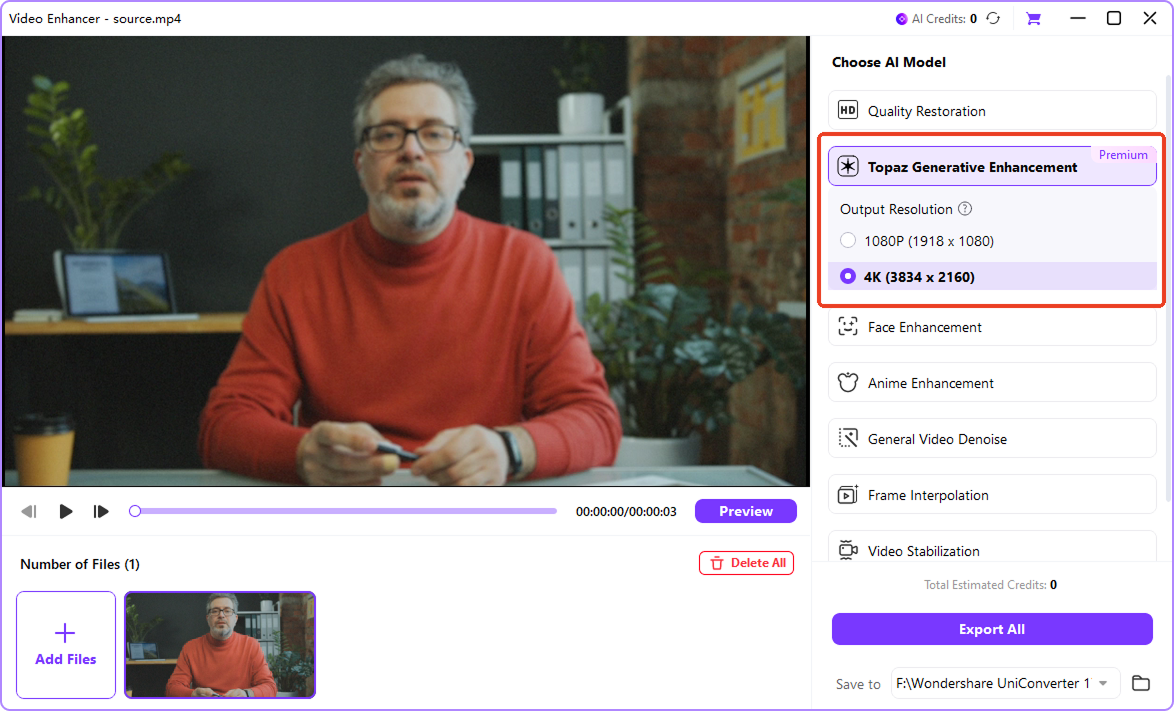
Open UniConverter and import your video file. The software supports popular formats such as MP4, MOV, AVI, MKV, etc. This step prepares your clip for the Sora video upscaler process.

Select the AI model that fits your content. Then choose a target resolution such as 1080p, 2K, 4K, or 8K. The built-in Sora upscaler analyzes each frame before enhancement begins.

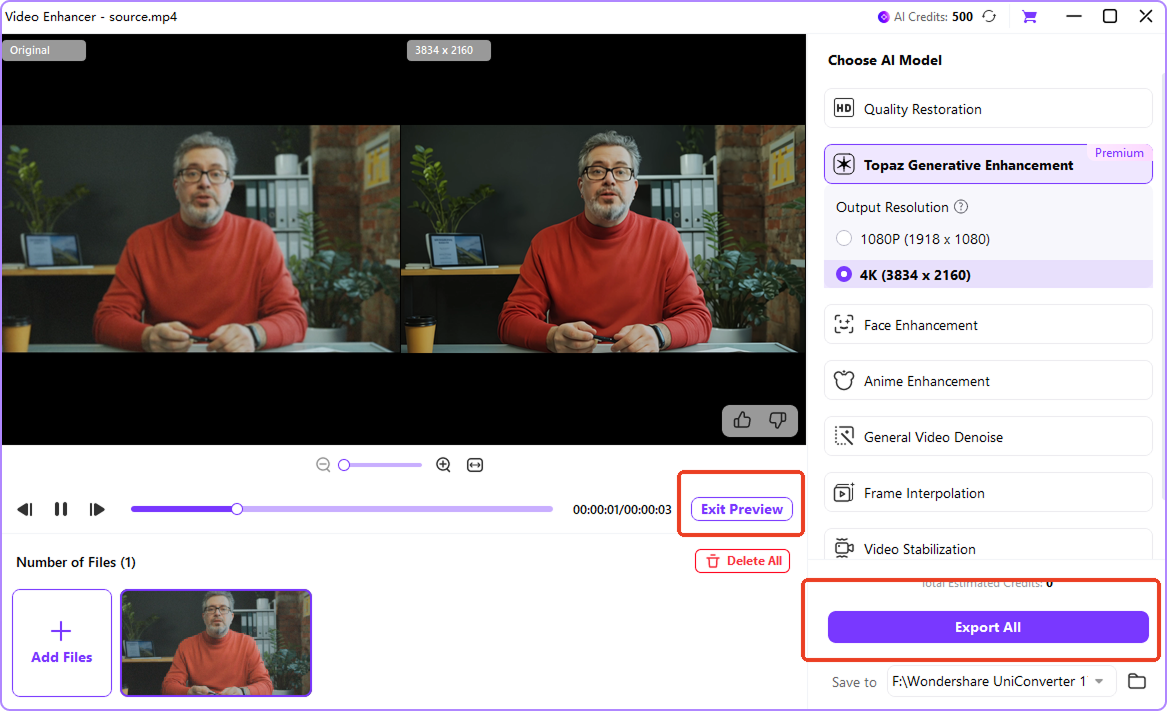
Preview the before-and-after results in real time. Once you are satisfied, export the final video at full resolution. UniConverter maintains the improved Sora 2 resolution and overall visual quality.
Watch How to Enhance Your Sora Video in Action
Who Uses UniConverter to Enhance Sora 2 Videos?
Creators and professionals use Sora to generate visual content quickly. UniConverter helps them improve resolution and presentation quality before publishing or presenting.



Content Creators Improve Sora Video Quality for Social Platforms
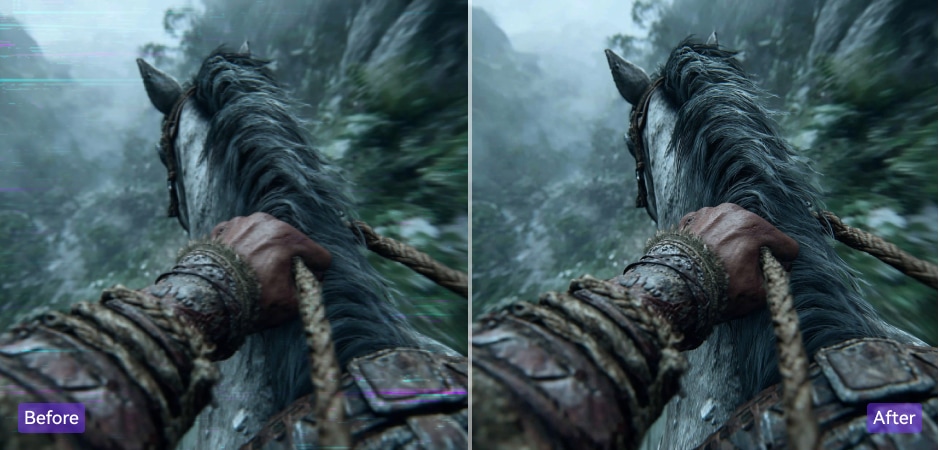
Short-form video creators often generate clips with Sora for platforms such as TikTok, YouTube Shorts, and Instagram Reels. However, higher resolution improves visual clarity on modern displays. UniConverter helps creators upscale Sora videos and enhance Sora video quality before publishing. This process makes AI content look sharper and more professional on social media feeds.
Marketing Teams Produce High-Resolution AI Video Ads
Marketing teams use Sora to generate quick promotional visuals and product demonstrations. These videos often require higher resolution for advertising platforms or brand presentations. UniConverter works as a Sora video enhancer that increases resolution and restores lost detail. The result is clearer product visuals and more consistent brand presentation across campaigns.
Filmmakers Upscale Sora 2 Videos for Cinematic Projects
Filmmakers and directors sometimes use Sora for concept shots or AI-assisted storytelling. These clips may require higher resolution for editing timelines or cinematic output. UniConverter acts as a Sora 2 video upscaler, helping teams convert AI-generated footage into 4K-ready content suitable for professional editing workflows.
Businesses Enhance Sora Videos for Presentations
Companies increasingly use AI video tools to create presentations, training materials, and brand videos. However, low resolution can reduce clarity during meetings or conferences. UniConverter helps businesses upscale Sora video outputs and improve visual sharpness. Clearer videos help teams communicate ideas more effectively.
FAQs about Sora 2 Video Enhancement
What resolution does Sora generate videos in?
The exact resolution depends on the subscription tier and generation settings. These outputs work well for previews or social clips but may look soft on large displays. Many creators therefore use a Sora video enhancer to upscale footage and improve clarity on 4K screens.
Is Sora limited to 1080p video output?
Most users generate clips at 720p or 1080p depending on their plan. At the moment, Sora does not provide native 4K output. Creators who need higher resolution often use an AI Sora upscaler to enhance videos for professional publishing or large screens.
Why do Sora videos sometimes look blurry?
When a 720p or 1080p video is displayed on a large monitor or 4K screen, the image must stretch. This can reduce sharpness and reveal missing detail. Using a Sora video enhancer helps reconstruct textures and improve overall video clarity.
Can you upscale Sora videos to 4K?
These tools analyze each frame and reconstruct additional pixel detail. Instead of simply enlarging the image, AI models rebuild textures and edges. This process helps maintain natural visuals while increasing resolution.
Does AI upscaling really improve Sora video quality?
Modern models analyze patterns, edges, and textures in each frame. They generate new visual information instead of stretching existing pixels. This approach produces sharper images and clearer details when converting lower-resolution Sora videos to higher resolutions.
What is the maximum resolution for enhanced Sora videos?
The final output depends on the original video quality, the selected enhancement model, and your hardware performance. Higher resolutions provide clearer visuals when viewed on large displays or used in professional editing workflows.
Does enhancing a Sora video change its original style?
The process focuses on improving resolution, reducing noise, and restoring detail. Colors, composition, and creative elements generated by Sora remain intact. Enhancement simply improves clarity while preserving the original artistic look.
Can Sora generate 4K video?
Most outputs are limited to 720p or 1080p depending on the plan level. To produce higher-resolution results, creators typically use an AI Sora video upscaler that increases resolution and restores detail after generation.