Why Use UniConverter Video Sharpener
Intelligent AI Video Sharpener with Generative Enhancement
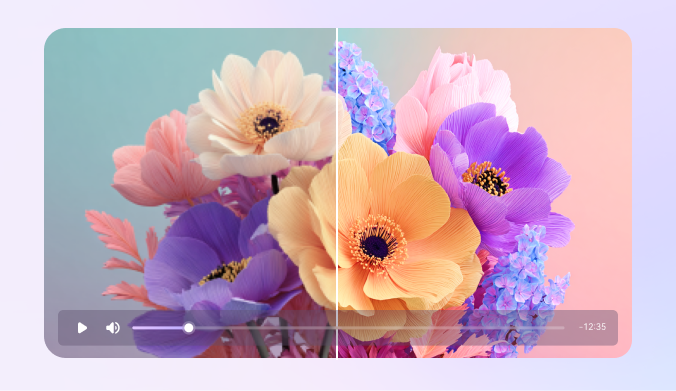
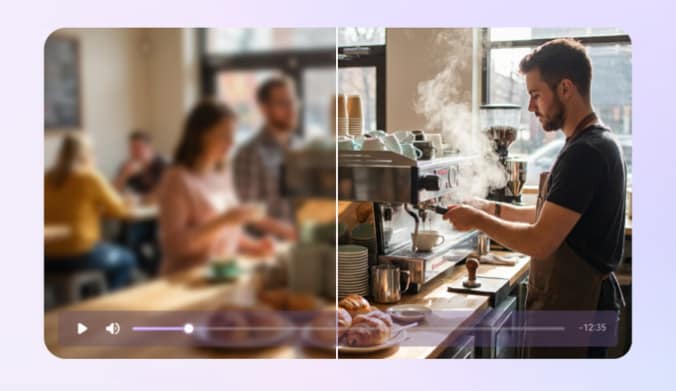
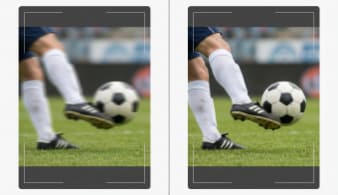
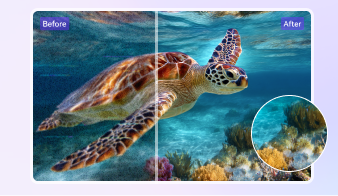
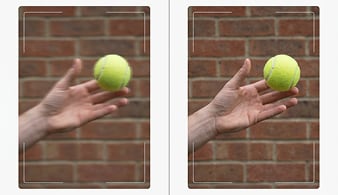
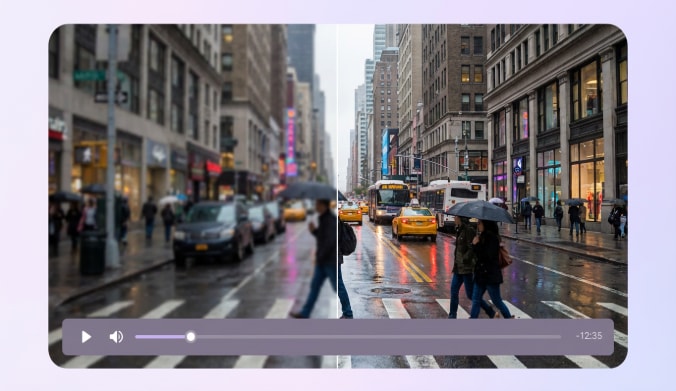
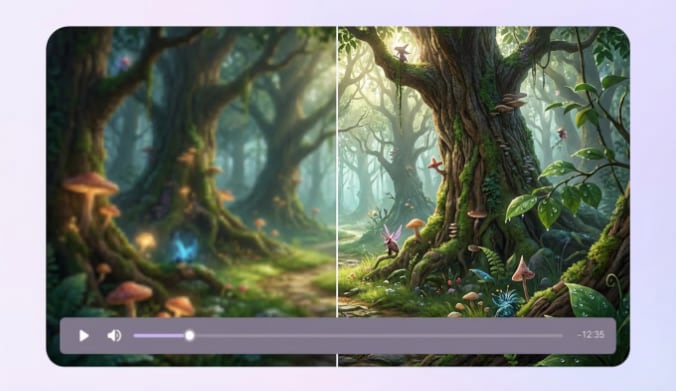
UniConverter's AI video sharpener is built on Topaz Generative Enhancement technology, using diffusion-based deep learning to sharpen video quality by reconstructing missing details instead of simply boosting edges. The AI analyzes motion, textures, and blur patterns frame by frame, then sharpens blurry video areas while preserving natural structure. This approach helps reduce artifacts and delivers clearer, more realistic video sharpening results.
Remove Noise and Sharpen Blurry Videos Together
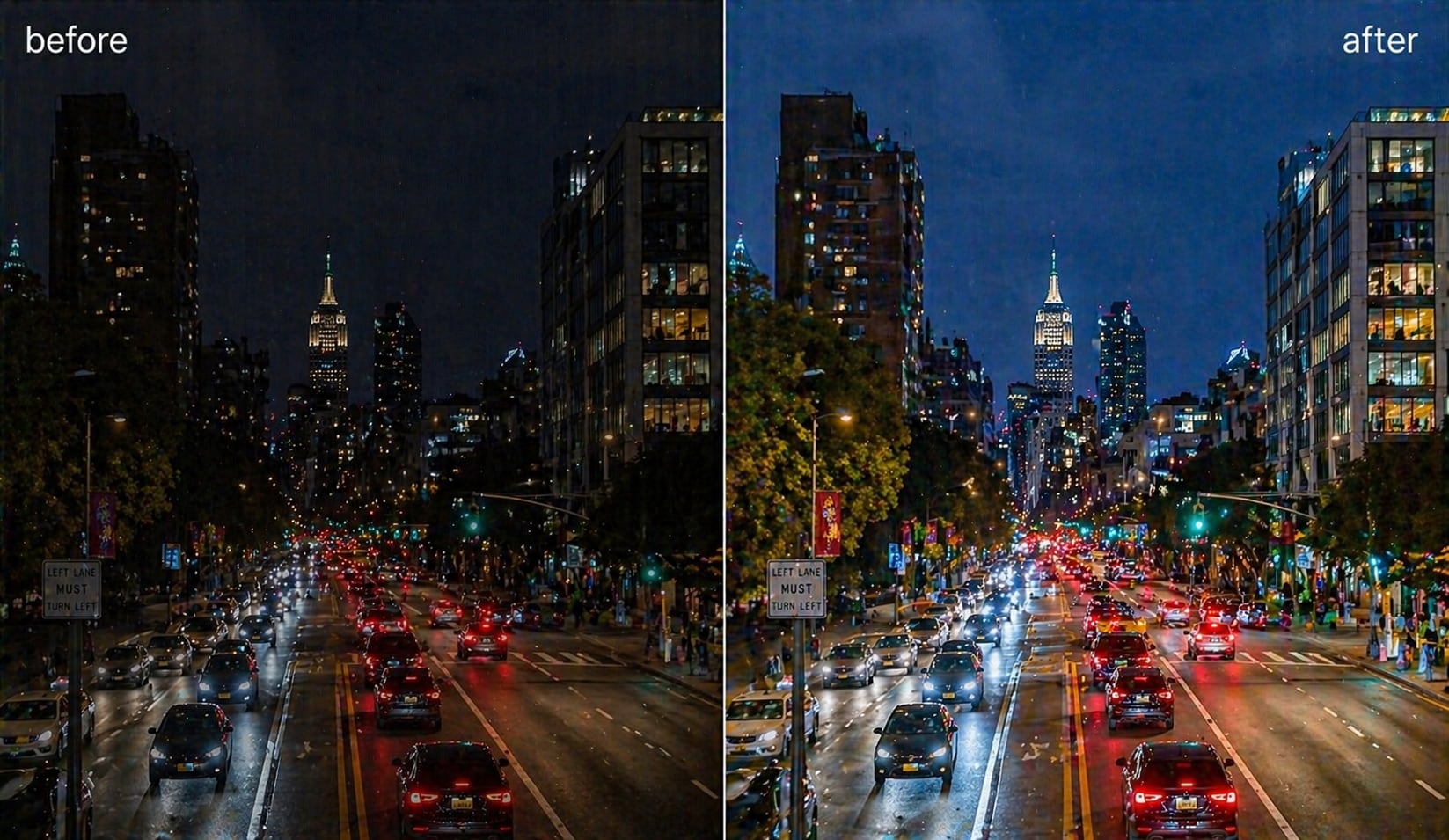
Blurry and noisy videos are common in low-light or compressed footage. UniConverter combines AI video denoiser with AI video sharpening to clean and sharpen videos in one step. The AI separates noise from real details, removes grain, and enhances clarity. This helps you fix blurry videos while keeping textures natural and avoiding over-processed results.
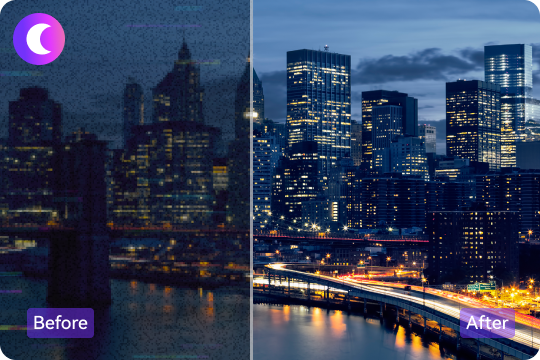
Sharpen and Upscale Videos to 4K or 8K Resolution
UniConverter lets you sharpen video and upscale resolution at the same time. You can use our AI video upscaler to improve video clarity while converting video to HD, 4K, or 8K. During upscaling, the AI reconstructs missing details to keep videos sharp and stable, making enhanced content suitable for modern displays and high-quality publishing.

Multiple AI Video Enhancement Models for Different Content
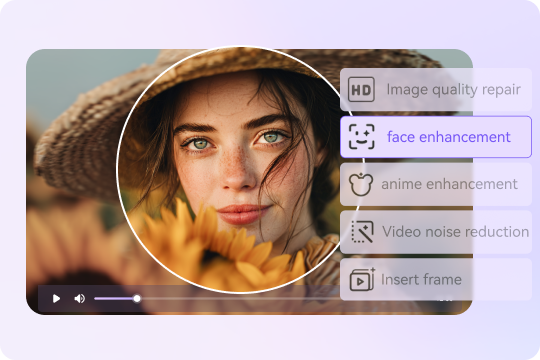
UniConverter offers multiple AI video enhancement models designed for specific video types. You can choose Face Enhancer for portraits, Anime Enhancer for animation, Video Restoration for old footage, and Denoiser for noisy clips. Each specialized AI model is trained for targeted scenarios, helping you sharpen video more accurately and improve video quality across different styles and sources.
Online and Desktop Video Sharpener Options
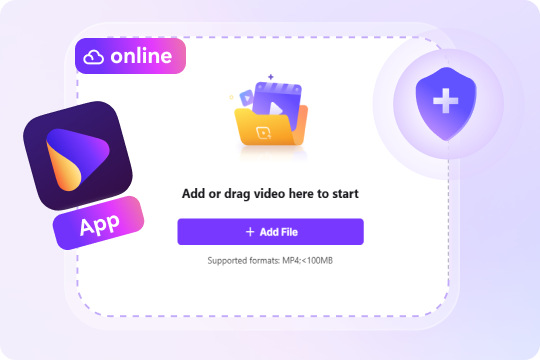
UniConverter gives you both an online video sharpener and a desktop video sharpening solution. You can sharpen video online without downloading software, or use the desktop version for GPU acceleration and batch processing. This flexible setup allows you to enhance video quality quickly for simple tasks or handle large video files with greater control and efficiency.
Batch Video Sharpening for Faster Video Processing
With the desktop version, UniConverter supports batch video sharpening for multiple files at once. You can apply the same video sharpening settings to entire folders and process them in the background. This feature is ideal for creators and businesses who need to sharpen videos efficiently while maintaining consistent video quality across large projects.
How to Sharpen a Video in 3 Simple Steps

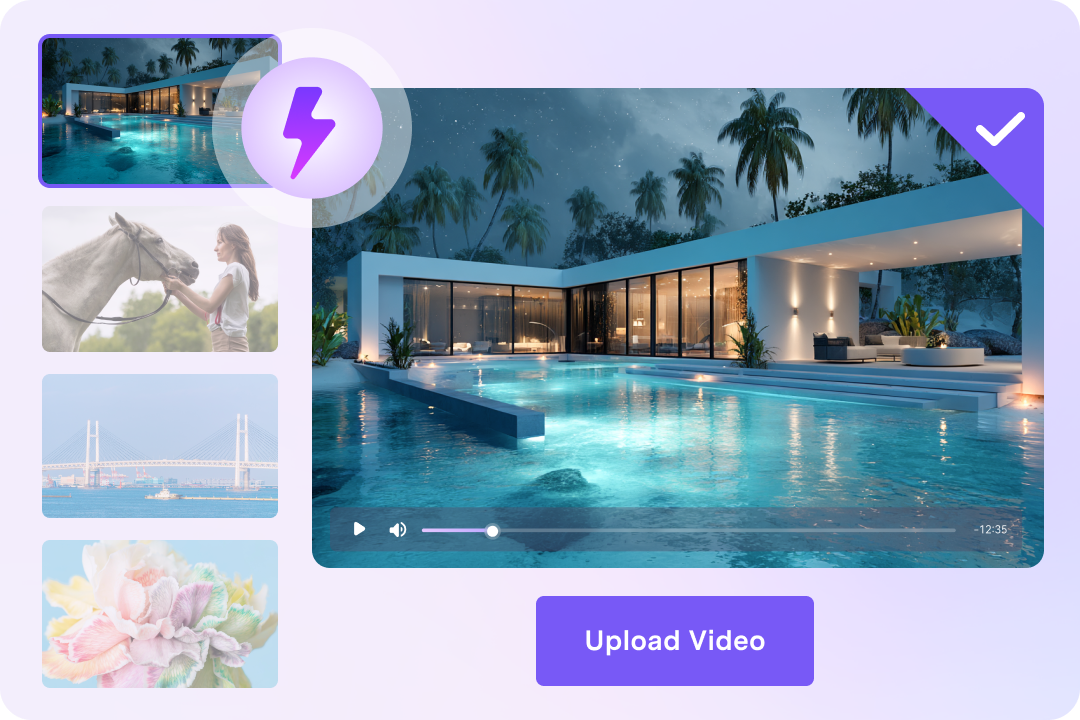
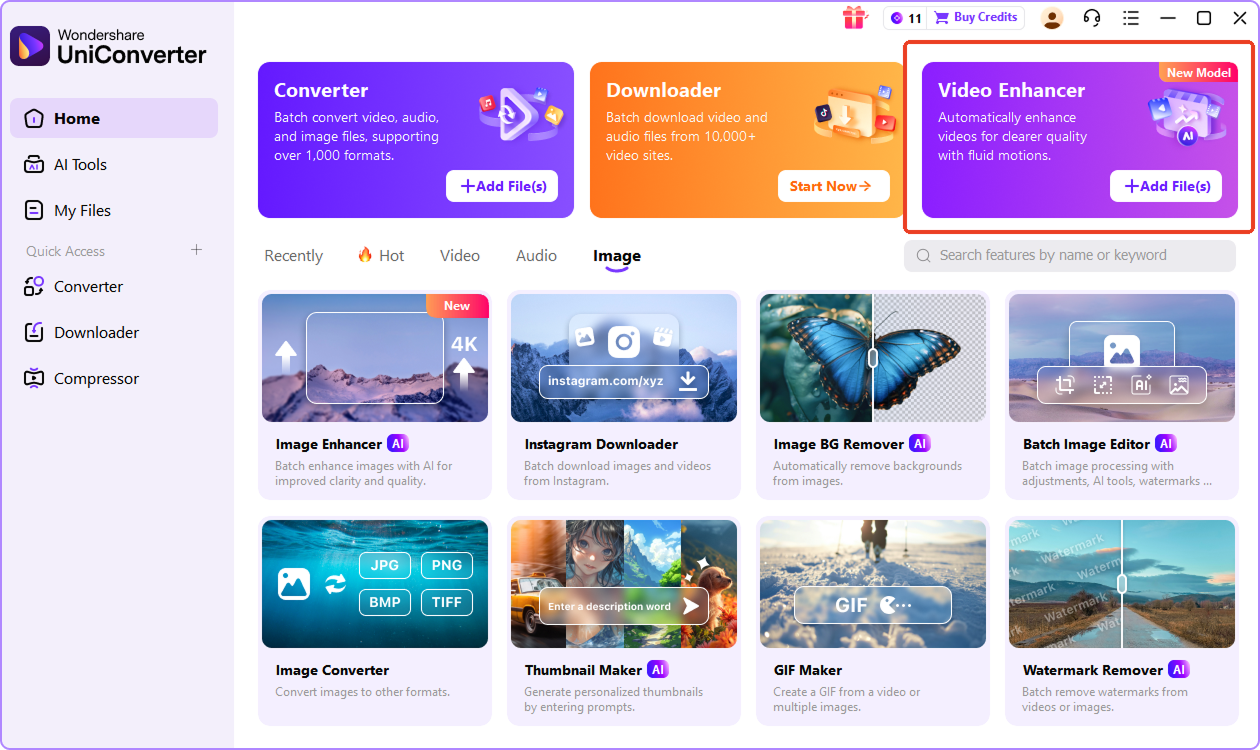
You can drag and drop a video from your device to browser, or import it in the desktop AI Video Enhancer. UniConverter supports common formats like MP4, MOV, AVI, and MKV, so you can start sharpening right away without extra preparation.

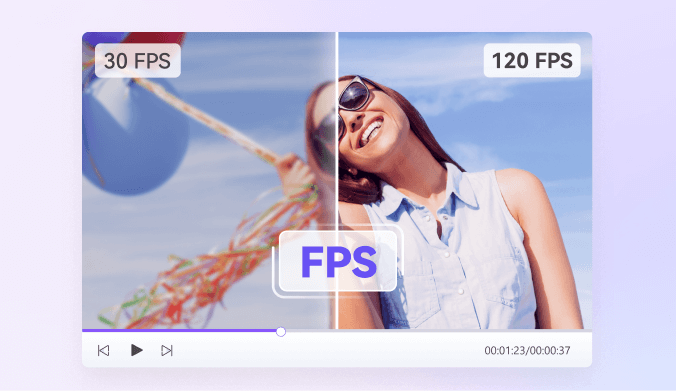
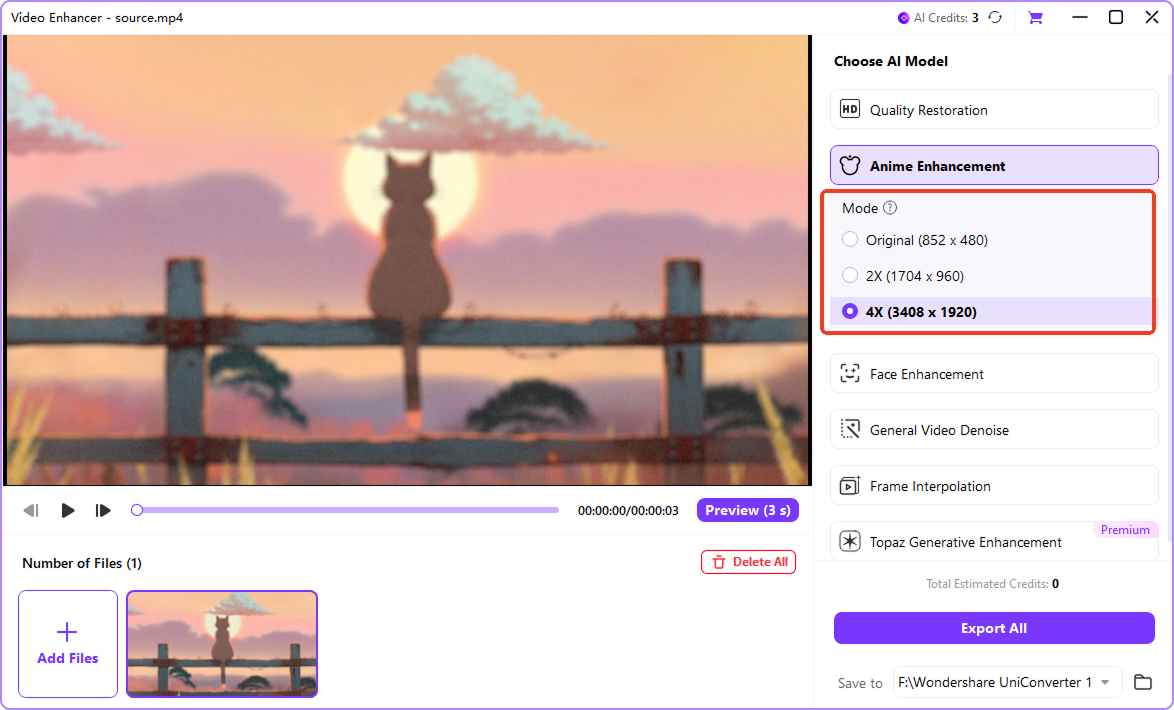
Select the best AI model for your clip. Quality Restoration model is for overall video sharpening, other models help upscale videos. If needed, enable denoise or frame interpolation to improve detail and motion.

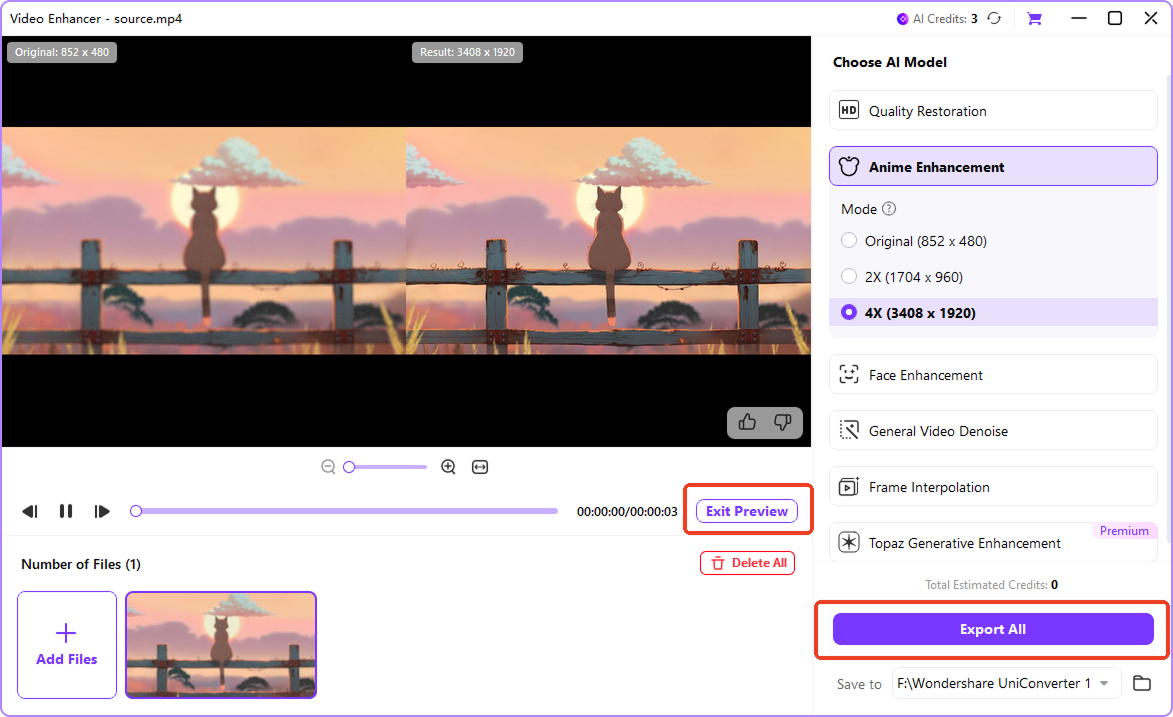
Use the preview to compare before and after results, and fine-tune until the video looks clearer and sharper. Click Export All to start processing, then export the sharpened video in your preferred format.
Common Video Sharpening Use Cases



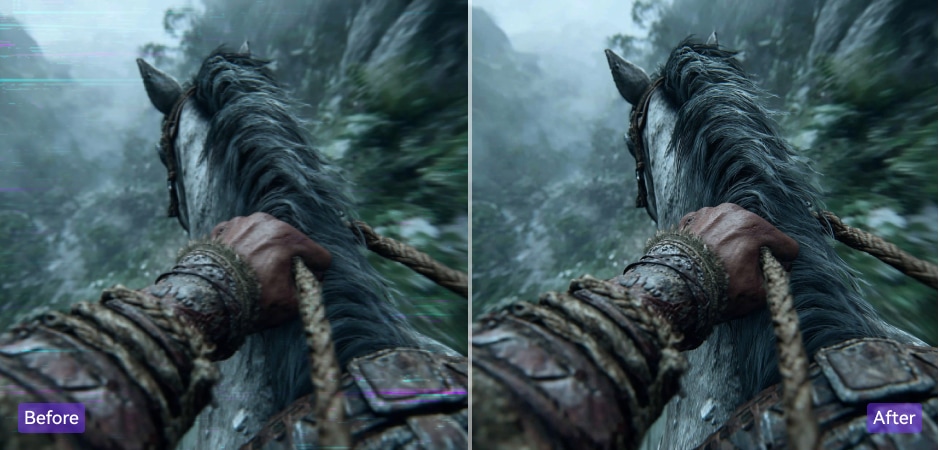
Restore Old Videos with AI Video Sharpening
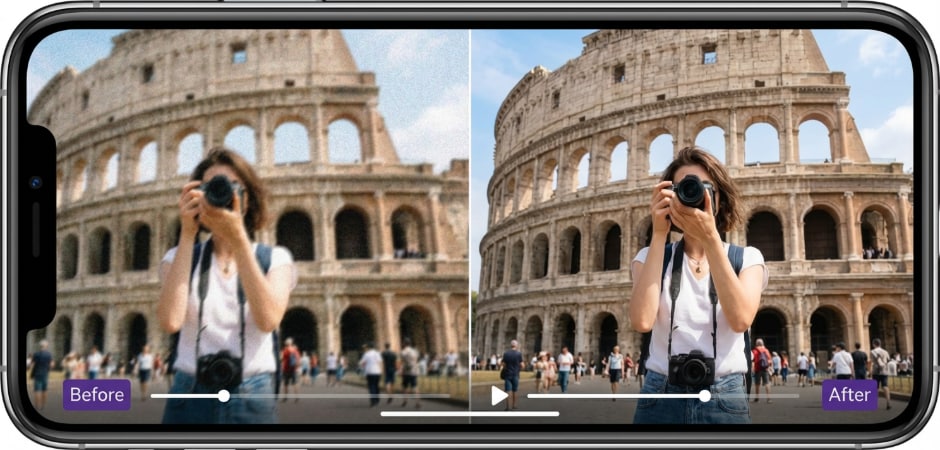
Old family videos, VHS tapes, and vintage footage often look blurry, noisy, and low in resolution. With UniConverter AI video sharpener, you can restore old videos by removing blur, reducing noise, and sharpening lost details. The AI reconstruction process improves video clarity while keeping natural textures. You can also upscale old footage to HD or 4K, making it easier to watch, share, and preserve on modern screens.
Sharpen Social Media Videos for Better Quality
Videos uploaded to social platforms often lose sharpness due to heavy compression. UniConverter helps you sharpen social media videos before publishing by enhancing details and improving overall video quality. The AI video sharpening process removes blur from fast motion and restores clarity lost during compression. This makes your Instagram, TikTok, YouTube, and Facebook videos look cleaner, sharper, and more professional to viewers.
Fix Blurry Mobile Phone Videos Easily
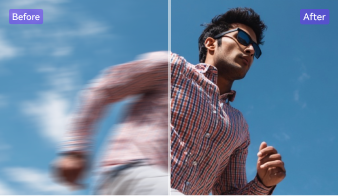
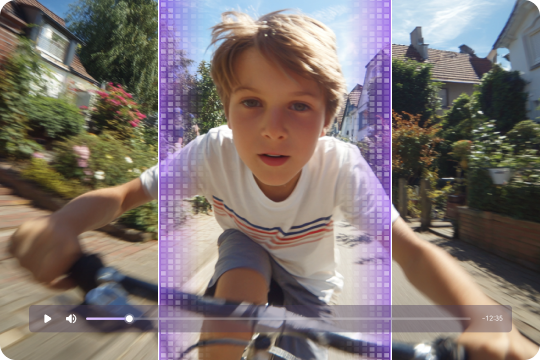
Mobile phone videos recorded in low light or motion often turn out blurry and unclear. UniConverter makes it easy to sharpen blurry phone videos using AI-powered video sharpening. The tool enhances edges, restores fine details, and improves video clarity without manual editing. This is ideal for everyday recordings, travel clips, and family moments that deserve to look sharper and more watchable.
Sharpen Business and Marketing Videos Professionally
Blurry visuals can reduce trust in business and marketing videos. UniConverter allows you to sharpen business videos and improve video quality for product demos, presentations, and promotional content. The AI video sharpener makes text, logos, and product details clearer while keeping a professional look. Batch processing also helps teams enhance multiple videos efficiently and maintain consistent visual quality.
Sharpen Gaming and Screen Recording Videos
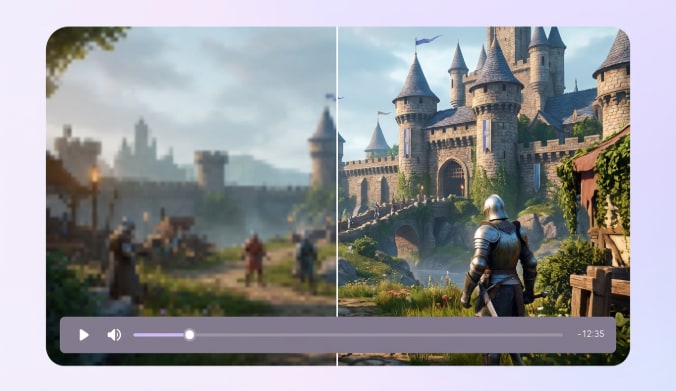
Gameplay footage and screen recordings often suffer from compression blur and soft edges. With UniConverter, you can sharpen gaming videos and screen recordings using AI video sharpening technology. The tool improves clarity of UI elements, text, and fast-moving scenes. Combined with optional frame interpolation, it helps you create sharper, smoother videos for tutorials, gameplay highlights, and streaming content.
FAQs about Video Sharpening
How do I sharpen a blurry video?
Can AI really make blurry videos clear?
Can I sharpen videos online for free?
What is the difference between video sharpening and upscaling?
How long does it take to sharpen a video?
Can I sharpen 4K or 8K videos?
How is AI video sharpening different from traditional sharpening?