UniConverter Video Clearer Removes Any Type of Blur from Video
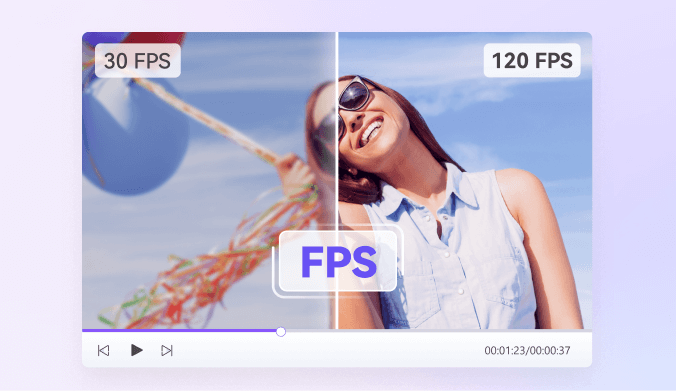
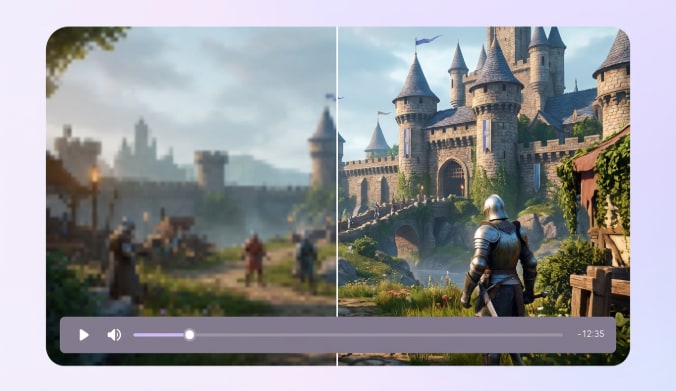
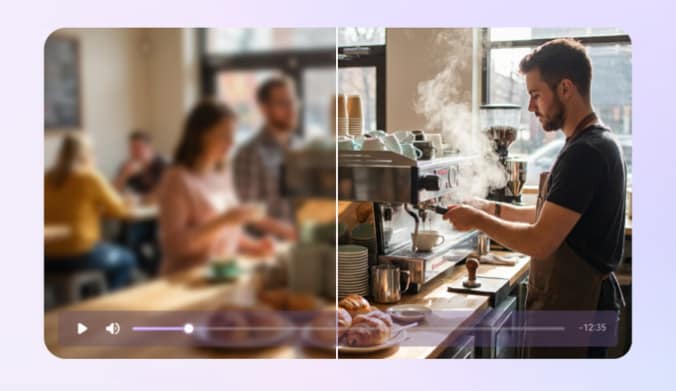
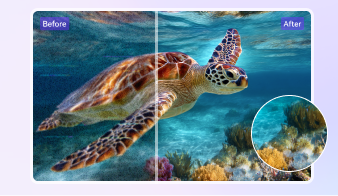
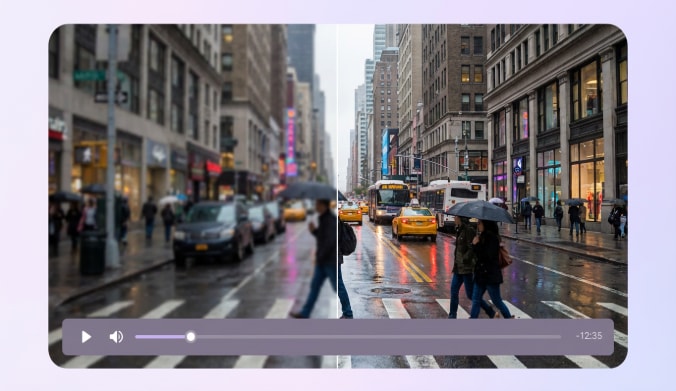
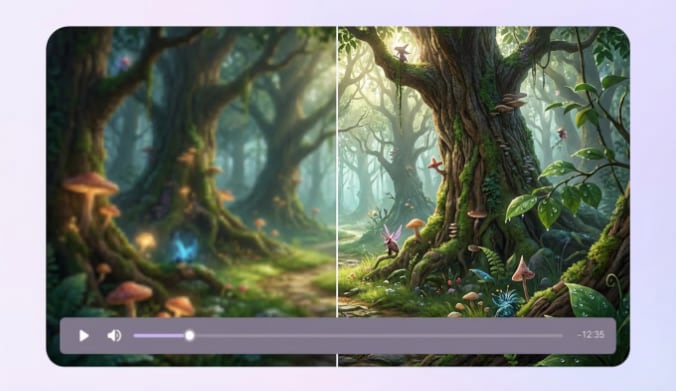
UniConverter’s AI Video Enhancer intelligently detects and removes all kinds of blur—from shaky motion to focus or compression blur. Using advanced AI unblur algorithms, it automatically analyzes video frames and restores sharpness, contrast, and natural details to make your videos clearer and higher quality.
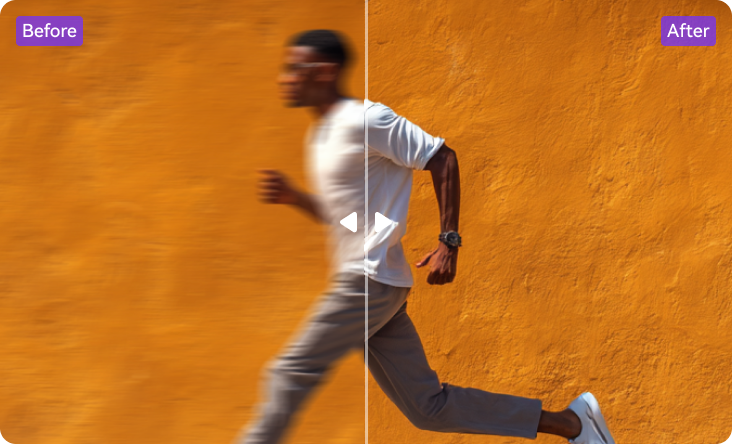
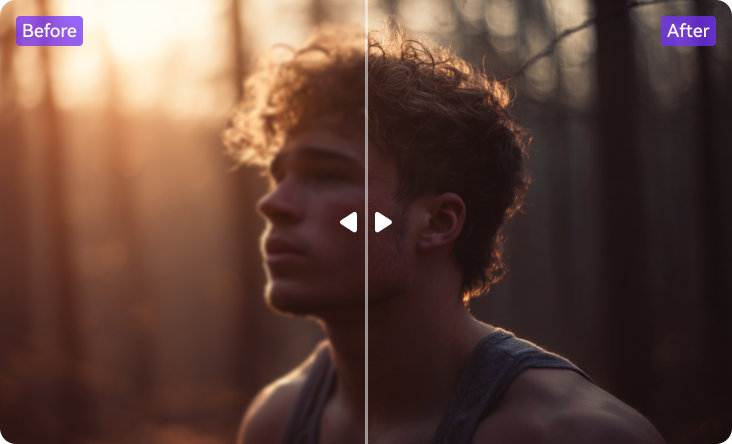
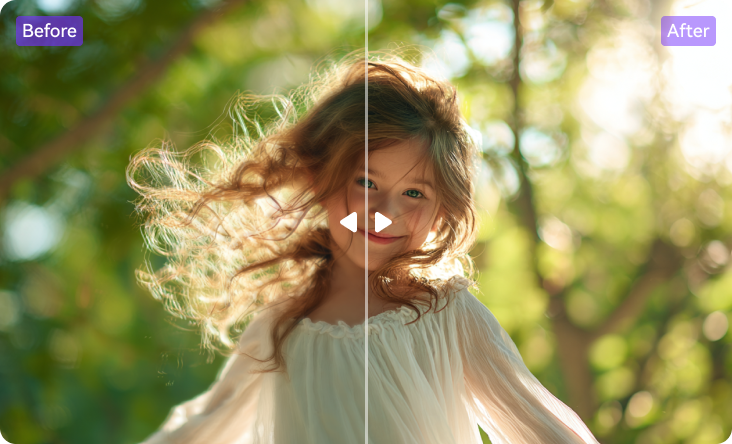
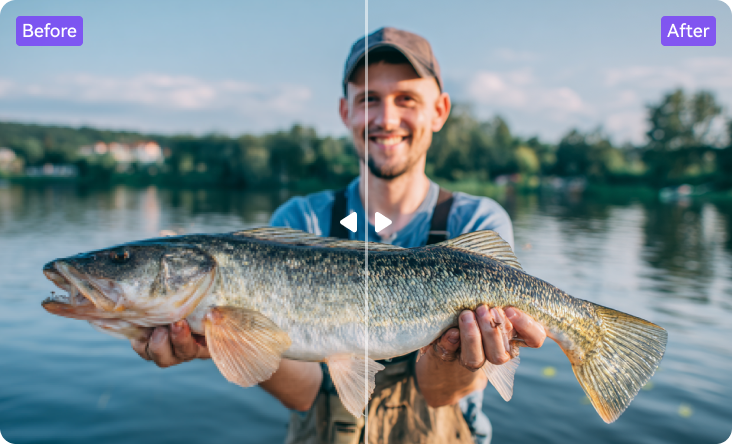

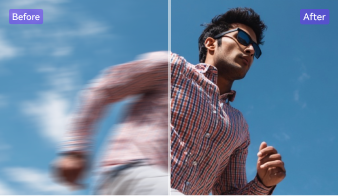
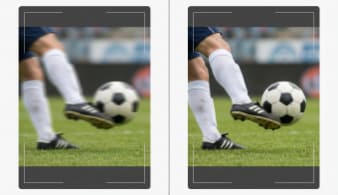
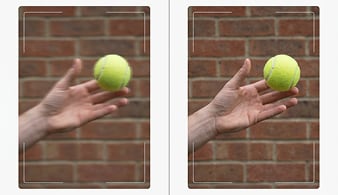
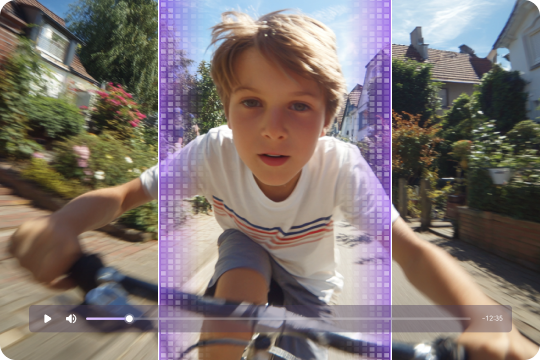
Motion Blur
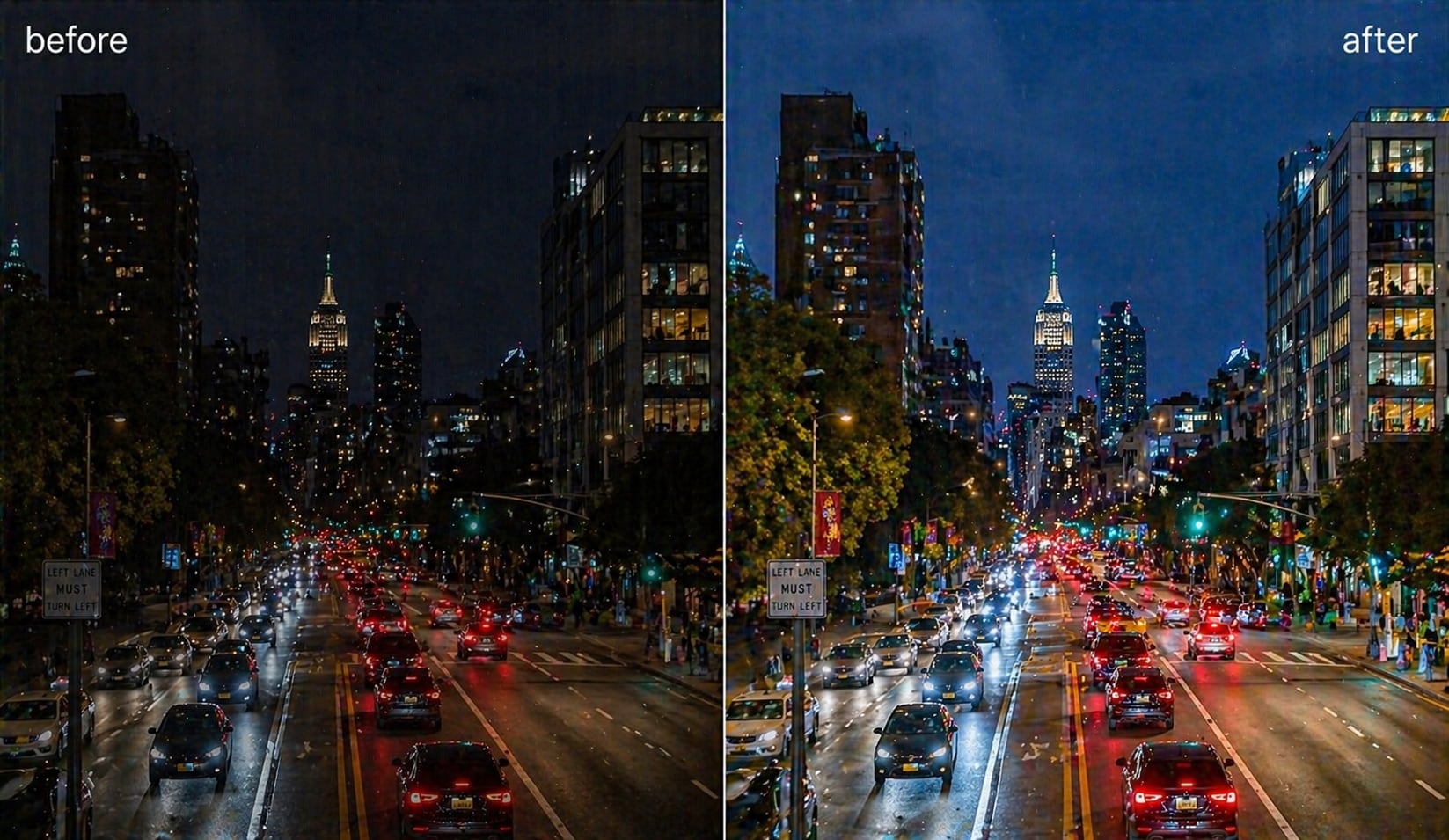
Low-Light Blur
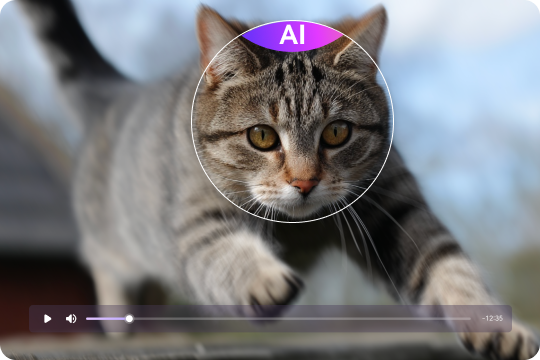
Focus Blur
Compression Blur
Old Footage Blur
How to Unblur a Video with 3 Steps

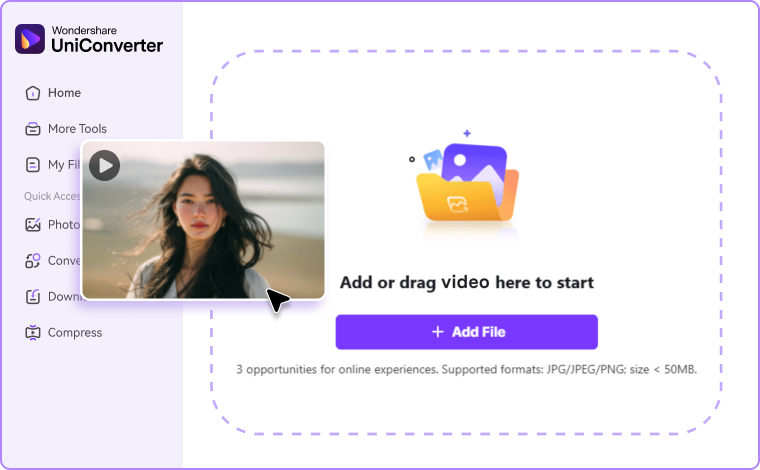
Step 1. Upload your blurry video
Launch UniConverter and choose the "AI Video Enhancer" to batch upload multiple videos at once, or directly upload the blurry video you want to clean in online version.

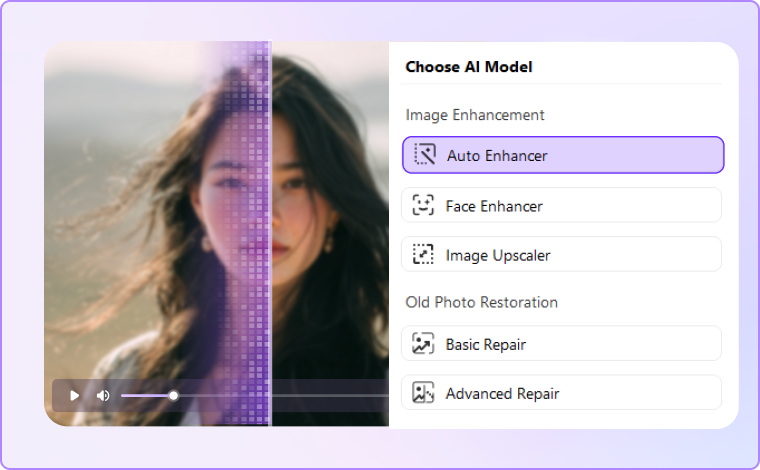
Step 2. Choose “Quality Restoration” model
The AI unblur video algorithm automatically analyzes and sharpens every frame.

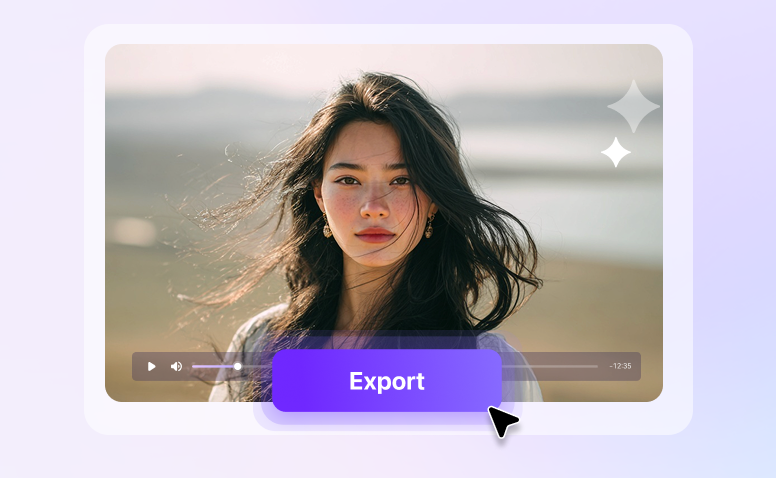
Step 3. Preview & Export
View real-time results and export your now clearer, higher-quality video.
Why Choose UniConverter Video Blur Remover?
Advanced AI Unblur Technology for Clearer Videos
UniConverter uses cutting-edge AI unblur video technology to automatically detect and correct motion blur, focus issues, and compression artifacts. The intelligent algorithm analyzes every frame, restores lost texture, and produces smooth, high-definition visuals. It’s the most accurate way to remove blur from video without over-editing or pixel damage.
AI Upscaling and Detail Restoration for Better Quality
Go beyond unblurring—enhance. After removing blur, you can upscale video with AI or convert video to 4K for a sharper high-resolution output. With AI video clearer tools, UniConverter increases resolution up to 4K and restores the smallest details lost in shooting or compression. Each pixel is refined to produce cleaner edges, sharper images, and stunning visual clarity for a professional look on any screen.
Multi-Format Supported Video Cleaner and Enhancer
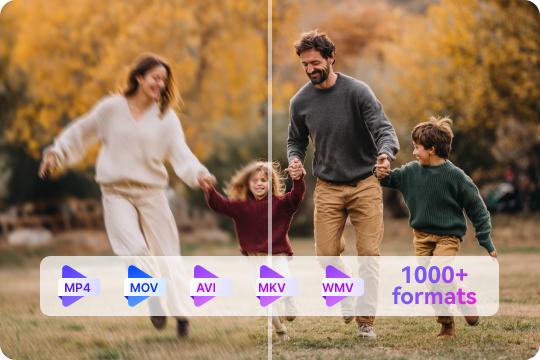
The UniConverter video cleaner supports over 1,000 video formats, from MP4 and MOV to AVI, MKV, and WMV. No matter where your footage comes from—phone, DSLR, or downloaded files—the AI unblur engine removes distortion, improves sharpness, and ensures consistent clarity across every format.
Real-Time Preview and Easy AI Unblur Controls
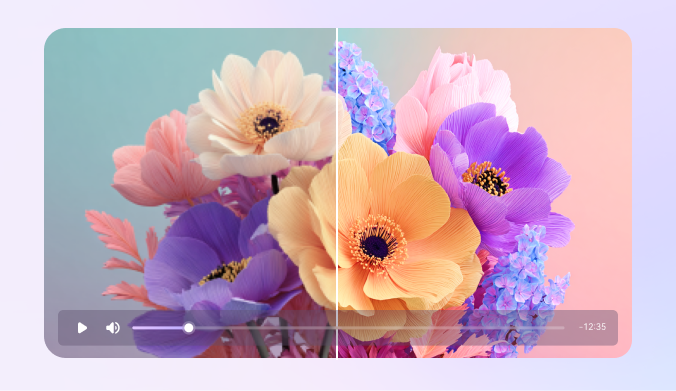
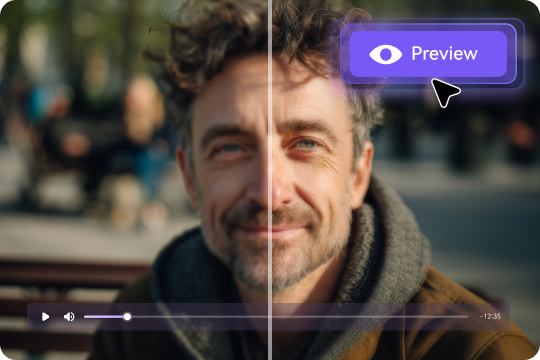
See your results instantly with real-time AI unblur previews. The intuitive interface lets you compare before-and-after views while making fine adjustments. UniConverter makes it easy for anyone—beginners or pros—to make videos clearer with just one click, without needing technical expertise.
Desktop and Online AI Video Unblur Solutions
Choose the version that fits your workflow. Use the desktop AI unblur video tool for powerful offline performance, or the unblur video online free option for instant results in your browser. Both deliver reliable, high-quality processing with built-in speed, privacy, and convenience.

Batch Processing for Multiple Video Unblur
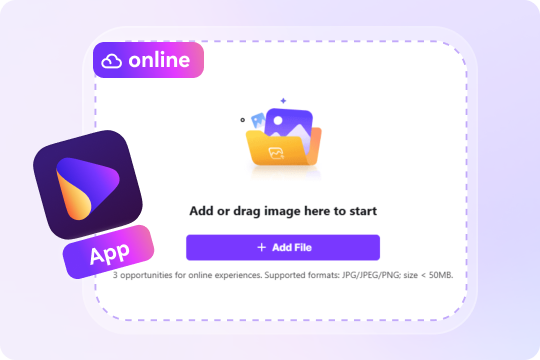
Need to process more than one clip? The AI video blur remover in UniConverter supports batch enhancement, allowing you to remove blur from multiple videos at once. It’s ideal for content creators, educators, and businesses who need consistent, high-quality clarity across all their footage—fast and effortlessly.
Make Video Clearer for Every Scenario
Unblur and Restore Old Home Videos with AI
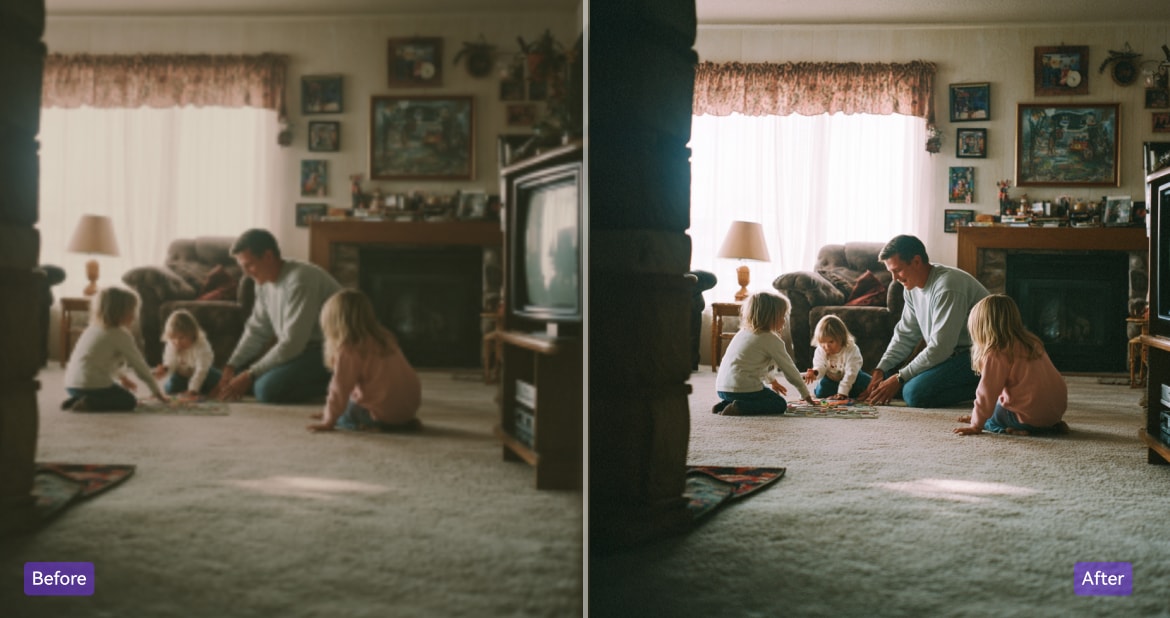
Bring your precious memories back to life with UniConverter’s AI unblur video feature. It removes motion blur, brightens faded colors, and enhances resolution, making old family footage look fresh and vibrant again. Preserve those moments forever with crystal-clear, high-quality playback.

Make Social Media Videos Clearer and More Engaging
Create scroll-stopping posts using UniConverter’s video clearer technology. The AI video enhancer sharpens low-quality clips, refines colors, and removes blur automatically, helping your videos look polished and professional. Stand out on TikTok, YouTube, or Instagram with clearer, brighter, and more captivating visuals.
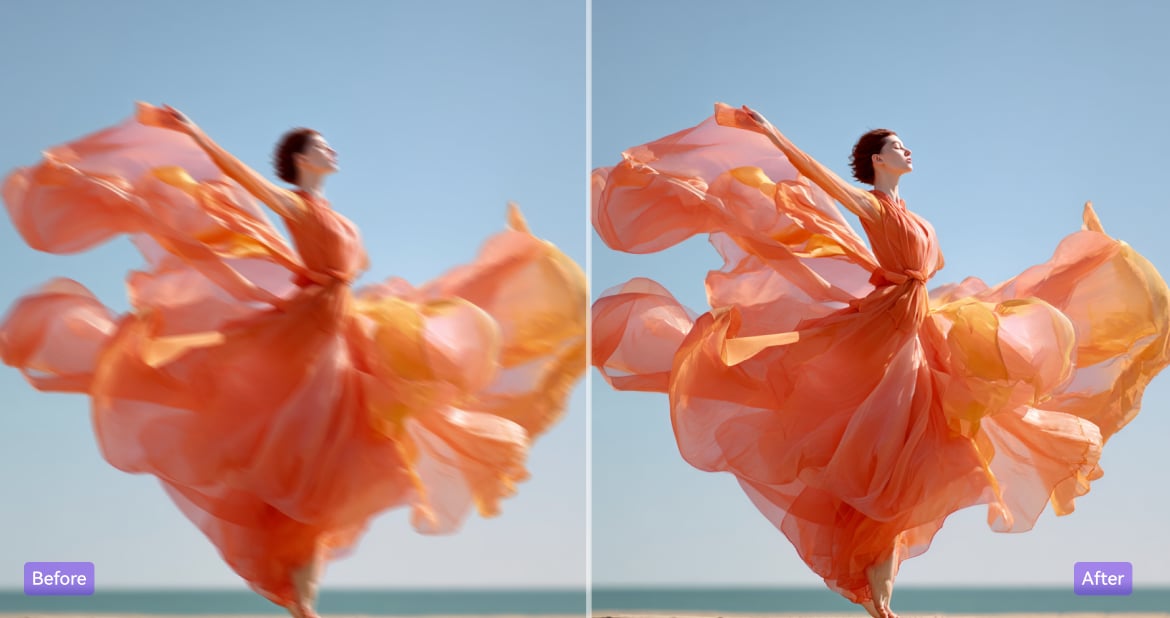
Use AI Video Cleaner for Professional-Quality Marketing Content
Deliver a strong visual message with UniConverter’s AI video cleaner. Instantly remove blur from video, enhance brand visuals, and boost color quality for ads, presentations, and campaigns. Every clip looks sharper, smoother, and ready to impress your audience or clients.
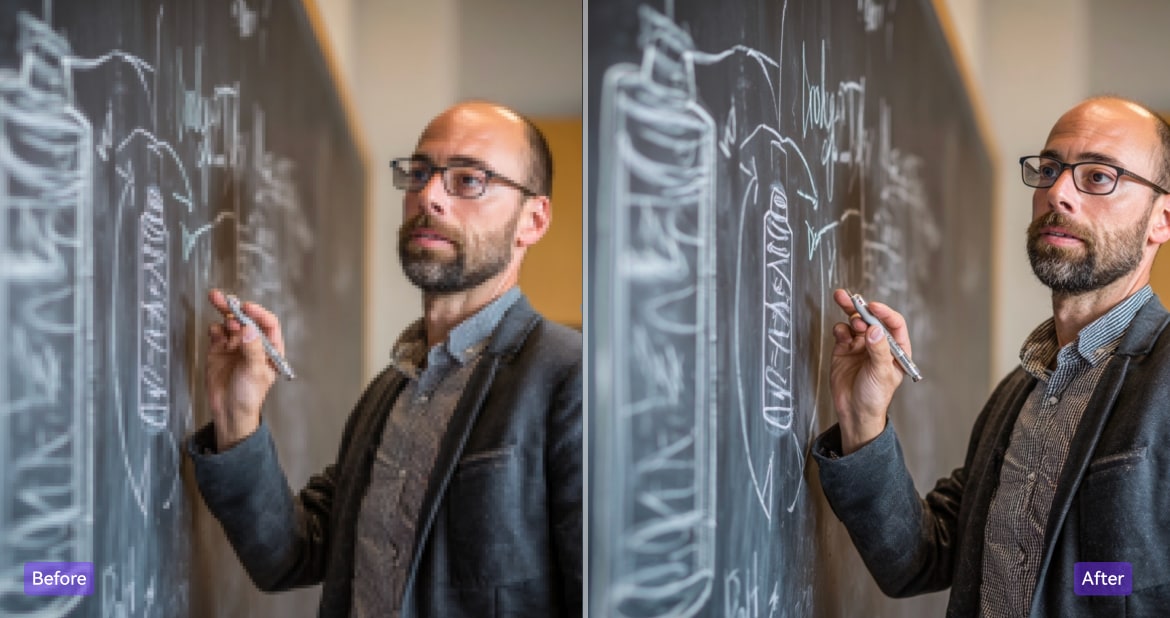
Make Learning Videos Sharper with AI Unblur Tools
Ensure your lessons are crystal clear with the AI unblur feature in UniConverter. It clarifies text, graphics, and demonstrations in tutorials or lectures, making complex concepts easier to understand. Ideal for teachers, online instructors, and e-learning content creators.
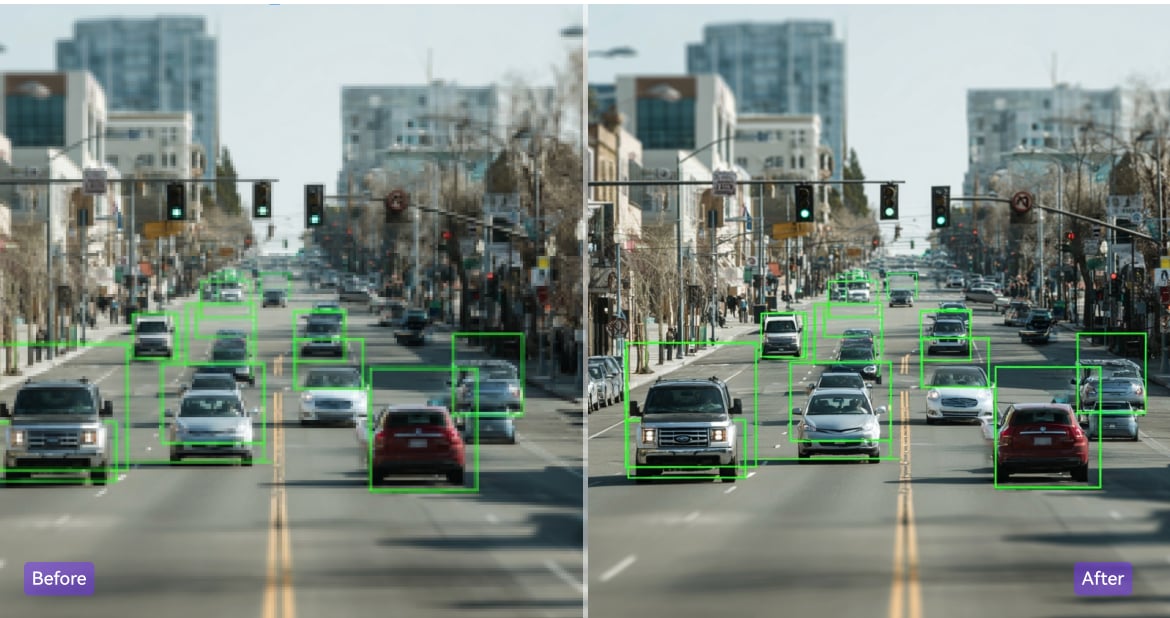
Remove Blur from Security Videos for Better Clarity
Gain clearer visibility with UniConverter’s AI blur remover. The tool enhances dark or blurry surveillance clips, sharpens details, and improves contrast to help identify faces, objects, and movements accurately. Perfect for improving low-quality CCTV or security camera footage.
What our customers are
saying about UniConverter’s AI video clearer
FAQs About Unblurring Videos
Can you really unblur a video?
How to make a blurry video clearer for free?
What’s the best video blur remover?
Can you unblur a purposely blurred video?
Is it possible to uncensor a censored video?
Can video blur be reversed?
How do you unblur a video someone sent you?