
UniConverter
UniConverter Online Free
Converter video, audio & image free
Free Try

4K AI Video Enhancer with a Free Online Trial

Try AI video enhancement online for free, or upscale videos to 4K with UniConverter for Windows and Mac. Sharpen soft details, improve blurry footage, and give 720p or 1080p videos a clearer look.

  • Upscale videos to 4K with AI-powered detail enhancement.
  • Improve soft textures, noisy scenes, and low-quality footage.
  • Preview the difference and enhance multiple videos in one workflow.
FREE ONLINE EXPERIENCE

Try the AI Video Enhancer Online Free

Improve video quality online for free with a short clip. Try AI enhancement right in your browser, then choose the desktop 4K video upscaler for high-resolution projects.

Enhance Video Online

4K Video Enhancer: Free Online vs. Desktop

Looking for a 4K video enhancer online free? Start with AI enhancement in the online tool above. Choose UniConverter desktop when you need 4K output, more enhancement options, or batch processing.

Quick online experience

Try Video Enhancement Online Free

An easy way to try AI enhancement on a short clip.

  • ✓ Start in your browser—no installation
  • ✓ Enhance one short MP4 clip at a time
  • ✓ Improve clarity with Quality Restoration
  • ✓ Upload files up to 100 MB
  • ✓ Try the available free access
No Installation Free Online Quick Trial Easy to Use
Recommended for complete enhancement

Desktop 4K AI Video Enhancer

More control for high-resolution videos and ongoing projects.

  • ✓ Upscale to 4K with Topaz Ultra (Gen AI)
  • ✓ Access dedicated face, anime, and night-scene tools
  • ✓ Reduce noise and improve overall video quality
  • ✓ Import multiple videos or an entire folder
  • ✓ Preview your results before exporting
  • ✓ Work with UniConverter on Windows or Mac

Free online access is limited. Desktop 4K export is a separate feature.

See What a 4K Video Enhancer Can Improve

Slide to compare the enhancement example. See how clearer textures and more defined edges can make softer footage look better on a larger screen.

Before AI Enhancement
After AI Enhancement

Bring More Detail into Every Frame

Give travel clips, family memories, and everyday recordings a cleaner, sharper appearance. Preview your own video to see the difference before exporting.

Sharper detail
More defined textures
Cleaner picture
Less distracting grain
4K output
Ready for larger screens
Easy preview
Compare before export

Upscale Videos to 4K and Bring Details into Focus

From low-resolution clips to soft faces and grainy night scenes, choose the enhancement that gives your footage a better finish.

AI upscaling

Turn 720p and 1080p Videos into Sharper 4K

Make existing footage more useful for high-resolution projects. UniConverter’s 4K AI video upscaler enhances visible detail as it increases resolution, helping older clips fit naturally into your next video.

  • Bring out texture in landscapes, architecture, and product shots.
  • Use Topaz Ultra (Gen AI) for a dedicated 4K output option.
  • Preview your footage before exporting the enhanced version.
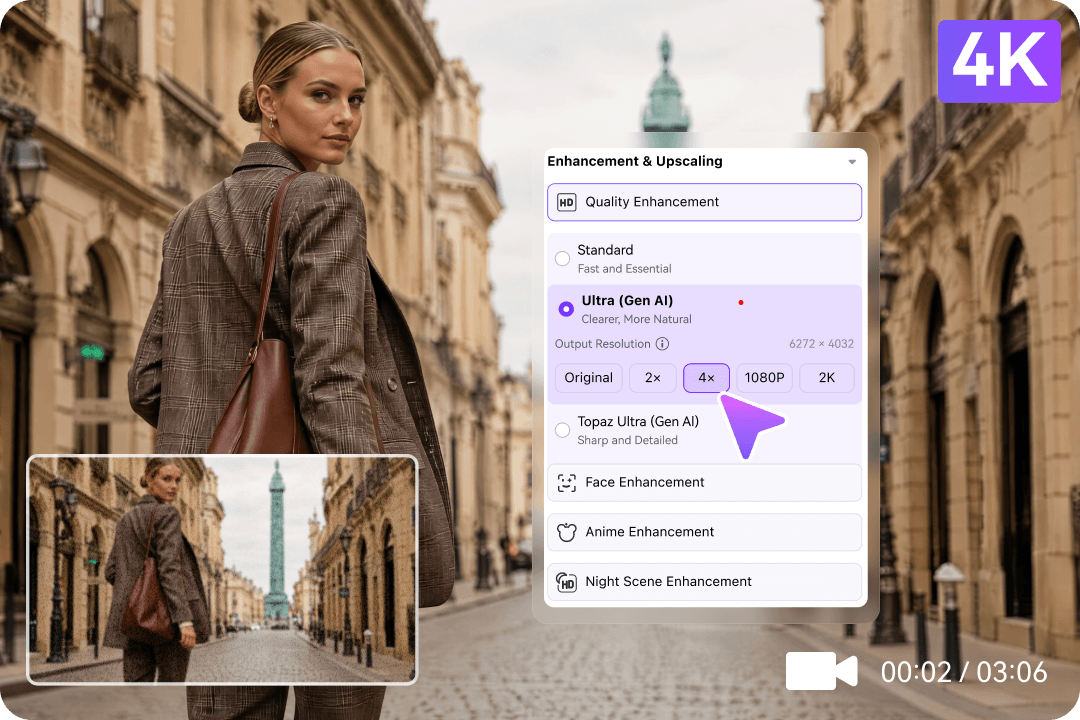
AI video enhancement and 4K upscaling in UniConverter
Faces and animation

Enhance the Subjects That Matter Most

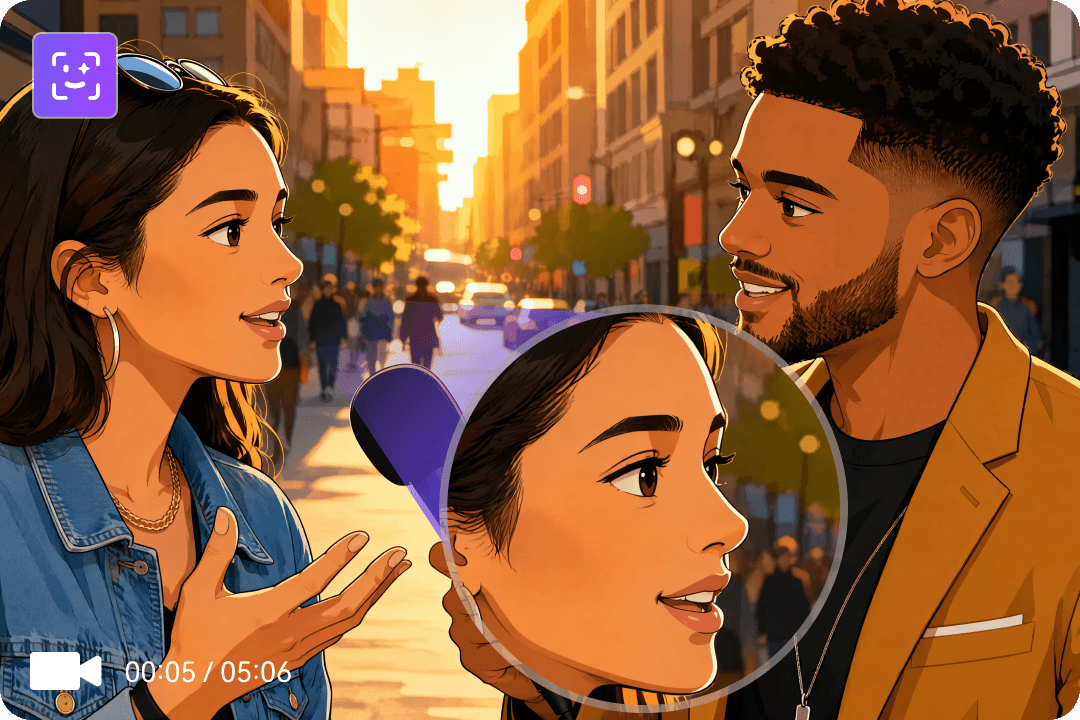
Help people and animated characters look clearer when soft edges or compression distract from the story. Dedicated face and anime enhancement tools let you focus on the content in your video.

  • Improve facial clarity in interviews, vlogs, and family recordings.
  • Refine anime outlines and animation details.
  • Choose the enhancement that best fits your footage.
Face and anime enhancement
Low-light video enhancement

Make Dark, Grainy Videos Look Cleaner

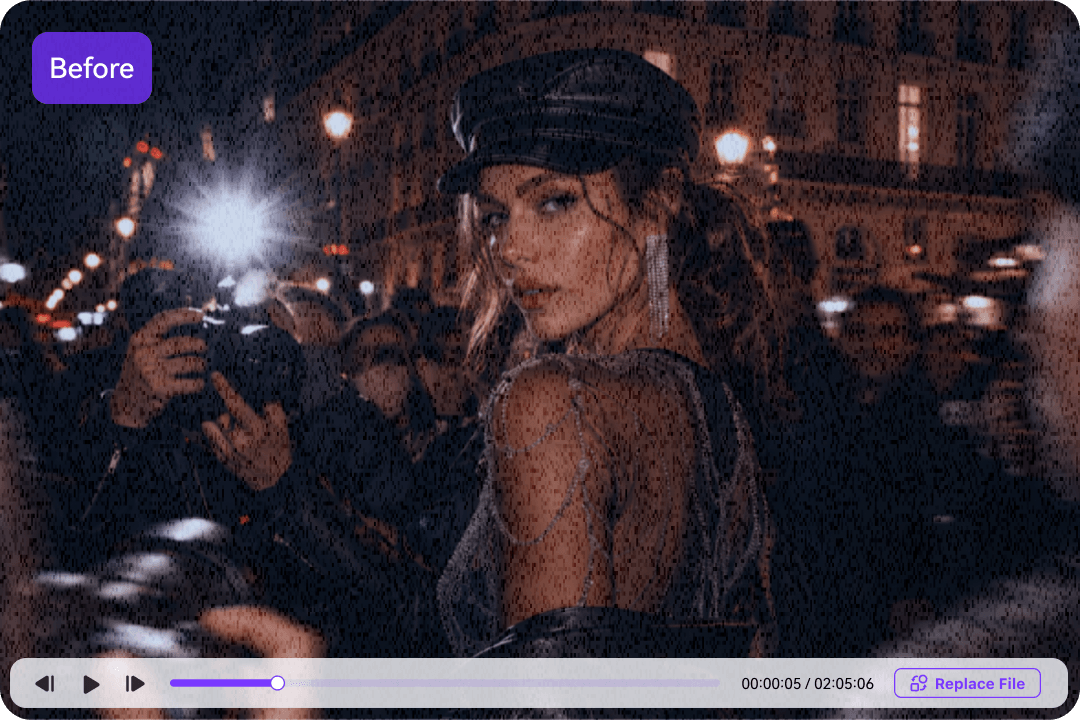
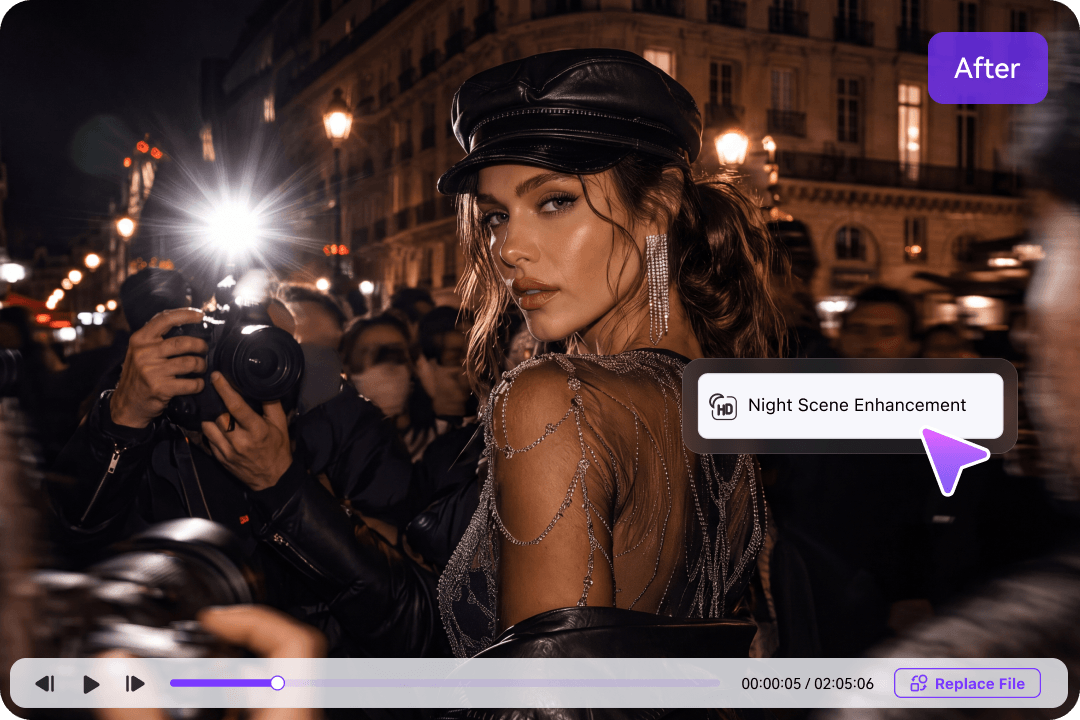
Give night recordings and low-light clips a more watchable finish. Improve subject visibility and reduce distracting noise so the picture looks cleaner when viewed at a larger size.

  • Brighten the visual impact of travel, concert, and indoor footage.
  • Use Night Scene Enhancement for low-light subjects.
  • Reduce visible grain with General Video Denoise.
Supplied low-light enhancement example before processing
Supplied low-light enhancement example after processing
Batch video enhancement

Prepare Multiple Videos for Your Next 4K Project

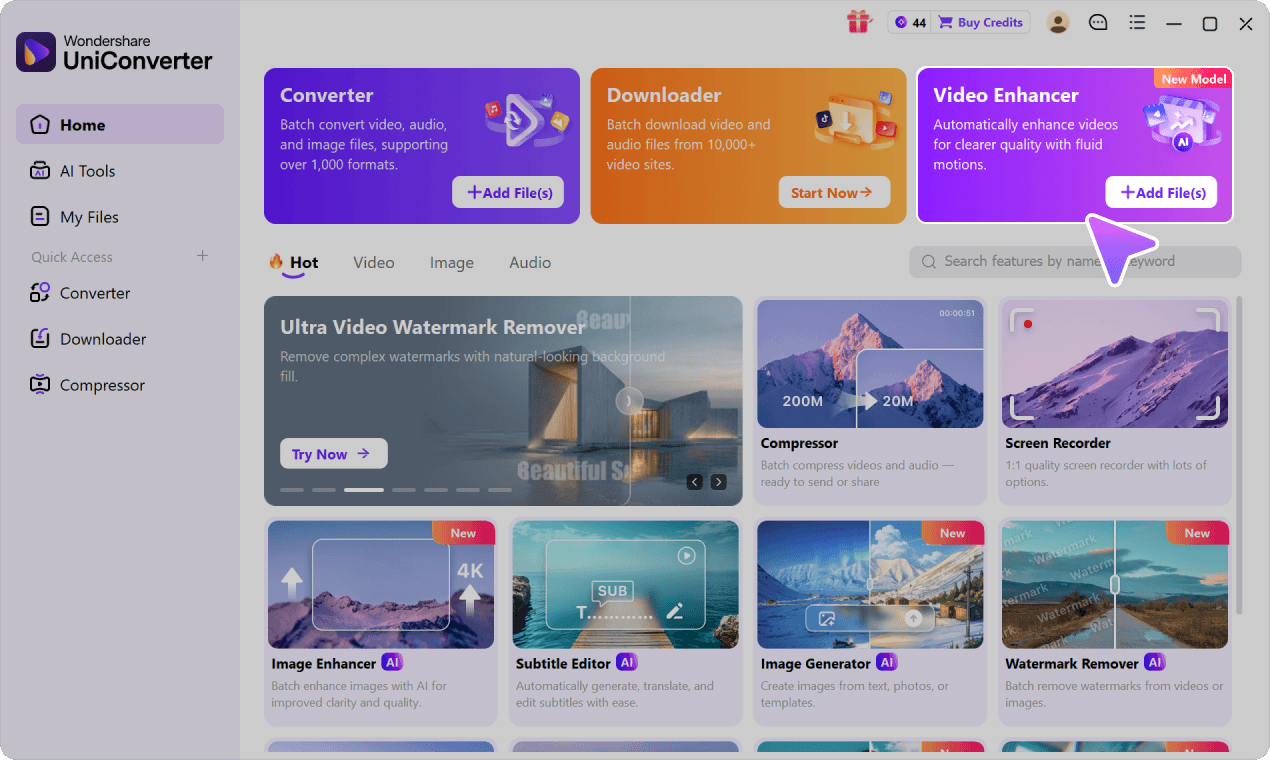
Spend less time repeating the same import and export routine. Bring several clips or an entire folder into UniConverter and manage your enhancement tasks in one place.

  • Import collections of creator footage, product clips, or old recordings.
  • Choose the enhancement and output settings for each video.
  • Use Enhance All & Export to process your prepared queue.
Multi-video batch enhancement workflow in UniConverter

4K AI Video Enhancer Use Cases

Use a 4K AI video upscaler to refresh low-resolution footage for YouTube, family videos, product demos, and animation projects.

01 / CREATORS

Upscale YouTube Videos and Vlogs to 4K

Bring older clips into a 4K edit and give travel, lifestyle, and talking-head footage a clearer finish.

02 / FAMILY MEMORIES

Enhance Old Family Videos for 4K Viewing

Make family and holiday videos more enjoyable to revisit on a larger display, with cleaner-looking details.

03 / PRODUCT VIDEOS

Improve Product Video Quality for 4K Projects

Help materials, surfaces, and product features stand out in demos, showcases, and presentation videos.

04 / ANIMATION

Enhance Anime and Animation for 4K Edits

Use content-specific enhancement to refine soft outlines and give animation a more polished appearance.

4K AI Video Enhancer FAQs

Find answers about free online enhancement, 4K upscaling, and improving your videos.

01

Can I use a 4K video enhancer online for free?

Yes, you can try UniConverter’s online AI video enhancer for free on a short clip using the tool at the top of this page. For a dedicated 4K output option, choose Topaz Ultra (Gen AI) in the desktop app. Free online enhancement and desktop 4K export are separate features.
Start with the free online experience above to improve video clarity in your browser. To upscale videos to 4K in UniConverter, download the desktop app, import your video, select Quality Enhancement → Topaz Ultra (Gen AI), and choose 4K. Preview the result, then export. The free online trial does not promise free 4K export.
Yes. UniConverter’s desktop Topaz Ultra model lets you choose 4K output for supported source videos. AI can improve visible texture and edges as it enlarges the picture. Results depend on the quality of the original footage.
A video converter changes formats or output settings. A 4K AI video upscaler also enhances visible detail while increasing resolution, so it can produce a clearer-looking result than simply enlarging the frame.
AI enhancement can improve many soft, low-resolution, or compressed clips by refining visible detail. Very heavy blur may remain, so preview your own footage to find the best result.
Yes. UniConverter desktop supports multiple-video queues and folder import. Set up your clips, choose the enhancement and output options you need, then use Enhance All & Export.
UniConverter offers video enhancement on Windows and Mac. Use a current version with Topaz Ultra and its 4K output option; available models can vary by platform and version.
Resolution and frame rate are separate. Use 4K upscaling for a larger, more detailed-looking picture, Frame Interpolation for smoother motion, or Video Stabilization to reduce camera shake.

Explore Video Enhancement for Your Device

Choose the enhancement workflow that fits your platform and project.

AI Video Enhancer for Windows

Explore the Windows workflow, models, and system considerations.

AI Video Enhancer for Windows →

AI Video Enhancer for Mac

Find the Mac enhancement workflow and available options.

AI Video Enhancer for Mac →

AI Video Enhancer Online

Try browser-based enhancement and explore the full feature overview.

AI Video Enhancer Online →

Explore More 4K and 8K Video Tools

Find more ways to save, enhance, and prepare high-resolution videos for your next project.

4K to 8K Video Guide

Explore a higher-resolution workflow when your project needs more than 4K.

4K to 8K Video Guide →

4K Video Downloader

Learn about saving available 4K source videos for your media workflow.

4K Video Downloader →

8K Video Downloader

Explore downloads when the source itself offers an 8K version.

8K Video Downloader →
Wondershare UniConverter

Upscale Your Videos to 4K with AI

Turn softer footage into clearer, more engaging videos. Enhance your next clip with UniConverter and see the difference for yourself.