FAQFrequently Asked Questions About 4K Video Downloading
Clear answers about 2160p, YouTube videos, MP4, batch downloads, subtitles, and supported sources.
What is a 4K video downloader?
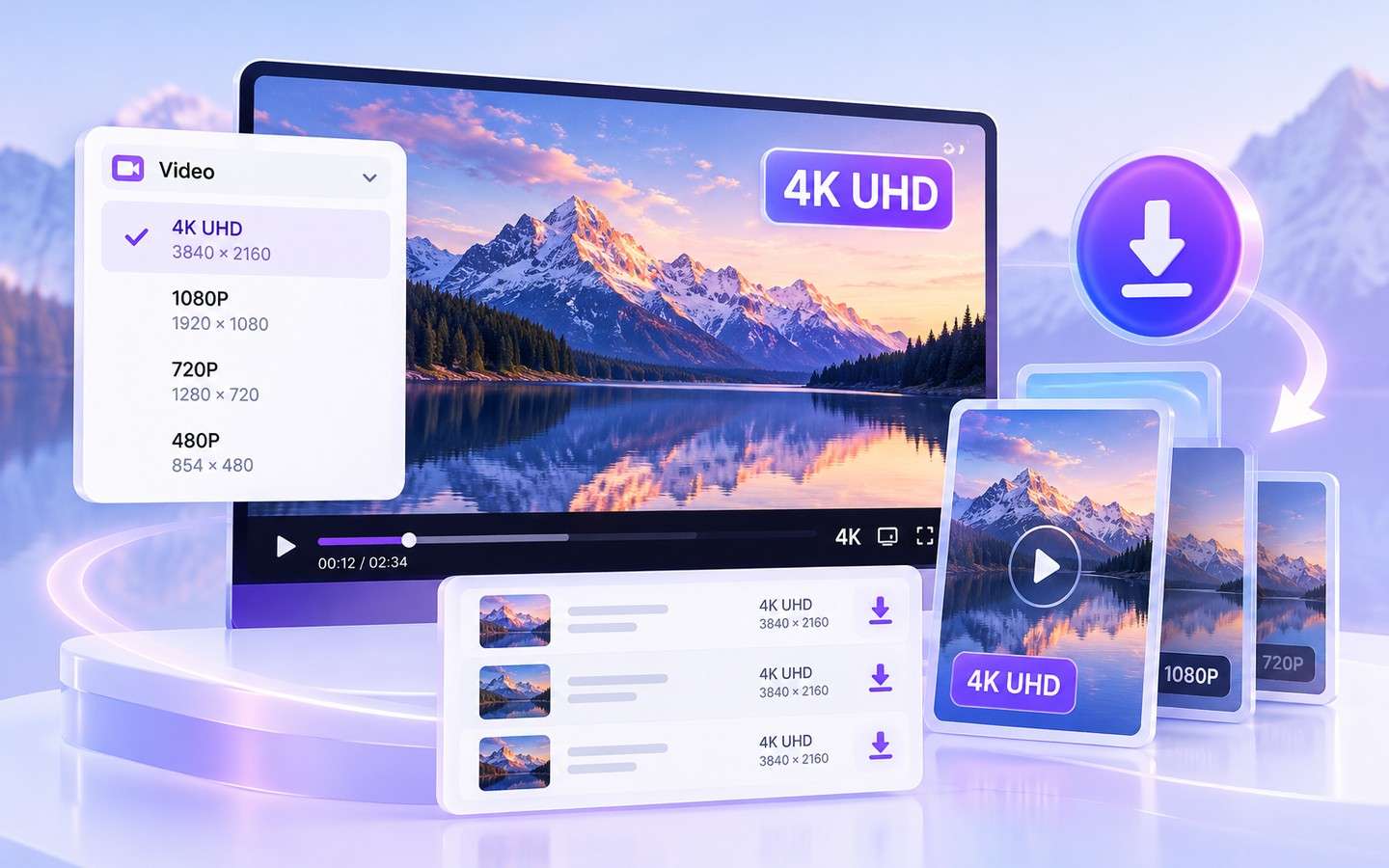
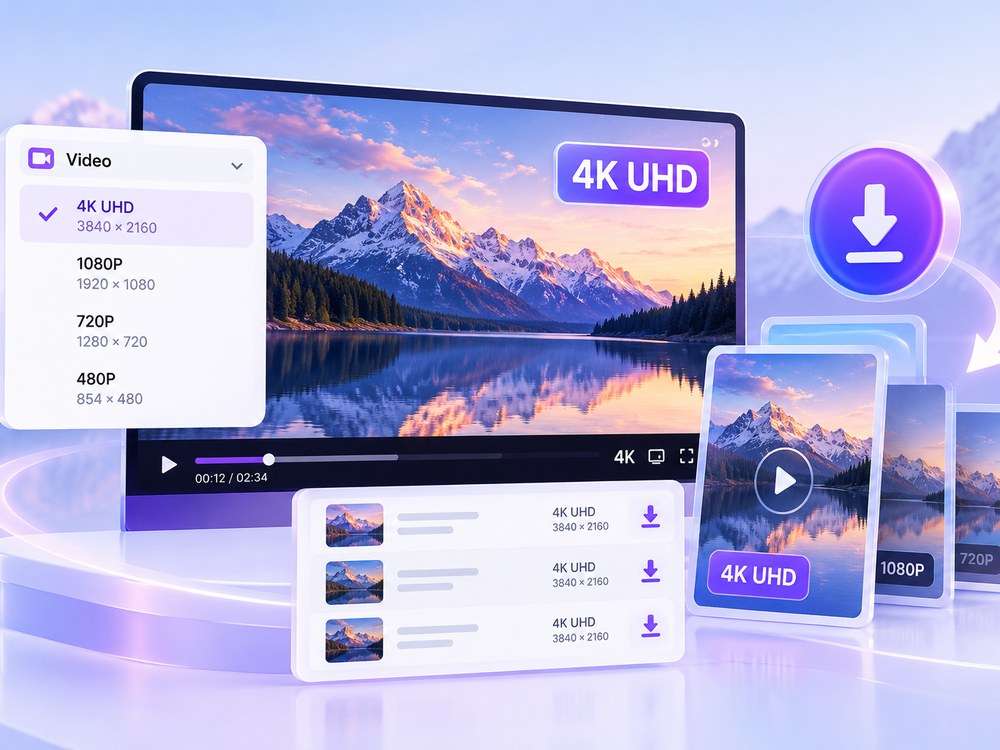
A 4K video downloader is a tool for saving source-available Ultra HD videos at 3840 × 2160 (2160p) from supported websites. Wondershare UniConverter adds multi-URL downloading, download preferences, queue controls, and follow-up media conversion.
How do I download YouTube videos in 4K (2160p)?
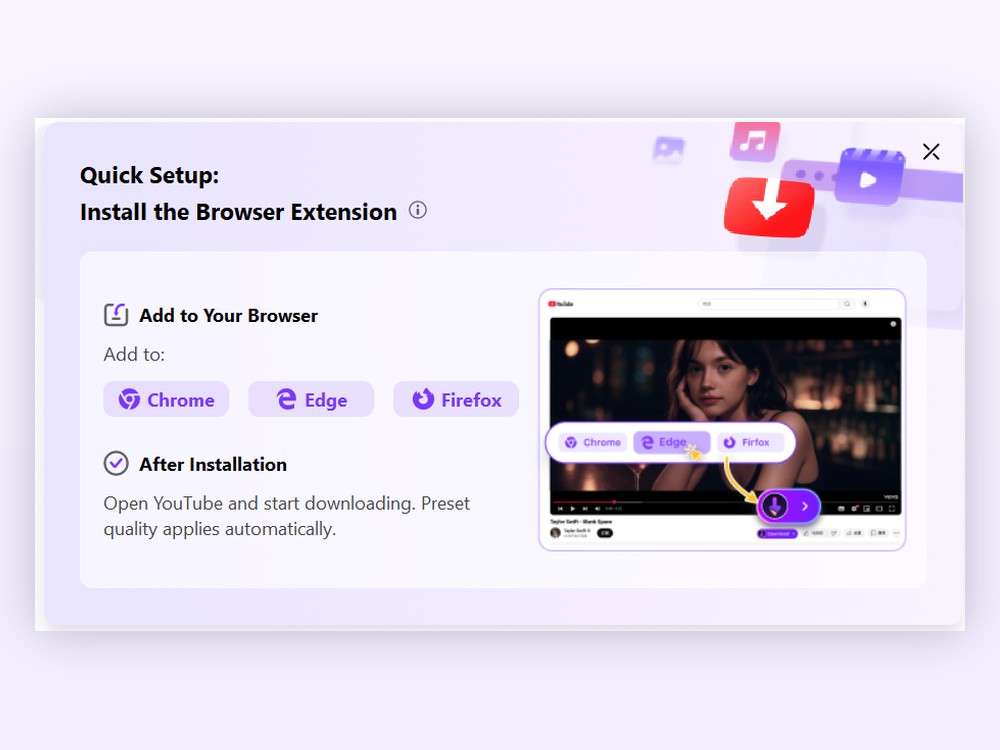
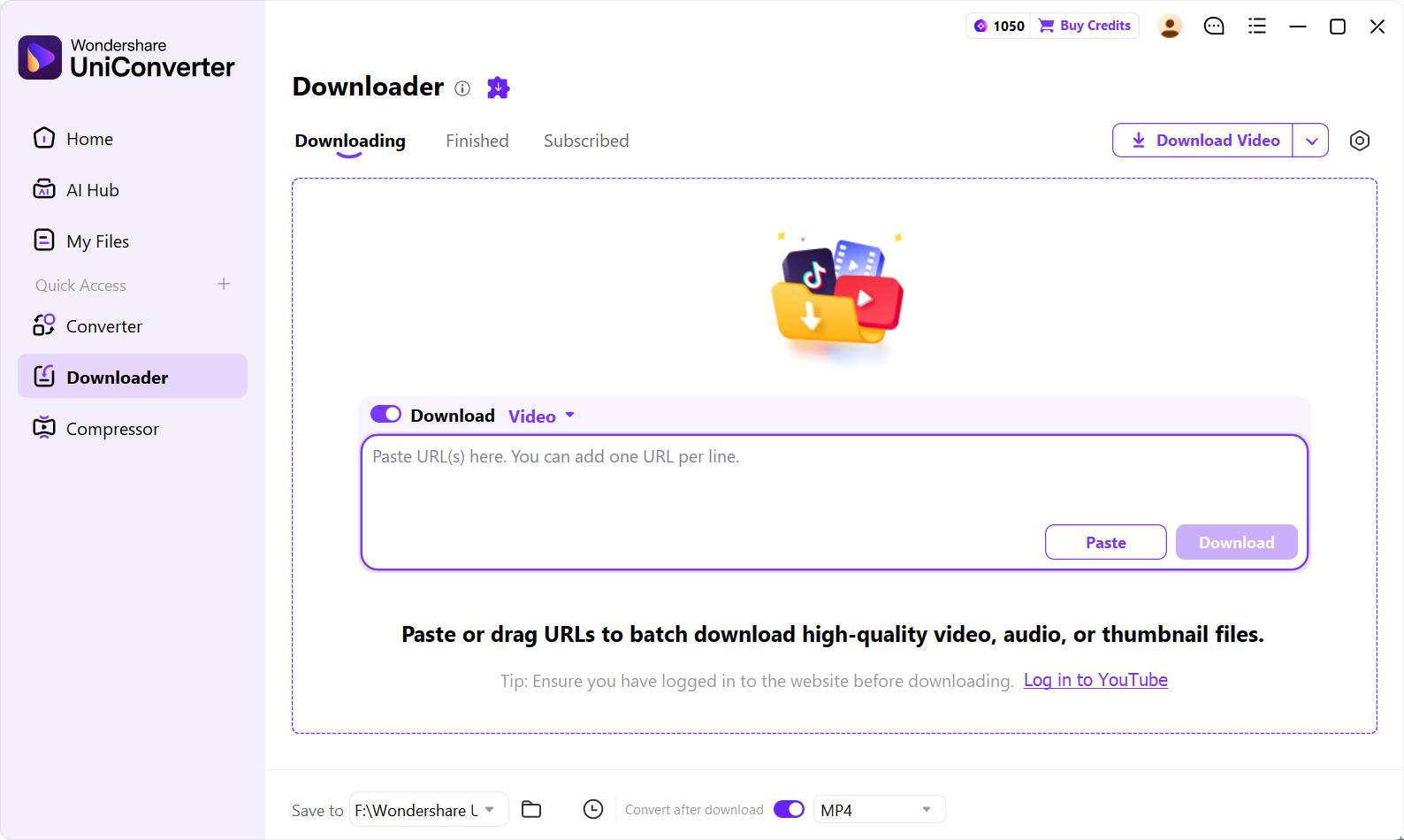
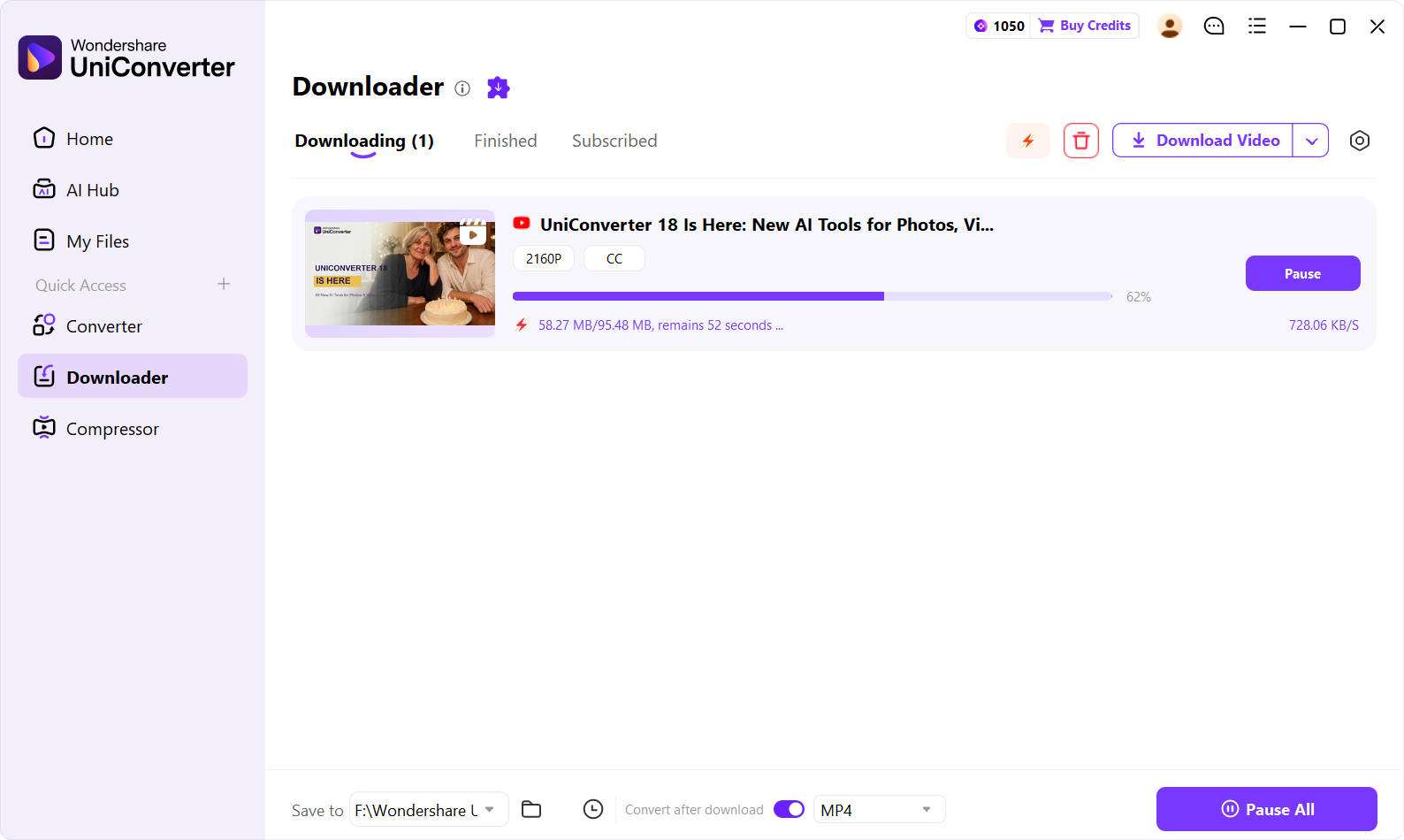
Copy the URL of a YouTube video you are authorized to save, open UniConverter Downloader, paste the link, select Video, and choose 4K / 2160p if it is available. Start the download and find the file in the Finished tab. Website support and available quality may change.
Is Wondershare UniConverter 4K Video Downloader free?
UniConverter is free to download and try. Higher-resolution HD/4K downloading and batch features may require an eligible paid plan. Review the current license and plan details before relying on a particular download option.
Can I use a 4K video downloader on Windows and Mac?
Yes. Wondershare UniConverter is a desktop application for Windows and macOS. Interface details and supported downloads can vary by source and operating system.
Can I batch download multiple 4K videos at once?
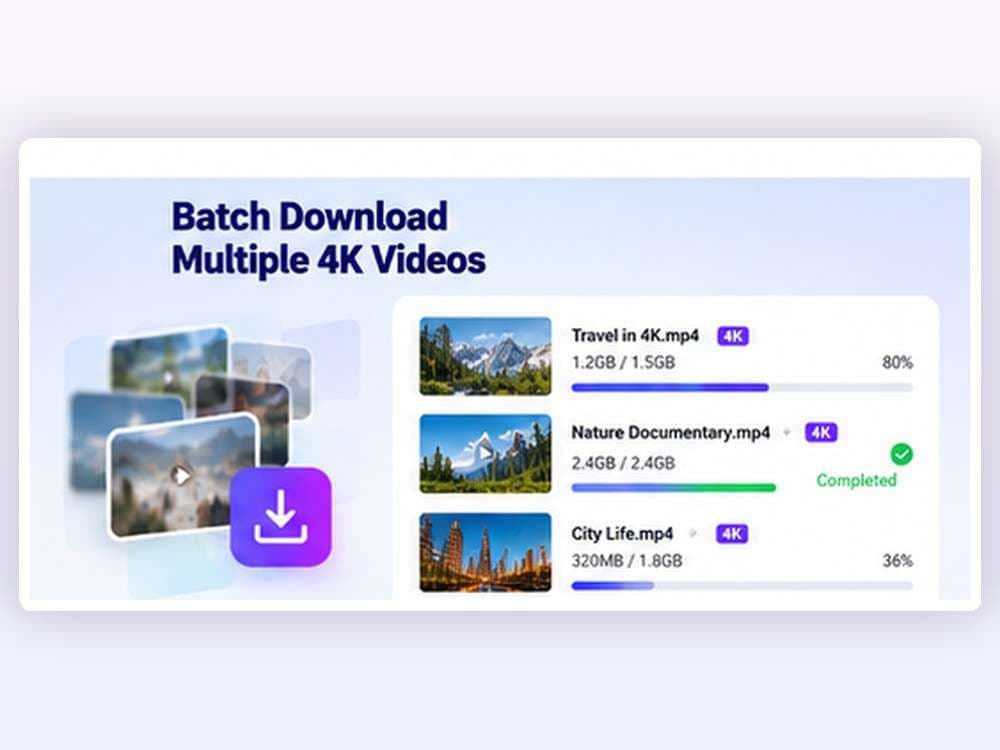
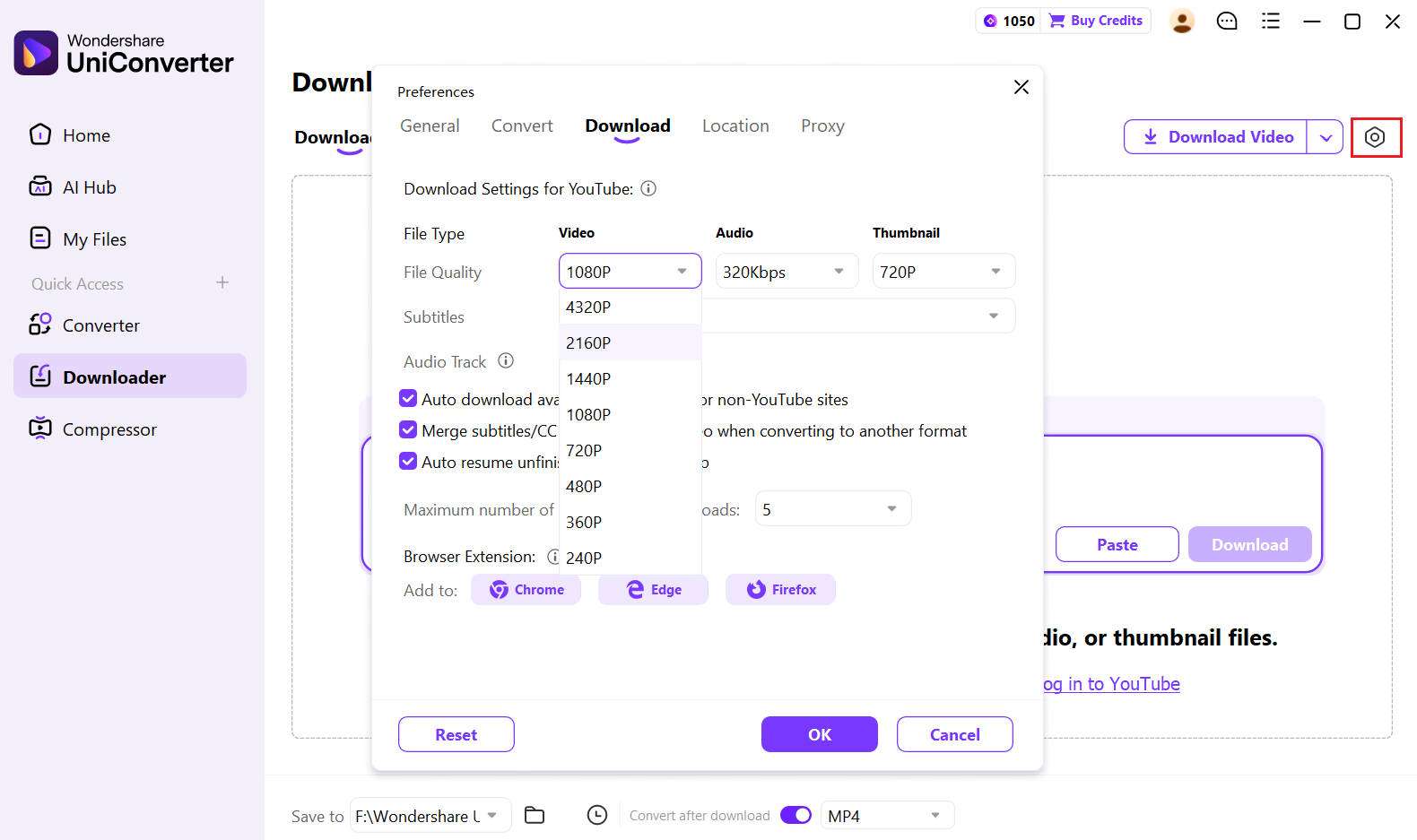
Yes. Add multiple supported video URLs to UniConverter Downloader, one per line. Select the available video quality and download preferences, then manage the queue. The number of simultaneous tasks can be adjusted in Download Preferences.
Why does my video downloader show only 1080p instead of 4K?
The original upload may only be available in 1080p, the website may limit accessible 2160p streams, or the current link may not be fully supported. Check the source video, available streams, and your download settings first.
Can I download 4K YouTube videos as MP4?
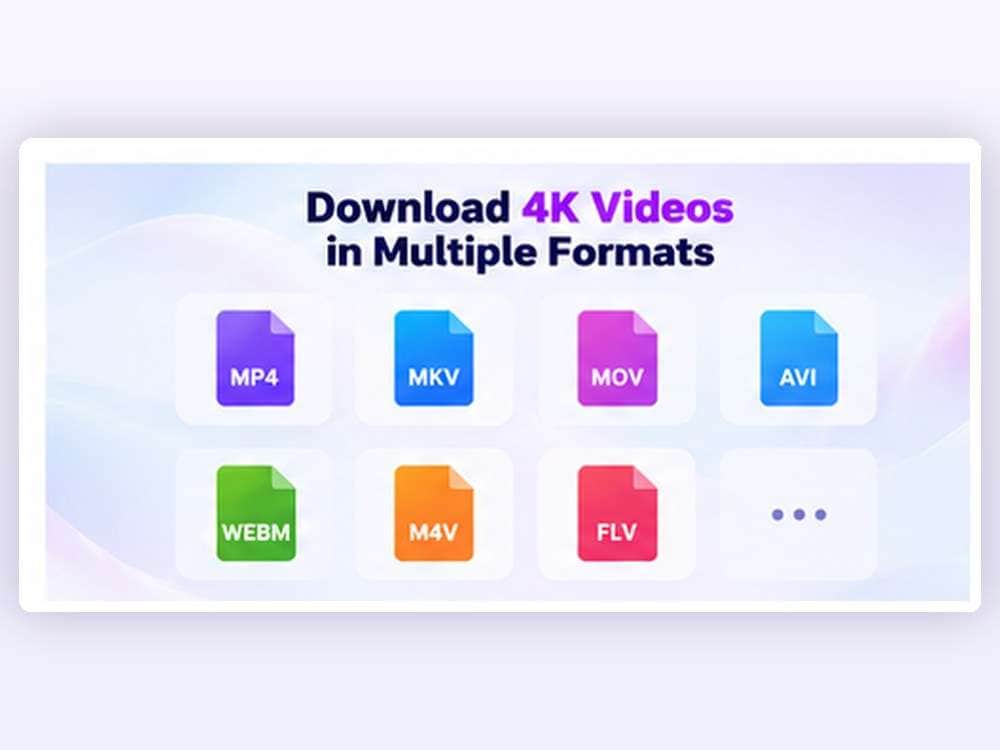
Download the highest available supported stream first. If the saved file is not in the MP4 format you need, use UniConverter’s Download then Convert Mode or Converter to create a compatible MP4 output. Converting may re-encode the file; it is not the same as saving an original MP4 stream.
Can I save subtitles, audio tracks, and YouTube chapters?
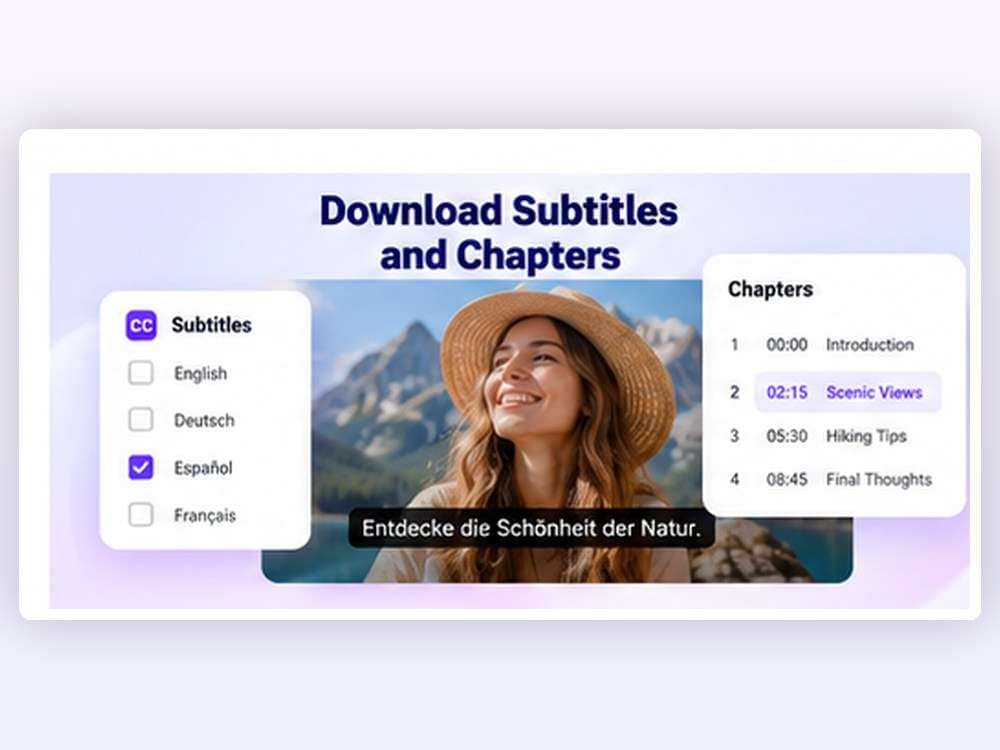
For supported YouTube videos, UniConverter can offer available subtitle languages, audio tracks, and chapter-splitting options. If chapters are provided, you can keep the full download alongside separate chapter files. Subtitle and audio options vary by video.
Does 4K video downloading increase a 1080p video to 2160p?
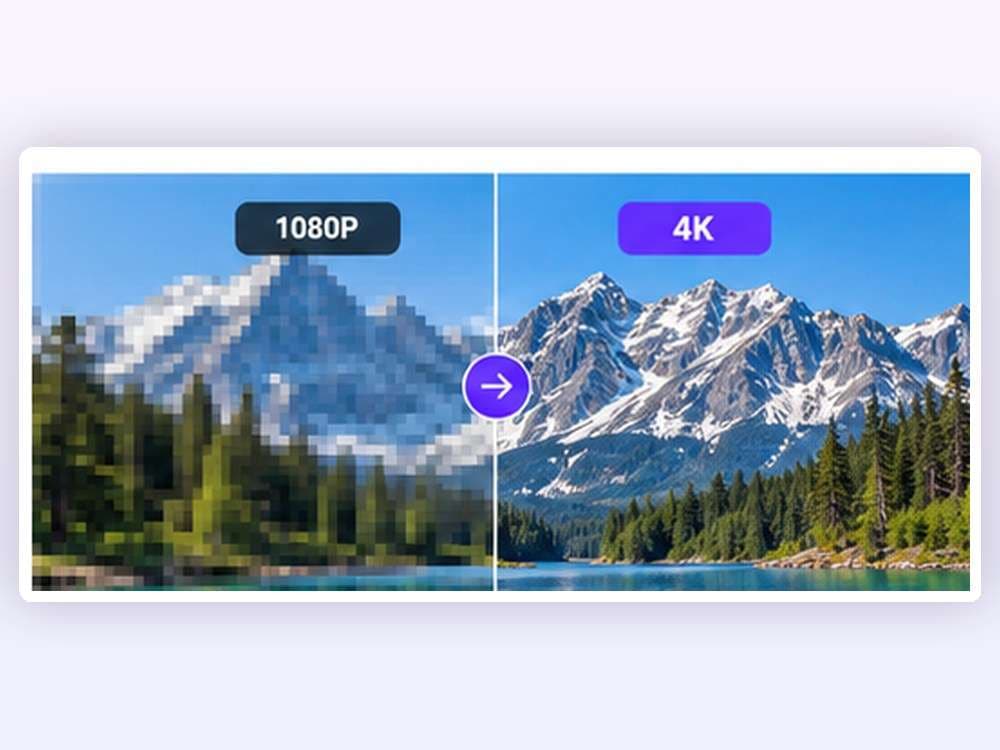
No. Downloading saves an available source stream; it does not manufacture missing UHD detail. AI video upscaling is a different, subsequent processing step.
Can UniConverter download compatible M3U8 videos?
UniConverter can process certain accessible, unencrypted M3U8/HLS on-demand links and combine supported segments into a local MP4 file. DRM-protected, encrypted, and active live streams are outside this workflow.
What is the difference between a 4K downloader and a 4K video converter?
A downloader saves source-available online video to your computer. A video converter changes a local file’s format, codec, or output settings. UniConverter includes both workflows in the same desktop application.
Can I download any 4K video from the internet?
No. Only download videos you own, have permission to use, or are explicitly licensed for offline saving. Respect website terms, copyright law, and content access restrictions.