UniConverter
UniConverter Online Free
Converter video, audio & image free
Free Try
UniConverter · 8K UHD Video Downloader

8K Video Downloader for Windows & Mac

Download 8K UHD videos at up to 7680 × 4320 (4320p) from supported sources when the original video offers this quality. Use Wondershare UniConverter to paste individual or multiple authorized links, choose available download settings, and manage large video files on Windows or Mac.

  • Select 8K UHD (4320p) when the source and downloader support it
  • Batch download multiple video URLs into one managed queue
  • Reuse Smart Mode settings and manage available subtitles or chapters

Free to download and try. 8K/HD video downloads and batch features may require an eligible paid plan.

✓ Windows & macOS✓ 8K UHD · 7680 × 4320✓ Batch downloading✓ Source-available 8K quality*

*8K is not available for every video. Source resolution, accessible streams, supported websites and file formats vary.

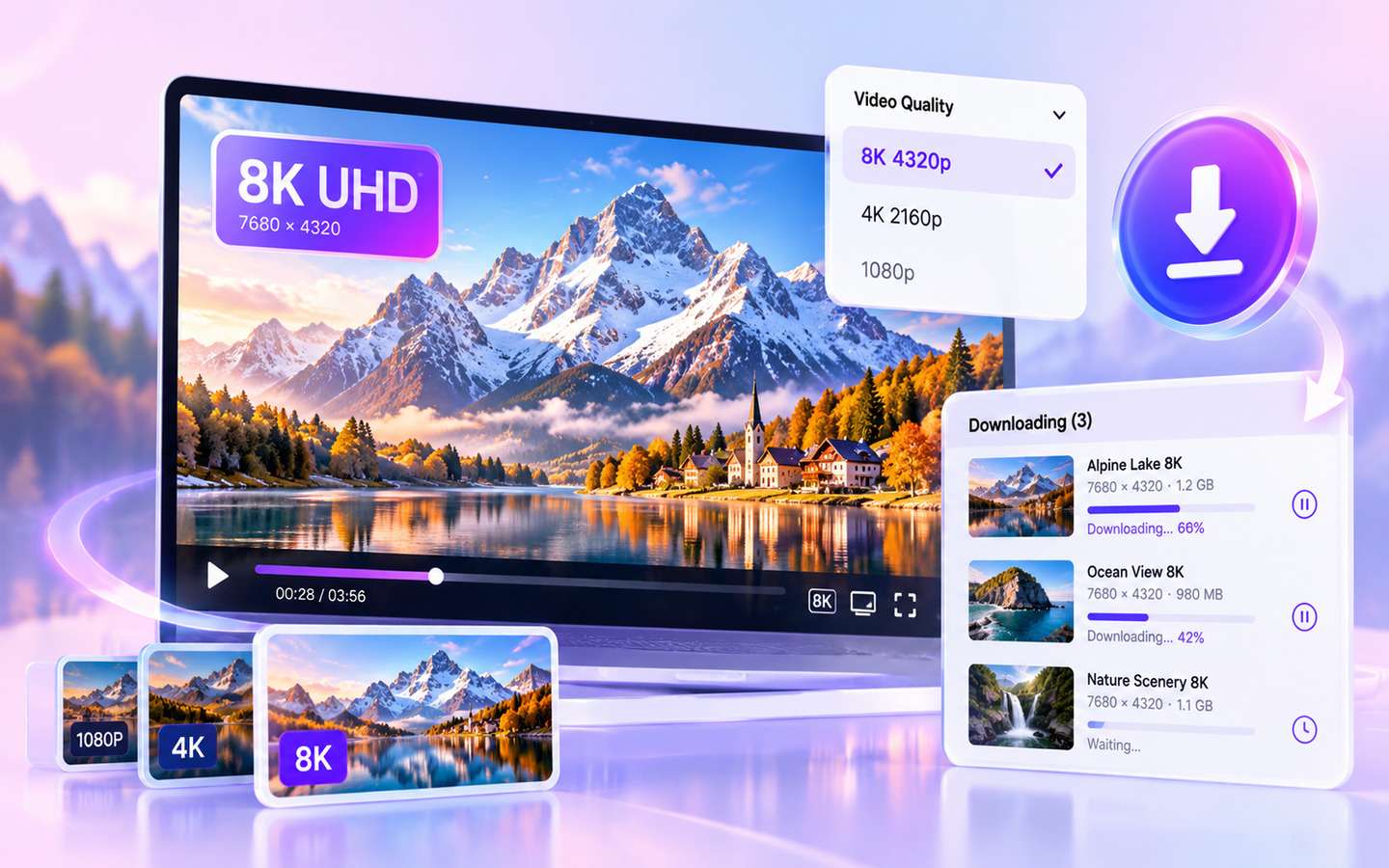
8K Video Downloader with available 4320p quality selection and batch-download queue
Illustrative 8K download workflow. Available formats, quality options and results depend on each source video.
Quick Answer

How do I download a video in 8K (4320p)?

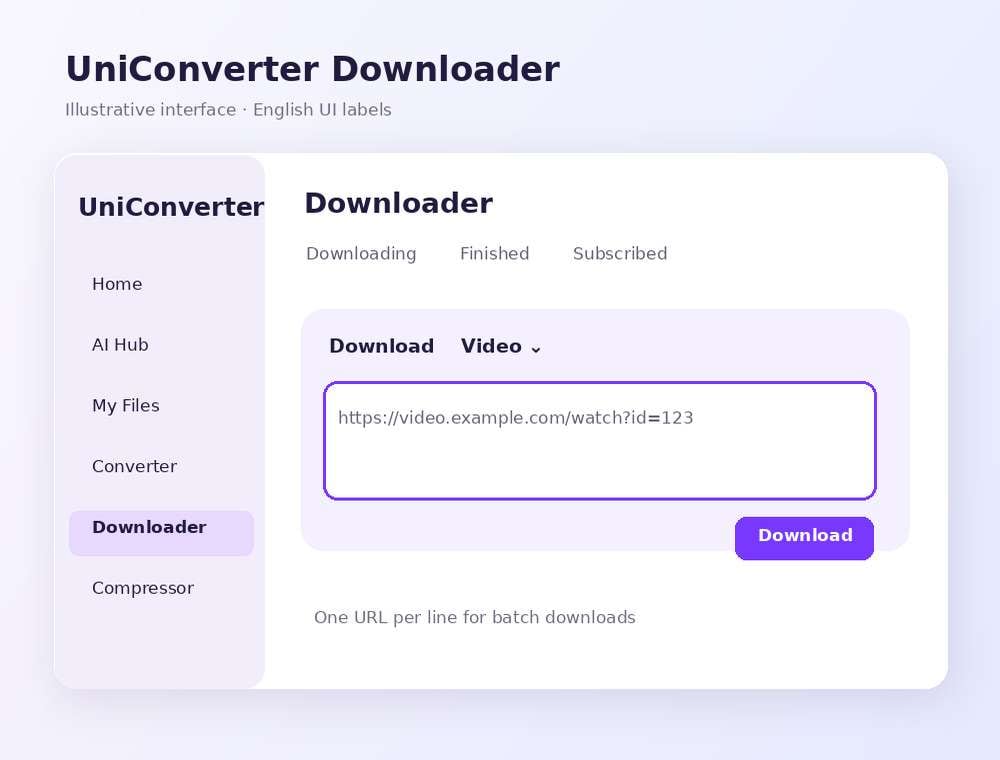
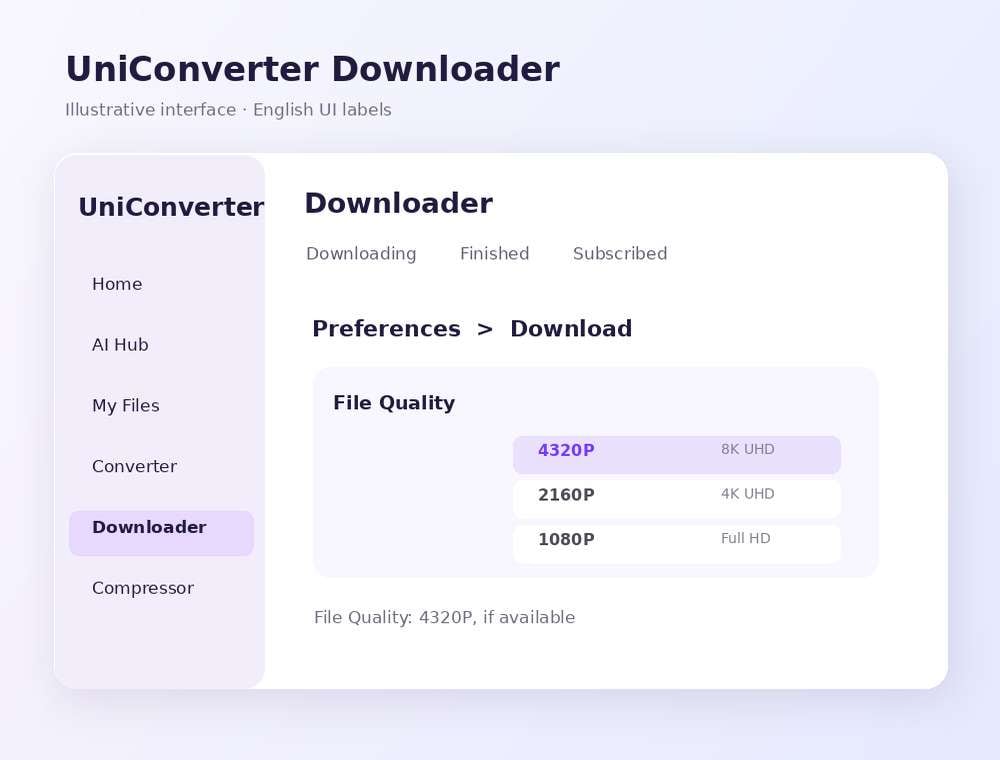
Open Wondershare UniConverter on Windows or Mac and paste a video URL you are authorized to save into Downloader. Check the available quality or go to Preferences → Download → File Quality to set 4320P as a preferred quality. Start downloading only if the source offers a supported 8K stream. Multiple links can be added one URL per line.

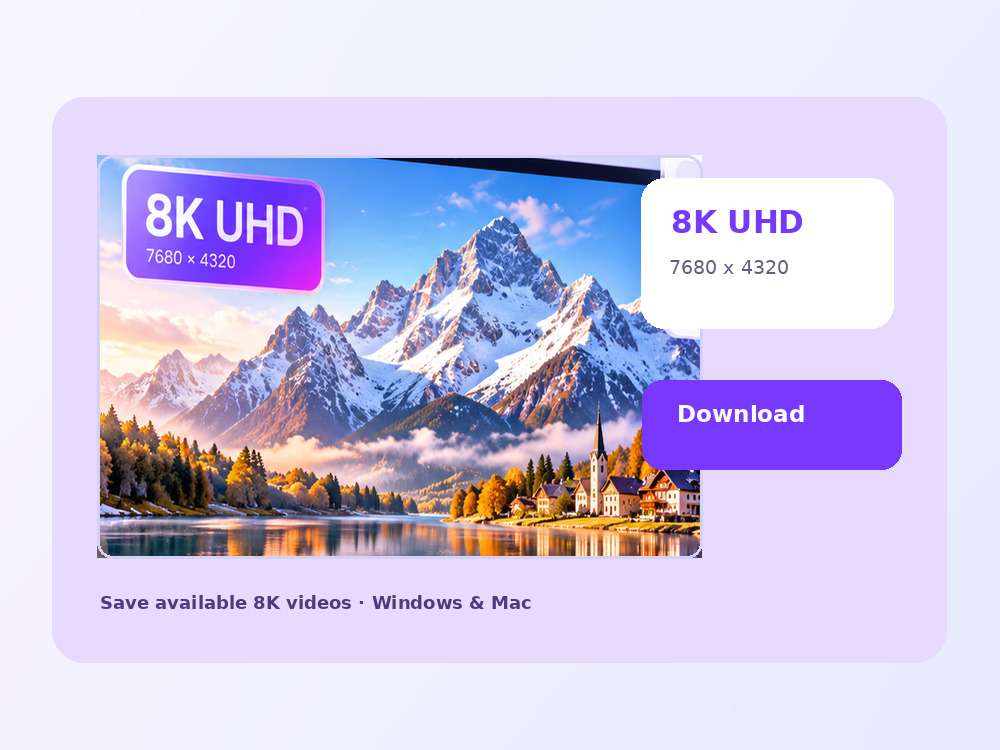
8K UHD · 4320p7680 × 4320 pixels when supported by the original source
Batch Download URLsAdd multiple eligible video links into one queue
Download + ConvertConvert or compress large 8K files after downloading
Key Features

Download Source-Available 8K Videos with More Control

Go beyond the 4320p setting: manage source quality, multi-URL batches, saved presets, available YouTube tracks and follow-up processing from one desktop workflow.

4320p Ultra HD

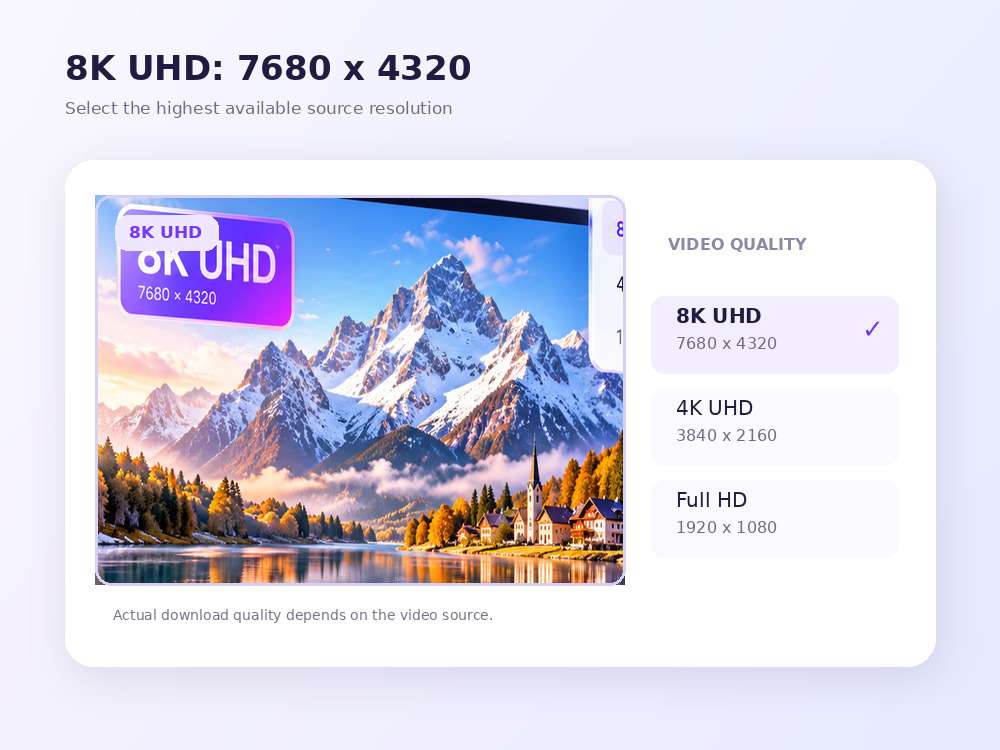
Select 8K UHD (7680 × 4320) Video Quality

Set your preferred video quality up to 4320P in Download Preferences. When the original upload includes a supported 8K stream, save that available quality for offline review, large-screen playback or reference projects. Selecting 4320P cannot turn a 4K source into native 8K.

  • Choose 8K / 4320p only when it is offered for your video
  • Use 4K or 1080p when 8K is unavailable or impractical
  • Source quality and download support vary by website
UniConverter Downloader 8K UHD quality setting and 4320p selection
Batch Video Downloads

Batch Download Multiple 8K Video URLs

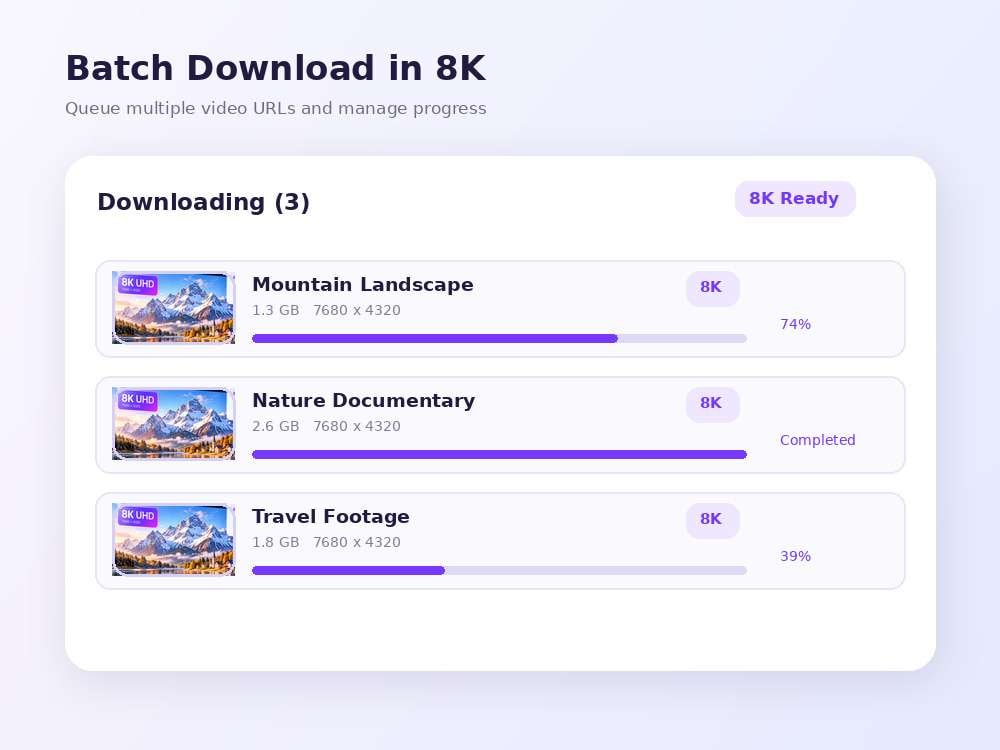
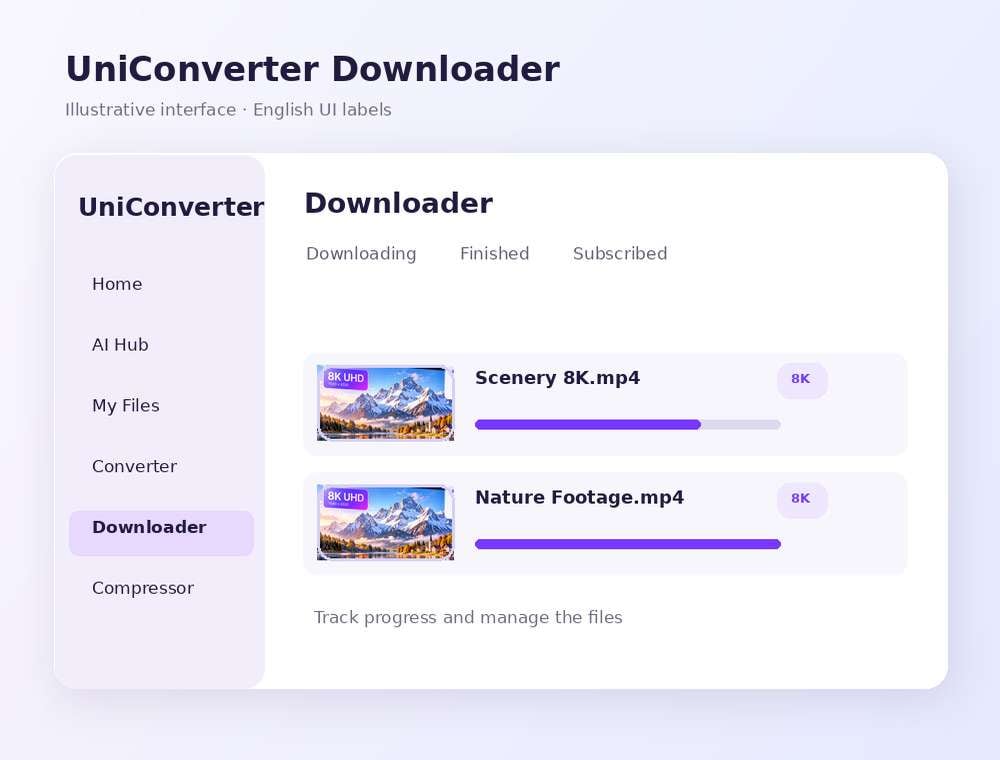
Paste more than one eligible link and manage the downloads in a single queue. See task progress, pause or resume items and organize large 8K files by folder. You can configure concurrent download tasks in Download Preferences rather than handling each URL separately.

  • Paste multiple authorized URLs, one link per line
  • Manage ongoing and completed tasks in separate tabs
  • Pause, resume or prioritize downloads where supported
Explore Batch Video Downloader →
Multiple authorized 8K video URLs in UniConverter download queue
Smart Mode & Browser Extension

Save 8K Download Preferences with Smart Mode

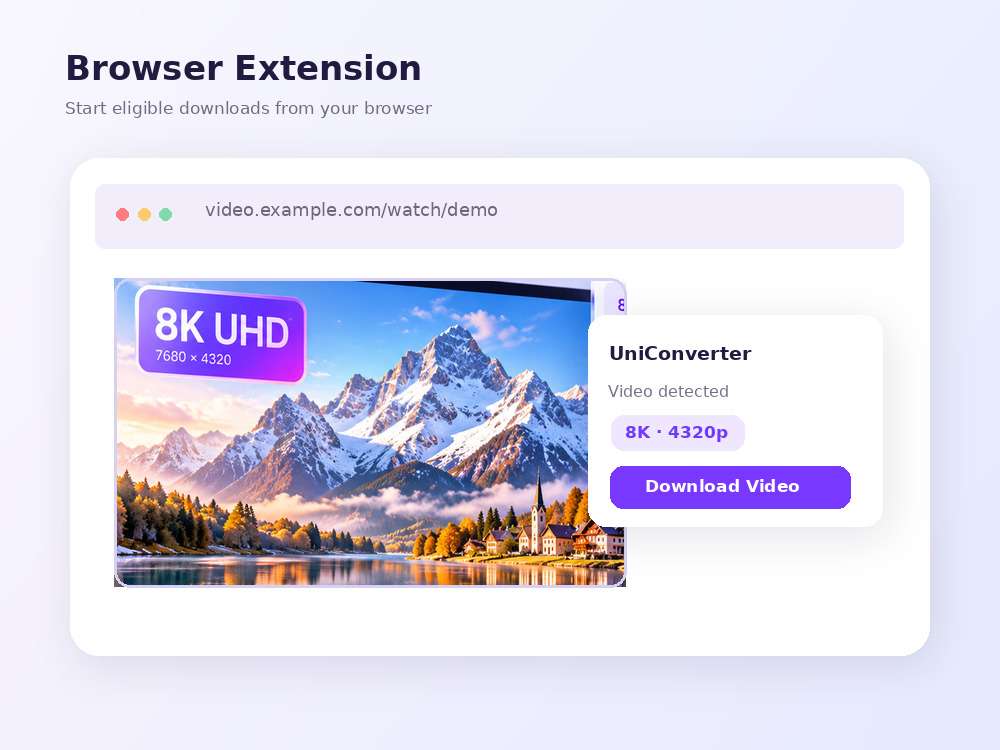
Use Smart Mode to reuse preferred video type, quality and other download defaults. Switch to the detailed analysis workflow when you need to inspect options for an individual YouTube link. Optional Chrome, Edge and Firefox extensions offer another entry point for supported browser content.

  • Remember common quality and file-type preferences
  • Review the parsed video options when necessary
  • Optional extensions for Chrome, Edge and Firefox
Smart Mode and optional browser-extension workflow for video downloading
YouTube Subtitles & Chapters

Download Available Subtitle Tracks and Chapters

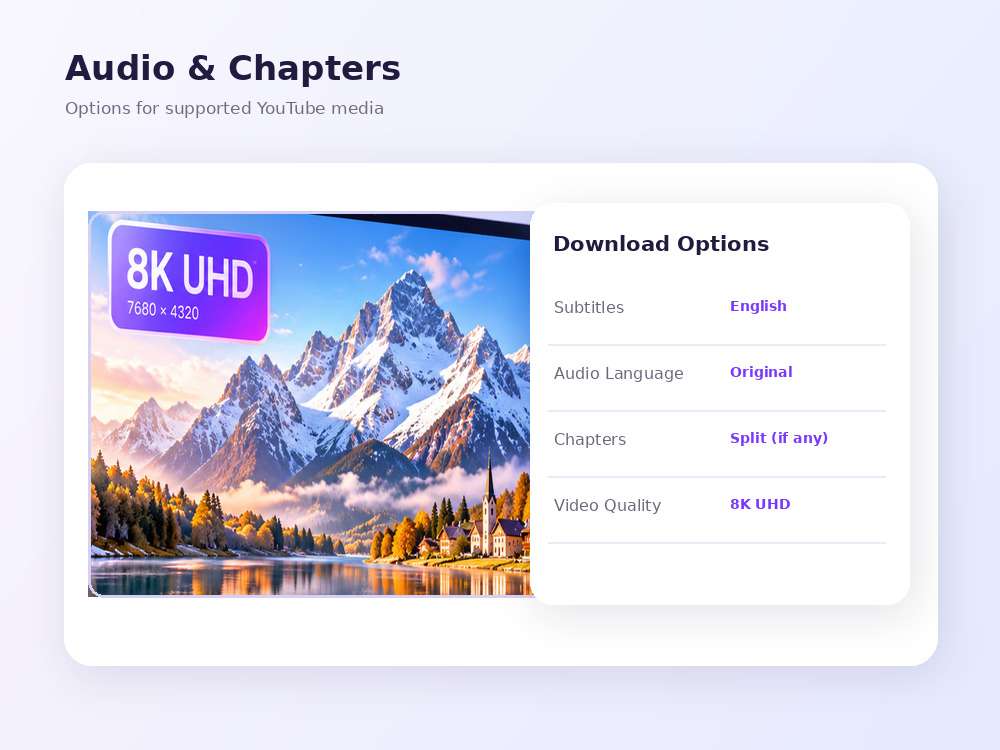
For compatible YouTube videos, choose from the subtitles and audio languages that are actually available. When chapter markers exist, UniConverter can split a finished download into chapter files while keeping the complete video or audio file. Track availability and results vary by source.

  • Select available subtitle or audio languages
  • Save a full download alongside chapter clips when available
  • Auto-generated and multilingual subtitles may vary by video
Available subtitle languages and YouTube chapter options in video downloader
After Downloading

Convert or Compress Large 8K Video Files

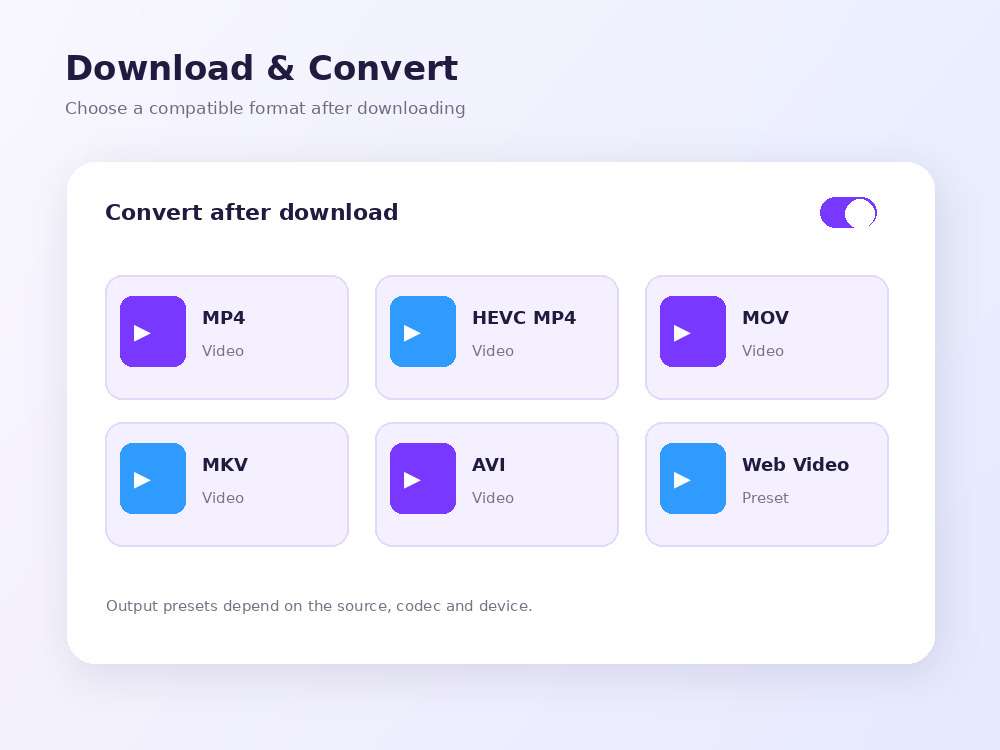
After downloading, use UniConverter Converter or Compressor for compatible output formats, storage needs and device playback. Download then Convert Mode can preselect a compatible target format. Conversion is a separate process, may re-encode the original and may not retain 8K unless the chosen output supports it.

  • Convert saved videos to a compatible MP4, MOV or MKV output
  • Compress large 8K video files when appropriate
  • Check output codecs, container support and resolution separately
Explore Video Converter →
Output formats and conversion workflow after downloading 8K videos
Understanding 8K Resolution

8K vs. 4K vs. 1080p: What Is 4320p Video?

8K UHD has 7680 × 4320 pixels—four times as many as 4K UHD and sixteen times as many as Full HD. Higher resolution can preserve more detail from a true 8K source, but often requires more disk space and a compatible display or playback setup.

1080p

Full HD

1920 × 1080 pixels · good for laptops and everyday playback.

2160p

4K UHD

3840 × 2160 pixels · one quarter of the pixels in 8K.

4320p

8K UHD

7680 × 4320 pixels · four times as many pixels as 4K UHD.

A native 8K download is possible only when the original stream includes supported 4320p quality. Downloading a 4K video will not create missing 8K detail. A separate AI Video Enhancer can upscale compatible local media, but upscaling is not equivalent to an original 8K stream.

Step-by-Step Guide

How to Download 8K Videos in 3 Steps

Copy an authorized video URL, select 4320p in UniConverter when supported, and save the file. No command-line tools are required.

Step 1 copy and paste an eligible video URL into UniConverter Downloader

These English-interface images illustrate the workflow. Actual menu options, source resolutions and downloaded formats depend on the video and platform.

More Download Options

More Ways to Organize Your 8K and YouTube Downloads

Download selected videos you are allowed to access, work with certain unencrypted video streams, and prepare large UHD media for your next project. These related features are not exclusive to 8K.

Your YouTube Account

Save Eligible Videos from Your YouTube Account

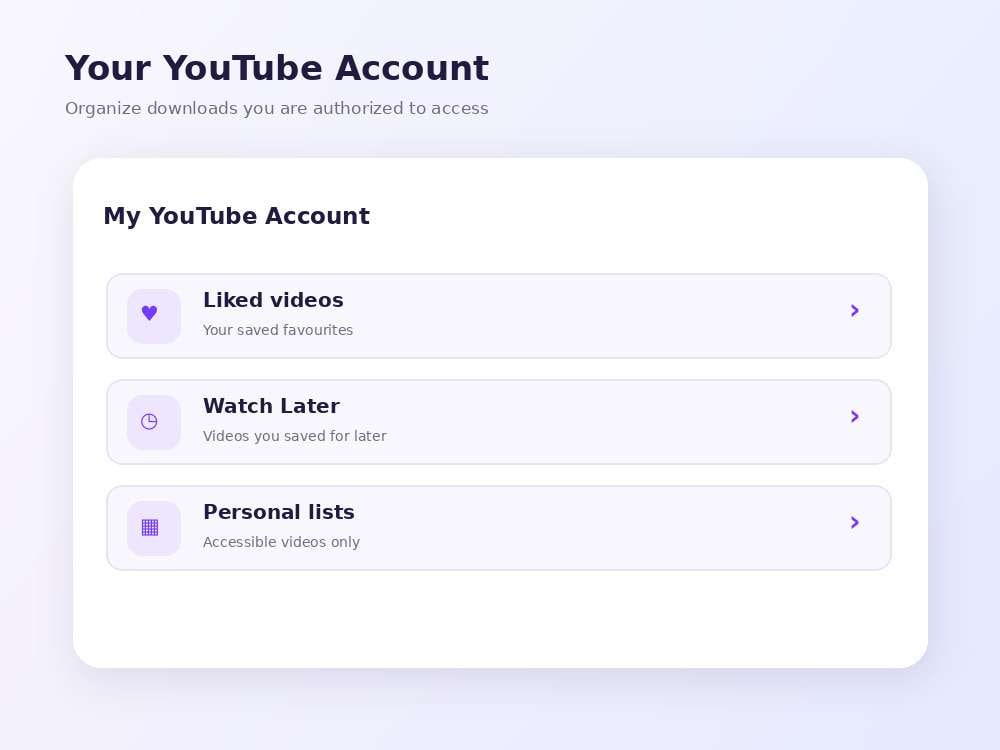
Sign in via UniConverter’s YouTube authorization workflow to view eligible Watch Later and Liked videos. Choose only items you own or have permission to save. 8K quality depends on the individual source and cannot be guaranteed for a saved list.

  • Access available Watch Later or Liked videos after authorization
  • Save content only when you have the required rights
  • Choose available quality for each supported video
YouTube account Watch Later and Liked video download menu in UniConverter
Download Compatible M3U8 / HLS Files

For supported, accessible and unencrypted on-demand M3U8/HLS links, UniConverter can assemble local MP4 video files. This workflow does not guarantee 8K output; active live streams, encrypted video and DRM-protected content are not supported.

Convert and Compress Large UHD Files

After downloading, use Converter or Compressor to create an output that fits your device, format and storage requirements. Check 8K codec, container and device compatibility before processing.

Use Cases

When Is an 8K Video Downloader Useful?

Use native 8K downloads for media you own or are permitted to save, particularly when the original material is available in 4320p and preserving its detail matters.

01 · Video Backup

Back Up Your Own 8K Videos

Keep creator-owned 4320p uploads in a local archive for review, backup or further editing.

02 · Nature Footage

Review Detailed Nature Videos

Save authorized 8K landscape or wildlife footage to inspect fine detail without repeated streaming.

03 · UHD Displays

Prepare 8K Display Demonstrations

Keep licensed or openly permitted 8K demo clips ready for compatible monitors, TVs or event displays.

04 · Team Media Libraries

Manage Large Batch Downloads

Queue multiple eligible UHD links, monitor progress and arrange completed files for a shared workflow.

8K Download Checklist

What Should You Check Before Downloading in 8K?

Look beyond the 4320p label: confirm native source resolution, storage space, queue controls, audio support and output compatibility before starting a large 8K download.

Feature to CheckUniConverter DownloaderWhat It Means
Native 8K Source4320P quality option when supportedThe original video must offer an accessible 7680 × 4320 stream
Storage and File SizeChoose save location and manage large local files8K files are often larger; exact size depends on codec and bitrate
Multiple Download URLsMulti-URL queue with pause and resume controlsEach video requires its own available 8K source and permission
YouTube Audio and SubtitlesSource-available languages, captions and chapter optionsNot all YouTube uploads expose the same language tracks
After-Download ProcessingConverter and Compressor workflows8K preservation requires compatible output settings and codecs

This is a feature checklist, not an independent performance benchmark or a comparison against a specific competing product.

FAQ

Frequently Asked Questions About 8K Video Downloading

Answers about 8K YouTube video downloads, 4320p settings, MP4 files, batch queues, source restrictions and file size.

What is an 8K video downloader?

An 8K video downloader is a tool that can save source-available videos in 8K UHD resolution (7680 × 4320 pixels, or 4320p) from supported sites. Wondershare UniConverter combines source-dependent video downloading with batch queues, preferences and post-download media tools.

Can I download YouTube videos in 8K using UniConverter?

Yes, for an authorized YouTube video when an accessible 4320p stream is available and supported by UniConverter. Paste the video link into Downloader and select the available 8K option. Not every YouTube video or website provides a compatible 8K stream.

How do I select 8K (4320p) download quality?

Open UniConverter Downloader, go to Preferences → Download and find Video under File Quality. Choose 4320P as the preferred video quality. The setting does not force an 8K output if the original source offers only 4K or 1080p.

Is UniConverter 8K Video Downloader free?

UniConverter is free to download and try. HD/8K video downloading, some advanced downloads and batch options may require an eligible paid license. Check the current plan and trial restrictions for your computer.

Does this 8K video downloader work on Windows and Mac?

Yes. Wondershare UniConverter is available for Windows and macOS. The exact downloading options and supported sites may differ by platform, current release and source video.

Can I batch download multiple 8K videos at once?

You can add multiple authorized, supported URLs to one UniConverter download queue, with one URL per line. Download Preferences controls concurrent tasks; every link still needs an available supported 8K stream to save 4320p.

Why is 8K missing from the available download resolutions?

The original video may not have an 8K stream, the website may restrict access, or a particular codec, link or 4320p stream may not be supported. First confirm the source was actually uploaded in 8K and review the formats exposed by the downloader.

What is the difference between 8K, 4K and 1080p?

8K UHD is 7680 × 4320 pixels, 4K UHD is 3840 × 2160 and Full HD is 1920 × 1080. An 8K frame has four times as many pixels as a 4K frame and sixteen times as many as a 1080p frame.

Are 8K video downloads much larger than 4K files?

They often are, but resolution alone does not determine file size. Duration, bitrate, codec, frame rate and audio tracks all matter. An 8K video file is not necessarily exactly four times the size of the 4K version.

Can I save 8K YouTube videos as MP4?

The source may supply 8K using a codec or container that differs from MP4. Save the highest compatible available stream first, then use UniConverter Converter or Download then Convert Mode for a compatible MP4 output if required. Re-encoding may change quality, and retaining 8K requires supported settings.

Can I download subtitles, audio languages and YouTube chapters with 8K videos?

For supported YouTube videos, UniConverter can offer available subtitle or audio languages and chapter splitting. Available tracks, auto-generated subtitles and chapters depend on the video; choosing 8K does not guarantee those extras.

Can I download any 8K YouTube video or other online video?

No. Download only material you own, have explicit permission to download, or are otherwise entitled to save. Respect copyright, website terms and access restrictions; not every online source is technically supported.

Wondershare UniConverter

Download Available 8K Videos and Manage Them in UniConverter

Paste authorized video URLs, choose 4320p when supported, and keep high-resolution downloads organized before converting or compressing local files as needed.

UniConverter 8K Video Downloader with quality selection and managed download queue