


Despite the dominance of streaming platforms, many movie lovers still value owning their films on disc. However, one of the challenges they face is figuring out how to back up and digitize these discs. And that is where DVD ripper software comes in.
DVD & Blu-ray ripper software are tools that allow you to copy video/audio from physical DVDs or Blu-ray discs to digital files on a computer for flexible playback with common video players.
This post breaks down the best 10 DVD & Blu-ray ripper tools ( both free and paid options) in 2026. So, if you’re wondering which DVD ripper software delivers the best quality, keep reading!
- Qualified disc rippers should support DVD and Blu-ray, common output formats like MP4 and MKV, fast conversion speeds, and stable performance.
- Tools such as HandBrake, MakeMKV, and VidCoder are popular free options, but they often have limitations with encrypted discs or batch workflows.
- Paid solutions like DVDFab, Leawo, MacX, and Tipard offer broader format support and advanced features.
- Wondershare UniConverter stands out as an easy-to-use DVD and Blu-ray disc ripper, enabling batch conversion on Windows and Mac with consistent output quality.
In this article
- Features a Qualified DVD Ripper Should Be Equipped With
- Quick Comparison – Best DVD Rippers at a Glance
- Top DVD & Blu-ray Ripper Software (Detailed Reviews)
- How to Batch Convert DVD to MP4 on Windows & Mac (Step-by-Step)
- Is DVD & Blu-ray Ripping Legal? (Important Legal Considerations)
- Conclusion
- FAQs
Part 1: Features a Qualified DVD Ripper Should Be Equipped With
Before choosing any tool, let’s first understand the features that makes a truly qualified DVD ripper.
Broad DVD Format & Disc Support
A reliable DVD ripper should be able to handle virtually any disc you throw at it. This includes standard DVD-5 and DVD-9 discs, ISO images, and DVD folders, as well as encrypted or region-locked DVDs. This broad support ensures smooth ripping with fewer errors, even when dealing with older or commercially protected titles.
High-Compatibility Output Formats
To make your ripped videos easy to watch anywhere, the software should support popular formats like MP4, MKV, and AVI. Also, device-specific presets for phones, tablets, smart TVs, and media servers are a big plus, as it eliminates the need for manual format tweaking.
Fast Conversion Speed with Hardware Acceleration
Another important feature you need to look for in a DVD ripper is fast conversion speed.
Fast conversion speed with hardware acceleration uses your GPU and modern CPU features to shorten rip time dramatically. This is especially important for large TV box sets or movie collections, allowing you to digitize more content without leaving your PC tied up all day.
High-Quality Video & Audio Preservation
High‑quality video and audio preservation ensures the rip retains original resolution, clarity, and surround sound as closely as possible. Look for tools that balance compression and quality, support high bitrates, and avoid introducing artifacts, so your digital copy still feels like watching the original disc.
Part 2: Quick Comparison – Best DVD Rippers at a Glance
Here is a quick comparison of the best DVD rippers;
| Software Name | Supported Disc Types | Output Formats (Examples) | Platform | Free or Paid |
| UniConverter | DVD, Blu-ray | MP4, MKV, MOV, AVI, and more | Windows, Mac | Paid (free trial) |
| HandBrake | DVD, Blu-ray (unencrypted) | MP4, MKV, presets | Windows, Mac, Linux | Free, open source |
| VidCoder | DVD, Blu-ray (via HandBrake engine) | MP4, MKV | Windows | Free, open source |
| DVDFab DVD Ripper | DVD | MP4, MKV, AVI, 100+ formats | Windows, Mac | Paid (limited free) |
| Leawo Blu-ray Ripper | DVD, Blu-ray | MP4, MKV, AVI, 180+ formats | Windows, Mac | Paid (free trial) |
| MacX DVD Ripper Pro | DVD | MP4, MKV, MOV, aand more | Mac | Paid (free trial) |
| Tipard DVD Ripper | DVD | 500+ formats incl. MP4, MKV | Windows, Mac | Paid (free trial) |
| MakeMKV | DVD, Blu-ray | MKV (lossless) | Windows, Mac, Linux | Free for DVD, paid for Blu-ray. |
| Blu-ray Master Free DVD Ripper | DVD | MP4, AVI, MOV, others | Windows | Free (upgrade paid) |
| AnyMP4 DVD Ripper | DVD | MP4, MKV, MOV, 200+ formats. | Windows, Mac | Paid (free trial) |
Part 3: Top DVD & Blu-ray Ripper Software (Detailed Reviews)
1. Wondershare UniConverter (Wondershare)
Best for: Beginners who want one suite for ripping + converting.
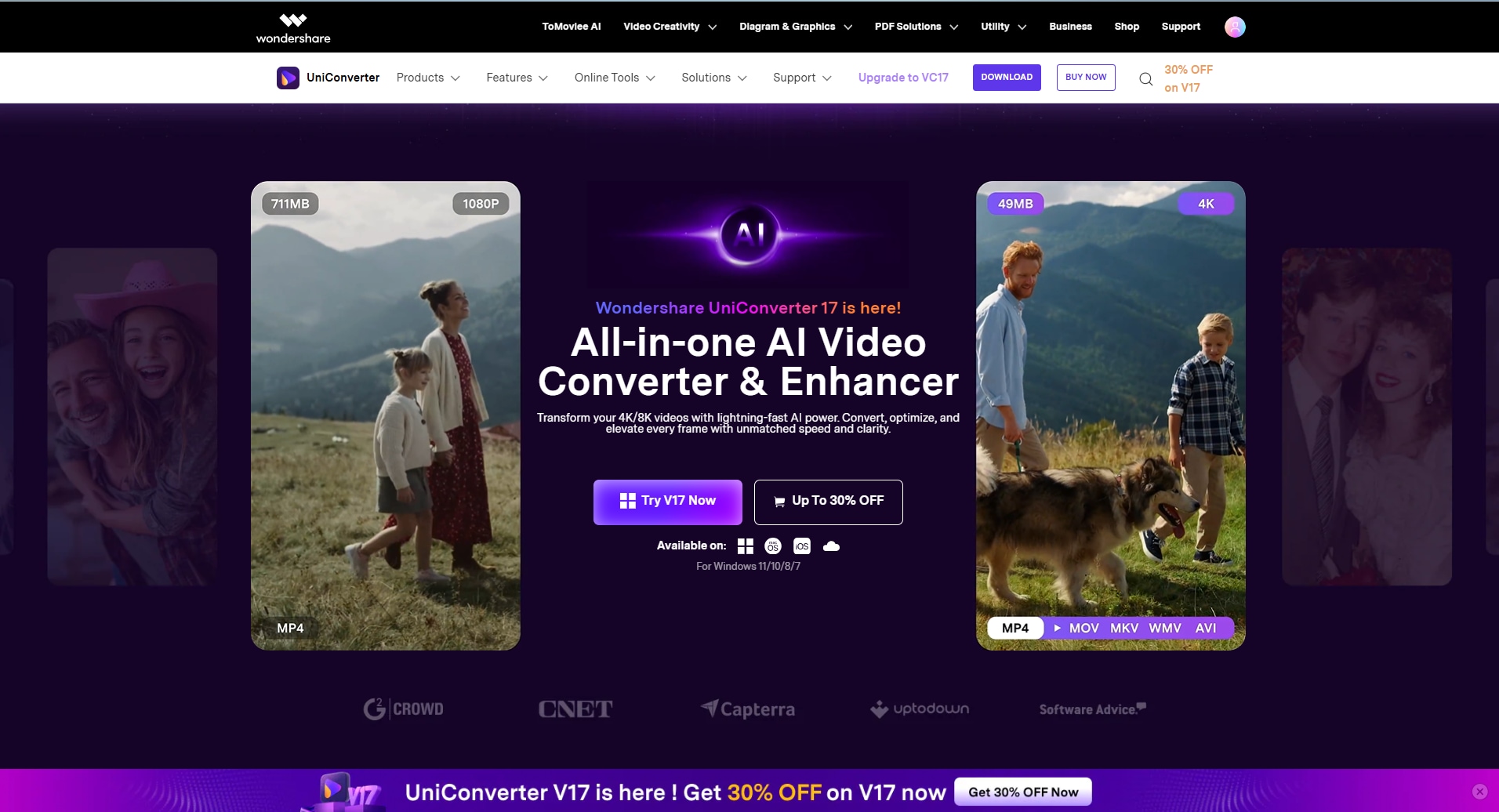
UniConverter is an all-in-one media toolkit that combines disc ripping with conversion presets and light editing. This tool allows you to convert DVDs into various formats so that you can watch them on your smartphone or any device.
You can use UniConverter rip or Burn DVD on your Mac or PC within a few clicks. And the best part is that it retains the original quality of the video, including the metadata edition. It allows easy ISO to DVD and VOB to DVD conversion.
Also, UniConverter features powerful video editing and compression tools that you can use to manage your videos efficiently.
Key Features
Upscale footage to 4k/8k using advanced video enhancer.
Compress and edit converted videos without sacrificing quality.
Generate precise subtitles in 145 languages for your videos.
Advanced batch processing for handling a large volume of videos.

DVD & Blu-ray Disc Ripper for Digital Backup
2. Handbrake
Best for: DIY users optimizing quality/size on unprotected sources.
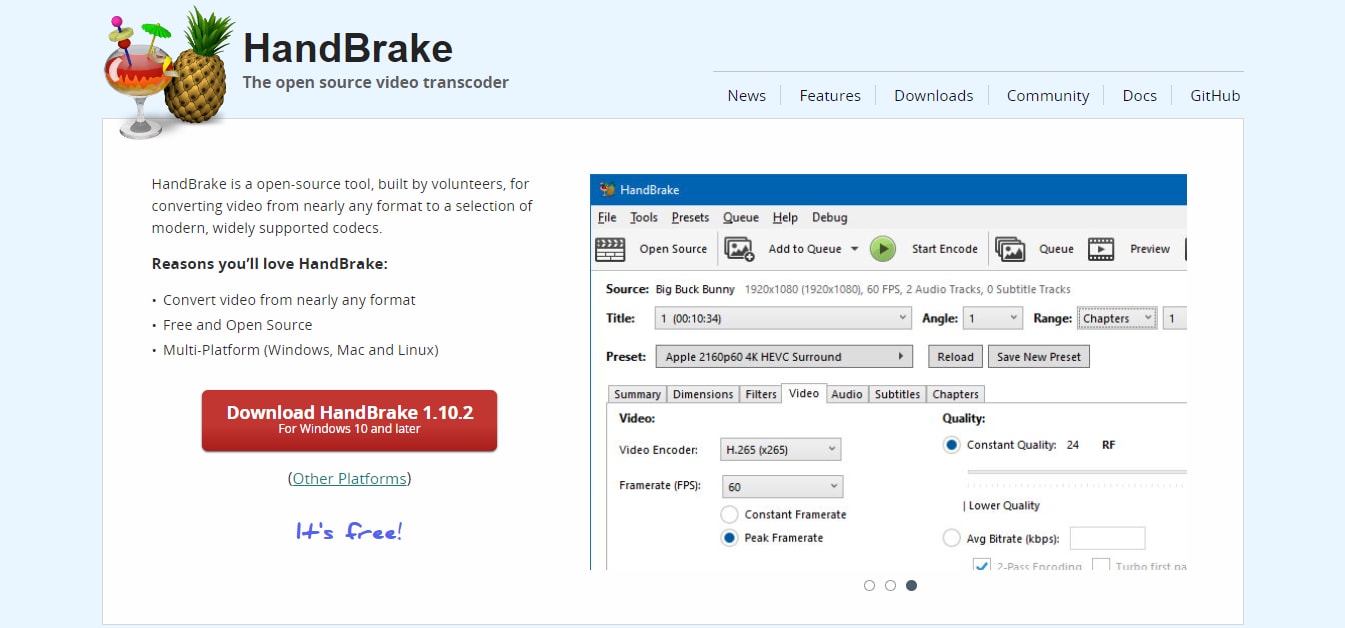
HandBrake is the go-to free, open-source transcoder for macOS that can also rip unencrypted DVDs/Blu-rays. It’s popular because it gives strong control over video quality, filters (deinterlacing, cropping), and device presets, without costing anything. However, it cannot handle cop-protected Blu-rays and DVDs, and the user interface might not be as straightforward for first-time users.
Another notable feature about Handbrake is its ability to retain the metadata of ripped DVD/Blu-rays. It preserves the data, location info, and cover art.
Key features:
MP4/MKV output.
Presets and advanced encoding controls.
Reliable batch conversion.
Custom cropping for recording part of the video.
Pricing: Free
3. Vidcoder
Best for: Windows users doing lots of queued encodes.
If you think HandBrake feels “too technical”, VidCoder often hits a sweet spot.
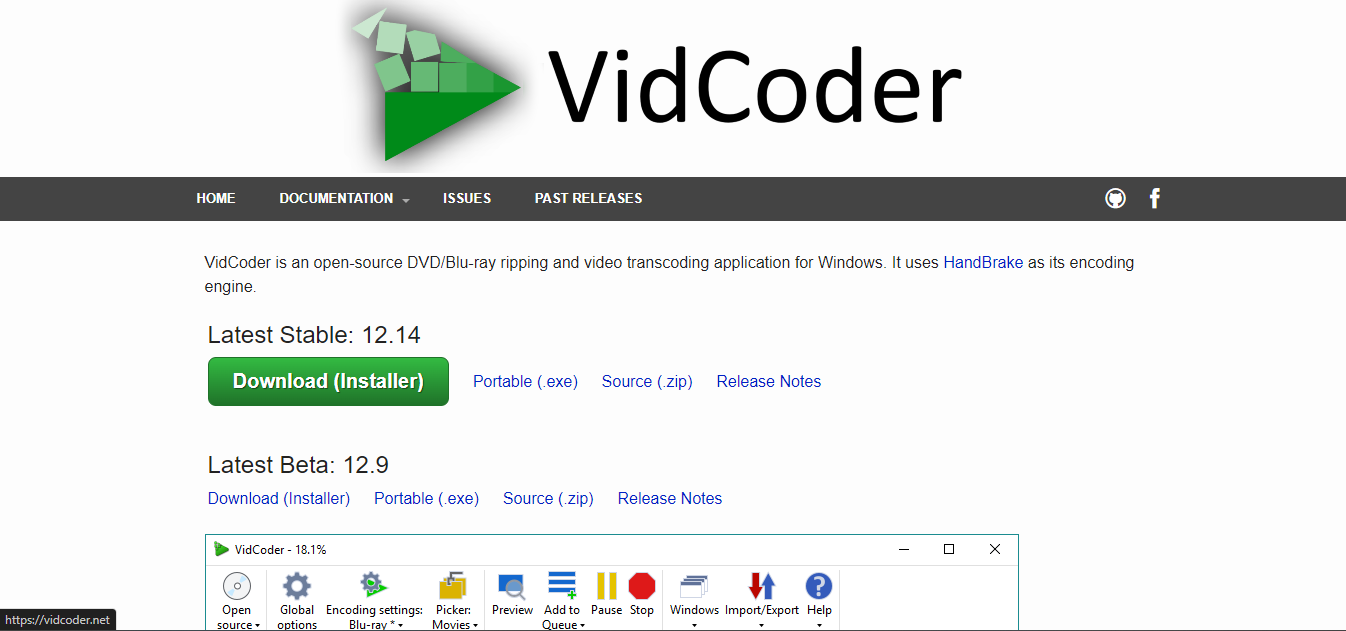
VidCoder is a Windows-focused, open-source ripper/transcoder that uses HandBrake as its encoding engine.
Unlike Handbrake, it has a friendlier UI with queueing and automation features. And it supports MP4 and MKV containers and includes modern codec options (including AV1/H.265/H.264).
Also, this software boasts GPU-accelerated encoding (NVENC/Quick Sync/AMD VCE), which enables it to rip DVD/Blu-rays at a fast speed without sacrificing quality.
Key features:
Multi-pass encoding.
Hardware acceleration for fast conversion.
You can pause and resume encoding.
Pricing: Free
4. DVDFab DVD Ripper
Best for: Users building a sizable DVD library with a paid tool.
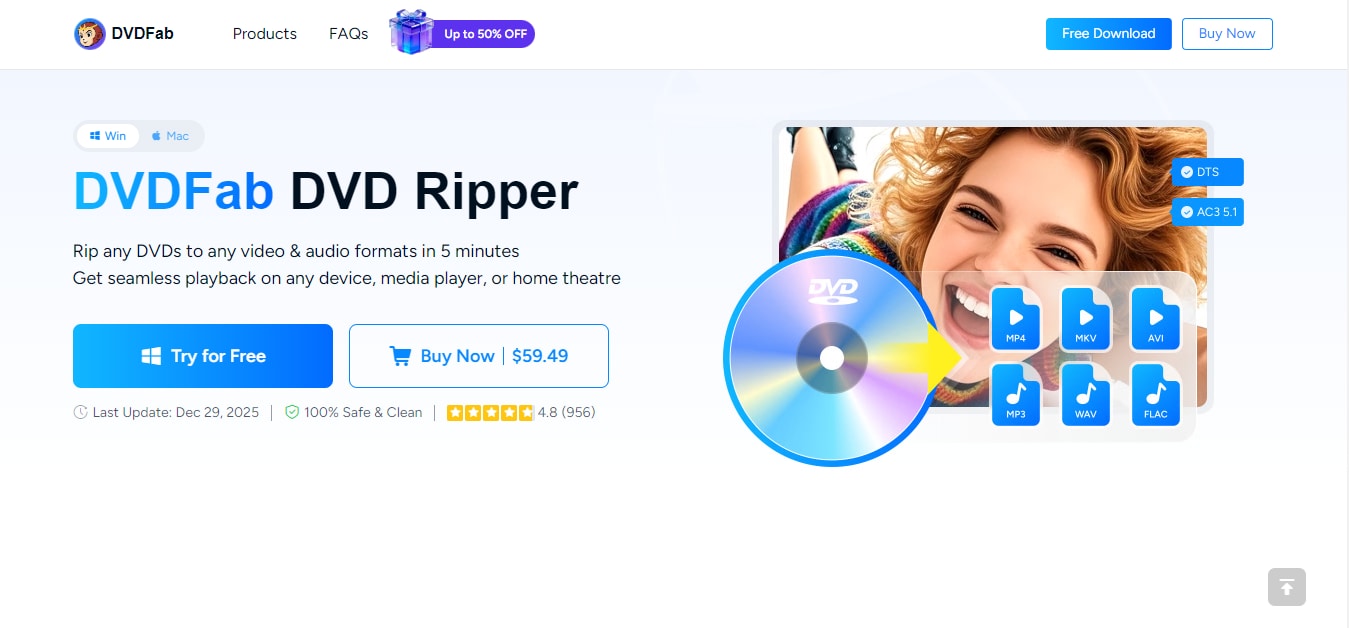
Part of the DVDFab toolkit, this ripper excels at handling both DVDs and Blu-ray discs — including encrypted and copy-protected media. You can use this software to rip DVDs into different formats like AVI, MOV, MP4, Android, iPhone, and more. And it offers various customization options to make your video output top-notch.
Additionally, it allows you to adjust audio tracks and subtitles of your ripped DVD based on your preference.
Key features:
DVD ripping to many formats and device profiles.
Supports 2D/3D/4k Blu-ray ripping.
Rip multiple DVDs simultaneously.
Offers powerful AI features to upscale video quality.
5. Leawo
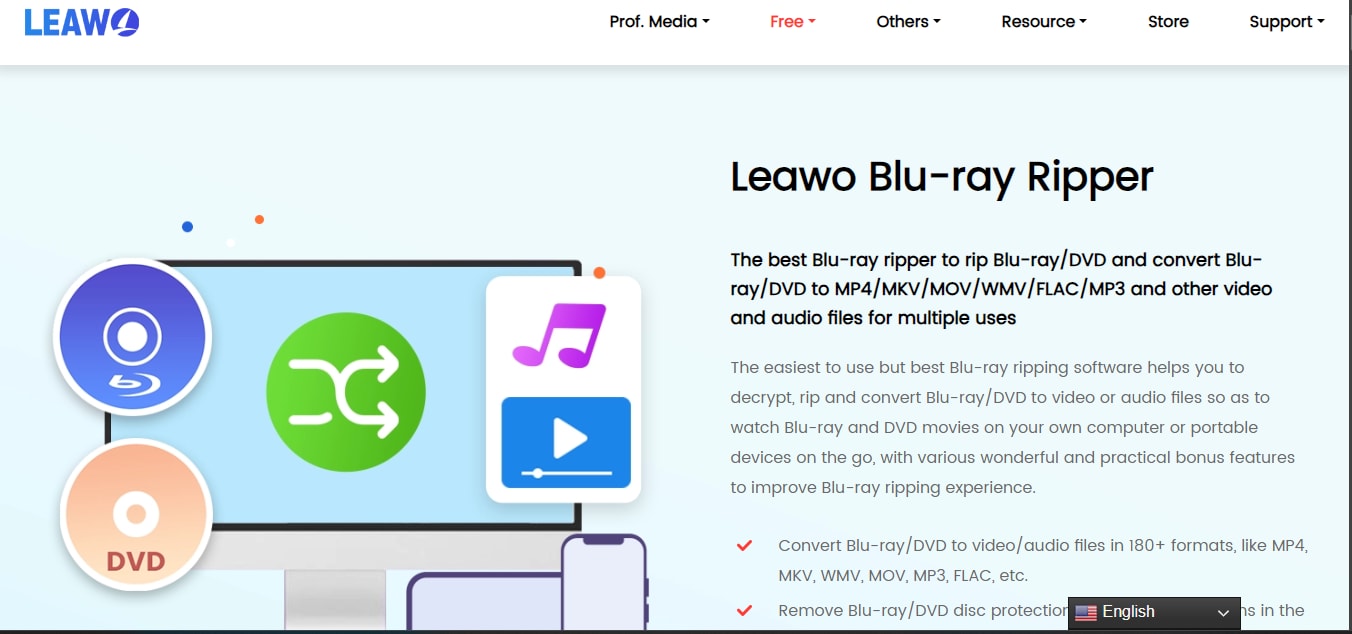
Leawo Blu-ray Ripper Blu-ray ripping software is equipped with powerful decryption technology that allows you to bypass protection that restricts you from ripping Blu-ray.
You can use this tool to rip Blu-rays in both 2D and 3D without reducing quality. And it supports more than 180 video and audio formats for you to choose from.
Key features:
Convert Blu-ray to MP4, MKV, MP4, and other popular formats.
It can bypass most Blu-ray protection.
Supports batch conversion for ripping multiple Blu-ray discs.
Flexible customization features
6. MacXDVD
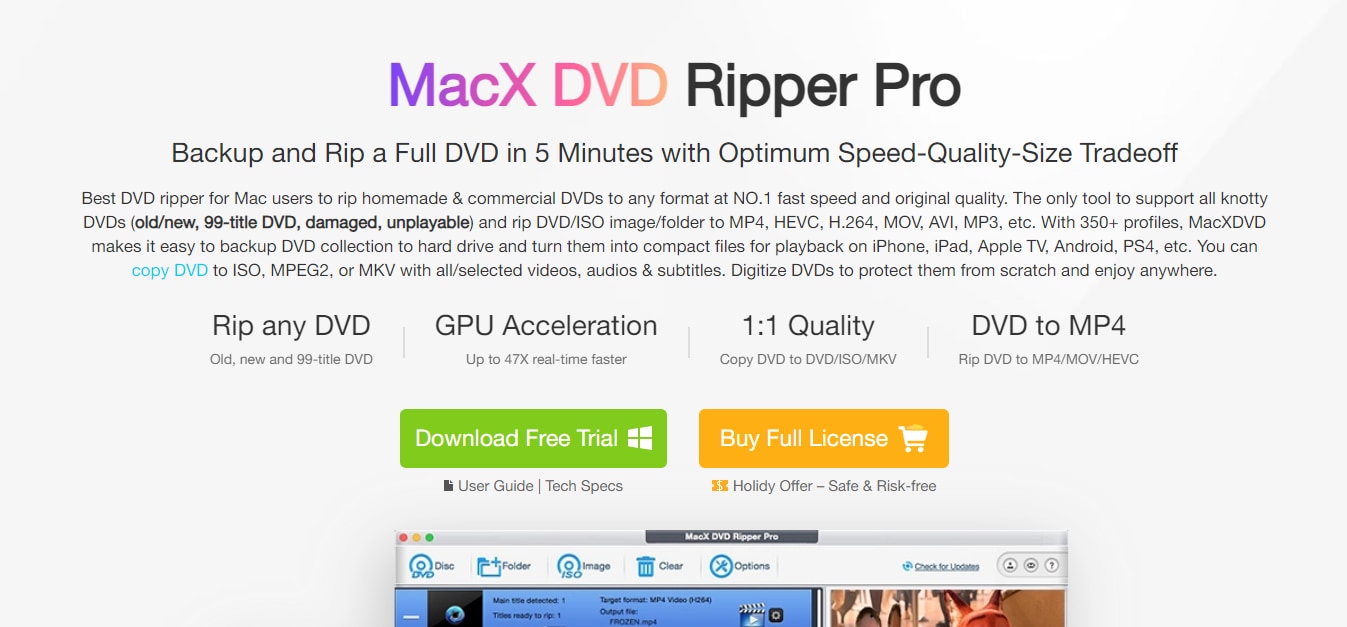
MacX DVD Ripper Pro stands out in 2026 as a top macOS tool for ripping protected DVDs to digital formats like MP4 or MKV, with strong GPU acceleration and AI upscaling. It handles tough discs—scratched, 99-title, or encrypted—making it ideal for archiving collections without errors. Users praise its speed and stability on Apple Silicon Macs, though the trial limits full access.
Key Features
47x real-time GPU acceleration rips full DVDs in 5 minutes.
AI enhancement upscales to 4K/60fps with deblurring.
Decrypts protections, region codes, and damaged discs.
350+ presets for devices like iPhone, Android, and Apple TV.
7. Tipard
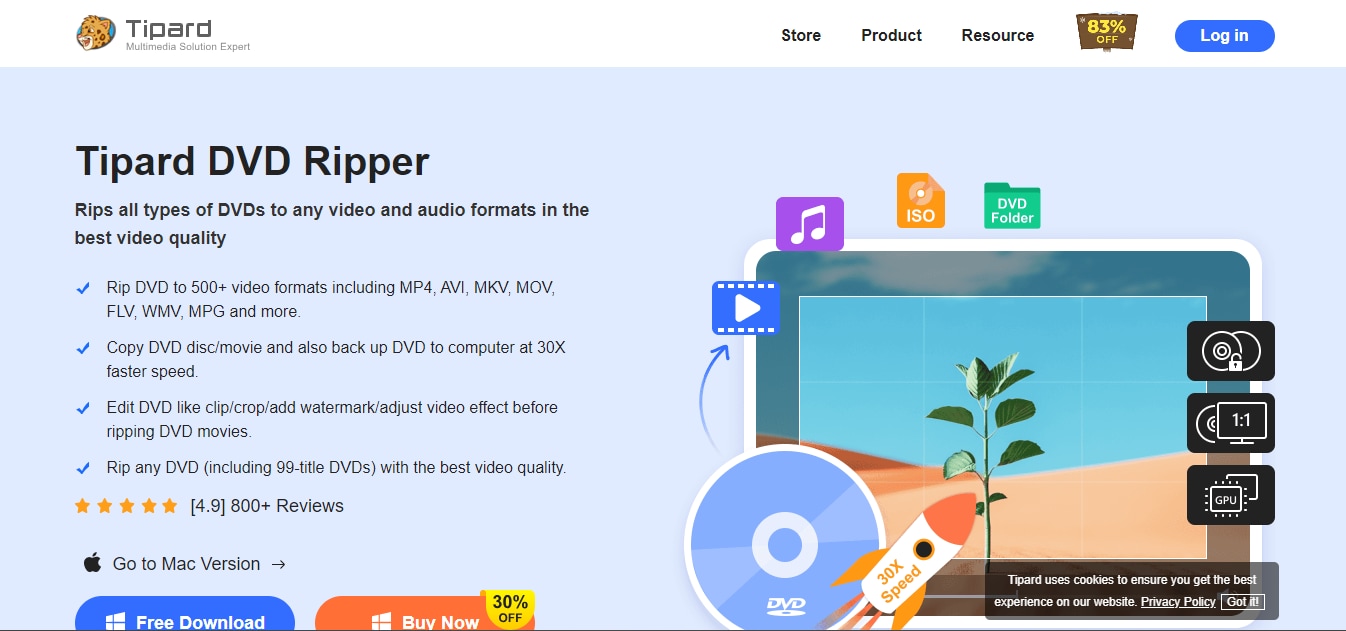
Tipard DVD Ripper excels in 2026 as a versatile tool for Windows and Mac, ripping DVDs to MP4, MKV, AVI, and 500+ formats while bypassing CSS, region codes, and latest protections. It offers AI upscaling to 4K/60fps, lossless ISO backups, and editing tools, ideal for digitizing collections with enhanced quality. Users highlight its speed and device compatibility, though the free version limits advanced features.
Key features:
30X faster ripping via NVIDIA CUDA, AMD APP, and multi-core acceleration.
AI upscaling to 4K, frame rate boost to 60fps+ for smoother playback.
Removes all DVD protections; supports damaged discs and batch conversion.
500+ presets for iPhone 17, Android, TVs; lossless ISO/folder backups.
8. MakeMKV
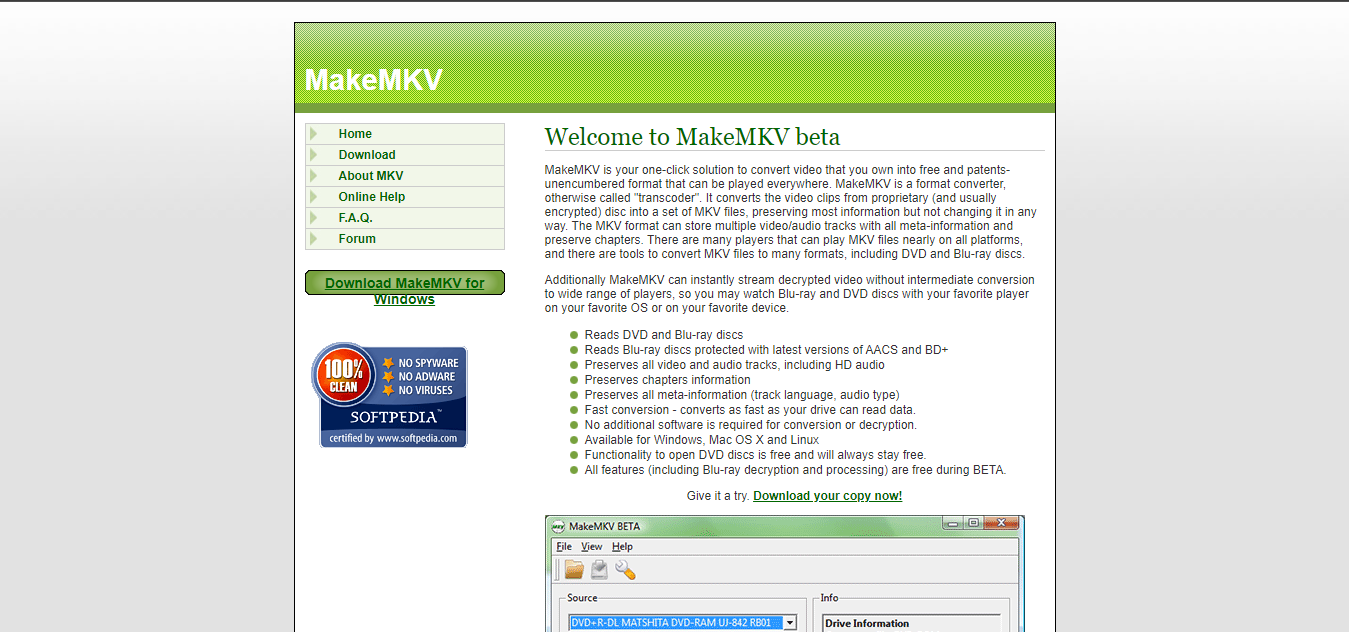
MakeMKV is the classic “backup to MKV” tool: it focuses on extracting the main movie (and selected audio/subtitle tracks) into an MKV file while preserving structure like chapters. The business model is also unusual: DVD/AVCHD conversion is free, while Blu-ray functionality is shareware (free during a trial period, then requires a license). It’s widely used for archiving because it aims for a straightforward, quality-preserving output rather than heavy re-encoding.
Key features:
Lossless MKV output retains HD audio, subtitles, and chapters exactly.
Decrypts the latest Blu-ray/DVD protections.
Streams decrypted content directly to players without ripping.
Preserves meta-info like languages and audio types.
9. Bluray Master
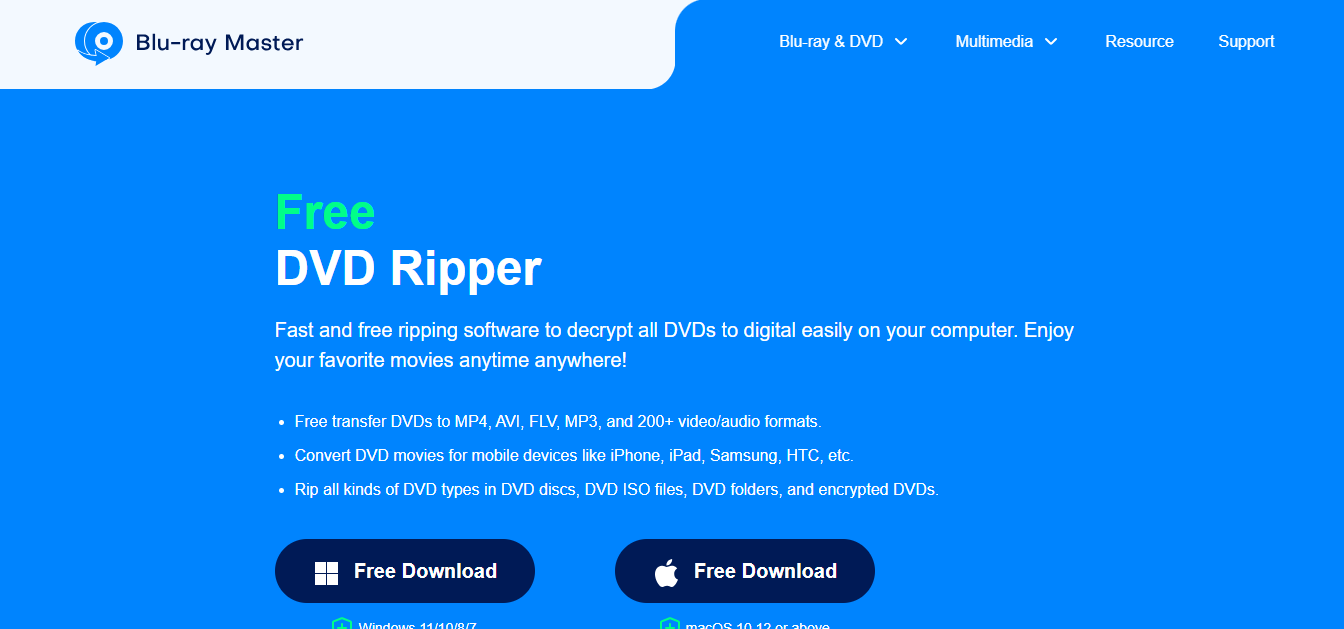
Blu-rayMaster Free DVD Ripper is aimed at users who want a simple, Windows-friendly tool to convert DVDs into common formats like MP4, AVI, and MKV, with an emphasis on ease of use. Some reviews highlight that it is optimized for Windows 10/11 and supports GPU acceleration for faster ripping on compatible hardware.
Key features:
Free ripping to 300+ formats.
GPU for faster speeds.
Bypasses DVD copy protections
Batch conversion.
10. AnyMP4
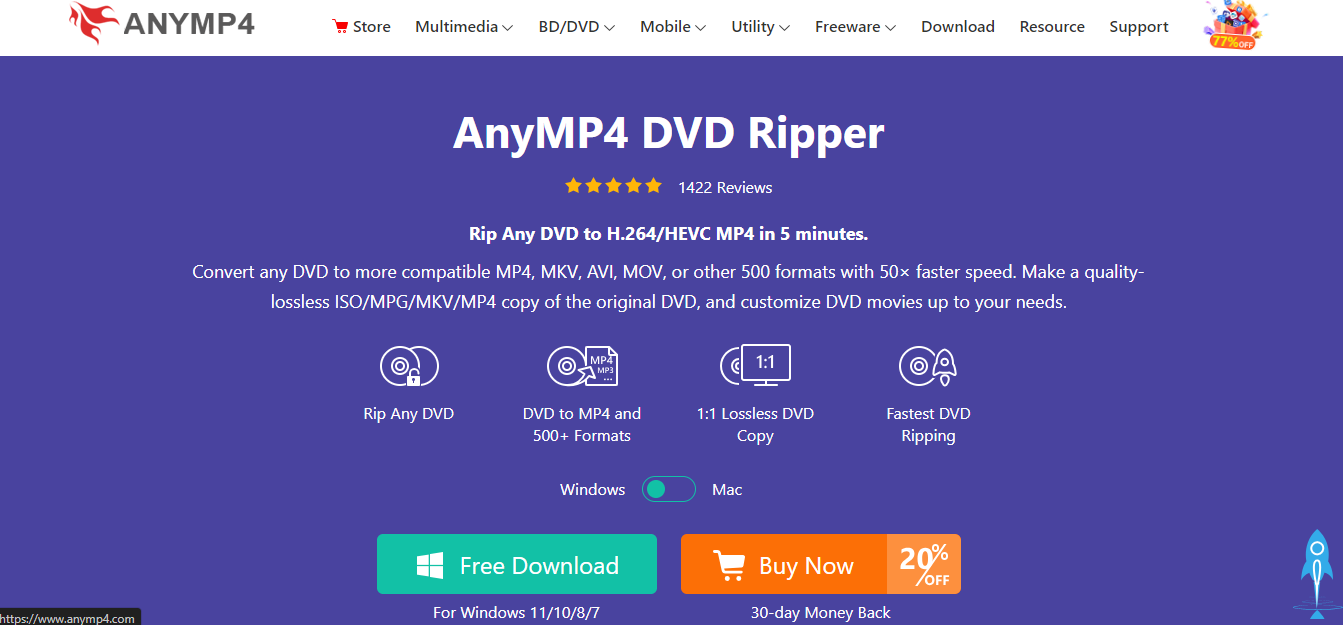
AnyMP4 DVD Ripper is a commercial DVD ripper positioned as a faster, more full-featured alternative to basic free tools, especially when dealing with protected DVDs. It’s commonly marketed around bypassing DVD protections (CSS/region codes) and using GPU acceleration to speed up the conversion pipeline, while also providing simple editing (crop/clip/watermark) before export.
Key features:
Lossless 4K MP4/MKV/ISO/folder copies.
GPU acceleration for fast conversion.
200+ device presets.
Editing: merge, subtitles, effects, and compress options.
Part 4: How to Batch Convert DVD to MP4 on Windows & Mac (Step-by-Step)
Here is how to batch convert DVD to MP4 on a Mac or Windows computer using UniConverter software.
Step 1: Install UniConverter on your computer and launch it.
Step 2: Select the “Converter” feature from the “Home” interface.
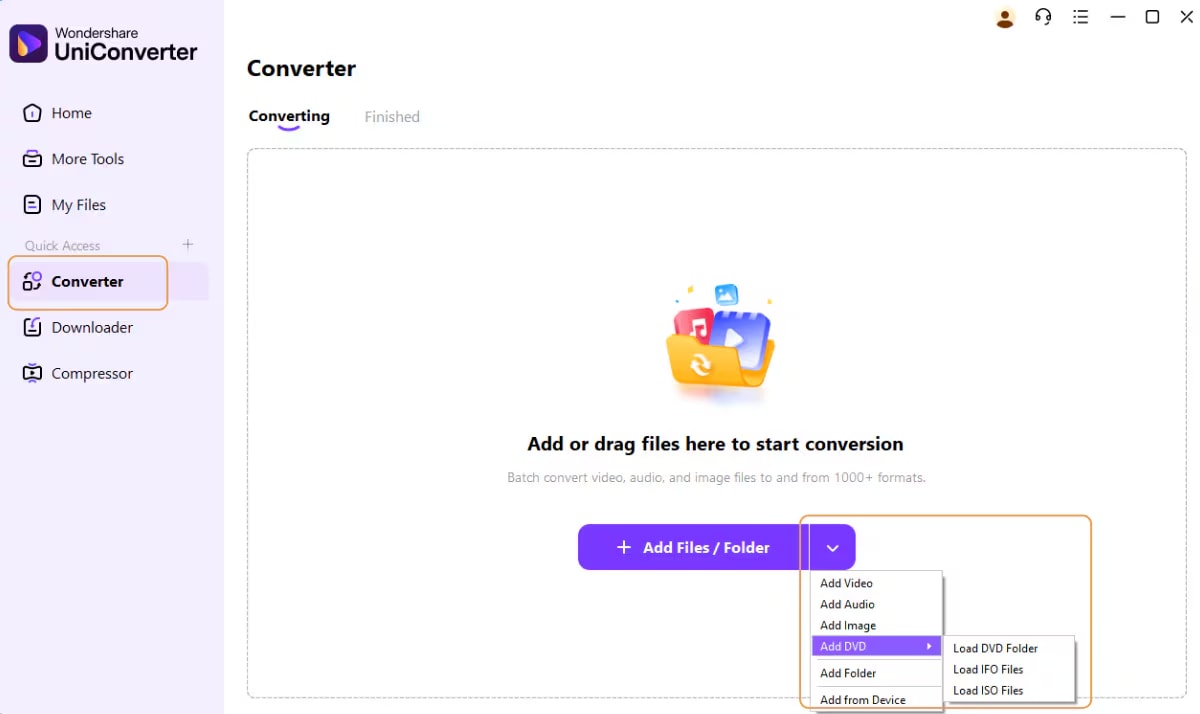
Step 3: Click on the drop-down icon next to the button to “Add Files/Folder” and select “Add DVD.” Then, insert the DVD you want to convert into your computer and click the drive you inserted the DVD into.
Step 4: Choose “Main Movie” or “All Movies” from the DVD Load Model box. Then, click “OK” to import all the videos in the DVD to UniConverter.
Step 5: Click on the “Convert to” menu and navigate to the video tab. Then, select a preferred video format from the left pane and choose a preferred video resolution.
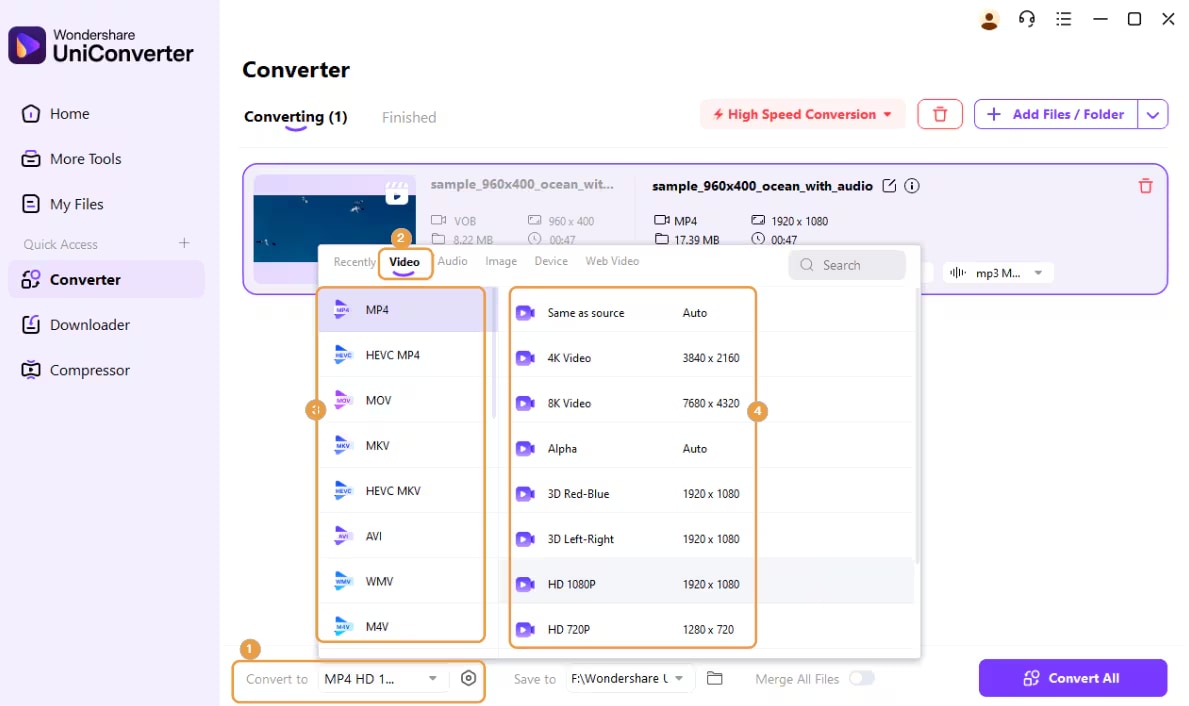
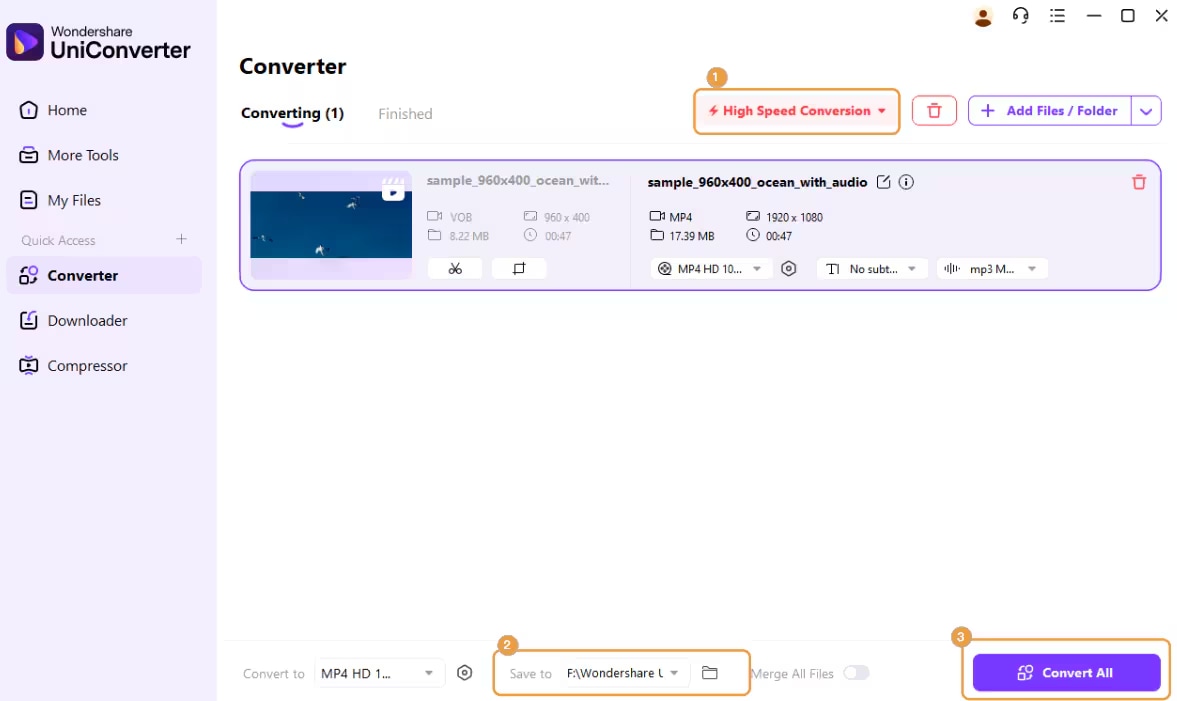
Step 6: Click on the “High Speed Conversion” tab at the top-right corner and choose a target folder in the “Save to” box at the bottom of the interface. Then, click the “Convert All” button to initiate the conversion process.
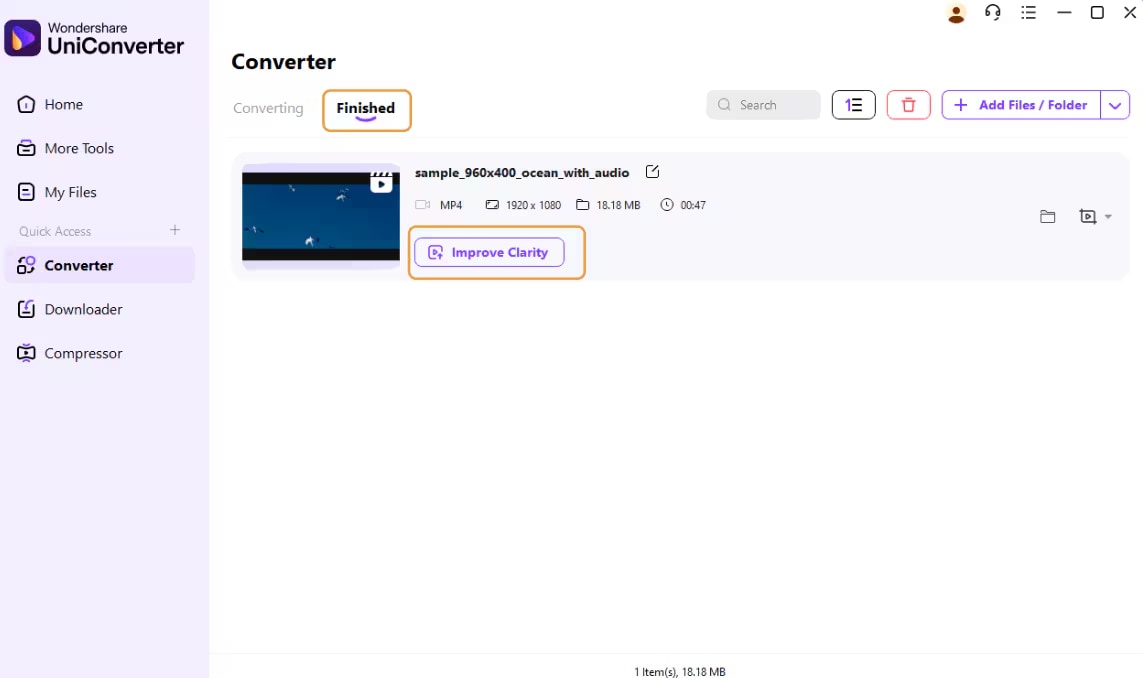
Step 7: Once the conversion is complete, go to the “Finished” tab to access the ripped DVD files.
Part 5: Is DVD & Blu-ray Ripping Legal? (Important Legal Considerations)
Before using any DVD or Blu-ray ripper, it’s crucial to understand that ripping laws vary significantly by country, and what’s allowed in one region may be illegal in another. This section provides a general overview, not legal advice, but it can help you make informed decisions.
DVD Ripping Laws Vary by Country
United States
In the U.S., DVD and Blu-ray ripping is heavily influenced by the Digital Millennium Copyright Act (DMCA). The DMCA explicitly prohibits bypassing copy protection mechanisms such as CSS on DVDs or AACS on Blu-rays—even if you legally own the disc. While many consumers believe making personal backup copies falls under “fair use,” U.S. courts have not clearly affirmed this right when copy protection is involved. As a result, personal backups exist in a legal gray area, where enforcement is rare but the act itself may still technically violate the law.
European Union
The situation in the European Union is more nuanced. Some EU countries allow private copying of legally purchased media for personal use. However, this allowance often comes with an important caveat: circumventing DRM or copy protection may still be illegal, even if the end goal is personal backup. This creates a conflict between private-copy exceptions and anti-circumvention laws, which are implemented differently across member states. In practice, legality depends on your specific country’s copyright framework.
Other Regions
Outside the U.S. and EU, laws differ widely. Some countries are more permissive toward personal backups, while others strictly prohibit any form of copying or DRM circumvention. Enforcement levels and consumer rights also vary greatly depending on local copyright regulations and judicial interpretation.
⚠️ Disclaimer: Laws change, and interpretations differ. Always check your local copyright laws or consult a legal professional before using any DVD or Blu-ray ripper.
Conclusion
Ultimately, while free tools can handle basic ripping tasks, paid software programs often provide faster speeds, broader format support, and reliable handling of copy-protected media. Before making a choice on which DVD ripper software, consider factors like output quality, conversion speed, platform compatibility, and legal considerations in your region. We highly recommend the Wondershare UniConverter for beginners.
FAQs
-
1. How do I choose the right DVD and Blu-ray ripper software?
Choosing the right ripper depends on your needs. Look for software that supports both DVD and Blu-ray discs, offers the output formats you need, and provides fast performance with hardware acceleration. If you often work with commercial or region-locked discs, paid tools usually offer better built-in decryption support. Free rippers can handle basic tasks but may lack speed, advanced features, or copy-protection handling. -
2. Can free DVD rippers handle copy-protected discs?
Most free DVD rippers cannot bypass copy protection on commercial DVDs or Blu-rays. Programs like HandBrake or VidCoder require additional third-party decryption tools to work with protected media. Paid rippers typically include integrated support for encrypted and region-locked discs. -
3. Is DVD and Blu-ray ripping legal?
The legality of ripping DVDs and Blu-rays varies by country. Some regions allow personal backups, while others restrict or prohibit bypassing copy protection. Always check your local copyright laws before ripping discs. -
4. What output format should I choose when ripping DVDs or Blu-rays?
MP4 is the most universally compatible format and works well on phones, tablets, smart TVs, and computers. MKV is better if you want to preserve original quality, subtitles, chapters, and multiple audio tracks. The best choice depends on whether you prioritize compatibility or archival quality. -
5. Will ripping a DVD or Blu-ray reduce video quality?
Not necessarily. Many ripping tools offer lossless or high-bitrate encoding options that preserve original video and audio quality. Using correct settings and hardware acceleration helps maintain excellent fidelity while keeping file sizes reasonable.

