


In the digital scroll of 2025, what makes a user stop and watch? It's not just stunning visuals; it's accessibility. Consider this: 85% of Facebook videos are watched without sound. If your video relies on audio to deliver its message, you're losing the vast majority of your audience. The solution isn't to create silent films; it's to integrate seamless, easy-to-read captions. This is where the Facebook SRT file becomes your single most powerful engagement tool.
Adding captions isn't just a luxury; it's a necessity that Facebook's own data suggests can increase view time by 12%. But how do you create these files efficiently and accurately? Manually timing and transcribing text is a draining, time-consuming process.
That's why a high-quality Facebook caption generator is essential for any serious content creator or marketer. These tools use AI and skilled editors to turn hours of work into minutes, delivering a professional, readable, and perfectly synced SRT file. This article dives deep into the top 10 best SRT generators available today, so you can stop scrolling and start engaging.
Table of Contents
Part 1. What Are SRT Files and Why Facebook Uses Them
An SRT (or SubRip Subtitle) file is a plain-text file containing subtitle information for a video. This includes the start and end time codes for when the subtitle should appear, followed by the subtitle text itself. It is the most widely used and supported subtitle format worldwide.
For Facebook, SRT files are critical. When you upload a Facebook SRT file with your video, you unlock benefits that go far beyond just helping people who are hard of hearing.
- Sound-Off Viewing: With 85% of users watching with the sound off, SRT files make your content understandable to the "silent majority."
- Audience Retention: Viewers are more likely to finish a video they can understand. Facebook reports a 12% average increase in view time for captioned videos.
- Accessibility: It makes your content accessible to viewers with hearing disabilities, complies with accessibility standards (like the ADA), and broadens your audience.

Part 2. Top 10 Facebook SRT Generators 2025
Finding the right caption generator for Facebook depends on your workflow, budget, and technical needs. We've broken down the best options into desktop software (for power, privacy, and performance) and online tools (for convenience and collaboration).
Desktop SRT Generators (Offline Power)
1. Wondershare UniConverter
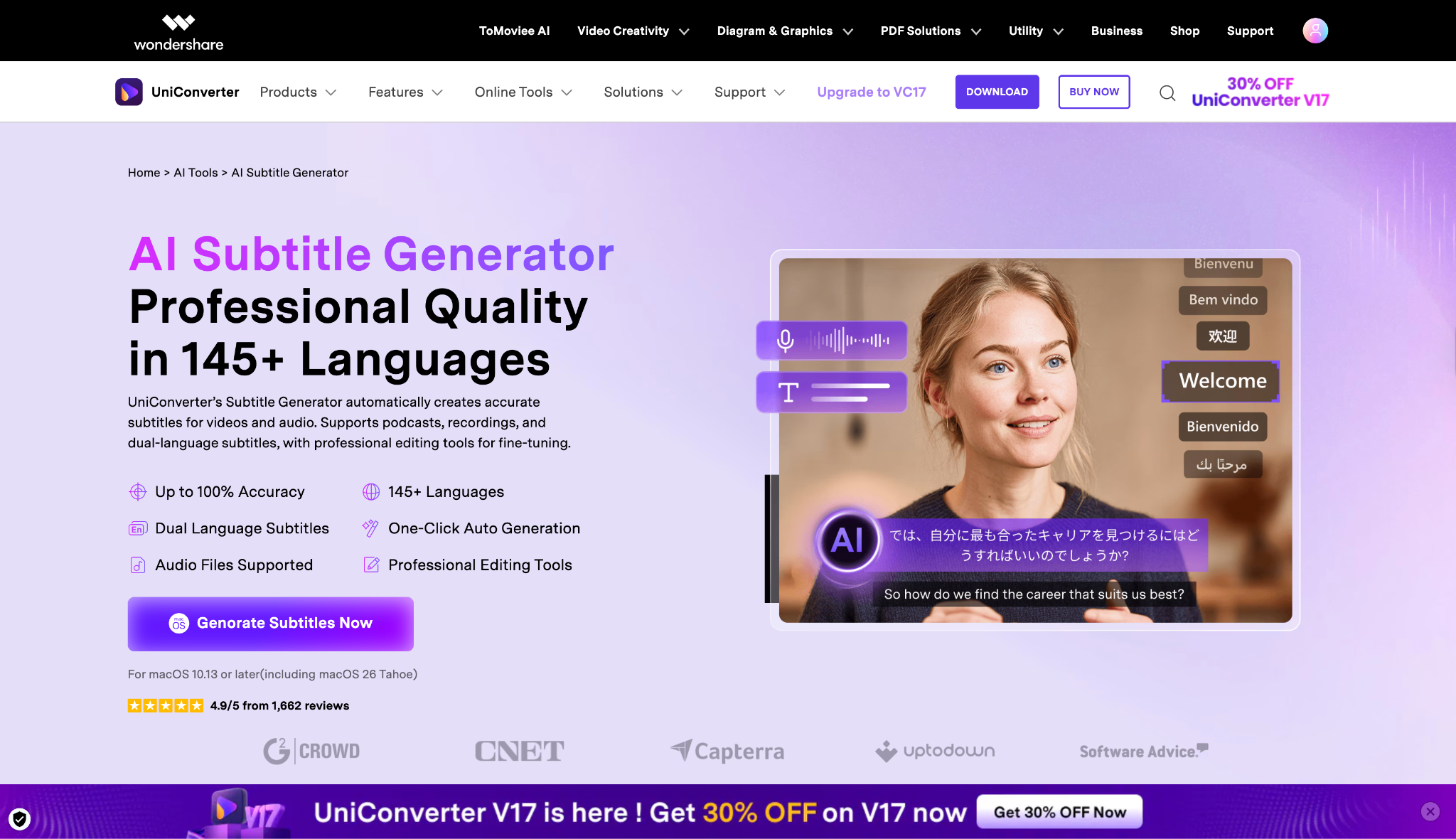
Wondershare UniConverter is an all-in-one video toolkit that lets you generate, edit, and sync SRT subtitles automatically. It supports a wide range of video formats and offers AI-powered transcription to create accurate captions in minutes. You can fine-tune subtitles, adjust timing, and export them easily for uploading to Facebook videos. Its clean interface and rapid processing make it ideal for creators, marketers, and professionals managing multilingual or accessibility-focused video content workflows.
Safety Review: 5/5
Starting Price: Free trial available; Paid plans (Perpetual license) start at $39.99.
Supported Device: Windows & macOS

Easy to Use Facebook SRT Generator
2. CapCut (Desktop)
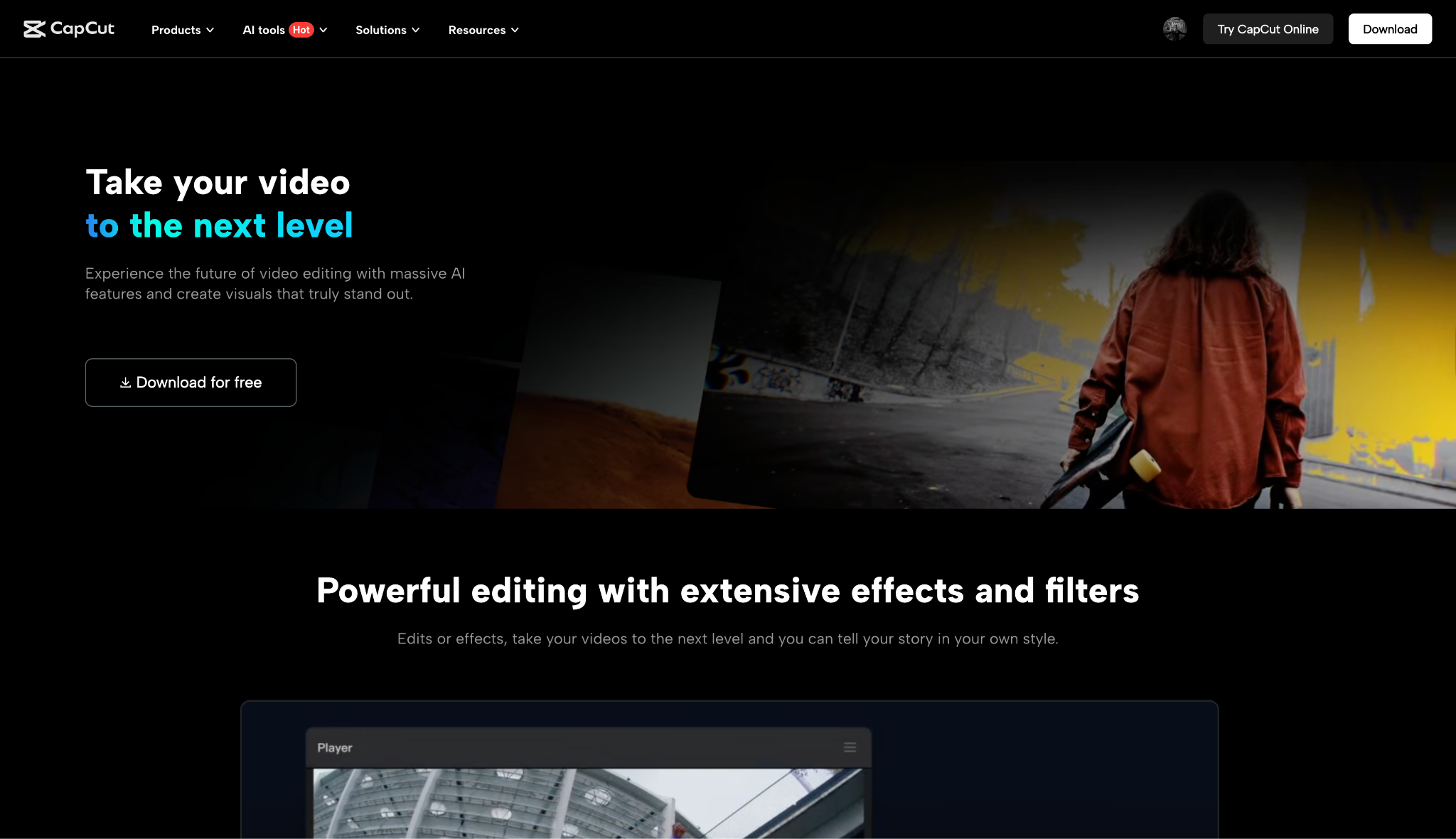
CapCut Desktop makes Facebook subtitle creation effortless with its built-in auto-caption and SRT export tools. It quickly transcribes audio, allowing precise edits and timing adjustments in a visual timeline. The software supports multiple languages, font styles, and subtitle animations to enhance viewer engagement. Once edited, SRT files can be exported for Facebook uploads or embedded directly into videos, making it perfect for creators seeking professional results without complicated editing steps.
Safety Review: 4/5
Starting Price: Free; Pro version starts around $9.99/month or $89.99/year.
Supported Device: Windows, macOS, Mobile
3. Clipchamp
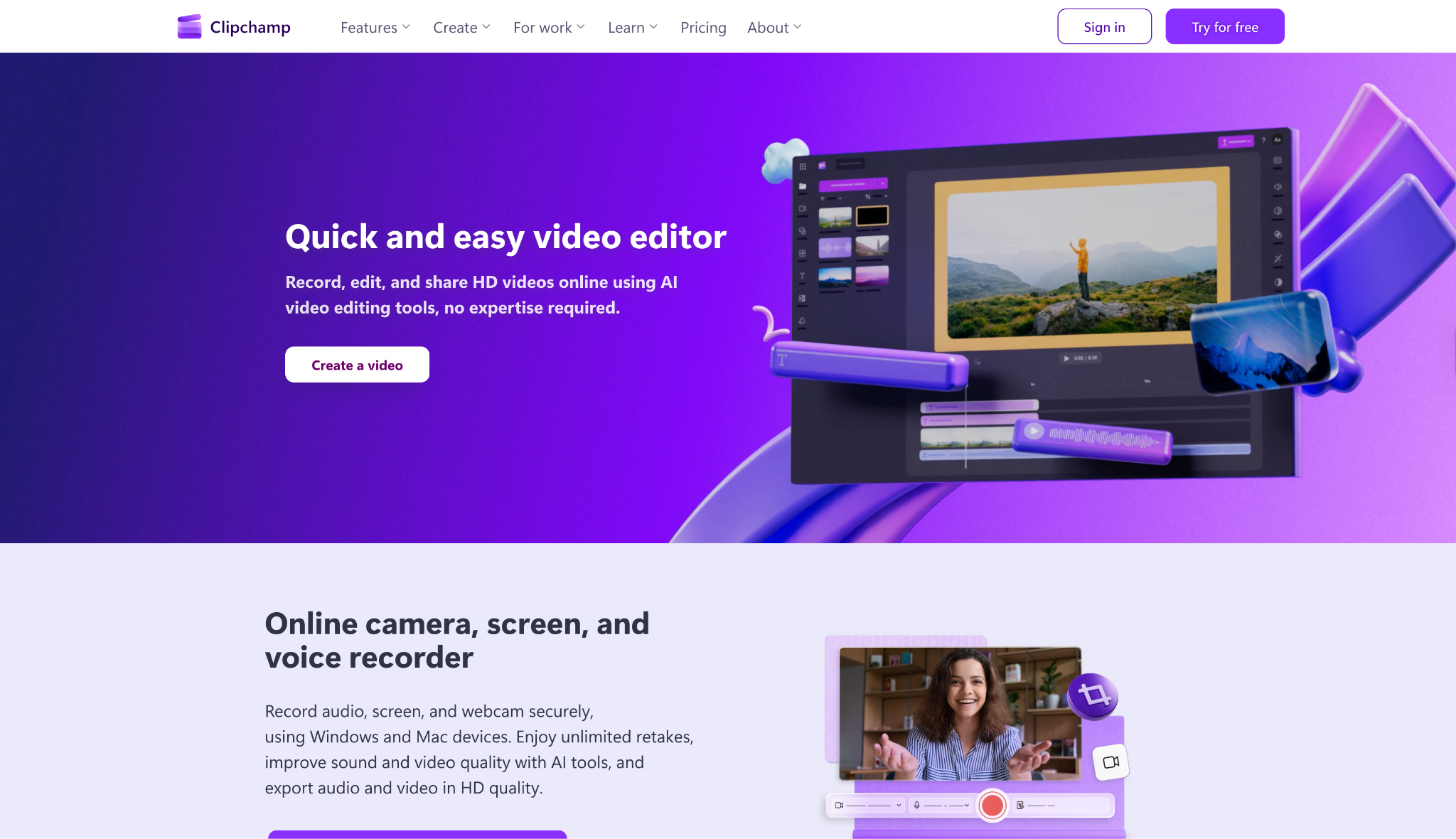
Clipchamp simplifies generating Facebook-ready SRT subtitles through its automatic captioning feature. The editor recognizes speech, converts it into editable text, and aligns it perfectly with your video timeline. You can style subtitles, correct errors, and download the SRT for upload to Facebook or other platforms. Designed for accessibility and engagement, Clipchamp streamlines the process of adding captions, helping creators reach a wider audience with clear, easy-to-read on-screen text.
Safety Review: 4.5/5
Starting Price: Free; $69.99/year (The premium features are bundled with a Microsoft 365 Standard subscription, so this is the effective starting price)
Supported Device: Windows, macOS (Web), ChromeOS (Web)
4. Subtitle Edit
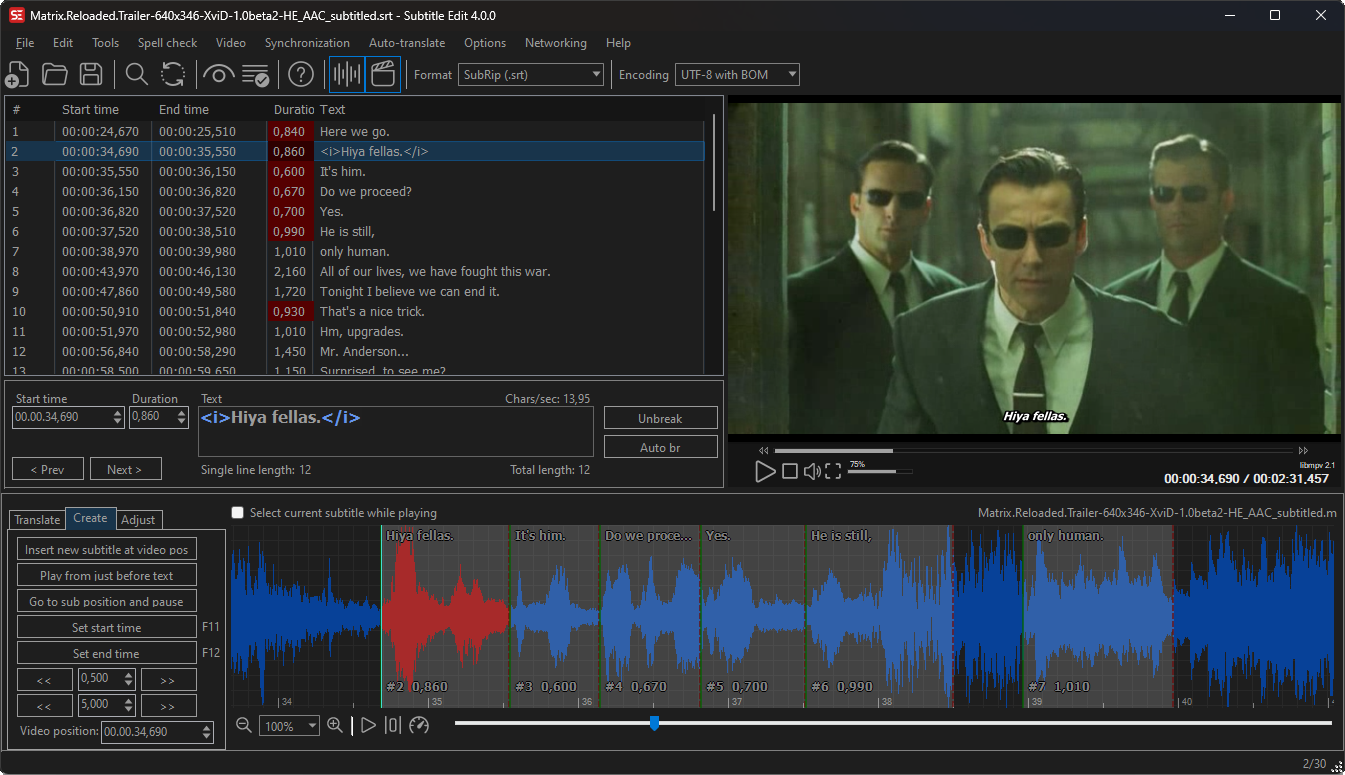
Subtitle Edit is a free, open-source SRT editor ideal for Facebook caption preparation. It allows precise timing adjustments, waveform synchronization, and real-time video preview. You can easily fix formatting errors, merge overlapping captions, or translate subtitles using its built-in tools. Subtitle Edit supports over 200 subtitle formats and automated speech recognition, giving creators full control over subtitle quality before exporting clean and compliant SRT files ready for Facebook uploads.
Safety Review: 5/5
Starting Price: Free
Supported Device: Windows & Linux
5. Aegisub
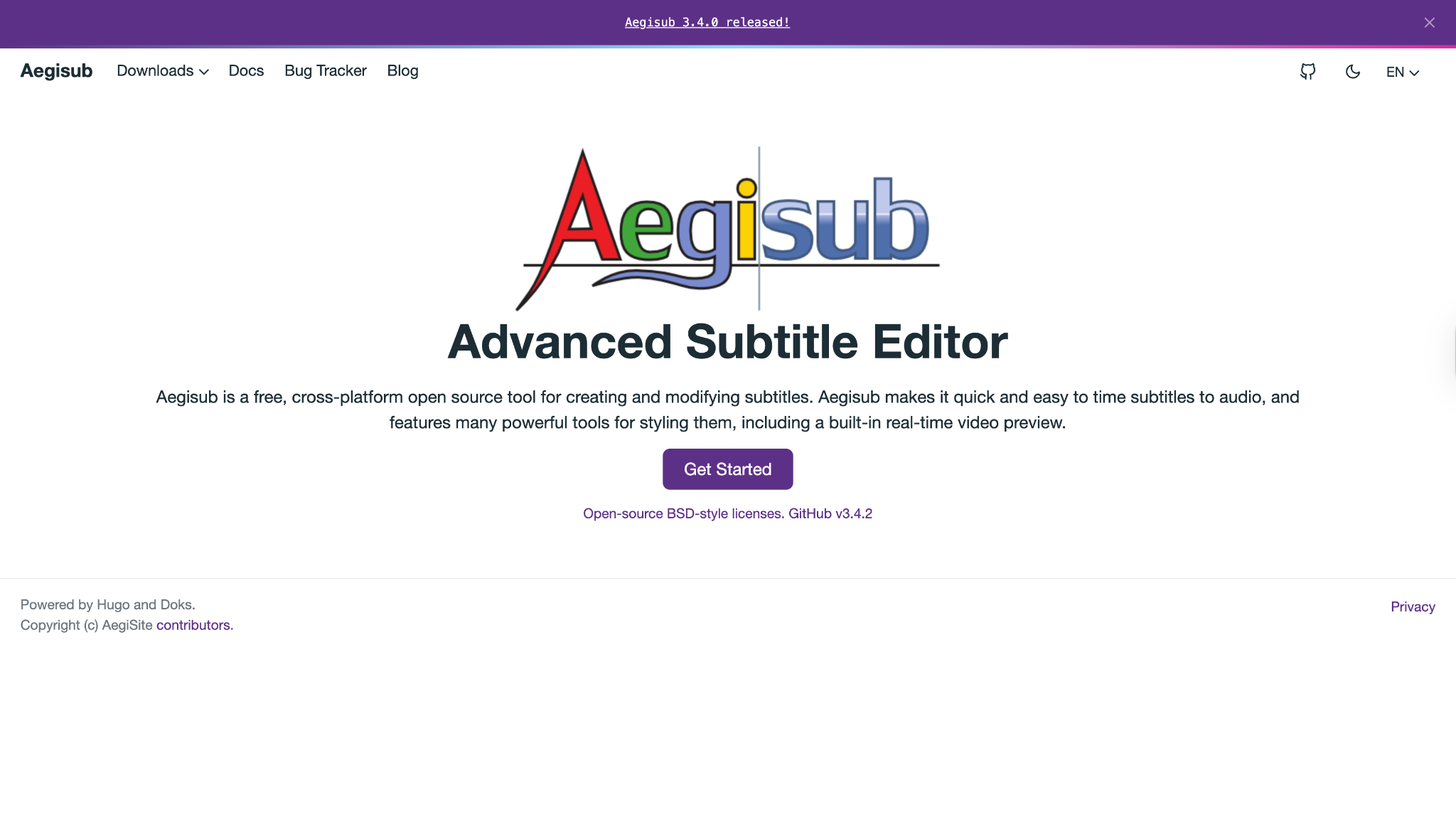
Aegisub is a powerful subtitle creation program that helps you craft accurate SRT files for Facebook videos. It supports audio spectrograms and advanced timing tools to synchronize text perfectly with dialogue or music. The interface allows fine-grained editing, formatting, and translation, making it suitable for both amateur and professional editors. Aegisub’s flexibility in managing subtitle styles and precise timestamps ensures your Facebook captions look polished and follow platform guidelines.
Safety Review: 5/5
Starting Price: Free
Supported Device: Windows, macOS, Linux
Online SRT Generators (Cloud Convenience)
6. VEED.IO
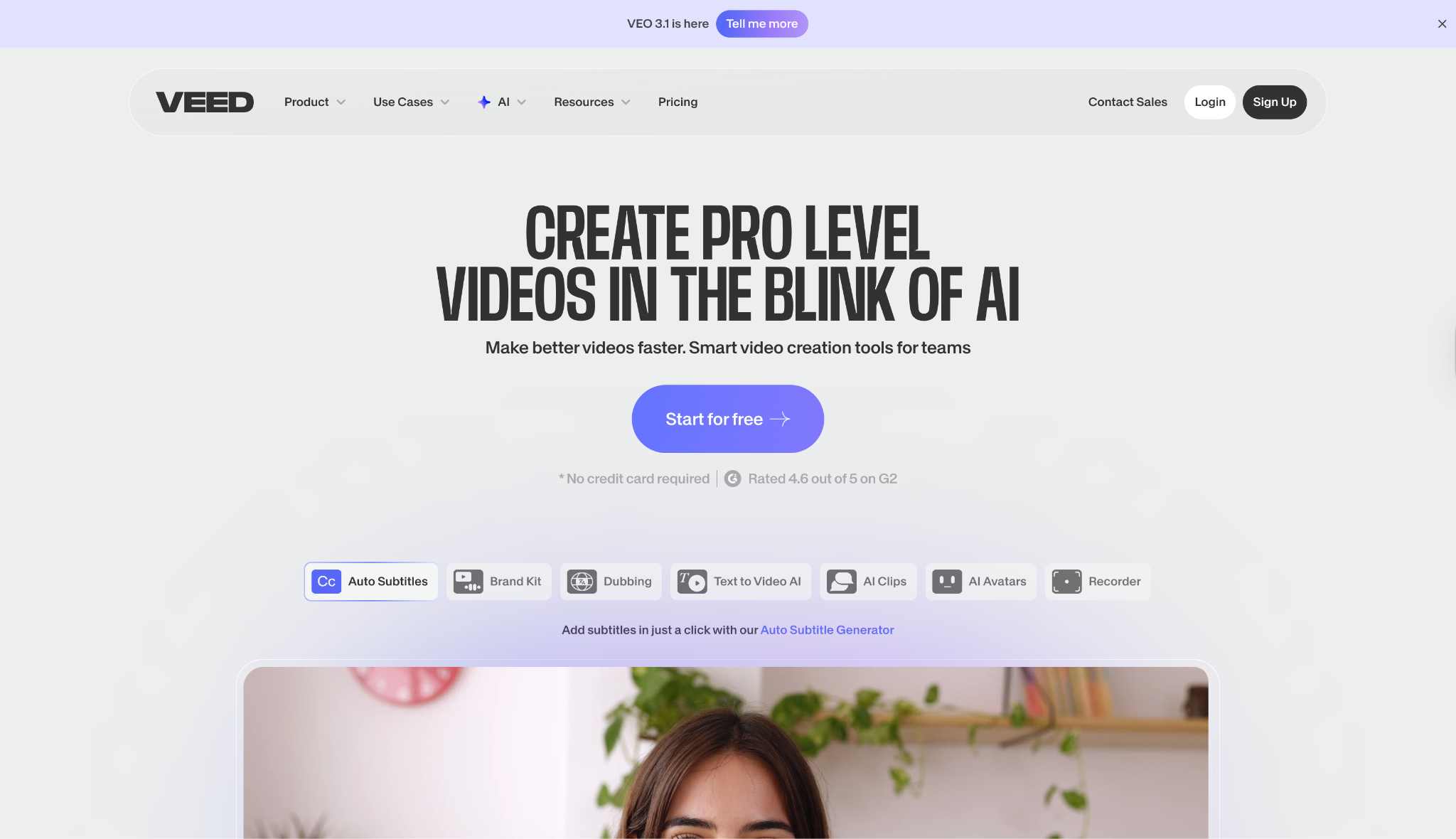
VEED.IO is an online video editor with robust subtitle generation features tailored for Facebook uploads. Its AI automatically generates and syncs captions, which users can edit directly in an intuitive timeline. You can style fonts, adjust timing, translate text, and download ready-to-use SRT files. Designed for speed and simplicity, VEED.IO empowers creators to produce accessible, engaging content that meets Facebook’s video standards without needing desktop software or technical expertise.
Safety Review: 4/5
Starting Price: Free (with watermark); Paid plans start around $12/mo.
Supported Device: Web (Any device)
Easy to Use Facebook SRT Generator
7. Canva
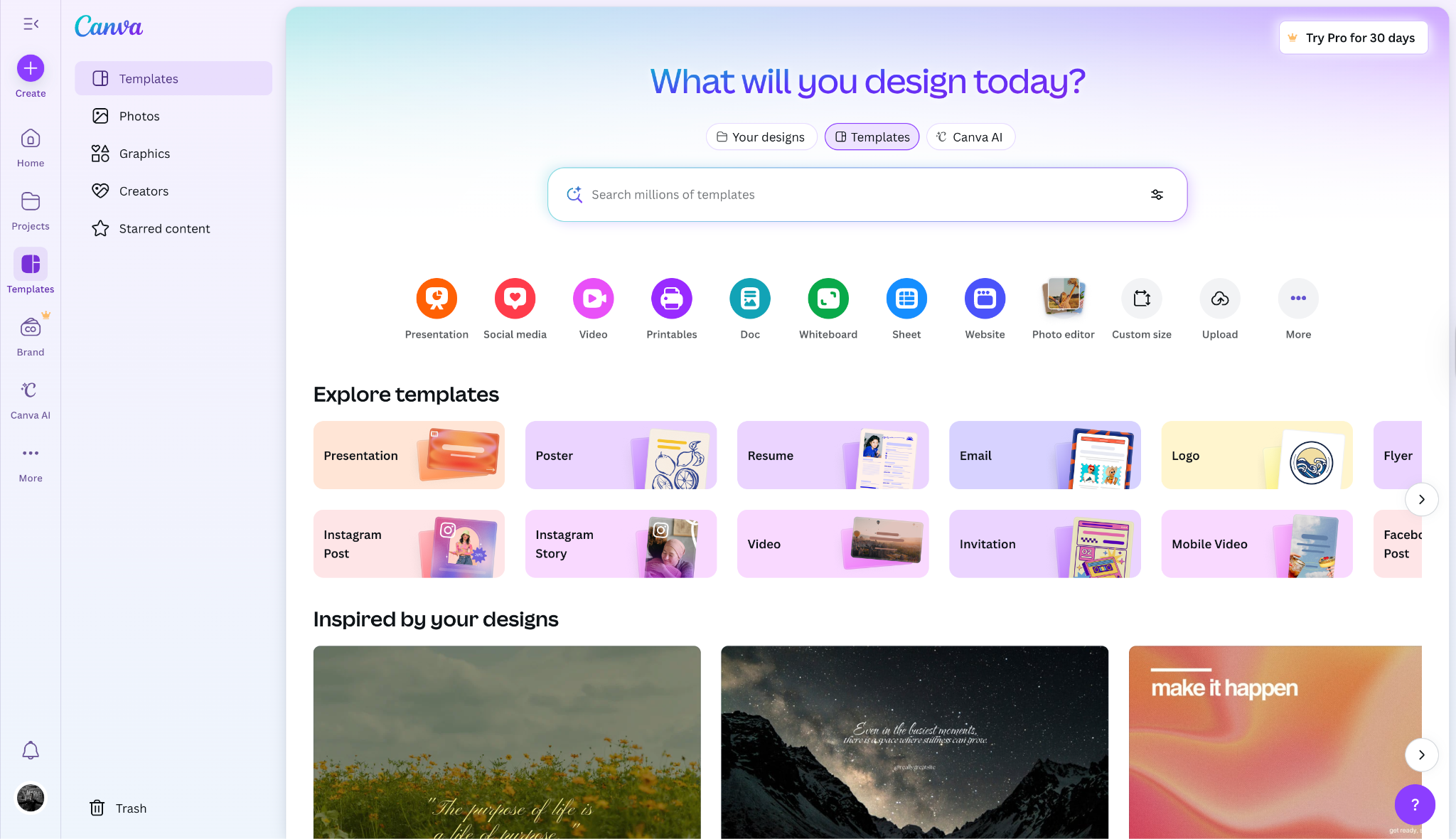
Canva offers a seamless way to generate Facebook captions through its video editing platform. With automatic captioning tools, users can create accurate SRT files in just a few clicks. You can review, edit, and style your subtitles to align with your brand’s design. Once complete, export the SRT for Facebook or embed it directly into your video. Canva’s clean interface and AI-powered tools simplify subtitling for content creators and digital marketers.
Safety Review: 4.5/5
Starting Price: Free; Pro plan starts at $15/month (or $120/year).
Supported Device: Web (Any device)
8. Clideo
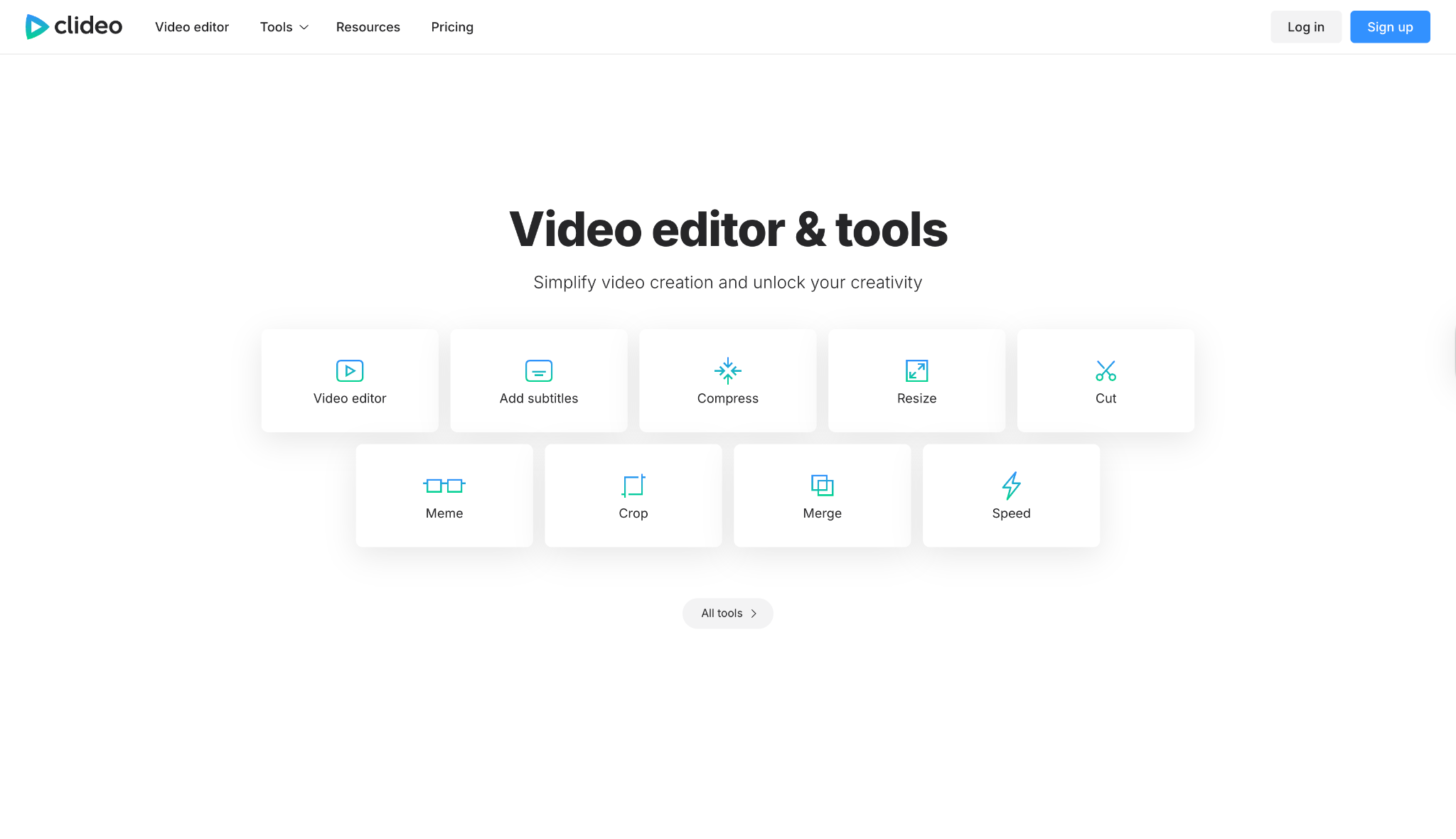
Clideo’s subtitle editor enables quick and accurate SRT generation for Facebook videos. The platform supports automatic transcription and manual editing, letting users fine-tune text and timing before export. It runs entirely in the browser, requiring no installation or advanced setup. You can adjust fonts, colors, and positions easily, then download your SRT file for Facebook. Clideo focuses on accessibility and efficiency, making it a go-to tool for consistent, professional subtitle output.
Safety Review: 3.5/5
Starting Price: Free; Pro plan removes file size limits.
Supported Device: Web (Any device)
9. Kapwing
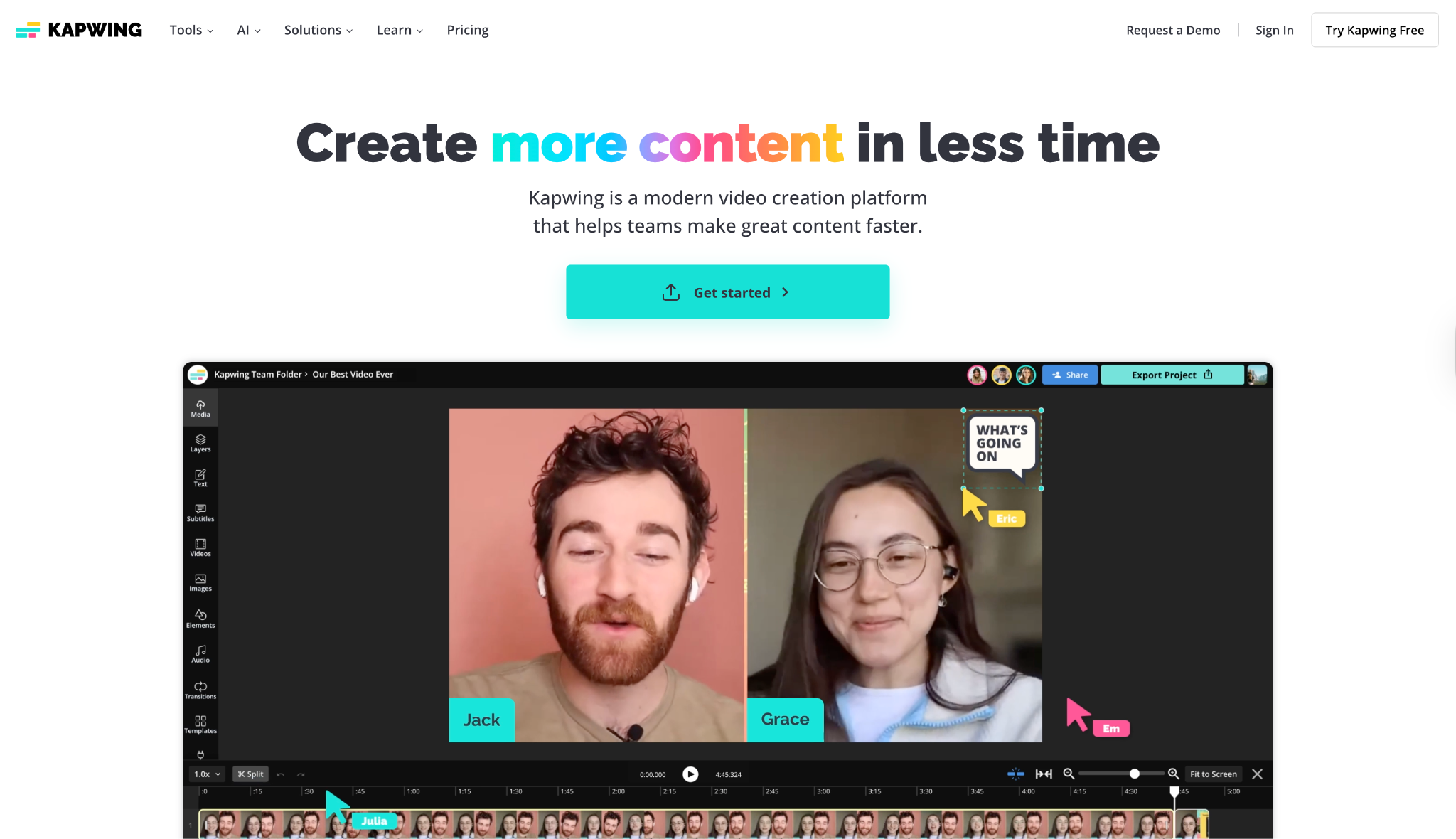
Kapwing is an online video editor that automates Facebook subtitle creation with precision. Its auto-caption tool converts speech to text instantly, allowing quick corrections before exporting the final SRT. The editing interface is user-friendly, enabling easy control over timing and visual adjustments. Kapwing’s collaborative features make it great for teams managing branded or multilingual content. In minutes, you can produce and upload accurate subtitles that enhance your Facebook video’s reach and engagement.
Safety Review: 4/5
Starting Price: Free (with limitations); Pro plans start around $16/mo.
Supported Device: Web (Any device)
10. OpusClip
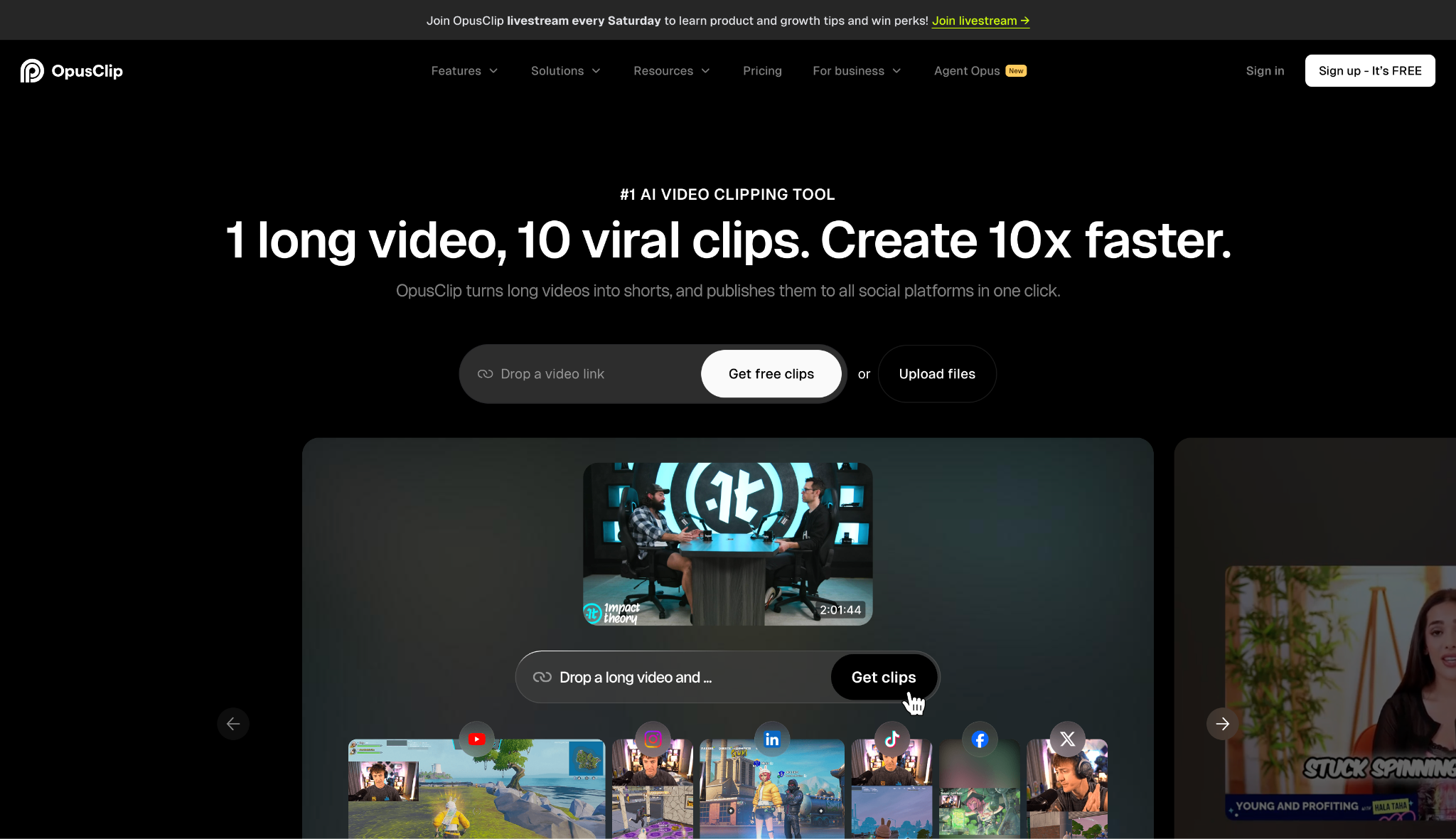
OpusClip is an AI-driven video tool designed to repurpose long-form clips for social media with automatic subtitle generation. It detects speech and creates Facebook-compatible SRT files effortlessly. The system intelligently highlights key talking points and formats captions for optimal readability. With built-in editing and style customization, OpusClip helps turn any video into shareable, accessible content. It’s perfect for creators aiming to grow engagement through short, subtitled clips optimized for Facebook audiences.
Part 3. At-a-Glance Comparison Table
| App Name | Supported Subtitle Format | Unique Edge | Best For |
|---|---|---|---|
| Wondershare UniConverter | SRT, ASS, SSA | AI-powered, all-in-one desktop toolkit with offline privacy & speed. | Professionals & Businesses |
| CapCut (Desktop) | SRT | Free, high-accuracy auto-captions with trendy style options. | Social Media Creators |
| Clipchamp | SRT | Built into Windows; 100+ language support in a simple interface. | Beginners & Windows Users |
| Subtitle Edit | SRT, VTT, SUB, & 200+ | Total manual control; professional-grade error fixing. | Technical Users & Perfectionists |
| Aegisub | ASS, SRT, TXT | Powerful audio waveform editor for perfect-sync timing. | Precision Editing & Fansubbers |
| VEED.IO | SRT, VTT, TXT | 99.9% accuracy claim with a slick, modern online interface. | Quick Turnarounds & Online Teams |
| Canva | SRT | Integrated into a full design suite many marketers already use. | Marketers & Canva Users |
| Clideo | SRT | Simple, secure, browser-based tool for manual SRT creation. | Quick Manual Edits |
| Kapwing | SRT, VTT, TXT | Collaborative, cloud-based editor for content teams. | Remote Teams & Agencies |
| OpusClip | SRT, TXT | AI-powered video repurposing with dynamic caption generation. | Social Media Managers |
Part 4. Extended Knowledge: Differences Between Facebook SRT and Facebook Auto-Captions
When you upload a video, Facebook gives you two options: upload your own Facebook SRT file or use their "Auto-Generate" feature. While auto-captions are convenient, they are not the same as a dedicated SRT file.
Its own AI generates Facebook's auto-captions. They are a good "first draft" but are notoriously inaccurate, especially with accents, technical jargon, or background noise. They require you to manually review and edit them in Facebook's editor every time.
An uploaded SRT file gives you total control. You create it before uploading, ensuring 100% accuracy, correct punctuation, and perfect formatting. This is far more professional and reliable.
| Element | Facebook Auto-Captions | Uploaded Facebook SRT File |
|---|---|---|
| Accuracy | Varies (Often 70–90%) | As high as you make it (99–100%) |
| Control | Low (Edit only in FB’s tool) | Total (Full control in your software) |
| Effort | Low to generate, high to edit | High to create (unless using a tool) |
| Best For | Casual, low-stakes videos | Branded, professional, or complex content |
Part 5. Common SRT Problems and Solutions
Uploading a Facebook SRT file can sometimes result in errors. Most issues are simple formatting mistakes.
Sync Issues: Captions appear too early or too late.
- Solution: Your timestamps are off. Use a tool with a visual editor (like UniConverter or Aegisub) to re-align the timestamps with the audio waveform.
Formatting Errors: Facebook rejects the file.
- Solution: Your SRT file is not formatted correctly. Check for:
Invalid Timestamps: An SRT must use the 00:00:00,000 format (milliseconds separated by a comma). Using a period (.) will fail.
-
Solution: Use commas instead of periods for milliseconds in timestamps (e.g., 00:00:00,000).
Missing Numbers: Each caption block must have a sequential number (1, 2, 3,...).
-
Solution: Add sequential numbers before each caption block (1, 2, 3, ...).
Missing Spaces: Ensure there are spaces around the "arrow" (e.g., 00:00:01,000 --> 00:00:03,000).
-
Solution: Add spaces around the arrow (e.g., 00:00:01,000 --> 00:00:03,000).
Encoding Problems: Captions show strange symbols (e.g., ’ instead of ').
- Solution: Your SRT file is not saved with UTF-8 encoding. Open it in a text editor (like Notepad or Subtitle Edit) and "Save As" with UTF-8 encoding.
Upload Failures: The file won't attach.
- Solution: This is the most common issue. Facebook requires a specific naming convention: filename.en_US.srt. You must add the 2-letter language code (en) and 2-letter country code (US) before the .srt extension.
Easy to Use Facebook SRT Generator
Conclusion
In 2025, video is the language of social media, but captions are what make it fluent. Failing to use them means ignoring 85% of your audience who watch with the sound off. While Facebook's built-in tools offer a starting point, a dedicated Facebook caption generator is the mark of a professional creator.
Whether you choose the all-in-one desktop power and privacy of Wondershare UniConverter or the quick convenience of an online tool like VEED, investing in your caption workflow is a direct investment in your engagement. By creating accurate, readable, and perfectly-timed Facebook SRT files, you ensure your message is received loud and clear—even in total silence.
FAQs
-
1. Can I find a good Facebook caption generator free?
Yes. For desktop, CapCut and Subtitle Edit are powerful free options. For online, Clipchamp and VEED offer excellent free tiers that let you generate and download SRT files, though they may include video export limitations (e.g., watermarks). -
2. What is the difference between a Facebook SRT generator and a Facebook post caption generator?
This is a critical distinction. A Facebook SRT Generator (like UniConverter or CapCut) creates a timed text file for video subtitles that appear as the video plays. A Facebook Post Caption Generator (like an AI writer) helps you write the text of your Facebook post—the description that appears above or below your video. It does not create video subtitles. -
3. What does SRT facebook com workplace or SRT fb workplace mean?
This search query refers to Workplace by Meta, Meta's enterprise communication tool (similar to Slack). Users were looking for how to add SRT captions to videos shared inside that business platform. While Workplace is being shut down in 2026, the need to add captions to internal training or corporate videos remains. The same tools, especially secure desktop software such as UniConverter, are ideal for this purpose. -
4. How do I add my new SRT file to a Facebook video?
When you upload your video to Facebook, don't publish it immediately.Go to "Edit" or "Video Options."Find the "Captions" or "Subtitles" tab.Select "Upload" and choose your SRT file.Crucially, make sure your file is named correctly (e.g., myvideo.en_US.srt).Save your changes. Your video will now display the "CC" icon, and viewers can toggle your captions on or off.

