

Imagine you stumble upon an Instagram Reel that hits the right emotion, or a tutorial you want to keep for later. You try saving it inside Instagram, but the app only lets you save it. The quality drops, the audio sounds softer, and nothing actually ends up in your camera roll. At that moment, you start searching for the best Instagram 4K downloader to achieve the same clarity, color, and detail you saw on your screen. Furthermore, you want a safe link, a smooth process, and a file that looks good on every device.
Instagram doesn't offer a direct download button, so you naturally look for tools that let you save videos in 4K without the mess of ads or suspicious pop-ups. In this guide, you will learn the top Instagram 4K downloader tools that work across online platforms, mobile apps, and desktop software.
Quick Answer: Best Instagram 4K Downloader Picks
If you need the best Instagram 4K downloader, the right choice depends on how you download videos. Desktop tools are better for batch downloads, editing, and stable Instagram video download 4K workflows, while online tools are more convenient for quick one-time saves.
- Best for desktop: Wondershare UniConverter
- Best for online use: InDown.io
- Best for Instagram reels download 4K: StorySaver.to
- Best for mobile: 4K Video Downloader app
- Best for cleaner output: tools that support no-watermark MP4 downloads
In this article
- Part 1: How Did We Choose the Best Instagram Downloaders?
- Part 2: Top 10 Instagram 4K Downloader Tools Comparison (2026 Edition)
- Part 3: 3 Best Desktop Software for Downloading Instagram in 4K
- Part 4: 4 Best Free Online Instagram 4K Downloaders
- Part 5: 3 Best Mobile Instagram 4K Download Apps (iPhone & Android)
- Part 6: Which Instagram 4K Downloader is Best for Your Needs? (Quick Expert Picks)
- Part 7: Safety and Legal Considerations While Using Instagram 4K Downloaders
- FAQs About Safe Instagram Downloaders
- Conclusion
Part 1: How Did We Choose the Best Instagram Downloaders?
Choosing the right Instagram downloader starts with understanding what actually makes a downloader worth your time. When you look for the best Instagram 4K downloader criteria, you want something that delivers real clarity, stable performance, and a smooth experience across devices. At the same time, you want a safe Instagram 4K download tool that protects your data and avoids shady redirects. Our evaluation focuses on tools that balance quality with reliability so you can download confidently.
Here is how we evaluated every downloader in this list:
- Speed and Stability: You should be able to paste a link and download your file quickly, without failed downloads or frozen tabs.
- 4K Quality Retention: Each tool should preserve sharpness, frame rate, and color accuracy in the final MP4 file.
- Device Compatibility: We considered online tools and software that work smoothly on Windows, macOS, Android, and iOS.
- No-Watermark Output: The downloader must save videos without extra branding or unwanted overlays.
- Safety and Clean Interface: The online tool must be free from harmful scripts, aggressive ads, and data-collection risks.
- Support for Reels, Stories, and Posts: A good tool should let you download all major content formats that are currently available on Instagram.
- Batch or Multiple Downloads: Software tools with bulk features received higher preference for professional or frequent users.
Part 2: Top 10 Instagram 4K Downloader Tools Comparison (2026 Edition)
Many Instagram 4K download tools look similar at first, but each serves a slightly different purpose. Some focus on clean online downloads, while others offer advanced controls such as compression, editing, and bulk saving. To make your search easier, this top Instagram video downloader 4K 2025 comparison breaks the options into clear categories so you can pick the one that matches your workflow.
Quick Guide: Best Instagram 4K Downloader by Use Case
| Name | Type | Platform | Quality | Watermark | Safety | Best For |
| Wondershare UniConverter | Desktop Software | Windows, macOS | Excellent 4K | No | High | Professional use, batch downloads, and editing |
| SnapDownloader | Desktop Software | Windows, macOS | Excellent 4K | Yes after trial | Medium | Advanced format controls and multi-site support |
| 4K Video Downloader Plus | Desktop Software | Windows, macOS | Excellent 4K | No | Medium | Occasional high-quality downloads with a preview |
| 4KStogram | Online Tool | Browser (All Devices) | Good 4K | No | Medium | Quick link-based downloads |
| StorySaver.to | Online Tool | Browser (All Devices) | Good 4K | No | Low–Medium | Fast Story and Reel downloads |
| SaveVid.net | Online Tool | Browser (All Devices) | Very Good 4K | No | Medium | High-resolution downloads with multiple formats |
| InDown.io | Online Tool | Browser (All Devices) | Good 4K | No | Low | Dual-server downloads and multi-platform saving |
| 4K Video Downloader (Mobile App) | Mobile App | Android | Good 4K | No | Medium | On-phone saving and quick mobile workflows |
| Video & Music Downloader | Mobile App | Android | Good 4K | No | Low | Multi-site downloads for older Android devices |
| Reels Video Downloader | Mobile App | Android | Good 4K | No | Medium | Simple, fast Reel-saving for casual users |
Part 3: 3 Best Desktop Software for Downloading Instagram in 4K
Desktop programs are stronger when you want stable performance, batch downloads, and full control over file formats. There are several notable desktop tools for downloading Instagram in 4K that deliver higher reliability than lightweight web tools. The following desktop software will be useful if you handle large video libraries or need editing features.
Wondershare UniConverter - Best for Creators Who Want 4K Toolkit
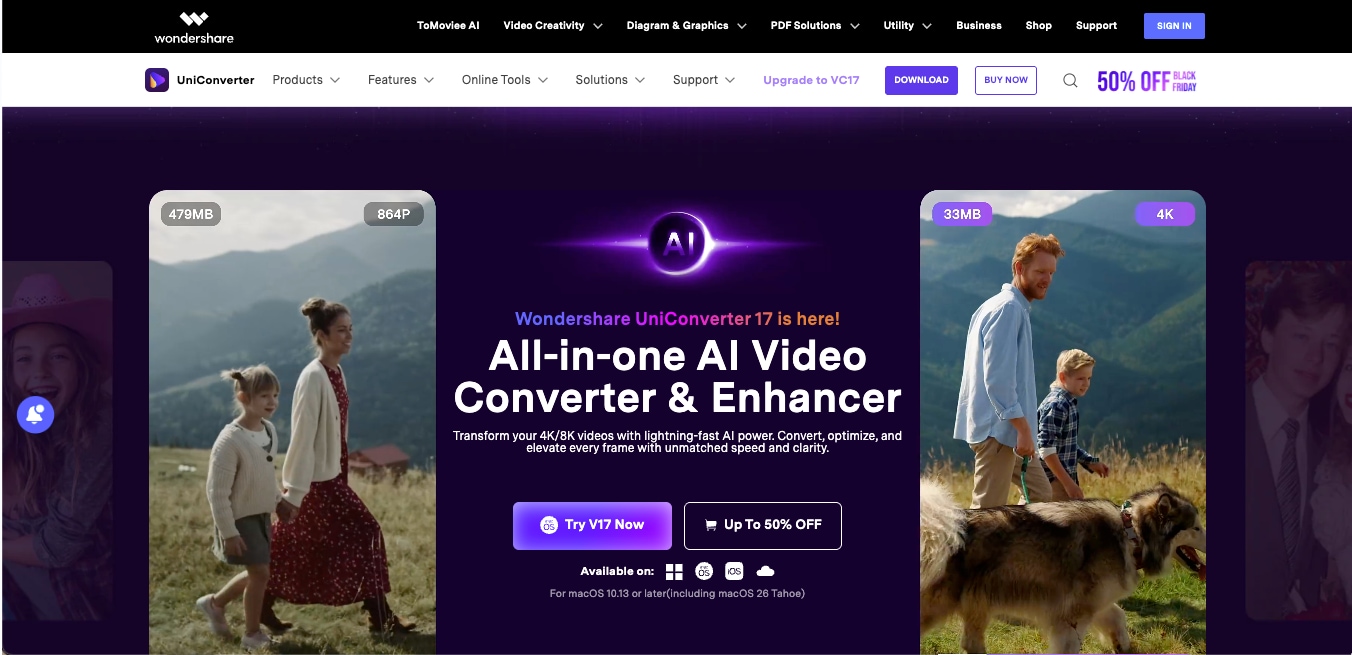
Wondershare UniConverter stands out as one of the strongest choices when you want a stable and feature-rich desktop tool for saving and managing Instagram videos in 4K. It works as a complete video toolkit, letting you download, convert, compress, trim, and even transfer files across devices without losing quality. If you are looking for the best desktop 4K Instagram downloader, UniConverter offers far more than a simple link-paste workflow. If you watch and love a reel or story and want to save it quickly without any technicalities, Instagram Downloader can do that for you. Paste the link, and it will analyze and download the video within seconds.
(Disclaimer: Our tool is intended for personal use only. Users are solely responsible for using this tool to save videos or audios, including compliance with platform's terms of service and copyright laws and regulations. We are not liable for any consequences resulting from users' violation of any laws or infringement of others' rights.)

Best Instagram Downloader 4K
Key Features
- AI Video Summarizer: Its AI video summarizer offers a summary of videos in 145+ languages and lets you export the summary with ease.
- Built-in Video Converter: It features an editor that lets you convert downloaded files to any format you want, including MP4, MOV, MKV, and more, while maintaining quality.
- Batch Download and Conversion: Helps you process multiple Instagram links at once, ideal for managing a large folder of Reels or Stories.
- Smart Compression Tool: The powerful AI engine can compress big 4K files without noticeable quality loss, making them easier to share or store on your device. You can also use its AI video enhancer to enhance the video quality.
- Video Editing Suite: The powerful video editor includes trimming, cropping, subtitles, merging, and AI-grade enhancements so you can prepare your Instagram downloads for reposting with permission.
Quick Verdict: Wondershare UniConverter is a complete 4K video toolkit that goes far beyond simple downloading, making it an ideal choice for anyone who handles Instagram content professionally.
SnapDownloader - Ideal for Those Who Want Built-in Search
SnapDownloader is yet another desktop tool that supports downloads from hundreds of websites, including Instagram. You get a built-in search bar, a clean interface, and multiple quality options that go up to 4K. The tool is advertised as a no-watermark Instagram downloader 4K during the trial period, but once the trial ends, exported files include a large watermark unless you upgrade.
Key Features
- Built-in Video Search: It lets you search for videos directly in the software, without switching between browser tabs, which is helpful when working with multiple clips.
- Multiple Quality Controls: It offers various resolution presets, including 720p, 1080p, and 1440p, with the highest available quality selected automatically.
- Flexible Format Conversion: It further allows downloads in MP4, AVI, MOV, and even audio-only formats, giving you full control over how you save Instagram videos.
- Bulk Download Mode: It even supports downloading several Instagram links at once, making it a practical choice for content creators who handle larger batches.
- One-Click Mode: It simplifies repeat downloads by automatically applying your preferred settings.
Quick Verdict: SnapDownloader is a capable downloader with strong format support, but the slow extraction speed, high pricing, and watermark limitations make it better suited for heavy users rather than beginners.
4K Video Downloader Plus - Best for Occasional High-Resolution Downloads
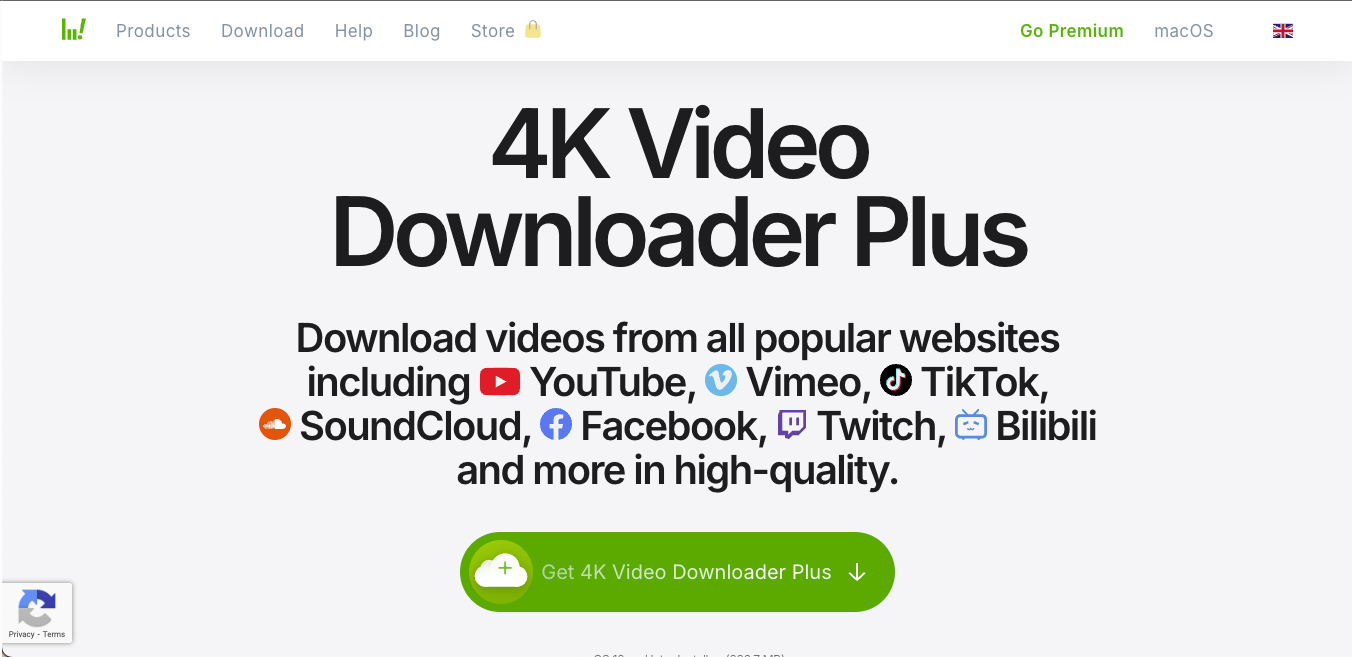
4K Video Downloader Plus is a popular desktop program designed for users who want simple controls, high-quality presets, and the ability to download videos from multiple platforms. It supports Instagram links, but its performance can be inconsistent because some Instagram videos fail to load properly inside the tool. You get a wide range of resolutions, including 4K and 8K when available, along with format control, frame rate options, and codec selection.
Key Features
- Multi-Resolution Downloads: It supports quality presets from 240p up to UHD 8K, helping you pick the exact clarity level you want based on the source video.
- Built-in Browser View: Displays Instagram posts within the app, so you can preview and select videos without switching to your web browser.
- Format and Codec Options: Let you choose MP4, MKV, or other supported formats, along with frame rate and codec preferences for smoother editing later.
- Platform Versatility: It allows downloads from Instagram, YouTube, TikTok, Vimeo, Facebook, and more within a single dashboard.
- Smart Download Controls: It even provides one-click settings to speed up repeat downloads once you finalize your preferred output.
Quick Verdict: 4K Video Downloader Plus is good for occasional high-quality Instagram downloads, but the daily limit and video loading issues make it less reliable for frequent or professional use.
Part 4: 4 Best Free Online Instagram 4K Downloaders
If you want something quick without installing software, online tools become the simplest choice. These free Instagram 4K downloader apps are ideal when you only need a few downloads and want a clean experience without complicated settings. Check out the highly recommended online tools that let you paste a link and instantly save a high-quality MP4.
4KStogram - Best for Link-Based 4K Downloads
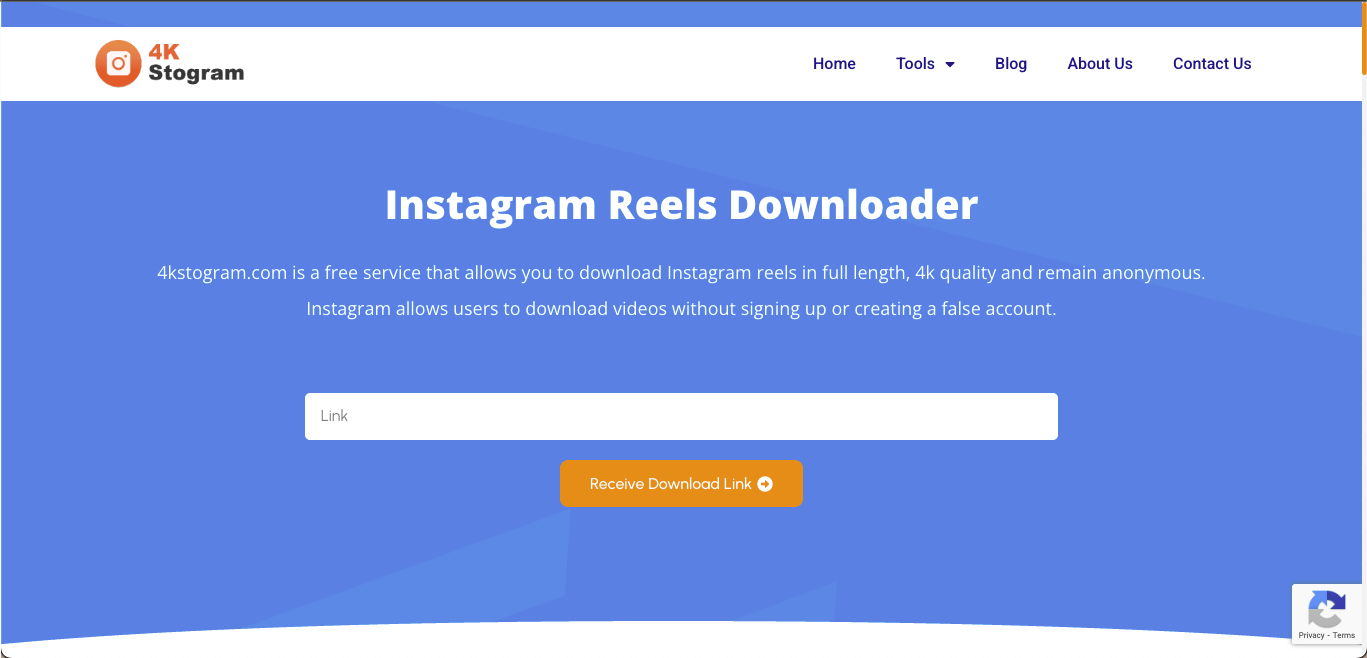
4KStogram is one of the better-known free Instagram 4K downloaders, especially when you want a quick way to save videos without touching any software. It works well for Reels, Stories, and public video posts, so you can rely on it when you want a straightforward method to grab 4K clips for personal viewing or editing. The overall experience is easy, though the site relies heavily on ads to stay free, which affects the smoothness of the workflow.
Key Features
- Reels and Story Support: It lets you download Reels, Stories, and public video posts with a single paste-and-click workflow, keeping things simple for everyday use.
- High-Quality MP4 Export: This online Instagram 4K downloader automatically detects the best available resolution and converts it to a clean MP4 file without forcing extra quality settings.
- Browser-Based Convenience: It works directly from your browser, so you can save videos quickly without installing extensions or desktop software.
- No Login Required: You can download videos without sharing personal data or logging into your Instagram account.
Quick Verdict: Good for occasional 4K downloads when you want convenience, but the ads keep it from being a reliable everyday tool.
StorySaver.to - Best for Downloading Instagram Reels in 4K
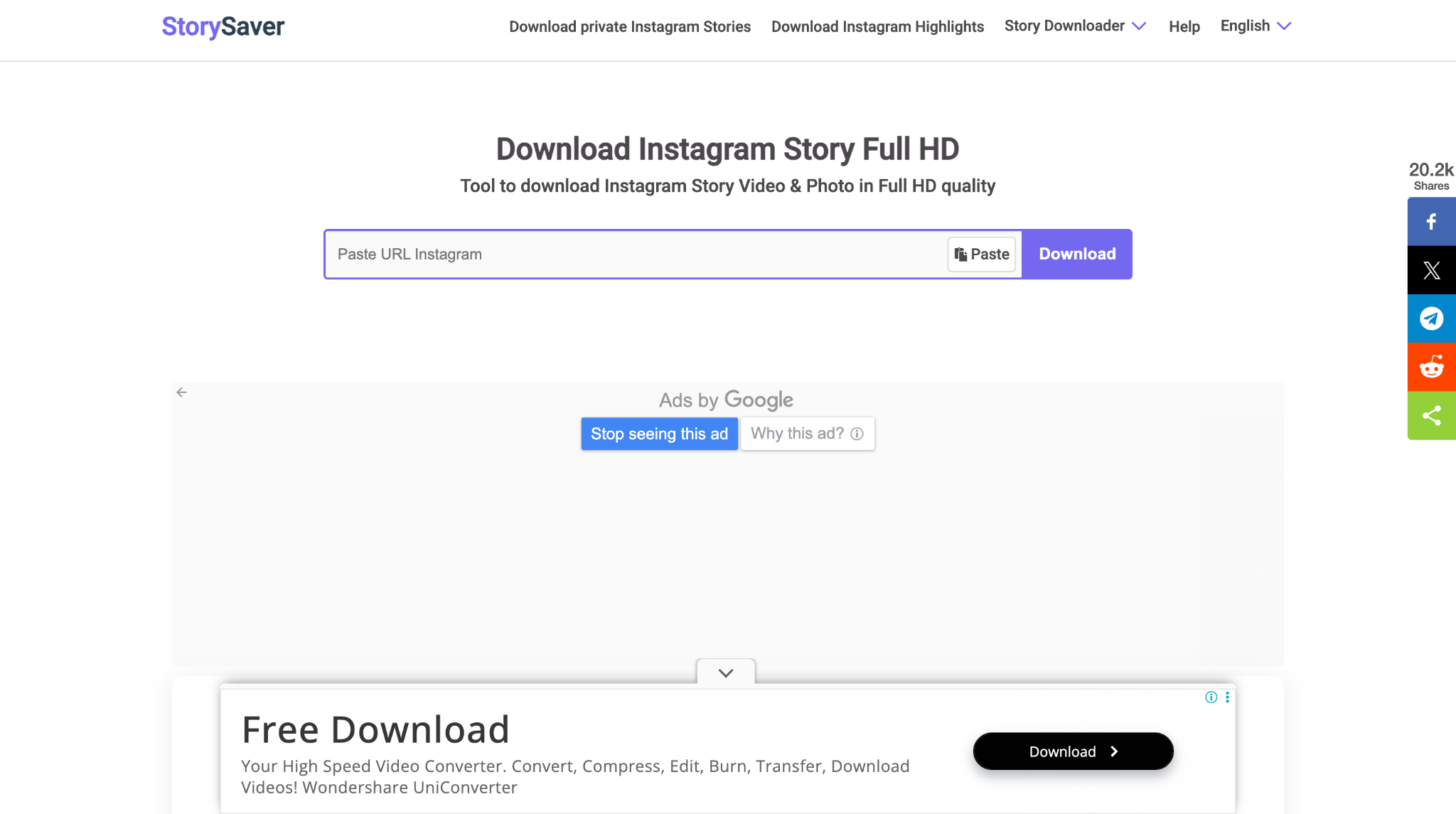
StorySaver.to is one of the more popular online tools when you want a fast way to download Instagram Stories in HD or 4K. This Instagram 4K downloader tool also works with Reels and video posts, which makes it useful when you want everything in one place. The interface is simple enough for quick, repeat downloads, and the site processes links within seconds. It also offers a separate section for private video downloads, which can be helpful in some cases.
Key Features
- Story and Reel Downloader: This online Instagram Reel downloader lets you save Stories, Reels, and video posts in HD and 4K, making it a good all-in-one solution for quick downloads.
- Private Video Download Page: It provides a dedicated page for private video downloads, but you must use it responsibly and with the content owner's consent.
- Android App Support: It also offers an Android app for people who prefer saving videos directly on their phones rather than using a browser.
- Automatic MP4 Conversion: It lets you extract video metadata from a URL and convert it into a clean MP4 file, ready for offline viewing or editing.
- No Login Required: Just like 4KStogram, it also allows direct downloads without connecting your Instagram account for additional privacy.
Quick Verdict: StorySaver.to is a strong option for downloading Stories and Reels in 4K, but the ad-heavy interface and private download feature require responsible use.
SaveVid.net - Best for High-Resolution Downloads
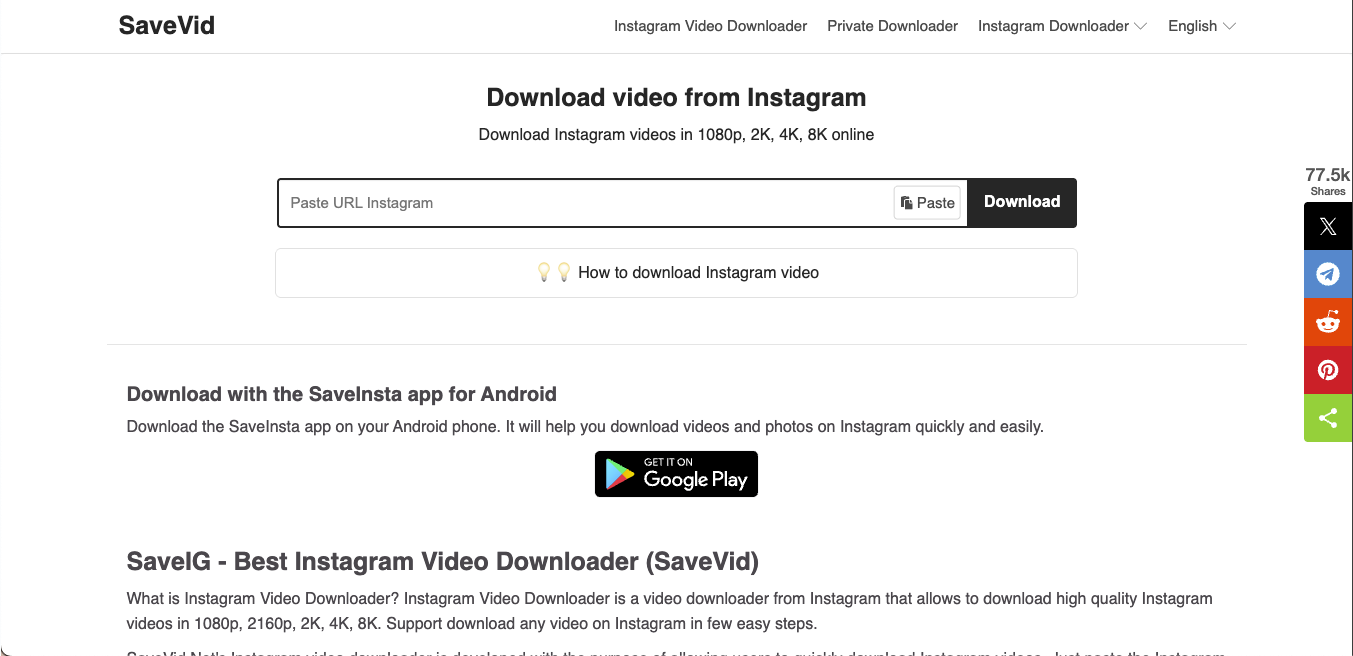
SaveVid.net is a browser-based downloader that offers multiple resolutions, including 1080p, 2K, 4K, and even 8K, but the only constraint is that the resolution must be supported by the original video creator. This online tool to download Instagram Reels in 4K works across PC, tablet, iPhone, and Android, so you can use it from almost any device. The site also organizes various Instagram downloaders into a single menu, making it useful when you want to save Reels, Stories, IGTV clips, or regular video posts.
Key Features
- Multi-Resolution Support: It offers downloads in 1080p, 2K, 4K, and 8K when available, helping you choose the exact quality you want for each video.
- Cross-Device Compatibility: It works on any browser across Windows, macOS, iPhone, Android, and tablets without installation or sign-up.
- Dedicated Instagram Downloaders: There's a section with separate options to download Reels, Stories, IGTV, photos, and SaveInsta content, which speeds up link extraction.
- Automatic MP4 Extraction: This downloader fetches video data from the URL and converts it to MP4 for easy storage and editing.
- Quick Paste-and-Download Box: Designed for fast downloads where you paste the link and tap download without navigating extra pages.
Quick Verdict: SaveVid.net is pretty similar to StorySaver.to, so if the latter isn't working, this can be a solid option for high-resolution Instagram downloads, but the ad-heavy experience can get distracting with repeated use.
InDown.io - Best for Dual-Server Reliability
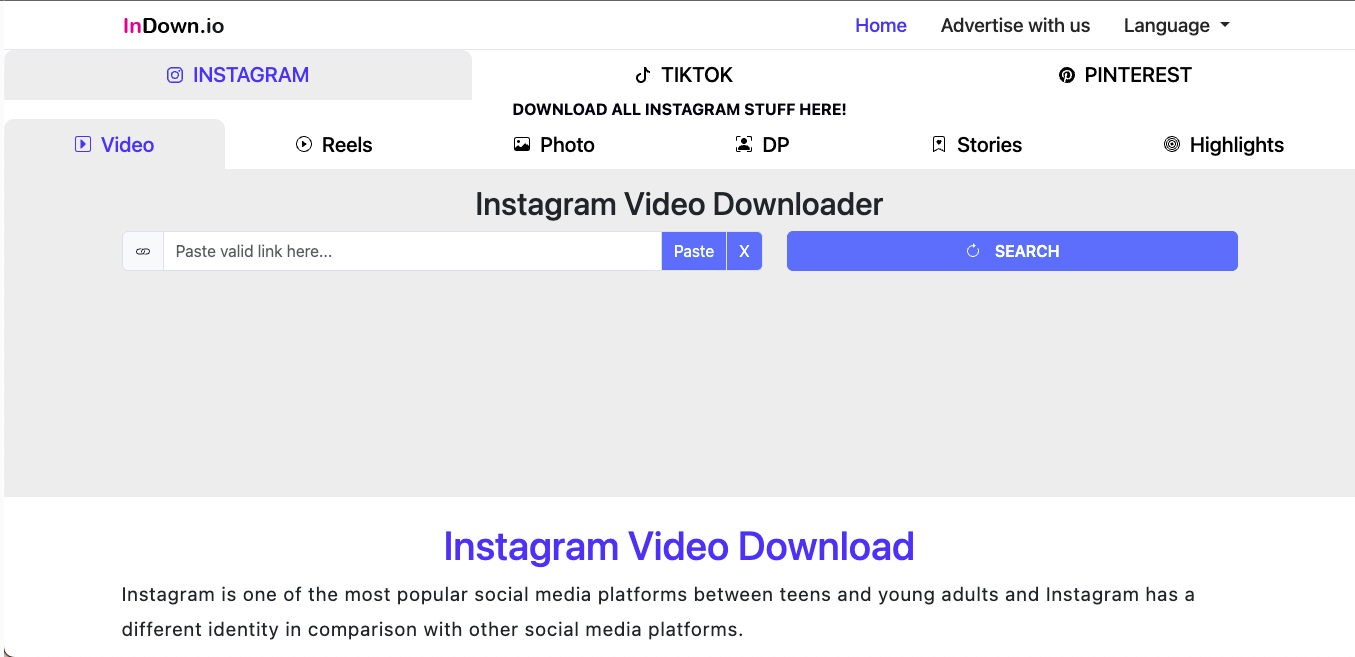
InDown.io is one of the top Instagram video downloader 4K tools, which is built for users who want quick Instagram video saves without dealing with complicated menus. The interface loads quickly, shows a video preview, and offers two server options so you have a backup download link if one fails. It works for Reels, Stories, posts, and DP downloads, and the site also includes a TikTok downloader for people who work across platforms.
Key Features
- Video Preview Window: It shows a live preview of the video before downloading, helping you confirm that the link is correct and the content is exactly what you want.
- Dual Server Downloads: Provides two separate download servers, reducing failed attempts and improving the success rate for 4K downloads.
- Multi-Platform Support: It lets you download videos from Instagram and TikTok, making it useful for content creators who manage multiple platforms.
- Dedicated Download Tabs: Organizes tools into Video, Reels, Stories, Highlights, and DP, so you can quickly switch without leaving the main page.
- Account-Free Access: It enables full downloads without requiring a login, keeping the process private and simple.
Quick Verdict: InDown.io is a reliable online Instagram 4K downloader with a helpful preview and a dual-server setup, making it ideal if you want backup options during 4K downloads.
Part 5: 3 Best Mobile Instagram 4K Download Apps (iPhone & Android)
Mobile apps are for those moments when you discover a Reel on the go and want a clean 4K file right away. The internet is flooded with several Instagram 4K apps that claim to download the Reels and Stories in high quality. Unfortunately, not many can do that easily. Check out the best mobile 4K Instagram downloader options that keep things simple without compromising quality.
4K Video Downloader - Best for Direct Downloads from Instagram
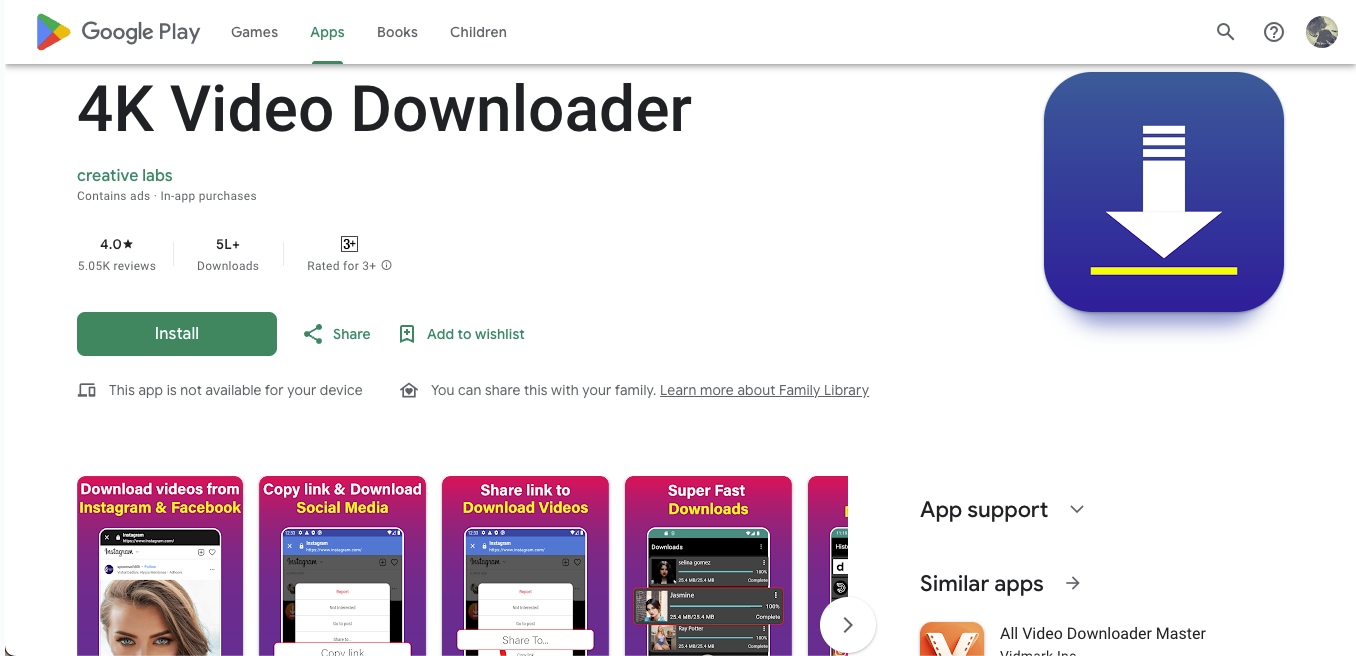
4K Video Downloader is a popular Android app designed for users who want fast, direct downloads without switching between browsers or desktop tools. The app automatically detects video links, supports Instagram Reels and posts, and offers multiple quality options, including HD, Full HD, and 4K. Several creators once considered it one of the best mobile 4K Instagram downloaders, but lately, there are way too many negative reviews on the Google Play Store.
Key Features
- Link Auto-Detection: It can instantly detect video URLs from Instagram and other platforms, so you do not have to manually paste links every time.
- Custom Browser Tabs: It even lets you browse supported sites inside the app and fetch download links with one tap for a faster, mobile-first experience.
- Multi-Quality Support: This Android app for Instagram Reel download offers several resolutions, including 720p, 1080p, and 4K, depending on the source video, so you can save the exact quality you need.
- Format Flexibility: It supports MP4, MP3, FLV, AVI, and HLS/M3U8 formats, making it useful when you need different formats for editing or storage.
- Pause and Resume Downloads: It allows you to pause, resume, or restart downloads, which is helpful for larger 4K files on unstable mobile connections.
Quick Verdict: The 4K Video Downloader mobile app is a capable downloader with strong 4K support and link detection, but the recent surge in ads makes the experience less smooth than it used to be.
Video & Music Downloader - Ideal for Fast Reel Downloads
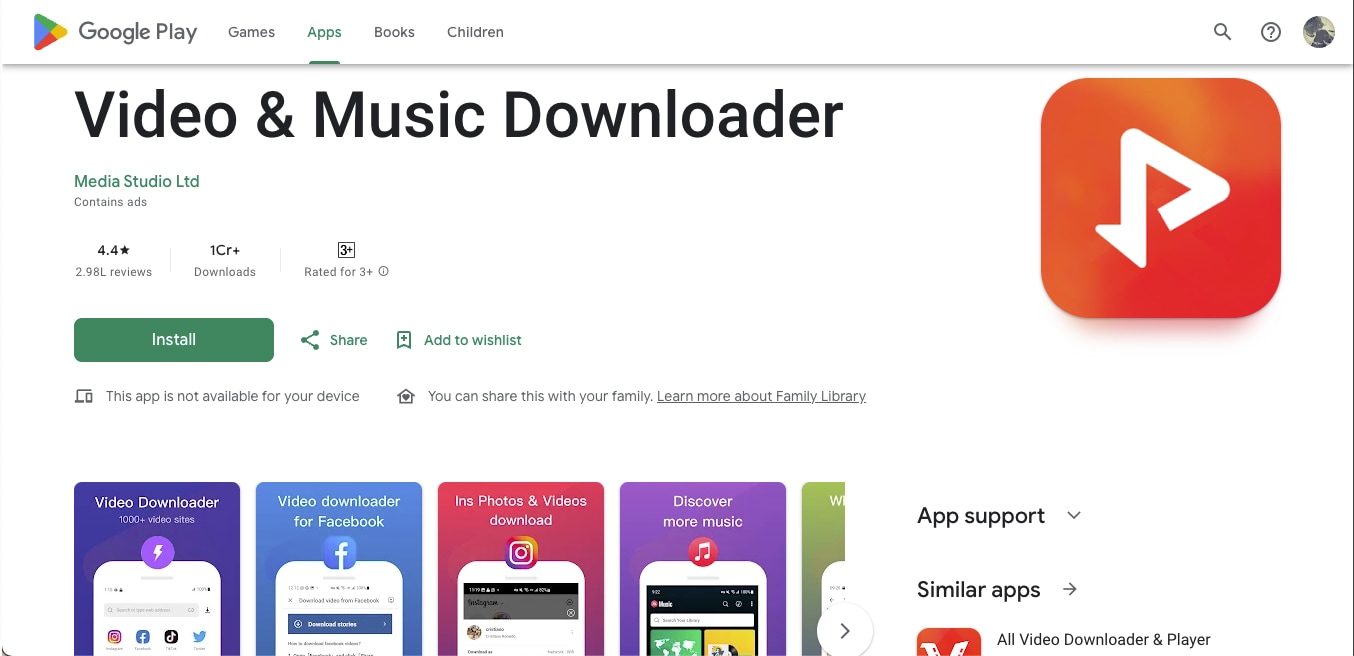
Video & Music Downloader is a multi-platform app built for users who want a single place to save videos from Instagram, Facebook, Twitter, WhatsApp, TikTok, and more. It promotes itself as a free Instagram 4K downloader, offering fast detection, background downloads, and a built-in file manager. The app also supports multiple resolutions and formats, which makes it useful when you want quick mobile downloads without switching devices.
Key Features
- Background Downloading: Lets you save videos while using other apps, which is helpful when you work with large 4K files on slower mobile networks.
- Built-In Browser and File Manager: This mobile app lets you browse websites inside the app, detect video links instantly, then rename, move, or delete files directly from the built-in manager.
- Multi-Resolution Options: Supports multiple resolutions, including HD, Full HD, and 4K, giving you flexibility based on available storage and video quality.
- Private Folder Support: In order to protect your downloads, you can even use the built-in password-protected folder so you can store sensitive downloads safely on your device.
- Multi-Thread Acceleration: It uses parallel downloads to speed up large downloads or during busy network conditions.
Quick Verdict: The mobile app Video & Music Downloader on the Google Play Store is a versatile option for multi-site downloads with 4K support, but the ad overload and stability issues make it less reliable for seamless Instagram use.
Reels Video Downloader - Best for simple IG downloads
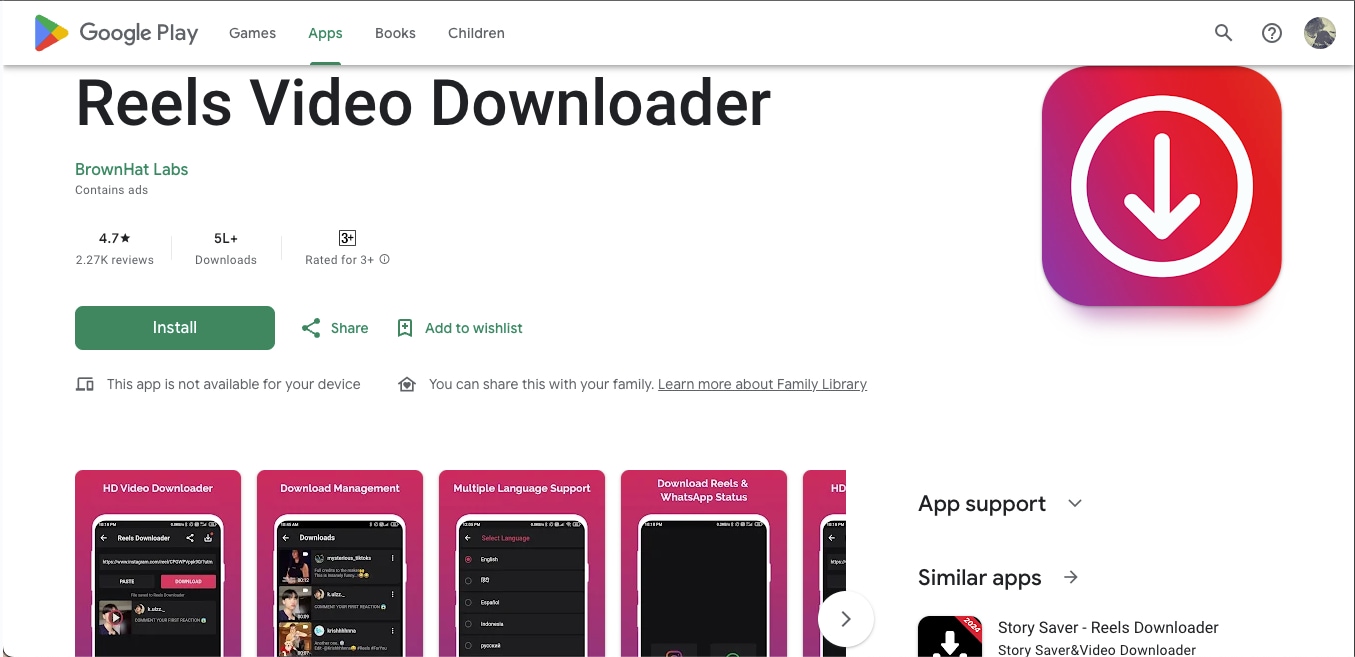
Reels Video Downloader is a lightweight Android tool designed for users who only need a straightforward way to save Instagram Reels and short videos without navigating complex menus. It detects copied URLs instantly and pulls the video into the app, making quick downloads convenient. The interface focuses on essentials like paste, download, and manage saved clips, so beginners can use it without any learning curve.
Key Features
- Instant URL Detection: The app automatically detects copied Instagram URLs and prepares them for download within seconds.
- Quick Reels Downloader: Lets you save any Instagram Reel directly into your gallery with a minimal number of steps.
- Integrated Download Manager: Stores all downloaded videos in one place with simple play, share, and delete options.
- Tag Copy Support: Allows users to copy hashtags from Instagram posts for faster captioning and reposting.
- One-Tap Sharing: Enables quick sharing of saved Reels across messaging apps and social media platforms.
Quick Verdict: A fast Reels downloader ideal for beginners, but occasional freezing and login prompts make it less reliable for heavy users.
Part 6: Which Instagram 4K Downloader is Best for Your Needs? (Quick Expert Picks)
Even though there are several Instagram video downloaders, here we will compare Instagram 4K downloaders and offer quick expert picks based on your usage:
- For heavy use or daily downloads, go with Wondershare UniConverter. It offers stable 4K output, batch processing, and a complete editing toolkit.
- For clean 4K files during a short project, SnapDownloader works if you don't mind upgrading after the trial period.
- For simple, occasional downloads, 4K Video Downloader Plus gets the job done without overwhelming settings.
- For quick, one-off saves without installation, use online tools like SaveVid.net or InDown.io.
- For fast mobile downloads, the 4K Video Downloader app or Reels Video Downloader is the most convenient choice.
- For multi-platform use, InDown.io lets you download from Instagram, TikTok, and more through a single interface.
- For older Android phones, Video & Music Downloader can serve as a fallback option despite its heavy ad load.
Part 7: Safety and Legal Considerations While Using Instagram 4K Downloaders
Before choosing a safe Instagram 4K download tool, you need to understand what you can and cannot do with downloaded content. Many legal Instagram 4K downloaders are for personal use only, so save videos responsibly and avoid sharing or reposting anything you do not own. Treat downloaded clips as personal backups and follow the creator's rights, even when the tool allows high-quality downloads.
Here's what you should keep in mind while downloading videos from Instagram:
- Saving videos for private use, research, or inspiration is generally considered ethical.
- Do not republish, monetize, or reuse someone else's Instagram content unless the creator has given clear consent.
- Every Reel, Story, and video belongs to the person who posted it, even if a tool allows you to download it easily.
- Instagram's policies prohibit re-uploading copyrighted content without permission, even if the downloader itself is safe.
Disclaimer: This guide is for informational purposes only. Always review Instagram's copyright policies and obtain permission from the original creator before reusing or sharing any downloaded content.
FAQs About Safe Instagram Downloaders
What is the best Instagram 4K downloader for Reels and video posts?
The best Instagram 4K downloader depends on how you plan to save content. If you want better stability, batch downloads, and more control over output quality, desktop software is usually the stronger choice. If you only need a quick save, an online Instagram 4K downloader may be enough for public Reels, Stories, and video posts.
Can I use an Instagram reel downloader 4K without watermark?
Some tools can work as an Instagram reel downloader 4K without watermark, but the final result depends on the original upload quality and the way the tool processes the file. In many cases, a downloader can save a clean MP4 only if it preserves the original source instead of re-encoding the video.
Why does an Instagram video download 4K tool sometimes save lower-quality files?
An Instagram video download 4K tool can only extract the highest quality that is actually available from the source. If the original video was uploaded in a lower resolution or compressed by Instagram, the downloader may not be able to deliver true 4K output even if it supports high-resolution downloads.
How can I download Instagram Reels 4K more reliably?
To download Instagram Reels 4K more reliably, choose a tool that supports Reel links directly, offers stable extraction, and does not overload the process with pop-ups or redirects. Desktop tools are often better for repeated downloads, while online options are more convenient for one-time use.
Is an Instagram downloader 4K APK safe to use on Android?
An Instagram downloader 4K APK can be convenient, but safety depends on where you download it from and what permissions it requests. Before installing any APK, make sure the source is trustworthy, avoid apps that require unnecessary access, and check recent user reviews for signs of ads, login risks, or unstable performance.
Conclusion
Finding the best Instagram 4K downloader depends on how you usually save videos and which workflow feels natural to you. If you only need a quick copy of a Reel or Story once in a while, the free online tools are enough for simple, no-setup downloads. If you prefer something stronger that handles multiple files, supports edits, and delivers consistent quality every time, then a 4K Instagram video downloader is the better fit. And if you save clips directly from your phone, mobile apps offer fast, convenient on-the-go downloads.
Every tool comes with its own strengths, so choose the one that matches your habits, your device, and the level of control you want over your final video.
If you want speed, stability, privacy, and consistent 4K quality, try Wondershare UniConverter today. It keeps your downloads safe, handles batch processing with ease, and delivers true 4K output without complications.

