


Have you ever wanted to listen to your favorite SoundCloud playlists offline but found no easy way to do it? Many users face this frustration due to streaming limits, unstable internet, or lack of download options.
This ultimate 2025 guide was created to solve that problem by helping you convert SoundCloud playlists to MP3 quickly, safely, and with excellent sound quality. It explores the best tools and converters, compares their features, and highlights the most reliable options for every user. You’ll also learn about important legal and ethical guidelines to ensure your downloads remain compliant. Whether you’re a music lover, DJ, or casual listener, this guide empowers you to enjoy your favorite SoundCloud tracks anytime, anywhere—without the barriers of online streaming.
In this article
Part 1: Why Convert a SoundCloud Playlist to MP3?
Converting your SoundCloud playlist to MP3 offers freedom, convenience, and long-term access to your favorite music. Here’s why many users choose to make the switch:
Offline Listening
Enjoy your favorite tracks anywhere—on planes, subways, or in remote areas—without worrying about internet access or data limits. MP3 downloads let you take your music wherever life takes you.
Preserve Favorite Mixes & Sets
SoundCloud often features exclusive DJ sets, podcasts, and remixes that may disappear without notice. By converting them to MP3, you can preserve these rare finds and enjoy them anytime, even if they’re removed from the platform.
Create Personal Archives
Build your own local music library with the tracks and sets you love most. Having MP3 files ensures your collection remains accessible, organized, and safe from changes to streaming platforms.
Use Music in Other Projects
MP3 versions can be useful for video editing, personal remixes, or creative projects—but only when you have the proper permissions. Always respect copyright laws and the original creator’s rights when using downloaded content.
Strong disclaimer: Always ensure you have permission from the original creator before using downloaded music in any project. Respect copyright laws, and never redistribute or monetize music without proper authorization.
Part 2: Top 10 SoundCloud Playlist to MP3 Converter
1. Wondershare UniConverter (Desktop)
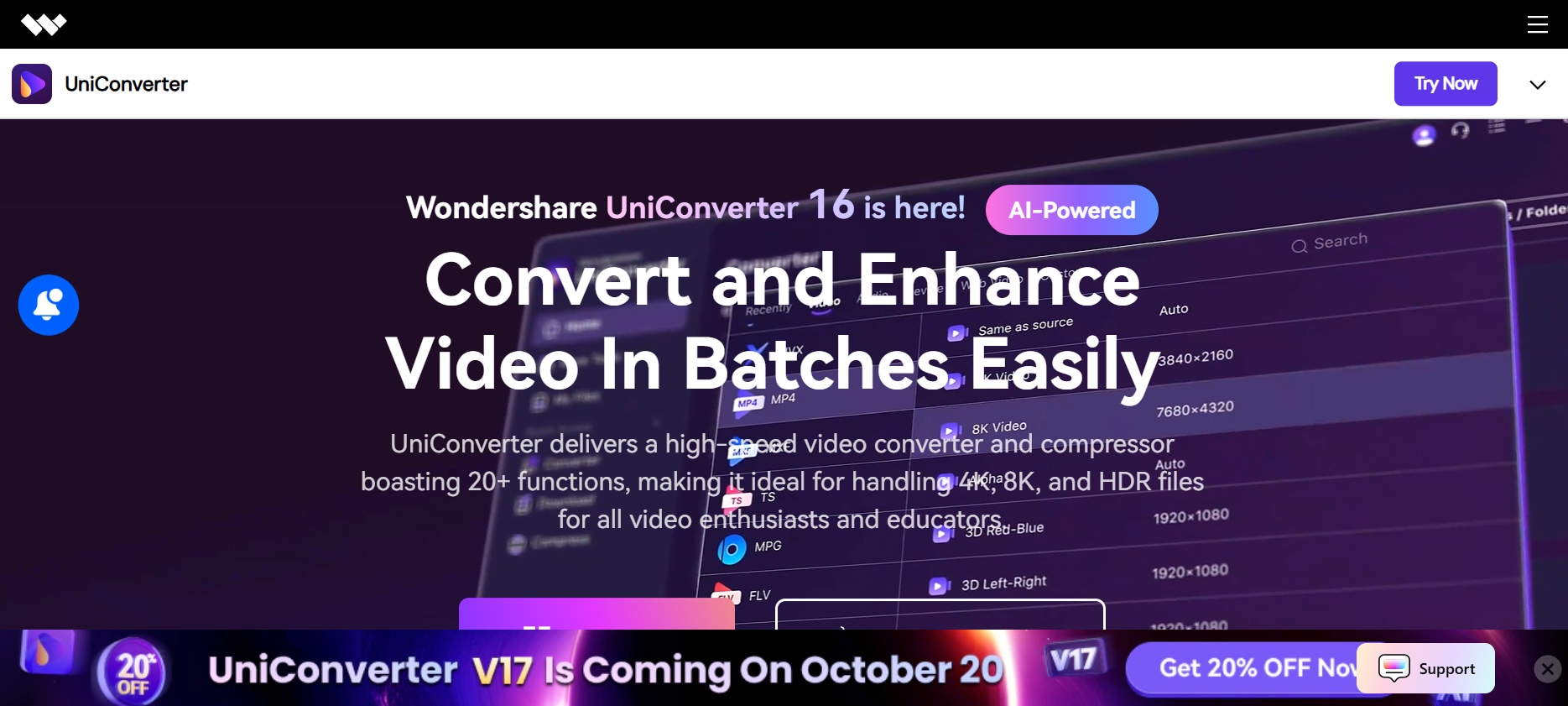
Wondershare UniConverter stands out as a professional desktop solution for audio and video conversions, including SoundCloud playlist to MP3. Known for its versatility, UniConverter supports over 1,000 media formats and offers lightning-fast GPU-accelerated conversion speeds. More than a converter, it features a built-in video downloader, editor, compressor, and screen recorder, making it an all-in-one media toolkit. Its YouTube Chrome extension adds convenience, allowing users to capture downloadable media directly from the browser. With high-quality MP3 output, batch processing, and customizable settings, UniConverter is ideal for creators and music enthusiasts who value precision, speed, and security when converting SoundCloud playlists safely and efficiently.
Pros:
- Converts 1,000+ formats with top-tier audio quality
- Batch processing and metadata editing supported
- Chrome extension enables quick browser downloads
- Built-in editing, compression, and file management tools
- Stable desktop app with regular feature updates and security patches
Cons:
- Full version requires a paid license for advanced features
- Slight learning curve for first-time users
Safety Review: 4.5/5
Starting Price: Free trial; Premium starts at $39.99/year
Supported Devices: Windows & macOS
Batch Process: Yes

Easy to Use SoundCloud Playlist to MP3 Converter
2. SoundCloudMate (Online)
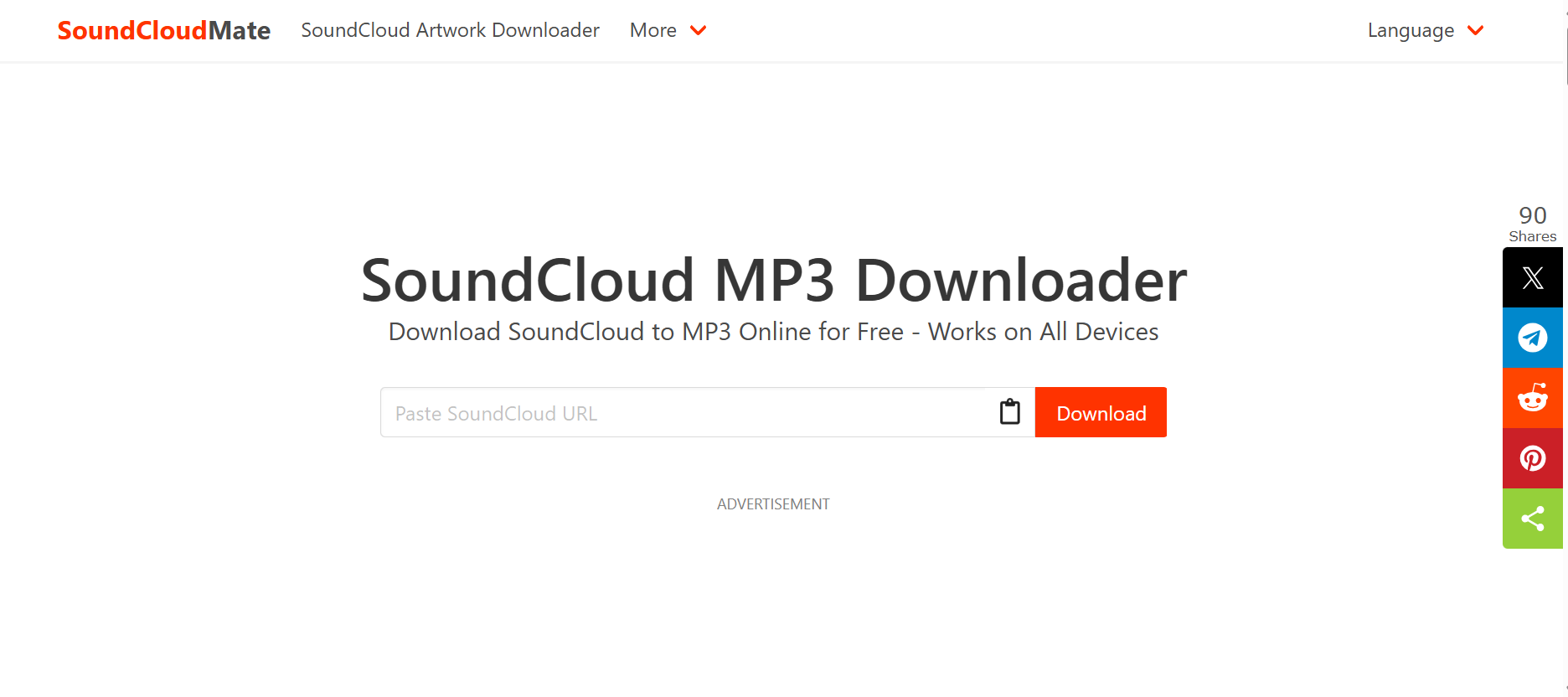
SoundCloudMate is one of the most popular and user-friendly online SoundCloud playlist to MP3 converters available for free. It offers a simple, browser-based experience that requires no installation or registration—just paste your SoundCloud playlist link and start downloading. The tool works smoothly across all major browsers, including Chrome, Safari, and Edge, as well as mobile browsers, making it an ideal choice for quick conversions anytime, anywhere. SoundCloudMate supports playlist downloads, allowing users to save multiple tracks in one go. Its clean design and intuitive process make it perfect for beginners and casual users looking for a fast, no-frills converter. However, advanced users may find it lacks deeper customization and quality options found in desktop apps.
Pros:
- Easy browser-based conversion with no software installation
- Works seamlessly on both desktop and mobile browsers
- Supports entire playlist links for multi-track downloads
- Completely free with no registration required
- User-friendly interface ideal for beginners
Cons:
- Occasional pop-up ads may interrupt workflow
- Limited control over bitrate, metadata, and file naming
Safety Review: 3/5
Starting Price: Free
Supported Devices: All web browsers (desktop & mobile)
Batch Process: Partial (playlist supported)
3. CloudMP3.cc (Online)
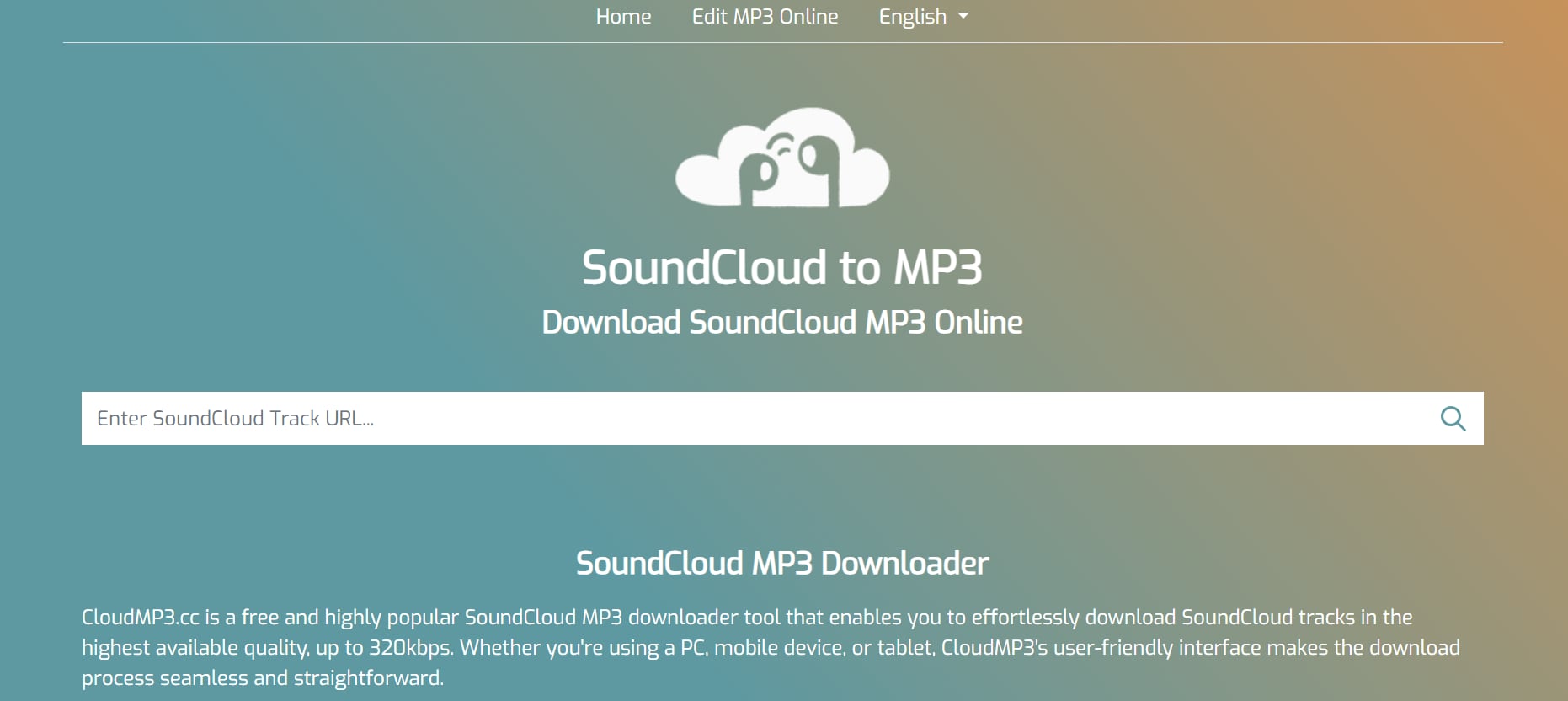
CloudMP3.cc is a lightweight, browser-based SoundCloud to MP3 converter that focuses on simplicity and quality. Supporting up to 320kbps MP3 downloads, it ensures great audio clarity while maintaining ease of use. Users can download both individual tracks and playlists directly through their web browsers—no software installation or sign-up required. The site’s clean interface makes it accessible even for first-time users. With fast conversions and reliable functionality, CloudMP3.cc is ideal for those who want a quick, no-hassle solution for offline listening. However, while it supports batch conversions, it lacks advanced settings like metadata editing or file trimming, which power users might expect from premium software.
Pros:
- Free and intuitive web-based platform
- High-quality MP3 output (up to 320kbps)
- Works seamlessly on both desktop and mobile browsers
- No installation, registration, or technical setup required
- Supports playlist conversion in batch mode
Cons:
- Contains banner ads that can affect user experience
- Lacks advanced features like metadata editing or trimming
Safety Review: 3/5
Starting Price: Free
Supported Devices: Desktop and mobile browsers
Batch Process: Yes (playlist support available)
4. KlickAud (Online)
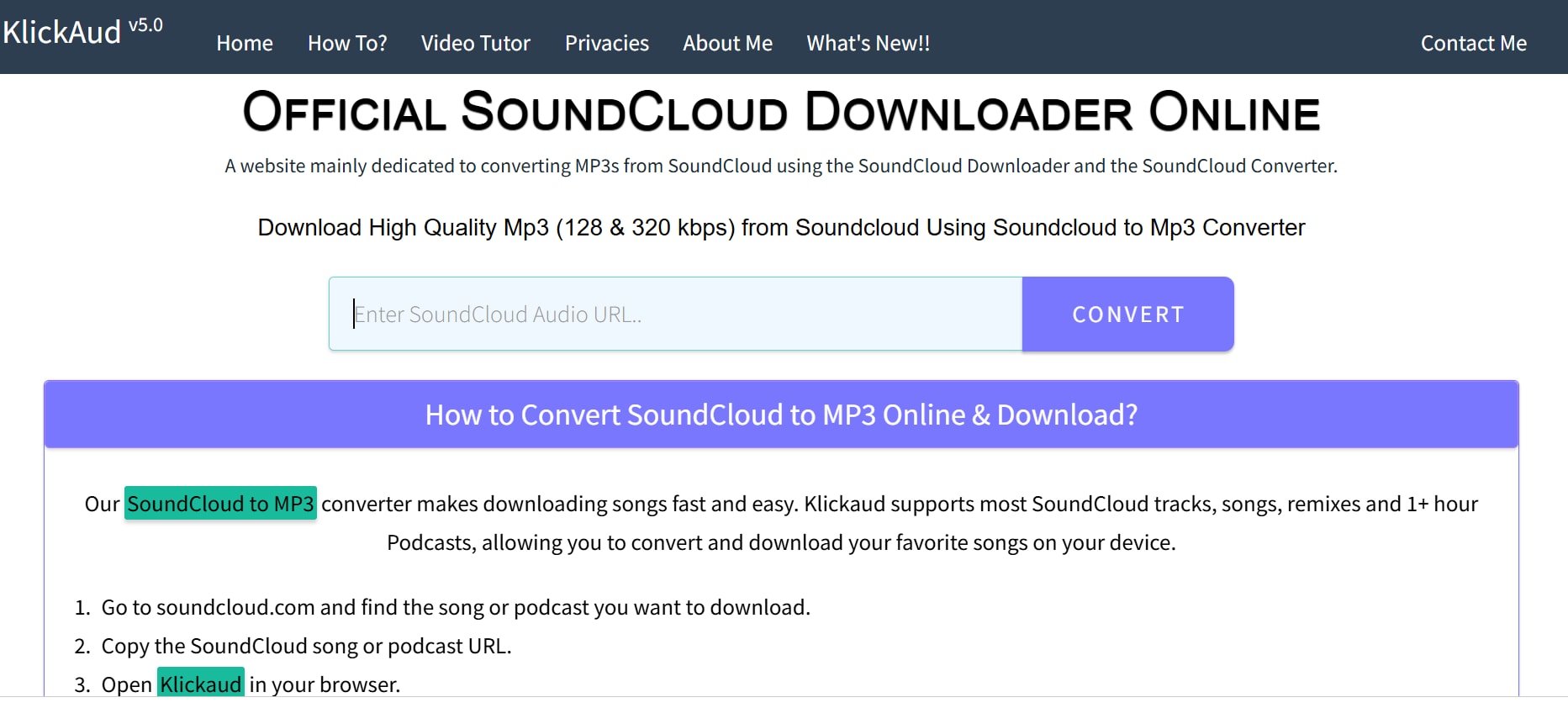
KlickAud has built a loyal following for its reliable and fast SoundCloud to MP3 conversions. With a straightforward “paste link and download” interface, KlickAud delivers instant results without requiring any software installation or registration. It’s optimized for both desktop and mobile browsers and works equally well for playlists or individual tracks. DJs, podcast fans, and casual listeners often choose KlickAud for saving remixes and live sets offline. While the tool prioritizes speed and simplicity, it doesn’t offer advanced customization like bitrate adjustment or ID3 tagging. Despite these limitations, KlickAud remains a dependable choice for users who want effortless playlist downloads from SoundCloud without technical complications.
Pros:
- Fast and simple “copy-paste” link-to-MP3 workflow
- No registration, installation, or plug-ins required
- Works efficiently on all browsers and devices
- Supports both single-track and playlist conversions
- User interface is clutter-free and responsive
Cons:
- No control over audio bitrate or metadata
- Ad-supported platform may display unwanted pop-ups
Safety Review: 2.5/5
Starting Price: Free
Supported Devices: All browsers (desktop & mobile)
Batch Process: Limited
5. SCloudMe (Online)
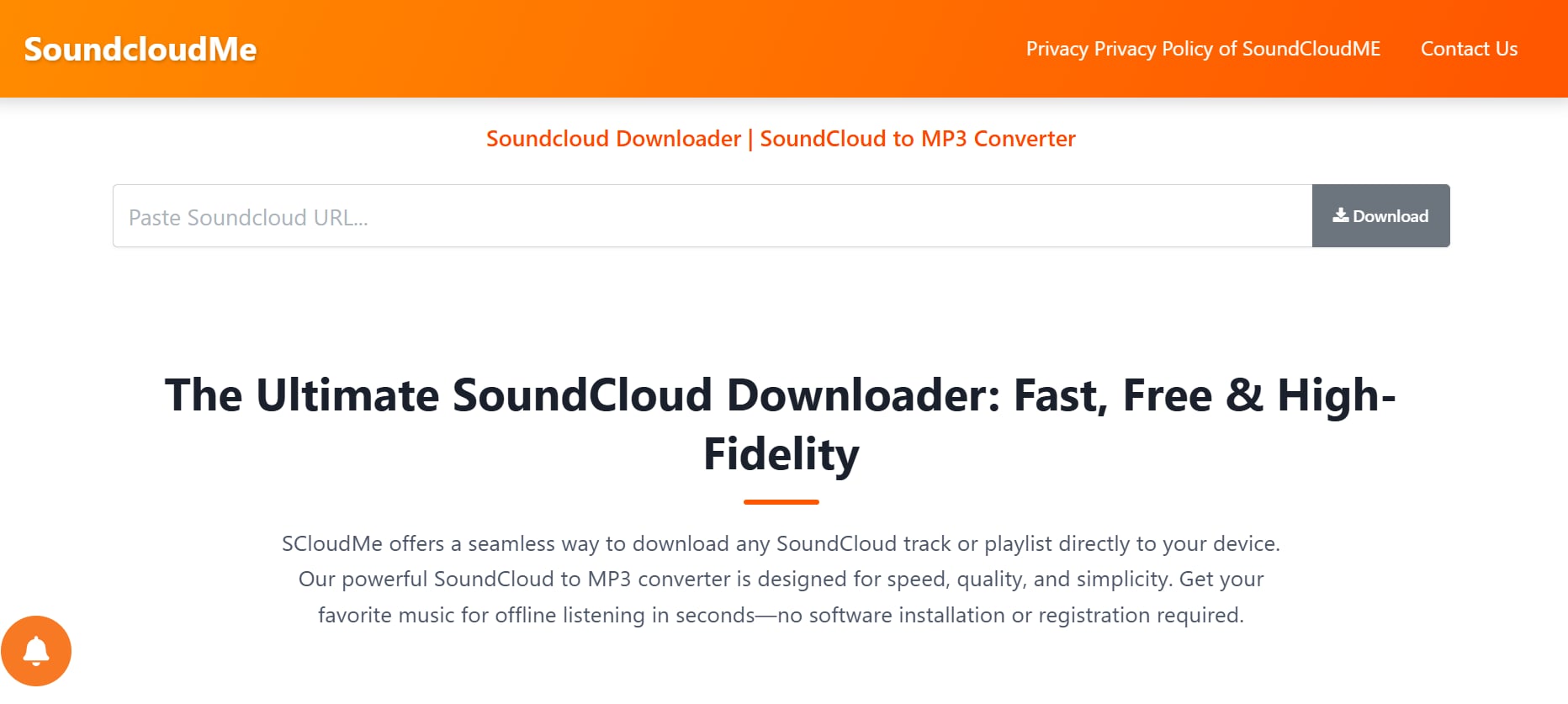
SCloudMe is a versatile online tool that enables users to easily download SoundCloud playlists and individual tracks as MP3 files. It’s entirely web-based, requiring no installation or sign-up, and works seamlessly across browsers like Chrome, Edge, and Safari. SCloudMe is particularly useful for users who want quick conversions on any device, including smartphones and tablets. Its clean and minimal design makes it intuitive, even for first-time users. Offering decent conversion speeds and playlist support, SCloudMe provides a reliable experience for casual music enthusiasts. However, since it’s an ad-supported service, users might encounter pop-ups, and the platform doesn’t include advanced customization options for bitrate or metadata.
Pros:
- Fully online—no downloads or installations needed
- Works across all major browsers and mobile devices
- Supports playlist and single-track downloads
- User-friendly interface suitable for beginners
- Quick conversion process with decent sound quality
Cons:
- Contains occasional ads or redirects
- No bitrate or ID3 tag customization options
Safety Review: 3/5
Starting Price: Free
Supported Devices: Desktop, tablet, and mobile browsers
Batch Process: Yes (playlist supported)
Easy to Use SoundCloud Playlist to MP3 Converter
6. SoundCloudMP3.org (Online)
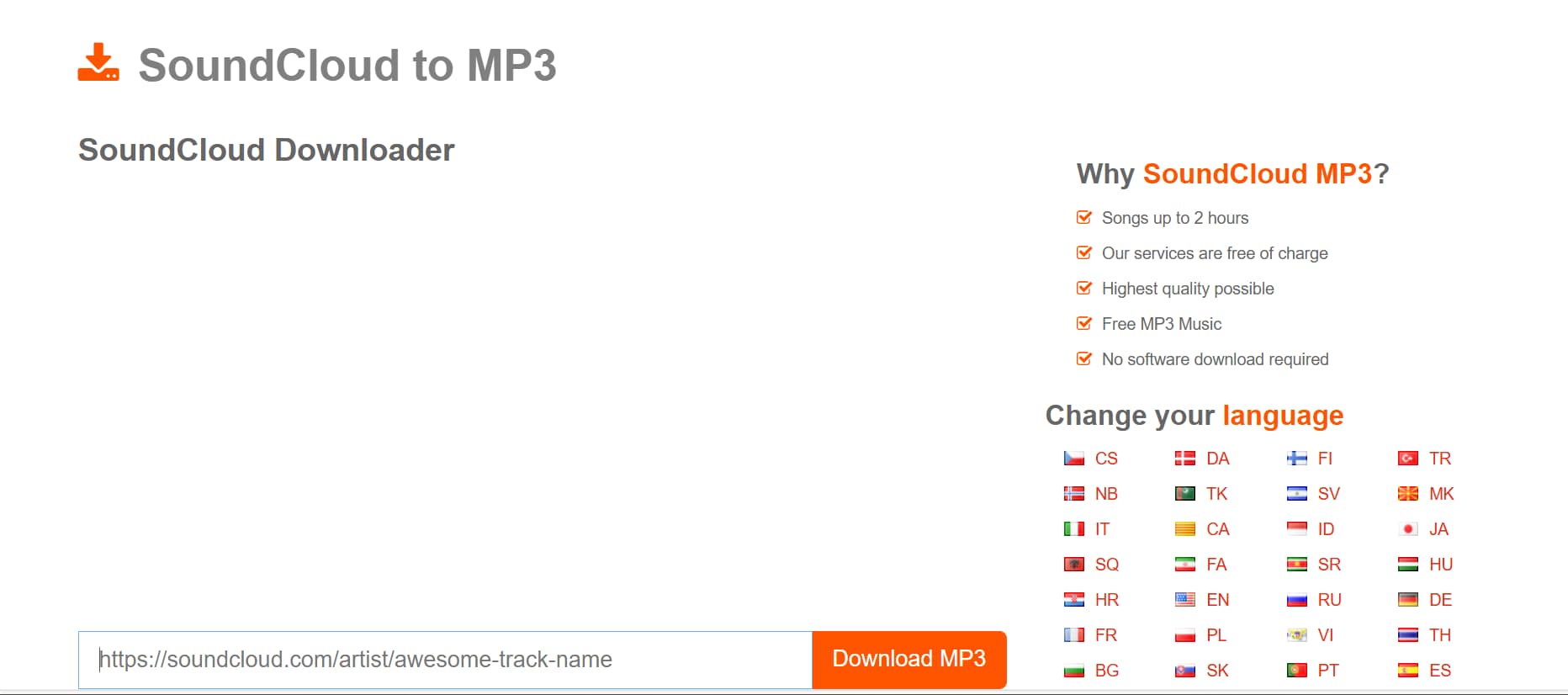
SoundCloudMP3.org is a long-standing online converter trusted by users for its simplicity and consistency. The tool allows quick MP3 conversions directly from SoundCloud URLs without any registration or software installation. Its interface is straightforward: paste your link, hit convert, and download the track or playlist in seconds. Designed for convenience, SoundCloudMP3.org supports both desktop and mobile browsers, offering flexibility to users on the go. However, it’s best suited for personal use, as it lacks professional-grade customization options. While the conversion quality is good, the site may occasionally display ads or experience downtime during peak usage. Still, it remains a dependable choice for casual users who want quick SoundCloud downloads.
Pros:
- Free and web-based—no installation required
- Compatible with both desktop and mobile browsers
- Quick and simple conversion process
- Allows playlist and single-track downloads
- No registration or personal data required
Cons:
- Ad-supported with possible pop-up interruptions
- No bitrate or file quality adjustment options
Safety Review: 2.5/5
Starting Price: Free
Supported Devices: All web browsers
Batch Process: Yes
7. SCDownloader (Online)
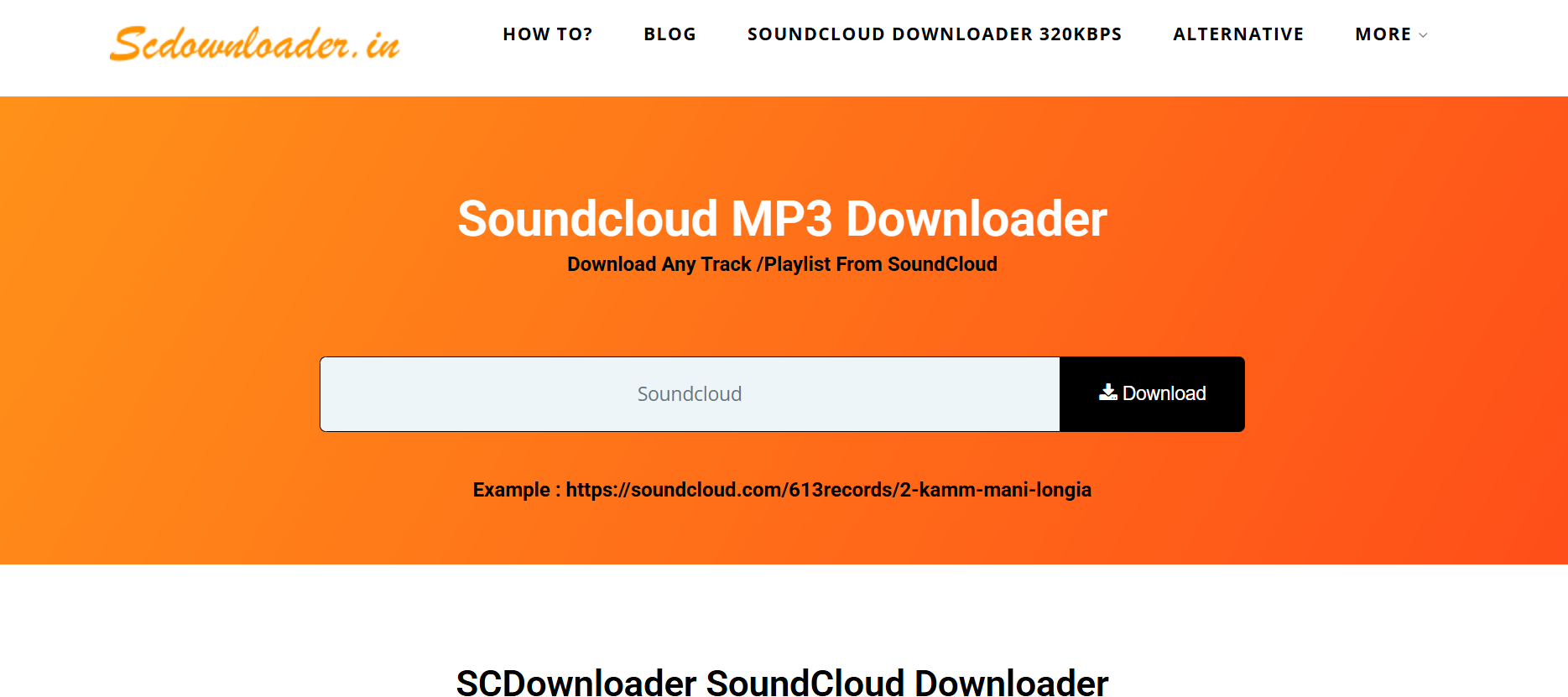
SCDownloader is an online SoundCloud playlist to MP3 converter designed for users who value speed and simplicity. It allows instant downloads of SoundCloud tracks and playlists through a clean, mobile-friendly interface. The tool doesn’t require sign-up or software installation and supports direct link pasting for fast conversions. SCDownloader is optimized for modern browsers and can handle multiple track conversions with ease. Although it’s free to use, it focuses mainly on functionality rather than advanced features, meaning you won’t find bitrate customization or audio trimming options. Nevertheless, its straightforward design and reliable download speed make it one of the most convenient online choices for quick conversions.
Pros:
- Fast, lightweight, and easy-to-use web converter
- Supports both single tracks and playlists
- No installation, sign-up, or extensions needed
- Works on desktop, tablet, and mobile browsers
- Responsive design for smooth mobile use
Cons:
- Limited to basic conversions (no editing or tagging)
- May have occasional ad pop-ups
Safety Review: 3/5
Starting Price: Free
Supported Devices: All browsers (desktop & mobile)
Batch Process: Partial
8. SoundcloudDownloader & MP3 Converter (Online)
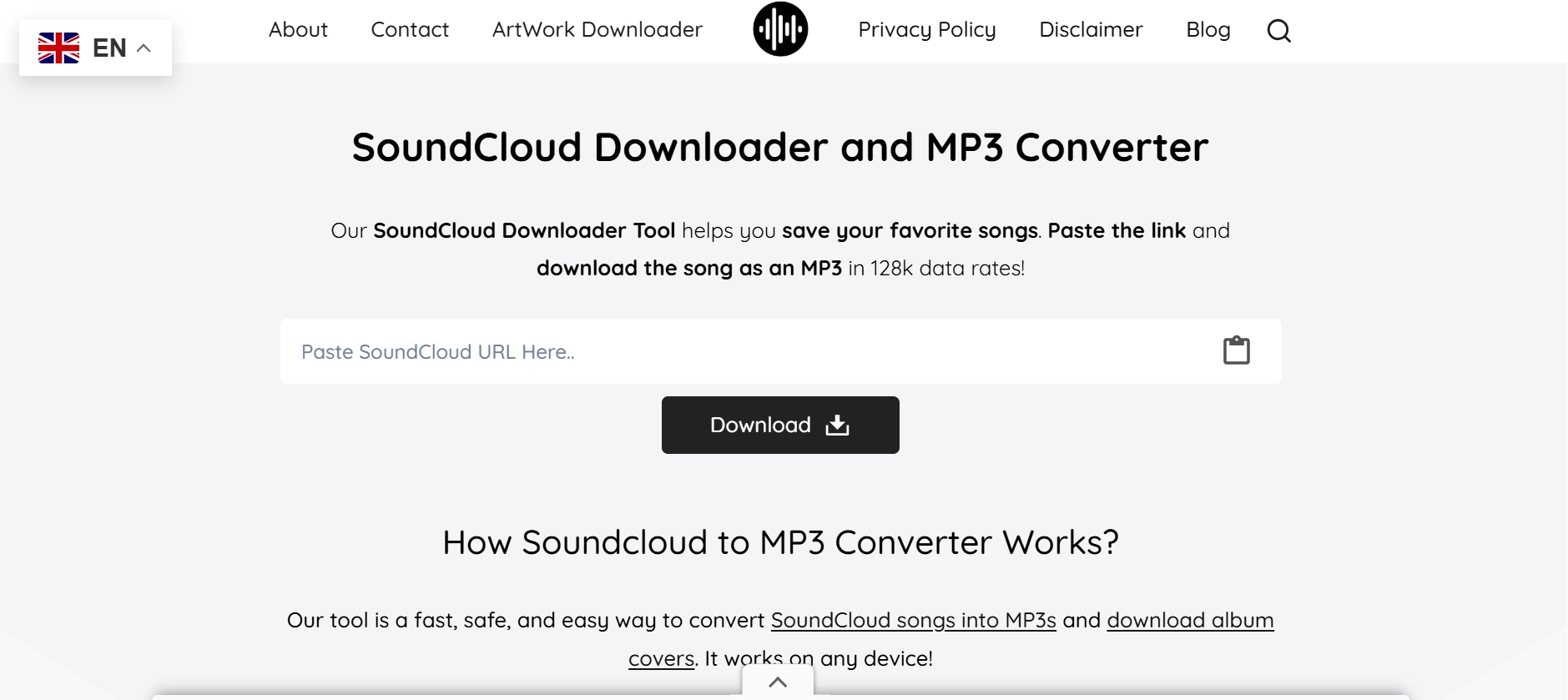
SoundcloudDownloader.com is a modern online tool built for quick and seamless SoundCloud-to-MP3 conversions. It supports both individual track and playlist downloads and even offers the ability to save album artwork and metadata. The platform is completely browser-based and requires no installations or sign-ins. Users can download music on any device, whether it’s a PC, Mac, Android, or iPhone. Its intuitive interface and clear instructions make it accessible to beginners and frequent users alike. However, because it’s a free, ad-supported service, users should expect occasional interruptions. While it doesn’t include professional-level control over bitrate, it provides fast, clean, and stable downloads that deliver solid MP3 quality.
Pros:
- Free to use with no registration required
- Supports playlists, individual tracks, and album artwork
- Compatible with all browsers and devices
- Clean, responsive interface for ease of use
- Stable and reliable download performance
Cons:
- Ad-supported site may occasionally show pop-ups
- No control over audio quality or bitrate levels
Safety Review: 3/5
Starting Price: Free
Supported Devices: Windows, macOS, Android, iOS (via browser)
Batch Process: Yes (playlist supported)
9. MusicVerter (Online)
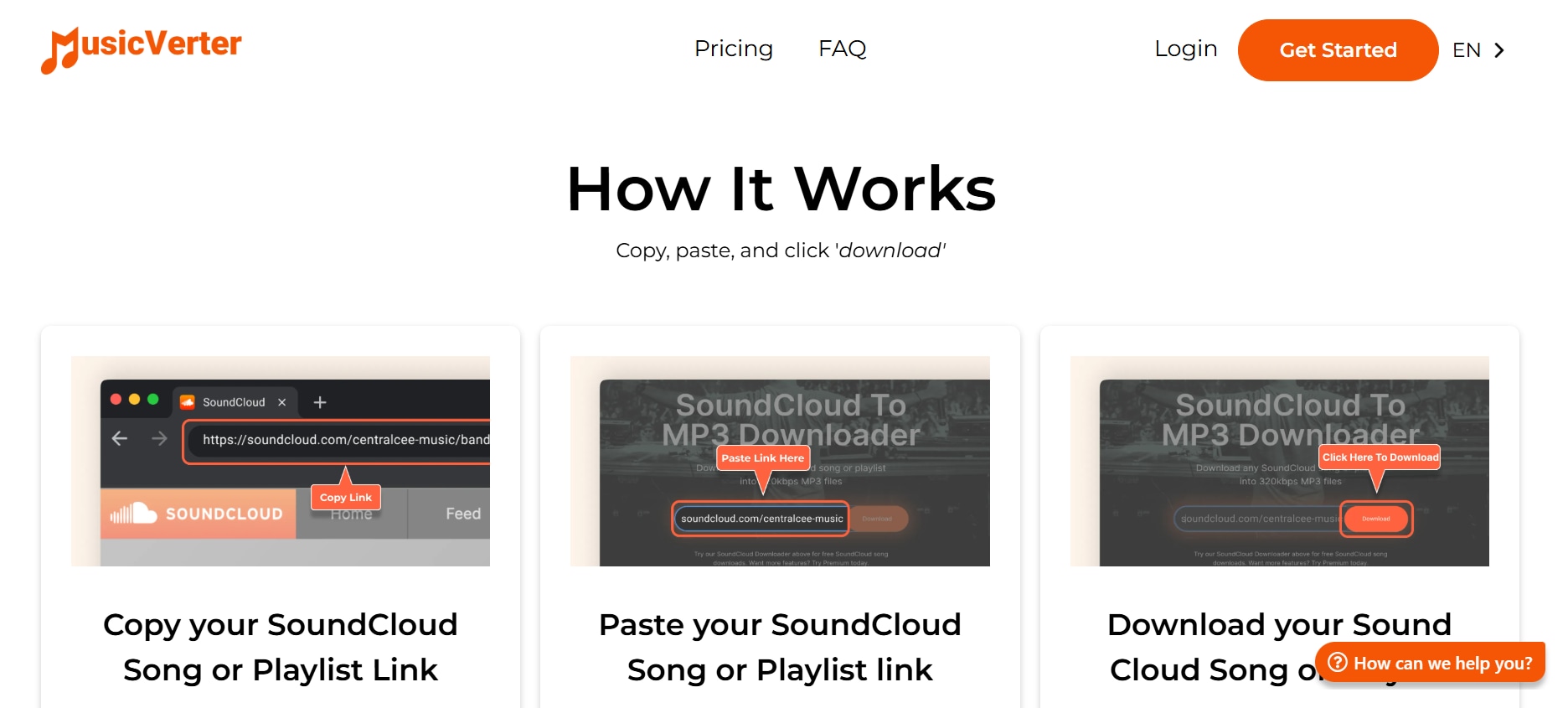
MusicVerter is a free online audio conversion platform that supports SoundCloud, YouTube, and other streaming sources. With its minimalist interface and direct conversion process, it enables users to paste a SoundCloud link and download the track or playlist in MP3 format instantly. It’s designed for ease of use, making it suitable for both casual listeners and creators who need quick access to offline tracks. While the conversion quality is typically good, MusicVerter doesn’t provide extensive audio customization or editing features. It’s best for users who prefer speed and simplicity over advanced controls. The site is mobile-friendly, accessible on all major browsers, and completely free to use.
Pros:
- Supports multiple platforms, including SoundCloud and YouTube
- Free, no registration or installation needed
- Mobile-optimized for quick access on any device
- Consistent conversion quality with reliable uptime
- Easy-to-navigate, clutter-free interface
Cons:
- No control over audio settings or output quality
- Limited batch processing options
Safety Review: 3/5
Starting Price: Free
Supported Devices: Desktop & mobile browsers
Batch Process: Limited
10. SoundCloudTool.com (Online)
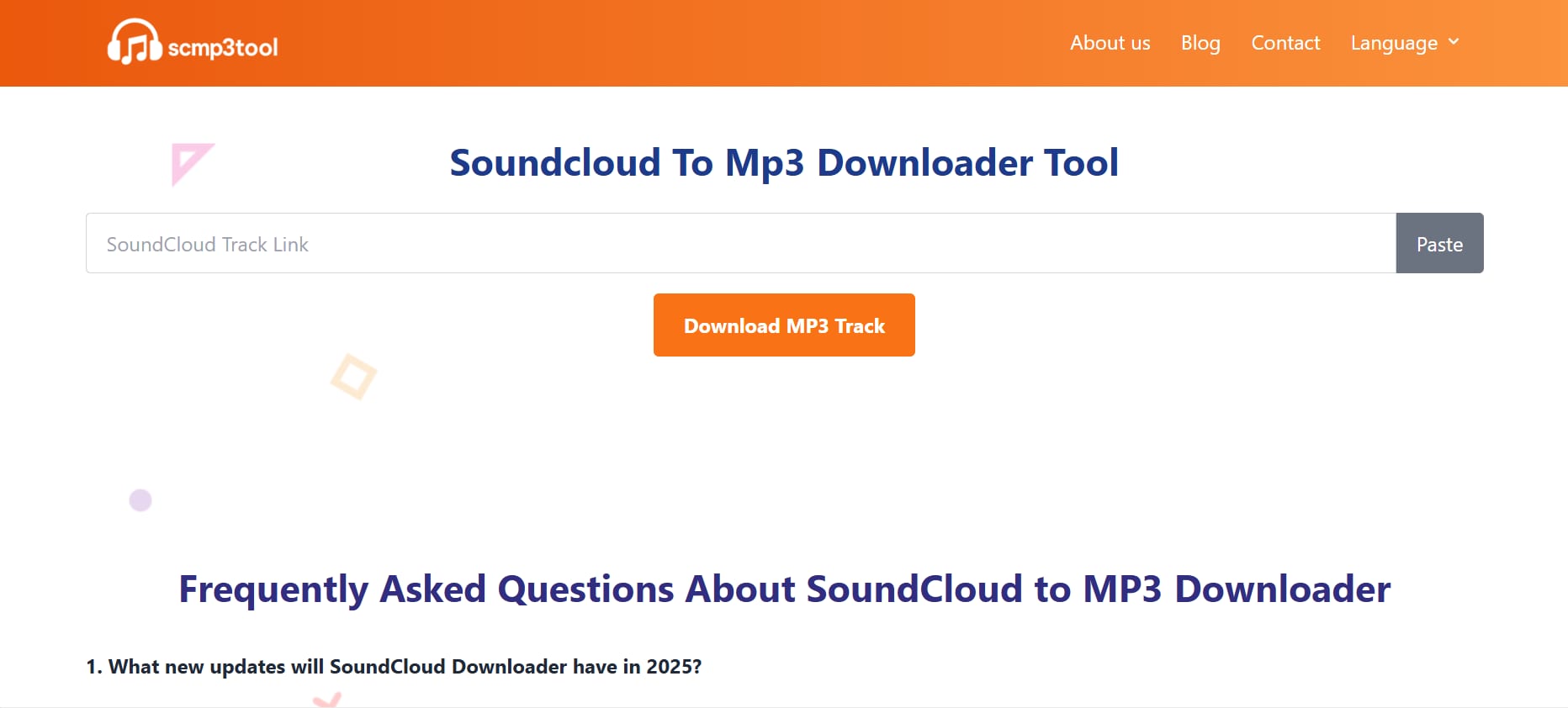
SoundCloudTool.com offers a simple, fast, and reliable way to download SoundCloud tracks or playlists as MP3 files. It’s completely web-based, meaning users can access it from any device without installing extra software. The tool is known for its minimalist interface—just paste your link, hit “Convert,” and your MP3 file is ready. It’s ideal for casual users who want to save tracks for personal listening or offline playback. Although it doesn’t provide bitrate adjustments or editing tools, it delivers stable and consistent conversions. Occasional ads may appear, but they don’t significantly affect usability, making this tool a dependable option for basic SoundCloud downloads.
Pros:
- Simple and quick SoundCloud-to-MP3 conversion
- Works across all major browsers and devices
- Free, no registration required
- Supports both individual and playlist downloads
- Lightweight and fast-loading interface
Cons:
- Basic functionality; lacks advanced customization features
- Occasional ads or slowdowns on heavy traffic days
Safety Review: 2.5/5
Starting Price: Free
Supported Devices: Web browsers (desktop, tablet, and mobile)
Batch Process: Yes
Part 3: At-a-Glance Comparison Table For 10 SoundCloud Playlist to MP3 Converters
Below mentioned is a clean, scannable comparison table for all 10 SoundCloud Playlist to MP3 converters (2025) — designed for quick reference:
| Tools | Best For | Key Safety Feature | Video Download | Audio Download |
|---|---|---|---|---|
| Wondershare UniConverter | Professional users needing high-quality batch conversions | Verified software with regular security updates | Yes (4K supported) | Yes |
| SoundCloudMate | Quick, free SoundCloud playlist conversions | No login or data storage required | No | Yes |
| CloudMP3.cc | Fast, lightweight 320kbps MP3 downloads | HTTPS encryption for secure downloads | No | Yes |
| KlickAud | DJs and casual users saving remixes or sets | No software installation; URL-based use | No | Yes |
| SCloudMe | On-the-go playlist conversions via mobile browser | Anonymous conversions (no data logs) | No | Yes |
| SoundCloudMP3.org | Consistent everyday conversions | Secure SSL-based connection | No | Yes |
| SCDownloader | Fast single-track or playlist downloads | Browser sandbox protection | No | Yes |
| SoundcloudDownloader.com | Saving SoundCloud tracks with album artwork | HTTPS-secured session | No | Yes |
| MusicVerter | Multi-platform conversions (SoundCloud + YouTube) | No data tracking or registration | Yes | Yes |
| SoundCloudTool.com | Simple, ad-free basic SoundCloud conversions | No data collection policy | No | Yes |
Easy to Use SoundCloud Playlist to MP3 Converter
Part 4: Important Legal & Ethical Considerations
Misusing copyrighted content can lead to unintended consequences — both legally and for the artists you love. Let’s explore the key considerations every listener should keep in mind:
Respect Copyright
Most music on SoundCloud is protected by copyright, meaning unauthorized downloading or sharing may violate copyright law. Always ensure the track is labeled for free or personal use before converting it to MP3.
Artist Support
Downloading instead of streaming can reduce artists’ revenue and visibility. Show your support by purchasing music, subscribing to artist pages, or buying official merchandise to help sustain their creative work.
SoundCloud’s Terms of Service
SoundCloud’s Terms of Service prohibit downloading tracks without permission. Using third-party converters for restricted content may lead to account suspension or copyright issues.
Fair Use & Personal Use
While “fair use” is often cited, it’s still a gray area legally. To stay safe, only download tracks labeled “Free Download” or with explicit artist consent. Respecting these boundaries ensures you enjoy your favorite music legally and ethically.
Conclusion
Converting SoundCloud playlists to MP3 is a great way to enjoy your favorite tracks offline or keep personal music archives. However, it’s essential to do so ethically and legally, respecting artist rights and copyright regulations. Always download only from tracks labeled “Free Download” or with explicit artist permission. Supporting creators through official streams, paid subscriptions, or merchandise purchases helps sustain their work and creativity.
For a safe and high-quality conversion experience, Wondershare UniConverter stands out as a trusted solution. It offers fast batch processing, lossless audio quality, and secure file handling for SoundCloud and other platforms. In short, convert responsibly, enjoy music freely, and continue supporting the artists who make every beat worth listening to.
FAQs
-
1. Can I convert private SoundCloud playlists to MP3?
No, private playlists on SoundCloud are protected by user privacy settings and cannot be accessed by external downloaders. Only public tracks or playlists with shareable links can be converted legally. Always respect the creator’s privacy and content-sharing preferences. -
2. Is there a difference between 128kbps and 320kbps MP3 downloads?
Yes, 320kbps MP3 files offer higher sound quality and better clarity, while 128kbps versions are smaller in size but less detailed. If you value crisp sound and plan to use tracks for personal listening or editing, 320kbps is the better choice. -
3. Does converting a SoundCloud playlist reduce audio quality?
It can, depending on the tool used. Online converters may compress files, resulting in slight quality loss. To maintain audio fidelity, choose a professional converter that supports high-bitrate MP3 output. -
4. How can I ensure my SoundCloud conversions are safe from malware or phishing?
Stick to trusted platforms with HTTPS encryption and transparent privacy policies. Avoid sites that trigger pop-ups or request unnecessary permissions. Safety-first browsing prevents malware downloads and data theft. -
5. Which software offers the most reliable SoundCloud to MP3 conversion?
is a top-rated choice for users who want secure, lossless, and fast conversions. It supports multiple formats, allows batch processing, and provides additional features like compression and editing — all within a clean, ad-free interface.

