

YouTube Live streaming is becoming increasingly popular, and the competition among creators is escalating rapidly. New creators are exploring options like YouTube Live viewer bots to increase viewership and channel reach. When using live-viewer bots, view counts are high, making a stream appear more popular and encouraging real users to join.
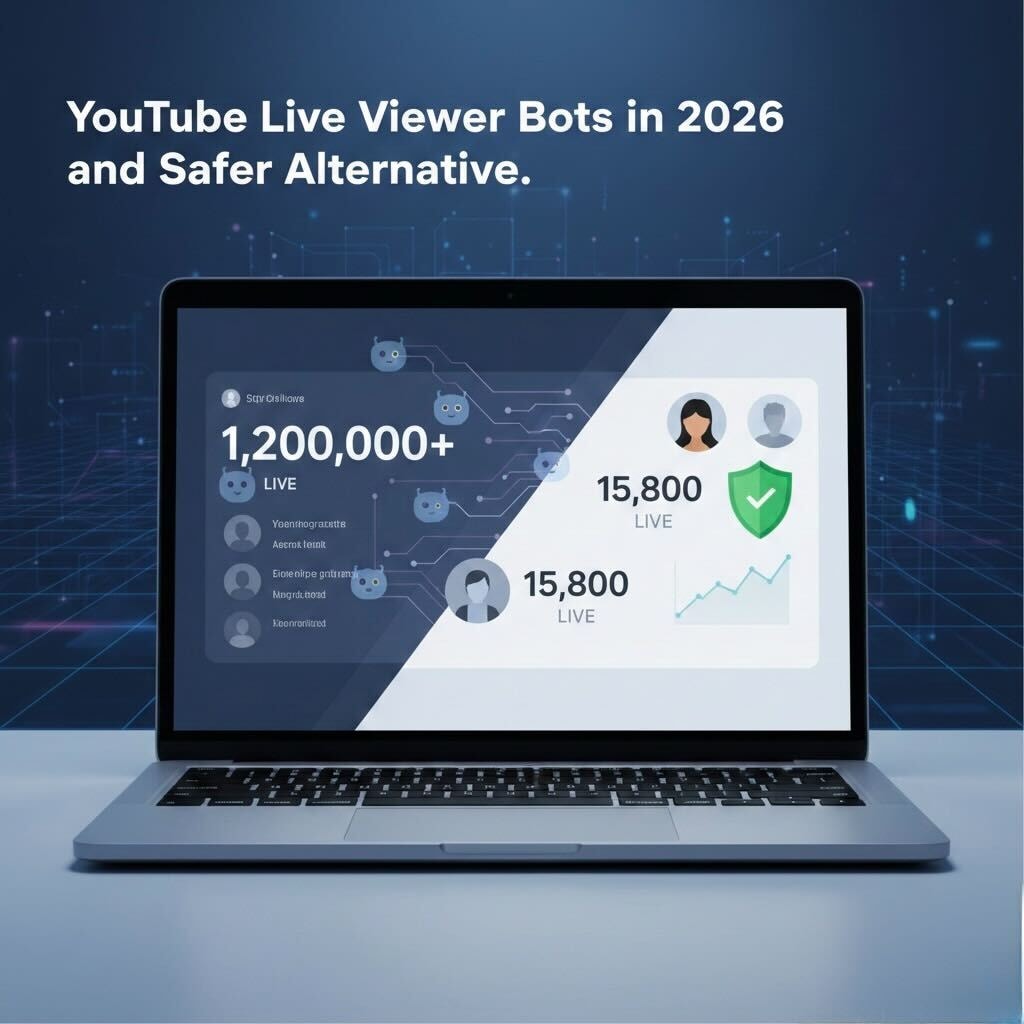
However, YouTube does not permit the use of viewer bots, and creators may face penalties, such as suspension or video take-downs, if these tools are detected. With that in mind, this article takes a closer look at five YouTube Live stream viewer tools, explains the risks involved, and highlights safer alternatives for increasing visibility.
In this Article
Part 1. Are YouTube Live Viewer Bots Safe in 2026?
No, YouTube Live viewer bots are not considered safe in 2026. Even though some bots now use distributed IP addresses and attempt to mimic realistic viewing behavior, YouTube’s detection systems continue to improve. Artificially inflating live views violates YouTube’s policies and can result in penalties such as reduced reach, stream interruptions, channel strikes, or permanent suspension.
Part 2. Why Use YouTube Live Viewer Bots for Live Streams?
Creators use the YouTube Live streaming view bot to increase the popularity of the video and attract more viewers. The most common reasons for the use of these live view bots are listed below:
- To enhance the visibility in YouTube Live discovery sections.
- To create a momentum for new or low-subscriber channels.
- To attract real viewers with an inflated view number as social proof.
- To give a feel that live streams are popular and credible at first glance.
- To improve visibility in the YouTube Live discovery section and algorithm.
- To minimize the “empty stream” problem during the start of the broadcast.
Part 3. 5 Best YouTube Live Viewer Bots in 2026
Tools like Streamer.bot, UltraBot, QQTube, YTBPals, and ViewGrip provide you with view bots for your YouTube Live streaming that can help you gather traction for your channel.
| Tool Name | Best For | View Type | Live Viewer Retention | Speed | Platform Support | Pricing | Free Trial/Demo | Risk Level |
| Streamer.bot | Interactive workflows | Automated simulated viewers | Very low | Fast | Desktop (Windows) | Have not mentioned pricing officially | Free plan | Moderate |
| UltraBot | Simple web-based viewer bot automation | Multiple IP Browser-simulated views | Low | Moderately fast for small batches | Web browser | Weekly plan: $7/week Monthly plan: $28/monthLifetime plan: $340Ultra Monthly: $89/month | 7 days free trial after purchasing, weekly plan | High |
| QQTube | Metric boosting | Simulated live viewers | Low | Moderate | Web browser | $3 for 10 million views | NA | Very high |
| YTBPals | Broad YouTube metric tools | Simulated concurrent views | Moderate | Fast | Web browser | Starter: $30/month Popular: $56/monthUltimate: $84/month | Free forever plan with limited views. | Very high |
| ViewGrip | Viewer packages & analytics | Scripted viewer sessions | Low | Fast | Web browser | Silver: $9/month Premium: $14/month | Basic forever free plan | High |
Best For by Use Case
Streamer.bot: Best for creators who want interactive workflows and deeper automation.
UltraBot: Best for beginners who prefer a simple web-based setup.
QQTube: Best for users focused on analytics and metric tracking.
YTBPals: Best for managing multiple YouTube channels from one dashboard.
ViewGrip: Best for flexible traffic-style viewer packages and basic reporting.
Streamer.bot
Streamer.bot lets you set up triggers with interactions like likes and chats to minimize detection by the YouTube Fake Engagement Policy. You can also use Streamer.bot to simulate real human-like signals by building custom workflows.
Key Features
Streamer.bot allows you to automate workflows and integrate with OBS, YouTube, and other platforms as well.
Lets you adjust custom triggers and event scripting.
Modular architecture for plugins and workflow extensions.
UltraBot
UltraBot interacts with live streams in a programmatic manner that increases the chances of your video going viral. You can stay under the radar of YouTube policy guidelines and simulate real human-like views with concurrent sessions.
Key Features
UltraBot has a simple web user interface.
You can simulate human-like live view generation.
Supports multiple concurrent sessions.
QQTube
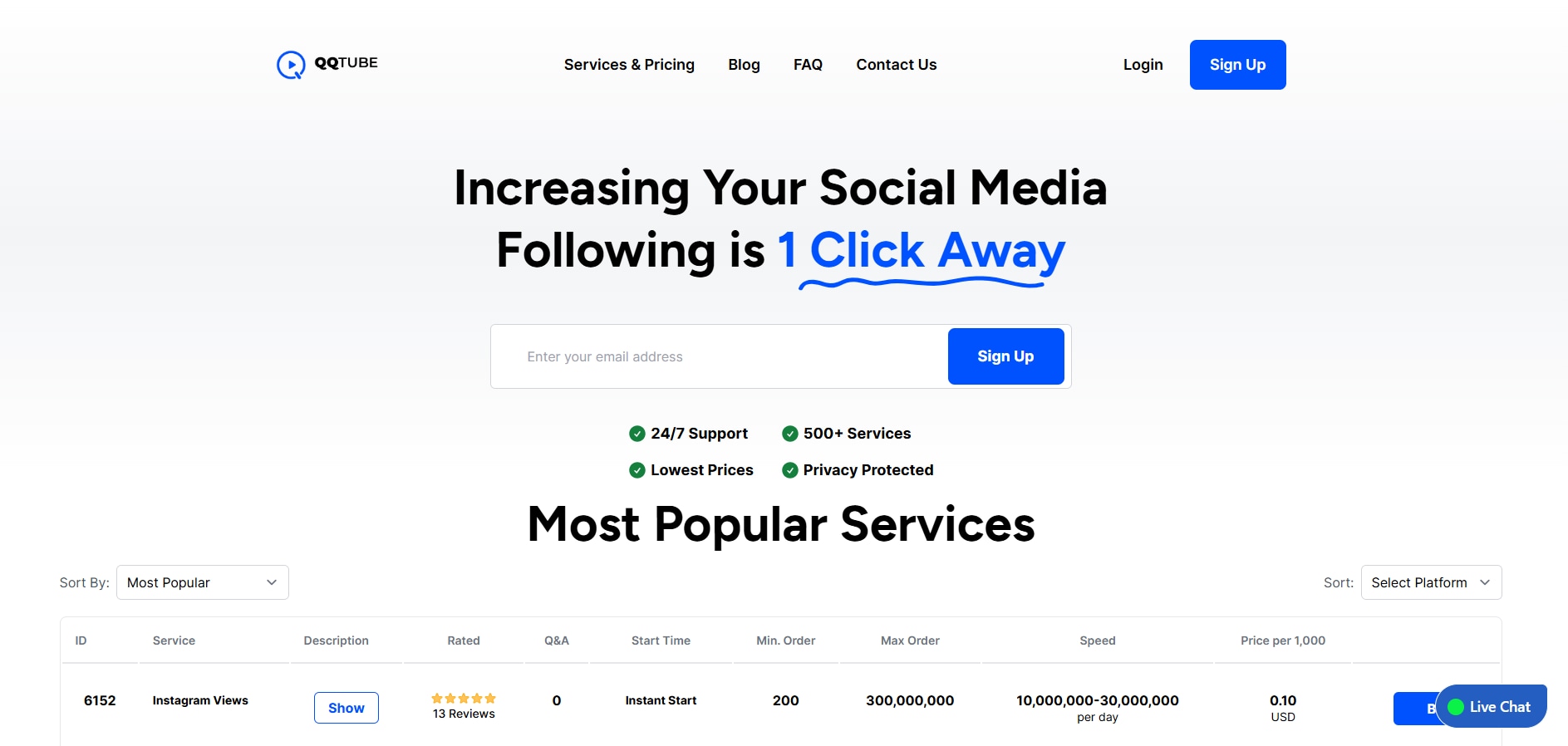
QQTube is a web client service provider that offers viewer engagement across YouTube Live streams as well as for other platforms. You can integrate third-party tools to analyze reports and create dashboards, so you can create a bot workflow accordingly for your different live streams.
Key Features
Multiple templates building workflows.
Detailed and in-depth reports and analysis.
Compatibility with YouTube, TikTok, Twitch, and other platforms.
YTBPals
YTBPals have historical market metrics for boosting live viewership and interactions for YouTube Live and other platforms. You also get access to a centralized dashboard with in-depth details of your channel growth. The downside of YTBPals is that it uses a credit system, which results in abrupt bot session endings when your credits run out.
Key Features
Engagement tools for likes and subscriptions.
Dashboard with multiple YouTube metrics.
You can automate the bot workflow to minimal performance once you have real viewers on the live stream.
ViewGrip
ViewGrip is another live view bot provider that works as a traffic/network engagement platform. Using ViewGrip, you can achieve organic-like video growth functionalities with subscriptions, likes, and comments. However, the lack of documentation is a concerning factor.
Key Features
Multiple templates for traffic packages.
You can adjust request parameters for engagement metrics.
Analytic reports for understanding channel growth.
Part 4. Can You Get Banned For Using YouTube Live Viewer Bots?
Yes, you can get banned from YouTube for using view bots because they violate YouTube’s Fake Engagement Policy, which explicitly prohibits inflating views or likes. YouTube detects abnormal traffic patterns, repeated IP behavior, lack of interaction, inconsistent watch duration, and mismatched engagement signals. Penalties for using bots can result in view removals, termination of live streams, issue channel strikes, or permanent suspension.
Part 5. How to Increase Views Without YouTube Live Viewer Bots? [Safe Method]
A safe method to increase views on your YouTube channel is by focusing on repurposing live streams into high-performing short content. With Wondershare Uniconverter’s Video trimmer, you can turn long live streams into vertical short videos that can be used for YouTube Shorts, Instagram Reels, and other platforms. The Video Trimmer feature comes in as your best friend for extracting viral moments from live broadcasts that will help you attract new audiences to your channel.
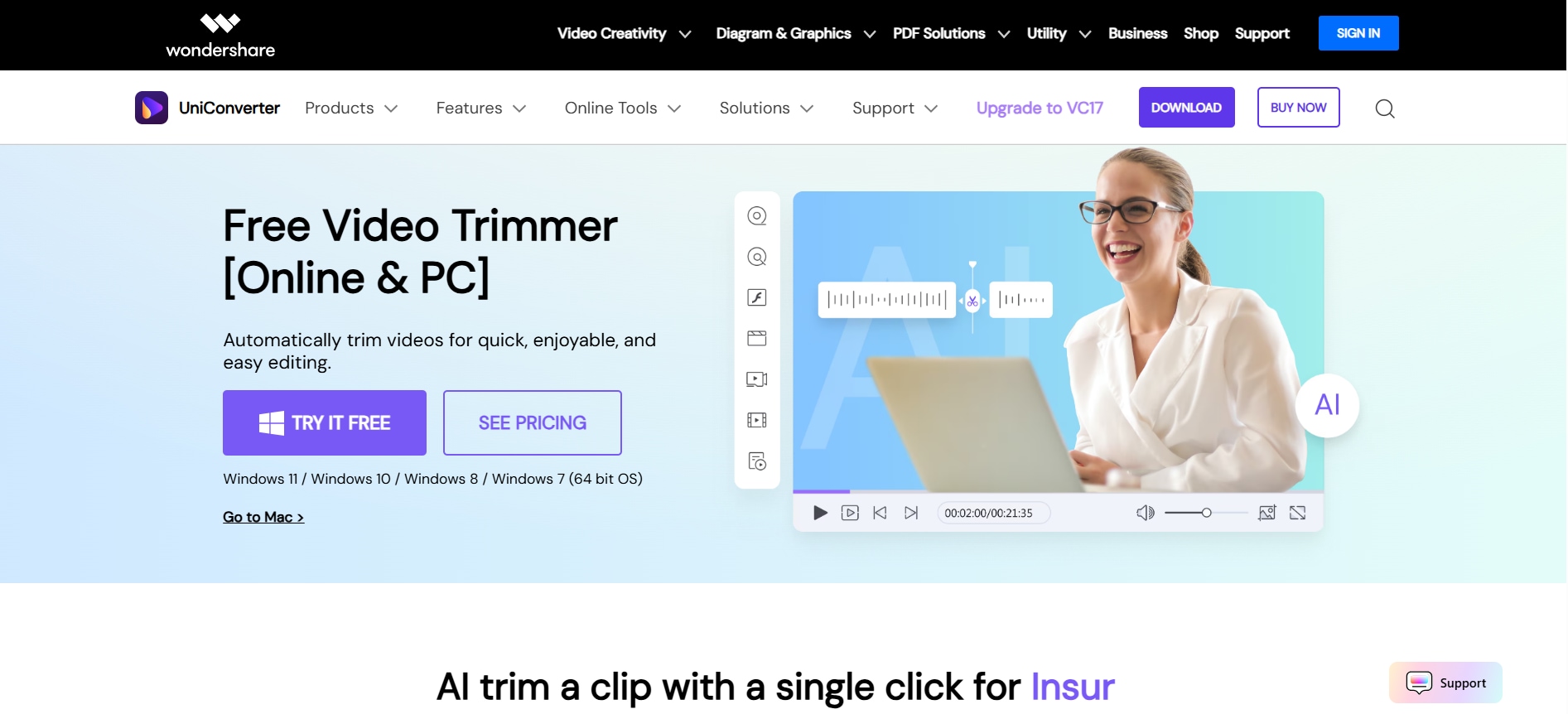

All-in-One Multimedia Processing Tool

Key Features
The precise timeline tags let you trim long videos by letting you extract start and end points to the frame level.
With the video compressor feature, you can compress videos for sharing on online platforms.
The AI noise remover lets you remove unwanted noise and other sounds from your video to enhance the viewing experience.
You can change the video's aspect ratio to vertical (9:16) or square (1:1) based on your key subject and the platform you're posting to.
The video background changer lets you modify the background of the video to give a whole new perspective to the repurposed video.
How to Trim Videos Using Wondershare UniConverter?
Follow these simple steps to trim videos using Wondershare UniConverter:
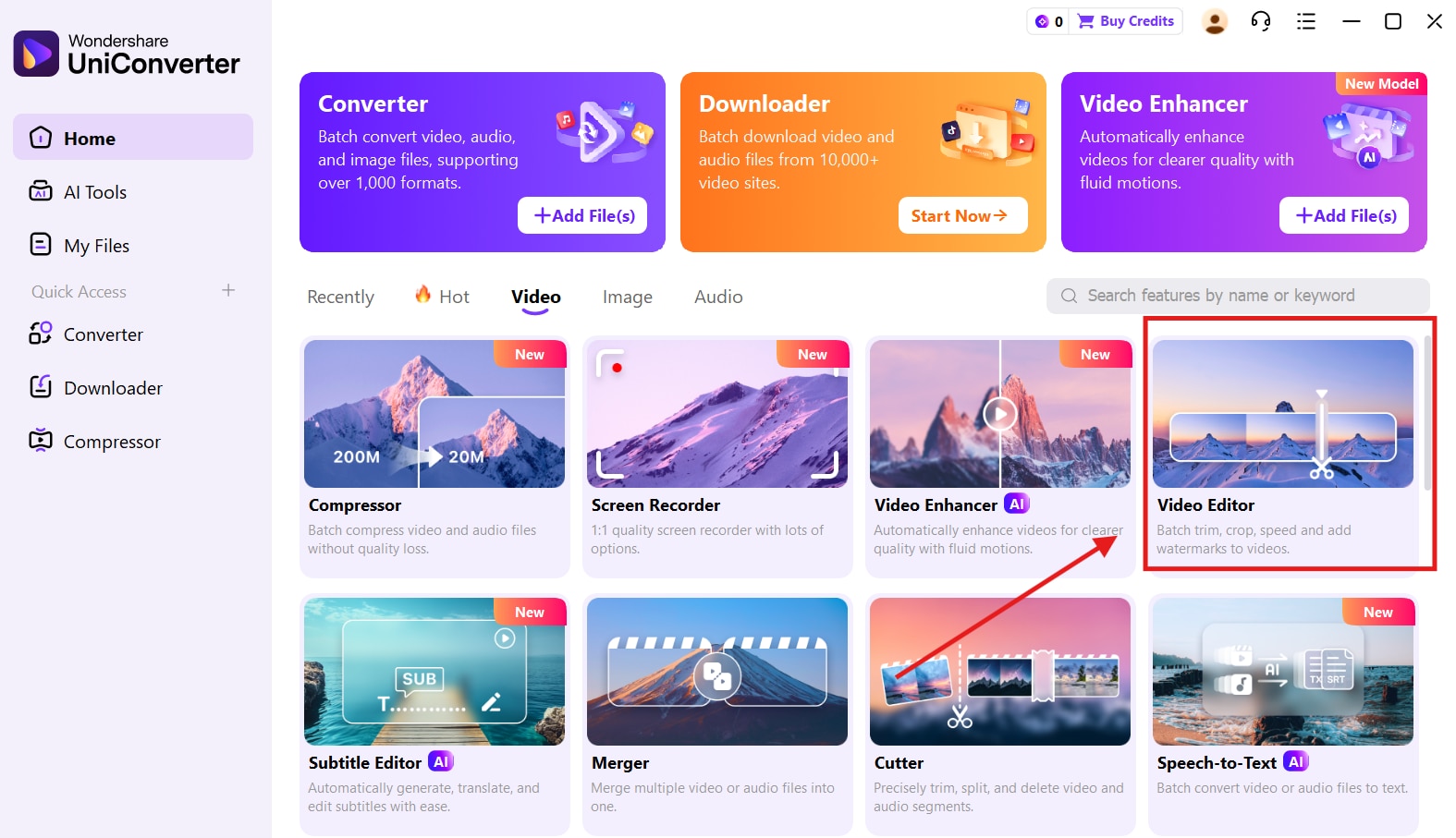
Step 1. On the Wondershare UniConverter dashboard, click on the “Video Editor” option.
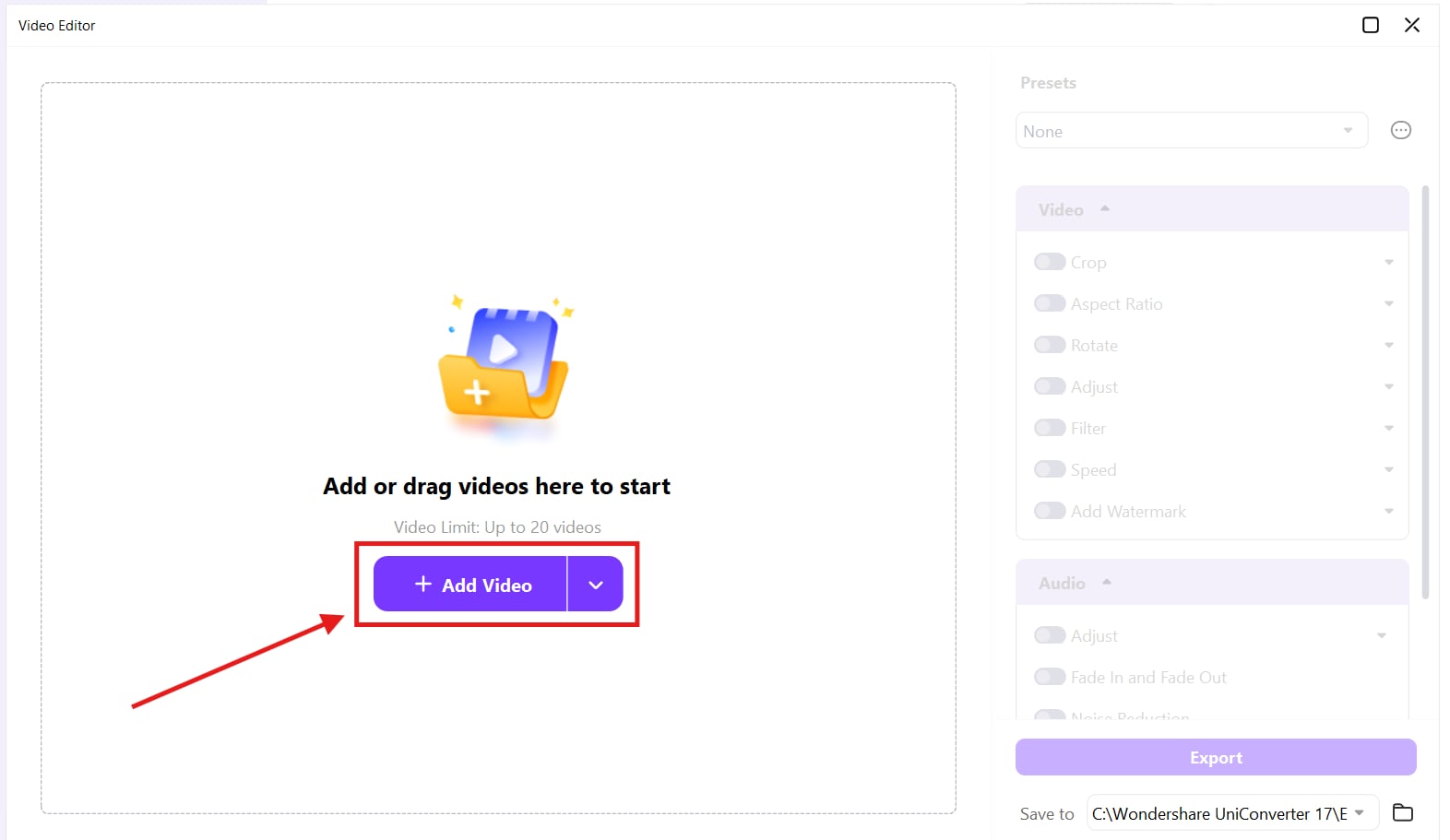
Step 2. Click on “Add Files” to upload the video you want to trim.
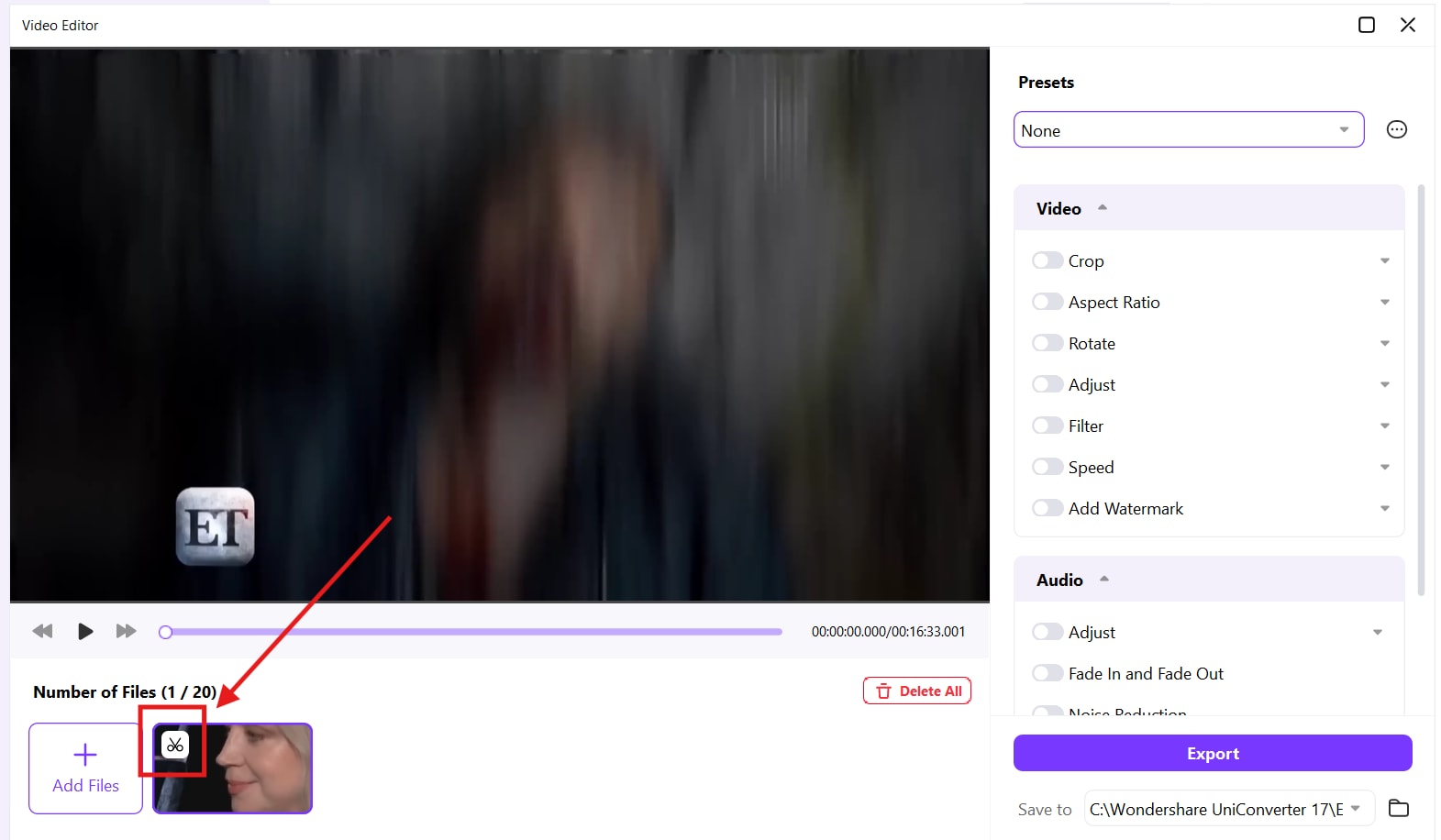
Step 3. Click the small scissors icon, then trim the video using the time stamps.
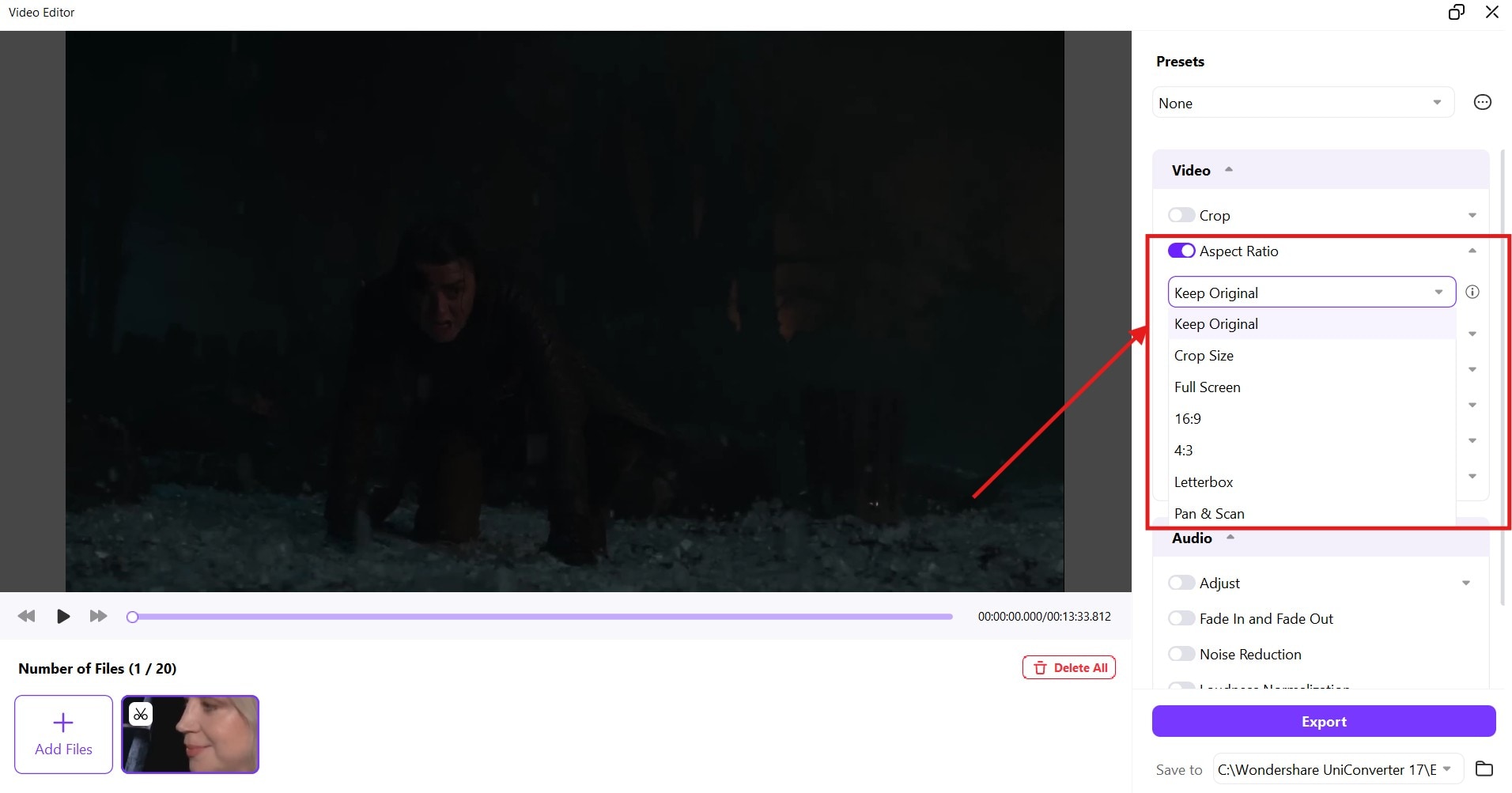
Step 4. Click on the “Aspect Ratio” drop-down menu to choose the ratio as per your requirements.
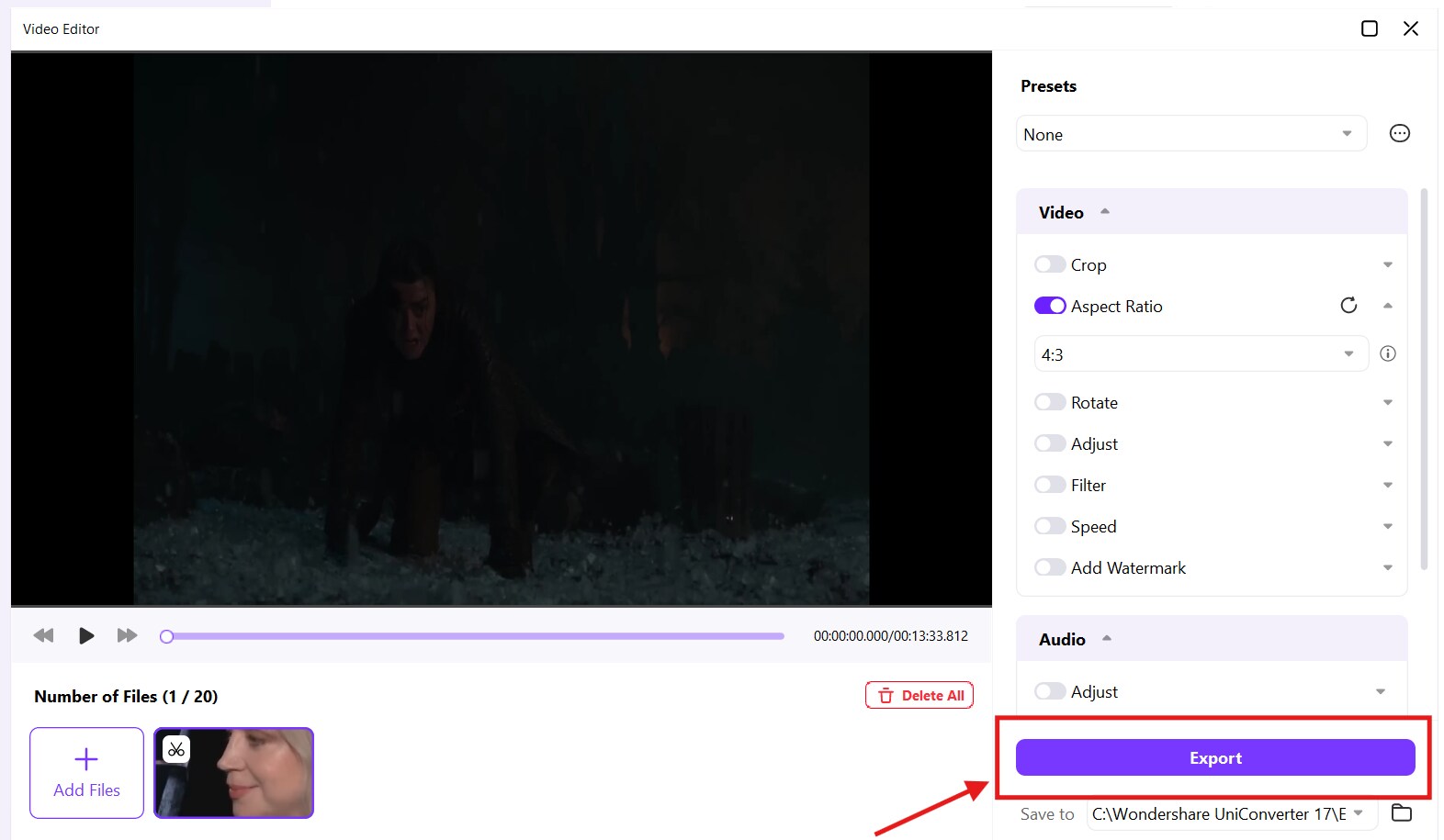
Step 5. Click on the “Export” button to save the video to your device.
Conclusion
Although the YouTube live stream viewers bot looks like a shortcut for new creators to grow their channel, it is not. However, YouTube Live viewers bots come with a host of risks that may even result in the permanent suspension of your account. When it comes to sustainable growth, you need smart content strategies, not artificial metrics that inflate viewer numbers. You can use Wondershare UniConverter to trim long videos, repurpose them as short videos, and share them across multiple social media platforms.

