



The bigger question is whether that convenience comes at a cost. In this SaveFrom.net review, you will learn how SaveFrom.net works, whether it is safe and legal to use, what limitations to expect, and when it makes sense to consider an alternative. Before diving into the details, let's know what it is and how it works.
Table of Contents
Part 1: What Is SaveFrom.net and How Does It Work?
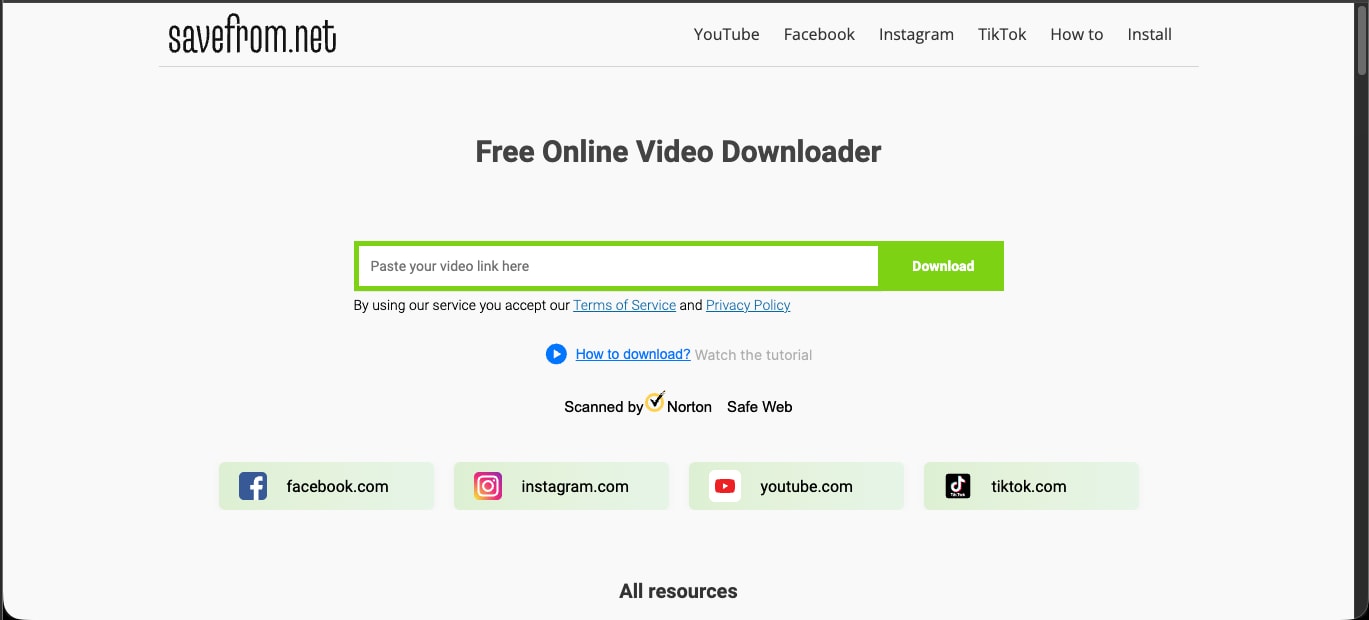
SaveFrom.net is a free, web-based video downloader that lets you download clips from YouTube, Facebook, Instagram, TikTok, and more than 40 other sites. The basic web tool requires no account or installation: a user pastes a video link, clicks Download, selects a format, and saves the file. It ranks among the most searched download tools online and also offers a browser extension, pushing a paid desktop upsell during the download flow.
In practice, the flow is short. After you paste the link, the site fetches the video and offers MP4-quality options, usually up to 720p and occasionally 1080p, as well as audio-only files in MP3 or M4A. True 4K is the catch. SaveFrom can only download 4K resolution videos without sound, so a full high-resolution video with audio is out of reach with the free tool.
Part 2: How Safe Is SaveFrom.net to Download YouTube Videos?
SaveFrom.net is not considered malware, but it is not completely risk-free either. The biggest concern is not the website itself. It is the advertising environment around it. While security services such as Norton Safe Web do not currently flag the main domain as malicious, SaveFrom.net relies heavily on ads, redirects, and download prompts that can easily confuse visitors.
Here is where the risk comes from:
Aggressive Ads and Fake Download Buttons
SaveFrom.net displays pop-up and redirect ads alongside download options. Some ads are designed to look like legitimate download buttons, making it easy to click the wrong link.
In the worst cases, these ads can lead to:
Potentially unwanted programs (PUPs)
Browser hijackers
Unrelated software downloads
Suspicious third-party websites
Browser Extension Raises More Concerns
The SaveFrom.net Helper extension has received criticism from security-conscious reviewers because of its access to browsing and download activity.
Another red flag is that the extension is not available in the Chrome Web Store, so you need to install it via alternative methods. That alone may be enough reason to avoid it.
Watch Out for Clone Websites
This is where many people run into trouble.
Several copycat websites use the SaveFrom name and branding to attract traffic. Some of these sites are far less trustworthy than the original service and may contain misleading ads or harmful downloads.
Before pasting any video link, double-check that you are on the correct domain.
How to Use SaveFrom.net More Safely
If you decide to use SaveFrom.net, a few precautions can reduce the risk:
Use a reputable ad blocker such as uBlock Origin
Avoid installing the SaveFrom.net Helper extension
Ignore large flashing download buttons
Verify the website address before downloading
Never download software promoted through ads on the page
For occasional downloads, these precautions help. If you download videos regularly, a dedicated desktop application generally offers a cleaner, more predictable experience.
What Are the Legal Risks of Downloading Videos with SaveFrom.net?
SaveFrom.net is a stream-ripping tool, the kind the US Trade Representative named on its 2024 Notorious Markets List, and that label points to the core legal problem. Downloading a video from YouTube using a third-party tool violates YouTube's Terms of Service in every case, since YouTube only permits downloads via its own download button or YouTube Premium.
Copying a copyrighted video without the owner's permission can also infringe copyright, and in early 2026, a US federal court ruled that YouTube's download-blocking technology counts as an access control under the DMCA, further weakening the legal footing of stream-ripping tools. Personal, one-off downloads rarely trigger a lawsuit, even though the exposure is real, especially for commercial reuse.
Part 3: How Do You Use SaveFrom.net Safely?
If a clip is your own, public domain, or Creative Commons, here is how to use SaveFrom.net with the least exposure. Pair every step with an ad blocker, and skip the browser extension entirely.
Step 1: Paste the video link. Open SaveFrom.net and paste the URL of a video you have the right to download into the box, then click Download.
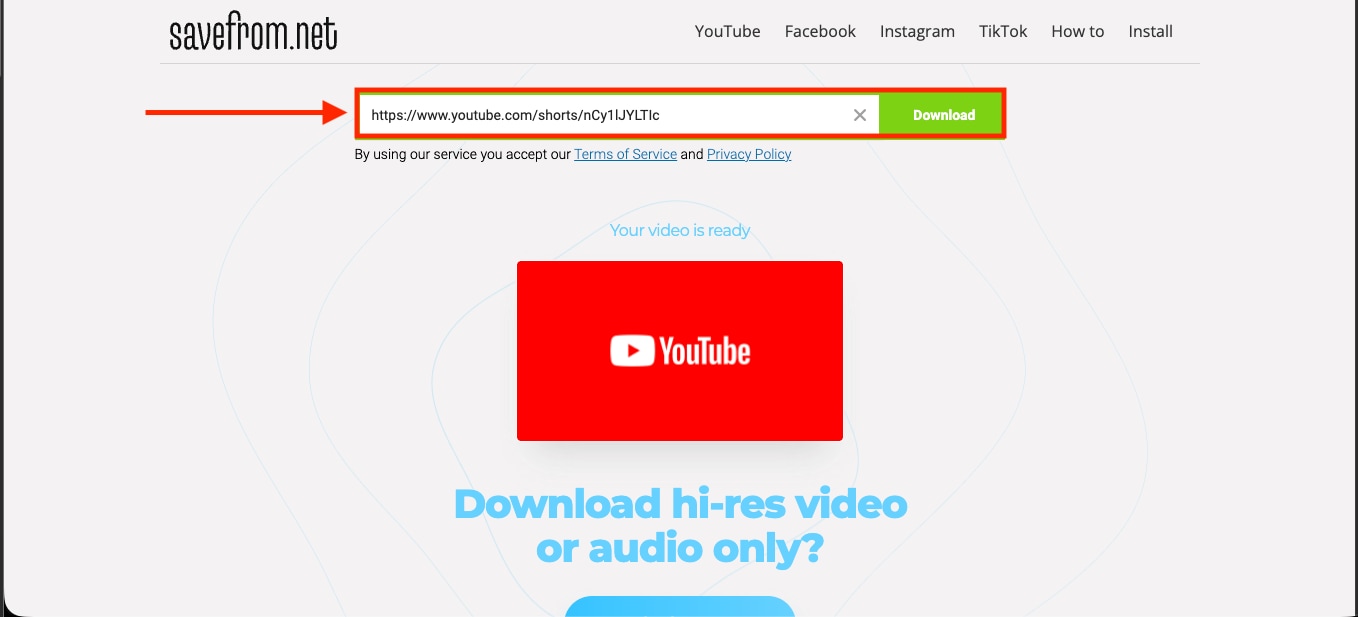
Step 2: Wait for the tool to fetch the video. SaveFrom processes the link and shows that the video is ready, with options for video or audio only.
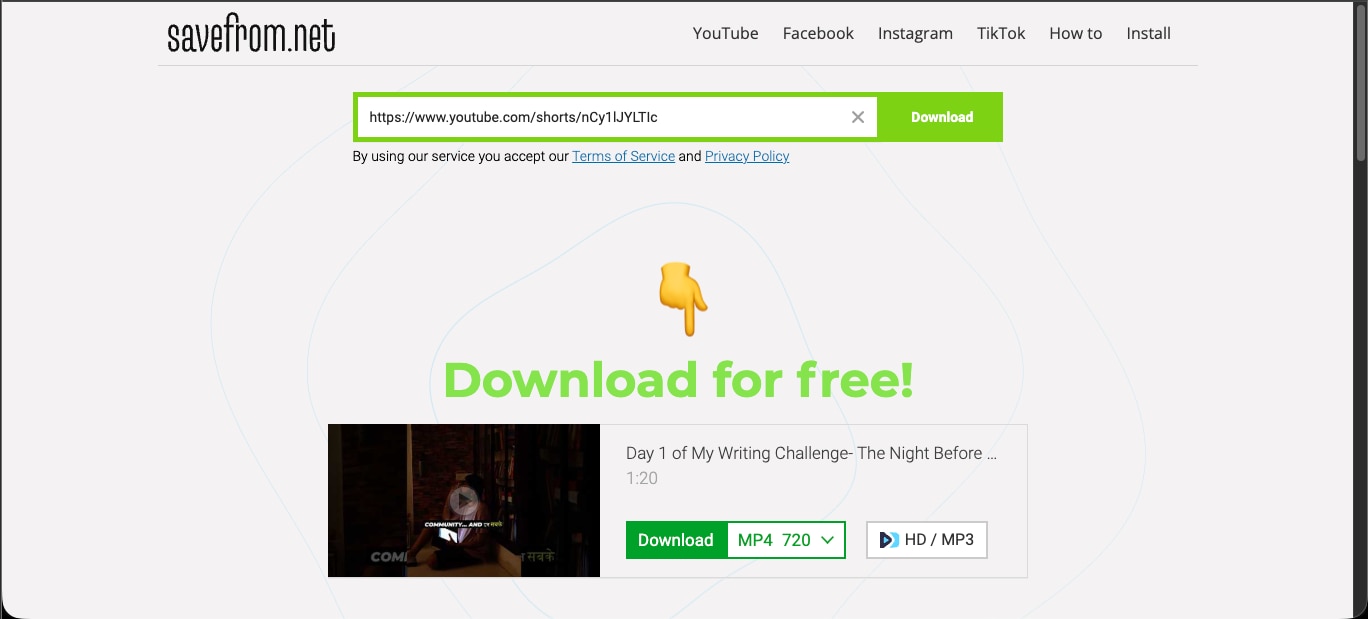
Step 3: Choose your format and quality. Pick MP4 at 720p, 480p, or 360p, or an audio-only file such as M4A, from the dropdown. Ignore any large flashing buttons that are actually ads.
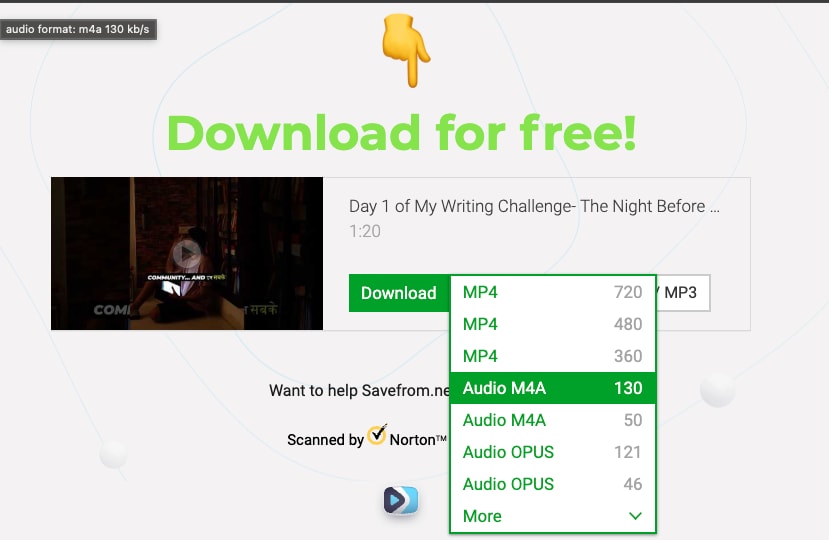
Step 4: Skip the HD and MP3 upsell if you do not need it. Choosing HD or MP3 routes to a paid Televzr subscription, while the standard formats download for free.
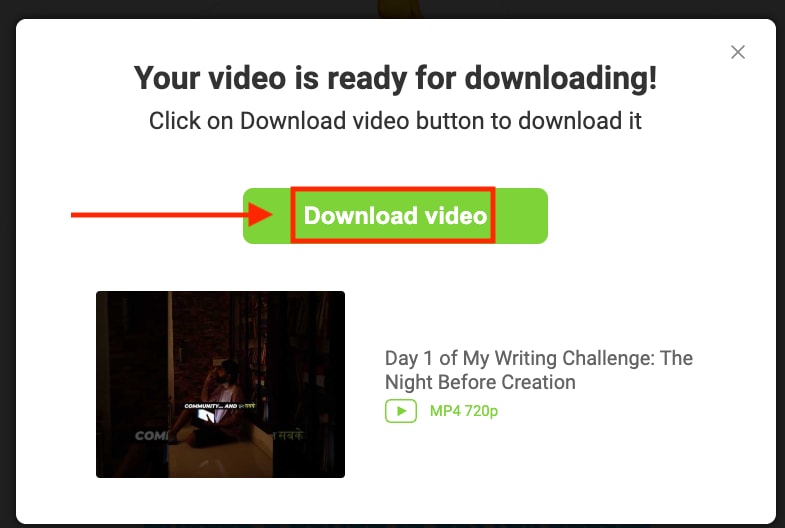
Step 5: Download the file. The tool processes the video, then shows a single, clear Download video button to save it.
What Are Video Download Copyright Laws and Legalities?
Copyright protects almost every video on YouTube the moment it is created, so the safe ground is narrow and worth knowing. Downloading is clearly fine in three cases: the video is your own upload, it carries a Creative Commons license, or it is in the public domain. It is also fine with the creator's direct permission, or through YouTube Premium's built-in offline feature, which is the only method that fully complies with YouTube's terms. Everything else falls into infringement territory, and commercial reuse sharply increases the risk.
Part 4: 4 Best SaveFrom.net Alternatives in 2026
SaveFrom.net works for quick saves, but its ads, tracking extension, quality caps, and region blocks push many users toward cleaner tools. These four alternatives each offer a safer or more capable path, starting with the most complete.
Wondershare UniConverter

All-in-One Multimedia Processing Tool

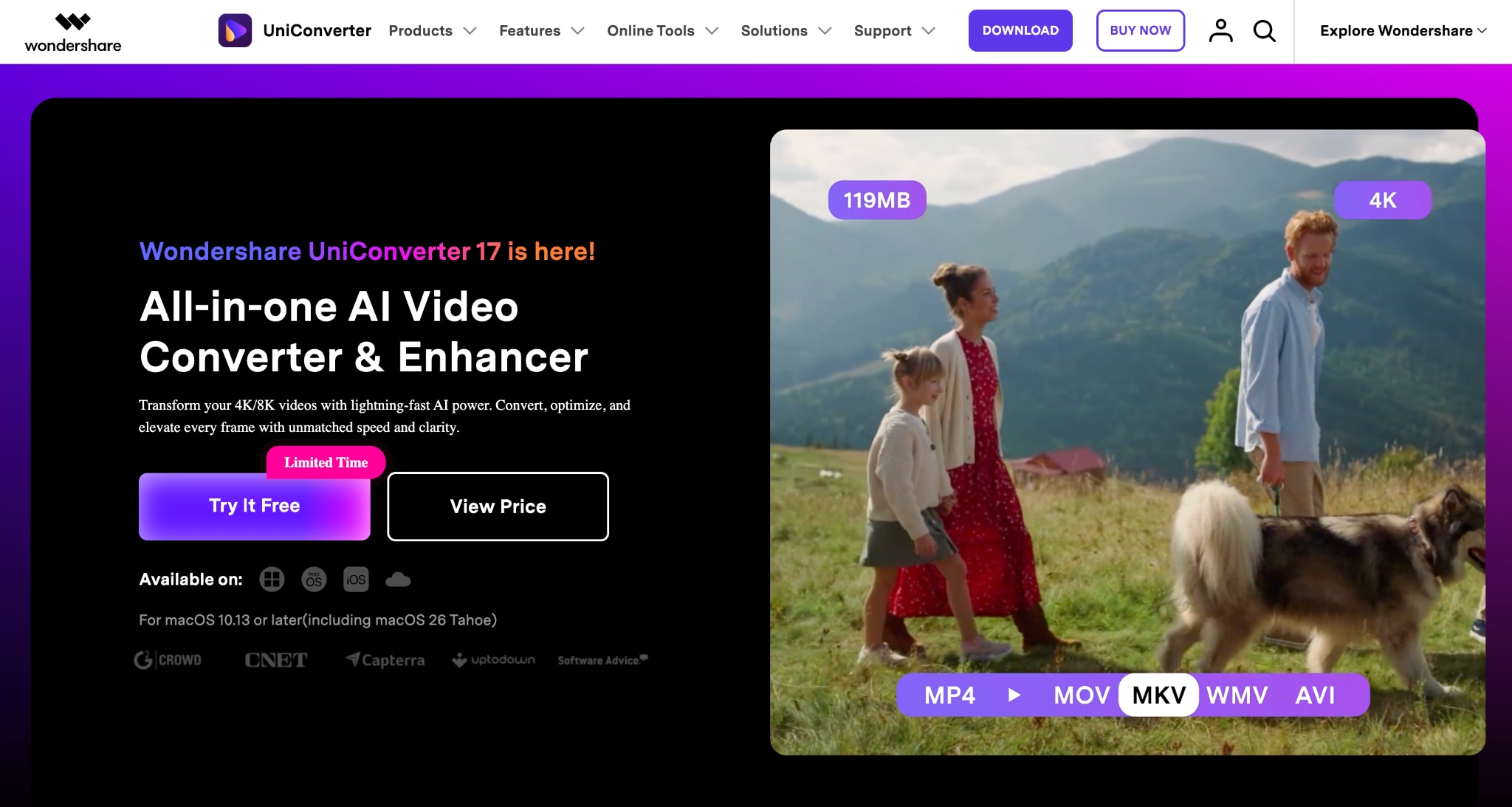
If you like the simplicity of SaveFrom.net but want to avoid ad-heavy pages, redirects, and download restrictions, Wondershare UniConverter is a strong alternative. Instead of relying on a browser-based downloader, you get a dedicated desktop application that combines downloading, file conversion, media management, and content optimization in one place.
UniConverter supports downloads from thousands of websites, handles larger files more reliably, and gives you greater control over output quality. For regular downloads and content workflows, it offers a cleaner and more professional experience than free web-based downloaders.
Key Features
Downloads videos and audio from 10,000+ supported websites
Saves content in multiple formats and resolutions, including high-quality outputs
Batch download support for handling multiple files at once
Built-in media converter for broad format compatibility
4K Video Downloader Plus
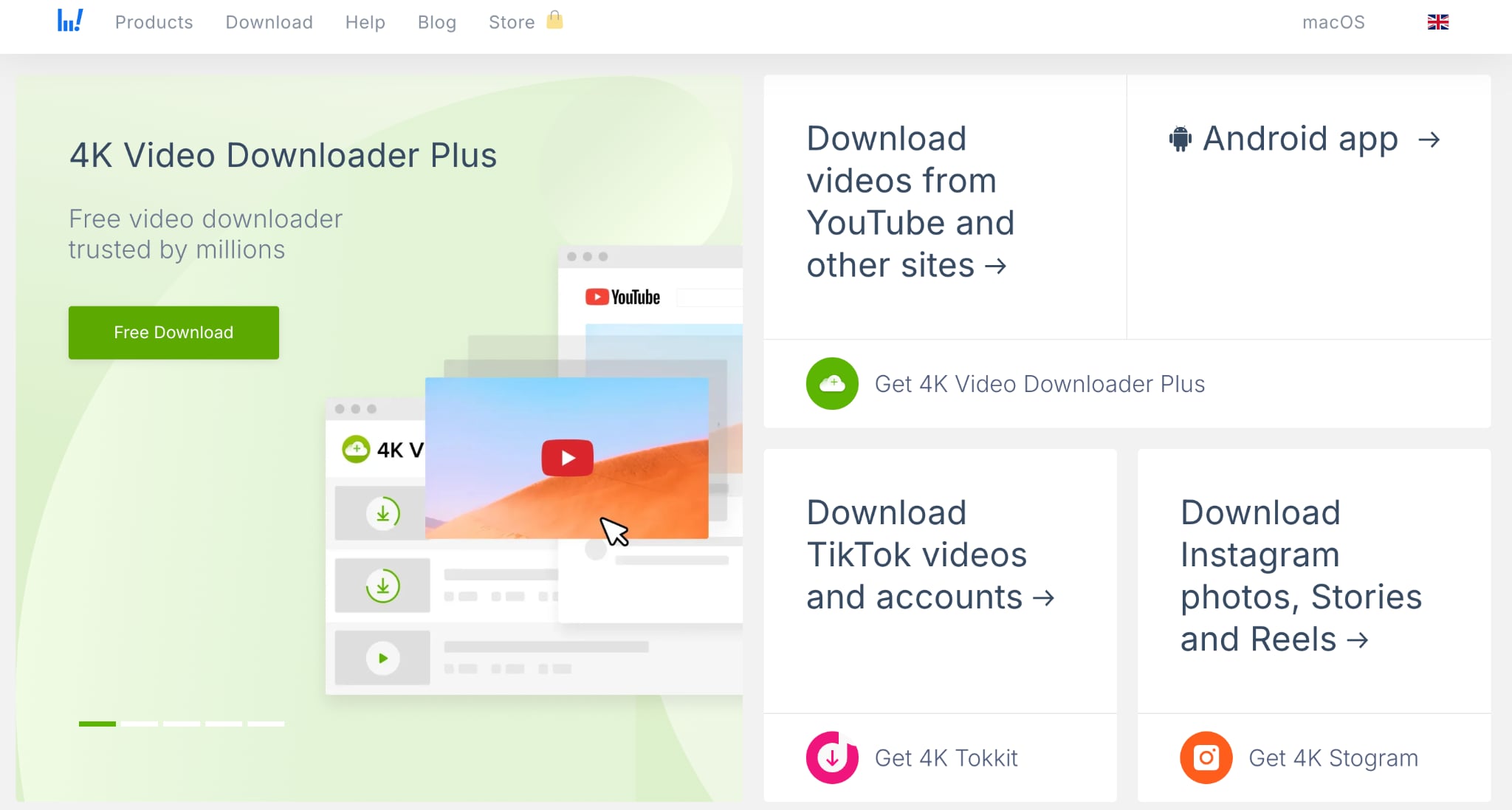
If your main frustration with SaveFrom.net is download quality, 4K Video Downloader Plus is one of the strongest alternatives available. Unlike browser-based downloaders that often limit resolution or audio options, it focuses on preserving original quality while keeping the download process simple. You can save individual videos, playlists, channels, and Shorts from supported platforms without navigating ad-filled pages. The software is particularly useful when you need consistent performance, higher resolutions, and better control over how downloaded content is stored and organized.
Key Features
You can download single videos, full playlists, channels, and YouTube search results, including Shorts.
Saves up to 4K and 8K, with audio extraction to MP3, M4A, or OGG.
SRT subtitles in 50+ languages, Smart Mode presets, and proxy support.
A built-in browser for login-protected media and 2026 AI sound tools.
SSYouTube
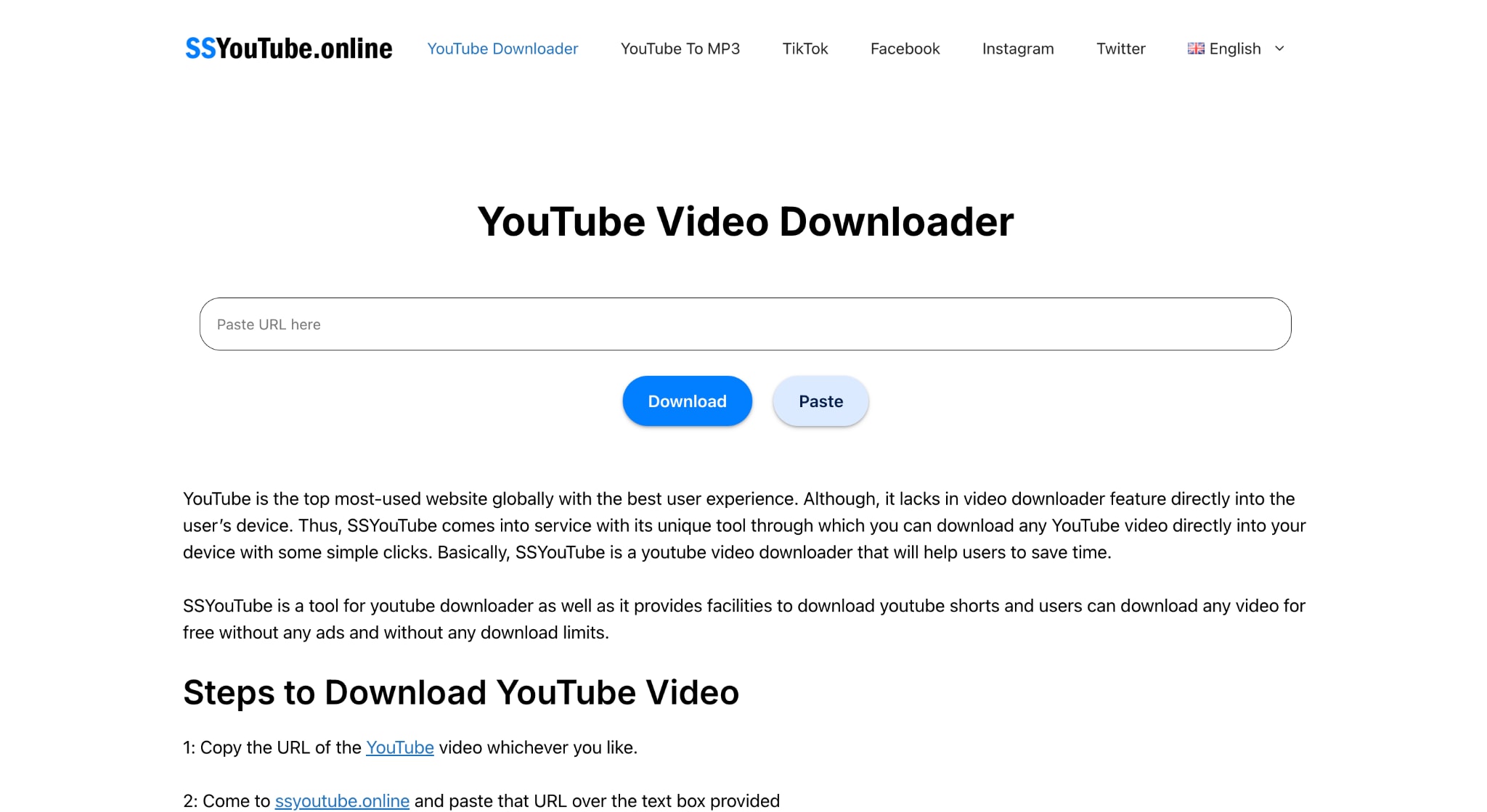
If you want something that feels familiar to SaveFrom.net, SSYouTube is the closest alternative. It uses the same quick browser-based approach, allowing you to download videos without creating an account or installing software. The biggest advantage is speed and convenience, especially when you only need an occasional download from a phone or computer. While it shares some of the same limitations as SaveFrom.net, including advertisements and quality restrictions, it remains a simple option when ease of access matters more than advanced functionality.
Key Features
Browser-based downloads with no installation required
Works across desktop and mobile devices
Supports multiple popular video platforms
Downloads video and audio formats
ClipConverter
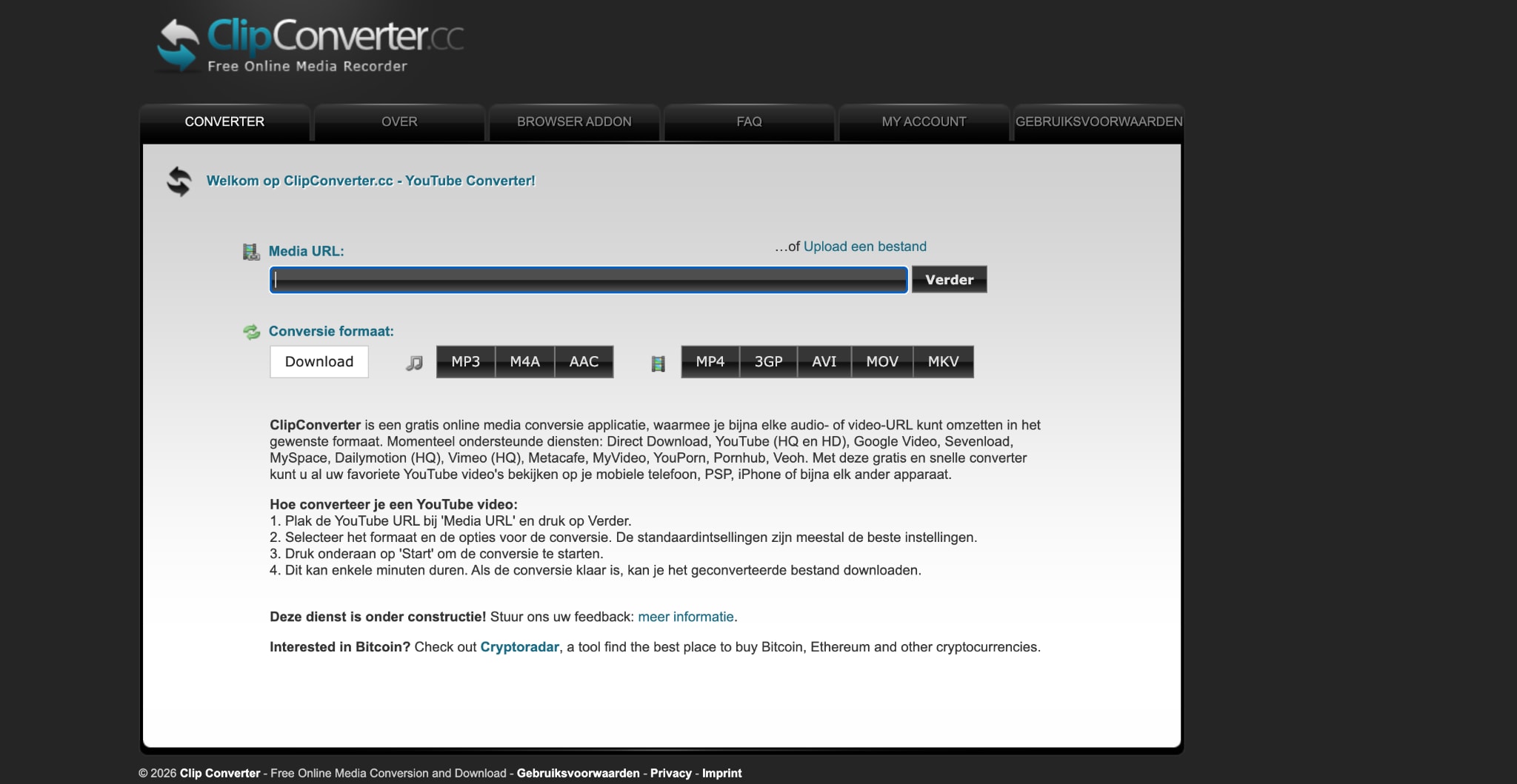
If format flexibility matters more than download speed, ClipConverter is worth considering. Unlike SaveFrom.net, which focuses primarily on downloading, ClipConverter emphasizes converting content to formats compatible with different devices and media players. You can choose output settings before downloading, making it useful when you need audio files, mobile-friendly formats, or specific quality levels. While the interface feels more dated than newer tools, it remains a practical choice for occasional downloads and quick format conversions.
Key Features
Converts videos into multiple audio and video formats
Adjustable quality and output settings
No software installation required
Compatible with several major video platforms
Part 5: SaveFrom.net vs. Alternatives: A Quick Comparison
This table lines up SaveFrom.net against the four alternatives on the points that decide most choices.
| Tool | Type | Safety | Quality | Cost |
| SaveFrom.net | Web | Risky ads, tracking extension | Up to 720p (4K, no audio) | Free, plus upsell |
| Wondershare UniConverter | Desktop | Clean, no ads | Up to 4K and 8K | From US$9.99/mo or US$39.99 once |
| 4K Video Downloader Plus | Desktop | Clean, reputable | Up to 4K and 8K | Free tier and Starts at $15.0/licensefor 3 devices |
| SSYouTube | Web | Ad-heavy, use a blocker | Up to 720p | Free |
| ClipConverter | Web | Ads and redirects | Up to 1080p | Free |
Part 6: Why Choose UniConverter as a SaveFrom.net Alternative?
SaveFrom.net works, yet using it means accepting risky ads, a tracking-flagged extension, region blocks that force a VPN in countries like India, and a constant push toward a paid upsell. Wondershare UniConverter removes those frictions as a desktop tool built for legitimate downloads. Five reasons make it a safer alternative to SaveFrom.net.
No ads, no tracking: Wondershare UniConverter runs as a clean desktop app with no pop-unders, fake buttons, or extensions that log download activity, which is the core safety problem with free web rippers.
Available everywhere, no VPN: SaveFrom is blocked in several regions, including the US, and needs a VPN to open in India. Wondershare UniConverter installs and runs worldwide with no regional block.
Built for legitimate use: Wondershare UniConverter pulls from 10,000+ sites for content a user has the right to save, and it does not condone downloading copyrighted or restricted material, keeping creators on the right side of the law.
More than a downloader: The same app converts across 1,000+ formats, compresses files by up to 90% with AI, upscales to 4K or 8K, and generates subtitles in 145+ languages, work a web ripper cannot touch.
Clear, one-time pricing: Wondershare UniConverter costs US$9.99 per month or US$29.99 per year, or a single US$39.99 perpetual license, with no recurring upsell during every download.
Part 7:Is SaveFrom.net Worth Using in 2026?
This SaveFrom.net review found that SaveFrom.net still delivers on its core promise: downloading online videos quickly and for free. If you only need an occasional download and are comfortable navigating ads, redirects, and quality limitations, it can still get the job done.
The trade-off is that convenience comes at a cost. Aggressive advertising, concerns around the browser extension, regional accessibility issues, and ongoing legal questions make SaveFrom.net less appealing for regular use. It is a tool that works, but one that requires caution.
If you're deciding whether SaveFrom.net is right for you, the simplest approach is to match the tool to your needs. For a one-off download of content you have permission to save, SaveFrom.net may be sufficient. If you download videos frequently, compare a few of the alternatives covered in this review and see which workflow feels safer, cleaner, and more reliable for your workflow.

