


AI photo editing has become much easier, faster, and more accessible than traditional editing.
Whether you want to sharpen a blurry image, remove a background, clean up a portrait, or improve product photos, there is now a wide range of AI-powered tools that can handle the work in seconds.
Users often search for terms like ai photo editor online free and ai photo editor free, but the real decision is usually bigger than price alone.
Some tools are best for quick browser-based edits, while others are more practical for users who need better output quality, repeated workflows, or support for multiple images.
In this guide, we will explain what AI photo editors can do, compare online and desktop options, break down free and paid differences, and show why Wondershare UniConverter is a strong choice for users who want a more efficient image workflow.
Table of Contents
Part 1. What an AI Photo Editor Can Do
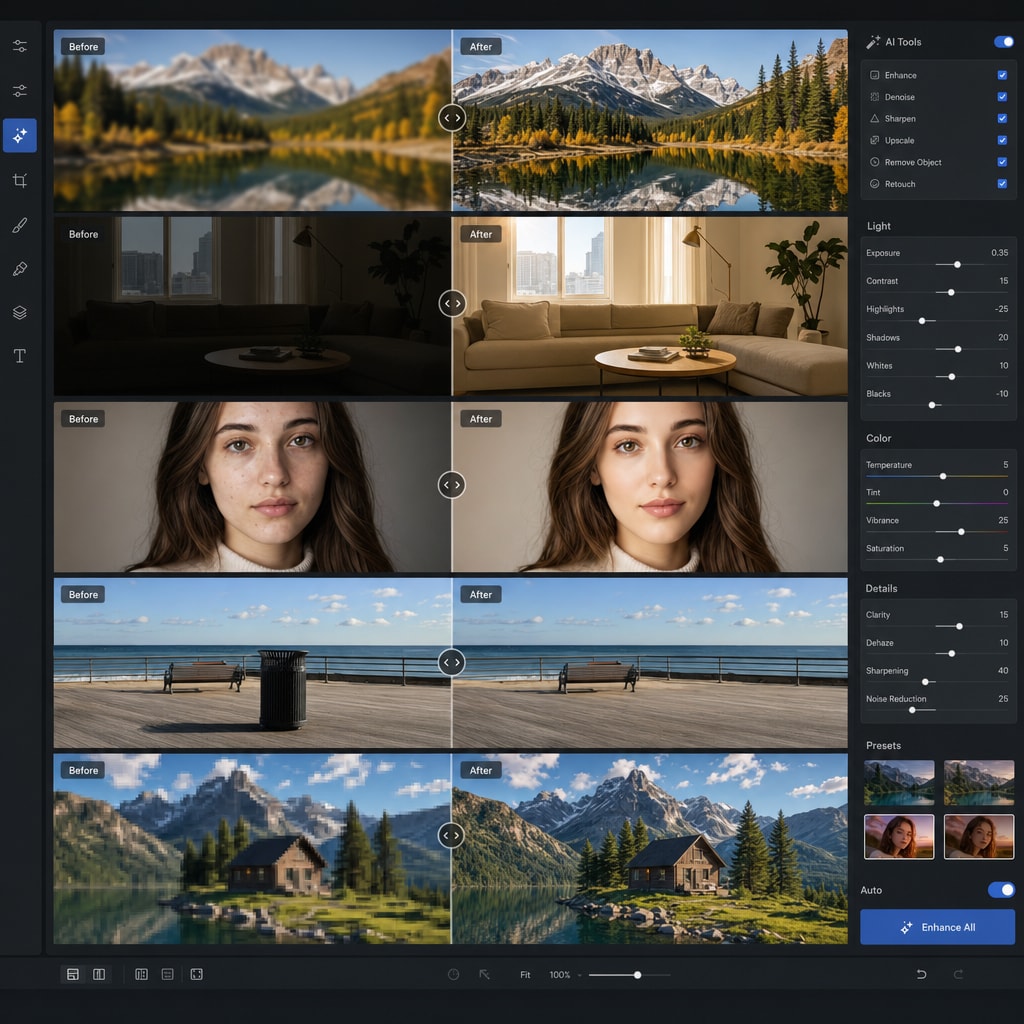
Modern AI photo editors do much more than apply simple filters.
Instead of asking users to manually adjust brightness, contrast, sharpness, and details one by one, AI tools can analyze an image and make targeted improvements automatically.
This is one of the main reasons AI editing has become so popular among bloggers, eCommerce sellers, marketers, and content teams.
Common AI photo editing tasks include:
- enhancing brightness, contrast, and sharpness
- removing or replacing backgrounds
- erasing unwanted objects
- retouching portraits
- upscaling low-resolution images
- reducing noise in dark or grainy photos
- correcting color automatically
- restoring older or blurry images
These features save time and reduce the technical barrier for users who want polished results without learning advanced editing software.
Why AI Editing Matters Today
For many users, AI editing is not just about convenience.
It also helps speed up repetitive tasks, improve asset quality, and make content production easier to manage across websites, blogs, social media, and online stores.
Part 2. Online vs Desktop AI Photo Editors
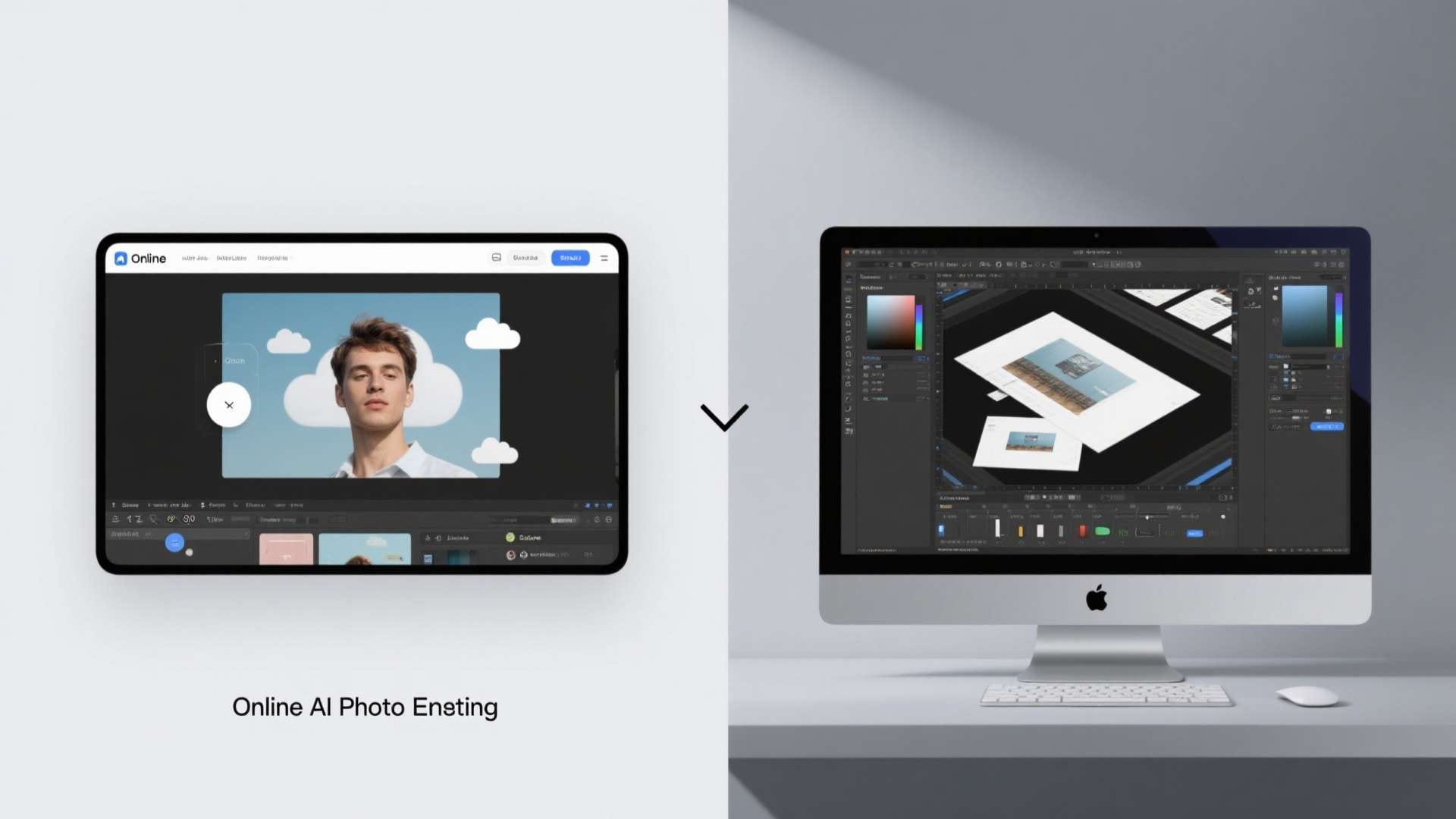
The biggest difference in the AI photo editor market is how the editing happens. Some tools work directly in the browser, while others are built as downloadable desktop software. Online AI photo editors are usually best known for speed and convenience. They are useful when you want fast access without installation and only need one or two quick edits. Desktop AI photo editors are usually better for users who edit more often, work with larger files, or need a more repeatable workflow. Neither option is automatically better. The right choice depends on how often you edit and what kind of workflow you need.
Online Editors Are Often Best For
- one-time or occasional edits
- fast access without installation
- simple visual cleanup
- social media or casual content needs
Desktop Software Is Often Better For
- frequent editing work
- larger files and more stable output
- repeated tasks across multiple images
- workflow efficiency and better control
Part 3. How to Evaluate an AI Photo Editor
When comparing AI photo editing tools, it helps to focus on practical criteria instead of marketing claims.
A tool may advertise smart enhancement or AI retouching, but the real user experience depends on quality, export control, workflow speed, and how easily the tool fits your actual tasks.
The most useful points to compare are:
- Editing quality: Does the result look natural, or does the AI overprocess the image?
- Feature depth: Can the tool handle enhancement, cleanup, background removal, and upscaling?
- Ease of use: Is the interface beginner-friendly and efficient?
- Export quality: Can you download useful image files without major limitations?
- Workflow efficiency: Can several tasks be completed in one place?
- Batch support: Can the tool process multiple images efficiently?
- Privacy and control: Are you comfortable with cloud uploads, or do you prefer local handling?
- Cost structure: Is the tool better for occasional use or long-term repeated work?
Looking at tools through these factors makes it easier to choose based on real need rather than surface-level positioning.
Part 4. Free vs Paid AI Photo Editors
Price still matters, but it should be viewed in context.
Free and freemium AI editors are often a strong starting point for casual users, while paid tools usually become more valuable when users need stronger output, broader features, or smoother repeated workflows.
| Comparison Point | Free or Freemium AI Editors | Paid AI Photo Editors |
| Access | Easy to start, often browser-based | Usually requires purchase, subscription, or desktop install |
| Best For | Casual edits, trying features, quick tasks | Regular editing, professional output, broader workflows |
| Feature Depth | Often limited to core tasks | Usually broader and more refined |
| Export Quality | May include limits on size or format | Typically better for full-quality output |
| Batch Editing | Often limited or unavailable | More common and more efficient |
| Workflow Continuity | Can feel fragmented across separate tools | Better suited to repeated or multi-step tasks |
| Learning Curve | Usually beginner-friendly | Can range from simple to advanced |
| Overall Value | Strong for light users | Better for frequent users who need consistency |
This comparison shows that free tools can be enough for simple one-time edits, while paid tools often provide better long-term value for users who edit more often.
Part 5. Comparison Table: Common Types of AI Photo Editors
Different types of AI photo editors are designed for different needs.
Some are made for quick browser-based cleanup, while others are better for portrait work, background removal, restoration, or ongoing content workflows.
| Tool Type | Main Strengths | Common Limitations | Best For |
| Browser-based quick editor | Fast access, easy to use, great for simple edits | Smaller feature depth, limited exports, cloud-based workflow | Casual edits and quick cleanup |
| AI portrait editor | Face enhancement, skin smoothing, lighting fixes | Narrower use case | Selfies, avatars, profile photos |
| Background or object remover | Fast cutouts and cleanup | Less useful for broader editing tasks | Product photos, thumbnails, social visuals |
| AI upscaler or restoration tool | Improves detail and clarity in weak images | Often specialized around one feature | Old, blurry, or low-resolution photos |
| Advanced desktop software | Better control, broader editing depth, stronger file handling | More setup, often paid | Frequent users and professional workflows |
| UniConverter | Efficient workflow support, repeated task convenience, broader media utility | Most valuable for ongoing content work rather than one-off edits | Creators, marketers, eCommerce teams, content operations |
Quick Use Guide
- Need a simple browser-based edit? Use an online AI photo editor.
- Need portrait enhancement? Choose a portrait-focused tool.
- Need to improve old or blurry photos? Use an upscaler or restoration tool.
- Need to process images more regularly? Desktop software is usually the better fit.
- Need AI editing as part of broader content work? UniConverter makes more sense than a single-purpose editor.
This use-case view is more helpful than simply choosing the first tool that looks convenient.
The best editor is usually the one that matches the kind of work you need to do repeatedly.
Part 6. Why UniConverter Fits Naturally in This Comparison
UniConverter is relevant in this discussion because many users do not simply need a one-time AI photo fix.
They need a practical way to handle repeated media tasks more efficiently.
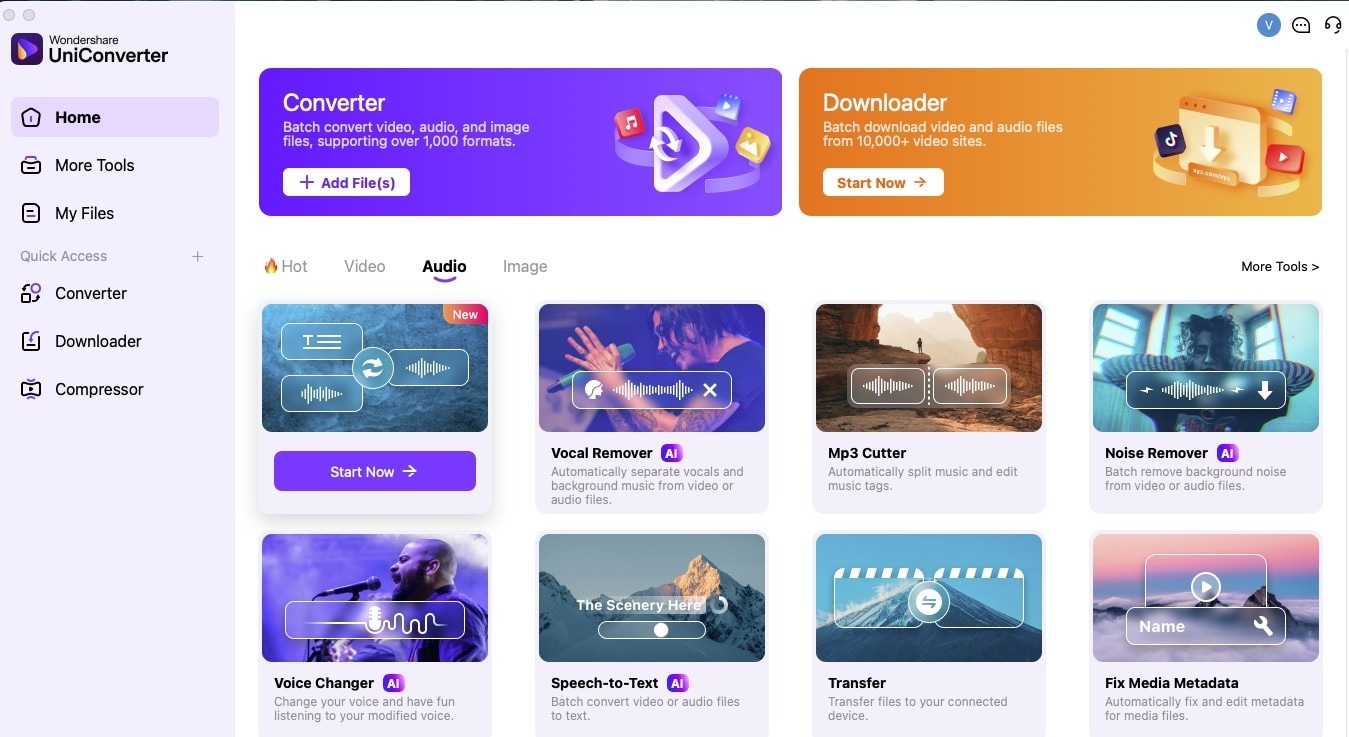

A Smarter AI Photo Editing Workflow
Why Some Users Need More Than a Quick Online Tool
A browser-based AI editor can work well for occasional image cleanup, but many users eventually run into repeated uploads, fragmented workflows, and inconsistent handling across different tasks.
That is where UniConverter becomes more useful.
Better for Repeated Work
UniConverter is a better fit for users who edit assets regularly rather than occasionally.
Instead of treating AI editing as a one-off action, it supports a smoother repeated workflow for people working with image and media content over time.
Good Fit for Content-Oriented Users
UniConverter makes particular sense for:
- content marketers
- eCommerce teams
- social media managers
- creators working across image and video assets
- operations-focused users who value speed and consistency
A Workflow Advantage, Not Just a Feature Advantage
Its value is not only about having AI-related features.
The bigger advantage is that it fits naturally into ongoing content workflows where users need more efficiency, less tool switching, and better continuity across repeated tasks.
Part 7. How to Choose the Right AI Photo Editor
The best AI photo editor depends on how often you edit and how complex your workflow is.
A lightweight online tool may be enough if you only need occasional fixes, while a more advanced or workflow-oriented solution is usually better for repeated content work.
Choose an Online AI Editor If
- you want immediate access
- your edits are simple
- you only need occasional improvements
- convenience matters most
Choose a More Advanced or Desktop-Based Tool If
- you edit frequently
- you handle multiple images
- you need stronger consistency
- workflow efficiency matters more than one-click access
Questions to Ask Before Choosing
- Is this a one-time edit or a recurring task?
- Do I need one feature or several?
- Will I be working with one image or many?
- Do I care more about speed or control?
- Is editing part of a larger content workflow?
In most cases, these questions make the right decision much clearer than choosing based on price alone.
Conclusion
The best AI photo editor is not defined only by cost. It is defined by how well it fits the work you actually need to do. For quick edits, browser-based tools are still a strong starting point. For users who edit more often or want better workflow continuity, desktop-oriented and more complete tools offer stronger long-term value. That is where Wondershare UniConverter becomes especially relevant. It helps users work more efficiently across repeated content tasks instead of solving only a single edit once.

