


Having the right download manager can make all the difference when downloading large files or managing multiple downloads at once. While Internet Download Manager has been the go-to choice for many, it comes with a price tag that not everyone wants to pay. You might be searching for something free, compatible with your Mac or Linux system, or simply exploring other options that better fit your needs.
Several Internet Download Manager alternatives, both free and paid, can match or even exceed what IDM offers. Let's explore why you might want to switch and discover the best options available in 2026.
In this article
Why Seek Internet Download Manager Alternatives
Before we dive into the Internet Download Manager alternatives, let's talk about why you might be looking for something different from IDM in the first place.
Cost concerns
Top the list for most people. IDM costs $11.95 per PC per year, and while that's not a fortune, why pay when you can get similar features for free? Many excellent open-source alternatives deliver the same functionality without asking for your credit card.
Platform compatibility
Compatibility is another major factor. IDM works exclusively on Windows, leaving Mac and Linux users searching for alternatives. If you're working across different operating systems or recently switched from Windows, you'll need a download manager that works on your current setup.
Open-source philosophy
This is preferred because it promotes transparency and community-driven development. Open-source alternatives let you see exactly what's happening under the hood and often receive frequent updates from dedicated developer communities.
Feature preferences
Features also drive the search for alternatives. Maybe you need better torrent support, cloud integration, or a cleaner interface. Some alternatives excel at video downloading, while others focus on batch downloads or scheduling capabilities. Whatever your specific needs, there's likely a download manager tailored for them.
Best Internet Download Manager alternatives for Windows, Mac, and Linux
Internet Download Manager is closed source, costly, and has some potential performance issues that make it less compatible with all users. Here are the best 10 similar software programs, like Internet Download Manager, with better performance, cost-effectiveness, and workability on almost all platforms.
1. UniConverter: best for video downloads and batch conversion

Wondershare UniConverter is a comprehensive tool. It runs both online and offline on Mac and Windows, making it secure and safe, as privacy is the most integral part of any tool. You can download audio, video, and thumbnails in MP4 and MOV formats without compromising the quality. If you want to download YouTube videos, Instagram reels, or videos from any source in batches.
Additionally, you do not need to paste the link one by one and then download; batch processing saves your time and speeds up the process. It is the best alternative to IDM because it does not fluctuate and requires troubleshooting, and pricing makes it affordable.


Safety Review: 5/5
Starting Price: 49.99/Year
Ads Density: No
Product Type: Online and desktop application for Mac and Windows

Easy to Use Internet Download Manager Alternative
2. Free Download Manager: best free IDM alternative with torrent support
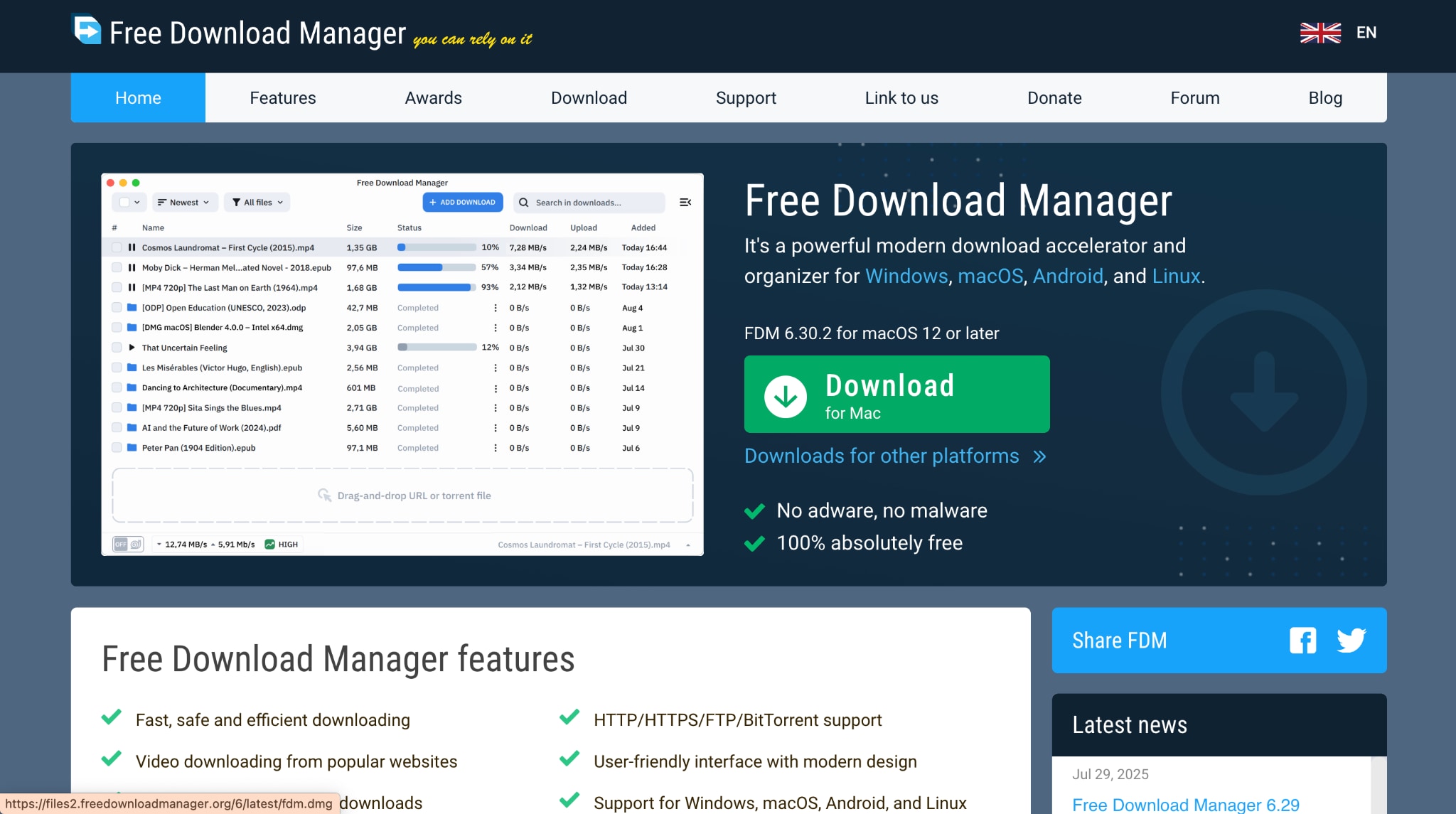
Free Download Manager is one of the most popular alternatives to IDM, offering impressive download acceleration and built-in torrent support. It can boost download speeds up to 10 times by splitting files into multiple sections and downloading them simultaneously.
Safety Review: 3.5/5
Starting Price: Free
Ads Density: Ad-free
Product Type: Desktop application (Windows, Mac, Linux, Android) with browser extensions
3. AB Download Manager: best open-source alternative with a modern interface
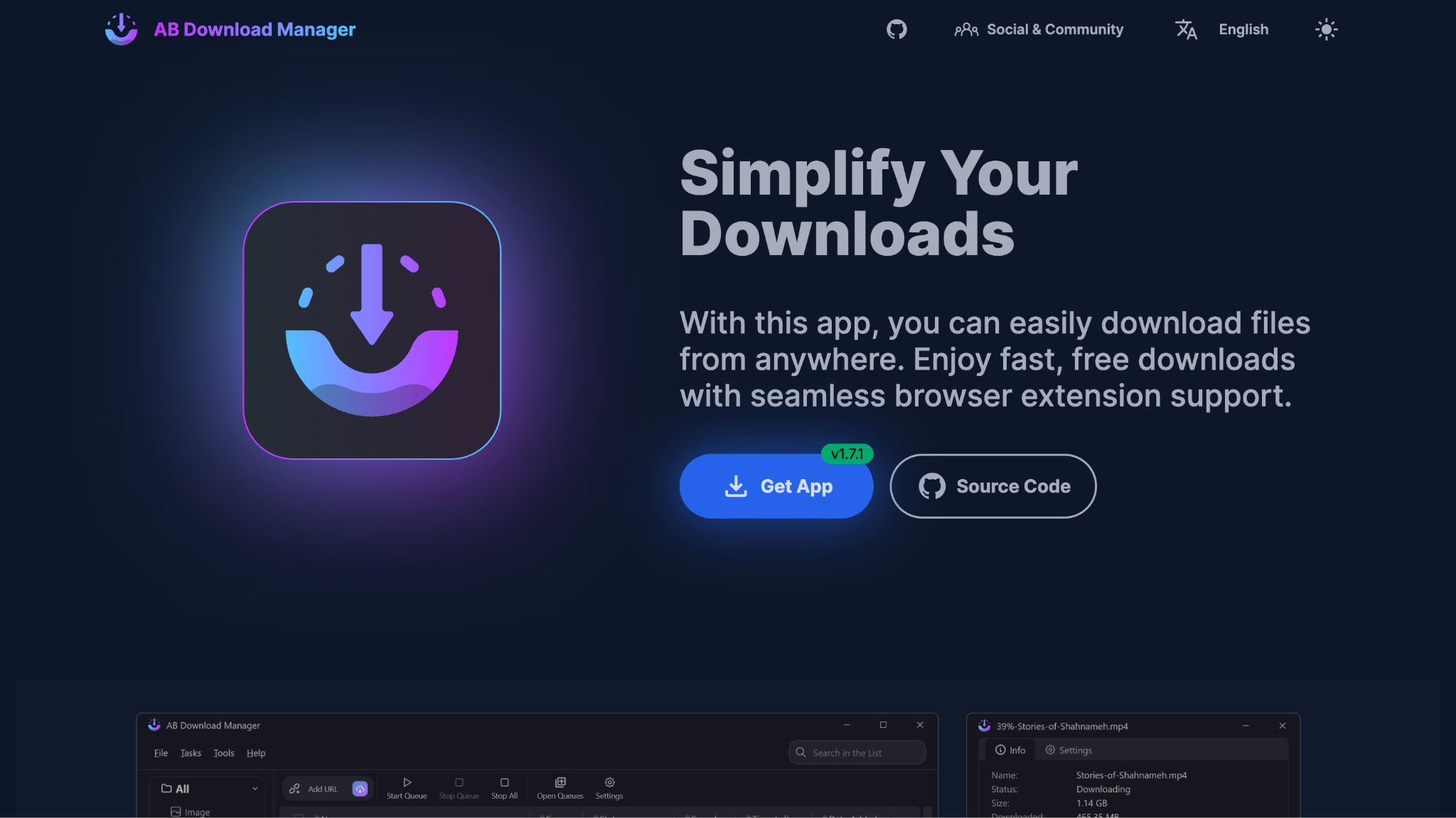
AB Download Manager is steadily becoming a favorite among users who want a cleaner, faster way to manage downloads. It's a free, open‑source tool built for simplicity and control, letting you queue, schedule, and organize multiple downloads without clutter or ads. The software integrates seamlessly with popular browsers like Chrome and Firefox, automatically capturing links as you browse.
Safety Review: 5/5 - Open-source, no malware detected, verified as safe.
Starting Price: Free
Ads Density: Ad-free
Product Type: Desktop application (Windows, Linux, Mac) with browser extensions for Chrome, Firefox, Edge
4. Xtreme Download Manager: best open-source speed-focused IDM alternative
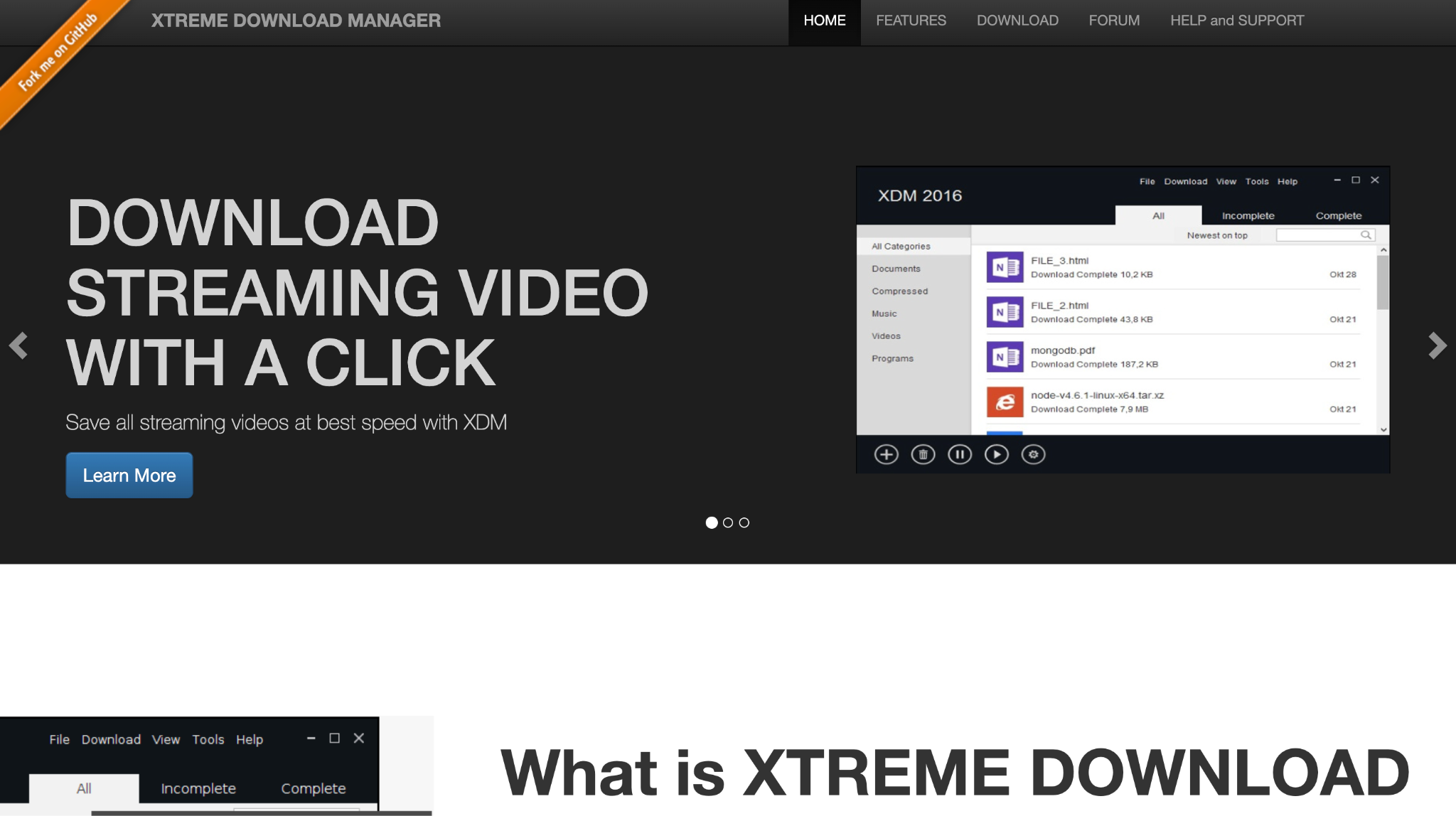
If you're looking for raw speed and open‑source freedom, Xtreme Download Manager (XDM) delivers. It speeds up downloads by up to five times while letting you grab videos from streaming sites like YouTube and Vimeo. Its integration with all major browsers means you can capture downloads instantly, and the built-in converter helps you save videos in formats fit for phones or TVs. With scheduler options and even antivirus checks, XDM is a solid all‑rounder for any user.
Safety Review: 4.5/5 - Open-source and safe, available on Microsoft Store.
Starting Price: Free
Ads Density: Ad-free
Product Type: Desktop application (Windows, Linux, Mac)
5. JDownloader: best for one-click hosting and CAPTCHA workflows

JDownloader is perfect if you often use one‑click hosting websites such as Mega or Uploaded. It automates CAPTCHA entry, manages premium accounts, and effortlessly resumes broken downloads. Because it's written in Java, it works across Windows, Mac, and Linux systems. The huge community support and continuous deployment make it ideal for users who download from file‑sharing platforms regularly. It's entirely free and customizable, though installation requires care to avoid bundled extras .
Safety Review: 3/5 - Software is safe, but the installer includes adware
Starting Price: Free
Ad Density: High
Product Type: Desktop application (Windows, Mac, Linux) requiring Java
6. 4K Video Downloader: best for 4K/8K video playlists and channels
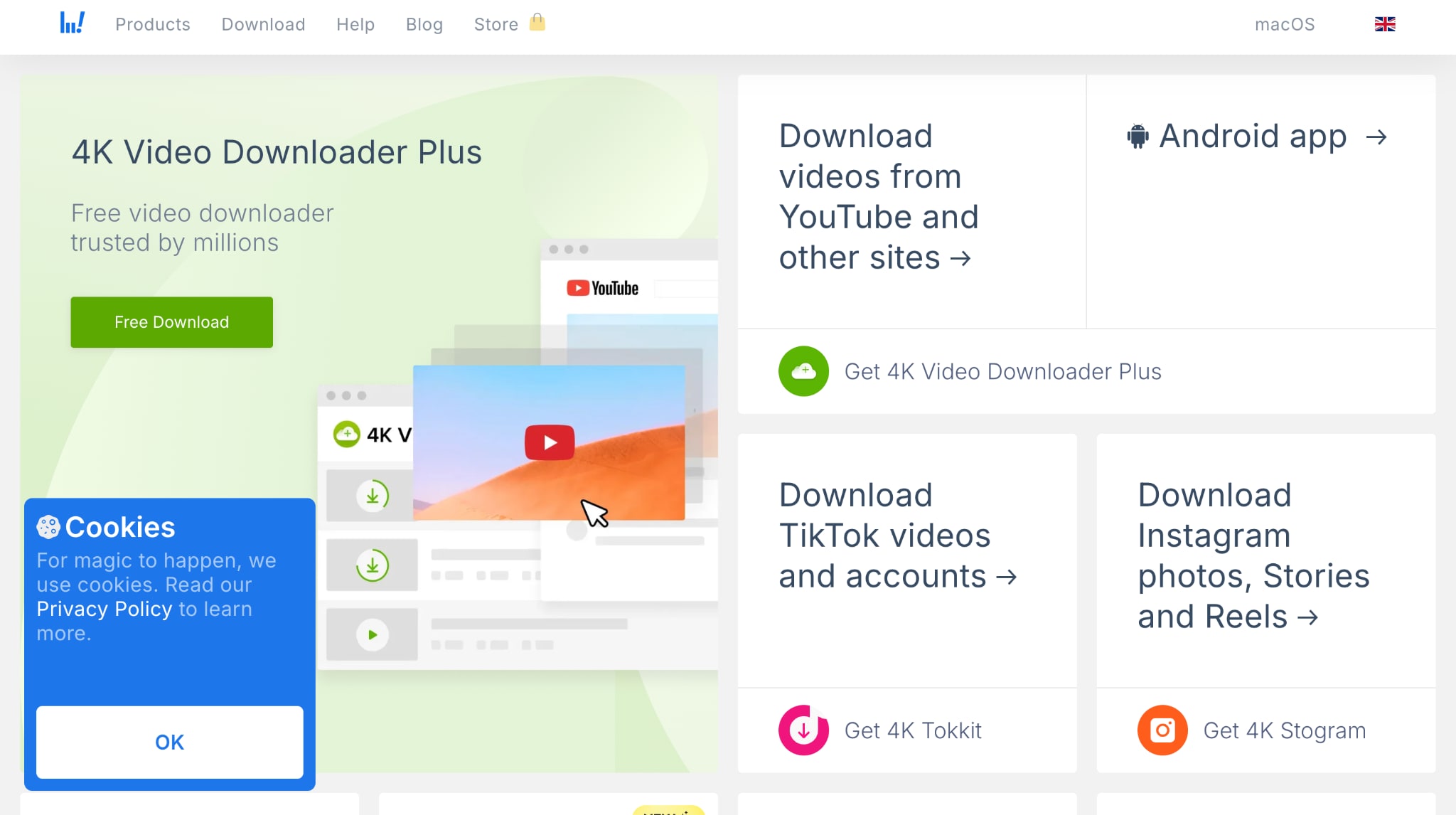
For anyone who downloads videos more than documents, 4K Video Downloader is a gem. It pulls high‑quality 4K and even 8K videos from YouTube, Facebook, Vimeo, Twitch, and more, including playlists and entire channels. Its Smart Mode remembers your preferred format and resolution, automating future downloads.
Safety Review: 4.5/5
Starting Price: Free version available; Premium pricing varies
Ads Density: Ad-free
Product Type: Desktop application (Windows, Mac, Linux) and Android app
7. Persepolis: best for advanced users who need queue scheduling

Persepolis shines as a clean, open‑source solution that now boasts its own powerful engine instead of relying on aria2. It handles up to 64 simultaneous connections per file, greatly improving download speeds. Ideal for advanced users, it supports proxy servers and queue scheduling with precision.
Safety Review: 4/5
Starting Price: Free
Ads Density: Ad-free
Product Type: Desktop application (Windows, Mac, Linux, BSD) with browser extensions
8. Gopeed: best cross-platform download manager with web and mobile options
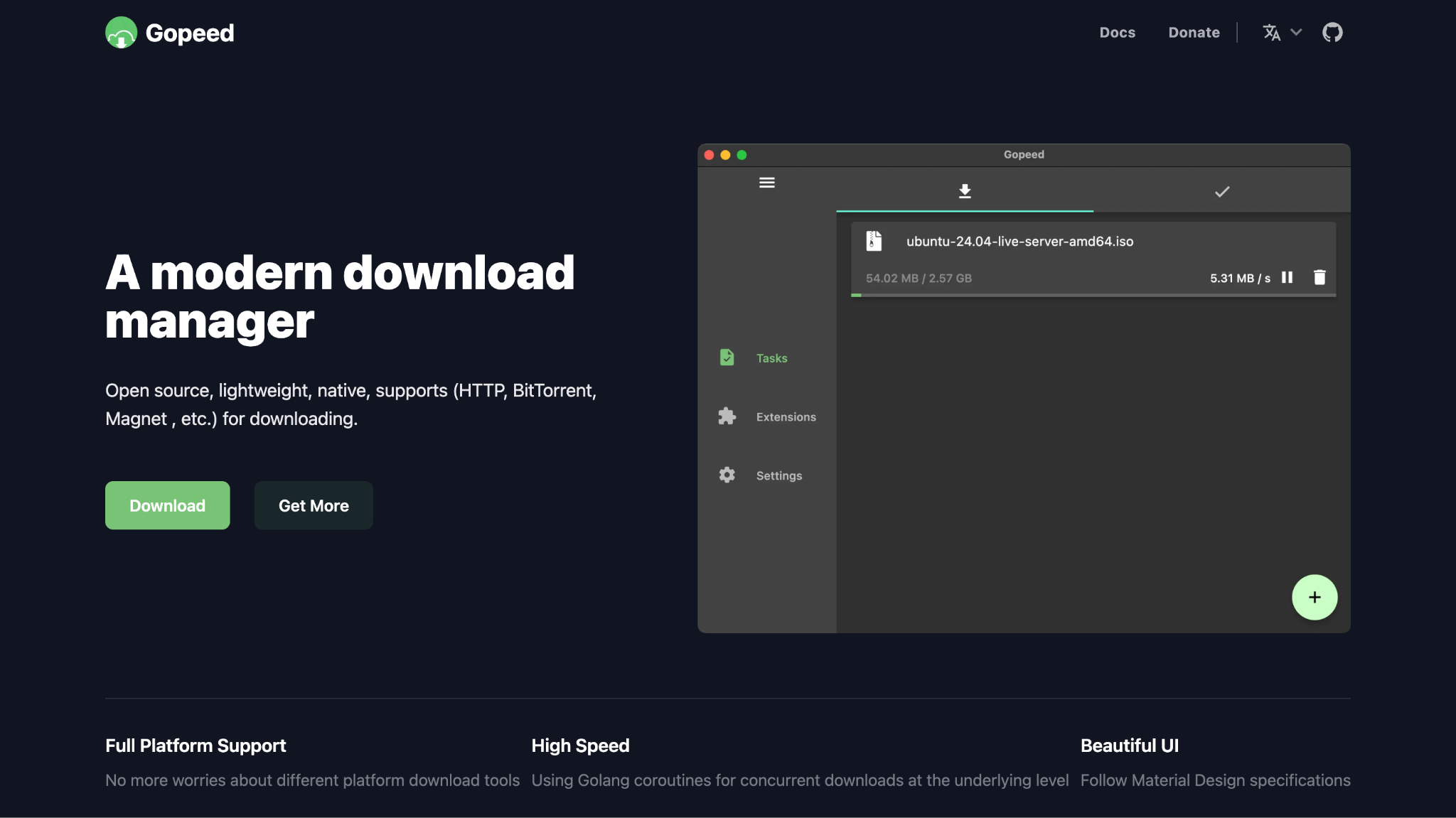
Gopeed works across Windows, macOS, and Linux, with an optional web interface and browser integration. It’s built using a lightweight Go‑based backend engine, giving you fast multi‑threaded downloads, segmented file fetching, and a simple GUI that’s easy to navigate. The tool supports HTTP, HTTPS, FTP, and magnet links, and unlike older managers, it updates frequently and runs reliably on newer systems.
Safety Review: 5/5
Starting Price: Free
Ads Density: Ad-free
Product Type: Desktop application (Windows, Mac, Linux), Mobile app (Android, iOS), Web version, Docker
9. EagelGet: best Windows download accelerator with malware scanning

EagleGet focuses on speed and convenience without the price tag. This Windows‑based download accelerator boosts your download rate several-fold through multi‑threaded transfers and supports all major file protocols. A big plus is its built-in malware checker that scans files post‑download. You can set schedules or even allow your PC to auto‑shutdown once downloads finish.
Safety Review: 3.5/5
Starting Price: Free
Ads Density: Low (some bundled offers during installation)
Product Type: Desktop application (Windows)
10. Motricx: best modern open-source download manager for torrents and magnet links
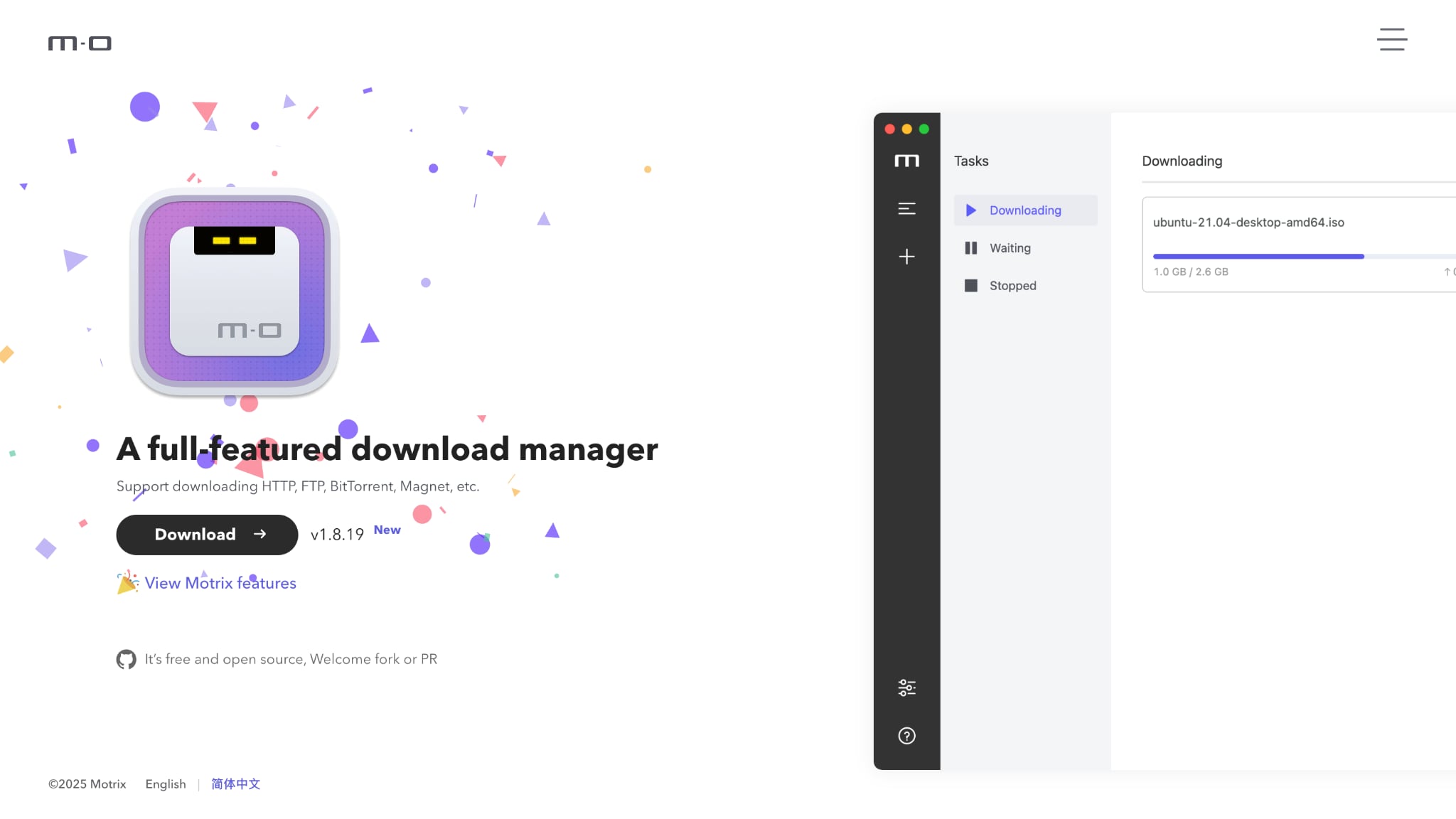
Motrix is a polished open‑source download manager. Its interface feels modern and minimal, supporting everything from torrents to magnet links to standard HTTP downloads. You can run up to ten active downloads at once, each using 64 threads for maximum speed. The cross‑platform design means it runs decently on Windows, macOS, and Linux.
Safety Review: 5/5
Starting Price: Free
Ads Density: Ad-free
Product Type: Desktop application (Windows, Mac, Linux)
Best For by Use Case
- Best for video downloads and batch conversion: UniConverter
- Best free IDM alternative: Free Download Manager
- Best open-source IDM alternative: Motrix
- Best for one-click hosting and advanced download control: JDownloader
- Best for cross-platform users on Windows, Mac, and Linux: Gopeed
Compare IDM alternatives by platform, safety, and download features
When looking for an IDM alternative for Mac, Windows, and Linux, ease of use, batch processing, and platform support mean a lot for daily users. Here is the comparison table comparing each tool so you can make the right choice:
| Download Manager | Usability | Batch Process Support | Unique Features | Supported Platforms |
|---|---|---|---|---|
| Wondershare UniConverter | Easy | Yes | All-in-one video toolkit with converter | Windows, Mac |
| Free Download Manager | Easy | Yes | Built-in torrent client, 10x speed boost | Windows, Mac, Linux, Android |
| AB Download Manager | Easy | Yes | Modern UI, open-source, privacy-focused | Windows, Linux, Mac |
| Xtreme Download Manager | Moderate | Yes | 500% speed increase, video converter included | Windows, Linux, Mac |
| JDownloader | Moderate | Yes | One-click hoster specialist, CAPTCHA recognition | Windows, Mac, Linux |
| 4K Video Downloader | Easy | Yes | 4K/8K video support, Smart Mode | Windows, Mac, Linux, Android |
| Persepolis | Moderate | Yes | 64 connections per file, own download engine | Windows, Mac, Linux, BSD |
| uGet | Easy | Yes | Lightweight, 16 connections, advanced categories | Windows, Linux, Android |
| EagleGet | Easy | Yes | Built-in malware scanner | Windows |
| Motrix | Very Easy | Yes | Beautiful interface, touch bar support | Windows, Mac, Linux |
How We Tested
We compared each Internet Download Manager alternative based on download speed, platform support, ease of use, browser integration, batch downloading, safety, and overall reliability.
- Platform compatibility: Windows, Mac, Linux, and mobile support where available
- Core features: resume support, batch downloads, scheduling, and browser integration
- Usability: setup difficulty, interface clarity, and day-to-day download experience
- Trust factors: official availability, update activity, and overall safety reputation
Easy to Use Internet Download Manager Alternative
Fix slow, failed, or interrupted downloads
Here are some troubleshooting tips when you face issues with your download manager:
Why is My Download Manager Not Capturing Links?
A common frustration is when your download manager fails to detect links, often after a browser update. Key fixes include:
- Verify the Extension: Check your browser’s extension menu to ensure the download manager add-on is installed and enabled.
- Reinstall the Extension: If missing, manually reinstall it. For example, IDM users can drag the IDMGCExt.crx file from its program folder onto their browser's extensions page.
- Enable Clipboard Monitoring: Activate the "monitor clipboard" function in your download manager’s settings. This captures download links you copy as a backup.
- Check Firefox Settings: Firefox users should ensure privacy.firstparty.isolate is set to false in about:config.
How to Improve Download Speeds Further
Boost performance beyond your download manager’s capabilities with these tips:
- Use a Wired Connection:An Ethernet cable provides a more stable and faster link than Wi-Fi.
- Free Up Bandwidth:Close other applications that use the internet, like streaming services or cloud backups.
- Change Your DNS:Switch to a faster DNS service, such as Google DNS (
8.8.8.8) or Cloudflare DNS (1.1.1.1), to speed up connection times.
Safety First: How to Avoid Malware
Protect yourself when downloading files by following these key practices:
- Stick to Official Sources:Only download software from the developer’s official website to avoid malicious third-party portals.
- Avoid "Bundled" Software:During installation, choose "Custom" setup and carefully decline any additional bundled software or toolbars.
- Use Built-in Scanners:Enable your download manager’s automatic virus scan feature if it has one.
- Steer Clear of Pirated Software:Cracked programs are a common source of malware and should be avoided.
Conclusion
Choosing the right free internet download manager alternative can elevate your downloading experience without costing a penny. Tools like Wondershare UniConverter, Free Download Manager, and AB Download Manager offer reliable speed and simplicity, while 4K Video Downloader is perfect if videos are your focus. Linux lovers will find uGet and Persepolis ideal for open‑source freedom and performance. Test a few options, stick with what suits your workflow, and always download from trusted sources for the best and safest results.

