


For many power users, a reliable download manager is essential; however, JDownloader's past bundling practices and Java dependency have prompted users to seek safer alternatives. If you're looking for a trusted JDownloader alternative that strikes a balance between power and privacy, this guide walks you through the 10 best choices for 2026.
We rigorously tested tools for safety, legality, performance, and ease of use, then distilled which one suits best: from all-in-one suites like Wondershare UniConverter to speed-focused tools like Internet Download Manager and open-source champions like Xtreme Download Manager. Read on to find the right, secure downloader for your needs..
In this article
Key Takeaways
[Security Concerns] JDownloader’s past bundling and Java dependency raise safety and privacy concerns for many users.
[Alternative Options] Tools like Internet Download Manager, Free Download Manager, Xtreme Download Manager, and EagleGet offer safer, faster downloading.
[User Experience Needs] Many users seek simpler interfaces, better stability, and fewer crashes compared to complex legacy tools.
[Best All-in-One Choice] Wondershare UniConverter provides secure video downloading, batch processing, and conversion in a clean, user-friendly interface.
Part 1. What makes a JDownloader alternative safe, legal, and worth using?
To ensure we recommend only the best and most trustworthy software, we evaluated each potential JDownloader alternative against a strict set of criteria. This helps us move beyond mere feature lists and assess what truly matters: your security and satisfaction.
Safety & Legality: This is our paramount concern. We verify that the software is obtained from official sources, does not bundle unwanted malware, adware, or PUPs (Potentially Unwanted Programs), and operates within the legal boundaries of copyright law. We scrutinize the developer's reputation and the tool's privacy policy.
Stability & Performance: A download manager must be reliable. We test for crashes, hangs, and memory leaks. Performance metrics include download acceleration capabilities (multi-threading), success rates with various hosting sites, and the efficiency of resource usage (CPU/RAM).
User Experience (UX) & Ease of Use: The interface should be intuitive and user-friendly. We assess the learning curve, the clarity of settings and options, and the overall workflow for adding and managing downloads. A cluttered or confusing UI can negate even the most powerful features.
Privacy Review: We examine what data, if any, the software collects. Does it send your download history back to the company? Are there any concerning permissions required? A transparent privacy policy that respects user data is a significant plus.
Success Rate: Ultimately, a download manager must work. We test its ability to handle different types of links, from direct downloads to embedded videos from various sites, and measure how consistently it can complete those downloads without errors.
Part 2. Best 10 JDownloader Alternatives
Based on our rigorous measurement criteria, here are the top 10 safest and most effective alternatives to JDownloader available today.
1. Wondershare UniConverter
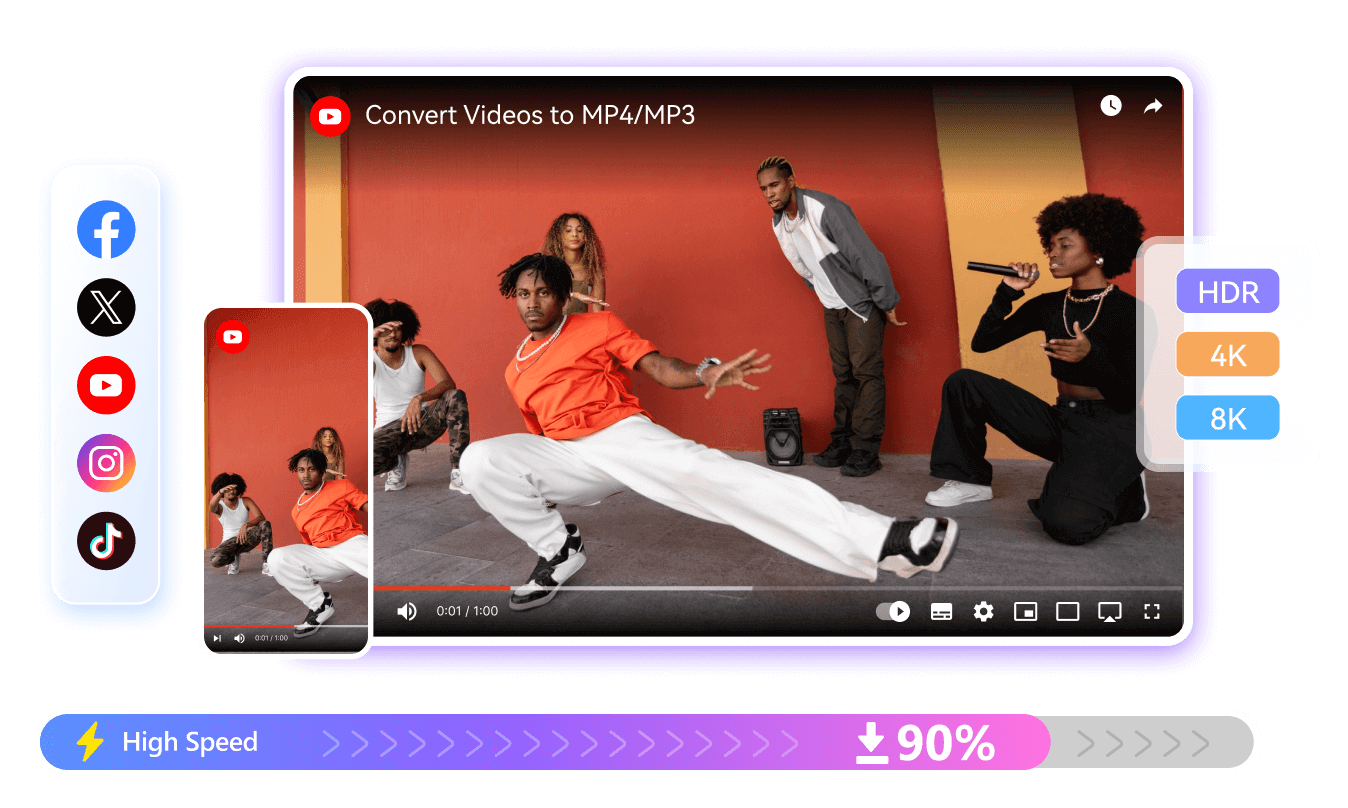
Wondershare UniConverter is an all-in-one multimedia solution that simplifies video downloading, conversion, compression, and editing. Equipped with powerful AI features, it enhances video quality and supports 4K/8K resolution formats without quality loss. Its batch-processing capability lets creators, educators, and businesses save time while maintaining professional output. With one-click presets, format compatibility, and editing tools like trimming, subtitling, and screen recording, UniConverter delivers both speed and quality for seamless content creation and sharing.
Best for: Users who primarily download online videos and want an all-in-one, safe, and incredibly user-friendly media toolkit.
Safety: Excellent. Wondershare is an established software company, and UniConverter is distributed without any adware or malware.
Why we recommend it: We recommend UniConverter first because it perfectly addresses the common pain points of JDownloader: safety concerns and a complex interface. It provides a legally sound, secure, and polished experience for the widespread use case of downloading online videos, wrapped in a suite of other valuable utilities. For anyone seeking a tool like JDownloader, but specifically for video content, this is the top-tier choice.

Easy to Use JDownloader Alternative
2. Internet Download Manager (IDM)
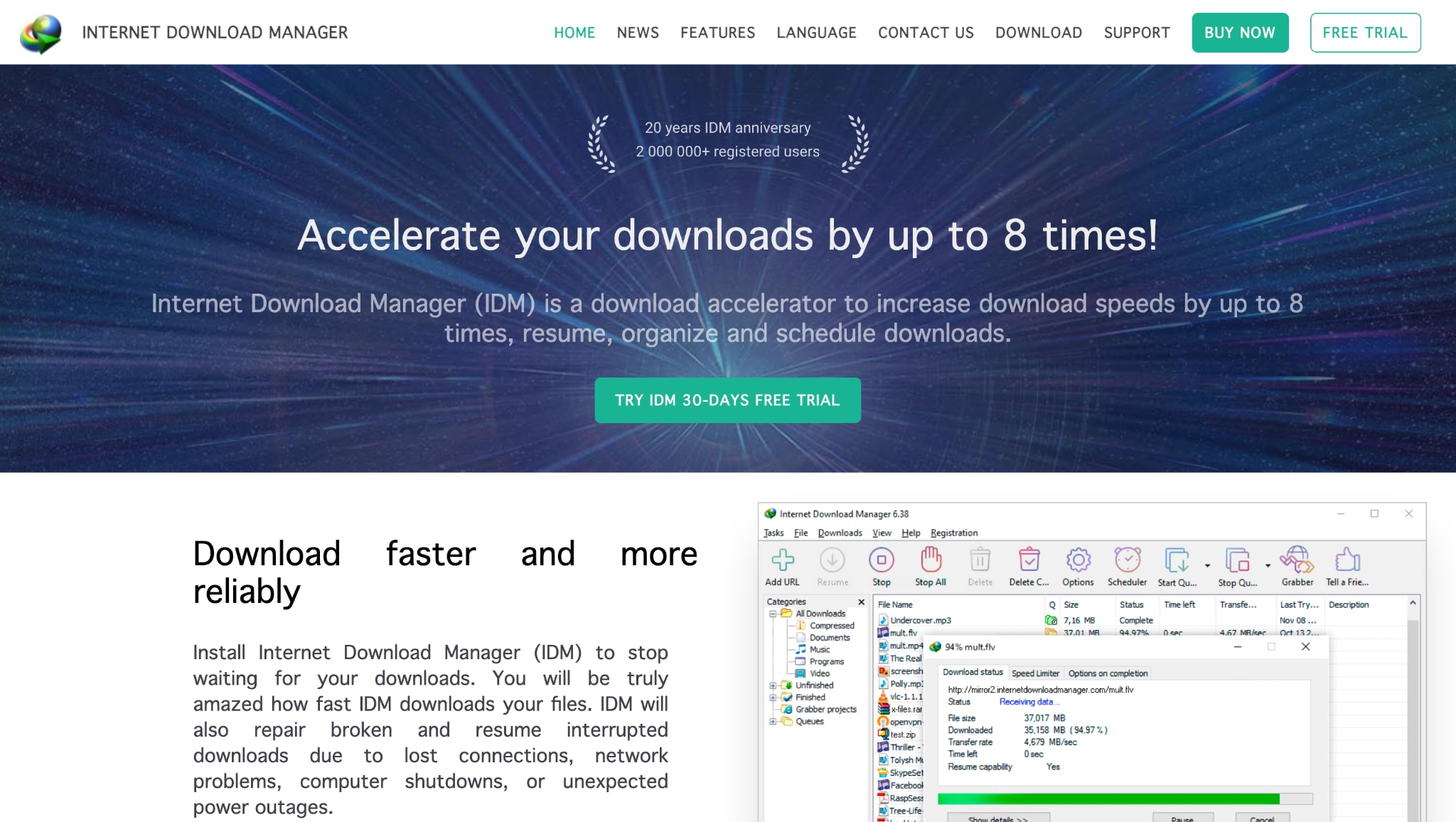
A veteran and one of the most popular download accelerators for Windows, IDM is renowned for its incredible speed and reliability. It integrates seamlessly with all major browsers to capture download links and utilizes dynamic file segmentation to accelerate downloads significantly.
Best for: Windows users who require the fastest and most reliable manager for direct internet downloads.
Safety: Very Good. A legitimate, widely-used commercial software with no history of malware.
3. EagleGet
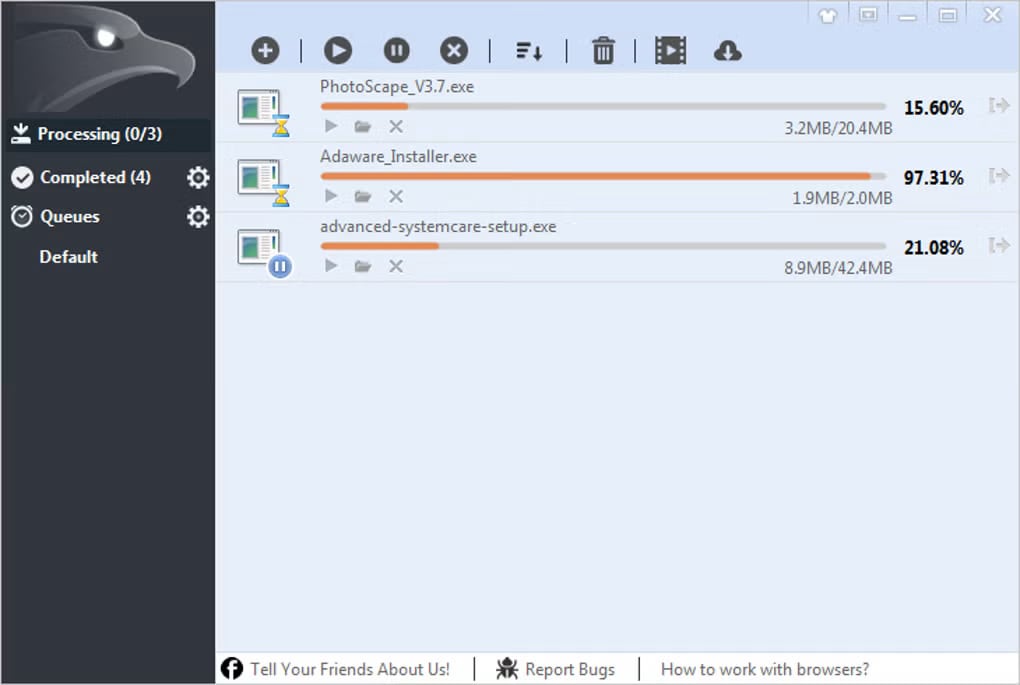
EagleGet is a free download manager for Windows that offers many features similar to IDM, including acceleration, browser integration, and video grabbing. It presents itself as a strong free alternative to JDownloader and IDM.
Best for: Budget-conscious Windows users looking for a free yet powerful download accelerator.
Safety: Good. The official distribution is clean, but users should exercise caution when downloading it from the official source to avoid bundled software..
4. Free Download Manager (FDM)
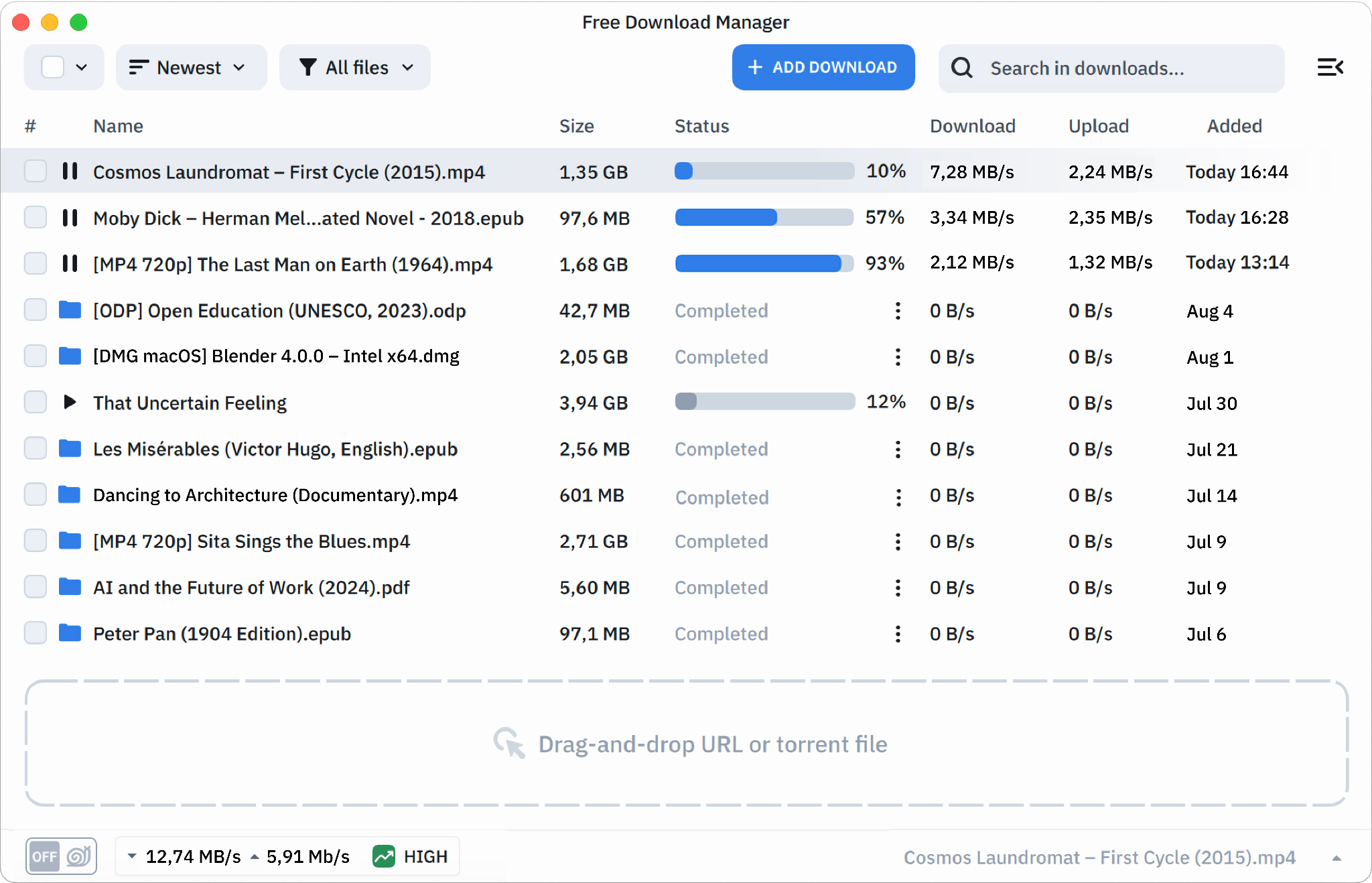
Free Download Manager (FDM) is a powerful, cross-platform download accelerator for Windows, macOS, Android, and Linux. It enhances download speeds up to tenfold, resumes broken downloads, manages torrents, and handles large files efficiently. With smart traffic control, file prioritization, and browser integration for Chrome, Firefox, and Edge, FDM ensures flexibility and convenience. Ideal for users seeking a free, open, and feature-rich tool, it’s a reliable choice for boosting productivity in file management.
Best for: Users who want a free, all-in-one solution that handles both direct downloads and torrents across multiple devices.
Safety: Very Good. As open-source software, its code can be audited, and the official version is safe to use.
5. Xtreme Download Manager (XDM)
Xtreme Download Manager (XDM) greatly accelerates downloads—up to 500% faster—through dynamic file segmentation and multi-connection technology. It can resume interrupted downloads, capture streaming videos, and automatically integrate with browsers like Chrome, Firefox, and Opera. XDM’s built-in video converter supports 100+ formats and devices, enabling users to convert, queue, or schedule downloads with ease. Its cross-platform support for Windows, Linux, and macOS makes it an efficient, free, open-source alternative to JDownloader.
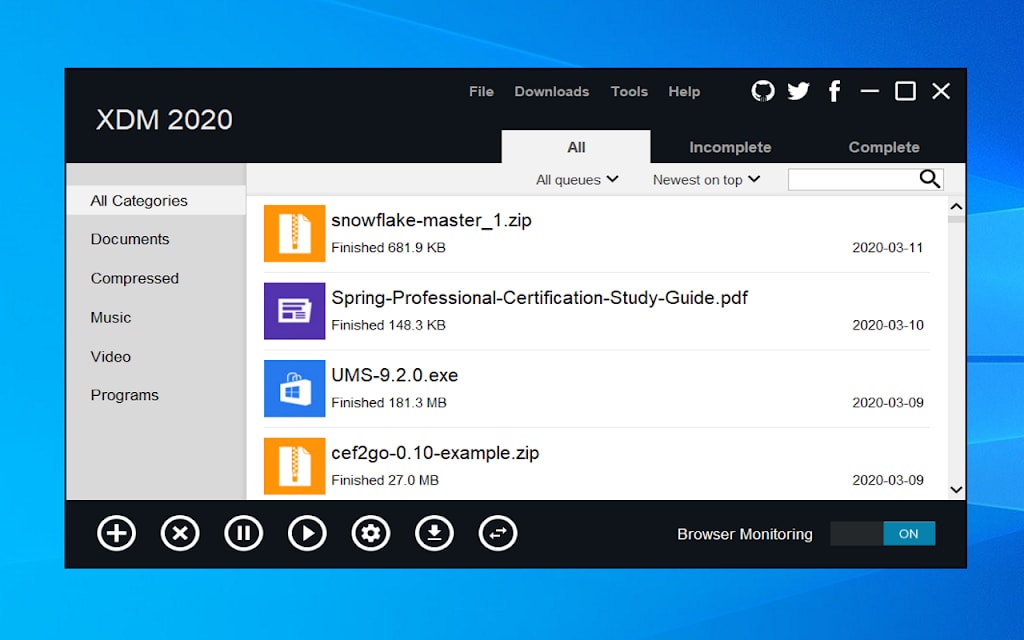
Best suited for tech-savvy users and open-source advocates seeking a powerful, free, and cross-platform download accelerator.
Safety: Excellent. Being open-source and hosted on platforms like GitHub, its safety is transparent and verifiable.
6. Ninja Download Manager
Ninja Download Manager offers sleek, high-speed downloading with speeds up to 20× faster through multiple simultaneous connections. Users can pause, resume, schedule, or queue downloads while retaining full control with speed throttling and connection management. It also enables sequential file downloading for media previews and includes secure password storage and proxy support. Its intuitive interface and strong automation features make it an elegant, efficient download manager for modern users seeking simplicity and performance.
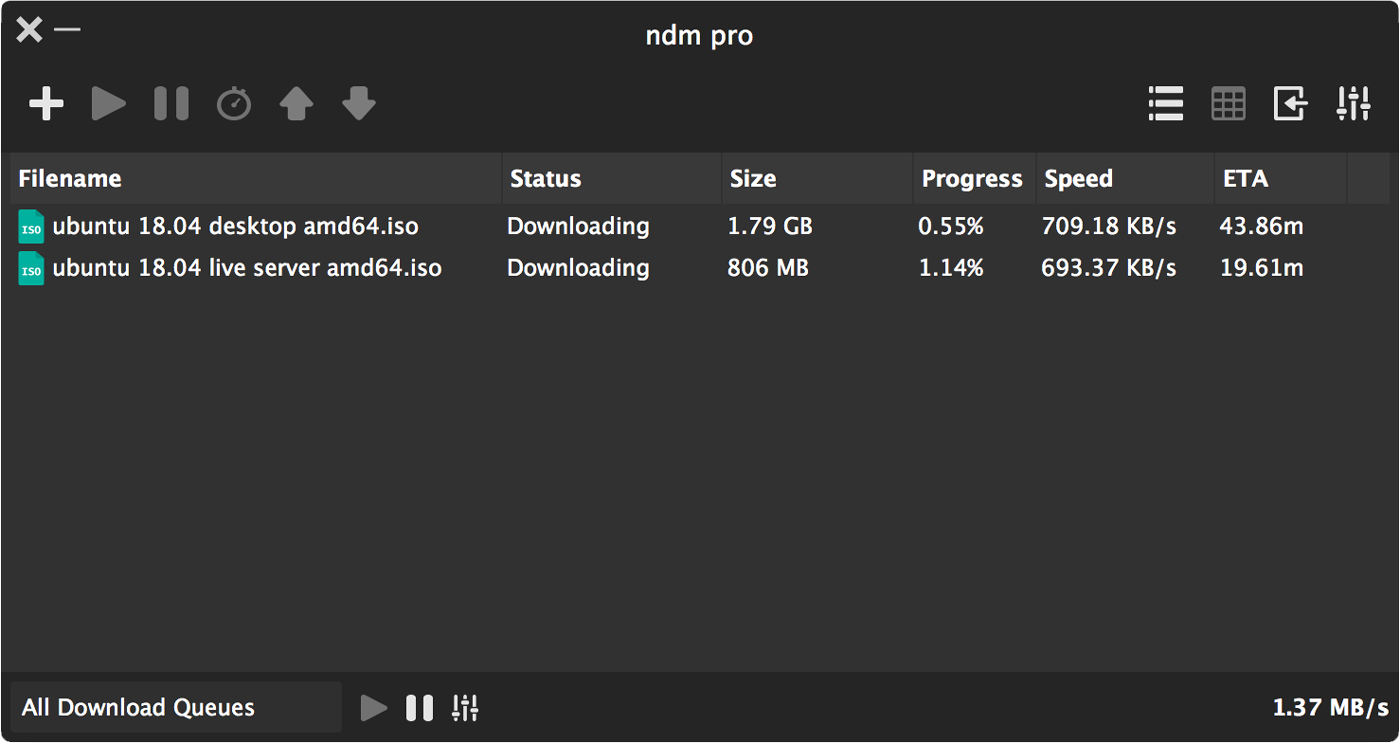
Best for: Users who prioritize a beautiful, simple, and straightforward downloading experience without any bloat.
Safety: Good. A legitimate software available on official app stores like the Microsoft Store, ensuring a safe installation.
7. JDownloader 2
JDownloader 2 is an open-source, cross-platform download manager built with automation and flexibility in mind. It supports simultaneous downloads, multiple connections per file, auto-extraction of archives, and browser integration. Users can set domain rules, limits, and remote control via My.JDownloader.org. Its ability to handle premium accounts, resume downloads, and process large link batches efficiently makes it a favorite among advanced users managing large-scale downloads or video playlists from multiple sources.
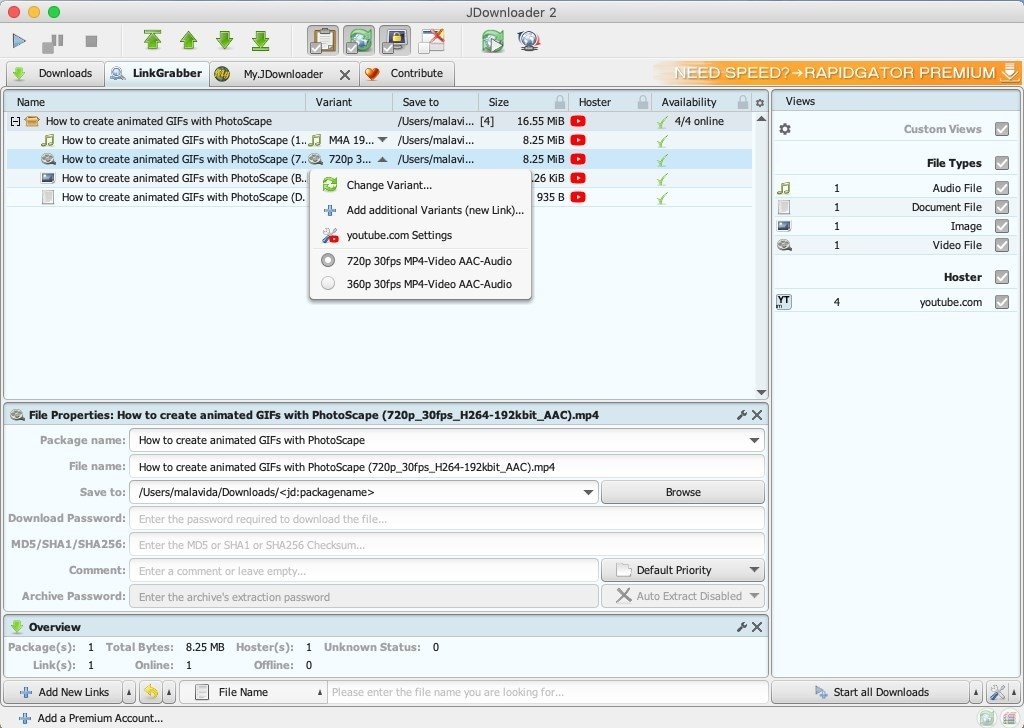
Best for: Power users who need to download from a wide variety of file hosts and are willing to accept a steeper learning curve.
Safety: Good. The official JDownloader 2 distribution from jdownloader.org is now clean and safe, a significant improvement from its past.
8. Video DownloadHelper (Browser Extension)
This is a premier jdownloader online alternative. Video DownloadHelper is a famous browser extension for Firefox and Chrome that detects and allows you to download videos from almost any website you visit.
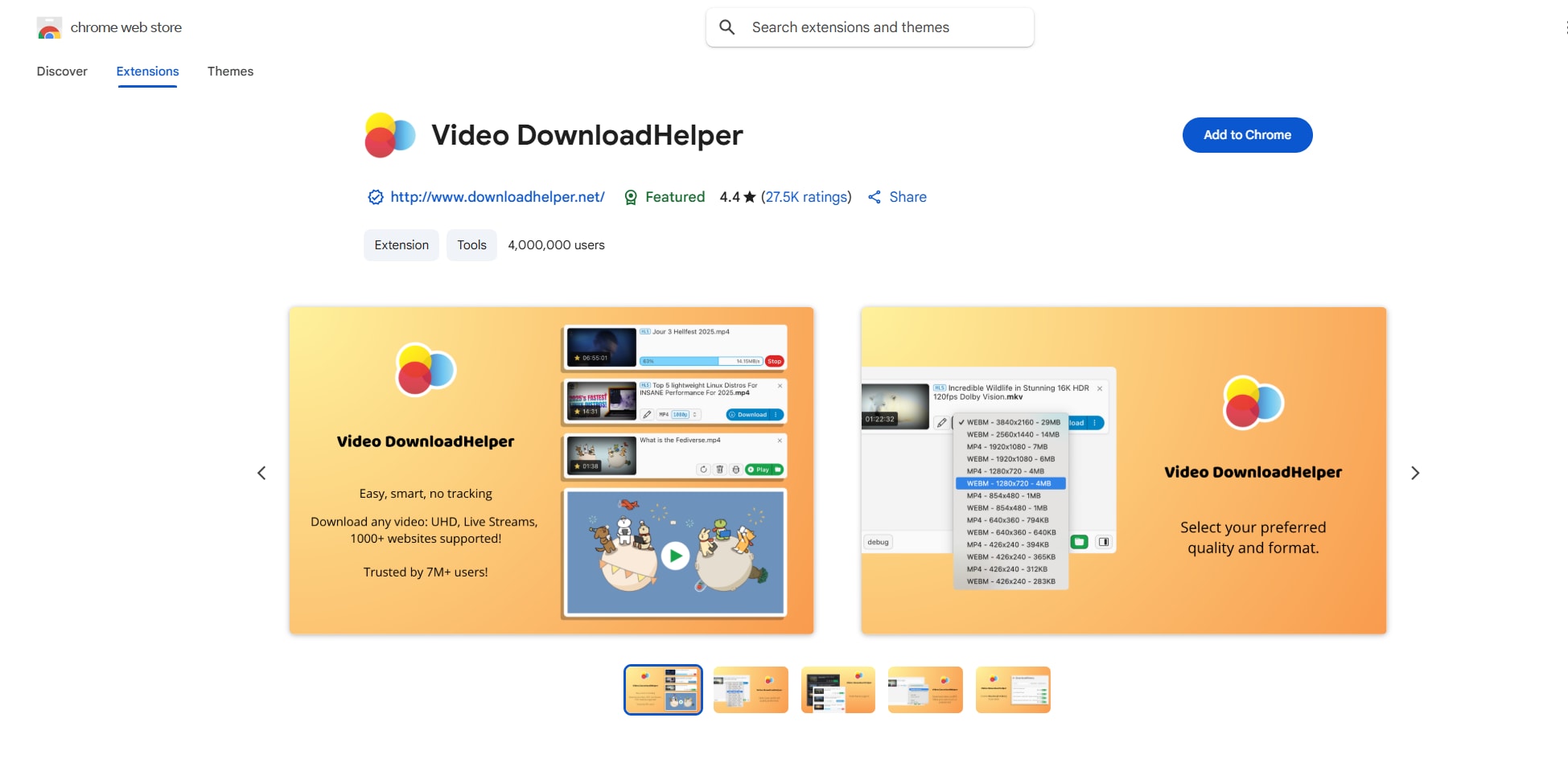
Best for: Users who need a quick and easy way to grab videos from websites without installing bulky desktop software.
Safety: Good. A reputable extension with millions of users. Always get it from the official Firefox Add-ons or Chrome Web Store pages.
9. Loader. to (Web Service)
Loader.to is a web-based downloader that simplifies saving videos and audio from platforms across the internet, including YouTube and IMDb. Without requiring installation, it offers fast, direct conversions to popular audio and video formats. This online service emphasizes accessibility and ease of use, allowing users to quickly download media via URL input. Loader.to serves as a lightweight, browser-friendly alternative to software-based download managers for quick multimedia extraction and online file saving.
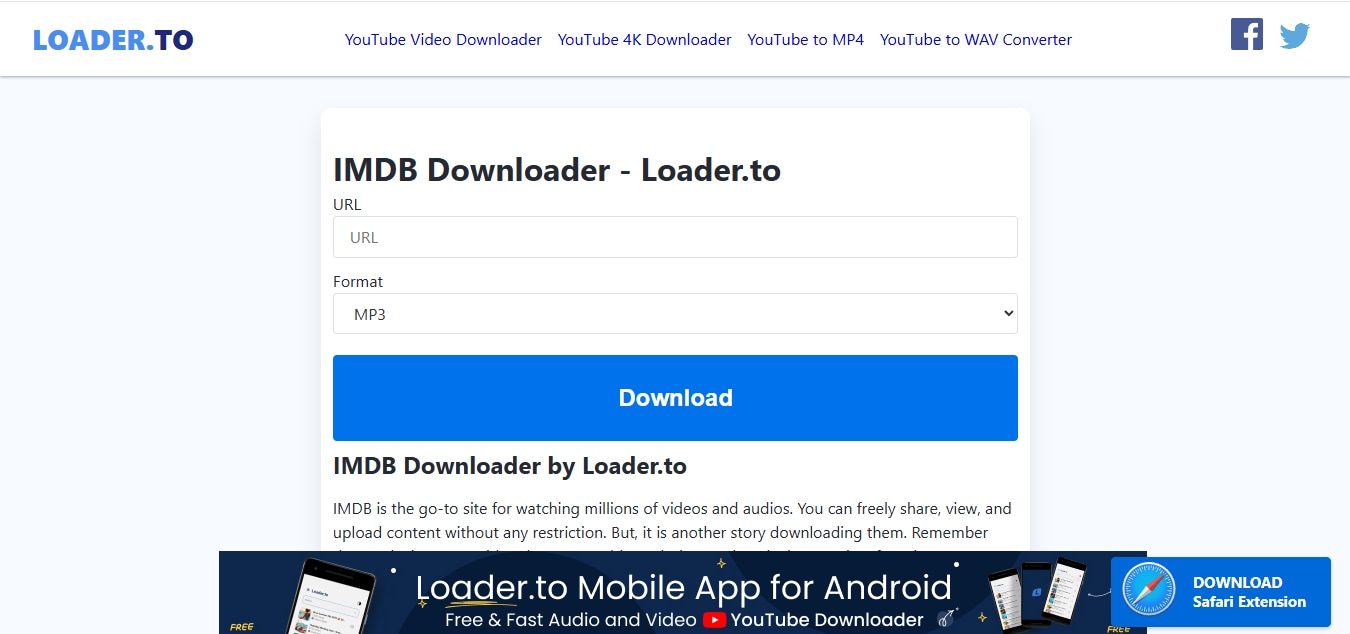
Best for: Occasional use on a computer where software installation is not possible. Use with caution.
Safety: Poor. We do not recommend online downloaders due to inherent privacy risks and potential copyright infringement issues.
10. Advanced Download Manager (ADM - Android)
For mobile users seeking a JDownloader alternative android or an app like JDownloader for android, ADM is the go-to choice. It's a powerful download manager that accelerates downloads, supports pause/resume, and can even handle torrents.
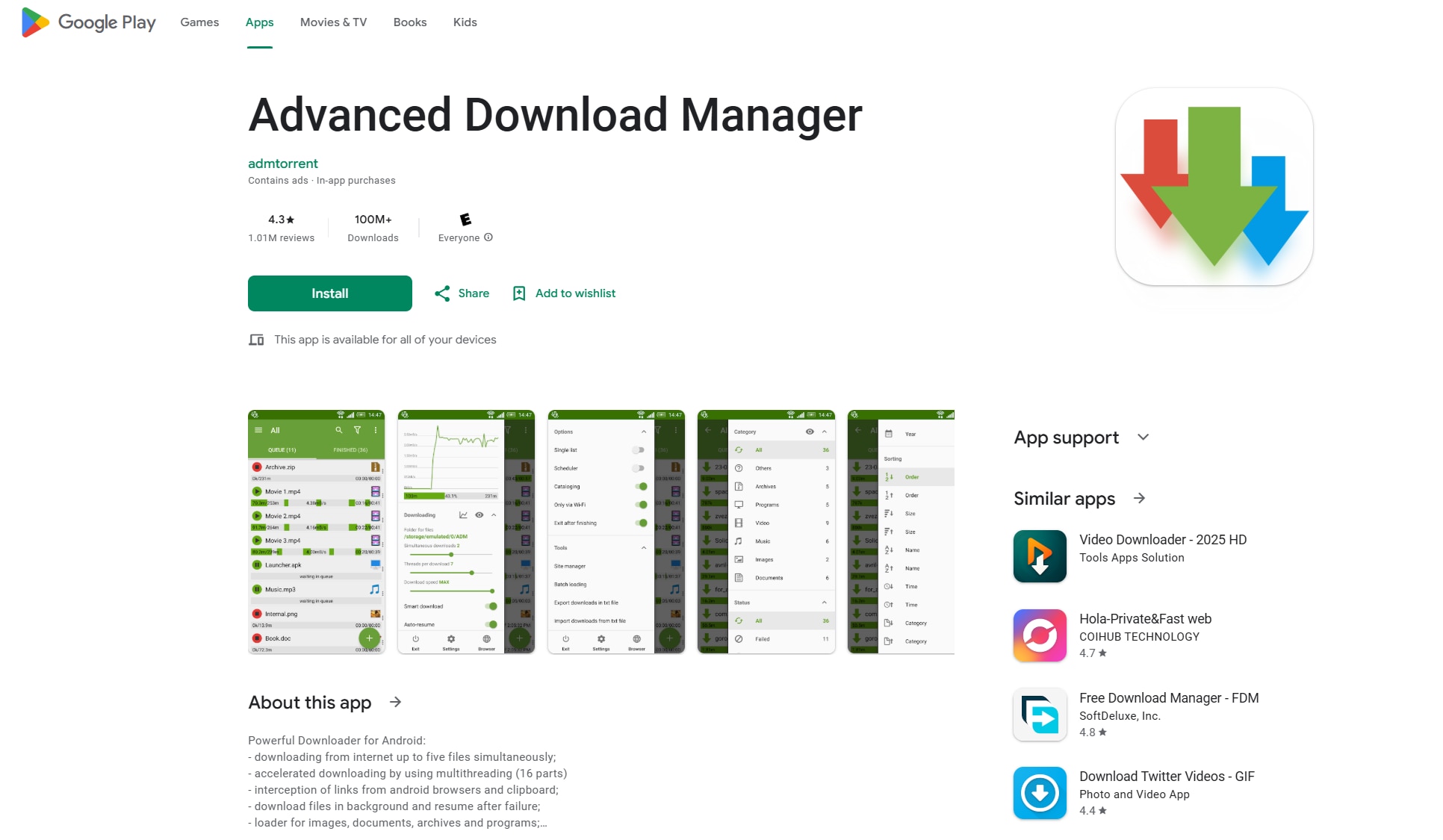
Best for: Android users who frequently download files directly on their mobile devices and need a powerful manager.
Safety: Good. Available on the official Google Play Store, which provides a layer of security screening.
Best JDownloader Alternatives by Use Case
- Best JDownloader alternative for video downloads: Wondershare UniConverter
- Best JDownloader 2 alternative for Windows speed: Internet Download Manager (IDM)
- Best free alternative to JDownloader: Xtreme Download Manager (XDM)
- Best JDownloader alternative for Android: Advanced Download Manager (ADM)
- Best alternative to JDownloader for cross-platform users: Free Download Manager (FDM)
Part 3. Comparison Table of The 10 Tools
To make your choice easier, we've compiled a side-by-side comparison of the top 10 JDownloader alternatives.This table highlights each tool's primary platform, safety rating, stability, ease of use, privacy standards, and the type of user it's best suited for. Whether you need a lightweight browser extension, a comprehensive desktop suite, or a powerful Android app, this comparison will help you quickly identify the downloader that best suits your needs without compromising security or user experience.
How We Evaluated JDownloader Alternatives
We compared the best JDownloader alternatives for download management, speed, and features.
| Tool Name | Primary Platform | Safety & Legality | Stability & Performance | Ease of Use | Privacy | Best For |
|---|---|---|---|---|---|---|
| Wondershare UniConverter | Win, Mac | Excellent | Excellent | Excellent | Excellent | Downloading Online Videos |
| Internet Download Manager | Windows | Very Good | Excellent | Good | Very Good | Accelerated Direct Downloads |
| EagleGet | Windows | Good | Very Good | Good | Good | Free Windows Acceleration |
| Free Download Manager | Win, Mac, Android | Very Good | Very Good | Good | Very Good | Free + Torrent Support |
| Xtreme Download Manager | Win, Mac, Linux | Excellent | Very Good | Fair | Excellent | Free Open-Source Accelerator |
| Ninja Download Manager | Windows | Good | Good | Excellent | Good | Simple & Modern UI |
| JDownloader 2 | Win, Mac, Linux | Good | Good | Fair | Good | Power Users & File Hosts |
| Video DownloadHelper | Browser | Good | Fair | Excellent | Fair | Browser-Based Video Grabbing |
| Loader.to | Web Browser | Poor | Fair | Excellent | Poor | Online Use (With Caution) |
| ADM (Android) | Android | Good | Excellent | Very Good | Good | Android Downloading |
Conclusion
Finding the best JDownloader alternative in 2026 comes down to striking a balance between safety, legality, performance, and ease of use. In this guide, we compared 10 of the most reliable options. Each tool excels for different users, whether you prioritize cross-platform support, torrent handling, or simplicity.
However, if your primary focus is downloading online videos securely with a clean and intuitive interface, Wondershare UniConverter stands out as the safest and most comprehensive solution. Download Wondershare UniConverter today and experience hassle-free, professional downloading with bonus features.

