


What are the best Video DownloadHelper alternatives?
If you want alternatives to Video DownloadHelper, you should look for tools that support more browsers, batch downloads, multiple formats, and fewer security concerns. The best option for you is one that works reliably across the sites you actually use without forcing risky companion apps, like UniConverter.
Are you also tired of struggling with downloads that won't start or videos that simply refuse to save? You might be constantly clicking on extensions that promise easy downloads, only to hit walls of error messages and compatibility issues. Watching buffering circles spin endlessly while your favorite content slips away is frustrating. The good news is that reliable Video DownloaderHelper alternatives exist that actually work across all your devices without headaches.
In this article
Part 1. Why Do You Need to Find a Video DownloadHelper Alternative
What problems make Video DownloadHelper frustrating to use?
While popular, this tool has significant drawbacks that prompt users to seek alternatives.
- Limited Browser Support: It is primarily optimized for Firefox, offering reduced functionality and a less reliable experience on Chrome and Edge.
- Performance Issues: Users frequently report slow download speeds, freezing processes, and glitched playback in saved videos.
- Lacking Advanced Features: It misses modern capabilities like batch processing and multi-threaded downloads, which speed up transferring multiple or large files.
Is Video DownloadHelper safe to use on your browser?
Beyond performance, critical security questions surround the extension.
- The "Companion App" Requirement: This necessary component requests broad system permissions, creating potential vulnerabilities and making users uneasy.
- Antivirus Flags: The companion software is sometimes detected as a potential threat by antivirus programs, raising legitimate safety alarms.
Given these limitations and risks, finding a more robust and secure alternative is a prudent step for any user.
Part 2. What to Look for in a Video DownloadHelper Alternative
Look for browser compatibility, ease of use, cost, and more in a Video DownloadHelper alternative that truly meets your needs. The best Video DownloadHelper alternatives should support all major browsers, including Firefox, Chrome, Edge, and Safari, to ensure you can download regardless of your preferred platform. Here are key things to consider:
Browser Compatibility: Look for tools that run smoothly across all major browsers, Firefox, Chrome, Edge, and Safari. This ensures you're never locked out, no matter which device or operating system you use.
Supported Websites: A good Video DownloadHelper alternative should support a wide range of platforms, including YouTube, Vimeo, Facebook, Instagram, and Dailymotion. The broader the site compatibility, the more flexible and useful the tool becomes.
Ease of Use: Prioritize alternatives that offer one-click downloading and simple browser integration. Intuitive interfaces and automatic video detection save you time and effort on every download.
Features: Batch downloading, multiple format selection (like MP4, MP3, FLV), adjustable quality up to 8K, and audio extraction give you more control over your media. Extra touches like built-in converters and playlist support are a bonus.
Cost: Consider whether the tool is free, freemium, a one-time purchase, or a subscription-based model. Choose based on how often you download; you don't want to pay extra for features you'll never use.
Safety & Privacy: Pick only tools from reputable sources that are ad-free and don't bundle unwanted software or track your activity. Secure extensions and trustworthy websites protect your device and your personal data.
Part 3. Top 10 Video DownloadHelper Alternatives 2026
Here are the best alternatives to Video DownloadHelper that offer ease of use, better, quicker results, and greater safety.
Quick Guide: Best Video DownloadHelper Alternative by Use Case
1. UniConverter

Wondershare UniConverter is one of the best and most comprehensive Video DownloadHelper alternatives, thanks to its ease of use, security, privacy, and batch downloading. This all-in-one solution works as both a desktop application and includes a YouTube Chrome extension for convenient browser-based downloads. It supports downloading from over 10000 websites while maintaining original quality, with options for 4K and 8K resolution videos. The interface is intuitive; you simply copy and paste video links, and UniConverter automatically detects the format and begins processing.


Safety Review: 5/5
Starting Price: $9.99/month
Supported Device: Windows, macOS
Batch Process: Yes

Easy to Use Video DownloadHelper Alternative
2. FetchV
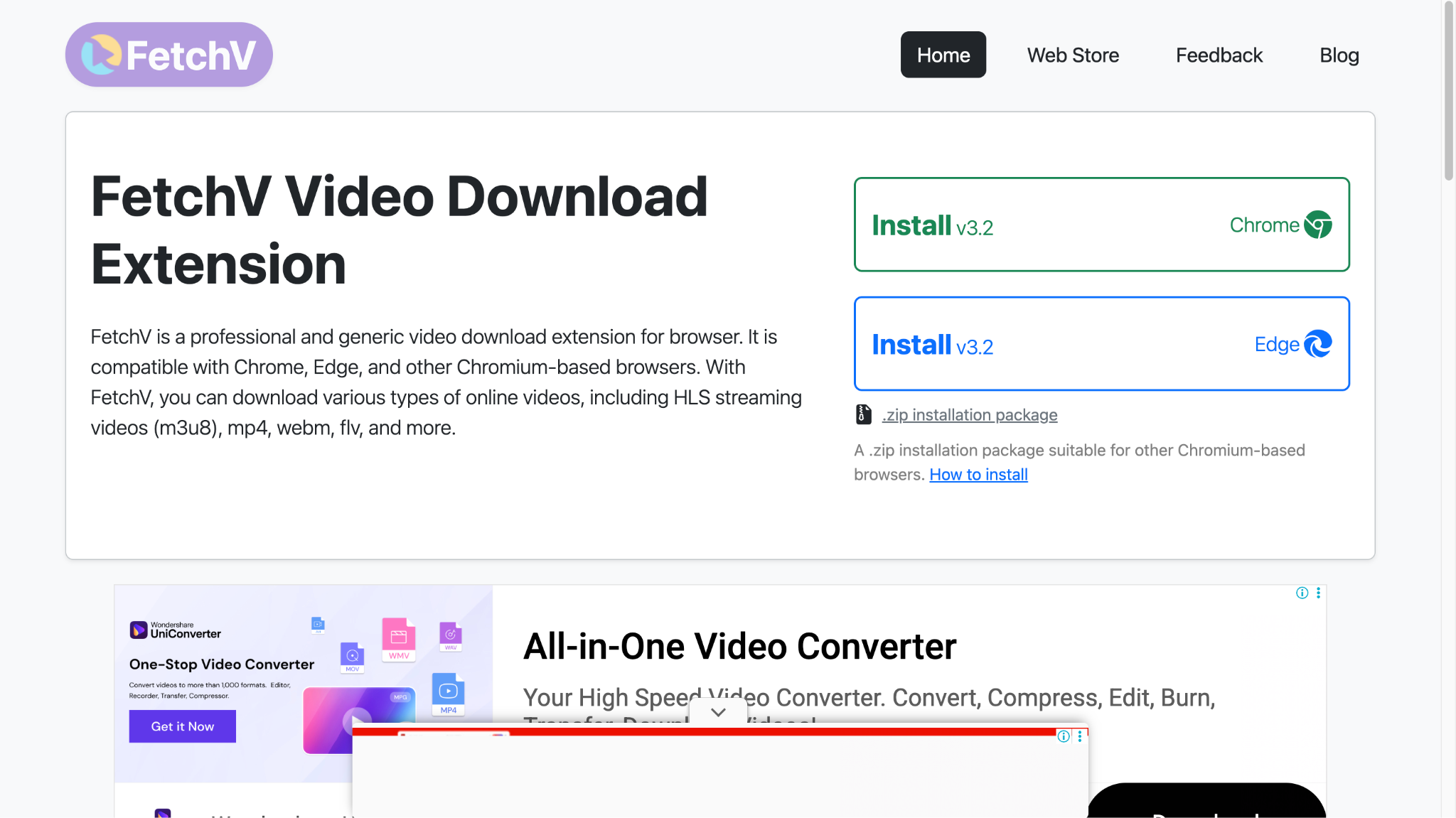
FetchV is a browser extension designed for video download tasks across multiple platforms. This Video DownloadHelper alternative Chrome extension supports downloading HLS streaming videos, MP4, WEBM, FLV, and even live broadcasts. It automatically detects videos on web pages and displays available download options with multiple resolution choices. When regular download mode does not work, recording mode converts buffered video data into MP4 files, ensuring you can capture Chrome-based browsers.
Safety Review: 4/5
Starting Price: Free
Supporting Device: Windows, macOS, Linux
Batch Processing: Yes
3. CocoCut
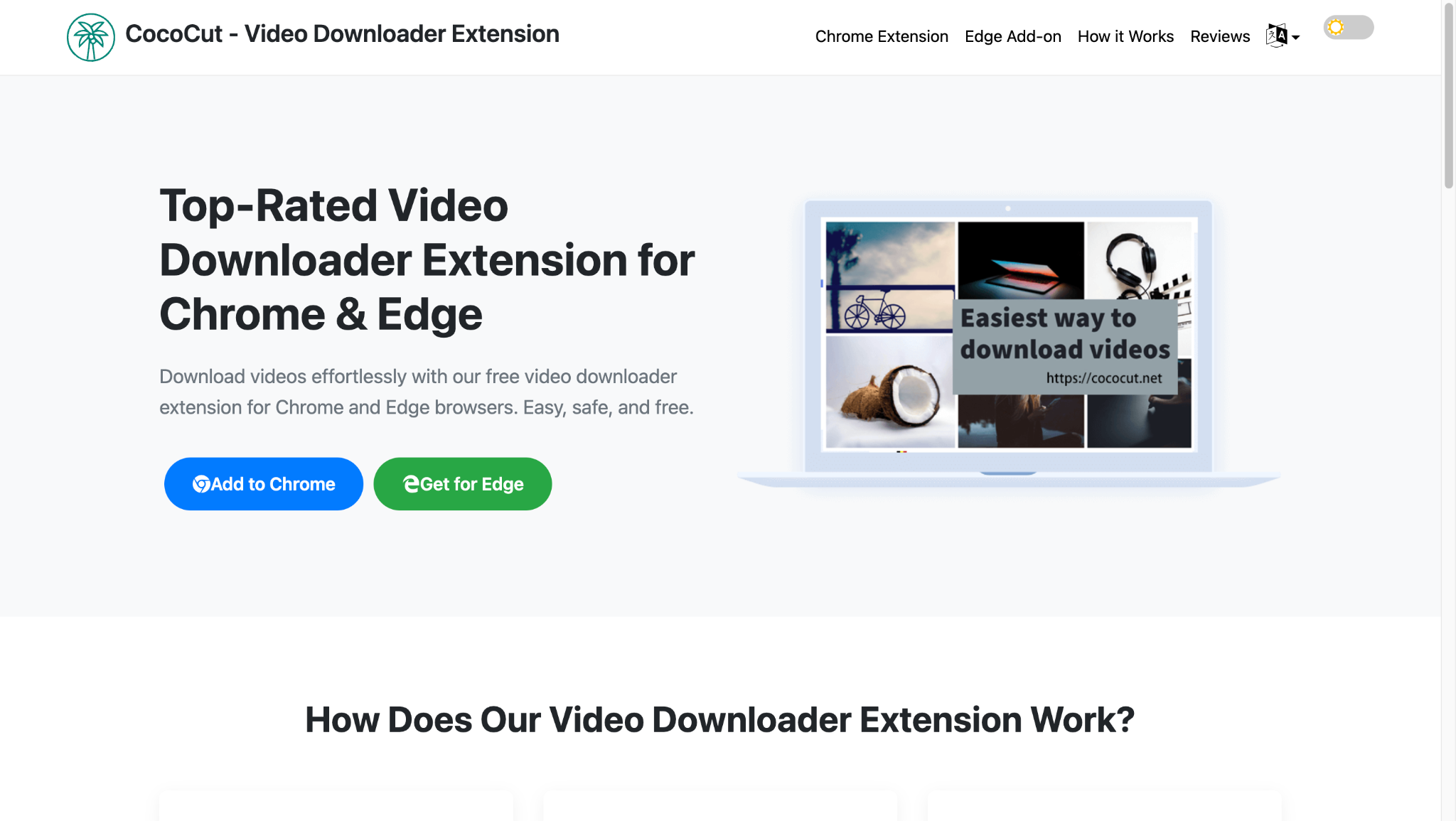
CocoCut emerges as one of the best video downloaders for Chrome, thanks to its mature, stable platform developed over years of user feedback. This Video DownloadHelper alternative supports 99% of video formats, including HLS, live videos, MP4, MP3, and AAC. The extension automatically detects video and audio files on any webpage, making them available for download immediately.
Safety review: 4/5
Starting Price: Free
Supported Device: Windows, macOS, and Linux
Batch Process: Yes
4. MPMux
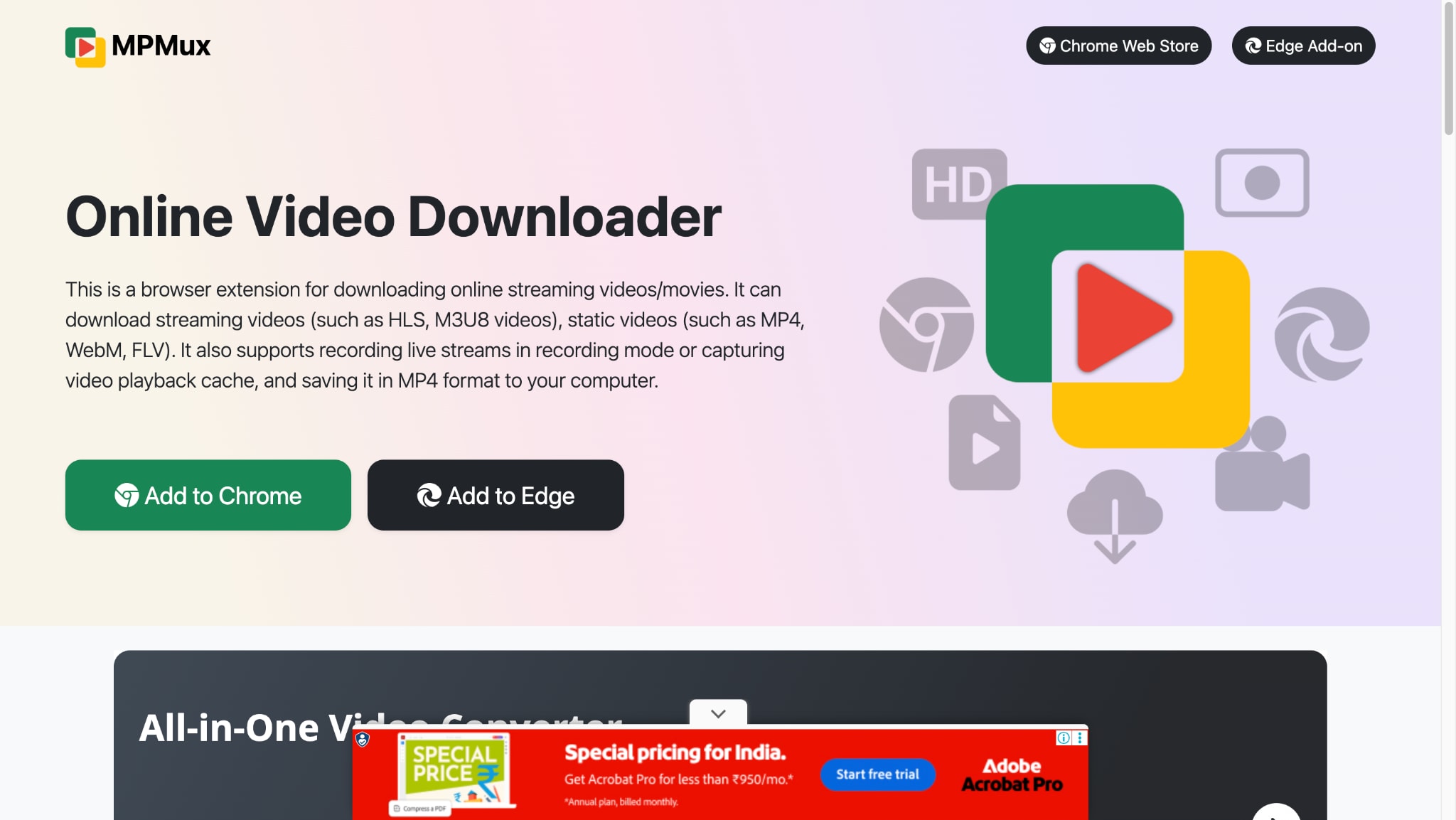
MPMux Chrome extension is a versatile Video DownloadHelper alternative, which is ideal for downloading various online video formats. It handles MP4, WebM, M3U8, HLS, and even live videos. The extension uses segmented concurrent requests to achieve faster download speeds, particularly effective for large files. When it detects a video URL, it displays a numeric badge on the extension icon, making it easy to know when content is available for download.
Safety Review: 4/5
Starting Price: Free with some ads
Supported Devices: Windows, macOS, Linux
Batch Process: Yes
5. SavefromNet
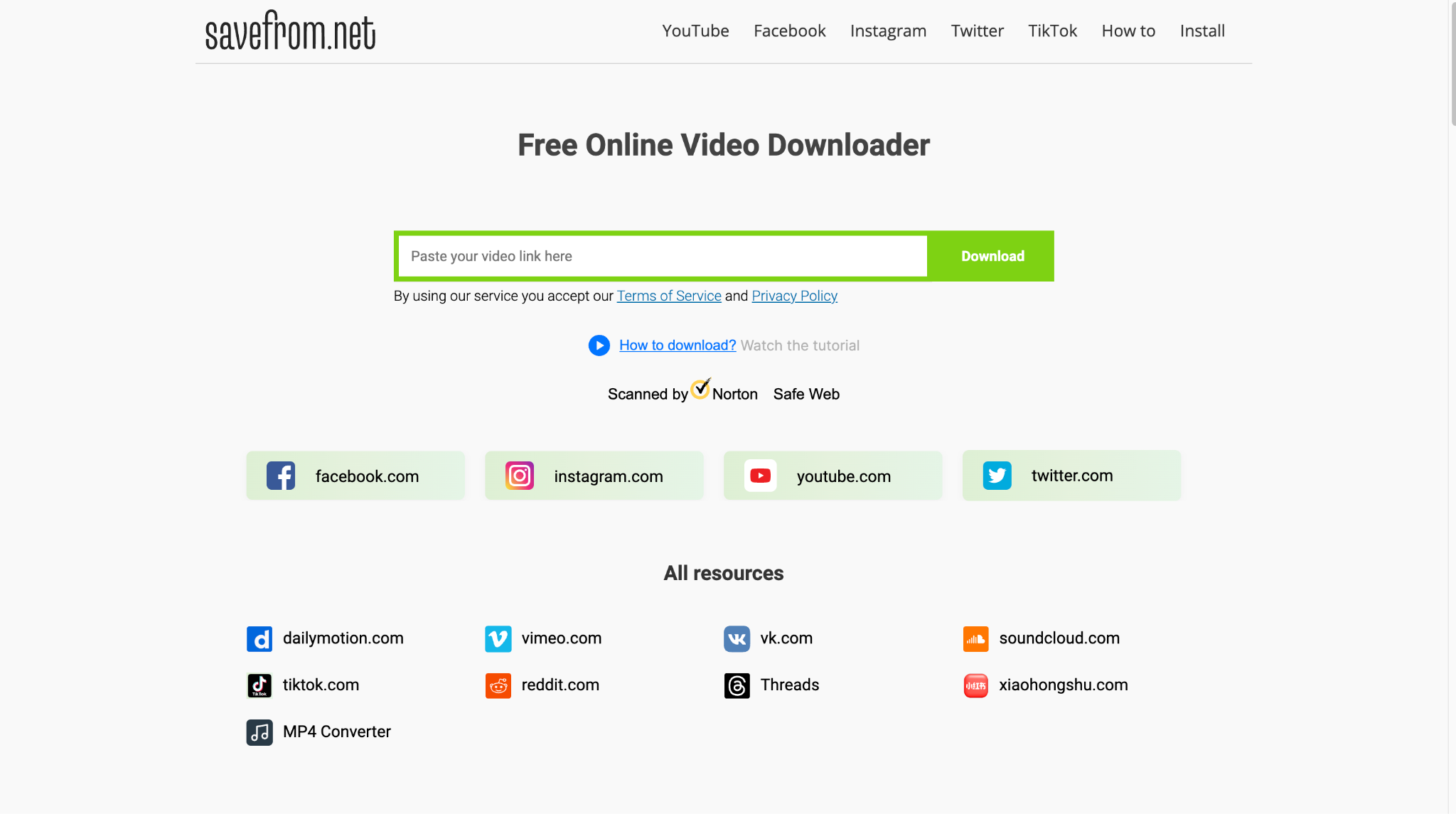
SaveFrom.net is one of the trusted alternatives to Video DownloadHelper. This free online video downloader offers a straightforward way to save media from popular platforms without installing the software. It seamlessly works across desktop and mobile devices with a user-friendly interface that simplifies downloads.
Safety Review: 3.5/5
Starting Price: Free
Supported Device: Windows, macOS, Linux, Android, and iOS
Batch Process: No, one video at a time
6. Y2mate
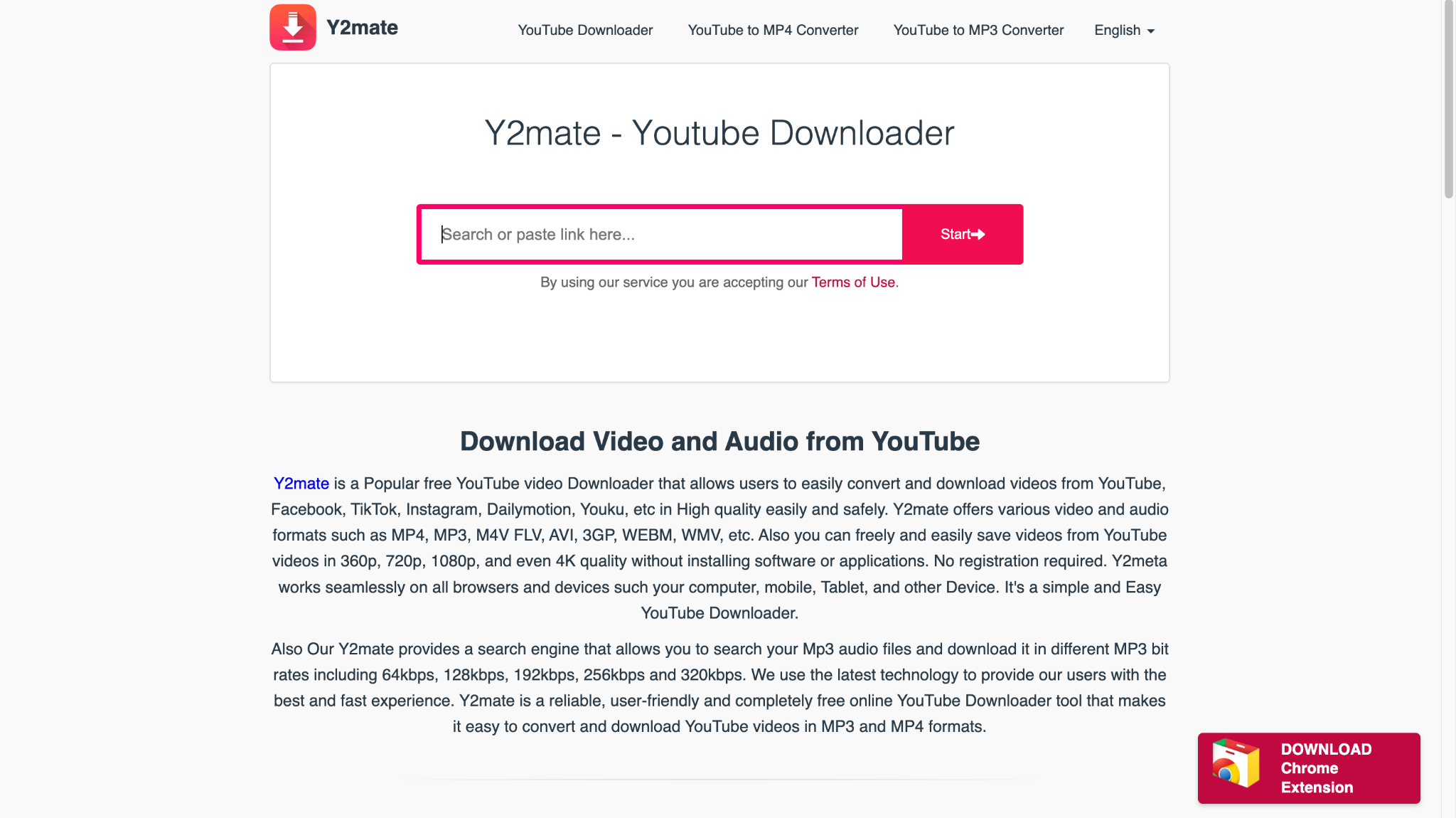
Y2mate remains one of the most recognized names for alternatives to Video DownloadHelper services, especially for YouTube content. This free online downloader features an intuitive interface where users simply paste video URLs, select preferred quality and format, then click download. Y2Mate supports multiple resolutions, including HD, 1080p, 4K, and even 8K with conversion to both MP3 and MP4 formats.
Safety Review: 2.5/5
Starting Price: Free
Supported Device: Windows, macOS, Linux, iOS, and Android
Batch Process: No
7. SnapSave
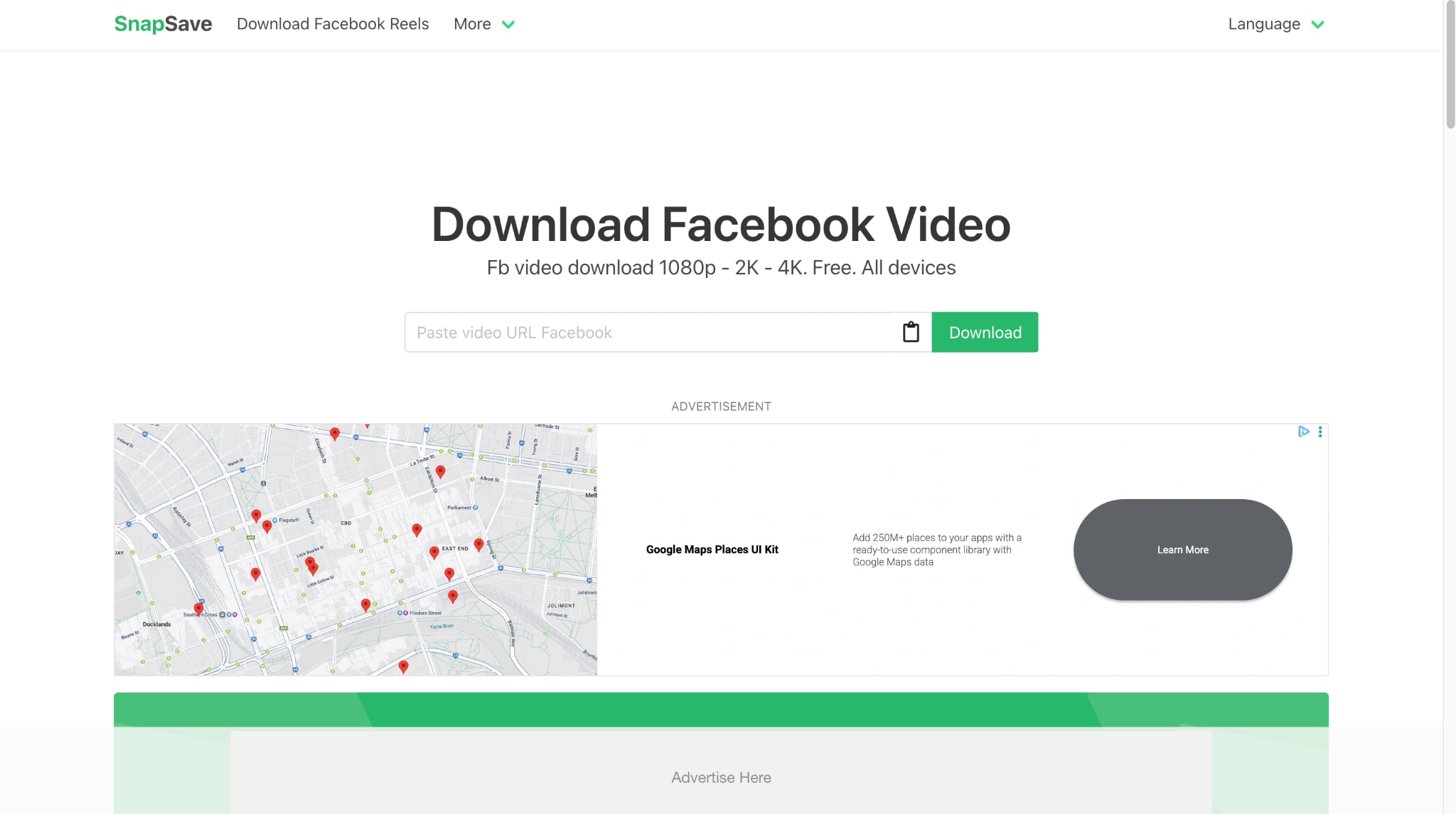
SnapSave's download speed and clean, user-friendly design make it an ideal free alternative to Video DownloadHelper. It supports saving content from YouTube, Facebook, Instagram, TikTok, and more in high quality. It works on both mobile and desktop devices without installing software. Its simple interface makes it accessible even for first-time users, with a simple copy-paste download workflow.
Safety Review: 3.5/5
Starting Price: Free
Supported Devices: Windows, macOS, Linux, Android, and iOS
Batch Process: No
8. 4K Downloader
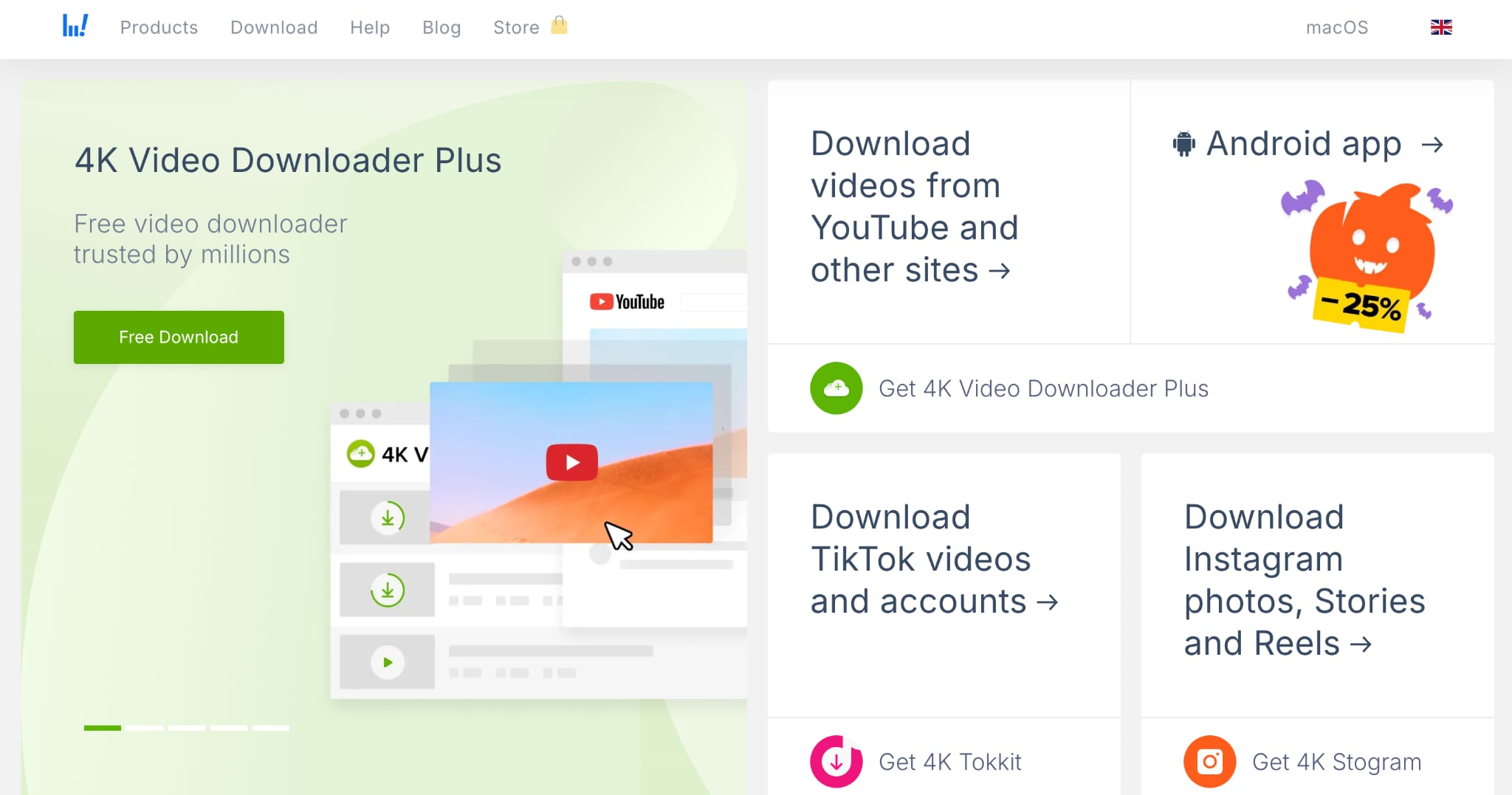
4K Video Downloader Plus is one of the most reputable alternatives to Video DownloadHelper for desktop. It lets you save high-quality videos from YouTube, Vimeo, TikTok, SoundCloud, Facebook, Twitch, and many other websites in seconds. It supports resolutions from standard definition to 8K, ensuring you get the quality you need.
Safety Review: 4/5
Starting Price: Free, and the starting price is $10 ( for personal use only)
Supported Devices: Windows, macOS, Linux, Android
Batch Process: Yes
9. JDownloader
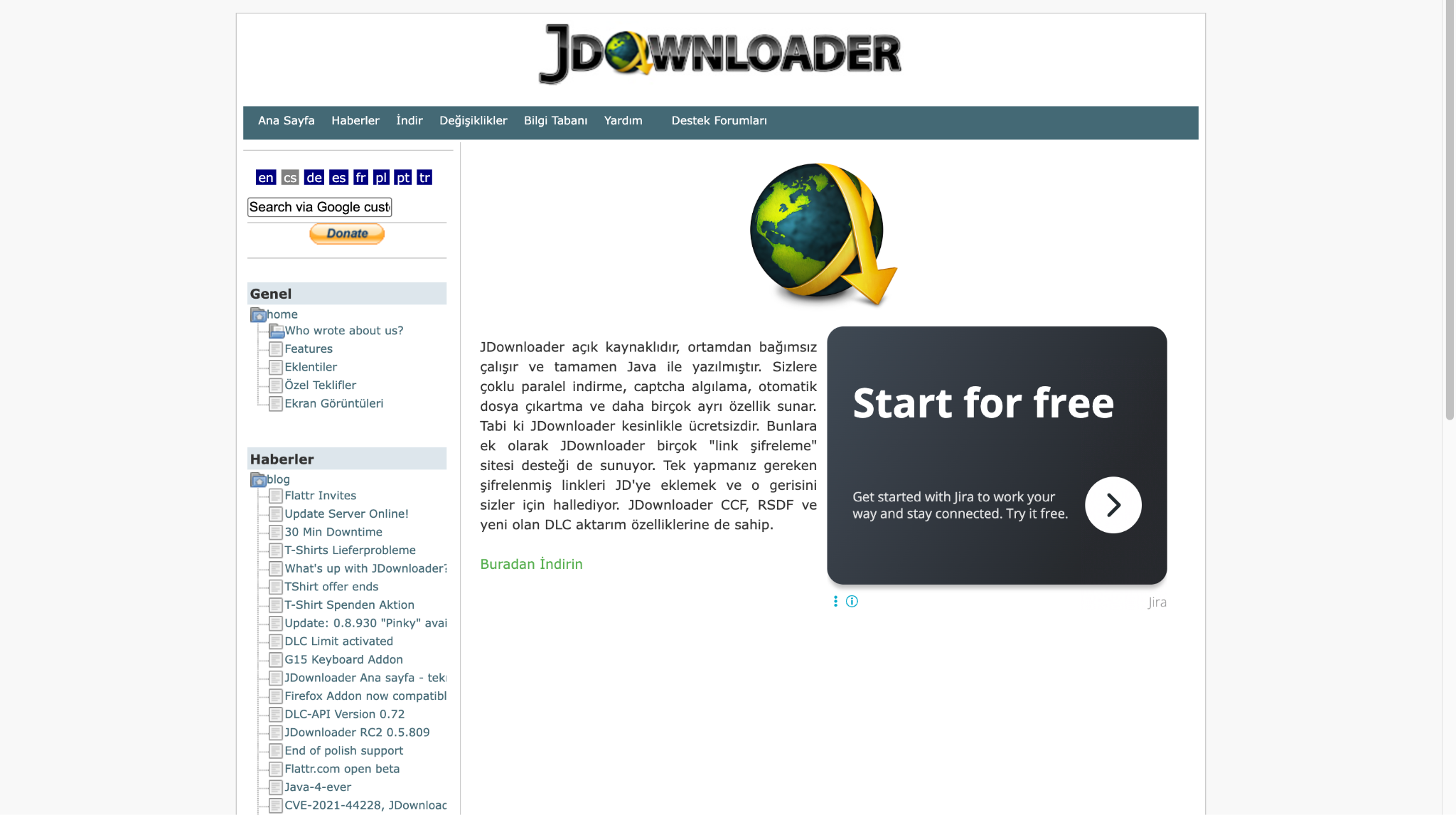
JDownloader is a free and open-source alternative to Video DownloadHelper that offers comprehensive download management capabilities. This powerful application simplifies downloading with features like pause/resume, bandwidth limitations, automatic extraction, and an extendable framework. JDownloader works seamlessly with file-hosting services like Mega, Mixdrop, and Mediafire, and can also download videos from virtually any streaming platform.
Safety Review: 3.5/5
Starting Price: Free
Supported Devices: Windows, macOS, Linux
Batch Process: Yes
10. Clipgrab
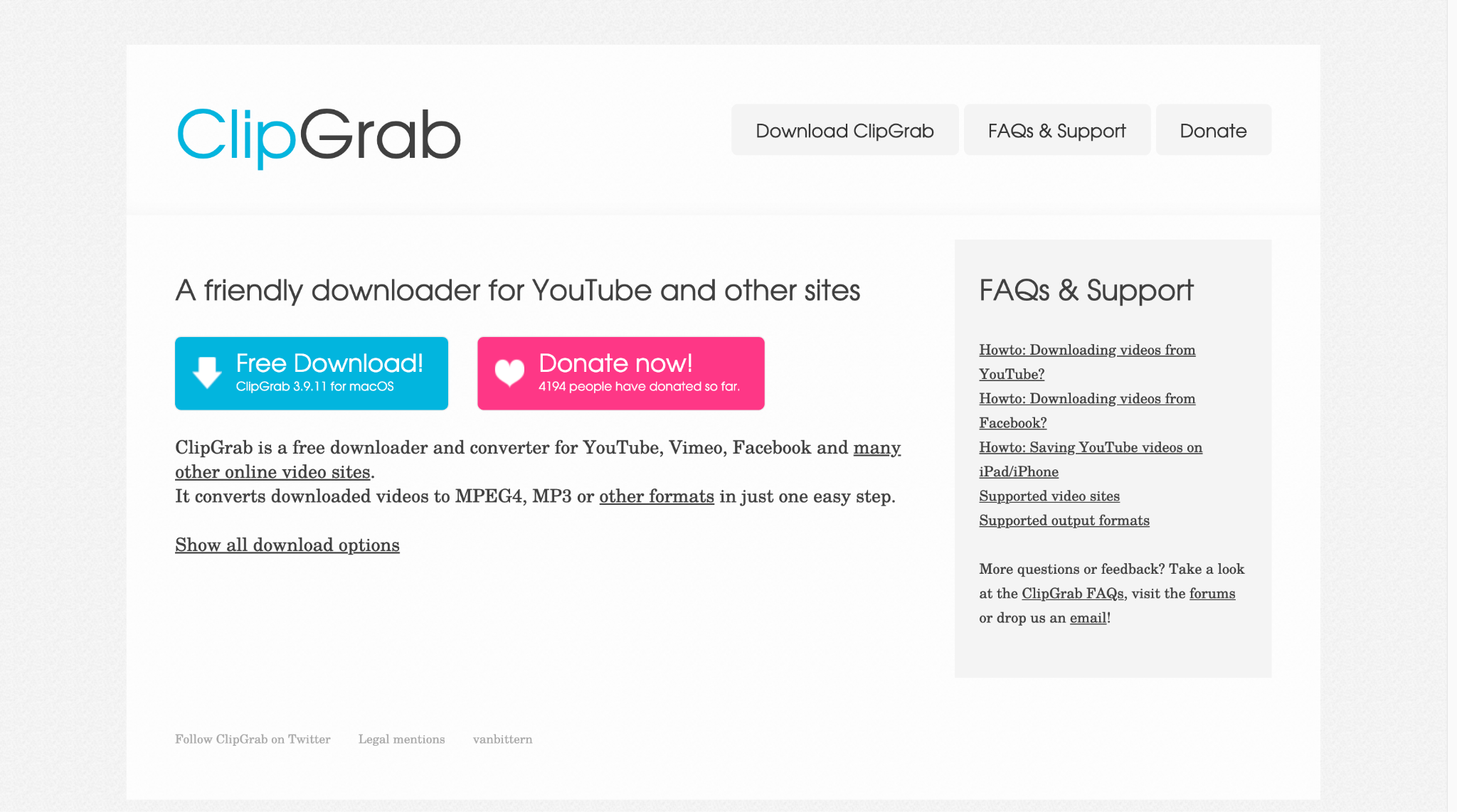
ClipGrab is an ideal Video DownloadHelper alternative, as it offers fast, straightforward, and free video downloads. This well-designed program works as a standalone application independent of any specific browser, supporting multiple streaming websites, including YouTube, DailyMotion, Vimeo, and Facebook. ClipGrab automatically detects web links copied to the main window, making the download process incredibly simple.
Safety Reviews: 4/5
Starting Price: Free
Supported Devices: Windows, macOS, Linux
Batch Process: Yes
Part 4. At-a-Glance Comparison Table of Top 10 Video DownloadHelper Alternatives
Here is the comparison table comparing all tools to help you make the right choice when choosing the right Video DownloadHelper alternative:
How We Tested Video DownloadHelper Alternatives
We reviewed browser extensions, desktop tools, and online downloaders based on compatibility, supported sites, stability, format options, usability, and safety.
Browser compatibility
We checked whether each tool works smoothly across major browsers and desktop workflows.
Supported websites
We compared how well each option handles major video sites in everyday use.
Download reliability
We looked at speed, success rate, and stability with larger or repeated downloads.
Formats & quality
We considered format flexibility, quality settings, and audio extraction support.
Ease of use
We checked setup simplicity, interface clarity, and beginner friendliness.
Safety & trust
We favored reputable tools that avoid risky permissions, bundles, or privacy concerns.
This section explains our review standards before the comparison and recommendations below.
| App Name | Best For | Key Safety Feature | Video Download | Audio Download | Batch Process |
|---|---|---|---|---|---|
| Wondershare UniConverter | All-in-one solution with conversion | Verified safe from the official source | Yes (up to 8K) | Yes (MP3, AAC, etc.) | Yes |
| FetchV | Fast Chrome downloads | Official Chrome Web Store verified | Yes (HLS, MP4, WEBM) | Yes | Yes |
| CocoCut | Privacy-focused local processing | All processing is done locally | Yes (99% formats) | Yes | Yes |
| MPMux | Professional streaming video downloads | Chrome Web Store compliance | Yes (M3U8, HLS, MP4) | Yes | Yes |
| SaveFrom.net | No installation required | Norton Safe Web verified | Yes (MP4, WEBM) | Yes (MP3, M4A) | No |
| Y2mate | Quick YouTube downloads | Use with caution - ad risks | Yes (up to 8K) | Yes (MP3) | No |
| SnapSave | Fast high-definition downloads | Standard online tool safety | Yes (up to 4K) | Yes (MP3, M4A) | No |
| 4K Video Downloader Plus | High-quality desktop downloads | Verified by 50+ antiviruses | Yes (up to 8K) | Yes | Yes |
| JDownloader | Open-source batch management | Open-source community verified | Yes | Yes | Yes |
| ClipGrab | Free multi-platform desktop tool | Open-source from trusted sources | Yes | Yes (MP3, OGG) | Yes |
Conclusion
Finding the right Video DownloadHelper alternative is easy, thanks to so many reliable options. For quick browser downloads, tools like FetchV and CocoCut work efficiently, while SaveFrom.net and SnapSave are suitable for casual users. However, Wondershare UniConverter stands out as the best choice, offering secure performance, powerful batch conversion, and a comprehensive feature set. Whether you're downloading for personal or professional use, UniConverter ensures a seamless, safe, and efficient experience across all your devices.

