


What are the best Snaptube alternatives?
If you want a safer alternative to Snaptube, you should look at tools like Wondershare UniConverter, ByClick Downloader, or another downloader from a trusted source instead of random APK sites. The best choice for you is one that gives you reliable downloads, fewer privacy risks, and cleaner updates.
Using Snaptube is good, but when you encounter error pop-ups or privacy issues, it can get stuck, and you may want to explore Snaptube alternatives. Glitches, sketchy updates, and that uneasy feeling after installing the APK are more common than you think.
Whether Snaptube stopped working, feels risky, or simply isn't available for your device, you are not alone in wanting something smoother and safer. Here you will get a clear look at whether Snaptube is safe or not, plus a handpicked list of working Snaptube alternatives so you can download without stress.
In this article
Part 1. Is Snaptube Safe to Use? Here Are the Biggest Risks
This question may arise several times: Is Snaptube safe? The answer is No. Snaptube is not fully safe: a cautious "use at your own risk" applies. First, it is not listed on major app stores and has to be downloaded from unofficial sources. Here are some other factors that do not make it 100% secure and safe to use:
Security and Privacy Risks: Since Snaptube is not listed on major app stores, you have to sideload the APK from unofficial sources. This exposes your device to viruses and malware, especially if you download from a source that isn't trusted. There have been reports of malicious versions bundled with adware and even personal data leaks.
Legal Grey Area and Copyright Issues: Snaptube was removed from the Play Store over policy and copyright concerns. Downloading copyright-protected content can be illegal in your country, and using such apps often falls into a legal grey area.
Reliability and Performance Issues: Without official updates and app store security checks, Snaptube lacks regular maintenance and support. This can lead to compatibility issues on new devices and platforms, reducing reliability over time.
Part 2. How Do You Choose a Safe Snaptube Alternative?
When thinking about Snaptube's safety, do not keep yourself in doubt; go for better Snaptube alternatives that are verified, transparent, and user-friendly. Avoid random APKs that can hide malware; stick to trusted sources.
Safety First: Always pick apps from the Play Store or trusted open-source platforms, rather than downloading random APKs online. These sources screen apps for malware and security issues, reducing the risk of viruses or hidden trackers that can harm your device or steal data.
Transparency: Open-source apps are safer because their code is public and anyone can inspect it for bugs or shady practices. This community-driven visibility builds trust and ensures that the app stays secure and up to date.
Feature Set: A good Snaptube alternative should offer flexibility, such as the option to choose video or audio quality, fast downloads, and batch downloading. These features make it easier to manage your content without wasting data or time.
User Experience: No one wants an app flooded with ads or confusing menus. Look for a clean, simple interface that feels smooth to use, with minimal distractions and no unnecessary popups that slow you down.


Part 3. The Top 10 Safe & Effective Snaptube Alternatives
Wondershare UniConverter, Video Downloader, and ByClick Downloader are some of the safe and effective Snaptube alternatives for Android, PC, and iPhone. Let's explore one by one.
1. Wondershare UniConverter

Wondershare UniConverter is built for users who need more than basic downloading. Beyond grabbing videos, it converts to 1000+ formats, compresses large files without loss of quality, and even includes AI tools for upscaling and subtitle generation. The built-in Chrome extension lets you download directly from your browser, making it one of the most complete Snaptube alternatives for PC options available.
Safety Review: 5/5
Starting Price: $49.99/year
Supported Device: Windows, Mac (Chrome extension)
Batch Process: Yes

Easy to Use SnapTube Alternative
2. 4K Video Downloader
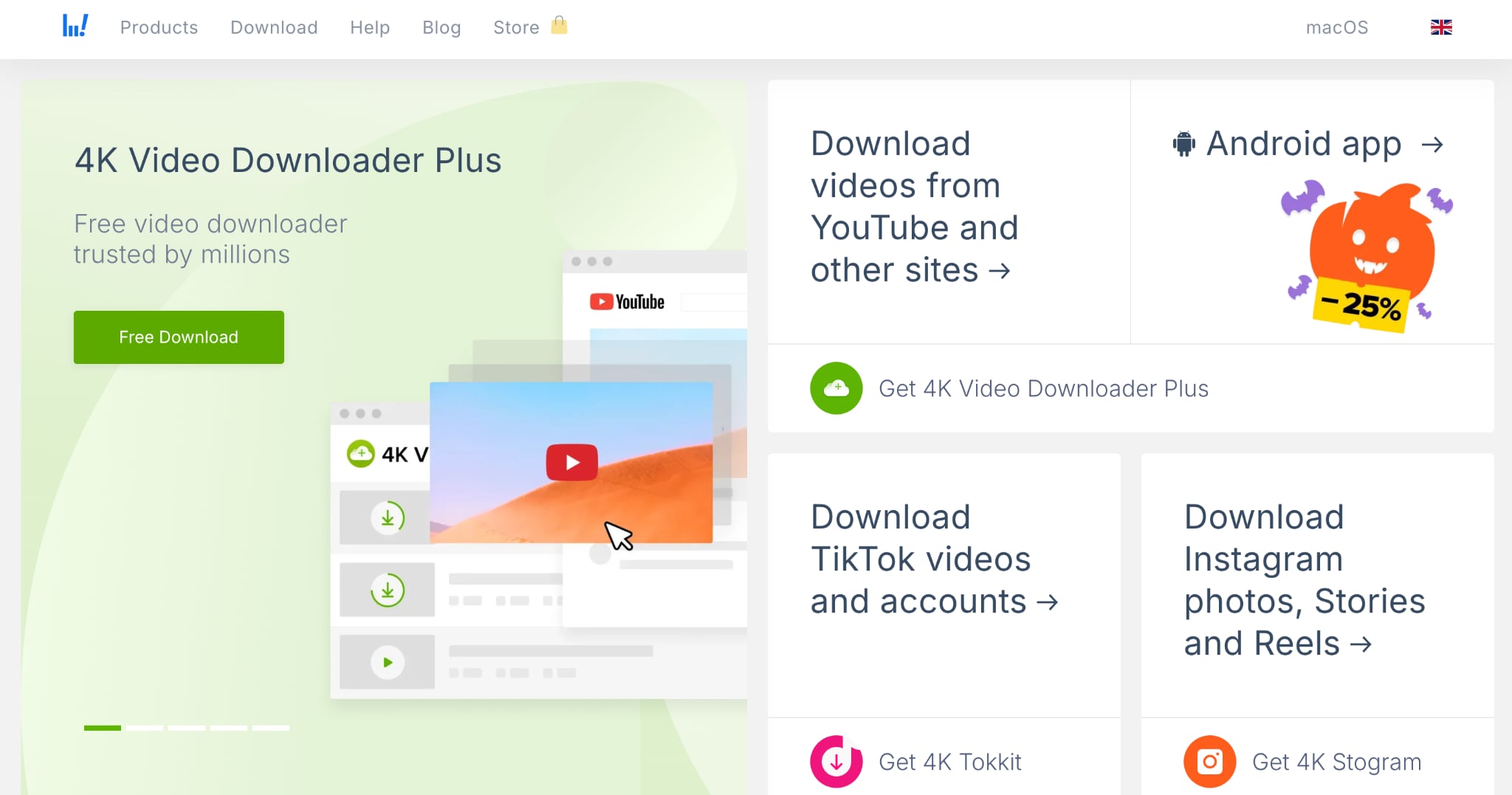
4K Video Downloader pulls 8K, 4K, and HDR content while preserving original quality, and it's especially popular with users who archive educational content, music performances, or documentary playlists. You can download entire YouTube channels, extract subtitles in multiple languages, and save 360-degree videos. As a Snaptube alternative for PC, it's reliable, cross-platform, and doesn't overload you with unnecessary features.
Safety Review: 4/5
Starting Price: $10/personal use only
Supported Device: Windows, Mac, Linux
Batch Process: Yes
3. Byclick Downloader
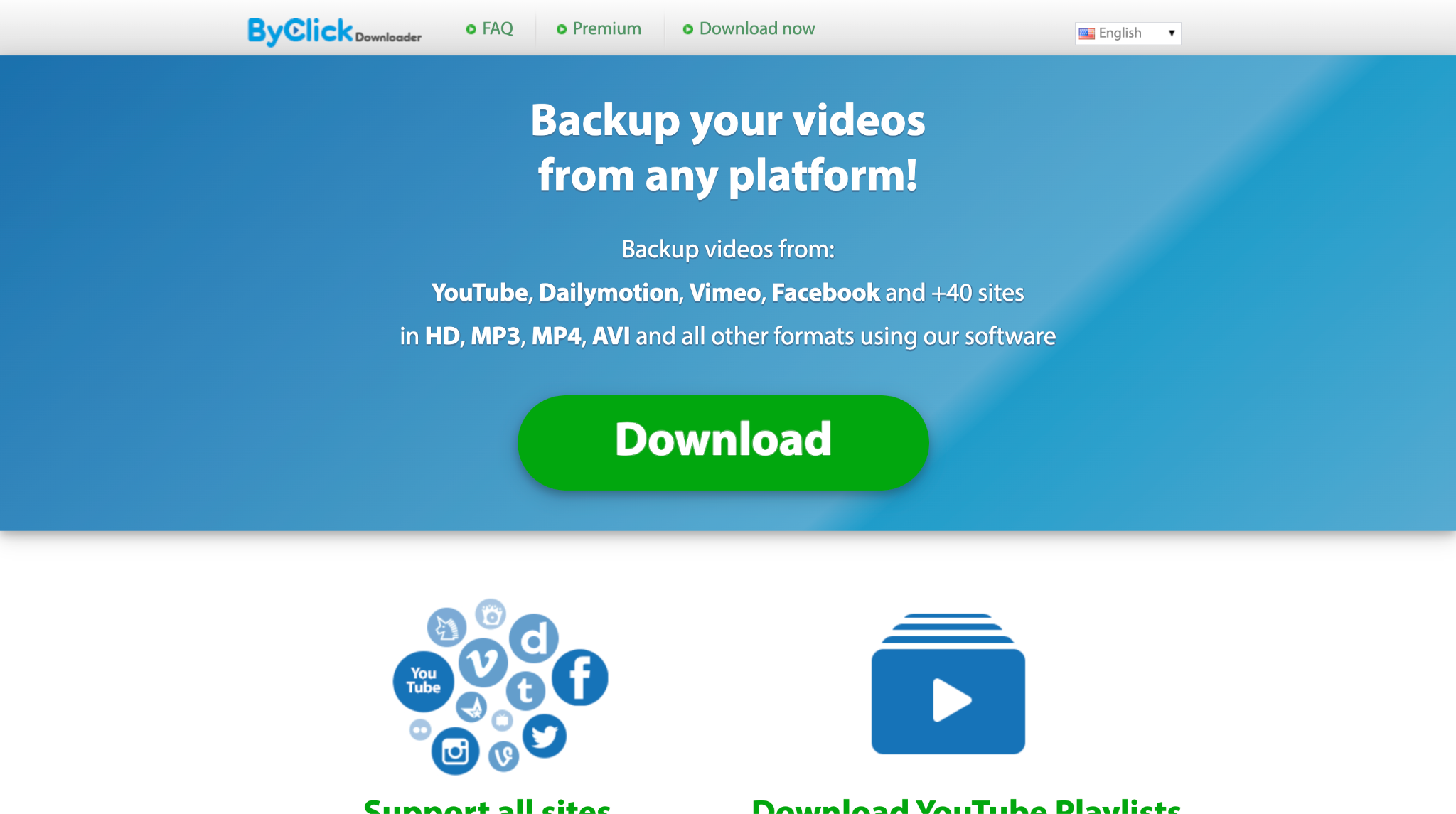
ByClick Downloader is all about speed and convenience. It automatically detects when you copy a video link and starts the download process immediately. It works across 25+ platforms, including Instagram, Facebook, and Vimeo, and can rip entire playlists or channels in minutes. The MP3 conversion feature is instant, making it popular with music collectors.
Safety Review: 4/5
Starting Price: $9.99
Supported Device: Windows
Batch Process: Yes
4. YTD Downloader
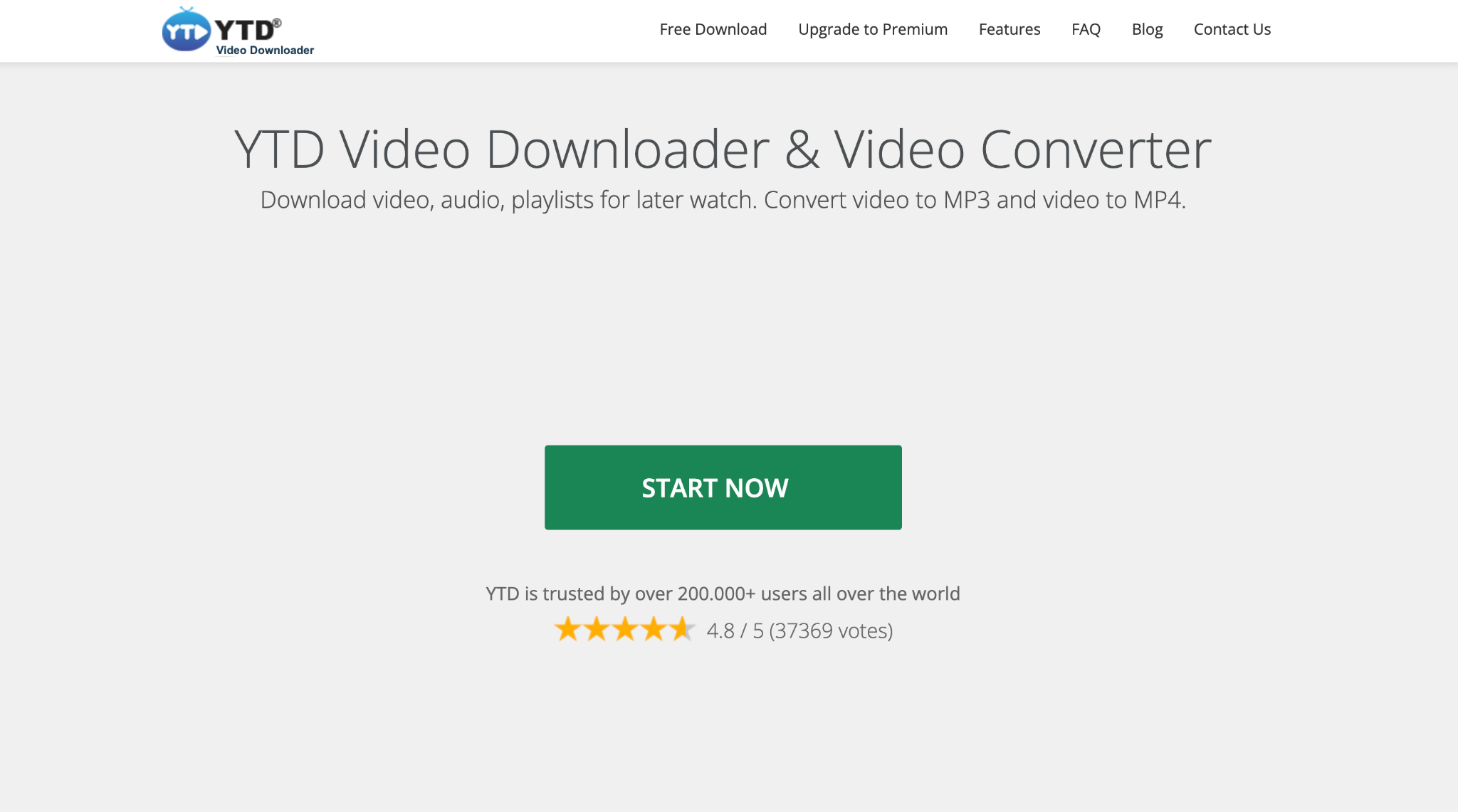
YTD Video Downloader offers both a desktop app and browser-based downloading. It's straightforward: download, convert to different formats, and play directly in the built-in media player. The free version works but comes with significant restrictions, which push most users toward the pro version. While it's functional as a Snaptube alternative, be careful to download only from the official site, as some third-party sources have bundled it with adware. It's decent for casual use, but not the most modern option.
Safety Review: 4/5
Starting Price: Free (Pro starts at $3.99/month)
Supported Device: Windows, Mac, Browser
Batch Process: Pro only
5. iTubeGo

iTubeGo supports 8K videos, extracts audio at 320 kbps, and converts files quickly. The Android version extends downloading to mobile, though it requires sideloading since it's not on the Play Store. Bulk downloading is fast, and the software includes a built-in scheduler that lets you queue downloads for off-peak hours. As a Snaptube alternative, it's versatile and powerful, though the abundance of features means a slight learning curve for first-time users.
Safety Review: 4/5
Starting Price: $9.95/month
Supported Device: Windows, Mac, Android
Batch Process: Yes
6. Vidmate
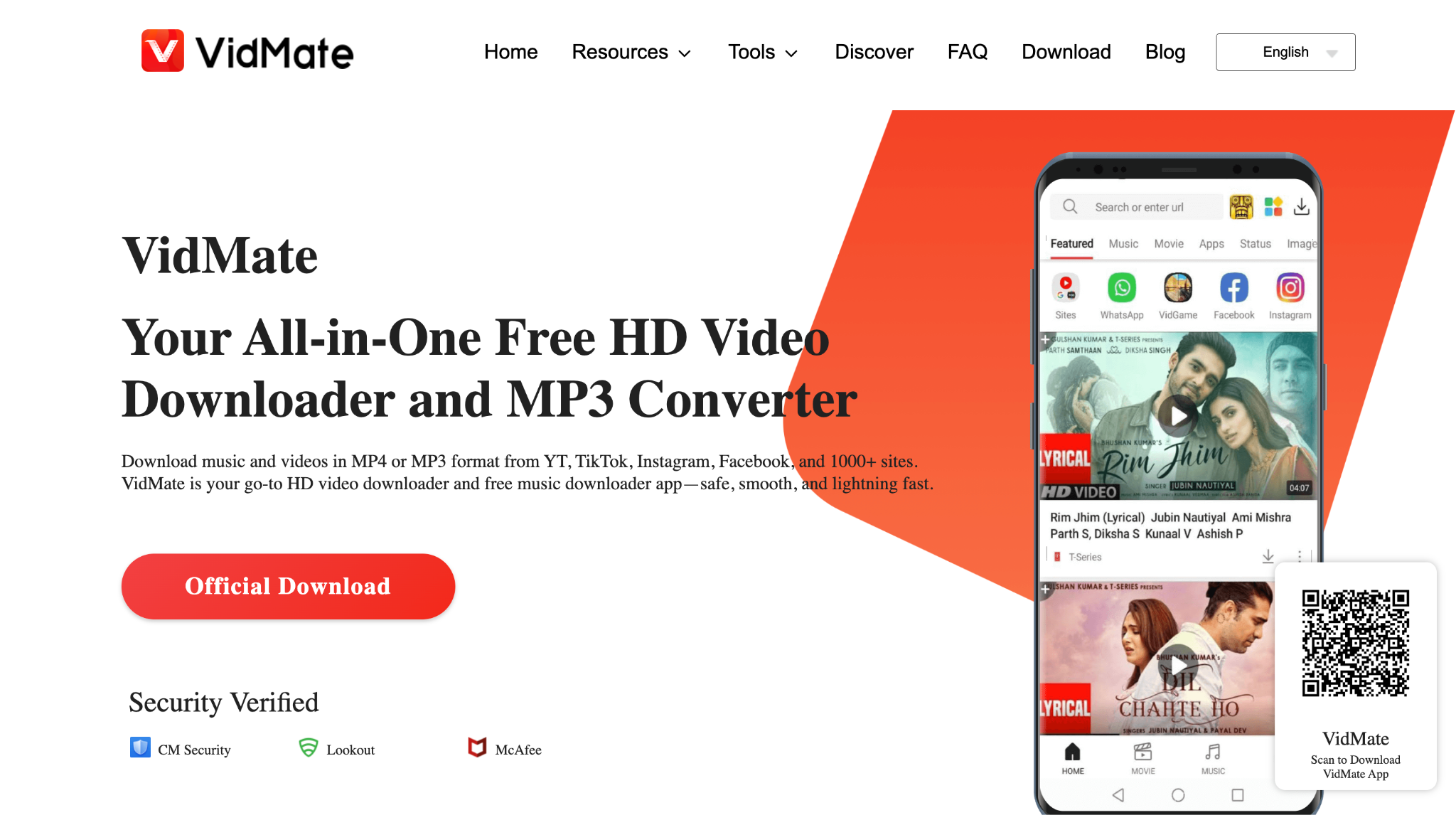
VidMate has been a Snaptube alternative for Android users for years, offering a massive library of streaming sites, live TV channels, and download options all in one app. It includes a built-in browser, video player, and music streaming feature, making it more than just a downloader. You can grab HD videos, entire playlists, and even watch content before downloading. Ads are frequent, but the app is free and feature-rich enough that many users consider it worth the trade-off.
Safety Review: 3/5 (use official APK source)
Starting Price: Free
Supported Device: Android
Batch Process: Yes
7. Newpipe
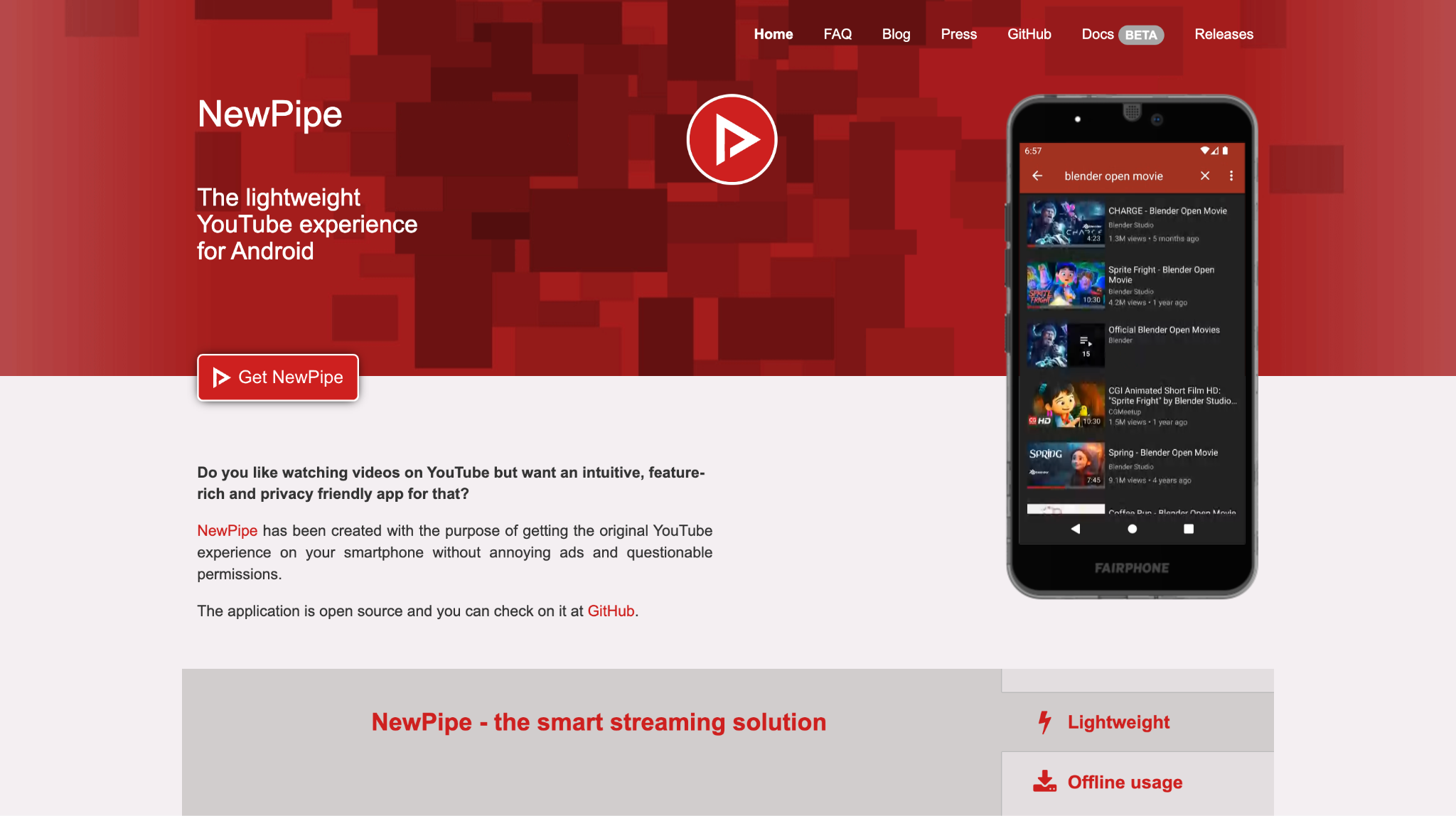
NewPipe is completely open source, contains no ads, and doesn't require a Google account or any tracking permissions. You can download videos, extract audio, play content in the background, and even use picture-in-picture mode. It is an ideal Snaptube alternative for Android for users who want full control over their data and a clean, bloat-free experience.
Safety Review: 5/5
Starting Price: Free
Supported Device: Android
Batch Process: Yes
8. Seal
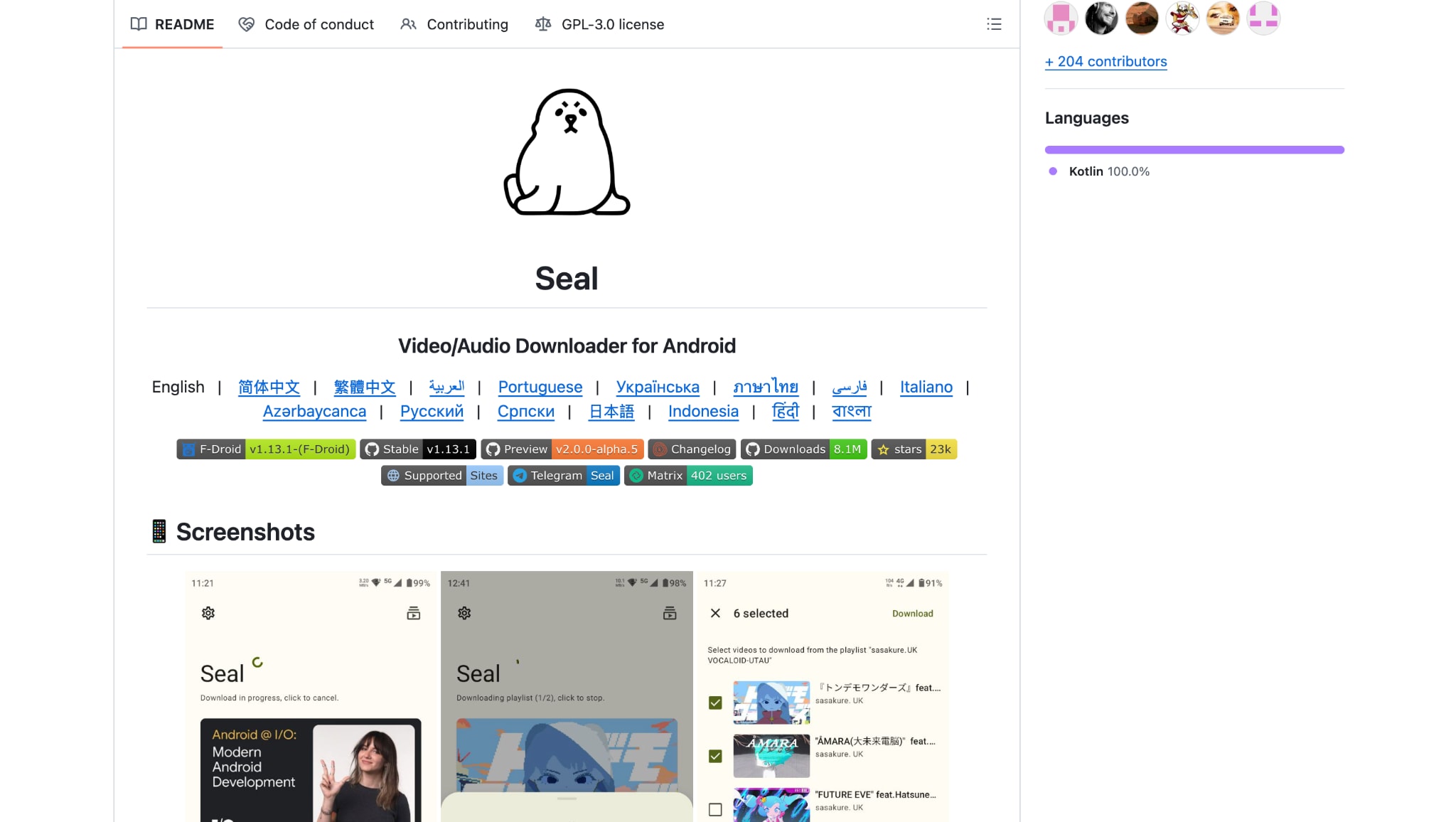
Seal is an open-source downloader built on yt-dlp, the most flexible video downloading engine available. It supports hundreds of websites beyond YouTube, offers granular control over video quality and format, and includes custom command templates for advanced users. It's available through F-Droid and GitHub, making it a trustworthy Snaptube alternative for Android.
Safety Review: 5/5
Starting Price: Free
Supported Device: Android
Batch Process: Yes
9. TubeMate

TubeMate is one of the oldest and most downloaded Snaptube alternatives for Android, known for its simplicity and reliability. It offers multiple resolution options, saves directly to your SD card, and includes a built-in video player for previewing content before downloading. The interface is clean and intuitive, making it accessible even for first-time users. You can queue multiple downloads, resume interrupted ones, and switch between video and audio-only formats with a tap.
Safety Review: 4/5
Starting Price: Free
Supported Device: Android
Batch Process: Yes
10. Readdle
Readdle is the safest and legitimate Snaptube alternative for iPhone users. Apple's App Store policies ban direct YouTube downloaders, but Documents by Readdle gets around this by combining a file manager with a built-in browser. You visit a video download site through the app, paste your link, and save files directly to your iPhone. Beyond downloading, Documents handles PDFs, cloud storage syncing, media playback, and file compression, essentially acting as the file manager iOS should have included.
Safety Review: 5/5
Starting Price: Free (some features paid)
Supported device: iPhone, iPad
Batch Process: Yes (via browser method)
Part 4. At-a-Glance Comparison Table of Snaptube Alternatives
Here's a quick table comparing each tool by best use cases, features, and availability on official stores. If you've been asking, "Is Snaptube safe?", this comparison will help you find reliable, secure alternatives that offer the same download power without the risks.
How We Tested Snaptube Alternatives
For this guide, we reviewed Snaptube alternatives based on safety, download reliability, feature coverage, and how practical each option is for users who want a smoother and more trustworthy downloader experience.
Safety & trust
We checked app source, update transparency, and whether each tool feels safer than relying on random APK sites or unstable unofficial builds.
Download performance
We reviewed how consistently each alternative downloads videos or audio without frequent failures, broken links, or poor-quality output.
Feature flexibility
We compared support for format choices, batch downloading, quality selection, and broader platform coverage across devices.
Everyday usability
We also considered interface clarity, ad pressure, and whether the alternative feels realistic for repeat daily use.
This page gives extra weight to safety and reliable downloading, since readers searching for Snaptube alternatives are usually trying to replace an unstable or risky workflow with something cleaner and more dependable.
| App Name | Best For | Key Safety Feature | Video Download | Audio Download | Official Store? |
|---|---|---|---|---|---|
| UniConverter | All-in-one (PC) | App Store + Desktop | Yes | Yes | Yes |
| VidMate | Android HD | Official APK only | Yes | Yes | No |
| NewPipe | Privacy Android | Open-source code | Yes | Yes | No (F-Droid only) |
| 4K Video Downloader | Multi-platform | Paid + Regular Updates | Yes | Yes | Yes / Official Site |
| TubeMate | Easy Android | Official APK only | Yes | Yes | No |
| Seal | Power/Privacy | Open-source code | Yes | Yes | No (F-Droid only) |
| YTD Video Downloader | PC playlists | Official site only | Yes | Yes | Yes / Official Site |
| ByClick Downloader | Windows bulk | Simple, auto-detect | Yes | Yes | Yes / Official Site |
| iTubeGo | Powerful bulk | Official website | Yes | Yes | Yes / Official Site |
| Documents by Readdle | iPhone safest | App Store listing | Yes (via browser) | Yes (via browser) | Yes |
Conclusion
Finding a reliable Snaptube alternative is easier than ever, especially if you've ever wondered, "Is Snaptube safe?" Android users can rely on NewPipe or Seal for safe, open-source downloads, while VidMate and TubeMate offer powerful features with careful sideloading. On PC or Mac, UniConverter, 4K Video Downloader, ByClick Downloader, and iTubeGo deliver fast, high-quality downloads. iPhone users can safely use Documents by Readdle from the App Store. For an all-in-one, trusted solution with great speed and file support, Wondershare UniConverter is one of the best options to download and manage videos securely.
FAQs
-
1. Are there apps like Snaptube for iPhone?
Yes, but iPhone works differently from Android. Users searching for Snaptube para iPhone, Snaptube iOS alternative, or similar phrases usually need App Store-safe tools such as Documents by Readdle instead of APK-style downloaders. -
2. Is Snaptube safe if I download the APK from another website?
That is the main risk. When users ask is Snaptube safe or Snaptube tiene virus, the concern is often the APK source rather than the app name alone. Unofficial APK sites may host modified, outdated, or bundled versions. -
3. What is the best Snaptube similar app for Android?
If you want a Snaptube similar app for Android with fewer privacy concerns, NewPipe and Seal are two strong open-source options. They are better suited to users who prefer cleaner installs, fewer ads, and more transparent updates. -
4. What should I compare when choosing a Snaptube alternative APK?
When comparing a Snaptube alternative APK, check the install source, update transparency, permissions, ads, and whether the app is also available through safer channels such as F-Droid, GitHub, or an official website. -
5. Are Snaptube alternative apps always safer than Snaptube?
No. Some Snaptube alternative apps still rely on sideloading and may carry similar risks. The safest replacements are usually official desktop tools, trusted App Store apps, or open-source projects with transparent distribution.

