


For years, ClipGrab was a popular choice for downloading videos from sites like YouTube, Vimeo, and Facebook. It offered quick downloads and easy format conversions to MP3 or MP4. However, in 2026, many users report that ClipGrab not working properly — with failed downloads, security warnings, and instability becoming common issues. This guide explores why ClipGrab has declined and presents the best alternatives for Windows, Mac, and Android. Whether you need a simple downloader for casual use or a robust tool for high-quality videos, here’s everything you need to find a safe, reliable ClipGrab replacement
Table of Contents
Is ClipGrab still safe and stable to use?
Safety Concerns of ClipGrab
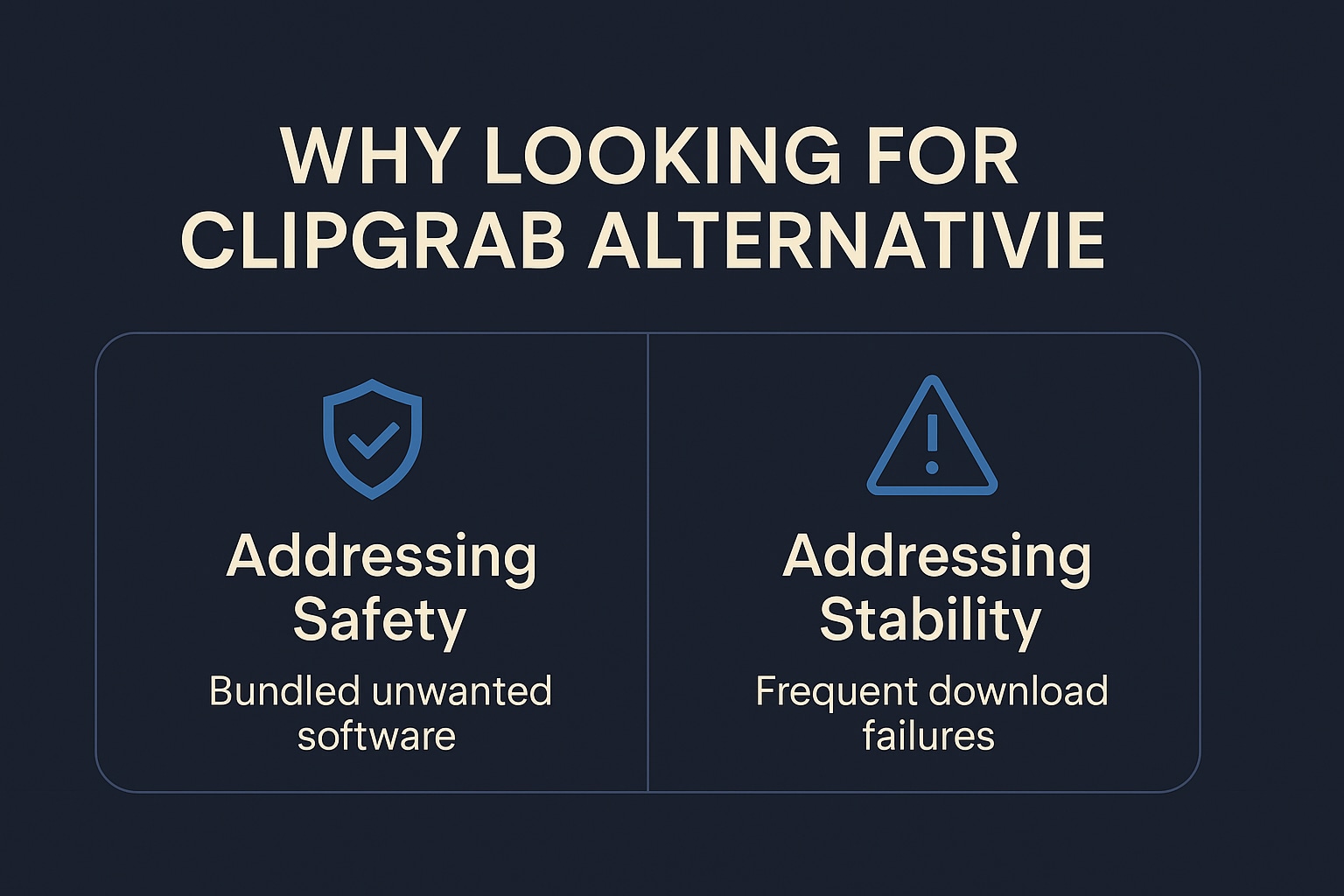
The core ClipGrab software itself is not inherently malicious and is open-source, meaning its code is publicly available for review. However, the primary safety issue lies with its installer. Multiple reports indicate that some versions are bundled with additional software or potentially unwanted programs (PUPs) that you must actively opt out of during installation.
This practice has led to major antivirus programs like McAfee and Avast flagging ClipGrab as a potential risk. Users have reported instances of the installer adding extra browser extensions or programs without explicit consent. While you can minimize these risks by downloading only from the official website and carefully reading each installation step, these safety concerns remain significant drawbacks.
Stability Concerns of ClipGrab
ClipGrab works well for basic downloads on supported platforms when everything is functioning correctly. It offers a simple interface that makes it accessible even for users with limited technical expertise, and many report successful downloads of various video content, especially from YouTube.
However, its core stability issue stems from its reactive nature to website changes. Video platforms like YouTube frequently update their APIs and security protocols. When this happens, ClipGrab often breaks because it relies on these platforms not altering how their content is accessed. This problem is compounded by the software's slow update cycle, as it isn't always patched promptly to address new compatibility issues.
Common Stability Problems Users Face
The instability of ClipGrab manifests in several common symptoms, including:
- The software failing to fetch videos or crashing unexpectedly.
- Frequent "URL not supported" errors until a developer patch is released.
- A progress bar that remains at 0%.
- Messages indicating that no downloadable videos could be found for a given URL.
- Many users now find that ClipGrab frequently requires an additional utility called youtube-dlp to function with YouTube links, and even this workaround often fails.
How ClipGrab Compares to Competitors
Due to its reliance on workarounds and slow update cycle, ClipGrab can be considered less stable than some competing downloader tools. Professional alternatives often have dedicated teams that proactively monitor platform changes and push updates more regularly. This results in significantly better stability and reliability for the user.
How to choose a safe ClipGrab alternative
Selecting the right video downloader requires careful consideration of several vital factors. We evaluated dozens of potential ClipGrab alternatives against the following criteria to ensure our recommendations meet various needs and use cases:
Safety & Security (No Malware/Bloatware)
This was our top priority. We prioritized applications with clean installation processes, no history of bundling unwanted software, and positive reputations in user communities. We avoided tools that trigger antivirus alerts or have reports of potentially unwanted programs.
Supported Websites (YouTube, Vimeo, Dailymotion, Facebook, etc.)
We considered the range of platforms each downloader supports. While all alternatives work with YouTube, we valued tools that also accommodate other popular sites like Vimeo, Dailymotion, Facebook, and more niche platforms.
Ease of Use & User Interface
A straightforward, intuitive interface makes the downloading process simple for users of all technical levels. We looked for tools with clean layouts, obvious controls, and minimal learning curves.
Download Speed & Performance
There's nothing more frustrating than a slow downloader. We favored tools that utilize acceleration technologies and efficient processing to deliver fast download speeds without compromising system performance.
Available Formats (MP4, MP3, WEBM, etc.) and Quality Options (4K, 1080p, etc.)
Versatility in output options is crucial. We prioritized tools that support multiple formats (MP4, MP3, WEBM) and quality options ranging from standard definition up to 4K and even 8K for those who need high-resolution content.
Price (Focus on Free vs. Paid)
We understand that budget considerations are essential. Our list includes both free tools and paid options, clearly indicating what value each price point delivers to help you make an informed decision.
Platform Compatibility (Windows, Mac, Linux)
Since users have different operating systems, we included ClipGrab alternatives for Windows, ClipGrab alternatives for Mac, and options for other platforms where available. We also considered ClipGrab alternatives for Android for mobile users.
Best ClipGrab alternatives for Windows, Mac, web, and Android
After extensive testing and evaluation based on our criteria, here are the 10 best ClipGrab alternatives available in 2026:
1. UniConverter (formerly Wondershare UniConverter)
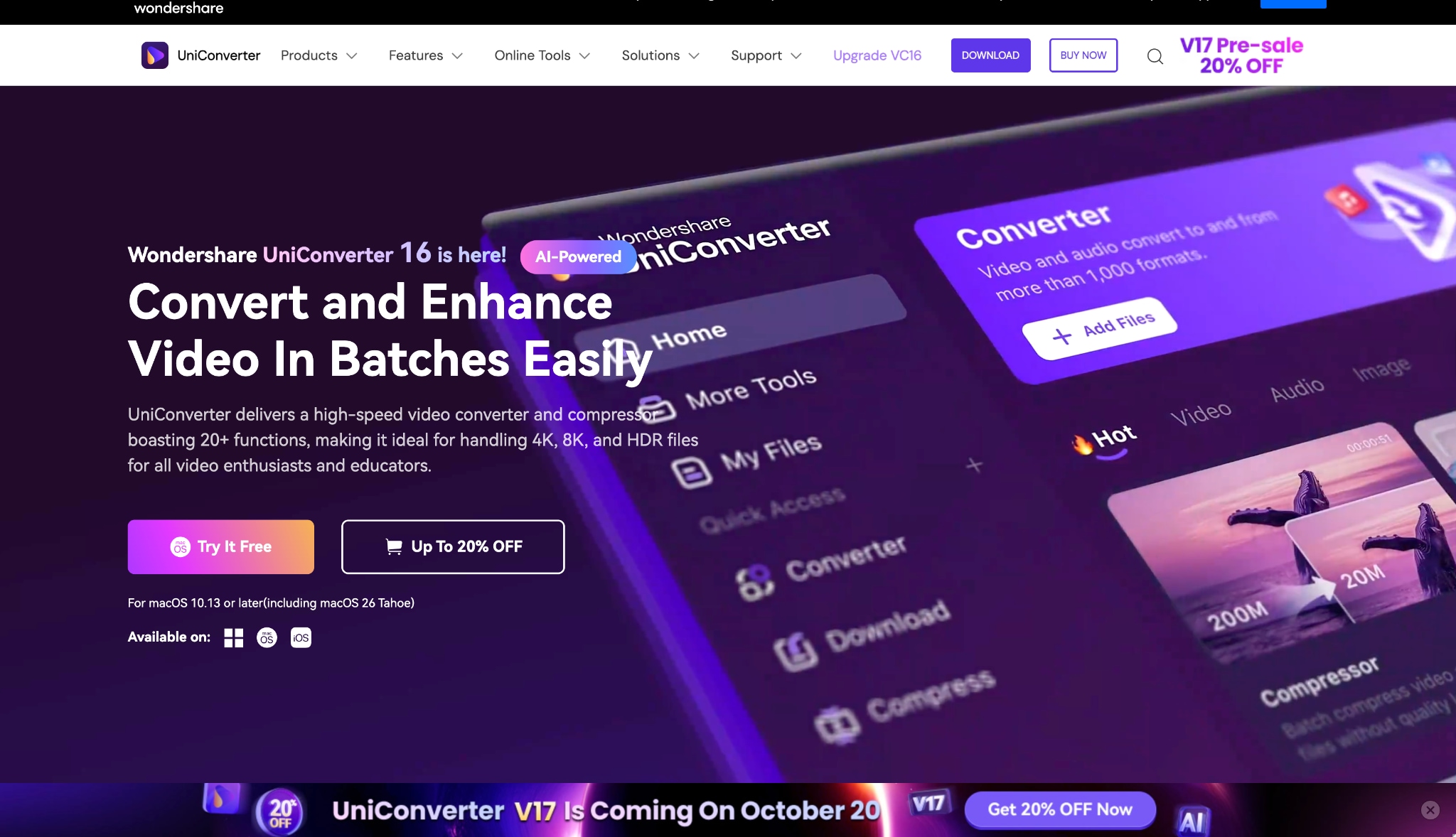
UniConverter stands as a powerful and comprehensive multimedia toolkit that moves far beyond simple video downloading. It masterfully integrates robust video downloading, versatile format conversion, and essential editing capabilities within one streamlined, intuitive interface. Its specialized downloader component reliably supports grabbing content from an extensive library of over 10,000 streaming sites, maintaining high success rates and preserving excellent output quality. This powerful combination of features, including batch processing and broad format support, establishes UniConverter as a truly versatile, all-in-one solution for managing all your digital media tasks efficiently.
Safety Review: 4/5
Starting Price: Freemium model with paid plans starting at $29.99/year
Ad Density: Minimal ads in the free version
Product Type: Desktop software (Windows, Mac)

Easy to Use ClipGrab Alternative
2. 4K Video Downloader
Safety Review: 5/5
Starting Price: Free version available; premium license starts at $15 (one-time payment)
Ads Density: No ads
Product Type: Desktop software (Windows, Mac, Linux)
3. StreamFab YouTube Downloader
Safety Review: 5/5
Starting Price: $69.99/monthly product
Ads Density: No ads
Product Type: Desktop software (Windows, Mac)
4. Y2Mate
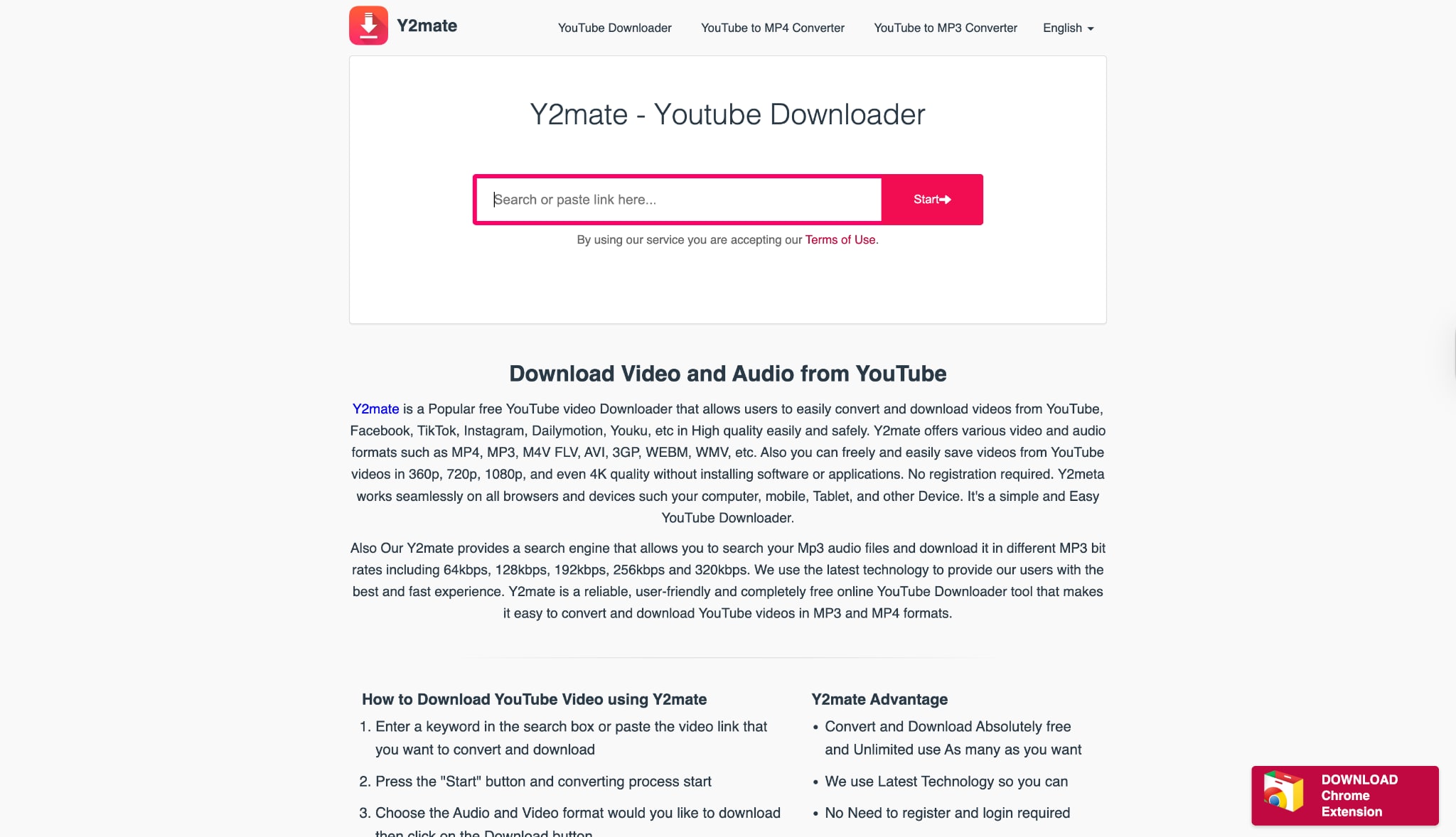
Safety Review: 3/5
Starting Price: Free
Ads Density: High (pop-up ads)
Product Type: Web-based tool
5. MediaHuman YouTube to MP3 Converter
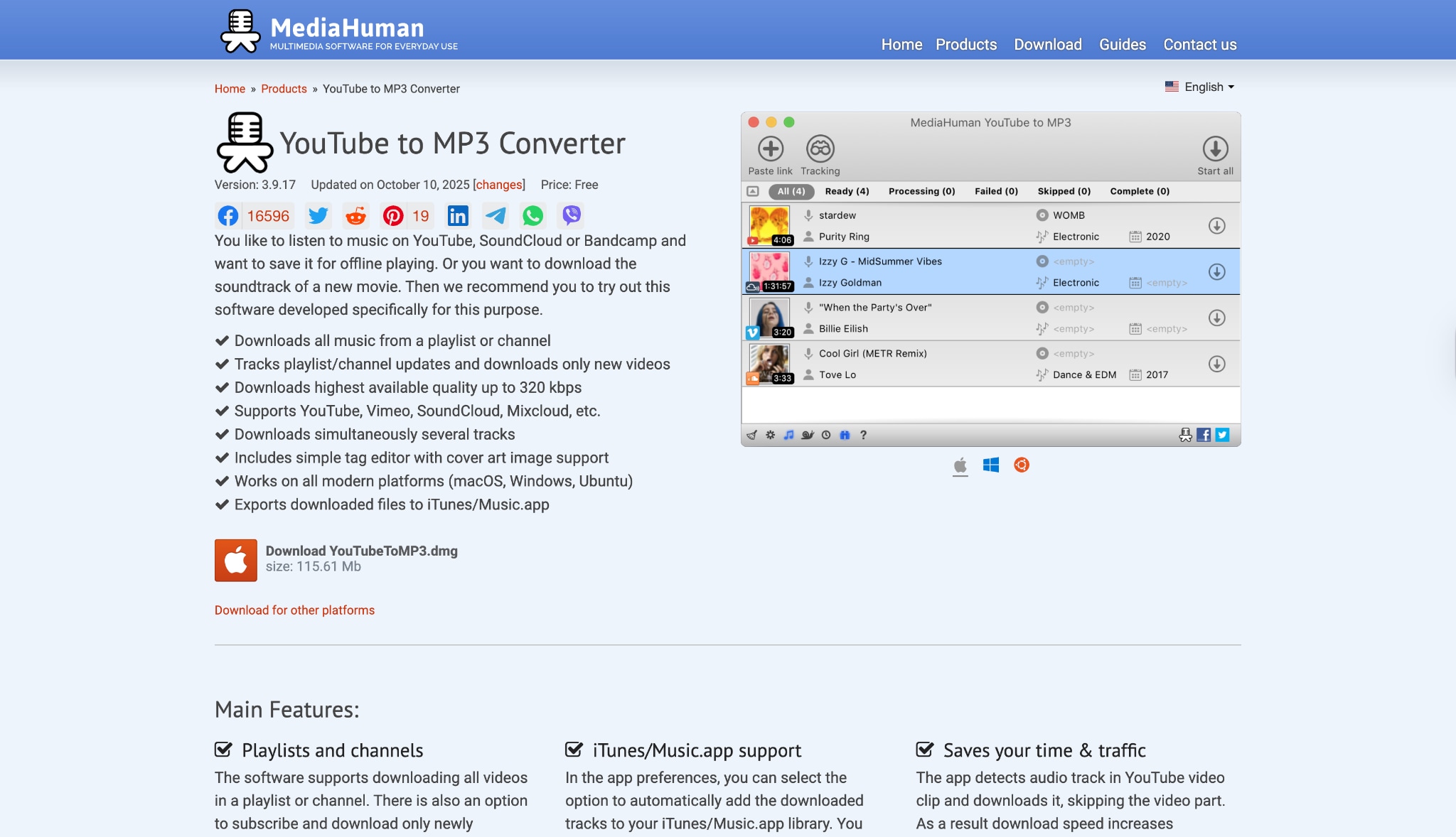
Safety Review: 4/5
Starting Price: Free
Ads Density: No ads
Product Type: Desktop software (Windows, Mac)
6. ByClick Downloader
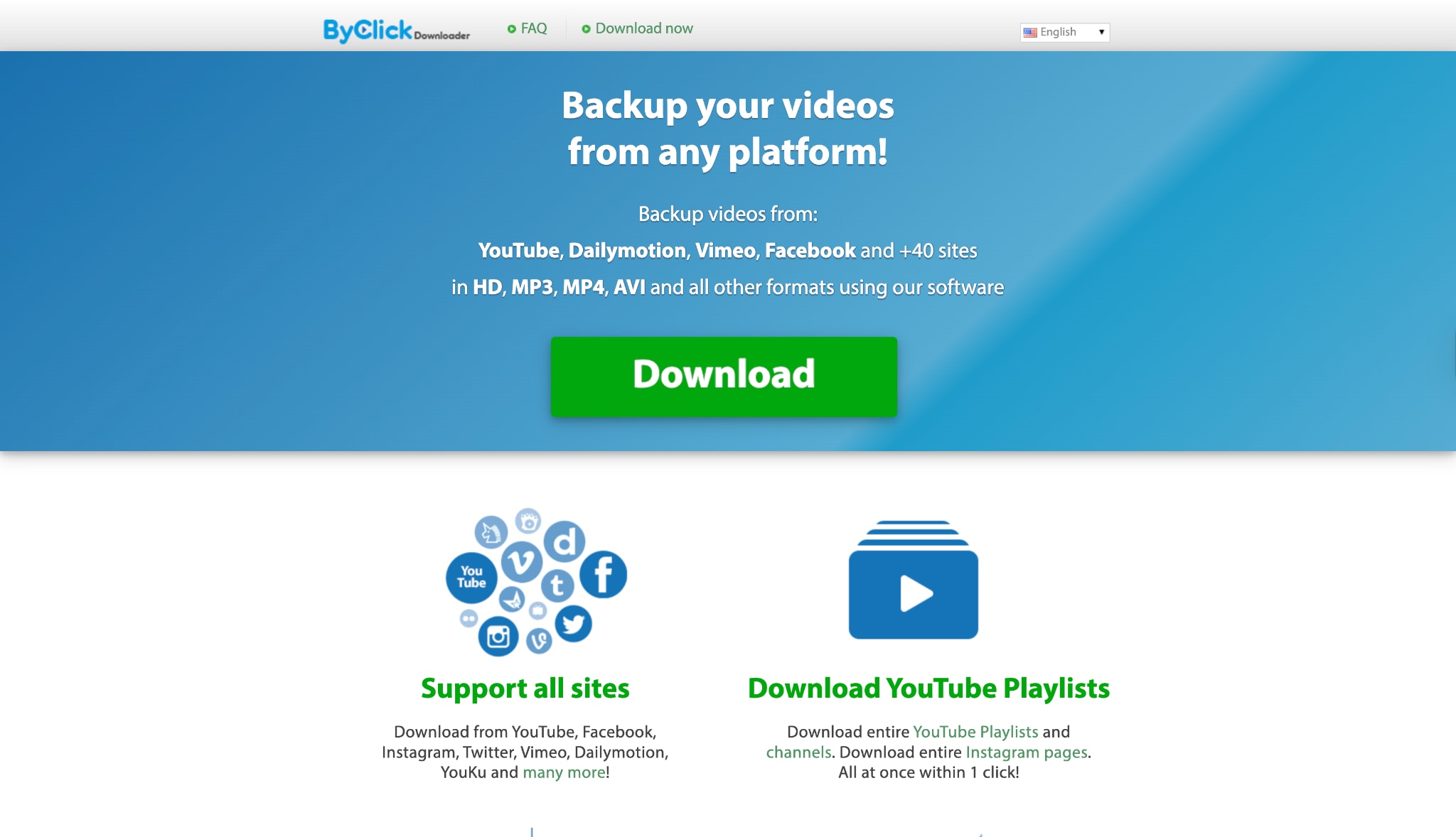
Safety Review: 4/5
Starting Price: Free version available; premium starts at $4.99/month
Ad Density: Minimal ads in the free version
Product Type: Desktop software (Windows) with browser integration
7. VideoProc Downloader & Converter

8. SnapDownloader
SnapDownloader balances power and usability with support for high-resolution downloads (up to 8K) from over 900 websites. It includes unique features like a built-in clip cutter that lets you download only specific portions of videos rather than the entire file.
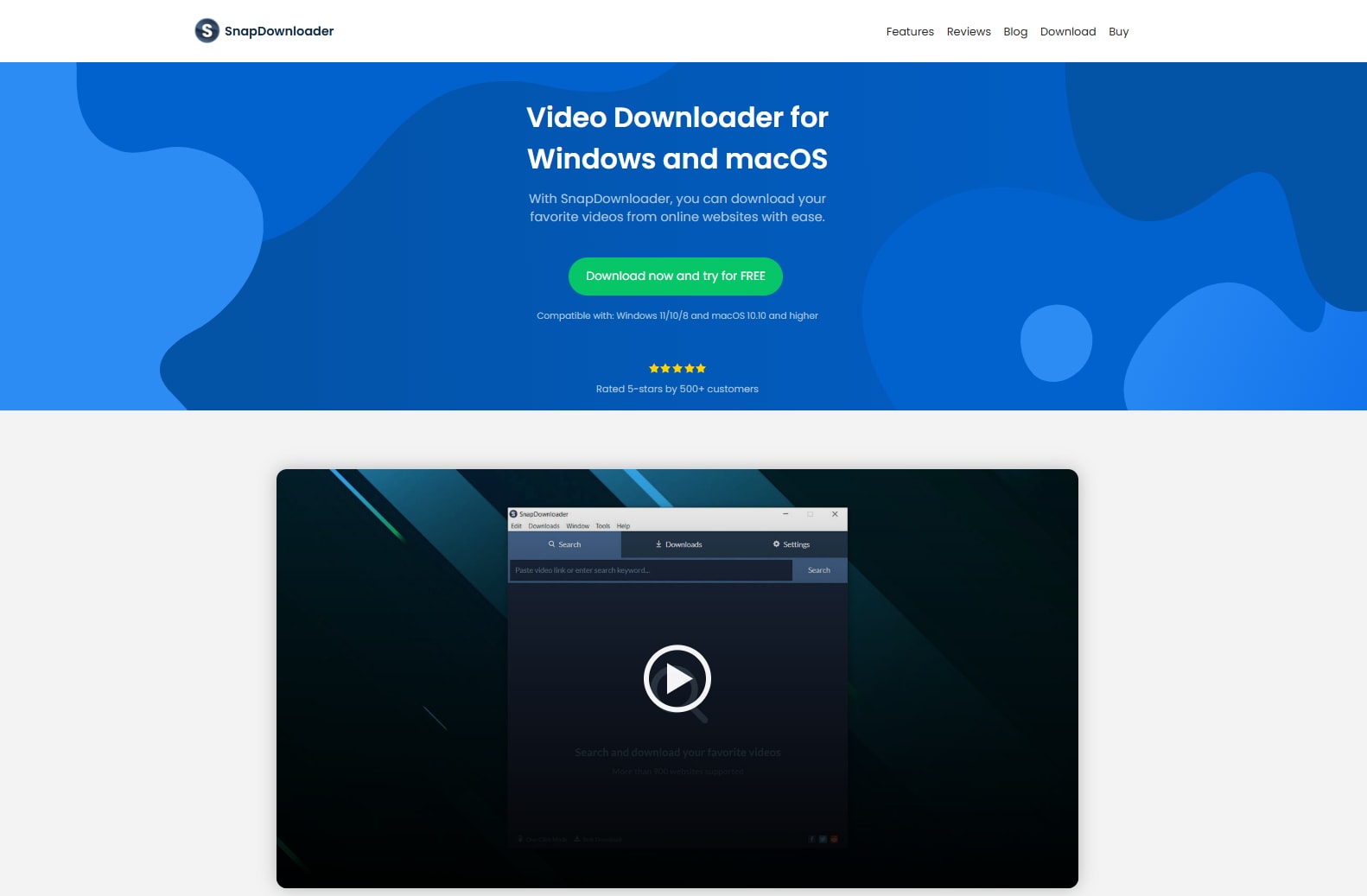
Safety Review: 4/5
Starting Price: $19 (one-time payment)
Ads Density: No ads
Product Type: Desktop software (Windows, Mac)
9. aDownloader
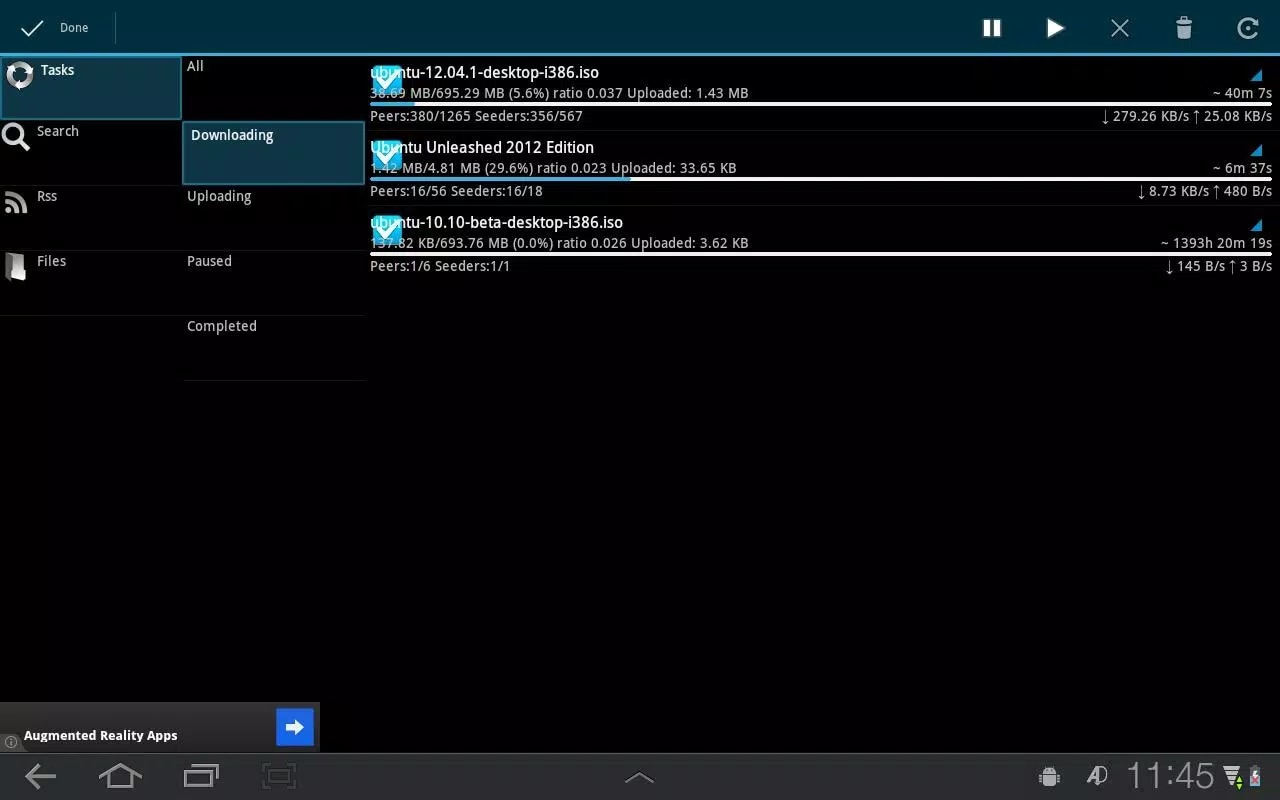
Safety Review: 3/5
Starting Price: Free
Ads Density: Moderate
Product Type: Mobile app (Android)
10. ClipConverter CC
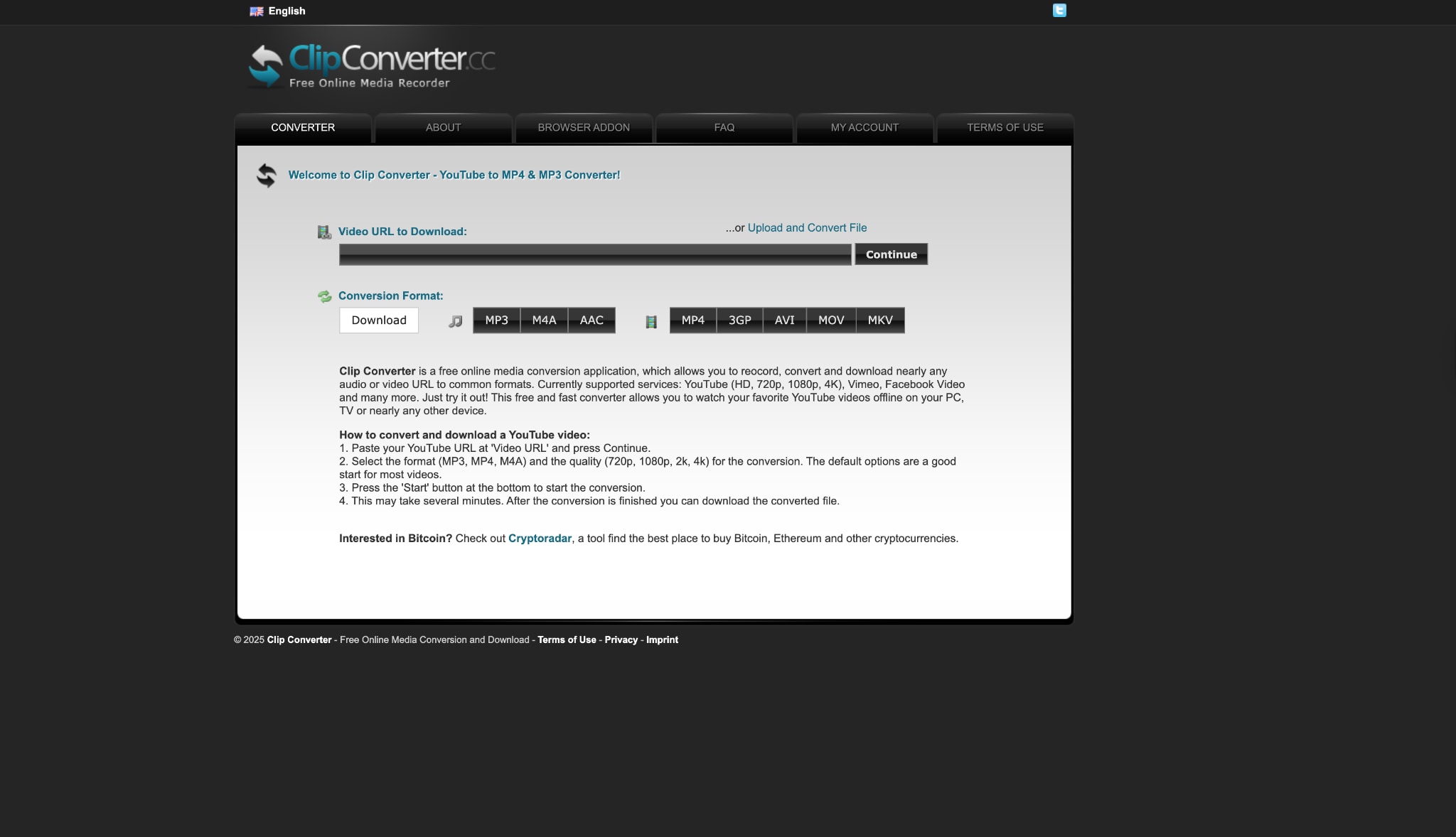
Safety Review: 2/5
Starting Price: Free
Ads Density: Very high
Product Type: Web-based tool
Easy to Use ClipGrab Alternative
Table: Quick Comparison of ClipGrab Alternatives
| Tool | Best For | Price | Platforms | Max Quality |
|---|---|---|---|---|
| UniConverter | All-in-one media toolkit | Freemium | Windows, Mac | 4K/8K |
| 4K Video Downloader | High-resolution content | Free/Paid | Win, Mac, Linux | 8K |
| StreamFab | Power users & multiple sites | Paid | Windows, Mac | 8K |
| Y2Mate | Quick, one-off downloads | Free | Web | 1080p / 4K |
| MediaHuman | Audio extraction | Free | Windows, Mac | Audio only |
| ByClick Downloader | Browser integration | Freemium | Windows | 4K/8K |
| VideoProc | Downloading + editing | Paid | Windows, Mac | 4K/8K |
| SnapDownloader | Partial video downloads | Paid | Windows, Mac | 8K |
| aDownloader | Android users | Free | Android | 1080p |
| ClipConverter CC | Occasional web downloads | Free | Web | 2K / 4K |
Which ClipGrab alternative should you choose?
Here are some specific recommendations based on typical user scenarios:
If you need quick, one-off downloads
Use a web-based tool like Y2Mate or ClipConverter CC. These require no installation and can handle single videos quickly, though you'll need to tolerate ads and potentially lower quality limits.
If you prioritize high-quality (4K/8K) and playlist downloads
Choose 4K Video Downloader or SnapDownloader. These services specialize in high-resolution content and make it easy to download entire playlists or channels in batches.
If you download from many different sites
Consider StreamFab or UniConverter. With support for over 1,000 websites, these tools are likely to work with both popular and more obscure platforms.
If you want a simple, ClipGrab-like experience
Try ByClick Downloader or MediaHuman YouTube to MP3 Converter. These offer straightforward interfaces with minimal learning curves, similar to what ClipGrab initially provided.
If you need a tool for your phone
Use aDownloader for Android devices. This brings video downloading capability directly to your mobile device with an interface designed for touch screens.
If you want an all-in-one solution
Consider UniConverter or VideoProc Converter . These combine downloading with editing, conversion, and other media processing tools in a single package.
Conclusion
In 2026, clinging to ClipGrab means accepting unnecessary frustration and potential risk. Its recurring failures and security warnings clearly signal it's time to switch. The vibrant ecosystem of modern downloaders offers superior stability, enhanced safety, and specialized features that ClipGrab can no longer match. By selecting a tool that aligns with your specific needs—whether for high-resolution videos, multi-site support, or mobile convenience—you can transform a problematic task into a seamless, reliable experience. Embrace a more efficient solution and leave the issues of "ClipGrab not working" firmly in the past.
Ready for a reliable all-in-one solution? Download UniConverter today to enjoy seamless downloading, conversion, and editing in one powerful toolkit.
FAQs
-
Is ClipGrab safe to use in 2026?
While ClipGrab itself isn't malware, safety concerns have increased in 2026. Multiple antivirus programs flag it as a potentially unwanted program (PUP), and users report the installer often bundles additional software without explicit consent. If you choose to use it, download only from the official website, carefully read each installation step, and have active antivirus protection. However, most experts now recommend switching to safer alternatives. -
What are the best ClipGrab alternatives for Mac?
The best ClipGrab alternatives for Mac include 4K Video Downloader, MediaHuman YouTube to MP3 Converter, StreamFab Downloader, and VideoProc Converter. These offer full compatibility with macOS and provide similar or enhanced functionality compared to ClipGrab, with the added benefit of better stability and more regular updates. -
Are there any ClipGrab alternatives for Android?
Yes, there are several good ClipGrab alternatives for Android. aDownloader is specifically designed for Android devices and allows you to download videos directly to your phone or tablet. Additionally, web-based tools like Y2Mate and ClipConverter CC work on mobile browsers, though the experience may be less optimized than dedicated apps. -
Is it legal to use ClipGrab alternatives to download YouTube videos?
This remains a legal gray area. Downloading copyrighted content without permission is generally illegal in many regions. However, saving videos for personal offline use of content you have the rights to is often tolerated. Always respect copyright laws and terms of service, and use these tools only for content you're authorized to download. Redistribution or commercial use of downloaded content without permission can have serious legal consequences. -
What's the best free alternative to ClipGrab?
For comprehensive features, 4K Video Downloader offers an excellent free version that supports high-quality downloads and playlists. For quick, single downloads without installation, Y2Mate is a convenient web-based option. For audio-focused users, MediaHuman YouTube to MP3 Converter provides reliable free audio extraction. -
Can I use these alternatives on Linux?
Yes, several ClipGrab alternatives offer Linux compatibility. 4K Video Downloader has a Linux version, and open-source options like youtube-dl (command line) and YoutubeDLG (graphical interface) are specifically designed for Linux systems. Web-based alternatives like Y2Mate and ClipConverter CC also work on Linux through compatible browsers.

