

Most creators searching for a CapCut review want a simple answer: yes, CapCut is still one of the best free video editors in 2026, but it is no longer the unbeatable value it once was. While CapCut remains packed with AI-powered editing tools, auto-captions, templates, and social media features, many popular tools now require a paid subscription. Privacy concerns, changing pricing, and regional restrictions have also pushed some creators to explore alternatives.
In this CapCut review, you'll learn what CapCut does well, where it falls short, whether the free plan is still worth using, and which alternatives may offer better value depending on your needs.
Table of Contents
Part 1: What Are CapCut's Top Features and Use Cases?
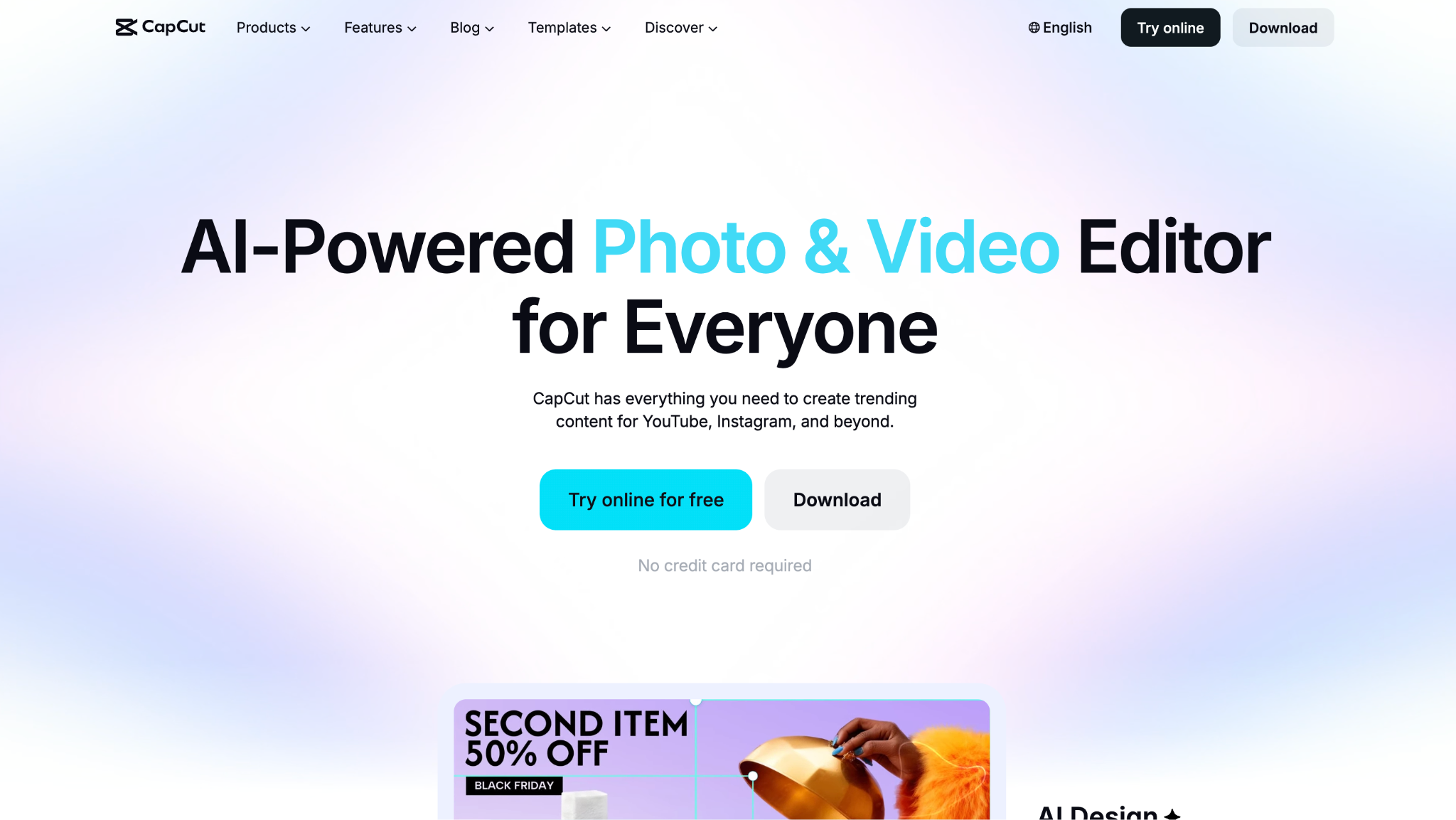
CapCut's biggest strengths are its AI-powered editing tools, automatic captions, trend-driven templates, and beginner-friendly timeline. These features help creators produce social media videos faster without needing advanced editing skills.
The table below breaks down CapCut's most useful features, what they do, and the content creation tasks they are best suited for.
| CapCut Feature | What it Does | Use Case |
| AI Auto-Edit and Auto Cut | Assembles raw footage into a captioned, color-corrected cut | Turning long recordings into clips fast |
| Auto-captions | Generates and styles captions in 100+ languages | Sound-off viewing on TikTok and Reels |
| Trend templates | Template library refreshed within days of new trends | Riding current short-form formats |
| Magic Studio AI tools | Object and background removal, 4K upscaling, avatars, voice cloning | Faceless and polished social video |
| Multi-track timeline | Keyframes, chroma key, transitions, and speed ramping | Hands-on editing of Reels and Shorts |
AI Auto-Edit: CapCut's Auto-Edit runs raw footage through scene recognition, transcription, and quality scoring, then assembles a cut with color correction, audio leveling, and transitions. Long video to Shorts scans a recording and suggests clips, which turns a webinar or a long take into a batch of social posts without manual cutting.
Auto-Captions and Templates: Auto-captions are generated in 100+ languages with animated styling, covering sound-off viewing that dominates TikTok and Reels. The template library is the other draw: when an editing style trends, CapCut usually has a matching template within days, so creators can ride the format while it's still fresh.
Magic Studio AI Tools: CapCut's Magic Studio bundles object and background removal, sky replacement, 4K upscaling, AI avatars, and cloned voiceovers. For faceless channels and quick polish, these tools cut hours of manual work, though the most useful ones draw on a paid plan.
Hands-on Editing: Under the AI layer, CapCut keeps a real multi-track timeline with keyframes, chroma key, speed ramping, transitions, and noise reduction. Exports reach 4K, and the editor handles most Reels and Shorts work without a second tool, though large files slow it down.
Part 2: Is CapCut Safe to Use for Business Content?
For business and client content, CapCut carries a real risk that a pure editing tool does not. The concerns are structural, tied to ownership and terms rather than to a single bug, and have led to concrete legal action.
CapCut belongs to ByteDance, a Chinese company subject to laws that can compel cooperation with state data requests, a concern that also follows TikTok. Regulators have acted on it. The EU fined the wider ByteDance group 530 million euros in 2025 over data protection failings that included transfers of European user data to servers in China, and a US class-action lawsuit alleges that CapCut collects sensitive data, including biometric identifiers such as faceprints and voiceprints, and makes it available for surveillance.
The sharper issue for brands is ownership. CapCut's updated terms of service grant the app broad, long-lasting rights to use content uploaded to it, including drafts, and those rights can outlast a deleted account. For a creator editing a client's campaign or unreleased product footage, that clause alone is a reason to read the terms closely. For casual personal videos, the exposure is lower, while branded, client, or confidential work calls for caution.
Part 3: Is CapCut Still Free in 2026?
Yes, CapCut still offers a free plan in 2026, and it remains one of the most capable free video editors available. Most creators can still edit videos, add captions, use templates, and export in 1080p without paying.
The reason many people still download CapCut is simple: the free version does a lot more than most competing editors.
With the free plan, you get:
- Multi-track video editing timeline
- Keyframe animation tools
- Chroma key (green screen) editing
- Speed ramping and transitions
- Filters, effects, and free music
- Basic AI voiceover tools
- 1080p video exports
- Large library of free templates
- But there's a catch.
Many of CapCut's most advertised AI features now require a Pro subscription, and that list keeps growing.
Upgrading unlocks:
- Watermark-free 4K exports
- Premium templates and effects
- Brand Kit tools
- Unlimited auto-captions
- Priority export processing
- Advanced Magic Studio AI features
That shift is why long-time users often feel CapCut is becoming less generous than it used to be.
Pricing also varies by region and where you subscribe. Buying through an app store can cost more because platform fees are added, and businesses need a separate Team plan.
There's one more limitation worth knowing about.
CapCut remains unavailable through official channels in India, meaning Indian users cannot access the platform regardless of whether they want the free or paid version.
Part 4: Top 5 CapCut Alternatives: Key Features, Price, and Review
CapCut covers short-form social editing well, while access limits, privacy questions, and paywall creep send many creators looking elsewhere. These five alternatives each cover a different need, starting with the most accessible all-rounder.
Wondershare UniConverter
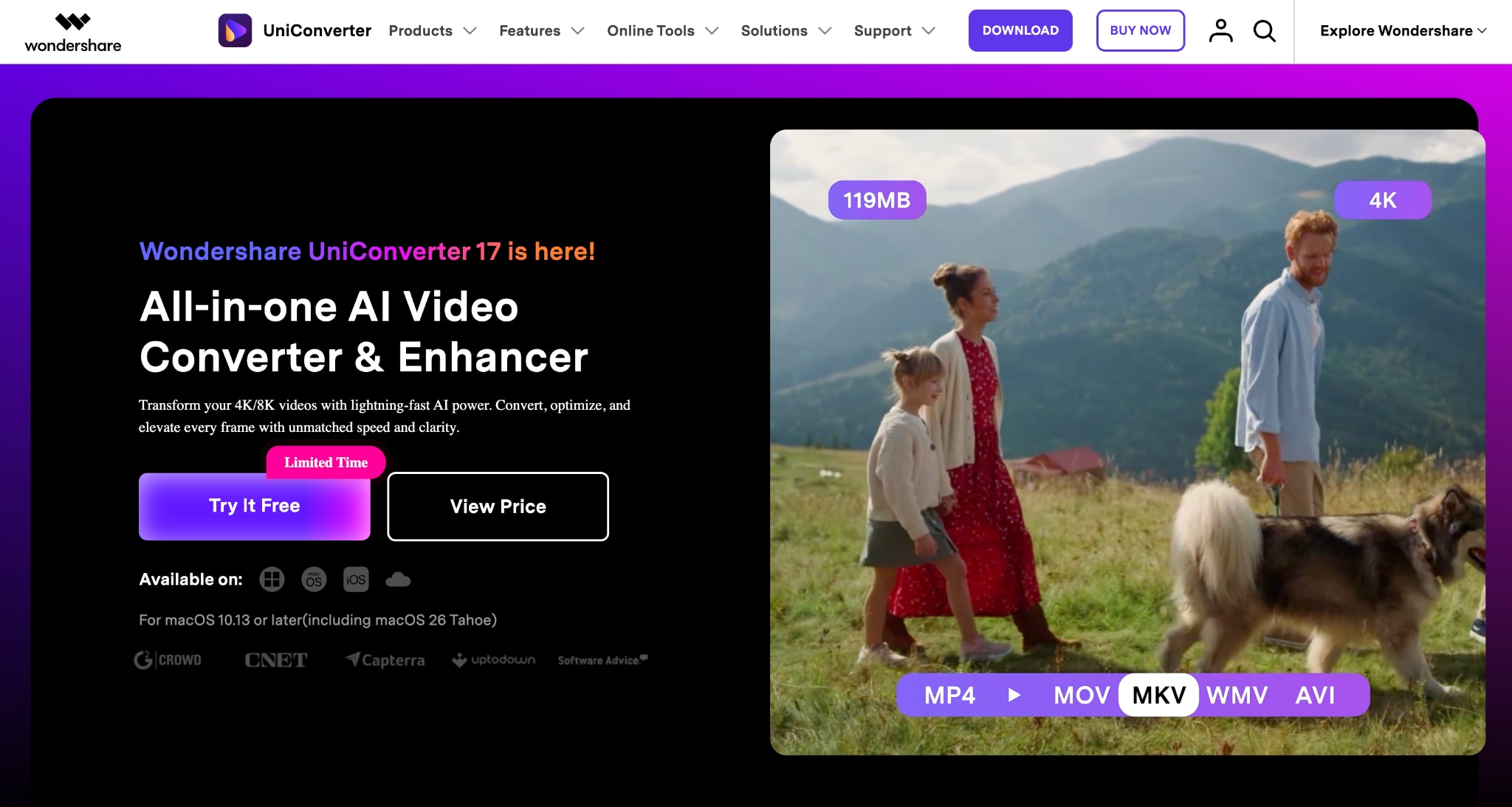

All-in-One Multimedia Processing Tool

Wondershare UniConverter is a better fit for creators who need more than a social media editor. While CapCut focuses on short-form video creation with templates and effects, UniConverter acts as an all-in-one AI media toolkit for converting, compressing, enhancing, recording, and editing video.
Wondershare UniConverter supports 1,000+ formats, AI-powered 4K/8K upscaling, up to 90% file compression, subtitle generation in 145+ languages, and screen recording. Unlike CapCut, which is centered on editing workflows, UniConverter helps manage the entire content lifecycle, making it a practical choice for YouTubers, educators, marketers, and businesses.
Converts and optimizes videos across 1,000+ formats, making it easier to move content between editing software, devices, and platforms without compatibility issues.
Uses AI Smart Compression to reduce video file sizes by up to 90% while maintaining quality, which is especially useful for storage management and faster uploads.
AI video enhancer enhances footage with AI-powered 4K and 8K upscaling, noise reduction, face refinement, and frame-rate boosting up to 240 FPS.
Generates, translates, and edits subtitles in 145+ languages, including bilingual captions for creators targeting international audiences.
Descript
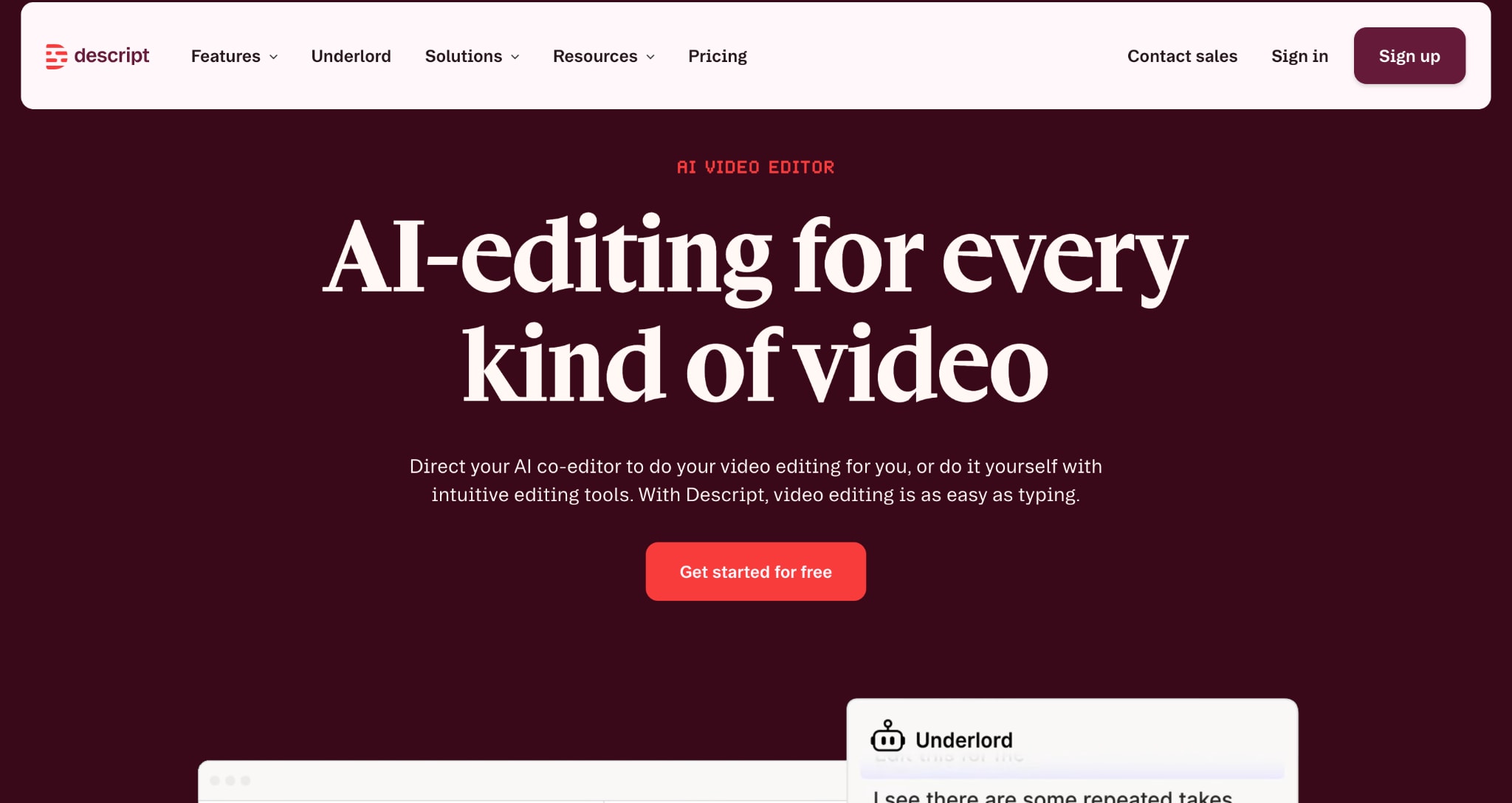
Descript is a text-first video and podcast editor that lets you edit media by editing its transcript. Instead of working on a traditional timeline, you simply delete, rearrange, or rewrite text, and the corresponding audio or video updates automatically. This makes it especially efficient for cleaning up long-form content like interviews, podcasts, and talking-head videos.
Compared to CapCut, Descript is less focused on flashy social templates and more on structured, speech-driven editing workflows.
Let you edit video and audio by changing the written transcript, so removing a sentence automatically removes the matching footage.
Replaces incorrect spoken words by typing the correction using an AI-generated voice that blends into the original recording.
Reduces background noise and removes filler words like "um" and "uh" to make dialogue sound more polished.
Allows multiple people to work on the same project with comments, edits, and shared timelines in real time.
DaVinci Resolve
DaVinci Resolve is a professional-grade video editing suite used widely in film, television, and high-end YouTube production. It combines editing, color correction, motion graphics, and audio post-production in one platform. The free version is extremely powerful and includes most core editing tools, with no watermarks or time limits.
Compared to CapCut, DaVinci Resolve is significantly more advanced and closer to industry-standard tools like Premiere Pro.
Let you move from rough cutting to final color grading and audio mixing within a single unified workspace without switching tools.
Provides film-level color grading controls that allow precise adjustment of tones, contrast, and cinematic looks.
Handles high-resolution footage smoothly, making it suitable for 4K and even 8K editing workflows.
Includes advanced processing tools that improve sharpness, reduce noise, and upscale footage using AI-assisted features.
Clipchamp
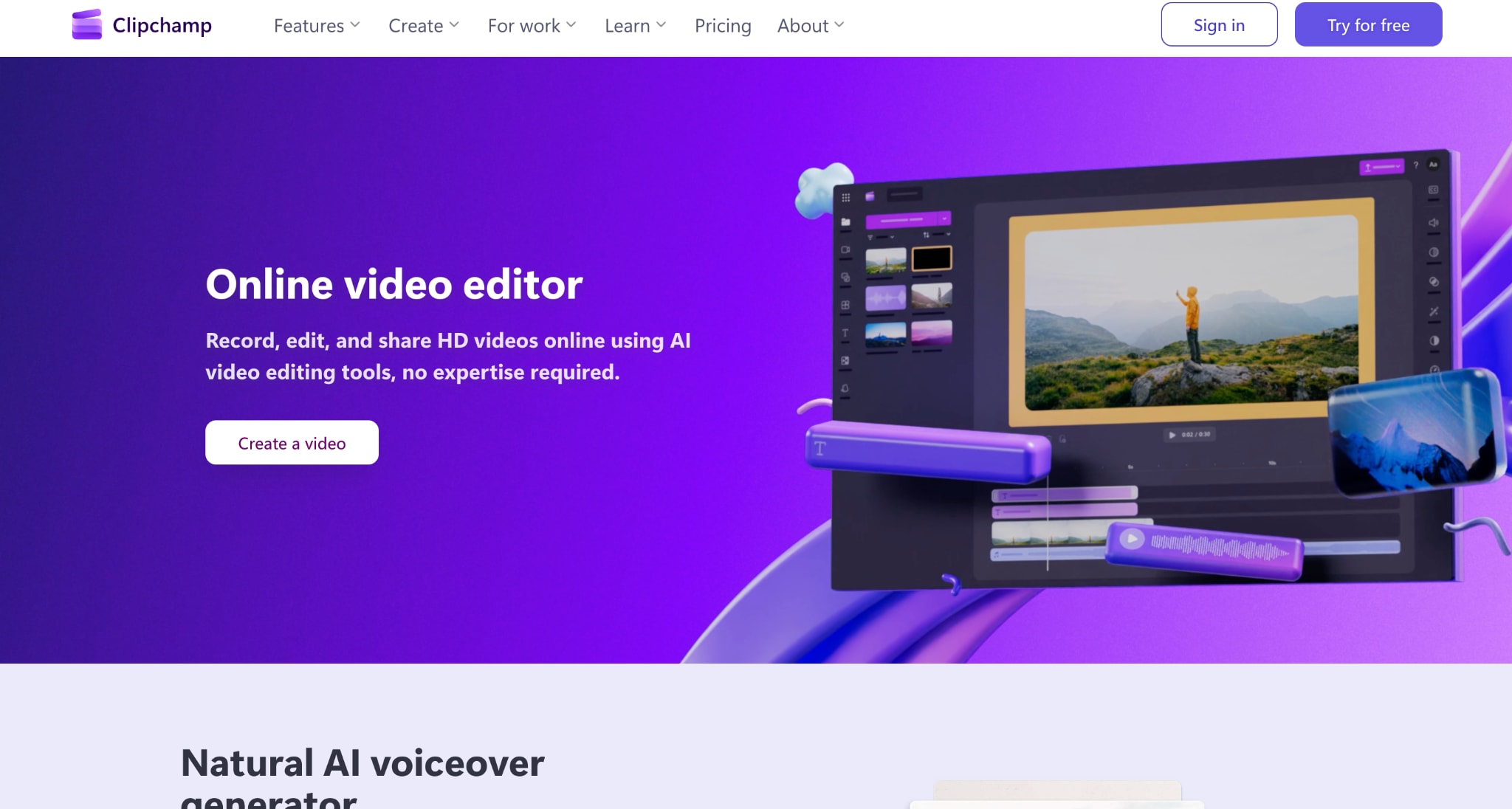
Clipchamp is Microsoft's lightweight video editor designed for beginners and quick content creation. It runs in the browser and integrates closely with Windows and Microsoft 365. The platform focuses on simplicity, offering drag-and-drop editing, templates, and AI-assisted tools for fast video creation.
Compared to CapCut, Clipchamp is more streamlined and focused on work, especially for corporate or educational use. It lacks advanced creative effects but makes up for it with accessibility and ease of use.
Let you quickly build videos using pre-made templates that are already structured for formats like presentations, ads, or social posts.
Generates captions automatically, so spoken content becomes readable and accessible without manual transcription.
Converts text into natural-sounding voiceovers, useful when recording audio is not convenient.
Includes built-in screen recording and webcam capture so you can create tutorials or walkthroughs directly inside the editor.
Invideo
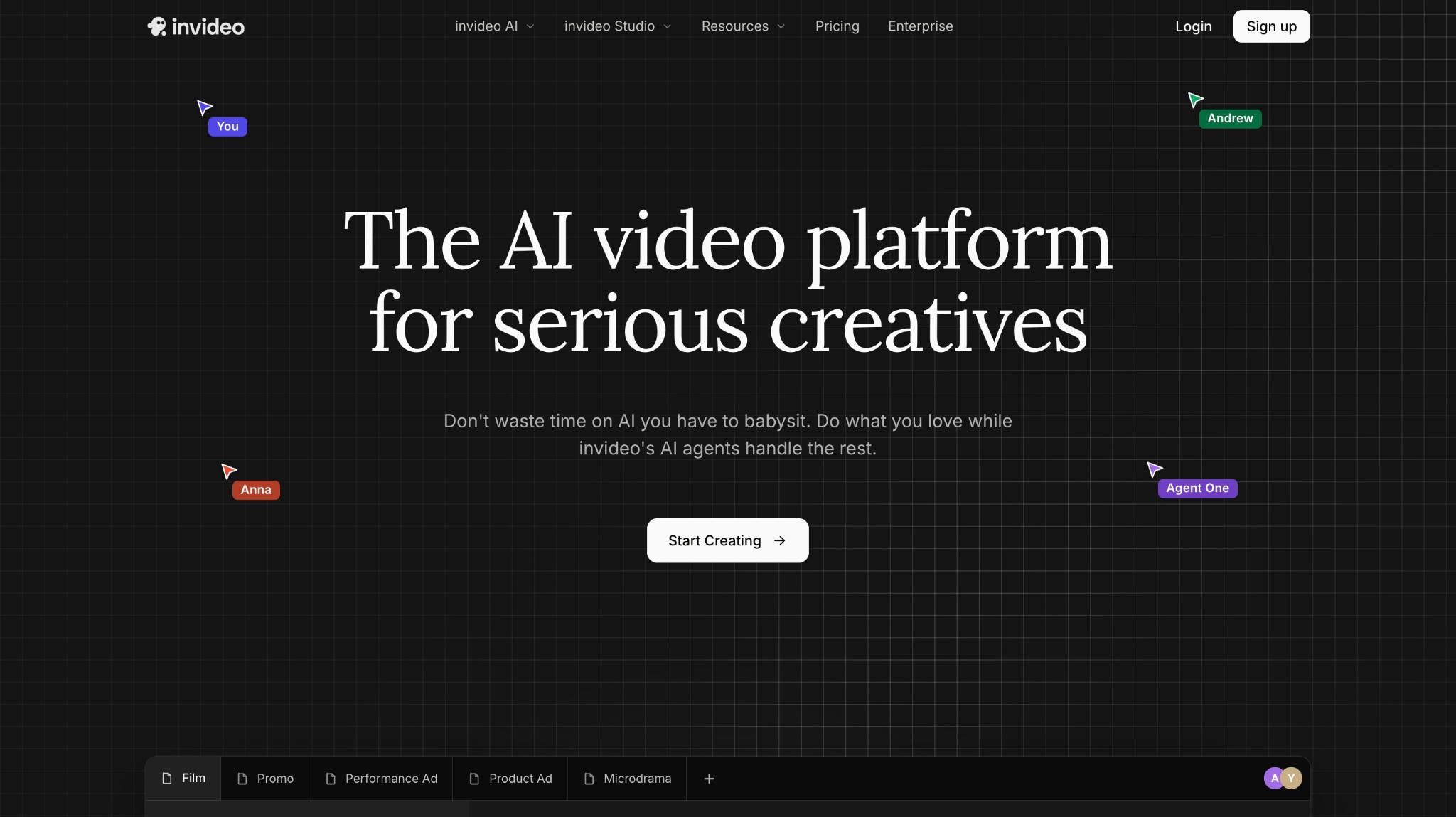
Invideo is an AI-powered video creation platform that turns text prompts into complete videos using stock footage, templates, voiceovers, and subtitles. It is designed for marketers, creators, and faceless YouTube channels that need to produce content at scale without manual editing.
Compared to CapCut, Invideo focuses more on automation and content generation rather than manual editing control. It is ideal for speed and volume, but less suited for fine-tuned creative editing.
Transforms a simple written prompt into a full video by assembling scenes, visuals, and narration automatically.
Pulls from a large stock library, so videos can be built without needing to shoot original footage.
Adds voiceovers and subtitles automatically, so content is ready for platforms like YouTube or Instagram.
Allows quick adjustments by editing text prompts instead of manually trimming clips on a timeline.
Part 5: CapCut vs. Alternatives: A Quick Comparison
This table aligns CapCut with the five alternatives on the points that determine most choices.
| Tool | Best for | Runs on | Free plan | Watch-out | Starting Price |
| CapCut | Short-form social at volume | Web, desktop, mobile | Yes, generous | ByteDance privacy, paywall creep, banned in India | $19.99/month |
| Wondershare UniConverter | AI media toolkit, conversion, and compression | Windows, Mac | Limited trial | Heavy jobs need strong hardware | $9.99/month |
| Descript | Podcast and talking-head editing | Desktop, web | 1 hr transcription | Learning curve for timeline users | $16/month |
| DaVinci Resolve | Professional editing and color | Windows, Mac, Linux | Yes, full-featured | Steep learning curve | $295: software pricing |
| Clipchamp | Beginner social video | Browser, Windows | Yes, 1080p | Chrome/Edge web, 4K paywall | $9.99/month |
| Invideo | AI text-to-video, faceless YouTube | Browser | Yes, limited | Credit limits, generic first drafts | $17/month |
Part 6: Why Choose UniConverter as a CapCut Alternative?
CapCut's strength is speed on short-form social video, yet its weaknesses cluster around access and trust: a permanent ban in India, a temporary removal in the US, an EU privacy fine, and terms that claim broad rights over uploaded content.
For a creator building a business on that footing, the ground feels unstable. Wondershare UniConverter answers each of those concerns as a tool that installs and runs anywhere, processes media on the user's own machine, and pairs that access with a deep AI feature set. Five reasons make it a safer CapCut alternative.
No access restrictions: UniConverter installs and runs worldwide, with no App Store bans or regional blocks. India alone counts more than 100 million people who identify as content creators in one of the world's fastest-growing creator economies, and CapCut's ban cuts every one of them off from the tool.
Local processing and clearer ownership: Files stay on the user's computer, with no broad content-rights grant of the kind in CapCut's updated terms, which suits client and brand work.
AI Smart Compression and upscaling: The tool reduces file size by up to 90% with no visible quality loss, upscales footage to 4K or 8K with Face and Anime models, and supports frame rates up to 240 FPS.
AI subtitles, translation, and summaries: Editable bilingual captions in 145+ languages and a Smart Summarizer that condenses long videos into notes push a video's reach far beyond one market.
One AI Tools Hub, no subscription lock-in: Conversion, compression, enhancement, subtitles, and audio tools live in a single hub across 1,000+ formats with GPU acceleration up to 130x faster, with a perpetual-license option rather than a climbing subscription.
Part7:Is CapCut Worth It in 2026?
From this CapCut review, CapCut still holds its position as one of the fastest free editors for short-form content, especially for Reels, TikToks, and YouTube Shorts. Its strength lies in speed, templates, auto-captions, and AI-assisted edits, making it easy to go from raw footage to publish-ready videos in minutes. For casual creators and social media-first workflows, it remains highly convenient and widely used.
The limitations become more apparent to creators who rely on consistency, clear ownership, or full editing control. Expanding paywalls, shifting feature access, and ongoing regional restrictions make it less predictable as a long-term tool for serious production workflows. In such cases, tools like Wondershare UniConverter offer a more stable alternative with AI-powered compression, conversion, upscaling, and subtitle generation in one place, without platform constraints.

