
The rising trend of digital avatars, anime-style portraits, and stylized graphics dominates social media and branding in 2026. However, with hundreds of apps available, finding a reliable tool that maintains high resolution and respects personal privacy remains surprisingly difficult. We have created a comprehensive guide comparing the top desktop, mobile, and web tools designed to securely convert images to cartoons. This detailed article highlights the best software for different skill levels and specific digital use cases. Whether needing a simple mobile app or a robust desktop editor, anyone can start engaging in cartoon photo making effectively today.
Table of Contents
Part 1. Why is Cartoon Photo Making So Popular in 2026?
Turning photos into stylized art helps you stand out online while keeping your real identity secure.
Understanding the Trend
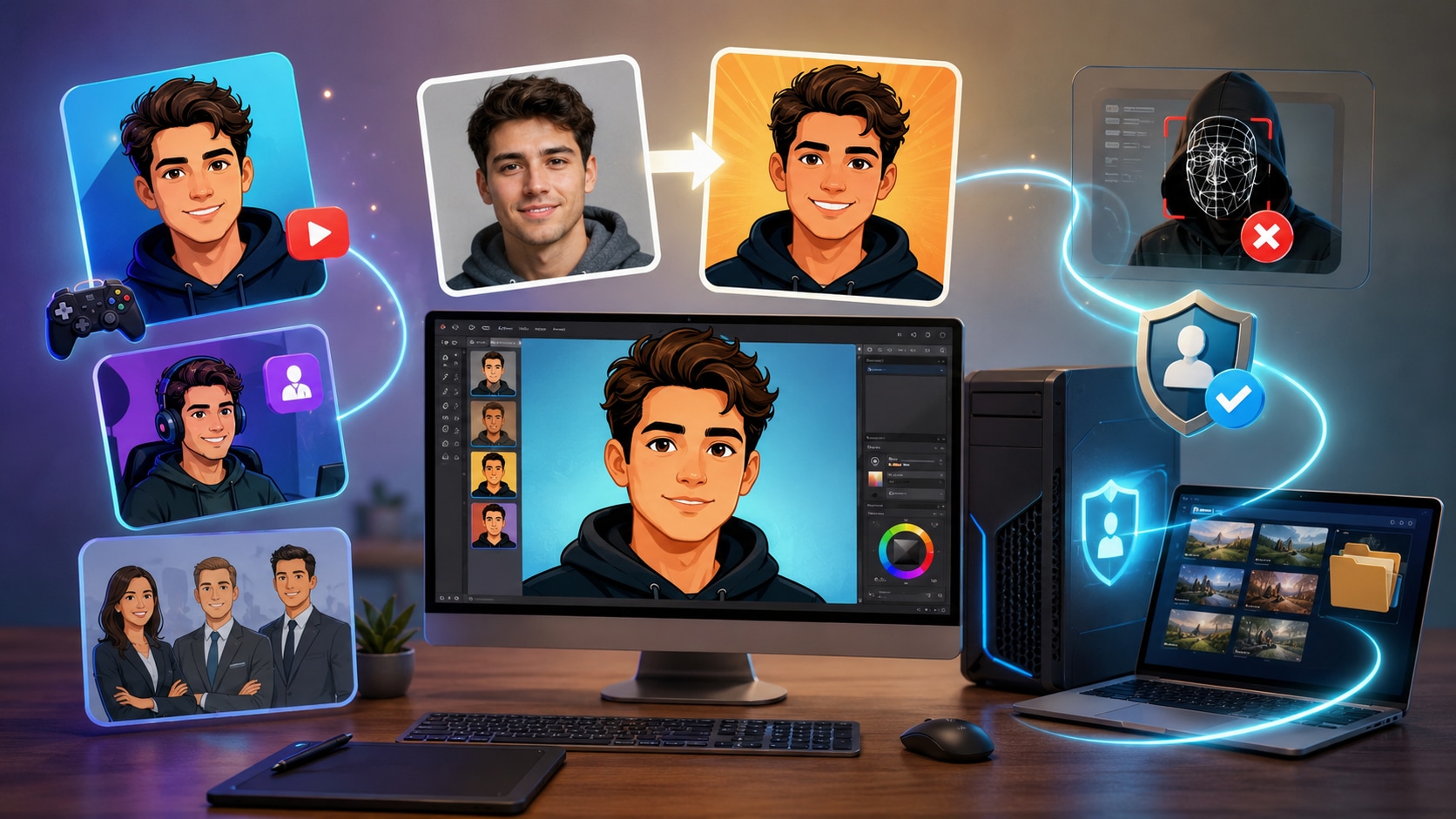
Illustrated avatars have naturally become the standard for YouTube thumbnails, gaming profiles, and corporate team pages. Creators often prefer customized artwork because it stands out in a crowded digital landscape. Stylized images instantly communicate personality and tone without requiring an expensive, time-consuming photoshoot. Furthermore, audiences tend to respond well to colorful, animated visuals. As social media platforms evolve continuously, establishing a unique visual identity helps build a memorable brand.
Privacy & Personal Use
Protecting digital identity matters more than ever in today's connected environment. Making yourself into a cartoon offers a highly secure way to maintain an online presence. While remaining recognizable to an audience, individuals avoid exposing their real photographs to unauthorized facial recognition software. Many professionals now utilize cartoon avatars on professional networks and internal company directories. This strategic approach provides a comfortable middle ground between total anonymity and full public exposure.
The "Native" Advantage
Processing photos directly on a local computer offers clear, undeniable benefits. Professional desktop processors run securely on local hardware, keeping private data safe from external servers. Consequently, this setup works much faster than experimental web-based processing sites that rely heavily on unstable internet connections. By utilizing desktop software, concerns about server downtimes or potential data leaks disappear completely. Complete control over media files remains intact from start to finish.
Part 2. Key Features of a Modern Photo Cartoon Maker Online & Offline
A reliable tool must offer high-quality exports and smart processing to simplify your daily editing workflow.
Lossless Export
Outputting cartoon images in 4K resolution or vector formats serves as the modern industry standard. High-resolution exports successfully prevent pixelation when viewing the artwork across large displays. Additionally, they guarantee crisp lines and clear details for high-quality physical prints. For professional projects, having assurance that the final product will look sharp across all platforms is essential.
Intelligent Post-Processing
Top applications now include smart noise reduction and facial feature preservation out of the box. These sophisticated features polish the artwork seamlessly during the conversion process. By automatically removing grain and digital artifacts, the software ensures the final image looks clean and professional. Identifying and highlighting important facial characteristics saves significant time that would otherwise be spent manually correcting errors.
Batch Processing
A robust tool comes optimized for converting entire photography albums almost instantly. Handling multiple files without crashing hardware or stalling mid-render represents a massive efficiency boost. Consequently, this helpful feature saves hours of manual work when processing large batches of images. For online store managers or busy social media coordinators, batch processing helps maintain a consistent visual style effortlessly.
Structure-Preserving Style Translation
Advanced rendering engines have successfully moved beyond applying simple, generic overlays. Instead, they map specific facial contours to ensure the final avatar maintains exact identity characteristics. This modern technology captures unique expressions rather than forcing a face into a standard template. When a smile or frown exists in the original photo, the newly generated cartoon version reflects that emotion accurately.
Cross-Format Compatibility & Compression
Modern digital workflows require software that seamlessly swaps between WebP, PNG, and JPG formats. Smart compression shrinks file sizes for fast web loading without losing crisp structural lines. This valuable flexibility makes sharing creations effortless across any digital platform or messaging app. In fact, users can batch compress related media files efficiently with capable software. Managing different formats effectively ensures websites load quickly and social media posts upload instantly.
Part 3. Quick Comparison: 2026 Cartoon Converters at a Glance
| Tool | Conversion Speed | Batch Processing | Intelligent Enhancement | Best For |
| Wondershare UniConverter | Very Fast | Yes | Yes | High-quality desktop editing |
| ToonMe | Fast | No | No | Mobile social media avatars |
| Media.io | Fast | Yes | Yes | Quick online conversions |
| Adobe Illustrator | Moderate | Yes | No | Professional vector graphics |
| Caricaturer.io | Fast | No | Yes | Humorous caricatures |
| PicsArt | Moderate | No | Yes | Creative mobile edits |
| BeFunky | Moderate | Yes (Premium) | No | Free web-based editing |
Part 4. Top 7 Tools to Convert Images to Cartoon Effortlessly
1. Wondershare UniConverter (Top Recommendation)
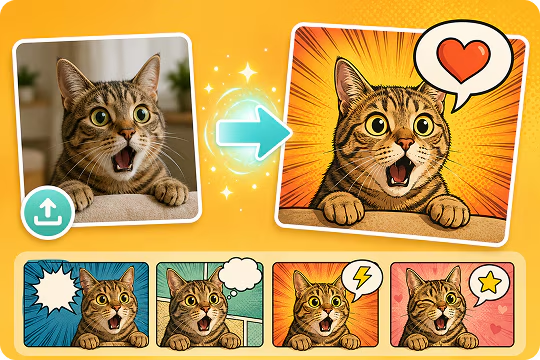
UniConverter serves as a comprehensive, one-stop multimedia processing toolbox for fast media editing. This highly efficient software excels when individuals want to convert images to cartoon securely on a desktop computer. Utilizing intelligent technology, it processes large files quickly while maintaining the original image quality flawlessly. Users can easily manage bulk conversions, apply advanced enhancements, and export crisp results in multiple formats. The clean, intuitive interface makes it ideal for educators, creatives, and IT practitioners looking to simplify complex workflows. Furthermore, creators can access a bunch of other AI tools within the same application.

All-in-One Multimedia Processing Tool

Supported Device: Windows, macOS.
2. ToonMe (The Mobile Specialist)
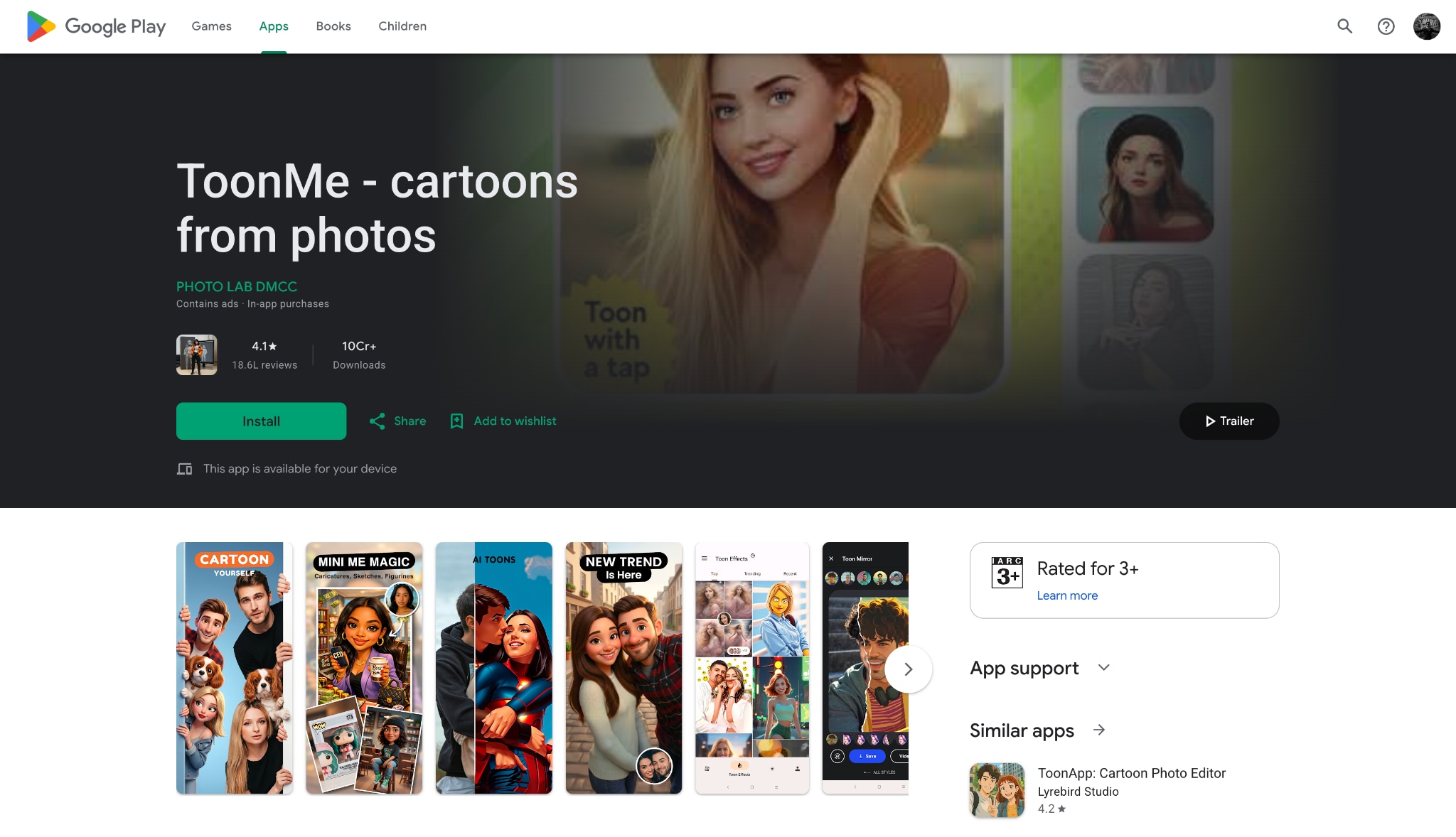
ToonMe focuses primarily on generating instant cartoon avatars for enthusiastic mobile users. It offers a straightforward, accessible approach to making yourself into a cartoon for social media profiles. The application uses clever algorithms to apply various animated styles directly from a smartphone interface. Dozens of trendy, updated filters are available specifically for quick mobile sharing.
Supported Device: iOS, Android.
3. Media.io (The Best Photo Cartoon Maker Online)
Media.io provides an efficient, browser-based solution for individuals who prefer working entirely online. This reliable photo cartoon maker online handles visual transformations quickly without requiring any software installation. Employing smart mapping technology, it preserves essential facial features while applying the desired cartoon effect. The responsive platform remains highly accessible for quick, everyday image editing tasks.
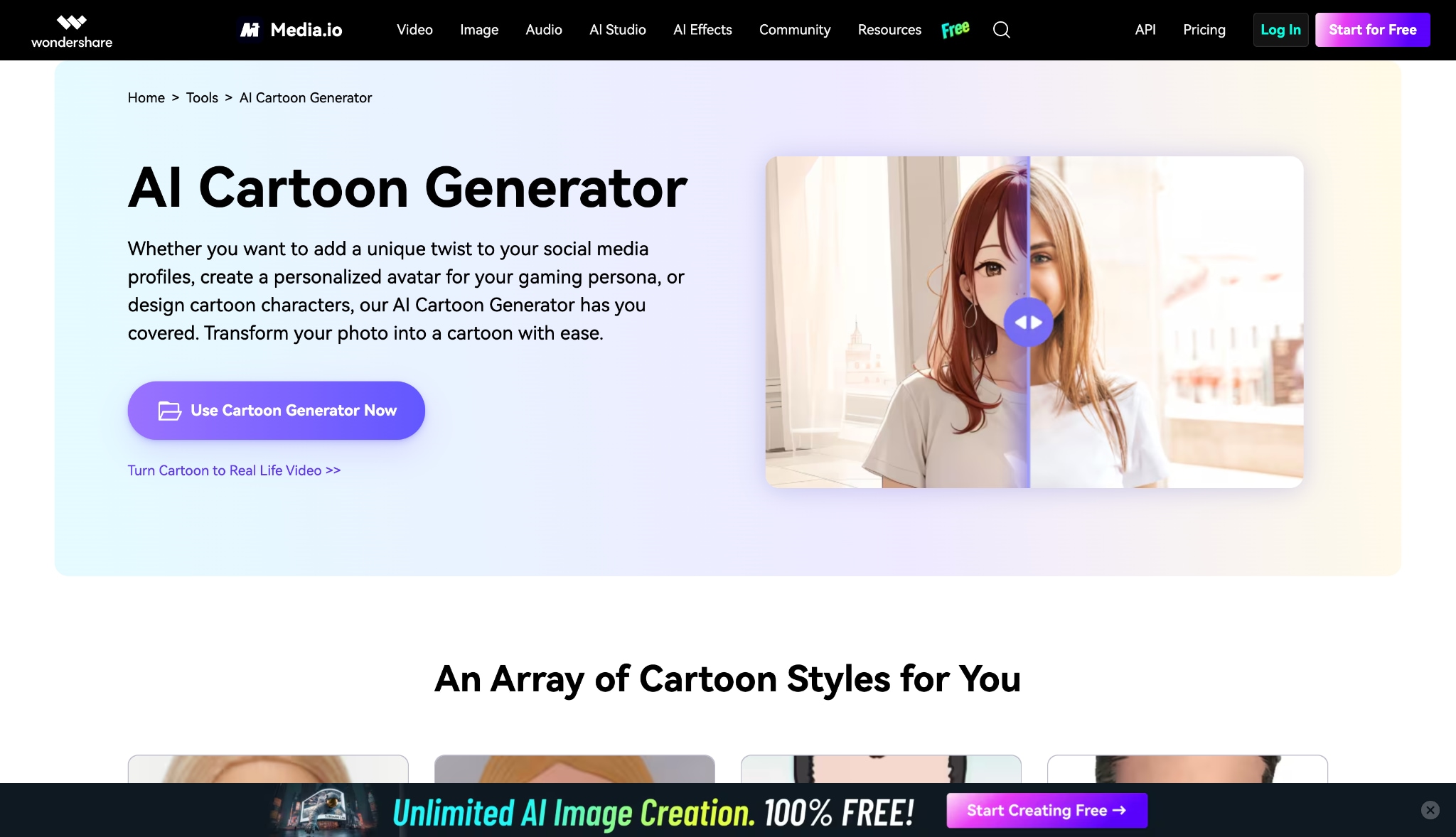
Supported Device: Web browsers (Windows, macOS, Linux).
4. Adobe Illustrator (The Professional Choice)
Adobe Illustrator stands as the undeniable industry standard for creating vector-based artwork from scratch. When design professionals need complete control over how to convert images to cartoon, they choose this robust software. It allows graphic artists to trace photos and manually adjust every single line and color. Consequently, this advanced tool works best for commercial printing and complex graphic design projects.
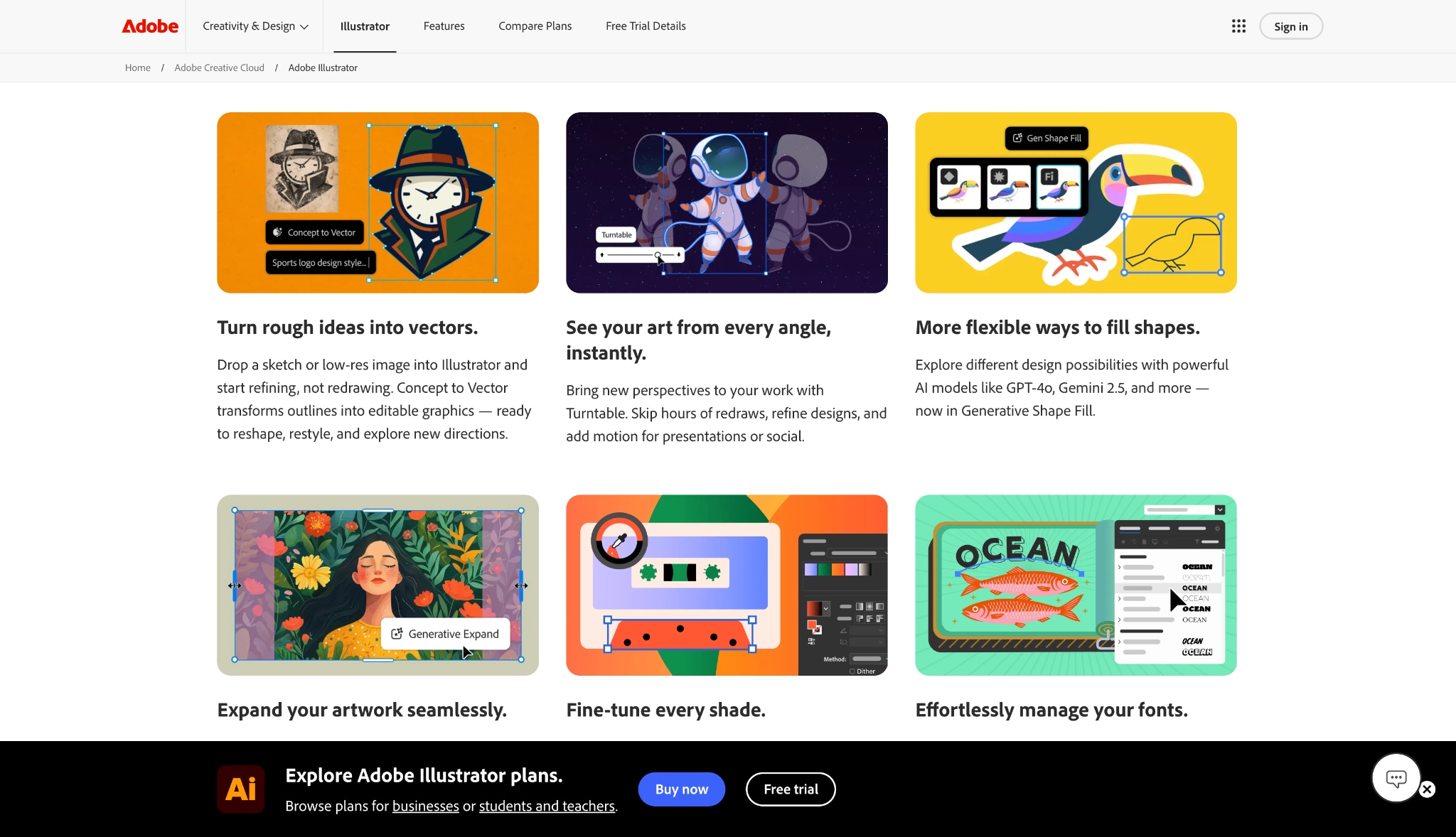
Supported Device: Windows, macOS, iPad.
5. Caricaturer.io (The Caricature Expert)
Caricaturer.io specializes specifically in turning standard portraits into humorous, exaggerated digital illustrations. This specific photo cartoon maker online uses smart rendering engines to automate the entire caricature process. Simply by uploading a photo, the system generates multiple funny variations in just a few minutes. It provides a fun, lighthearted way to alter appearances for casual digital use.
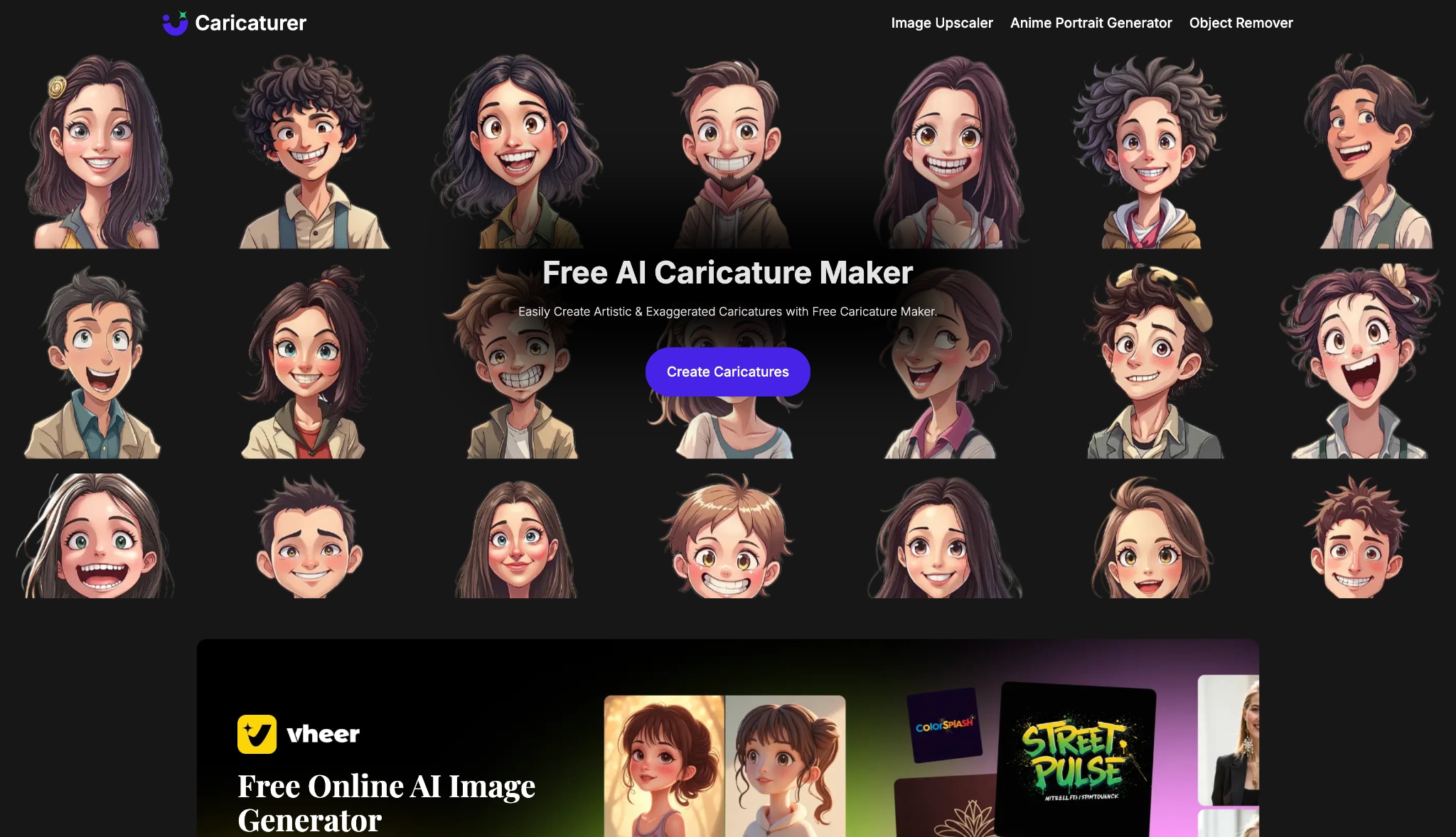
Supported Device: Web browsers (Windows, macOS, Linux).
6. PicsArt (The Creative Suite)
PicsArt delivers a comprehensive creative suite designed specifically for mobile and web content creators. It seamlessly combines a robust photo editor with community-driven assets for highly creative cartoon photo making. Users can apply cartoon filters, add colorful stickers, and adjust lighting within a single interface. Moreover, the application frequently updates its massive library with trendy, seasonal effects.
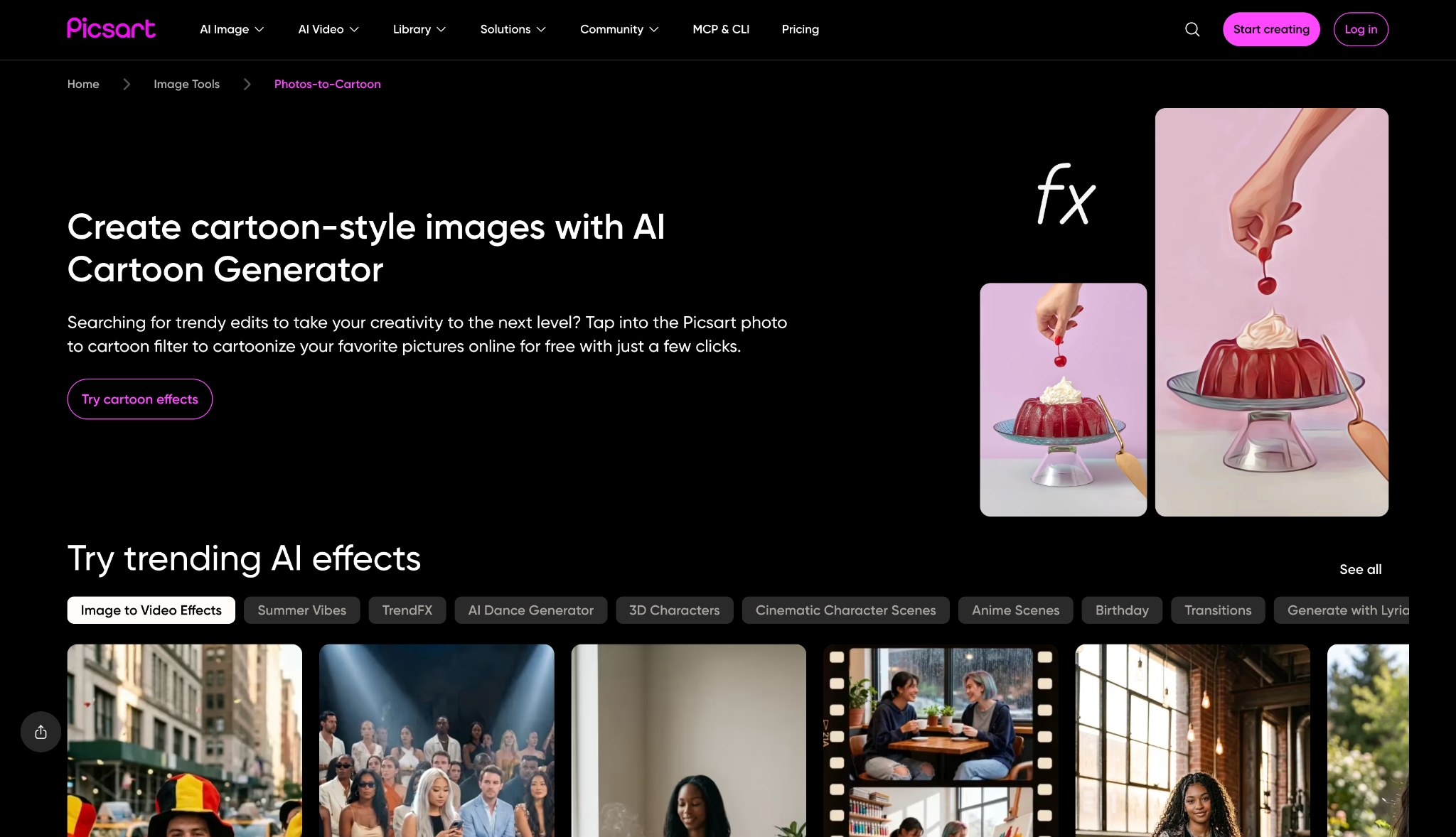
Supported Device: iOS, Android, Web browsers.
7. BeFunky (The Best Free Fallback)
BeFunky offers an intuitive, accessible web editor that perfectly balances ease of use with helpful customization options. As a dependable photo cartoon maker online, it includes a solid free tier for basic editing needs. Visitors can apply cartoon filters and then use straightforward adjustment sliders to fine-tune the intensity. Overall, it serves as a fantastic starting point for casual, everyday web users.
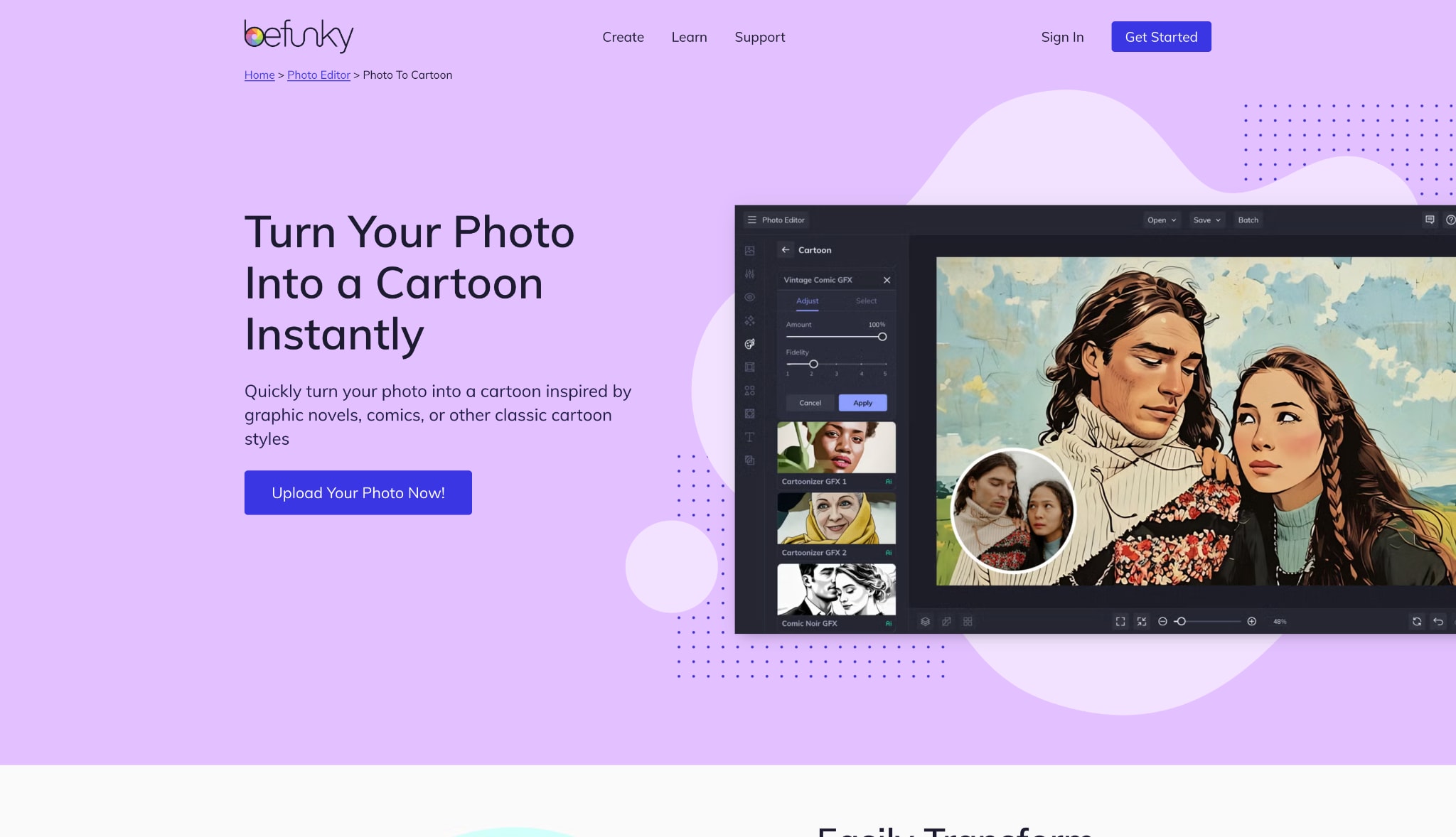
Supported Device: Web browsers, iOS, Android.
Part 5. Bonus: Step-by-Step Guide to Convert Images to Cartoon
Step 1: Upload Your Target Photo
Open UniConverter and launch the Image Generator tool on a desktop computer. Add the desired photo simply by dragging it directly into the provided upload area. The software system will quickly load the image file for immediate, secure processing.
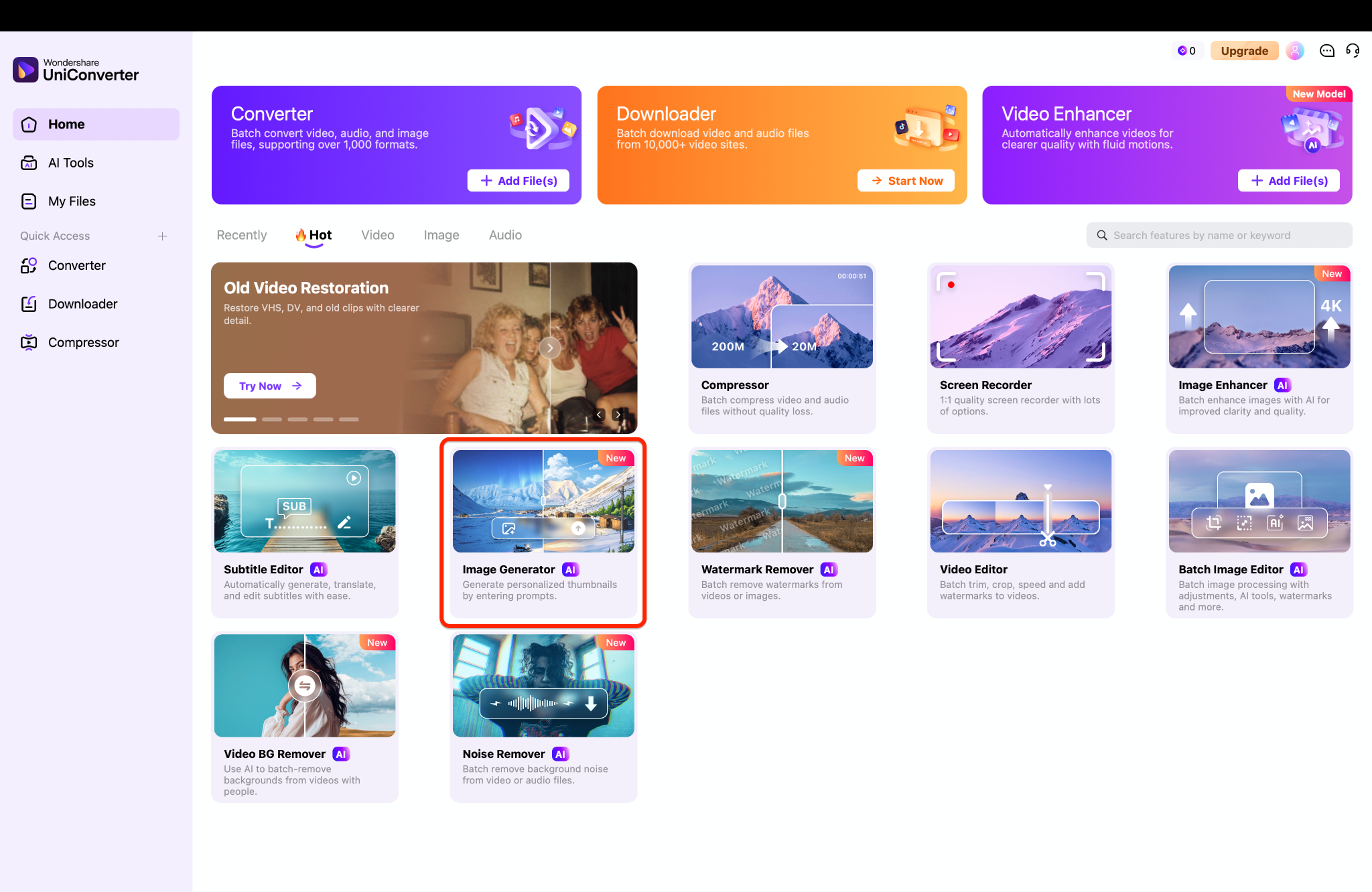
Pro Tip: Upload a photo with bright, even lighting so the system maps your facial contours accurately.
Step 2: Select the Model
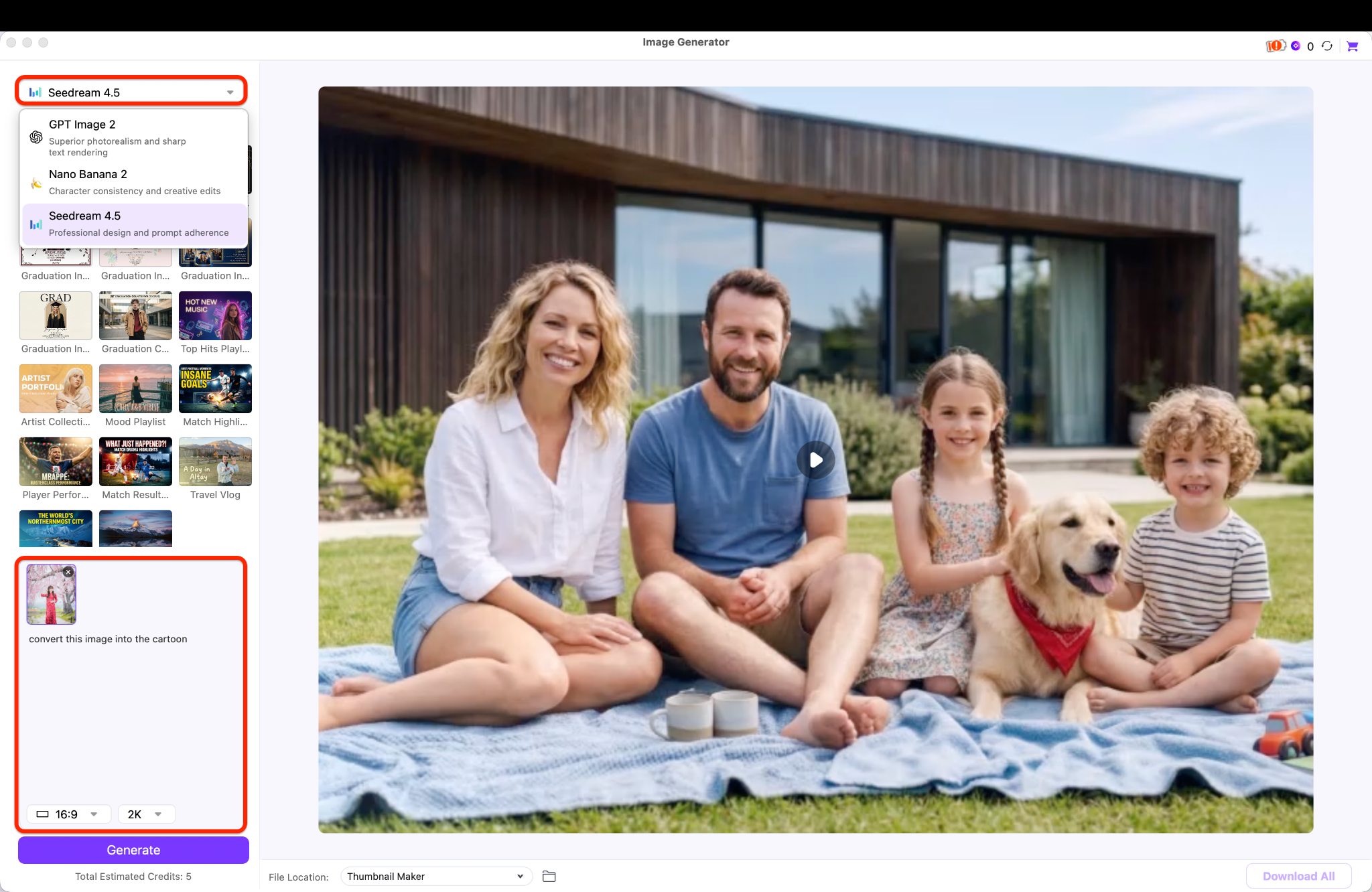
Choose a specific model from the model menu provided directly in the workspace. Detailed text descriptions can be added to help guide the final image output accurately. This specific action ensures the software creates digital artwork that matches the intended creative vision.
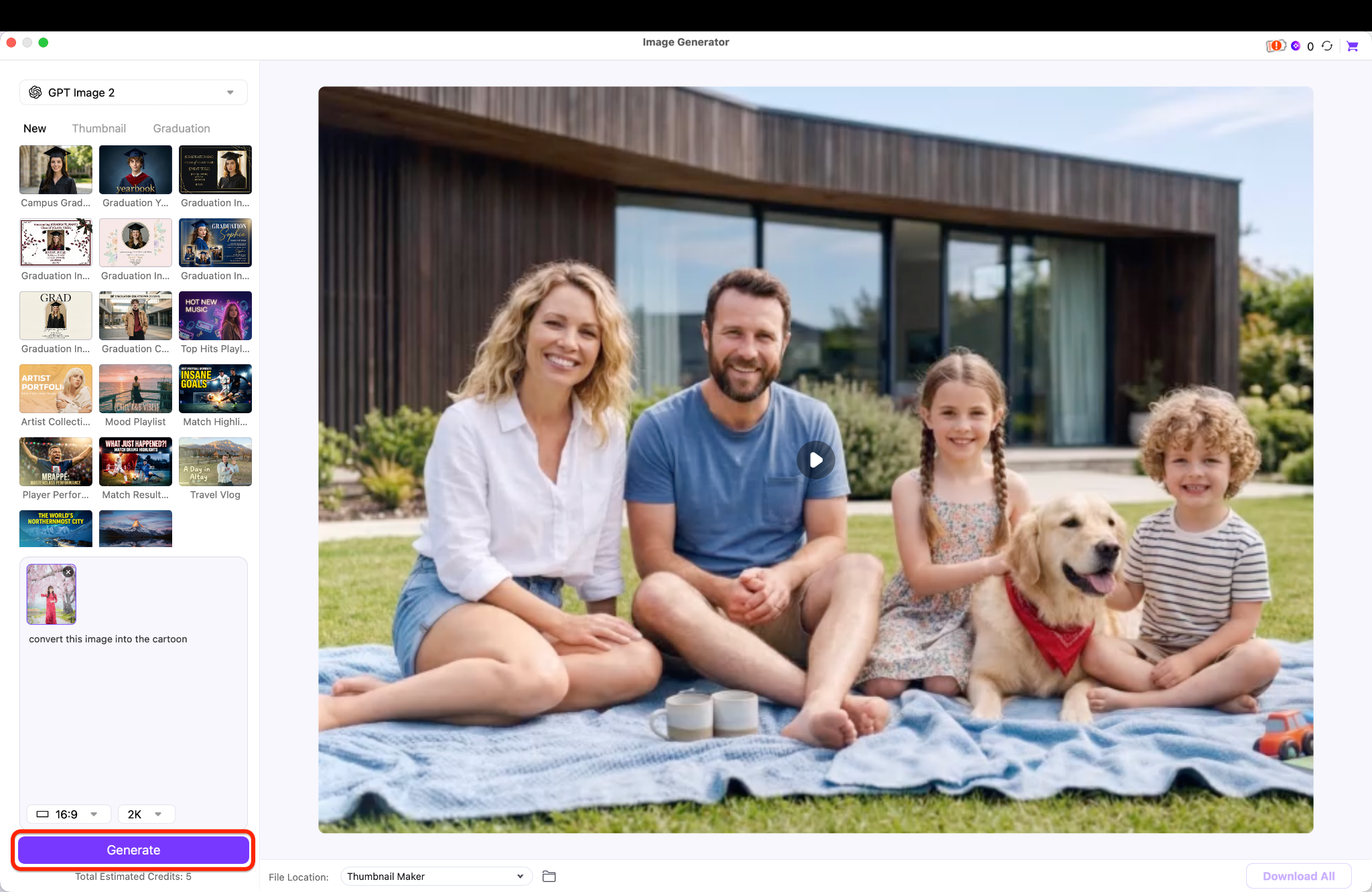
Step 3: Generate and Save
Click the generate button to start the fast, secure conversion process on the local device. Review the finished picture on the computer screen once the software completes the rendering phase. Finally, save the new file to the hard drive in a preferred, accessible format.
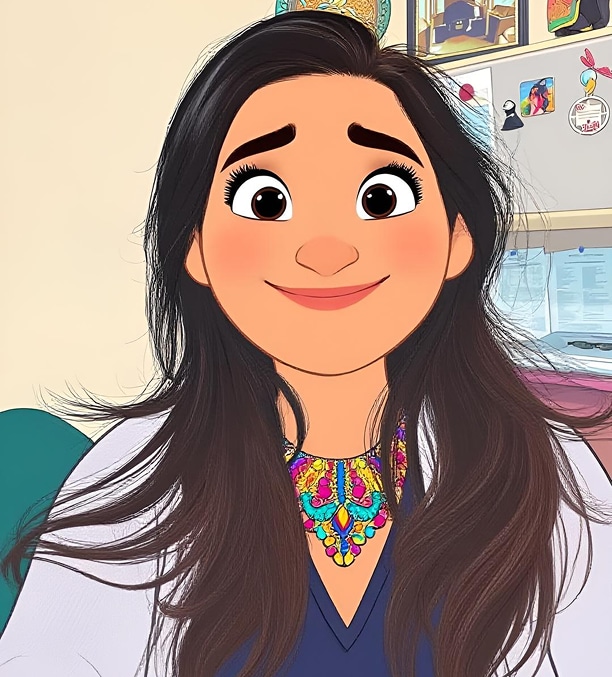
Resultant image:

Part 6. How to Choose the Right Tool for Making Yourself into a Cartoon
Selecting the best software depends directly on your device preferences and specific creative project needs.
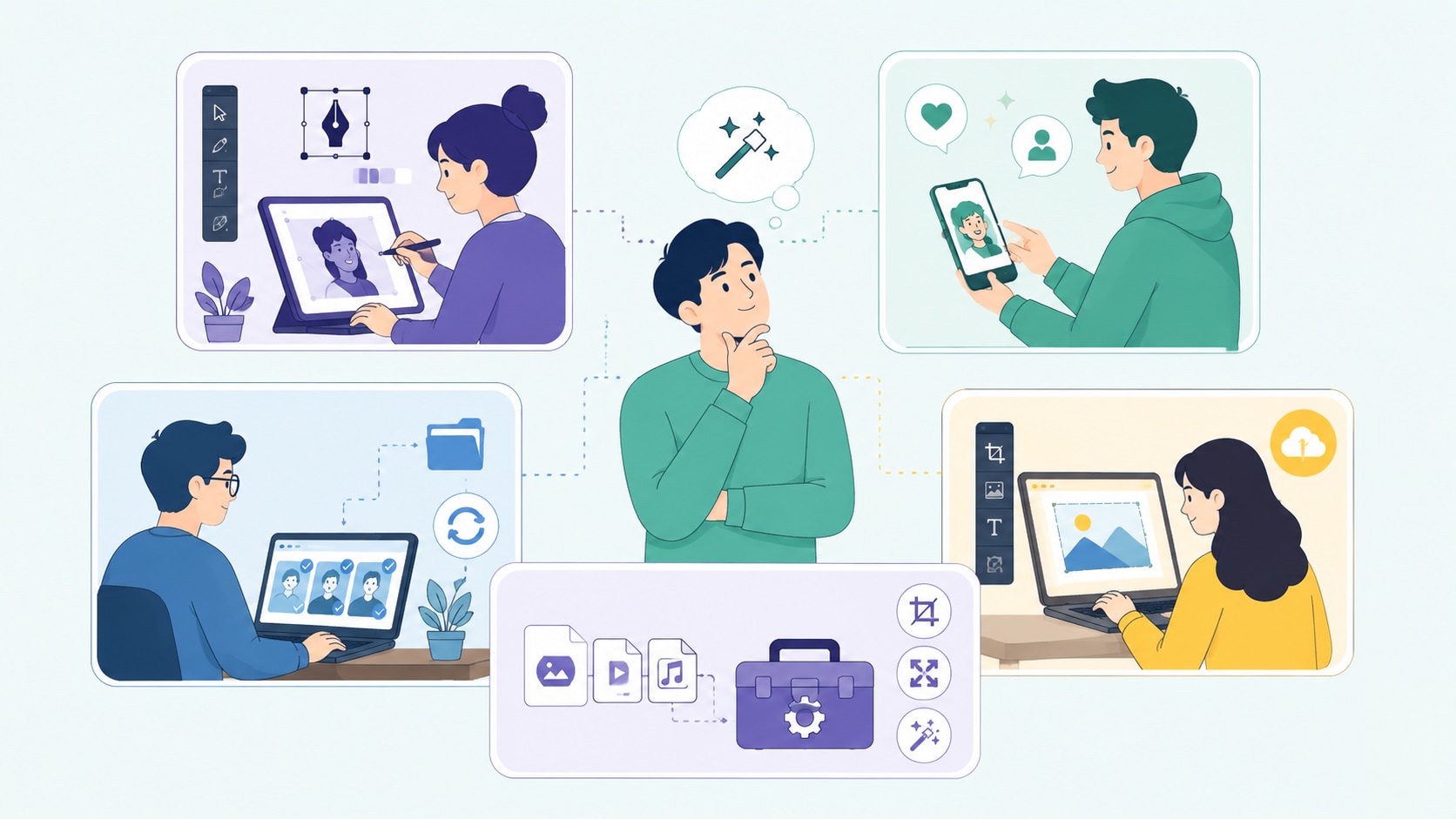
For Digital Artists
Vector support remains absolutely non-negotiable for commercial print work and professional branding campaigns. Software like Adobe Illustrator lets artists scale artwork indefinitely without losing any visual quality. Creating designs for physical merchandise or large public displays requires tools that export in crisp vector formats rather than standard pixels. This approach guarantees a flawless presentation.
For Social Media Users
Instant, trendy filters found in ToonMe or PicsArt hit the absolute sweet spot for modern mobile device users. These streamlined apps prioritize speed and instant social sharing over granular, manual control. They allow users to apply a fun cartoon effect and post it directly to a feed in less than a minute. Convenience often outweighs professional precision for casual online interactions.
For Content Creators
Offline batch processing in a tool like UniConverter serves as the safest way to handle large media libraries. Video editors can process dozens of thumbnails or visual assets simultaneously without losing any quality. By keeping workflows local, this desktop approach effectively protects privacy and speeds up project completion significantly. Additionally, creators can batch convert their video files using the same versatile platform.
For On-the-Go Creators & Browser Users
Lightweight online suites like Media.io or BeFunky prove ideal when instant, drag-and-drop cartoonizing becomes necessary. These accessible browser-based editors work perfectly when waiting for a full software download is simply not an option. They provide a remarkably quick solution for casual editing from any available computer. Flexibility makes these web tools highly valuable for traveling professionals.
For Multi-Format Media Managers
The all-in-one toolbox inside UniConverter excels brilliantly by letting professionals handle every aspect of media file management. Users can convert, compress, resize, and organize stylized image files completely seamlessly. After applying the desired cartoon effect, preparing the file for multiple platforms happens without switching applications. If working with moving media, the included AI video enhancer helps improve overall playback quality efficiently.
Part 7. Conclusion
Transforming standard photographs into engaging digital art offers a highly creative way to enhance any online presence. Whether needing a fresh avatar for gaming or vibrant graphics for a presentation, these top tools make the entire process simple. We highly encourage downloading UniConverter for a secure, high-quality, and ad-free desktop experience. It provides the essential multimedia processing reliability and speed needed to convert images to cartoon efficiently. Start exploring these tools today to embrace the art of making yourself into a cartoon while bringing a polished, fresh look to your personal digital media.

