


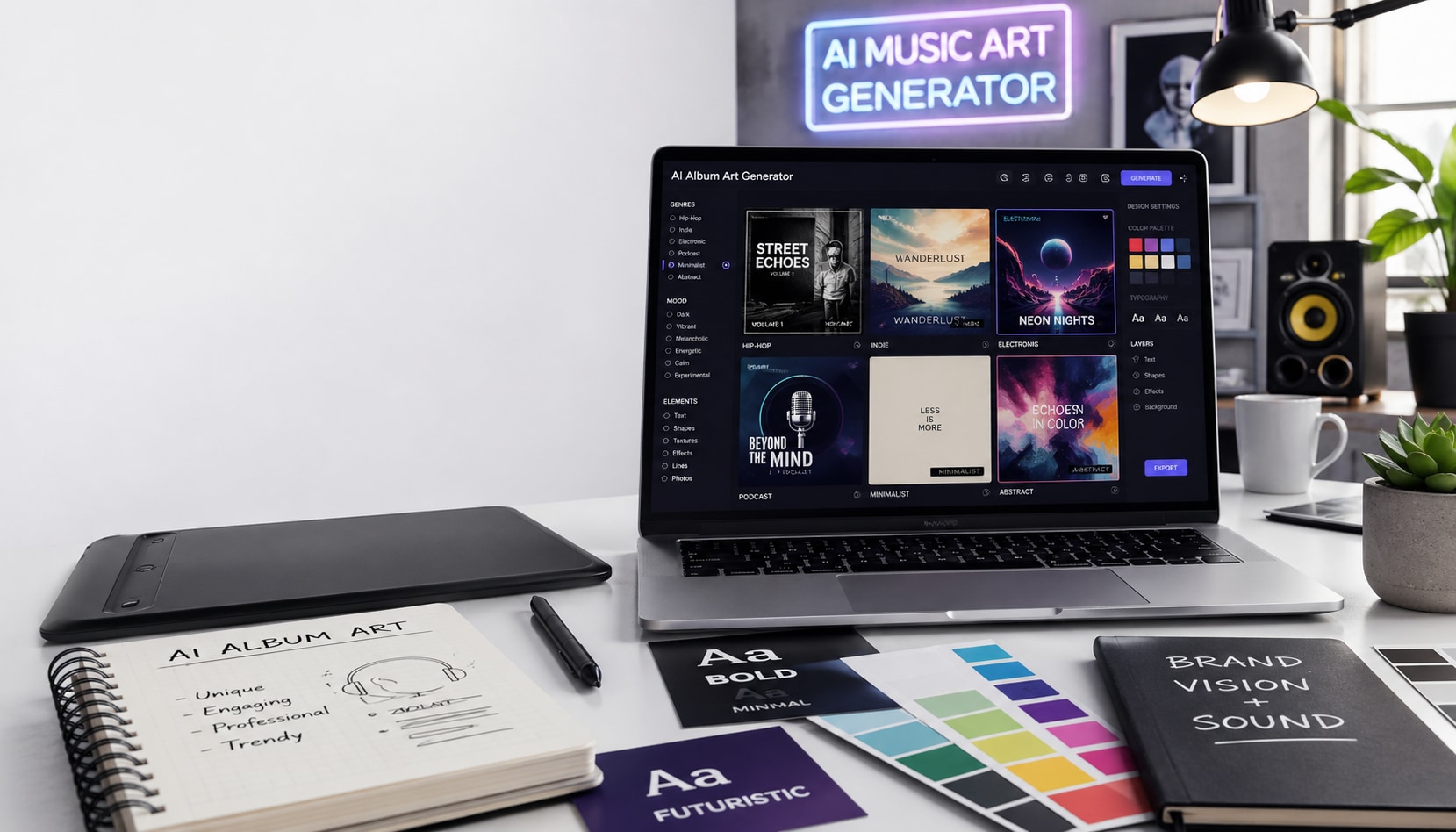
An album art generator is a tool that lets musicians, podcasters, and content creators design professional cover artwork without hiring a graphic designer. Whether you are a solo artist dropping your first single or a podcast host building a brand, the right album generator helps you create scroll-stopping visuals in minutes. In this guide, you will find the 10 best options available in 2026, covering both free and paid tools, so you can pick the one that fits your workflow and budget.
In this Article
Part 1: What Makes a Good Album Art Generator?
A good album art generator does one job well: it helps create release-ready cover art without needing design experience or a big budget. Here is what was looked at while selecting the tools for this list:
Style variety: A strong album art generator should support a range of visual styles, from clean minimalist covers to bold abstract designs and genre-specific aesthetics. A jazz album, a rap single, and an electronic track all need very different visual identities.
Customization: Good album generators should let users adjust key design elements such as colors, fonts, layouts, background effects, and image composition. If the platform offers no creative control, the final cover can feel generic and may not align with the artist's brand or music style.
Resolution output: High-resolution exports are important for professional music releases. Platforms like Spotify, Apple Music, and YouTube Music often require artwork at 3000x3000 pixels or higher. Low-resolution files can look blurry and unprofessional.
Text and typography support: Album covers need more than visuals, as the artist name and album title are part of the branding. A useful album generator should allow easy text placement, font styling, spacing adjustments, and typography customization without requiring additional editing software.
Export formats: JPG and PNG are the most commonly accepted formats for streaming platforms and digital distribution. Some creators also need SVG or PDF files for posters, vinyl printing, or merch, so flexible export options add more value.
Pricing: Free tools can help test ideas, but many tools lock better exports and advanced features behind paid plans. Pricing should feel reasonable given output quality, customization options, and the actual usefulness for independent artists.
Part 2: Quick Comparison Table Showing Best Album Art Generators
Here is a side-by-side comparison of the album poster generators covered in this article, so you can spot the right fit before diving into the full reviews.
| Tool | Free | AI-Powered | Custom Text/ Typography | Max Output Resolution | Export Formats |
| Canva | Free | Yes (Magic Media) | Yes | Up to 4K export (Pro) | PNG, JPG, PDF, SVG, MP4 |
| ChatGPT (GPT Image) | Free | Yes | Limited (in-image text) | Up to 2K | PNG |
| Wondershare UniConverter | Free Trial | Yes | Yes | Up to 2K | JPG, PNG |
| Daft Art | Free Trial | Yes | Yes | 3000x3000 px | JPG |
| Nano Banana (Google Gemini) | Free | Yes | Yes (native text rendering) | Up to 1K | PNG |
| SeaArt AI | Free | Yes | Yes | Up to 4K | PNG, JPG |
| NightCafe | Free credits | Yes | Limited | Up to 4K (model-based) | PNG, JPG |
| Leonardo AI | Free | Yes | Limited | Up to 2K | PNG, JPG |
| Neural Frames | Free tool | Yes | Via prompt | Up to 2K | PNG, JPG |
| StarryAI | Free | Yes | Limited | Customizable | PNG, JPG |
Part 3: 10 Best Album Art Generators in 2026 [With User Reviews]
The top 10 album art generators you should know about in 2026 are Canva, ChatGPT, Wondershare UniConverter, Daft Art, Nano Banana (Gemini), SeaArt AI, NightCafe, Leonardo AI, Neural Frames, and StarryAI. Each one brings something different to the table, from beginner-friendly template libraries to advanced AI image generation with full commercial rights. Here is a full breakdown of each.
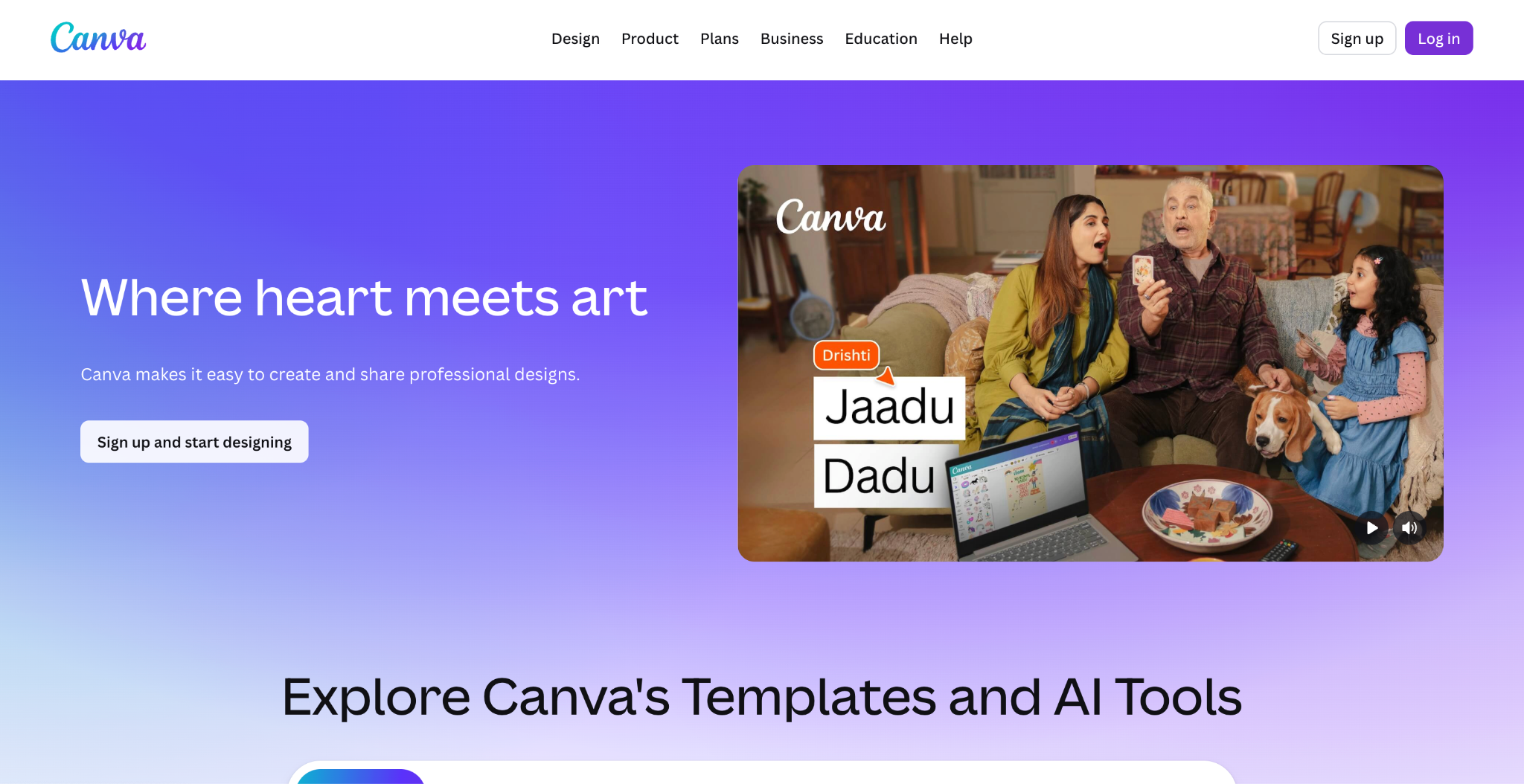
Canva is one of the most widely used as an album art generator. It is easy to use and offers accessible options for musicians who want professional results without a design background. You can build an album cover from scratch or start from one of the thousands of templates, then customize every element, including fonts, colors, images, and layouts. Canva's drag-and-drop editor means anyone can produce a polished cover in minutes. Its AI image generator feature lets you generate backgrounds or artwork from a text prompt.
Key Features of Canva
Genre-sorted album cover templates, including hip-hop, jazz, indie, classical, and mixtape covers.
Magic Media AI generator creates original artwork from a text prompt using Stable Diffusion and Dream Lab inside the design editor.
Over 1 million stock photos, vectors, icons, and font styles available directly on the design canvas.
One-click publish to social media or download in PNG, JPG, PDF, SVG, and MP4 for streaming and print use.
Canva Review: "Simple, User-Friendly Design Tool for Creating Simple Designs and Posts" fits well with Canva, as it makes creating banners, resumes, and simple posts easy, even without design experience. The free version can feel limited since many better templates are locked behind the paid plan, and it can get slightly slow when handling multiple projects. (G2)
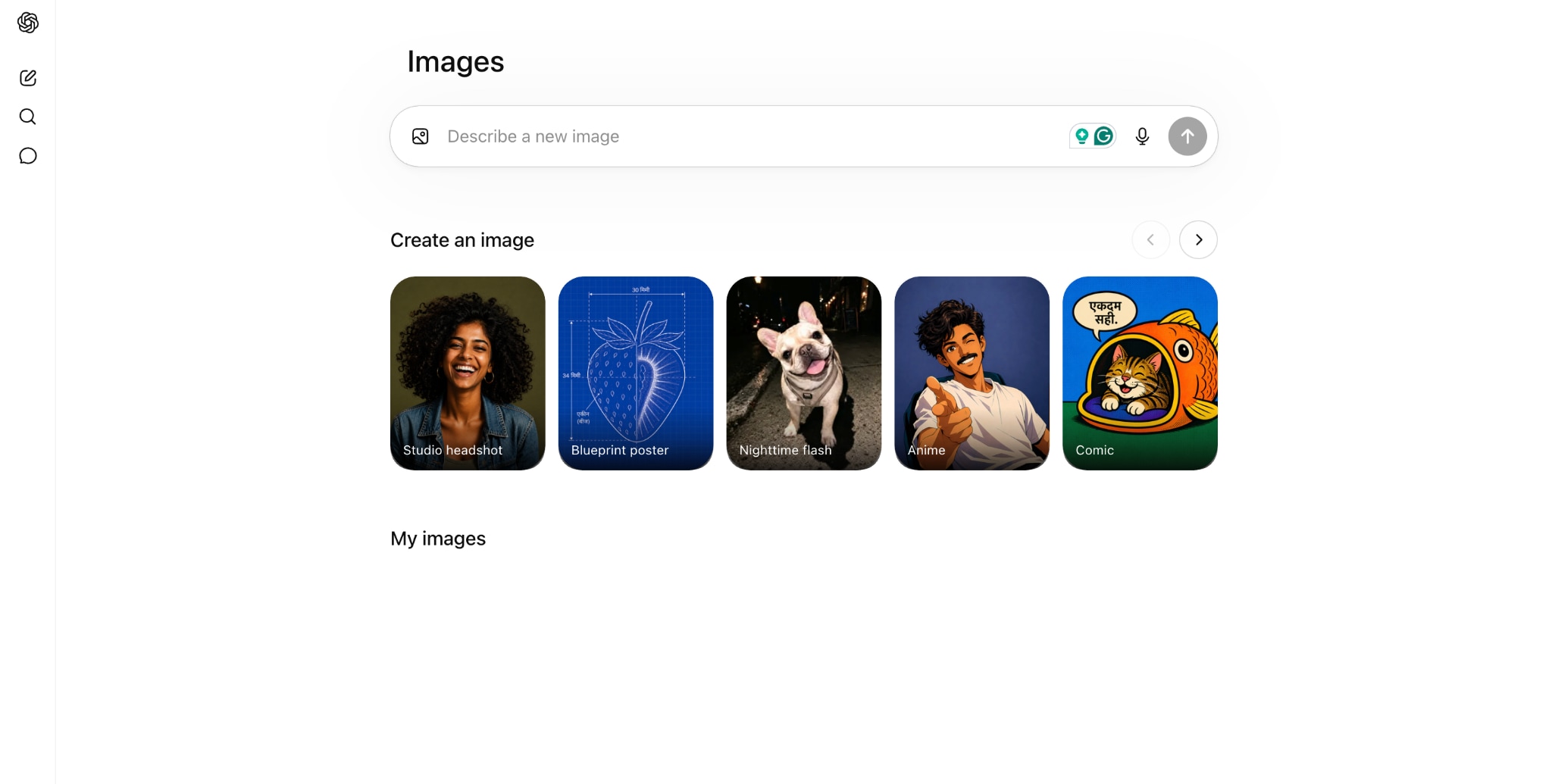
ChatGPT's GPT-4o image generation lets you create a custom album poster by describing your concept in plain language. It understands mood, color palette, art style, and compositional direction without needing prompt engineering skills. You iterate inside the same conversation by describing what to change, making refinement fast. It does not produce album-specific output dimensions by default, so you will likely need a separate tool to finalize typography and resize your artwork for streaming platforms.
Key Features of ChatGPT
GPT-4o creates photorealistic and stylized artwork from text prompts with a strong understanding of mood, style, and full creative context.
Accepts uploaded images as input so you can transform a reference photo or rough sketch directly in the chat.
Conversational iteration lets you refine results by describing changes in the same thread without restarting.
Available on ChatGPT Free, Plus, and Pro plans, with image generation now accessible on the Free tier with daily limits.
ChatGPT Review: AI photo generation can sometimes take time due to multiple users using it; I wouldn't say it's entirely ChatGPT's issue, even though our high-speed internet is sometimes a little wonky. (Capterra)
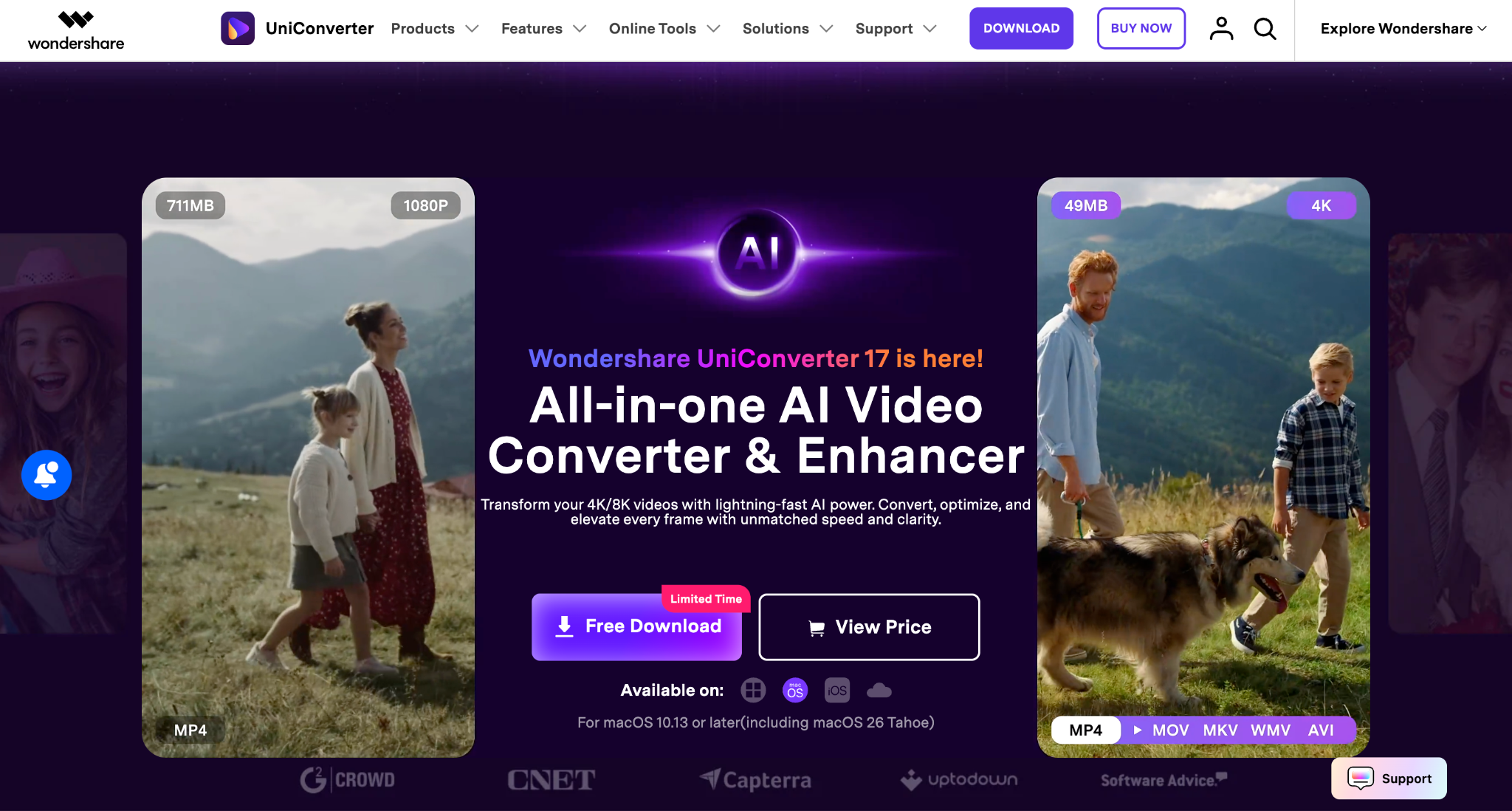

All-in-One Multimedia Processing Tool

Wondershare UniConverter is primarily an all-in-one video conversion and editing tool, but it includes an Image Generator inside its AI Lab that can generate custom image art from text prompts. You can select a visual style such as cyberpunk or nature, set an aspect ratio, write a prompt, and generate cover art for videos or albums. Wondershare UniConverter supports multiple art styles and lets you adjust aspect ratios for different platforms. While it's not a dedicated album art generator, it's a practical option if you already use UniConverter for audio or video work and want to generate artwork without switching platforms.
Key Features of Wondershare UniConverter
AI Thumbnail Maker inside the AI Lab generates artwork from text prompts with style presets, including Cyberpunk, Nature, and Cartoon.
AI Image Enhancer upscales generated artwork to 4K and reduces noise for print-ready professional output.
Background Remover isolates subjects or clears backgrounds in one click for clean layering in a design tool.
18+ AI tools under one subscription, including Video Enhancer, Text-to-Speech, Watermark Remover, and Image Converter.
Wondershare UniConverter Review: I have been using UniConverter for several years across 2 mac devices. It really rocks. These devs have a wonderful product. It just works!!! Thanks for always keeping the software up to date. (Trustpilot)
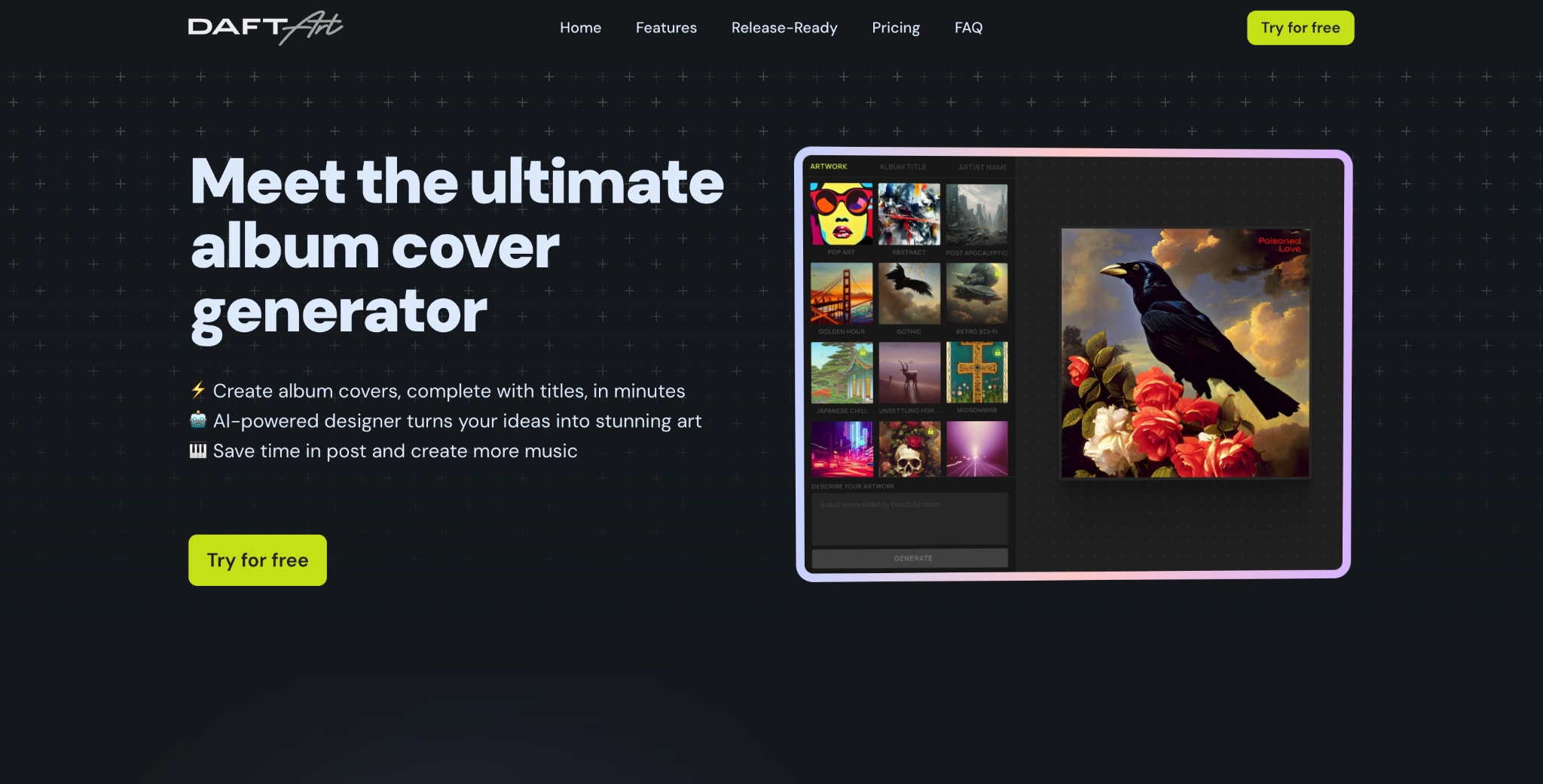
Daft Art is the most focused tool on this list of album poster generators. It does one thing and does it well: generate AI-powered album covers for musicians. Unlike general-purpose AI tools, Daft Art is built specifically for artists and musicians who need release-ready artwork fast. You choose from curated aesthetics that match different music genres and vibes, describe your concept, generate, and get album art that feels intentional rather than random. You can then customize the text, add your album title and artist name, adjust fonts and colors, and download the result at 3000x3000 px.
Key Features of Daft Art
A curated aesthetic library organized by visual mood makes it easy to find the right direction without writing prompts from scratch.
The built-in text editor adds the artist name and album title directly to the cover, with controls for font, color, and style.
3000x3000 px JPG output meets streaming and distributor resolution requirements with correct aspect ratio out of the box
Full commercial rights are included with every plan; Daft Art retains no ownership of generated artwork.
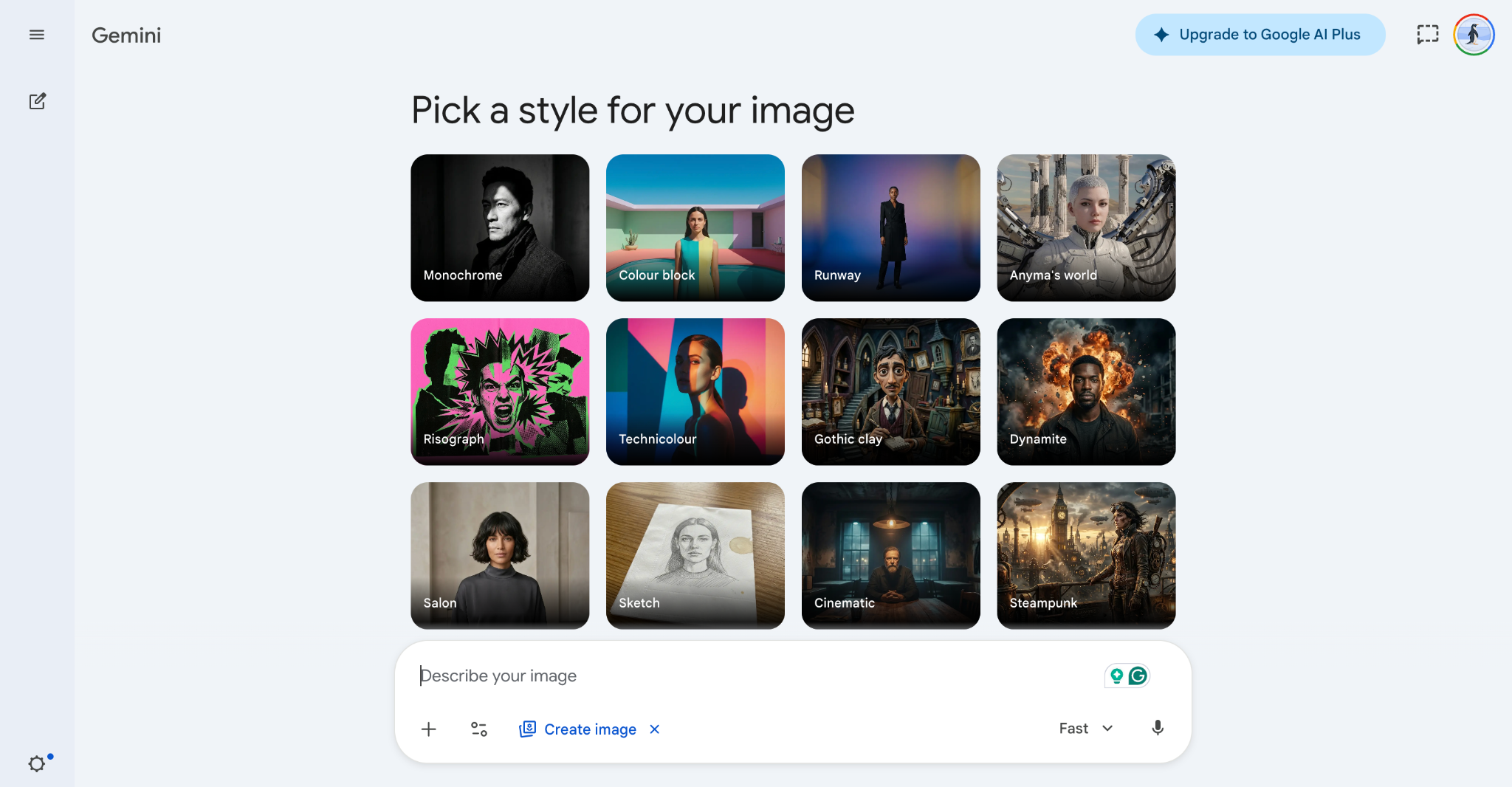
Nano Banana is Google's AI image-generation model available in the Gemini app. Built on Google's Gemini multimodal architecture, it interprets your creative description as full context rather than a keyword list. You describe your album cover concept in plain language, and the result reflects mood, composition, and style. It supports native text rendering inside generated images and accepts uploaded photos for image-to-image refinement from a reference or rough concept.
Key Features of Nano Banana
Built on Gemini 3.1 Flash Image architecture, understanding creative intent holistically rather than matching individual prompt keywords.
Native in-image text rendering supports multiple languages and font styles, allowing the artist name or album title to be added directly during generation.
Image-to-image editing accepts uploaded reference photos and transforms or refines them based on a text prompt.
Free via the Gemini app, with approximately 20 image generations per day at 1K resolution.
Nano Banana Gemini Review: Gemini is quite capable and delivers good results for prompts like creating LinkedIn images or elaborate styles like Victorian looks and disco party scenes. However, improving generated images through prompt adjustments can be challenging, as the success rate for refinements is often low. (Reddit)
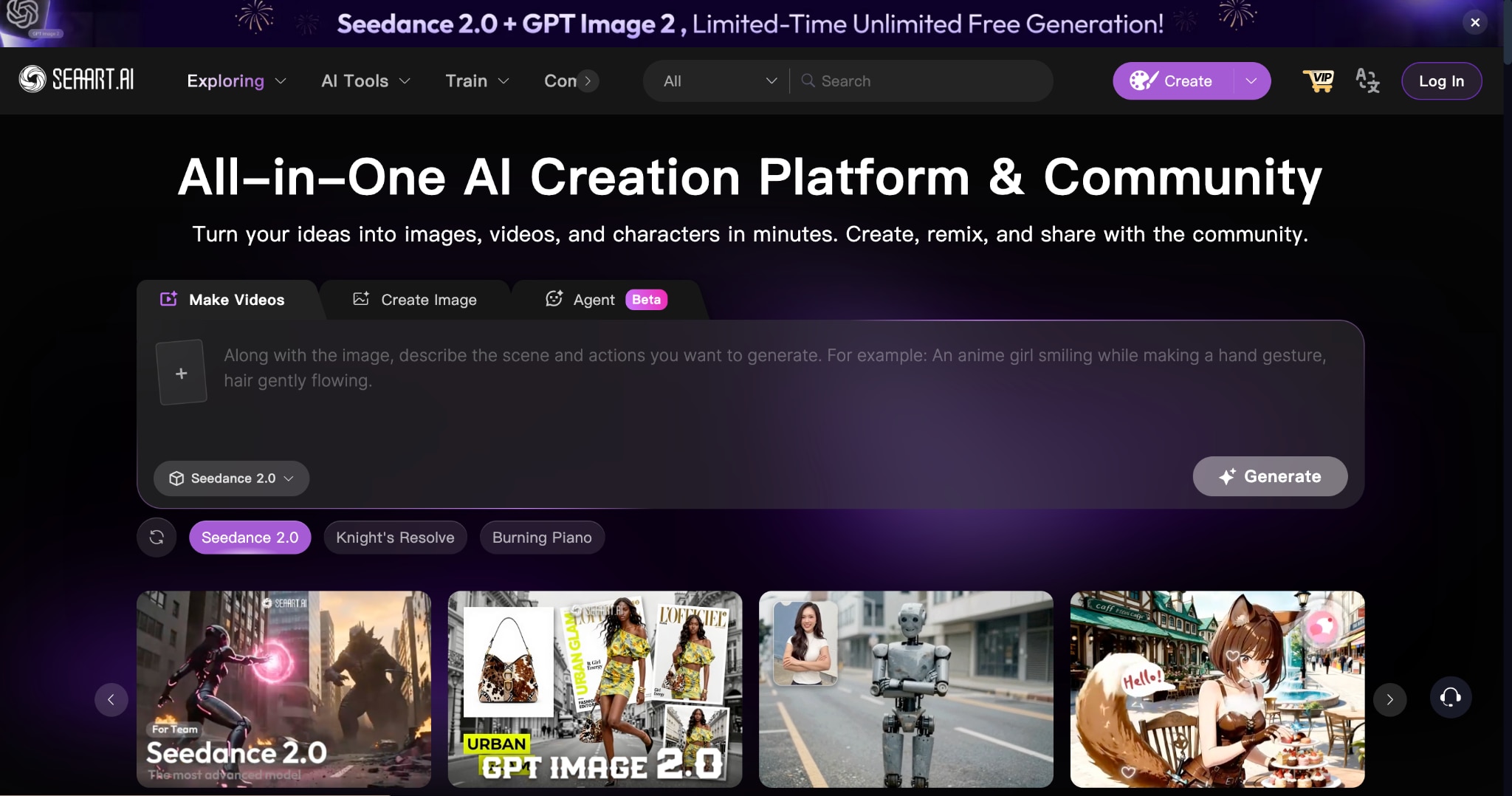
SeaArt AI is a comprehensive AI image generation platform with a strong focus on anime, fantasy, and stylized art, making it a particularly good fit for musicians in those genres. What makes SeaArt stand out is its huge community model library of over 500,000 models, giving you a range of art styles to apply to your album covers. It also supports LoRA model training, meaning you can teach the AI your specific visual identity and generate consistent-looking covers across an entire album cycle.
Key Features of SeaArt AI
Library of 500,000+ models covering photorealistic, anime, illustration, and abstract styles with Checkpoint, LoRA, and Pony model types.
Text-to-image and image-to-image generation with multi-model flexibility to switch between AI engines on the same prompt.
ComfyUI workflow access for node-based control over every generation step, available to advanced and professional creators.
Custom AI model training lets you upload your own image set to train the model on your specific visual style for release-wide consistency.
SeaArt AI Review: The app was very great, the images are clear, and it's the best AI image generator I've ever used! Update: I kinda hate the new update. My screen goes all black whenever it's the AI's turn to respond. (Google Play)
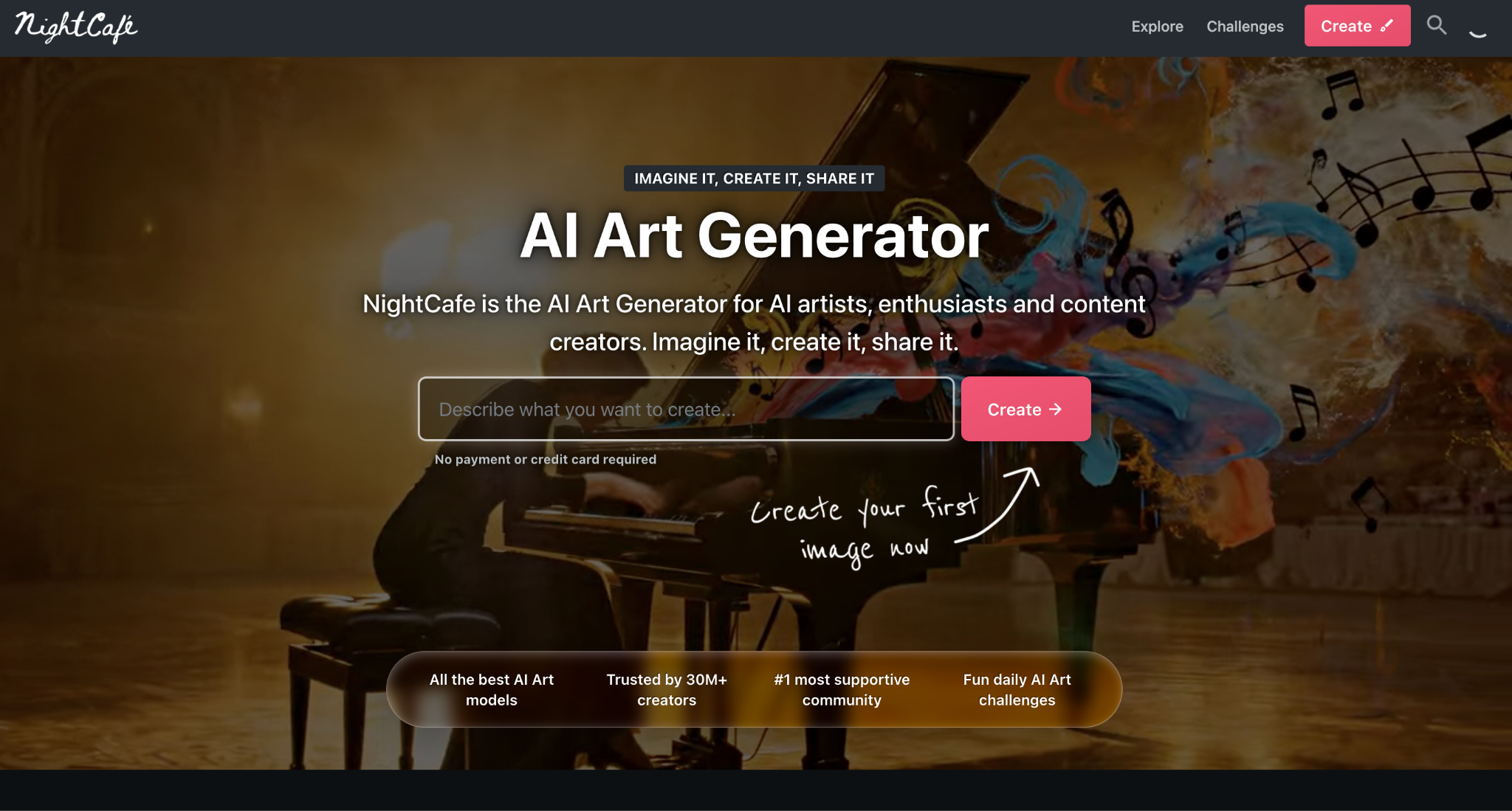
NightCafe works well as an album generator if you want creative freedom without needing advanced design skills. You can create cover art from simple text prompts, try different visual styles, and experiment with multiple AI models in one place. It is especially useful for artists who want unique, artistic covers instead of standard templates. Since it also includes editing tools and a strong creator community, it feels more flexible than many basic design platforms.
Key Features of NightCafe
It turns simple text prompts into custom album cover visuals across different art styles and creative directions.
It provides access to multiple AI models, including DALL·E, Stable Diffusion, Flux, and Ideogram, in one place.
You can edit existing artwork, refine details, and improve visuals without starting the design again.
It works well for abstract, cinematic, artistic, and genre-specific album cover designs, offering greater flexibility.
NightCafe Review: I like that NightCafe Creator offers free prompts, which let me explore the AI image generator in depth before committing. Unlike many premium tools with limited trials, it gives me a more practical way to test different models and styles. What I dislike is that generated images often appear low in pixel quality, possibly due to compression. An upscale download option would make them much more useful for client work and professional projects.
Leonardo AI is a professional image generation platform used by designers, game studios, and marketing teams. You generate artwork from text prompts across fine-tuned models covering photorealism, concept art, anime, and illustration. The platform includes AI Canvas for targeted editing, inpainting, and a Character Reference tool for visual consistency across multiple generations.
Key Features of Leonardo AI
Multiple fine-tuned models, including Lucid Origin for photorealism, and separate options for concept art, anime, illustration, and abstract styles.
AI Canvas and inpainting let you edit specific areas of a generated image without regenerating the full composition.
The Character Reference feature maintains a consistent visual identity for characters, style, and brand elements across multiple generations.
The free plan provides 150 daily tokens that reset every 24 hours, with commercial rights included on paid tiers.
Leonardo AI Review: Easy to use and really brings my ideas to life. Absolutely disgusting redesign, I would not have used it if it originally looked like this. superbly dissatisfied with whoever thought block letters were better than the logo. It looks low-quality. (Google Play)
https://www.neuralframes.com/\h
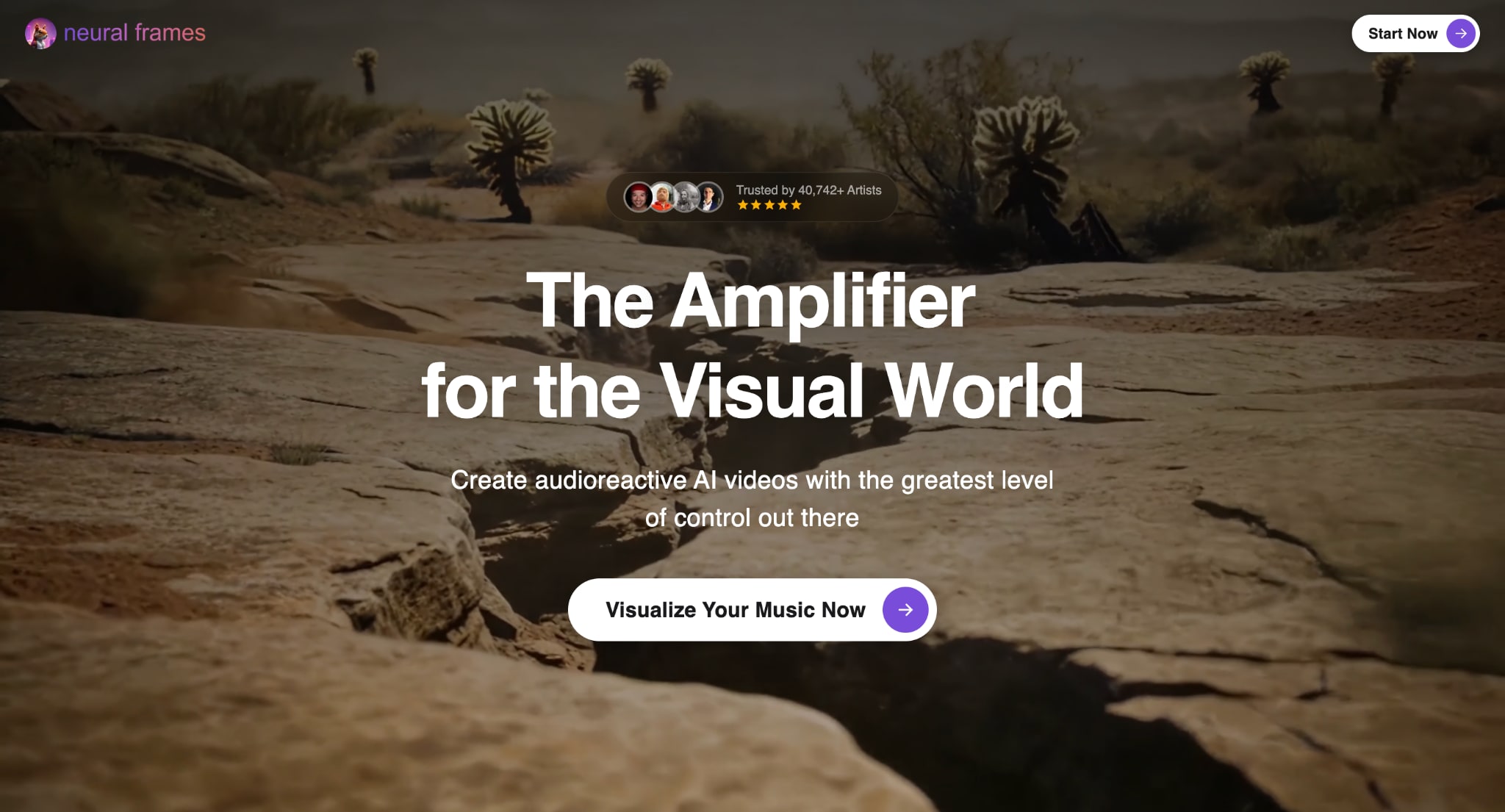
Neural Frames is a music-specific creative platform for artists who need album cover art and motion visuals in a single workflow. The free album cover generator at neuralframes.com requires no login or account. Inside the full platform, you upload a track and generate cover art informed by the song's waveform and extracted lyrics. The platform also connects your artwork directly into an audio-reactive music video pipeline using AI video models, including Kling, Seedance, and Runway.
Key Features of Neural Frames
Free, no-login AI Album Cover Generator produces cover art from text prompts with genre selection to guide visual direction.
Track-based cover generation creates artwork in context with your uploaded song's waveform and extracted lyrics for music-informed visuals.
Genre-aware generation supports pop, metal, rap, jazz, and more, helping align the prompt output with your sound.
Generated album art feeds directly into Neural Frames' audio-reactive music video pipeline for Spotify Canvas, Instagram, and TikTok content.
Neural Frames Review: Neural Frames creates music videos that align with brand image and song lyrics, with fast rendering, high-quality content, and perfect lyric syncing with visuals. It is a bit on the expensive side for us South Africans, but for specific songs with specific needs, it is well worth the buck. (Capterra)
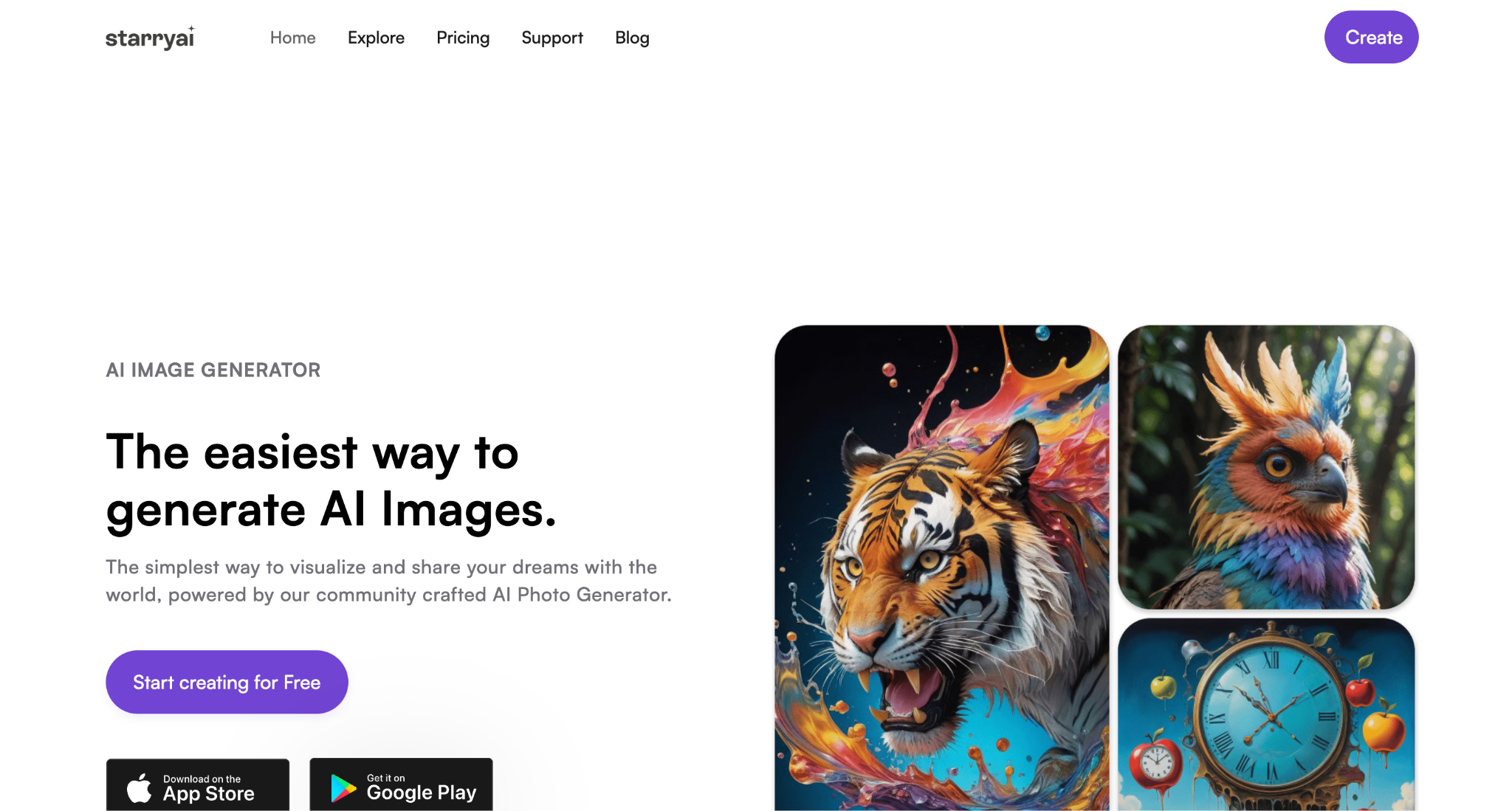
StarryAI is a user-friendly AI image generator available as both a web app and a mobile application for iOS and Android. It generates album covers, artwork, and NFTs from text prompts and offers a free plan with up to 25 watermark-free images per day, no credit card required. You own full rights to everything you create. For album art specifically, StarryAI supports over 1,000 genre-specific artistic styles ranging from anime and fantasy to cyberpunk and photography.
Key Features of StarryAI
Free plan generates up to 25 watermark-free images per day with full commercial rights, no subscription or credit card required
Over 1,000 genre-specific artistic styles, including anime, fantasy, cyberpunk, photography, illustration, and 3D art.
Image-to-image generation accepts photos, sketches, or existing artwork and transforms them into AI-generated output styled by your text prompt.
Background Remover is included at no cost for isolating album cover subjects or creating transparent assets for layering in a design tool.
StarryAI Review: I mean, the results are absolutely stunning, but I liked it before y'all added the email thing. A lot of people don't have the money to buy credits, you know. It was a good way to make as many cool creations as possible without spending money. (Google Play)
Part 4: Tips for Using Album Art Generator For Personal & Professional Usage
Getting good album art from an AI album art generator is mostly about writing clear prompts and knowing your platform's requirements before you start. Here is what actually makes a difference:
Genre and Mood: Start with a clear description of your music style and emotional tone. Instead of a basic idea, describe the atmosphere, colors, setting, and feeling so the generator creates artwork that matches your sound and audience expectations.
Platform Size: Always check the artwork requirements of your music platform before creating your cover. Most streaming services need a square format with high resolution, usually 3000x3000 pixels, to ensure the image looks sharp and professional everywhere.
Text Placement: It is often better to generate the visual design first and add the artist name and album title later using a separate editor. This gives you better control over font style, spacing, and overall readability.
More Variations: Do not rely on the first image you generate. Create multiple versions and compare them carefully. Small differences in layout, lighting, or composition can make one cover feel much stronger and more professional than another.
Visual Identity: Keep your colors, fonts, and design style consistent across singles, EPs, or albums. A consistent visual identity helps listeners recognize your work faster and makes your music brand look stronger and more polished.
Mockup Preview: Before finalizing your cover, view it in a music app-style preview or a phone-screen mockup. This helps you understand how listeners will actually see it and whether important details remain clear at smaller sizes.
Commercial Rights: Always review usage rights before publishing your album artwork. Some platforms allow commercial use only on paid plans, so checking this early helps you avoid copyright issues when releasing music professionally.
Conclusion
Choosing the right album art generator depends on your creative style, budget, and release goals. Some tools are better for fast template-based designs, while others offer advanced AI-generated visuals with stronger customization and commercial rights. Focus on resolution, typography, export quality, and platform requirements before deciding. A good album art generator helps your music stand out and strengthens your visual identity. Explore a few options, test different styles, and create cover art that truly represents your sound.

