

Trying to convert YouTube to MP3 on a Chromebook can be confusing at first. Many tutorials recommend desktop programs that only work on Windows or macOS, leaving Chromebook users with installation errors. The good news is that you don't need desktop software. An online converter, a Chrome extension, or a compatible Android app can help you save YouTube audio as an MP3 on Chrome OS.
In this guide, you'll learn three easy methods, along with step-by-step instructions, so you can choose the one that works best for your Chromebook.
In this Article
Part 1: Quick Comparison: Which YouTube to MP3 Method Fits Your Chromebook
The fastest method for converting YouTube to MP3 on a Chromebook is the Addoncrop Chrome extension for repeat use, since it works directly on the YouTube page at up to 320kbps. Here is how all four practical options compare before you pick one.
| Method | Best For | Free or Paid | Max Bitrate | Install Needed | Works Offline After |
| Online UniConverter | A single one-off conversion, nothing installed | Free with limits, paid plans available | 82 kbps | No, runs in the browser | No, browser-based only |
| Addoncrop Chrome Extension | Converting straight from YouTube repeatedly | Free, no usage limit | 320kbps | Yes, extension plus CRXEmulator | Yes, once downloaded |
| NewPipe (Android App) | Frequent downloads, ad-free playback, no Google account | Free, open source | 160kbps (Opus), not true MP3 | Yes, sideloaded APK | Yes, once downloaded |
| YouTube Premium | Staying fully inside YouTube's own rules | Paid, $15.99/month individual plan (US) | Not applicable, no MP3 export | No, built into the app | Yes, but only inside the YouTube app for up to 29 days |
Part 2: How Do You Pick the Best YouTube to MP3 Converter for Chromebook
You pick the best YouTube to MP3 converter for your Chromebook by weighing three factors: how often you convert audio, whether you will install anything outside a browser tab, and how much control you need over bitrate and file quality.
Run through these questions before choosing a method:
- Frequency: A single track favors a browser-based online converter. Daily or weekly conversions favor the Addoncrop extension, since it lives on the YouTube page permanently.
- Install tolerance: If you want zero installation, stick to an online converter. If you are fine with installing a Chrome extension or sideloading an Android APK, both the extension and NewPipe support higher bitrates and offline playback.
- Bitrate control: Addoncrop gives you a direct choice of 64, 128, 192, 256, and 320 kbps. NewPipe caps out at around 160 kbps in Opus format, since it transcodes YouTube's audio stream rather than offering a dedicated MP3 export.
- Risk tolerance: YouTube Premium is the only option that does not violate YouTube's Terms of Service, but it still doesn't produce a portable MP3 file.
Best YouTube to MP3 for Chromebook Converter: Best Use Case
| Use Case | Recommended Method |
| One-off track, nothing to install | Online UniConverter |
| Repeat conversions, need trimming or ID3 tags | Addoncrop Chrome Extension |
| Ad-free playback and downloads, no Google account | NewPipe (sideloaded Android app) |
| Zero Terms of Service risk, willing to pay monthly | YouTube Premium (in-app offline cache, not an exportable MP3) |
Part 3: How Do You Convert YouTube to MP3 on a Chromebook
Three methods actually work for YouTube to MP3 on a Chromebook, since ChromeOS blocks the installer-based desktop software that most converter guides assume you can run: an online converter, a Chrome extension, and a sideloaded Android app.
Method 1: How to Convert YouTube to MP3 on Chromebook (Online UniConverter)

All-in-One Multimedia Processing Tool

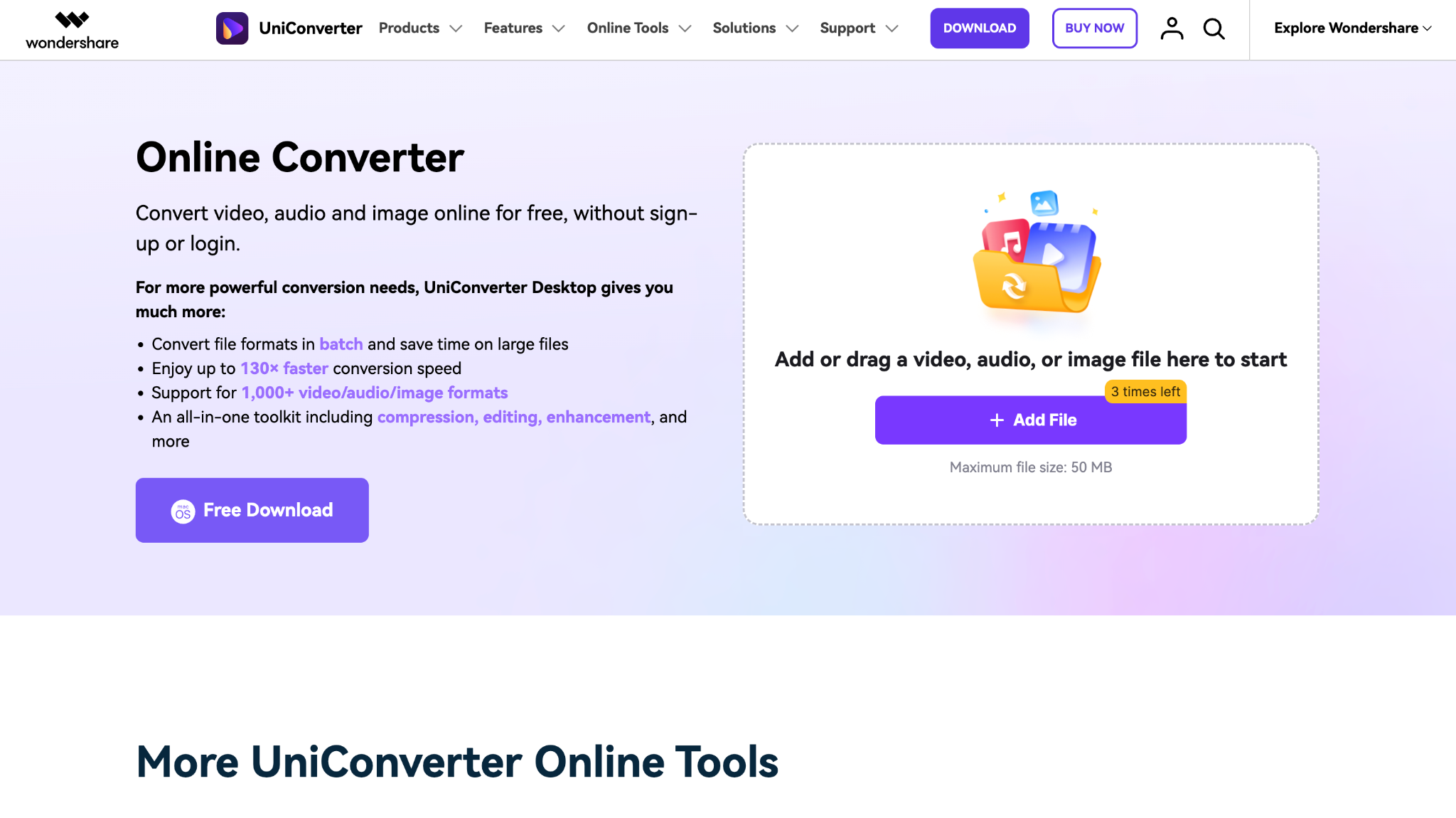
Wondershare UniConverter offers an online YouTube-to-MP3 tool that runs entirely in the Chrome browser and works well on Chromebooks, since nothing installs at the system level. The general workflow for any browser-based converter in this category follows this pattern: upload the video file to the converter's input field, select MP3 as the output format, and download the finished file directly to your Chromebook's Files app.
Step 1: Go to the official UniConverter online converter website and upload the video file by clicking the "Add File " button.
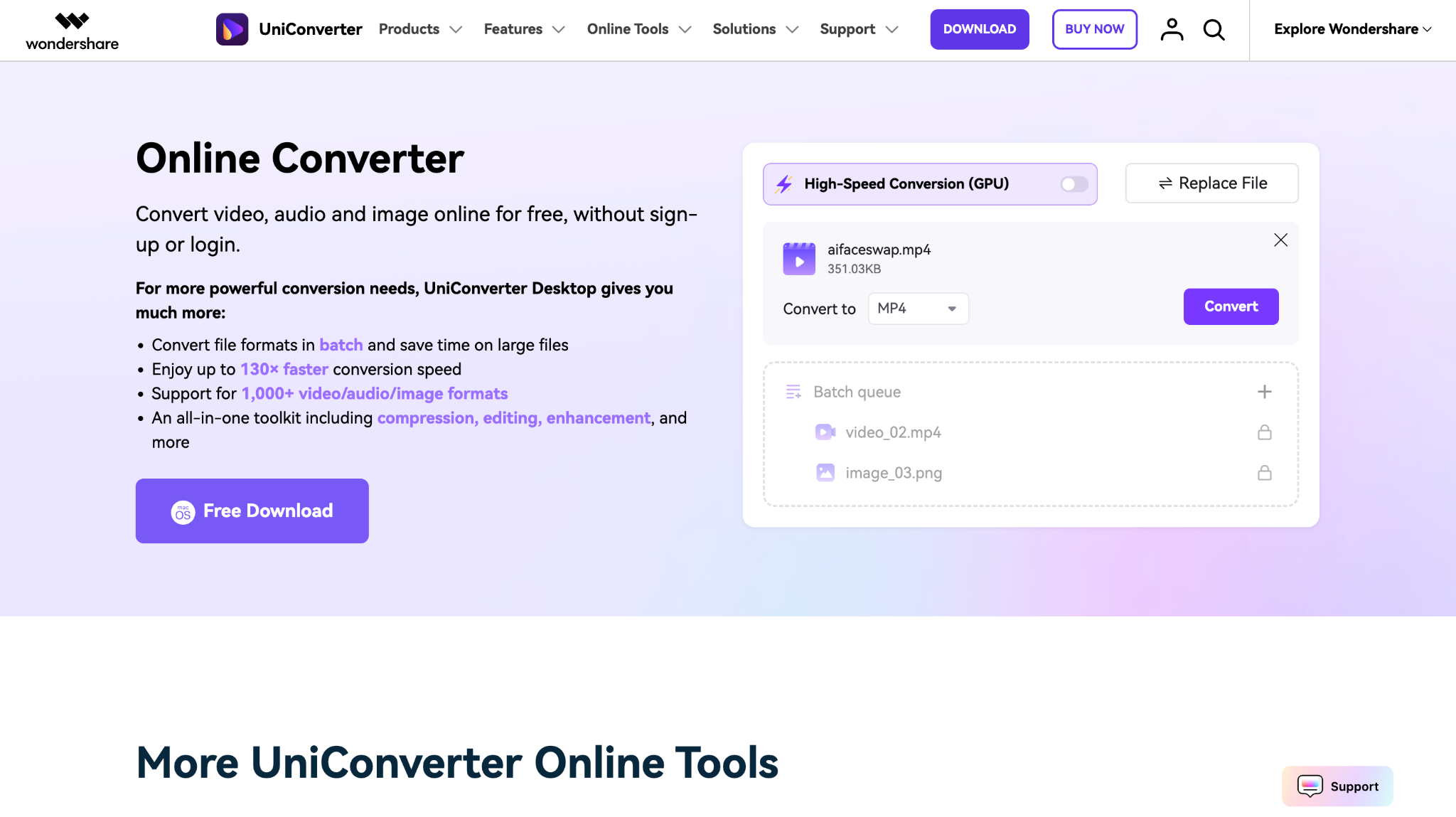
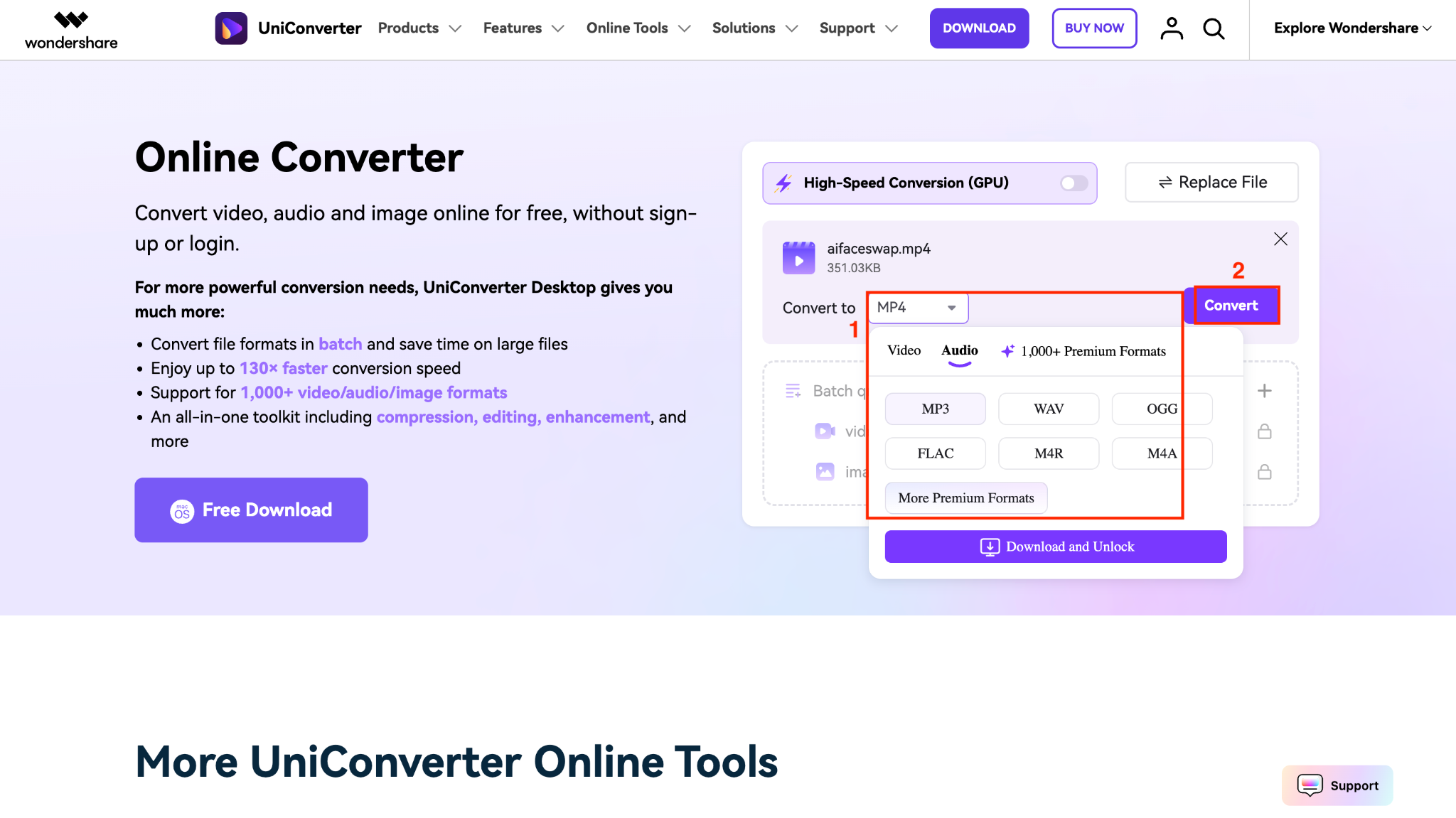
Step 2: Head to Audio, select MP3, and click Convert.
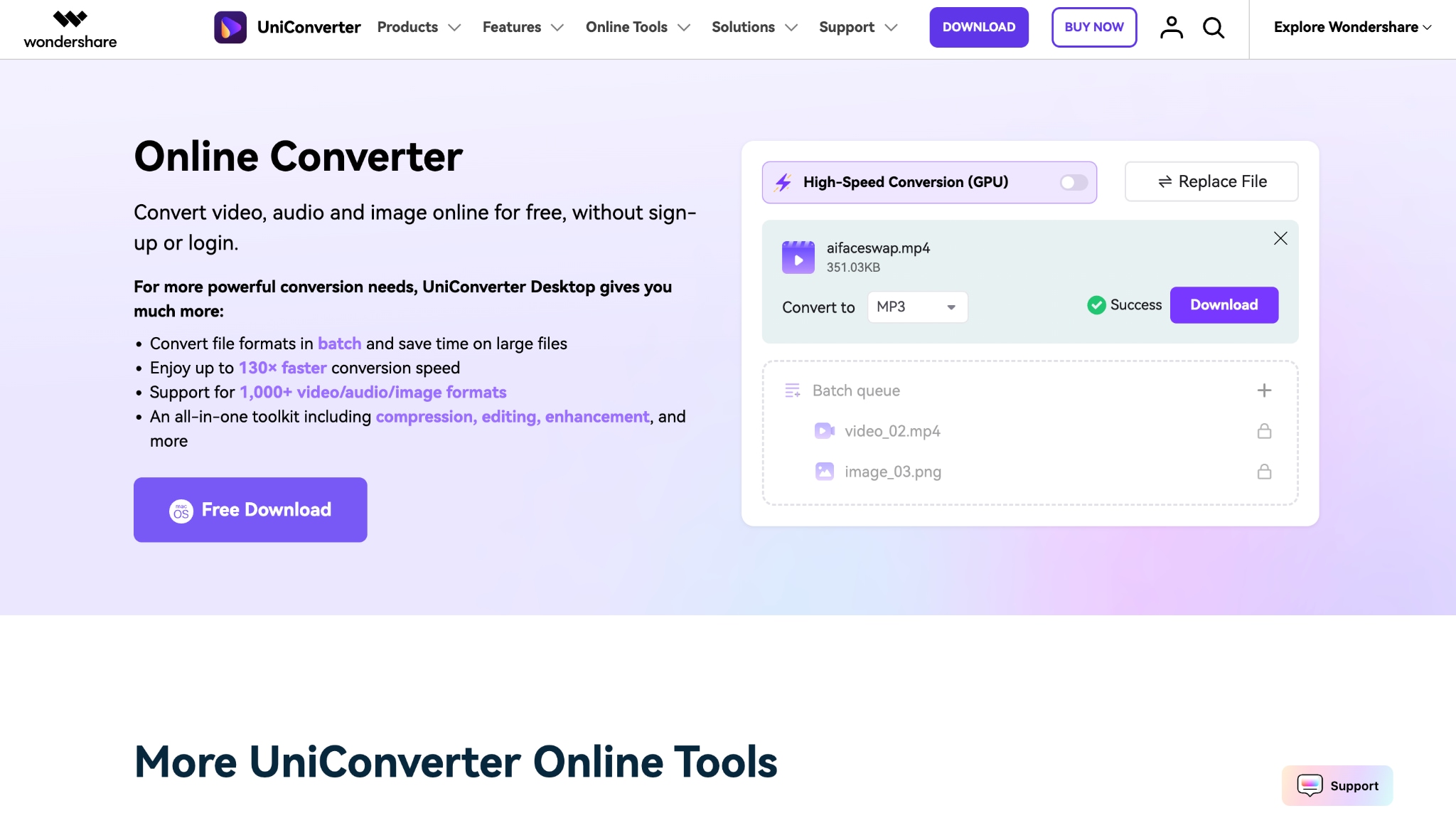
Step 3: Within a few seconds, you can download your MP3 file.
Method 2: How to Convert YouTube to MP3 on Chromebook (Chrome Extension)
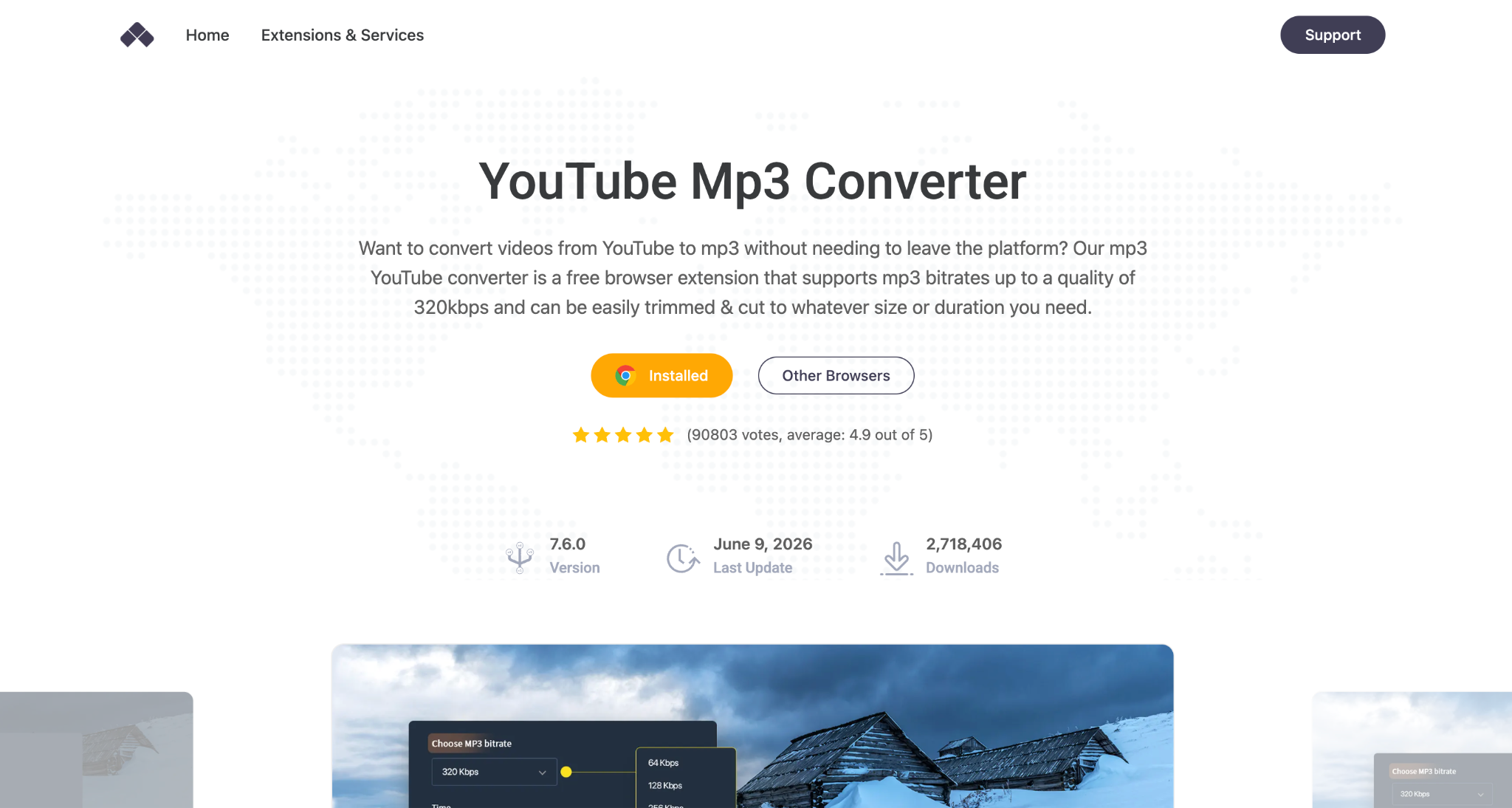
Addoncrop's YouTube MP3 Converter installs as a Chrome extension and adds a download button directly under any YouTube video, converting audio to up to 320 kbps before the file ever touches your hard drive. The extension is not distributed through the Chrome Web Store, so it requires a small companion tool called CRXEmulator to install. Here is the full step-by-step guide to get YouTube to MP3 on a Chromebook:
Step 1: Visit the Addoncrop website, select the YouTube MP3 converter, and the add-on extension.
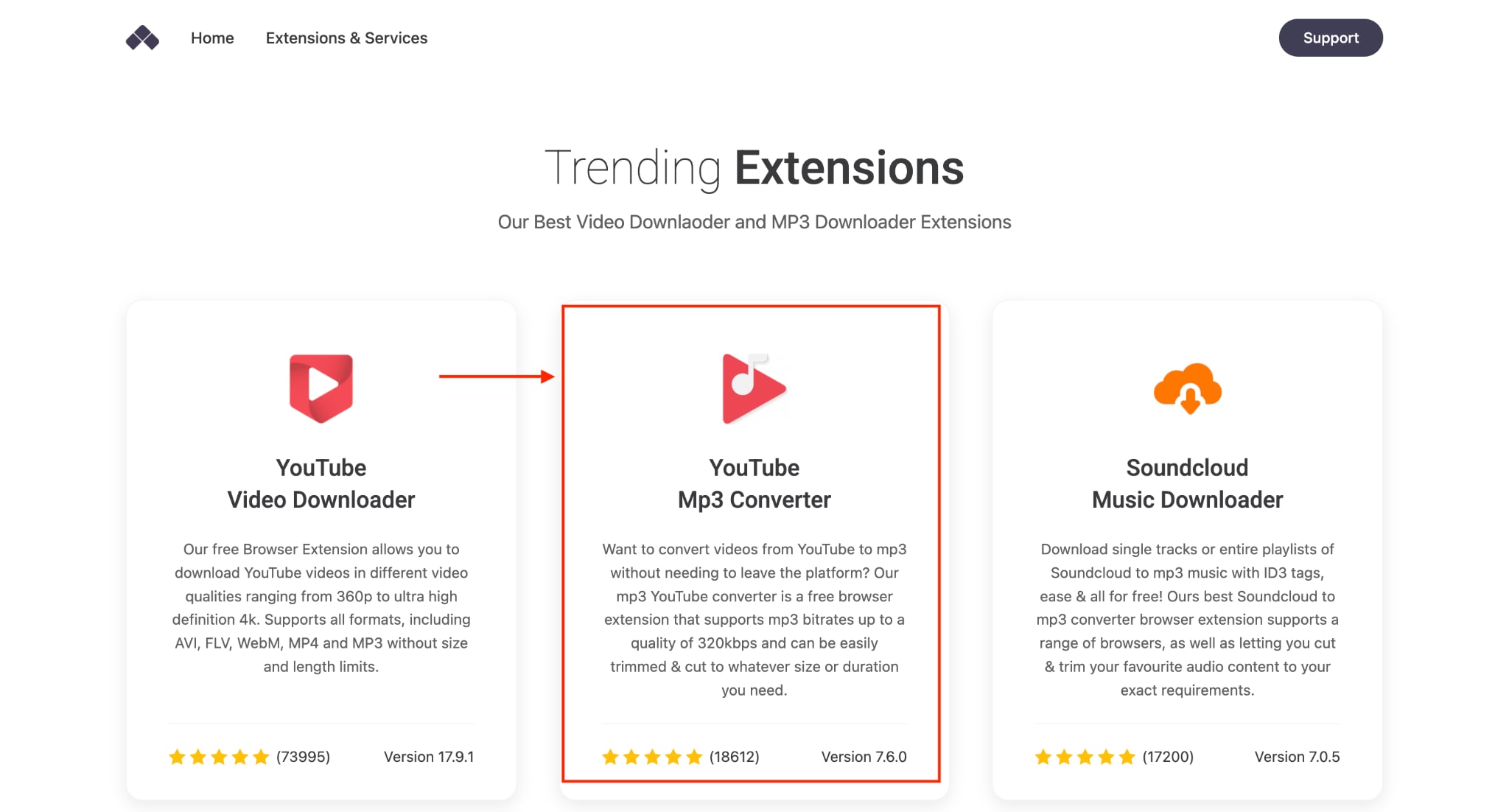
Step 2: Pin the extension to activate and head to YouTube.
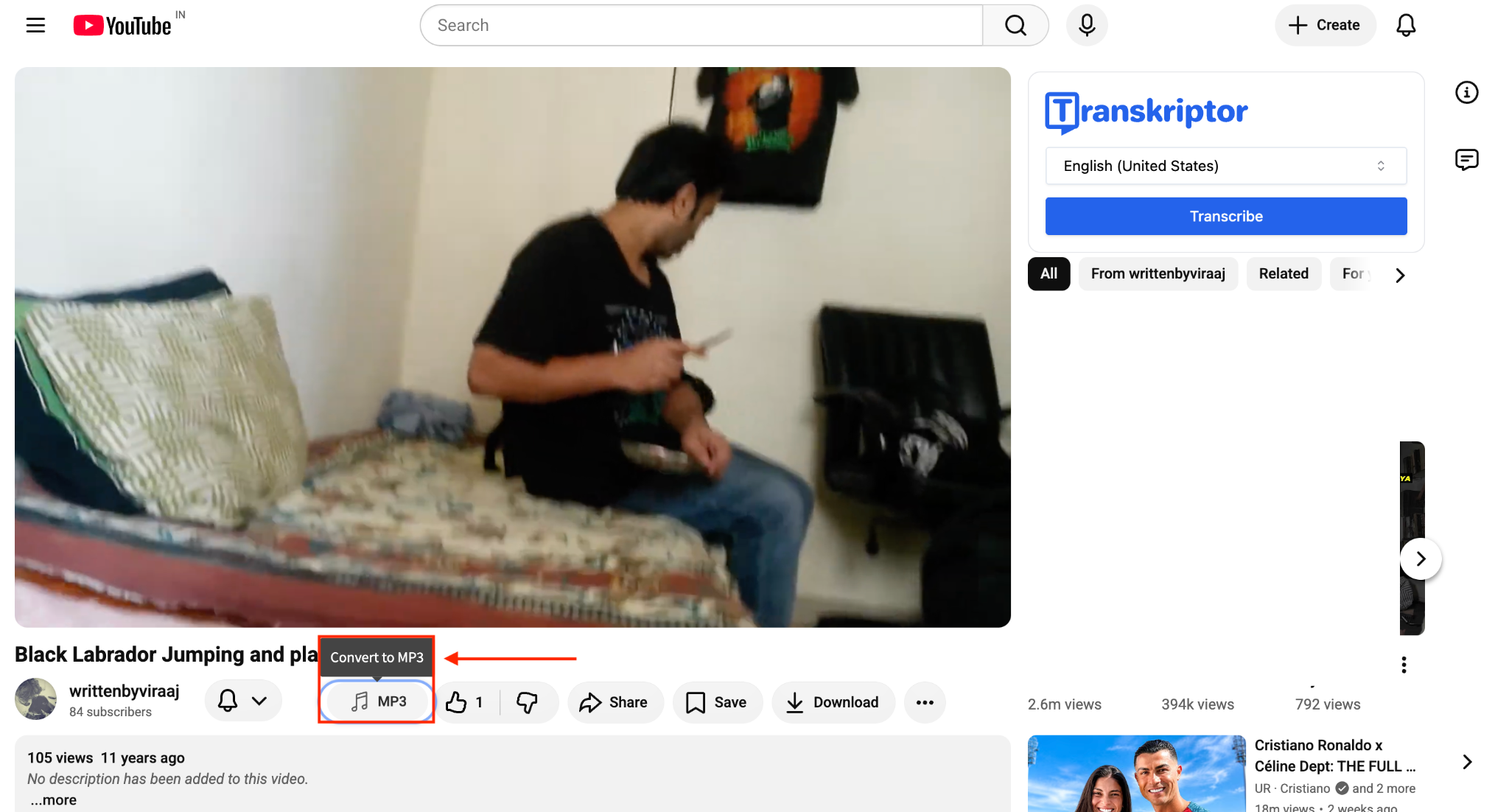
Step 3: Play the video you want to convert and click the MP3 option under the video.
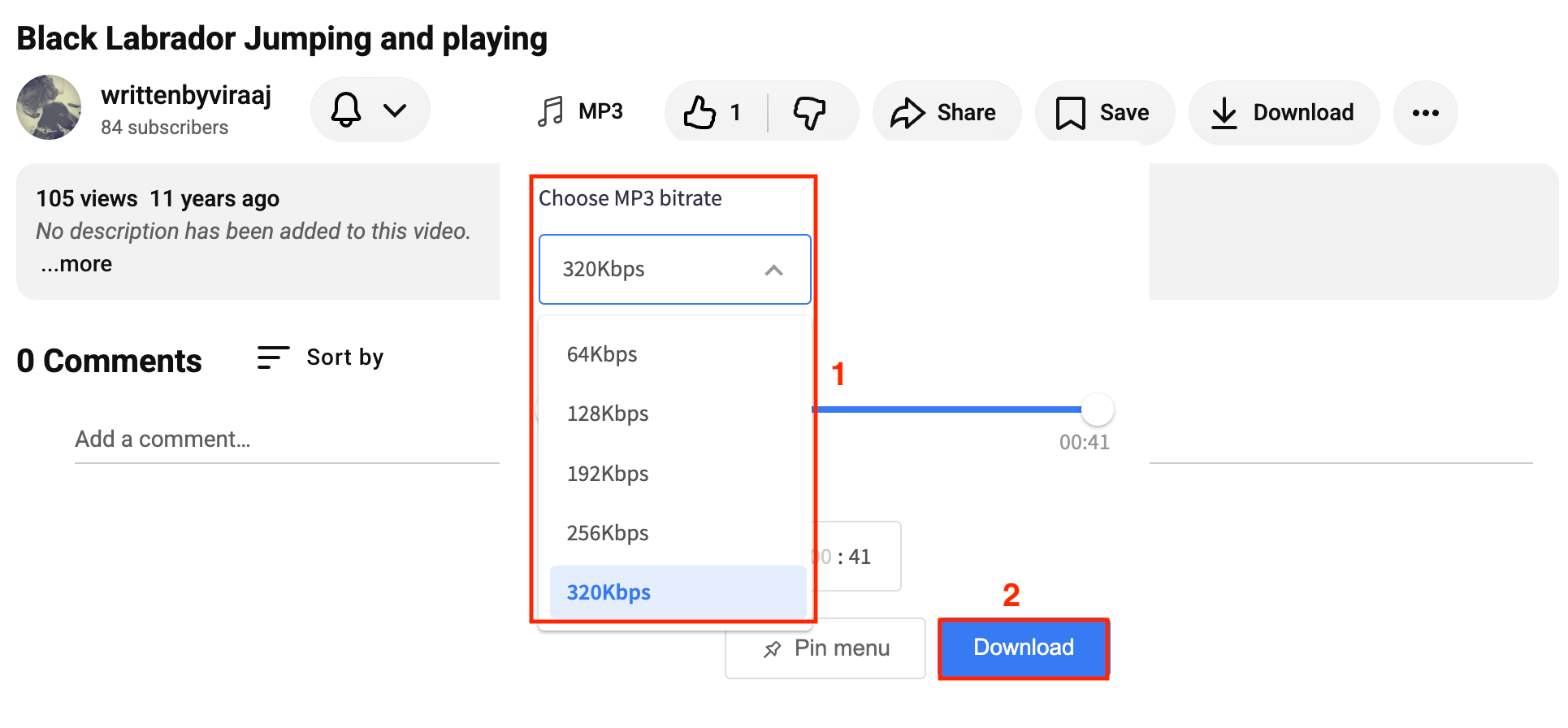
Step 4: Choose the bitrate, trim the video before converting, and click Download.
Step 5: Name the file, choose a location, and click Save.
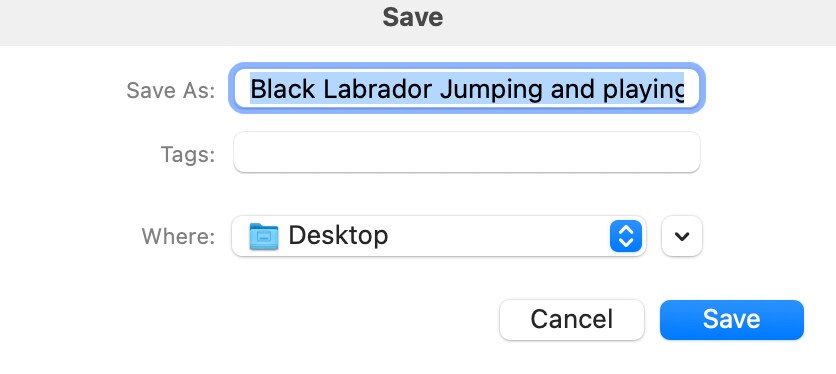
Two extras worth using: the built-in trimmer lets you cut a clip to exact start and end points before download, and the extension automatically writes ID3 tags (artist, album, genre) to the file, so you don't have to manually rename every download. The extension also works on Edge, Opera, Yandex, Vivaldi, and Brave, in case you run a different Chromium browser on your Chromebook.
Method 3: How to Convert YouTube to MP3 on Chromebook (Android App)
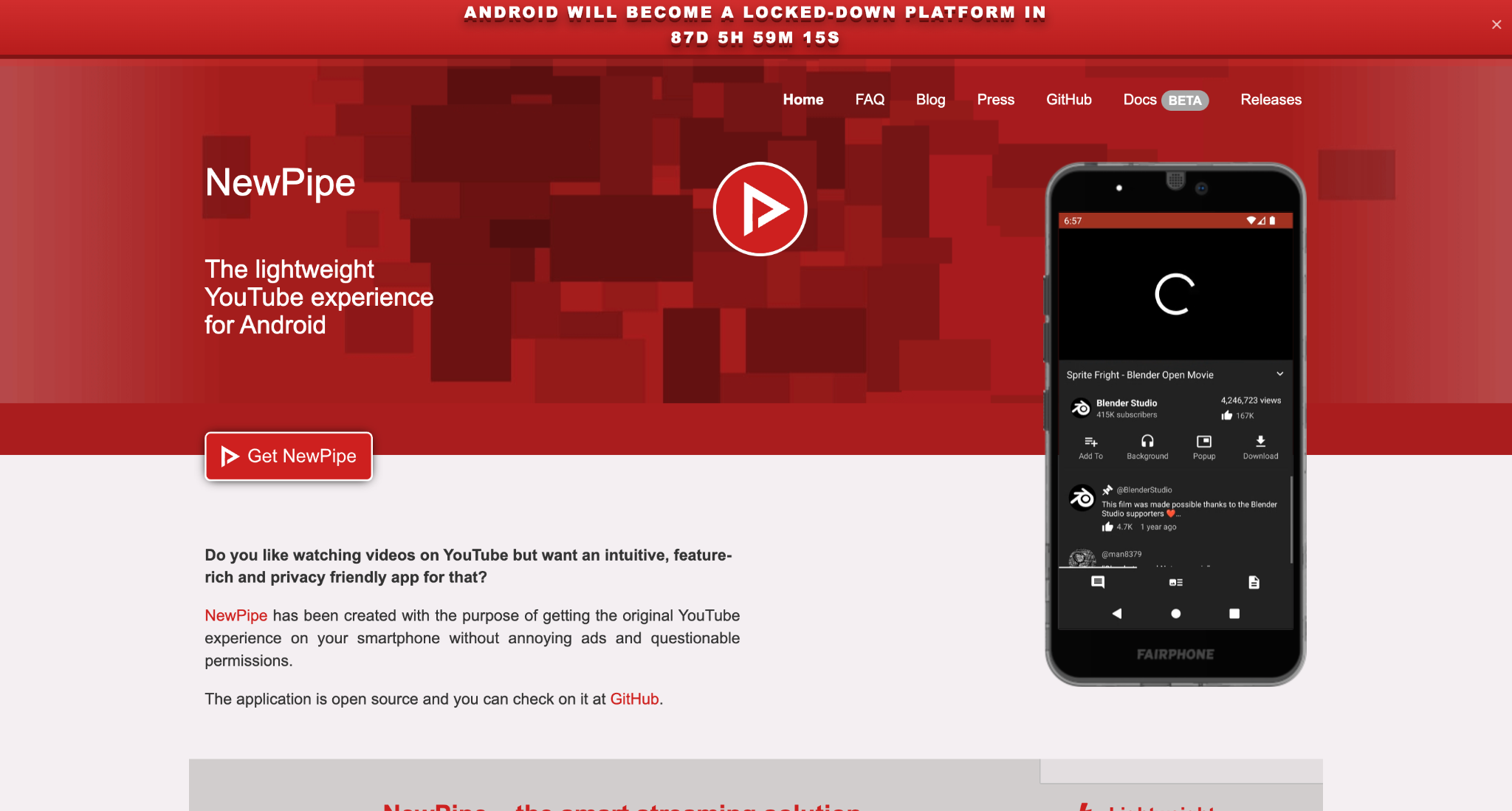
NewPipe is a free, open-source Android app that lets you stream videos and listen to audio without ads or requiring a Google account. It supports background playback, picture-in-picture mode, and offline downloads, making it a popular choice for users who want more control over their media experience. If you're downloading content you're allowed to save, NewPipe also lets you extract audio in formats like MP3, making it useful for listening offline.
Step 1: Download NewPipe and let it install on your Android phone.
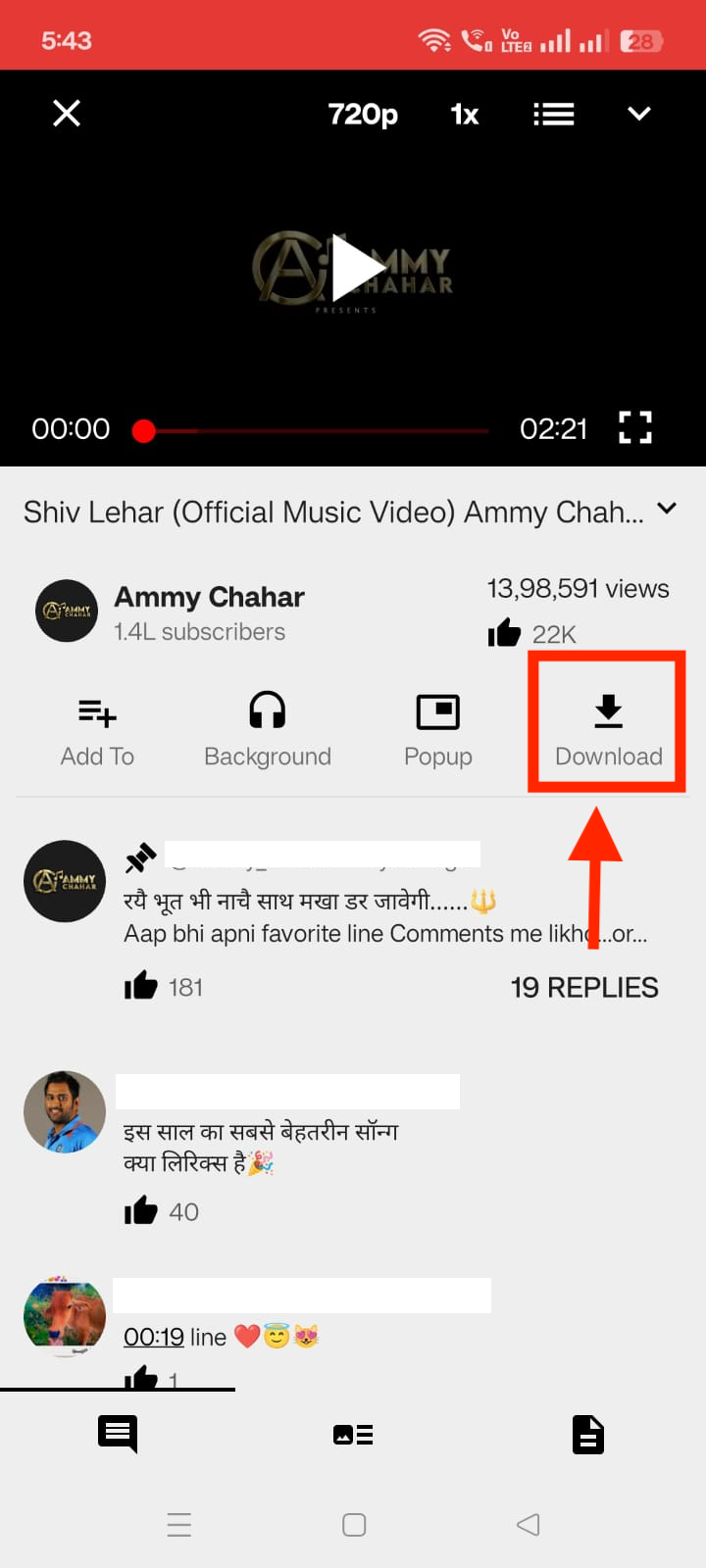
Step 2: Search for the song and click the download button.
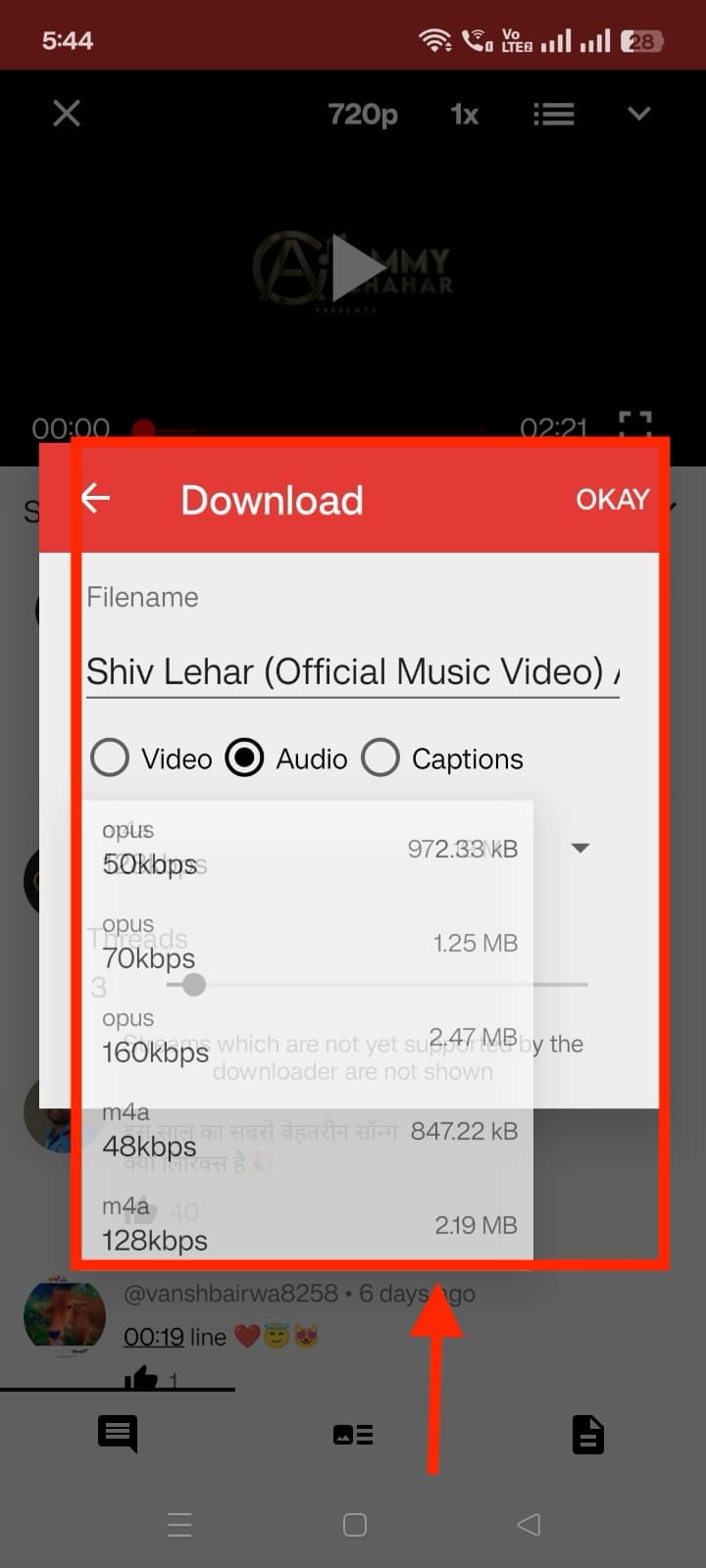
Step 3: Head to Audio, choose the bitrate, and click OK.
Step 4: Select the location, and the audio will be saved on your phone.
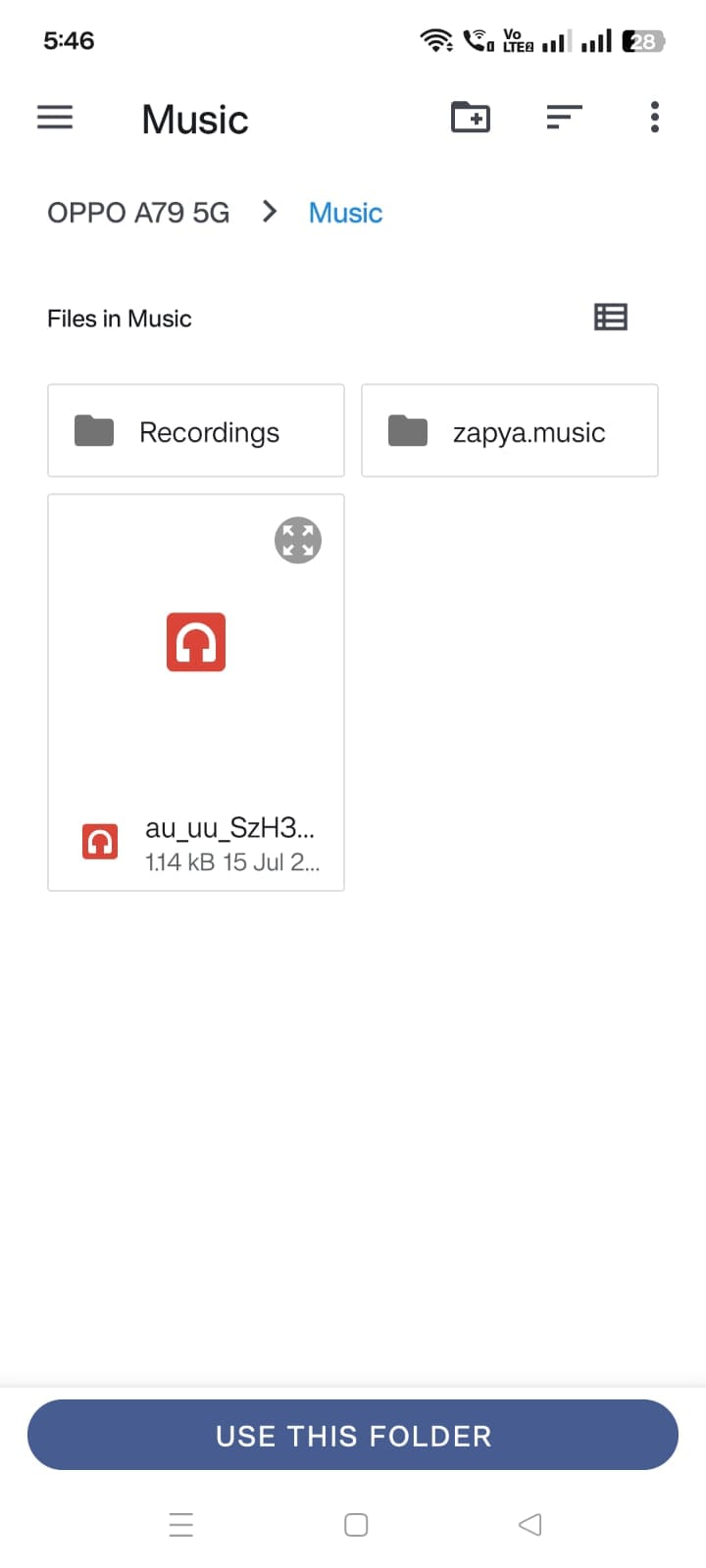
One technical point that most guides skip: NewPipe does not produce a true MP3 file. According to NewPipe's own FAQ, YouTube does not expose MP3 streams that can be pulled directly, so the app can only save the M4A or WebM/Opus audio track that YouTube already serves. Converting that to an actual .mp3 file requires a separate transcoding step, which NewPipe does not include.
Part 4: Is It Legal to Convert YouTube to MP3 on a Chromebook
The short answer is: it depends on what you mean by "legal."
For most people, converting a YouTube video to MP3 for personal use is more of a Terms of Service issue than a criminal law issue. However, copyright laws differ by country, and downloading or sharing copyrighted content without permission may still violate local laws.
At a Glance
| Question | Answer |
| Is converting YouTube to MP3 allowed by YouTube? | No. It violates YouTube's Terms of Service unless YouTube explicitly provides a download option. |
| Is it automatically a crime? | Usually not for personal use, but laws vary by country. |
| Can copyright owners take action? | Yes, especially if copyrighted content is redistributed or used commercially. |
| Is YouTube Premium an MP3 downloader? | No. Premium only allows offline playback within the YouTube app. |
| What's the safest option? | Download only content you own or content released under a license that permits downloading. |
1. YouTube Doesn't Allow Unauthorized Downloads
According to YouTube's Terms of Service, you may watch content for personal, non-commercial use, but you can't download or copy videos unless YouTube provides an official download feature or the creator has given permission.
That means online converters, browser extensions, and third-party Android apps generally operate outside YouTube's authorized download methods.
2. Copyright Laws Differ Around the World
Whether downloading a YouTube video is legal depends on your country's copyright laws.
United States: Personal downloading is generally treated as a Terms of Service issue, while commercial piracy and redistribution carry much greater legal risk.
European Union: Copyright exceptions vary between member states, and unauthorized copying may still infringe copyright.
In Canada, Australia, India, and many other countries, copyright rules differ, so there isn't a universal answer.
If you plan to keep or share downloaded files, check your local copyright regulations.
3. Commercial Ripping Services Face the Biggest Legal Risk
Historically, copyright enforcement has focused on businesses operating stream-ripping websites rather than individual users.
For example, the recording industry successfully shut down YouTube-mp3.org, one of the world's largest YouTube-to-MP3 websites, after a copyright lawsuit. Cases like this typically target commercial services that distribute copyrighted content at scale rather than individuals downloading occasional files for personal use.
4. YouTube Premium Isn't an MP3 Converter
Many people assume YouTube Premium lets you download MP3 files, but that's not how it works.
Premium-only stores encrypted offline copies in the YouTube app. You can't export them as MP3 files or move them to another music player.
Best Practice
To stay on the safest side legally:
- Download only videos you created yourself.
- Use content released under Creative Commons or another license that permits downloads.
- Get permission from the copyright owner before downloading copyrighted material.
- Avoid redistributing or uploading converted MP3 files.
Conclusion
ChromeOS blocks traditional desktop converters, but YouTube to MP3 on a Chromebook still works through three routes: an online converter for a single track, the Addoncrop extension for repeat use at up to 320kbps, or NewPipe for ad-free downloads without a Google account. Each method violates YouTube's Terms of Service on a technicality, though personal downloading carries a lower real-world legal risk than the commercial ripping sites regulators have pursued. YouTube Premium stays fully compliant, but trades a real MP3 file for a 29-day encrypted cache. Pick based on how often you convert and how much risk you are comfortable carrying.

