


The massive evolution of artificial intelligence in 2026 has reshaped visual content creation forever. You now face an overwhelming number of new AI models, web suites, and mobile apps. This software overload makes it incredibly hard to choose the right tool for your projects. Finding a dependable text to image generator often feels like searching for a needle in a digital haystack. This comprehensive, tested review ranks the top 10 tools categorized by device layout to map perfectly to your daily workflows.
Table of Contents
Part 1: What is a Text to Image Generator and Its Importance?
A text to image generator is an intelligent software application that turns your written words into complete visual graphics. You simply type a descriptive sentence, and the system produces a matching picture in seconds. It acts as a digital artist that follows your exact textual instructions.
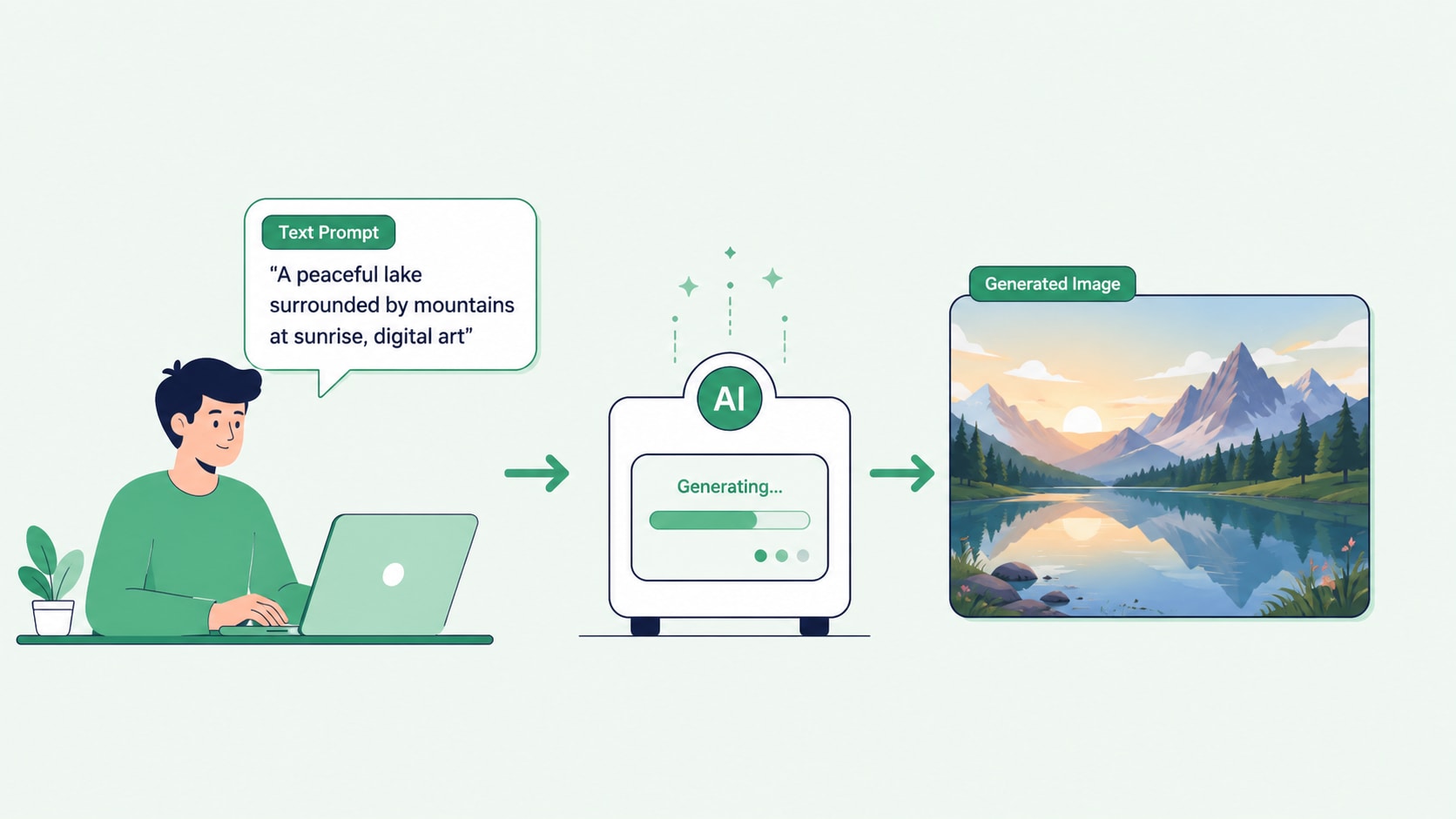
These tools rely on underlying core mechanics known as diffusion models. These models learn by studying millions of image-text pairs to understand visual concepts. When you enter a prompt, the model starts with a field of random visual noise. It slowly refines this noise, step by step, until it successfully translates your textual prompts into clear, detailed pixels.
This technology holds massive industry importance for modern creators and businesses. First, it effectively eliminates expensive stock photo fees from your monthly budget. Second, it helps you overcome creative blocks by letting you visualize complex ideas instantly. Finally, it allows you to scale marketing assets quickly, offering instant turnaround speeds that keep your campaigns running smoothly.
Part 2: Key Takeaways
Wondershare UniConverter: Powerful desktop suite for stable, lag-free generation.
Dream Studio (Stable Diffusion): Advanced open-source desktop model for full customization.
Ideogram: Top cloud generator for flawless typography and text.
Microsoft Designer's Image Creator: Free web-based tool with access to DALL-E 3 technology.
Freepik AI Image Generator: Fast online tool for hyper-realistic textures and tones.
Google ImageFX: High-fidelity tool for factually accurate 4K images.
Jasper Art: Ideal visual assistant for streamlined marketing graphics.
Craiyon: Simple online AI image generator free no sign up tool.
GROK Imagine: Social mobile generator for real-time viral trends.
Canva Magic Design AI: Effortless app that builds graphics into templates.
Part 3: At-a-Glance: Text to Image Tools Comparison Table
| Tool Name | Platform | Best For | Key Standout Feature | Pricing Accessibility |
| Wondershare UniConverter | Desktop | Video Editors & Creators | All-in-one local media processing | Freemium |
| Dream Studio | Desktop | Advanced Digital Artists | Deep parameter customization | Subscription |
| Ideogram | Web | Graphic Designers | Flawless text and typography | Freemium |
| Microsoft Designer | Web | Casual Web Creators | Frictionless DALL-E 3 access | Free |
| Freepik AI | Web | Stock Photo Creators | Hyper-realistic skin tones | Freemium |
| Google ImageFX | Web | Corporate Marketers | Factual visual accuracy | Free (via Google Labs) |
| Jasper Art | Web | Digital Copywriters | Copy-to-image workflow | Subscription |
| Craiyon | Web | Casual Brainstormers | No sign-up requirement | Free |
| GROK Imagine | Mobile | Social Influencers | Real-time trend rendering | Subscription |
| Canva Magic Design AI | Mobile | On-the-Go Managers | Instant template integration | Freemium |

All-in-One Multimedia Processing Tool

Part 4: Top 10 Text to Image Generator Tools
1. Wondershare UniConverter (Editor's Choice)
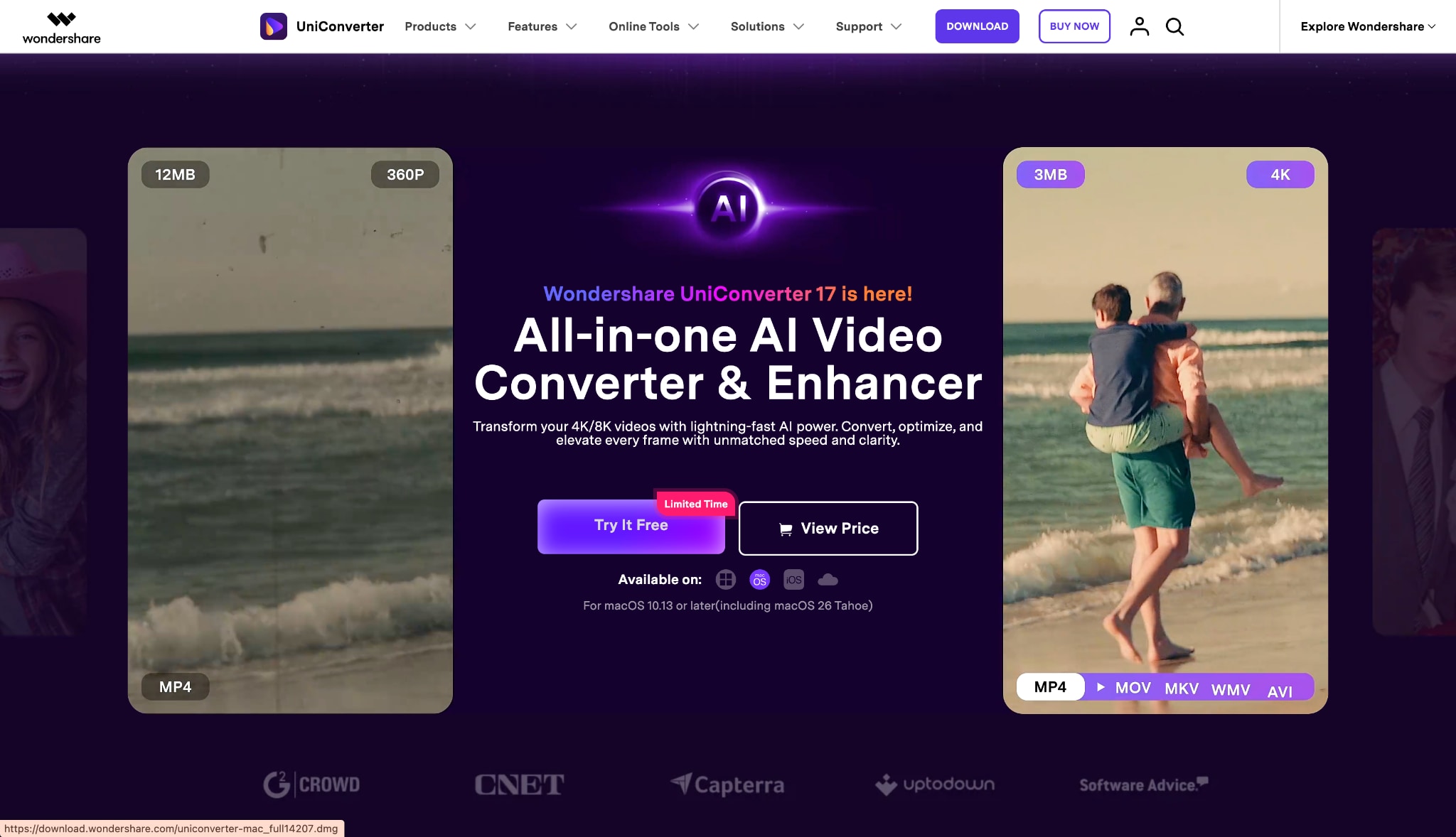
UniConverter serves as the definitive workspace solution for serious media creators. Its built-in text to image generator runs flawlessly on your desktop hardware, completely eliminating reliance on multiple browser tabs. You get a clean UI and cross-functional capacity to handle audio ,video , and images seamlessly within one unified ecosystem.
2. Dream Studio (Stable Diffusion)
Dream Studio focuses heavily on the open-source nature of the AI community. This tool serves power users who want localized, granular adjustments for aspect ratios, step counts, and negative prompts. It gives you the freedom to build exactly what you envision without strict corporate guardrails.
Category 2: Top AI Image Generator Online Tools (Web-Based)
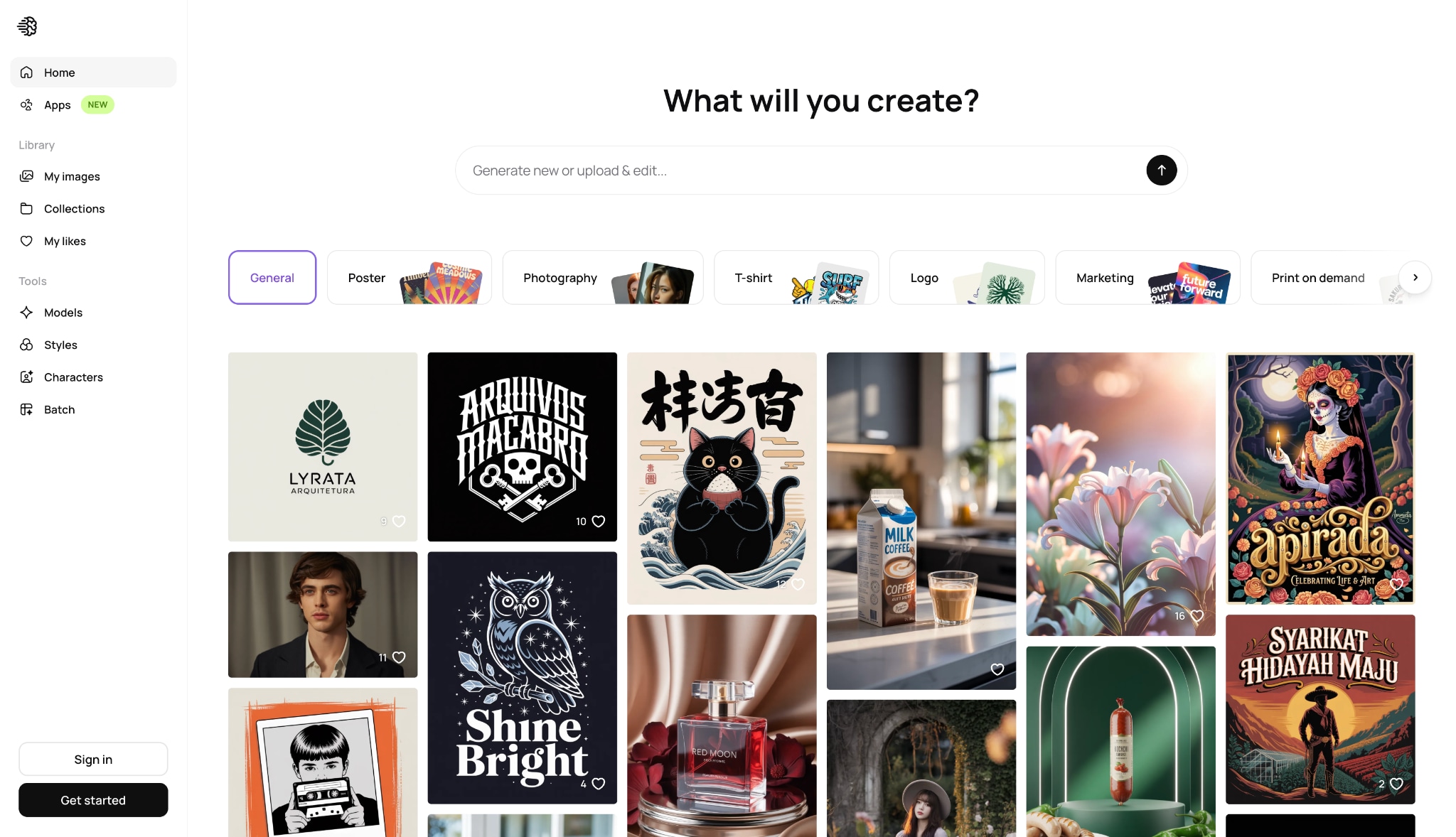
3. Ideogram
Ideogram stands out as the best AI image generator online specifically for typography, graphic design, and clean font generation. If you need to put exact words, quotes, or logos onto a digital canvas, this tool renders letters without the scrambled artifacting found in older models.
4. Microsoft Designer's Image Creator
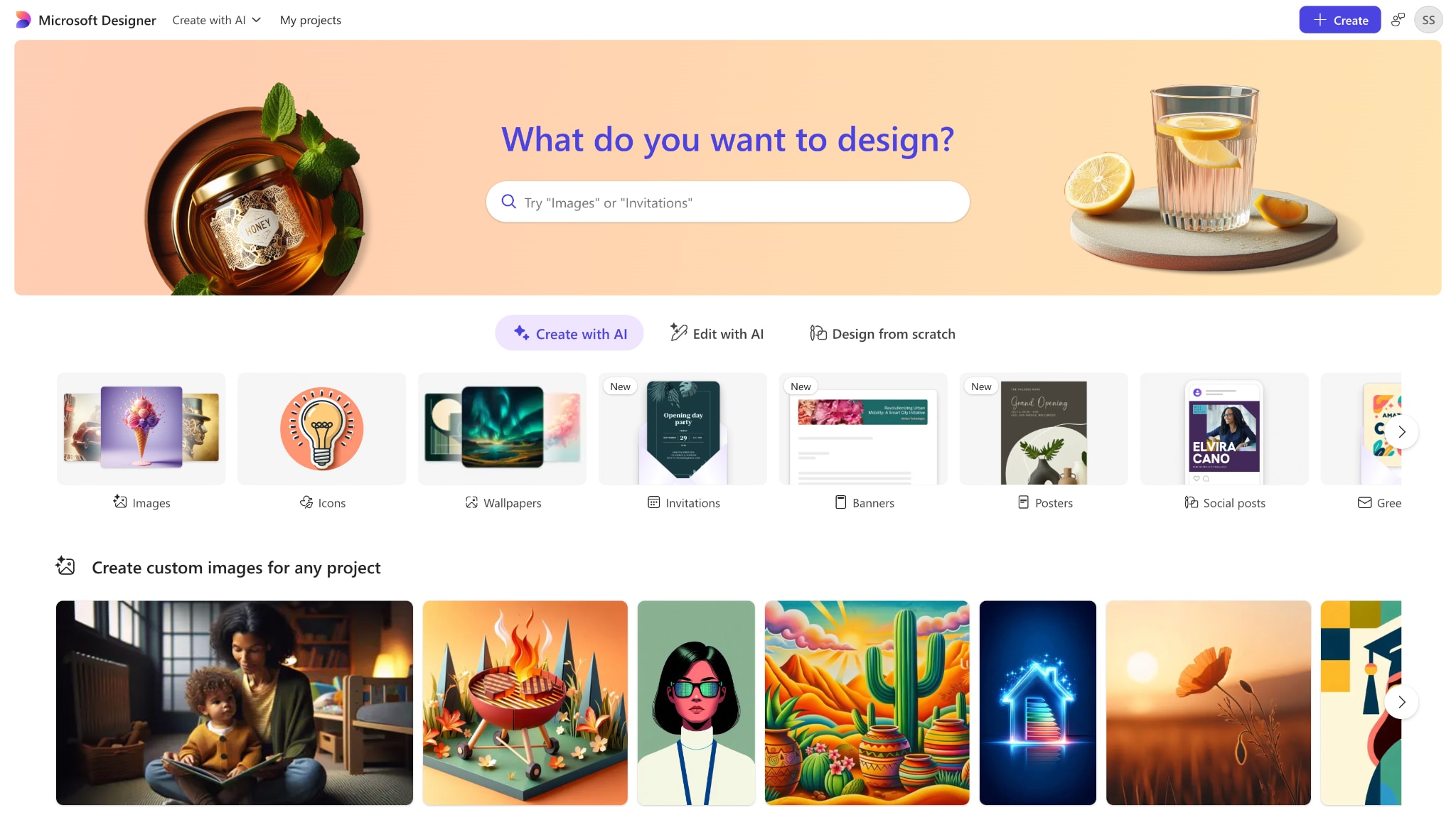
Microsoft Designer delivers seamless DALL-E 3 web integration directly through your Microsoft account. It provides high ease of access for casual web creators who need quick graphics for presentations or blogs. You simply log in, type your idea, and get four distinct variations instantly.
5. Freepik AI Image Generator
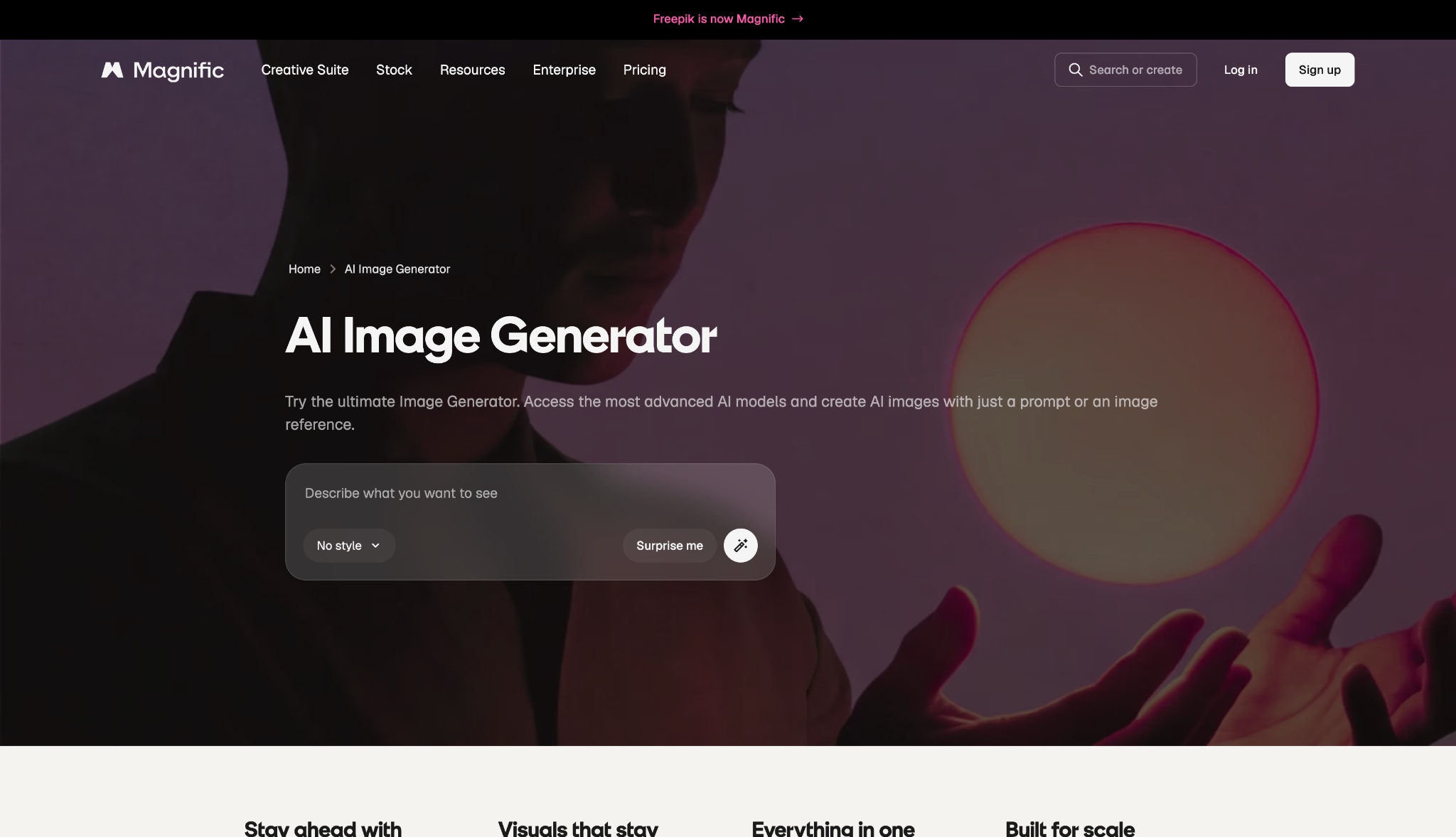
Magnific, formerly known as Freepik, highlights rapid asset creation speeds and photographic rendering accuracy for stock imagery. Utilizing advanced Flux-driven technology, it features a smart built-in web design editor. You can generate an image and immediately drop it into a flyer or banner without leaving your browser tab.
6. Google ImageFX
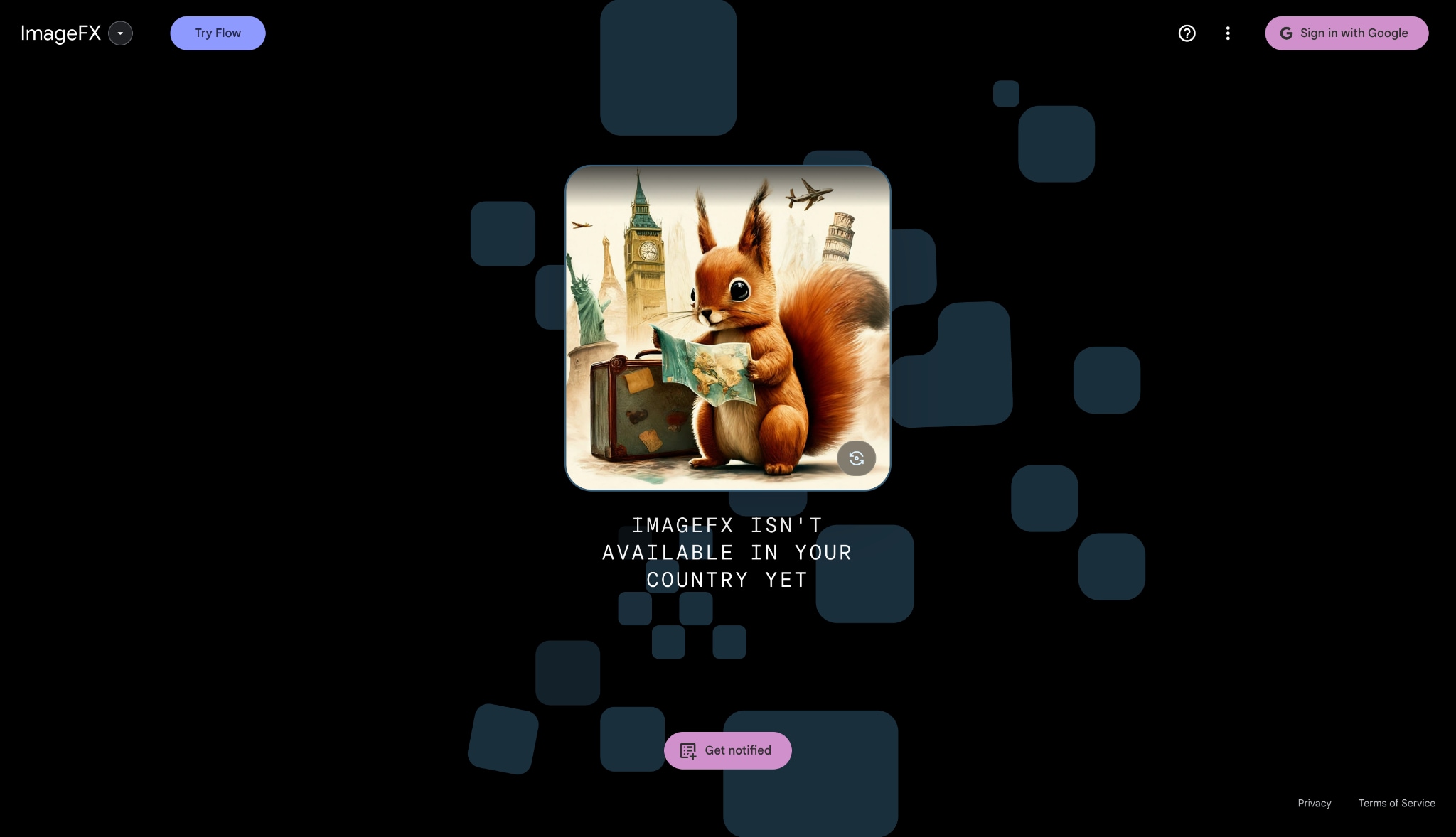
Google ImageFX details a reasoning-based layout and native high-resolution production capabilities tailored for professional corporate web use. Powered by Google's underlying Imagen 3 model, it leverages massive search infrastructure to ensure the tool grounds generations in factual accuracy. This makes it ideal for producing visually sound, brand-safe enterprise materials.
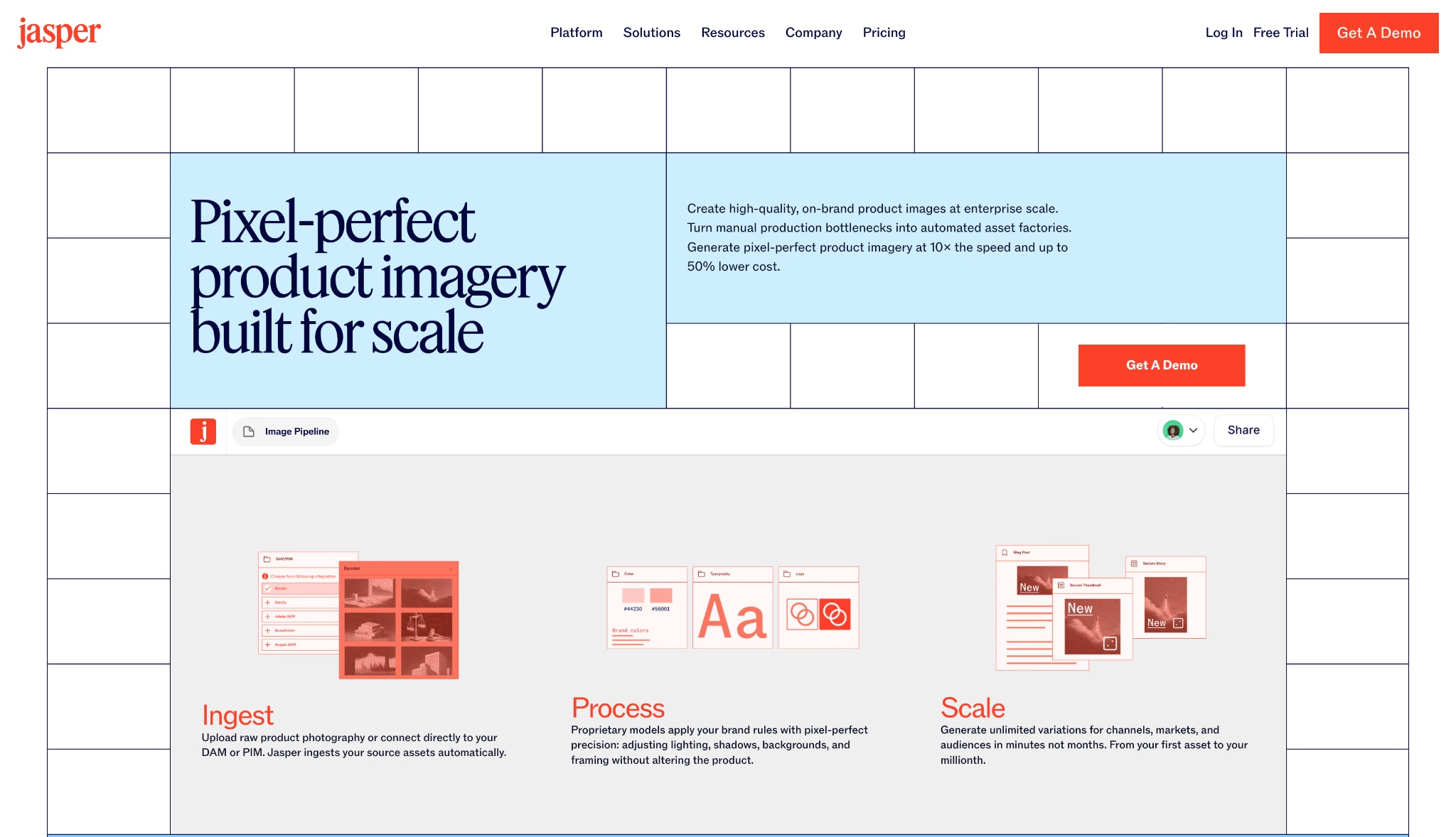
7. Jasper Art
Jasper Art functions side-by-side with Jasper's writing tools to streamline content generation loops for digital marketers. If you are writing a blog post, you can instantly generate matching headers or social media graphics in the same window. It bridges the gap between copywriting and graphic design.
8. Craiyon
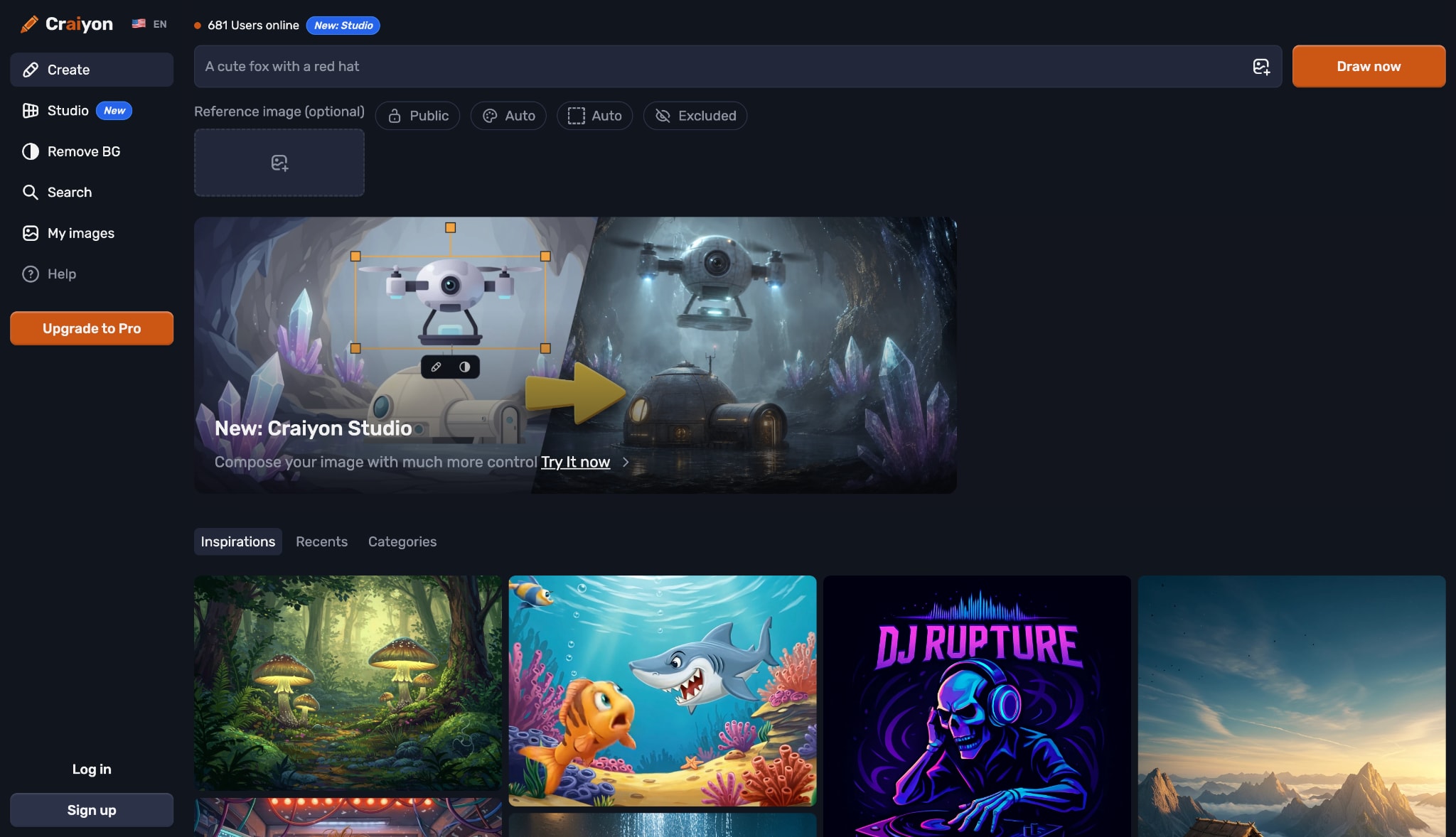
Craiyon markets itself cleanly as the ultimate browser-based option for an AI image generator free no sign up requirement. It is ideal for quick, frictionless asset brainstorming sessions when you do not want to hand over your email address. You just open the site and start typing immediately.
Category 3: Best Mobile Apps (iOS & Android)
9. GROK Imagine
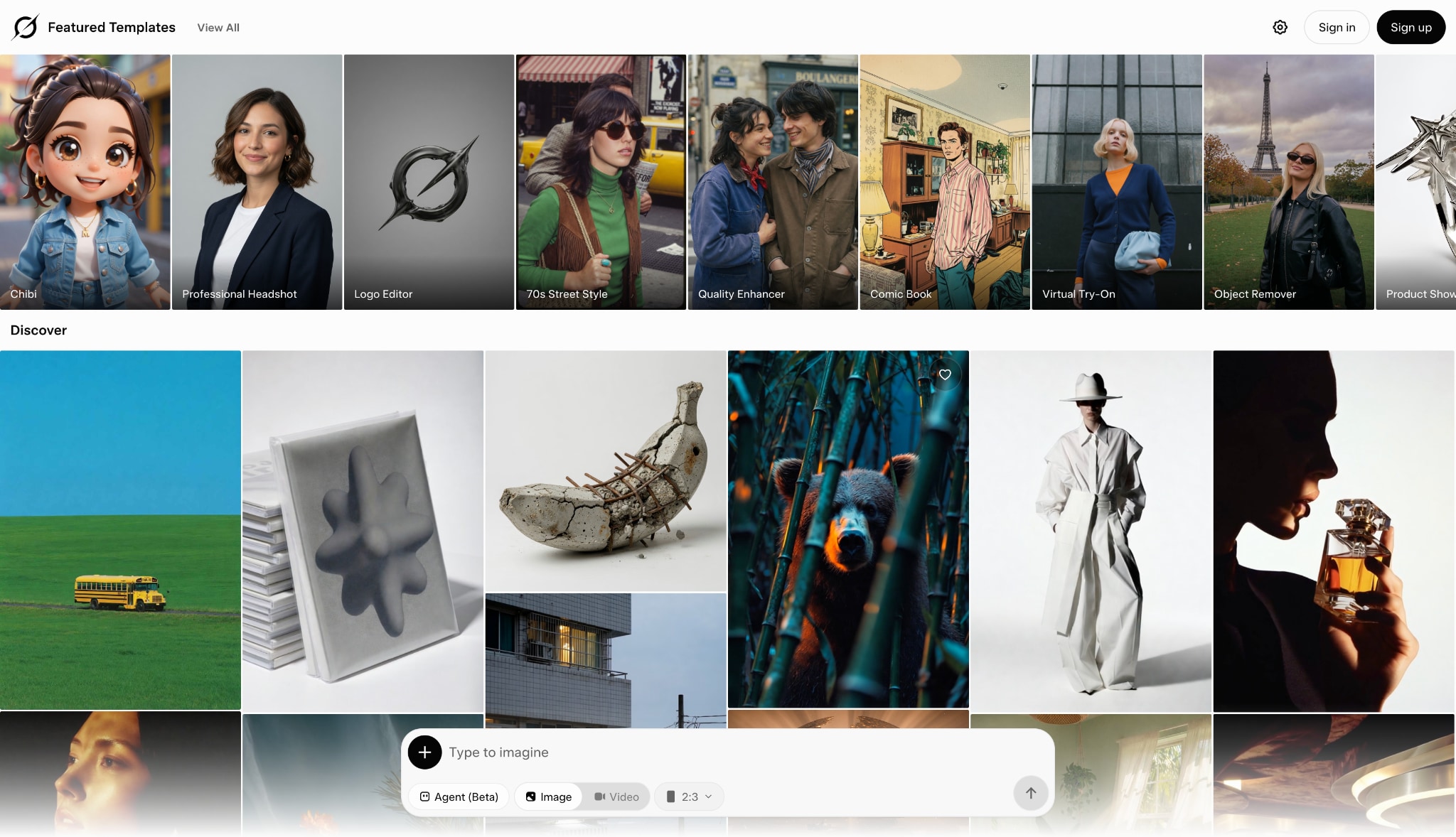
GROK Imagine discusses deep integration into modern social ecosystems, allowing users to generate images directly on their phones. It boasts incredible speed in converting trending current events into sharable mobile graphics. This makes it a favorite for influencers reacting to news in real-time.
10. Canva Magic Design AI
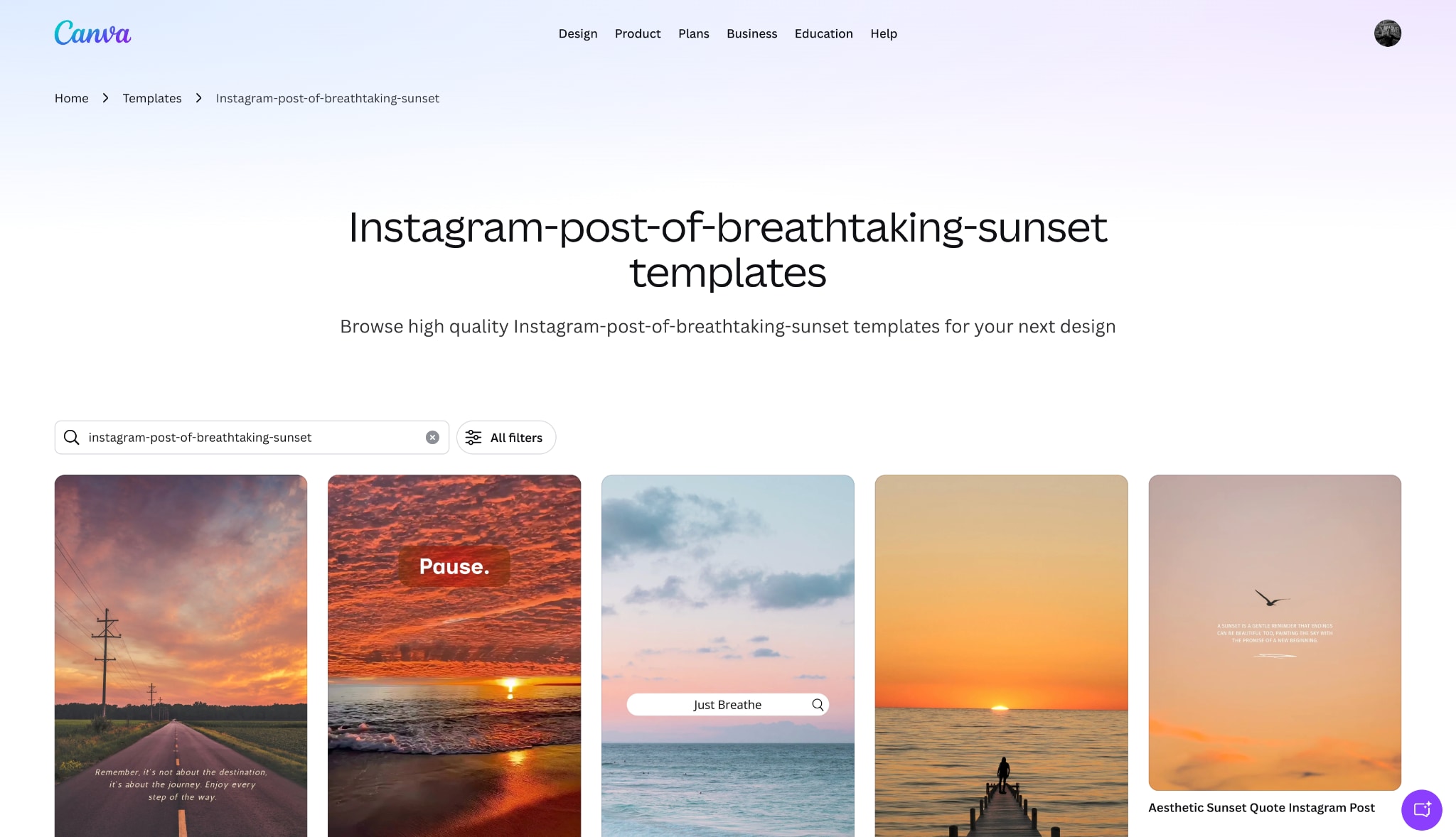
Canva focuses on mobile accessibility, instantly placing text-generated visuals into templates for on-the-go managers. You can type a prompt, generate a graphic, and automatically format it for an Instagram story or Facebook post. It removes the friction of resizing and exporting media.
Part 5: Bonus: How to Use Text to Image Generator
Getting started with a reliable text to image generator is simple when you use the right desktop environment. Here is a step-by-step instructional guide focusing entirely on the UniConverter workflow. This tool provides a streamlined approach for both beginners and seasoned creators.
Step 1: Launch the Software and Select the Tool
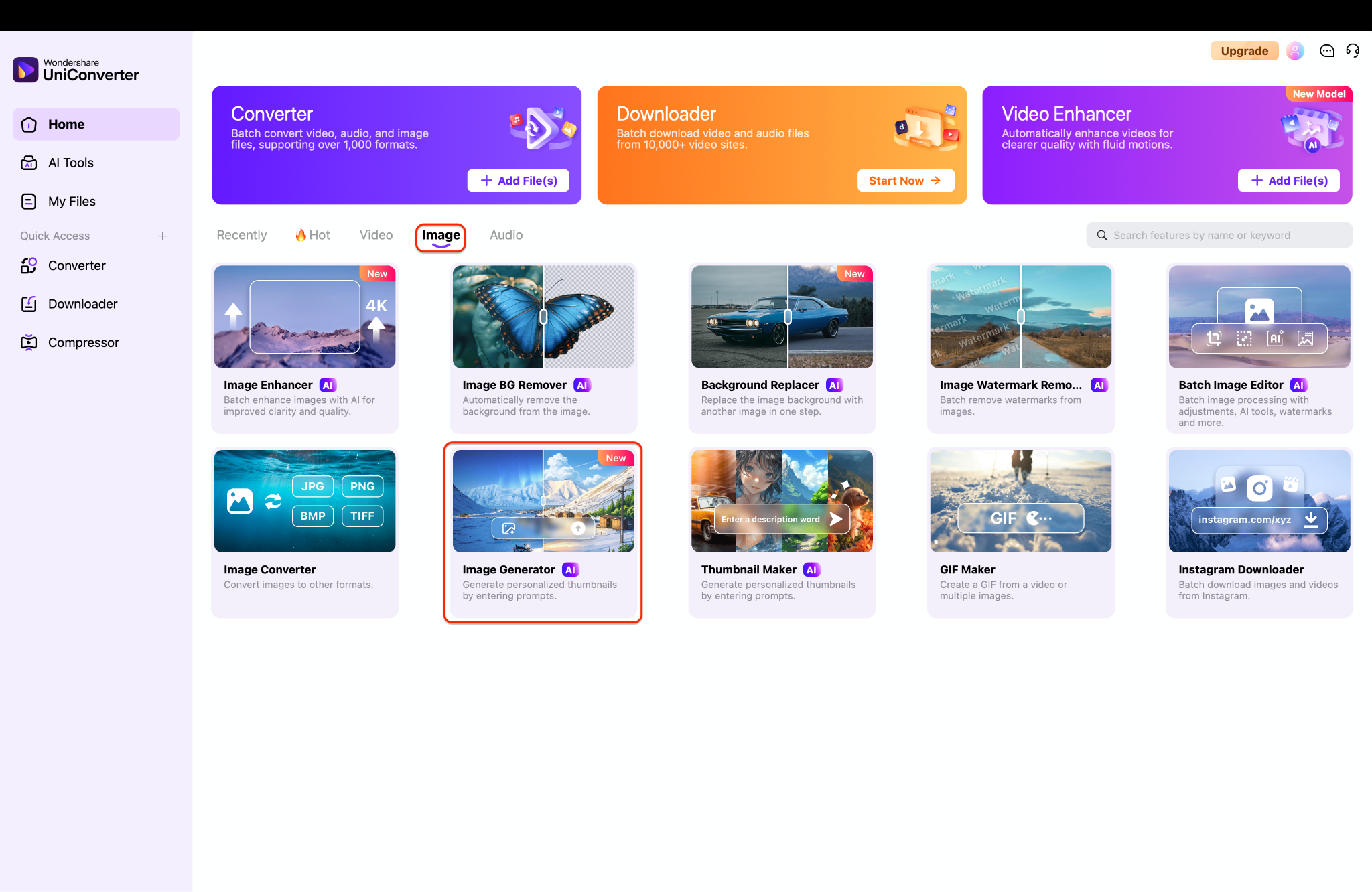
Open Wondershare UniConverter on your desktop and navigate to the main "Home" tab on the left sidebar. From the main dashboard, look under the "Image" category and click on the "Image Generator" module, labeled with an AI badge. This will instantly launch the dedicated workspace for creating your visual artwork.
Step 2: Enter Prompt, Aspect Ratio, and Resolution
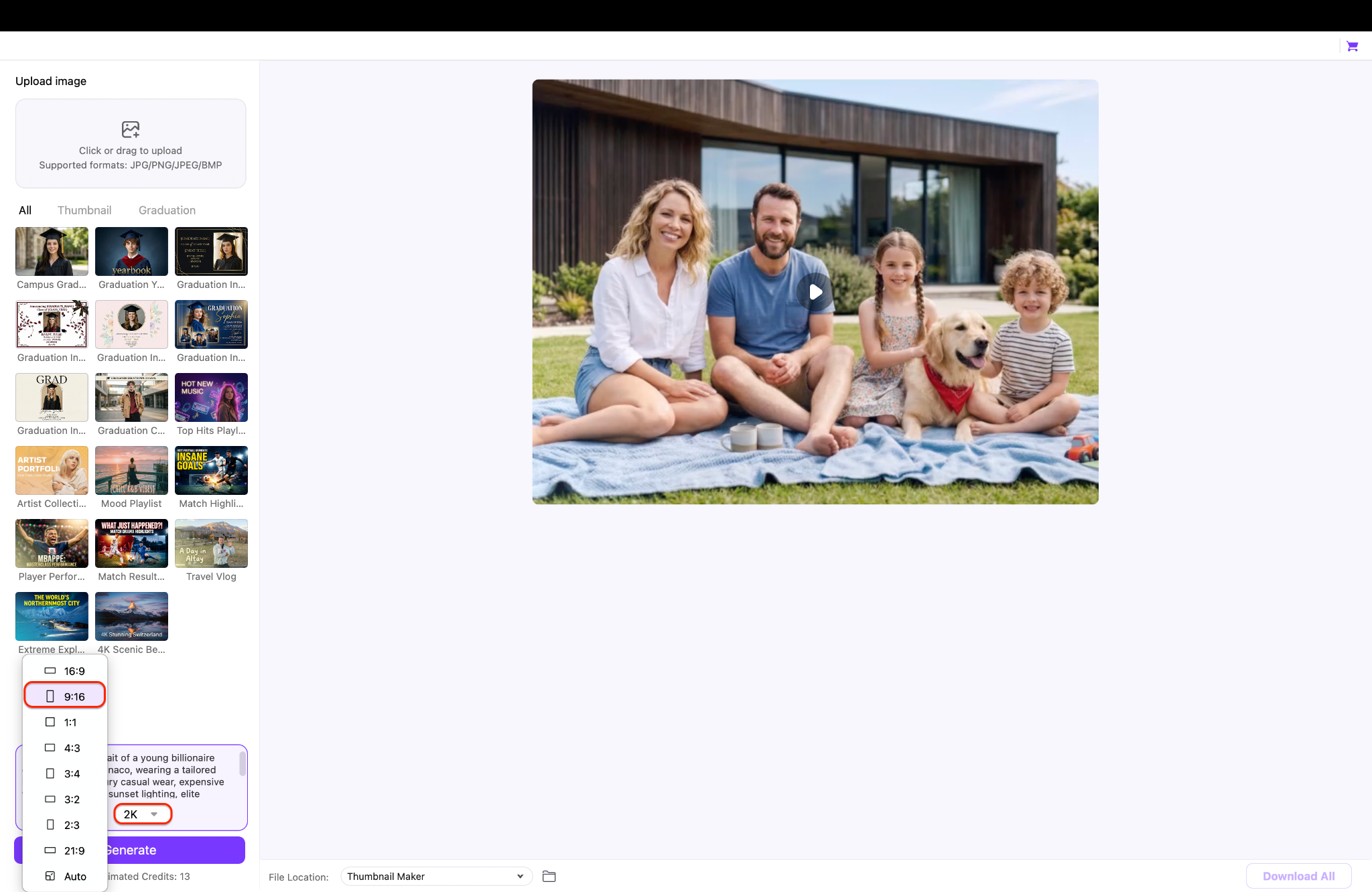
In the designated text box in the bottom left corner, type a detailed and highly descriptive prompt to instruct the AI on exactly what you want to create. Next, select your desired aspect ratio (such as 9:16 for mobile or 16:9 for landscape) from the dropdown menu just below the prompt box, and select your preferred output resolution (like 2K or 4K).
Pro Tip: When writing your prompt, be as specific as possible about lighting, artistic style (e.g., "cyberpunk," "photorealistic," or "oil painting"), and mood to get the most accurate results from the AI engine.
Step 3: Add a Reference Image and Generate
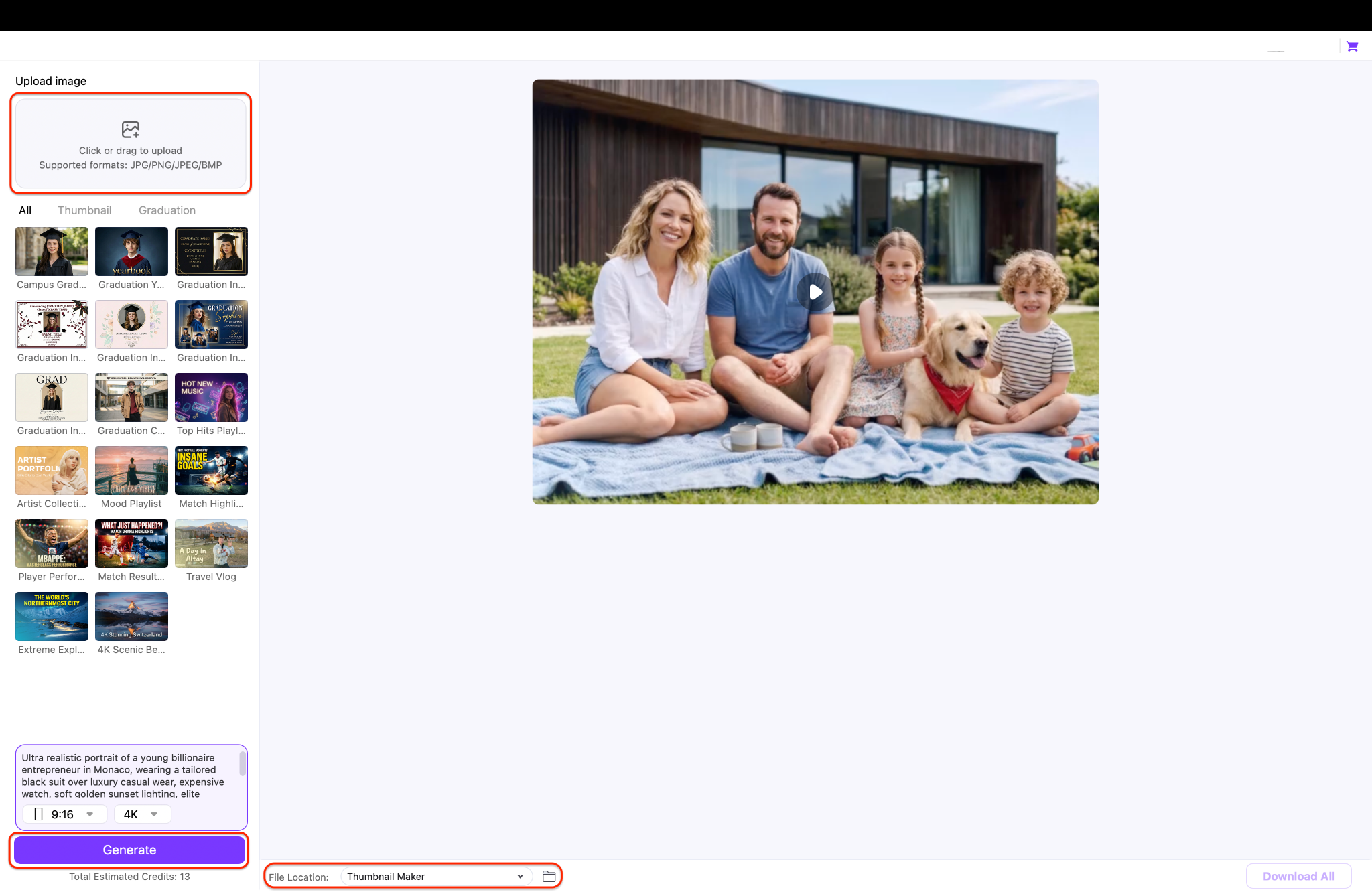
If you want the AI to closely follow a specific composition or style, use the "Upload image" box at the top left to provide a reference photo for greater accuracy. Finally, ensure you select your preferred saving destination using the "File Location" dropdown at the bottom of the screen. Once your settings are locked in, click the purple "Generate" button to create and automatically save your new artwork.
Conclusion
Selecting the perfect text to image generator relies entirely on your specific device workflow and creative output requirements. Web-based tools offer quick access, while mobile apps keep social media managers moving on the go. However, if you want unmatched stability, privacy, and an all-in-one ecosystem, UniConverter stands out as the premium choice. It combines high-speed media processing with powerful offline AI capabilities. Upgrade your creative workspace today and download Wondershare UniConverter to experience a truly lag-free, comprehensive desktop media engine.

