


If you’re looking for a 9xbuddy alternative, chances are you didn’t have a positive experience with the downloader. Well, you’re not alone. Painfully slow downloads, failed link parsing, and aggressive pop-up ads are some of the most reported issues with 9xbuddy.
But don’t worry, as this guide walks you through 9xbuddy's limitations and introduces the best alternatives that deliver a smoother, safer downloading experience. These 9xbuddy downloader alternatives are simple to use, support multi-format and high-resolution downloads, and offer some additional features.
In this article
- Part 1. Why are people looking for a safer alternative to 9xbuddy?
- 🔥 Part 2. 8 Best 9xbuddy Alternative Tools (Tested & Compared)
- Part 3. Online Video Downloader vs. Desktop Downloader: Which Is Better?
- Part 4. How can you download videos more reliably without using 9xbuddy?
- Part 5. Feature Comparison Table of 9xbuddy Alternatives
- FAQs About 9xbuddy Alternative Tools
- Final Thoughts
Part 1. Why are people looking for a safer alternative to 9xbuddy?
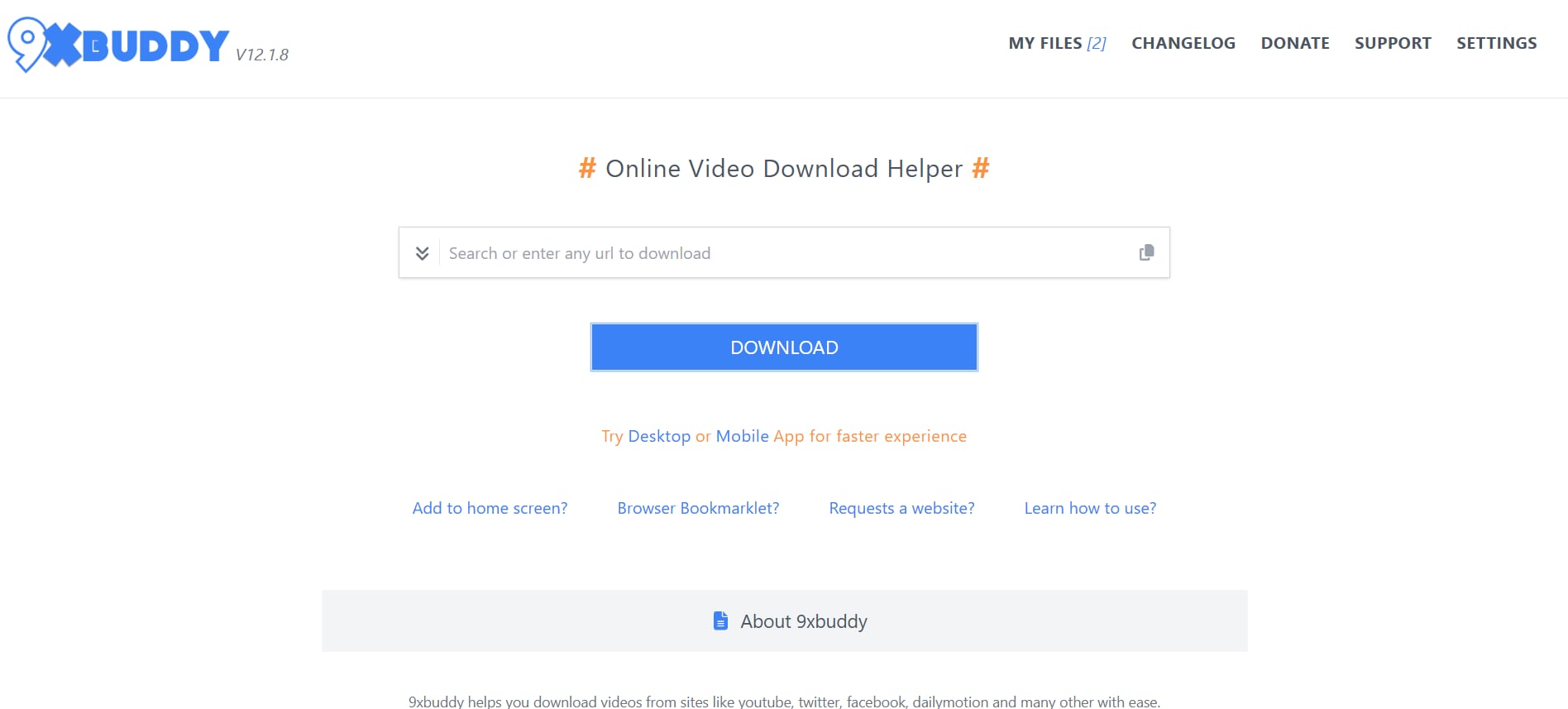
9xbuddy downloader lets you download unlimited videos and audio online from popular platforms like Facebook, Instagram, and TikTok for free without signing up.
The 9xbuddy interface is simple, and you only need to paste the video URL to download the video. Alternatively, you can use the 9xbuddy downloader’s search function to find your favorite video and download it.
Common Problems with 9xbuddy Video Downloader
Some common problems with the 9xbuddy video download include a plethora of ads, limited format support (MP4, M4A, and MP3), download errors, and more.
- 9xbuddy uses aggressive pop-up ads and redirects to generate revenue, but too many of them can interrupt downloads and lead to unwanted app installations, which can harm your device.
- 9xbuddy often displays download errors primarily due to its inability to adapt to video protocol changes or bypass restrictions set by host websites.
- 9xbuddy supports video downloads only in MP4 and M4A, and audio downloads only in MP3. So, the downloader fails to recognize other formats, such as MKV or WebM.
- If a creator disables embedding in their video settings, keeps the content restricted to specific regions, or makes videos accessible only to YouTube Premium users, 9xbuddy fails to download them from YouTube.
- Web-based tools like 9xbuddy are designed for quick copy-and-paste-style downloads and generally lack batch or playlist download features. You’ll need to paste video files individually, which takes a lot of your time and effort.
Is 9xbuddy Downloader Safe to Use?
No, 9xbuddy downloader is not safe to use. 9xbuddy has plenty of pop-ups and misleading ads on its interface, which can redirect you to malicious websites.
Furthermore, the video URLs you paste in 9xbuddy for downloads are sent to their servers for processing. This means 9xbuddy may collect your IP address and download history, and use the collected information for targeted advertising, sharing it with third parties, or exploiting it by malicious agents. This potentially poses severe privacy and security risks.
If you prioritize safe, stable video downloads, it’s recommended to use official download methods (such as YouTube Premium) or choose a more reliable and professional 9xbuddy alternative.
Part 2. 8 Best 9xbuddy Alternative Tools (Tested & Compared)
Quick Guide: Best 9xbuddy Alternative by Download Priority
Wondershare UniConverter
Wondershare UniConverter is an all-in-one media processing tool and a powerful 9xbuddy alternative that supports up to 4K video downloads. Wondershare UniConverter works seamlessly with large video files across multiple platforms, including Facebook, TikTok, Instagram, and 10,000+ websites and social media platforms.
Moreover, unlike 9xbuddy, Wondershare UniConverter supports over 1,000 video and audio formats, including popular formats such as MP4, MOV, AVI, WMV, FLV, M4V, and VOB.
Wondershare UniConverter also includes a video converter feature, which 9xbuddy lacks. You can use it to convert your video file to audio or a video file from one format to another (such as MP4 to MKV, or MP4 to MOV) without switching platforms.

Best 9xbuddy Alternative
Key Features
- It supports batch downloads, which saves time and effort.
- Its video converter can convert downloaded videos to 1000+ video and audio formats as per your requirements.
- Built-in AI compressor can compress videos without compromising the video quality.
- The AI video enhancer can improve the quality of your downloaded videos to 4K in a few clicks.
4K Video Downloader Plus

4K Video Downloader Plus is another desktop-based 9xbuddy alternative that can download high-quality (up to 4K) videos from YouTube and other video hosting platforms like Vimeo, TikTok, and Facebook. The interface is simple, and it works on both Windows and macOS.
4K Video Downloader Plus is typically limited to single-video downloads, but as a desktop-based 9xbuddy alternative, it offers stable downloads with no ads.
Key Features
- Supports 4K video downloads from YouTube, TikTok, Vimeo, Facebook, and other popular platforms.
- 4K Video Downloader Plus can extract audio and subtitles from the downloaded videos.
- Works smoothly on Windows and macOS without major hiccups.
- Smart Mode allows users to pre-set preferred format and quality settings for faster downloads.
SnapDownloader
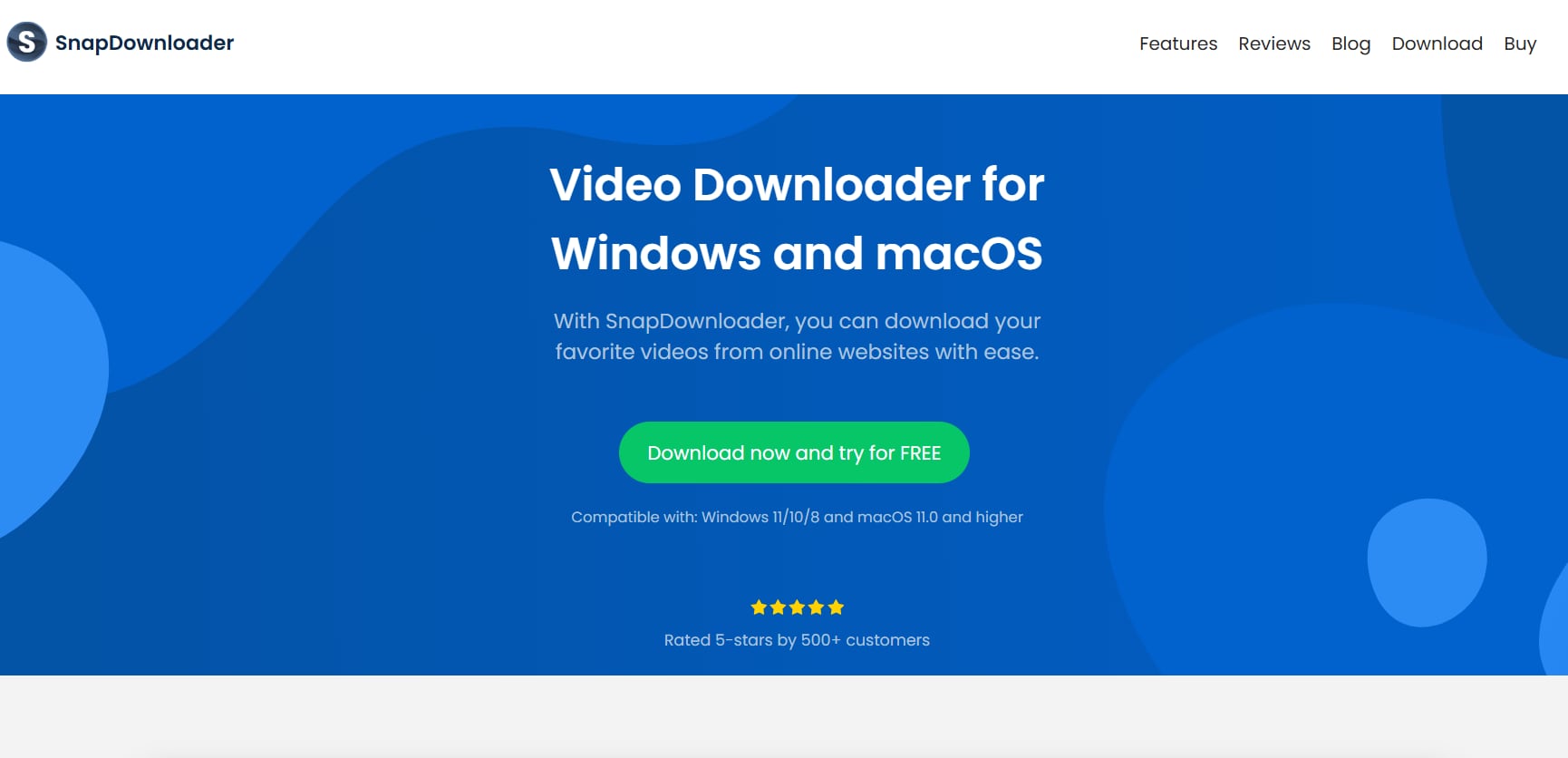
If you want a lightweight desktop alternative to 9xbuddy for video downloading, SnapDownloader is a good pick. Unlike 9xbuddy, SnapDownloader can download videos in multiple formats (such as MP4, MOV, and MKV) from most video streaming platforms (such as Facebook, YouTube, and Instagram), and supports batch downloads. Also, SnapDownloader has a built-in conversion feature, something you won’t find in online video downloaders like 9xbuddy.
Key Features
- SnapDownloader is compatible with 900+ websites.
- The built-in converter can convert downloaded videos into high-quality MP3 audio.
- SnapDownloader can download YouTube subtitles, channels, and VR videos.
- Allows downloading multiple videos or entire playlists/channels at once.
Y2Mate
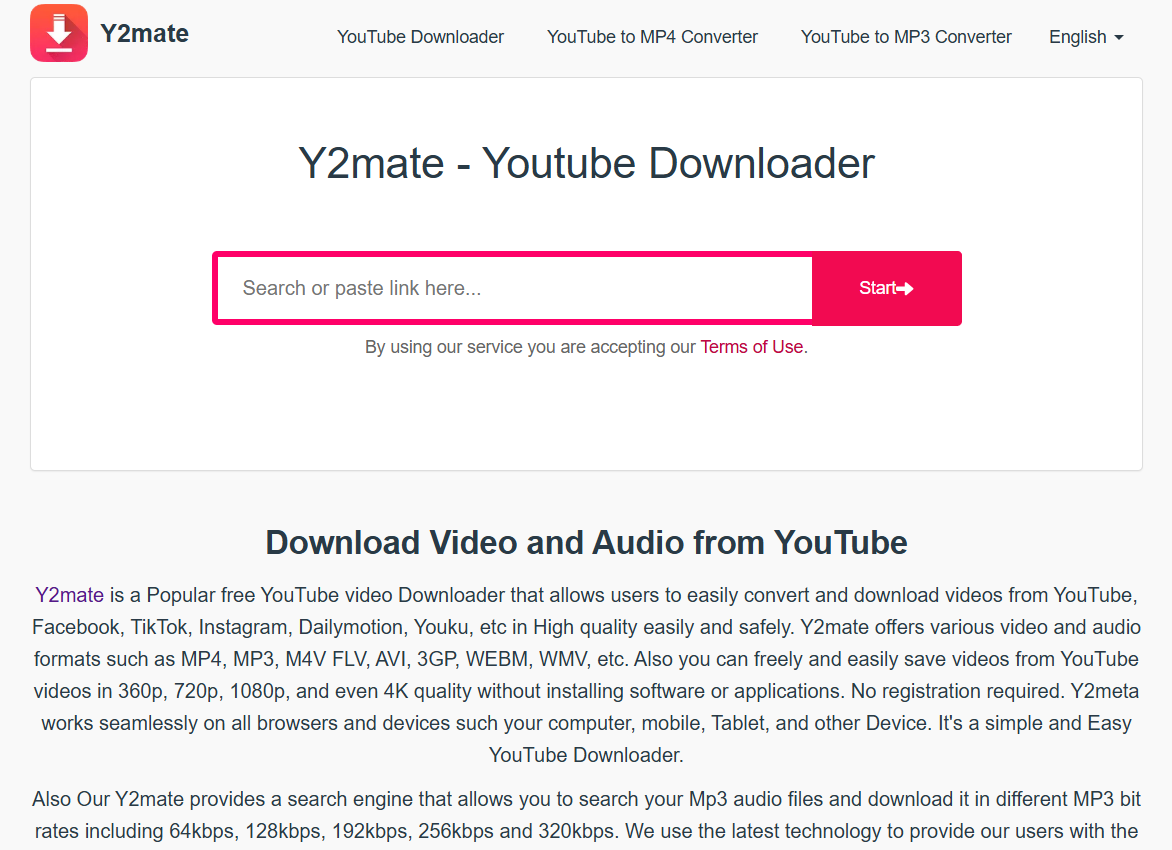
Y2Mate is an online video downloader similar to 9xbuddy that lets you download unlimited videos for free without registration. Y2Mate supports a few niche video formats, such as WMV, AVI, WEBM, and MOV, and its interface is available in multiple languages (including French, Spanish, and Dutch). The online downloader also lets you extract audio from a video with a few simple clicks.
Key Features
- Y2Mate supports multiple video (such as MP4, M4A, and FLV) and audio (such as MP3, M4V, and WAV) formats.
- Y2Mate has a Chrome extension that lets you download videos directly from platforms like YouTube, Facebook, and TikTok.
- Y2Mate lets you download up to 4K video and 320kbps audio, depending on the source.
- The interface is available in 21 languages, including French, Dutch, English, and Spanish.
SaveFrom.net
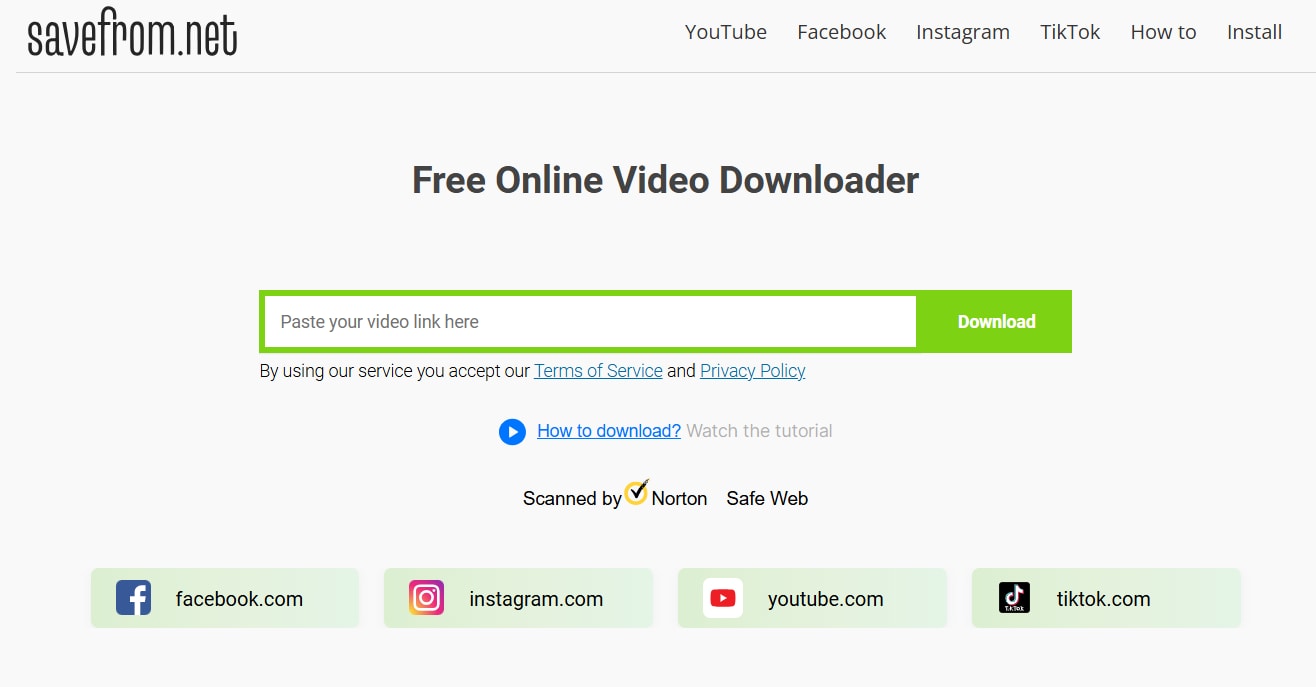
SaveFrom.net is another browser-based 9xbuddy online downloader alternative that lets you download 4K videos from popular video streaming and hosting platforms like Facebook, Instagram, YouTube, and TikTok. Being a web-based tool, the interface is simple, and you can choose from available video formats before downloading.
What SaveFrom.net does better than 9xbuddy is that no ads pop up while you download a video.
Key Features
- You can download 4K videos from multiple platforms like YouTube, Facebook, and TikTok.
- SaveFrom.net shows the available format options before downloading the video.
- The downloader supports multiple formats, including WEBM, MP4, MOV, and M4A.
- Works on most browsers (such as Chrome, Firefox, and Edge)
KeepVid
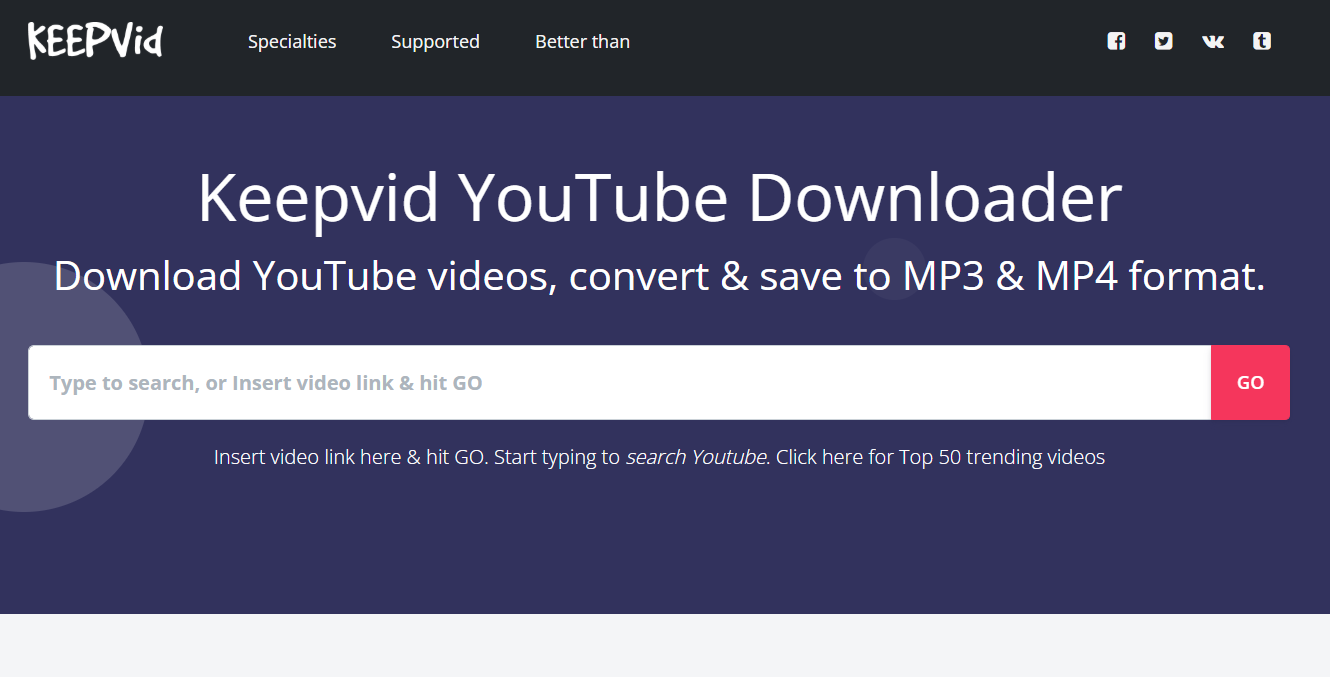
KeepVid is an online video downloader that works seamlessly across most devices (such as Windows, macOS, and Linux) and browsers (such as Chrome, Firefox, and Edge). Unlike 9xbuddy, minor network fluctuations don’t cause downloads to glitch out, even with large video files. Besides, the interface is simple, and KeepVid supports playlist downloads, a feature you won’t find in many online downloaders.
Key Features
- Supports video downloads from multiple platforms, including YouTube, Facebook, and Instagram.
- KeepVid has search functionality for YouTube videos.
- The downloader supports YouTube playlist downloads.
- KeepVid can extract high-quality audio from a YouTube video.
ClipGrab

ClipGrab is a free desktop-based 9xbuddy alternative that lets you download high-quality videos (up to 4K) from platforms like Facebook, Instagram, and YouTube. The ClipGrab downloader is suitable for someone who wants the stability and reliability of desktop applications without signing up for a premium subscription.
ClipGrab supports multiple video download formats (such as MP4, M4A, and WAV), which you can select before download.
Key Features
- The desktop-based downloader works on both Windows and macOS.
- Built-in search option to find videos directly within the platform.
- ClipGrab’s clipboard monitoring feature automatically detects compatible links copied to the clipboard.
- Allows you to extract only the audio track from a video and convert it directly to MP3 or OGG.
Freemake.com
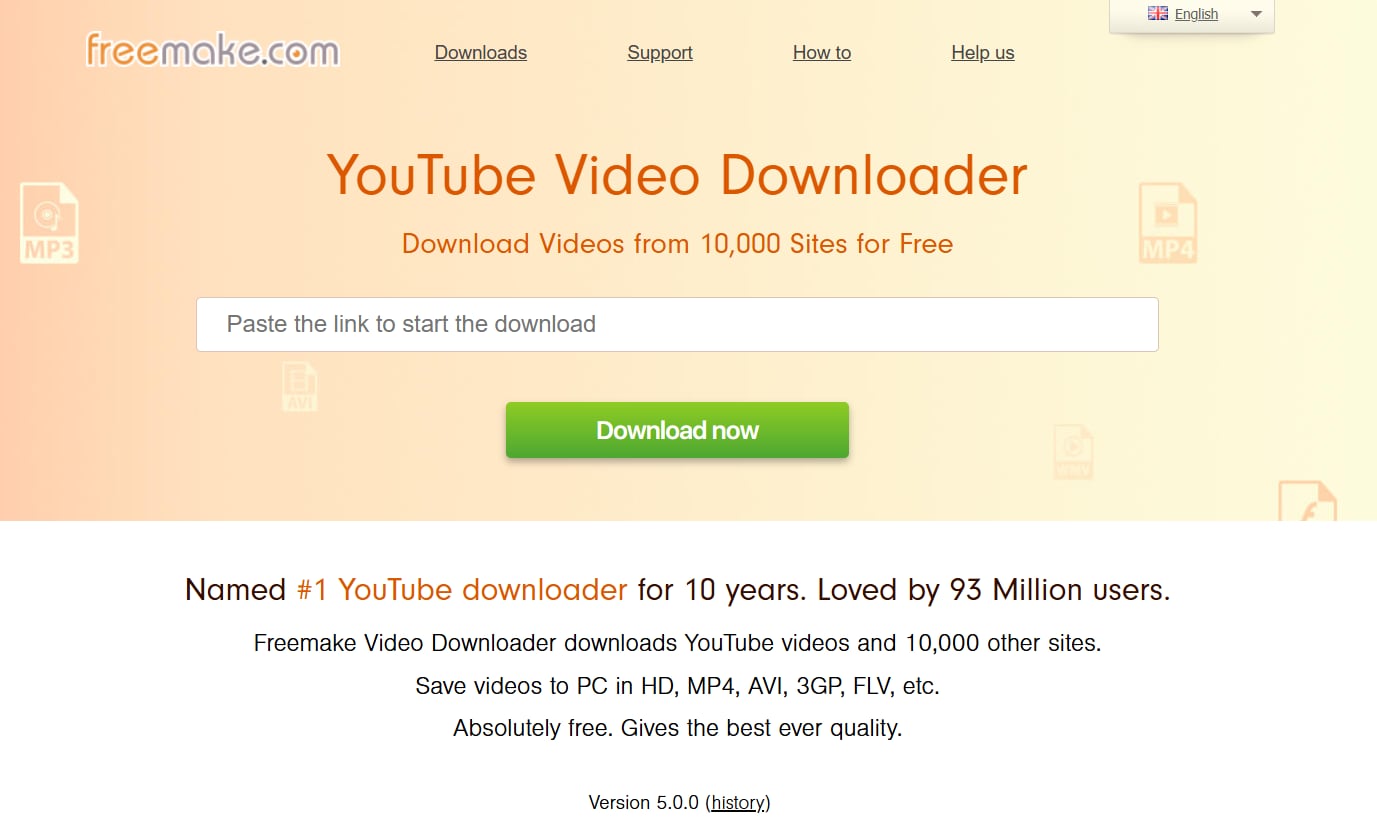
freemake.com is a reliable video downloading software with a one-click download feature. The downloader is compatible with most platforms (such as Windows, macOS, and Linux) and can download videos from 10,000+ websites, including YouTube, Dailymotion, and Vimeo.
Also, freemake.com supports multiple video formats, such as MP4, MKV, and AVI, unlike 9xbuddy video downloader.
Key Features
- Freemake.com can automatically detect videos in its built-in browser from 10,000+ websites such as Instagram, YouTube, and Facebook.
- The freemake.com downloader supports video downloads up to 8K quality.
- Freemake.com supports EAC3/AC3 5.1 or AAC 2.0 audio tracks.
- The downloader also extracts audio from the videos.
Part 3. Online Video Downloader vs. Desktop Downloader: Which Is Better?
Advantages of Online Tools Like 9xbuddy
9xbuddy online video downloaders offer free, fast, and simple video downloading across platforms like YouTube, Facebook, and TikTok, without the need for software installation or registration. Moreover, most online downloaders operate via a simple copy-paste interface, so you can access them on desktop or mobile and quickly download your favorite videos.
Limitations of Online Downloaders
Online video downloaders like 9xbuddy have several limitations, including privacy concerns, slow speeds, no batch support, and file-size limits.
- Ads and Pop-ups: Online downloaders like 9xbuddy are ad-supported and may contain malicious software, such as adware or malware, that can infect your device and compromise your personal information.
- Slow Downloads: Downloads are slow, especially when online downloaders are processing lengthy or high-quality videos.
- No Batch Support: 9xbuddy and similar online downloaders can only save one file at a time. So, it becomes tedious to save multiple videos or playlists at a time.
- File Size Limits: 9xbuddy doesn’t mention file size capping, but the downloader can glitch out or fail to download large video files.
Why Desktop Downloaders Offer More Stability
Desktop downloaders like Wondershare UniConverter, 4K Video Downloader Plus, and SnapDownloader offer greater stability because they operate independently of browser limitations, have no ads, work offline, and offer advanced features like batch download, format control, and added security.
- Speed: Desktop downloaders often use a multi-threading technique, which splits a large video file into smaller chunks and downloads them simultaneously. This significantly increases speed and minimizes the risk of download failures or glitches.
- Security: The notorious pop-ups and phishing links are absent in desktop downloaders, and are a safe alternative to 9xbuddy.
- Format Control: Downloaders like Wondershare UniConverter and 4K Video Downloader Plus provide detailed options to select specific resolutions and audio formats.
- Batch Features: Unlike online downloaders, the desktop-based downloaders allow you to download entire playlists, channels, or queues of files at once.
Part 4. How can you download videos more reliably without using 9xbuddy?
If you don’t want to use 9xbuddy YouTube video downloader, desktop-based alternatives like Wondershare UniConverter can be a better choice. Here are the steps to download videos:
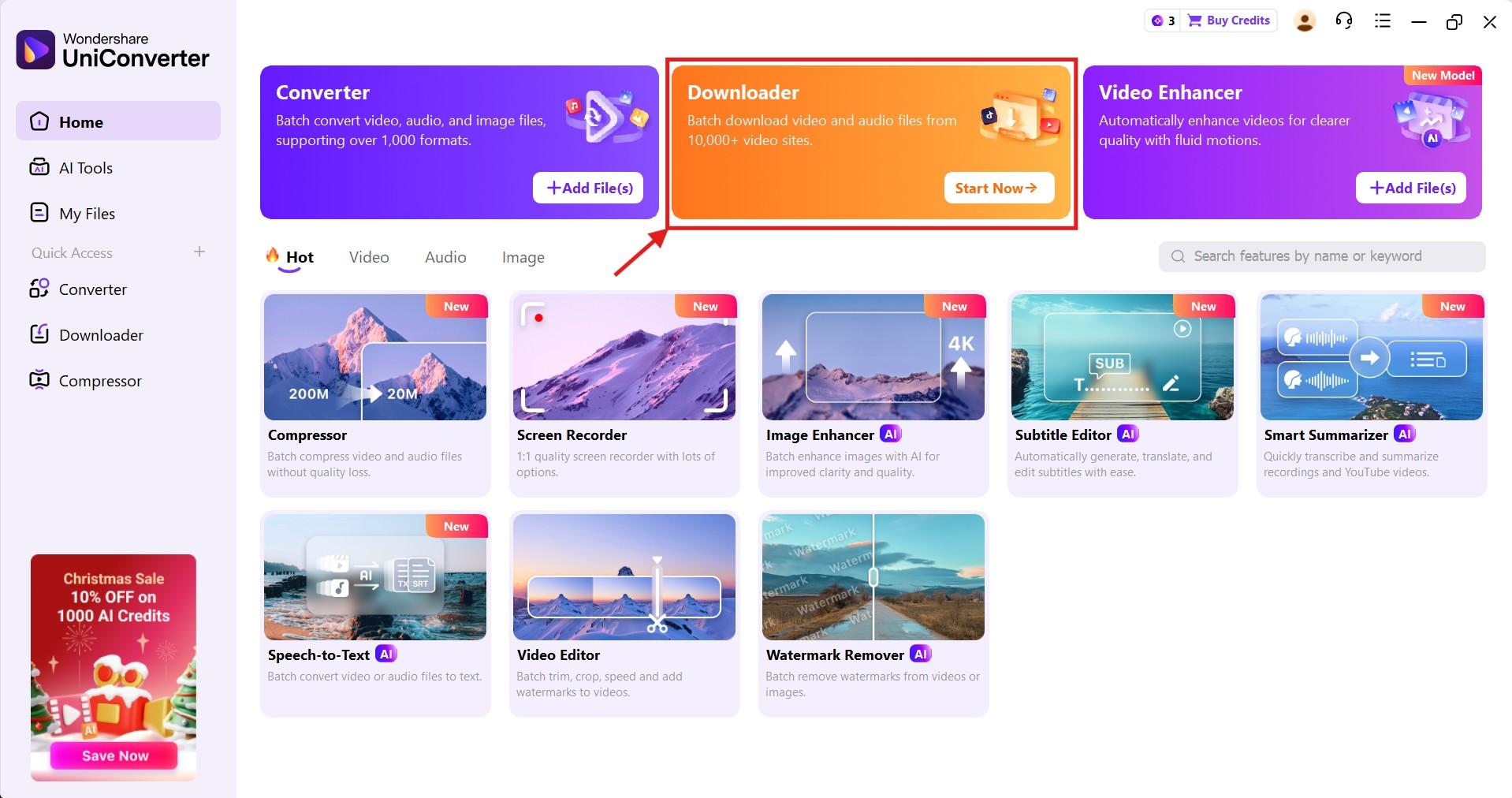
Step1 Head over to the “Downloader” option at the top of the Wondershare UniConverter dashboard.
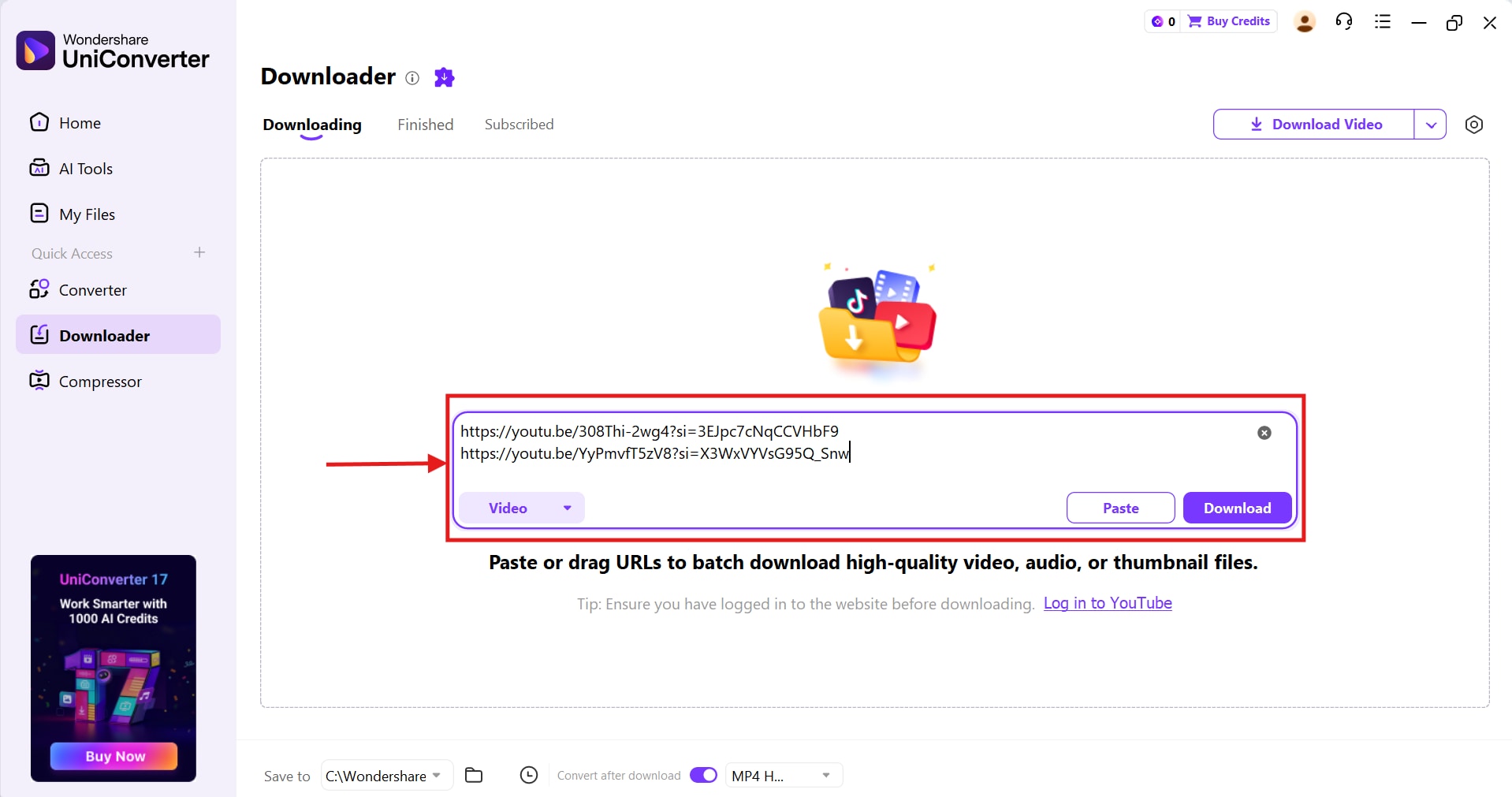
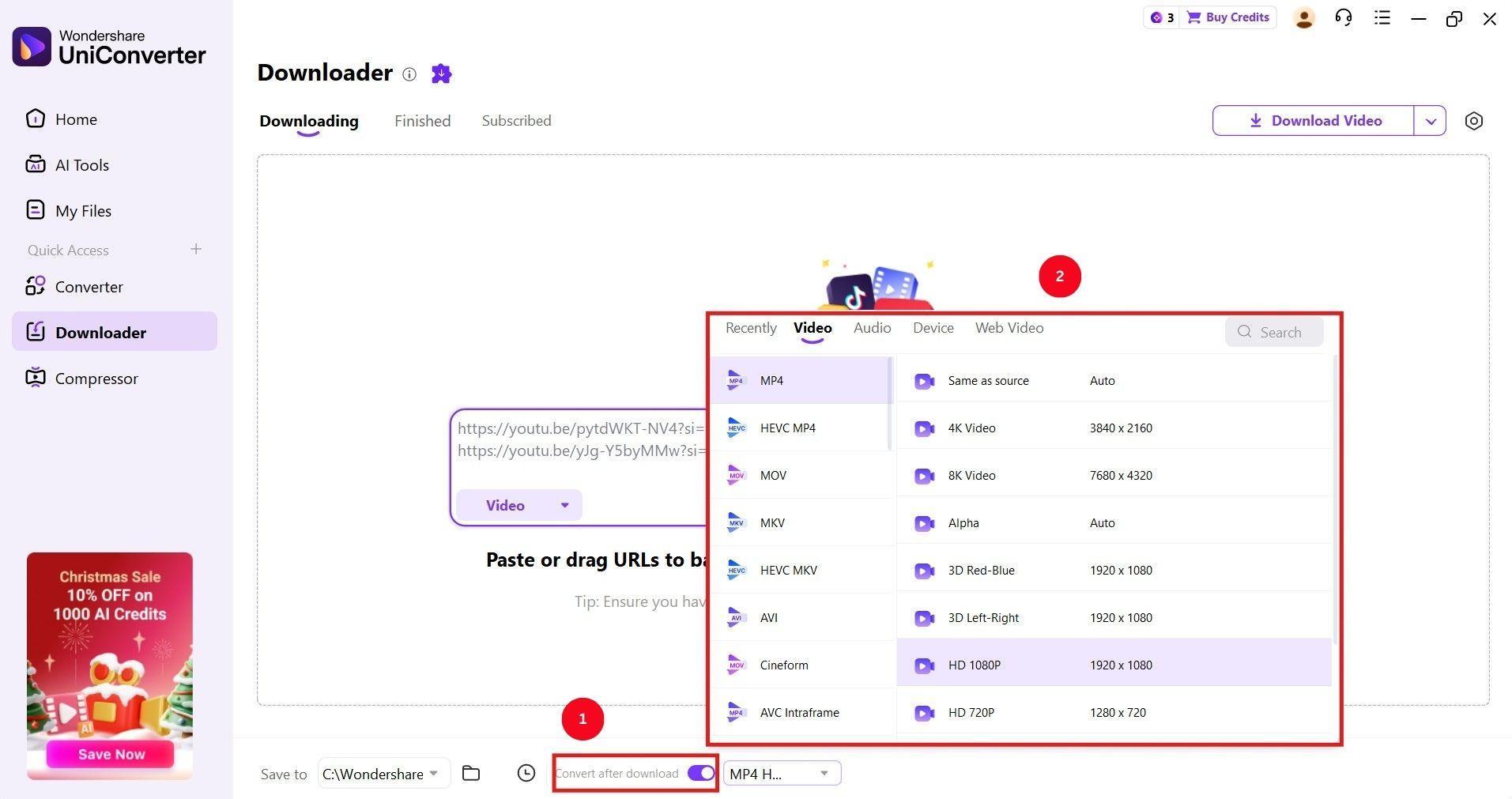
Step2 Paste the video URLs in the blank input space. Wondershare UniConverter supports batch downloads, so you can paste multiple video URLs at once.
Step3 Toggle the “Convert after download” option at the bottom, click the dropdown menu, select the video resolution and formats.
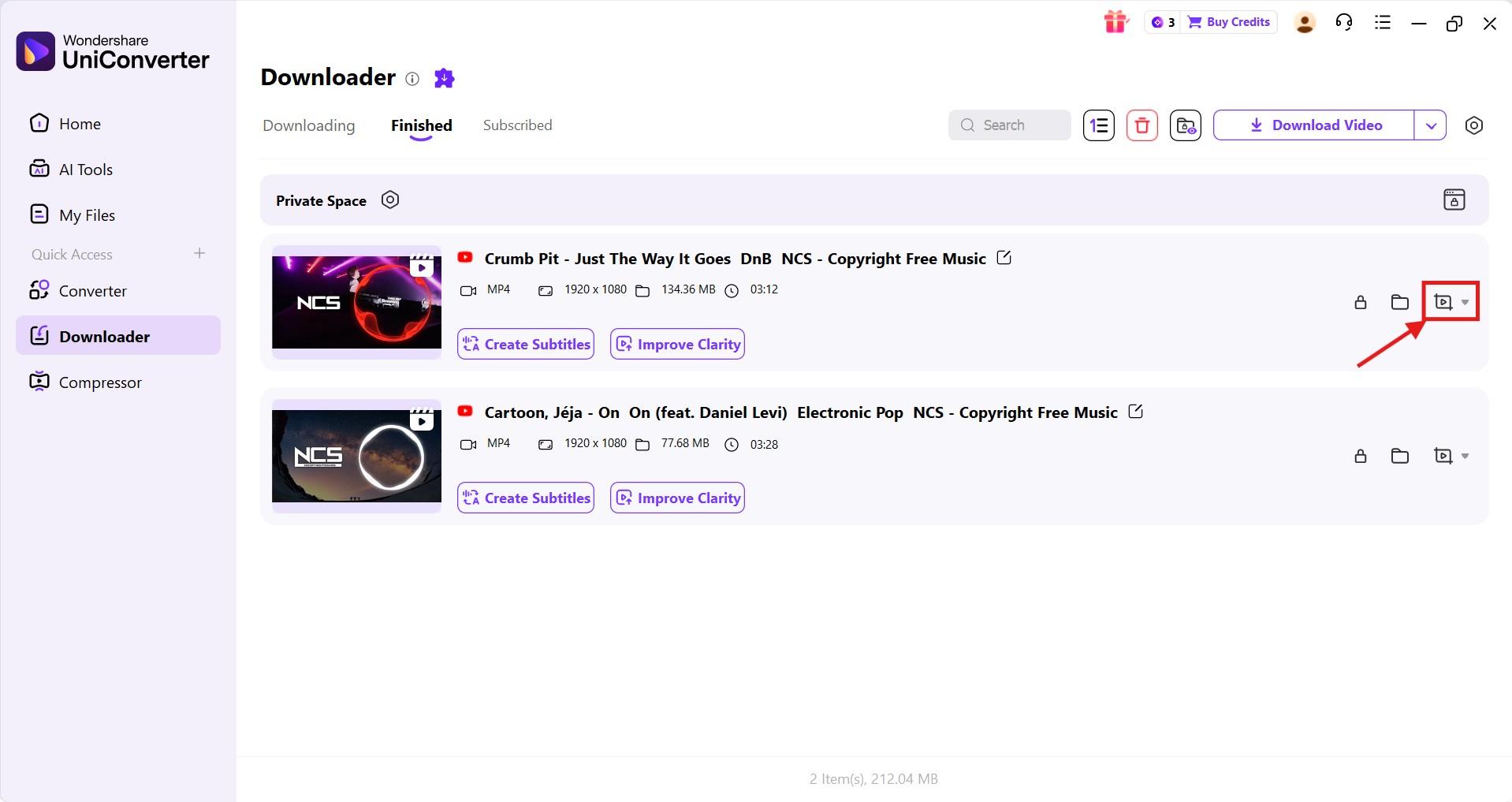
Step4 Click “Download,” and Wondershare UniConverter redirects you to the “Finished” tab. Click the “cut” icon to cut, compress, and convert the video file.


Part 5. Feature Comparison Table of 9xbuddy Alternatives
Now that you understand what the 9xbuddy alternatives offer, here’s a detailed comparison table of the features to help make a better decision on which one to choose:
| Tool | Batch Download | 4K Support | Ads | Works on PC/Mac | Built-in Converter |
| Wondershare UniConverter | Yes | Yes | No | Yes | Yes |
| 4K Video Downloader Plus | Yes | Yes | No | Yes | Yes (Limited to specific formats) |
| SnapDownloader | Yes | Yes | No | Yes | Yes |
| Y2Mate | No | Yes | Yes | Yes | Yes (Can extract audio from videos) |
| SaveFrom.net | No | Yes | No | Yes | Yes |
| KeepVid | Yes (Only from YouTube) | No | Yes | Yes | Yes (only convert YouTube videos to MP3) |
| ClipGrab | No | Yes | No | Yes | Yes |
| Freemake.com (Video Downloader) | No | Yes | No | No (only Windows) | No |
FAQs About 9xbuddy Alternative Tools
Why Is 9xbuddy Not Working?
9xbuddy may not be working due to temporary server issues or 403 errors when downloading HD content. Moreover, cached data in the browser may prevent 9xbuddy from working correctly.
What Is the Best Free 9xbuddy Alternative?
ClipGrab is one of the best free 9xbuddy alternatives that support 4K video downloads from platforms like YouTube, Facebook, TikTok, and Dailymotion. Besides, as it’s a desktop-based downloader, you won’t find any ads or pop-ups.
Can I Download Private YouTube Videos?
Yes, you can download private YouTube videos, but only if you have direct, authorized access to them and use specialized downloaders like Wondershare UniConverter. However, you can only use the videos for personal reference or mixing for DJing or karaoke nights. Using it commercially constitutes copyright infringement and may result in penalties or account suspension.
Are Online Video Downloaders Legal?
Yes, online video downloaders are generally legal to use for personal, non-commercial, and public domain content. However, downloading private, copyrighted, or unauthorized content violates YouTube’s terms of service and is illegal.
Which 9xbuddy Alternative Has No Ads?
Desktop downloaders like Wondershare UniConverter do not show ads. You can use the downloader to download high-quality videos (up to 4K) and convert them to audio (up to 320kbps) without compromising security or privacy.
Final Thoughts
Online downloaders like 9xbuddy provide a simple, quick way to download videos from platforms like YouTube, Facebook, Instagram, and TikTok. However, 9xbuddy is filled with ads, offers limited format control, and sometimes downloads can be slow. If you want a faster, safer, and better downloading experience, consider a desktop-based downloader as a 9xbuddy alternative.
Desktop downloaders like Wondershare UniConverter have no ads, offer batch downloads, and interruption-free 4K video downloads. The downloader also offers built-in conversion and compression features that preserve video quality, so you can try out Wondershare UniConverter today!
FAQ
What should I look for in a good 9xbuddy alternative?
A good 9xbuddy alternative should offer stable downloads, fewer ads, broader format support, and better privacy protection. If you regularly save videos in MP4 or extract audio in MP3, it also helps to choose a tool with batch downloads and built-in conversion features.
Are there any free sites like 9xbuddy that are easier to use?
Yes, there are several free sites like 9xbuddy that are easier to use for quick downloads. However, many browser-based tools still come with limitations such as pop-ups, lower reliability, or restricted quality options, so they are usually better for occasional use than frequent downloading.
Which video downloader like 9xbuddy is better for downloading multiple files?
If you need to download several videos at once, a desktop video downloader like 9xbuddy alternatives such as UniConverter or SnapDownloader is usually a better fit. These tools often support batch downloads, which saves time compared with pasting one link after another into an online downloader.
Why do some 9xbuddy downloader alternatives support more formats than online tools?
Many 9xbuddy downloader alternatives on desktop are built with extra processing features, so they can handle more output formats such as MP4, MKV, MOV, and MP3. Online tools are usually designed for fast, simple downloads, which is why their format choices are often more limited.
Are desktop tools safer than free online 9xbuddy alternatives?
In many cases, yes. Free online 9xbuddy alternatives may rely on redirects, ads, or third-party processing pages, while desktop tools usually provide a more controlled and stable download experience. For users who care about privacy, fewer interruptions, and better long-term reliability, desktop software is often the safer choice.

