


Struggling to find a reliable Russian speech to text tool that works smoothly across all your devices? Many users face challenges like low accuracy, slow processing, limited audio support, and tools that fail with long recordings.
This guide is designed to address those pain points by highlighting the most dependable solutions, explaining how to choose the right tool, and reviewing the top platforms for 2026. Whether you're a student, professional, or creator, this resource will help you transcribe faster, more accurately, and without frustration. With clear comparisons and real use-case insights, you’ll know exactly which tool fits your workflow. This guide aims to save you time, money, and unnecessary trial-and-error.
If you are comparing Russian audio transcription services or Russian video transcription services, the best choice depends on your file type, device, and privacy needs. Online tools are easier for browser-based access and collaboration, while desktop tools are better for long files, local processing, and subtitle-ready video transcription. For most users in 2026, the best Russian speech to text tools are the ones that balance accuracy, export options, and support for longer recordings.
In this article
Part 1: Key Benefits & Use Cases of Russian Transcriber
Finding the right Russian speech to text solution becomes much easier when you understand what it can actually help you achieve. From simplifying daily tasks to powering advanced workflows, these tools offer real value across industries. Let’s explore how modern transcription technology fits into different use cases:
Content Creation & Dictation
Russian speech to text tools help creators, writers, and professionals convert spoken ideas into clean, editable text instantly. This speeds up scriptwriting, blog creation, and note-taking while reducing manual typing effort. Whether brainstorming or drafting long content, dictation improves productivity and creativity. It’s ideal for anyone who wants to work hands-free and faster.
Transcription (Interviews, Meetings, Lectures)
Accurate transcription is crucial for journalists, researchers, and students who rely on recorded conversations or lectures. These tools automatically convert long audio sessions into searchable, organized text. This eliminates repetitive listening and improves information retention. It also ensures you never miss key insights discussed in meetings or interviews.
Accessibility (Subtitles, Voice Commands)
Russian transcription technology enhances digital accessibility by generating real-time captions for videos and presentations. It also supports voice commands, enabling hands-free navigation for people with mobility or hearing challenges. This ensures inclusive communication across platforms. Businesses can use it to create compliant, accessible content effortlessly.
Customer Service & Call Center Analytics
For support teams, speech to text enables automated call transcription, keyword detection, and sentiment analysis. This helps companies evaluate service quality and understand customer needs more clearly. Teams can quickly review conversations without replaying long calls. It’s a powerful tool for improving training, performance, and customer satisfaction.
AI and Automation (Voice-Controlled Apps)
Integrating transcription into apps allows developers to build smarter voice-enabled experiences. Users can control devices, trigger workflows, or search content simply by speaking. This boosts efficiency in everything from smart home systems to business apps. Voice automation also reduces the need for manual input, improving speed and accessibility.
Part 2: How to Choose the Right Russian Transcription Service
Choosing the best Russian transcription service requires careful evaluation of accuracy, security, speed, and cost. The following checklist will help you assess whether a platform is truly reliable and suitable for your needs:
Accuracy Guarantee: Do they offer one?
A dependable service should offer a clear accuracy guarantee, ideally 95–99% or higher. This ensures consistent results even with complex accents or background noise. Look for platforms that provide optional human review for maximum precision. A strong accuracy policy shows the provider’s confidence in its technology.
Native Speakers: Do they use native Russian linguists?
If human transcription is included, confirm that they use native Russian linguists. Native speakers can interpret slang, regional dialects, and industry-specific terminology more accurately. This significantly improves the quality of your final transcript. Native expertise reduces mistakes that automated tools may overlook.
Security: How is your data protected?
Your audio and text should be protected using strong encryption and secure storage policies. Check whether the service complies with standards like GDPR or HIPAA. Also verify their policies for file retention and automatic deletion. Robust security practices help safeguard confidential and sensitive information.
Turnaround Time: How fast do you need it?
Determine how fast you need your transcription—AI options deliver results in minutes, while human-reviewed versions may take longer. A good service should offer multiple speed tiers based on urgency. This helps you stay on schedule without compromising quality. Faster turnaround options are ideal for time-sensitive projects.
Cost: Is it per minute, per hour, or per word?
Pricing may vary by minute, hour, or word, so choose what aligns with your workflow and budget. Some platforms charge extra for difficult audio or multiple speakers. Subscriptions can reduce long-term costs if you transcribe frequently. Understanding pricing upfront prevents unexpected expenses later.
Additional Services: Do they offer translation, timestamps, speaker identification?
Value-added features like timestamps, speaker identification, and verbatim transcription can enhance usability. Some providers also offer translation and subtitle formats like SRT or VTT. These extras are essential if you handle professional or multilingual projects. The more features offered, the more versatile your workflow becomes.
Part 3: The Best 10 Russian Speech to Text Tools for All Devices 2026
Desktop Tools (Windows & macOS)
1. Wondershare UniConverter — Best Overall
UniConverter leads the 2026 list thanks to its powerful Russian speech to text engine, excellent accuracy, and seamless support for long-form audio and video files. It’s ideal for those who want to transcribe Russian audio to text directly from MP4, MP3, MOV, M4A, and more without needing cloud upload. Designed for creators, educators, and businesses, UniConverter offers AI subtitles, automatic subtitle translation, batch processing, and a clean interface that works smoothly on both Windows and Mac. Its offline processing capabilities make it a top choice for users handling confidential or large files. Whether you’re transcribing interviews, meetings, or YouTube content, UniConverter delivers fast, reliable, and highly customizable results.
Dialects Support: Standard Russian
Live or File-Based TTS: File-based
Starting Price: US$39.99/year for the annual plan
Supported Device: Windows, Mac

Easy to Use Russian Transcriber
2. IBM Watson Speech to Text
IBM Watson Speech to Text delivers enterprise-grade Russian transcription built for large-scale, mission-critical use. It’s designed for businesses that need consistently accurate speech models, powerful APIs, and reliable real-time processing. Watson is particularly strong when handling structured audio such as call center recordings, helpline interactions, and formal meetings. The service integrates smoothly with CRMs, automation pipelines, and analytic dashboards. Beyond transcription, Watson offers data insights, speech analytics, and customization options tailored to industry-specific needs. It's especially suited for regulated sectors like banking, healthcare, and telecom.
Dialects Support: Supports Standard Russian using business-optimized acoustic models.
Live or File-Based TTS: Supports real-time streaming and uploaded file transcription.
Starting Price: Pay-as-you-go pricing with usage-based billing.
Supported Device: Windows, macOS, servers, and cloud platforms.
3. Vosk Offline Transcription
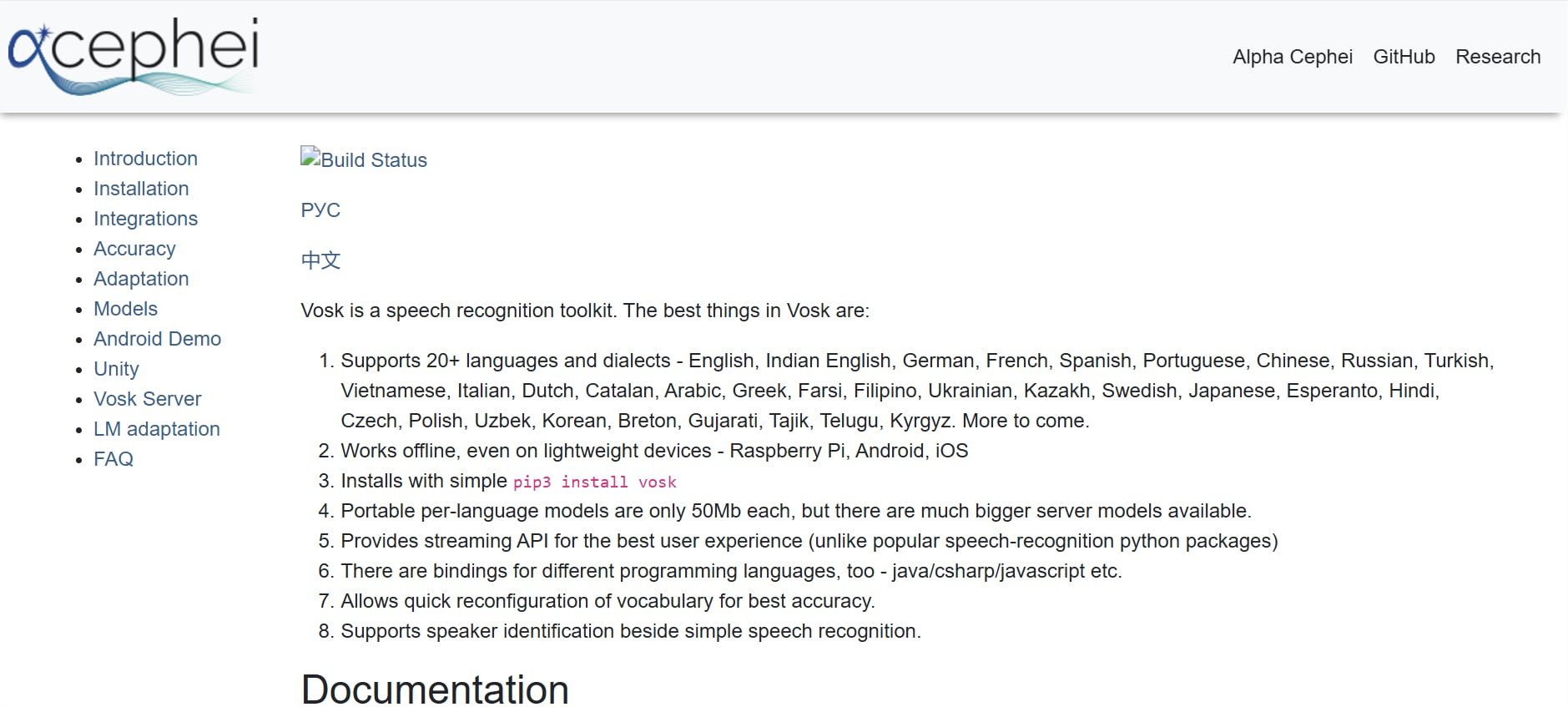
Vosk is a strong offline, open-source Russian speech recognition solution ideal for users who prefer local processing. It runs smoothly on desktops, laptops, mobile devices, and even embedded hardware. Developers and privacy-focused users choose Vosk for its flexibility, low CPU usage, and fully offline operation. It supports long recordings, real-time streaming, and custom application integration. Even without the internet, it offers solid Russian accuracy across conversational speech and dictation. Its lightweight architecture allows it to function efficiently on older or low-power devices. Vosk's open-source nature makes it highly customizable for specialized industry or research needs.
Dialects Support: Supports Standard Russian and general accented variations.
Live or File-Based TTS: Works for both live streaming and offline file transcription.
Starting Price: Completely free due to open-source licensing.
Supported Device: Windows, Mac, Linux, Raspberry Pi, and embedded systems.
4. Google Live Transcribe (Android)
Google Live Transcribe is a fast, real-time Russian transcription app developed primarily for accessibility and everyday communication. It converts speech to text instantly with clean formatting and large readable text. Users rely on it for conversations, lectures, meetings, and day-to-day understanding. It handles environmental noise well and syncs seamlessly with Android’s speech processing capabilities. Lightweight and easy to use, it remains one of the best free Russian live transcription apps for mobile users. Additionally, SpeechNotes offers customizable voice commands that help streamline frequent actions like inserting symbols or formatting text. Its cloud-syncing options further allow users to back up and access notes across devices with ease.
Dialects Support: Supports Standard Russian and conversational variants.
Live or File-Based TTS: Live transcription only.
Starting Price: Free.
Supported Device: Android smartphones and tablets.
5. SpeechNotes (iOS & Android)
SpeechNotes is a versatile mobile dictation app designed for fast, accurate Russian voice typing and transcription. It's popular among students, bloggers, writers, and professionals who need quick, hands-free note-taking. The app includes auto-punctuation, offline modes, and command shortcuts for productivity. Users can also upload small audio clips for transcription, making it useful for short recordings and brainstorming sessions. With its lightweight interface, it delivers efficient Russian note-taking on the go. Additionally, SpeechNotes offers customizable voice commands that help streamline frequent actions like inserting symbols or formatting text. Its cloud-syncing options further allow users to back up and access notes across devices with ease.
Dialects Support: Supports Standard Russian for best accuracy.
Live or File-Based TTS: Supports live dictation and short audio file uploads.
Starting Price: Free, with optional premium upgrades.
Supported Device: iOS and Android devices.
6. Otter.ai (Web, iOS, Android)
Otter.ai is a meeting-focused transcription platform widely used by remote teams, educators, and corporate users. It offers high-quality Russian transcription for uploaded files, along with powerful collaboration tools such as shared notes, speaker identification, searchable transcripts, and cloud syncing. Otter integrates with Zoom, Google Meet, and Microsoft Teams, making it excellent for transcribing online classes, interviews, webinars, and group conversations. Its productivity-friendly environment makes it one of the best cloud tools for teams. It also provides smart keyword highlights that help users quickly recap discussions and extract important points. With automated summaries and organized conversation threads, Otter significantly boosts efficiency for teams handling multiple meetings or long sessions.
Dialects Support: Supports Standard Russian used in meetings and lectures.
Live or File-Based TTS: File-based and meeting import transcription.
Starting Price: Free plan available, premium subscription optional.
Supported Device: Web, iOS, and Android.
7. Rev.com (AI + Human Transcription)
Rev.com combines fast AI transcription with highly accurate human transcription for Russian, making it ideal for professional use cases like legal, academic, and media projects. Its human transcription delivers near-perfect accuracy, especially with complex audio, background noise, or technical vocabulary. Rev supports subtitles, translations, and multiple export formats. It is trusted by enterprises that require guaranteed precision and fast turnaround. Though priced higher, it remains one of the most reliable solutions. Additionally, Rev offers strict confidentiality measures, making it suitable for sensitive or confidential recordings. Its user-friendly dashboard also streamlines file uploads, tracking, and delivery, ensuring a smooth workflow for busy professionals.
Dialects Support: Supports Standard Russian and regional variations through human experts.
Live or File-Based TTS: File upload transcription only.
Starting Price: Per-minute pricing depending on service type.
Supported Device: Works in all web browsers.
8. Sonix.ai
Sonix.ai is a popular transcription service among creators, journalists, and production teams due to its clean interface and powerful editing tools. It supports Russian transcription with auto-translation, timestamping, and subtitle export. Sonix organizes projects neatly in the cloud and offers multilingual workflow support. Its fast processing speeds and intuitive editor make it especially attractive for YouTube creators and researchers who need bulk transcription and easy file management. It also provides advanced collaboration options, allowing teams to review and edit transcripts together in real time. Additionally, Sonix’s smart search and keyword detection features make it easier to navigate long recordings efficiently.
Dialects Support: Supports Standard Russian transcription.
Live or File-Based TTS: File uploads only.
Starting Price: Subscription-based pricing.
Supported Device: Works on all devices via web browser.
9. Happy Scribe
Happy Scribe provides high-quality Russian transcripts with extensive export formats and a clean editing workspace. It supports both AI transcription and human-checked services. The platform is especially popular among educators, researchers, and media teams needing subtitles, highlights, and collaborative editing features. Its structured workflow helps manage long recordings and academic content effectively. The ability to generate multilingual subtitles makes it valuable for content creators. It also offers project-based organization, making it easy to manage multiple files at once. Plus, its intuitive interface helps beginners and professionals work efficiently without a steep learning curve.
Dialects Support: Supports Standard Russian and specialized terminology.
Live or File-Based TTS: File uploads only.
Starting Price: Per-minute pricing depending on mode.
Supported Device: Works across all browsers.
10. Whisper AI (OpenAI Model)
Whisper AI is one of the most accurate open-source Russian speech recognition models available. It excels in handling fast speech, accents, and noisy environments. Widely used by developers, researchers, and transcription platforms, Whisper offers multilingual recognition, translation, and stable long-form accuracy. It can run locally for privacy, though setup may require technical knowledge. Because it’s free and extremely reliable, many modern apps use Whisper as their core engine. Its flexible architecture also allows developers to fine-tune performance for specific projects. Additionally, Whisper’s continuous community-driven improvements make it increasingly powerful every year.
Dialects Support: Supports Standard Russian and accented Russian.
Live or File-Based TTS: File-based transcription.
Starting Price: Free.
Supported Device: Windows, Mac, Linux, and cloud servers.
Part 4: At-a-Glance Comparison Table for Top 10 Russian Speech to Text Tools
| App Name | Supported Formats | Unique Edge | Best For |
|---|---|---|---|
| Wondershare UniConverter | MP3, MP4, MOV, WAV, M4A, AVI, MKV | Offline Russian S2T + built-in subtitle editor | Creators, educators, editors needing secure offline transcription |
| IBM Watson Speech to Text | Real-time streaming + uploaded audio files | Enterprise-grade customization + high security | Corporations, call centers, compliance-heavy industries |
| Vosk Offline Transcription | WAV, MP3, OGG, streaming input | 100% offline open-source Russian ASR | Developers, privacy-focused users, low-resource devices |
| Google Live Transcribe | Live microphone input | Fast, free mobile live transcription | Everyday conversations, accessibility users |
| SpeechNotes (iOS/Android) | Live dictation + short audio uploads | Productivity-focused note-taking features | Students, writers, quick Russian dictation |
| Otter.ai | Uploaded files, meeting imports | Meeting-focused tools + speaker labels | Teams, remote workers, educators |
| Rev.com | File uploads (AI + Human) | Human-verified Russian accuracy | Legal, media, research, professional use |
| Sonix.ai | Audio/video uploads | Strong AI + clean editor + subtitle export | YouTubers, journalists, content creators |
| Happy Scribe | Audio/video uploads | AI + Human transcription + team collaboration | Academics, media houses, multilingual subtitle creators |
| Whisper AI (OpenAI) | Audio/video files, CLI input | Free, extremely accurate Russian model | Developers, researchers, advanced users |
Best For by Use Case
- Russian audio transcription services: Best for interviews, lectures, meetings, podcasts, and voice notes that need searchable text output.
- Russian video transcription services: Best for MP4, MOV, webinar recordings, YouTube content, and projects that also need subtitles or caption export.
- Free online testing: Best for short recordings, occasional use, and users who want to compare tools before paying.
- Long files up to 1 hour or more: Best for creators, researchers, and business users who need stable processing for longer audio or video files.
- Offline privacy-focused workflows: Best for users who prefer local desktop transcription without uploading sensitive files to the cloud.
Conclusion
Choosing the best Russian speech-to-text tool depends on your workflow, accuracy needs, and preferred device. For most creators, students, and professionals, Wondershare UniConverter delivers the strongest overall performance thanks to its offline AI engine, fast processing, and high Russian transcription accuracy. Enterprise teams may prefer IBM Watson or Otter.ai for real-time, large-scale operations, while developers often rely on Whisper AI or Vosk for customizable and privacy-focused setups. Mobile users benefit from Google Live Transcribe and SpeechNotes, and those needing human-verified precision can use Rev.com or Happy Scribe.
With options available for every device and budget, these top 10 tools ensure reliable Russian transcription in 2026. Overall, UniConverter remains the most versatile and user-friendly choice.
FAQs
What are the best Russian audio transcription services for long recordings?
The best option depends on whether you need offline privacy, browser access, or easier editing for long files. For lectures, interviews, and podcasts, users usually benefit most from services that support longer uploads, speaker separation, and editable transcript export. If your recordings are close to or over 1 hour, checking file length limits and processing stability is often more important than choosing the cheapest plan.
Which Russian video transcription services are best for subtitles and caption workflows?
Russian video transcription services are most useful when you need more than plain text output. For subtitle workflows, it helps to choose a tool that supports common video formats, timeline-based editing, and export options such as SRT or VTT. This is especially useful for YouTube videos, webinar recordings, online courses, and social video content that needs captions in a structured format.
Are there any free online Russian transcription tools worth trying in 2026?
Yes, but free online tools usually work best for testing short recordings, basic note-taking, or occasional transcription tasks. They can be useful for comparing interfaces and checking general Russian recognition quality before paying. However, users who need better support for long recordings, larger uploads, or more reliable export options often outgrow free plans quickly.
How do I choose between online and offline speech to text tools for Russian language in 2026?
Online tools are often easier for quick access, teamwork, and browser-based workflows, while offline tools are more suitable for local processing, privacy-sensitive files, and users who regularly work with desktop media files. If you handle confidential interviews, internal meetings, or large video projects, an offline option may fit better. If you mainly need convenience and collaboration, an online service may be the simpler choice.
Can free online audio transcription services for Russian language handle long files up to 1 hour?
Some can, but support varies a lot depending on upload limits, pricing tiers, and file processing rules. A service may allow long files in theory but still restrict them through lower free-plan quotas, slower processing, or limited export features. If your workflow depends on long-form Russian transcription, it is better to compare actual file-length support, transcript editing options, and output formats before choosing a tool.

