

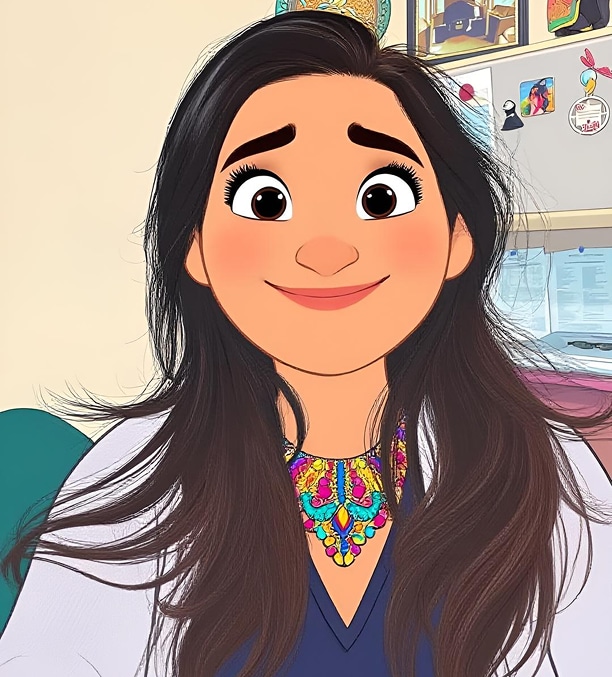
AI anime art is no longer limited to professional illustrators or people who know how to draw.With the rise of the AI anime image generator, almost anyone can turn an idea into anime-style artwork in seconds.Whether you want an anime avatar, a stylized profile picture, an original character, or a dramatic fantasy scene, AI tools now make that process much faster and easier.Many users search for terms like ai anime image generator because they want a simple way to create anime-style visuals without learning complex illustration software.
In this guide, we will explain what AI anime image generators do, compare popular tools, show how to get better results, and explore where Wondershare UniConverter fits after the image generation step.
In this article
- What Is an AI Anime Image Generator?
- Why AI Anime Image Generators Are So Popular
- What to Look for in the Best AI Anime Image Generator
- Comparison Table of Popular AI Anime Image Generator Tools
- Best Types of AI Anime Images You Can Create
- How to Create Better Anime Images with AI
- Where UniConverter Fits in an AI Anime Image Workflow
- Conclusion
- FAQs
What Is an AI Anime Image Generator?
An AI anime image generator is a tool that creates anime-style images from user input.In most cases, that input is a text prompt that describes a character, scene, art style, or mood.Some tools also allow users to upload a photo and turn it into anime-style art.These generators are popular because they remove the drawing barrier. Instead of sketching characters manually, users can simply describe what they want and let AI generate multiple visual options in seconds.
Common ways these tools work
- Text-to-image anime generation
- Photo-to-anime transformation
- Anime-style portrait creation
- Prompt-based character and scene design
People commonly use AI anime image generators for avatars, social media profiles, original characters, concept scenes, fan-style visuals, and creator branding assets.
Why AI Anime Image Generators Are So Popular
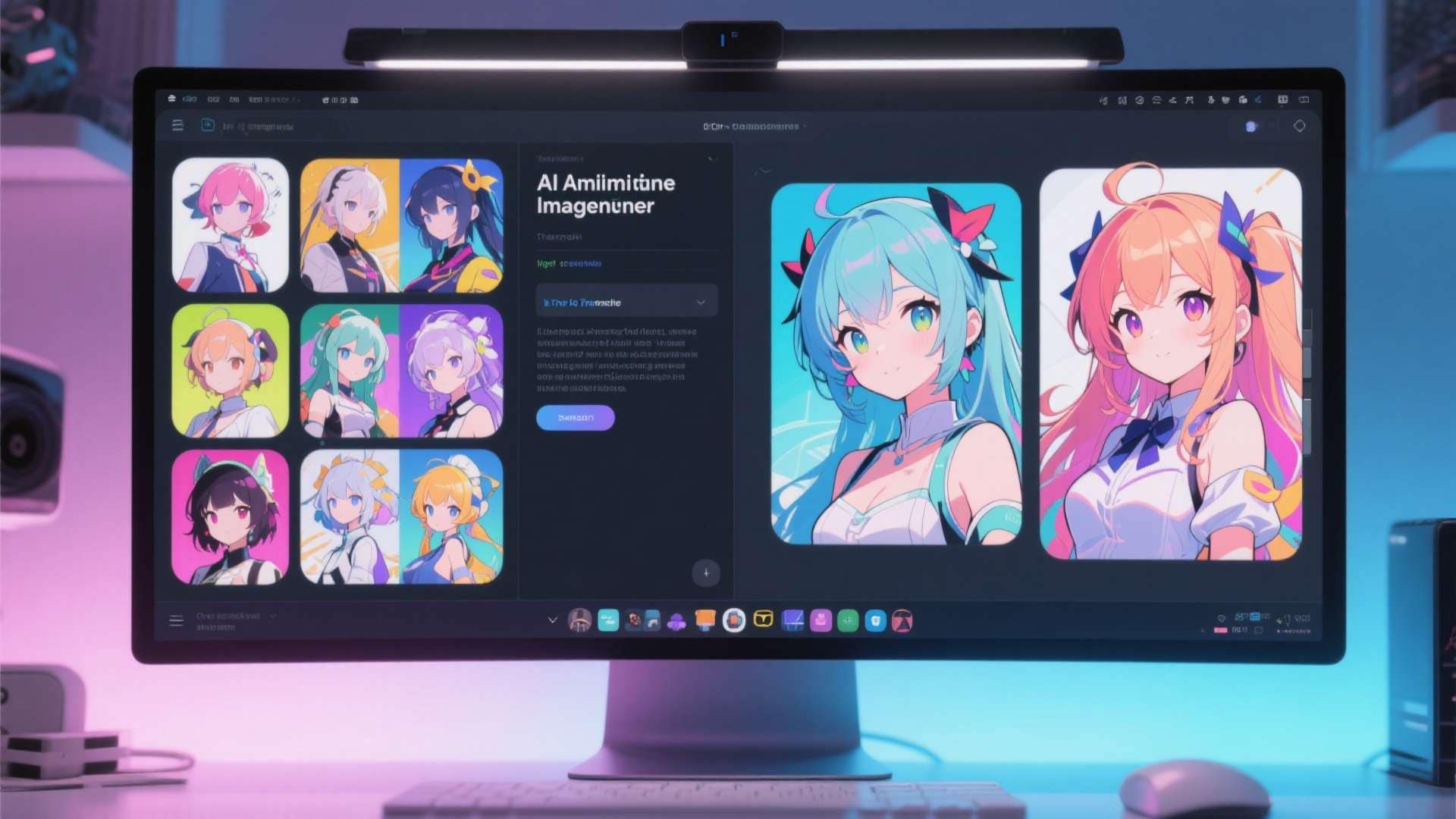
The popularity of AI anime image generators comes from a mix of creativity, speed, and accessibility.Anime is already one of the most recognizable and appealing visual styles online, and AI makes it much easier for non-artists to participate in that style.A user does not need to know how to draw anatomy, color lighting, or render backgrounds.They only need an idea and a prompt.That convenience makes AI anime tools especially attractive for both casual users and content creators.
Who benefits most
- Anime fans creating personal avatars
- Streamers and gamers building profile visuals
- Content creators making thumbnails and social graphics
- Writers visualizing characters
- Social media users experimenting with anime portraits
- Small creative teams testing stylized concepts
What to Look for in the Best AI Anime Image Generator
Not every AI anime image generator produces the same kind of result.
Some tools are better for quick casual images, while others are better for stronger prompt control, better output quality, or more distinct anime styling.
Style quality and consistency
A good tool should create images that feel clearly anime-inspired and visually coherent rather than simply cartoon-like.
Prompt control
The best tools respond well to details like clothing, pose, facial expression, lighting, and background instructions.
Text-to-image and photo-to-anime support
If you want to create original anime characters, text-to-image matters most.
If you want to transform selfies or existing images, photo-to-anime support becomes more important.
Ease of use
A tool can be powerful, but if the workflow feels confusing, beginners may not get useful results quickly.
Output quality
Image quality matters if you plan to reuse the result for thumbnails, social posts, blog graphics, or creative assets.
Free access vs paid features
Some tools are enough for casual experiments, while others become much more valuable when users want higher quality, more generation options, or fewer restrictions.
Comparison Table of Popular AI Anime Image Generator Tools
Different AI anime image generators serve different kinds of users.
The table below compares commonly discussed tools based on practical needs rather than hype alone.
| Tool | Best For | Main Strength | Main Limitation | Ease of Use |
| SeaArt AI Anime Generator | Fast anime art creation from text or images | Strong anime-focused positioning and easy text-to-anime workflows | Output quality depends heavily on prompt clarity | Easy |
| insMind AI Anime Generator | Casual users creating anime portraits and stylized images | Simple interface with text-based and photo-to-anime creation | Better for lighter use than advanced prompt precision | Easy |
| Canva AI Image Generator | Users who want anime-style visuals inside a broader design workflow | Convenient for combining image creation with layouts and content design | Less anime-specialized than dedicated anime art tools | Easy |
| Midjourney | Users who want highly stylized and artistic anime-inspired outputs | Strong visual quality and creative style potential | Higher learning curve and less beginner-friendly workflow | Medium |
| NovelAI | Users focused on anime-style character creation and niche aesthetics | Well known for anime-oriented generation style | May feel less straightforward for casual or first-time users | Medium |
| Fotor AI Anime Generator | Beginners looking for lightweight anime image creation | Easy entry point and accessible workflow | Less depth for users who want stronger visual control | Easy |
Quick takeaways from the comparison
- For beginners: insMind and Fotor are easy to start with.
- For fast anime-style generation: SeaArt is often a better fit.
- For design and layout tasks: Canva is a convenient choice.
- For artistic quality and style exploration: Midjourney is a stronger option.
- For anime character generation: NovelAI remains a notable comparison choice.
Best Types of AI Anime Images You Can Create
One reason users keep returning to anime generators is the range of visuals they can create.
The best use case often depends on the generator and the prompt quality.
Anime avatars
Custom anime profile pictures are one of the most popular uses for these tools.
Full-body anime characters
Many users create complete character concepts with outfit details, poses, and expressions.
Chibi and kawaii illustrations
Cute, simplified anime styles are especially popular for casual sharing and social media use.
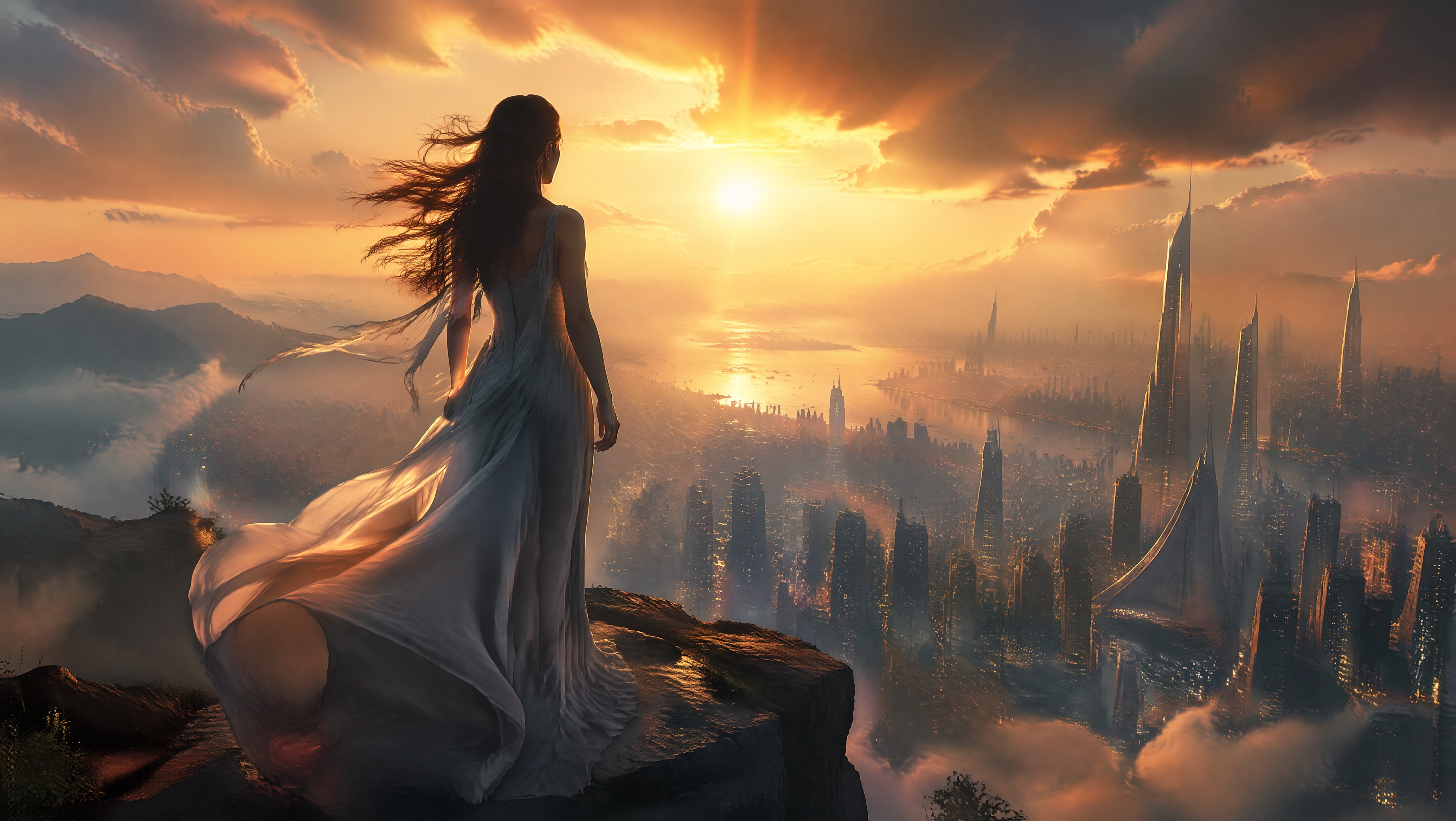
Fantasy anime scenes
AI generators can create more than faces.
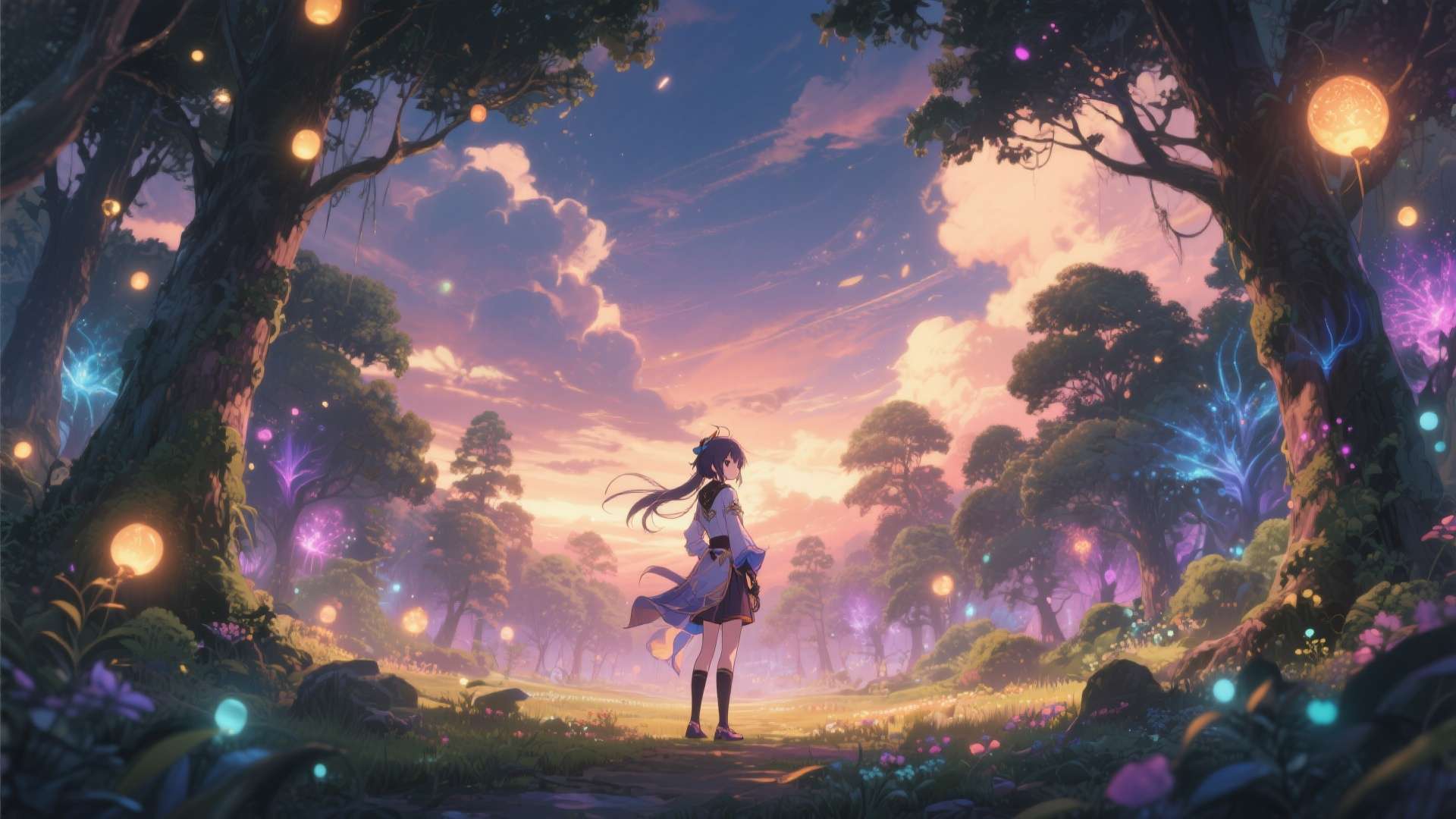
They can also produce stylized worlds, cinematic environments, and fantasy anime landscapes.
Anime-style portraits from photos
If a tool supports photo-to-anime conversion, users can transform selfies or portraits into anime-style visuals quickly.
Social media visuals and thumbnails
Creators often use anime-style art for thumbnails, channel branding, banners, and stylized post graphics.
How to Create Better Anime Images with AI
Even the best AI anime image generator depends heavily on the quality of the prompt.
Weak results often happen because the input is too vague, too overloaded, or internally inconsistent.
Start with a clear subject description
Describe the basics of the character or scene clearly.
- Hair color and hairstyle
- Eye color
- Outfit
- Expression
- Pose
- Background setting
Add anime-specific style cues
Style wording helps guide the model more accurately.
- anime portrait
- cel-shaded
- kawaii
- cinematic anime lighting
- fantasy anime illustration
- shoujo-inspired or shonen-inspired style
Guide the composition
Framing and shot type affect the output a lot.
- close-up portrait
- full body
- dynamic pose
- side profile
- dramatic background
Improve results through iteration
Do not judge a generator from one prompt alone.
Better results usually come from testing several versions, simplifying unclear instructions, and gradually refining the strongest direction.
Where UniConverter Fits in an AI Anime Image Workflow
AI anime image generation is only one step in the full content workflow.
After generating the image, many users still need to resize it, convert it, compress it, enhance it, or prepare multiple versions for different platforms.
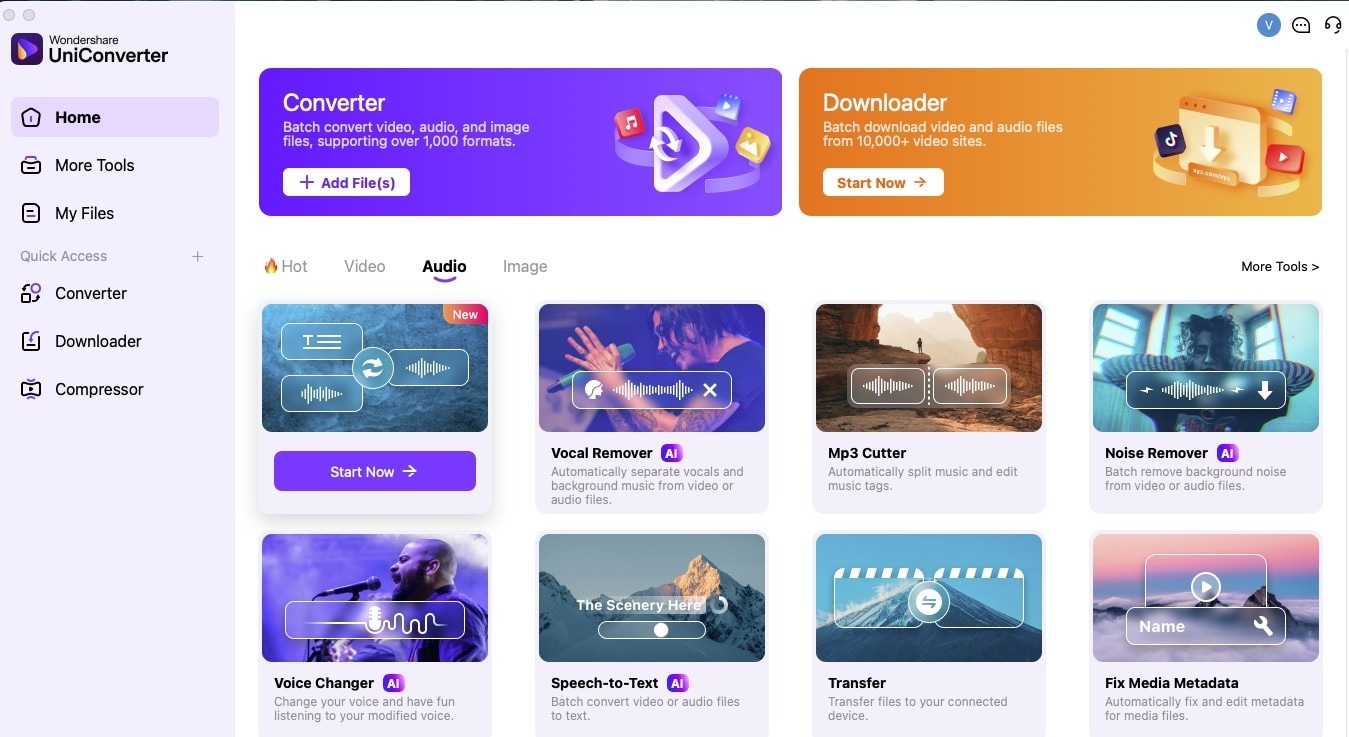
That is where Wondershare UniConverter fits naturally.
UniConverter is not the anime generator itself.
Its value comes after generation, when users want to manage image assets more efficiently.

A Smarter Workflow for AI-Generated Images
Why UniConverter is useful after anime image generation
- Convert image formats for different platforms
- Compress large files for sharing or publishing
- Improve output usability across workflows
- Handle repeated image-related tasks more efficiently
Who benefits most from this setup
- Content creators
- Social media teams
- Bloggers
- Thumbnail designers
- Users who repurpose anime visuals across platforms
Quick Tips
- Choose a simple tool if you only want avatars or casual anime portraits.
- Use a more advanced generator if style precision and prompt control matter more.
- Pick a photo-to-anime tool if you want to transform selfies or existing images.
- Test several prompt variations before judging a tool’s output quality.
- If you generate images regularly, use a workflow tool like UniConverter to handle resizing, compression, and format conversion more efficiently.
Conclusion
The best AI anime image generator depends on the kind of results you want and how you plan to use them. Beginner-friendly tools work well for quick anime portraits, casual avatars, and simple experiments, while more advanced generators offer better style quality and creative control.
That is why there is no single best option for everyone. SeaArt, insMind, Canva, Midjourney, NovelAI, and Fotor each match different creative needs and user expectations.
If you only create anime-style images occasionally, a lightweight online tool is usually enough. But if you often create and reuse anime visuals across different content tasks, pairing a generator with a workflow tool like Wondershare UniConverter can make the process much more efficient.

