


- Why It Matters: A well-designed thumbnail plays a crucial role in attracting clicks and improving video performance on YouTube.
- Key Features: Look for tools with templates, customization options, AI features, and high-resolution export for better results.
- Tool Options: Popular tools like Canva, Adobe Express, and Pixlr make thumbnail creation simple even for beginners. :contentReference[oaicite:0]{index=0}
- Efficient Solution: Wondershare UniConverter enables fast thumbnail creation directly from videos with high-quality output and easy workflow.
Struggling to get more clicks on your YouTube videos even after putting in hours of effort? One of the biggest reasons is often a weak thumbnail that fails to grab attention. A reliable YouTube thumbnail generator free tool can help you design eye-catching thumbnails without needing advanced design skills. Many creators face issues like limited time, lack of creativity, or confusing tools. Choosing the right YouTube thumbnail generator free can solve these problems and improve your click-through rate. This guide will walk you through the best tools, tips, and strategies to create thumbnails that stand out and drive more views.
In this article
Part 1: How to Choose YouTube Thumbnail Generator Tool
Choosing the right YouTube thumbnail generator free tool is essential for creating engaging and high-converting thumbnails. Below are the key factors you should consider before selecting a tool.
Ease of Use
A good thumbnail generator should have a simple and intuitive interface that anyone can use. Tools with drag-and-drop features make the design process quick and hassle-free. Beginners should look for platforms that require little to no learning curve. This ensures you can create thumbnails efficiently without wasting time.
Template Library
A rich template library helps you get started quickly with ready-made designs. These templates are often optimized for YouTube and other platforms. Having a variety of styles allows you to match your content theme easily. It also saves time compared to designing from scratch.
Customization Options
Customization features let you personalize thumbnails with your own text, colors, and images. Advanced tools offer layers, filters, and effects for more control. This helps you create unique and branded thumbnails. Greater flexibility leads to more creative and impactful designs.
Export Quality
High-resolution export is crucial for maintaining clarity and professionalism. A good tool should support HD or even 4K thumbnail downloads. Clear and sharp thumbnails perform better on platforms like YouTube. Always choose tools that maintain image quality after export.
AI Features
Modern tools now include AI capabilities to simplify design work. AI can suggest layouts, generate thumbnails, or enhance images automatically. These features save time and improve design quality. They are especially helpful for users with limited design experience.
Free vs Paid Plans
Most tools offer free versions with basic features, which are enough for beginners. Paid plans usually unlock premium templates, assets, and advanced tools. It's important to compare what you get in each plan. Choose a tool that offers the best value for your needs and budget.
Part 2: 10 Best YouTube Thumbnail Generator Free Tools
Choosing the right YouTube thumbnail generator free tool can significantly impact your video's click-through rate and overall performance. Below are the 10 best tools, starting with UniConverter, each explained with features, pros, and cons to help you decide.
1. Wondershare UniConverter
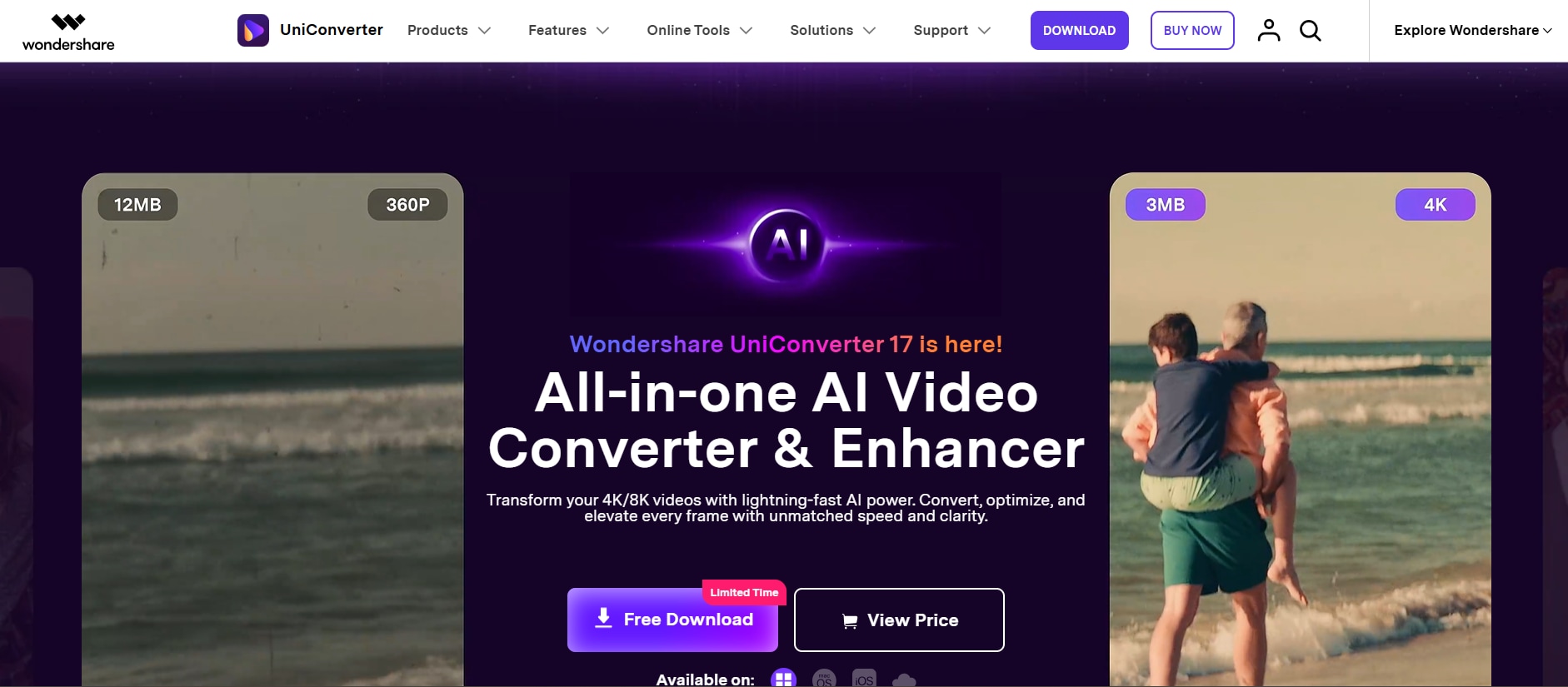
Wondershare UniConverter is a powerful all-in-one tool that allows users to generate thumbnails directly from text prompts, images and in-built templates. It is ideal for creators who prefer a workflow without switching between multiple tools. The thumbnail generator supports multiple formats, making it versatile for different types of content. Users can easily select frames from a timeline for precise thumbnail creation. The interface is clean and beginner-friendly while still offering useful controls. High-resolution export ensures professional output. It is especially useful for bulk processing and saving time. If you want an advanced thumbnail visual effect, you can try its image enhancer to get 4K crispy thumbnail clarity.
Key Features:
Frame extraction from videos
Multi-format support
Batch processing
High-resolution export
Basic editing tools

YouTube Thumbnail Generator for Eye-Catching Covers
2. Canva
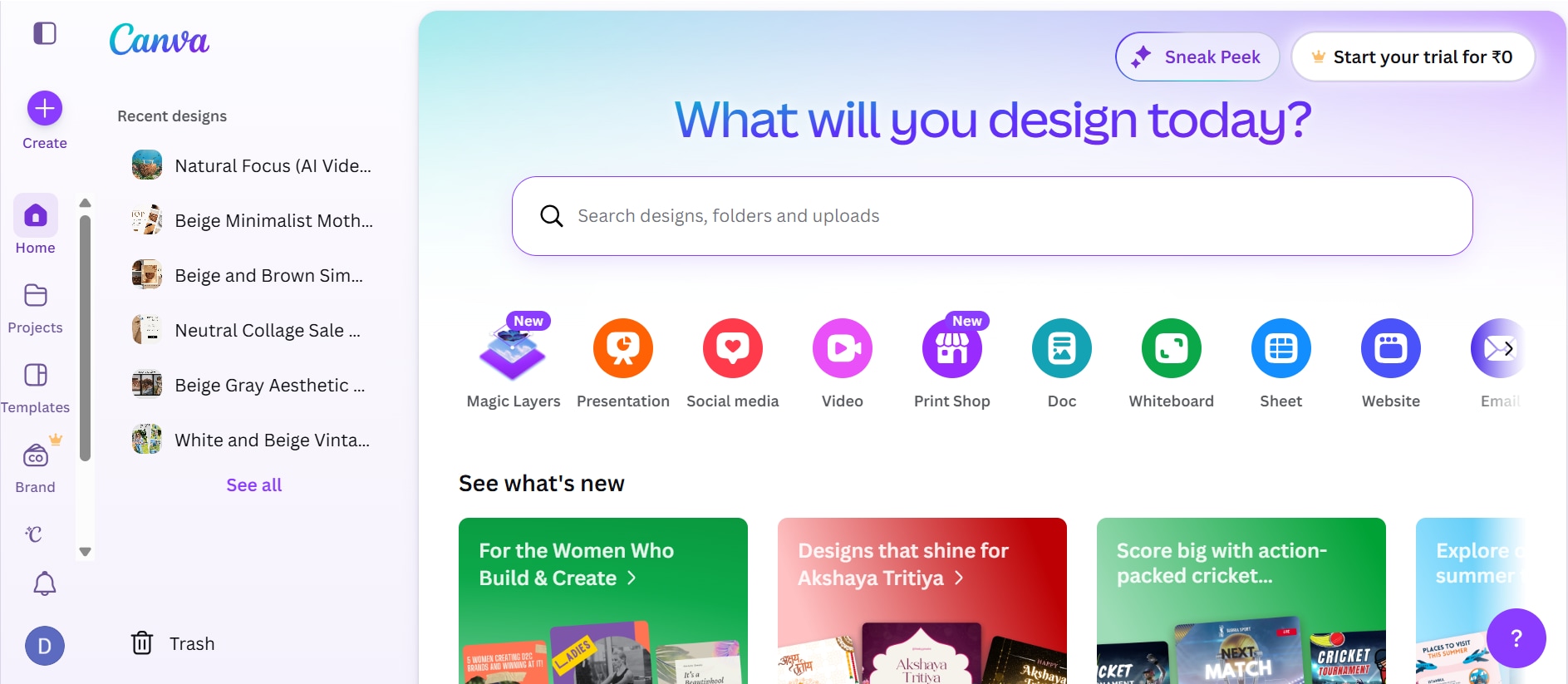
Canva is a beginner-friendly tool with thousands of templates for thumbnails. It offers drag-and-drop functionality and AI-powered design suggestions. Users can customize fonts, colors, and images easily. The platform includes a huge library of stock assets. It works across devices and is cloud-based. Canva is ideal for quick and professional-looking thumbnails. It supports collaboration for teams. Overall, it's one of the easiest tools to use. It also provides one-click resizing to adapt designs for different platforms. Users can save brand kits to maintain consistent styling across thumbnails. The platform regularly updates templates to match current design trends. It also offers animation features to create more engaging thumbnail visuals. Users can export designs in high resolution for better clarity and performance.
Key Features:
Drag-and-drop editor
Template library
AI tools
Stock assets
Cloud access
3. Adobe Express
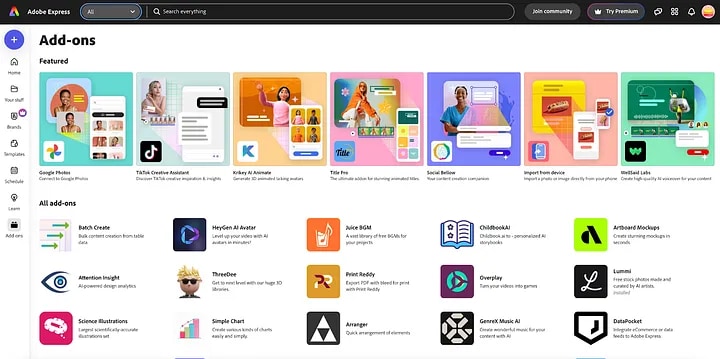
Adobe Express offers professional templates with easy editing features. It is ideal for users who want high-quality designs without complexity. The platform includes Adobe stock assets and fonts. It integrates with Adobe tools for better workflow. Users can create thumbnails quickly online. It also offers branding features. The interface is clean and efficient. It's a strong Canva alternative. It also includes quick actions like background removal and image resizing for faster edits. Users can access a variety of design presets tailored for social media platforms. The cloud-based system ensures your projects are saved and accessible anytime. It also allows easy sharing and exporting in multiple formats.
Key Features:
Professional templates
Adobe assets
Branding tools
Background remover
Cloud editing
4. VistaCreate
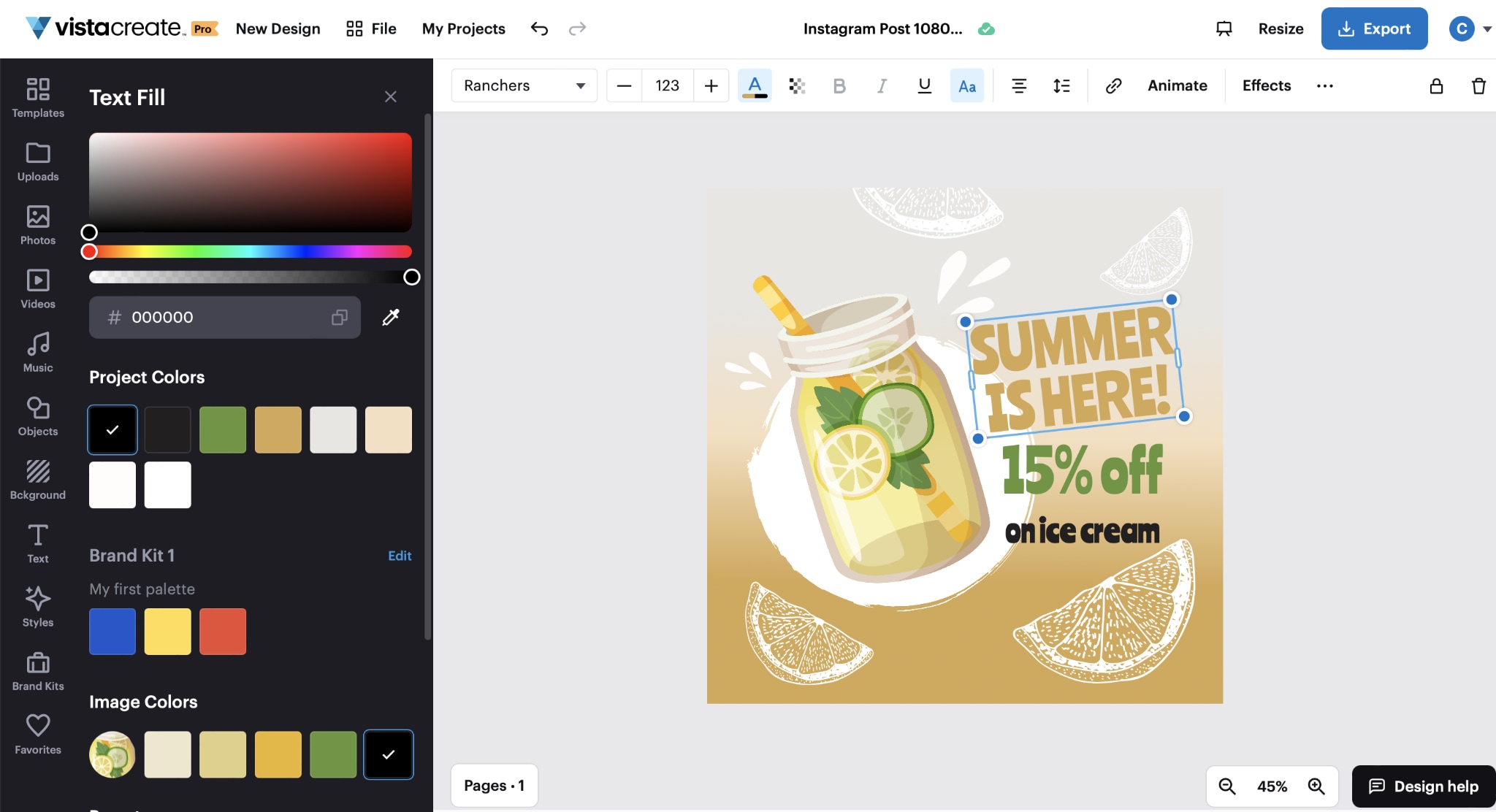
VistaCreate is a powerful design tool similar to Canva. It offers thousands of templates specifically for YouTube thumbnails. Users can customize animations, text, and visuals easily. It includes a large library of stock images and videos. The interface is simple and intuitive. It supports branding kits for consistency. It is ideal for social media creators. Overall, it's a great free alternative. It also provides pre-animated elements to make thumbnails more dynamic and engaging. Users can easily resize designs for multiple platforms with minimal effort. The platform supports quick downloads in high resolution for better quality output. It also allows users to organize projects efficiently within a cloud-based workspace. It includes drag-and-drop editing for faster design creation. Regular template updates ensure fresh and modern thumbnail styles.
Key Features:
Template library
Animation support
Stock assets
Branding tools
Easy editor
5. Pixlr
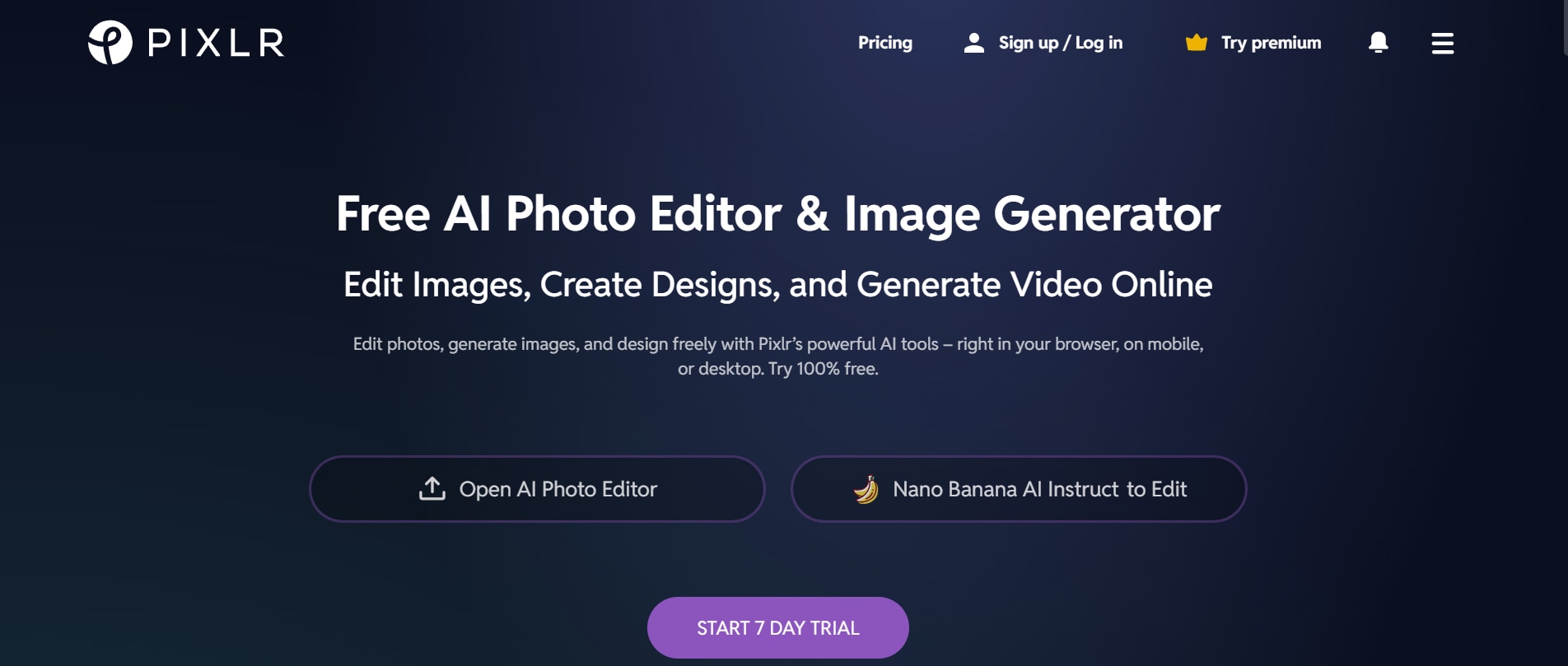
Pixlr is a lightweight yet powerful online editor for thumbnails. It offers advanced editing tools similar to Photoshop. Users can create thumbnails from scratch or edit images. The platform includes AI tools for background removal. It works directly in the browser. Pixlr is suitable for users who want more control. It provides flexibility in design. It's great for intermediate users. It also supports layers and blending modes for more detailed editing. Users can apply filters and effects to enhance visual appeal quickly. The tool runs smoothly without requiring installation, making it highly convenient. It also offers AI-powered quick fix tools for instant image enhancement. Users can export thumbnails in multiple formats suitable for different platforms. Its interface balances simplicity with professional-grade editing features.
Key Features:
Advanced editing tools
AI background remover
Layers support
Web-based
Filters and effects
6. Placeit
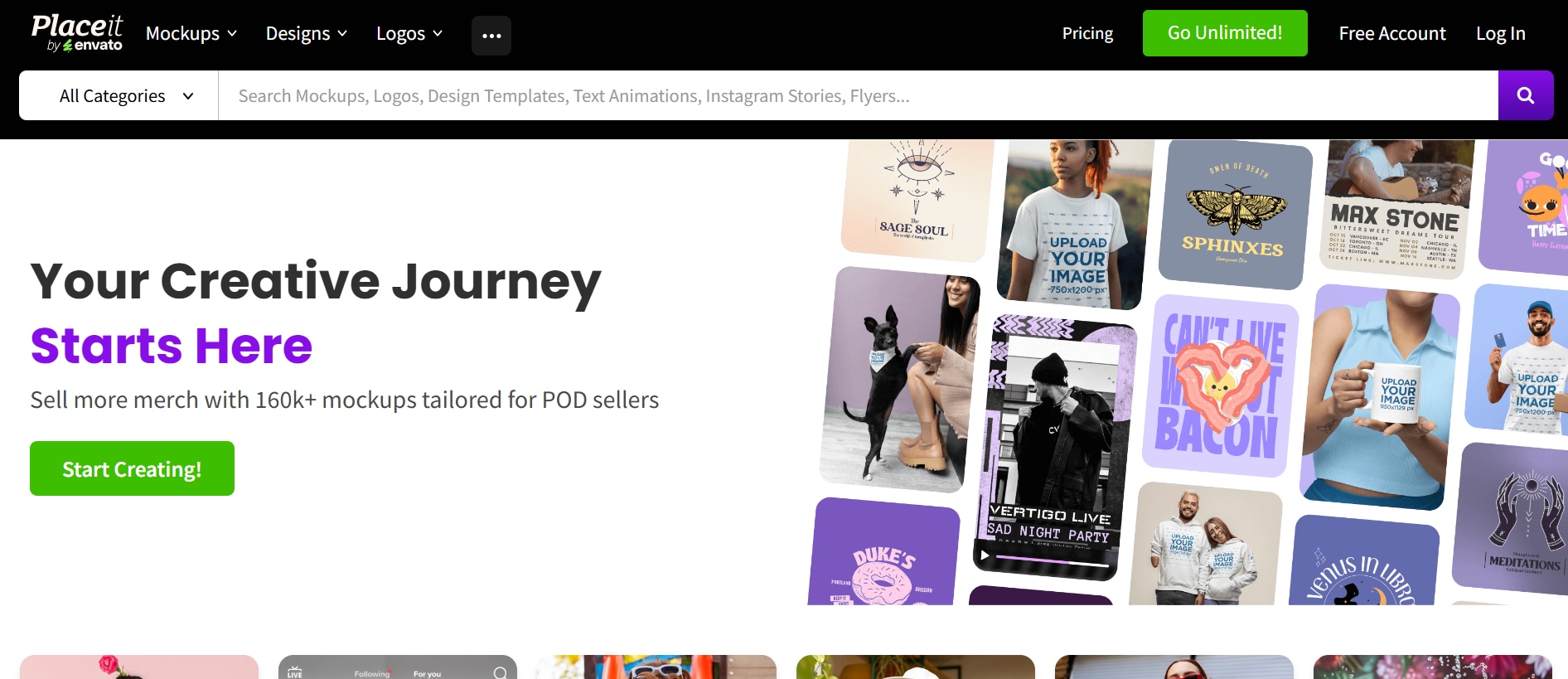
Placeit is known for its ready-made thumbnail templates. It allows users to create thumbnails quickly with minimal effort. The platform focuses on simplicity and speed. Users can customize text and images easily. It offers a large collection of YouTube-specific templates. Placeit is ideal for beginners. It requires no design skills. It is perfect for quick results. It also provides real-time preview so users can see changes instantly while editing. The tool supports easy resizing and format adjustments for different platforms. Users can download high-quality thumbnails without complex export settings. It also includes branding options to maintain consistency across designs. It allows users to save designs for future reuse, improving workflow efficiency. The platform is fully web-based, so no installation is required. It also offers mockup generation features that can be used for promotional content.
Key Features:
Ready-made templates
Easy customization
YouTube-focused designs
Fast editing
Web-based
7. BeFunky
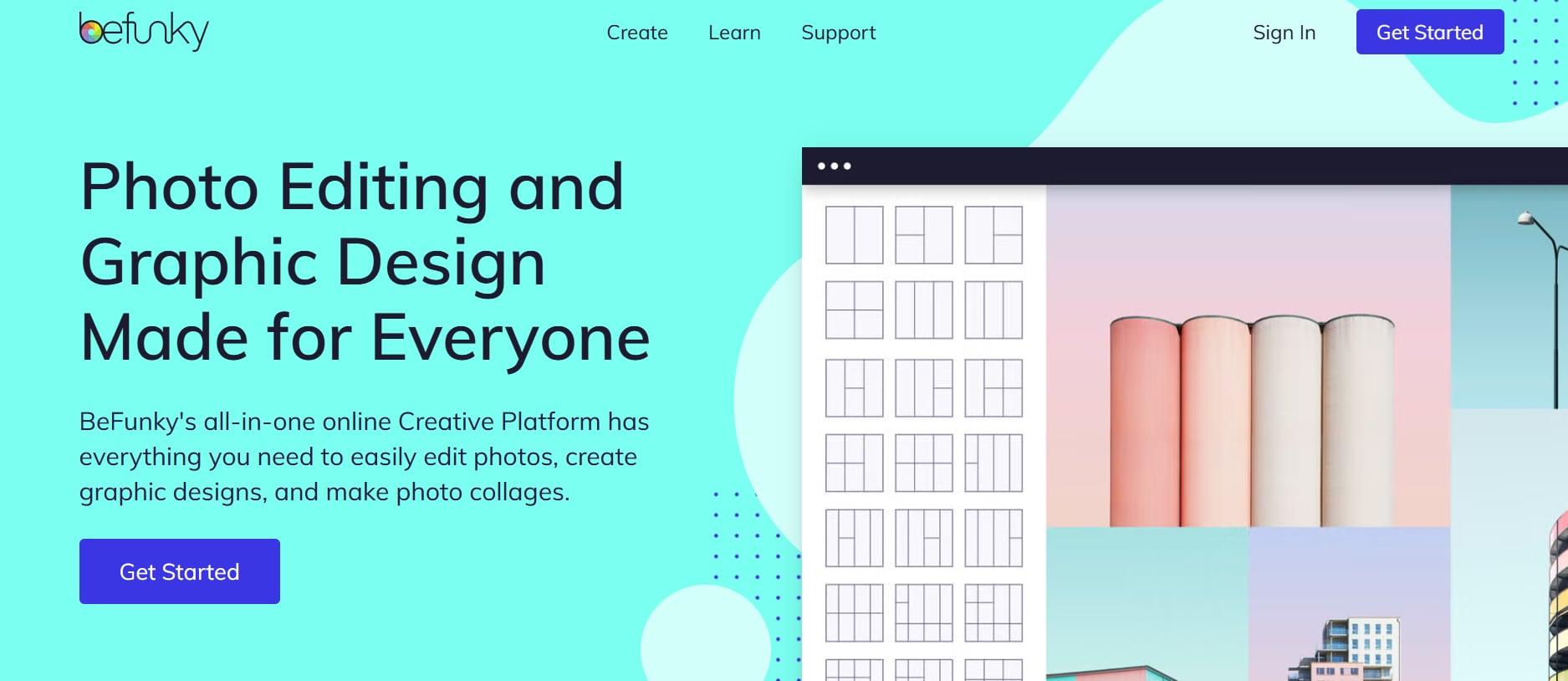
BeFunky is a creative tool for designing thumbnails and graphics. It offers templates and photo editing features. Users can enhance images with effects and filters. The platform is easy to use and web-based. It includes collage-making features. BeFunky is ideal for creative thumbnails. It balances editing and design tools. It's great for casual creators. It also provides one-click enhancement tools to quickly improve image quality. Users can easily adjust brightness, contrast, and sharpness for better visuals. The platform supports drag-and-drop editing for faster workflow. It also allows users to export designs in multiple high-resolution formats. It includes built-in graphic elements like icons and shapes for more creative layouts. Users can save projects online for easy access and future editing. The tool also offers AI-powered touch-up features for faster image improvements.
Key Features:
Photo editing tools
Templates
Filters and effects
Collage maker
Web-based
8. Snappa
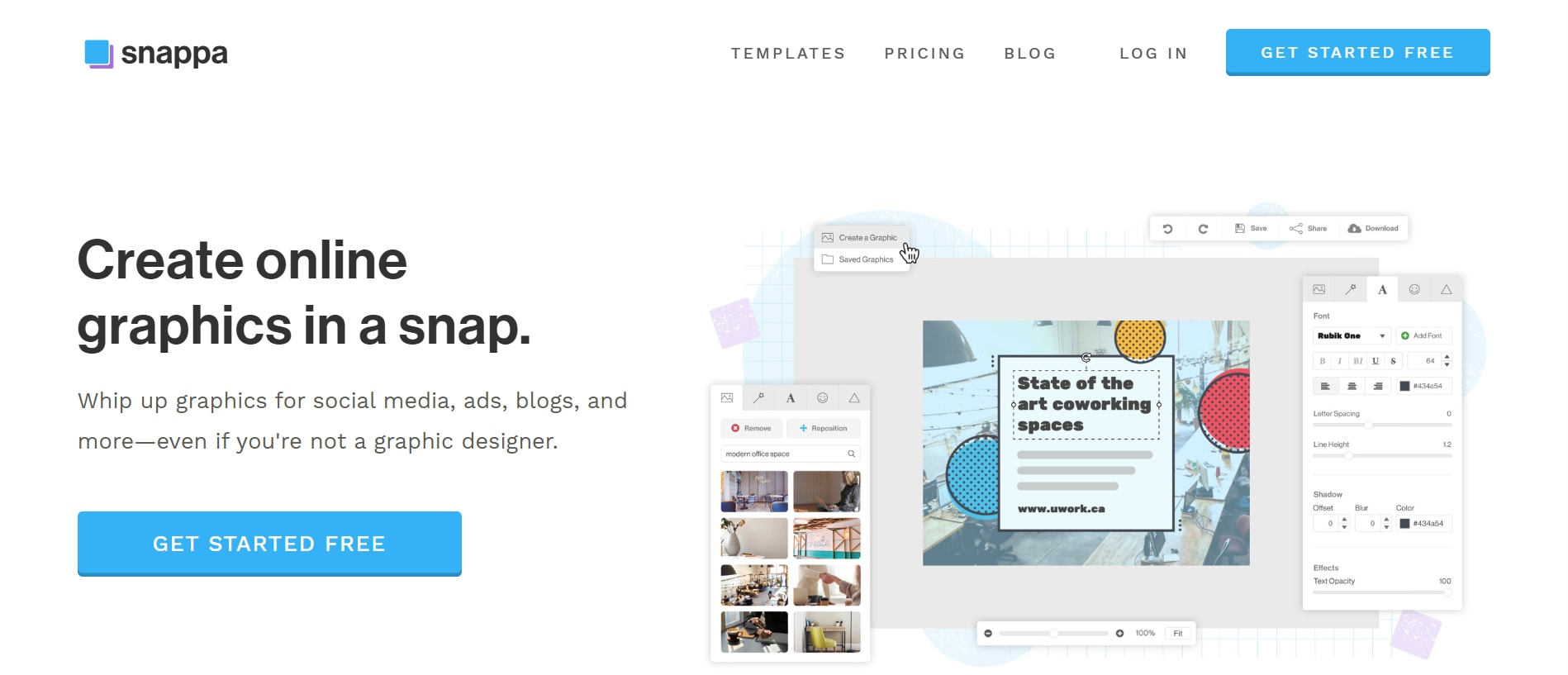
Snappa is a simple tool for quick thumbnail creation. It offers pre-sized templates and drag-and-drop editing. Users can add text and images easily. The platform includes stock photos. It is beginner-friendly and fast. Snappa focuses on simplicity. It is ideal for marketers and creators. It delivers quick results. It also allows users to customize colors and fonts for better branding consistency. The tool supports easy resizing of designs for different social media platforms. Users can export thumbnails in high resolution without complex settings. It also provides a clean workspace that helps speed up the design process. It includes built-in graphic elements like shapes and icons to enhance designs. Users can duplicate templates for faster workflow and consistency. The platform also offers cloud saving so projects can be accessed anytime.
Key Features:
Pre-sized templates
Drag-and-drop editor
Stock photos
Quick customization
Cloud-based
9. Picmaker
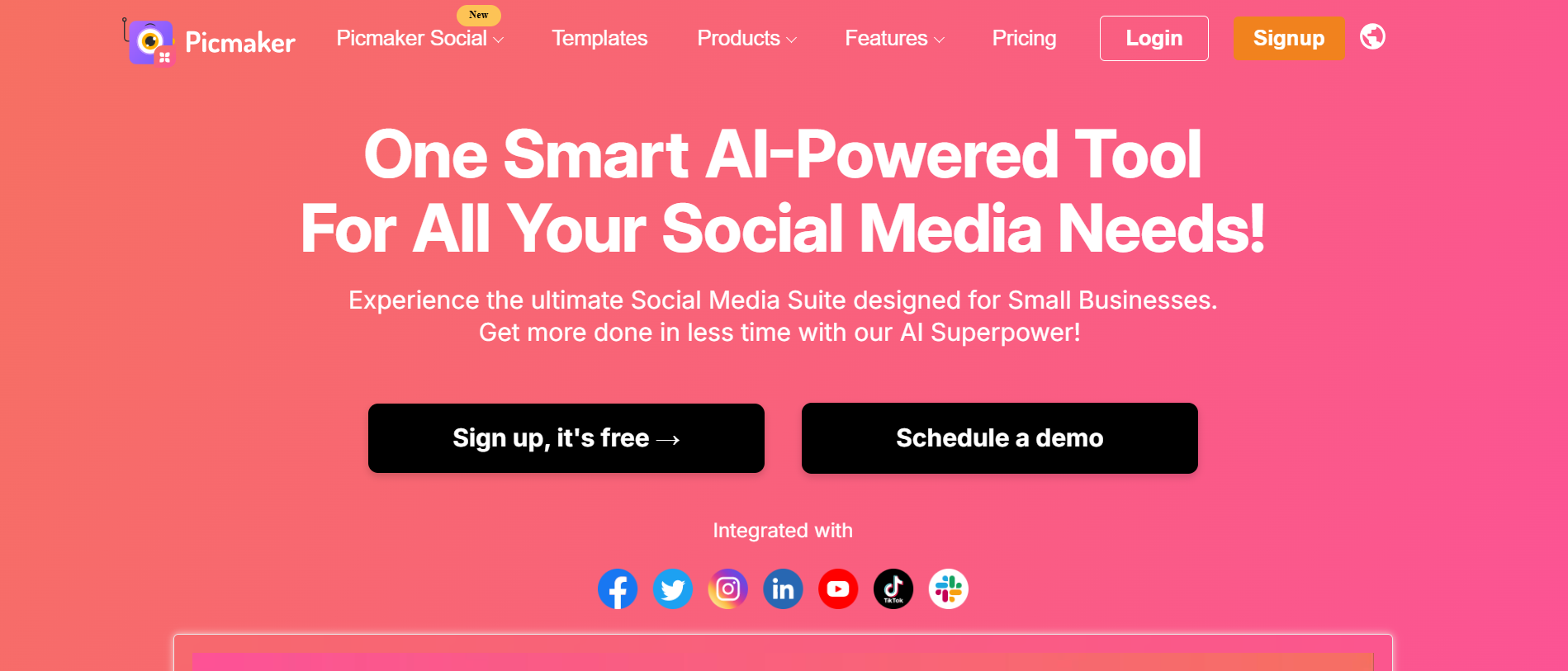
Picmaker is an AI-driven thumbnail creator. It offers smart layout suggestions and design automation. Users can remove backgrounds and add effects easily. The interface is modern and intuitive. It supports branding features. Picmaker is ideal for marketers. It helps improve engagement visually. It is a strong AI tool. It also provides AI-powered resize options to quickly adapt designs for different platforms. Users can access ready-made templates tailored for YouTube thumbnails. The platform allows easy collaboration, making it useful for teams and agencies. It also includes a brand kit feature to maintain consistent visual identity across designs. It offers drag-and-drop editing for faster customization of thumbnails. Users can export designs in multiple formats with high resolution. The tool also provides smart suggestions to improve color balance and visual appeal automatically.
Key Features:
AI suggestions
Background remover
Templates
Text effects
Branding tools
10. Ideogram
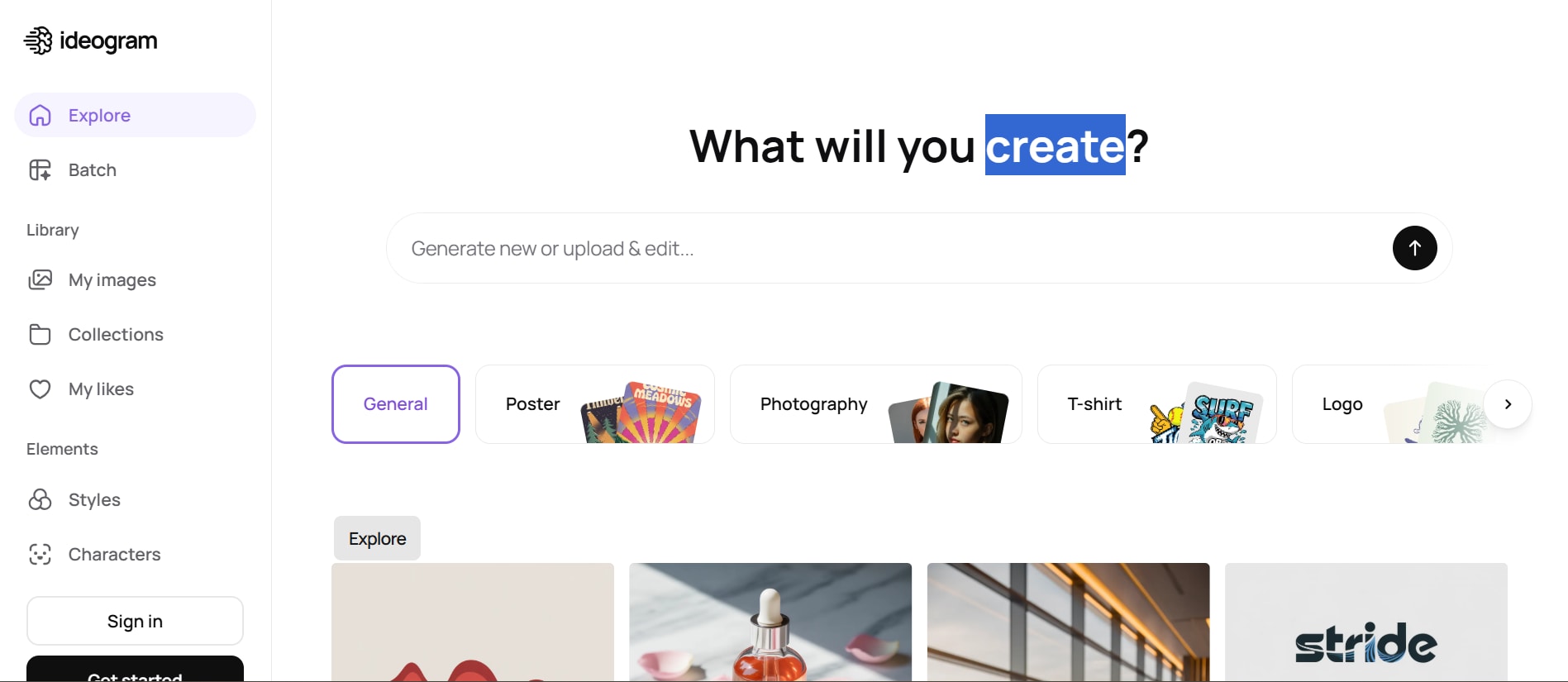
Ideogram is an advanced AI tool for creating thumbnails using prompts. It is known for accurate text rendering in images. Users can generate unique designs quickly. It supports high-resolution output. It is ideal for creative thumbnails. Multiple variations can be generated instantly. It is best for AI-based workflows. It also allows users to refine prompts for more precise and creative results. The tool is especially useful for producing eye-catching, text-heavy thumbnail designs. It also provides fast generation speed, helping creators save time during content production. It includes style variation options to explore different visual directions for the same idea. Users can iterate designs easily until they achieve the perfect thumbnail. It is particularly useful for experimental and AI-driven creative projects.
Key Features:
AI image generation
Text rendering
Prompt-based design
Fast output
High resolution
Part 3: Step by Step Guide to Create Thumbnail Using Unoconverter
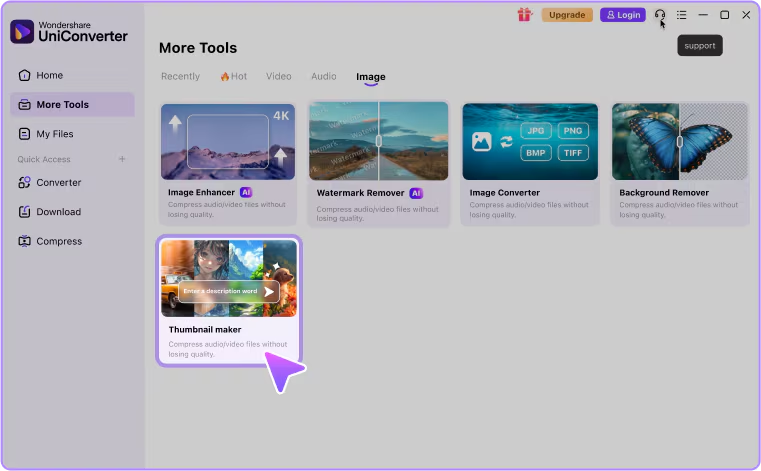
Step 1: Click AI Thumbnail Maker under "Image" tab
You can find the AI Thumbnail Maker under the "Image" tab on the homepage or in "More Tools." Open it to access all thumbnail creation features in one place and begin your design process.
Step 2: Customize Your AI Settings
Select your preferred thumbnail style and choose the correct aspect ratio for your platform. These settings ensure your thumbnail fits properly and matches your creative requirements.
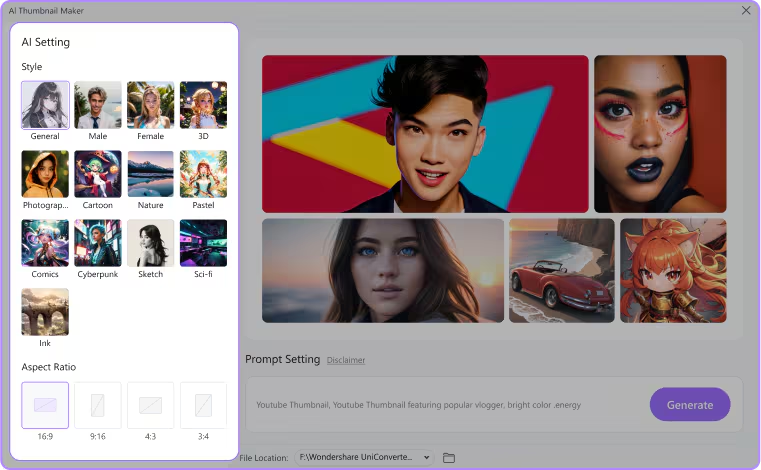
Step 3: Enter Prompt for Cover Image Description
Enter a clear prompt describing your thumbnail idea, including subject, background, and mood. A detailed prompt helps the AI generate more accurate and visually appealing results.
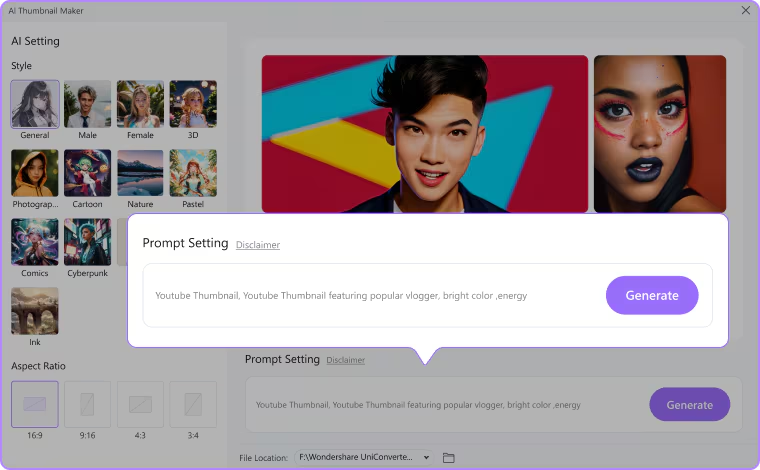
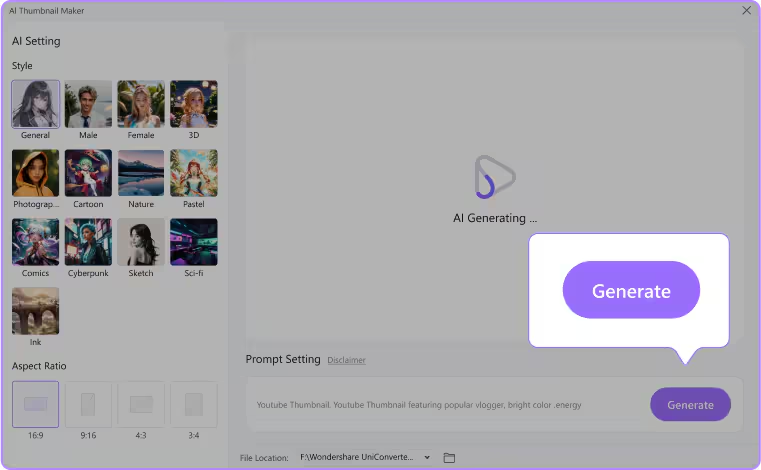
Step 4: Generate Your Thumbnail with a Single Click
Click the "Generate" button to create your thumbnail instantly. Preview the result and tweak the prompt if needed to generate a better version.
Part 4: Comparison Table
| Tool | Type | Ease of Use | AI Features | Template Support | Customization | Best For |
| Wondershare UniConverter | Video tool + thumbnail extractor | High | Basic AI frame selection | Low | Possible | Video creators |
| Canva | Design platform | Very High | AI design tools | Very High | Possible | Beginners |
| Adobe Express | Design tool | High | AI background removal | High | Possible | Professionals |
| VistaCreate | Graphic design tool | High | AI thumbnail generator | Medium | Possible | Fast creators |
| Pixlr | Photo editor | Medium | AI + SEO insights | Medium | Possible | YouTubers |
| Placeit | Template-based tool | Very High | AI enhancement tools | Medium | Possible | Quick edits |
| BeFunky | Photo editor + design tool | High | Limited AI | High | Possible | Beginners |
| Snappa | Simple design tool | Very High | Basic tools | Medium | Possible | Simple designs |
| Picmaker | AI design tool | High | Strong AI suggestions | High | Possible | Marketers |
| Ideogram | AI image generator | Medium | Advanced AI generation | Low | Possible | AI creators |
Part 5: Benefits of Using a YouTube Thumbnail Generator Free
Saves Time and Effort
A YouTube thumbnail generator free tool helps creators design thumbnails in minutes instead of hours. It removes the need for complex manual editing. This allows users to focus more on content creation rather than design work. It also speeds up the overall video publishing process.
No Design Skills Required
These tools are built for beginners, so no prior design experience is needed. Pre-made templates and AI features guide users through the process. Even first-time users can create professional thumbnails easily. This makes content creation more accessible to everyone.
Professional-Quality Thumbnails
Free thumbnail generators provide high-quality templates and design elements. They help users create visually appealing thumbnails that look polished and engaging. This improves the overall presentation of videos. Many tools also include advanced design effects for better results.
Improves Video Performance
Better thumbnails directly impact click-through rates and video views. Eye-catching designs attract more audience attention on platforms like YouTube. This ultimately helps in growing channel reach and engagement. It can also improve audience retention over time.
Part 6: Common Mistakes to Avoid
Overcrowded Design
One of the biggest mistakes is adding too many elements in a single thumbnail. This makes the design confusing and hard to understand at first glance. A cluttered thumbnail reduces click-through rates because viewers lose focus. Keep the design clean and focused on one main idea.
Low-Resolution Images
Using low-quality or blurry images can make your video look unprofessional. Poor resolution reduces visual appeal and trustworthiness. Always use high-resolution images to maintain clarity. Sharp visuals help your thumbnail stand out on crowded feeds.
Misleading Thumbnails (Clickbait)
Clickbait thumbnails may attract clicks initially but can harm long-term audience trust. If the content does not match the thumbnail, viewers may leave quickly. This increases bounce rate and reduces engagement. Always ensure your thumbnail accurately represents the video content.
Poor Text Readability
If the text is too small, fancy, or unclear, viewers will ignore it. Hard-to-read text fails to communicate the message effectively. Use bold fonts and strong contrast for better visibility. Clear text ensures your message is understood instantly.
Part 7: Conclusion
Creating an effective YouTube thumbnail is essential for improving clicks, engagement, and overall channel growth. With the help of a YouTube thumbnail generator free tool, even beginners can design professional and eye-catching thumbnails without any difficulty. These tools save time, remove design barriers, and help maintain consistency across videos. Among the available options, Wondershare UniConverter stands out for its ability to extract high-quality frames directly from videos and turn them into thumbnails quickly. By choosing the right tool and avoiding common mistakes, creators can significantly improve their video performance. A strong thumbnail not only attracts viewers but also builds trust and brand identity. Ultimately, combining creativity with the right tool is the key to success on YouTube.
Part 8: FAQs
-
1. Can I use a YouTube thumbnail generator free tool for commercial videos?
Yes, most free thumbnail generators can be used for commercial content as well. However, it is always good to check the licensing terms of each tool. Some platforms may restrict certain premium assets in free plans. This helps you avoid any copyright or usage issues later. -
2. What size should a YouTube thumbnail be?
The recommended YouTube thumbnail size is 1280 × 720 pixels with a 16:9 aspect ratio. This ensures proper display across all devices. A good tool will automatically adjust or support this resolution. Using the correct size also prevents cropping or quality loss. -
3. Do thumbnail generators work on mobile devices?
Yes, many YouTube thumbnail generator free tools are available as mobile apps or mobile-friendly websites. Tools like Canva and Adobe Express work smoothly on smartphones. This allows users to create thumbnails anytime, anywhere. Mobile editing also makes quick updates easier for creators. -
4. How often should I change my thumbnail style?
It is good to update your thumbnail style occasionally to keep your content fresh. However, maintaining some consistency helps build your brand identity. A balanced approach works best for audience recognition and engagement. Testing different styles can also help improve click-through rates. -
5. Can I improve old videos by changing thumbnails?
Yes, updating thumbnails of old videos can improve their performance. A more attractive design can increase clicks and revive underperforming content. Many creators use this strategy to boost channel growth. It is a simple but effective way to increase visibility without re-uploading videos.

